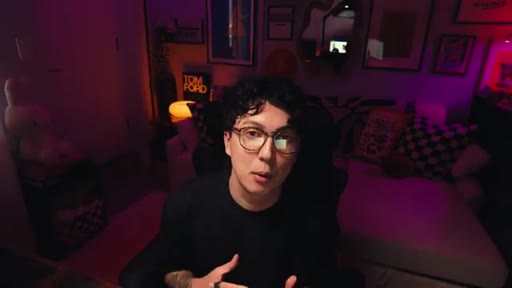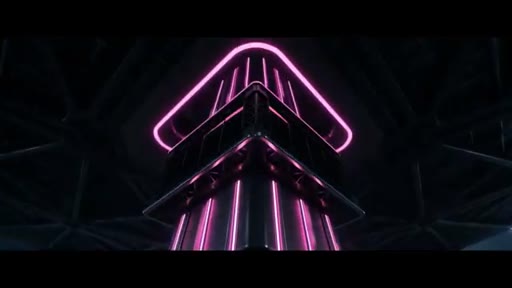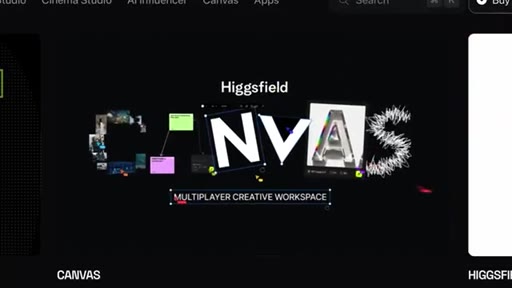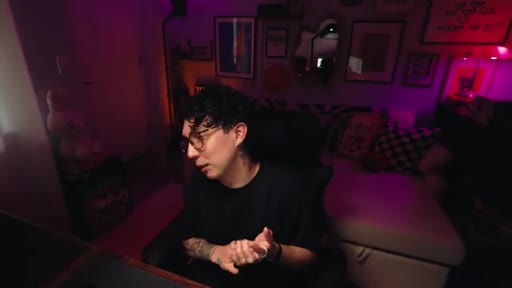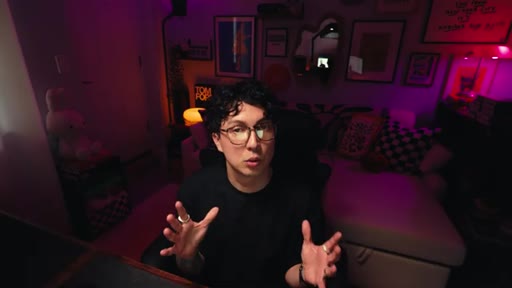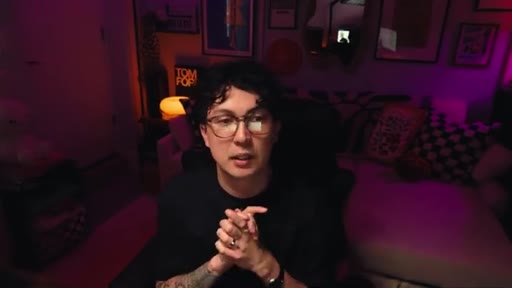
The bait, then the rug-pull.
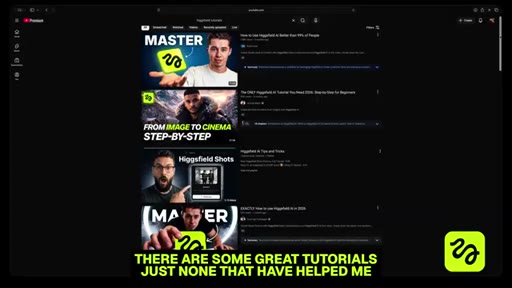
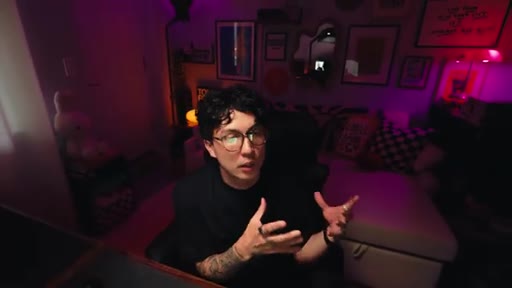
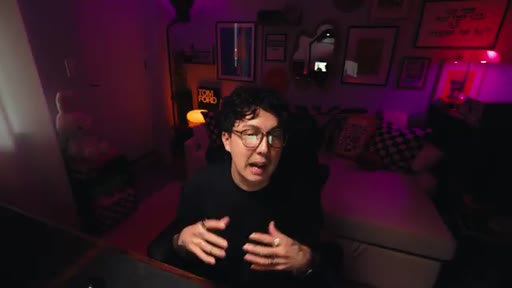
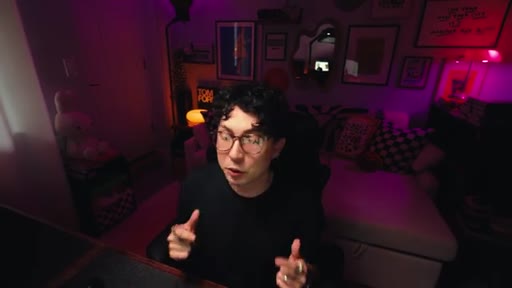
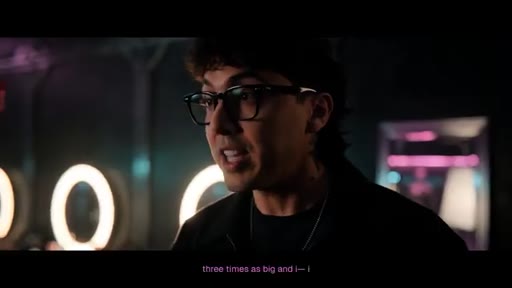
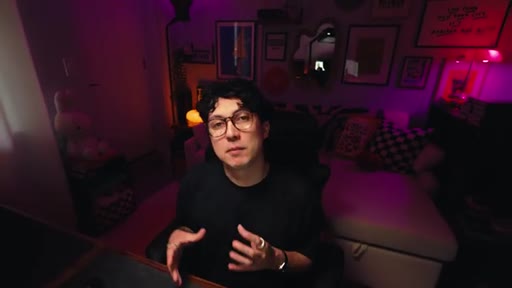
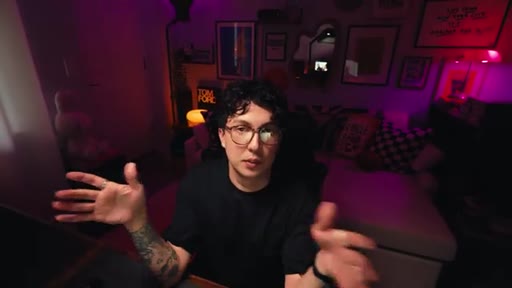
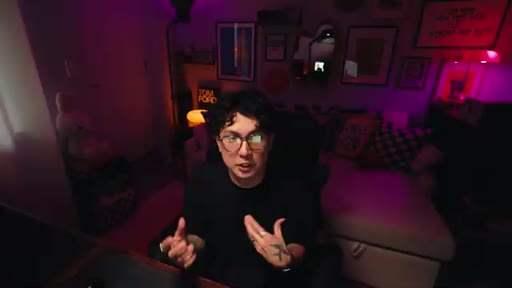
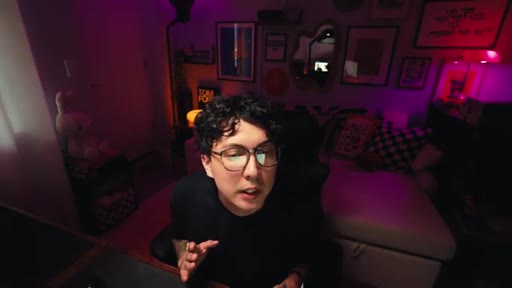
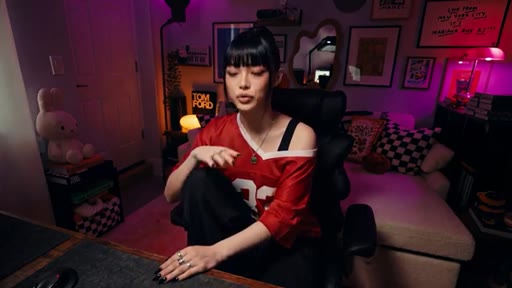
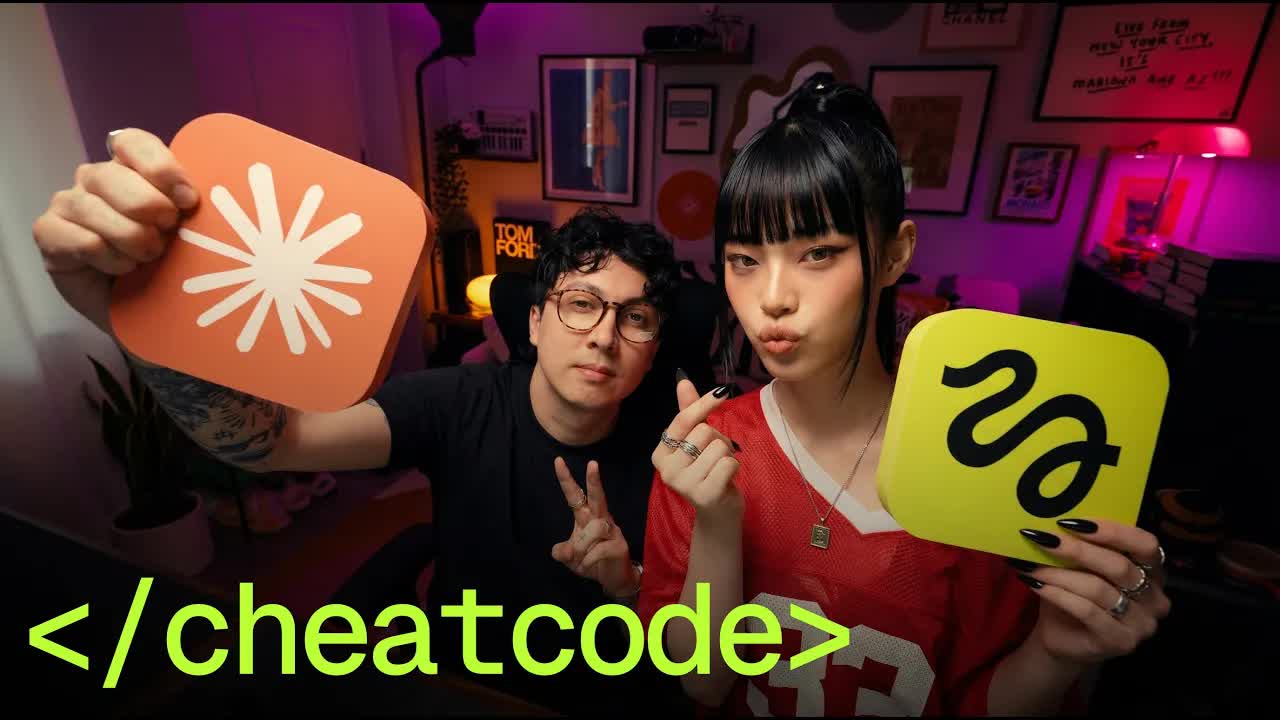
Joey opens with a market diagnosis: most AI video content is either a one-off flex post or a course selling screenshots. Nobody is teaching the repeatable system underneath. So he built one, used it to make a real music video, and is giving the whole thing away.
What the video promised.
stated at 00:19 "I'm going to give all of it away for free to you, the Internet, whoever's watching right now." delivered at 05:12
Where the time goes.
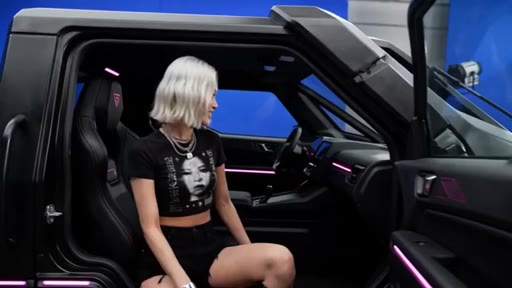
01 · Cold open
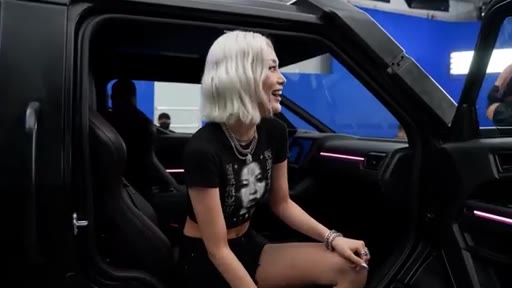
AI music video teaser shot — a white-haired girl in a G-Wagon, cinematic and clean.
02 · The gap and the promise
Joey identifies the two camps of AI video content (flex posts vs. courses) and promises to give his system away free in 10 minutes.
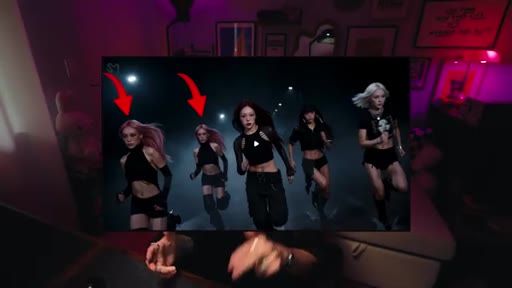
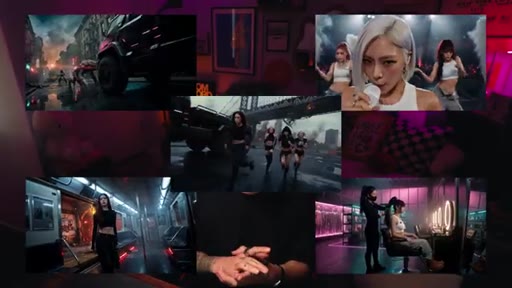
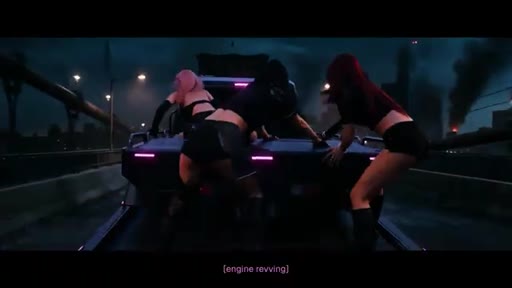
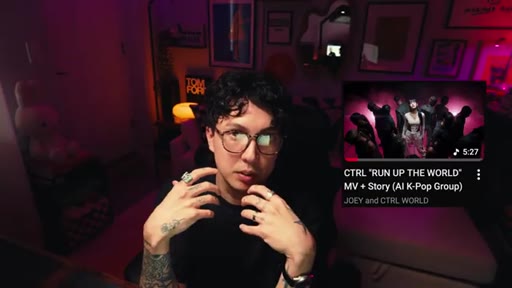
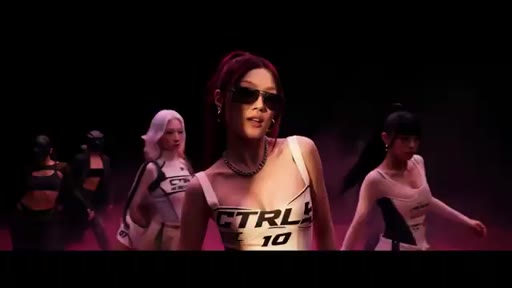
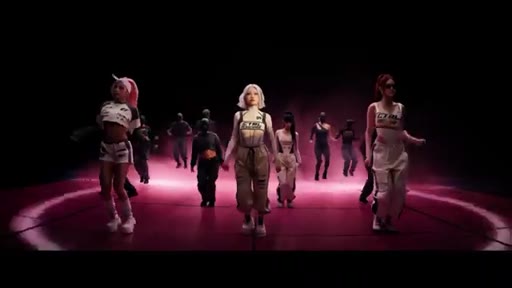
03 · CTRL: Run Up the World (music video)
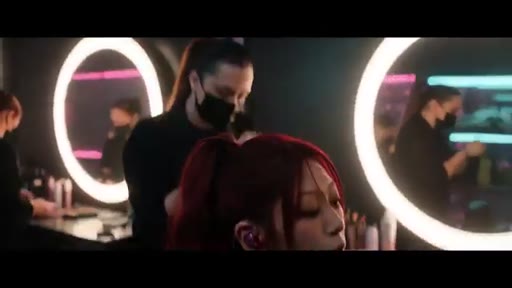
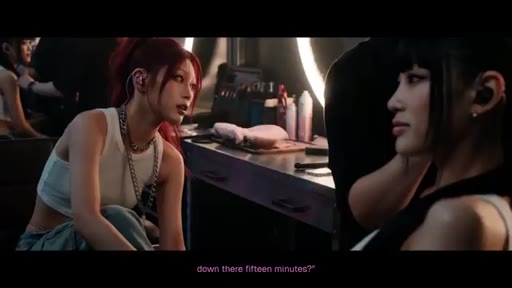
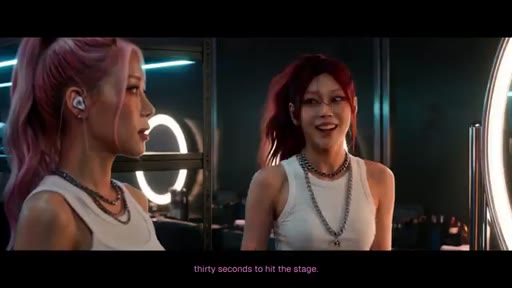
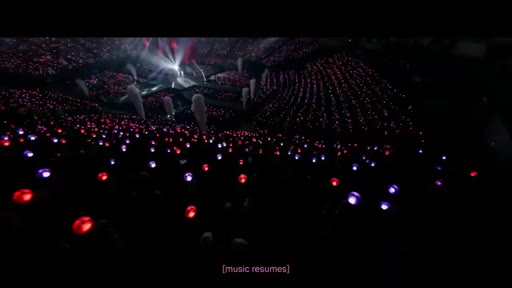
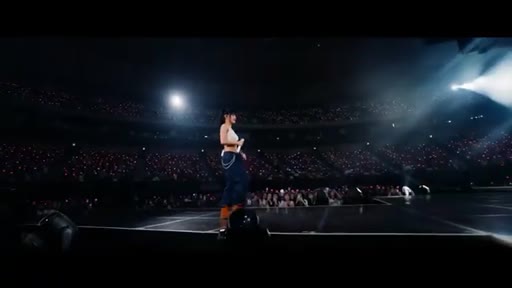
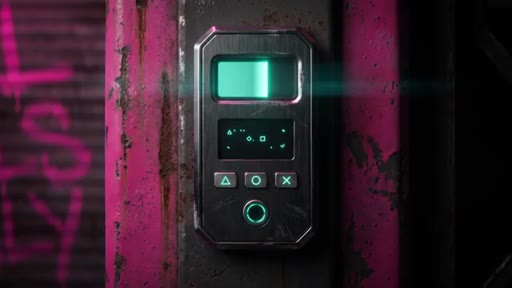
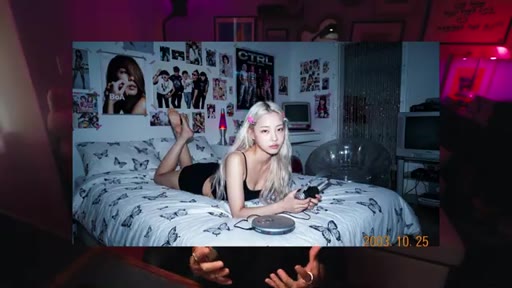
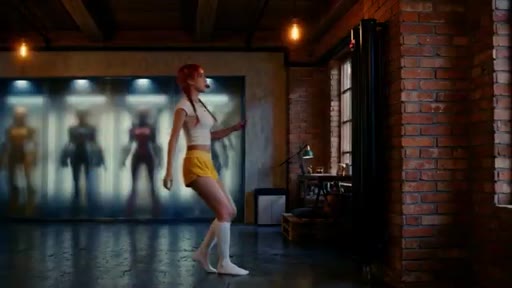
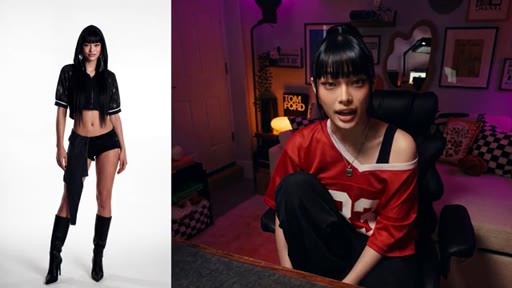
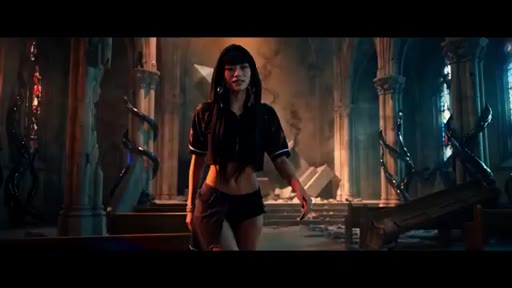
Full embedded playback of the AI-generated K-pop music video Joey built with the pipeline: dressing rooms, concert stages, cyberpunk environments, AI characters with speaking roles.

04 · Post-video debrief
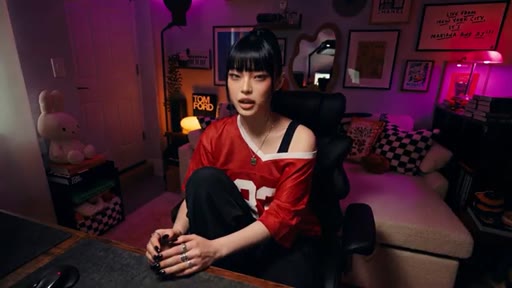
Joey clarifies that CTRL is not a brand exercise or merch play — he built it to see if he could, and the pipeline that emerged is the real deliverable.

05 · The two skills
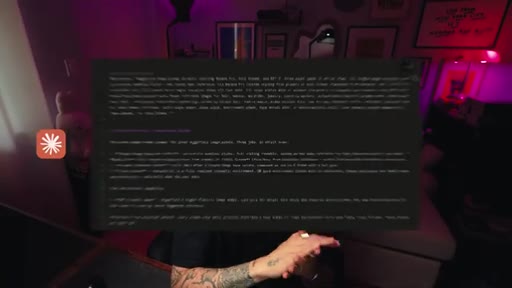
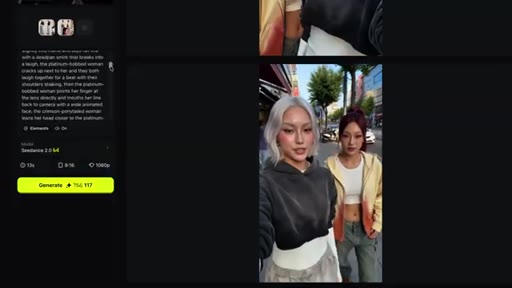
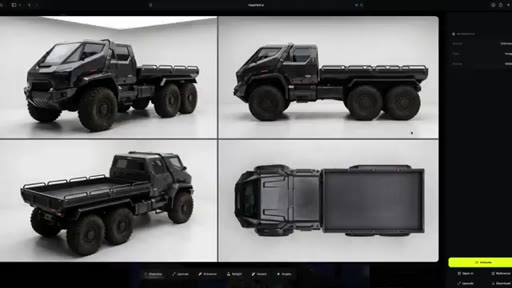
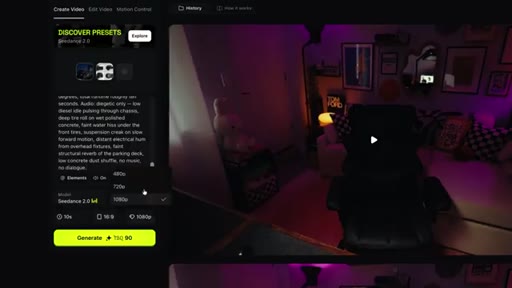
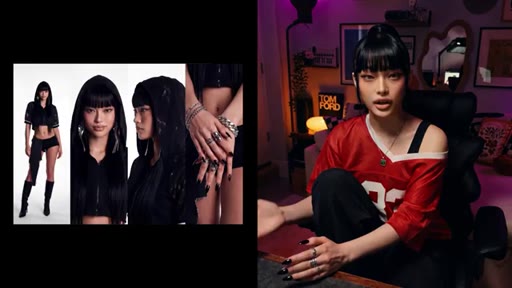
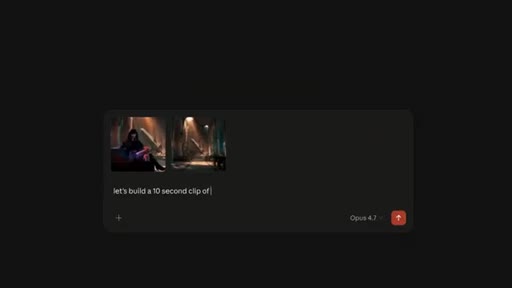
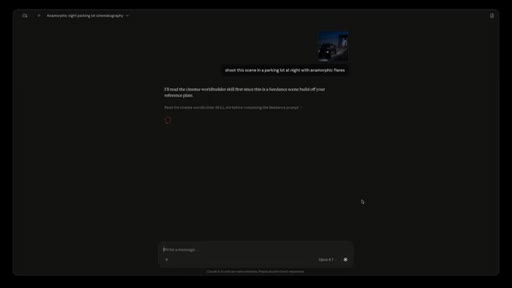
Banana Pro Director (image prompts, character sheets, hyper real stacks) and Cinema World Builder (video prompts, 5 cinema modes, lens stacks, color grades). Brief Claude UI demo shown.

06 · Why free
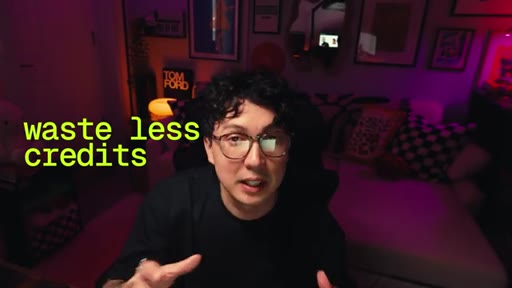
Joey argues that giving the skills away protects his time (no course to run), aligns with his taste (users will build their own thing, not clone CTRL), and is simply the right move.
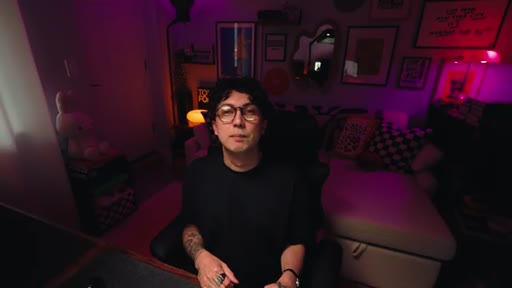
07 · Mira delivers the actual tutorial
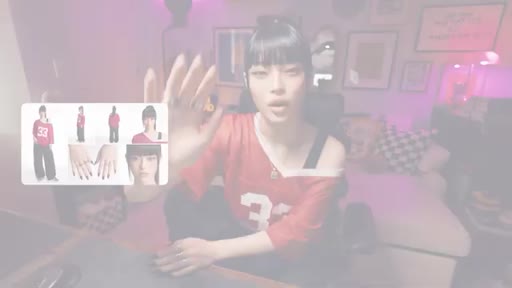
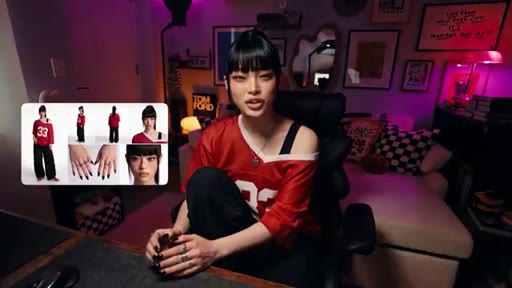
AI character Mira takes over and explains the pipeline step by step: character sheet, scene reference, Claude prompt, multi-shot or single take, credit cost estimate. Joey forgot this part.
Visual structure at a glance.
Named ideas worth stealing.
The Two Camps of AI Video Content
- Camp 1: one cool image flex post
- Camp 2: course selling screenshots
Joey frames the entire market as either shallow flexing or gatekept education, and positions his free system release as a third path.
Character + Scene Pipeline
- Build character sheet (director skill)
- Place character in scene
- Get reference image
- Upload to Claude
- Build scene prompt
- Specify shot count
- Estimate seconds for credit budgeting
Mira delivers the clean 7-step pipeline Joey forgot to include. Character and scene are always the two inputs everything else flows from.
Lines you could clip.
"The pipeline is the actual product. The video is just a demo showcasing it being used."
"Every tool is a fresh argument. Every chat is a new thing. What you need is a system."
"Selling you a PDF would actually actively make my life worse."
"Joey left out the most important part. As per usual, he shared the skills but not how to use them. Classic."
How they spent the runtime.
Things they pointed at.
How they asked for the click.
"Take them, use them, modify them, build your own off of them."
No link shown on screen — skills dropped in description/comments. The AI character delivers the usage tutorial instead of Joey, which is a format-within-a-format CTA.
Word for word.
Ship the artifact. Explain the system. Give away the tools.
The video is the demo; the pipeline is the product — and giving the pipeline away builds more trust than selling it.
- Make the thing first. The music video gave Joey something real to point at. The tutorial only works because the artifact exists.
- Use output as proof of system. Do not lead with the system — lead with what it produced, then reveal the system underneath.
- The AI character handoff (Mira takes over for the tutorial) is a format innovation worth testing: let an AI persona deliver the practical how-to section.
- Frame the gap before the solution. Two camps of AI content = one clean positioning sentence that disqualifies both competitors.
- Give away the tools to protect your time. Anti-course positioning lands because Joey explains the self-interest: no course means no support overhead.
- Credit cost framing is an underused hook for AI tool videos — telling users how many seconds each scene will take is a practical pain point nobody else addresses.
How to actually build AI video without burning your credit budget.
The two things you always need before generating anything are a character and a scene — everything else flows from those two inputs.
- Start with a character sheet, not a prompt. The skill generates the sheet; you use the sheet as your reference image for every subsequent generation.
- Tell the tool whether it is a multi-shot or single take before generating — this controls how the prompt is structured and what you pay.
- Hyper real stacks and anamorphic lens specs in your prompt are the difference between a generic AI image and something that looks cinematic.
- Estimate seconds per scene before you start — credit costs add up fast and knowing the rough clip length upfront keeps you on budget.
- You do not need millions of credits. Joey built this whole music video in two weeks as a solo creator on a normal credit budget.