The bait, then the rug-pull.
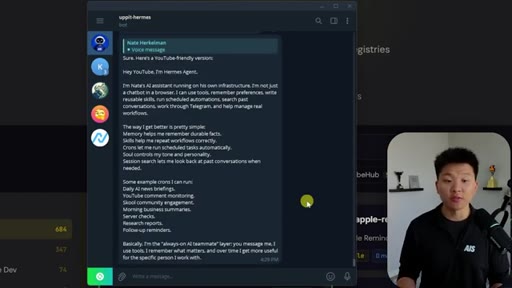
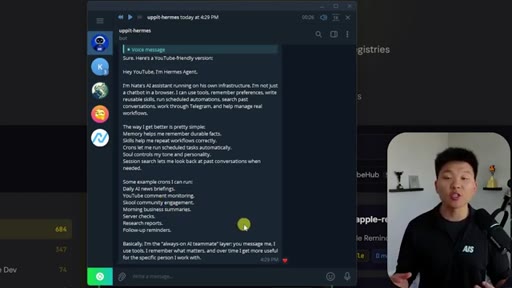
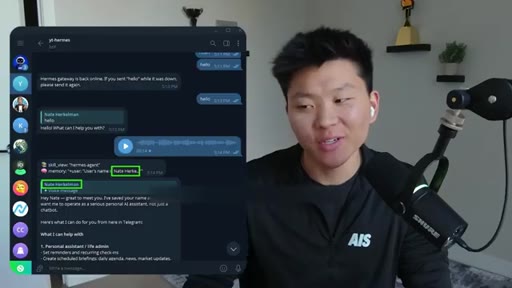
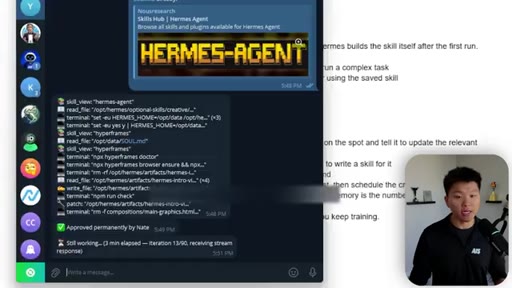
Nate Herk opens with his live Hermes instance already running — voice replies in Telegram, cron jobs firing on schedule, a YouTube comment bot that knows his entire channel history. The promise: you can have this too, no Mac mini required, on a $6/mo VPS, in under an hour.
What the video promised.
stated at 00:15 "By the end, you're gonna understand exactly how to actually get the most out of this super powerful AI agent." delivered at 58:00
Where the time goes.
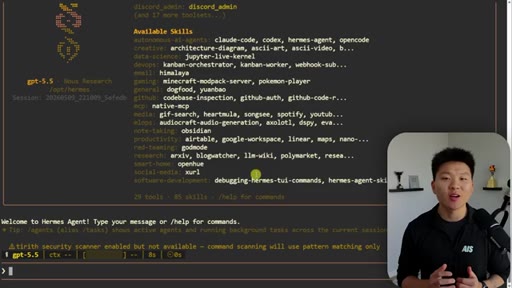
01 · Live demo intro
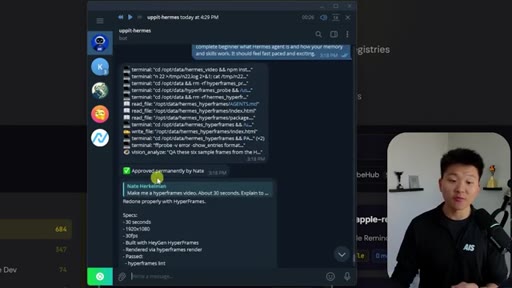
Shows live Hermes in Telegram: cron jobs, voice replies, hyperframes video the agent self-generated. Hook and promise established.
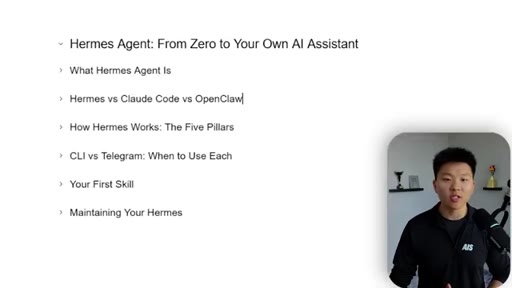
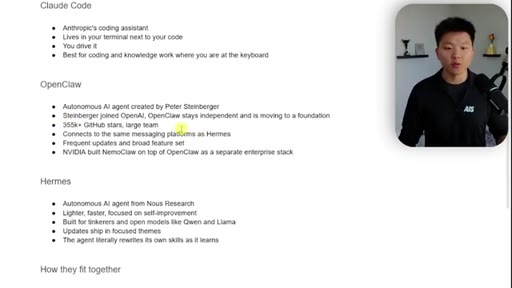
02 · What is Hermes + comparison to Claude Code and OpenClaw
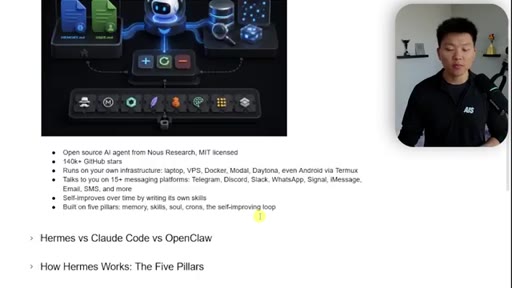
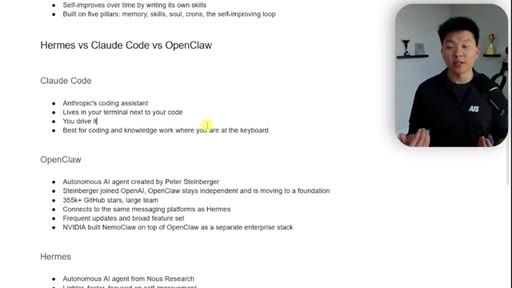
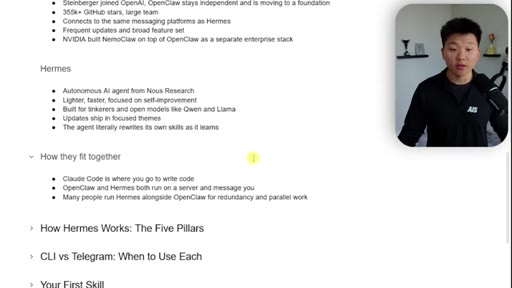
Open-source MIT from Nous Research, 140K GitHub stars. Mental model: Claude Code = desk work; Hermes = on the go. Comparison breakdown of all three tools.
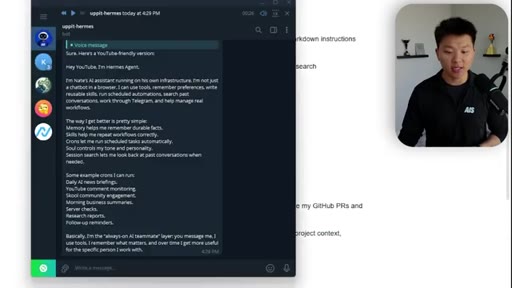
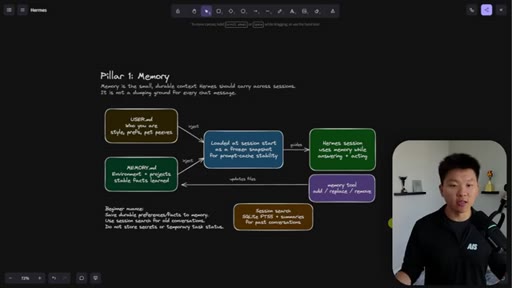
03 · The Five Pillars
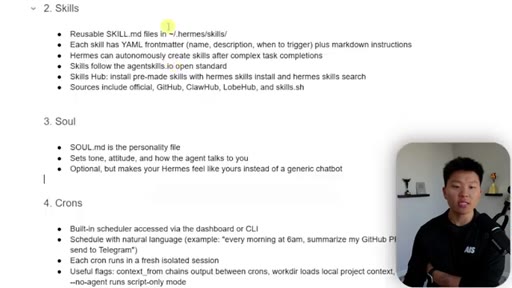
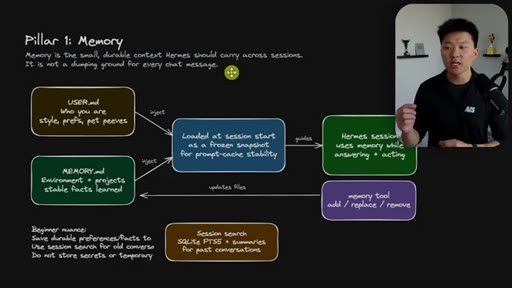
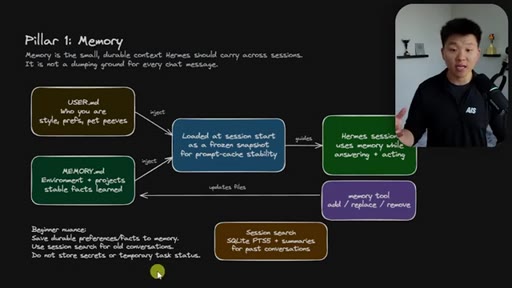
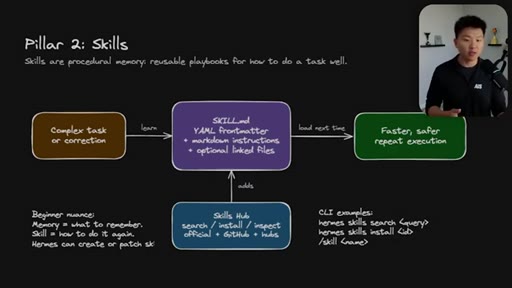
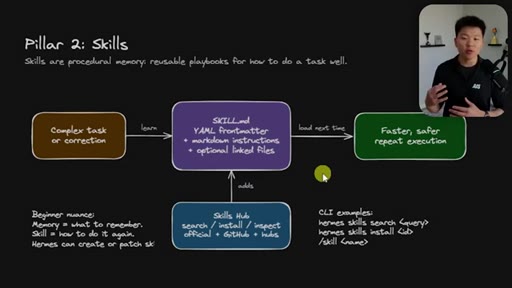
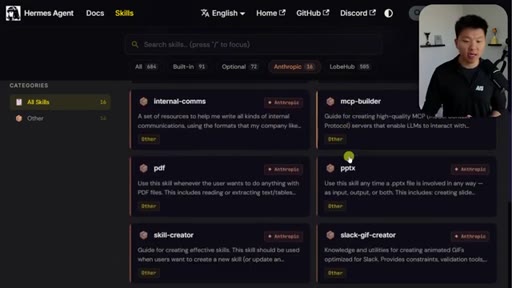
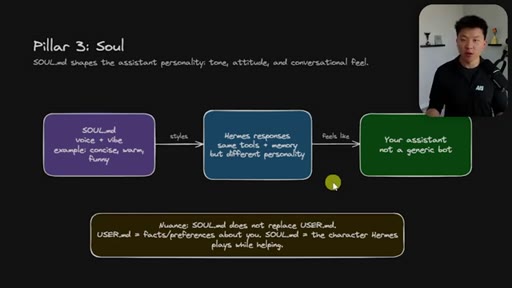
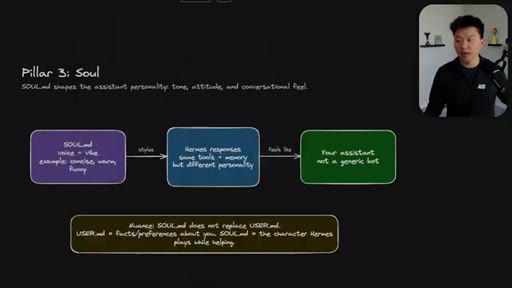
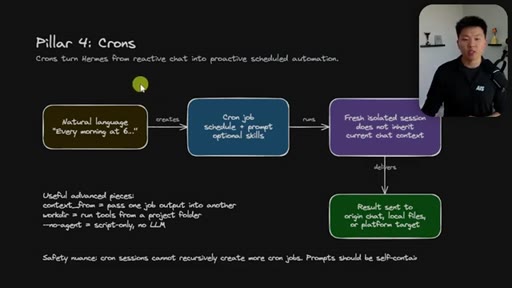
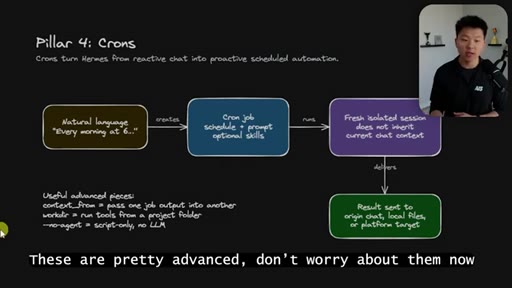
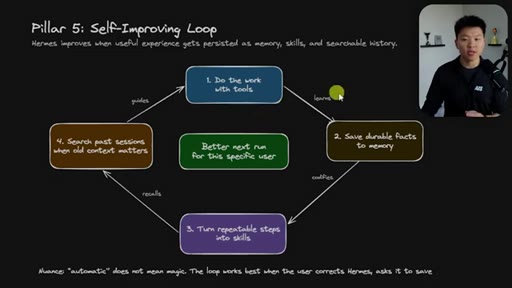
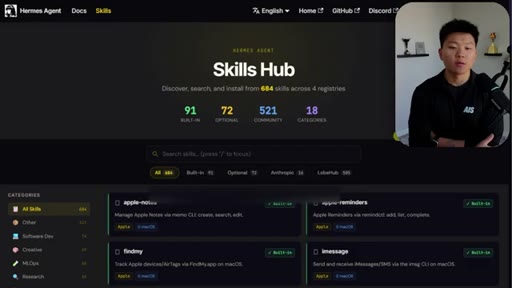
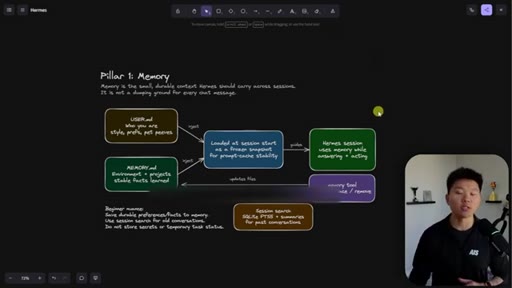
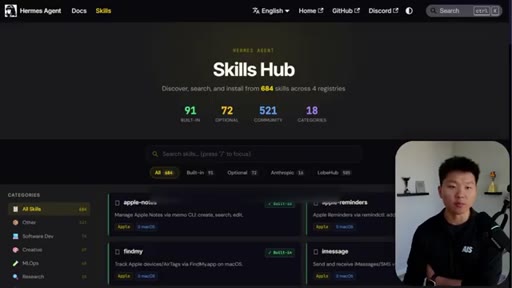
Memory (user.md + memory.md), Skills (YAML front matter + Skills Hub 520+ community skills), Soul (soul.md personality), Crons (natural language scheduling, fresh isolated sessions), Self-Improving Loop. Each shown as Excalidraw diagram.
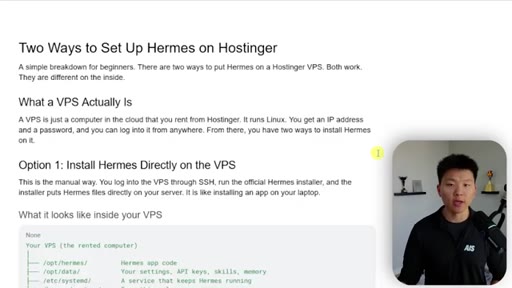
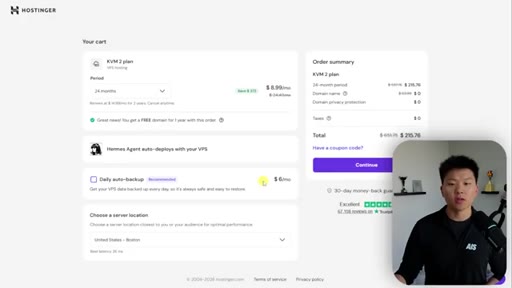
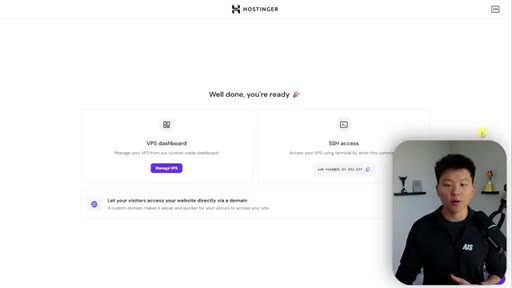
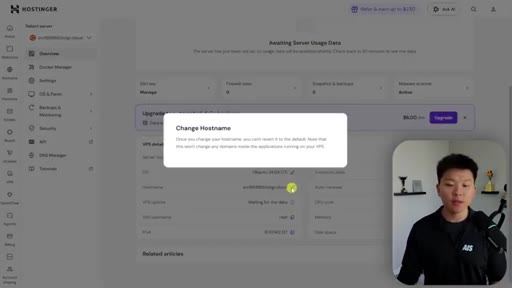
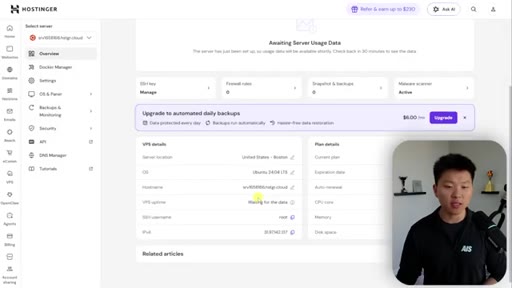
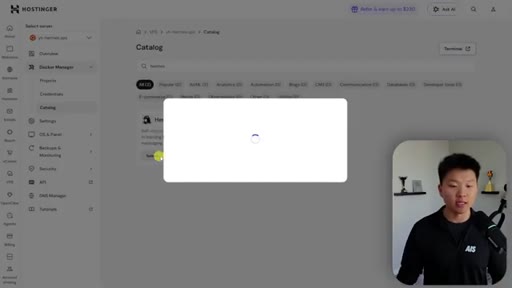
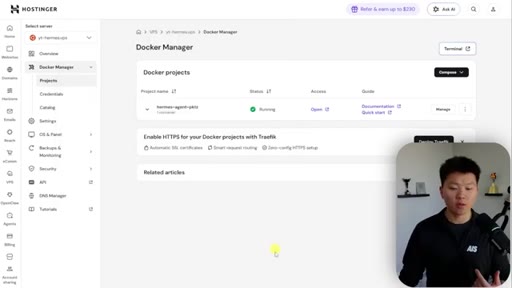
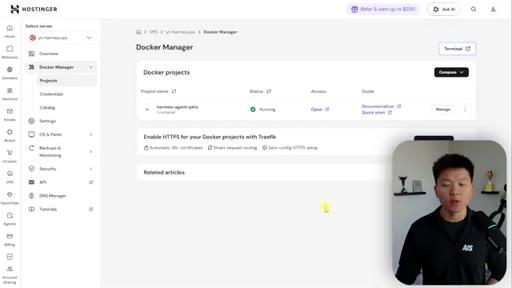
04 · VPS setup on Hostinger
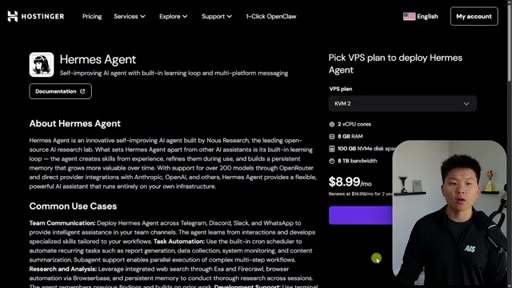
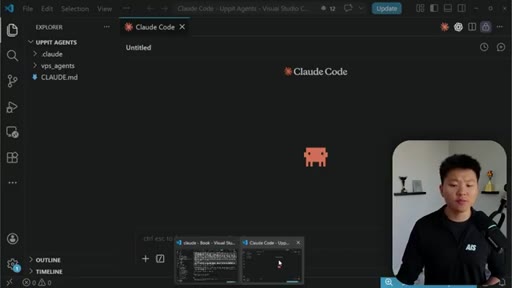
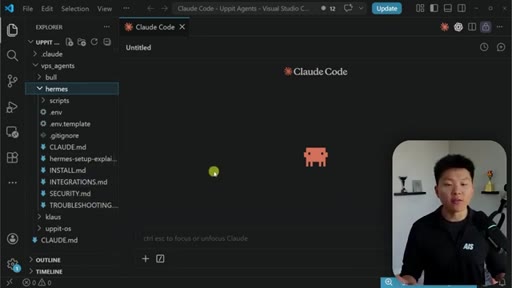
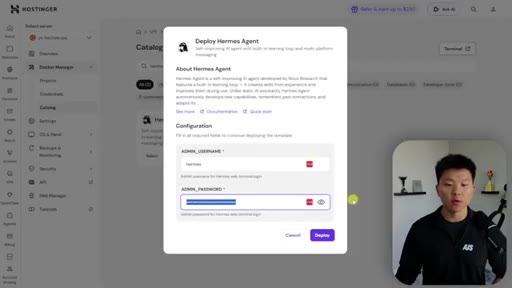
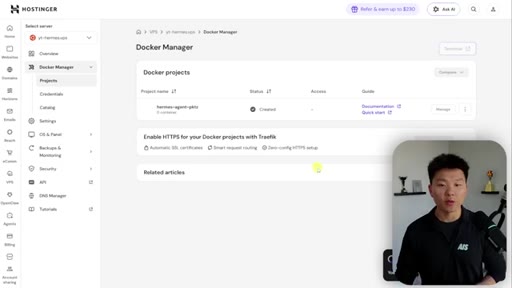
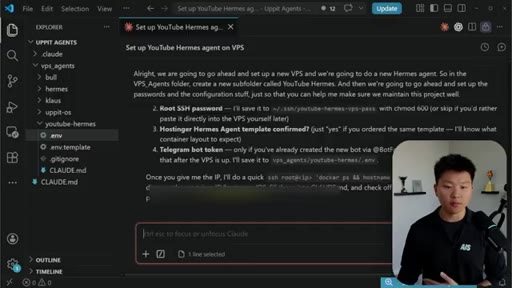
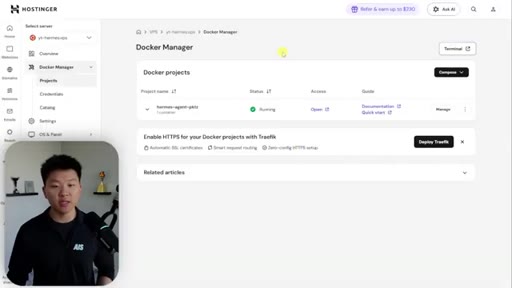
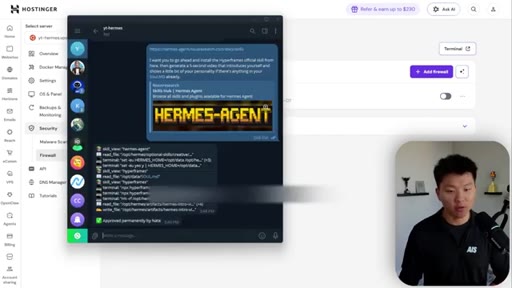
KVM 2 plan, Ubuntu 24.04 LTS, Docker one-click install vs root install. Nate strongly recommends Docker for agent isolation. Shows Claude Code VPS-agents management project pattern.
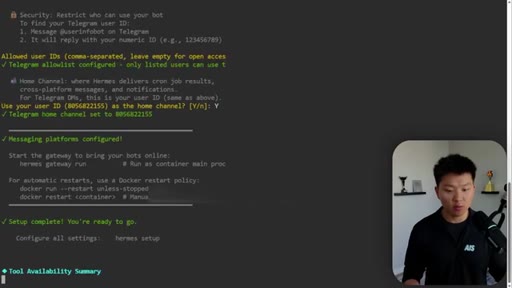
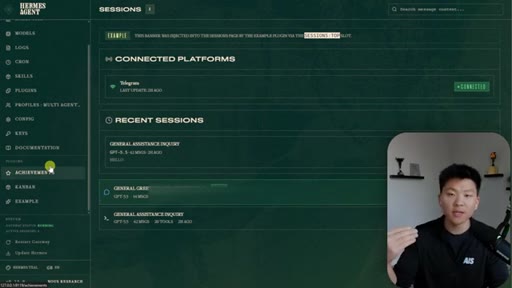
05 · Onboarding + Telegram connection
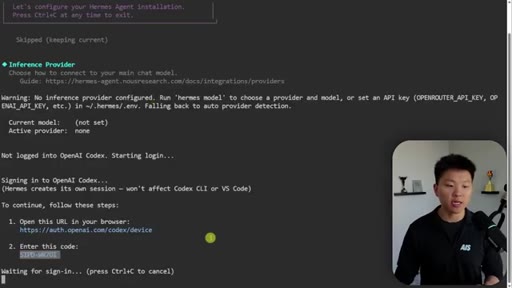
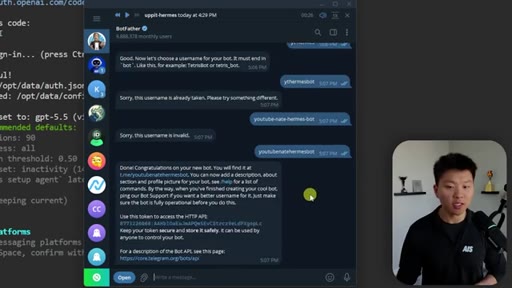
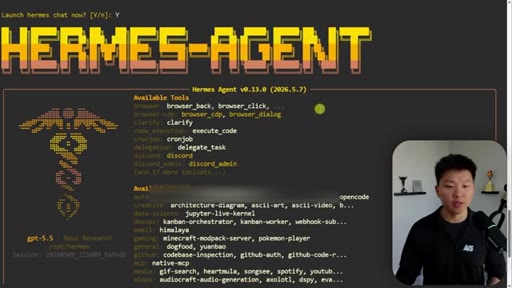
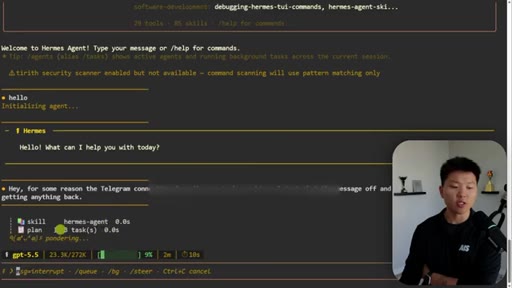
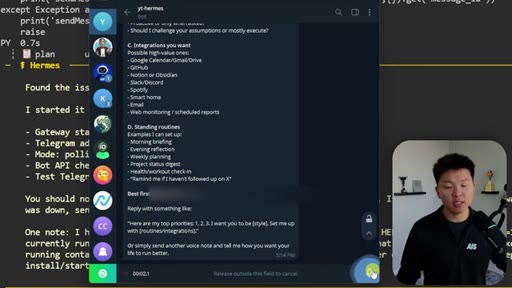
Choose OpenAI Codex (cheapest, uses existing ChatGPT subscription). BotFather bot creation. Set allowed user ID. Launch CLI. First voice message auto-builds user.md.

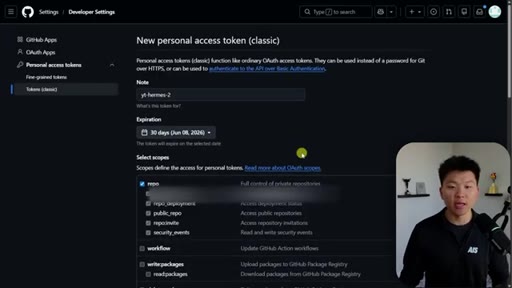
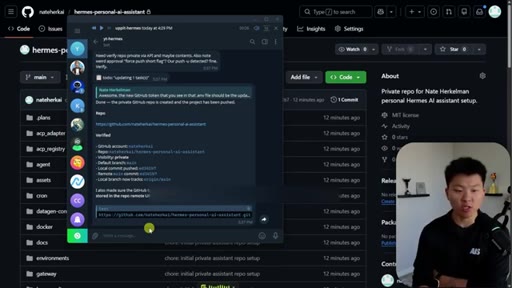
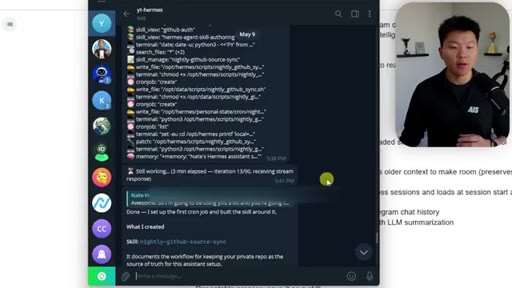
06 · GitHub backup + first cron job
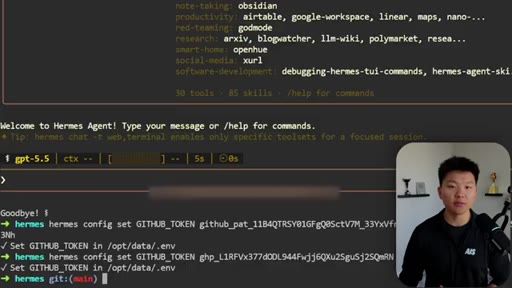
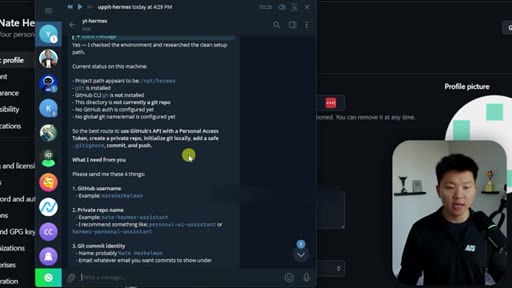
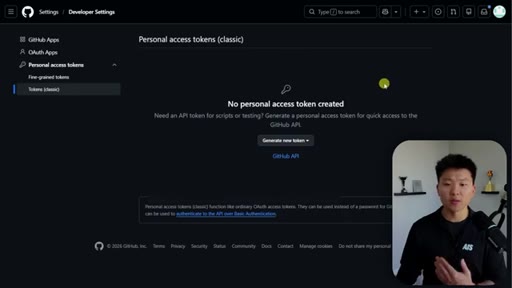
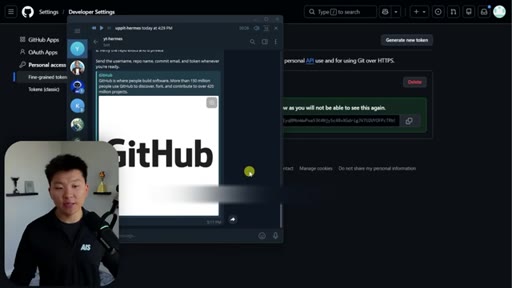
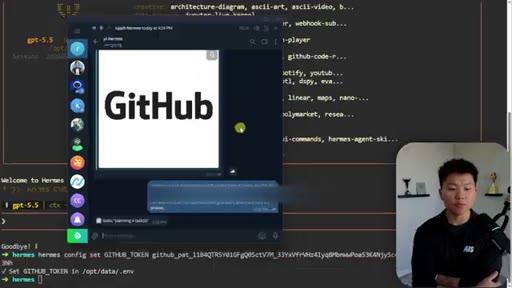
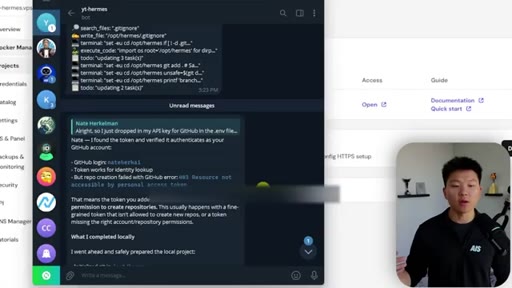
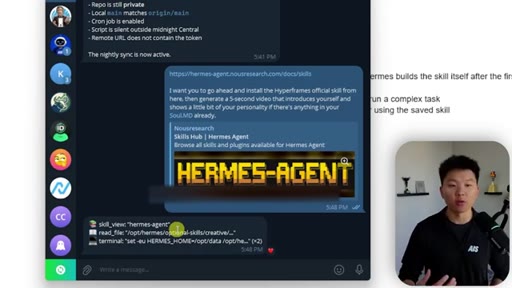
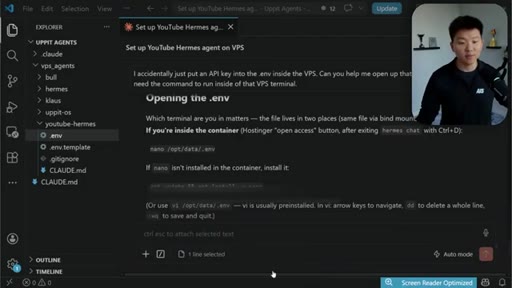
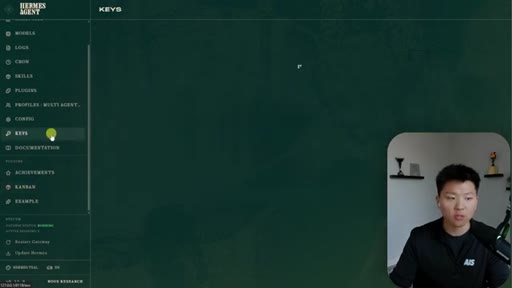
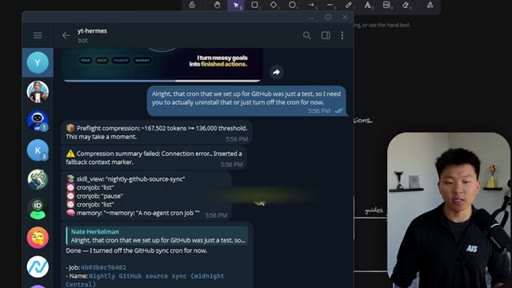
Secure API key flow: hermes config set in VPS terminal, NOT chat window. Creates private repo. Auto-generated nightly-github-sync skill + midnight cron from natural language request.
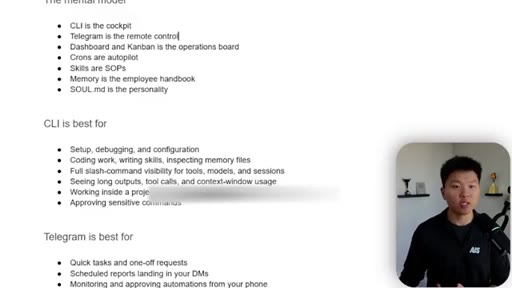
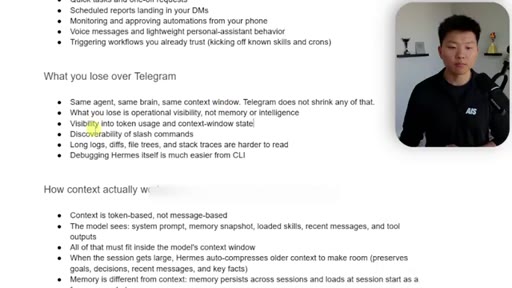
07 · CLI vs Telegram mental model
CLI = cockpit (deep work, slash commands, context visibility). Telegram = remote control (quick tasks, voice, scheduled reports). Same agent, same brain — Telegram hides context management.
08 · Best practices + security
Treat agent like an intern: narrow API scopes, own accounts per agent, VPS firewall via Hermes research, nightly security audit cron. Context compression demo at 167K tokens.
09 · Scaling multiple agents
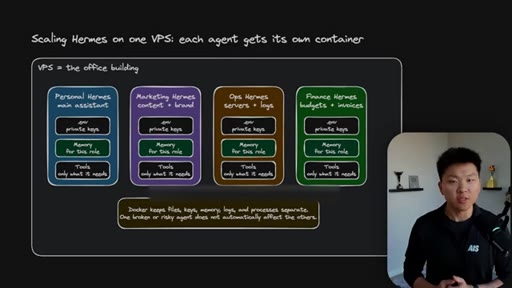
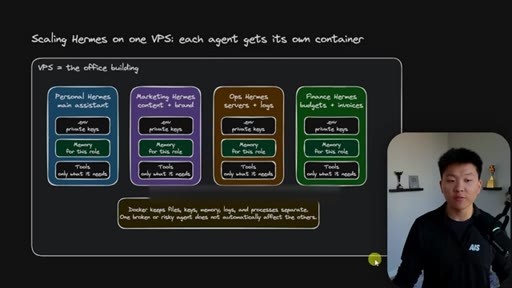
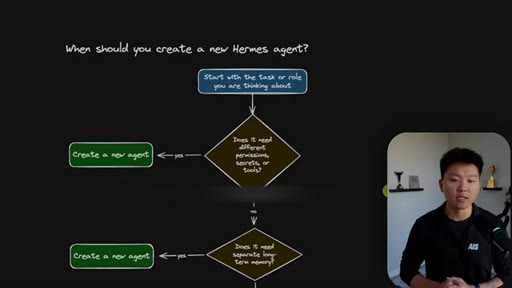
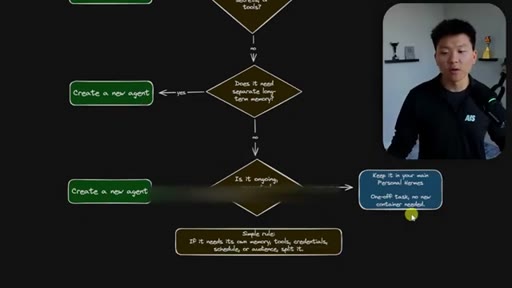
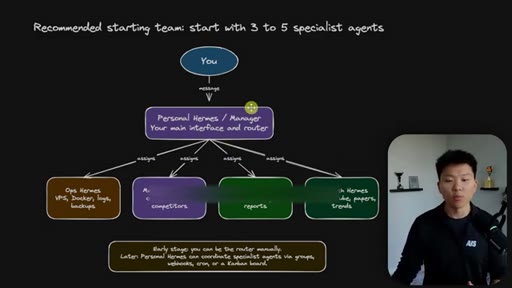
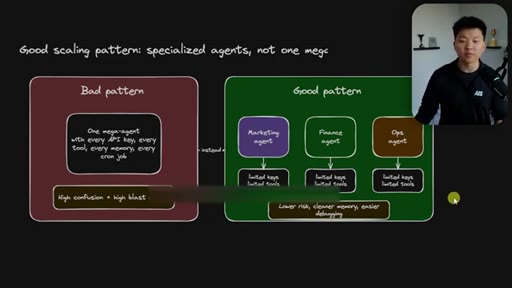
Each agent in own Docker container. Decision tree for when to spin up a new agent. Bad pattern: one mega-agent with all keys. Good pattern: Personal Manager Hermes routing to specialist agents.
Visual structure at a glance.
Named ideas worth stealing.
The Five Pillars of Hermes
- Memory (user.md + memory.md)
- Skills (skill.md with YAML front matter)
- Soul (soul.md personality)
- Crons (natural language scheduling)
- Self-Improving Loop
The five architectural concepts that make Hermes more than a chatbot — together they create a persistent, improving, proactive AI teammate.
Memento Mental Model for AI Agents
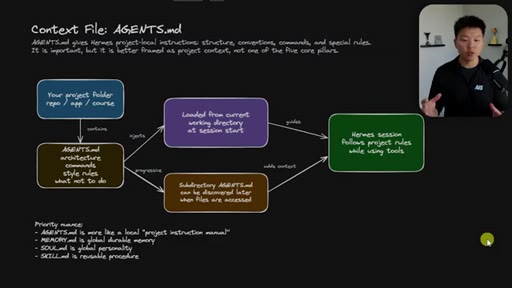
AI agents wake stateless every session, like the movie Memento. The context files (user.md, memory.md, CLAUDE.md) are the sticky notes on the wall that let it function.
CLI = Cockpit, Telegram = Remote Control
CLI gives full visibility: slash commands, context window, session management. Telegram is the mobile interface — same agent, less visibility. Don't vibe-code complex apps from Telegram.
Agent Scaling Decision Tree
- Needs different secrets/tools? -> new agent
- Needs separate long-term memory? -> new agent
- Is it ongoing repeated work? -> new agent
- One-off task? -> keep in personal main
Simple rule for when to spin up a new Hermes vs. adding to your existing one. Start with one, scale naturally when you hit criteria.
Least Privilege for Agents
Give each agent only the credentials and tools needed for its specific job. Marketing agent doesn't need QuickBooks access. Finance agent doesn't need social posting.
Lines you could clip.
"Hermes agent is one of the most powerful AI agents that I've ever played with."
"Cloud Code is still my daily driver. That's where I do 90% of my knowledge work throughout the day."
"If you guys have ever seen the movie Memento — that's kind of like how agents work."
"CLI is the cockpit. Telegram is the remote control."
"This isn't a tool you finish setting up. It's a teammate that you keep using and you keep training."
How they spent the runtime.
- 16:30 – 17:30 · Hostinger
Things they pointed at.
How they asked for the click.
"The link for the free resource guide is down in the description. You'll go into the free school community, click on classroom, click on all YouTube resources."
CTA delivered twice: once mid-video before setup section, once at end. Free resource guide positioned as a companion doc you can hand directly to your Hermes to execute the setup. Smart integration.
Word for word.
Your agent is only as good as its context files.
Nate's Claude Code VPS-agents project — one repo, one .env per agent, all passwords and IPs in one place — is the missing organizational layer most builders skip on day one.
- Create a Claude Code project called vps-agents right now. One subfolder per agent. .env with IP, root password, admin creds, API keys.
- Five pillars first, tools second. Before installing anything, write user.md and memory.md. The agent is useless without durable context.
- Pass API keys via 'hermes config set KEY value' in the VPS terminal, never in the chat window.
- First cron = nightly GitHub backup. Natural language request, Hermes builds the skill automatically. Do this on session one.
- CLI for building, Telegram for running. Use Claude Code to set up and debug; use Telegram when you're walking.
- One agent, one job. Start with your personal/manager Hermes. Spin off specialist agents only when you hit the decision tree criteria.
- Correction + memory = the actual training loop. When the agent gets something wrong twice, correct it on the spot and tell it to update the skill or memory.
How to get more done without being at your desk.
The most useful thing Nate demonstrates isn't the install — it's the mental model: your AI assistant wakes up with no memory every session, so the files you give it are everything.
- Think of your AI assistant like the guy from Memento. It forgets everything overnight. Your job is to write the sticky notes it wakes up to.
- Voice-message your agent from your phone while you're walking. It transcribes, thinks, and replies — no keyboard needed.
- Set up one cron job on day one: nightly backup to GitHub. Even if your server breaks, you keep all your agent's memory and skills.
- Don't give your AI assistant your master password or main accounts. Treat it like a new hire — narrow access, build trust over time.
- The more you correct it and ask it to remember things, the better it gets. The training is the usage — there's no separate setup phase.