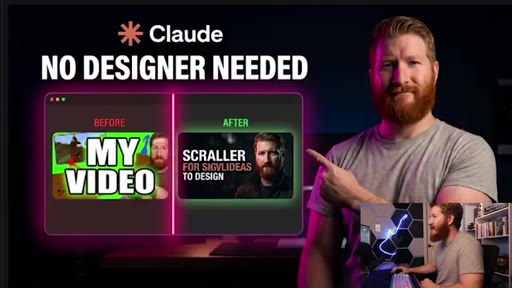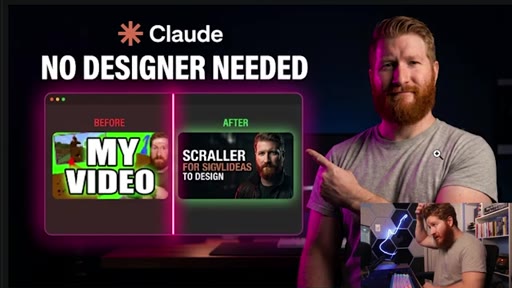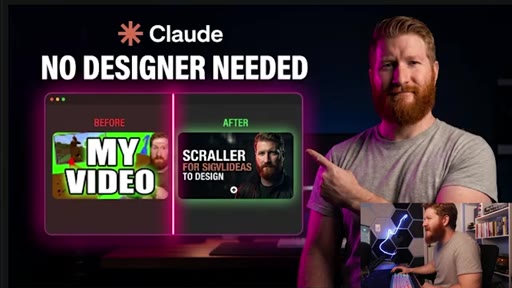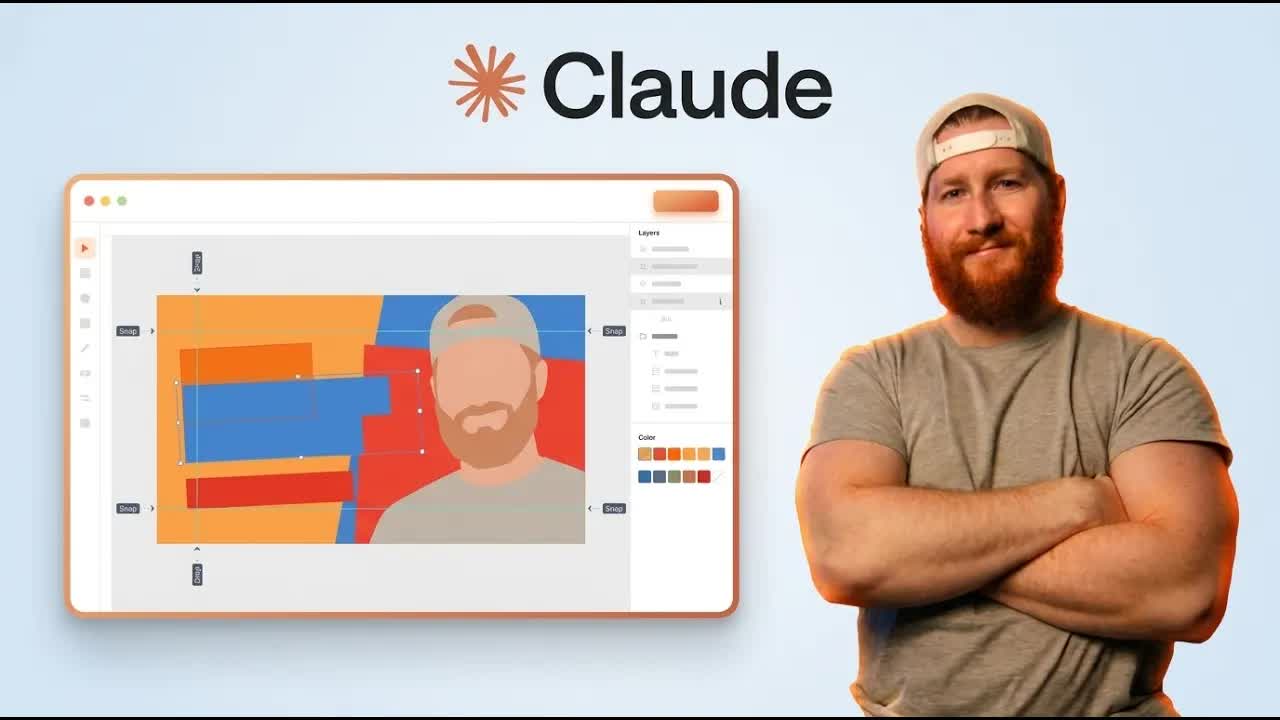
The bait, then the rug-pull.
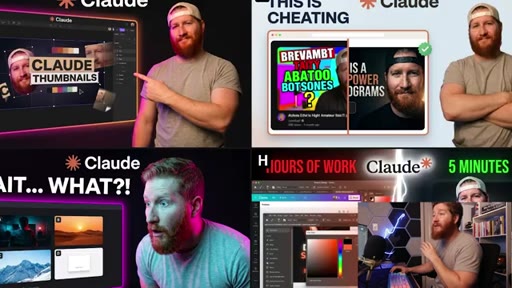
Nine minutes and 57 cents is what it takes to go from blank canvas to eight AI-generated thumbnail concepts with no Photoshop, no designer, no guessing. Cody McDowell built a Claude Code skill file that routes your headshot through Gemini and drops finished compositions into a folder while you watch.
Where the time goes.
01 · Cold open / hook
Live demo of AI-generated thumbnails; self-deprecating admission about thumbnail skills; promise of the tutorial

02 · Setup overview
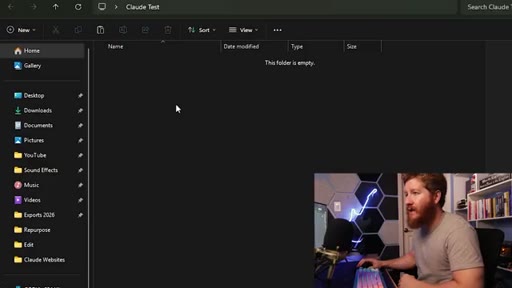
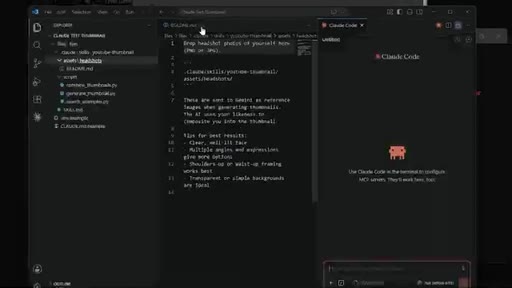
Folder structure for projects and assets, VS Code or AntiGravity as Claude Code host, pro plan requirement
03 · Skill file download
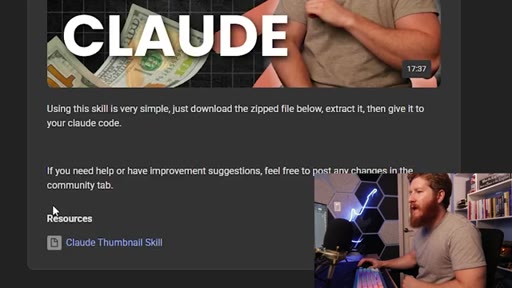
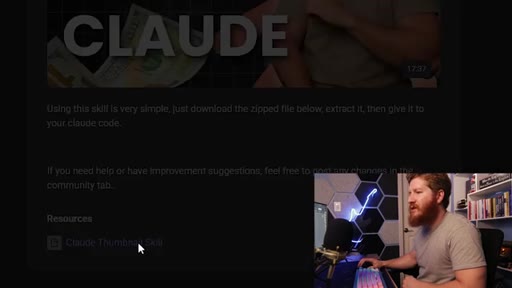
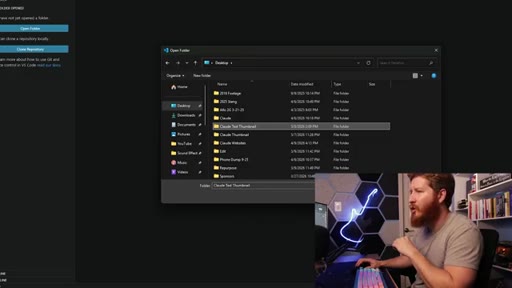
Automate Classroom community tab on Skool, download and extract the ZIP, paste skill file into project folder
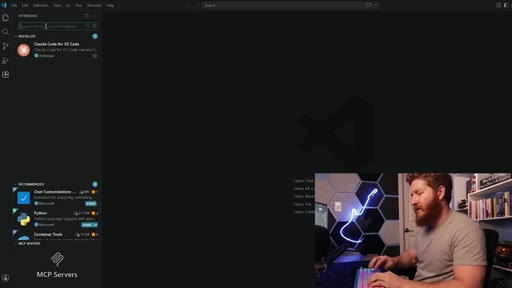
04 · VS Code + Claude extension
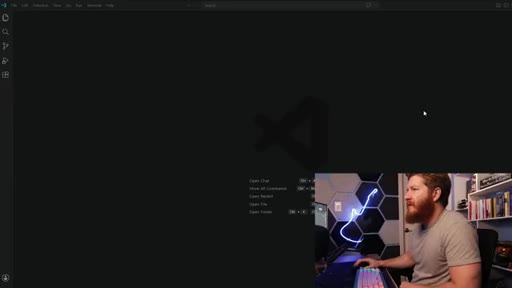
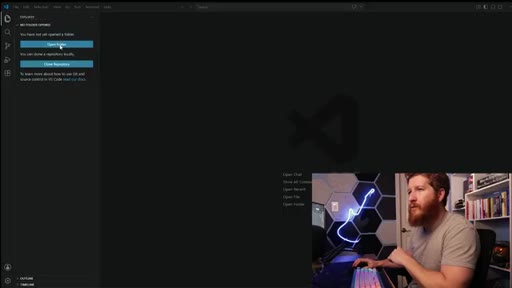
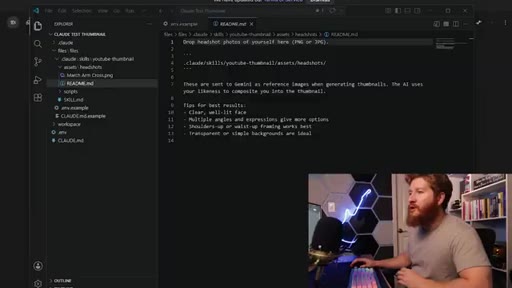
Install Claude Code extension, open project folder, open Claude chat panel inside VS Code
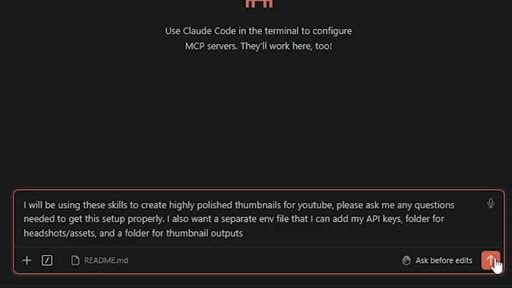
05 · Prompt preferences + headshots
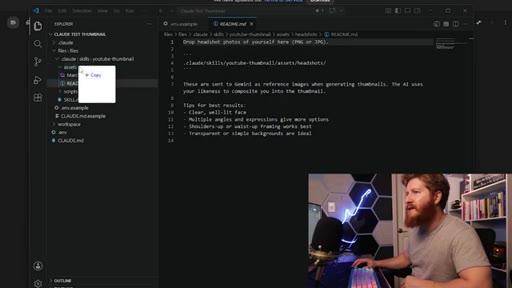
Set style prefs (dark/dramatic, before/after, pointing finger); prep headshots with transparent backgrounds; multiple angles recommended
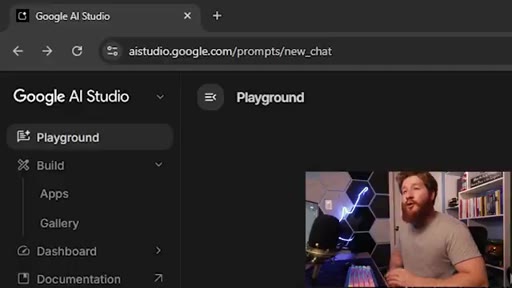
06 · Gemini API key setup
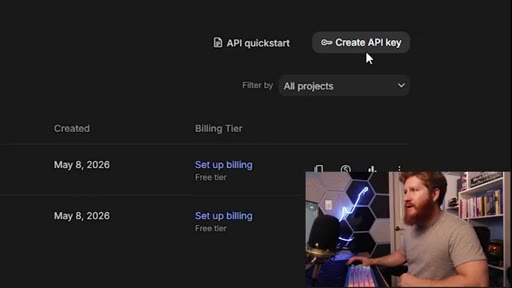
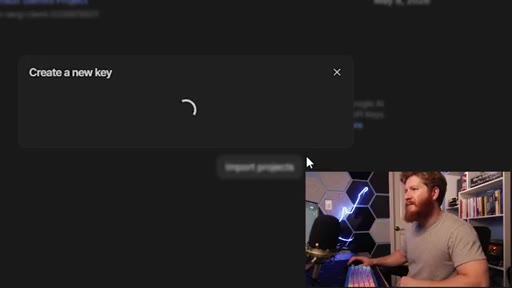
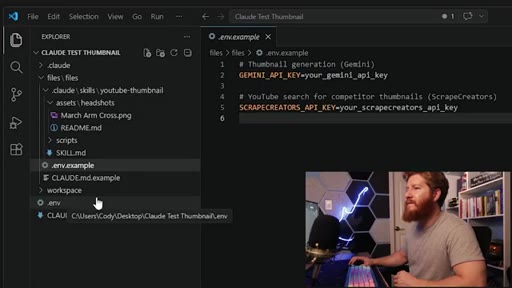
AI Studio walkthrough, create API key, add $10 credit balance, paste key into .env file

07 · Live generation + review
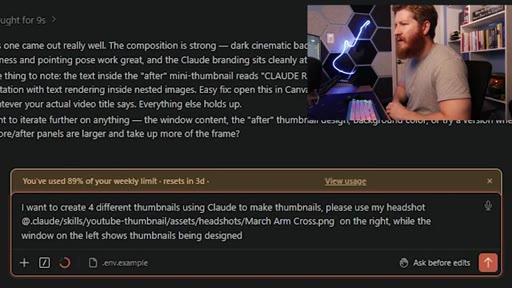
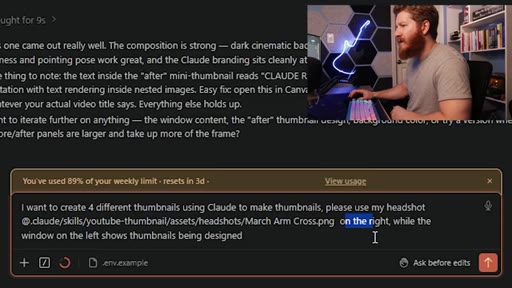
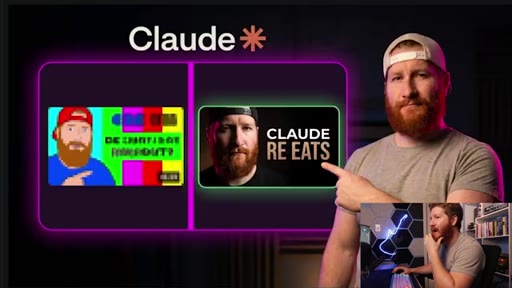
Four thumbnail variants generated and reviewed in real time; honest critique of AI face accuracy and text garbling; iterates on v2

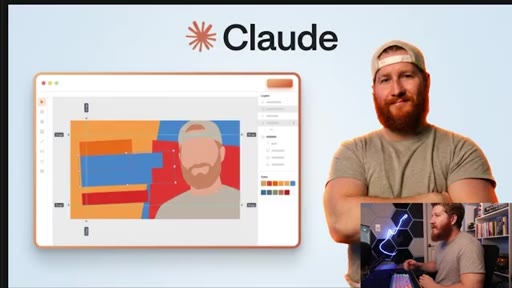
08 · Claude Thumbnail tool reveal
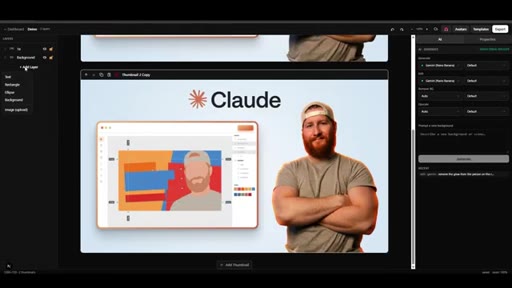
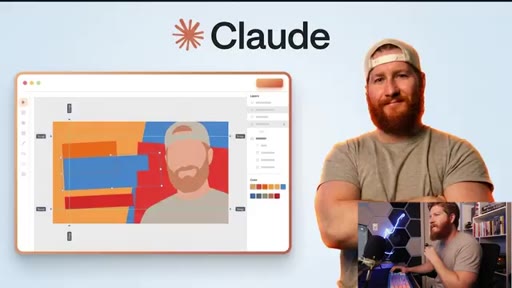
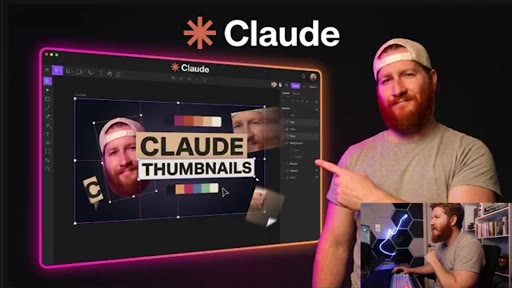
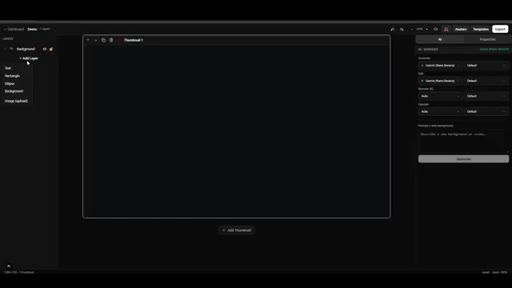
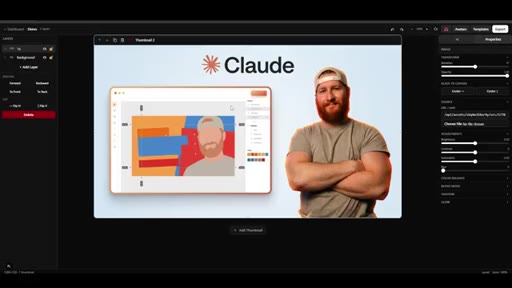
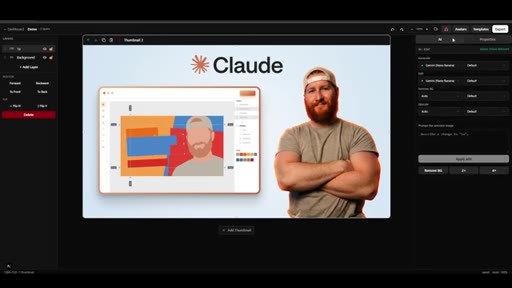
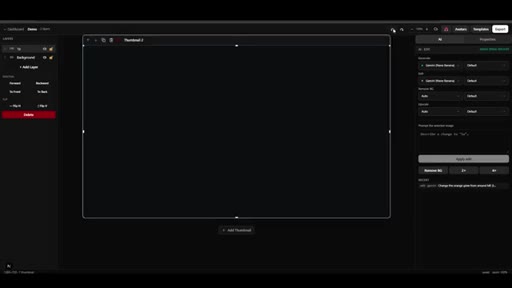
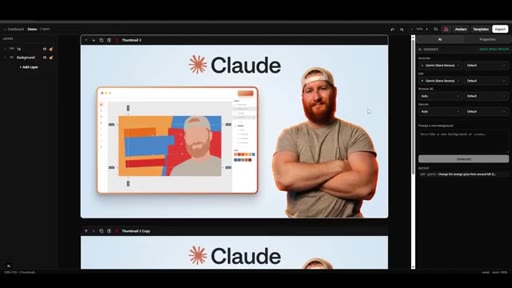
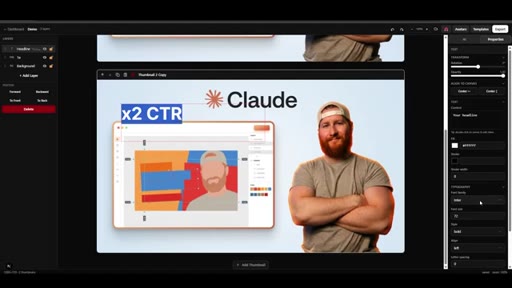
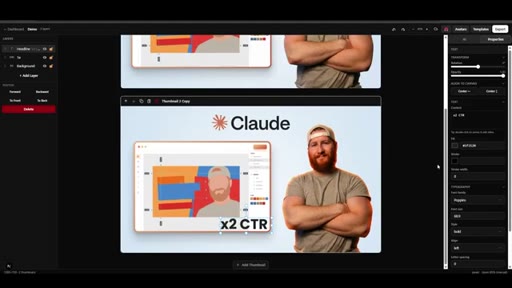
Demo of proprietary canvas editor: project dashboard, YouTube thumbnail scrape/face-swap feature, drag-and-drop canvas with AI inpainting panel
09 · Close / CTA
Cost callout (57 cents per 8-10 thumbs), build-something-you-use motivation, next-video plug, community link
Visual structure at a glance.
Named ideas worth stealing.
The Thumbnail Setup Stack
- Project folder (skill file + .env + assets + outputs)
- VS Code or AntiGravity (Claude Code host)
- Claude thumbnail skill file (prompt orchestration)
- Gemini API key with credit balance
- Headshots with transparent backgrounds
Five sequential dependencies required before the first generation prompt fires.
Prompt Preference Variables
- Style: dark/dramatic
- Layout type: before/after
- Hook type: no text hooks
- Pose: pointing finger
Four style constraints the skill file asks for upfront to constrain generation space before headshot tagging.
Lines you could clip.
"None of them matter if nobody clicks on your video."
"This only cost me about 57 cents and I was able to generate eight to 10 thumbnails, give or take."
"It is never too late to start. Just make sure that when you jump in, build something that you are interested in."
Things they pointed at.
How they asked for the click.
"click the link below and build some cool shit with me"
Two-option close: next-video suggestion for softer funnel entry, hard CTA link for Skool community. Clean delivery after a motivational outro.
Word for word.
What 57 cents of AI actually buys you at the thumbnail stage
AI generation solves ideation and composition cheaply; the remaining gaps of text legibility and face accuracy still need a human layer.
- Claude Code acts as orchestrator in a thumbnail workflow: it handles the prompt loop, file routing, and API calls so you interact with a natural-language interface rather than raw API endpoints.
- Gemini garbles text inside generated thumbnails consistently. Treat AI-generated copy as a placeholder and plan to overlay it manually or through a canvas editor.
- Four to eight rough concepts in under two minutes is the real deliverable. Use AI output as a split-test shortlist, not a publication-ready final.
- A $10 Gemini API credit generates roughly 140-175 thumbnail concepts at the 57-cent-per-batch rate shown, making the budget risk near-zero for experimentation.
- Headshot preparation matters more than prompt sophistication. Transparent background, varied angles, and multiple expressions give the model enough raw material to produce usable compositions on the first pass.
- Building a canvas editor on top of the generation pipeline eliminates the re-prompting loop. Inpainting lets you change one element like glow color or background without regenerating the entire composition.