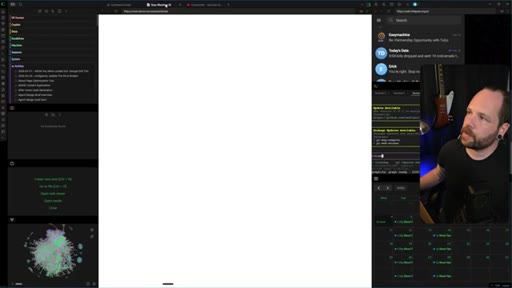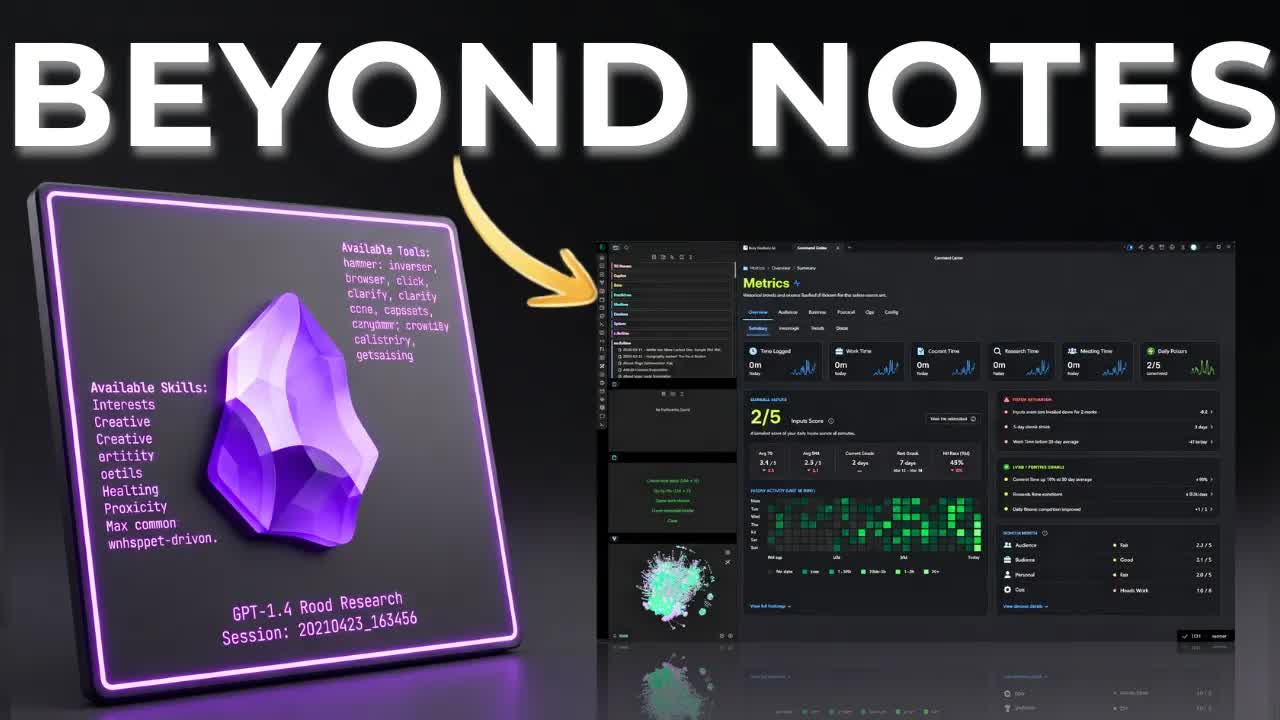
Eric Michaud · Youtube · 07:20

Build an Obsidian SYSTEM Not a Second Brain!

A 7-minute live-vault demo arguing that Obsidian is not a note-taking app but a unified AI operating system where capture, execution, and intelligence compound under one roof.

Posted
May 5th 2026
13 days ago
Duration
07:20
Format
Demo
educational
Channel
EM
Eric Michaud
§ 01 · The Hook

The bait, then the rug-pull.

Eric Michaud opens his vault live — no intro, no B-roll — and within the first twenty seconds names the thing almost every productivity video leaves out: capture without execution is just a graveyard with a pretty interface. This is not a Second Brain tour. It's an operating system demo.

§ · Stated Promise

What the video promised.

stated at 00:28 "We're also gonna talk about reporting, intelligence, and execution." delivered at 05:46
§ · Chapters

Where the time goes.

00:00 – 00:43

01 · The Vault as a Workspace

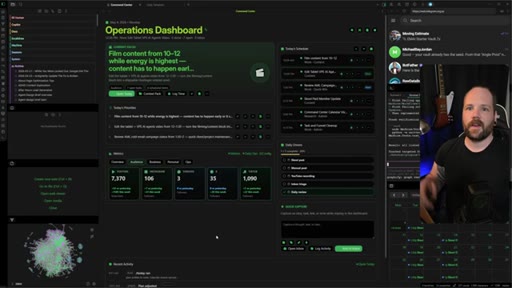
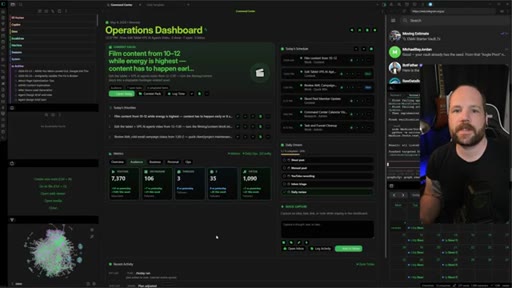
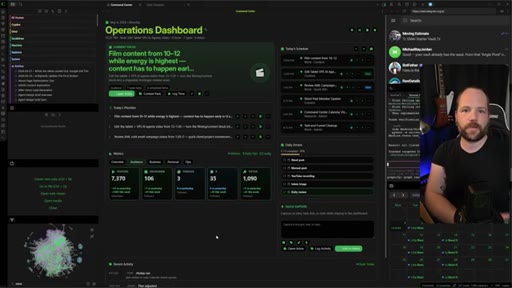
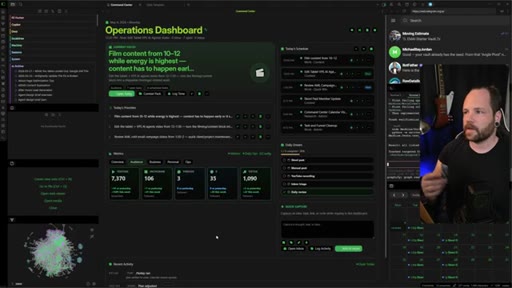
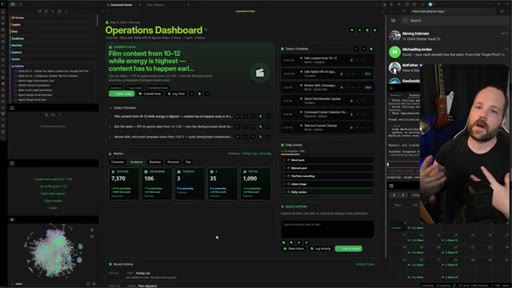
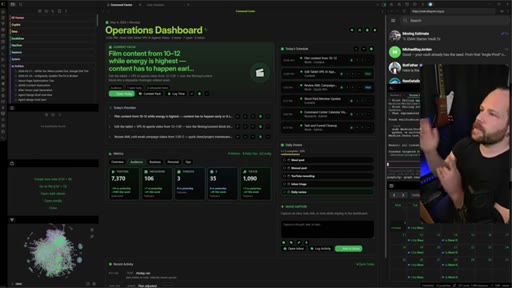
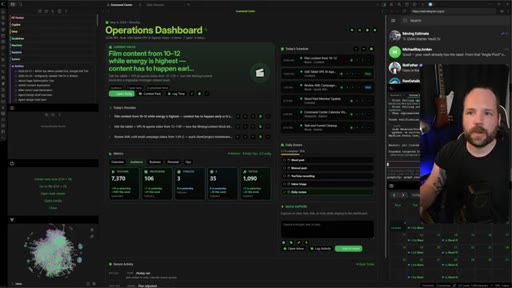
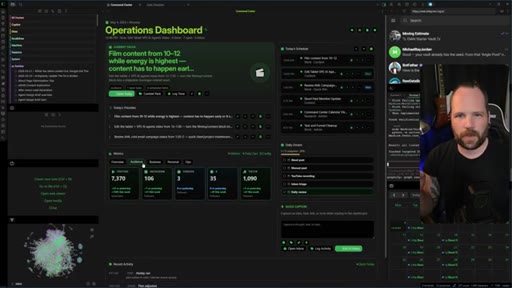
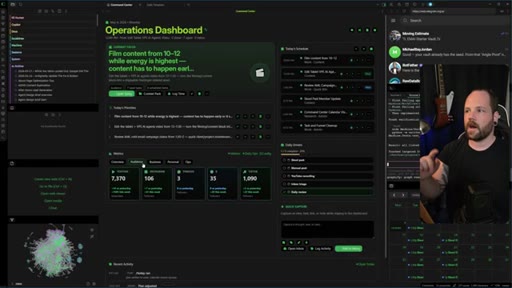
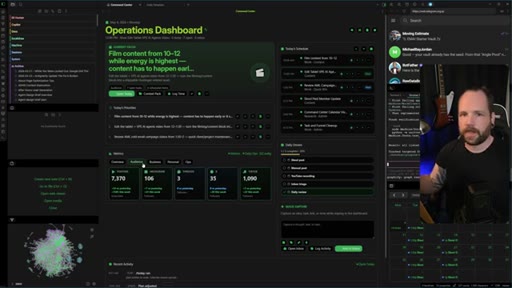
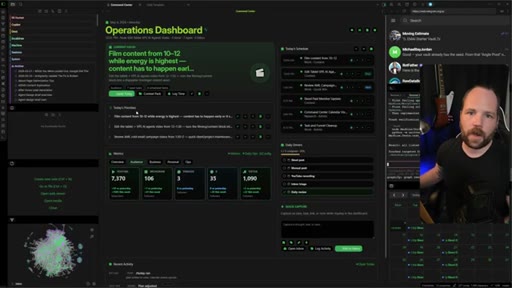
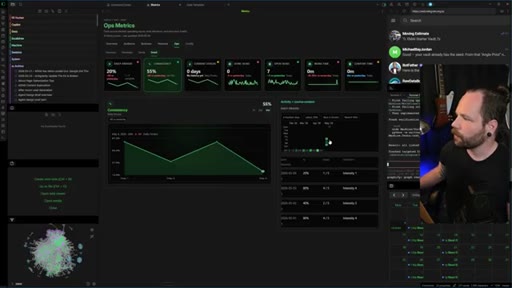
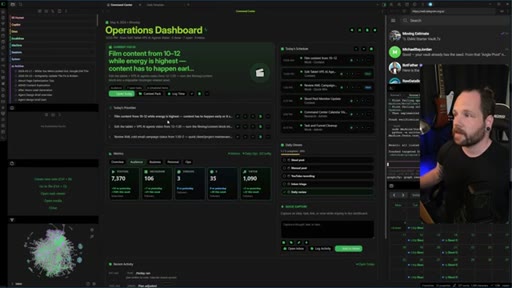
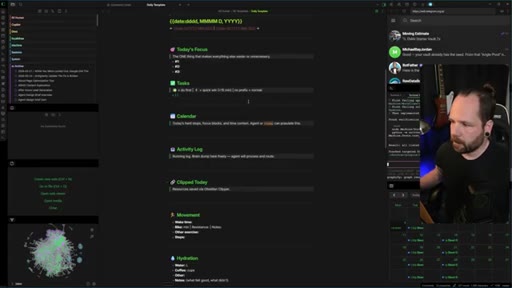
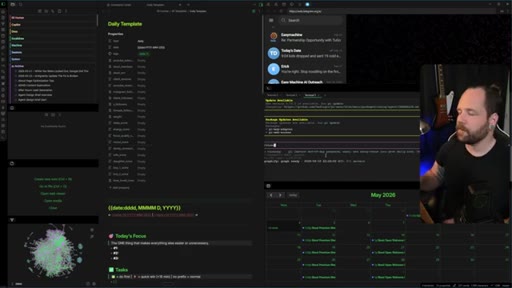
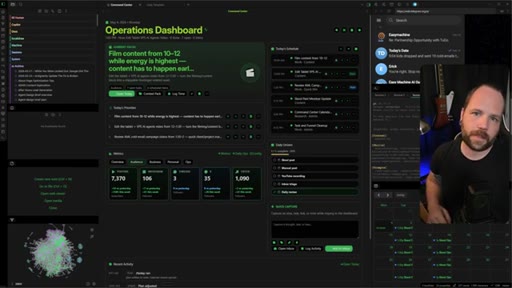
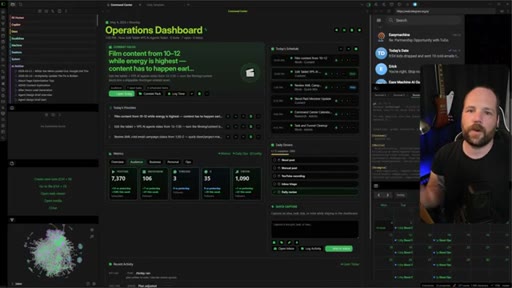
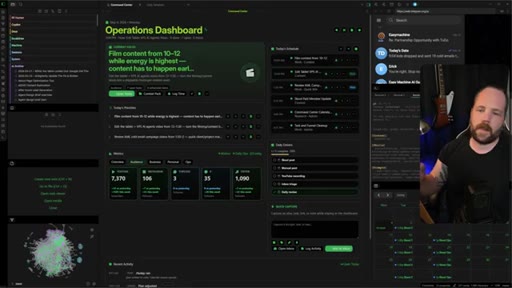
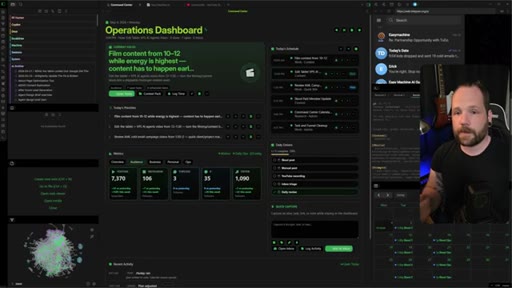
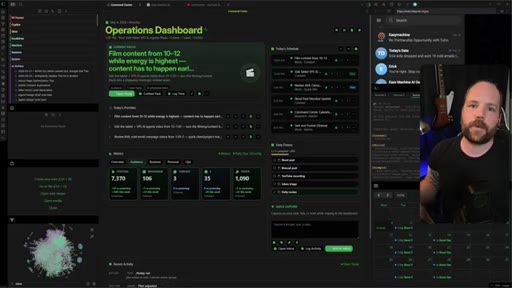
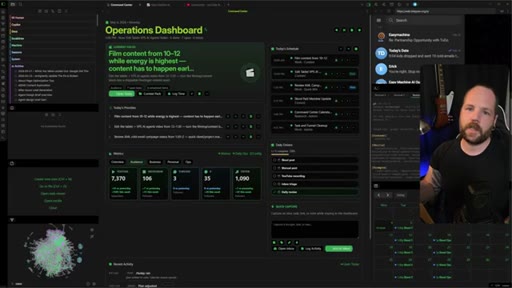
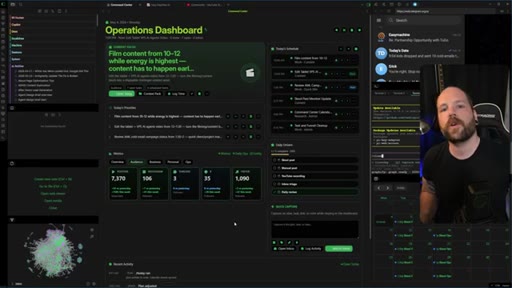
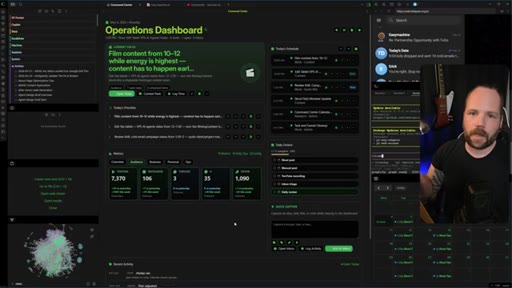
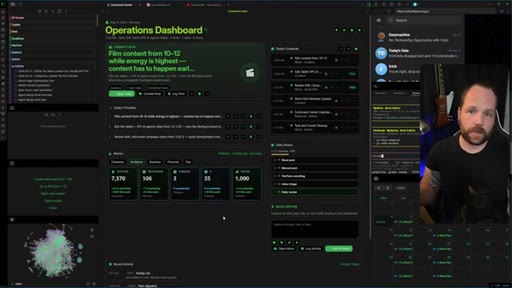
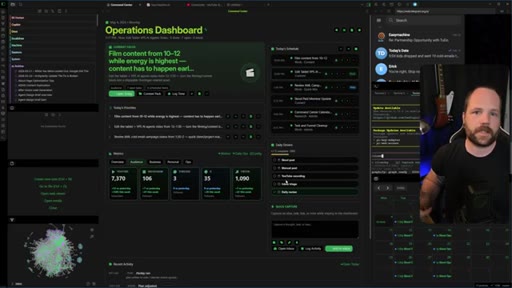
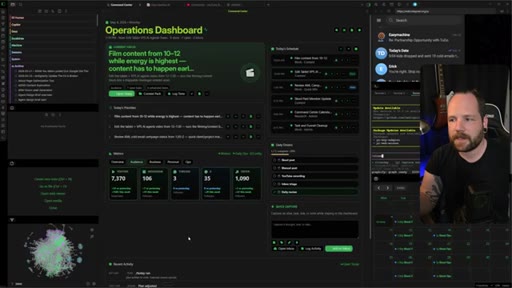
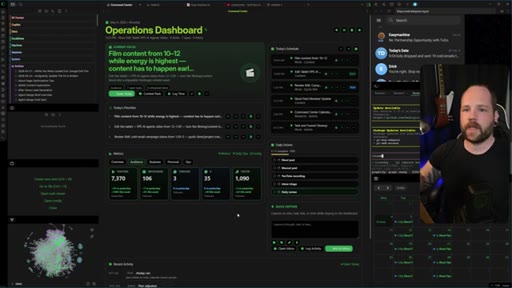
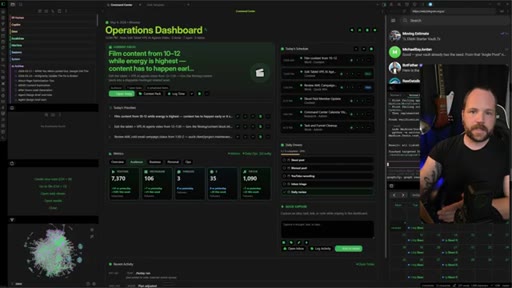
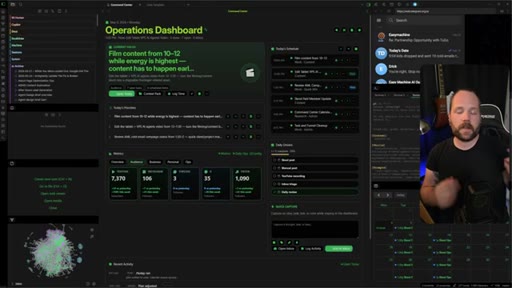
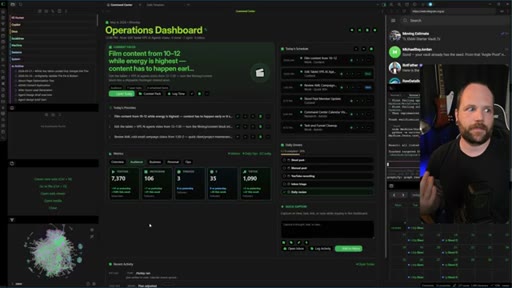
Opens directly on the custom Operations Dashboard. Hook: capture is useless without execution. Promise: reporting, intelligence, execution.
00:43 – 01:48

02 · Daily Focus Dashboard

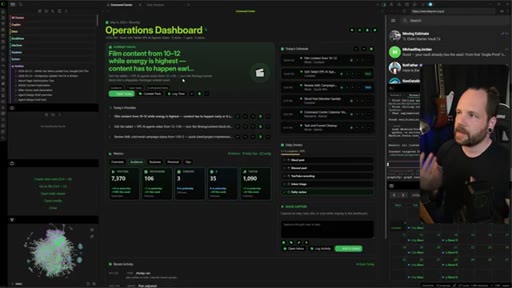
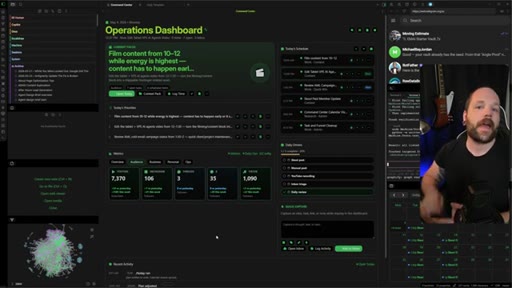
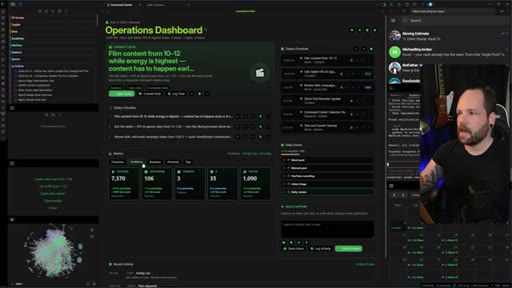
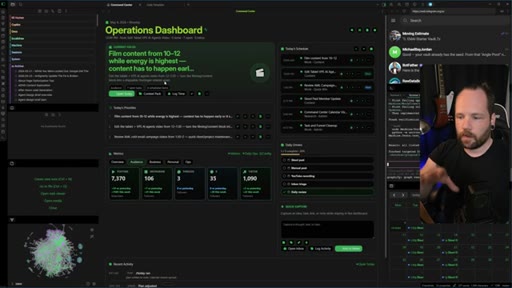
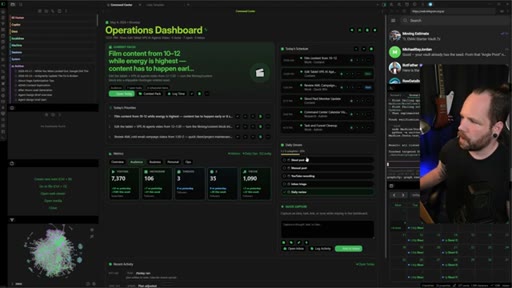
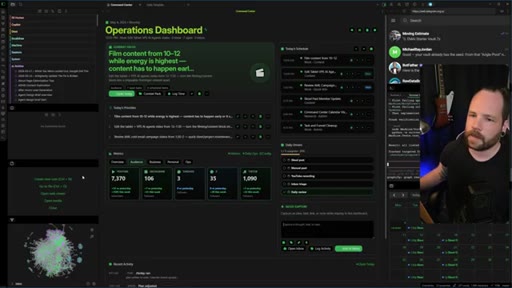
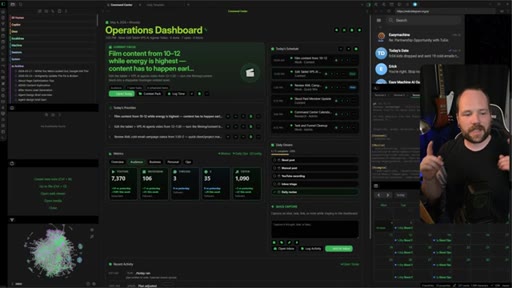
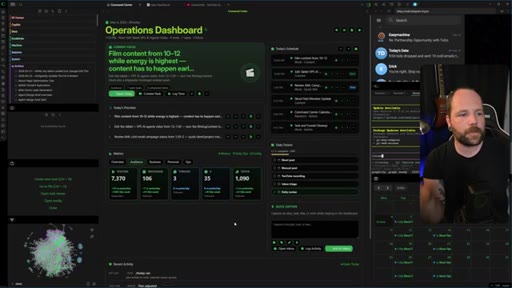
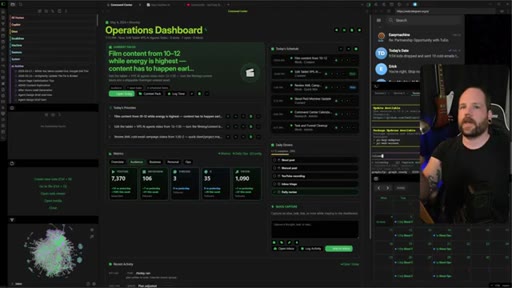
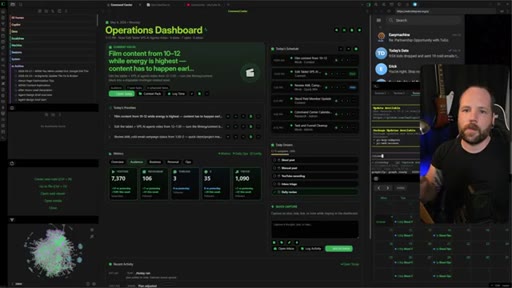
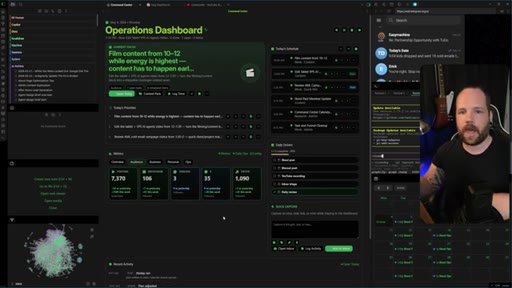
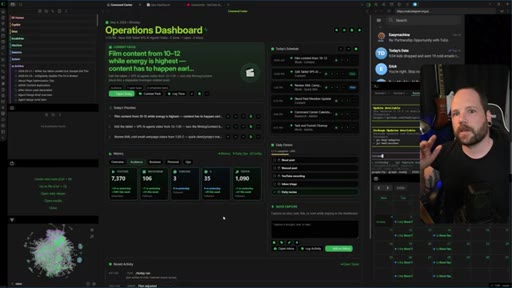
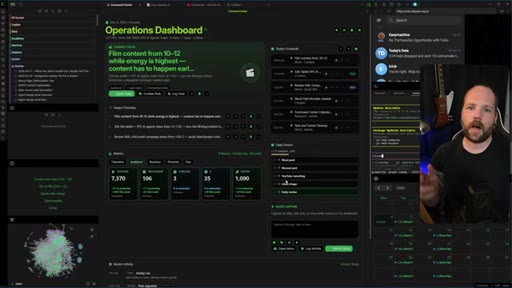
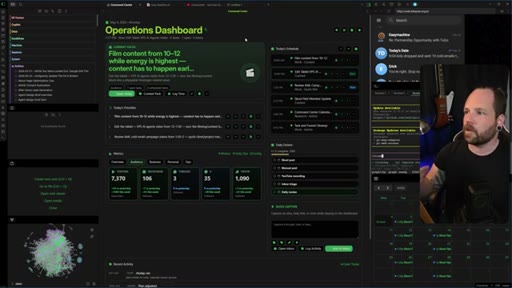
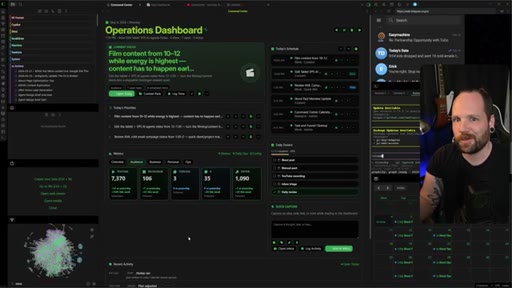
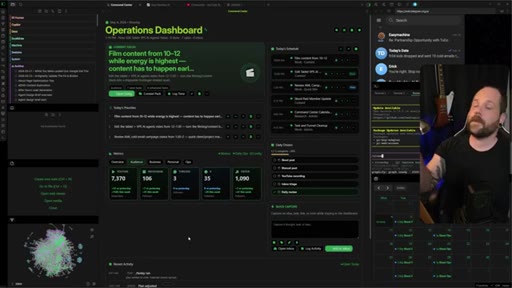
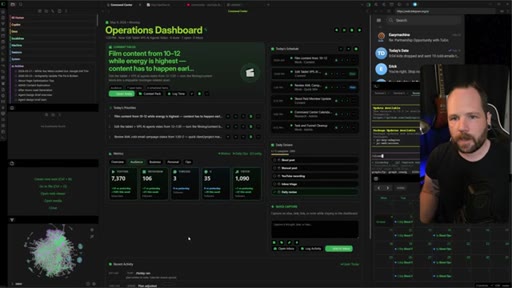
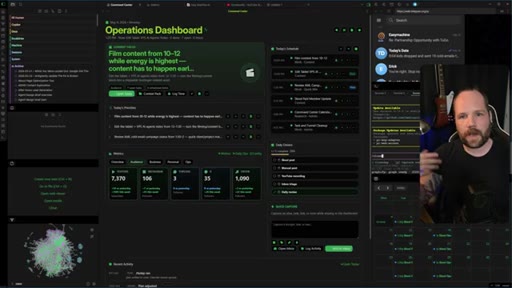
Shows Today's Focus widget, one-at-a-time task queue, ADHD-friendly single-priority design, shortcuts, quick capture inbox, activity log, calendar.
01:48 – 02:26

03 · Metrics and Insights

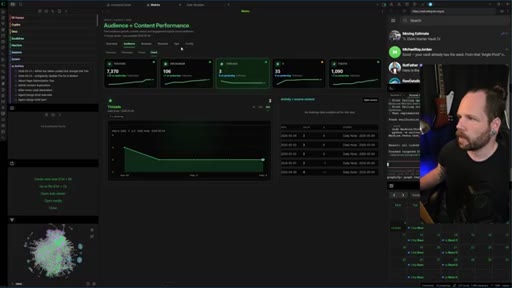
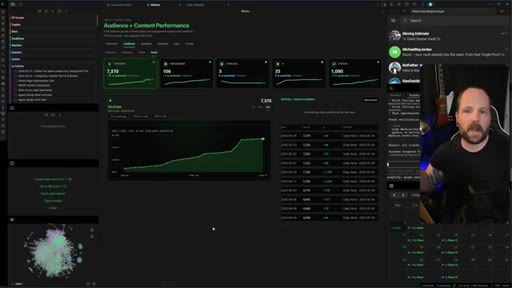
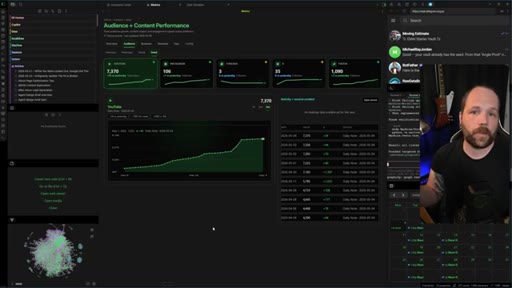
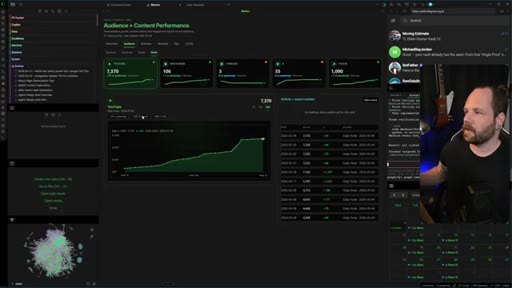
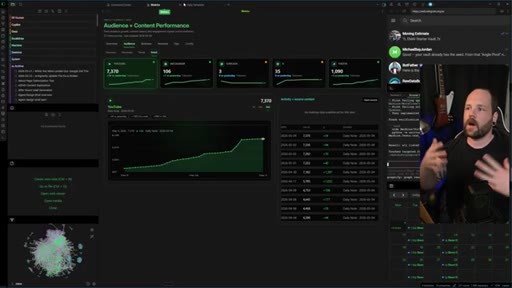
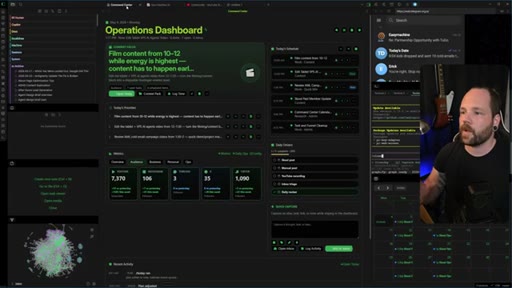
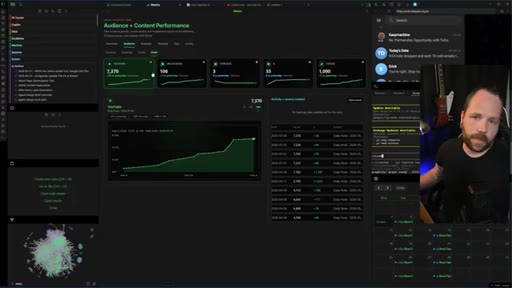
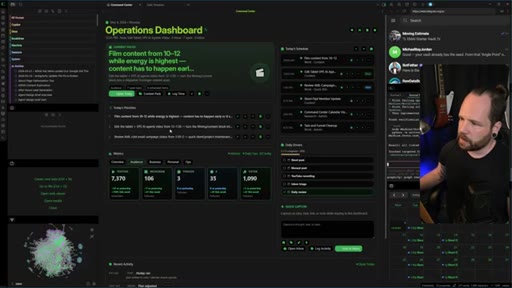
Audience + Content Performance view: heat maps, subscriber growth chart, overlapping graphs correlating revenue to daily actions.
02:26 – 03:42

04 · Daily Agent Commands

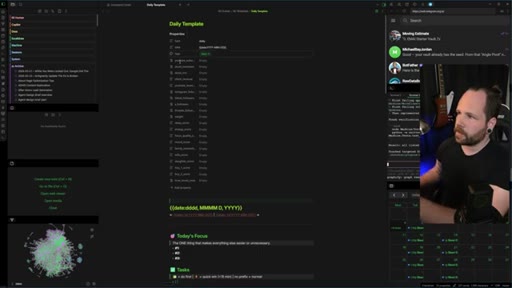
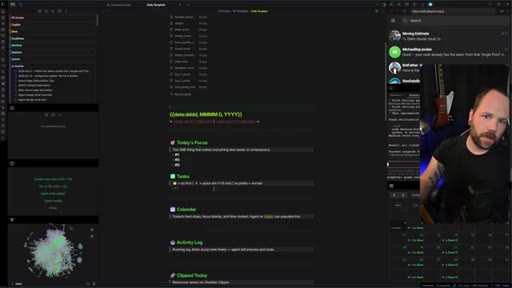
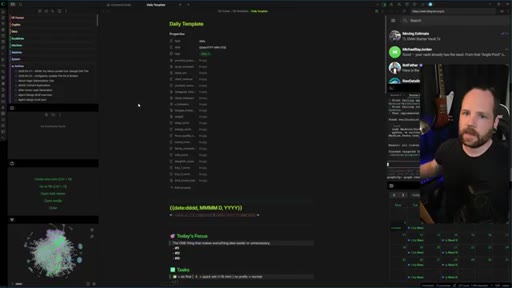
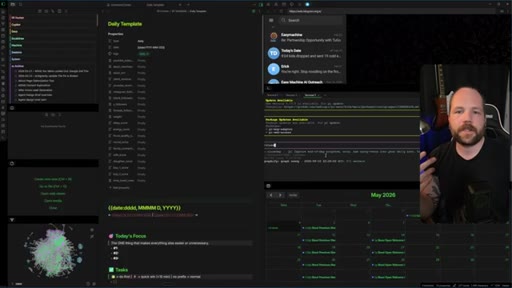
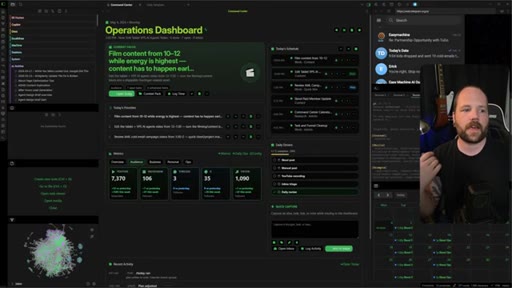
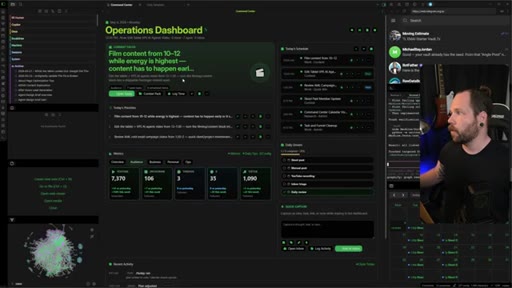
Daily Template with metric properties, /today py agent (pulls calendar + inbox + carryovers), close day voice dictation. Two slash commands run the entire tracking loop.
03:42 – 04:51

05 · Systems vs. Workflows

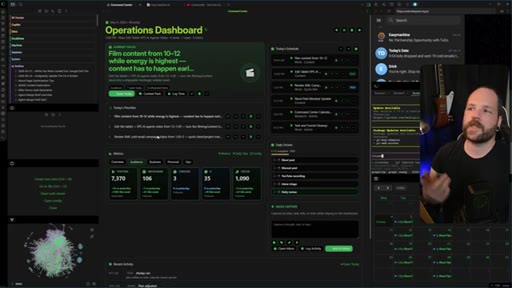
Core argument: workflows = individual actions on a shelf; systems = everything working together. Counters the Claude Code + folder structure objection directly.
04:51 – 05:46

06 · Eliminating Friction

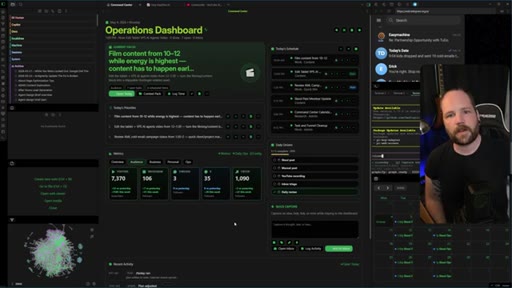
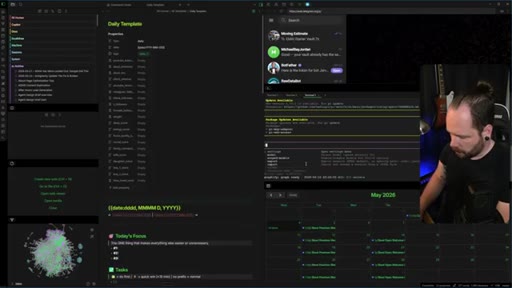
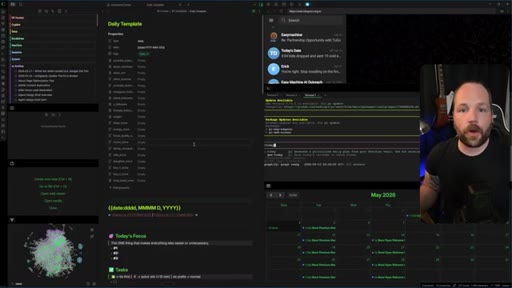
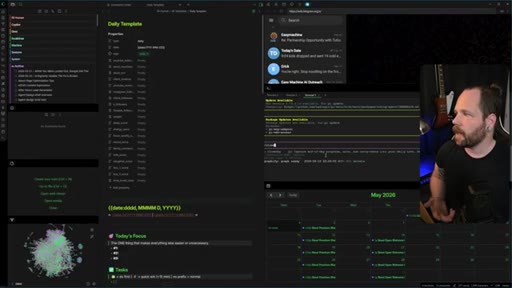
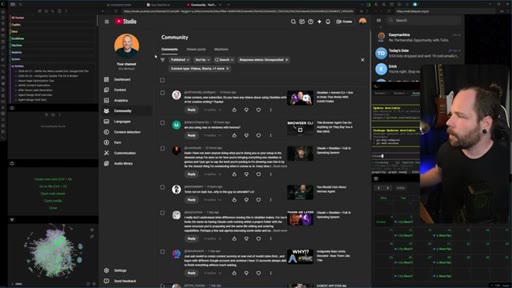
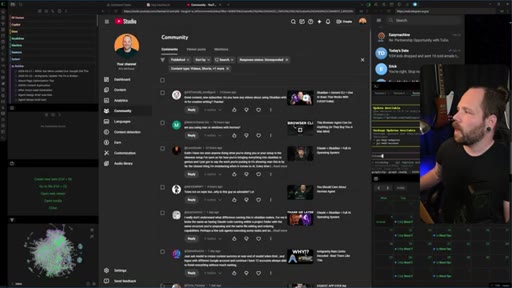
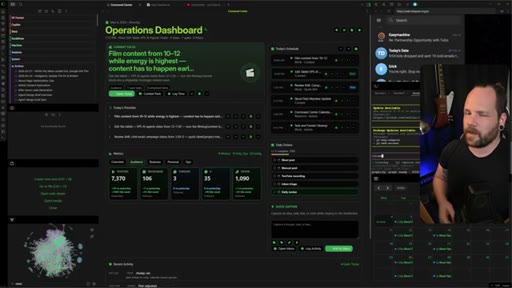
Context-switching erodes momentum invisibly. Shows Telegram, Slack, email, YouTube Studio, terminal, localhost all inside Obsidian. Toolbox analogy.
05:46 – 06:56

07 · The Intelligence Layer

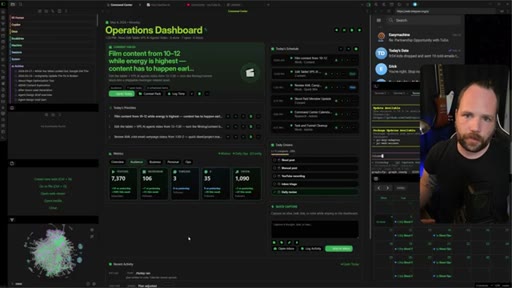
Agents input to Obsidian structure; Obsidian fills agent memory gaps. Custom plugin turns daily notes into a mini intelligence app. The compound effect.
06:56 – 07:20

08 · Vault Access / CTA

Free starter vault in description. Full dashboard + intelligence plugin via School community. Subscribe ask.

§ · Storyboard

Visual structure at a glance.

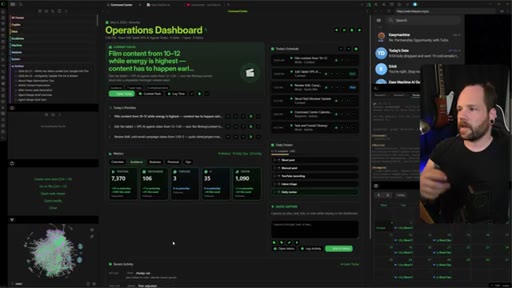
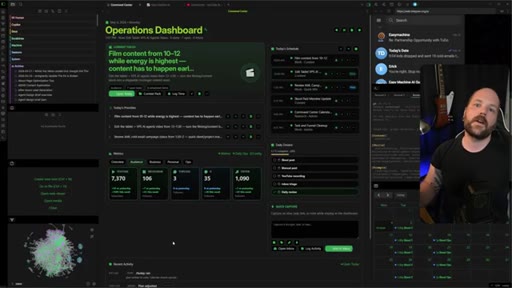
Operations Dashboard open
Audience + Content Performance
Daily Template + /today agent
Systems vs Workflows argument
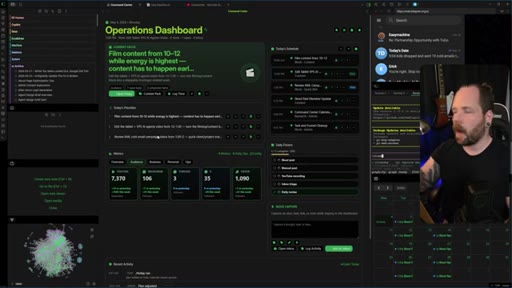
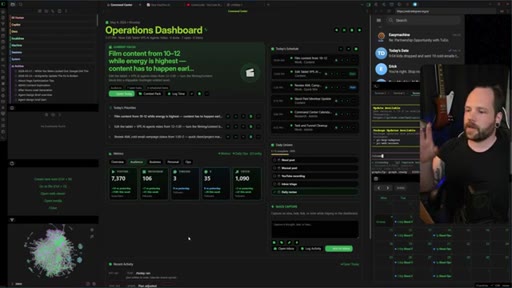
All apps inside Obsidian
CTA — School + free vault
§ · Frameworks

Named ideas worth stealing.

03:42 concept

Workflows vs Systems

Workflows = individual automations strung together, put on a shelf after use. Systems = all components (capture, reporting, intelligence, execution) working together in one unified environment.

Steal for Any video or post arguing against SaaS sprawl or tool-hopping — maps directly onto Joe's stop-renting positioning
02:46 model

Two-Command Day

  1. /today (open day — pulls calendar, inbox, carryovers)
  2. close day (end day — voice dictation + metric fill-in)

Entire daily tracking loop runs on two slash commands issued to a py agent. Everything else is logged automatically from activity inside the vault.

Steal for Morning routine / JoeFlow dictation integration — one command starts the day, one closes it
04:30 concept

Obsidian as AI OS

Obsidian as unified operating system: notes + agents + browser + terminal + metrics all in one window. Contrasted against Claude Code + folder structure which lacks unified intelligence and reporting.

Steal for Content angle for MCN or JoeFlow — your tools should be one thing, not ten tabs
§ · Quotables

Lines you could clip.

00:27
"Data collection is only as good as what you do with that information."
Self-contained, punchy, no setup needed. Universal productivity truth. → TikTok hook
04:10
"It's not enough that your agent can just read and navigate a folder structure. That's not an operating system."
Direct reframe of a common objection. Cuts through AI hype noise. → IG reel cold open
05:20
"Every time you change context or have to switch views or whatever, you're losing momentum. You might not notice, but you absolutely are."
Counter-intuitive claim with high resonance for anyone working on a computer all day. → newsletter pull-quote
06:45
"Stop thinking about things as individual workflows and start building out systems where all these different things start working together for you."
Clean thesis sentence — the whole video in one line. → TikTok hook
§ · Pacing

How they spent the runtime.

Hook length43s
Info densityhigh
Filler8%
§ · Resources Mentioned

Things they pointed at.

04:06toolClaude Code
04:55toolTelegram
04:55toolSlack
§ · CTA Breakdown

How they asked for the click.

06:56 product
"I do have a free starter vault that I'll leave a link in the description. I also have this exact layout with the dashboard and intelligence plugin available through my school community."

Soft sell — mentions free resource first, then paid community. No urgency, no scarcity. Naturally embedded at end without a hard break.

§ 04 · The Script

Word for word.

HOOK opening / re-engagementCTA the pitch metaphor analogy
00:00HOOKThis is my Obsidian vault. This is where I keep all of my context, whether it's my daily notes, the metrics I wanna keep track of, content research. It's also where I keep my AI agents and custom workflows, pretty much the whole thing.
00:12HOOKBut this doesn't just capture notes. This also is where I do all of my work. And that's the part I think a lot of people are missing.
00:18HOOKRight? Because capture is one thing, but it's totally useless if you can't do anything with it. And that's exactly what we're gonna talk about in this video.
00:24HOOKData collection is only as good as what you do with that information. Okay? So it's not just about inputs.
00:30HOOKWe're also gonna talk about reporting, intelligence, and execution. So let's dig into it. So first things first, I don't wanna turn this into a vault tour.
00:36HOOKI just wanna show you what you're missing out on. If you're thinking more about the workflow and not systems, how things work together. What I really wanna do is get you focused on how you can customize this platform to work for you.
00:46Right? Like, this is a custom view I built out so I could get a real feel for exactly what I need to see right now. Not just metrics and stuff, which is, you know, awesome, but really what my focus is for the day.
00:58Part of my daily routine is kind of the to do list, right? Making sure that I knock off the most important thing one at a time.
01:06So for me, that's really important. I've got ADHD. Don't know if you can tell.
01:10But knowing exactly what I'm doing, one, two, three, is pivotally important. Right? This is the current focus,
01:17front and center. This is what you're doing right now end to end. Right?
01:21I can log the time. I can knock it off. If I need a little more information, I click context, and I can pull up some stuff from my notes that match this search criteria.
01:28Also, shortcuts in terms of tracking. Right? So I've got a few things that if I do every single day, things tend to fall into place for me.
01:35Right? So I can knock those off by clicking these things on or off, you know, through the day. I can also quick capture some ideas and log it to an inbox, which is fantastic.
01:43It makes things really, really easy, and it's just directly in front of me. Right? If I wanna drill down on any of these bits of information, I've also got the full on metrics view for it.
01:52Right? I can go over here. Check this out.
01:54I'm looking negative today because it's still in progress, but, you know, you can see the heat map here for what we've got going on through the week. Overall, the summary, see what's going on, look at trends. You you get the thing.
02:03Right? Just optics. But, I mean, I can also look at overlapping graphs, and I get real insights as to if my revenue goes up one week, for example, I can really drill down and see what actions I was taking during that time and then just do more of that.
02:14I'm not obviously not gonna show you the business views because, know, there's some, uh, private information there, but you get the idea how things all work together. I'm gonna get more into the mindset stuff in a second, but I'm just gonna finish up how this all comes together. And it's pretty straightforward, actually.
02:26I run everything off of two commands that I start my day with and end my day with, and that's how we track different things. But not only that, every activity I do inside the vault is also logged as well.
02:37And that's gonna come in later. Okay? But what we do, we got this daily template with all of the metrics I wanna track as properties.
02:43That's important. Then we've got the three main priorities that are populated based on my daily notes. Some are carried over from the day before.
02:49Got the tasks, my activity log, which is running throughout the day, calendar, my schedules, right, and all the different things I wanna talk about. It's really not hard to wrap your head around how we are tracking this thing. It's just setting it up and getting into the routine of actually using it.
03:02Every day, I run my py agent. I just go slash today. I'm hoping my face isn't covering this.
03:06Then it pulls in my calendar, my inbox, any carryovers from the day before, and we figure out what it is that I need to focus on that day. Same thing at the end of the day, I write close day, and I just use my voice dictation to talk about the day. I'll go in and I'll fill in the other half of the metrics.
03:20For example, you know, time with my family or effort put in, like, of ten, you know, the different things that are important to me. And it'll go and log those, and we can see the the different trends. Right?
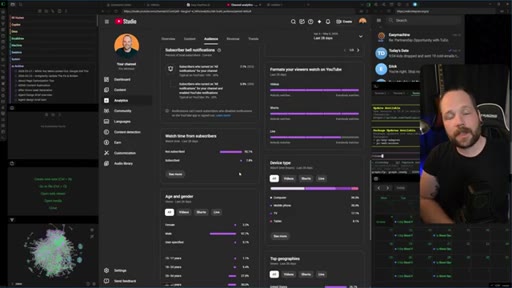
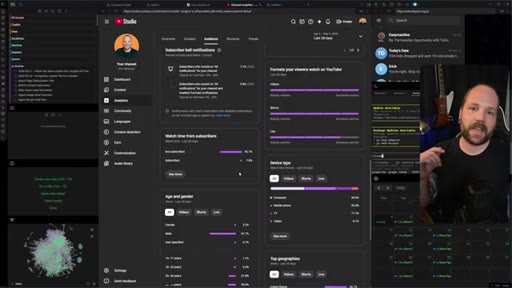
03:29If you like this video so far, please consider leaving a like and subscribe to the channel. YouTube tells me only 8% of you are actually subscribed, which is kinda wild. So if you wouldn't mind making sure that you are, that would really help me out.
03:39And it also tells YouTube that you wanna see more content just like this. Let's get back to it. Okay.
03:43So here's where things are changing a little bit and why I wanted to do this video like this and not a big flashy tutorial. Okay? Because there's a lot of that and people don't seem to connect the dots ever.
03:53Everybody is interested in putting one and one and one and one, but not two and two. They're thinking about workflows and not systems, I think that is a a fundamental misstep. I still, to this day, get the question, why use Obsidian and not just Cloud Code with some fun folder structures?
04:06And you're missing the point entirely. It's not enough that your agent can just read and navigate a folder structure. That's not an operating system.
04:13I wanna keep everything in one place. I want it to be the one place where I can do everything, right, and not have to alt tab all the time or go in and separately make notes of my activity for the day. If I keep it all in the one spot, I am infinitely more focused.
04:27There's a lot of folks out there putting out like operating systems and using Obsidian as a memory layer for it. And then they'll build out another interface for metrics and monitoring and all that other stuff. And it doesn't make sense to me to have to go from one app to another app to another app to do all these different things.
04:41I can go to Obsidian and keep my eyes on everything, but not only that, I can work in it as well. It's the entire system.
04:48It's not just the one workflow after another. It it's all working together. Like, I can check out Telegram.
04:53I can check out Slack. Check my email. Bounce over to my school community.
04:56See what's going on on YouTube. If people are, like, you know, responding to comments and that kind of thing. Right?
05:00I've got my terminal right here, and then I can spin up the local host and just run this wherever. Can I move any of these windows wherever I want? It's really customizable, and the system is all in the one spot.
05:09That is so important, and I'm gonna tie it back into the dashboard here in just a sec. Okay? But like a browser here,
05:15uh, the agent here, a different folder there, your dashboard somewhere else, all of that causes friction, and friction isn't harmless. Every time you change context or have to, like, switch views or whatever, you're losing momentum. You might not notice, but you absolutely are.
05:28It might sound dramatic, but it's just good system design. If you keep everything tight, so you don't have to go, like, searching or reaching for anything, and it's all in the same place, you're gonna be more productive. It's a lot easier to work with your toolbox nicely organized than it is to, like, go looking for a different toolbox is maybe the best analogy I can come up with off the top of head.
05:44Anyway, back to the conversation at hand. Agents and Obsidian are great friends because they complement each other's strengths. Agents help you input to the Obsidian structure.
05:52Obsidian fills in the memory gaps in your AI agent. It works great, except it still leaves the problem a lot of people have with note taking and personal knowledge based apps where they just, like, collect information and it turns into a graveyard. Where Obsidian is uniquely powerful over other PKMs is you don't just have to sit on all that information.
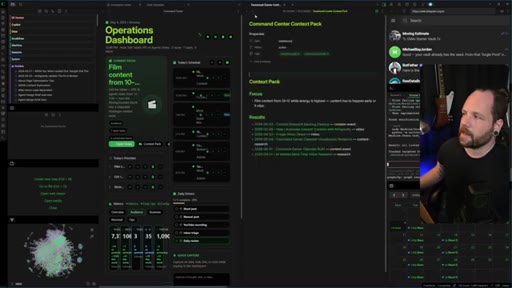
06:09You can turn it into an intelligence layer either through a custom plug in like this, which is great. You just build out a mini app essentially to pull from your daily notes. You can do it with your canvas, right, with different charts views and things like that.
06:21There's a lot of ways you could get there, and Obsidian offers that. That is useful and beneficial on its own, but when you factor in that you can actually go in and do the work in this platform as well, that's where things start to really compound. It doesn't make sense to think of these as like individual workflows anymore, and that seems to be what is most popular on YouTube tutorials is like, oh, I can do this, and then you put it back on the shelf, then you go to another app for something else.
06:43No, man. Keep it all in the same place, and you'll be exponentially more productive. And that's really what I'm trying to say here, is stop thinking about things as like individual workflows and start building out systems where all these different things start working together for you.
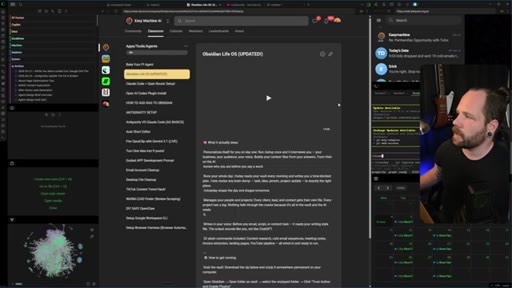
06:55CTASo while I said the point isn't to, you know, worry about this particular dashboard, I do have a free starter vault that I'll leave a link in the description to some of my free stuff. But I also have this exact layout with the dashboard and intelligence plugin available through my school community. I'm updating that very shortly.
07:10CTAIt'll be in the tools and agents section right here. The link to that will also be in the description. Make sure to subscribe if you wanna see how this continues to grow out as I build it out in the future.
07:18CTAThanks for hanging out with me. I'll see you.
— full transcript
§ 05 · For Joe

Steal the OS frame.

Joe's playbook

The Second Brain angle is exhausted — the sharper hook is the operating system angle: one environment where you capture, execute, and learn from everything.

  • Lead with the anti-workflow argument: 'I don't build workflows, I build systems' is a cleaner differentiator than any feature list.
  • The two-command day (/today + close day) is a format you could ship as a JoeFlow morning template — launch, dictate close, everything logged.
  • Context-switching as productivity poison is underused as a content hook — measurable, relatable, makes the single-tool pitch feel obvious.
  • Show your actual vault live. Real data (heat maps, revenue trends) beats polished slides for trust and shareability.
  • The intelligence layer argument (agents fill Obsidian, Obsidian fills agents) is the strongest moat claim — worth its own dedicated video.
  • His CTA structure (free vault first, then paid community) is a clean entry-level funnel worth modeling for MCN+.
§ 05 · For You

Your notes are only useful if you work from them.

If you've ever opened a note and felt nothing

A productivity system that only captures things but doesn't help you do them is just a well-organized to-do list you never check.

  • Pick one app to do your work from, not just store it. The app you capture in should also be the app you execute in.
  • Two commands can replace a morning planning ritual: one to pull your day together, one to close it out and log what actually happened.
  • If revenue or output goes up in a given week, you need to know what you did that week — so log it. Correlate actions to outcomes.
  • Context-switching costs more than it feels like. Every switch is a small momentum reset.
  • The goal of a second brain isn't to hold information — it's to help you act on it. If you're not acting from it, you just have a graveyard.
§ 06 · Frame Gallery

Visual moments.