The bait, then the rug-pull.
Within six seconds Zinho plants a claim so clean it doubles as a thesis: Claude is the strongest AI available in 2026 — not because of one feature, but because of the combination. Every chapter that follows is a brick in that argument, stacked in order until the final demo proves the whole system fires from a single sentence.
What the video promised.
stated at 00:56 "I'll show you exactly how to build your very own [system] in this video." delivered at 19:33
Where the time goes.
01 · Cold open + three pillars
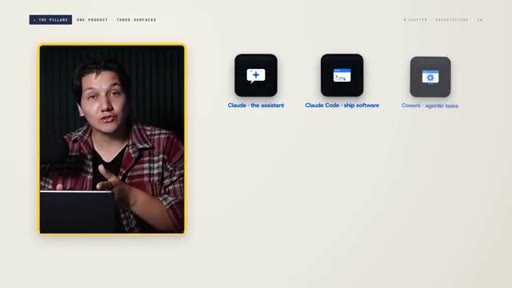
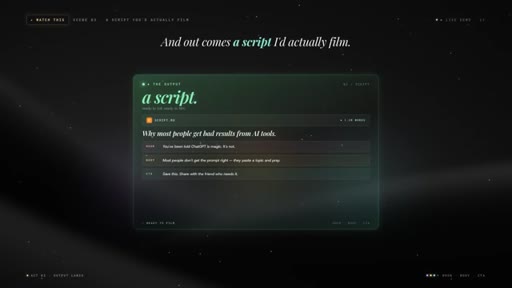
Cinematic title-card hook. Claude positioned around three pillars: assistant, Code, Cowork. Single-prompt script demo teased.
02 · Step 1 — Pick the model
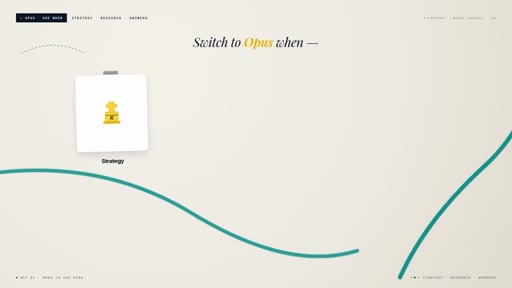
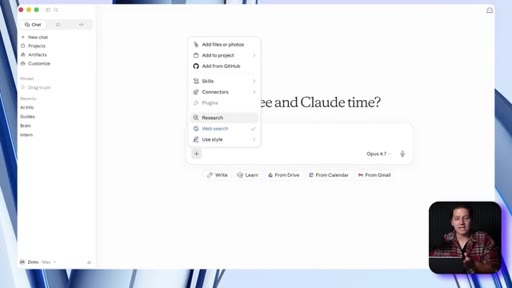
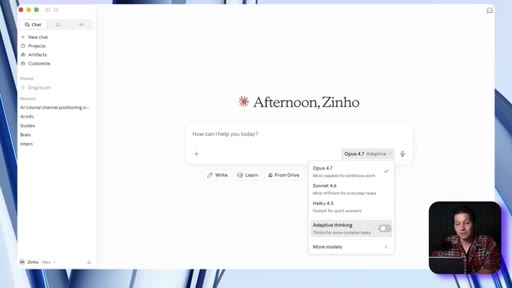
Sonnet for 90% of tasks, Opus when the answer matters more than speed, Haiku never. Toggle web search on — most complaints about outdated answers trace to this switch being off.
03 · Step 2 — The prompt rewrite
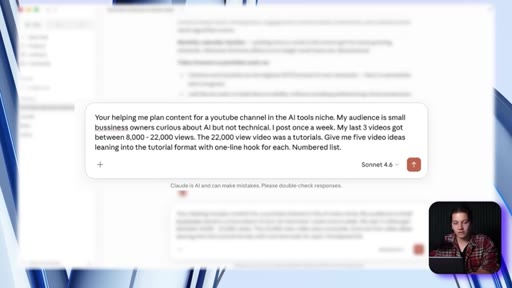
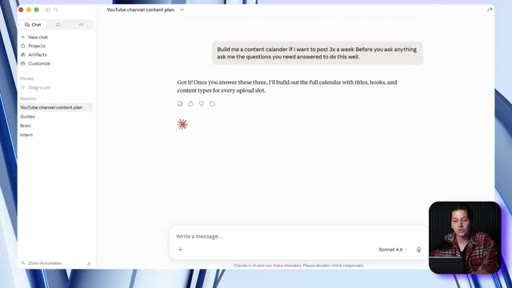
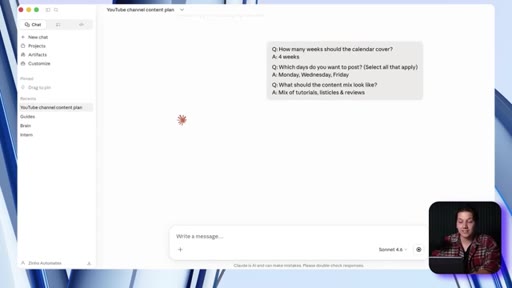
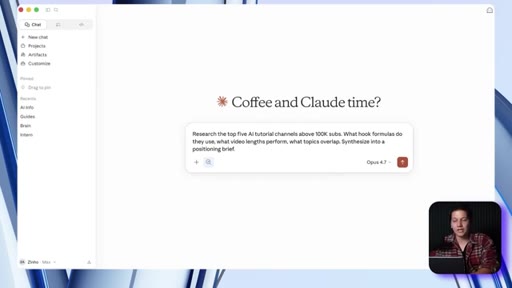
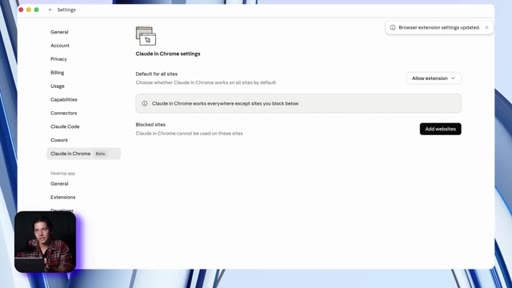
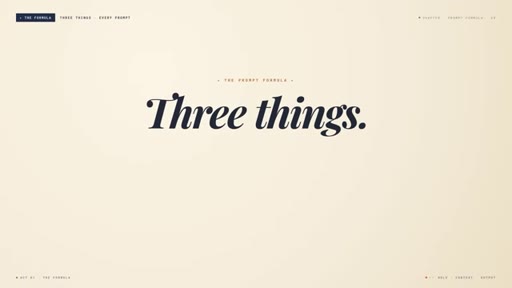
Google trained us to ask short questions. Claude needs context like a new hire. 3-part formula: role + context + output shape. Interview flip: end with 'before you write anything, ask me questions.'
04 · Step 3 — Memory
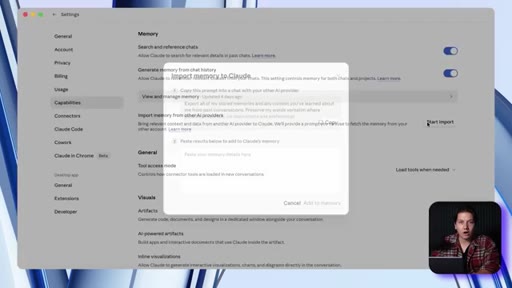
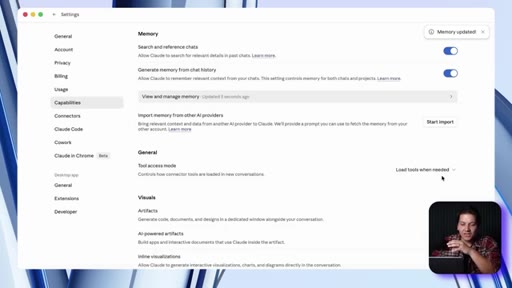
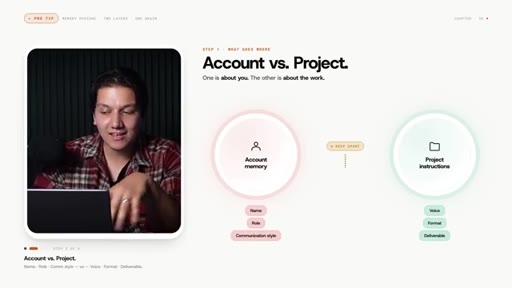
Claude has account-level global memory. Import trick: use the in-app prompt to export GPT/Gemini history, paste back — years of context ported in ~5 minutes.
05 · Step 4 — Artifacts
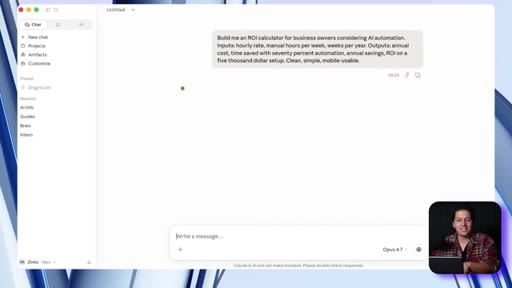
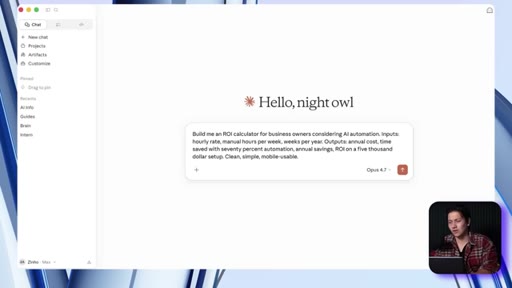
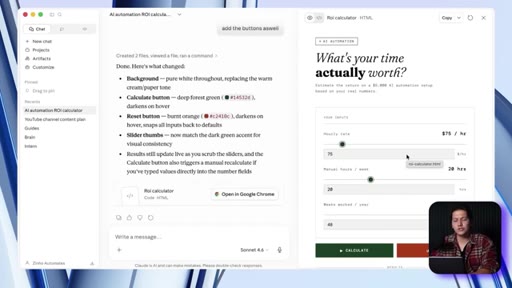
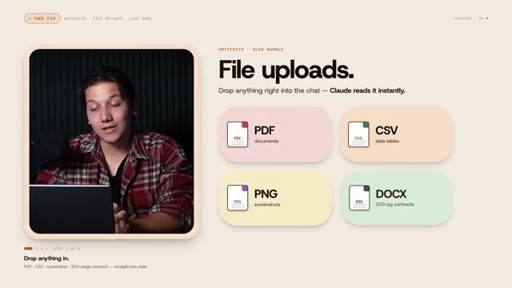
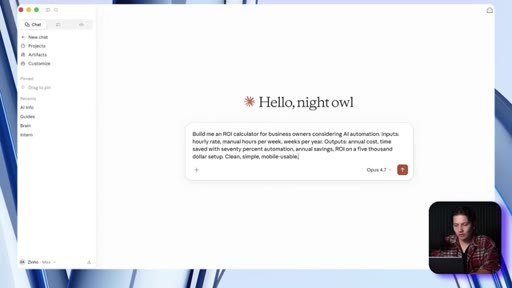
Artifacts build interactive tools directly in the chat panel. Demo: ROI calculator built in 90s, styled via chat feedback, published and shareable. File uploads (PDF/CSV/screenshots) feed into artifacts for analysis.
06 · Step 5 — Projects
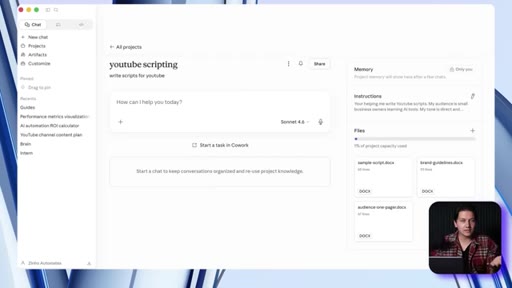
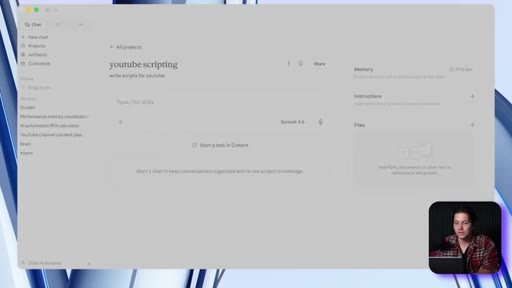
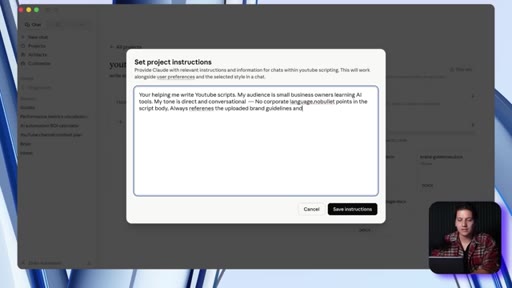
Persistent workspaces with files, instructions, and conversations. Upload brand guidelines + voice sample once — every conversation in the project reads them permanently.
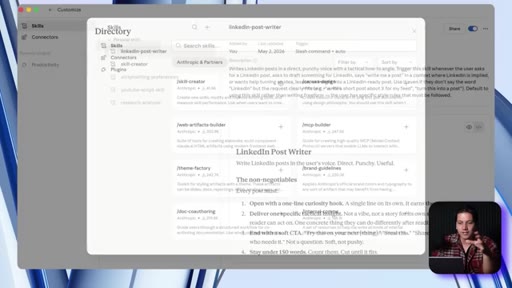
07 · Step 6 — Skills
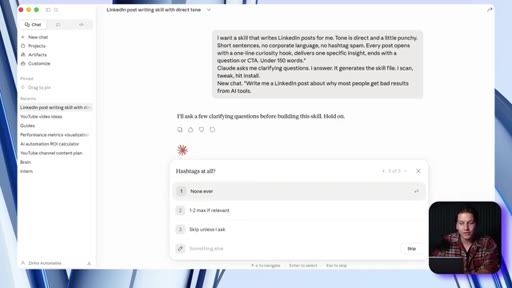
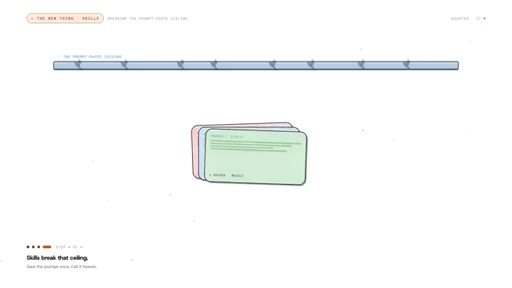
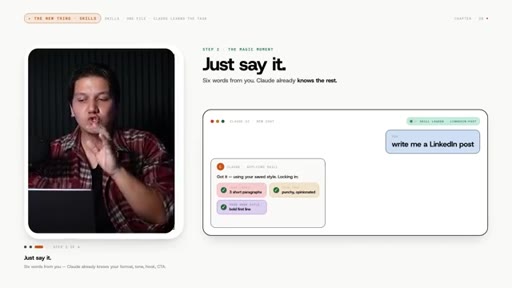
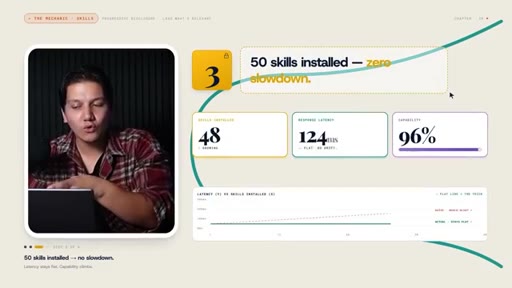
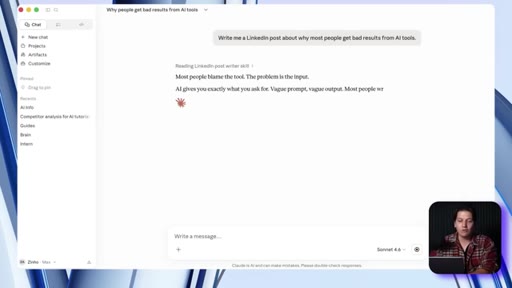
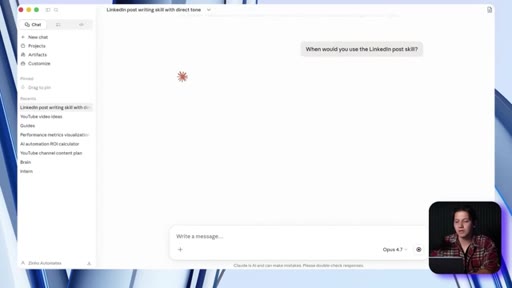
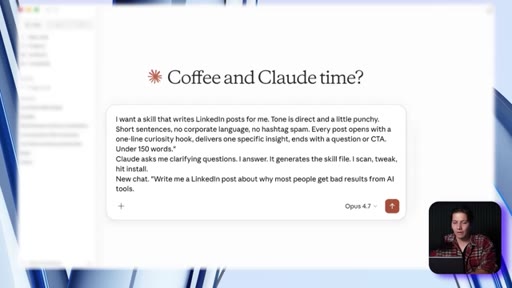
Instruction files Claude reads when a task matches. Write once, fires automatically. Demo: LinkedIn post skill described in natural language, Claude generates the file, one-line debug method shown.
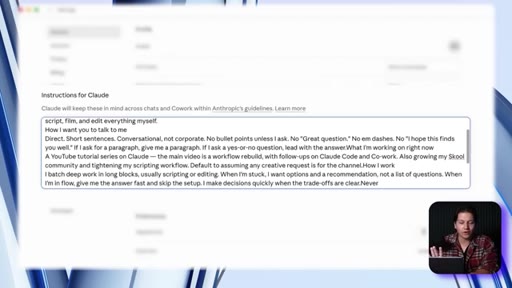
08 · Step 7 — Custom instructions
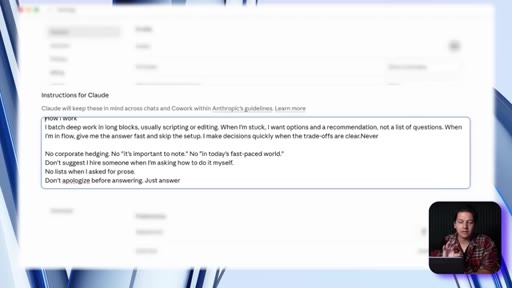
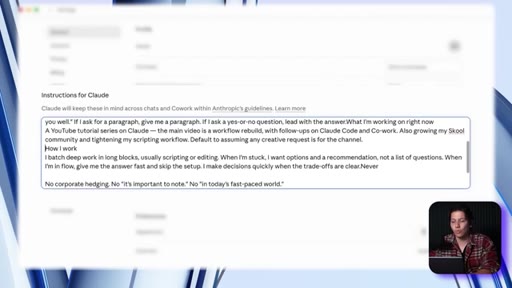
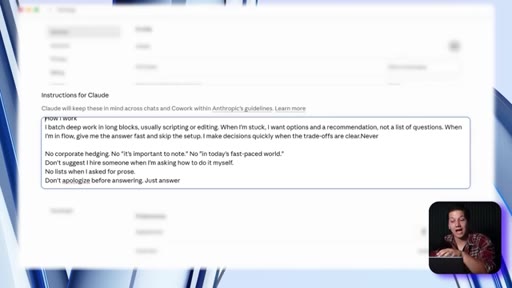
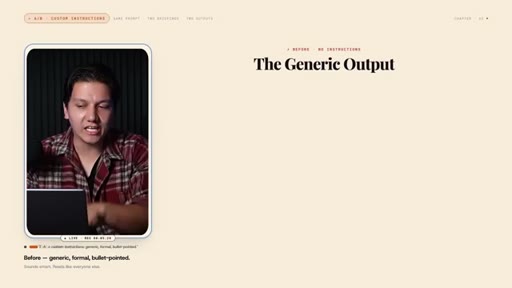
5-section 200-word briefing: who am I, how I want Claude to talk to me, what I'm working on, how I work, what to never do. Before/after demo: same model, wildly different tone.
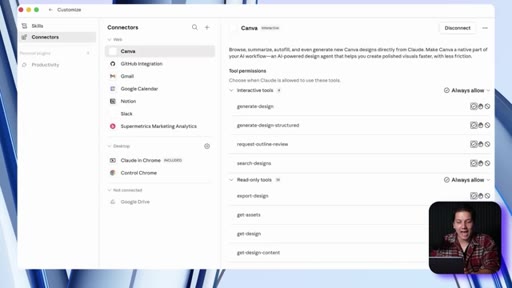
09 · Step 8 — Connectors + Research
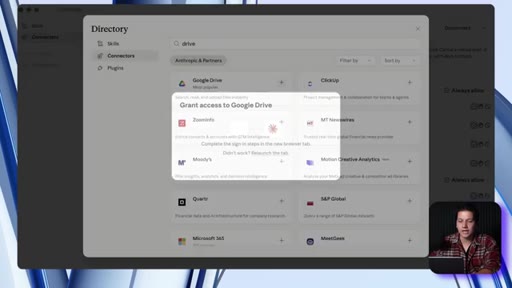
Connectors plug Claude into Google Drive, Calendar, Gmail, Notion, Slack — pulls docs on demand. Research mode: autonomous multi-search with citations (5–15 min). Extended thinking for strategy/finance.
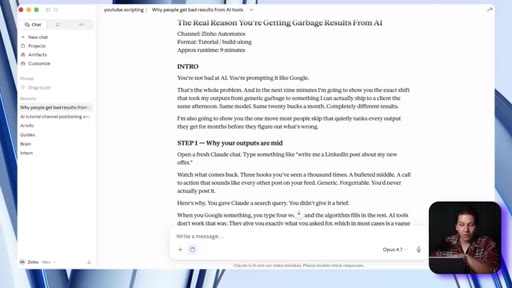
10 · The whole stack fires
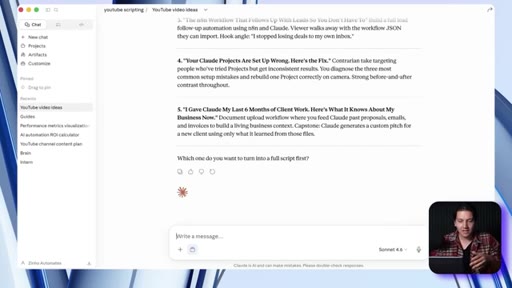
Single sentence typed inside the YouTube scripting project: custom instructions + memory + skill + Drive connector all activate. Output is a filmable draft in his voice.
11 · Outro + CTA
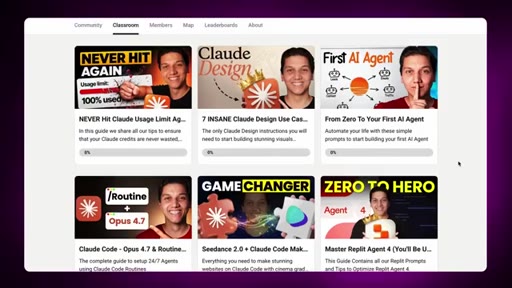
Claude Code and Cowork walkthroughs teased. Free School community CTA.
Visual structure at a glance.
Named ideas worth stealing.
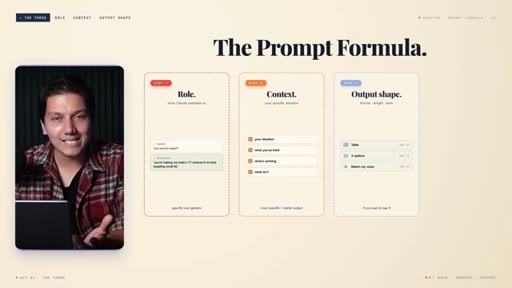
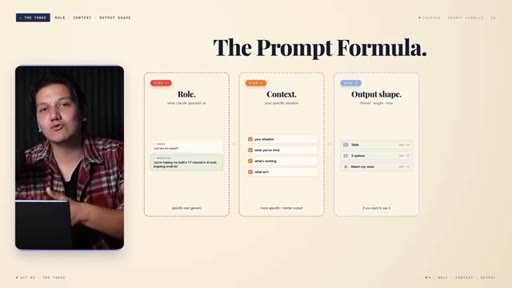
The 3-Part Prompt Formula
- Role (specific)
- Context (situation + what worked)
- Output shape (format/length/tone)
Minimum viable brief for any Claude prompt. Without all three you get Google-quality generic answers.
The New Hire Reframe
Claude is good when treated like a new hire. Bad when treated like a search engine. Immediately fixes most prompt failures.
The Interview Flip
Append 'before you write, ask me questions you need' to any prompt where context is unclear. Claude becomes the interviewer.
Custom Instructions 5-Section
- Who am I
- How I want Claude to talk to me
- What I'm working on (update weekly)
- How I work
- What to never do
Tight 200-word universal briefing. The 'what to never do' section has highest ROI per word.
Skills vs Projects vs MCP
MCP = kitchen (connection layer). Projects = workspace. Skills = the recipe sitting on top of both.
Skill Debug One-Liner
Type 'when would you use the [X] skill?' — Claude quotes the trigger description. You see exactly what's vague. Edit one line, reinstall.
Lines you could clip.
"Claude is good when you treat it like a new person that you are hiring for your business. It's bad when you treat it like Google."
"It's not a better prompt. It's basically a better environment."
"The single highest leverage hour that you'll spend on your AI setup this entire year."
"Claude knows what it needs better than you do."
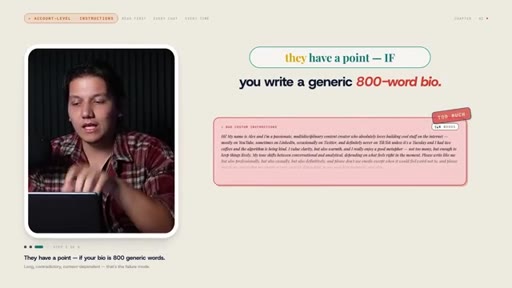
"This is a briefing. Keep that in mind. It's not a biography, so you don't need to give it so much."
How they spent the runtime.
Things they pointed at.
How they asked for the click.
"The templates, my custom instructions, the exact skills that I use, and the rest of my workflows are all in our free school community."
Soft. Free community link in description. Two follow-up video CTAs teased. No hard ask.
Word for word.
Build the environment, not a better prompt.
Every recurring result problem in Claude traces back to a missing environment layer — the fix is never a cleverer prompt, it's installing the right layer.
- Map your own 8 layers: model, prompts, memory, artifacts, projects, skills, instructions, connectors — audit which are actually live.
- The interview flip is the fastest win: append 'before you write, ask me questions' to any vague prompt. Zero setup, immediate improvement.
- Write custom instructions in 5 sections, 200 words max. The 'what to never do' section pays the most per word.
- Build a skill file for every recurring task — Claude writes the file; you just describe the workflow once.
- The skill debug trick ('when would you use the X skill?') belongs in your standard troubleshooting flow.
- The import-memory trick (port GPT/Gemini history into Claude in 5 min) is underused and demonstrable — strong JoeFlow demo candidate.
Why your AI answers feel generic — and the fix.
The reason most people get weak results from AI tools isn't the model — it's that they ask short questions and expect expert answers, like it's a search engine.
- Give Claude a role, context, and output shape in every prompt — three sentences of setup saves ten minutes of editing.
- When you don't know what context to give, ask Claude to interview you: end your prompt with 'before you write, ask me what you need.'
- Custom instructions take 15 minutes once and change every conversation after that — tell it your name, what you're working on, and what you hate seeing.
- If you've been using ChatGPT or Gemini for a while, Claude can import that history — you don't have to start over.