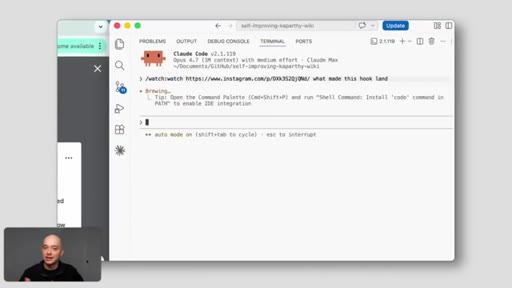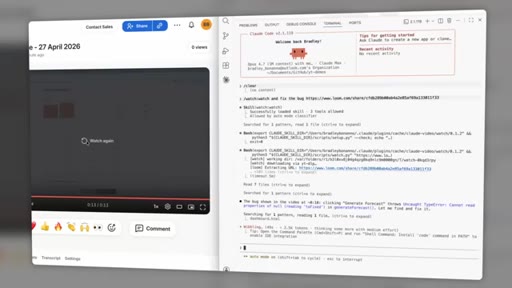
The bait, then the rug-pull.
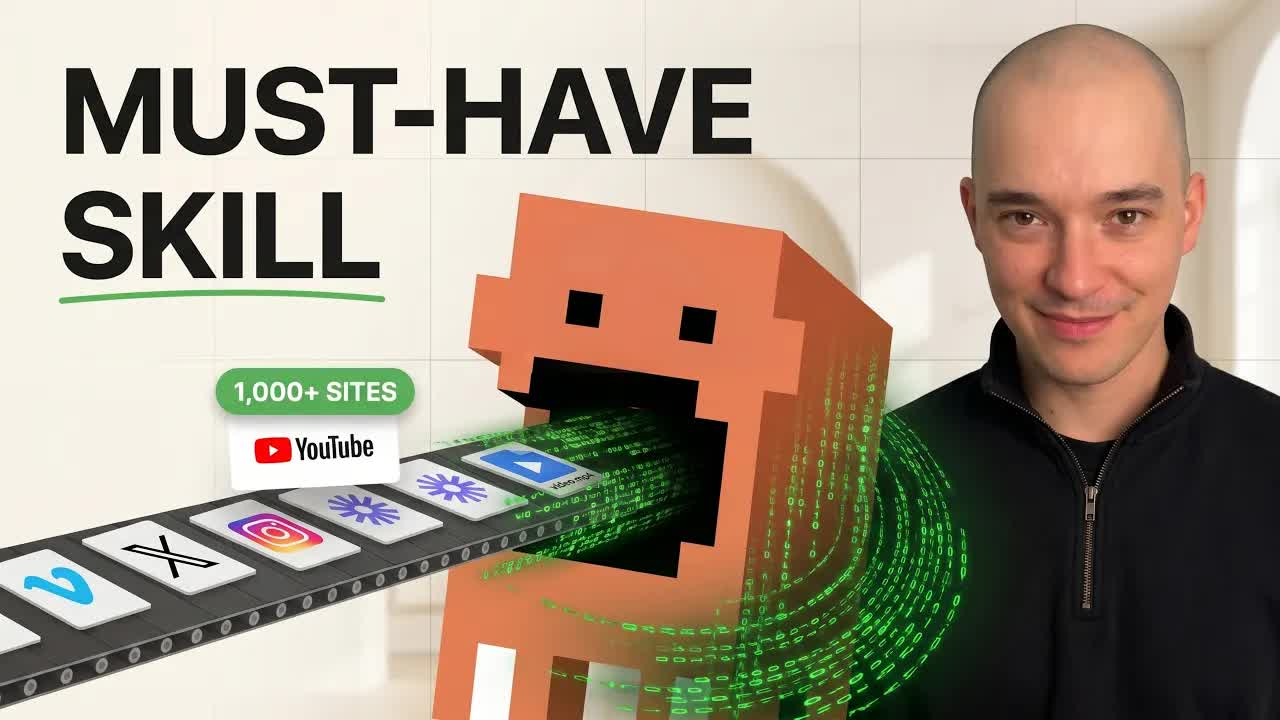
Brad opens with a claim that doubles as a threat to every expensive AI video tool on the market: for free, with no proprietary video model, Claude can now watch anything. Before you've hit play, Claude's already an expert on what's in it.
What the video promised.
stated at 00:39 "I'll walk you through exactly how it all works, the use case that completely changed how I consume content, and how to set this up in your own Claude Code in under five minutes." delivered at 07:42
Where the time goes.
01 · Cold open
Problem stated: other transcript tools only read words and miss half the video. Promise: how it works, the life-changing use case, and a 5-minute setup.
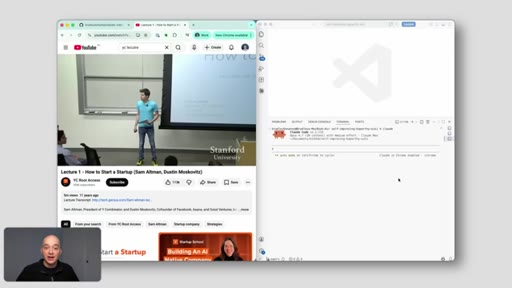
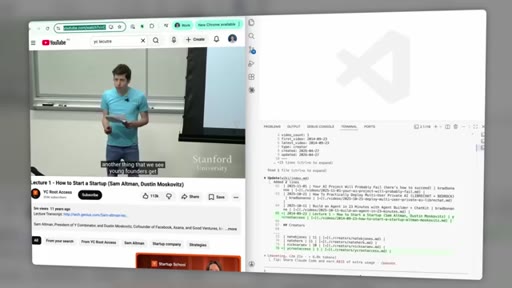
02 · Watch videos in minutes — live demo
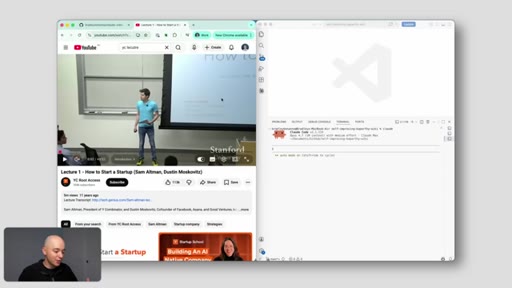
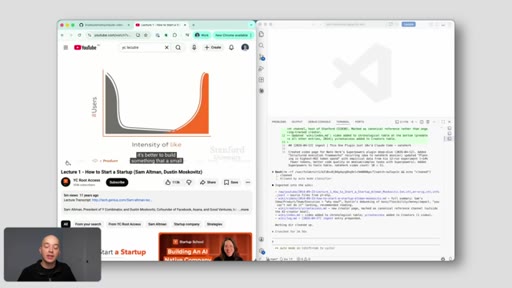
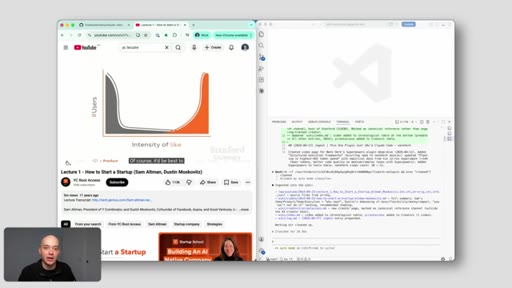
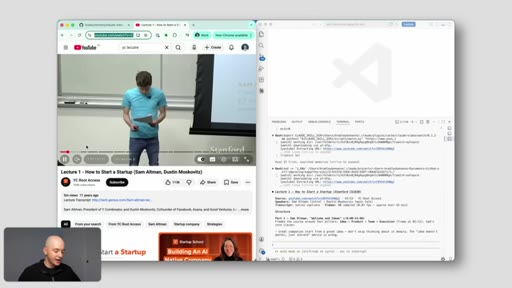
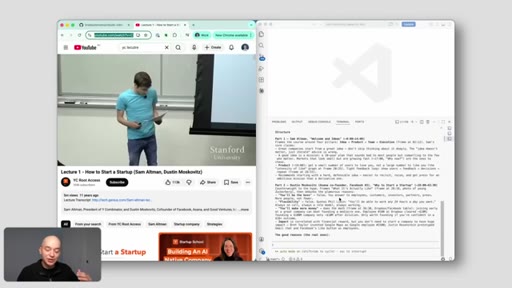
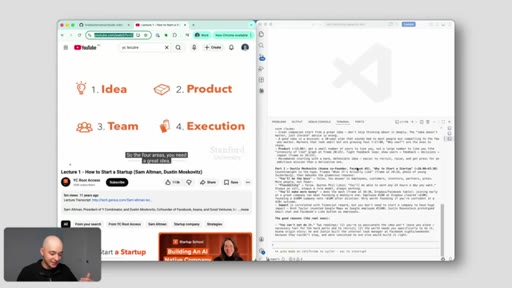
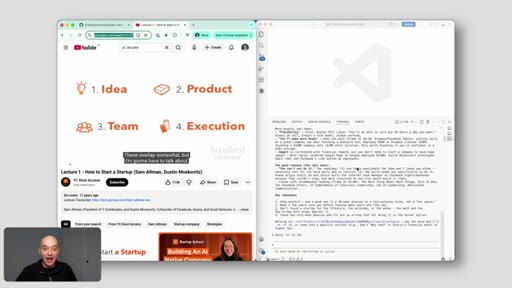
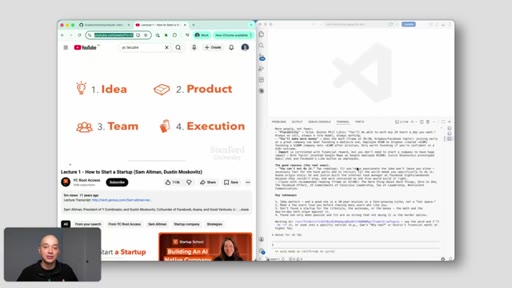
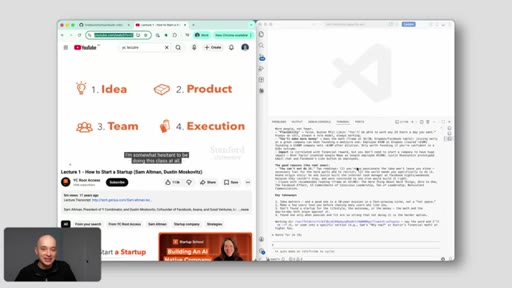
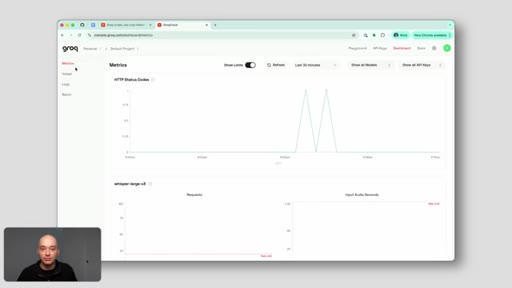
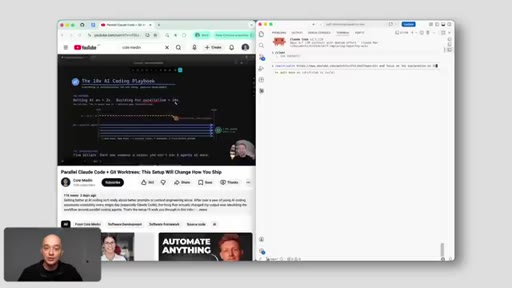
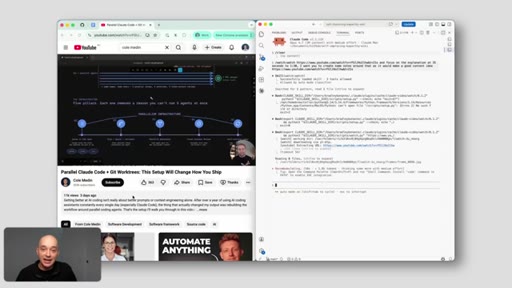
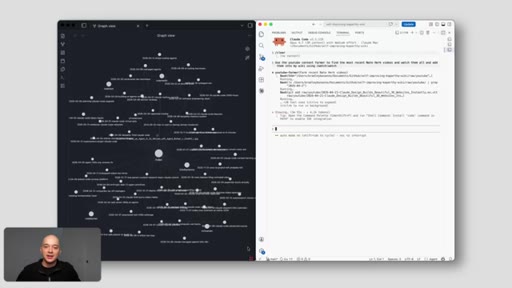
Side-by-side screen recording: 45-minute Sam Altman YC lecture ingested in under 2 minutes. Claude returns structured speaker summary, queryable in terminal.
03 · Setup
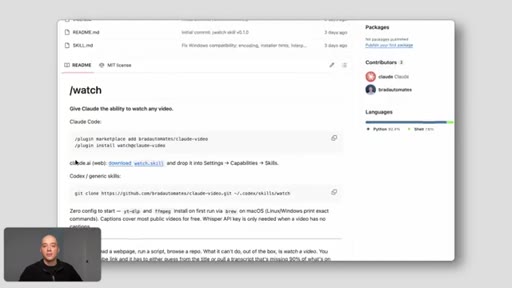
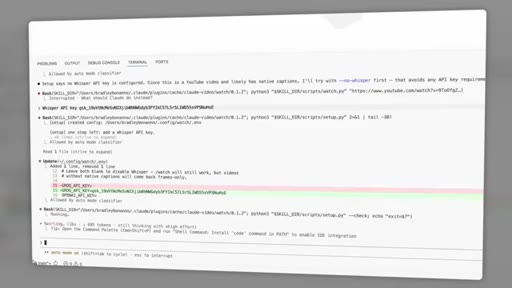
GitHub link (free), install commands, automatic dependency install, API auth on a free-tier transcription service.
04 · Under the hood
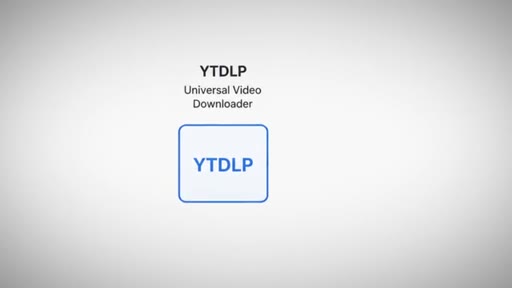
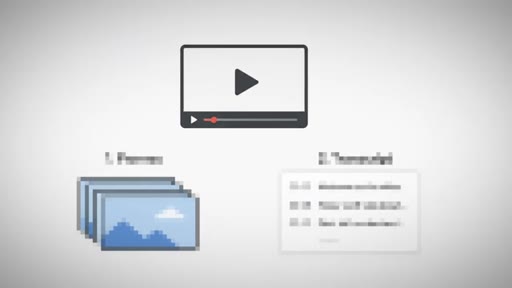
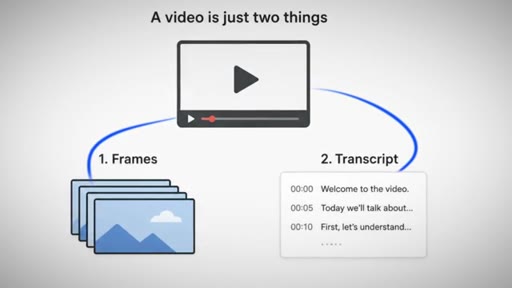
Core insight: a video is just two things — frames and a transcript. yt-dlp + FFmpeg do the heavy lifting locally. No MCP, no third-party wrapper, no cloud service.
05 · The cost math
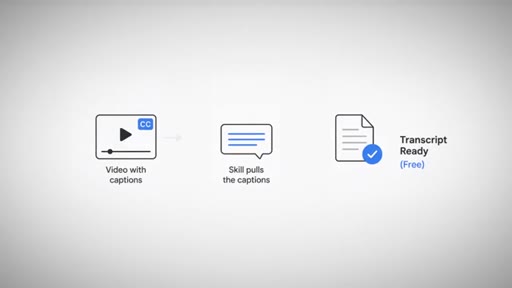
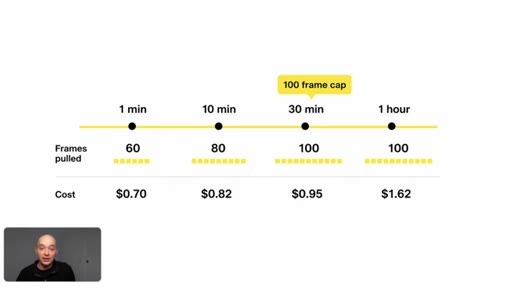
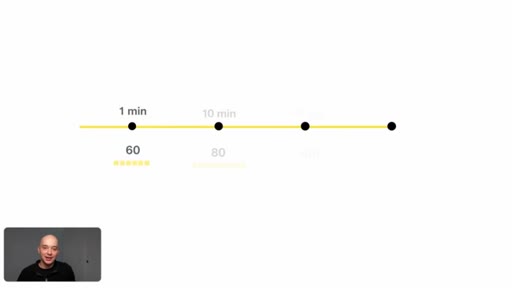
Frame scaling table: 1 min = 60 frames / $0.70; 1 hr = 100 frames / $1.62 (capped). YouTube captions are free; Groq Whisper free tier covers everything else.
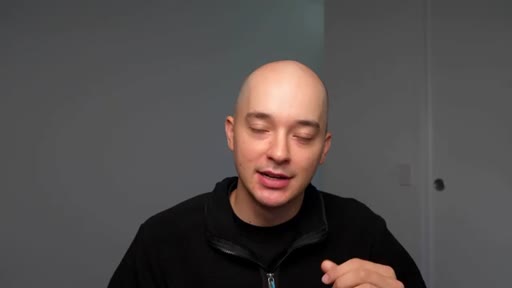
06 · Analyze video hooks
Use case #1: content research — paste a winning video URL, ask Claude to break down the hook. Replaces 10 min/video of manual scrubbing.
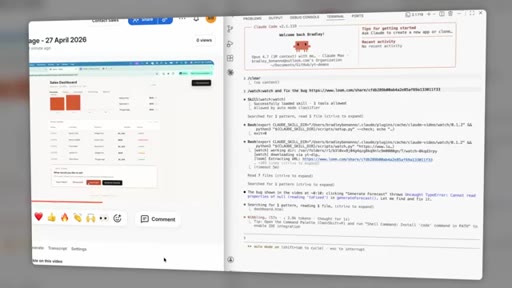
07 · Debug screen recordings
Use case #2: developer QA — drop in a 30-second screen recording of a UI bug; Claude pinpoints the exact frame the state change happens.
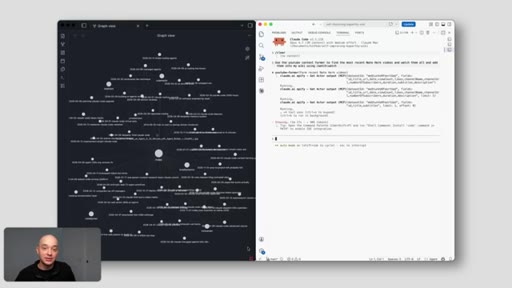
08 · Content intelligence / second brain
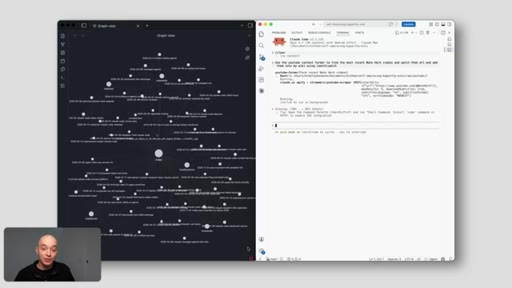
Use case #3: Obsidian second brain — Claude auto-watches competitor videos and feeds structured notes in. Compounds over time.
Visual structure at a glance.
Named ideas worth stealing.
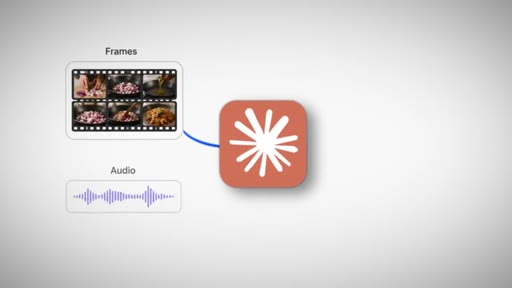
A video is just two things
- Frames
- Transcript
Instead of paying for an expensive multimodal video model, decompose any video into the two things Claude already reads natively — screenshots and timestamped text. Feed both together.
Battle-tested tools, not new wrappers
- yt-dlp (universal video downloader)
- FFmpeg (frame + audio extraction)
Brad explicitly contrasts his use of decade-old, rock-solid CLI tools against MCPs and third-party wrappers. Trust signal: millions of developers, no vendor risk.
Frame cap cost scaling
- 1 min -> 60 frames / $0.70
- 10 min -> 80 frames / $0.82
- 30 min -> 100 frames / $0.95
- 1 hr -> 100 frames / $1.62
Capping frames at 100 beyond 30 minutes means cost is nearly flat at scale — a key objection killer for "this will torch my token budget."
Lines you could clip.
"Half of the interesting stuff in a video isn't said out loud. It happens on screen."
"You're not watching content anymore. You're actually downloading context automatically and putting it to work straight away."
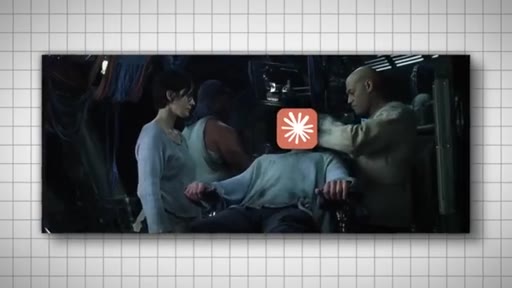
"That's the matrix moment."
"I've used this skill every day for two weeks, and I'm still on the free tier. It's crazy."
"Whatever you're using video for, you can probably stop watching it manually because of this skill."
How they spent the runtime.
Things they pointed at.
How they asked for the click.
"If that's where you wanna take this, that's the next video to watch. It's linked up here. If this was useful, hit subscribe."
Clean, no hard sell. Next-video link appears visually. Subscribe ask is brief and earned after a dense value delivery.
Word for word.
Lead with the outcome, not the tool.
Brad never explains yt-dlp until after you've already watched a 45-minute lecture get ingested in 90 seconds — the demo sells, the explainer closes.
- Open with the biggest possible before/after. The "matrix moment" lands at 2:23 before a single line of pipeline explanation.
- The "decompose the expensive thing" framing is reusable: any time AI cannot do X natively, ask what X is made of and feed those pieces instead.
- The cost math section is a trust unlock — show the pricing table, kill the "this will be expensive" objection, then say "I have been on the free tier for two weeks."
- The second-brain use case buried at 7:42 is actually the strongest hook in the video. Lead with compound intelligence, not one-off demos.
- The GitHub link early (2:43) plus no-account-needed install turns a tutorial into a distribution channel — every viewer becomes a potential user in 5 minutes.
Stop watching videos manually.
If you spend time watching tutorials, lectures, or competitor content to extract information from them, this skill replaces that work with a URL paste — and the result is queryable.
- Paste any YouTube URL (or local video file) and ask Claude specific questions about it — no watching required.
- A 45-minute lecture takes Claude under 2 minutes to fully process; you can then ask follow-up questions like it is a conversation.
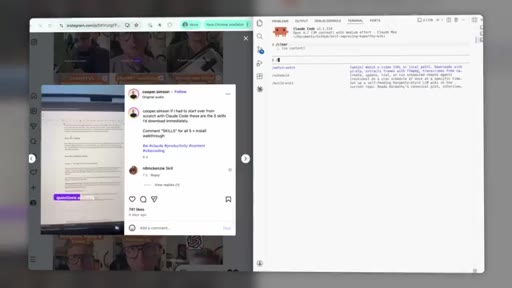
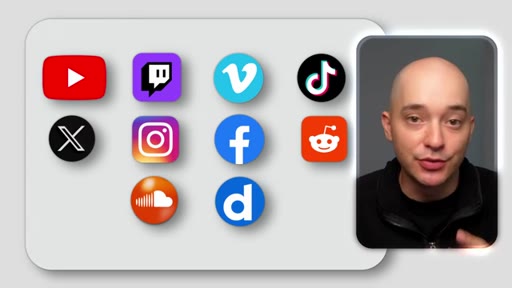
- It works on over 1,000 sites beyond YouTube: Loom, Instagram Reels, TikTok, local MP4s.
- Cost is roughly $1 per video or completely free for YouTube (captions are pulled directly — no transcription API needed).
- Setup takes 5 minutes. The skill is free and open-source on GitHub at bradautomates/claude-video.
- For developers: drop in a screen recording of a UI bug and ask Claude which exact frame the crash starts on — saves hours of scrubbing.