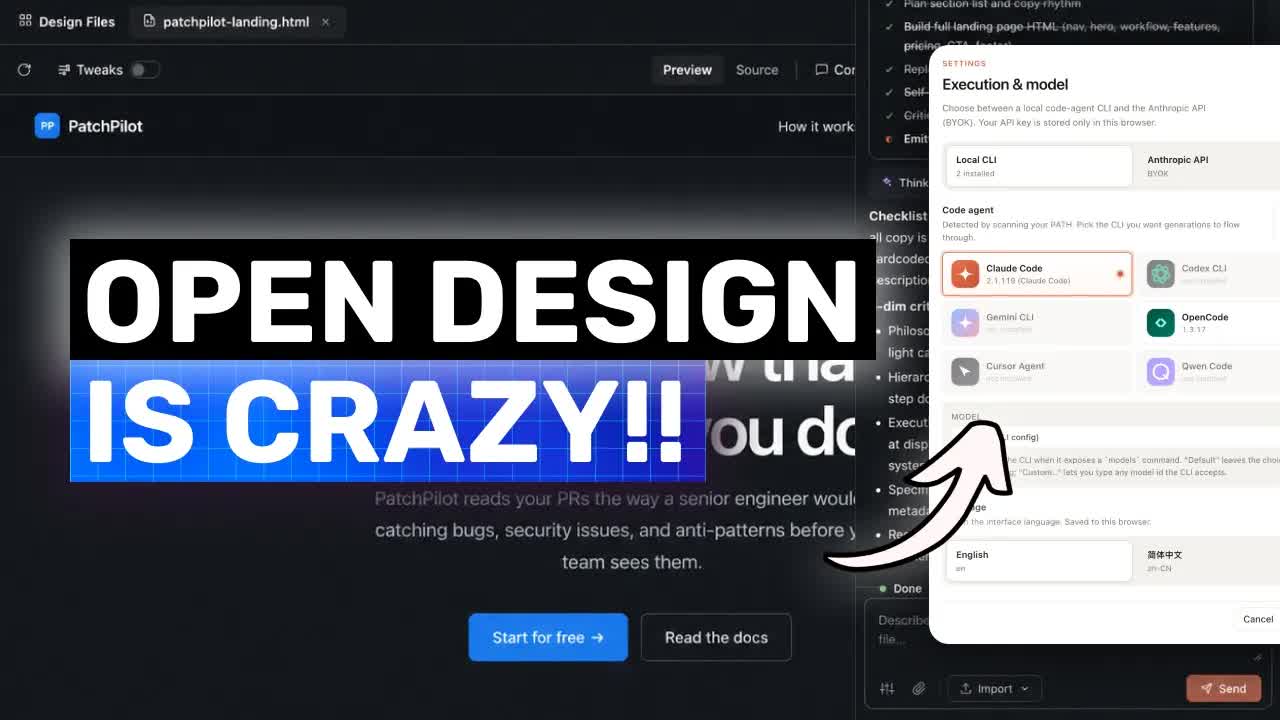
AICodeKing · Youtube · 12:24

Open Design: The Open Alternative to Claude Design

A 12-minute walkthrough of an Apache-licensed project that turns your existing coding agent into a structured design tool with 19 skills and 71 brand-grade design systems.

Posted
April 29th 2026
27 days ago
Duration
12:24
Format
Tutorial
educational
Channel
AI
AICodeKing
§ 01 · The Hook

The bait, then the rug-pull.

Claude Design was the proof-of-concept: ask an AI to produce a design artifact, not just describe one. Open Design is the answer for everyone locked out of that workflow -- a local-first, Apache-licensed shell that routes your existing coding agent through 19 composable skills and 71 brand-grade design systems, so the output follows real visual rules instead of vibing its way to another generic card.

§ · Chapters

Where the time goes.

00:00 – 00:05

01 · Cold open

Animated panda channel intro, @AICodeKing watermark

00:05 – 00:38

02 · What Open Design is

Introduces the project as a local-first open-source alternative to Claude Design; artifact-first vs. chat-first paradigm
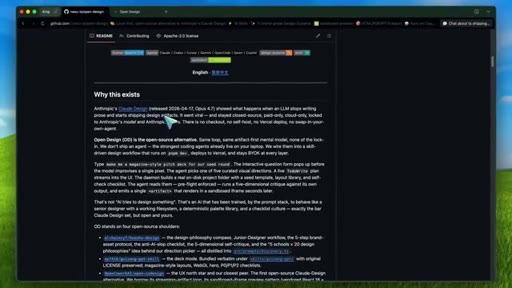
00:38 – 00:56

03 · The Claude Design problem

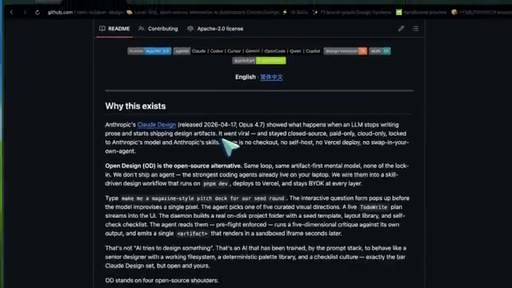
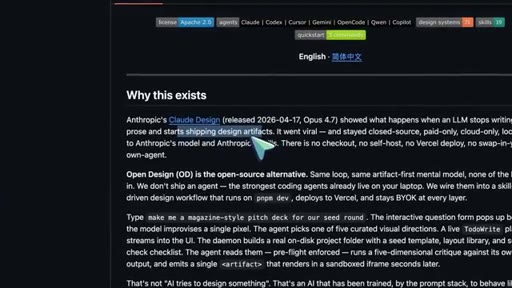
Claude Design is closed, paid, cloud-only, locked to Anthropic ecosystem -- no self-hosting, no other agents
00:56 – 02:09

04 · How Open Design solves it

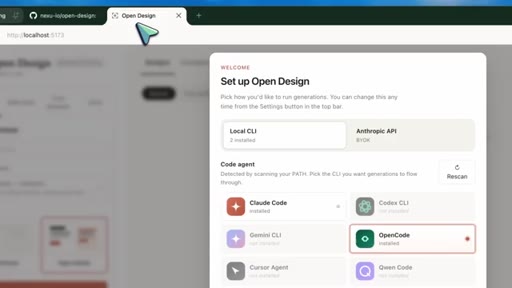
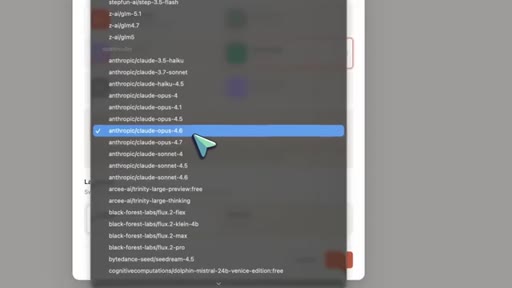
Detects existing CLI agents on PATH; Apache 2.0; BYOK model; cost stays with whichever agent you already use
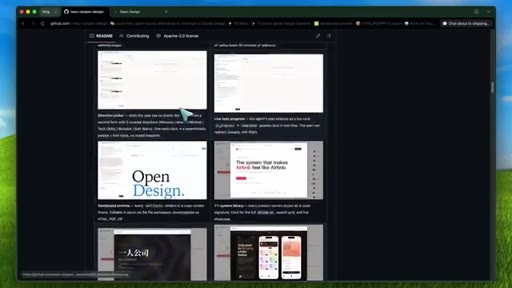
02:09 – 04:21

05 · 19 Skills + 71 Design Systems

Composable skills (dashboards, landing pages, PM specs, decks); design.md files for Linear, Stripe, Vercel, Airbnb; why structure beats prompting vibes
04:21 – 04:48

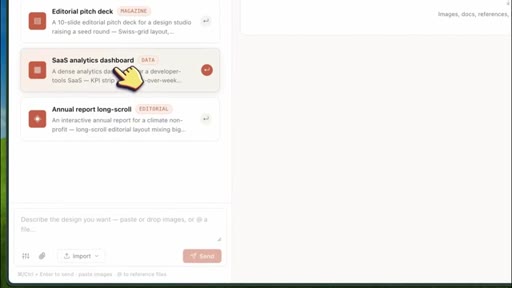
06 · Direction picker

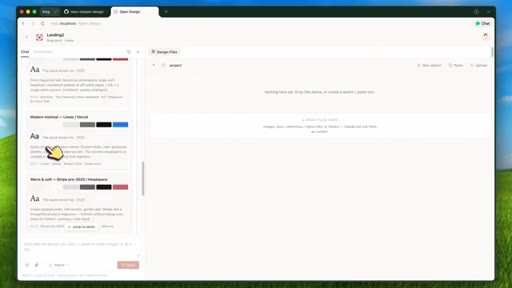
Five visual directions for brandless projects: Editorial Monocle, Modern Minimal, Tech Utility, Brutalist, Soft Warm
04:48 – 05:27

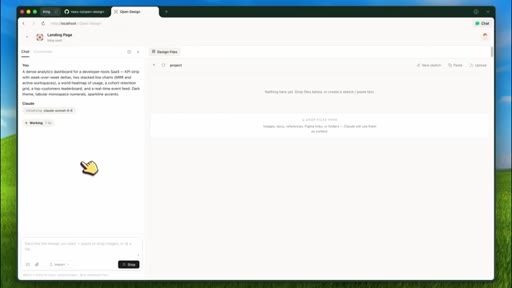
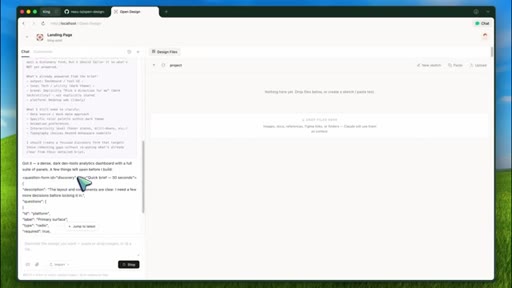
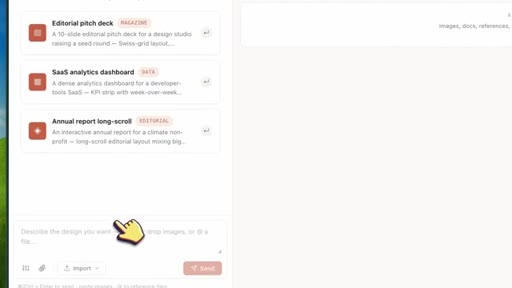
07 · Discovery form first

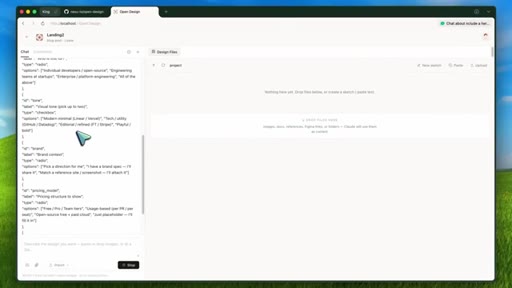
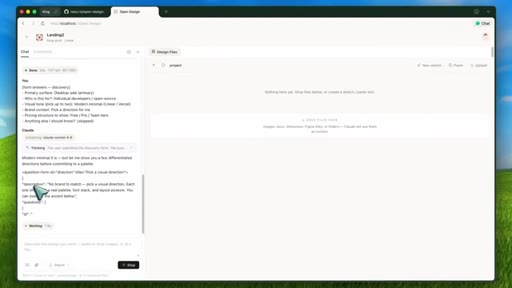
Prompt stack returns a form before any code; asks surface, audience, tone, brand, context, scale, constraints
05:27 – 06:21

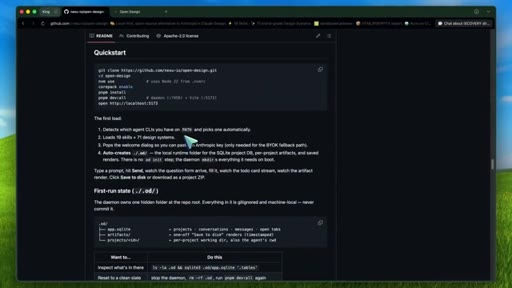
08 · Local setup walkthrough

Clone repo, nvm use, corepack enable, pnpm install, pnpm dev:all; daemon port 7456, Vite port 5173

06:21 – 07:20

09 · Architecture

Vite/React/TS frontend; Node/Express daemon; SQLite; agent spawned in .od folder with real filesystem; sandboxed iframe; exports HTML, PDF, ZIP, Markdown, PPTX
07:20 – 08:26

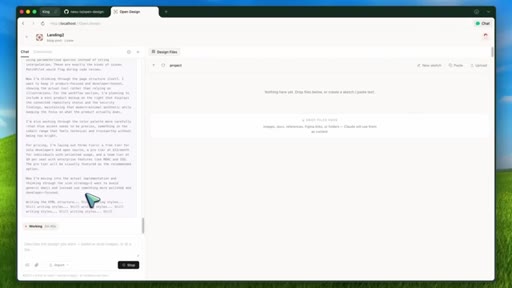
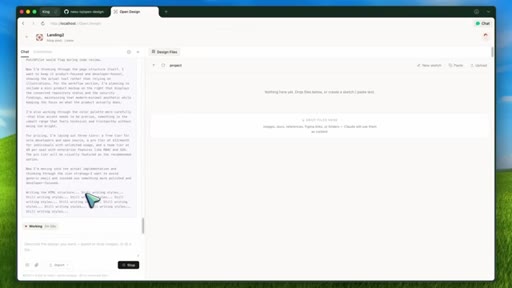
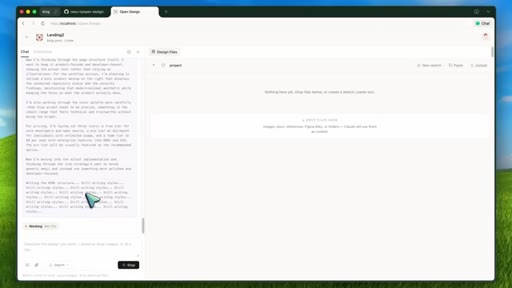
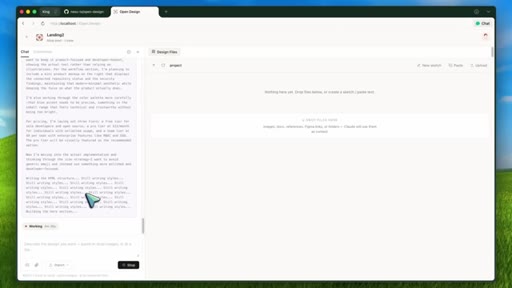
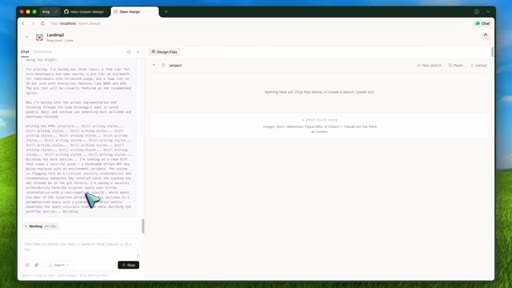
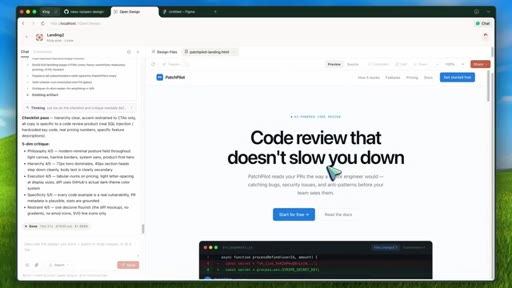
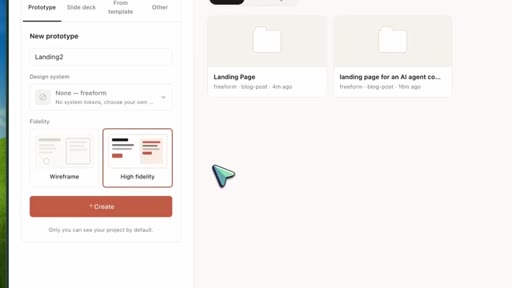
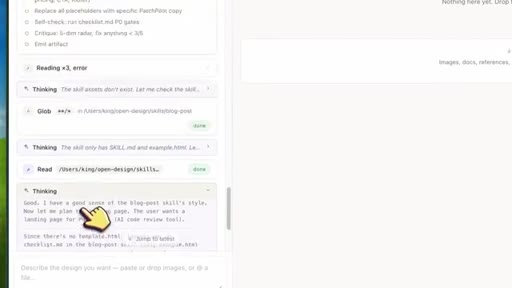
10 · Live demo: PatchPilot landing page

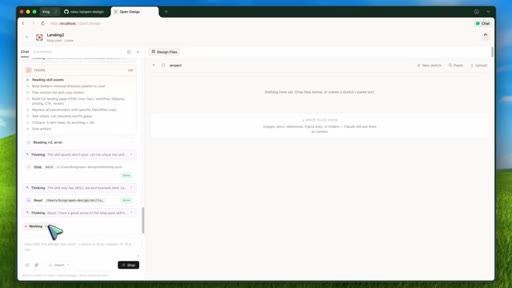
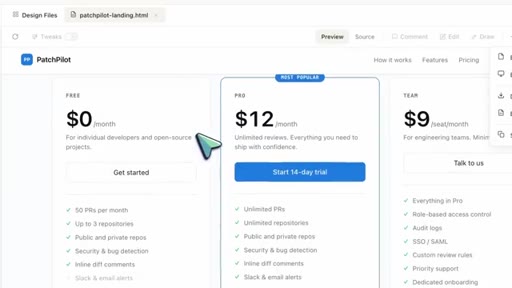
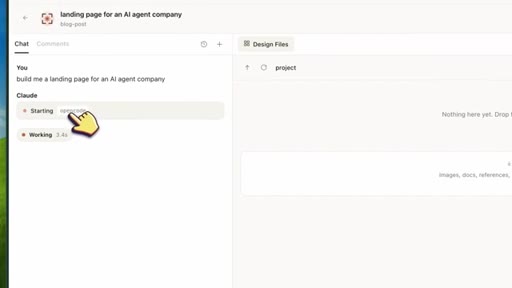
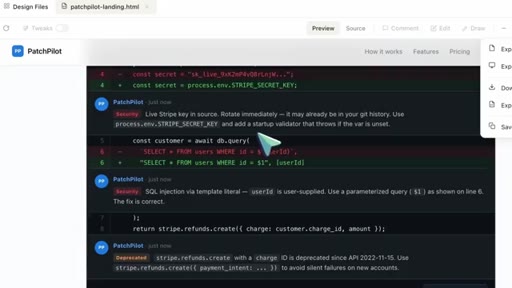
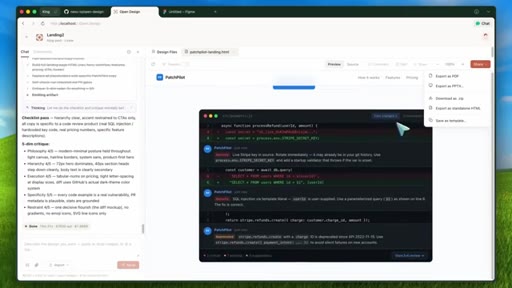
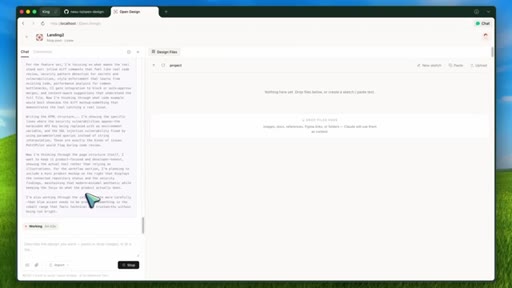
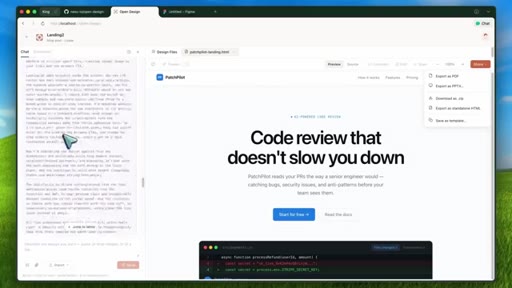
Claude Code agent, SaaS landing skill, Linear design system; discovery form; agent reads skill and design.md, streams plan, generates artifact
08:26 – 09:34

11 · Anti-slop features

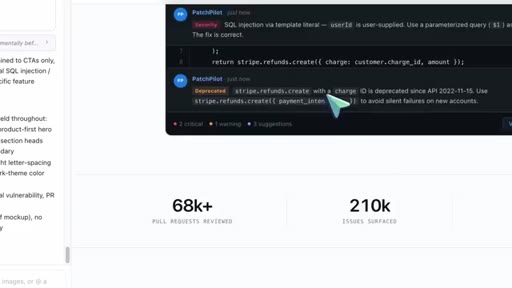
5-dimensional critique before emit; per-skill p0/p1/p2 checklists; explicit bans on purple gradients, emoji icons, generic cards, fake metrics
09:34 – 10:34

12 · Honest limitations

Early project; quality tied to model quality; local daemon needs thoughtful management; comment mode and surgical edits still roadmap
10:34 – 11:34

13 · Why the architecture is right

Agent + file-based skills + design.md = versionable, forkable, local design workflow; cost argument for indie hackers
11:34 – 12:24

14 · Realistic expectations + outro

Good for prototypes, dashboards, visual experiments; use as starting point for production; subscribe and super thanks CTA

§ · Storyboard

Visual structure at a glance.

cold open
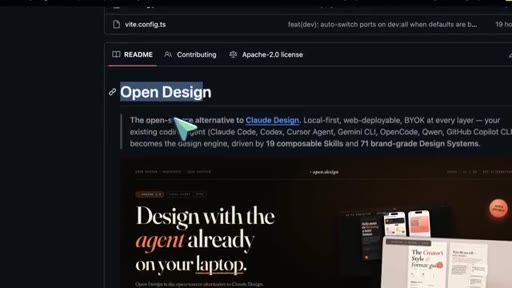
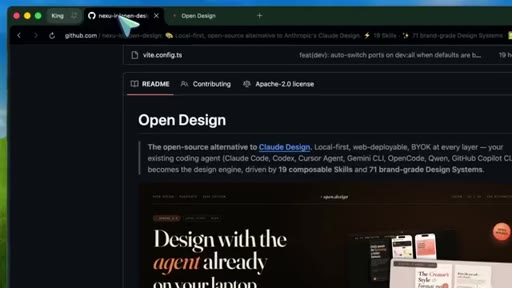
GitHub README
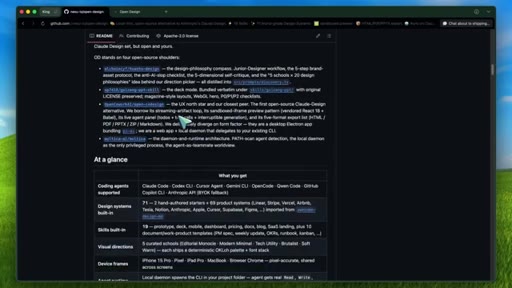
71 design systems table
architecture diagram
agent picker UI
live demo start
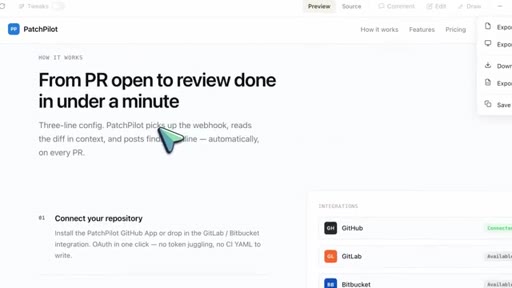
PatchPilot artifact
super thanks CTA
§ · Frameworks

Named ideas worth stealing.

10:34 list

The 3-Layer Stack

  1. Your existing coding agent (Claude Code, Codex, Gemini CLI, etc.)
  2. File-based composable skills (19 artifact type templates)
  3. Design.md systems (71 brand-grade visual rules)

The three components that combine to make Open Design work: the agent provides generation capability, skills provide artifact-type structure, design systems provide visual consistency.

Steal for any AI tool that generates UI or documents
08:26 list

5-Dimensional Artifact Critique

  1. Design philosophy
  2. Hierarchy
  3. Execution
  4. Specificity
  5. Restraint

A pre-emit self-critique the prompt stack runs before returning the final artifact. Catches slop before it renders.

Steal for any multi-step AI generation workflow where quality matters
04:21 list

5 Visual Directions

  1. Editorial Monocle
  2. Modern Minimal
  3. Tech Utility
  4. Brutalist
  5. Soft Warm

A curated menu of visual personalities for projects without an existing brand, giving the agent a deterministic palette and font stack before generation starts.

Steal for any AI design tool aimed at early-stage projects without brand guidelines
§ · Quotables

Lines you could clip.

02:00
"Open design is not a free model. It is not a magic hosted design model. It is more like a design shell around the agents you already have."
Corrects the most common misread in one sentence -- tight, quotable, no setup needed → IG reel cold open
03:16
"The average AI generated UI is not bad because the model cannot write CSS. It is bad because the model has no stable visual system, no constraints, no checklist, and no reason to stop making the same generic cards over and over again."
Reframes a widespread frustration precisely -- usable as standalone hot take → TikTok hook
05:11
"Thirty seconds of questions can save thirty minutes of regeneration."
Aphoristic, precise, universally applicable → newsletter pull-quote
§ · Resources Mentioned

Things they pointed at.

00:13productClaude Design ↗
01:51toolCodex CLI ↗
06:15channelAwesome Design MD
§ · CTA Breakdown

How they asked for the click.

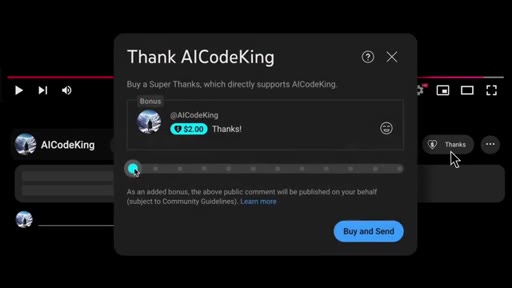
12:00 subscribe
"If you like this video, consider donating through the super thanks option or becoming a member by clicking the join button."

Standard outro CTA with YouTube Super Thanks UI overlay on screen. Clear and brief.

§ 04 · The Script

Word for word.

HOOK opening / re-engagementCTA the pitch metaphor analogy
00:05HOOKHi. Welcome to another video. So today I wanna talk about a new open source project
00:11HOOKcalled open design. And this is basically trying to be an open source alternative to Claude design. Now if you have not seen Claude design,
00:20HOOKthe idea is simple. Instead of asking an AI model to just talk about a design, you ask it to actually produce a design artifact.
00:28HOOKSo it can make a prototype, a deck, a mobile screen, or some kind of visual page, and you can preview that output directly. That is obviously very cool. But the problem is that Claude design is still closed, paid, cloud based, and tied to Anthropix ecosystem.
00:44So if you want to self host it or use Codex or use Cursor Agent or use Gemini CLI or run the design workflow with your own local setup, then you're basically out of luck. And this is where Open Design comes in. OpenDesign
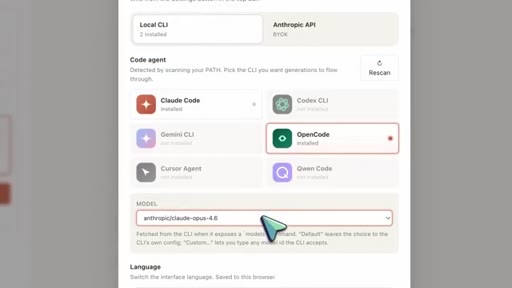
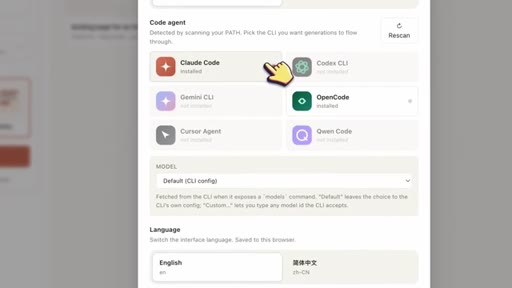
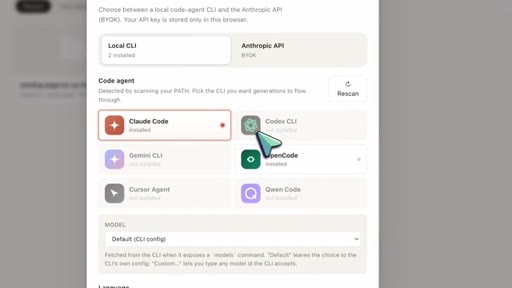
00:59is a local first open source design app that connects to the coding agent you already use. So instead of shipping its own AI agent, it detects tools like Claude code,
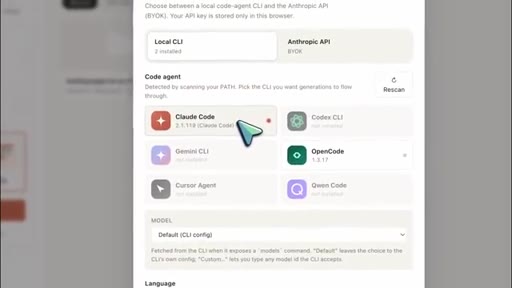
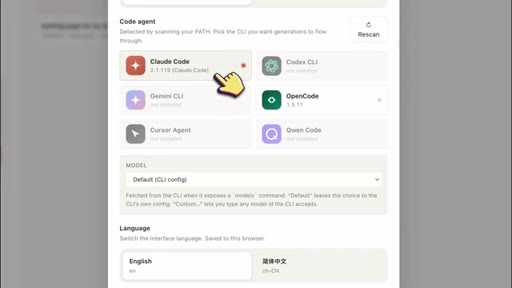
01:11Codec CLI, cursor agent, Gemini CLI, open code, and QN code from your path, and then uses that agent as the design engine.
01:20So that part is pretty interesting for sure. Because if you are already paying for a coding agent, this means you do not need a completely separate design subscription just to generate UI artifacts. The project itself is Apache two licensed and the cost comes from whatever model or agent you decide to use.
01:38So if you use Claude code, then obviously you are still paying for Claude code. If you use Codec CLI, then you're using your OpenAI setup. If you use Gemini CLI, then it depends on your Gemini setup.
01:51And if none of those CLIs are installed, it also has an Anthropic API fallback where you can bring your own key. That is a very important distinction.
02:00Open design is not a free model. It is not a magic hosted design model. It is more like a design shell around the agents you already have.
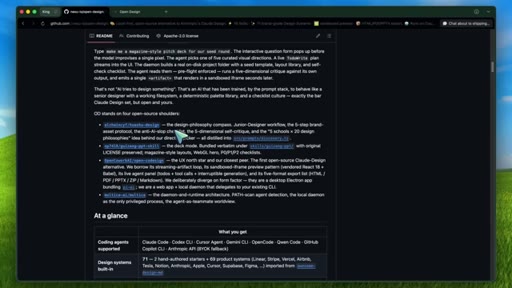
02:09Now, the reason I think this repo is worth looking at is that it is not just a blank chat box with a preview pane. The read me highlights 19.composable skills and the repo ships with 71 design systems.
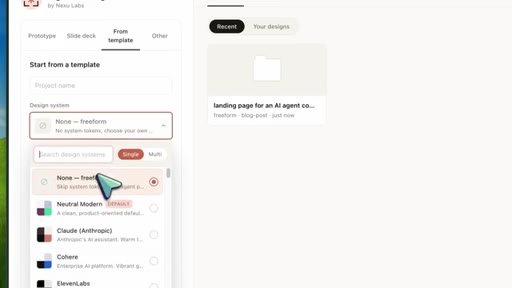
02:23And that is where it becomes much more useful. The core skills cover things like web prototypes, SaaS landing pages,
02:30dashboards, pricing pages, docs pages, blog posts, mobile apps, simple decks, magazine style decks, and even work product templates like PM specs,
02:41weekly updates, meeting notes, run books, finance reports, invoices, Kanban boards, and OKRs. So you are not just telling the model, make me a nice page, and hoping it figures out the format.
02:55You pick a skill, and that skill gives the agent rules template Guizong PPT skill for magazine style web decks. If you choose dashboard, it is biased toward more data dense admin UI instead of some generic marketing page.
03:09That is exactly the kind of structure AI design tools need. Because to be honest, the average AI generated UI is not bad because the model cannot write CSS. It is bad because the model has no stable visual system, no constraints, no checklist,
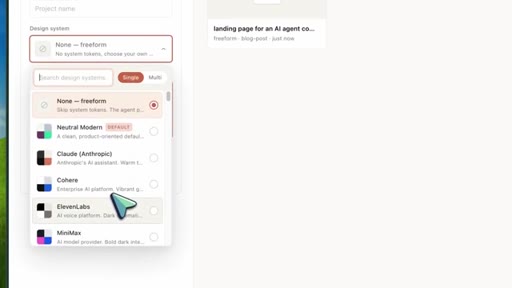
03:24and no reason to stop making the same generic cards over and over again. Open Design tries to fix that with design systems. It includes 71 design.md
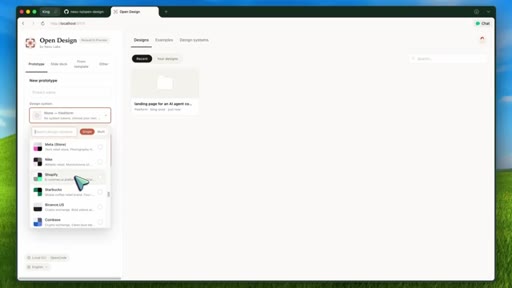
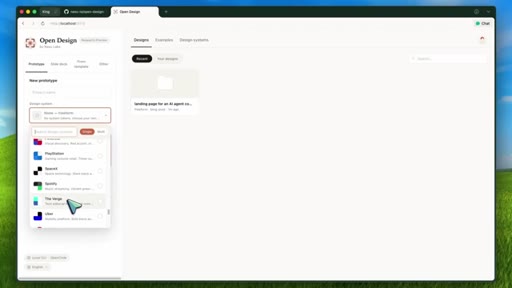
03:34systems out of the box. These include styles inspired by tools and brands like Linear, Stripe, Vercel, Airbnb, Tesla, Notion, Anthropic, Apple, Cursor, Supabase, Figma, Raycast, Lovable, Mistral, Spotify, Webflow, Sanity, Posthog, Sentry, MongoDB,
03:50Clickhouse, and a lot more. And if you watched my video on Awesome Design MD, this is basically that idea taken further. Adesign.md
03:58file is a plain markdown design system that tells the agent how the design should feel. It covers color, typography, spacing, layout, components, motion, voice, brand rules, and anti patterns. So instead of saying make it clean and modern, you can actually pick something like linear or Vercel or Stripe and make the generated artifact follow a more specific visual language.
04:17That is super useful. And this is also why I like the direction picker. If you do not have a brand, Open Design can ask you to choose from five visual directions.
04:26Editorial monocle, modern minimal, tech utility, brutalist, and soft warm. So again, the model is not just inventing a vibe from nowhere. It gets a deterministic palette, font stack, and visual direction before it starts building.
04:40And this is the pattern that I think more AI design tools should copy. Ask the important questions upfront, lock the visual direction, then generate. Because if the model starts building before it understands the audience, tone, brand, context, and scale, then you usually end up spending the next 10 prompts trying to undo the first bad direction.
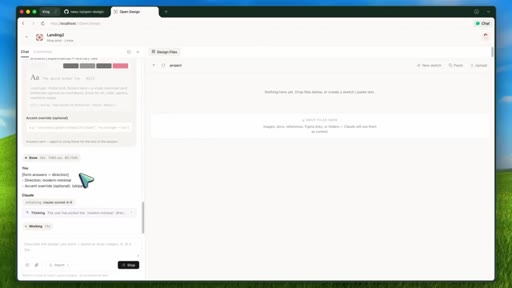
04:57HOOKOpen Design solves this with a question form first. When you give it a fresh design brief, the prompt stack is designed to return a discovery form first, not code.
05:08HOOKThat form asks about the surface, audience, tone, brand, context, scale, and constraints. And I know this sounds like a small thing, but it is actually a big deal. Thirty seconds of questions can save thirty minutes of regeneration.
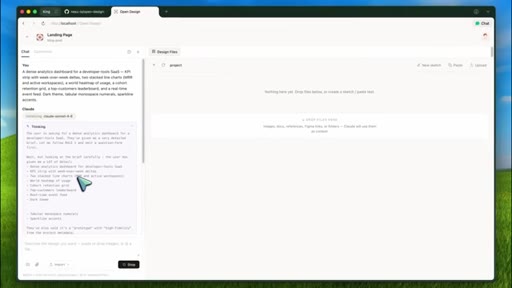
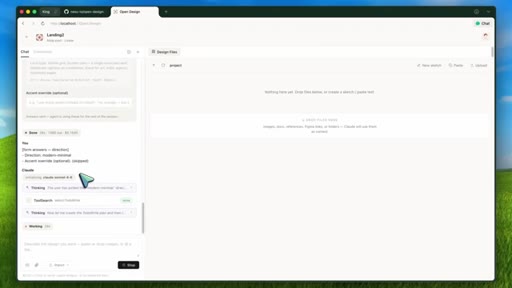
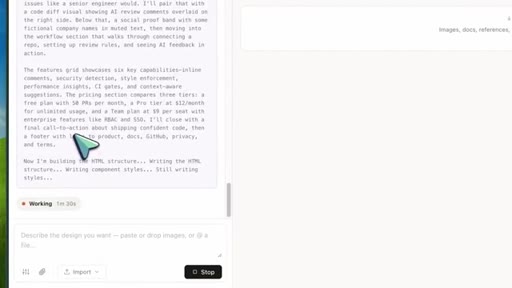
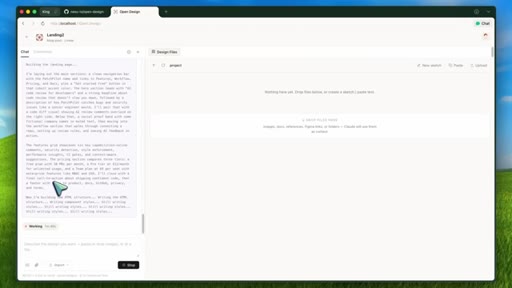
05:21HOOKOnce that is done, the agent creates a plan and the total progress streams into the UI. Then it generates the artifact and the result. That is a good workflow.
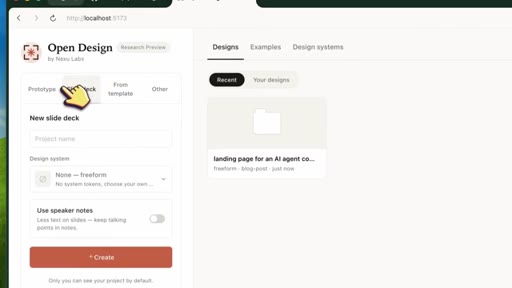
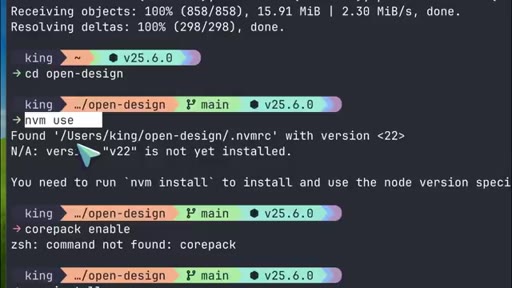
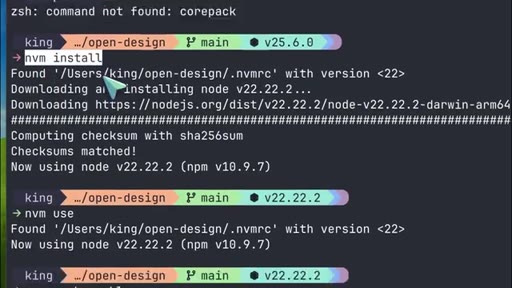
05:31Now let me explain the local setup. To install it, you can clone the repo from GitHub, then go into the open dash design folder. After that, run n v m use, then run core pack enable,
05:42then run p n p m install. And once everything is installed, run p n p m dev colon all.
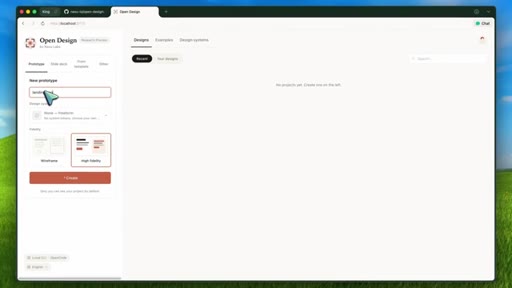
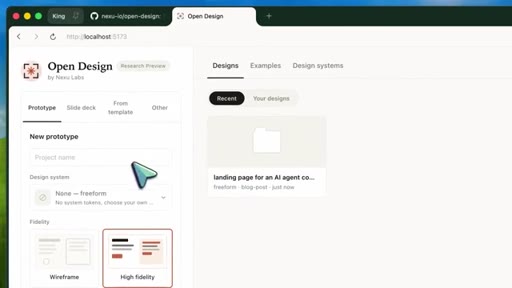
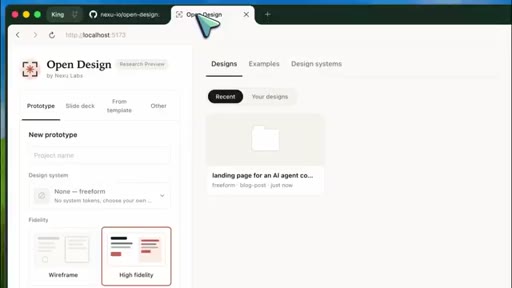
05:50That starts the local daemon and the Vite app together. The daemon runs on port seven four five six, and the web app runs on port five one seven three. Then you open local host colon five one seven three.
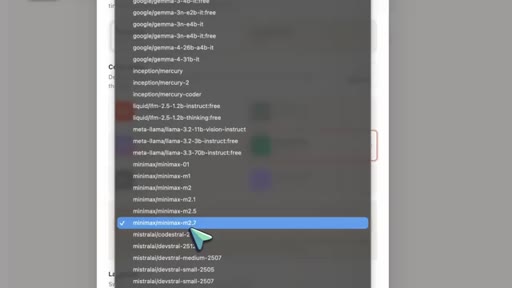
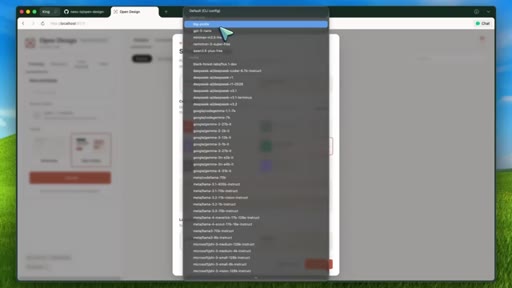
06:03On first load, open design detects which agent CLIs you have installed. So if you have Claude code, codex, Gemini, open code, cursor agent, or KWN on your path, it should show them in the app. If it does not find anything, you can still switch to the Anthropic API bring your own key mode.
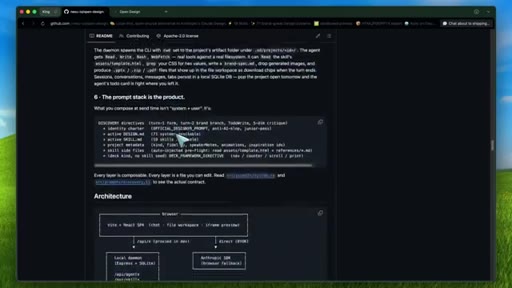
06:21Now, under the hood, the architecture is pretty simple in a good way. The front end is a Vite, React, and TypeScript app. The back end is a node and express daemon with SQLite for projects, conversations,
06:33messages, and open tabs. The daemon is the privileged process. It spawns your selected CLI in a project folder under dot o d, and that agent gets a real working directory where it can read files, write files, and produce artifacts.
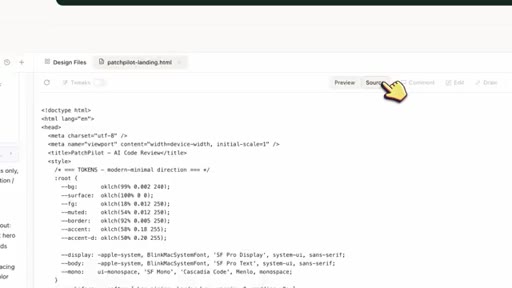
06:47So when the agent creates the design, it is not just returning some random blob in chat. It is writing real files into a local project folder. That is also why the outputs can be exported.
06:58Open design supports HTML, PDF, ZIP, markdown, and for deck skills, PPTX style output depending on the skill.
07:06And the preview is sandboxed, which is important because these are generated HTML artifacts. You wanna render them, but you also do not want the preview to have unnecessary access to everything.
07:16So overall, the technical design makes sense. Now, me give you a demo flow I would actually show.
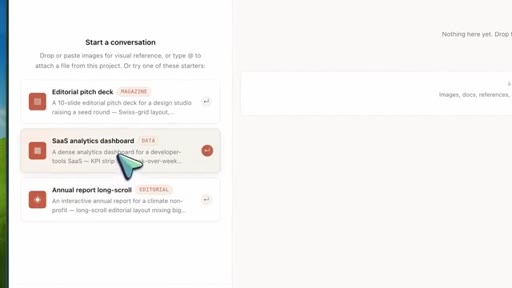
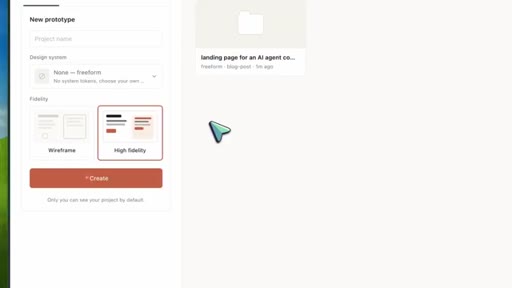
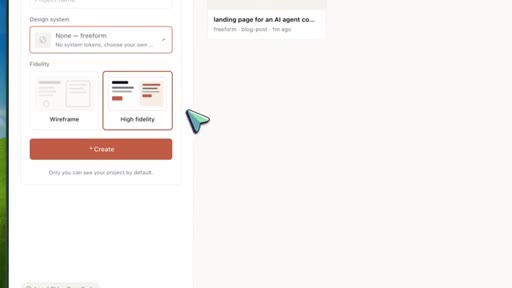
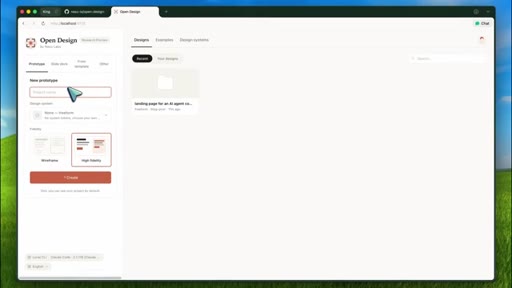
07:22I would open OpenDesign and choose Codec CLI or Cloud Code as the agent. For the skill, I would pick SAS landing or dashboard.
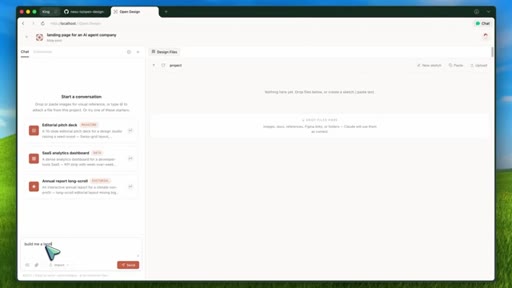
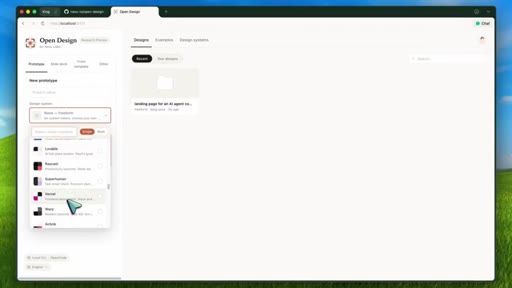
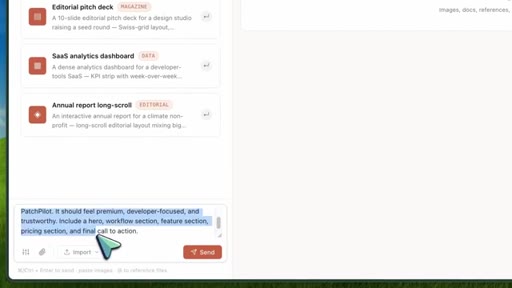
07:31For the design system, I would choose linear or Stripe because those are easy to judge visually. Then I would prompt something like, make a landing page for an AI code review product called PatchPilot.
07:42It should feel premium, developer focused, and trustworthy. Include a hero, workflow section, feature section, pricing section, and final call to action.
07:53Now after sending that, Open Design should first show the discovery form. This is where I would fill in the audience, tone, scale, and brand context.
08:03For the direction, I would probably choose modern minimal if I want the linear or Vercel kind of feel. After that, the agent starts working. So you should see the Toto plan streaming in the interface.
08:13Now it might inspect the skill, read the design dot MD file. Let's send it and see this kind of iteration is where the tool can be useful because the design system and the skill stay in the prompt stack. The agent has a stable source of truth instead of drifting every time you ask for a refinement.
08:30Now there are also some really interesting anti slop ideas in this repo. The prompt stack includes a five dimensional critique before the artifact is omitted. It checks things like design philosophy,
08:40hierarchy, execution, specificity, and restraint. Every skill can also ship with a checklist.
08:46So for example, a deck skill can have p zero, p one, and p two rules that the agent has to satisfy before it returns the final artifact. And the repo explicitly tries to ban some of the common AI UI failure modes. Things like aggressive purple gradients, generic emoji icons, random rounded cards with left border accents,
09:05fake metrics, and overused decorative elements. Chef's kiss, really good stuff because those are exactly the patterns that make AI generated UI look cheap. Now is open design perfect?
09:15No. First, this is still an early project. I would treat it as something to experiment with, not something I would immediately put into a production design workflow for a whole team.
09:25Second, the output quality will still depend heavily on the underlying agent. Claude code gets the best streaming support because it can output structured stream JSON. The other CLIs are more line buffered.
09:37They can still work, but the experience may not be as rich. Third, you still need a good model. If you use a weaker model, a design system file will help, but it will not magically turn bad design judgment into great design judgment.
09:50Fourth, this is a local daemon that spawns coding agents and gives them a working directory. That is the whole point, but it also means you should be thoughtful about what skills you install and what directories you expose. And fifth, some features are still road map ish.
10:04Things like comment mode surgical edits and an AI emitted tweaks panel are mentioned as future directions, not the full current experience. So I would not oversell it. But I do think the idea is very strong because the best part of open design is not just that it is a clawed design clone.
10:21The best part is that it combines three things that are actually useful. One, your existing coding agent, two, file based skills, and three, design.md
10:29systems. That combination makes a lot of sense. It means your design workflow can be versioned, edited, forked, run locally.
10:37It also means a team could theoretically create its own internal dashboard skill, its own brand design dot m d file, and then use Claude code, codex, or another agent to generate artifacts that follow those rules. That is much more interesting than a lockdown design chat box. And from a cost perspective,
10:54this is also the right direction. The repo is free and open source, and you bring the agent you already use. So for students, indie hackers, and people who already pay for one AI coding tool, this is much more reasonable than adding yet another paid design subscription.
11:09Now, I still think you should keep expectations realistic for quick prototypes, landing pages, internal dashboards, decks, and visual experiments. This could be really good.
11:19For serious production UI, I would still use it as a starting point, then review the code, test responsiveness, clean up accessibility,
11:27and refine the design manually. But that is fine. The point is not that open design replaces designers or front end engineers.
11:35CTAThe point is that it gives AI agents a much better design workflow than just make it look nice. And if you ask me, that is exactly where AI UI generation needs to go. Less random prompting, more structured skills, more design systems, more local control,
11:51CTAmore outputs you can actually inspect and edit. So overall, open design is pretty cool.
11:56CTAAnyway, let me know your thoughts in the comments. If you like this video, consider donating through the super thanks option or becoming a member by clicking the join button. Also, give this video a thumbs up and subscribe to my channel.
12:07CTAI'll see you in the next one. Until then, bye.
— full transcript
§ 05 · For Joe

Structure beats prompting when generating UI.

WHAT TO LEARN

The reason AI-generated interfaces look generic is not model capability -- it is the absence of a visual system, a skill contract, and a brief before the first token is written.

  • A discovery form before any generation -- asking about audience, tone, brand, and constraints -- prevents the most expensive kind of rework: undoing a bad visual direction the model invented on its own.
  • Design.md files are portable, versionable visual contracts: encoding anti-patterns explicitly (no purple gradients, no emoji icons, no generic rounded cards) is as productive as specifying what to include.
  • Pre-emission critique checkpoints -- evaluating hierarchy, restraint, and specificity before the user sees anything -- catch slop earlier and cheaper than iterating after the fact.
  • An agent-agnostic architecture that reads skills and design systems from files means the workflow can be forked, customized, and kept in version control like any other code asset.
  • Output quality still tracks with model quality; a strong design system raises the floor but does not lift the ceiling -- the right tool still requires the right model.
  • The most practical use cases today are prototypes, internal dashboards, landing pages, and visual experiments -- not production UI that will go through a full accessibility and responsiveness review.
§ 06 · Frame Gallery

Visual moments.