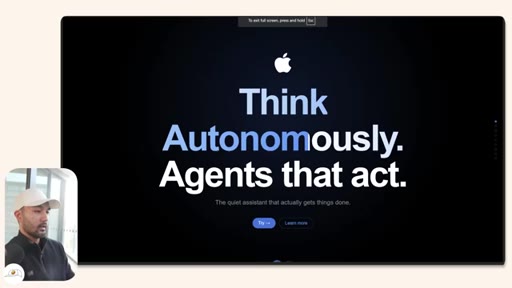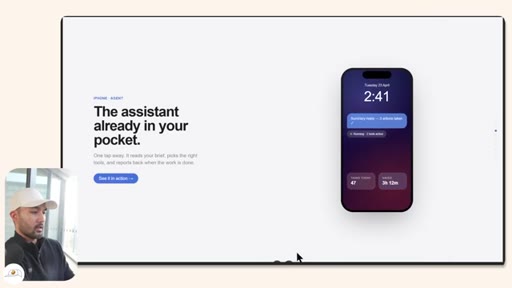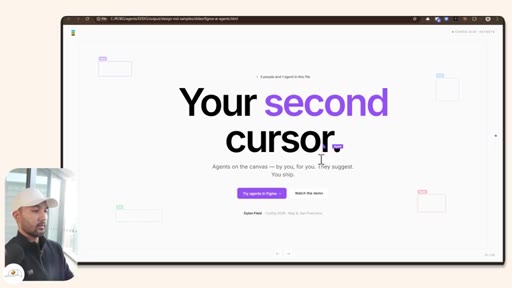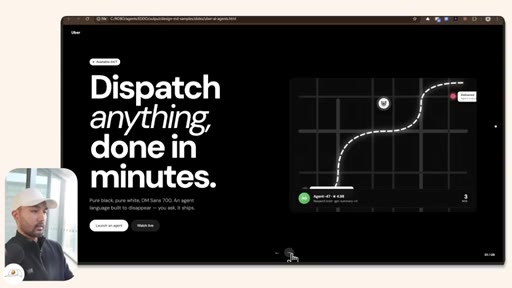
The bait, then the rug-pull.
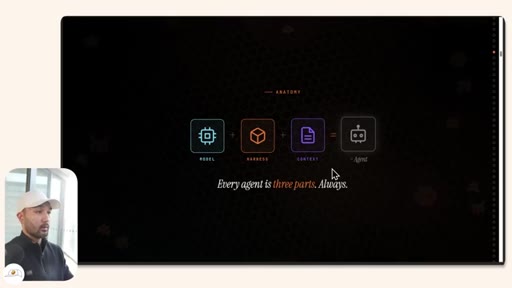
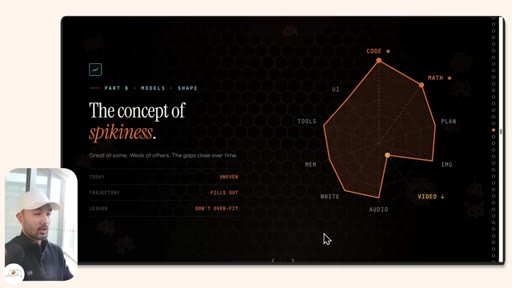
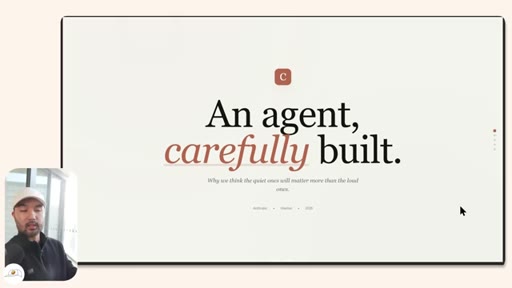
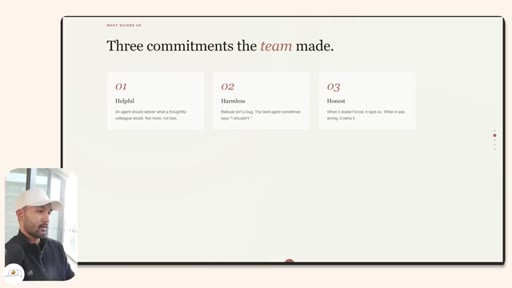
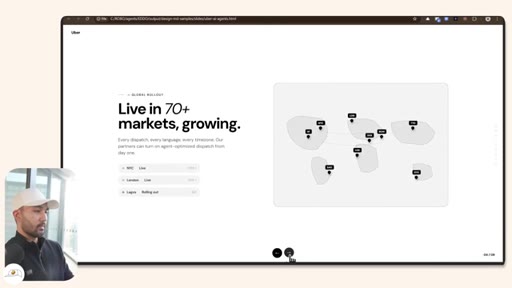
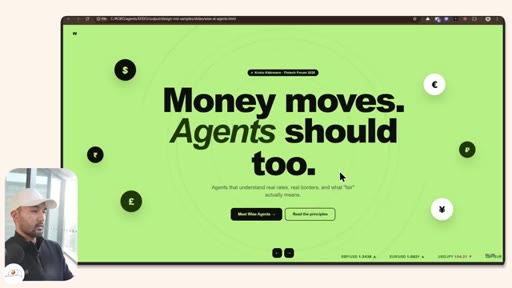
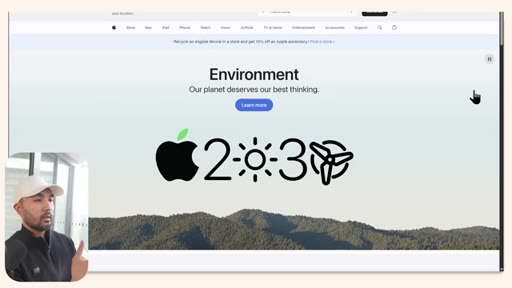
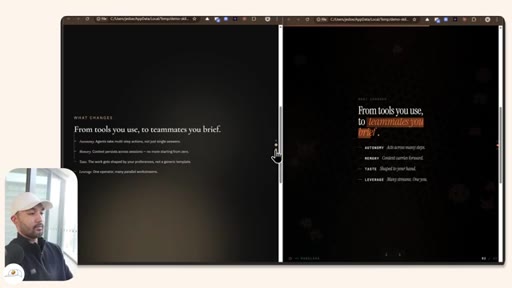
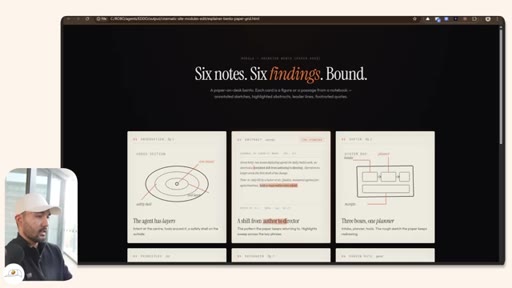
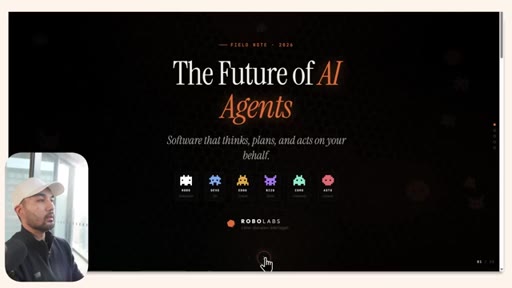
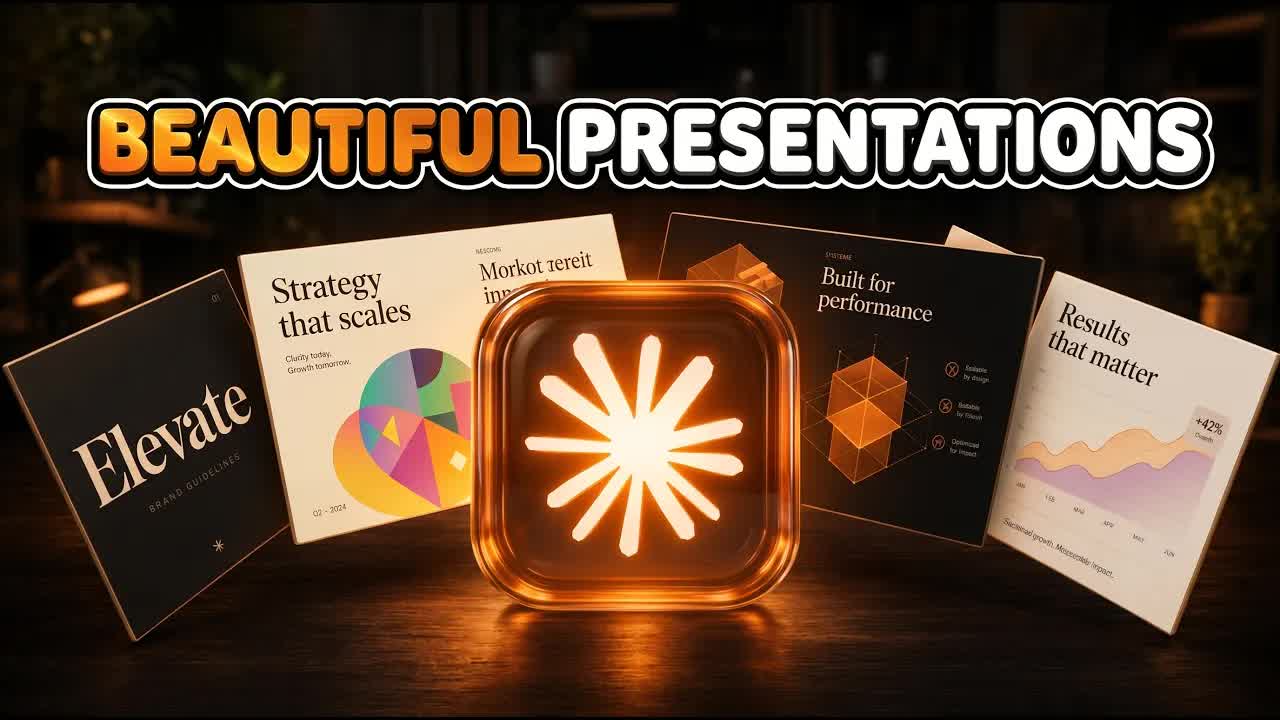
Before a single line of instruction is spoken, the proof is already on screen: finished HTML decks for Anthropic, Apple, Figma, Uber, Spotify, and Wise — all one-shotted by Claude, no manual edits. Jay E's opening gambit is pure show-don't-tell, and it lands before the tutorial structure is even introduced.
What the video promised.
stated at 01:50 "I'll teach you how to build your own components that are appropriate for whatever it is that you need so that you have animated visuals like these that you can include in your presentations." delivered at 07:50
Where the time goes.

01 · Demo gallery + hook
Rapid demo of finished brand decks (Anthropic, Apple, Figma, Uber, Spotify, Wise) to prove viability before any instruction. Introduces the three-level framework.
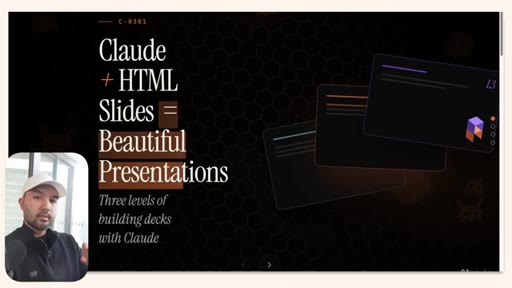
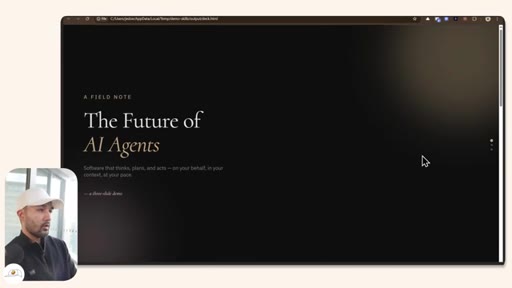
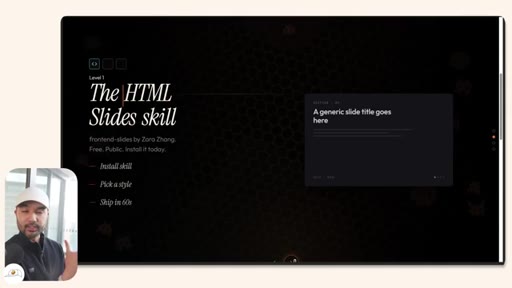
02 · Level 1 — Install the HTML Slides skill
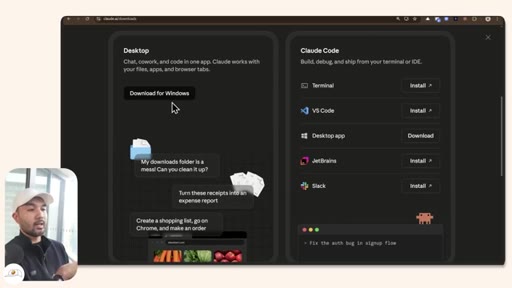
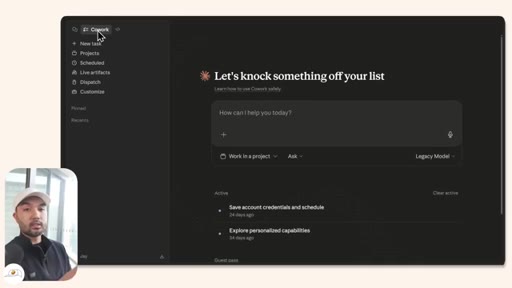
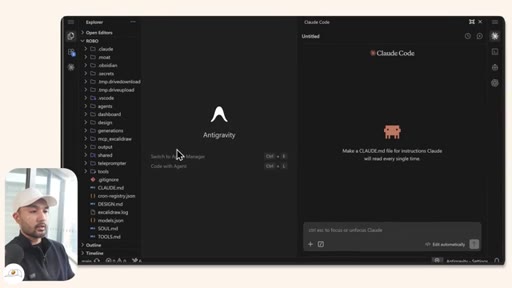
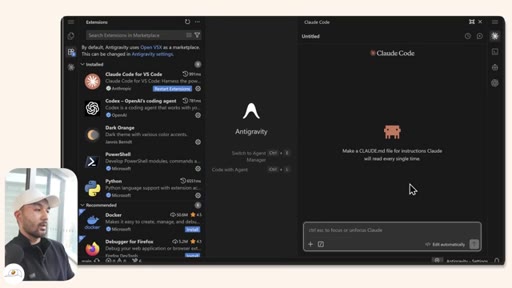
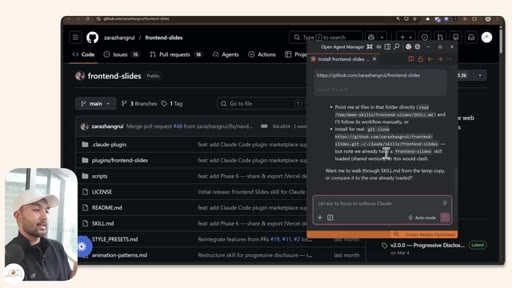
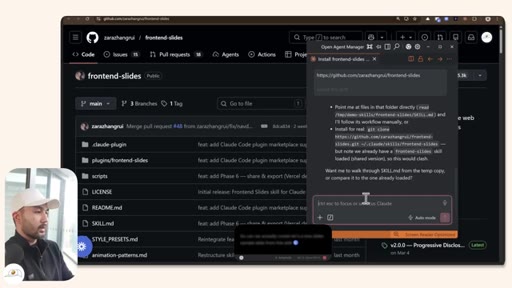
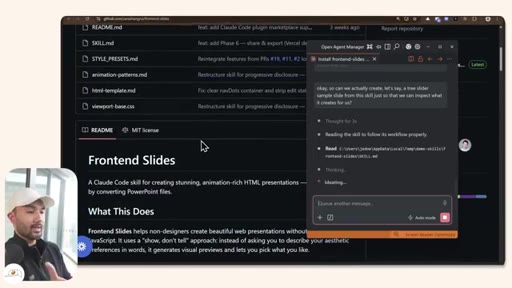
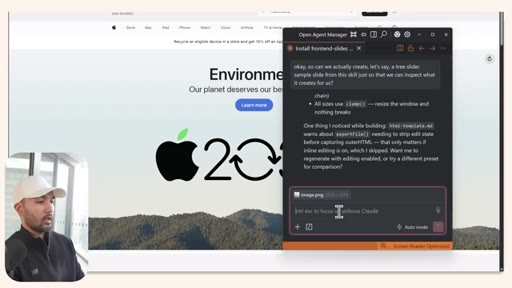
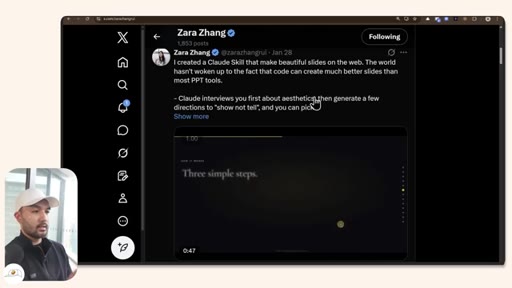
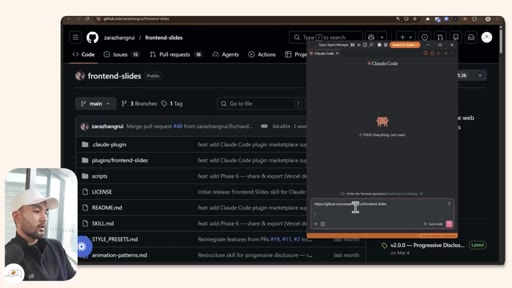
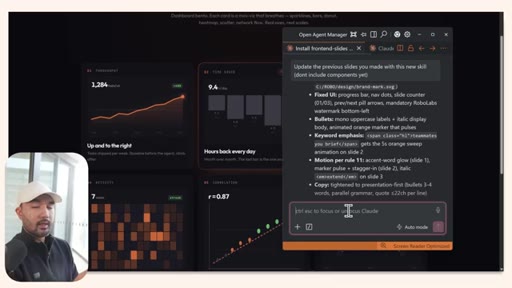
Downloads Claude Desktop, introduces Antigravity IDE + Claude Code extension, installs Zara Zhang's frontend-slides skill via GitHub URL, generates a 3-slide sample to inspect output.
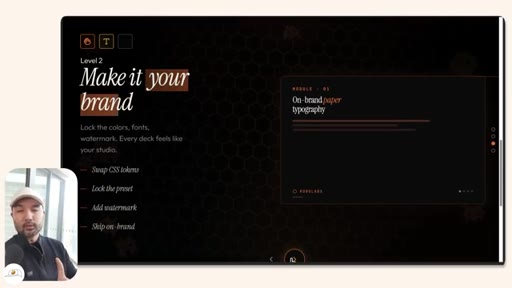
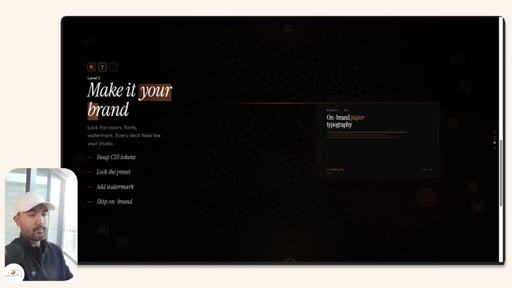
03 · Level 2 — Make it your brand
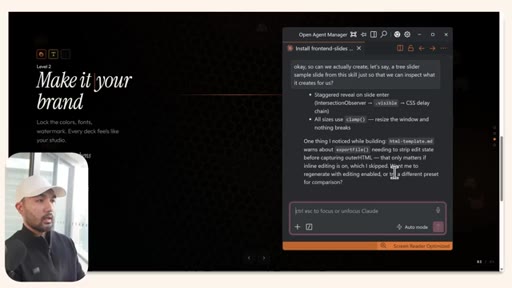
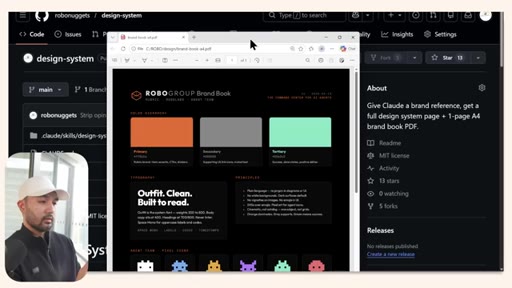
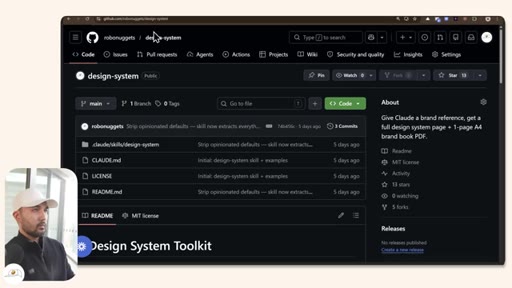
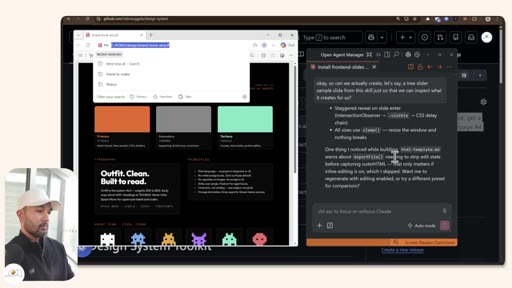
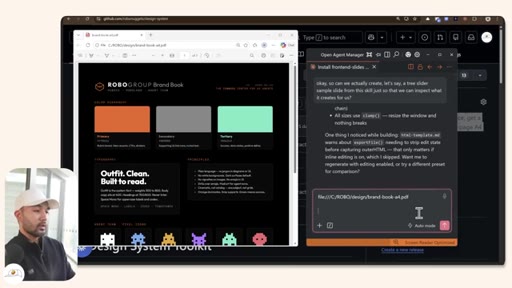
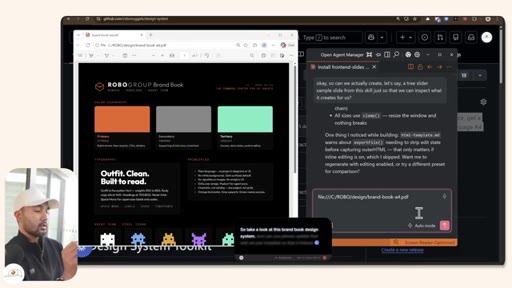
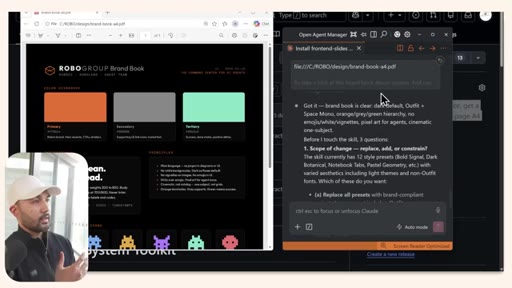
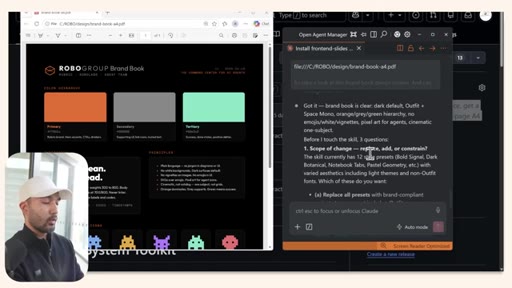
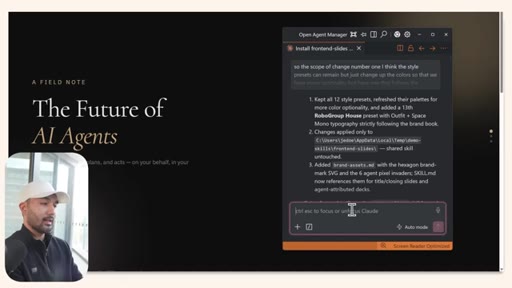
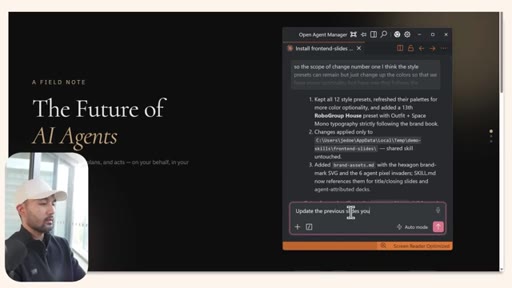
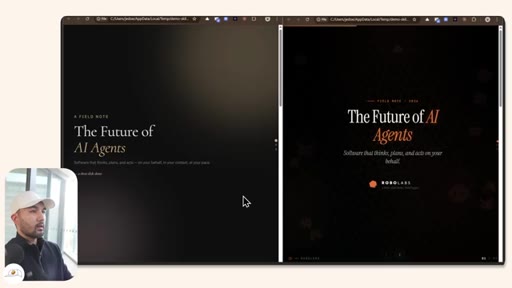
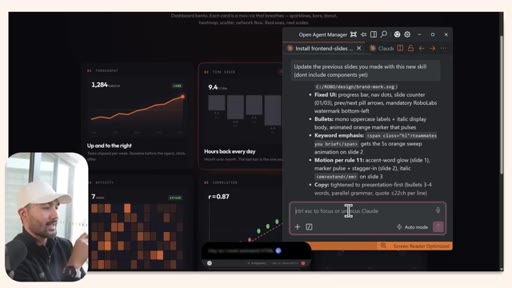
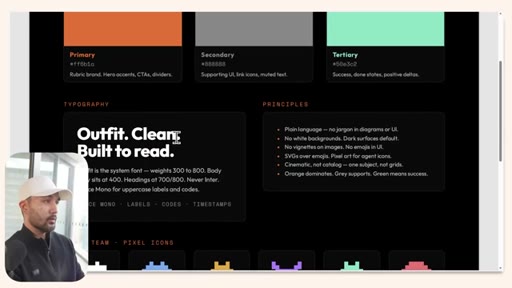
Feeds a RoboLabs brand PDF to Claude, asks clarifying questions, regenerates the skill with custom colors/typography/logo/principles. Shows before-and-after comparison.
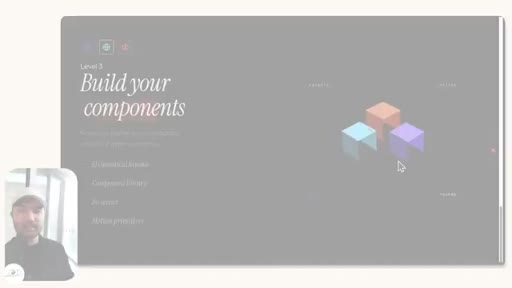
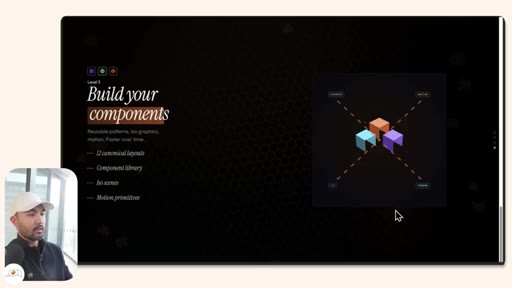
04 · Level 3 — Build your own components
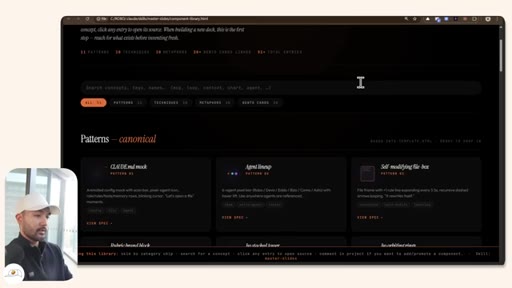
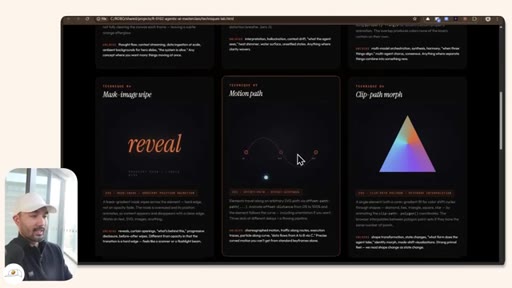
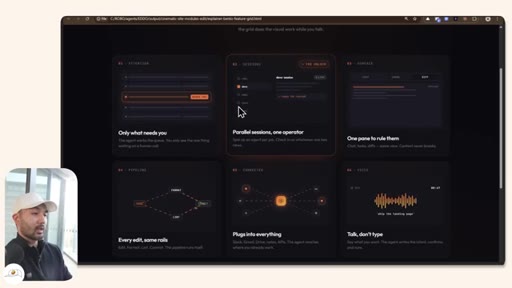
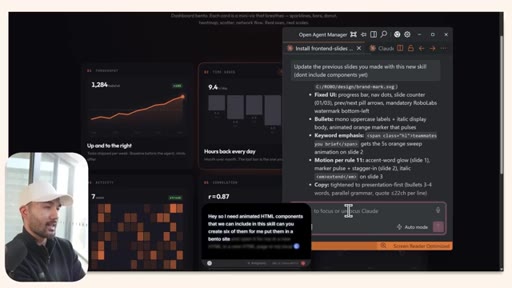
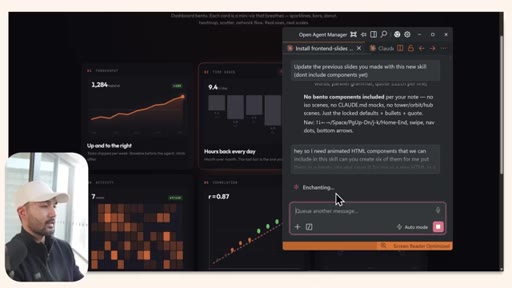
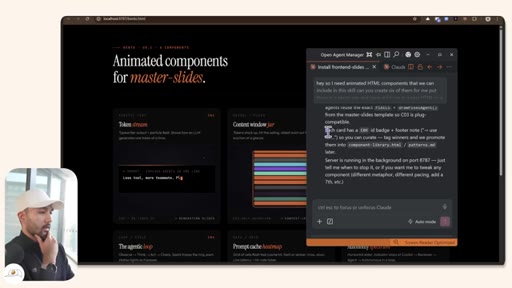
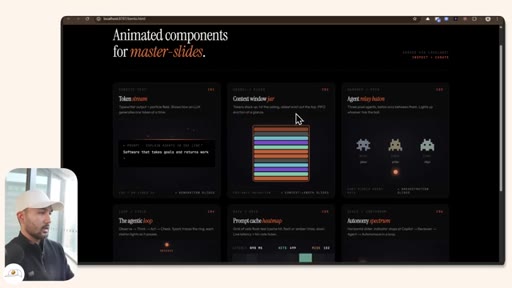
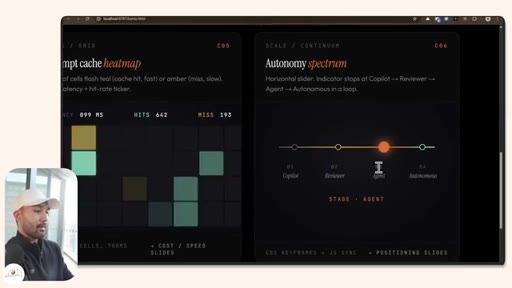
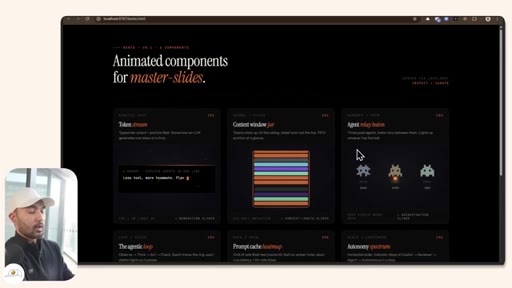
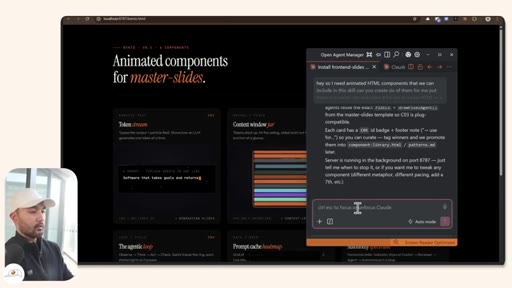
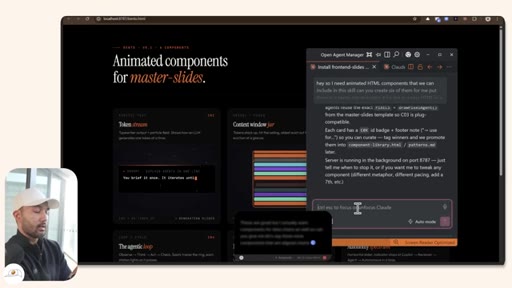
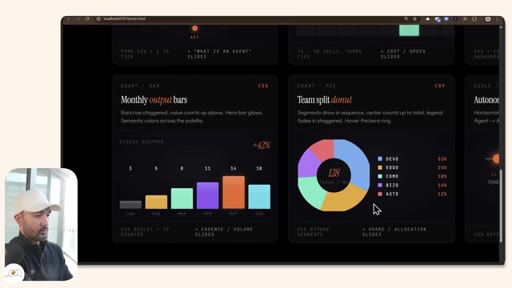
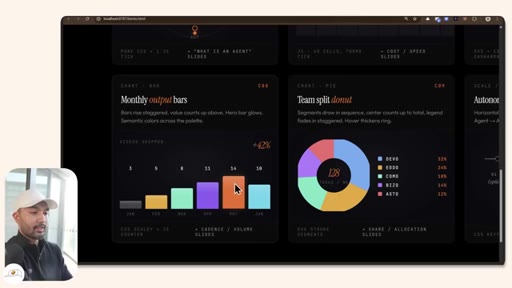
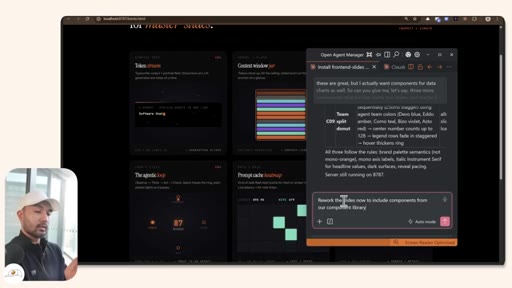
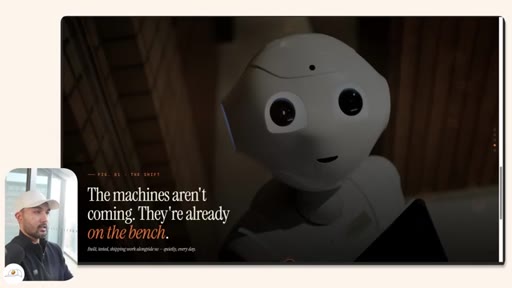
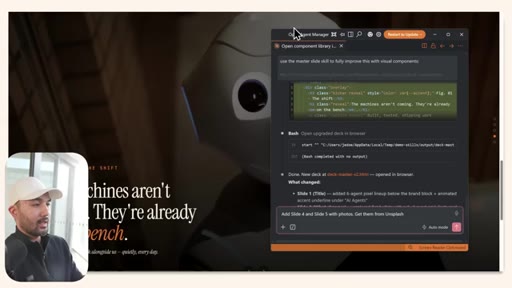
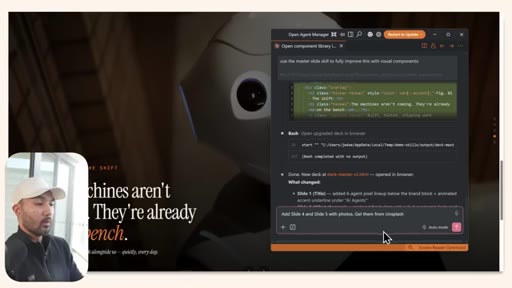
Prompts Claude to generate 6 animated HTML components in a bento layout (Token Stream, Content Window, Agent Relay, Heatmap, Autonomy Spectrum, Agentic Loop), extends to data charts, adds Unsplash photos, and reworks the final deck to include all components.
Visual structure at a glance.


Named ideas worth stealing.
Three Levels of HTML Slides
- Level 1 — Install the HTML slides skill (frontend-slides by Zara Zhang)
- Level 2 — Make it your brand (feed a design system PDF, lock CSS tokens)
- Level 3 — Build your own components (bento component library, animated charts, photos)
A progressive skill-building ladder for Claude-powered presentations, from zero to custom motion-graphic decks.
Ask Clarifying Questions Before Executing
Jay explicitly instructs Claude to ask clarifying questions before updating the skill with brand data — a prompting discipline that prevents misaligned regenerations.
Bento Component Request Pattern
Ask Claude to generate N animated HTML components, display them in a bento layout, open in localhost — offloads component ideation to the model while keeping output reviewable in one page.
Lines you could clip.
"If you're still using PowerPoint or paying for Gamma every month, you're going to want to watch this tutorial."
"Creating these slides are actually quite fast and is free."
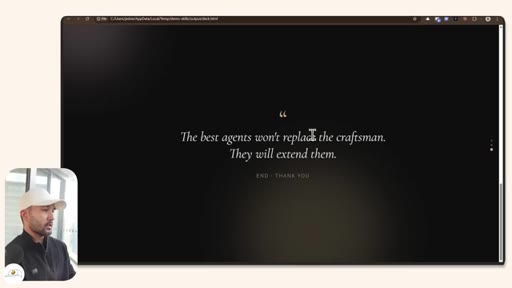
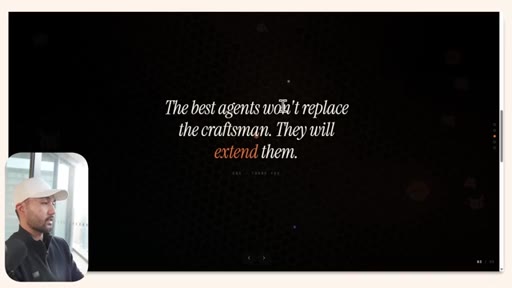
"The best agents won't replace the craftsman. They will extend them."
"You basically offload the thinking to Claude Code in order to create these animated elements for you."
How they spent the runtime.
Things they pointed at.
How they asked for the click.
"If that was useful, then consider subscribing because that helps us a lot to put out more educational content like this."
Soft, one sentence, followed immediately by a teaser for a related video — no hard sell, no urgency.
Word for word.
The three-level tutorial ladder is the format to steal.
Install → Brand → Build is a repeatable tutorial arc that turns any Claude Code skill into a full product demo — and each level is a natural upgrade upsell.
- Level 1 is always the free 'get started' entry point — keep it under 3 minutes with a visible result.
- Level 2 is the brand/personalization hook — this is where you show the person seeing themselves in the output.
- Level 3 is the power-user tier and the community upsell — custom components = your moat.
- The bento component request pattern (generate N, open in localhost) is directly portable to JoeFlow's PromptRewriter or Batch panels.
- Zara Zhang's frontend-slides skill is a direct model for how to ship a Claude Code skill as a product — SKILL.md + style presets + component library = a complete deliverable.
- The design-system PDF → CSS tokens loop is worth building into MCN+ as a one-click brand kit importer.
You can make boardroom-quality slides for free in minutes.
If you have Claude and a screenshot of your brand, you can generate polished, animated slides without knowing any code — and without paying for Gamma, Beautiful.ai, or Canva.
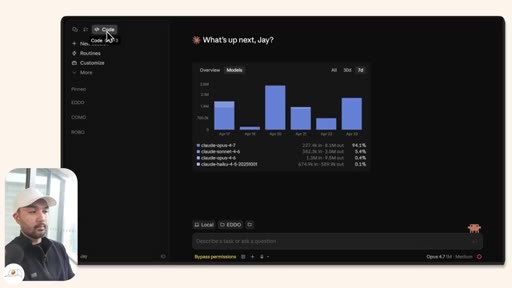
- Go to claude.ai/downloads, install Claude Desktop, and open Claude Code.
- Paste this GitHub URL and tell Claude to install the skill: github.com/zarazhangrui/frontend-slides
- Take a screenshot of a website you like or a PDF of your brand colors — attach it and say 'update the skill to match this design'.
- Ask for 6 animated components in a bento layout to build a reusable library for future decks.
- Use arrow keys to navigate finished slides, F11 for full-screen presentation mode.
- Add photos by asking Claude to pull from Unsplash or link your own local image files.