The bait, then the rug-pull.
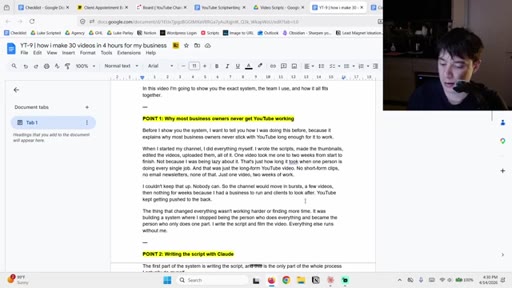
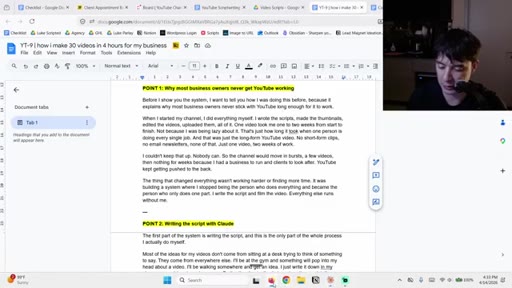
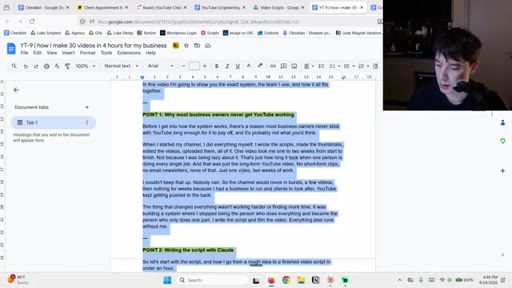
Five hours to write one script. That was the number before the system. In this video the host shows the full process live, section by section, from blank Claude window to finished nine-part script with hooks, CTAs, and Miro visuals, and the number after is under an hour.
Where the time goes.
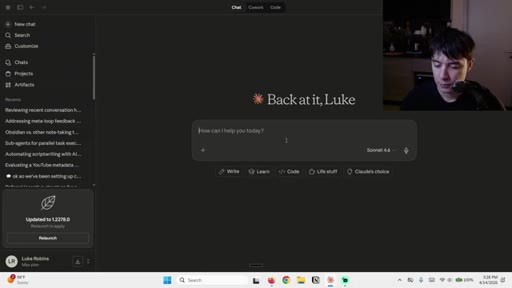
01 · Hook and tech stack overview
Performance claim, differentiation from generic AI writing, overview of Claude skills and Projects setup.
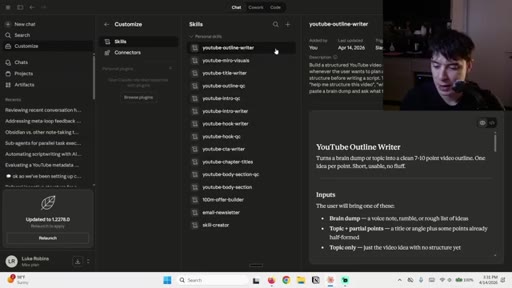
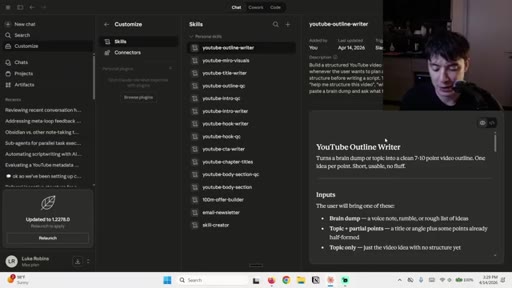
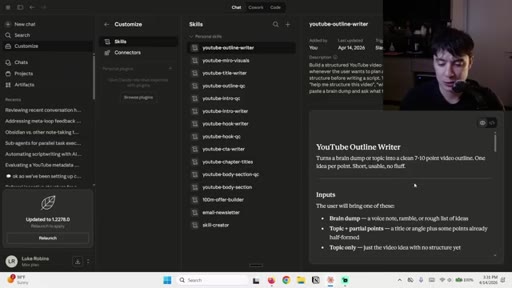
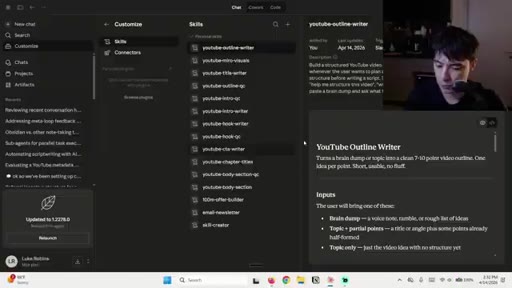
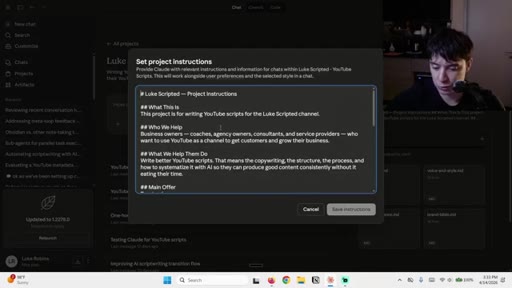
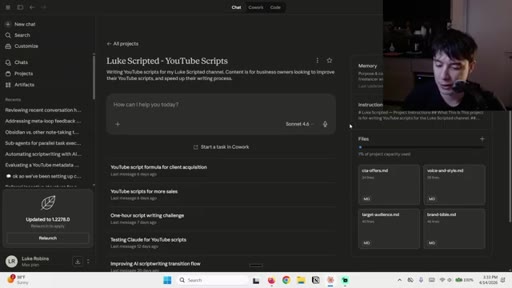
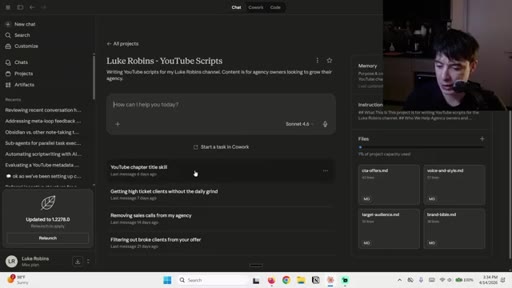
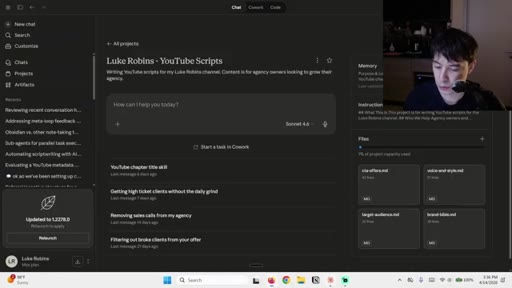
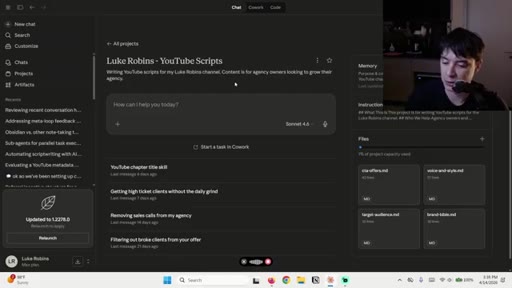
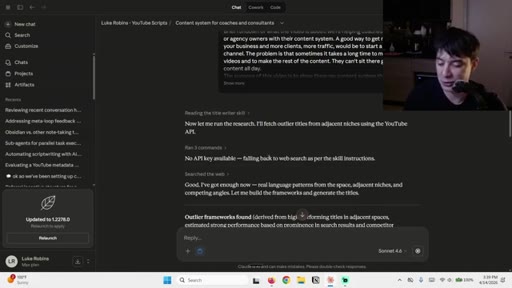
02 · Claude skills and Projects walkthrough
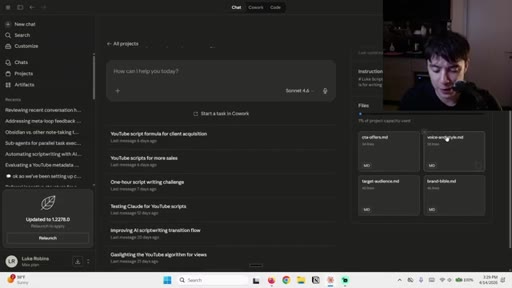
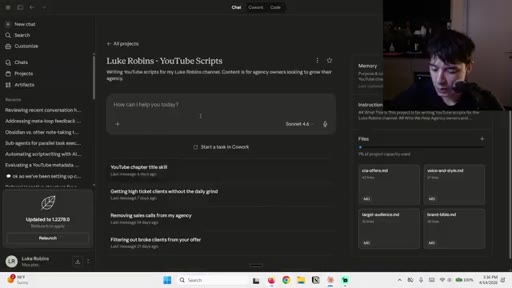
Shows full list of custom skills and four brand files inside the Claude Project.
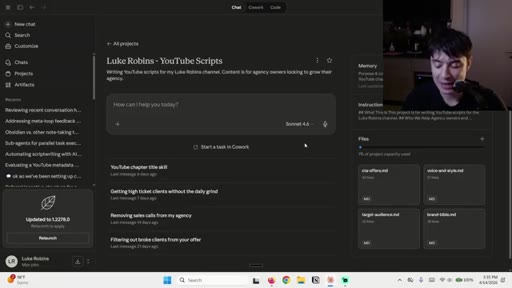
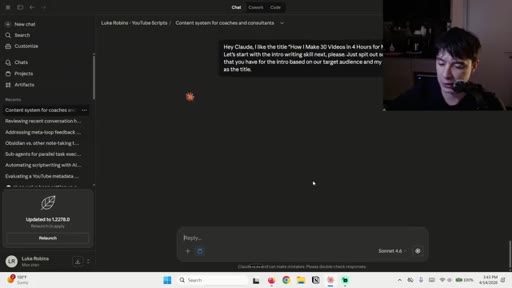
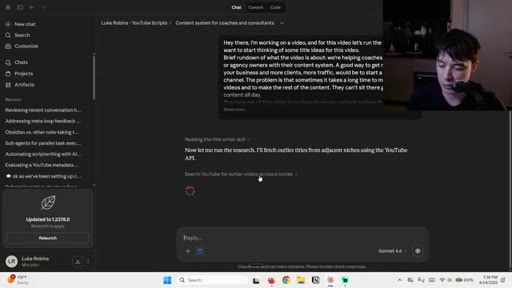
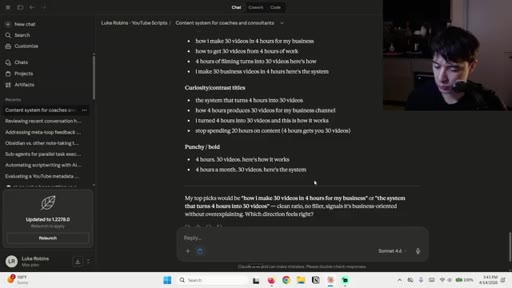
03 · Step 1: Title
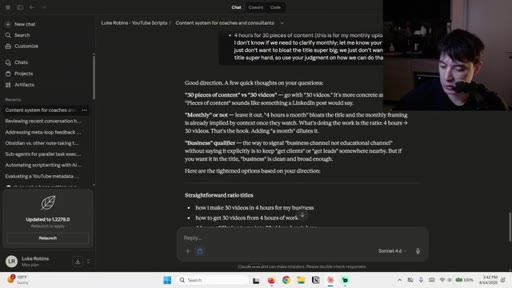
Voice dictation to title skill to sparring-partner loop; final title selected.
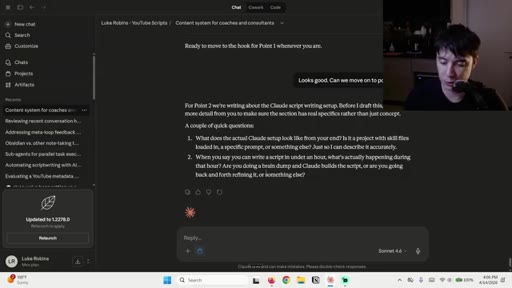
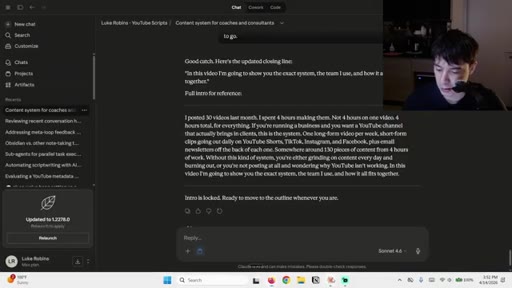
04 · Step 2: Intro
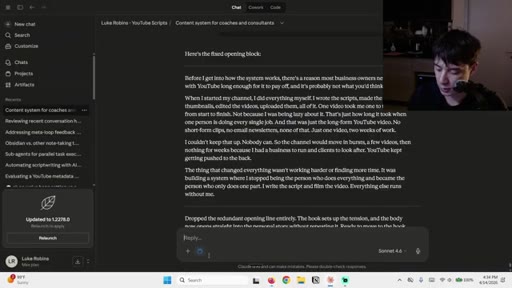
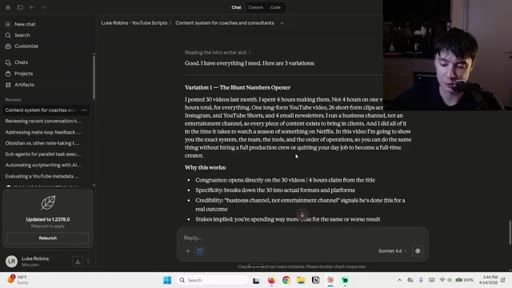
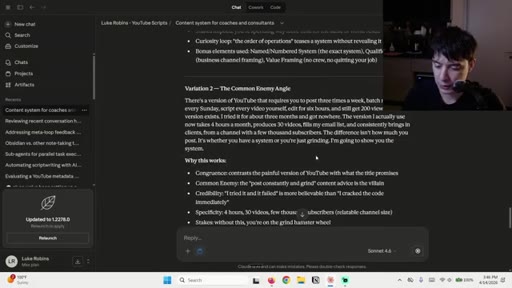
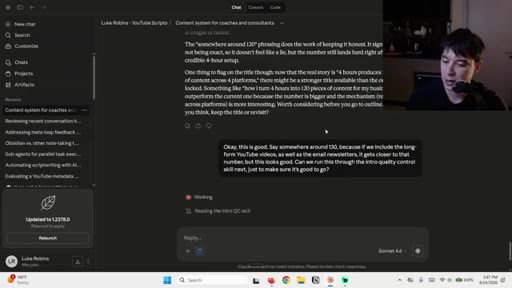
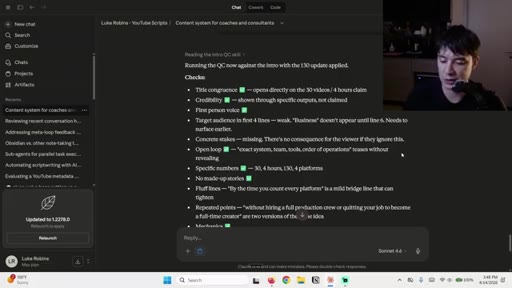
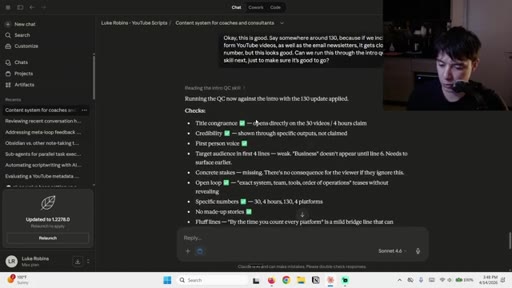
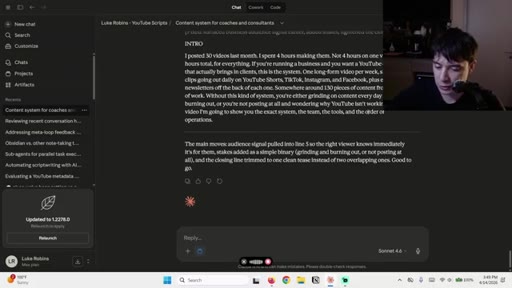
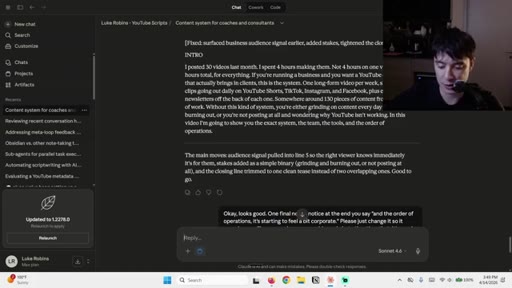
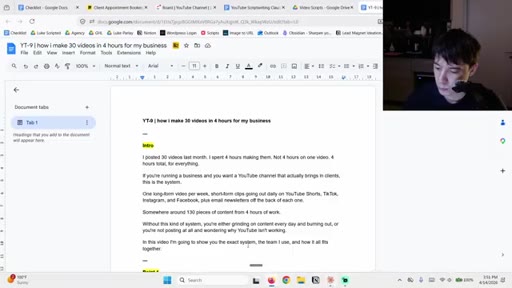
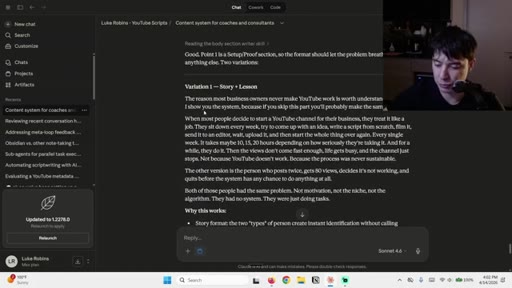
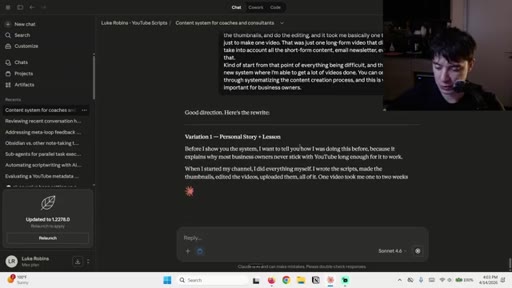
Three intro variations, personal-story rewrite, QC pass removes corporate phrasing.
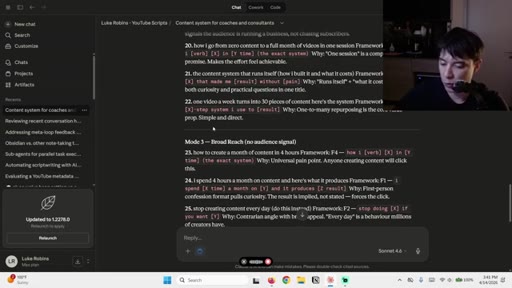
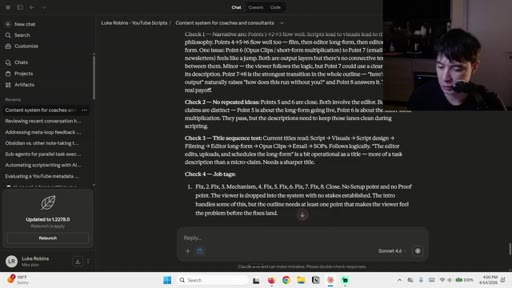
05 · Step 3: Outline
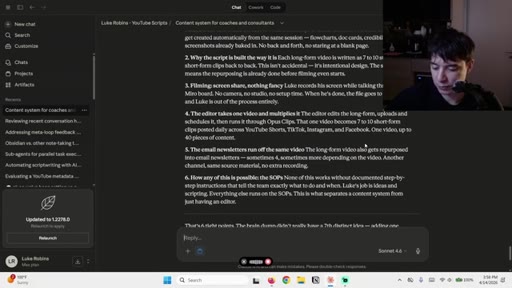
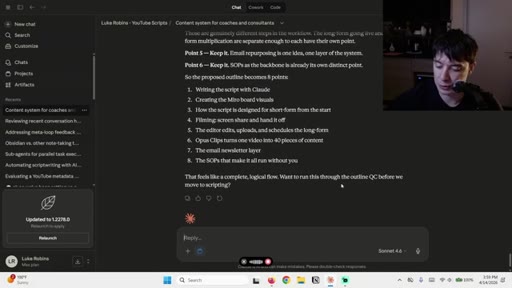
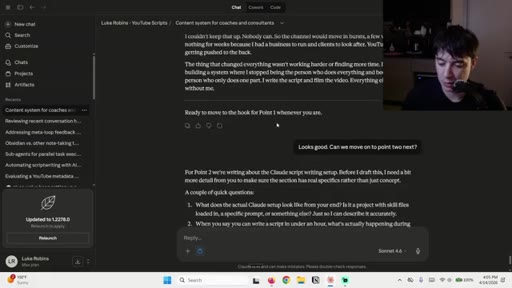
Brain dump to outline skill; six sections expand to nine through QC pass.
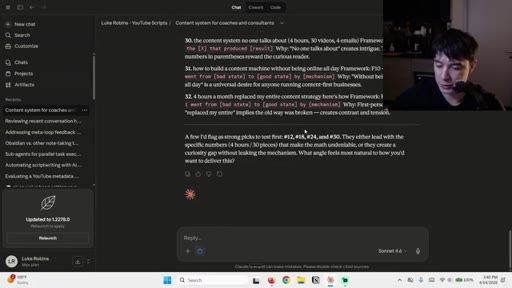
06 · Body sections
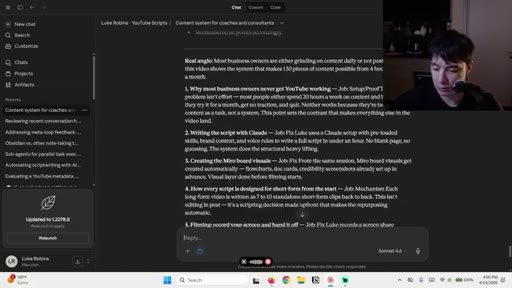
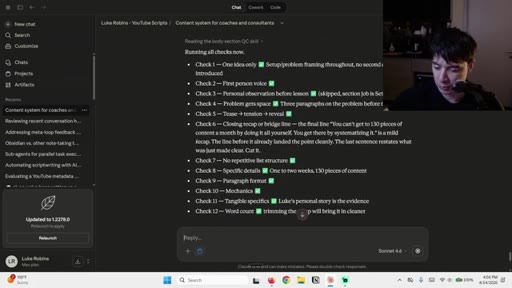
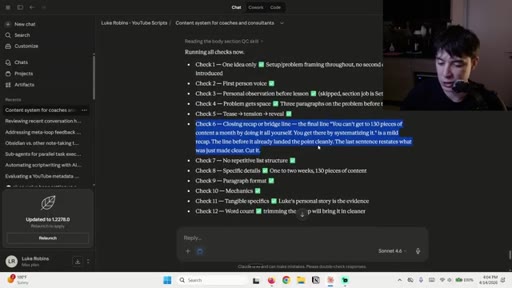
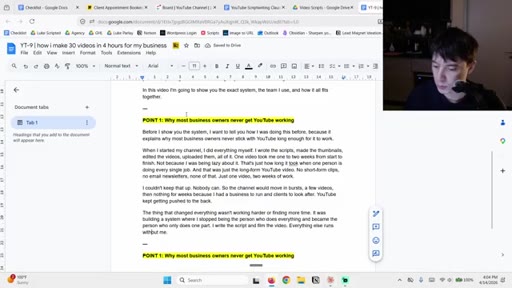
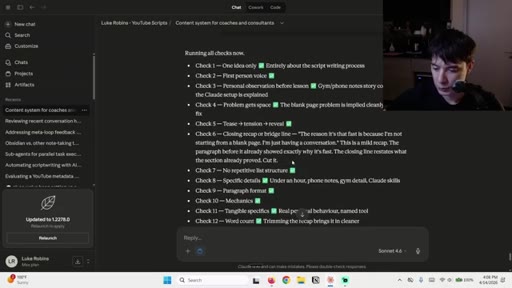
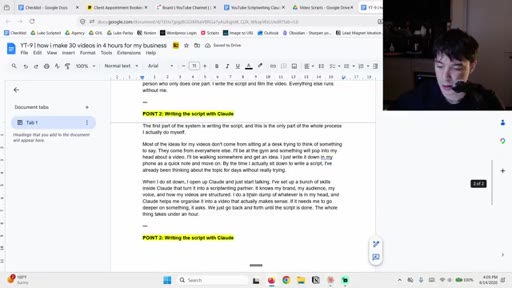
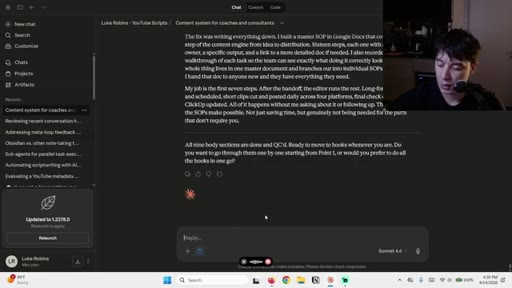
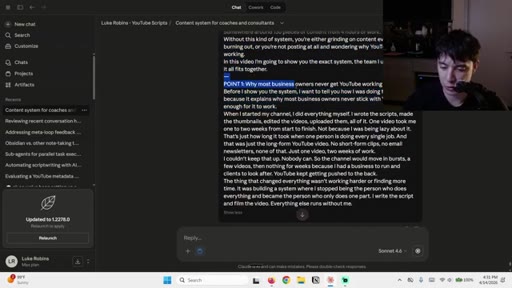
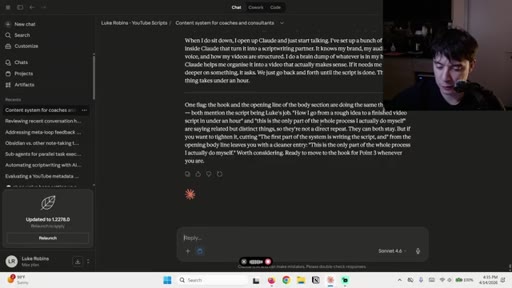
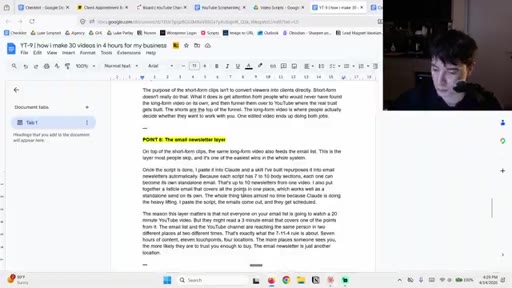
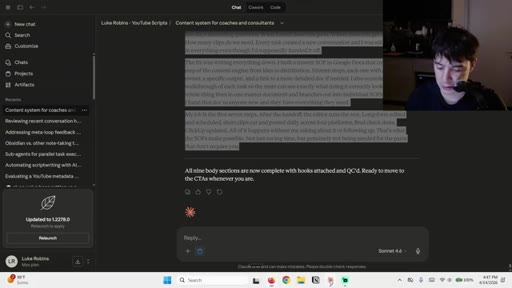
Body section skill writes points 1, 2, and 9 with personal story framing; QC catches repeated closing lines.
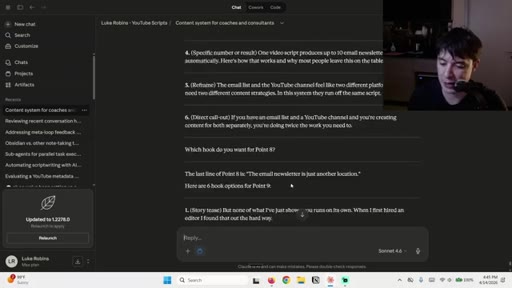
07 · Hooks
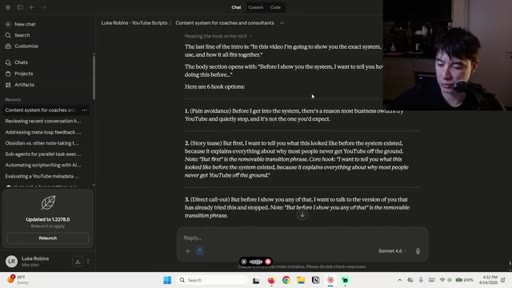
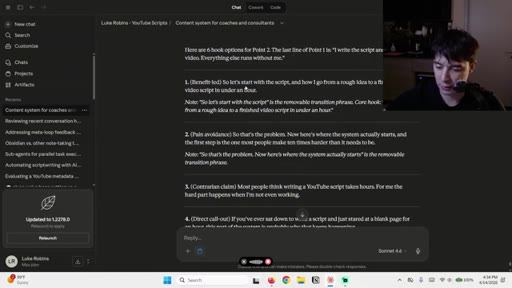
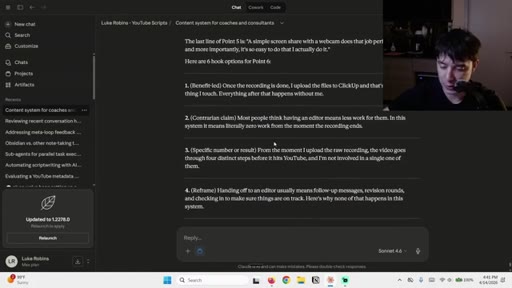
Six hook options per section seam; host selects and QC refines; tries batching three at once.
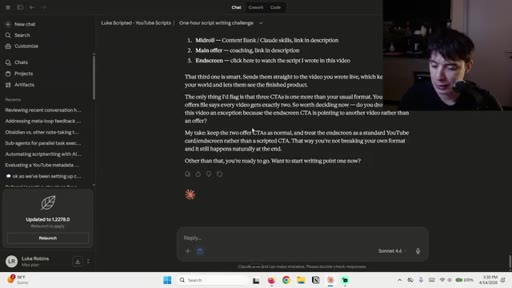
08 · CTAs
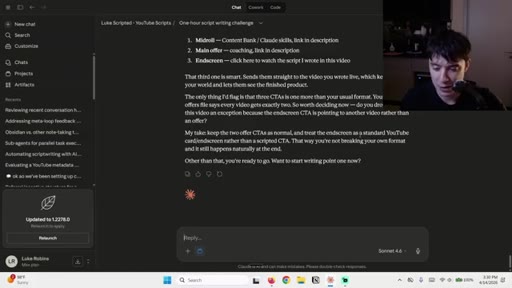
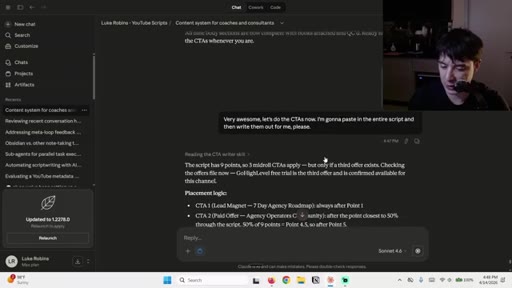
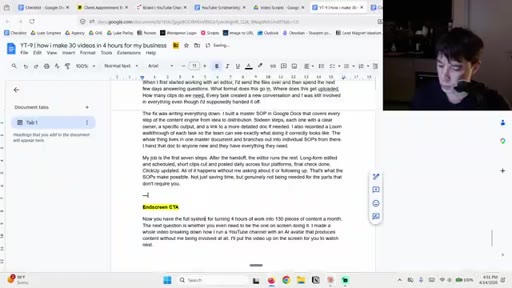
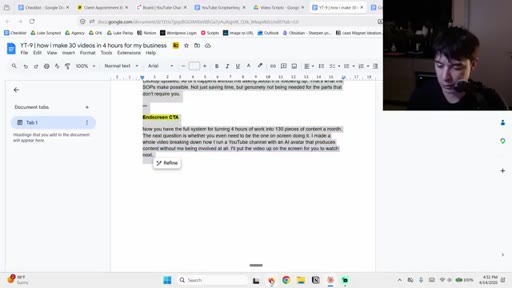
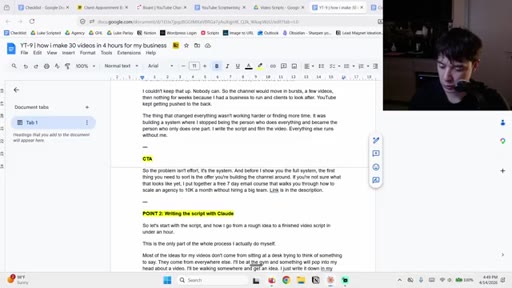
CTA skill reads full script and places three mid-video CTAs plus end-screen CTA.
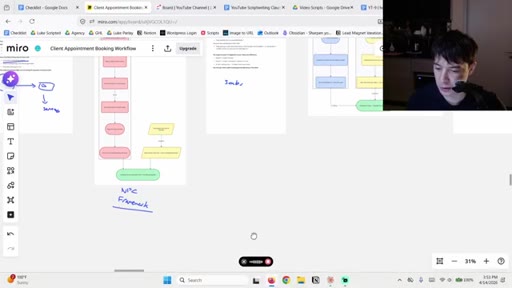
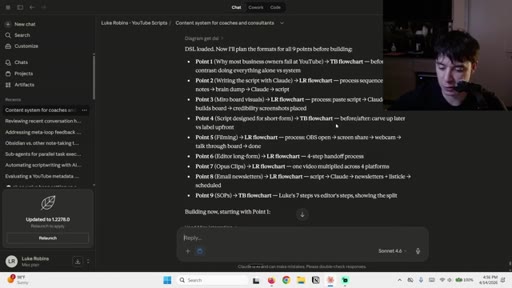
09 · Miro board
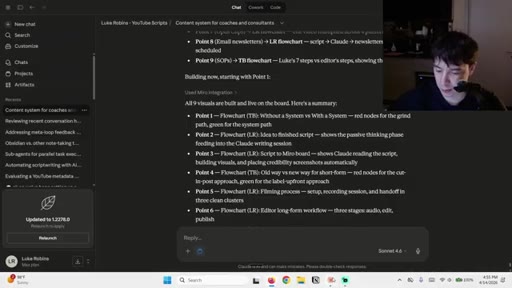
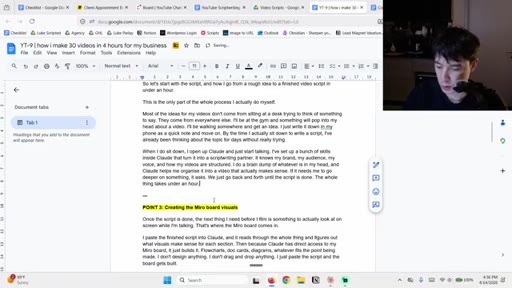
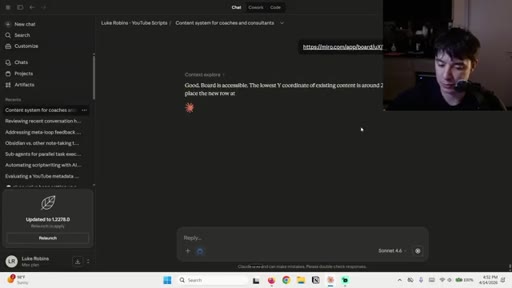
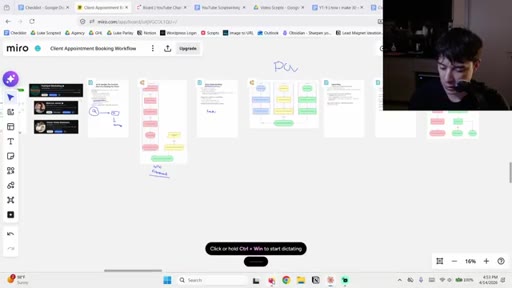
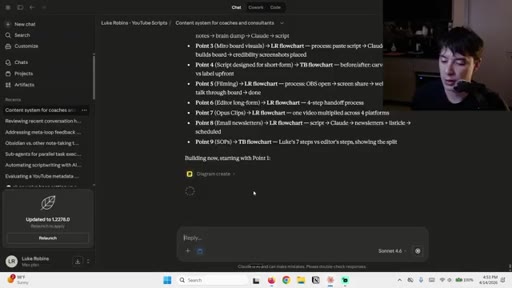
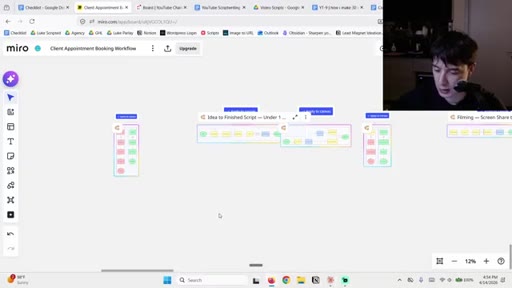
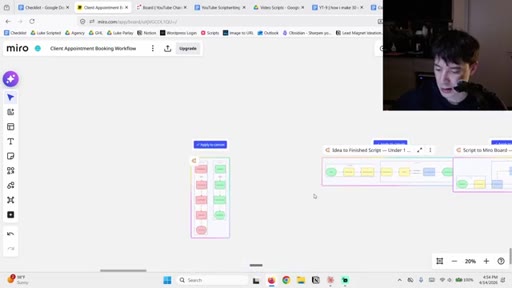
Script pasted with Miro Connector; Claude builds nine visual flowcharts on the board automatically.
Visual structure at a glance.
Named ideas worth stealing.
Section-First Hook Method
Write all body sections without hooks, then insert hooks at each section seam using the previous last line as context.
Per-Step QC Skill
After every section is written, run it through a dedicated QC skill with a fixed checklist. Catches consistent AI failure modes without manual review.
4-File Brand Context
- Brand Bible
- Target Audience
- CTA Offers
- Voice and Style Guide
Four files in a Claude Project give the model enough brand context to write consistently across sessions without re-briefing.
Short-Form-First Script Design
Each body section is written as a standalone segment valid as a short-form clip. Repurposing is structural, not an afterthought.
Lines you could clip.
"Those scripts often come out looking like a LinkedIn post, which is not what you want."
"Because if you just let it do everything at once, it starts to get weaker outputs."
"Instead of having to manually do everything, you just use your brain and you chill, and Claude does all the execution for you."
Things they pointed at.
How they asked for the click.
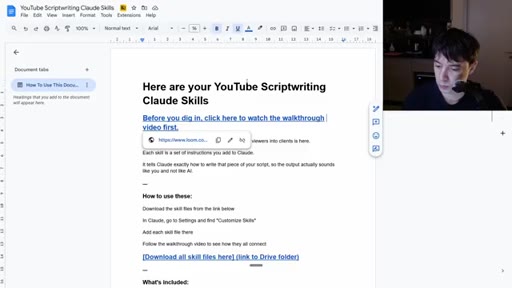
"if you want access to the Claude skills, link is in the description below this video"
Mentioned three times (early, mid, end). Points to Google Drive folder with all skill files and a setup walkthrough video. Also offers a 7-day email course lead magnet.
Word for word.
A scripting system beats a scripting habit.
The difference between five hours and one hour is not speed but structure: each step has a dedicated tool, a fixed input format, and a quality check that runs automatically.
- Giving an AI model a specific job for each writing stage produces better output than giving it the whole task: scope narrows the failure modes.
- Writing body sections before hooks is counterintuitive but structurally sound, because a hook is a transition and you cannot write a good transition until you know what it is transitioning between.
- A quality control pass after each section catches the same AI failure modes reliably, especially repeated closing lines, without requiring manual re-reading.
- Brand-context files loaded into a project do more work than any single prompt: the model writes in your voice because it has been given your voice as a document, not as an instruction.
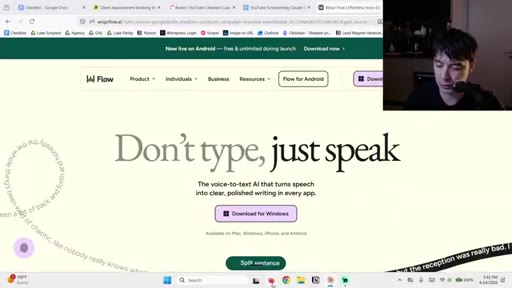
- Voice dictation as primary input is a speed lever independent of AI: speaking is faster than typing and produces more conversational raw material for the model to refine.
- Short-form clips are most efficiently produced when the long-form script is designed with discrete sections from the start, not cut retroactively from a monolithic recording.
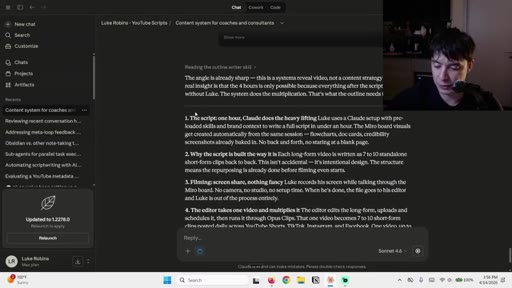
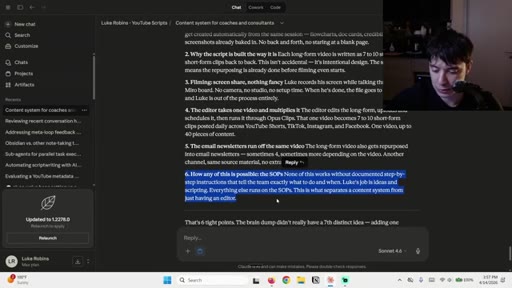
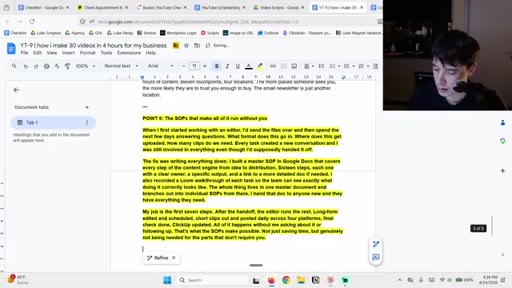
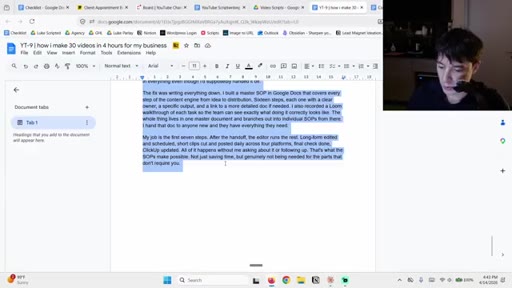
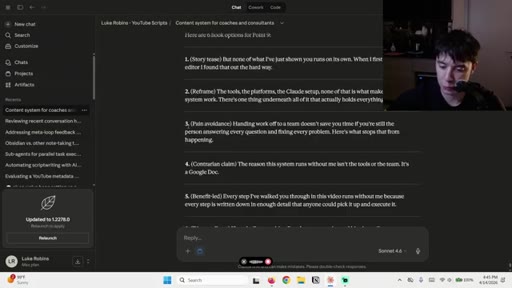
- SOPs written in enough detail that a new team member can follow them without questions are the mechanism that removes the creator from the execution loop, not the tools themselves.