The bait, then the rug-pull.
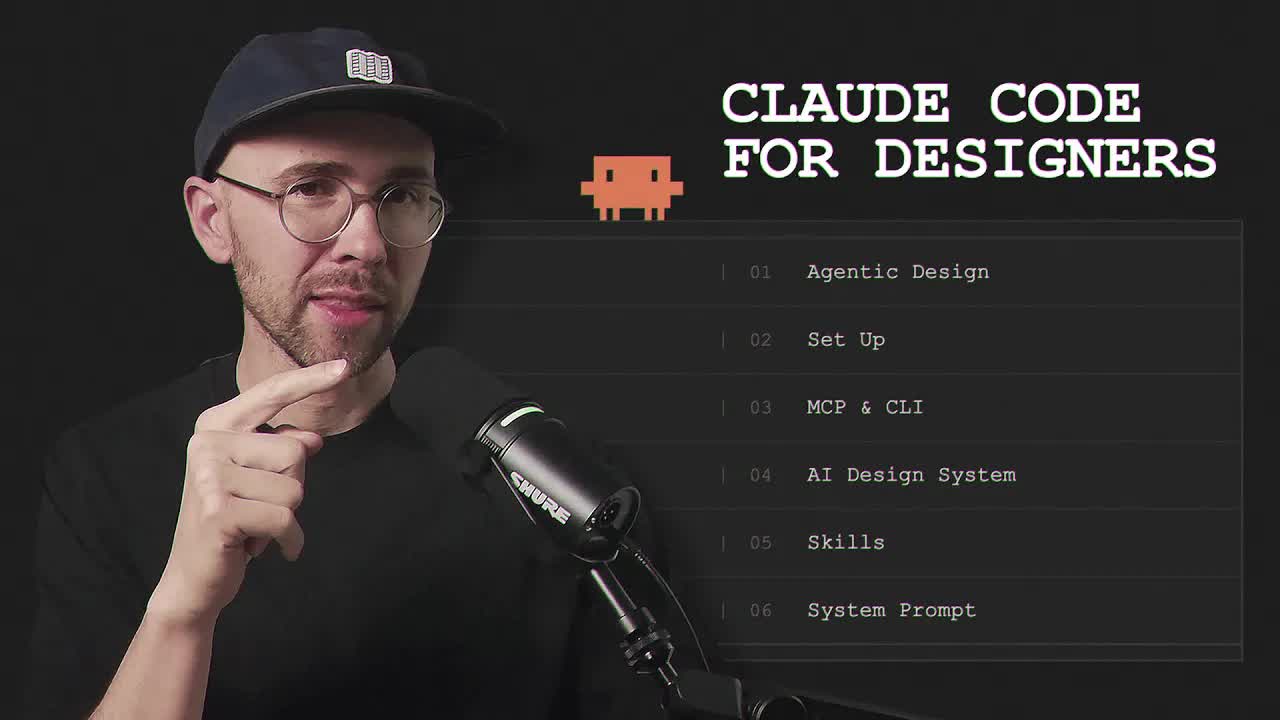
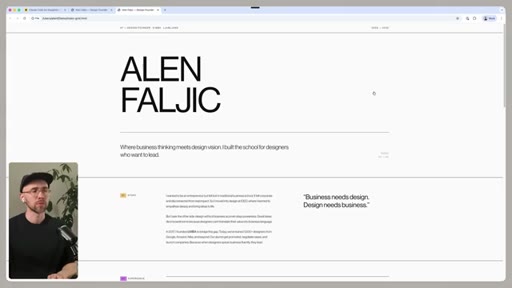
Faljic opens with a thesis disguised as a welcome: design is splitting into a world of executioners and a world of orchestrators, and the four hours you're about to spend are the on-ramp to the second one. No engineering background required; he doesn't have one either.
What the video promised.
stated at 00:08 "We are moving from a world where most designers are primarily executioners to a world where most designers will need to become orchestrators. This is a comprehensive guide for designers of all disciplines and all seniorities who wanna become fluent in agentic design." delivered at 267:10
Where the time goes.

01 · Intro — executioner to orchestrator
Sets up the thesis: design is moving from doing the work to directing agents that do the work. PMs+AI+design-systems can already ship 80% interfaces, so designers must speed up or become the bottleneck. The window is 'Figma in 2016' wide open.
02 · Course curriculum
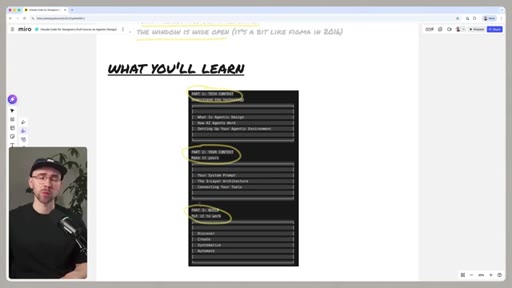
Three buckets: (1) understand the tech, (2) bring your own context, (3) put it to work. Plus what's NOT covered: design taste, judgment, traditional craft — that's still on you.
03 · What is Agentic Design
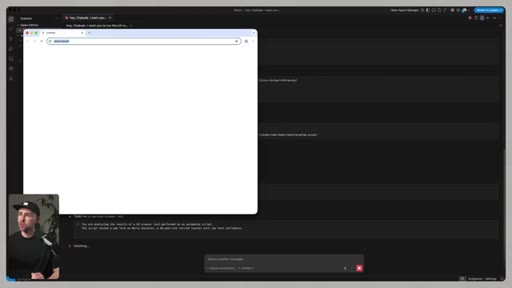
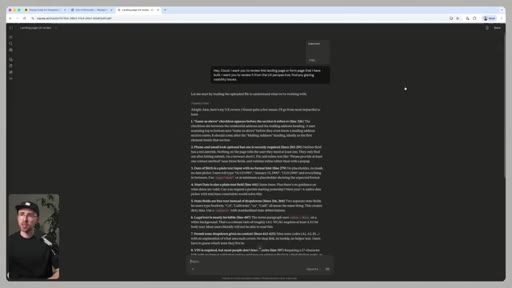
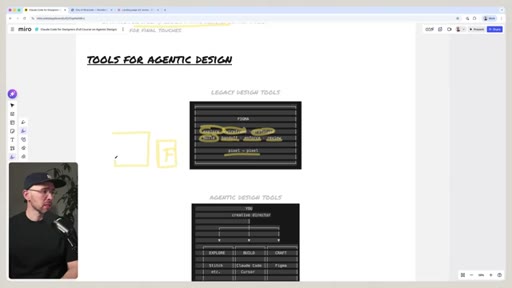
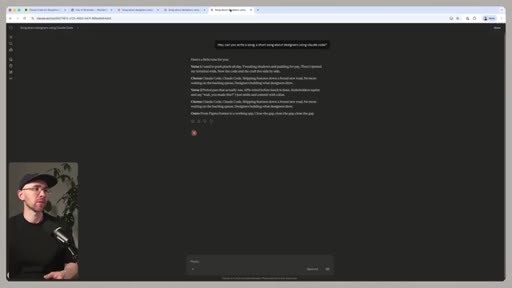
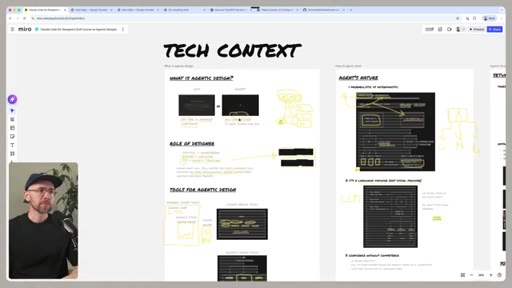
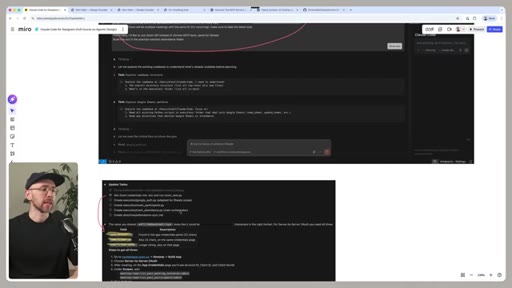
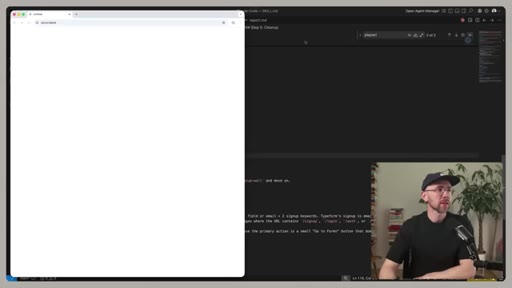
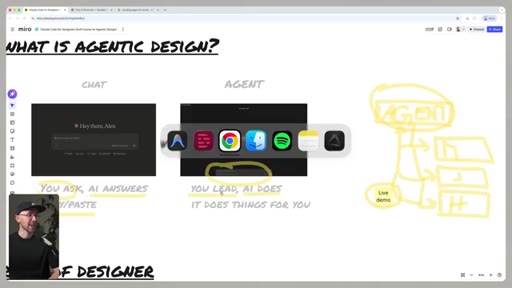
Chat (you ask, AI answers, you copy-paste) vs Agent (you direct, AI does). Live demo: parking-permit form UX review — chat reads HTML and lists 15 generic issues; Claude Code spawns Maria + Jake + heuristic sub-agents that fill the form live in Chrome and report back with a 14/40 UX health score. Then maps the tool landscape: legacy Figma vs agentic design tools (Stitch/Make/UX Pilot) vs general agentic (Claude Code/Cursor).
04 · How AI Agents Work
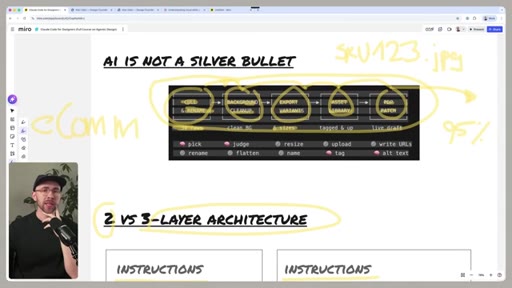
Defines the agentic loop: you give direction, agent executes, you review, you redirect. Talks about tool use, sub-agents, memory, context windows. Why 'AI is not a silver bullet' — competence without judgment is dangerous.
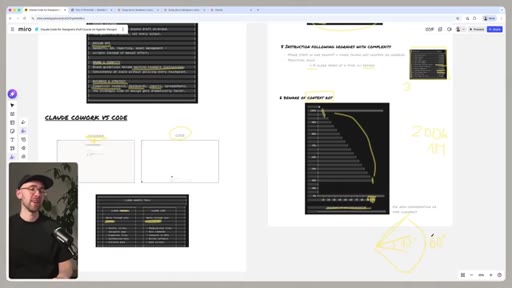
05 · Setting Up Your Agentic Environment
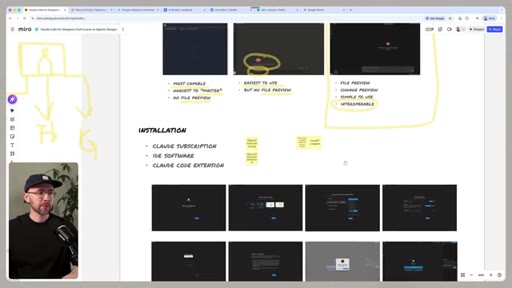
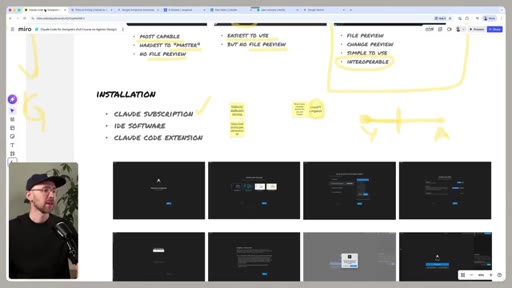
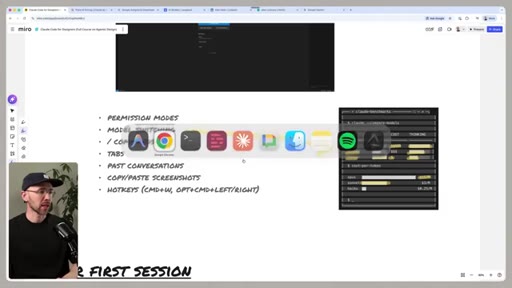
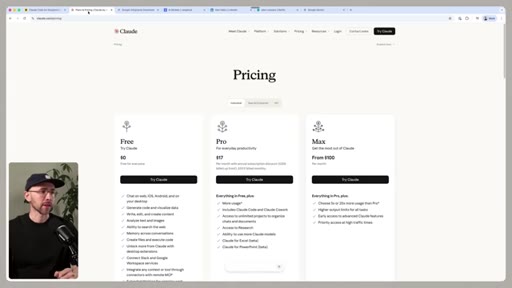
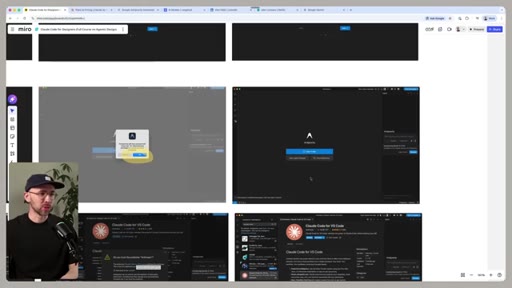
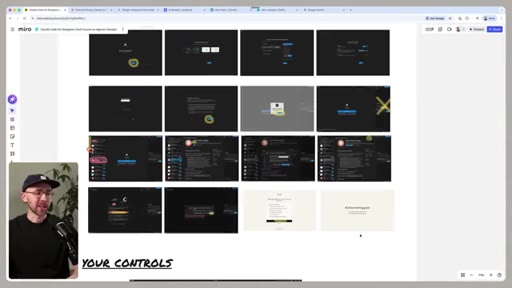
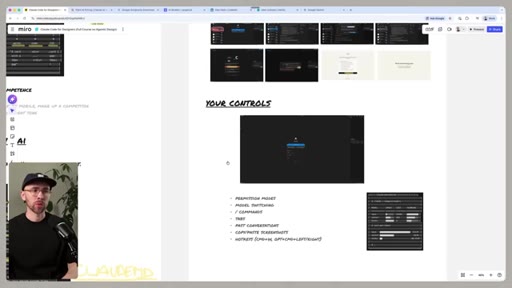
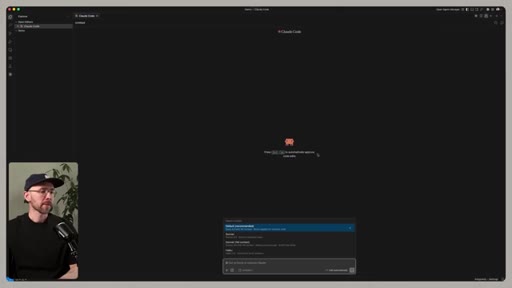
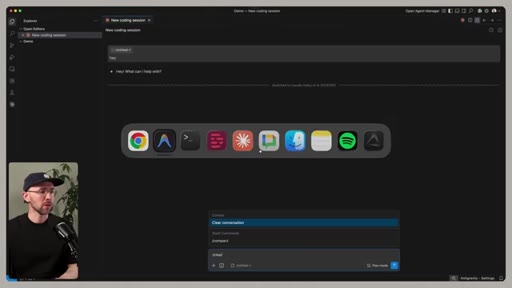
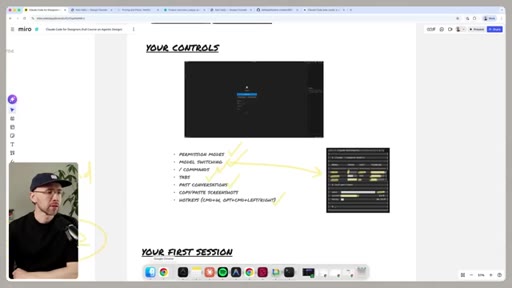
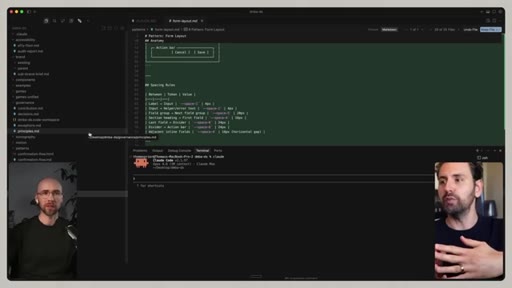
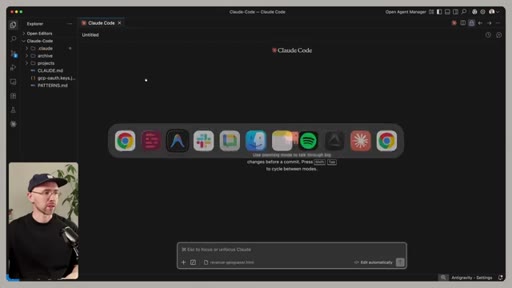
Pricing/plans, installation (Claude subscription + IDE software + Claude Code extension), 'Your Controls' walkthrough of the Claude Code UI, file system orientation, what auto-accept / plan mode / bypass permissions actually do.
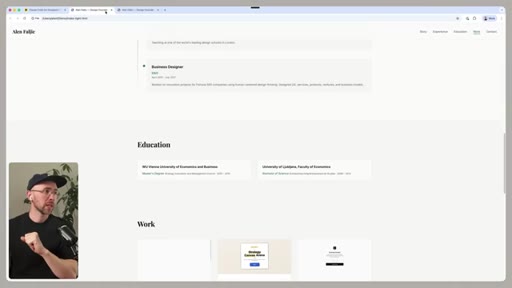
06 · Your System Prompt (CLAUDE.md)
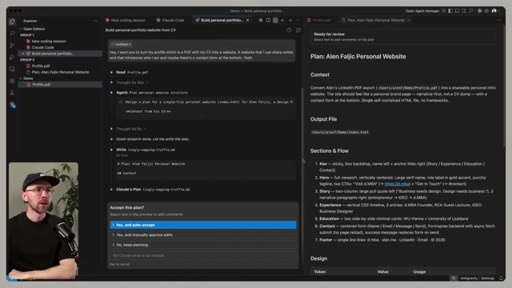
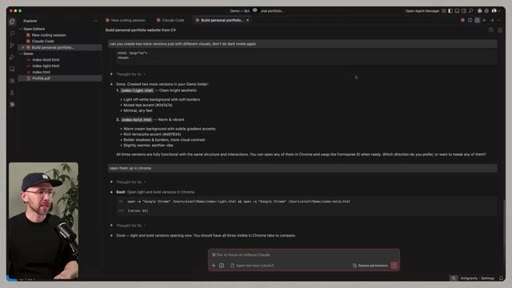
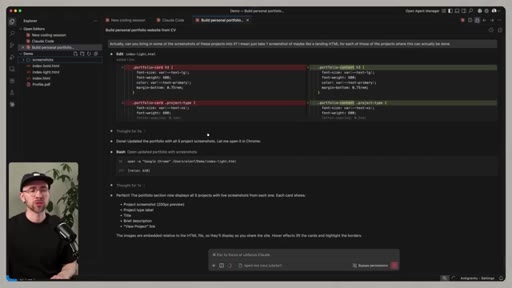
Show-and-tell of CLAUDE.md as a 'design brief that runs before every conversation'. Same LinkedIn-PDF -> personal site demo, but with brand colors/tone/rules in CLAUDE.md gets a way more on-brand result. Markdown vs PDF — token economics, why .md is the LLM-native format.
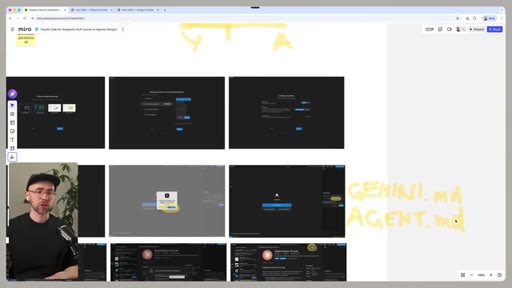
07 · The 3-Layer Architecture
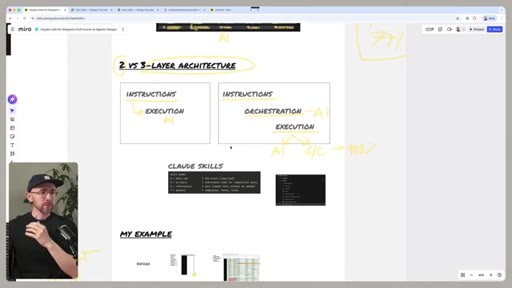
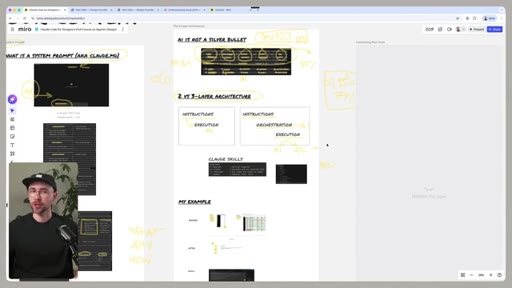
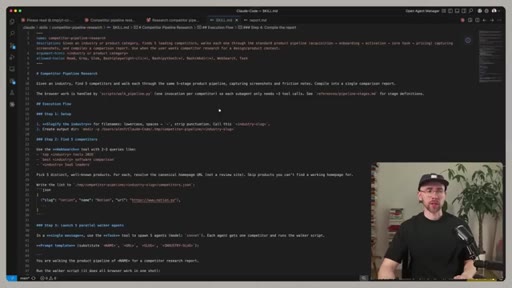
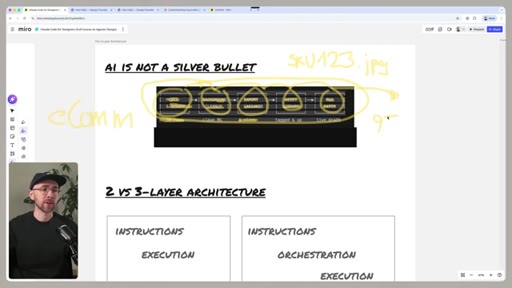
The reliability unlock: instructions (rules) -> orchestration (skills) -> execution. Two-layer (just rules + execution) breaks down as complexity grows. Skills are .skill.md files with YAML frontmatter — recipes the agent invokes by name.
08 · Connecting Your Tools
MCPs and tool calls — bringing Figma, browser, Slack, your email into the agent. 'Tech context' as a separate slide section. How an agent picks which tool to use.
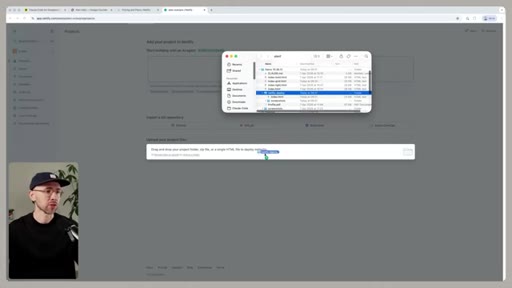
09 · Discover (build research skills)
Builds the Color Thief skill in ~12 min. Then lists 8 more skills you could build the same way: Review Miner, Tone Scraper, Heuristic Audit, Jobs-to-be-Done Mapper, Business Model Mapper, Survey-to-Persona, Strategy Mapper. The constraint is imagination, not capability.
10 · Create (build a portfolio site + multiplayer game)
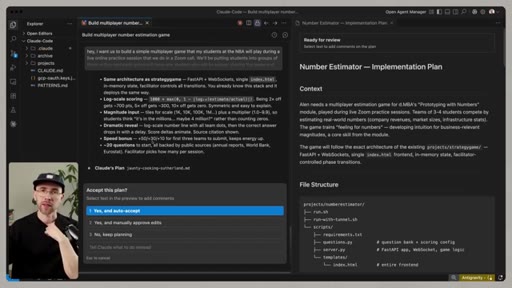
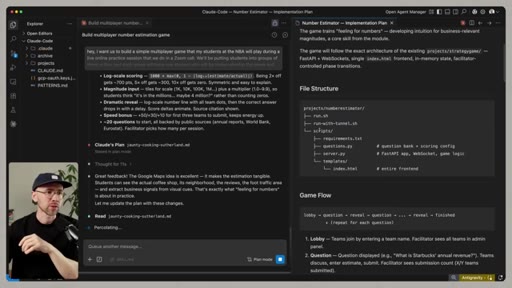
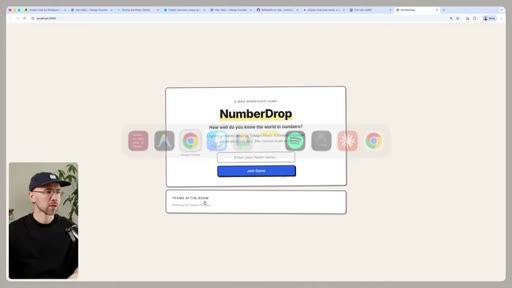
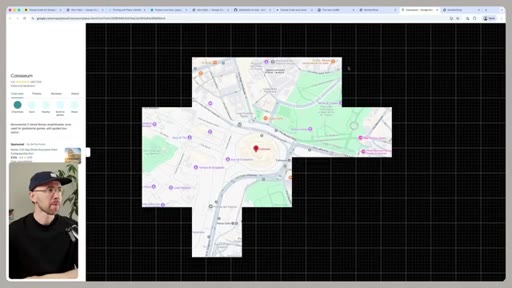
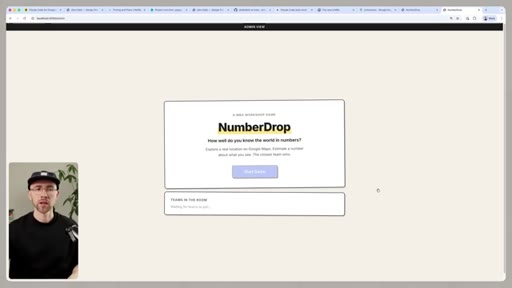
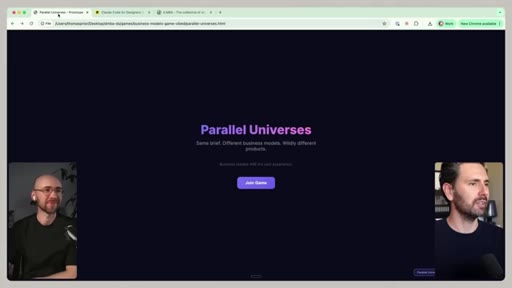
Three creation demos: (1) make the LinkedIn-derived personal site live with Netlify free tier, (2) build the Color Thief skill end-to-end, (3) build NumberDrop — a multiplayer estimation game for his students that uses Google Maps as the core UI element. Iterates with plan mode + 'simulate 7 teams' to stress-test the UI before real players touch it.
11 · Systematize (AI-native design systems)
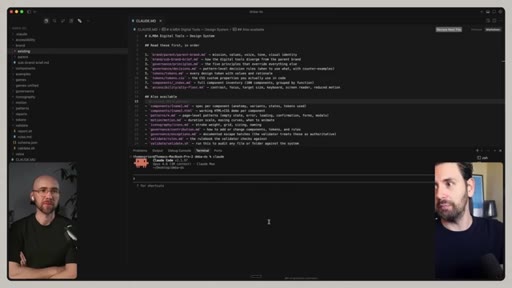
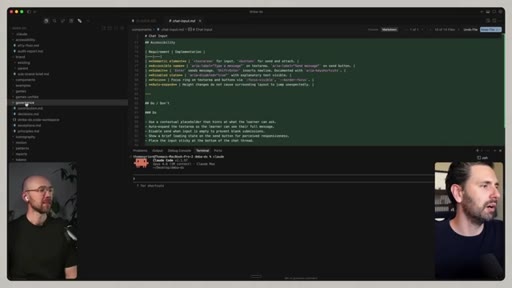
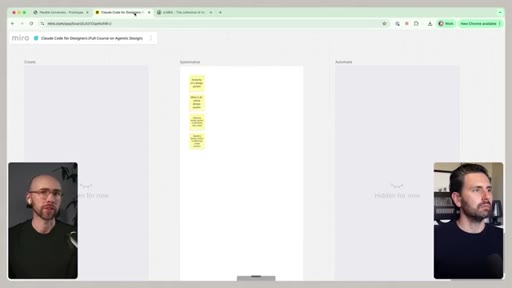
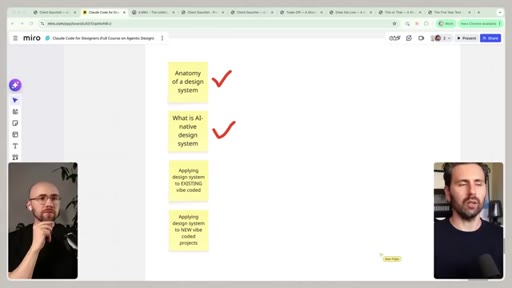
Hands off to Tom (program director at the MBA). They built an AI-native design system because they finally needed one — and designed it so any agent generating new code automatically produces on-brand UI without a human reviewing every component. Two-host segment.
12 · Automate (weekly Slack status reporter)
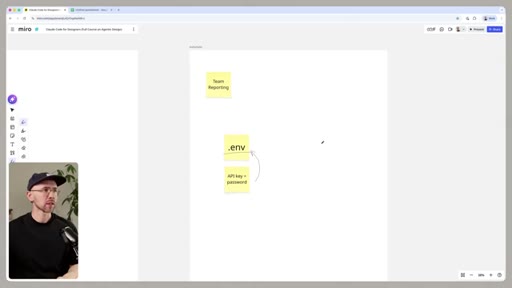
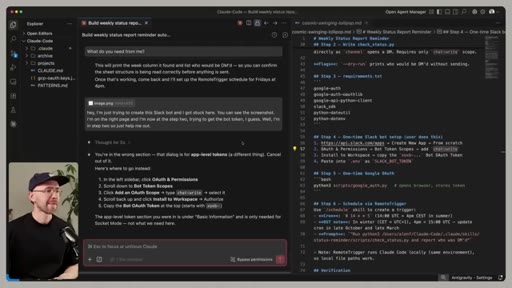
Builds a real automation: a cron'd Trigger.dev job that DMs each team lead asking for a status update, then summarises the responses into a clean Slack post for the whole team. Live setup of GitHub auth, Slack scopes, the .env pattern, and the deployment to cloud infra.
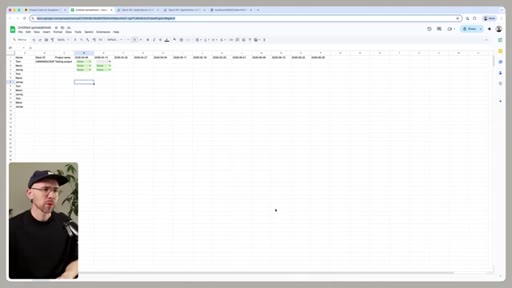
13 · Outro + Agentic Design Community CTA
Acknowledges the space moves so fast even this video will age. Soft pitch for an Agentic Design Community (paid, domain already bought) — but transparent he won't build it unless enough people sign up. Link in description.
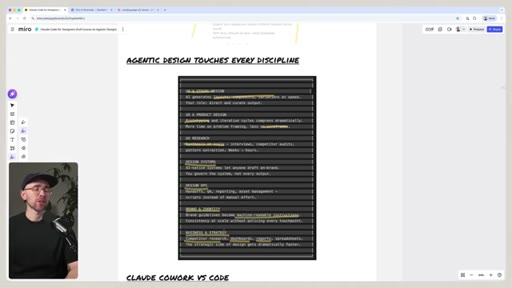
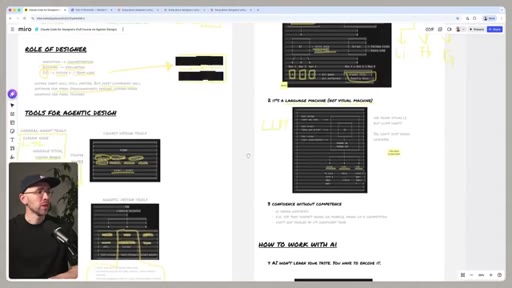
Visual structure at a glance.
Named ideas worth stealing.
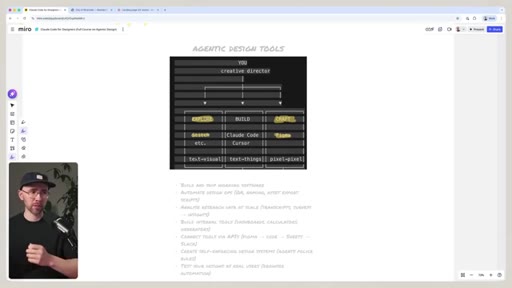
Three buckets of design tools
- Legacy design tools (Figma, Adobe) — pixel-to-pixel craft
- Agentic design tools (Google Stitch, Figma Make, UX Pilot) — text-to-pixel, faster pixel work
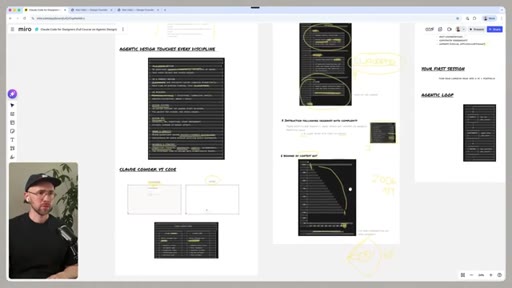
- General agentic tools (Claude Code, Cursor) — text-to-anything, the real scope expansion
Maps where every tool sits and what it actually replaces. The point: general agentic isn't competing with Figma — it expands what a designer can ship.
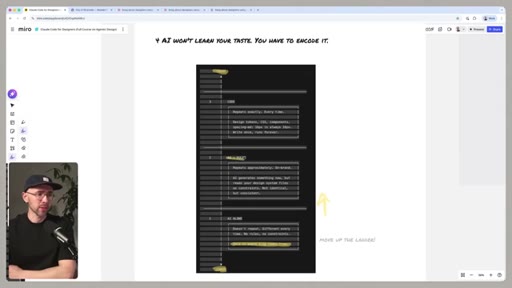
3-Layer Architecture
- Instructions (CLAUDE.md / brand / taste / rules)
- Orchestration (skills — .skill.md recipes)
- Execution (the actual file edits)
The reliability unlock. Two-layer setups (instructions + execution only) get unreliable as complexity grows. The orchestration layer is what makes agentic workflows production-grade.
Executioner -> Orchestrator
The career-shift framing for designers. Same shift Joe is teaching for solo creators — stop renting tools, stop executing every step yourself, become the conductor.
Eight discovery skills you can build
- Review Miner (G2 / Amazon scraper)
- Tone Scraper (competitor voice analysis)
- Heuristic Audit (Nielsen 10)
- Color Thief
- Business Model Mapper
- Strategy Mapper
- Jobs-to-be-Done Mapper
- Survey-to-Persona
Ready-made shopping list of skills any team can build in an afternoon. Each takes 10-15 min once you have one working skill to copy from.
Fresh-instance code review
After Claude Code builds something, open a NEW chat to review it. The original instance has confirmation bias; the fresh one doesn't. Bonus: hand the same code to a different model (Codex) for a third pair of eyes.
Lines you could clip.
"We are moving from a world where most designers are primarily executioners to a world where most designers will need to become orchestrators."
"It's almost like learning Figma in 2016."
"Being fluent with AI agents is a huge advantage on the job market. But soon it might be a hygiene factor."
"CLAUDE.md is almost like a design brief that runs before every conversation."
"PMs with an AI tool and a design system can draft an 80% interface, something that's 80 to 90% good enough."
"The constraint is just your imagination and also your use case, and it's so easy to build this."
How they spent the runtime.
Things they pointed at.
How they asked for the click.
"I'm playing with an idea I call an agentic design community. I even bought a domain already. It's a place where we would regularly do trainings, where we would break down new tools as they drop. I don't know if I will build it yet — depends whether enough of you actually want it. If this sounds interesting, click the first link in the description and join the wait list."
Soft, honest, last-90-seconds. No newsletter pitch, no sponsor through the body of the video. The transparency ('I might not even build it') is the strongest CTA mechanic — it makes signing up feel like a vote, not a transaction.
Word for word.
Steal the curriculum spine.
Faljic's 'executioner to orchestrator' frame is the exact pitch Joe should be making to solo creators — and the 3-layer architecture is the exact spine JoeFlow / Paperclip should ship as a template.
- Pitch every Joe product through the executioner -> orchestrator frame. Creators are still pressing record themselves. They should be directing.
- Adopt the 3-layer architecture as the JoeFlow spine: SOUL.md = instructions, sessions/skills = orchestration, the actual file/recording/upload = execution. Diagram it once, reference it forever.
- Ship a starter-skills pack with JoeFlow. Pick 6-8 like Faljic's list (Review Miner, Tone Scraper, Heuristic Audit, etc.) but reframed for creators: Hook Miner, Caption Scraper, Thumbnail Audit, Title Splitter, B-roll Mapper.
- Build a 'fresh-instance reviewer' loop into the Sessions panel — when a builder session finishes, auto-spawn a reviewer in a different model with no prior context. This is the kind of feature that makes the product feel smart.
- Use the soft-CTA ending pattern: 'I might not even build this — depends if enough of you want it. Drop your email if you do.' Honesty as conversion mechanic.
- Steal his title format for the Mod Boss long-form: 'MOD BOSS FOR CREATORS (Full Course - 90 Minutes)'. Set expectations in the title, let the chapters do the discovery work.
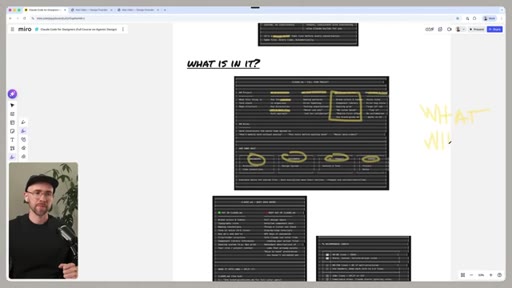
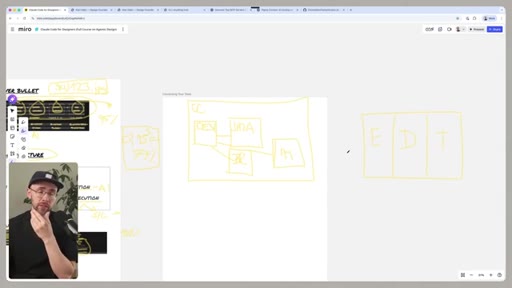
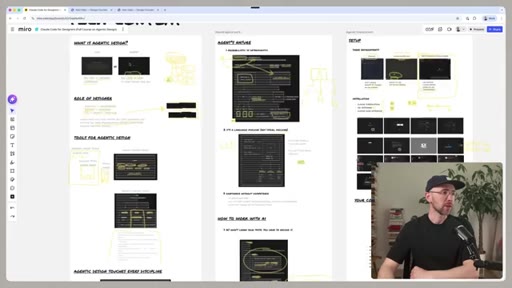
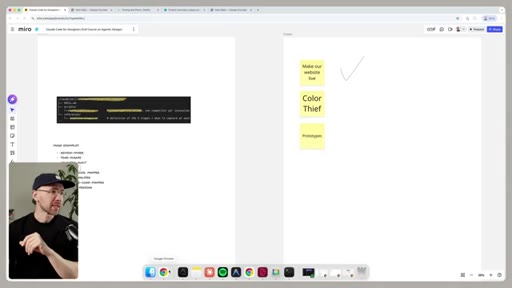
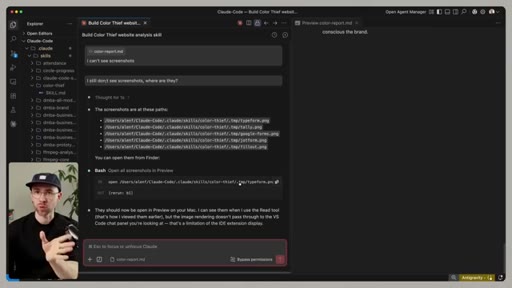
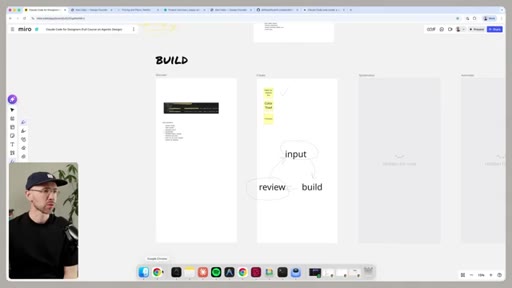
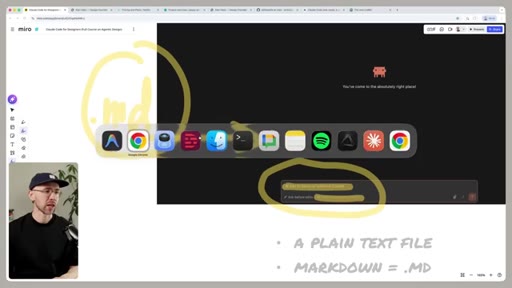
- Replicate the visual rhythm: face + Miro PIP. Hand-drawn highlighter is doing more work than slick slides would. Cheap, fast, recognisable.
If you're a designer thinking about jumping in.
Don't try to absorb four hours in one sitting. Pick the one demo that maps to a job you actually have this week, and follow that section start-to-finish.
- If you do UX reviews -> jump to the parking-permit form demo (~17:33). The sub-agent pattern is the unlock; everything else is plumbing.
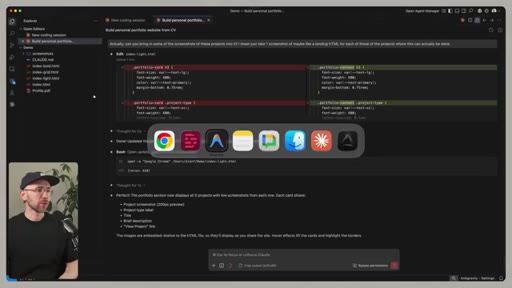
- If you need a portfolio site -> jump to the LinkedIn-PDF -> personal site demo and the Netlify deploy (~1:36 and ~2:38). You'll have something live in an afternoon.
- Build ONE skill before you build a system. Faljic's 'Color Thief' walkthrough (~2:30) is the cleanest cold-start. Don't try to build all 8 from the list.
- Write your CLAUDE.md before your second project, not your first. The contrast between the generic site and the on-brand site is the proof you need to take this seriously.
- Don't skip the Tom handoff (~3:21). The AI-native design system segment is where this becomes a team-level capability, not just a personal trick.
- If you have zero terminal experience: budget the first hour just for setup pain. The course assumes you're past that wall, and you might not be. That's fine — just don't quit there.