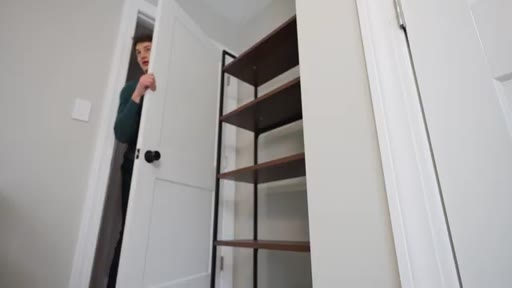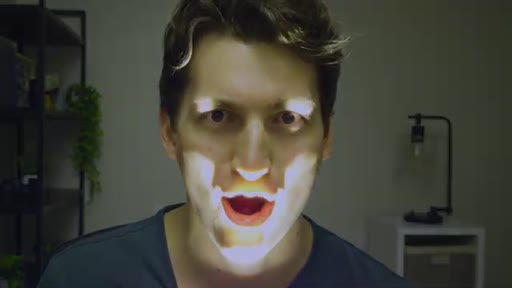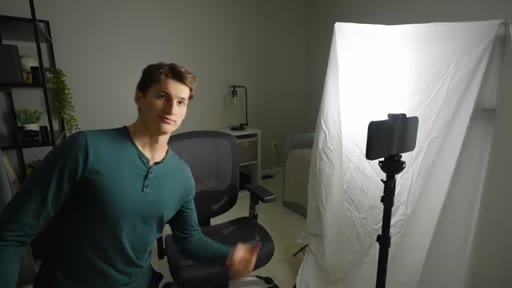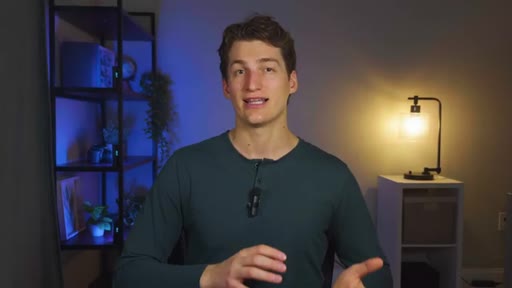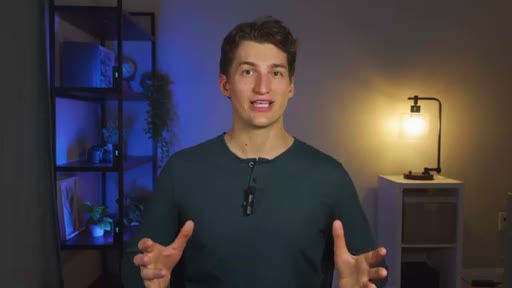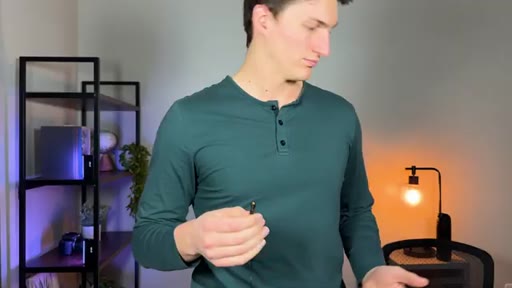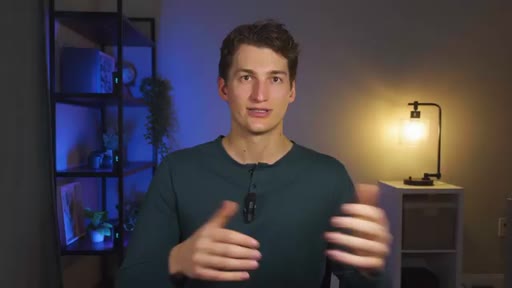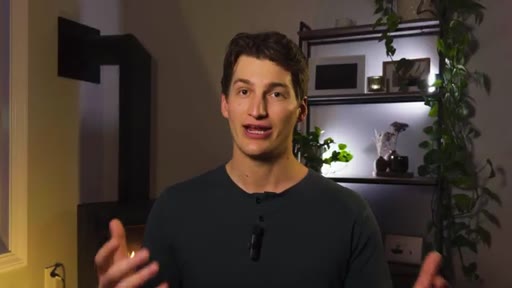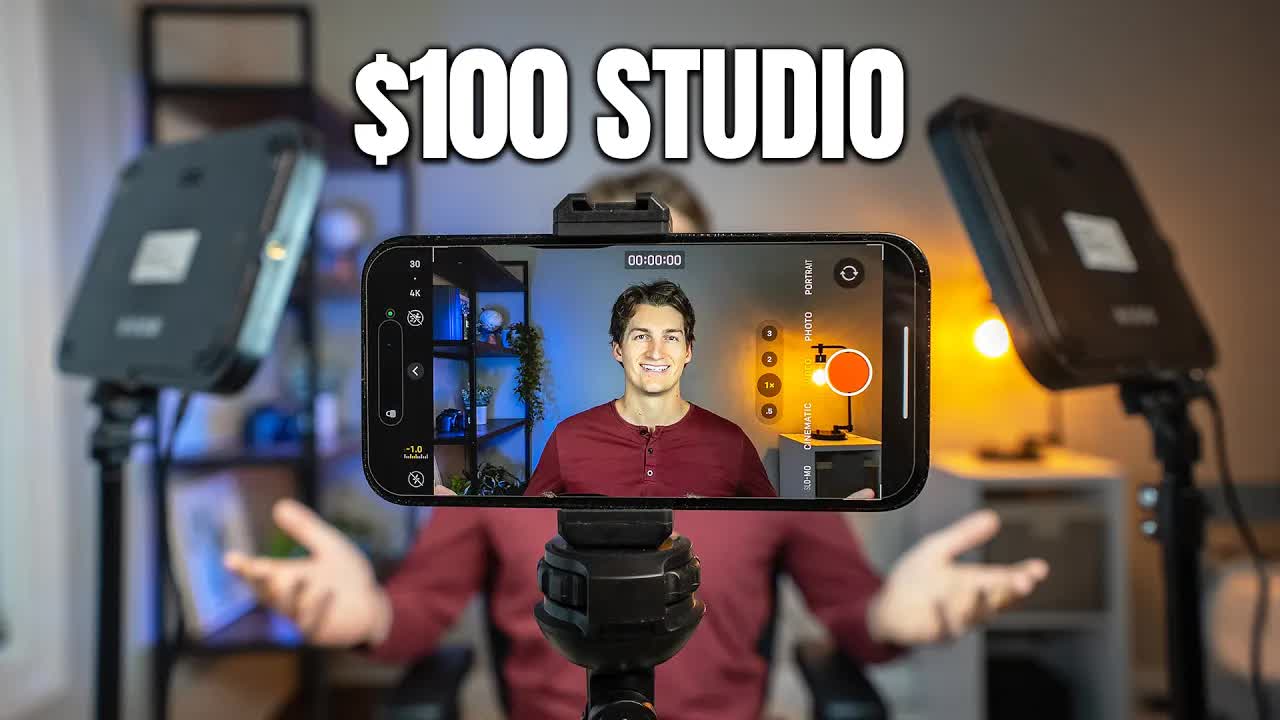
The bait, then the rug-pull.
Hold up a single $100 bill to your smartphone camera, and you've already out-spent most of what separates an amateurish setup from a cinematic one. The gap isn't gear — it's the four fundamentals this video was built to teach.
Where the time goes.

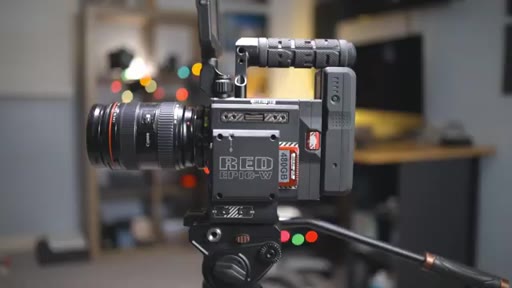
01 · Intro — $10K vs $100 contrast
Side-by-side comparison of expensive vs. budget setup, establishes the four pillars and giveaway
02 · Pillar 1: Composition
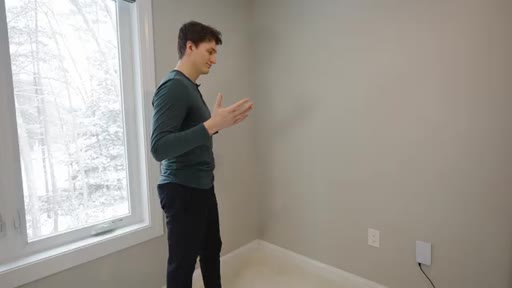
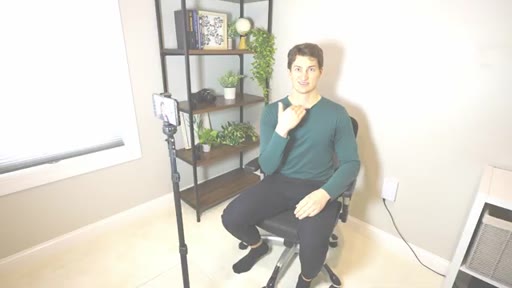
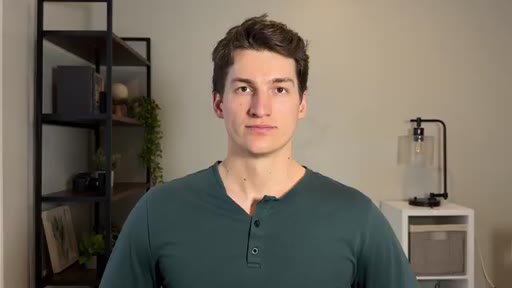
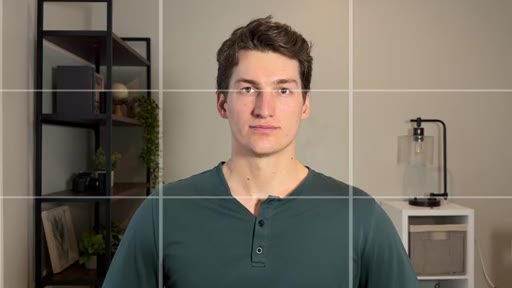
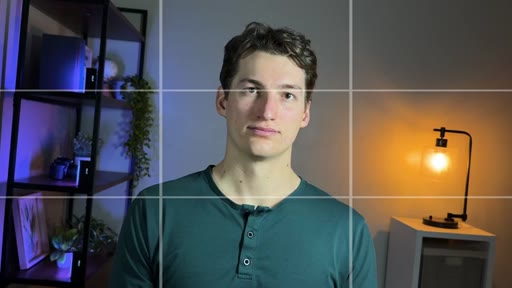
Background selection, 3-6 ft wall separation, $16 tripod, rule of thirds framing

03 · Pillar 2: Lighting
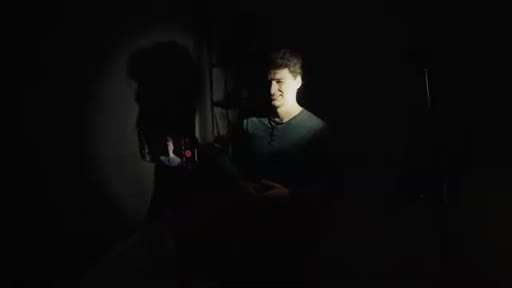
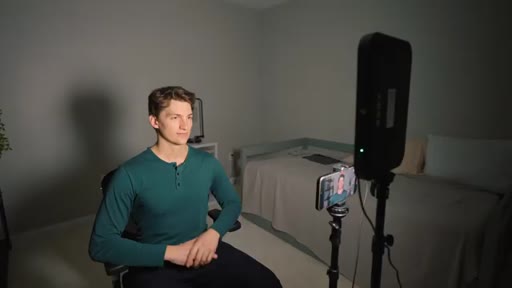
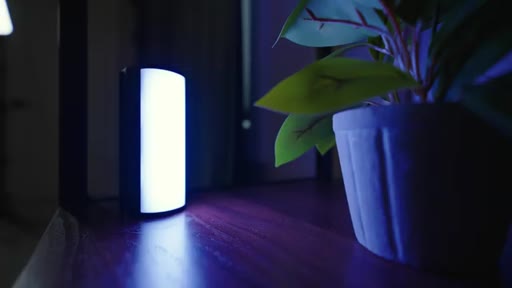
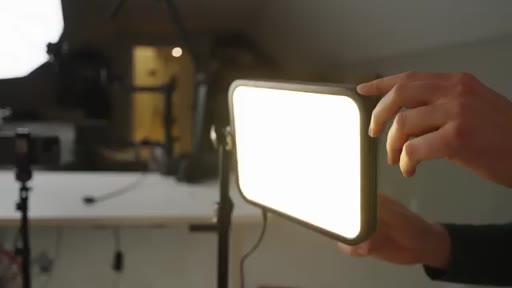
Environment control, light softness (size + diffusion), 45-degree key angle, fill vs hair light, accent Neewer wand, ring-light warning

04 · Pillar 3: Audio
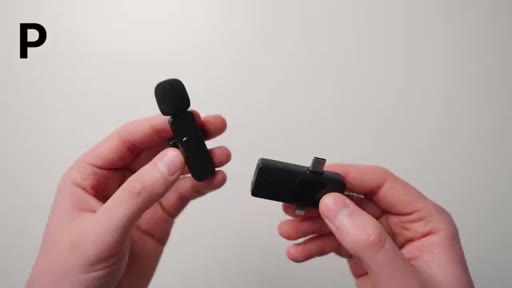
Three mic shootout — POPVoice Pro, PVCP wireless, Hollyland Lark M1 (winner with noise cancellation)

05 · Secret Pillar: Camera Settings
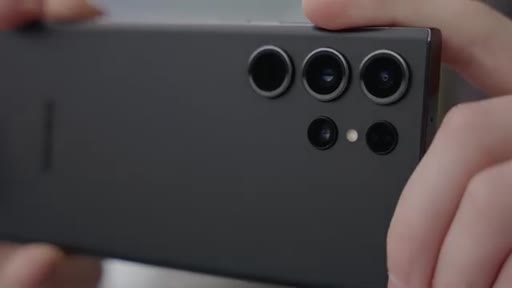
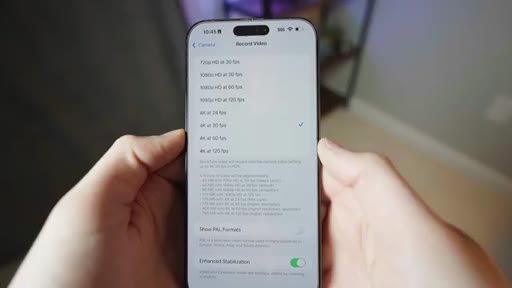
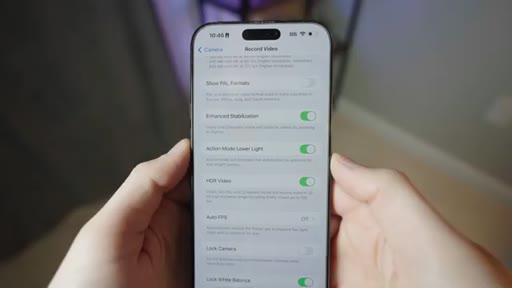
Rear camera, 4K, 24/30fps, HDR off, lock white balance — side-by-side wrong vs. right settings demo
06 · Unique Setup 1
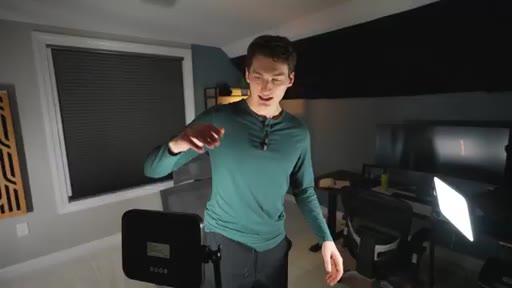
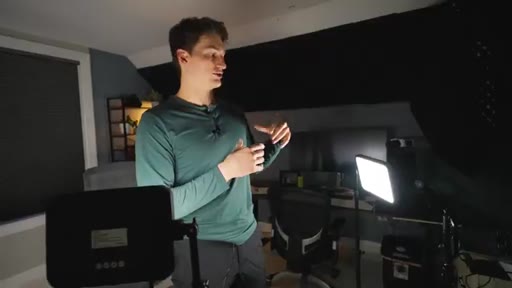
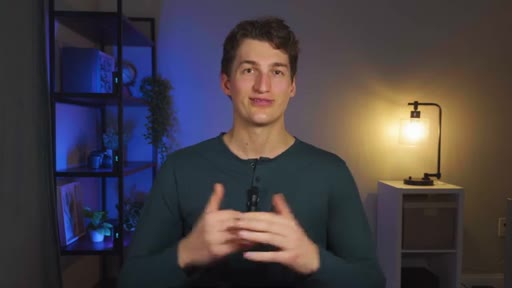
Same gear in a second background location, adjusted color temperature for cooler look
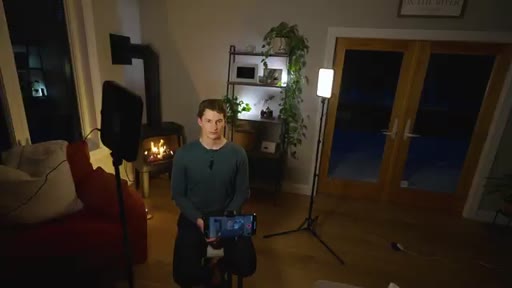
07 · Unique Setup 2 + Light Layer Demo
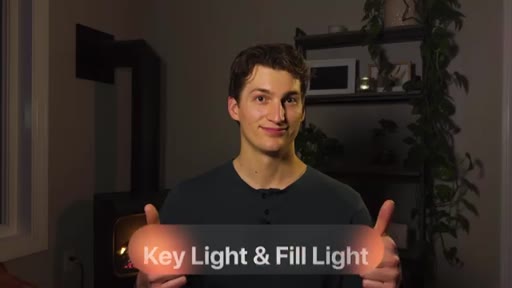
Living room with fireplace; demonstrates key, back, and accent lights individually then combined
08 · CTA — 14 Filmmaker Course
Course pitch ($48 one-time), giveaway entry instructions, subscribe ask
Visual structure at a glance.

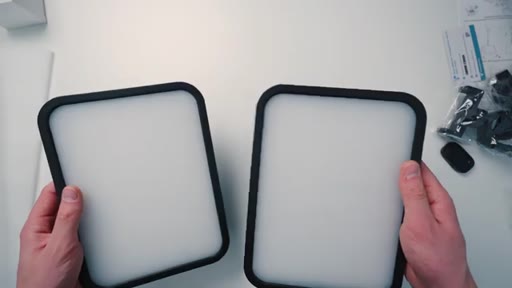
Named ideas worth stealing.
Four Pillars of Cinematic Video
- Composition
- Lighting
- Audio
- Camera Settings
The four variables that determine whether a talking-head video looks professional, ordered roughly by impact. Gear is explicitly excluded from the list.
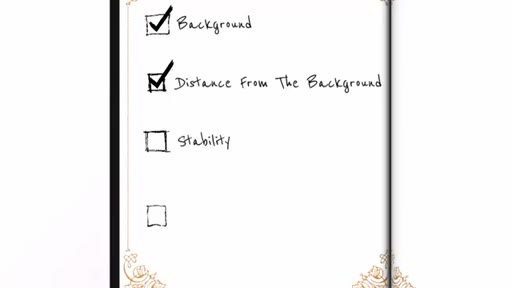
Four Ingredients of Composition
- Background
- Distance from background
- Camera stability
- Framing (rule of thirds)
A checklist for setting up a talking-head shot before touching lights or microphones.
Four Steps of Lighting
- Control the environment (eliminate ambient)
- Make the light soft (size + diffusion)
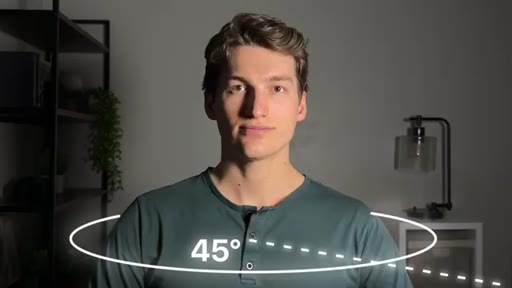
- Adjust direction (45-degree angle)
- Add accent lighting (optional)
Sequential lighting setup process starting from zero ambient and building up deliberately.
Lines you could clip.
"Good lighting with a smartphone will beat bad lighting with a $5,000 camera every single time."
"Most people will tolerate average looking videos, but almost no one will tolerate bad sound."
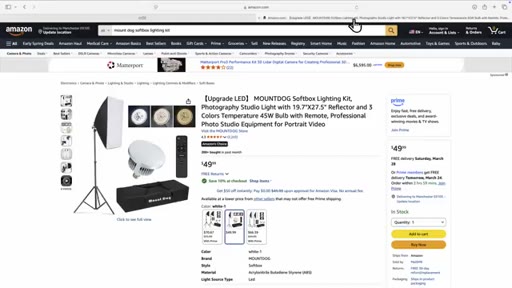
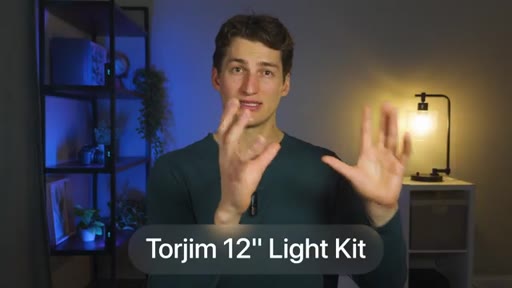
"Three completely different setups, all using the same exact gear that we got on Amazon for under $100."
Things they pointed at.
How they asked for the click.
"That's exactly why we built a streamlined program called 14 Filmmaker. You get access to all of this for a small one time fee of $48."
Placed after the full tutorial value delivery; leads with the pain (hours jumping between YouTube creators), positions the course as the shortcut. Giveaway earlier in video (at ~15:51) functions as a separate email-capture CTA.
Word for word.
Four variables that actually control how professional your video looks.
Gear budget is the last variable to optimize — the four fundamentals that precede it are free or near-free to improve.
- Background separation matters more than background quality: standing 3-6 feet from your wall creates the depth-of-field blur that smartphones cannot do optically.
- Light softness is a function of source size relative to your face, not price — a $13 diffusion panel in front of a cheap LED panel produces the same soft shadow gradients as a professional softbox.
- Placing your key light at 45 degrees off-axis creates the facial shadow depth that makes a shot feel cinematic; a fill light at one-third intensity preserves depth while removing harshness.
- Ring lights are a structural mistake for talking-head content: they sit directly in front of the face, eliminating the shadows that create dimension.
- Most viewers tolerate average-looking video but will abandon bad audio immediately — investing in a $50 wireless lavalier has more impact on retention than any camera upgrade.
- On an iPhone, turning off HDR and locking white balance removes two automatic adjustments that introduce unpredictable color shifts when you have controlled studio lighting.
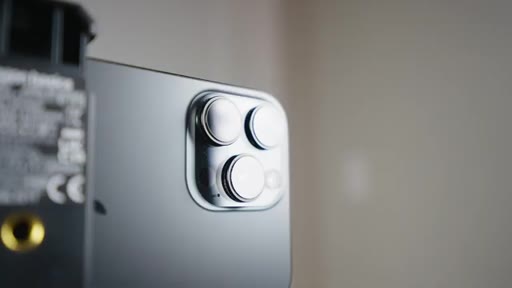
- Using the rear camera instead of the front camera on a smartphone is free quality improvement — the rear sensor is almost always significantly better in low light and resolution.
- Composition, lighting, audio, and camera settings are independent variables: fixing one without the others still leaves visible gaps, which is why most cheap setups look inconsistent rather than just low-budget.