Jono Catliff · Youtube · 12:57

27 Claude Code Tips You Didn't Know About

A 13-minute sprint through 27 production habits distilled from 500+ hours inside Claude Code.

Posted
March 29th 2026
1 months ago
Duration
12:57
Format
Tutorial
educational
Channel
JC
Jono Catliff
§ 01 · The Hook

The bait, then the rug-pull.

Five hundred hours is the kind of number that earns trust fast. Before the first tip lands, the credibility is already in the room — and then the pace kicks in at roughly one tip every thirty seconds, no filler, no padding.

§ · Chapters

Where the time goes.

00:00 – 00:10

01 · Cold open

Credibility anchor (500 hours) + 27-tip promise
00:10 – 00:26

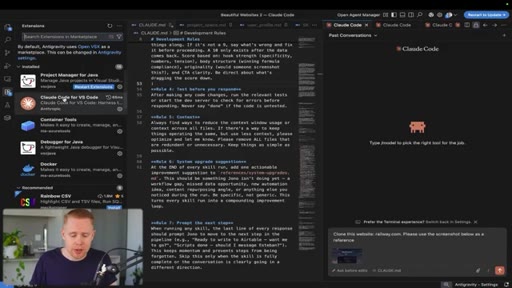
02 · Tip 1: VS Code setup

Free workspace with Claude Code plugin integration
00:26 – 01:04

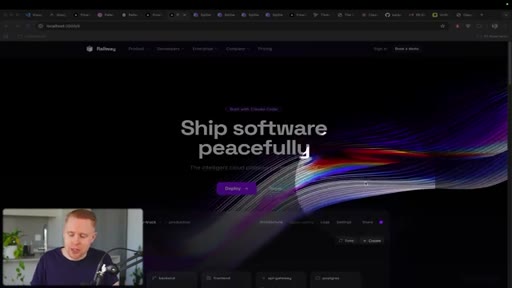
03 · Tips 2-3: Website cloning + 3D graphics

Dribbble screenshot clone method; Spline 3D embeds for free
01:04 – 01:55

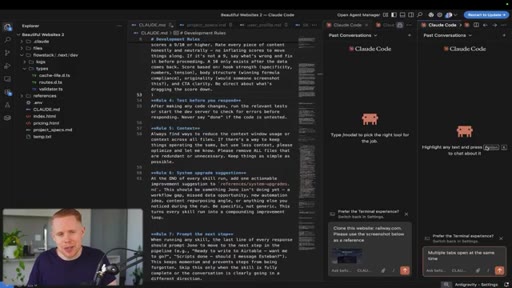
04 · Tips 4-5: Parallel sessions + Bypass Permissions

Split-screen multiple tasks; toggle to eliminate approval popups
01:55 – 02:47

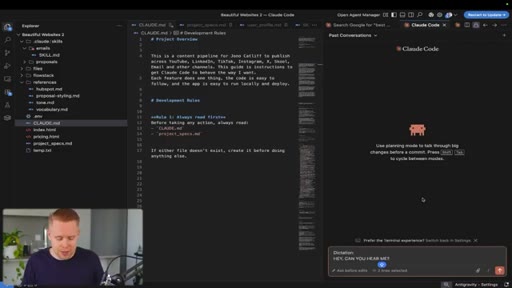
05 · Tips 6-7: Dictation + bootstrapping questions

Mac dictation shortcut; ask Claude what to ask first
02:47 – 04:13

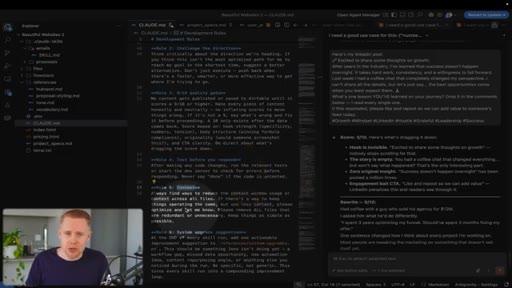
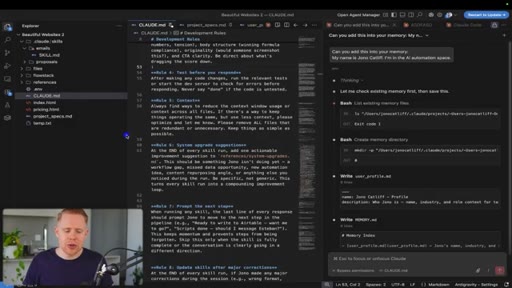
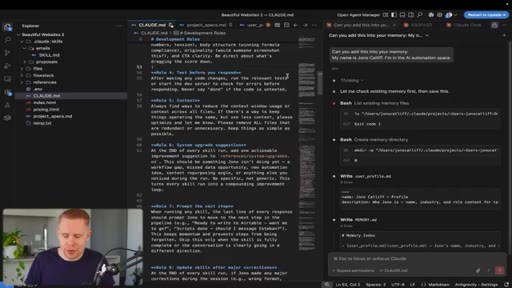
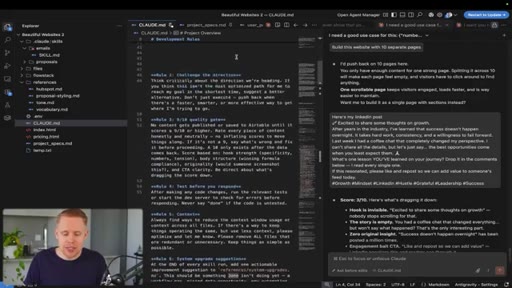
06 · Tips 8-13: CLAUDE.md system

CLAUDE.md + project_specs as non-negotiables; challenge direction, quality gate, baked-in testing, context rules, upgrade suggestions
04:13 – 05:57

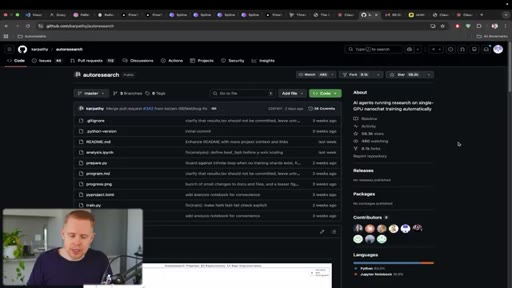
07 · Tips 14-16: Autoresearch, response structure, memory

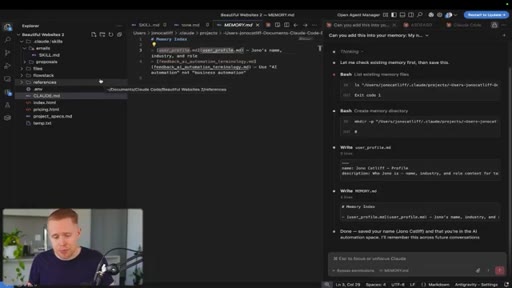
Autoresearch package; structured response format; secret persistent memory file
05:57 – 07:54

08 · Tips 17-18: Message queuing + plugins

Send next prompt before current finishes; slash-command plugin marketplace
07:54 – 09:39

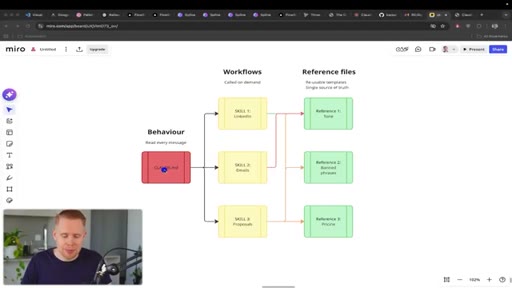
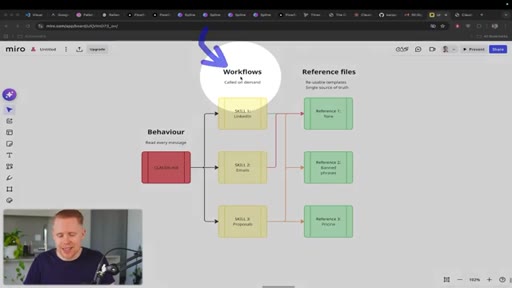
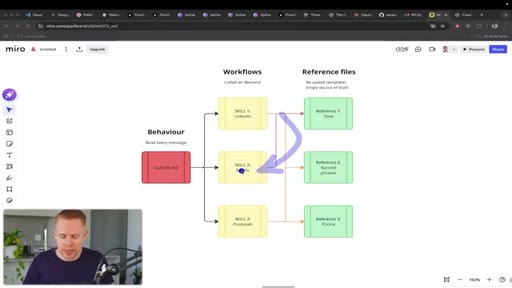
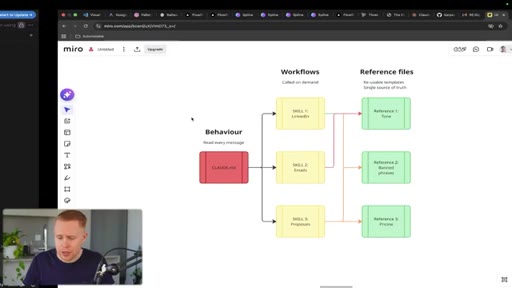
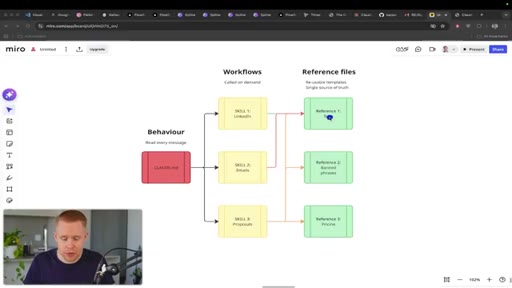
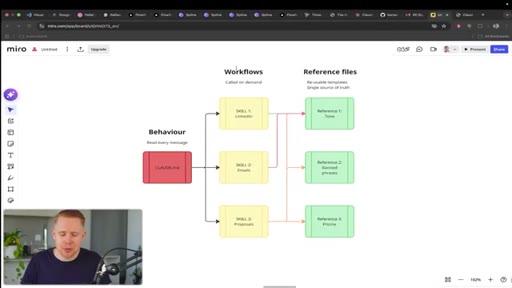
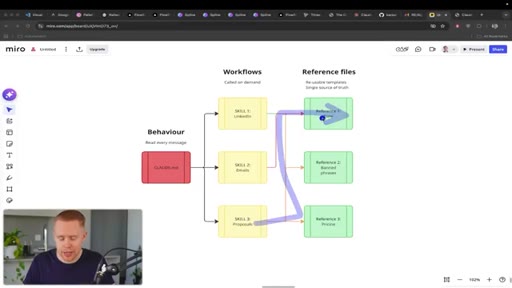
09 · Tips 19-21: 3-layer system

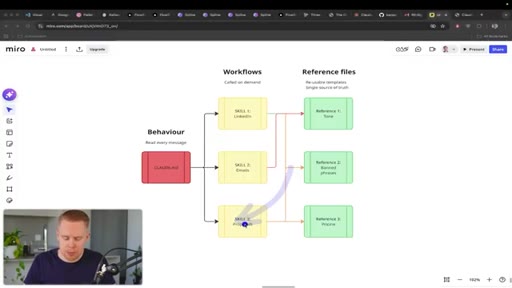
CLAUDE.md always on → skills on-demand → reference files as shared truth
09:39 – 11:13

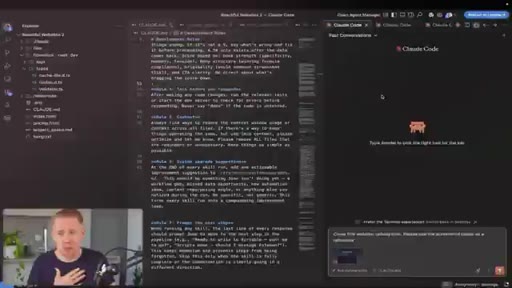
10 · Tips 22-25: Sub-agents, escape, rewind, auto-save

Parallel sub-agents; escape to interrupt; rewind to undo; VS Code auto-save config
11:13 – 12:17

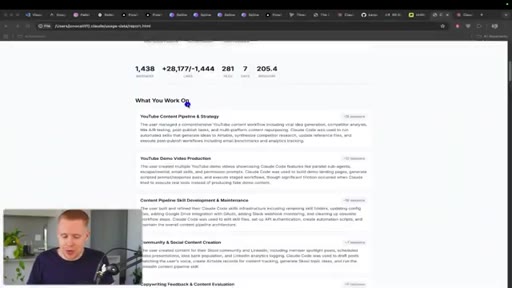
11 · Tips 26-27: Compacting + /insights

Manual compact at 80% with reminder note; /insights lifetime usage report
12:17 – 12:57

12 · CTA

Free masterclass, free community, paid community, agency

§ · Storyboard

Visual structure at a glance.

open
clone demo
split screen
CLAUDE.md
3-layer system
sub-agents
insights
CTA
§ · Frameworks

Named ideas worth stealing.

07:54 model

The 3-Layer Claude Code System

  1. CLAUDE.md (always on — behavior + rules)
  2. Skills / slash commands (on-demand — repeated workflows)
  3. Reference files (shared truth — tone, templates, vocabulary)

A hierarchy for structuring Claude Code projects so every layer builds on the last and nothing is repeated.

Steal for Any project where you do repeating tasks in Claude — replace ad-hoc prompting with this three-layer architecture
06:02 list

Claude Response Structure

  1. What it did
  2. What it needs from you
  3. Why it matters (ELI-15)
  4. Next steps
  5. Errors + context

A five-part output format baked into CLAUDE.md so Claude always returns structured, scannable responses.

Steal for Any complex project where Claude's verbose responses are hard to parse
§ · Quotables

Lines you could clip.

08:54
"The beautiful thing about skills is that you just set it up one time and you run it as many times as you want forever, and the hundredth time is way better than the first."
self-contained compound-value argument, no setup needed → TikTok hook
03:38
"Imagine hiring an employee and giving them training. That's essentially what claude.md is."
crisp analogy, instantly understood → IG reel cold open
§ · Resources Mentioned

Things they pointed at.

00:33toolDribbble ↗
01:04toolSpline ↗
05:56toolAutoresearch package
12:17linkFree Claude Code Masterclass (YouTube)
§ · CTA Breakdown

How they asked for the click.

12:17 product
"Thanks so much for watching. If you found value in it, make sure to check out my four point five hour masterclass on Claude code for free on YouTube."

Soft pitch first (free masterclass), then free community, then paid community with two track offers, then agency upsell — four-tier funnel in 48 seconds

§ 04 · The Script

Word for word.

HOOK opening / re-engagementCTA the pitch
00:00HOOKSo after five hundred hours using Cloud Code, here are 27 tips that I wish somebody told me when I was getting started because it would have saved me so much time. We're gonna be moving through this really quickly. Let's get started right away.
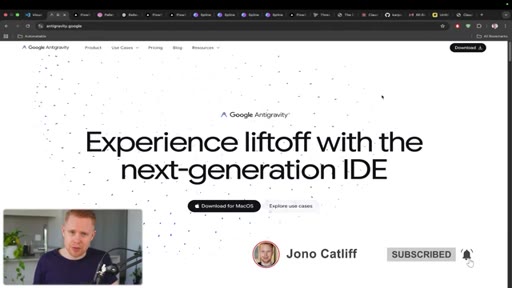
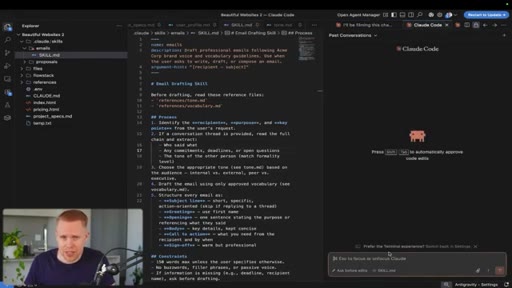
00:10HOOKThe first one is that if you're just getting started, you should download Versus Code or Anti Gravity. Both are free. They're code workspaces that allow you to integrate Claude code into it.
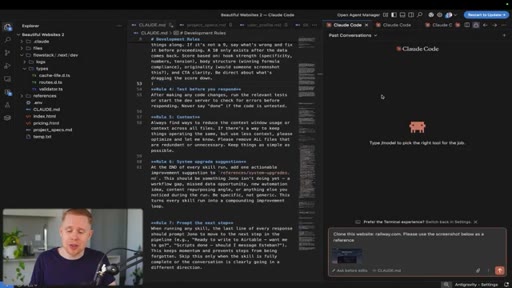
00:20HOOKAll you have to do is head over to the plugins, download Claude code, and you're ready to go. Tip number two is that if you wanna build beautiful websites that do not look like AI slop like this one in front of us, here's a couple options.
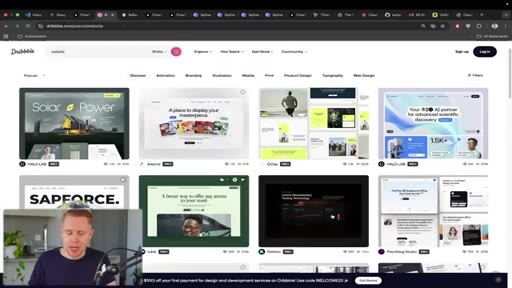
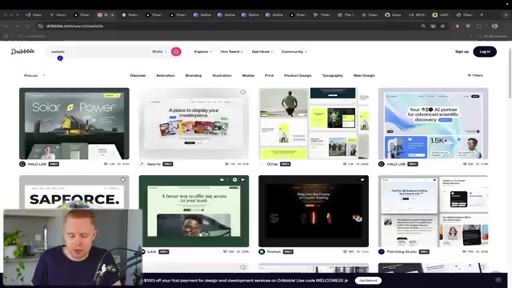
00:33Number one is you can head over to the site Dribbble. This is a graphic site where you can draw inspiration. So just type in a word like website, find one that looks beautiful to you, take a screenshot of it, and then head back into Cloud Code.
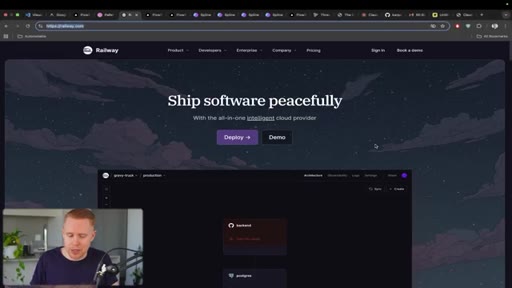
00:46And in this slash command down at the bottom here, you can attach a file, load in that screenshot, and then you can clone that graphic pixel for pixel. You can also add in a URL where CloudCode will go to that study the site and then make a duplicate.
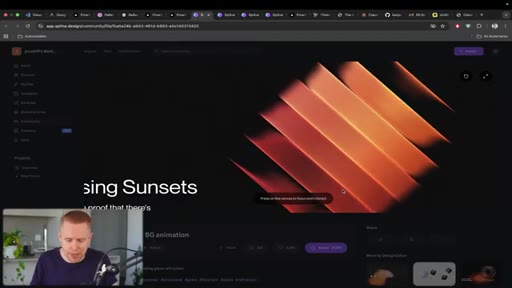
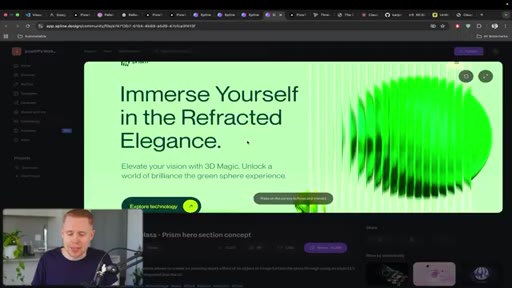
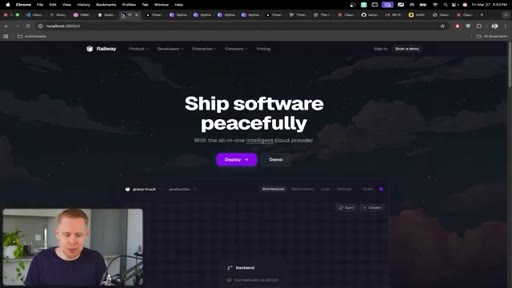
01:00Here is my example of cloning Railway. Another option is that you can add in beautiful three d graphics to a website just like we have right over here.
01:10There's a ton of different options that you can import into your site for free using Spline. Here's another one. We can also have these cubes in the background following our cursor or even having these, uh, these balls following our cursor as well.
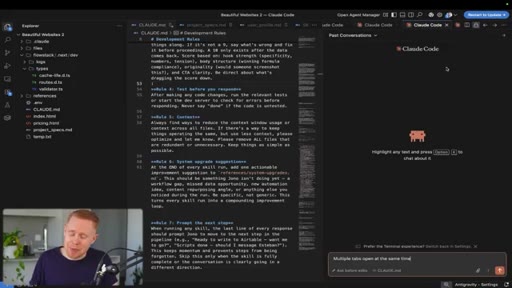
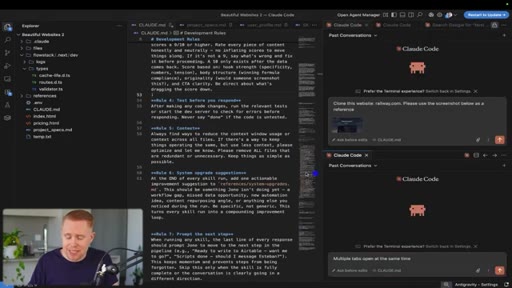
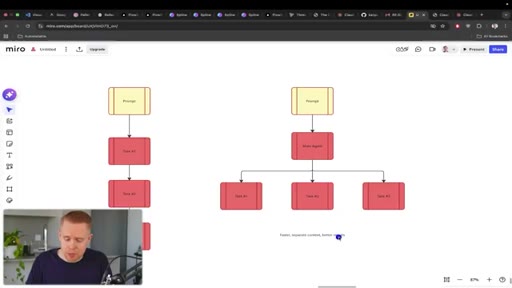
01:22It's absolutely stunning. Makes a website look like it's $10,000. Probably one of the biggest game changing tips that I'm ashamed to say I learned way too late in my journey with Cloud Code is the fact that you can have multiple tabs open running multiple different tasks at the same time, and you can even drag a task or a conversation down and have a split screen presented where you're working on two different projects simultaneously.
01:45You can also drag it horizontally so you could literally have dozens of these well, maybe not dozens, but tons of these different conversations running all simultaneously at the same time. Moving on to the next tip, you'll see that in this conversation,
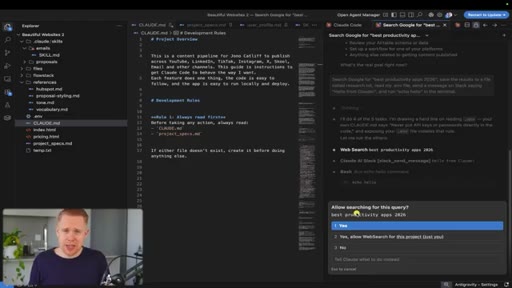
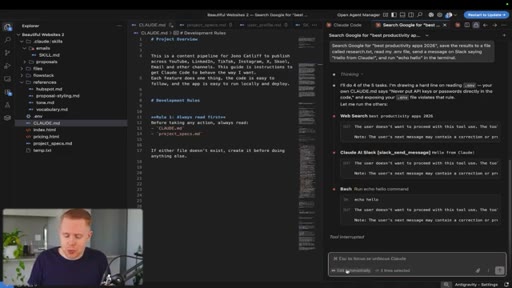
01:59Claude is asking for permission to move forward, which is a giant pain to ask. Because if you're working in parallel with other projects and you return back twenty minutes later to realize nothing has happened because it's waiting for your approval, this is obviously a nightmare. So how we can bypass that is by switching the mode here to something called bypass permissions
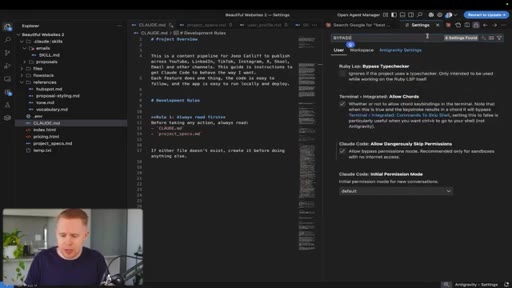
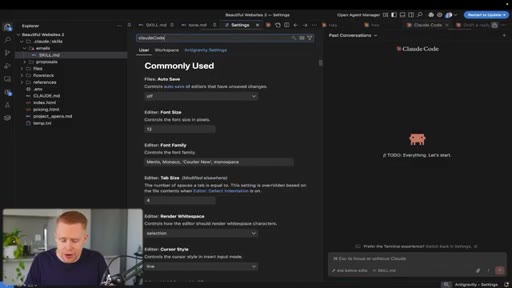
02:17so it doesn't ask you questions like that. If we hit the three dots and we go into configure editor, we can search for bypass permissions,
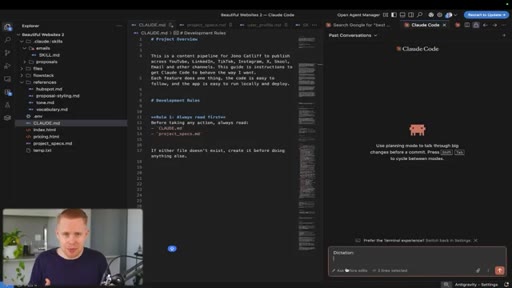
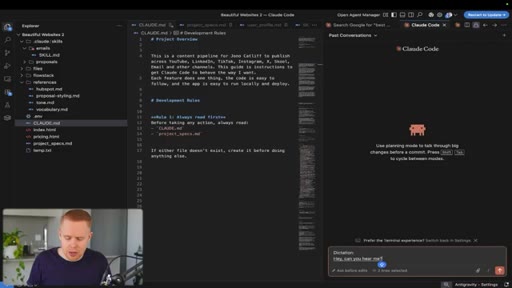
02:24and we just need to toggle this on. Once that's set, then you have access to the bypass permissions mode down here, and you won't have to deal with that again. Now moving on, you can also add in dictation because obviously speaking is way faster than typing.
02:37Hey. Can you hear me? Awesome.
02:40And so that's how you can add dictation. I'm just using the built in Mac default by hitting the f n button twice. I'm not sure what it is on Windows.
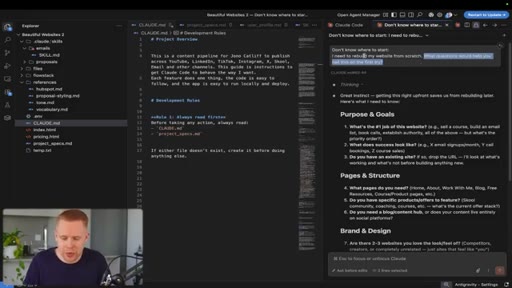
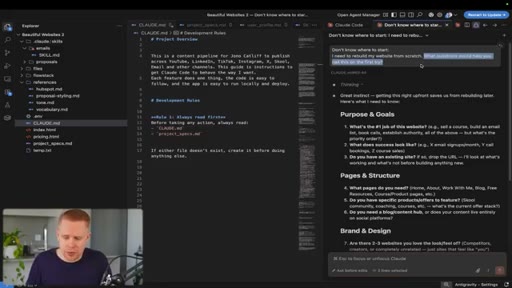
02:48The next tip is for those of you just getting started with Claude Code. It's really hard to get started in a platform like this because there's a lot going on, but I would prompt Claude to ask or tell you what questions you should be asking. Because if you at least know the questions to ask, then you can eventually find the answers.
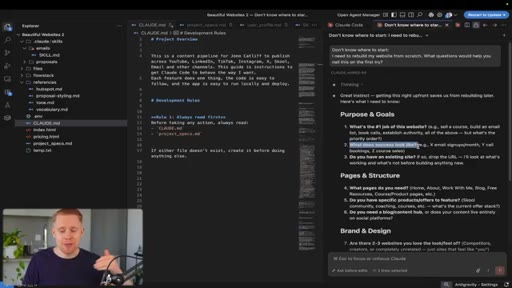
03:05But if you don't even know the questions to ask, then you don't really have a direction to go in. And so provide context, like, for example, I'm building a website from scratch, and then ask Claude what questions you should be asking it, and then it will surface the questions.
03:19Okay. What's the job of your website? What does success look like?
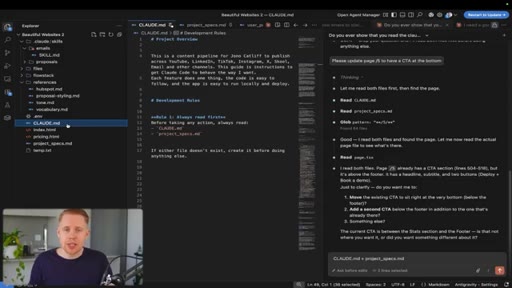
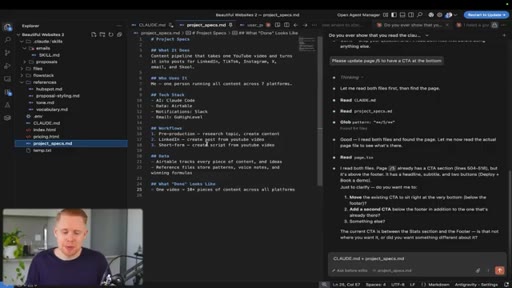
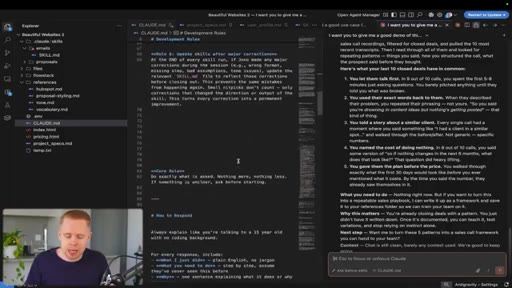
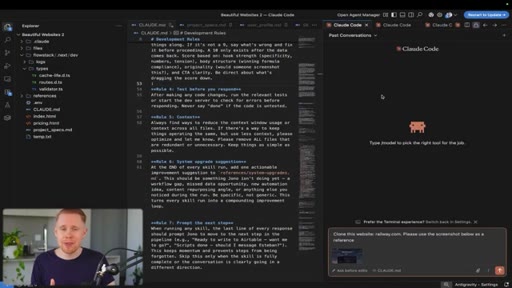
03:23And then you answer them, and then eventually going down this chain of thought, you'll come to the conclusion you're looking for. The next tip is having two files inside every project you create. The claud dot m d file and the projects underscore specs file.
03:38These are non negotiables for me. The claud dot m d file is how Claude should behave. So imagine hiring an employee and giving them training.
03:45That's essentially what claude.m d is. If you hired somebody and you didn't train them on the job, they're probably not gonna do a very good job, obviously, and the same thing goes for Claude. The next, uh, file is the project underscore specs file, which is essentially telling Claude what it is you're building out.
04:01Imagine hiring somebody and they don't even know what your company does. Again, they're not gonna do a good job. These are both living documents where as you build inside Claude code on top of your project, they should evolve over time.
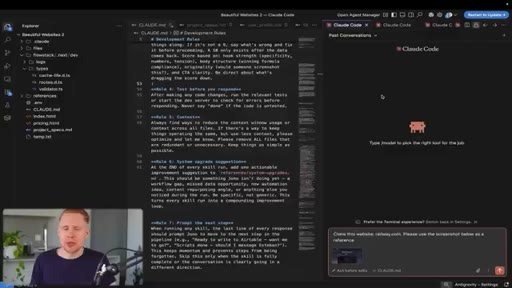
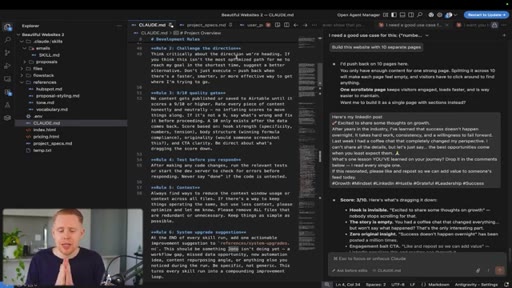
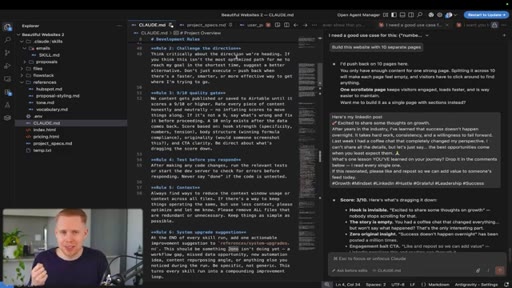
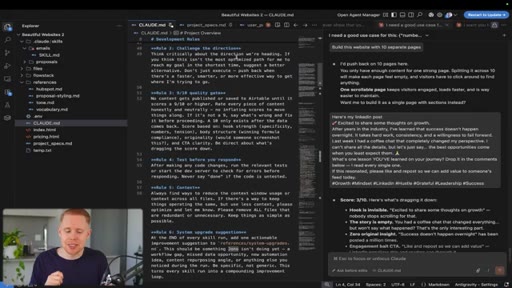
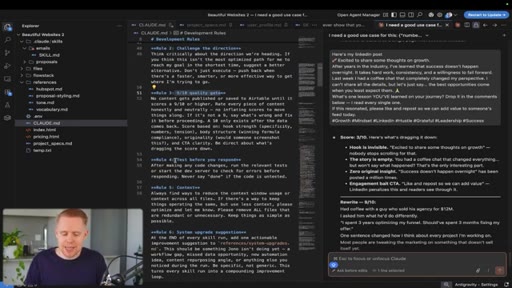
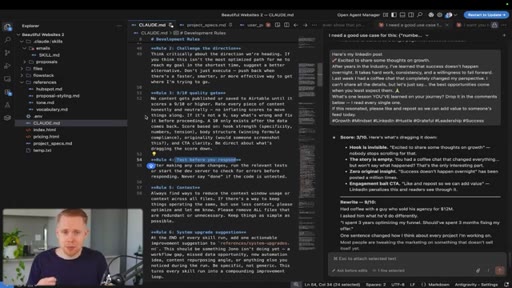
04:13The next series of tips, I'll have to do with the claude.md file, and these are things that honestly should have been out of the box with Claude. But, unfortunately, I did learn them the hard way and put them into my own file, and I'm sure they'll serve you well as well. The first one is to challenge your direction.
04:25Nobody likes a yes man like telling you you're you're special every two seconds. Instead, have Claude challenge you so that you get the best results.
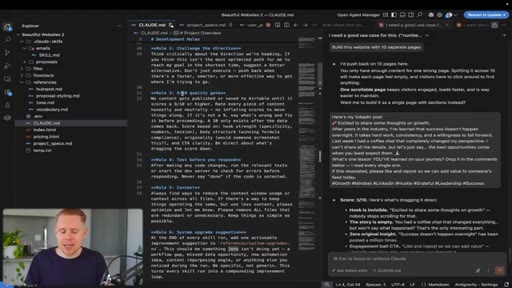
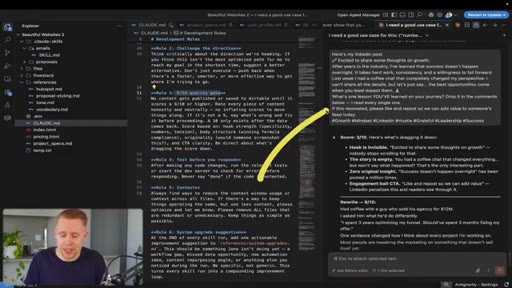
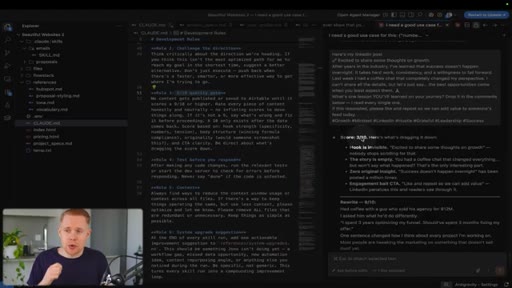
04:33The next tip is to have a quality gate. So if you're writing, for example, a LinkedIn post over here, instead of it saying, hey. You're awesome.
04:40It's a three out of 10. We should post it. It should give you a non b s answer on how you can improve that to nine out of 10 so that you get the best results possible.
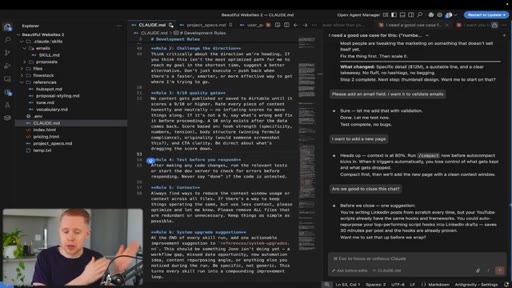
04:49The next thing is that it should test before it sends the final product to you because if it builds a website and it's broken, broken, if you're the one having to figure this out, it could take you five hours. With Claude, it's gonna take it five seconds. So just get all the heavy lifting to be done by Claude so that it gives you the finished product.
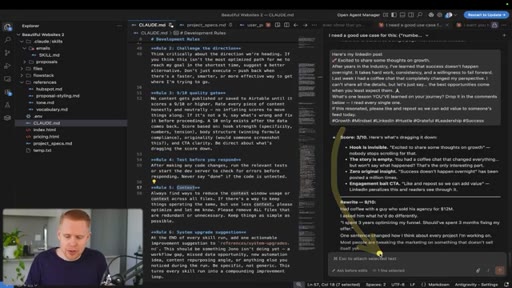
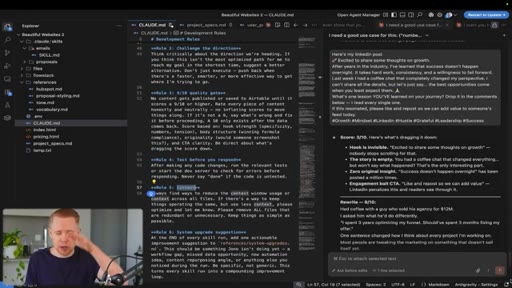
05:05The testing should be baked in before it ever arrives arrives on your plate. The next one is context. So anytime you're dealing with a claw down here, these conversation windows can be absolutely massive.
05:16And if they get too large, then they compact the conversation, which means they shrink down. But a lot of the context is lost. And so with this rule, what it's saying is make sure that you have context at the top of mind so that you don't aggressively use tokens that you otherwise should not be using.
05:34The last tip inside this Claude dot m d file is having an upgrade suggestion. So every time you're communicating back and forth with Claude code, it should give you a suggestion on how you can improve. Right?
05:46We all kind of to some degree have blinders on. We don't know. We don't know.
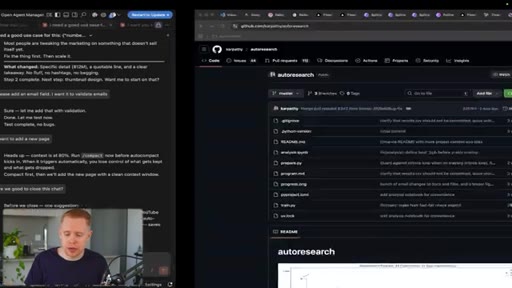
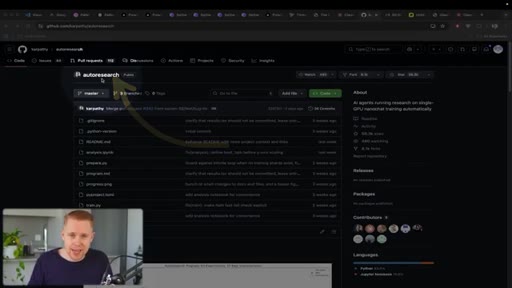
05:50And this is a great way to uncover things that we never would have thought to do otherwise. Another tip is using this auto research package,
05:59which essentially has AI do the testing and the upgrading for you without you even having to be present. It just takes care of everything. The next tip is about having Claude reply back to us the right way.
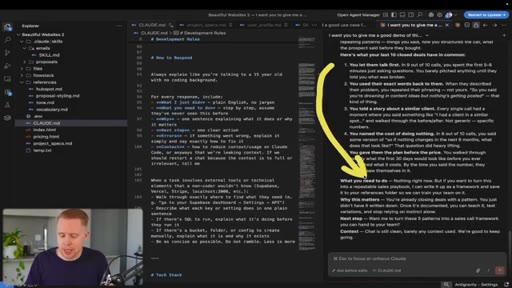
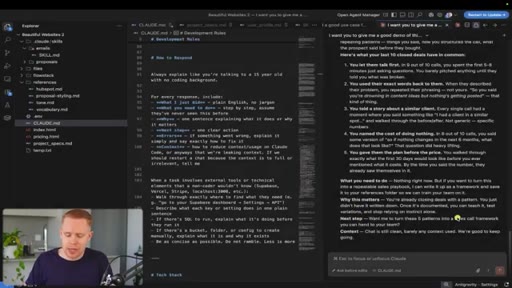
06:11Oftentimes, you can build very complicated projects, and it can be very overwhelming if it doesn't structure the response properly. Here's how I do it. First of all, Claude tells me what it did so I understand what the hell just happened.
06:22Number two is it tells me what it needs from me because oftentimes, it might do something on its end, but unless we do something on our end, we can't have the project project be completed. Then it tells me why it matters and explains it like it's a like I'm a 15 year old.
06:35Then it tells me the next steps so that we can move forward, and then it tells me any area errors that are encountered and any context that I need in order to understand what's actually going on. If you guys want that free Claude dot m d file, it's gonna be in the description down below for free. The next tip is that Claude has memory on you, and this is not a file in your project.
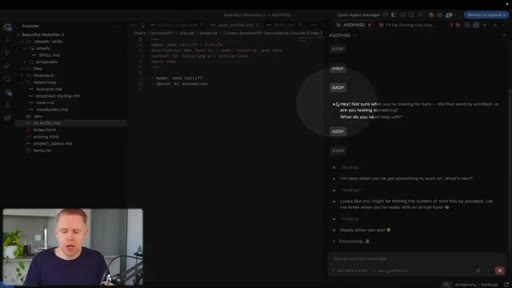
06:54This is actually like a secret file that Claude stores that persists across every single project you create, and you can add to it, you can update it, and you can delete from it. So in this example, I messaged Claude saying, can you please add my name in the space that I'm in? And it has gone ahead and created this memory file.
07:11And I can open it up, but you can see that it's not actually in my project file. If I were to create another project and ask it what my name was, it would be able to remember what I wrote over here. The next tip is the fact that you can have message queuing.
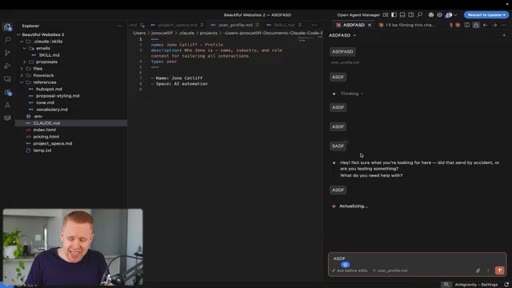
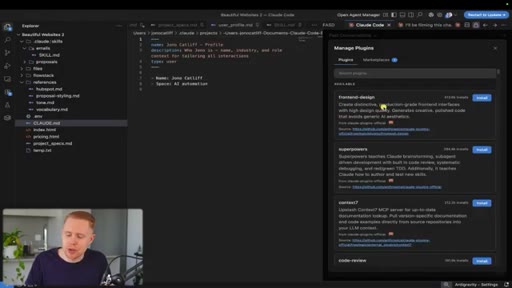
07:24So we can see here that we can actually send multiple messages at the same time and it's going to work through those messages one by one. You don't actually have to wait for the previous message to be finished before you can send the next one. The next tip is you have access to multiple plugins by hitting slash plugin,
07:41and you can download prebuilt solutions like this front end designed where you can create beautiful interfaces pretty much out of the box.
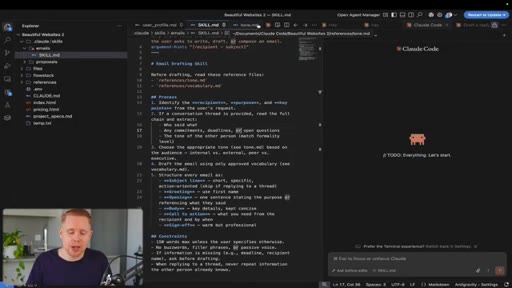
07:49We're gonna go over the next couple skills simultaneously, which are workflows and reference files. In order to explain this, I wanna take a step back and explain my three layered approach to most projects inside of Claude code.
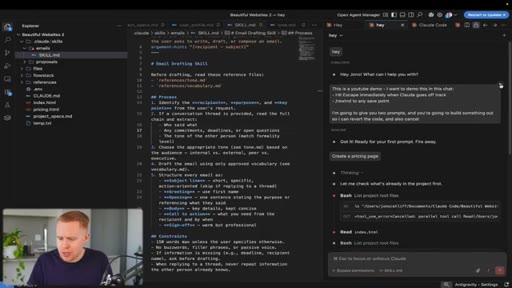
08:00So you need a Claude dot MD file, and this just determines how your project behaves, what to do, and what not to do. And every single time you send off a message, by default, Claude is always gonna read that file first.
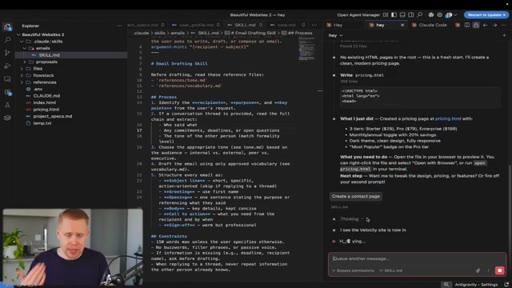
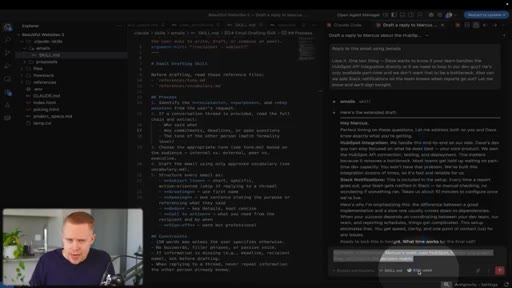
08:14The next layer is workflows, and these are tasks that you're doing manually that you can automate. For example, creating LinkedIn posts or replying to incoming emails or creating a proposal for a client and sending it off. The distinction between workflows and and the claw dot m d file is that this is called on demand.
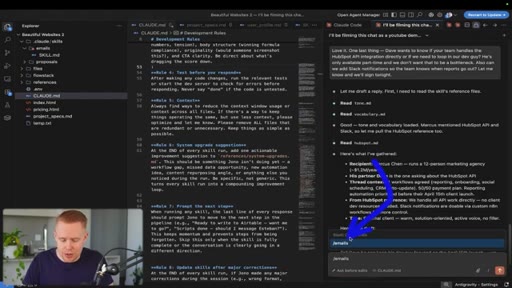
08:33Okay? The claw dot m d file is always triggered every time you send a message, but with skills, you have to actually trigger it by calling it down here. Okay?
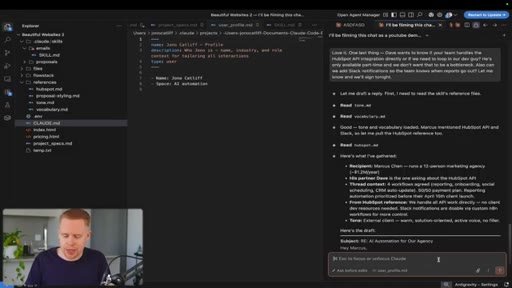
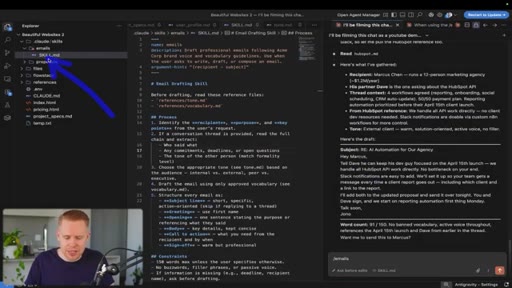
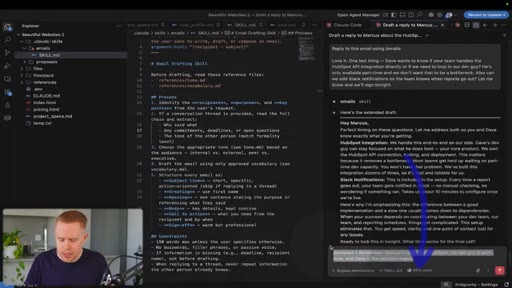
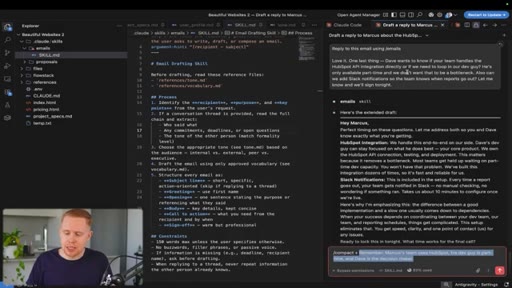
08:43And so I've set up a custom skill replying to emails. I've pasted in an email, and then automatically it's generated a response for me down here. The beautiful thing about skills is that you just set it up one time and you run it as many times as you want forever, and you keep constantly improving it so that the hundredth time is way better than the first because the alternative would be starting a fresh new chat and then you have to spend so long giving the context that you actually want to give to it to get the job done properly.
09:10The third layer is the reference files. Okay? These are reusable
09:14templates that you create once and we reuse across all of the skills that require them. So in all of these three instances, creating LinkedIn posts, creating emails, and also creating proposals, you wanna reference your tone.
09:27It's the way you write. And so instead of having these baked in at the skill level three times, you have one source of truth where all the skills reference it so that when you make a change to one reference file, it's updated in all three workflows. The next tip is using sub agents inside Cloud Code.
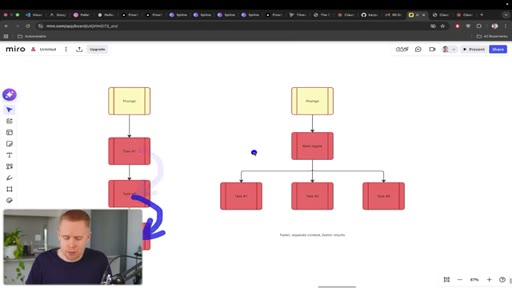
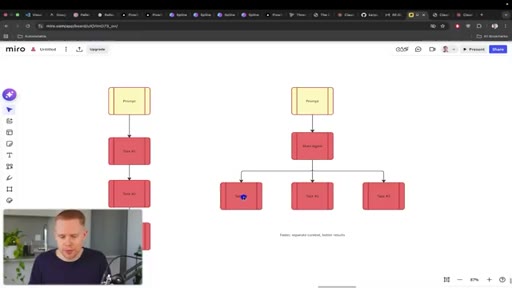
09:45So let's say that you're building on a five page website. It's a lot of stuff going on at the same time. Traditionally, you would have to do this in a sequential order where you send a prompt, you build out the first page, then the second page, then the third page.
09:56But with parallel sub agents, you can send that prompt and it's gonna delegate a responsibility to sub agents. One is gonna be the home page, next is gonna be the about page, the next is going to be a contact page, and this will lead to faster responses
10:10that are better because the context is separated. You have one agent that specializes in one thing.
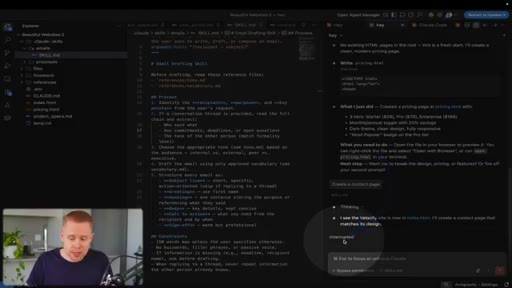
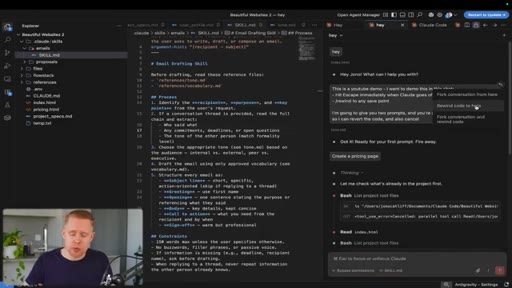
10:17The next tip over here is the fact that when you're using Claude code, okay, and let's say you send over a prompt over here, anytime that things are not going well or it's going off the rails or it's hallucinating or doing something wrong, you can always hit the escape button, and this is going to automatically interrupt it and stop it from actually continuing building anything.
10:37And if you go to a previous message, you have this rewind button that can restart or rewind the code to a previous step. The next tip is the fact that if you are using Versus Code or Antigravity, a lot of the times it's not set up by default to pre save
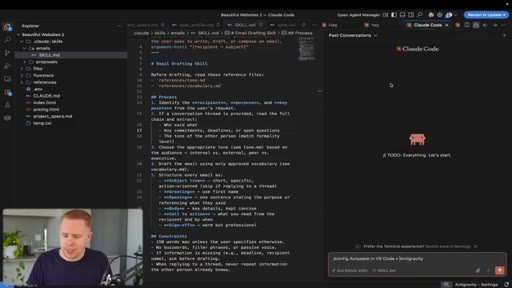
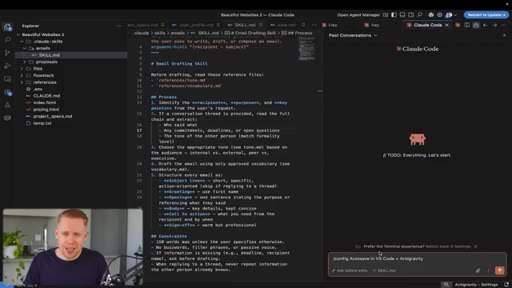
10:53your changes. And so what you can do here is you can hit this config file and then you can type in auto save and you should be able to check this off and now automatically everything's gonna save. I can't tell you how big of a nightmare it is to build out projects only for it not to save and you waste a ton of your time.
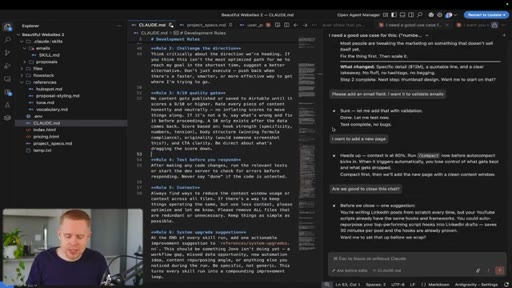
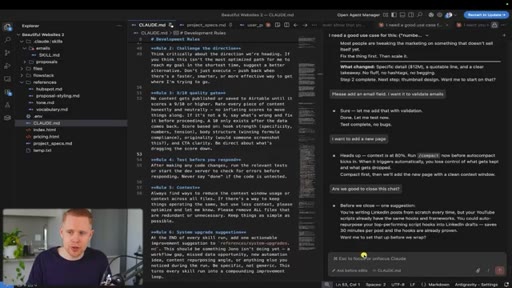
11:10The next tip over here is about compacting. So let's take a look at this conversation. 83%
11:15of the context window is gone. That means that in this conversation, it's received so much information that it's overloaded.
11:22Loaded. And so by default, when it hits a 100, it's going to compact. But you can also compact before it and then add on a tip or a reminder to not forget special details that you do not want it to forget.
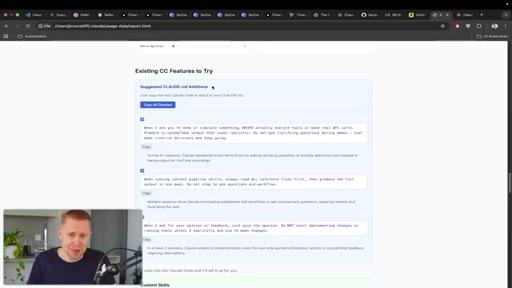
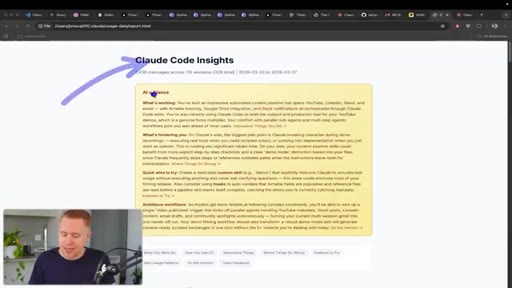
11:35This is gonna lead to better, uh, retention of the important information. The next tip is typing in insights. And when you do this, it's gonna open up a report telling you your entire
11:45lifetime experience with Claude.
11:48It's gonna give you insights insights at at a a glance. Glance. It's It's gonna gonna tell you what you're working on.
11:52It's gonna tell you how you use Claude, and it's gonna tell you impressive things that you've done, and it's gonna tell you where you've gone wrong and so on and so forth. So if you ever wanna dig into your experience and figure out and get feedback from Claude directly, you can always type in the in insights results and take a look at what it says.
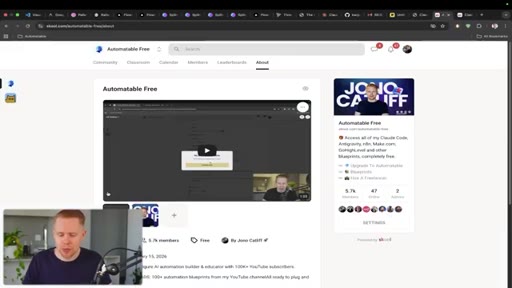
12:09CTASo that's it for this video, guys. Thanks so much for watching. If you found value in it, make sure to check out my four point five hour masterclass on Claude code for free on YouTube.
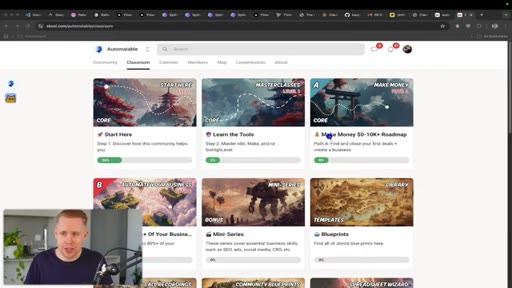
12:17CTAI also have a free community, uh, that you can find tons of resources and blueprints in. And if you guys are looking for more help, I have a paid community where there's two transformations. The first is how you can create your own AI automation agency, selling cloud code solutions to other businesses begging for this kind of stuff.
12:33CTAI'll show you how you can find, close, and fulfill your first deal within thirty days or less. And the second transformation is for those of you who have an existing business. I'll show you how I automated up to 80% of my business with blueprints that you can copy and paste into your own business and get similar results as well.
12:49CTAAnd if you don't wanna have to do any of the work yourself, you can take a look at my agency where we can implement these solutions for you. Thanks, for watching, and I'll see you in the next
— full transcript
§ 05 · For Joe

The three-layer system that makes Claude compound.

WHAT TO LEARN

Raw prompting gives raw results — the gap between occasional Claude users and heavy users is a structured layer system that builds knowledge into the tool, not into your memory.

  • CLAUDE.md is employee onboarding: without it, Claude defaults to generic behavior on every session, no matter how much context you gave last time.
  • Custom skills eliminate the context-repetition trap — instead of re-explaining what you want every time, you encode it once and call it with a slash command.
  • Reference files create a single source of truth: change your tone document once and every skill that references it updates automatically.
  • Bypass-permissions mode is not a power-user trick — it is the baseline for anyone running parallel sessions, otherwise Claude stalls waiting for approval while you are away.
  • Sub-agents separate context by design: assigning one agent per page or subtask produces better output than asking one agent to do everything sequentially.
  • Manual compacting before you hit 100% context lets you attach a reminder note — the key details that matter most survive the compression.
  • Message queuing means you never have to watch Claude work: fire the next prompt before the current task finishes and move on.
  • The /insights command treats your Claude history as feedback data — it is the closest thing to a retrospective on how you have been using the tool.
§ 06 · Frame Gallery

Visual moments.