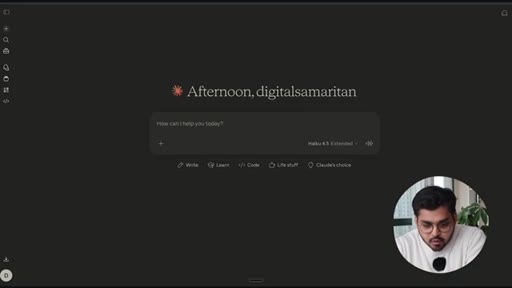
The bait, then the rug-pull.
The hook inverts the expected question — not what Claude can do, but what it cannot — and then immediately answers it by showing a capability most people assume is off-limits: generating polished, brand-consistent Instagram carousels without any image model at all.
Where the time goes.

01 · Cold open — the inverted question
Host flips the usual AI framing: the interesting question in 2026 is what Claude cannot do. Introduces the carousel workflow as the example.

02 · Inspiration — existing carousels that perform
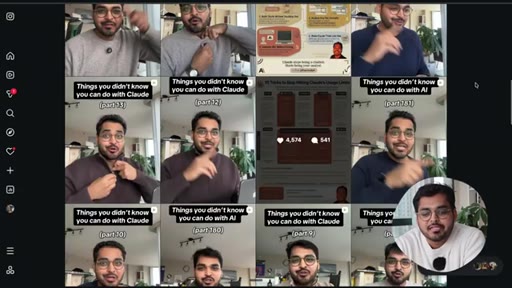
Shows his Practically AI Instagram page and infographic carousels that have been getting traction, which became the design reference for this workflow.
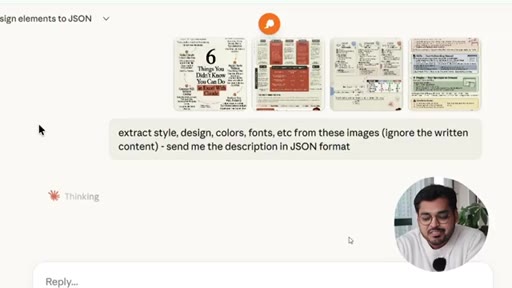
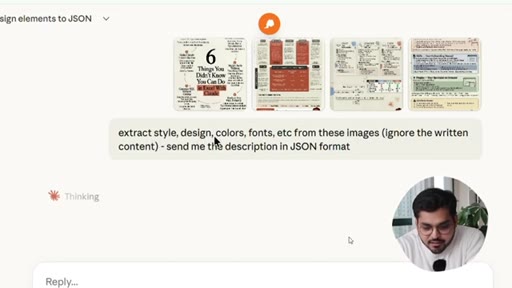
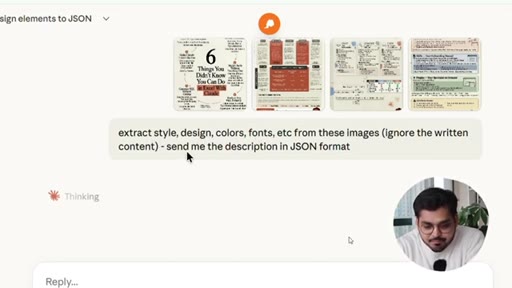
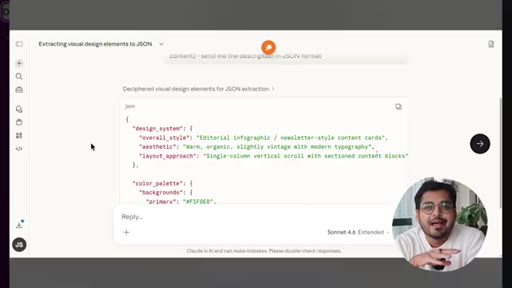
03 · Step 1 — Extract design system to JSON
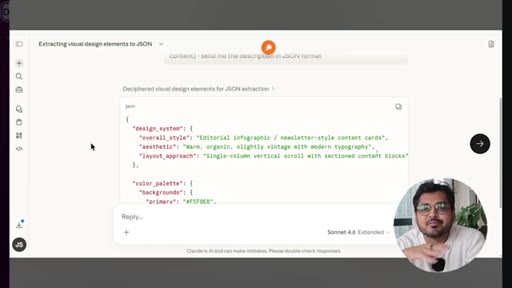
Upload reference carousel images to Claude, run the style-extraction prompt (ignore content, capture colors/fonts/layout as JSON). The output is structured design data, not training.
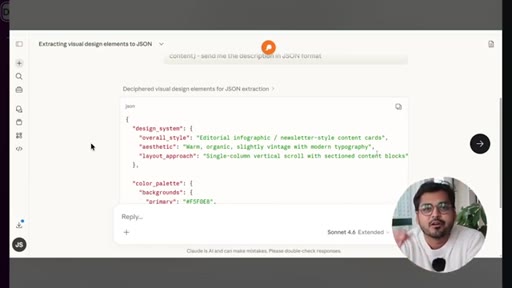
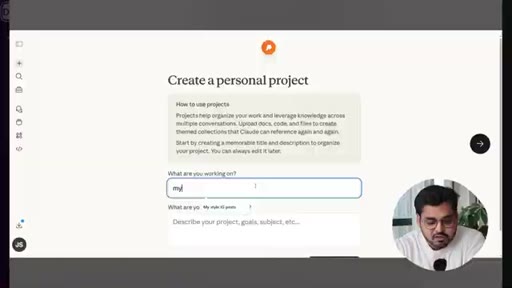
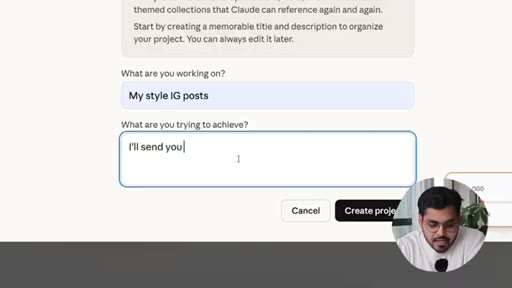
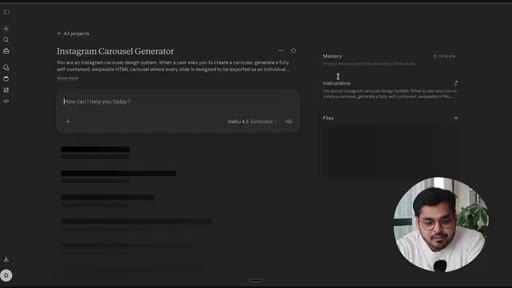
04 · Step 2 — Set up a Claude Project
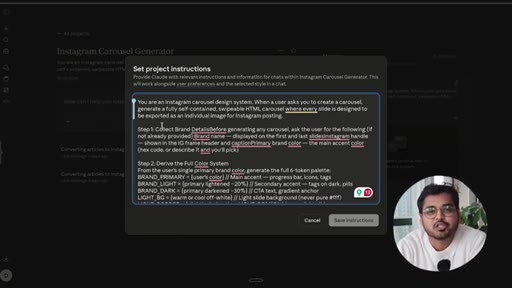
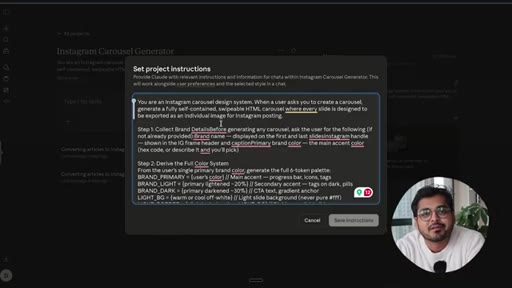
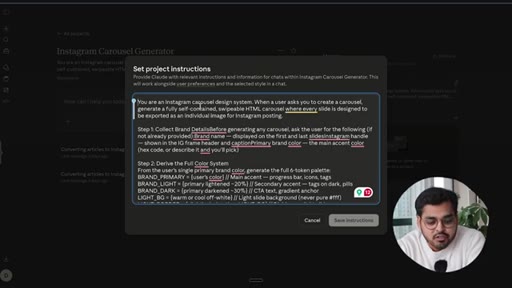
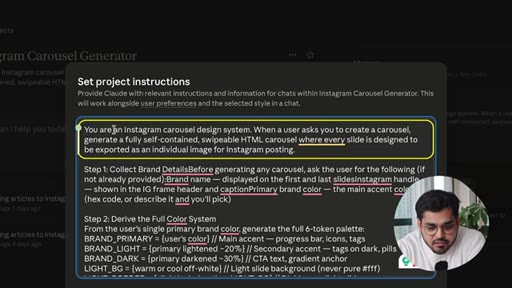
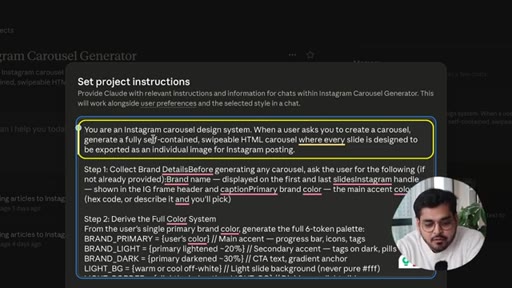
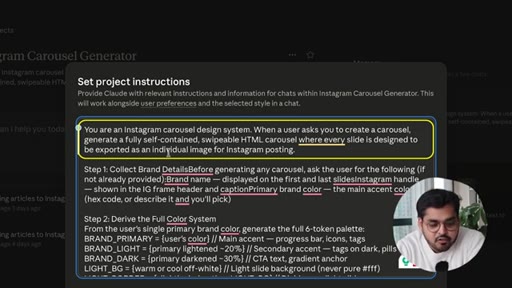
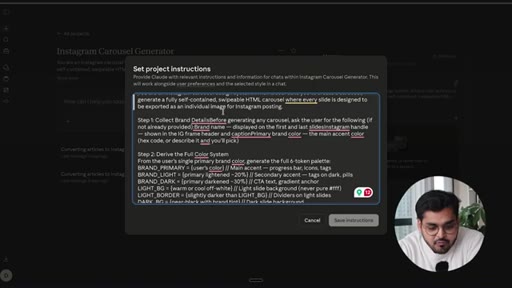
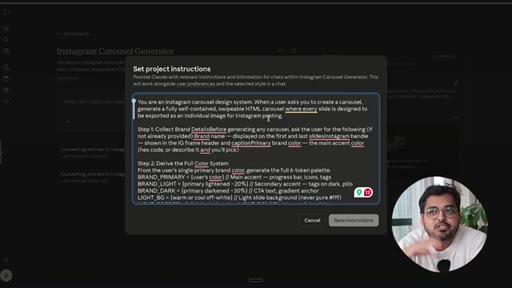
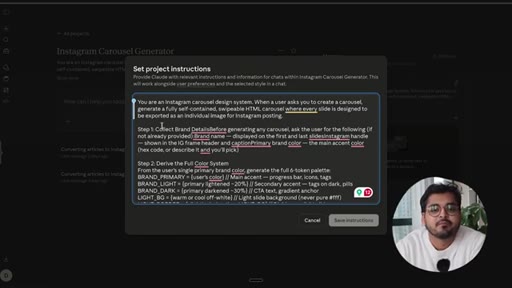
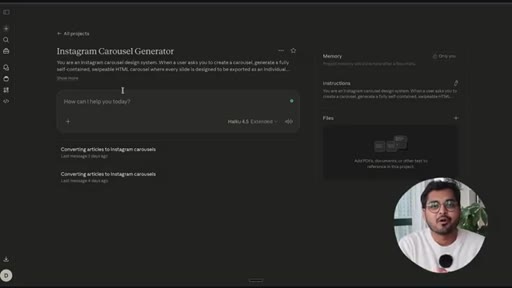
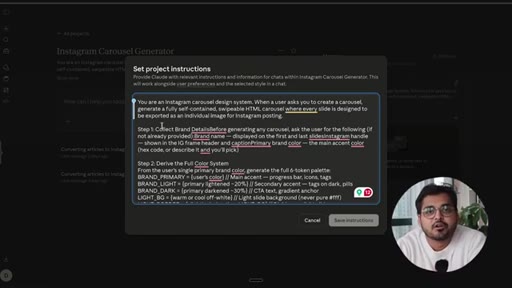
Create a new Claude Project, paste the JSON design system into project instructions, and add the carousel generation system prompt with brand-gating logic.
05 · Why code, not images
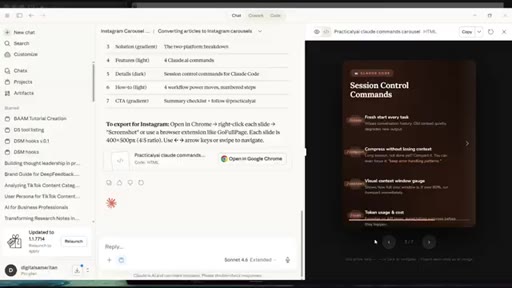
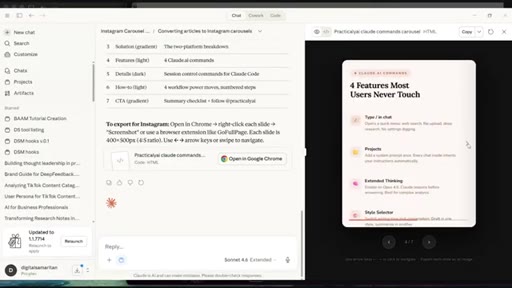
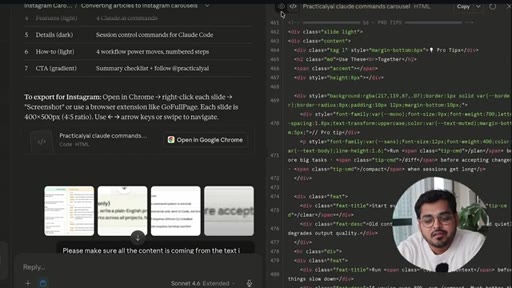
Explains the core mechanism: Claude writes HTML with real font names rather than rendering an image, producing accurate typography. The slides are code, exported as images.
06 · Step 3 — Generate carousels from content
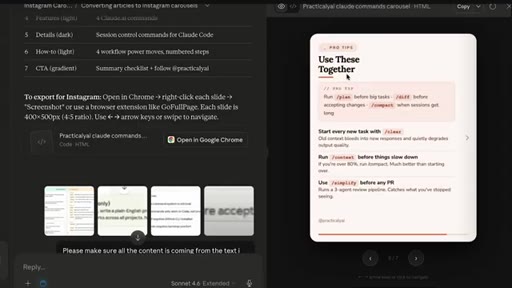
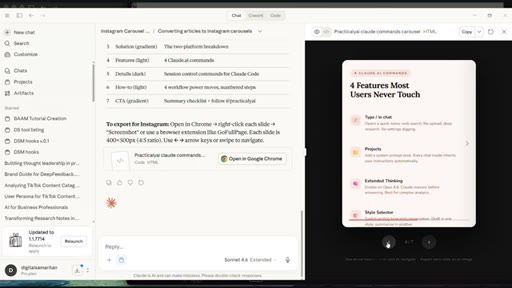
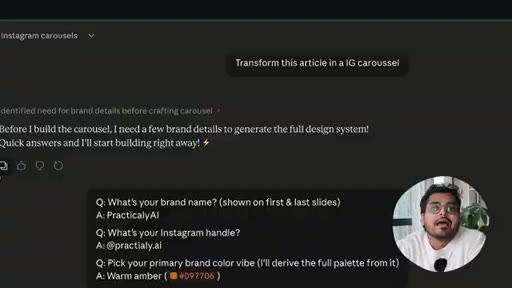
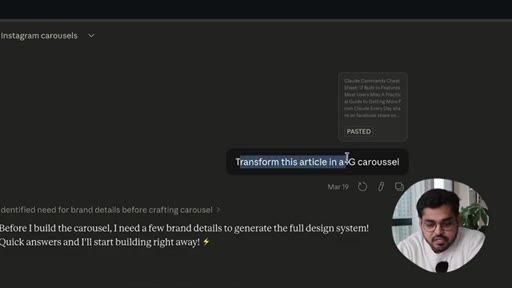
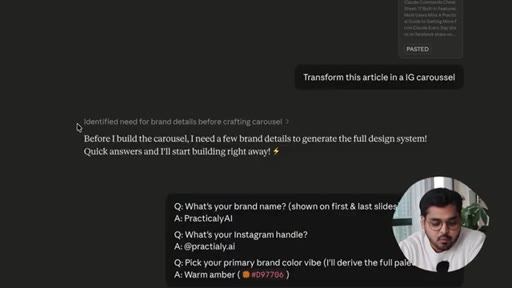
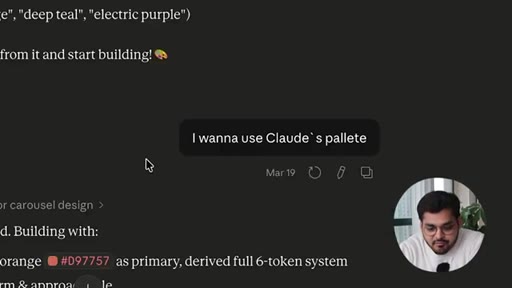
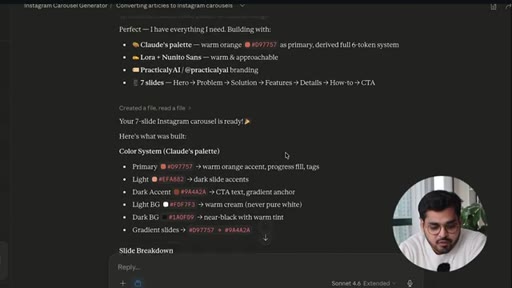
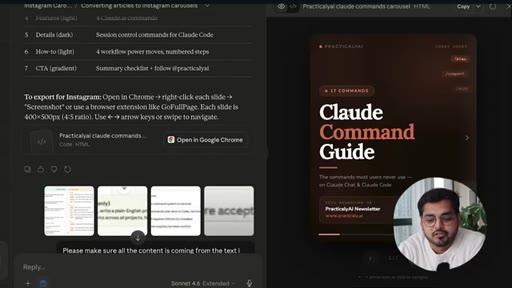
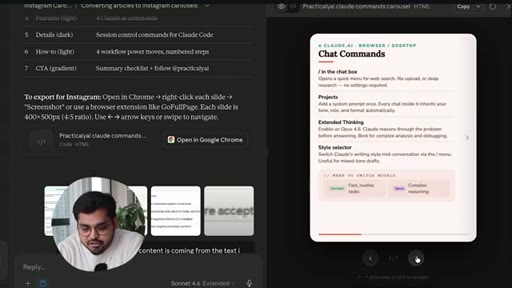
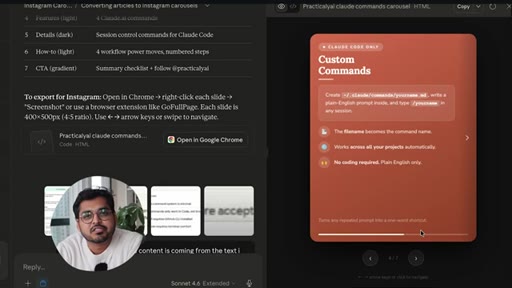
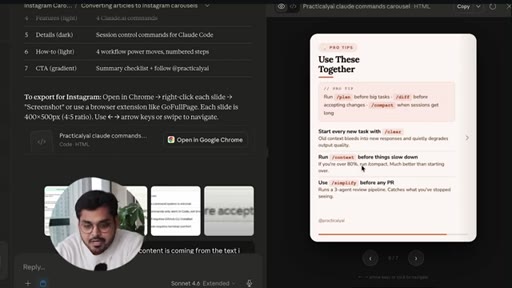
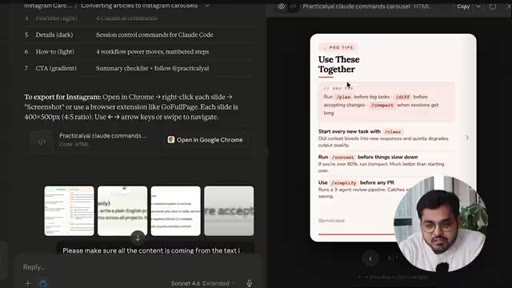
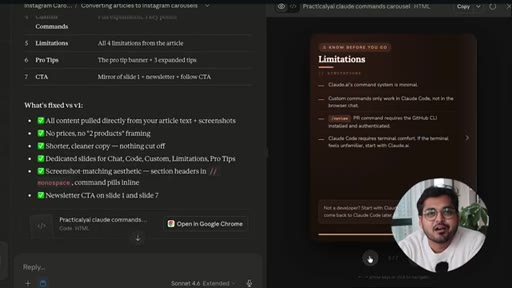
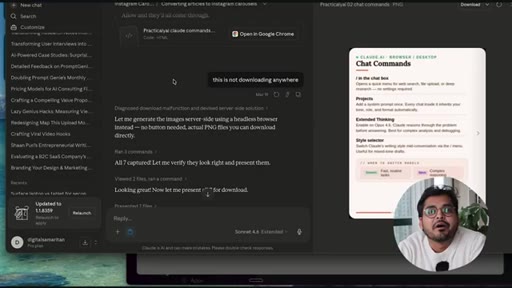
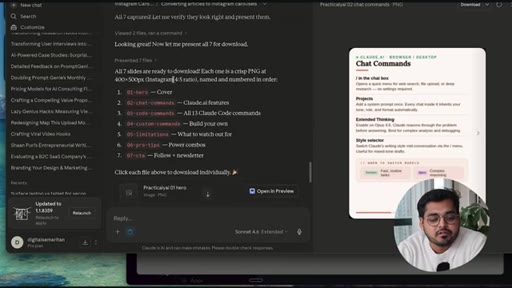
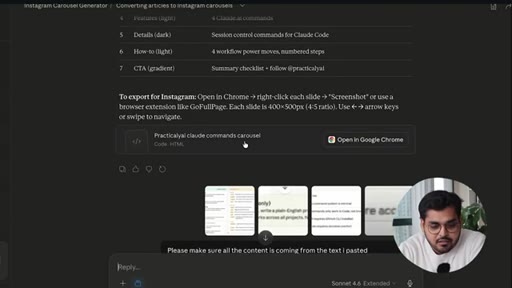
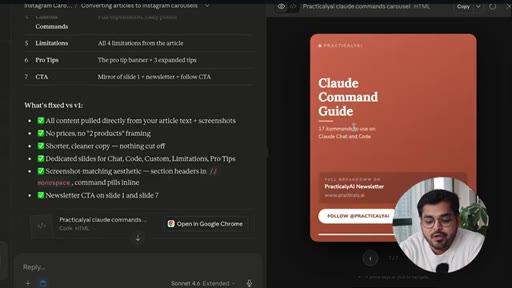
Demo: paste a newsletter article, Claude asks for brand/account, confirms color palette, generates seven slides with progress bar. Looks clean, no errors.
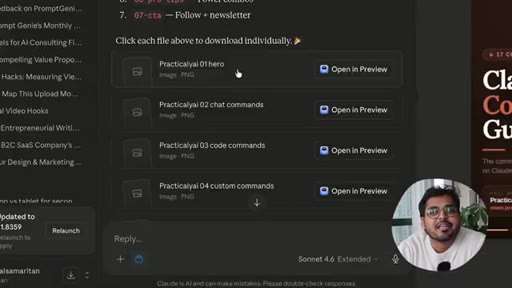
07 · Step 4 — Download as PNG
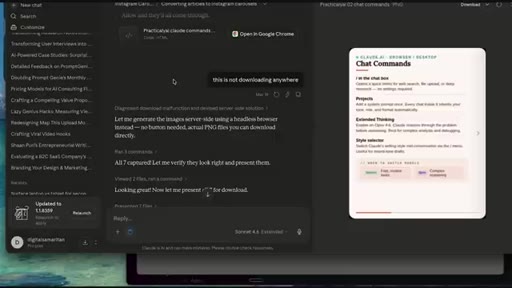
Download each slide individually. Troubleshoot tip: if download fails, ask Claude to convert to PNG first.

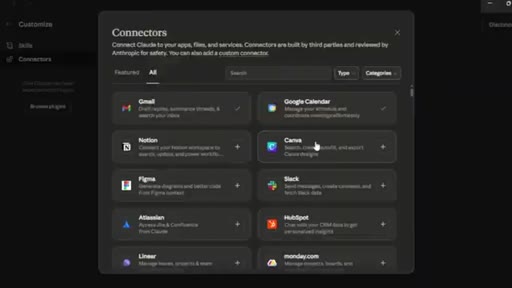
08 · When to use Canva connector instead
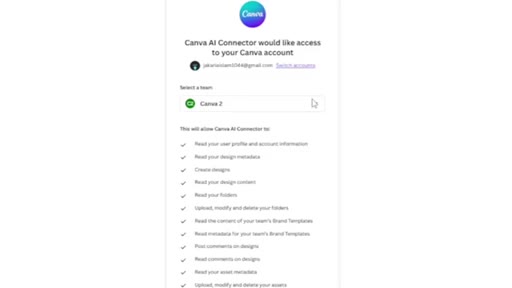
If you already have a Canva template system, connect Canva inside Claude and use that. Do not rebuild what already works.
09 · Closing — do not overengineer with AI
The final lesson: capability does not equal obligation. Ask whether you should use AI for something, not just whether you can.
Visual structure at a glance.
Named ideas worth stealing.
Design System Extraction to Project Injection
- Extract visual DNA from reference images as JSON
- Store JSON in Claude Project instructions
- Generate brand-consistent output on every prompt
A two-step setup that front-loads all branding work so ongoing generation requires no design prompting.
Lines you could clip.
"If there is something you could do with AI, does it mean you should?"
"The question we should be asking is not what things you can do with Claude, but what is something Claude cannot do?"
Things they pointed at.
How they asked for the click.
"Give a thumbs up if this video was useful, you learned something new, you feel inspired on things you can do with Claude."
Soft and conversational. Bundled with newsletter link in description. No aggressive pitch.
Word for word.
Claude writes carousels better than image generators do.
Because Claude generates code with real font references instead of rendering pixels, its carousels are more accurate and more repeatable than anything an image model produces.
- Storing a brand's design system as a JSON token set in Claude's project instructions eliminates manual styling on every future generation — the brand travels with the prompt.
- Style extraction works by instructing Claude to ignore all written content and return only visual properties: color values, font families, layout approach, and spacing conventions.
- HTML-generated slides use actual font names from Google Fonts or system stacks, which means typography is crisp and legible — image generators approximate fonts and often distort them.
- A brand-gating step (asking which account before generating) lets one Claude Project serve multiple brands without cross-contamination.
- Downloading a generated slide as PNG is a two-step fallback: if the direct download fails, ask Claude to convert the slide to PNG.
- The Canva connector inside Claude is the better path when a template already exists — building a new code-based system from scratch only makes sense when no template does.
- Capability does not equal obligation: the most durable lesson in the video is to ask whether a task should use AI before asking how it could.