The bait, then the rug-pull.
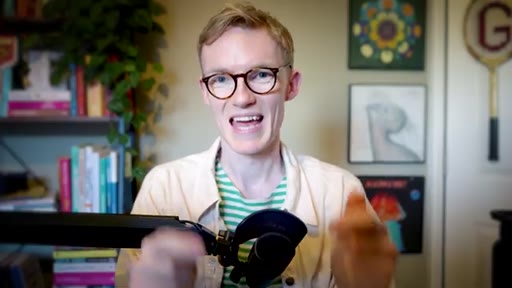
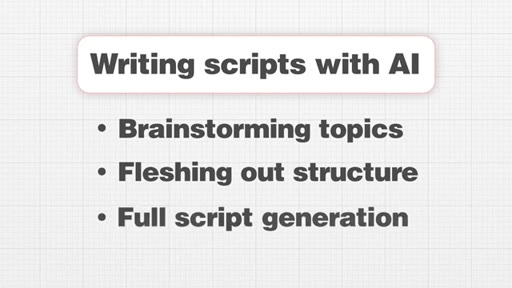
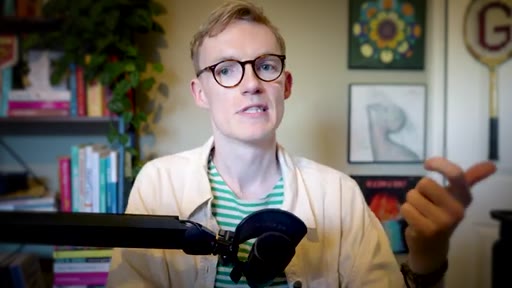
There is one step almost every AI-assisted scriptwriter skips — and it is the step that would have made every script after the first one faster to write. George Blackman's answer is three prompts and two document re-uploads, run once after every video.
Where the time goes.
01 · Hook + promise
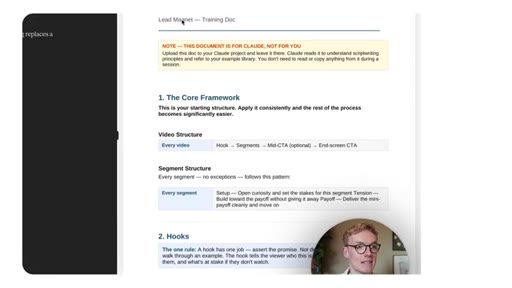
Pattern interrupt opener, 3-month usage claim, sets up the one missing habit that compounds across every future script.

02 · The problem: static documents
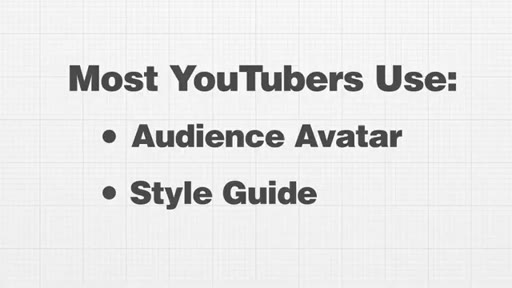
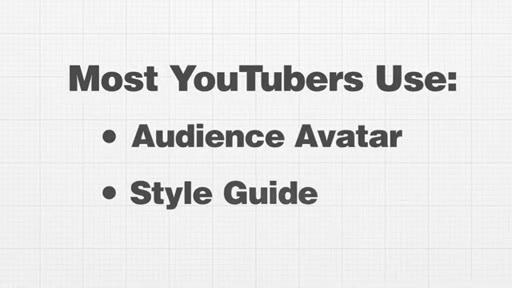
Audience avatar and style guide alone are not enough. Making edits in Google Docs or Notion keeps Claude blind to its own mistakes.
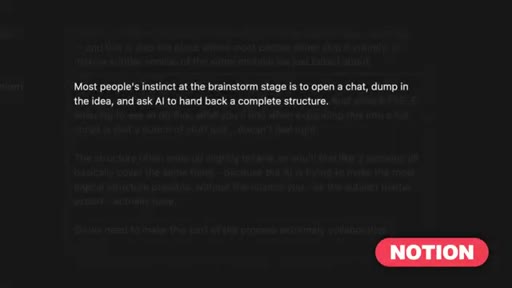
03 · The insight: force the diff
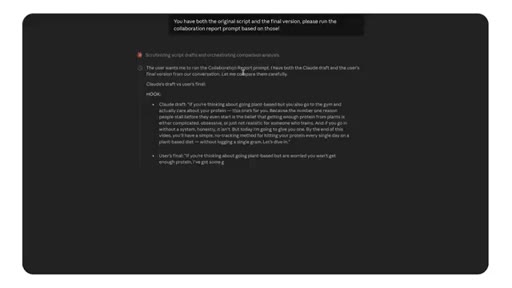
If Claude never sees the difference between what it generated and what you filmed, it cannot improve. The solution is forcing it to compare.
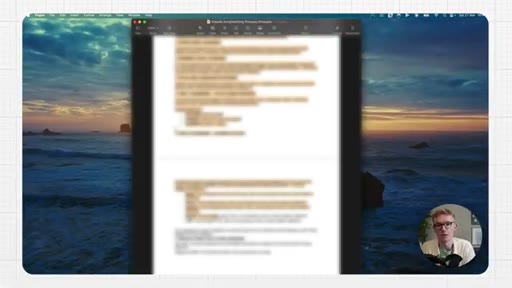
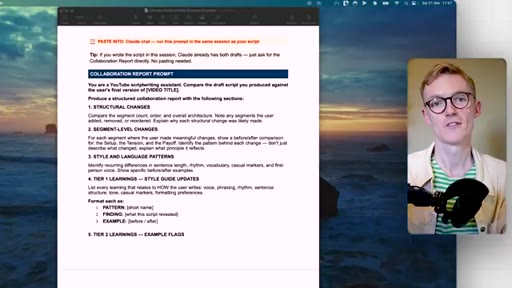
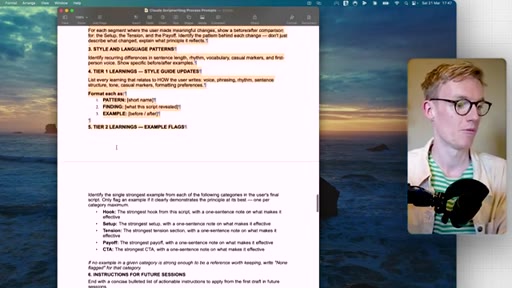
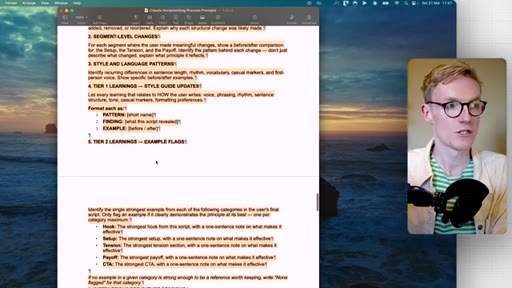
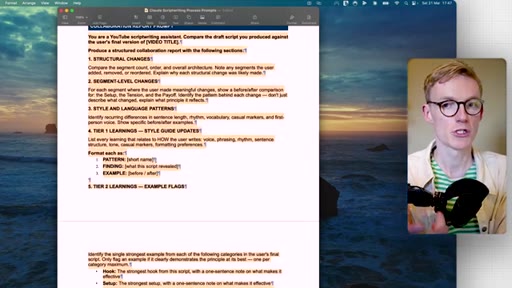
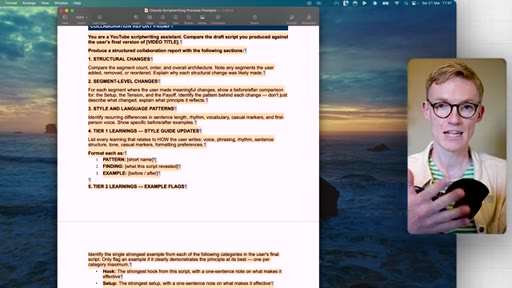
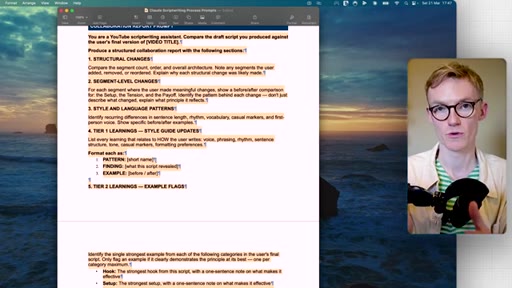
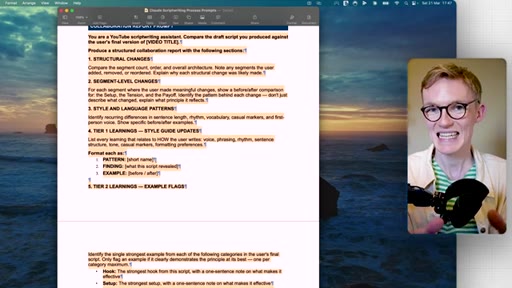
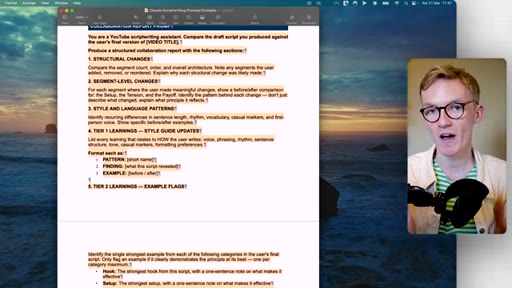
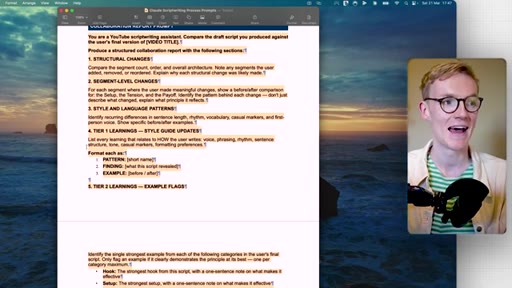
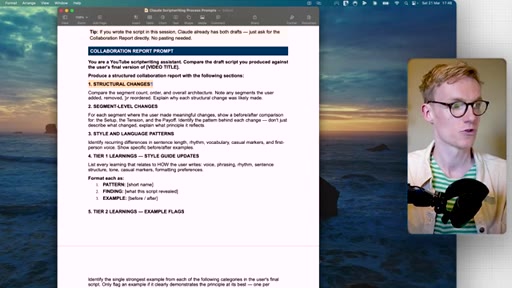
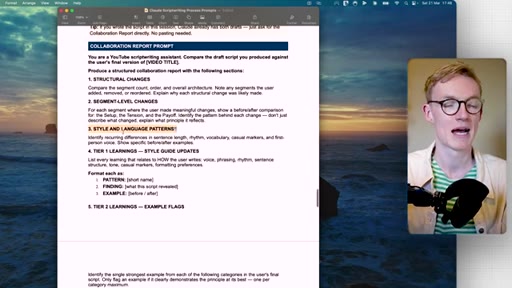
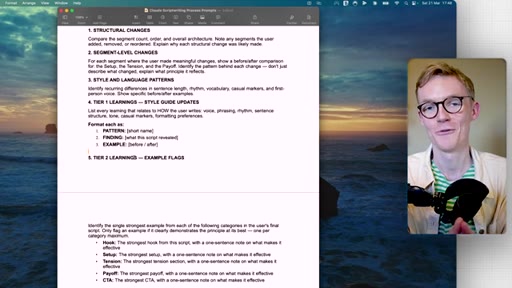
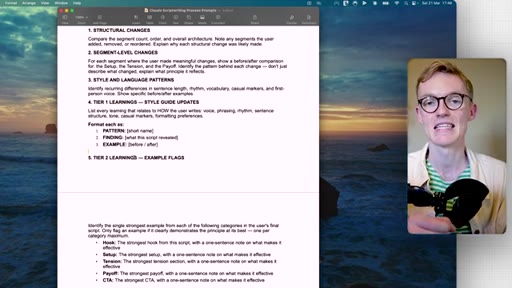
04 · Collaboration report prompt
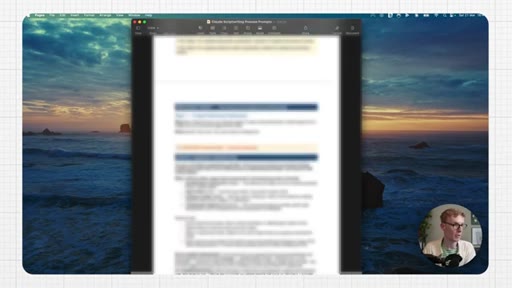
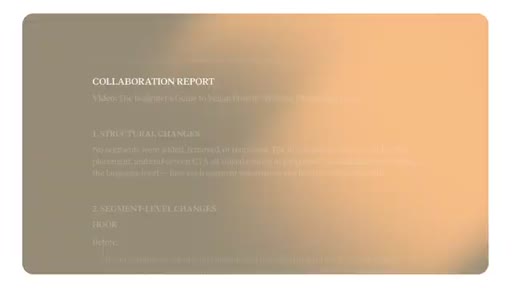
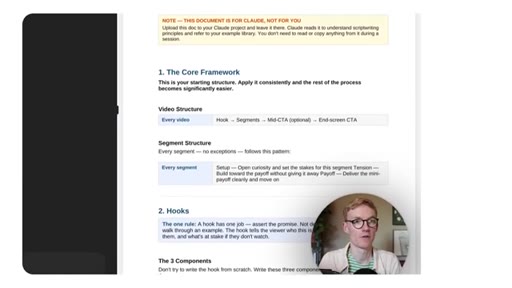
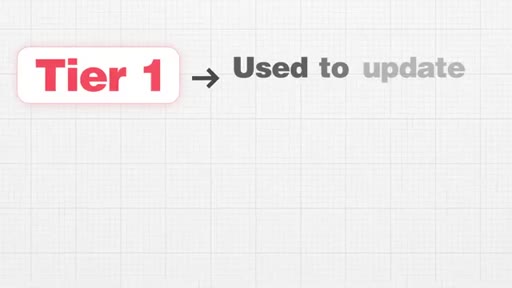
Paste the prompt alongside your final edited script. Claude surfaces Tier 1 (style) and Tier 2 (structure) learnings in a structured report.
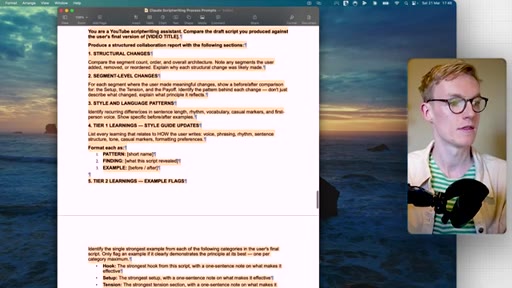
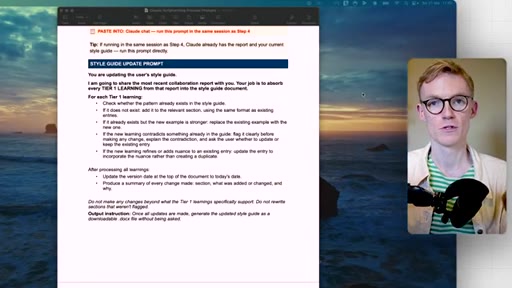
05 · Absorbing the learnings
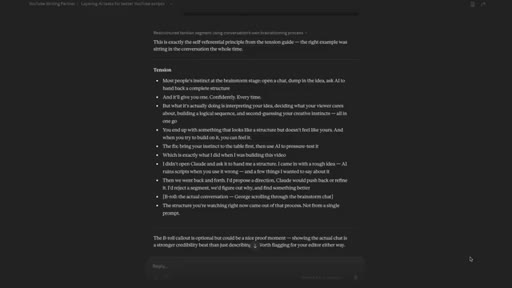
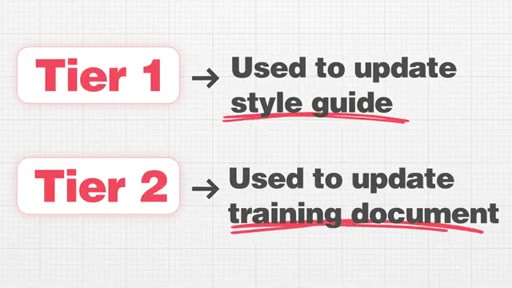
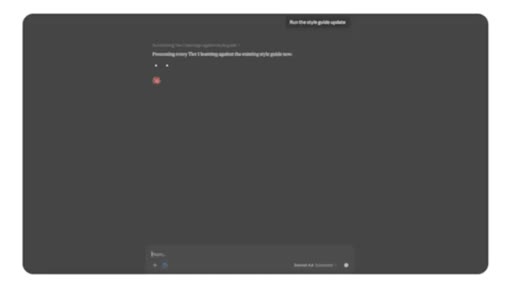
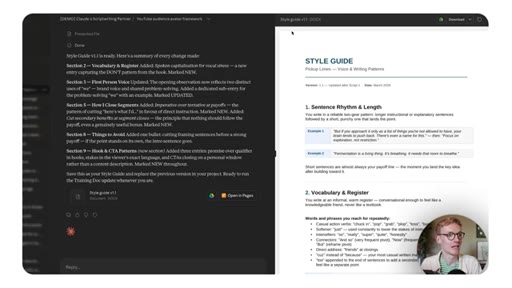
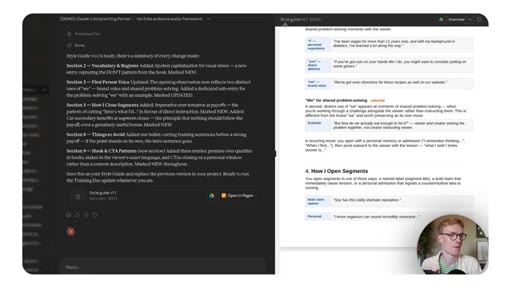
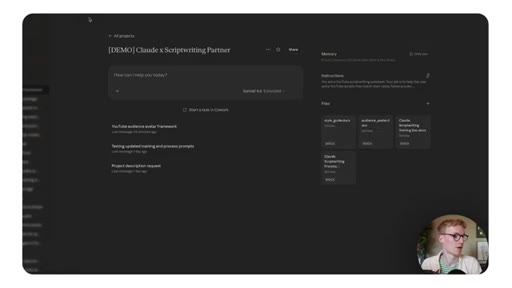
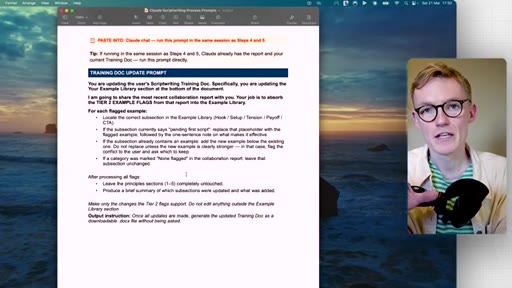
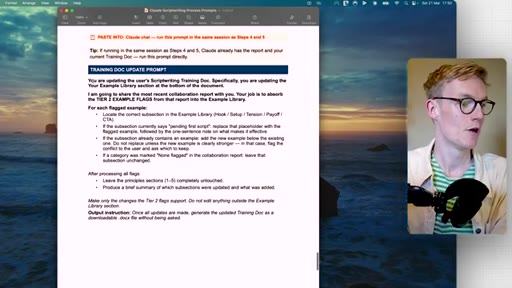
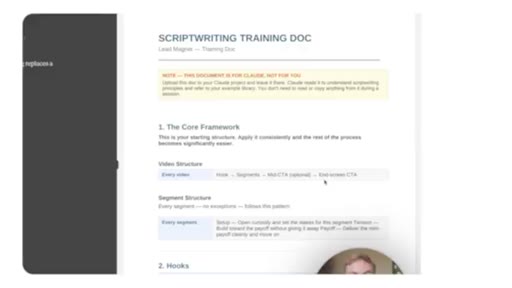
Two follow-up prompts: one updates the style guide with Tier 1 learnings, one updates the training doc with Tier 2. Both get re-uploaded to the Claude project.
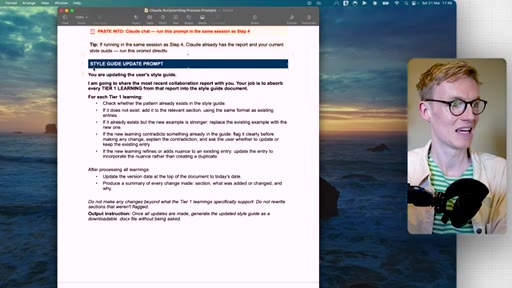
06 · Compounding loop + CTA
Each script adds context. The caveat: the system amplifies the human's own writing quality, good or bad. CTA to next video on curiosity mistakes.
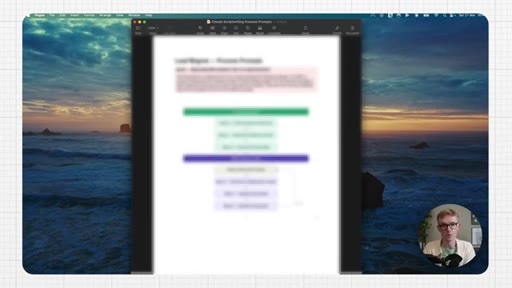
Visual structure at a glance.
Named ideas worth stealing.
Three-Prompt Feedback Loop
- Collaboration Report Prompt — compare AI draft vs. final script, extract Tier 1 + Tier 2 learnings
- Style Guide Update Prompt — absorb Tier 1 (voice/style) learnings into the style guide document
- Training Doc Update Prompt — absorb Tier 2 (structural) learnings into the training document
A post-script ritual that feeds the gap between AI output and edited final back into Claude project documents, compounding style accuracy across every future script.
Tier 1 / Tier 2 Learning Classification
- Tier 1: style, voice, language patterns, sentence rhythm → updates Style Guide
- Tier 2: structural changes, segment order, hook architecture → updates Training Document
Separates subjective voice corrections from objective structural corrections so each type flows to the right document.
Lines you could clip.
"If every time an AI generates a script, you go and make your edits somewhere else, how is it gonna know what it should be doing better the next time?"
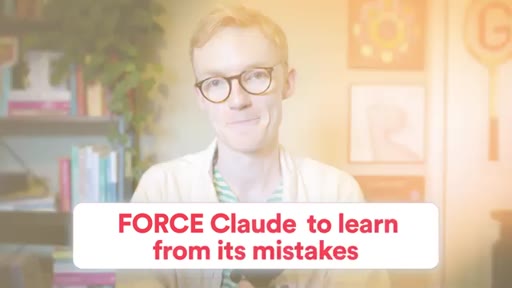
"Force Claude to learn from its mistakes."
"Because otherwise, you're simply gonna be training the AI on bad script writing principles."
Things they pointed at.
How they asked for the click.
"So watch this video next to understand the huge mistake most YouTubers make when adding curiosity to their scripts"
Soft bridge CTA — no subscribe pitch, no newsletter, no sponsor. Just a contextually relevant next-step video. Clean and friction-free.
Word for word.
Feed the gap back in after every script.
AI scriptwriting compounds only if the model sees the difference between what it generated and what you actually filmed — every edit made outside the chat is a lesson that never arrives.
- A style guide tells Claude what to aim for; it never tells Claude where it missed. The diff between AI draft and edited final is the missing signal.
- Tier 1 learnings (voice, sentence rhythm, vocabulary) belong in the style guide. Tier 2 learnings (segment order, structural architecture) belong in the training document. Mixing them into one document dilutes both.
- The three-prompt ritual — collaboration report, then style guide update, then training doc update — costs about five minutes per script and compounds indefinitely.
- Re-uploading the updated documents to the Claude project is the step that makes the learnings stick. Without re-upload, the next session starts from scratch.
- The system amplifies whatever writing principles it is trained on. Improve your own scripts first, or the AI learns and scales your weaknesses.
- A next-video CTA with no subscribe pitch or sponsor ask is a valid low-friction engagement signal — the absence of friction is the strategy.