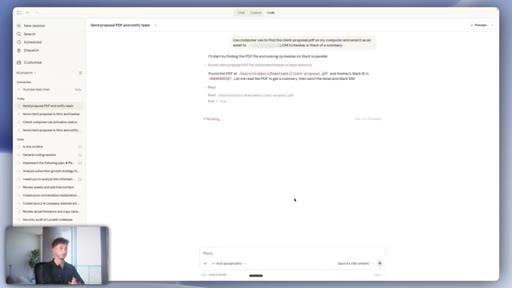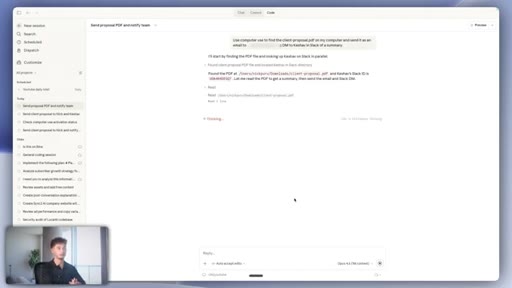
The bait, then the rug-pull.
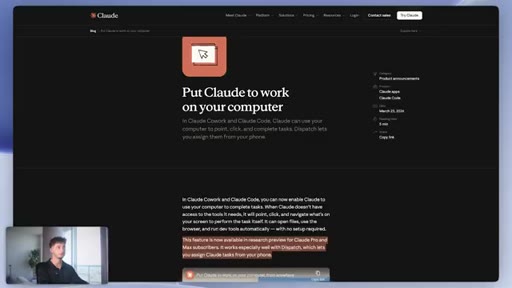
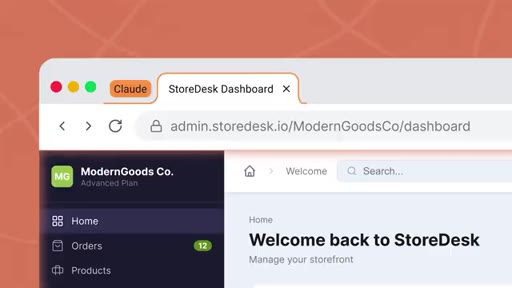
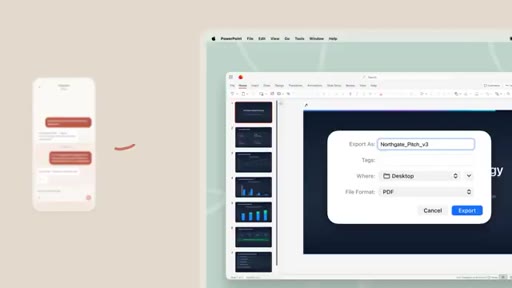
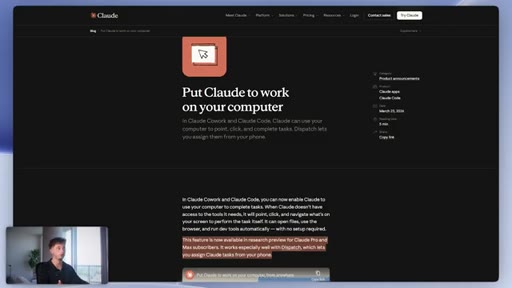
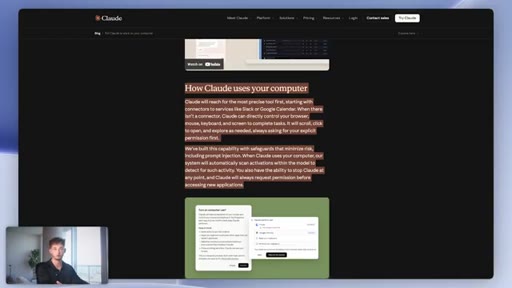
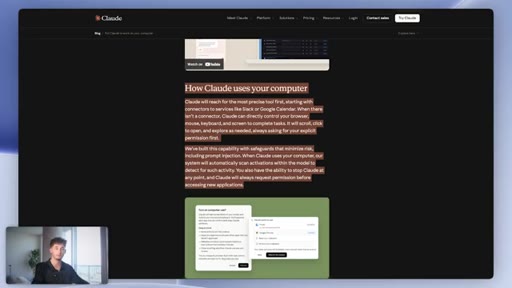
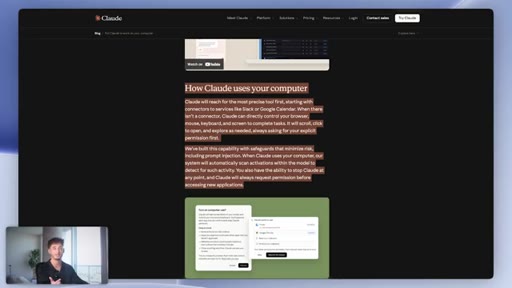
The phrase is yet again, two words that do the job of three minutes of credentials. When Claude quietly shipped Computer Use, a feature that lets the AI physically click around your desktop and take action in any app with a visible interface, the creator had already been tracking it. Pair that with Dispatch, which lets you fire off tasks from your phone while your computer sits untouched across the room, and the demo almost sells itself.
Where the time goes.

01 · Hook and capability overview
Introduces Computer Use and Dispatch, names what the feature does, teases live demos and use cases.

02 · How Computer Use picks its method
Explains the three-tier dispatch order: native connector then Chrome extension then screen control as last resort.
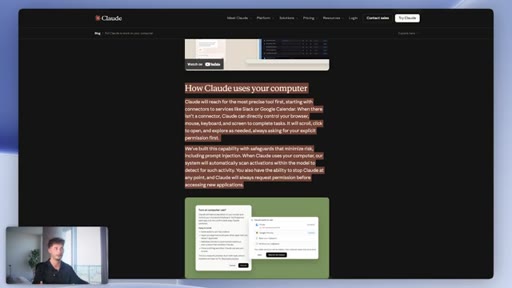
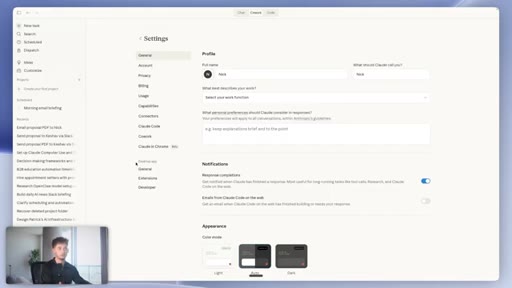
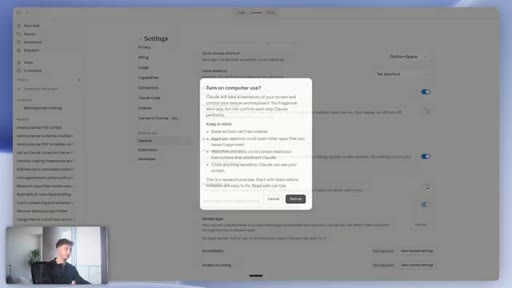
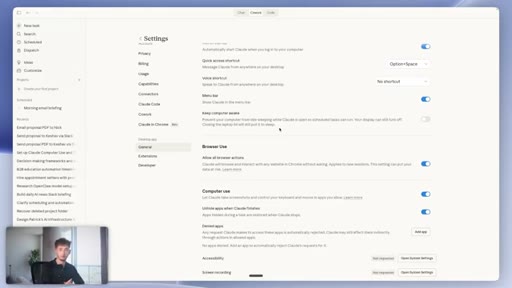
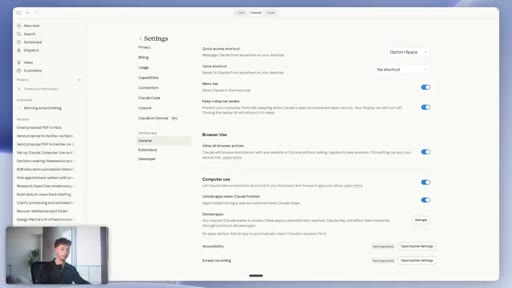
03 · Setup walkthrough
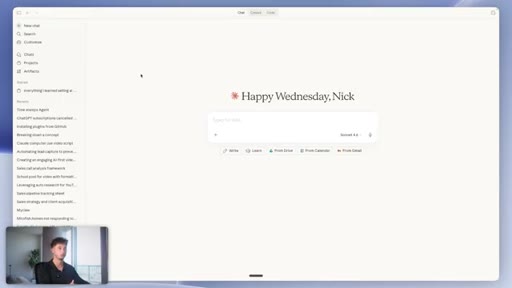
Shows how to enable Computer Use in Claude desktop settings and enable Keep Computer Awake.
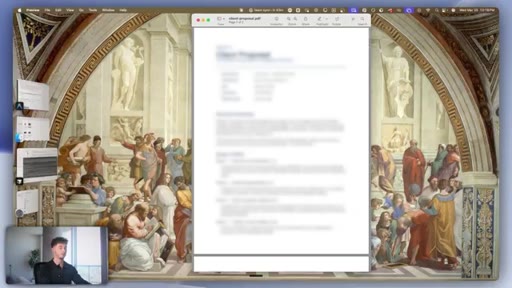
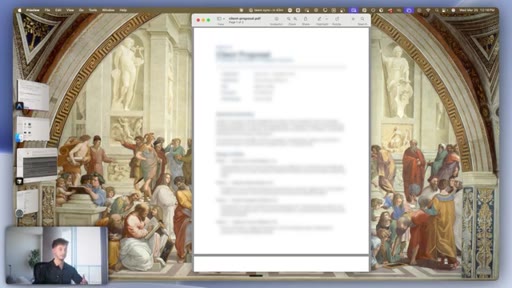
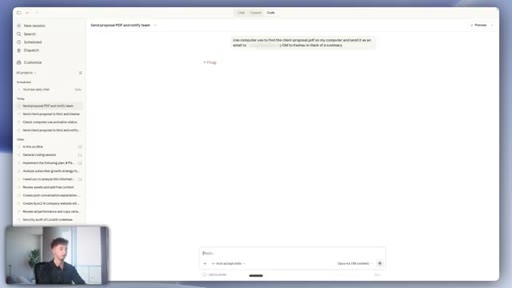
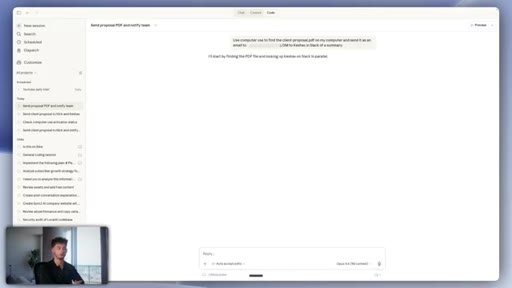
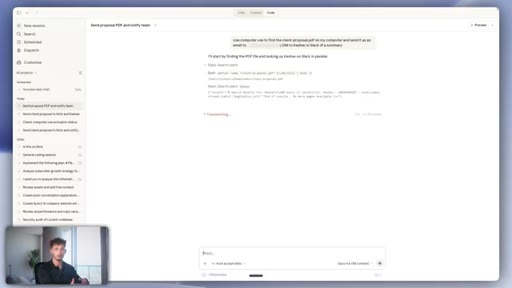
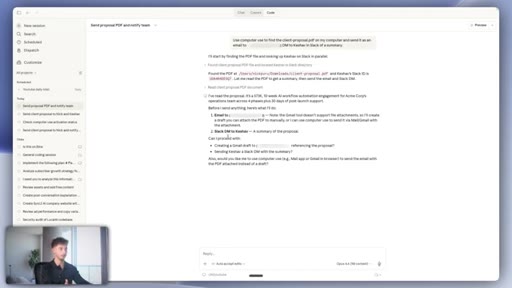
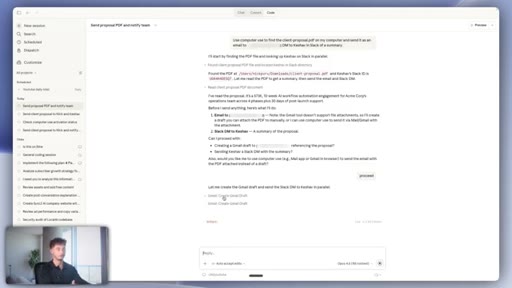
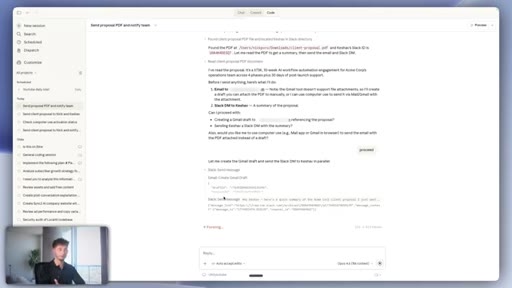
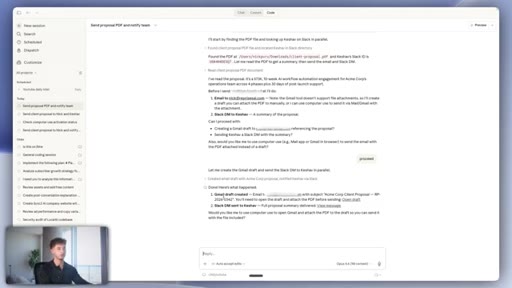
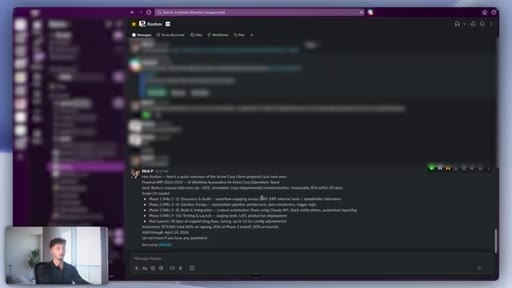
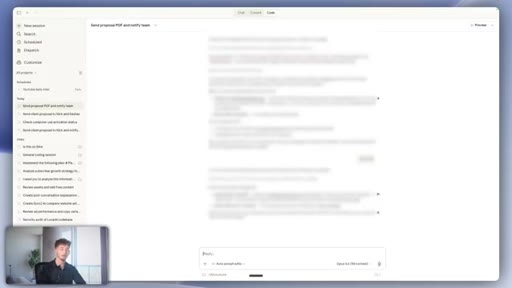
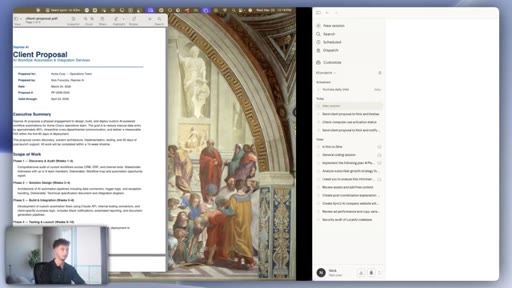
04 · Demo 1: PDF to Gmail and Slack
Prompts Claude to find a client proposal PDF and send it via email and Slack DM. Claude uses connectors rather than screen control for both, demonstrating the fallback hierarchy.
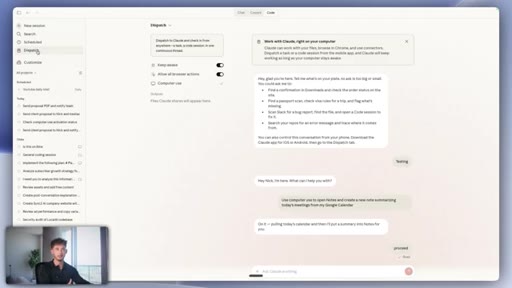
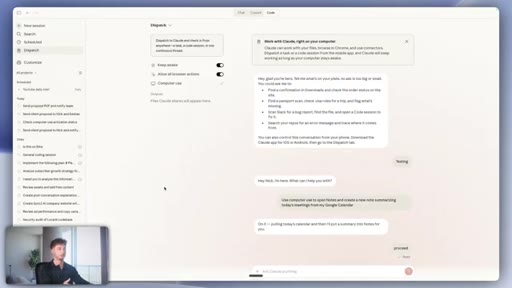
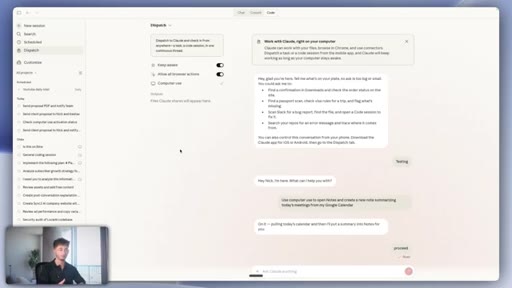
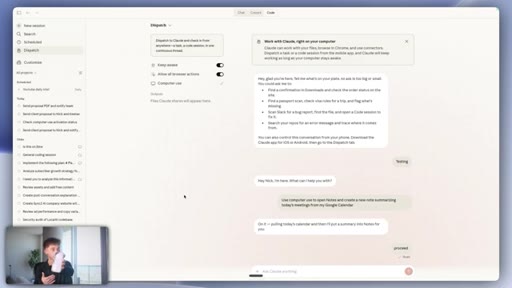
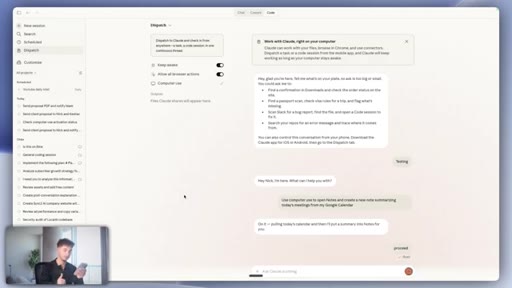
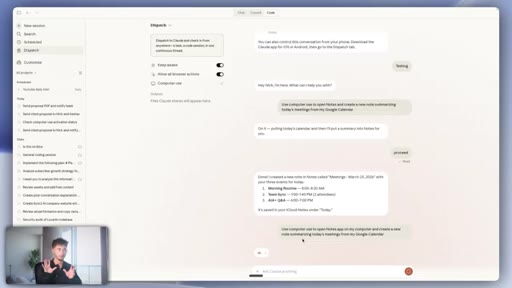
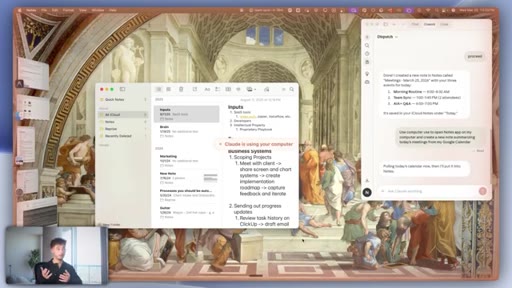
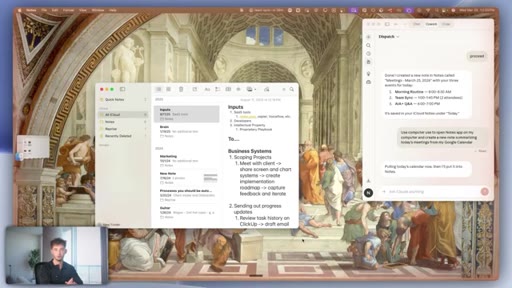
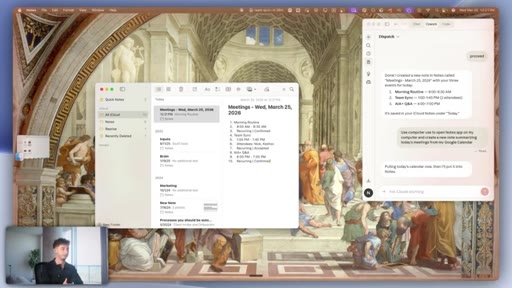
05 · Dispatch setup and phone demo
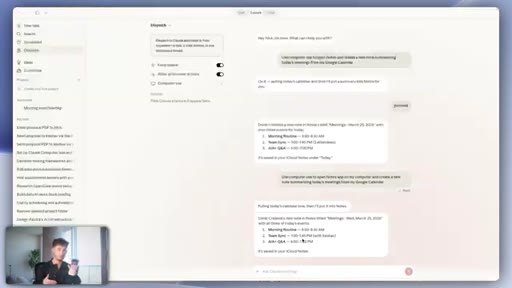
Shows pairing Claude mobile app via QR code, then sends a task from phone to desktop to create a notes summary from Google Calendar.

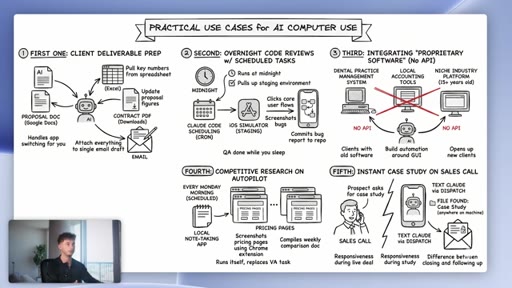
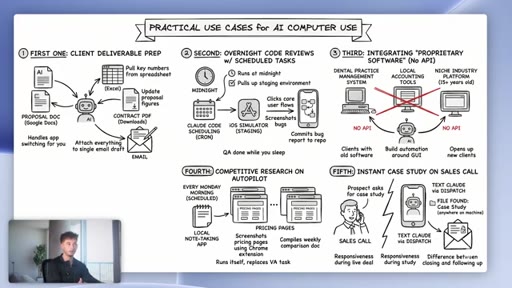
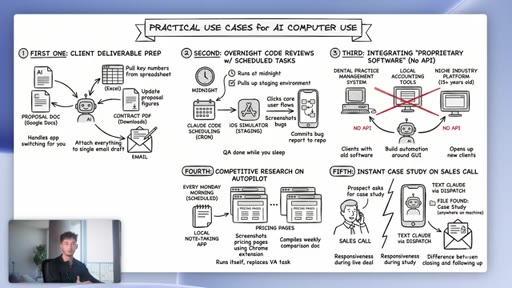
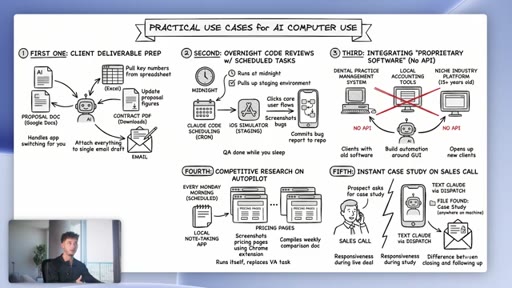
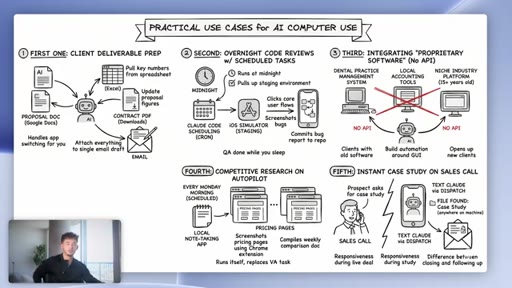
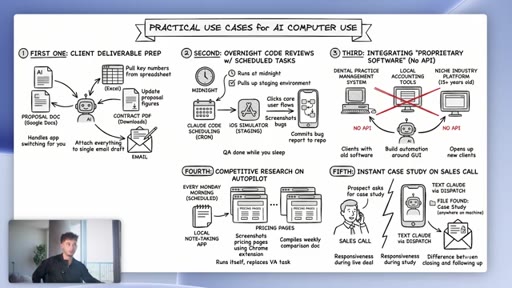
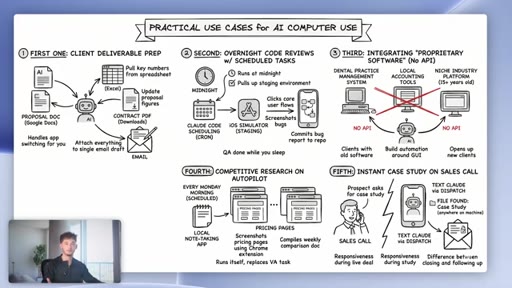
06 · Five practical use cases
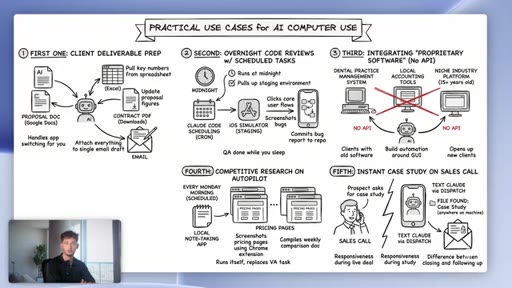
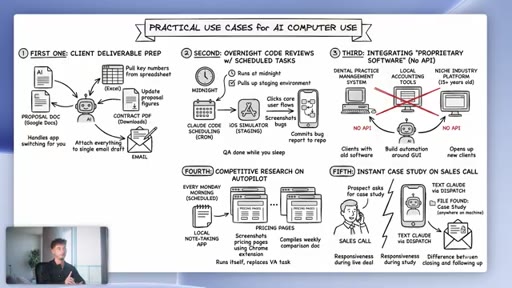
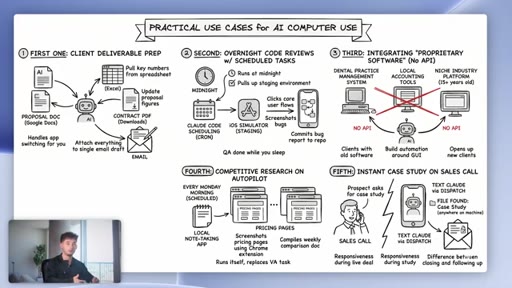
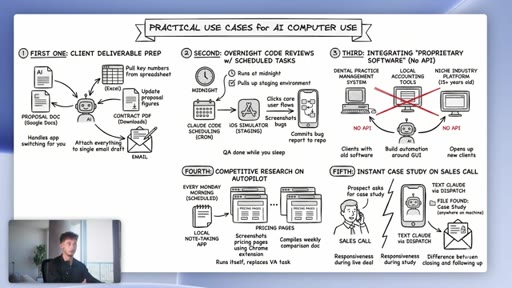
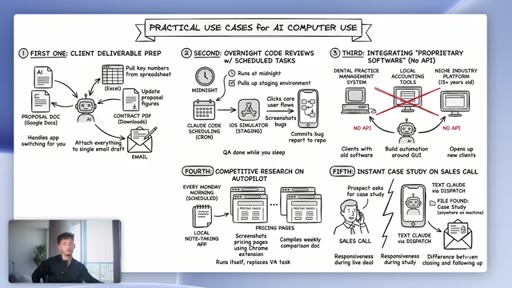
Illustrated slide covers client deliverable prep, overnight code reviews with scheduled tasks, legacy software with no API, competitive research on autopilot, and instant case study retrieval during sales calls.
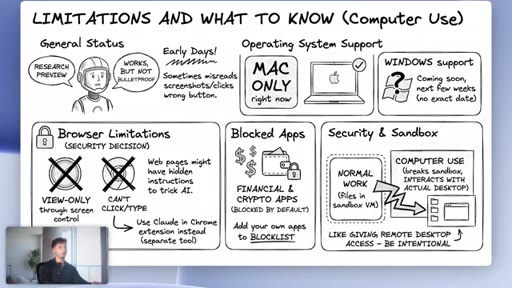
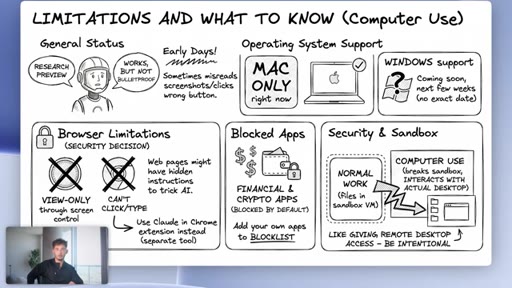
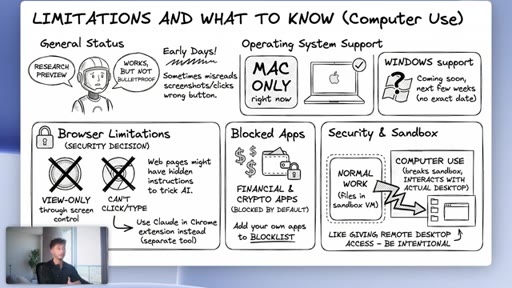
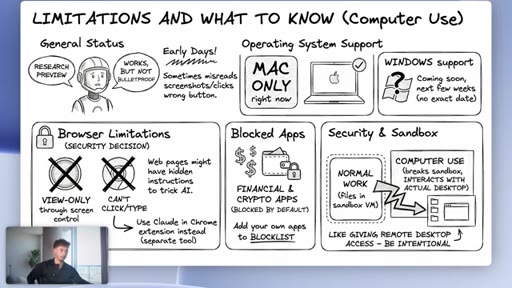
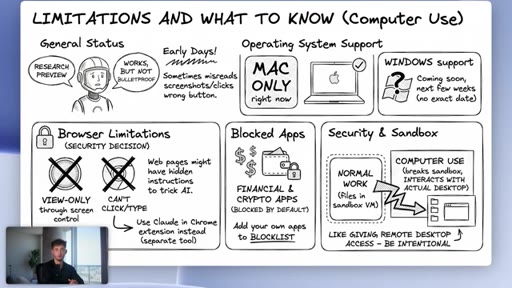
07 · Limitations and disclaimers
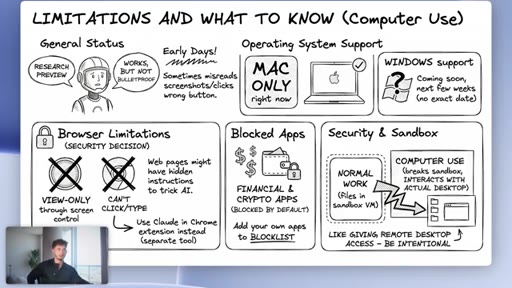
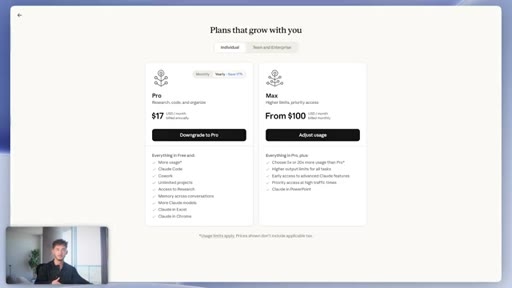
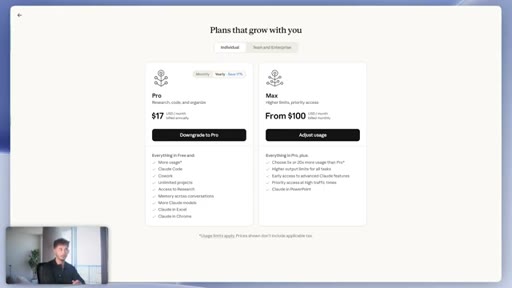
Illustrated slide: research preview status, Mac-only, browser exclusion for security, financial app blocks, sandbox breakout risk, Pro and Max plan restriction.

08 · Where this is headed and CTA
Frames Computer Use as a shift from AI-that-writes to AI-that-works, pitches newsletter and live workshop.
Visual structure at a glance.
Named ideas worth stealing.
Three-Tier Dispatch Order
- Native connector (fastest, cheapest)
- Claude in Chrome extension (browser tasks)
- Screen control via Computer Use (fallback for everything else)
Claude checks for the most efficient integration method before falling back to GUI control, keeping token costs and error rates lower.
Lines you could clip.
"It's not just using screen control for everything because that would be a little bit more expensive, so it's actually being optimal."
"You basically have a digital employee that is always on for you."
"There's no Zapier connector, there's no webhook, there's no API documentation, there's nothing. But those apps, they do have a GUI and now Claude can interact with that GUI."
How they asked for the click.
"Check out our free AI newsletter. We upload weekly sending you strategies on how to start and actually grow your business."
Double CTA: newsletter pitch first, then a live workshop invitation. Both delivered verbally with no on-screen graphic support.
Word for word.
GUI access is the new API for AI automation.
Every app with a visible interface is now a potential automation target, and the missing layer was never a connector but a pair of eyes and a cursor.
- Claude uses screen control only as a last resort, checking native connectors then browser extensions first, which keeps token cost and error rate lower than pure screen scraping.
- The legacy software unlock is the most underrated use case: dental practice management, niche accounting tools, and 15-year-old industry platforms with no API can now be automated by interacting with their GUI.
- Dispatch decouples task-triggering from desk presence, letting you assign work from your phone and have it complete on your machine while you are in a meeting, at lunch, or asleep.
- Overnight scheduled tasks become viable when you combine Claude Code scheduling with Computer Use, allowing QA flows to run, screenshot bugs, and commit reports to a repo before you wake up.
- Computer Use breaks out of the normal sandbox and interacts with your actual desktop, so treat it like granting someone remote access rather than running a script in an isolated environment.
- Browsers are deliberately excluded from screen control to prevent prompt injection attacks, where hidden text on a web page could trick the AI into taking actions the user never requested.
- The practical test for whether to use Computer Use or a connector is straightforward: if the task has a native integration, use the connector every time because it is faster, cheaper, and more reliable.
- The instant case study retrieval scenario of texting Dispatch to find a file during a live sales call is the kind of real-time leverage that makes the capability feel like a second person in the room.