Nick Saraev · Youtube · 14:51

Claude Computer Use Just Dropped, Here's How to Hack It

Eight economically valuable use cases unlocked by one browser swap -- and how to set it up in ten minutes.

Posted
March 24th 2026
2 months ago
Duration
14:51
Format
Tutorial
educational
Channel
NS
Nick Saraev
§ 01 · The Hook

The bait, then the rug-pull.

Most computer use demos show Claude reorganising a file folder. This one shows it sending personalised LinkedIn connection requests -- live, at scale, on a platform that actively blocks browser automation. The gap between those two use cases is a single browser install.

§ · Chapters

Where the time goes.

00:00 – 01:40

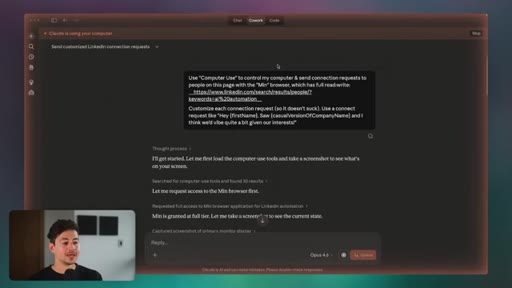
01 · Hook + live LinkedIn demo

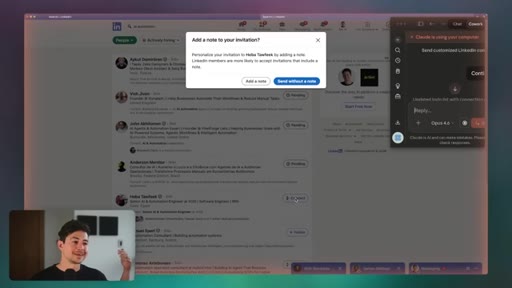
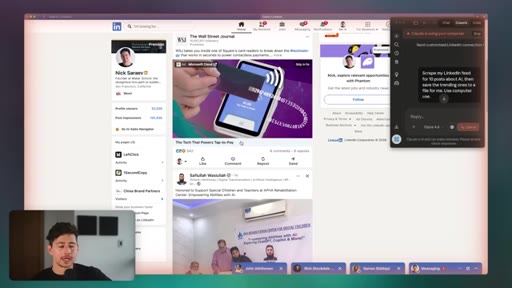
Claude sending real connection requests on LinkedIn under AI control, promise of 8 economically valuable use cases.
01:41 – 03:12

02 · The bypass mechanic

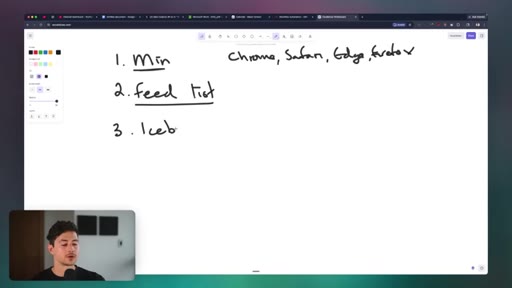
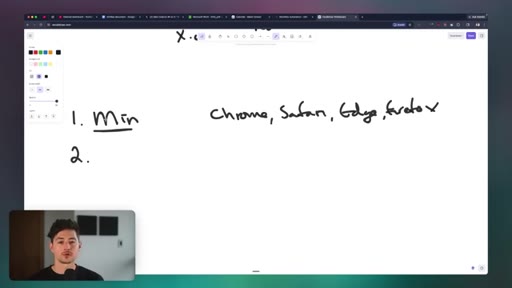
Why Chrome/Safari/Firefox/Edge are blocked; Min browser as the unlock; full read-write access explained.
03:13 – 04:41

03 · Use Case 1: Social media outreach

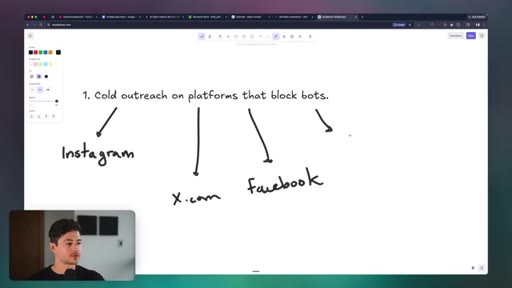
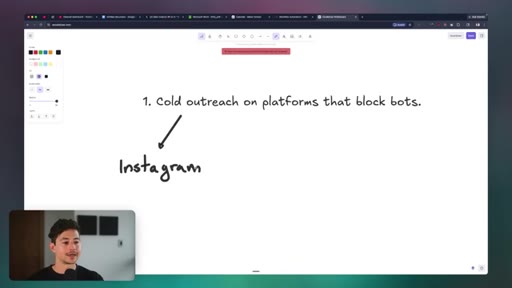
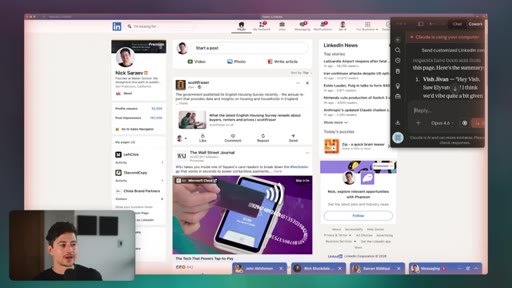
LinkedIn, Instagram, X, Facebook -- AI icebreaker templates with dynamic variable slots; outreach limit caveat.
04:42 – 06:05

04 · Use Case 2: Scraping social feeds

Scraping LinkedIn feed for trending AI posts, saving to file for parasite content or news pipelines.
06:06 – 07:36

05 · Use Case 3: Contact form submission

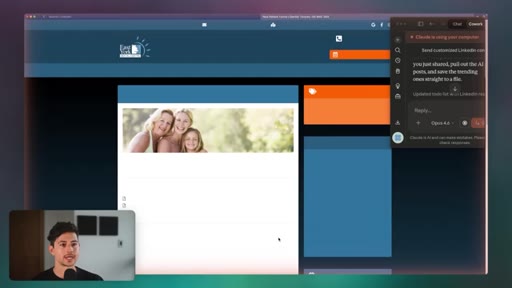
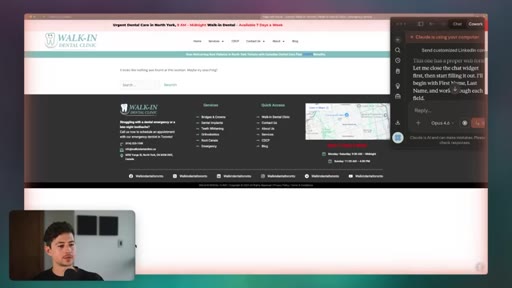
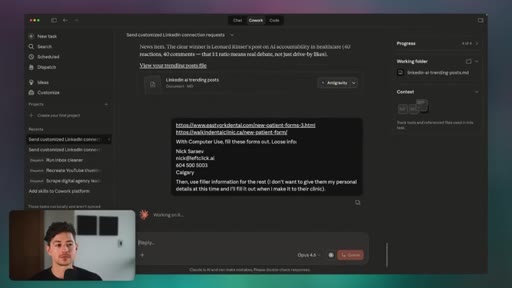
Giving Claude a list of dental clinic URLs; it fills and submits each form, bypassing captcha appearance via human-like browser control.

07:37 – 09:05

06 · Use Case 4: Ad platform management

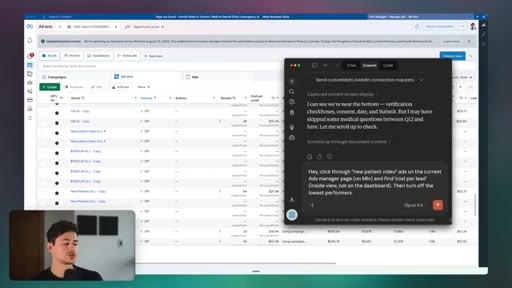
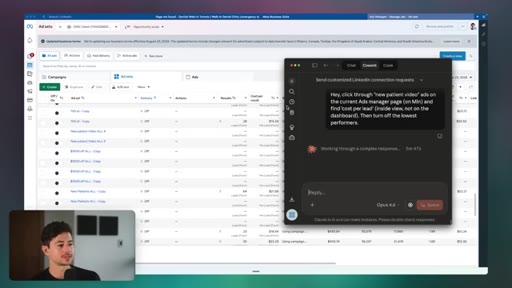
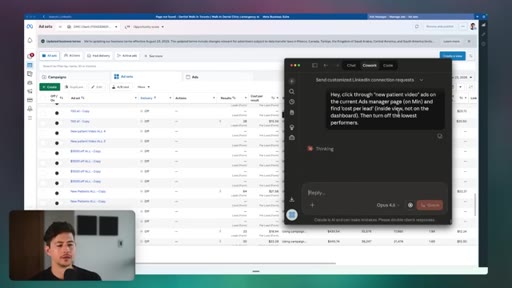
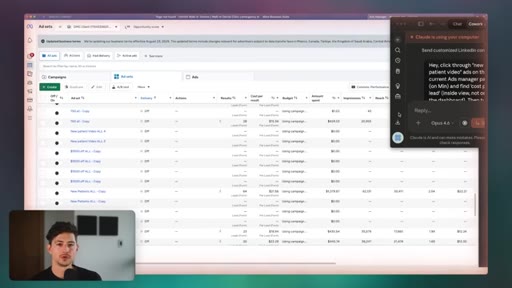
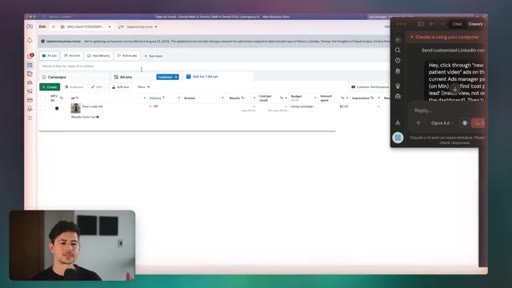
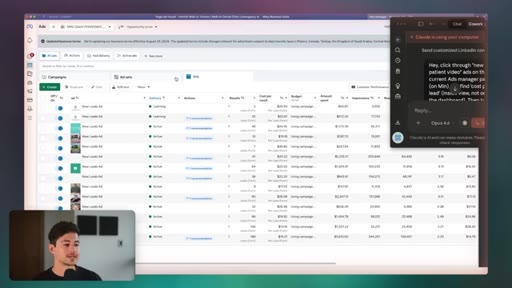
Meta Ads Manager demo -- clicking through video ads, reading cost per lead, toggling lowest performers off.

09:06 – 10:32

07 · Use Cases 5 & 6: YouTube uploads + bookkeeping

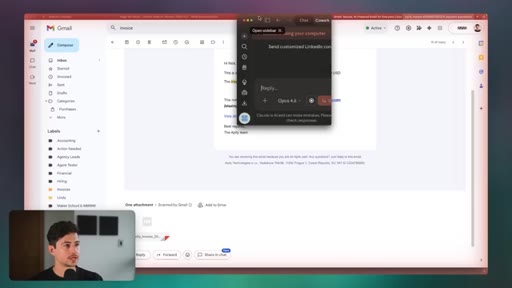
Organic uploading to YouTube to preserve reach signals; downloading Apify billing invoice from Gmail to local folder.
10:33 – 11:57

08 · Use Case 7: Desktop app automation

Conceptual overview of automating Premiere Pro (waveform cuts, auto-captions) and other GUI-only desktop software.
11:58 – 14:09

09 · Use Case 8: QA testing

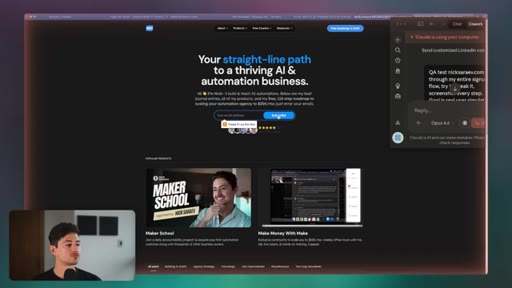
Real human-simulation QA -- Claude clicks actual page elements, catching bugs missed by JavaScript-simulated events.
14:10 – 14:42

10 · Setup walkthrough

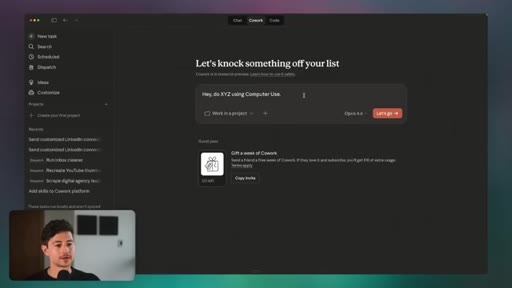
Download Claude Desktop, enable Browser Use and Computer Use in Settings, prepend prompts with computer use.

14:43 – 14:51

11 · CTA

Subscribe ask (70% not subscribed) and 4-hour Claude Code course plug.

§ · Storyboard

Visual structure at a glance.

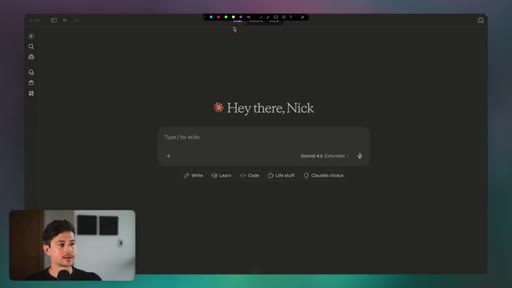
open -- LinkedIn live demo
Min browser explanation
Use Case 1 setup diagram
Dental form fill demo
Meta Ads Manager
QA test on nixsaraev.com
Claude Desktop settings
§ · Frameworks

Named ideas worth stealing.

01:41 list

The Browser Bypass Stack

  1. Install Min browser (minbrowser.org)
  2. Log into target platform in Min
  3. Feed Claude a lead list or URL list
  4. Prepend prompt with computer use
  5. Add an icebreaker template with variable slots

The 5-step setup to get Claude doing full read-write browser automation on any platform.

Steal for Any outreach or automation workflow that has resisted API integration
03:13 list

8 Computer Use Categories

  1. 1. Social media outreach on bot-blocking platforms
  2. 2. Scraping social feeds for content pipelines
  3. 3. Contact form submission at scale
  4. 4. Ad platform management without API
  5. 5. Organic social media posting
  6. 6. Accounting / bookkeeping / invoice download
  7. 7. Desktop app automation
  8. 8. QA testing via real mouse/keyboard simulation

The full taxonomy of economically valuable computer use tasks demonstrated in the video.

Steal for Scoping computer use projects for clients or internal automation
§ · Quotables

Lines you could clip.

01:17
"If you feed in the right prompt and then use the right browser analog, you can have whatever automation you want done basically constantly for you in the background."
Distils the entire value proposition in one sentence → TikTok hook
08:53
"The more important thing than having a list of things to automate is knowing what to automate and having a preexisting SOP for that."
Counterintuitive insight that reframes tool vs strategy → IG reel cold open
07:37
"Big businesses are going to have the most success with this stuff -- not necessarily the small ones."
Honest, contrarian, punchy → newsletter pull-quote
§ · Resources Mentioned

Things they pointed at.

§ · CTA Breakdown

How they asked for the click.

14:09 next-video
"Check out my four hour Claude code course for more on how to use Claude for economically valuable ends."

Verbal only, no card visible. Subscribe ask quantified (70% not subscribed) -- effective use of specificity.

§ 04 · The Script

Word for word.

HOOK opening / re-engagementCTA the pitch
00:00HOOKSo Anthropic just released computer use, which is basically where you give Claude access to your browser and your keyboard. And a lot of people out there are using this for silly toy demos, like how to organize your file workspace or whatever the heck. In this video, I wanna show you eight ways you can actually apply computer usage to real economically valuable tasks.
00:16HOOKLike for instance, reaching out to tens of thousands of people automatically in a highly personalized way using my browser. So I'm gonna start with a brief demo, and then I'm gonna show you guys how you guys can set this up on your end. We're also gonna be bypassing Anthropix built in, uh, read block, which basically is where they don't allow you to use your browser for incoming rights.
00:32HOOKUh, I'll show you guys how to do that, and then I'll also show you guys how to set it up in case you guys wanna know. Okay. First and foremost, what's going on here?
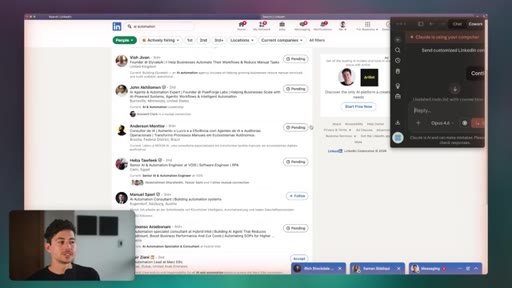
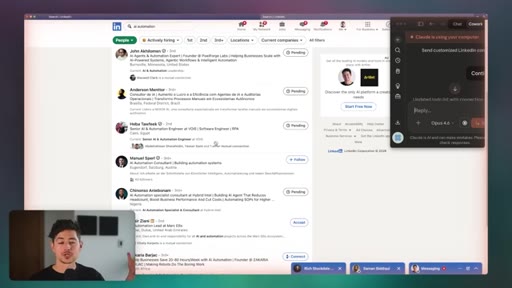
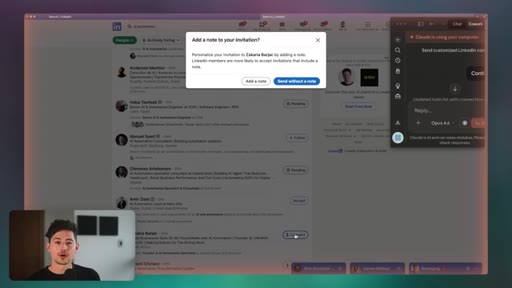
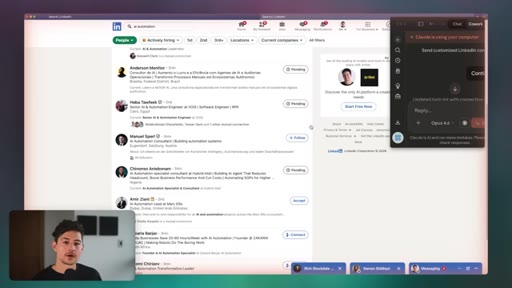
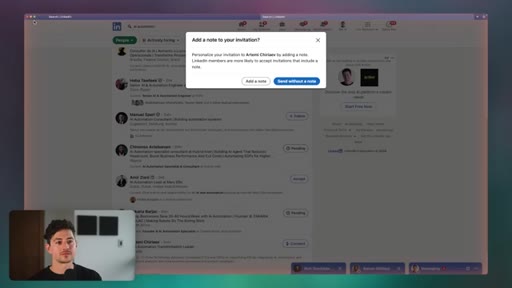
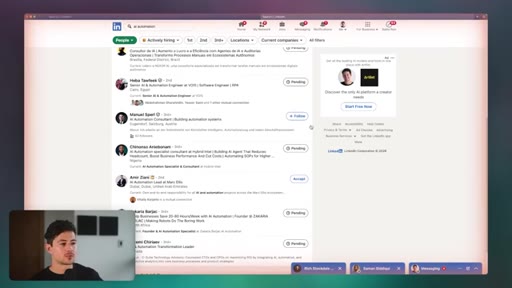
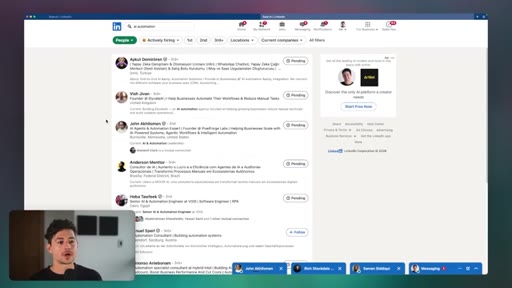
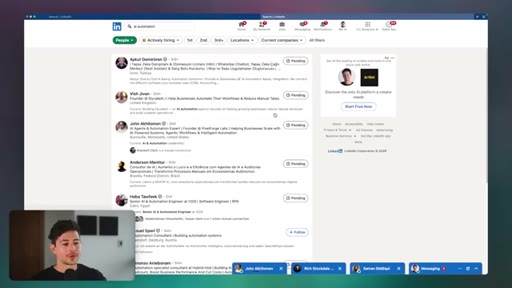
00:37HOOKUh, I'm on LinkedIn, and what I'm doing is I'm sending connection requests, which are the way that you sort of do outreach on LinkedIn. And one thing to note is that LinkedIn inherently blocks the vast majority of browser automation because it's obviously in their interest to maintain a highly human sort of environment. Right?
00:56HOOKMost social media platforms will do this. Instagram does this. Uh, you know, x is gonna do this.
01:01HOOKFacebook and and so on and so forth. And so any sort of, like, automation of this task is pretty difficult to do in practice, and you'll receive some sort of either major platform block or, you know, you're just gonna run into some form of issue. Computer use basically negates that for you entirely.
01:17HOOKIf you feed in the right prompt and then use the right browser analog, you can have whatever automation you want done basically constantly for you in the background. And I foresee a future where we all have a 100 Mac minis or whatever the heck is the the trending item. Pretty soon where stuff like this is occurring on autopilot all the time.
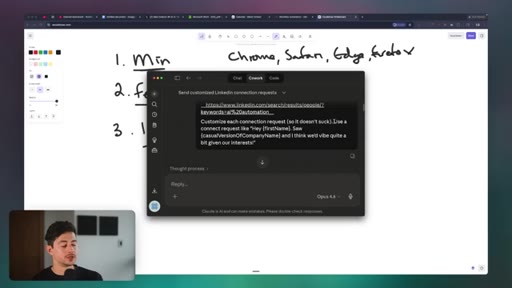
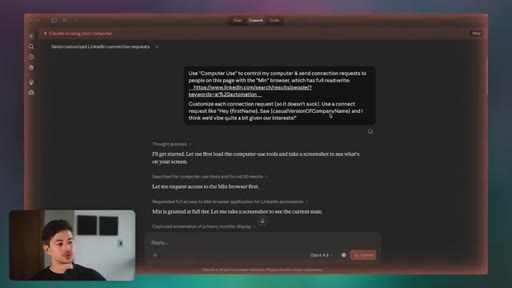
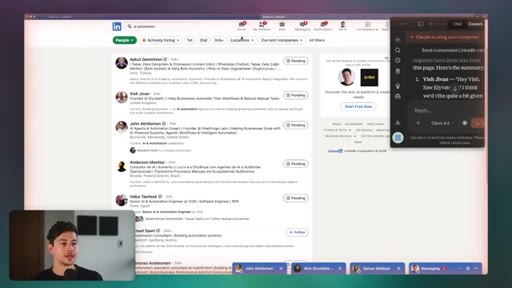
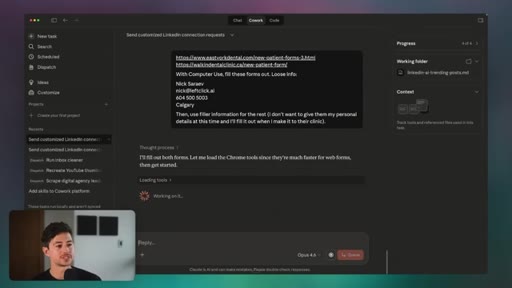
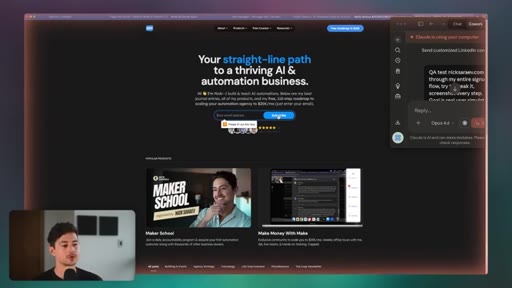
01:34HOOKHow do you actually do this? Well, I'm just gonna open up my thread here and you'll see that what I've done is I've said, I want you to use computer use to control my computer and send connection request to people on this page with the min browser, which is full read write access.
01:47That's important because Anthropic automatically blocks the usage of Chrome, Safari, Firefox, and most other major browser tools for this. Then I say customize each connection request so it doesn't suck. Use a connect request like, hey, first name, saw casual version of company name, and I think we'd vibe quite a bit given our interests.
02:03So when I have computer use on, as you guys could see, the browser looks a little bit different. Right? We have sort of that, like, yellow outline.
02:09And it's actually, like, controlling my mouse. What it's doing is a variant of what it's already capable of doing with, like, Chrome DevTools, MCP, or whatever, where it takes a screenshot and then, you know, it, like, kinda controls it. But you can see that at any point in time, I can just jump in and make minor adjustments and so on and so forth.
02:24And, you know, as long as I'm not doing that while it's doing something super valuable or important, it sort of figures it out on its own. So that's use case number one. And I just showed you guys it on LinkedIn, but I wanna show you guys just how many other platforms you can do this on as well.
02:35Um, obviously, a big one here is Instagram. I know sending Instagram DMs automatically is obviously very high in demand and, you know, a lot of people wanna wanna do that. But the same thing applies to any other platforms.
02:45You could do this on x.com. Um, despite the fact that I don't think Facebook is a great place for this stuff, you can also automate Facebook entirely. Then obviously, you could do this on other platforms like, I don't know, TikTok and in a short form and and so on and so forth.
02:57The way that you do this to make a long story short is one, you install a browser that not a lot of people have heard about. A browser that is not on the block list. Anthropics current block list, I think, is
03:09Chrome is Chrome. I think it's also Safari, and then they also do, obviously, Edge and Firefox. Min is a simple, free, and straightforward browser that I'm not affiliated with at all.
03:20It was just the first one that I tried that wasn't part of this block list. And what I'm doing is I have Minh set up here. I then logged into my LinkedIn account, and then I just give it a list of all of the different, you know, leads I wanna actually, uh, you know, send requests to.
03:32And in my case, I did this pretty straightforwardly. I just pumped in the term AI automation into my LinkedIn sorted by people, and then I just have it going. Now I should note that, you know, most of these platforms have outreach limits, so you can actually send, like, five quadrillion pieces of outreach automatically.
03:45You'd need either multiple accounts to do this or, I don't know, some other sort of, like, black hat method. And I don't recommend doing that. You know?
03:50I don't recommend overly gaming these social media platforms because there's obviously downsides and, you know, a fair amount of risks. Um, but you can apply the exact same approach to whatever the heck you want. After that, you just feed the list.
04:00And then perhaps most importantly, you have some form of what we in the cold outreach business call an icebreaker, which is some sort of, like, kind of quasi customized template that allows AI the ability to fill in variables dynamically. And so in my case, what I did, if I go back to co work, is I said, use a connect request like, hey, first name, saw casual version of company name, and I think we vibe quite a bit given our interests.
04:21You can insert or replace whatever variables you want here. It'll work pretty reasonably so long as Claude obviously has access to information about that. My next major use case is going to be scraping social media for posts and then saving that to a local file, which I can then feed into, I don't know, Claude code or some other features thing in order to, like, generate content on my end.
04:39Now the issue with doing a lot of this stuff organically is obviously, one, it takes a fair amount of time. But then two, there's no, like, API based way to plug this into a workflow. You either have to have, a virtual assistant or somebody do it, or you have to do some sort of hacky workaround.
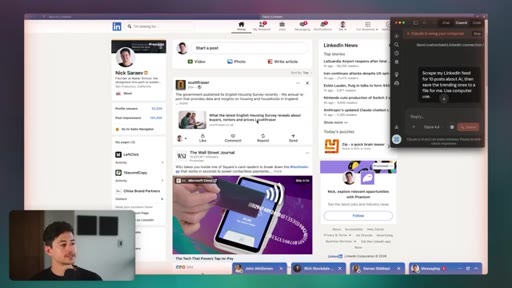
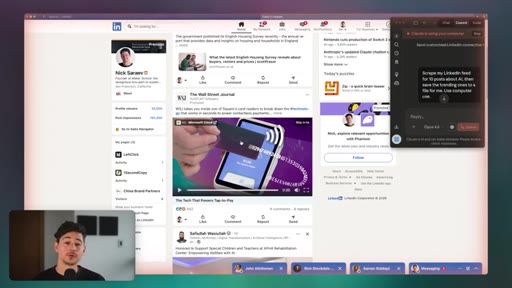
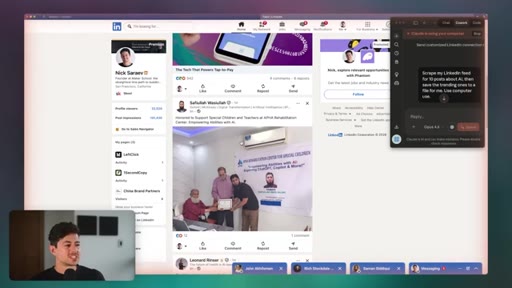
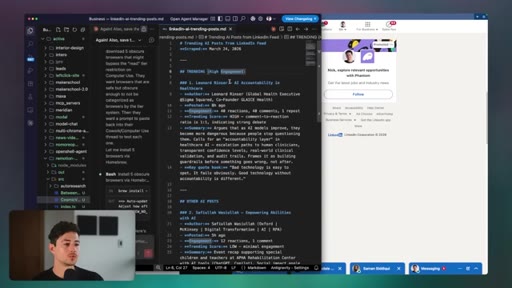
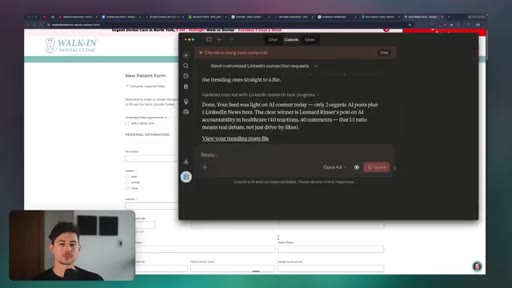
04:51What I'm doing with cloud computer use is I'm giving it a really simple and straightforward query, just saying scrape my LinkedIn feed for 10 posts about AI, and then save the trending ones to a file for me with computer use. And it's just going through right now, basically taking screenshots and then also saving the text to a file.
05:05After I'm done with that, I could use the file for whatever I want. So some really cool use cases for this. Obviously, there's, like, trending news scraper style systems, which is personally what I'm using this for.
05:13Uh, but there are variety of other ones as well. You could try, a parasite based system, which goes through somebody's social media platforms. Again, you know, on platforms that do not explicitly allow or explicitly prevent any sort of browser automation.
05:24And then get the text. You could feed that text into AI to have it like rewritten. You could, um, save photos and stuff like that by right clicking the pictures saying, you know, save as and so on and so forth.
05:34And then eventually just have like a big file setup that you can, you know, then plug in your own content calendar. Once you're done, you then get a list of trending AI posts, and then you can do whatever the heck you want with these posts. In my case, maybe I'm gonna use these trending posts to create some parasite content or whatever and use that to rank on LinkedIn.
05:48My next use case is going to be giving it a list of forms. So in my case, I'm just gonna use dentist, but you guys could do whatever the heck you want. Contact forms for agencies, uh, I don't know, big people to get in touch with, whatever.
05:58And then just have it actually reach out to them by filling out those forms. And this is valuable because a big chunk of the Internet right now is, like, gate walled by contact forms and so on and so forth. You can't find people's emails, but you can get a contact form.
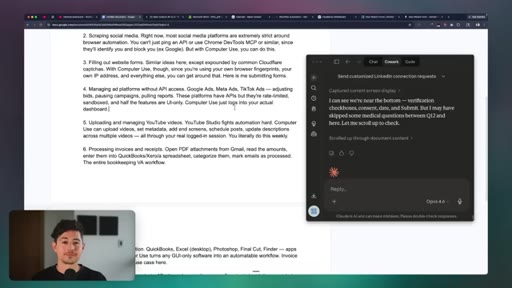
06:09And so you can use or have computer use, um, actually control your browser, click buttons, and so on and so forth to one, mitigate the appearance of captchas and other things, while also two, um, filling it out in like a human natural way with, you know, your browser and stuff. So in this case, I said with computer use, fill these forms out.
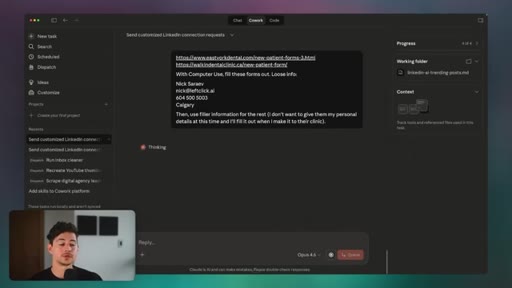
06:25Loose info, gave it my name and so on and so forth. You know, initially, it tried using Chrome. The reason why is because it always tries just using the specific, um, thing that it's connected to.
06:35What I'm gonna do now is I'm actually just gonna go into the min browser again. It's going to open up some new tabs, I imagine, using the URLs that I gave. And again, it's literally using my my keyboard, which is why it's so cool.
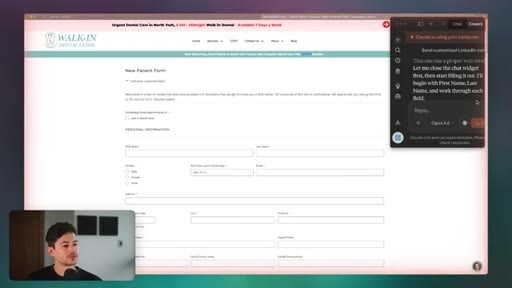
06:46And then it's gonna try and, uh, you know, fill out their forms and stuff. So here's a simple walk in dental clinic. You know, it's like a new patient form, and it's just gonna go top to bottom and click on everything.
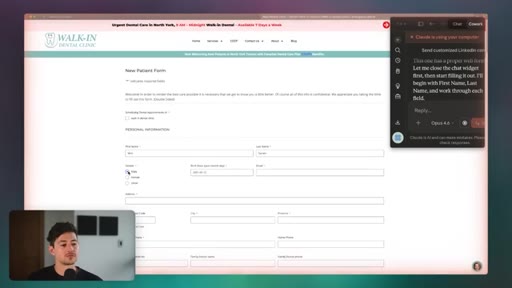
06:54Just started by closing the chat widget, and now it's gonna start with the what looks like first name, last name, and then work through each field. I should note that, you know, a couple of these input fields are pretty dynamic. Right?
07:04One of these is like a birth year or birth date picker. It's not very straightforward. What it's done is it's just like clicked on four things in like two seconds for me, and it's just working its way top to bottom.
07:14And when all is said and done, it then fills out the form and then submits it. The next one's gonna be managing ad platforms without API access. So think of things like Google Ads or Meta Ads or TikTok Ads.
07:24Like, these platforms all lock down their ads stuff really, really strongly, and then they also just make it a pain in the ass if you do have any sort of API access. Um, the reason why is obviously they just don't want, like, a fleet of agents that control everything completely automatically. But what's wild is with computer use, you can do that.
07:39And you can make a fair amount of money in the interim by automating all of that stuff before, you know, they catch up. So this is one of the companies that I run, and we do ads for a fair number of dentists across the Canada area. We typically generate ROASs anywhere between eight to 10 x, so very strong stuff.
07:53And let's just say I wanna automate the process of, I don't know, like, turning off ads that aren't very good. So in my case, maybe I want to click through all new patient video ads in the current ads manager page, and then find the cost per lead.
08:03I want the inside view, so I actually want it, like, inside, not just on this little dashboard. And then I just wanted to turn off the lowest performers.
08:09Obviously, I could standardize this in, like, a bajillion different ways. Hopefully, that's clear. I don't just have to do it, like, super loosely, like, find the best ads.
08:17I could have strict SOPs where it's, find the top three performing ads, find the lowest five performing ads, and so on and so forth. But just like I use my own computer and my mouse to do this, I could do this with computer use controlling everything. This reminds me of like those Tesla self driving ads, but like my hands up here.
08:31So I don't know. It's finding the new leads ad, you know, it's seeing that there's no budget, and then maybe it's turning it on or it's turning it off. Hopefully, you guys get the point.
08:38You can automate the large majority of more or less any valuable knowledge work like this. I think, honestly, the thing that I'm coming to realize is the more important thing than actually just, like, having a list of things to automate. It's just knowing what to automate and then having a preexisting,
08:53like, SOP for that. Um, so believe it or not, like, the big businesses are going to have the most success with this stuff, uh, not necessarily, you know, the the small ones. Anyway, But here's it going through, clicking on my ad sets and and stuff like that, finding the highest performers, then enabling them or disabling them.
09:08Another cool use case is uploading and then managing things for YouTube. Very similar idea, so I'm not gonna show it here. But what you can do is, in my case, you know, I record a lot of videos via OBS, that's what you guys are watching right now.
09:18Um, previously, in order for me to automate the process of uploading them to YouTube, I had to use the YouTube API, or I had to use some sort of third party service that connected with YouTube like Ophonic. And the issue behind uploading things automatically to social media platforms via API is, like, the the current consensus is they will block you or significantly restrict your reach if you do it automatically.
09:36Again, because they don't want automatically generated content. They want, like, real user generated content, people to actually click buttons. Well, now you can just have computer used to it for you.
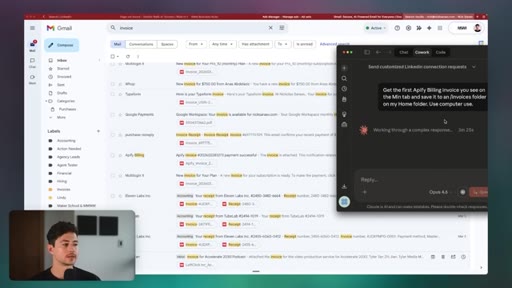
09:43You can automate the process, then you can also get all of the upside of, like, having organic reach and brand. The next use case is gonna be pretty straightforward. I'm just going to have it compile a bunch of invoices to me locally on my computer.
09:53Obviously, I could do this manually, and there are probably some API based ways I could do this as well. But this uses the exact same interface that I do. Very similar to, like, a humanoid robot.
10:01Why do we make humanoid robots nowadays? It's because despite the fact that other types of robots are probably better, our natural environment is geared towards, like, humanoids. Right?
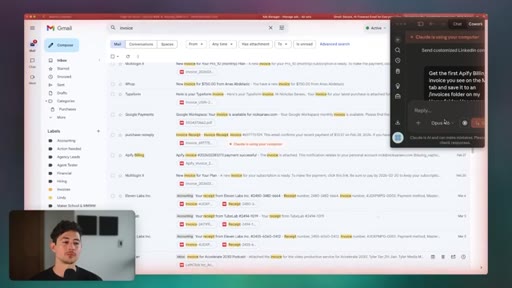
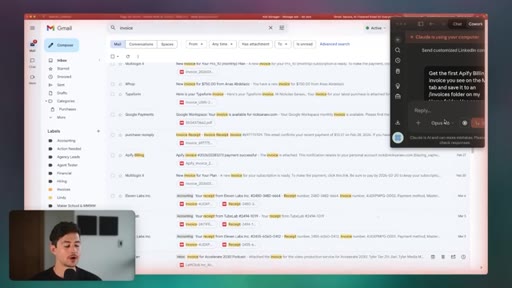
10:10So humanoid robots, obviously, despite not being perfect at any one thing, can do everything, which is valuable. In my case, I just have it grabbing the first Apify billing invoice because I pay them for the automation of a few other things that I do. And then it's just gonna save that to an invoices folder.
10:2449 US dollars. Good lord. What's funny is I think it was right across the street from their office when I was in Prague.
10:29That's wild. I didn't realize they were headquartered down there. Anyway, it's scrolling down now.
10:33And then sorry. I didn't wanna show you guys my address or anything, but it went through. I downloaded it.
10:36Now, um, you know, it's in my downloads folder right over here. You can also have it automate some desktop apps as well. Now this is sort of like the more boring use cases that most other people have shown on YouTube videos, but still pretty interesting.
10:45You can have it automate, like, Premiere Pro, for instance, to identify, um, low waveform points on a graph and then actually cut right at, like, the lowest point. You could have it do a combination of, like, terminal based commands, and then I'm just thinking about video editing because I do a lot of video editing right now.
10:59GUI based commands to both shorten it, uh, you know, have Premiere Pro generate captions for you, slap the captions on the video automatically, and then do a couple of other things. Uh, you know, really, the sky is the limit there. And, unfortunately, there's just so many different products that we could use there.
11:10I don't feel like I'd do a substantive positive service by demoing just a couple of mine. Okay. And then finally, QA testing.
11:17Because we are using our mouse and our keyboard here, we are gonna be interacting with the screen with Plot in a very similar way to in which a human would really realistically interact with the screen. A lot of the ways that people have been doing some sort of QA testing so far has been using, like, Chrome DevTools MCP or browser automation.
11:33And that's okay because, you know, it still, like, does things on the computer, but it doesn't do so in a way that a human being might. For instance, it, like, doesn't click specific parts of the page. Right?
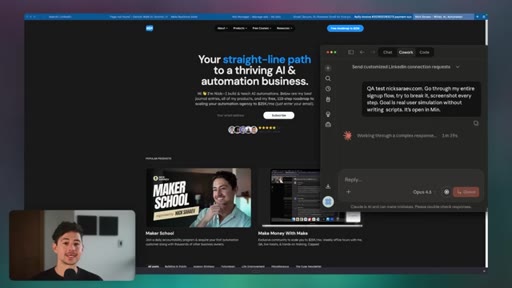
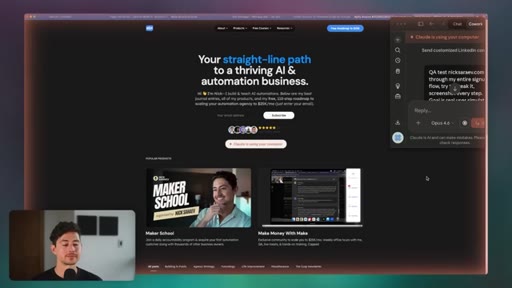
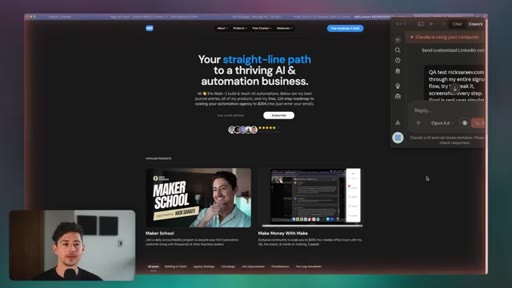
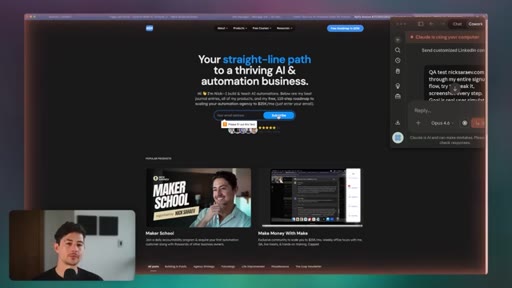
11:41What it'll do is it'll, like, run JavaScript that simulates a click event. So what I've done here is I've said, hey, I want you to QA test at nixrife.com. Go through my entire sign up flow.
11:50Try to break it. Screenshot every step. The goal is some form of real user simulation.
11:54I just want you to actually, like, do it the way that I would do it. And you could see that it's, uh, it's gonna try and break it in, a million different ways. And the reason why this is valuable is because sometimes there are, like, buttons on a page or features in an app that aren't immediately accessible to something like a browser automation version.
12:07Personally, I think this is what, like, a lot of big teams have probably been doing for at least a little while. Uh, I would almost guarantee you the Anthropic team, in particular, has probably been using it to, like, stress test their products. But it's gonna start clicking various buttons.
12:18It's gonna try all the different validation approaches and so on and so forth. And this isn't a product. It's just my own personal website.
12:23But hopefully, you guys can see how you'd able to scale up an approach like this to make it as as substantial as you want. Alright. So how do you actually get this set up?
12:28It's actually really straightforward. First of all, this is in research preview mode. So some of the features that I just showed you may be invalidated if you're watching this video, like, two or three months from now.
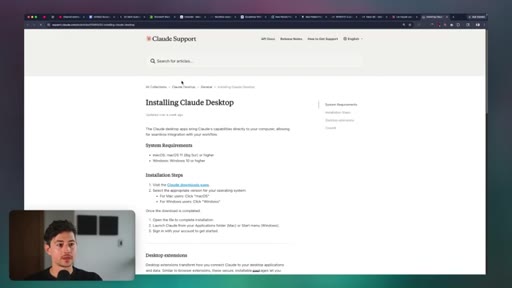
12:37But realistically, all you really need to do is just, like, download and then install the Claude code desktop app. So you can do that by just going to Claude desktop app. K.
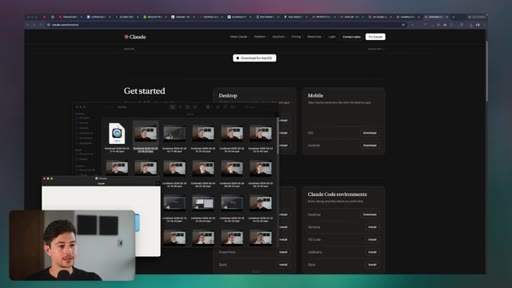
12:47Give that button a quick click. You'll go to the downloads page, and then we have a couple of different options here depending on if you guys are on, like, Mac OS or Windows. But in my case, I'm on Mac OS, so I'm just gonna click download on Claude desktop.
12:57That's gonna open up this page in the top right hand corner. You can see it done this a couple of times because I wanted to reinstall it. Then, um, all you do is you drag the Claude app over to applications.
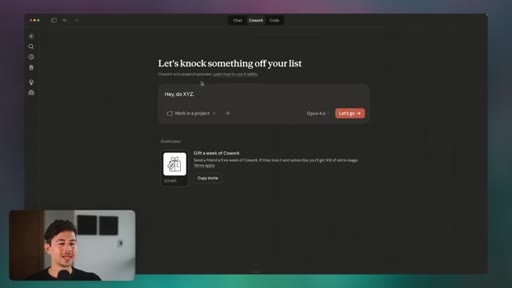
13:05I'm not gonna do that because it's gonna reinstall it for me and, you know, already have it installed. And then just type Claude to actually open up the app. Once you're done with that, you'll have access to three different tabs, chat, co work, and code.
13:15Right now, it's available for co work and code, not inherently chat. But in order to do this, just go to co work. And then now you can basically say, hey.
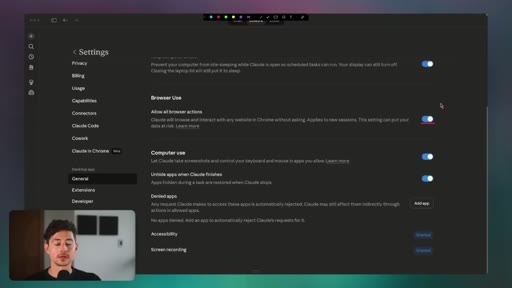
13:23Do x, y, and z. It may not be enabled for you guys right off the bat. If that's the case, head over to settings first, and then underneath general, scroll all the way down to where it says browser use and computer use.
13:32Enable browser use because that'll allow it to use the the Claude Chrome extension, which allows it to do some browser stuff. And then also enable computer use, which allows it to take screenshots and control your keyboard and mouse in apps that you allow. Then you could do any of the demos, you know, that I say.
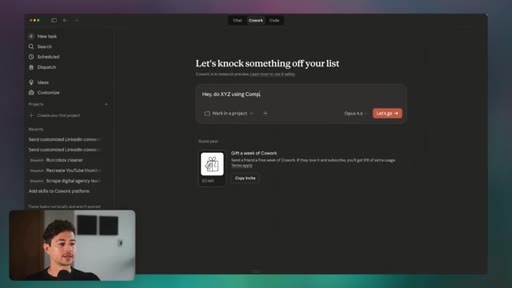
13:46And, you know, just in order to maximize the probability that it actually uses the computer use feature, I have so far just been appending or prepending my request with the term computer use. Otherwise, sometimes it'll just try doing API stuff. The reason why is probably because it's very token intensive, and I'm I'm sure they'll figure out ways to make it less token intensive over time.
14:01But right now, this is the simplest manner. Okay. And then the last thing is you need some sort of browser app that does both read and write access.
14:08CTAThe one that I'm using right now is called minbrowser.org. If this does, for whatever reason, get patched or whatever, you can also just look up other browsers that are safe, hopefully open source, that'd be ideal. The way I did that is I just went into Cloud Code and I said, like, find me 20 different browsers
14:23CTAAnd, you know, one of those ended up working. Okay. So that's it.
14:26CTAHopefully, you guys appreciated this look and how to actually make money with Cloud Computer Use. It's not just fancy toy demos here, but, you know, if you apply it to a couple of interesting workarounds, you can make some cool things happen, and you can also take advantage of browser fingerprinting and stuff like Aside from that, if you guys enjoyed this video, please subscribe to the channel.
14:40CTASomething like 70% of people aren't, and I'm trying to grow as quickly as I can right now. So you'd doing me a big solid. Check out my four hour Claude code course for more on how to use Claude for economically valuable ends, and I will catch all of y'all on the next video.
— full transcript
§ 05 · For Joe

One browser swap unlocks everything computer use promised.

WHAT TO LEARN

The tool is not the bottleneck -- the block list is, and it has a single workaround that takes two minutes to implement.

  • Anthropic blocks the major browsers from computer use by design; installing an unlisted browser like Min is the only step that expands what the feature can actually do.
  • Computer use defeats platform bot detection not by spoofing signals but by using a real browser with real fingerprints -- the same mechanism that makes it slower and more token-intensive than API alternatives.
  • The use cases worth pursuing are the ones where no API exists or where using the official API triggers reach suppression -- platforms actively punish automated uploads or artificially limit programmatic access.
  • Outreach volume limits on LinkedIn, Instagram, and X are platform-side constraints that computer use cannot bypass; scaling past them requires multiple accounts, not a better prompt.
  • An AI icebreaker template with dynamic variable slots performs meaningfully better than a static message, even when the personalisation is shallow.
  • QA testing with real mouse events catches edge cases that JavaScript-simulated clicks miss, because some UI elements only respond to genuine pointer interactions.
  • The value of any automation is proportional to the quality of the SOP it follows -- having a documented, step-by-step process before automating is what separates a reliable workflow from a brittle demo.
  • Computer use is in research preview; any specific capability shown in a tutorial may be patched or altered within months, so build on the underlying pattern (browser control) rather than the exact prompt syntax.
§ 06 · Frame Gallery

Visual moments.