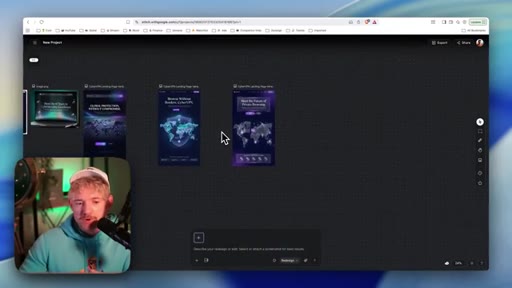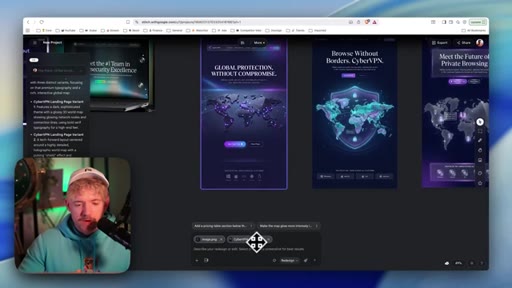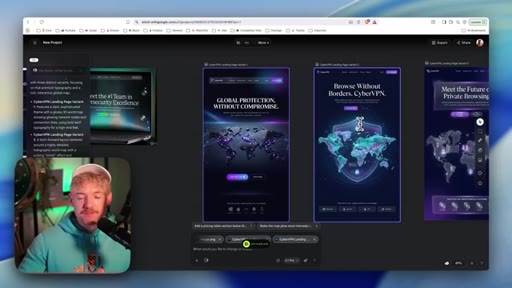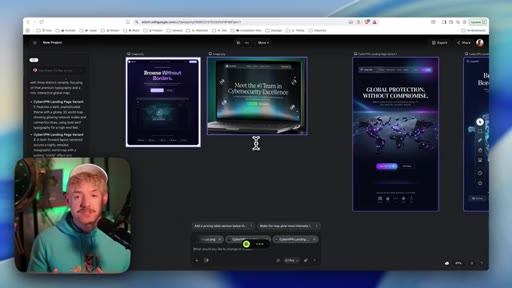
The bait, then the rug-pull.
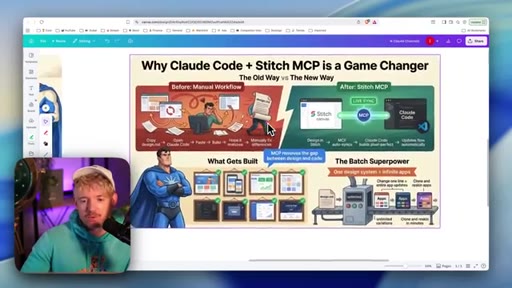
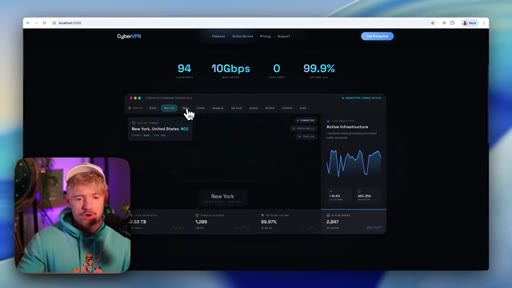
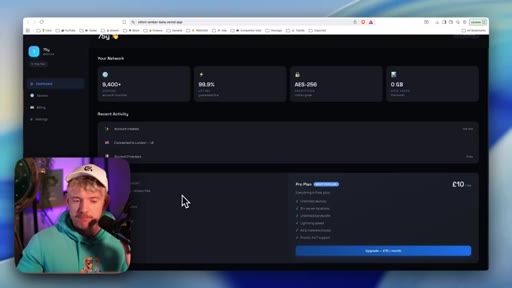
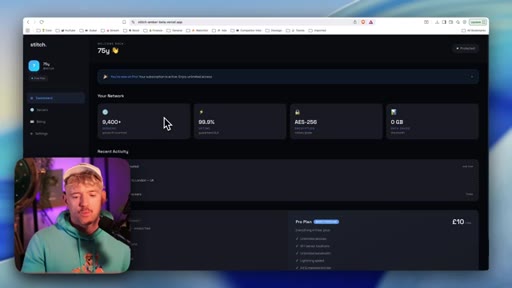
Google Stitch 2.0 dropped quietly, but its real power only shows when you pair it with Claude Code. This video is the live proof: one host, one session, zero prior design training, and a fully deployed cybersecurity SaaS site with real authentication and a working Stripe subscription by the end.
Where the time goes.

01 · Cold open and DRIP overview
Hook on Stitch 2.0 + Claude Code combination, host intro, promise of the four-step DRIP framework
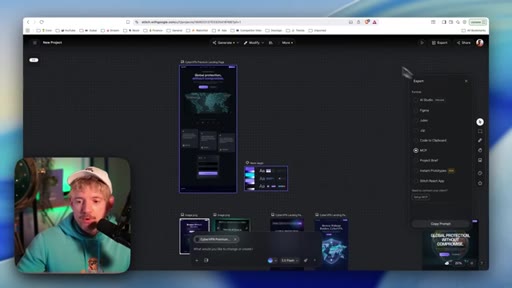
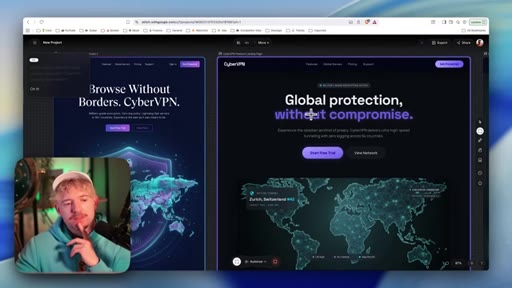
02 · D — Design in Stitch
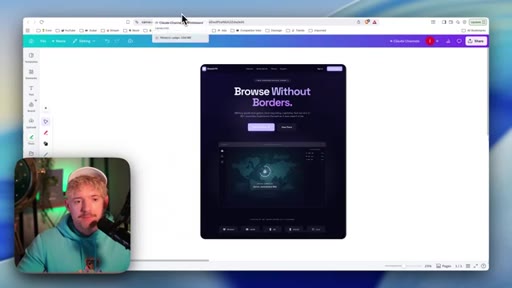
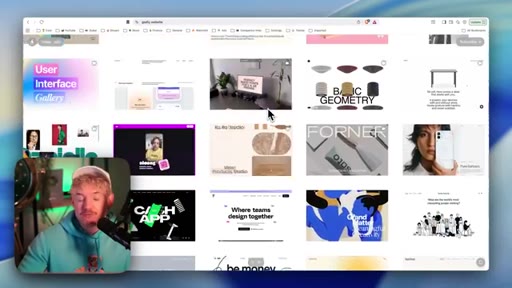
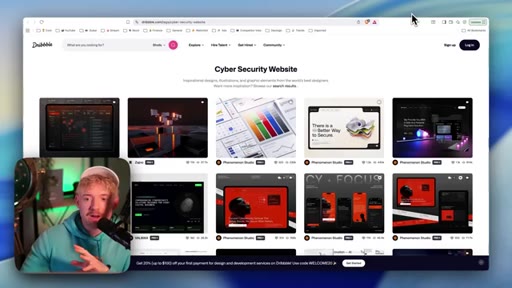
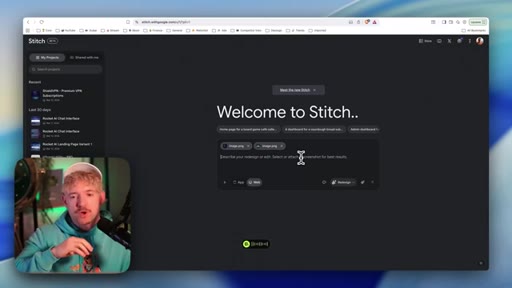
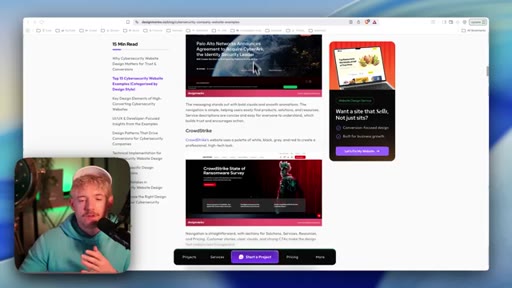
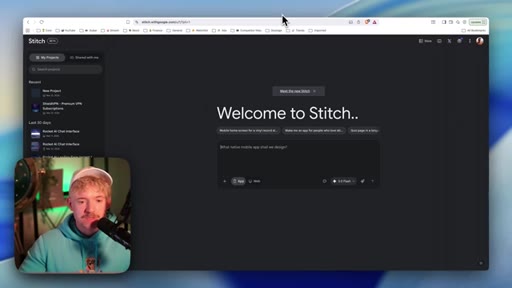
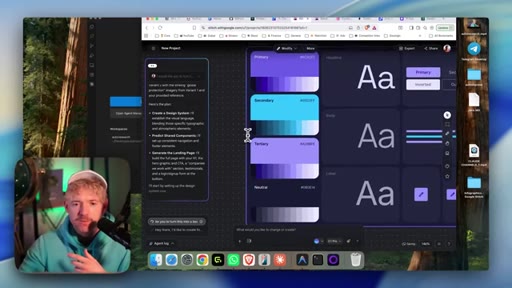
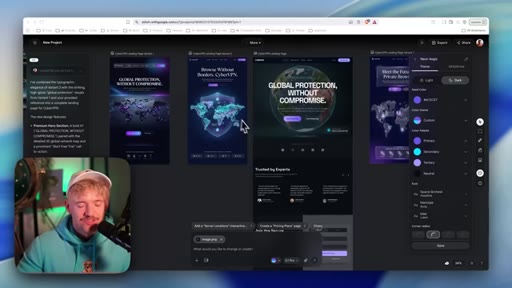
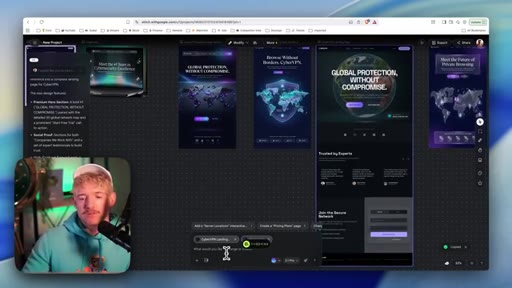
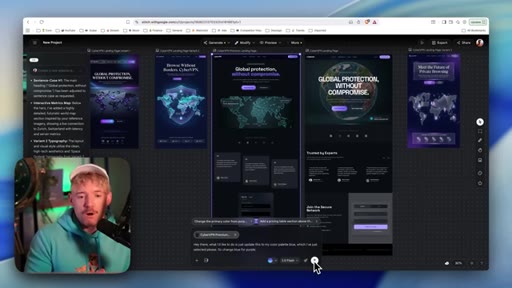
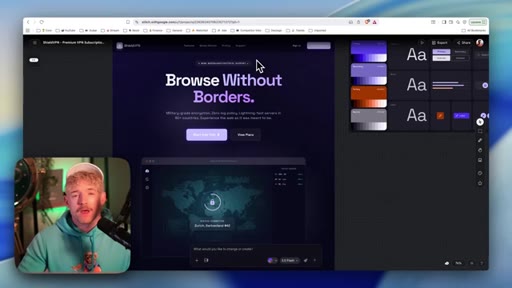
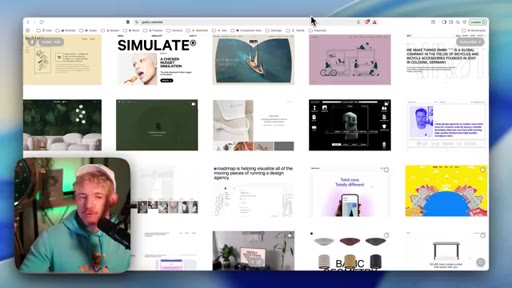
Creating a Stitch project, gathering reference images from Godly and Dribbble, prompting for a cybersecurity VPN concept, explaining image-generation vs HTML-generation distinction
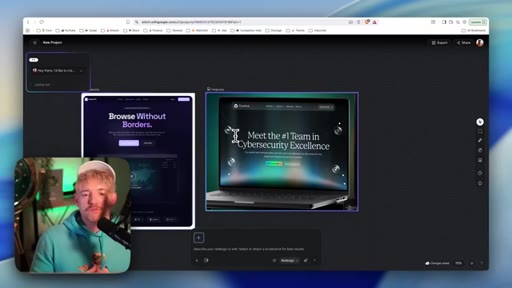
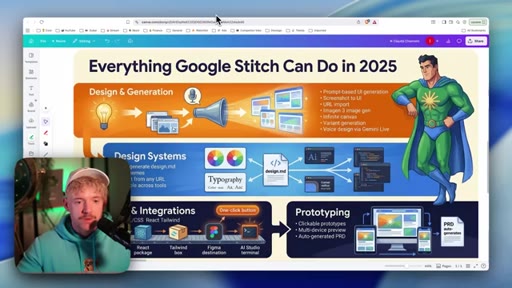
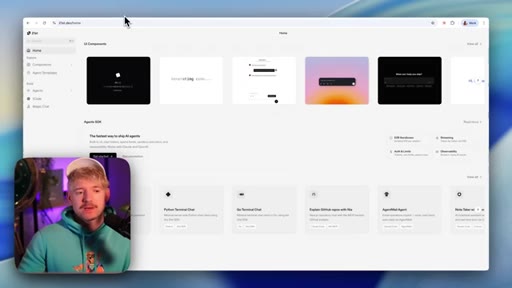
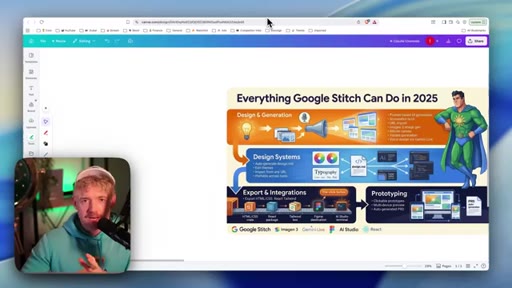
03 · Stitch 2.0 feature tour
Design systems, export and integrations (HTML/CSS/React/Tailwind), URL-as-seed-asset, canvas workflow, simultaneous generation runs
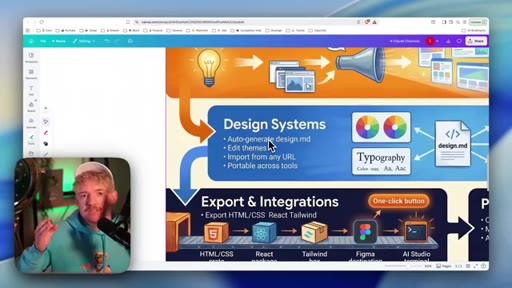
04 · R — Refine design system
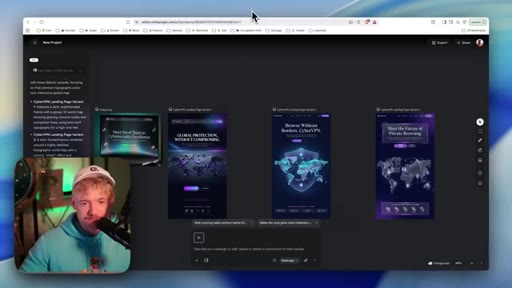
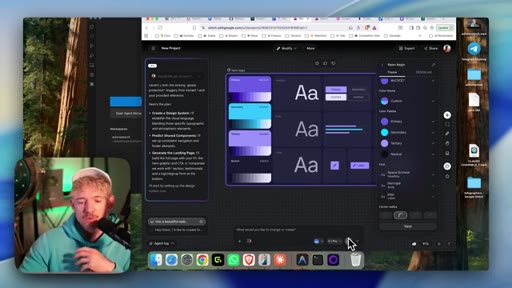
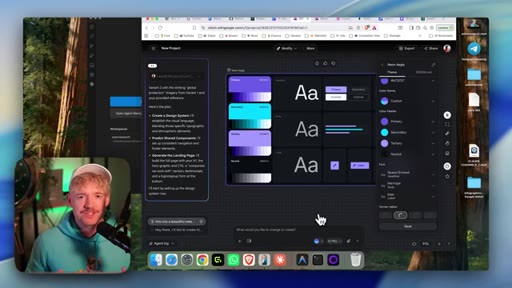
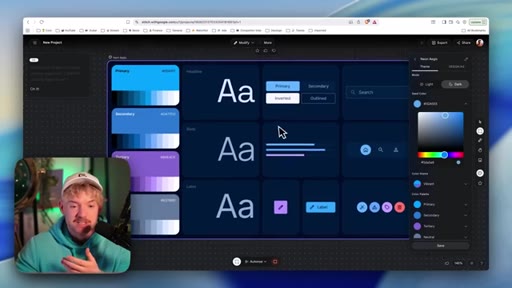
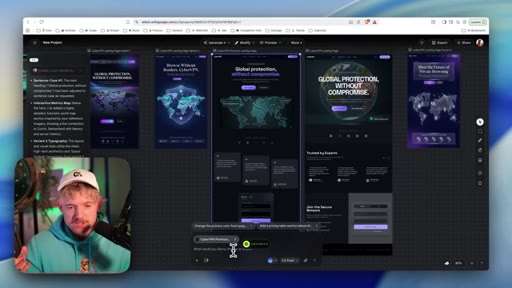
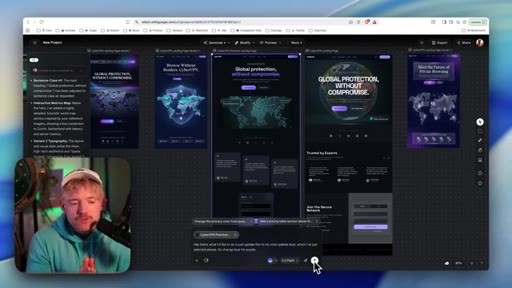
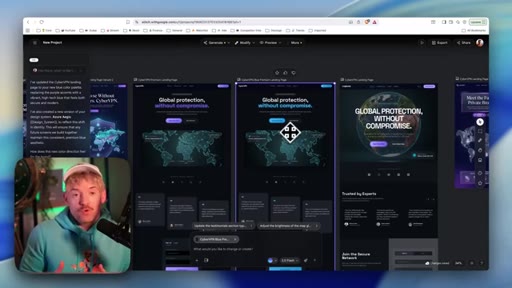
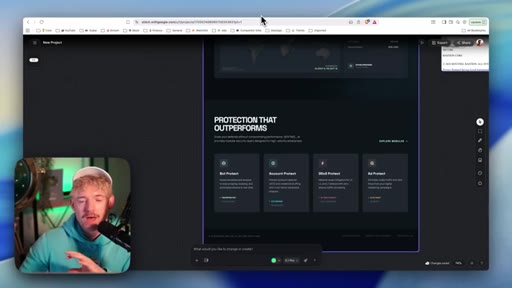
Selecting best variant, switching color palette from purple to blue, typography refinement, conversational voice editing, design system export as zip
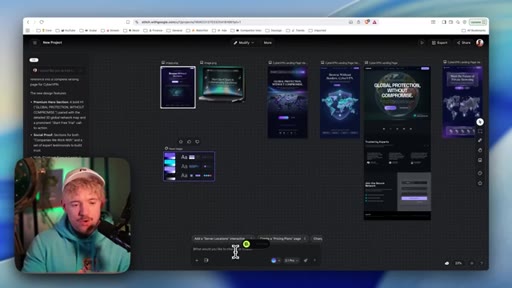
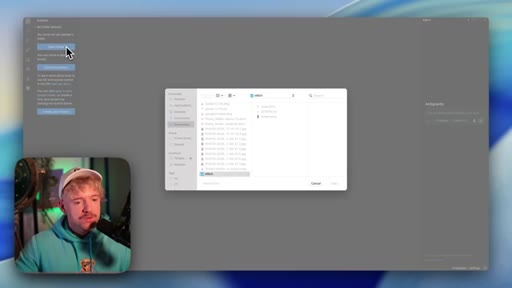
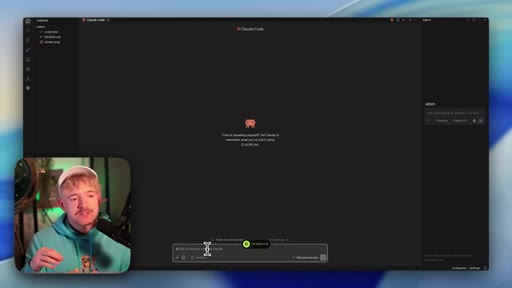
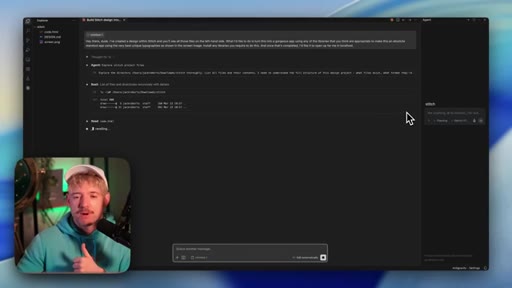
05 · Refine into React with Claude Code
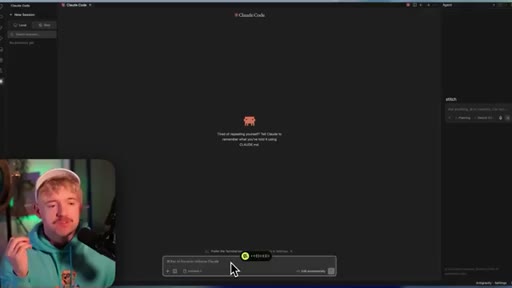
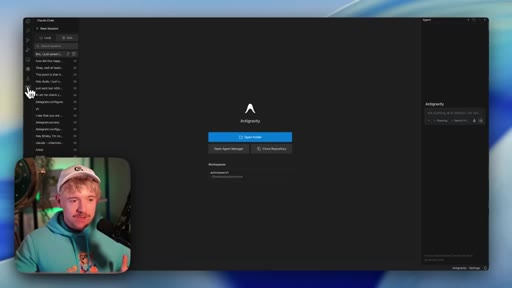
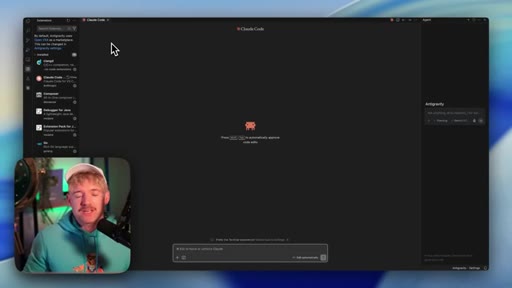
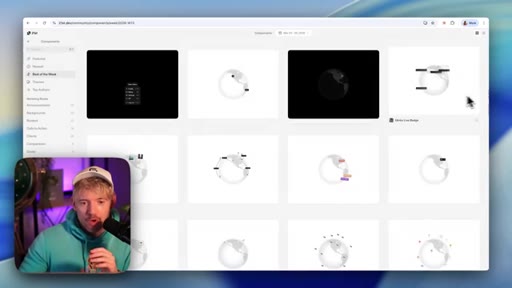
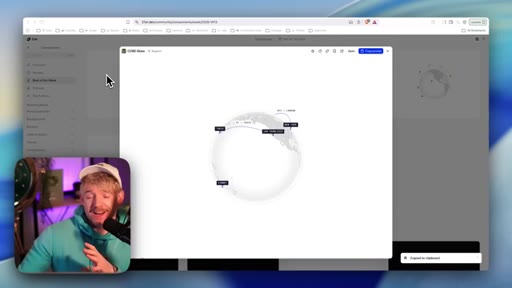
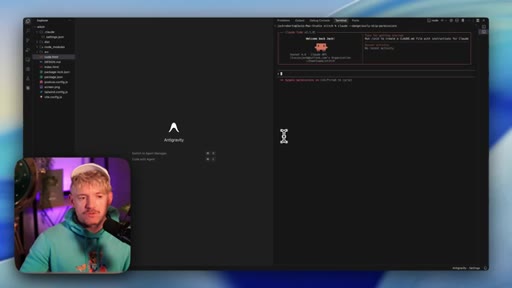
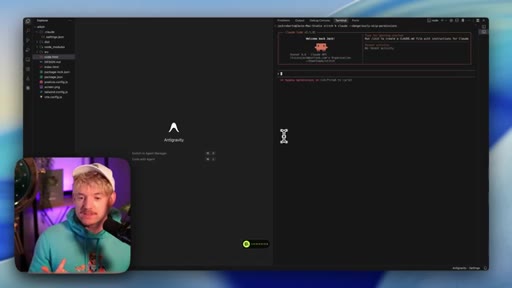
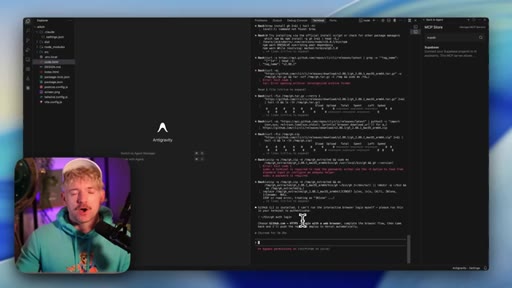
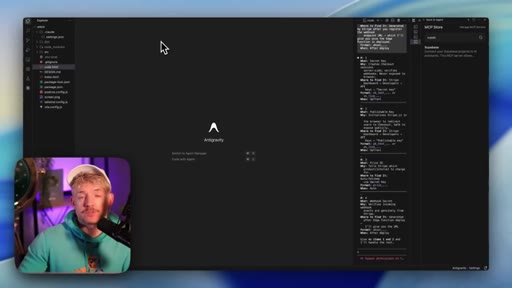
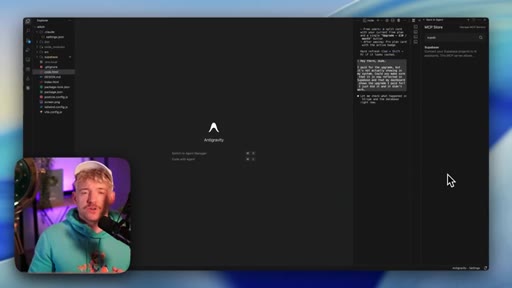
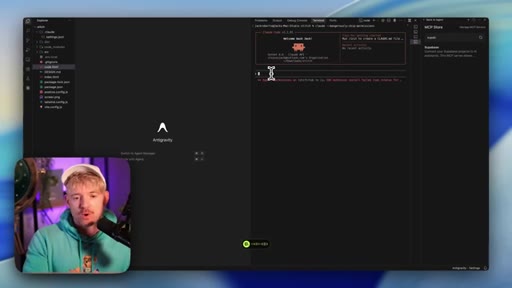
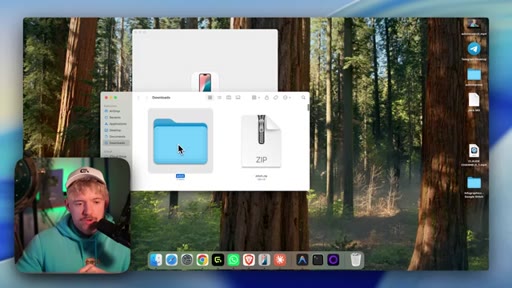
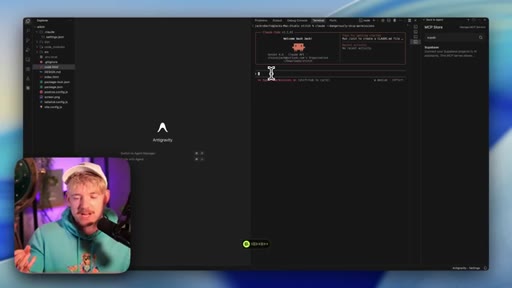
Opening exported zip in AntiGravity, prompting Claude Code to convert HTML to React app, sourcing interactive globe components from 20first.dev and CodePen, iterating on design
06 · I — Integrate Supabase and Stripe
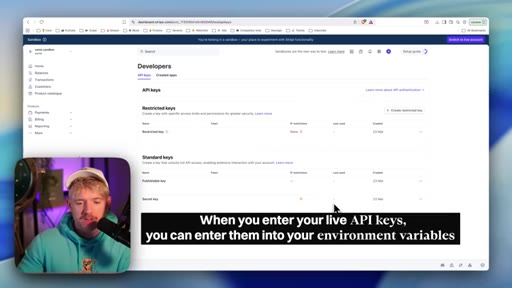
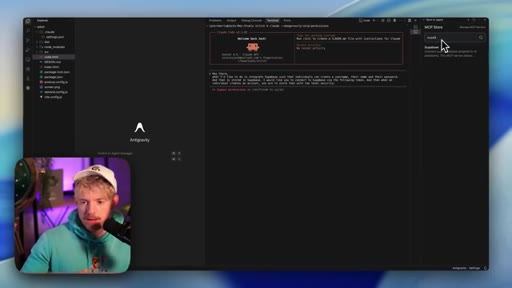
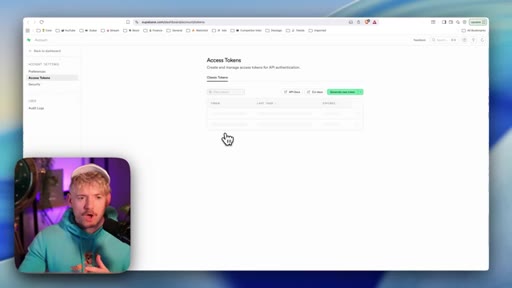
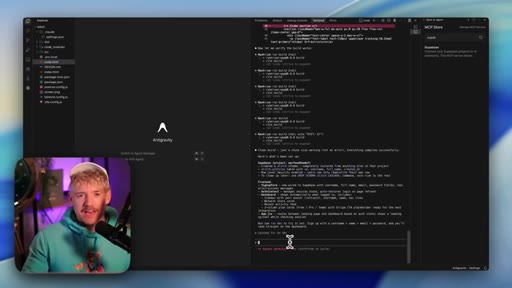
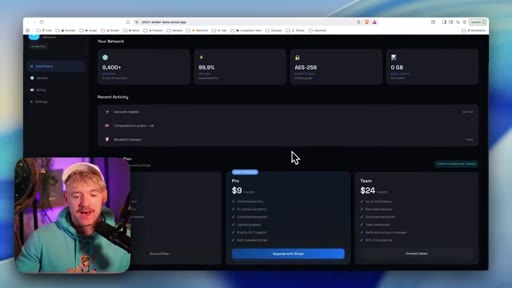
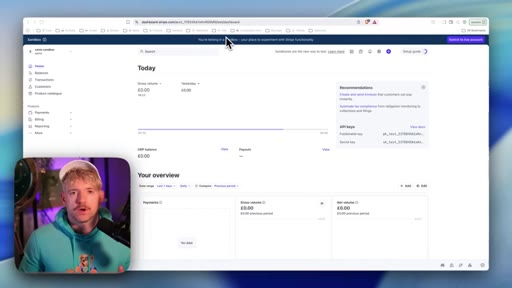
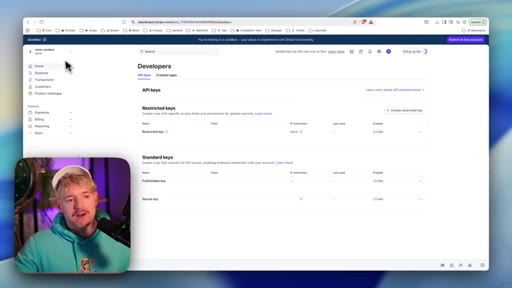
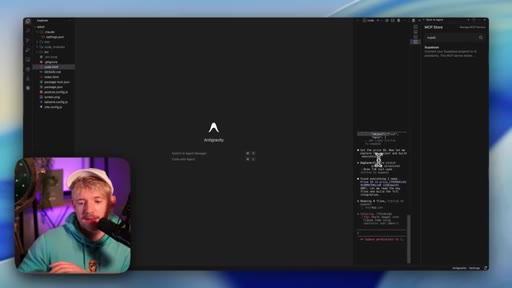
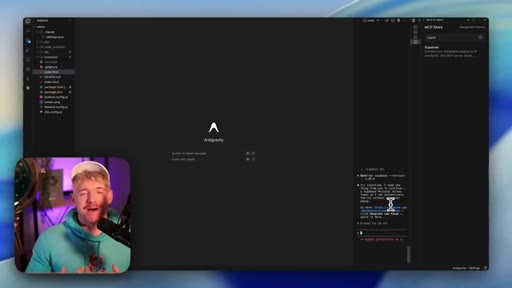
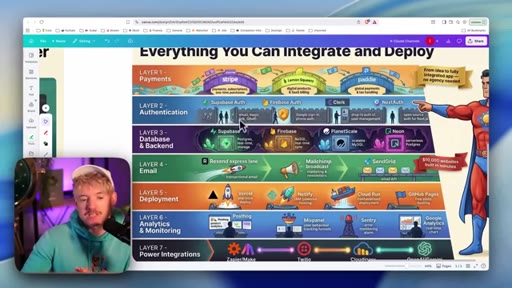
Supabase MCP setup for auth with RLS, creating Stripe product at 10 pounds per month, providing API keys, Claude Code auto-retrieving price IDs, Edge Functions for Stripe webhooks
07 · P — Publish to Vercel
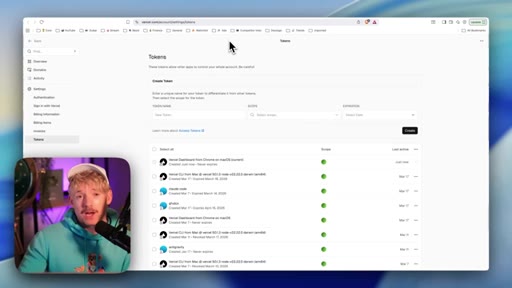
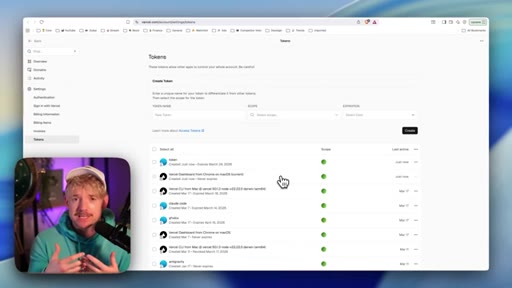
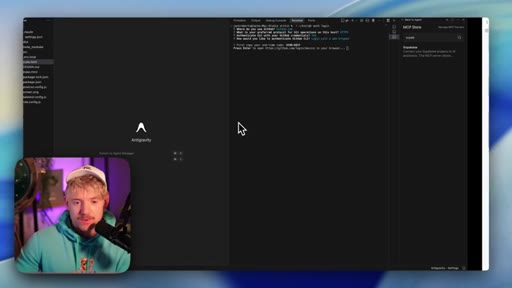
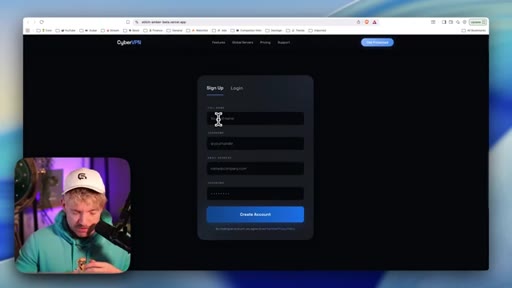
GitHub CLI authentication flow, pushing repo, Vercel one-click deploy, live URL test with account creation, Stripe sandbox subscription test with 4242 card

08 · Close and CTA
Tease for follow-up video on 3D web with Nano Banana integration
Visual structure at a glance.
Named ideas worth stealing.
DRIP Framework
- Design
- Refine
- Integrate
- Publish
Four-step pipeline for going from blank canvas to deployed app using AI design plus AI coding tools
Improvement Velocity
Evaluating AI tools by their rate of improvement over time rather than current capabilities alone
Lines you could clip.
"Think of Stitch conceptually as vibe design. That's the best way to think about it."
"What I always look at when looking at tools is what I call improvement velocity — how much is it improving and at what speed?"
"The future of design is absolutely heading towards AI. You do not need to know lots of complicated individual tools."
"If you do not know how to connect something, just say Claude, hey, how the hell do I actually connect it?"
Things they pointed at.
How they asked for the click.
"Now integrating Stitch is one thing, but if you wanna create gorgeous three d websites to get even more of an edge, we have to integrate Nano Banana in a creative way, which we can learn by watching this video right here."
Soft bridge to follow-up content rather than a subscribe pitch; no newsletter or product offer at the close.
Word for word.
The fastest path from idea to deployed product skips the design phase entirely.
When a tool generates design from images rather than code, it escapes the visual ceiling of HTML — and that gap is where non-coders finally get a seat at the professional product table.
- Starting with competitor reference screenshots is faster than prompting from a blank canvas: feed the AI three visuals and it learns your aesthetic target in seconds.
- Design decisions made in an image generator are not final — they are directional signals you hand to a coding agent, which can then exceed the original mockup.
- Typography selection carries more visual weight than any other single decision; choosing a font family is choosing a personality for the entire product.
- Naming the color psychology out loud before committing gives you a defensible rationale when presenting to clients.
- AI coding agents can retrieve API credentials, find product IDs, and write integration code from a single prompt — the barrier to connecting payments is the decision to start, not technical knowledge.
- Supabase Edge Functions eliminate the need for a standalone backend for webhook handling; the same session that builds the frontend can deploy serverless functions.
- Sandbox testing with dummy card numbers before switching to live API keys is the minimum responsible step for any payment integration.
- Deploying to Vercel via a GitHub push means every future iteration ships automatically — the infrastructure work is done once.