The bait, then the rug-pull.
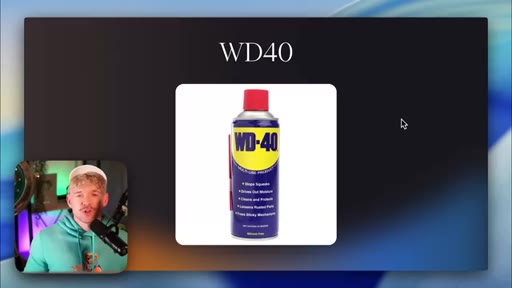
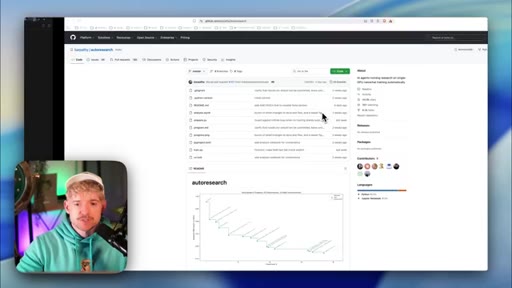
Andrej Karpathy named his iteration framework after WD-40 — a product called WD-40 because WD-39 failed. In this tutorial, Jack Roberts picks up that logic and wires it into a live Claude Code pipeline, turning a Skool landing page's conversion rate into the first test subject of a loop that, theoretically, never has to stop.
Where the time goes.

01 · Hook — the WD-40 principle
Loss-frame opener, host intro, WD-40 iteration metaphor as organizing frame for the entire video.
02 · What AutoResearch is
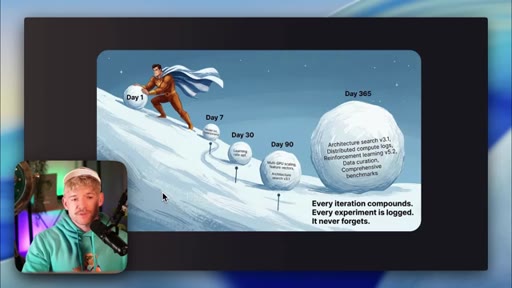
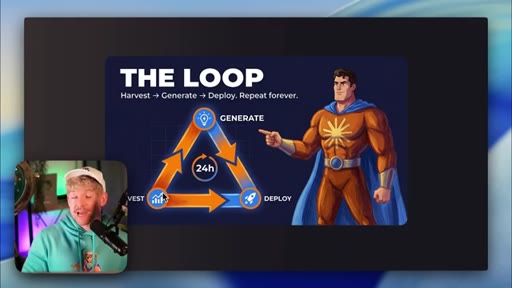
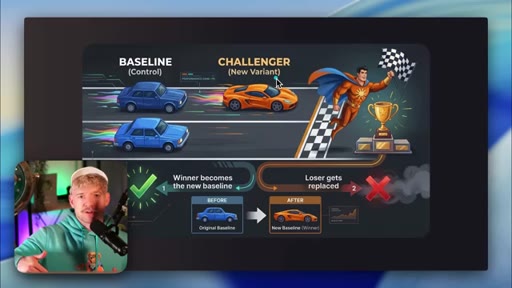
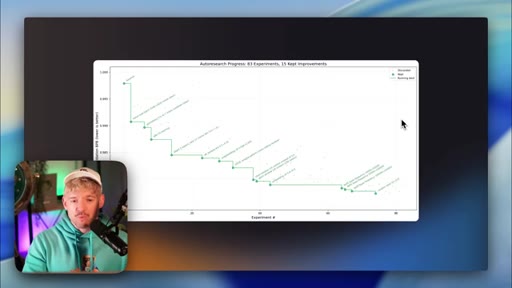
The three-part loop: generate → deploy → harvest. The log as compounding asset. Baseline vs. challenger pattern.
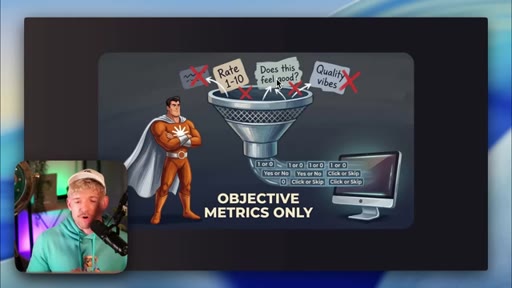
03 · What makes a great candidate
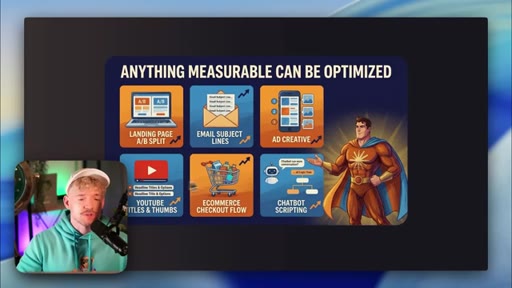
Objective metrics only — pass/fail, number, percentage. Anything with a 'vibe' fails the test.
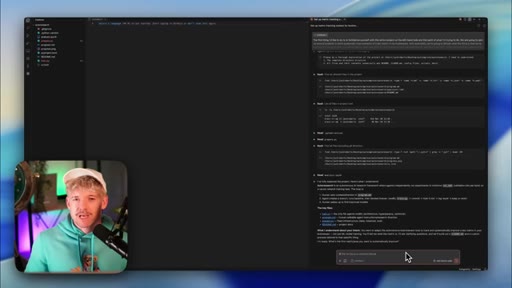
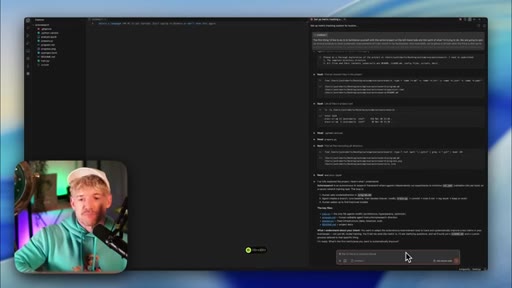
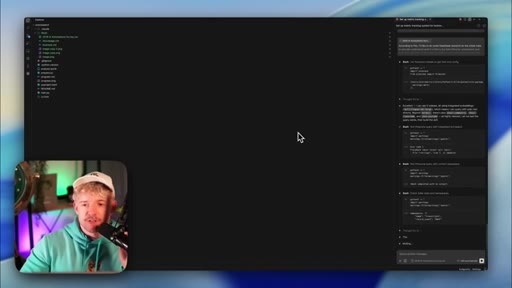
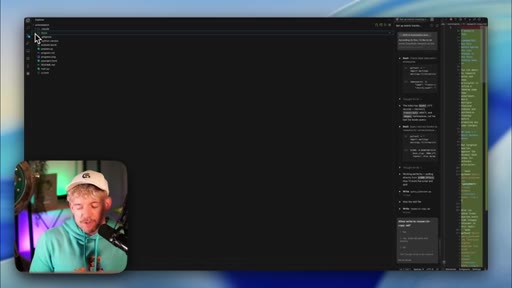
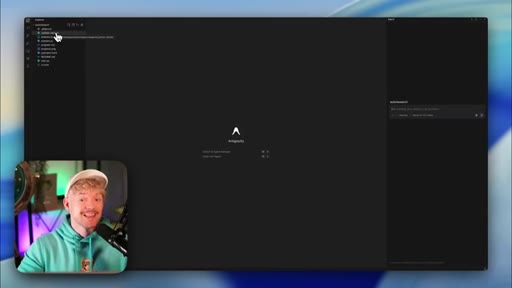
04 · Repo setup in Antigravity
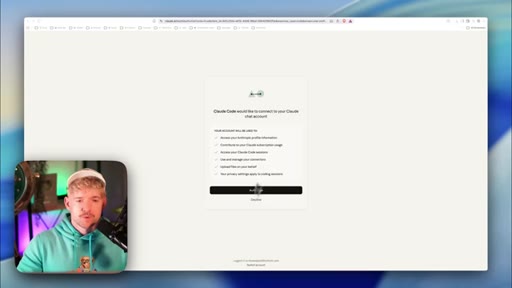
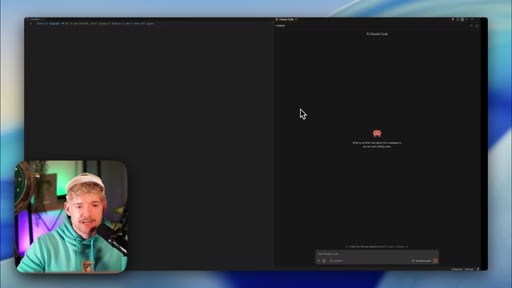
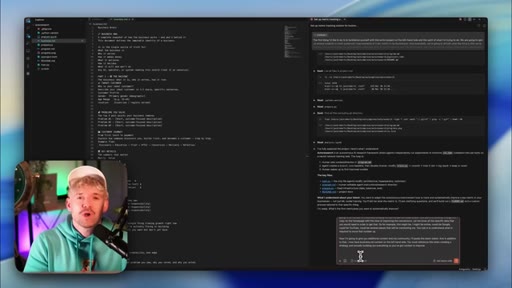
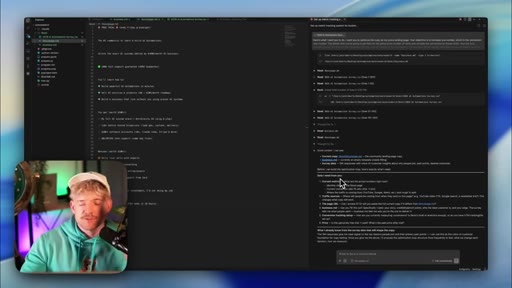
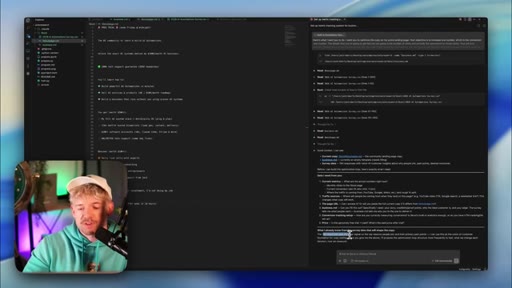
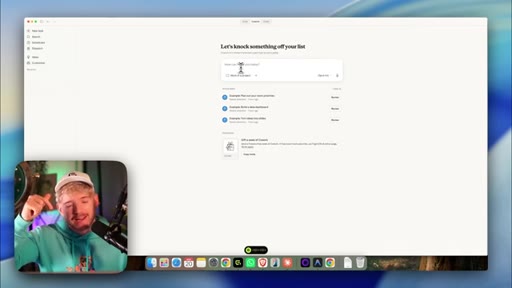
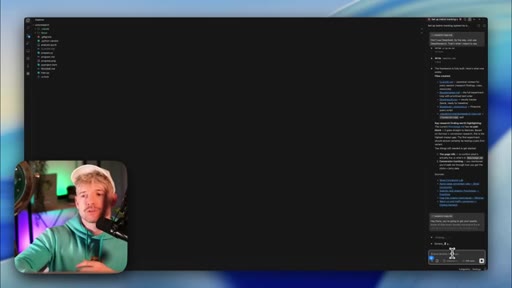
Clone AutoResearch from GitHub into Cursor; connect Claude via subscription (cheaper than API); repo structure overview.
05 · Step 1 — Choose the metric + context
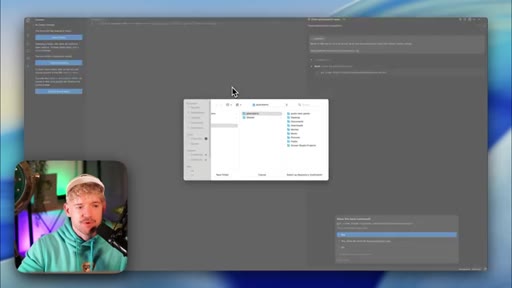
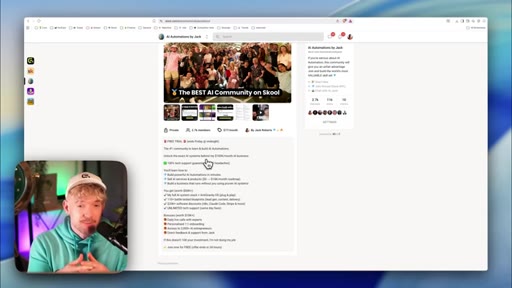
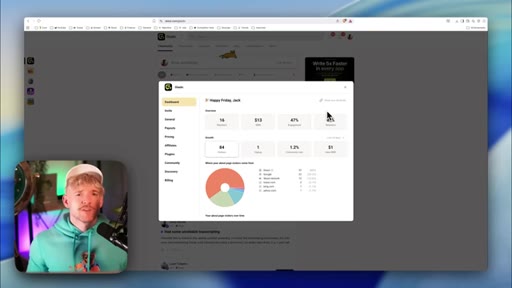
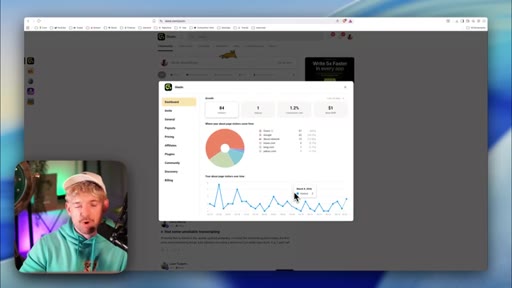
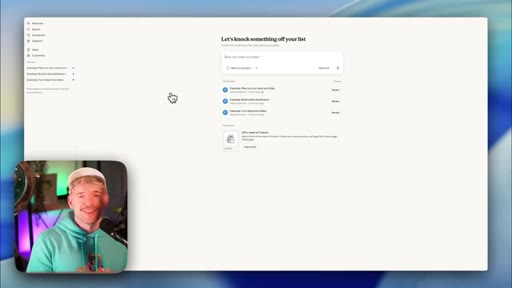
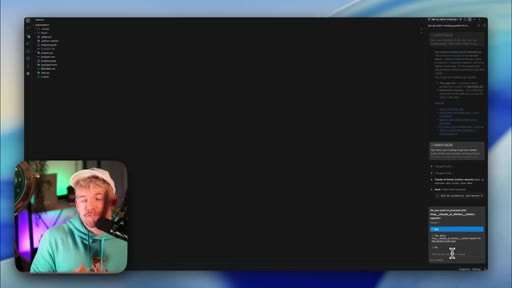
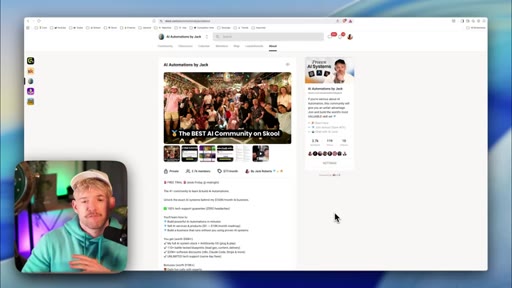
Pick Skool conversion rate. Load context: community copy pasted in, business.md prompt, survey data. Claude asks clarifying questions.
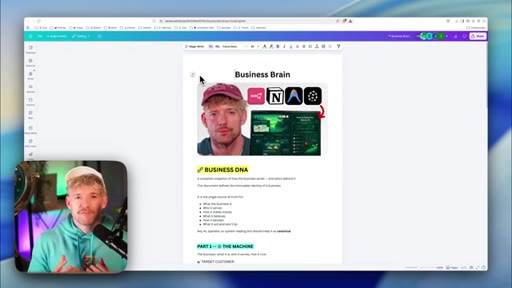
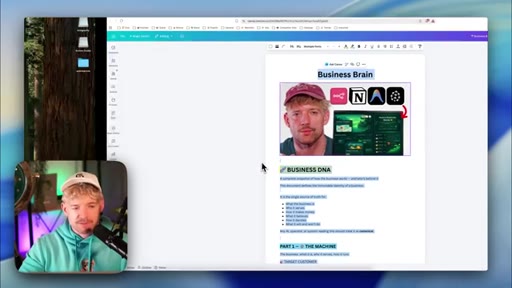
06 · Business DNA and survey data
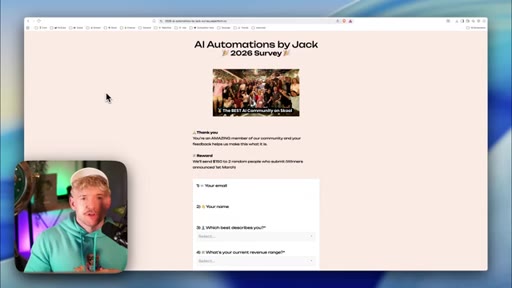
business.md template walk-through. Survey responses as voice-of-customer training data. Feed everything to Claude before first iteration.
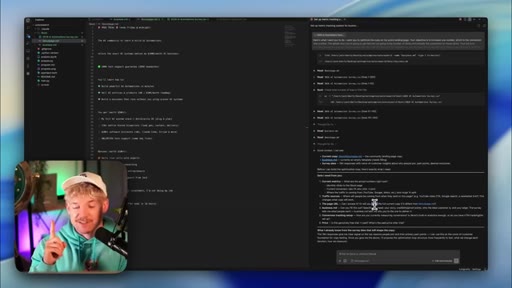
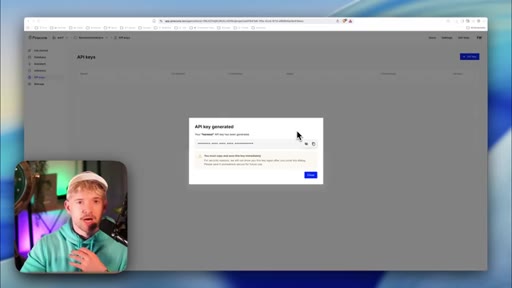
07 · Step 2 — Measure: baseline data without an API
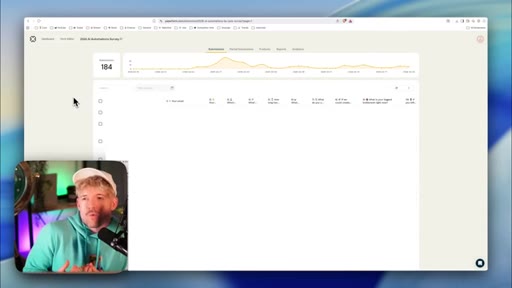
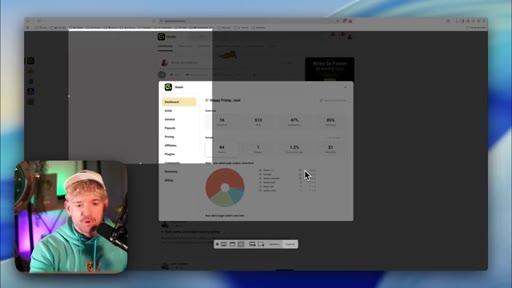
Skool has no public API. Strategy: screenshot + manual paste for first baseline. Claude asks what data it needs.

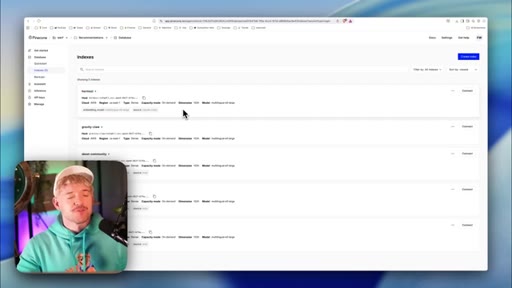
08 · Frequency + Pinecone knowledge base
250 events = stable window. Build a vector DB from Hormozi books, YouTube transcripts, community posts to make copy specific.
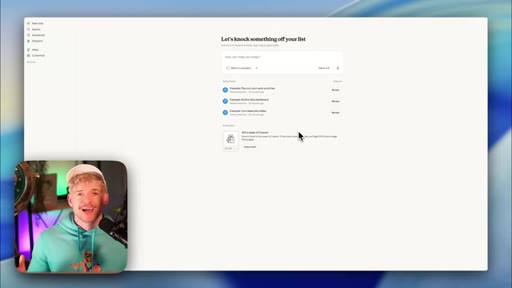
09 · Step 3 — Automate with Claude CoWork
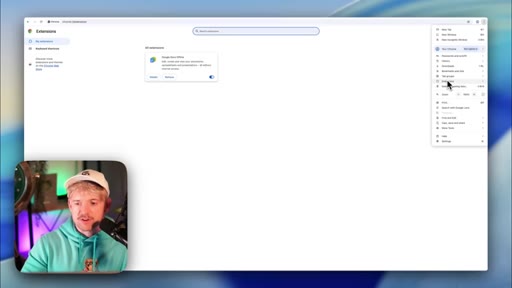
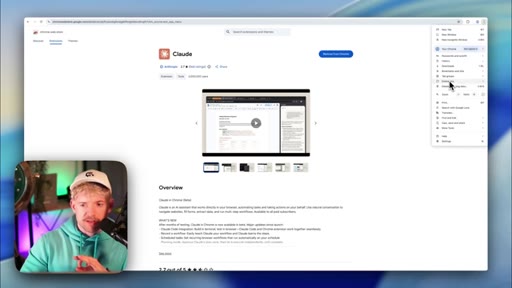
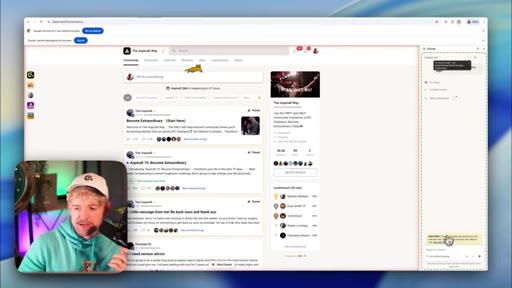
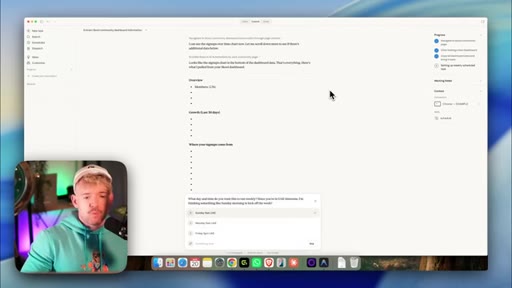
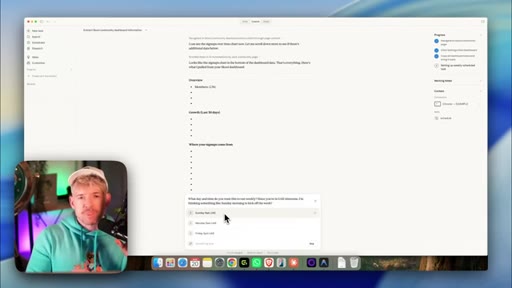
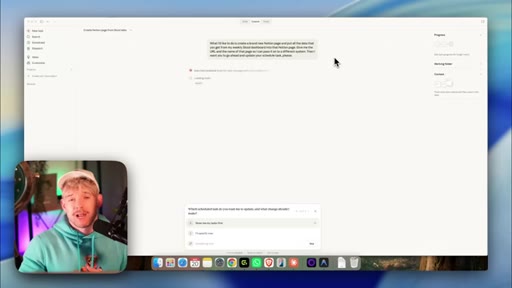
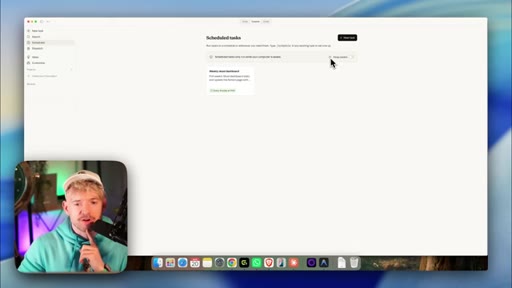
Install Claude browser extension; give CoWork a task to visit Skool dashboard on a schedule, copy analytics, return data to chat.
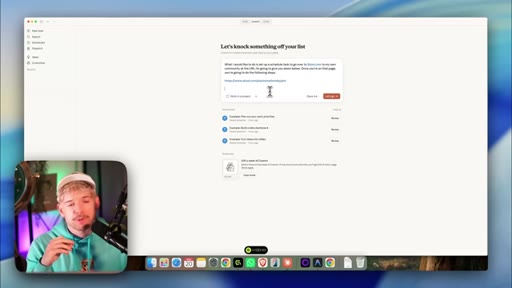
10 · Pipeline: CoWork → Notion → Antigravity
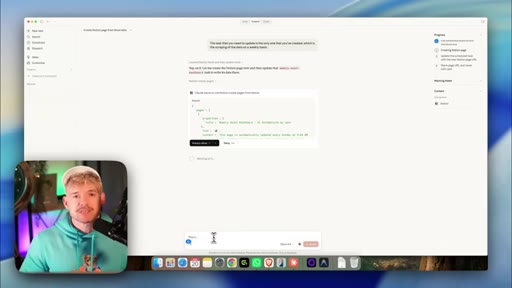
CoWork writes scraped data to a Notion page; Antigravity polls that page; full closed loop without manual intervention.
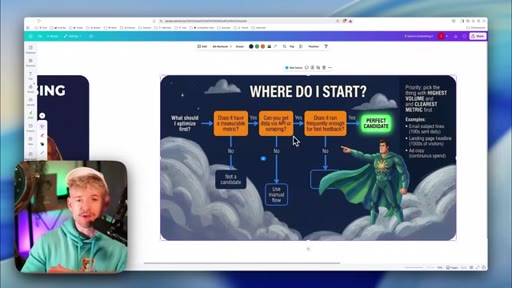
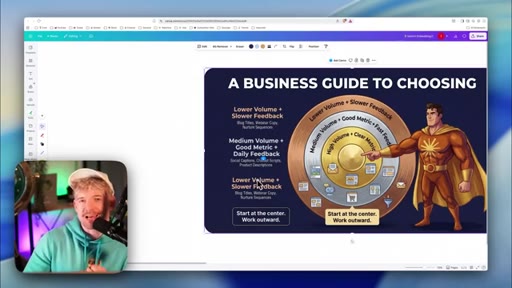
11 · Business guide to choosing where to start
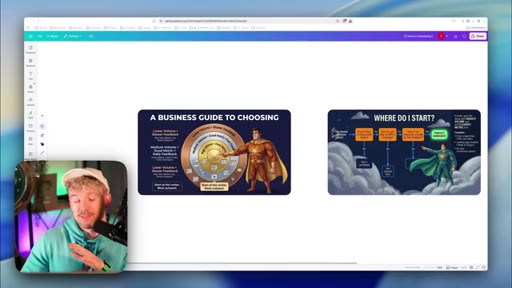
Decision flowchart: measurable? → retrievable? → frequent enough? Great vs. bad candidate matrix. Start where volume is highest.
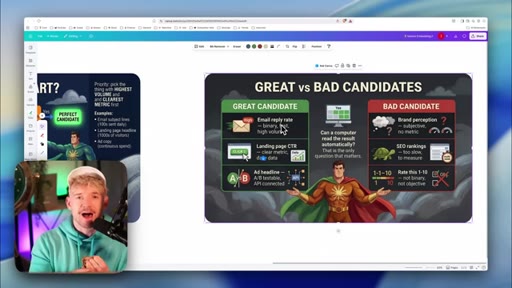
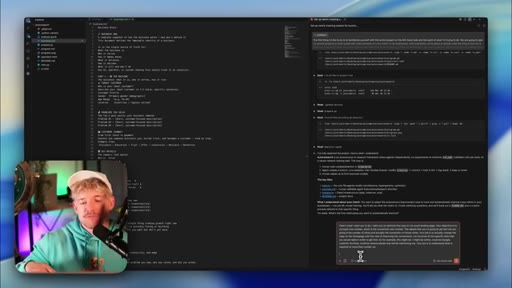
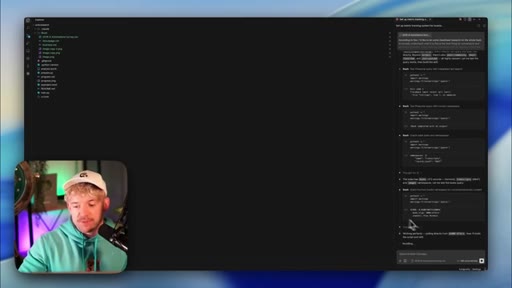
12 · First iteration output + CTA
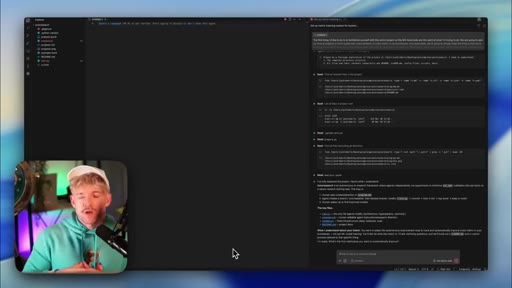
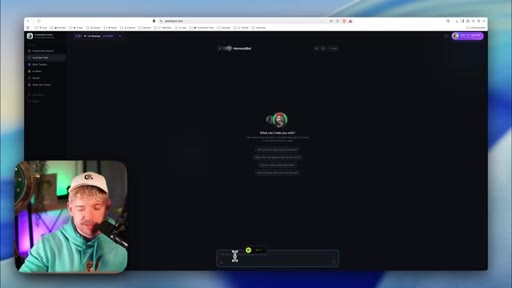
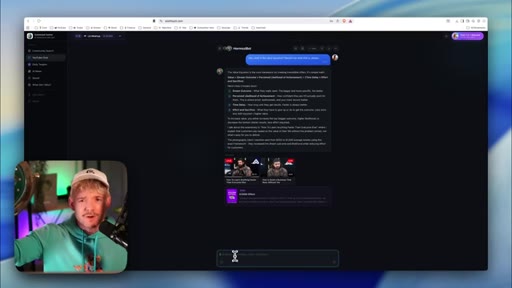
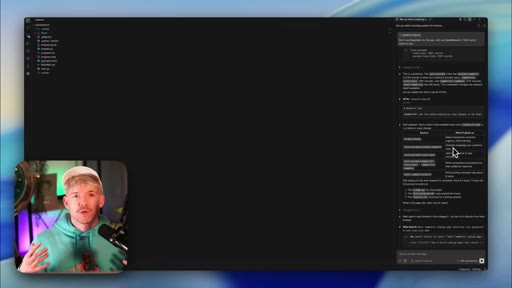
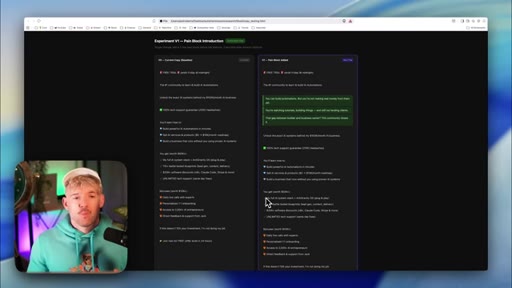
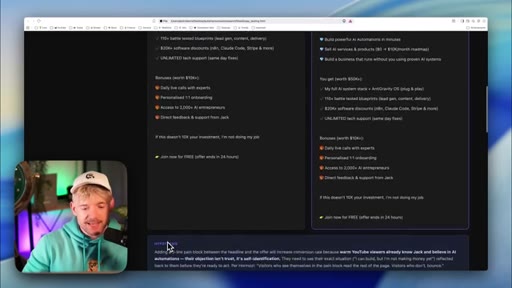
Claude generates v0→v1 hypothesis: pain block between headline and offer. Testing roadmap with priorities. CTA to knowledge-base video.
Visual structure at a glance.
Named ideas worth stealing.
AutoResearch Loop
- Generate variant
- Deploy
- Harvest data
- Log result
- Next experiment
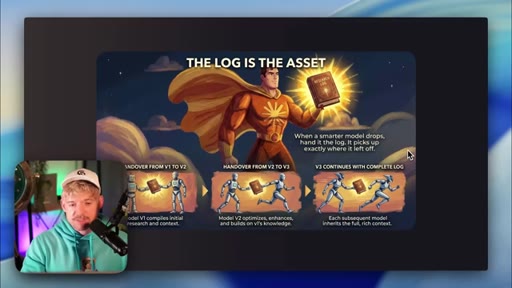
A closed iteration loop where each run's result is logged and informs the next variant. The log compounds as the primary AI context.
Three Requirements for AutoResearch
- One thing to change
- One objective metric
- A way to read the result automatically
Minimum viable criteria before starting an AutoResearch project. All three must be satisfied; if any is missing, the loop stalls.
Business Guide to Choosing
- Does it have a measurable metric?
- Can you get data via API or scraping?
- Does it run frequently enough for fast feedback?
Decision flowchart for selecting the first (or next) AutoResearch project. High volume + fast feedback + numeric metric = ideal candidate.
Lines you could clip.
"WD-40 is called WD-40 because WD-39 failed."
"The log is the asset."
"The question you ask is more important than the answer sometimes. In fact, most times."
How they spent the runtime.
Things they pointed at.
How they asked for the click.
"Knowing how to leverage the auto research skill without knowing how to build this database of knowledge from your chosen experts is going to severely limit your skills and capability — which is why the next thing we need to do is build out a knowledge base."
Soft CTA woven into the final summary, not a hard ask. Points to a prior video on vectorizing expert content. No subscribe pitch, no sponsor.
Word for word.
Any metric you can read automatically is a metric Claude can improve.
The AutoResearch framework's real unlock is not the AI — it's designing your measurement setup so the loop can run unsupervised.
- The accumulated log of past experiments is the compounding asset, not any single iteration — the AI inherits all prior context and never repeats a failure.
- An objective metric (a number, a pass/fail, a percentage) is a hard prerequisite; anything that requires a human judgment call will stall the loop.
- Platforms without APIs are not blockers — browser automation can scrape any dashboard a browser can open, then relay the data to the agent via a shared document.
- 250 conversion events is a reasonable stability threshold before drawing conclusions; below 100, variance will mask real signal.
- Loading domain-specific context (expert books, customer surveys, your own transcripts) into a vector database moves AI-generated copy from generic to voice-matched.
- Start your first AutoResearch project on the highest-volume, fastest-feedback metric you have — the system compounds fastest where data is most abundant.
- Changing one variable per iteration is the discipline that makes results interpretable; radical redesigns reset the log's accumulated signal.