The bait, then the rug-pull.
Everyone is building CLI tools to extend Claude Code, and one benchmark from the Playwright team put the advantage in hard numbers: the same browser task that cost an MCP server a certain token budget cost the CLI equivalent 90000 fewer. That gap is why this list exists.
Where the time goes.

01 · Intro
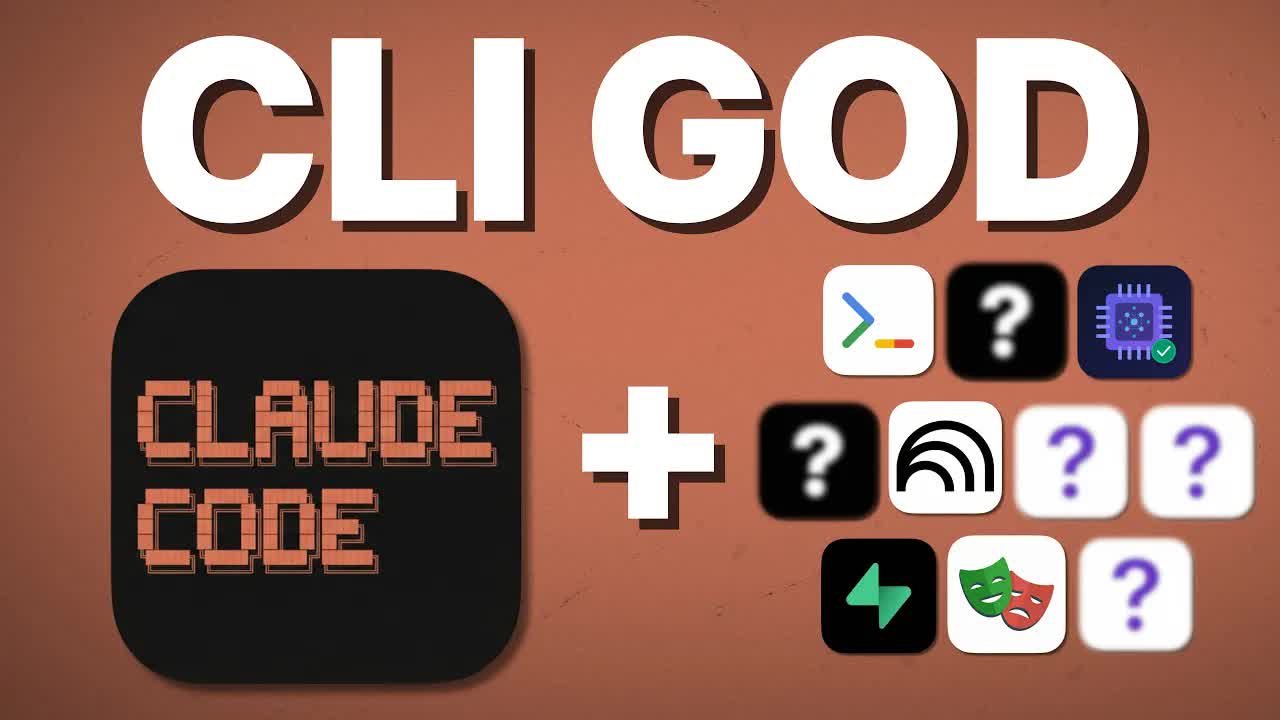
Host frames the shift from MCPs to CLIs as the dominant trend. Promises 10 tools spanning research to deployment.
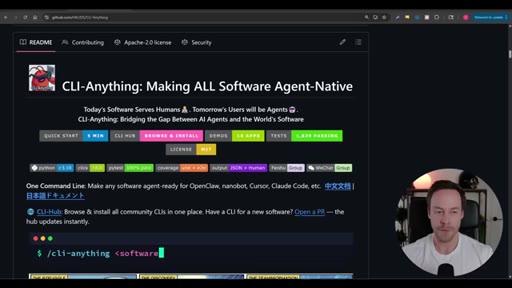
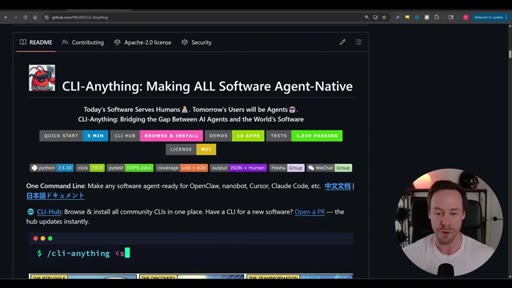
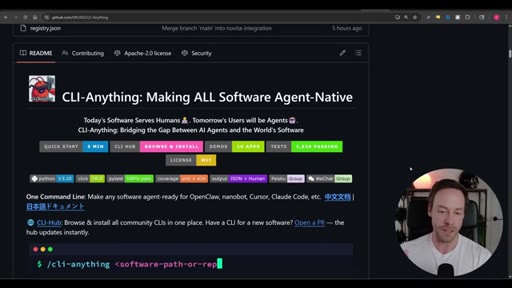
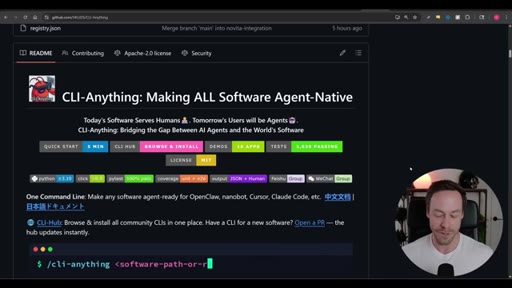
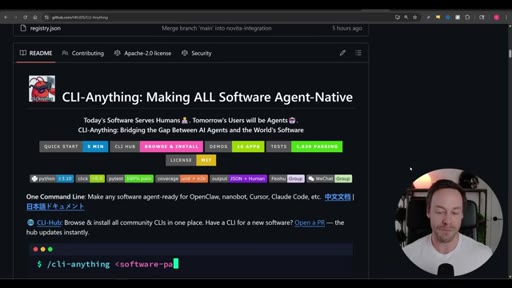
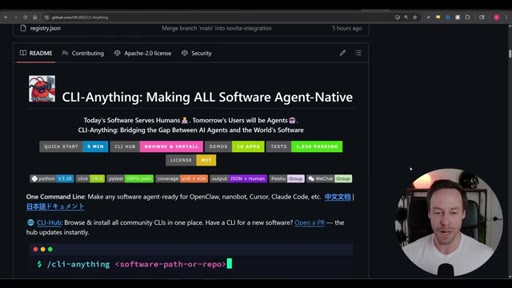
02 · CLI Anything
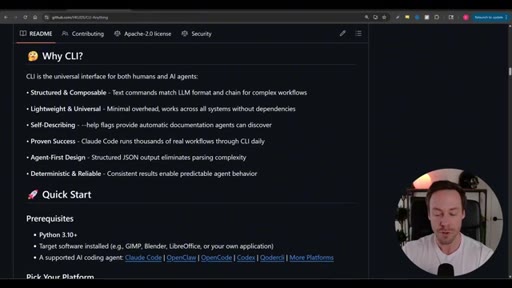
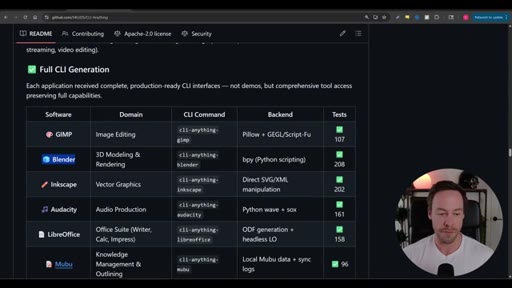
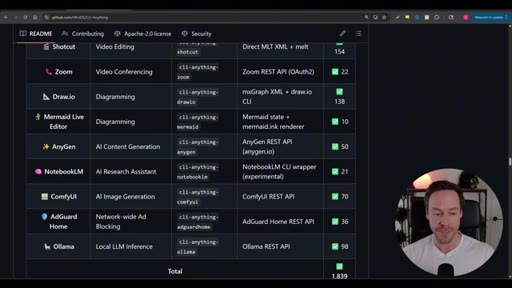
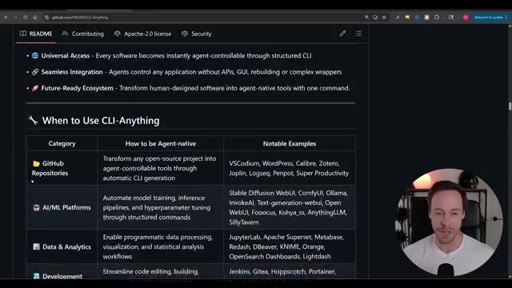
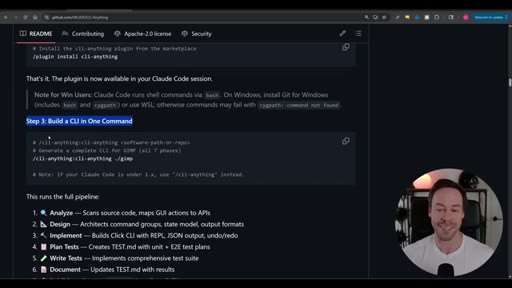
Open-source tool that auto-generates production CLIs for any open-source software. One command runs the full pipeline.
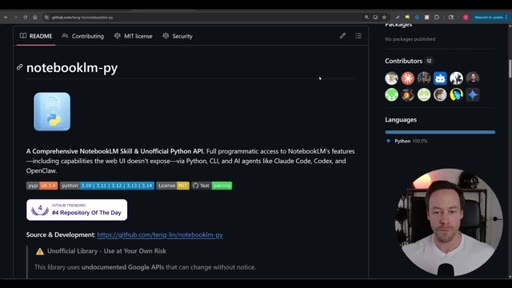
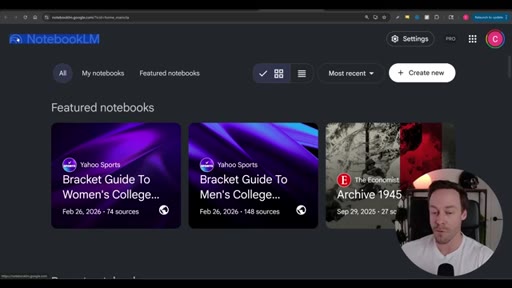
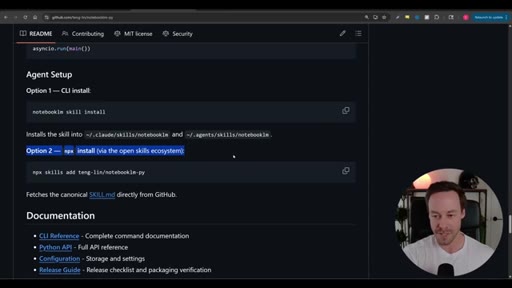
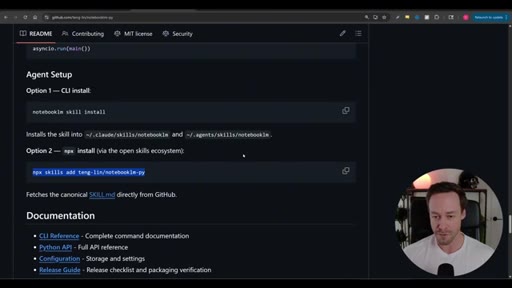
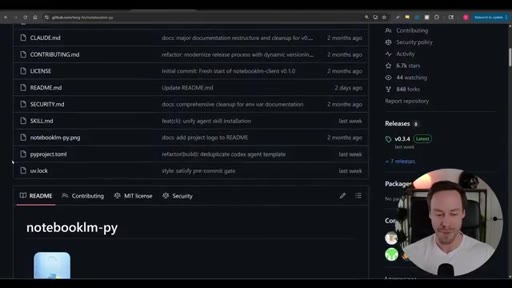
03 · NotebookLM-py
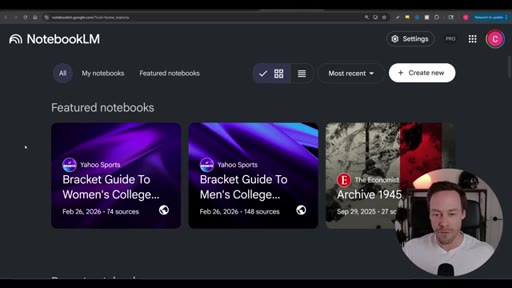
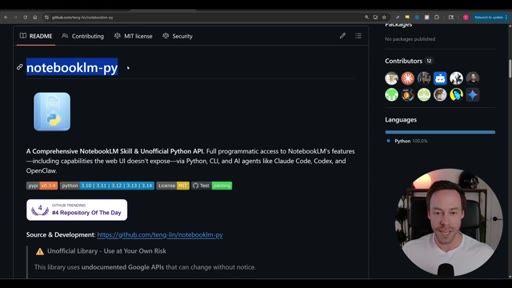
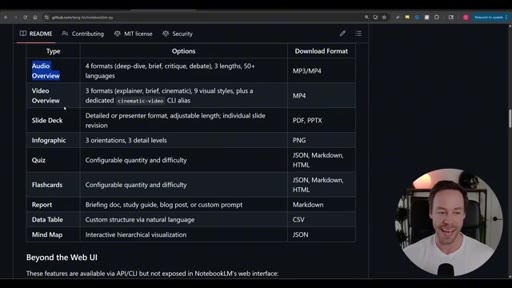
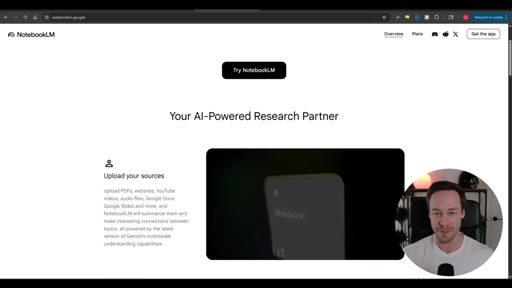
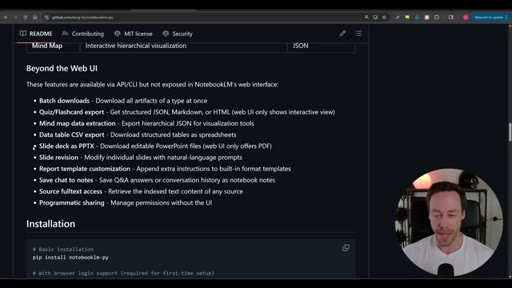
Unofficial Python API for NotebookLM. Lets Claude Code throw YouTube URLs at NotebookLM for free video analysis then pull back deliverables programmatically.
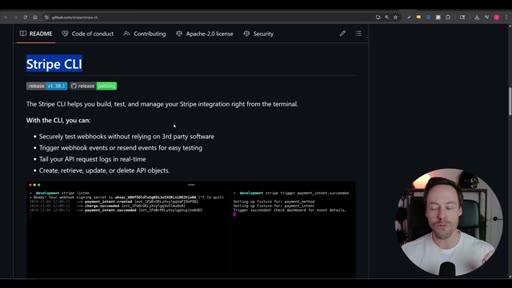
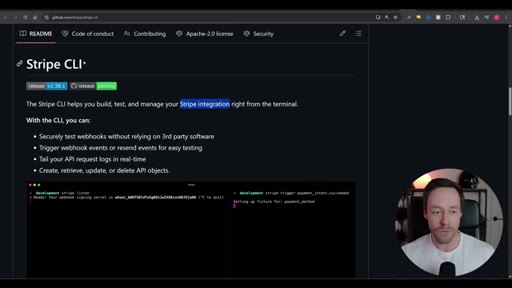
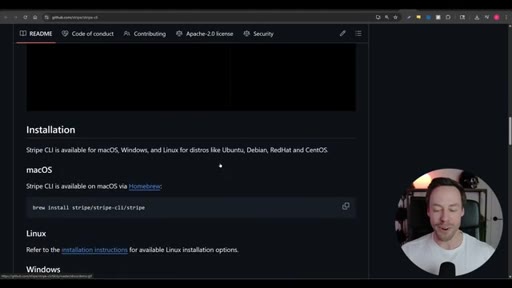
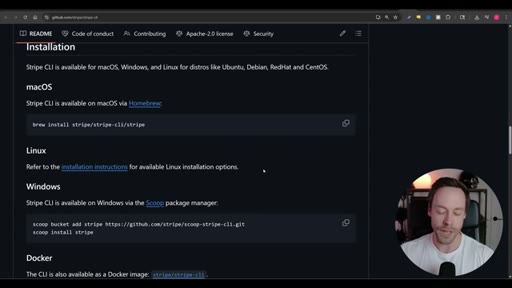
04 · Stripe CLI
Manages Stripe products webhooks and events from the terminal. Eliminates 20-tab browser navigation for payment product setup.
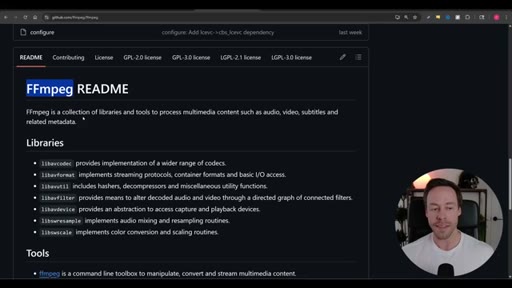
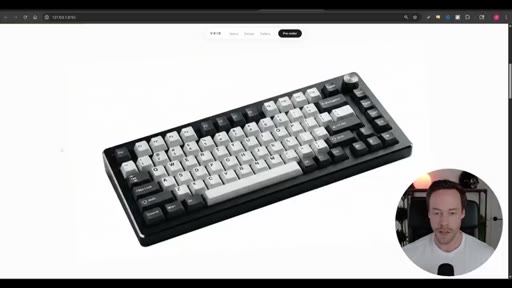
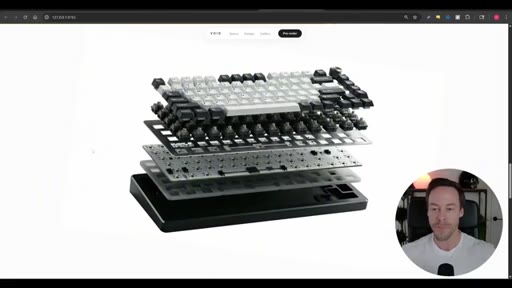
05 · FFmpeg
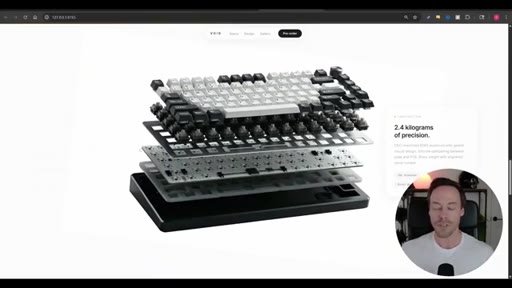
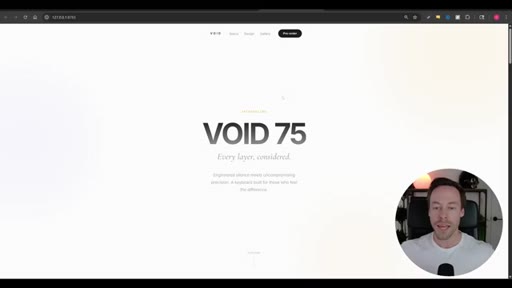
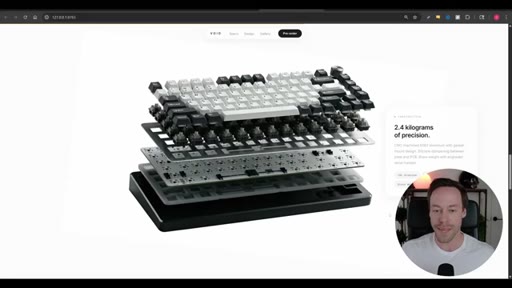
Audio/video/subtitle manipulation library. Demonstrated by chopping a keyboard product video into frames for a hero scroll animation.
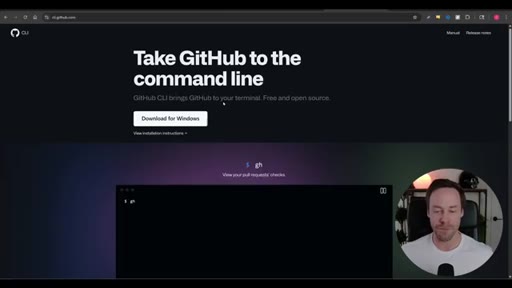
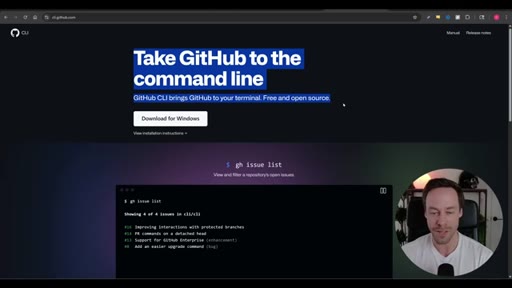
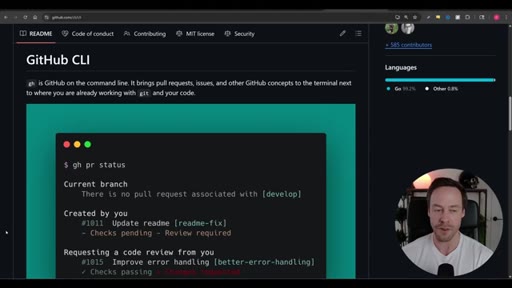
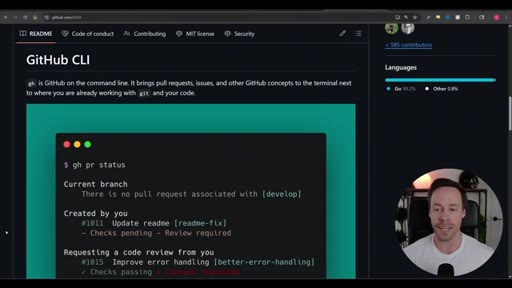
06 · GitHub CLI
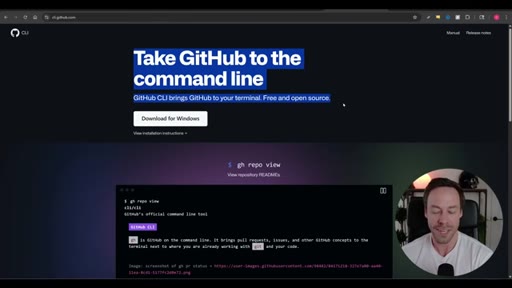
Native GitHub operations from the terminal. Claude Code already understands it well enough to install and authenticate in one sentence.
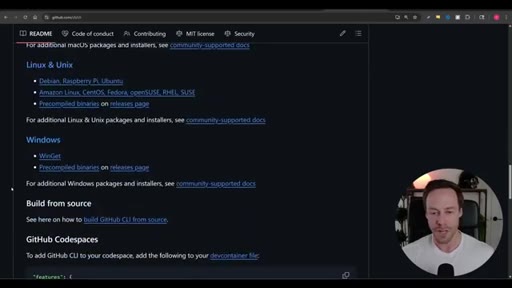
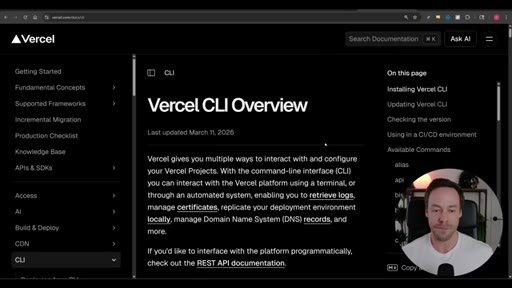
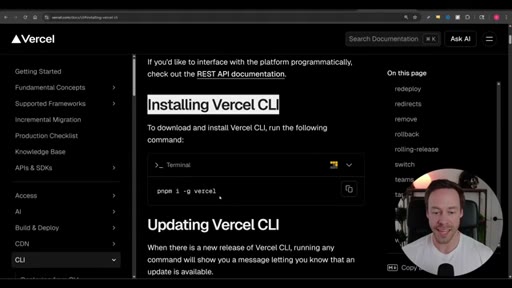
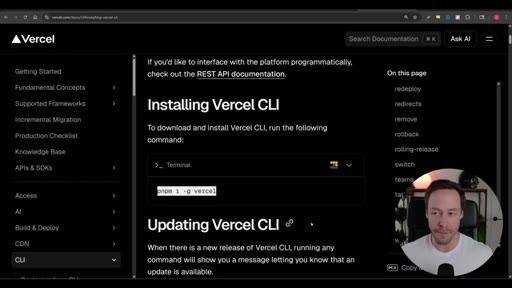
07 · Vercel CLI
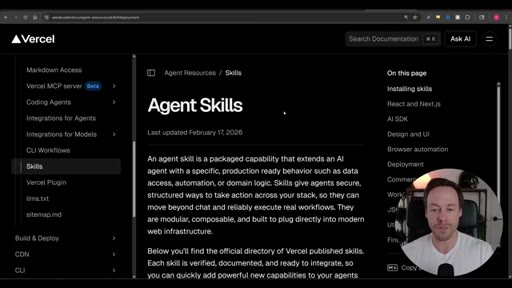
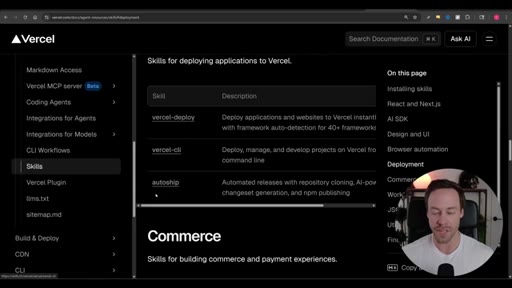
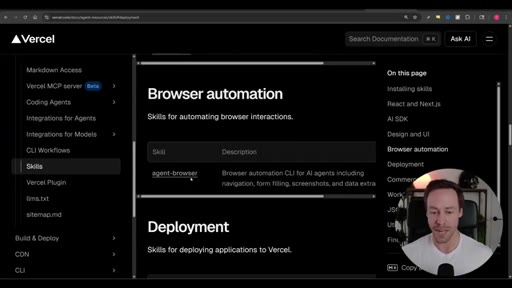
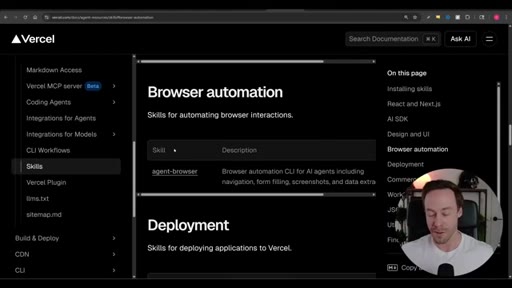
Deployment and CI/CD pipeline from the terminal. Vercel publishes an official agent skills library with categories including deployment browser automation and design.
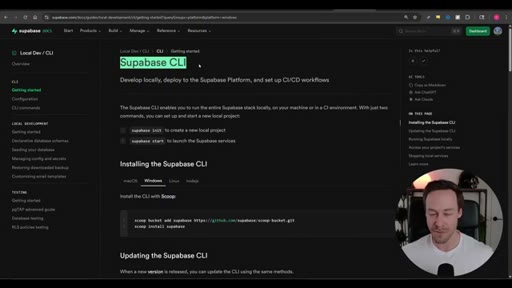
08 · Supabase CLI
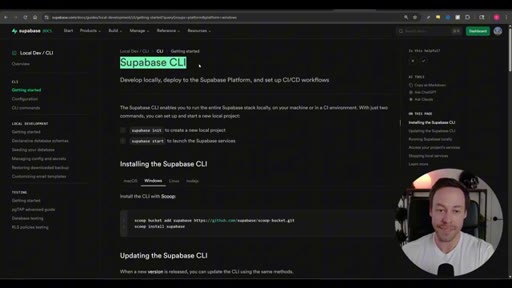
Runs the full Supabase stack locally. Handles migrations auth and database management without a cloud connection.
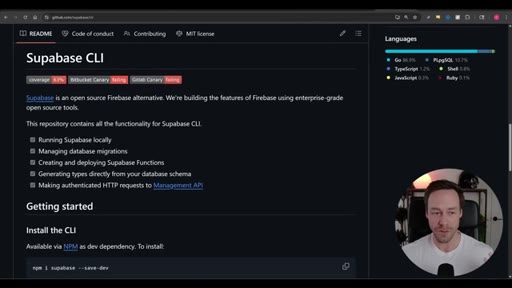
09 · Playwright CLI
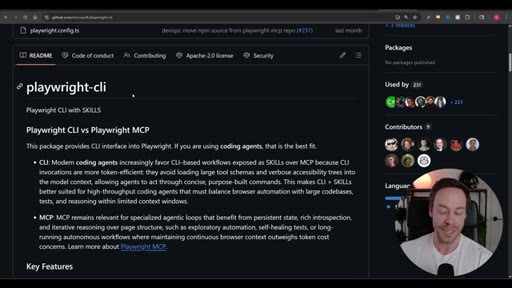
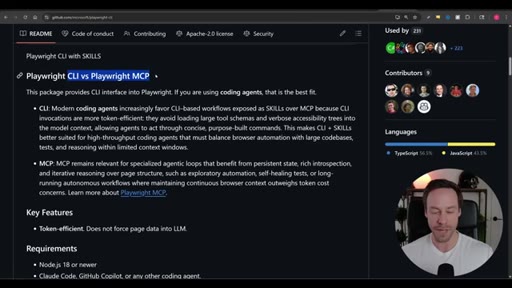
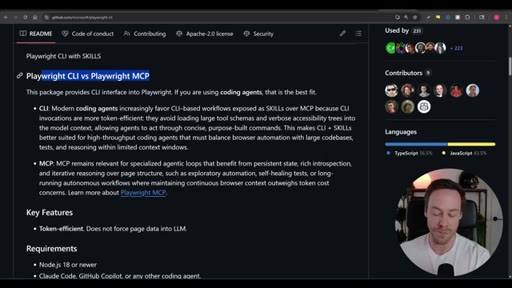
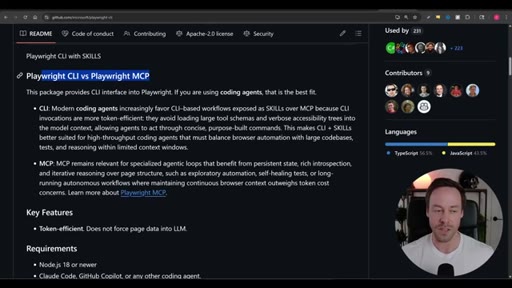
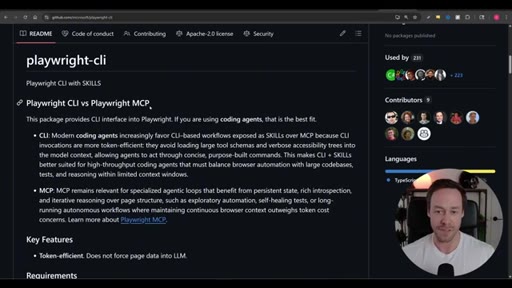
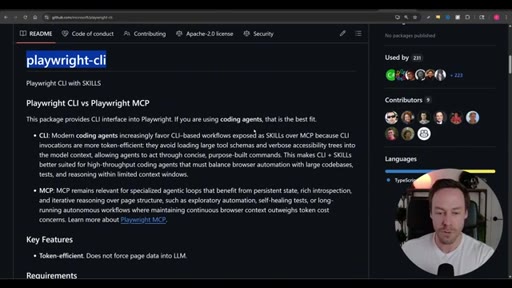
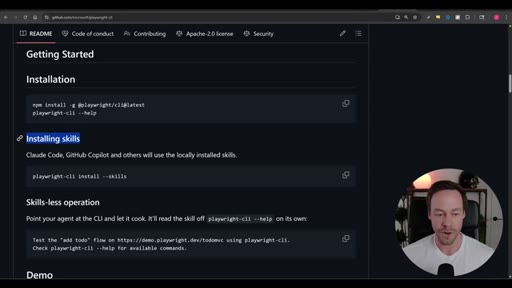
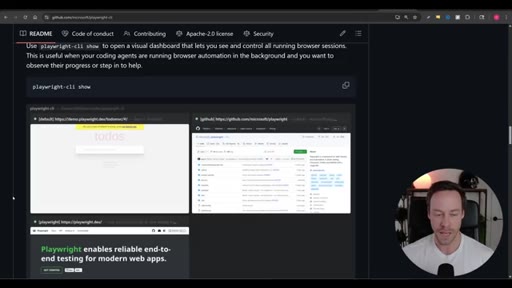
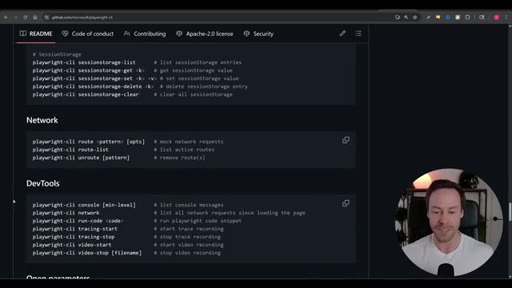
Browser automation CLI. Own benchmark showed CLI was 90000 tokens cheaper than the MCP equivalent. Skill installs in one line.
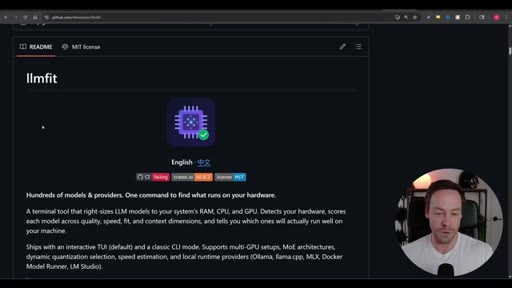
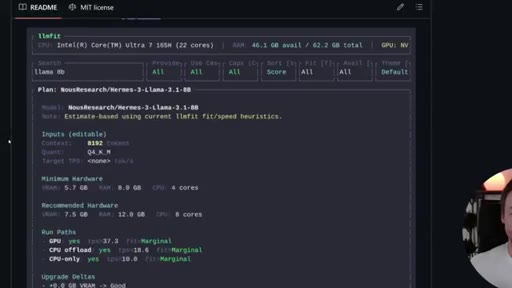
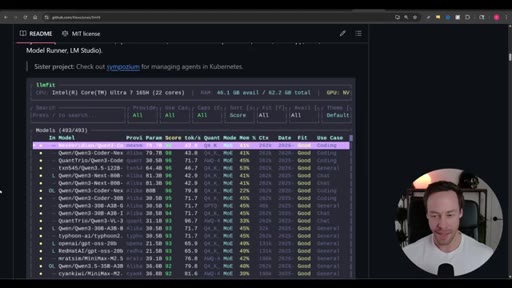
10 · LLMFit
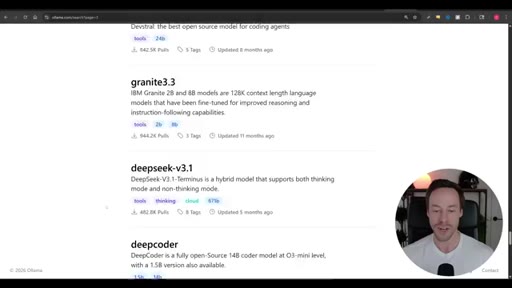
TUI tool that scores every available Ollama model against your actual hardware specs and tells you which ones will run.
11 · gws Google Workspace CLI
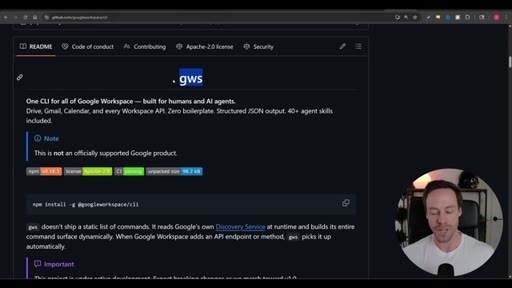
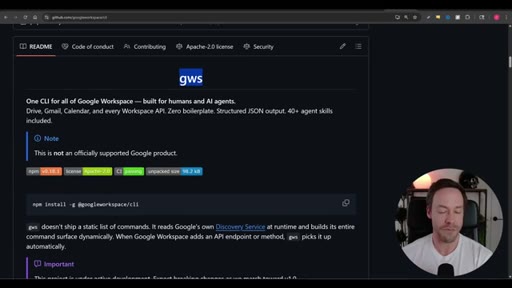
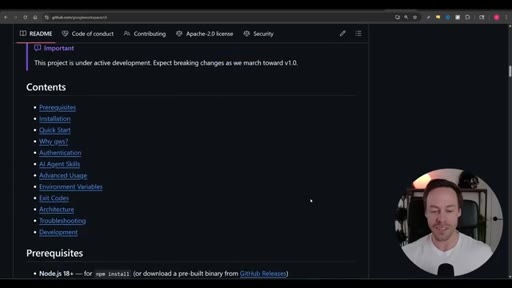
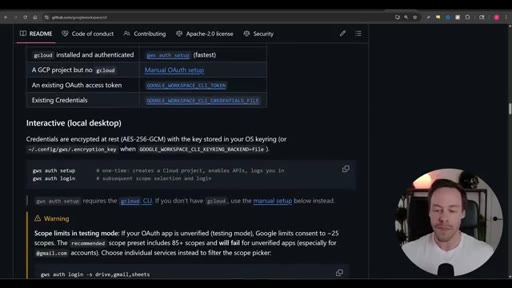
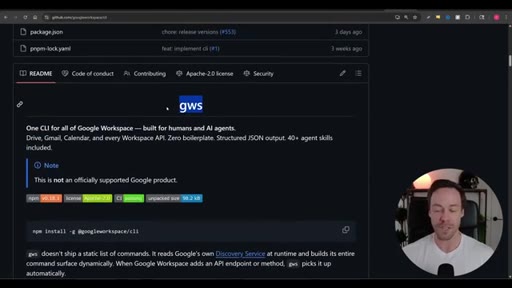
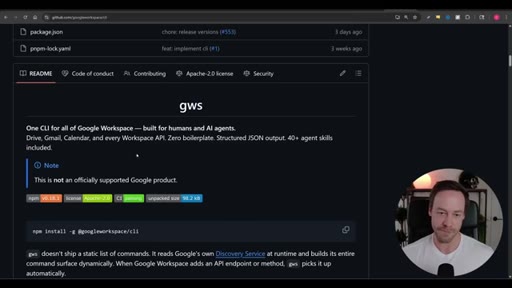
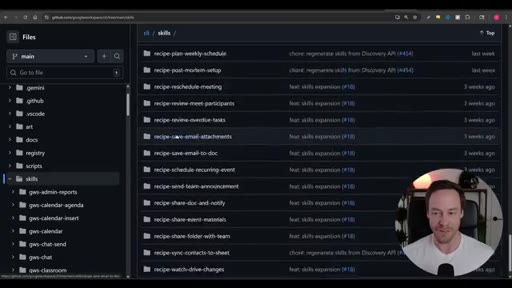
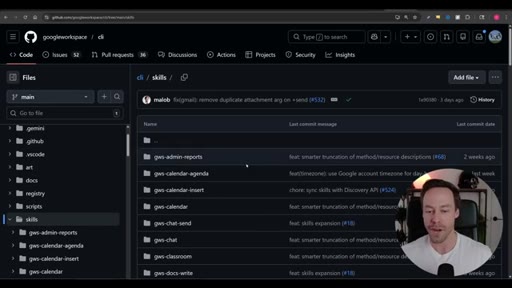
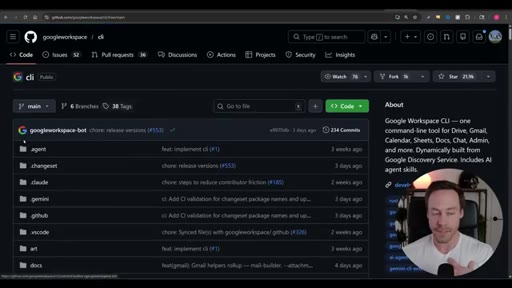
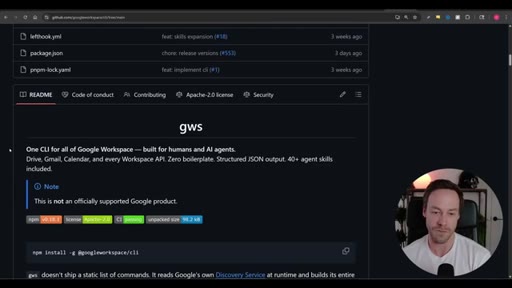
Controls Gmail Docs Drive Sheets and Calendar from the terminal with 40+ agent skills. Reads Discovery Service at runtime so new APIs appear automatically.
12 · Final Thoughts
Host frames the CLI trend as structural: CLIs and Claude Code share the terminal natively so there is no overhead.
Visual structure at a glance.
Named ideas worth stealing.
Two-Step CLI Integration Pattern
- Install the CLI dependency on your machine
- Add the companion skill file so Claude Code knows how to drive it
Every CLI tool in the list follows this same installation pattern.
CLI vs MCP Decision Rule
- CLI: prefer when throughput matters, task is frequent, tool lives in the terminal
- MCP: prefer when persistent browser context is needed or long-running autonomous loops require stateful reasoning
Playwright benchmark showed CLIs win on token efficiency. MCPs retain value for stateful long-running autonomous flows.
Lines you could clip.
"CLI, essentially, to do the exact same thing as the MCP server was both quicker and it was like 90000 less tokens."
"We are moving away from MCPs. We are moving into CLIs because it just makes sense. Claude Code lives in the terminal. CLIs live in the terminal. There is no overhead."
"I can just throw YouTube URLs at NotebookLM. It will do all the analysis for me for free because these tokens are on Google servers not ours."
How they spent the runtime.
- 01:43 – 02:12 · Chase AI+ self-sponsored
Things they pointed at.
Word for word.
CLIs beat MCPs where it costs most: tokens.
The terminal is already where Claude Code lives, and tools that meet it there skip the entire schema-loading overhead that makes MCP servers expensive.
- Every CLI integration in this list follows the same two-step pattern: install the binary as a local dependency then load its companion skill file so your agent knows the conventions.
- Playwright own benchmark put the CLI advantage at 90000 fewer tokens per task compared to its MCP equivalent, a concrete number worth remembering when choosing your browser automation approach.
- NotebookLM-py offloads video analysis entirely to Google infrastructure meaning the token cost of processing a YouTube URL does not appear on your Anthropic bill at all.
- LLMFit solves the Ollama model selection problem by scoring every available model against your actual RAM and GPU removing the guesswork from local model deployment.
- gws reads Google Discovery Service at runtime so every new Workspace API endpoint becomes available automatically without reinstalling or updating the CLI.
- Vercel publishes a maintained agent skills library with pre-built behaviors for deployment browser automation and commerce worth checking before writing your own skill files.
- The choice between CLI and MCP is not permanent: CLIs win on throughput and token efficiency for frequent tasks while MCPs retain an edge for long-running stateful autonomous loops that need persistent browser context.
- Claude Code already has enough context about GitHub operations that you can install and authenticate the GitHub CLI with a single natural-language instruction with no manual steps required.