Chase AI · Youtube · 09:38

10 Minute Masterclass: Claude Code Skills

Everything you need to know about Claude Code skills — what they are, how they load, how to trigger them, and how to build benchmarked custom ones — in under ten minutes.

Posted
March 16th 2026
2 months ago
Duration
09:38
Format
Tutorial
educational
Channel
CA
Chase AI
§ 01 · The Hook

The bait, then the rug-pull.

A smartphone analogy and a ten-minute promise — that is all it takes to frame the entire discipline of Claude Code skills. The host opens without preamble: Claude Code without skills is just a command line, and the difference between knowing how to use them and just downloading a handful from GitHub is the difference between a tool you own and one you borrow.

§ · Chapters

Where the time goes.

00:00 – 00:27

01 · Intro — the smartphone analogy

Hook plus promise: zero to dangerous on Claude Code skills in ten minutes.
00:27 – 02:02

02 · Why skills matter

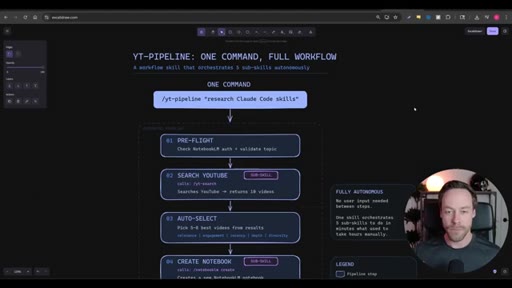
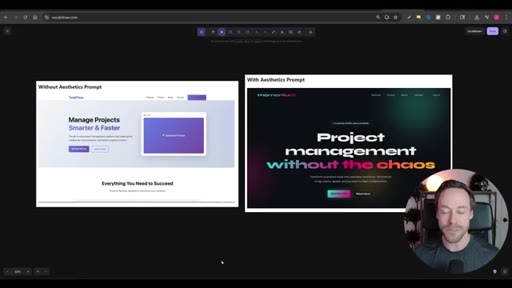
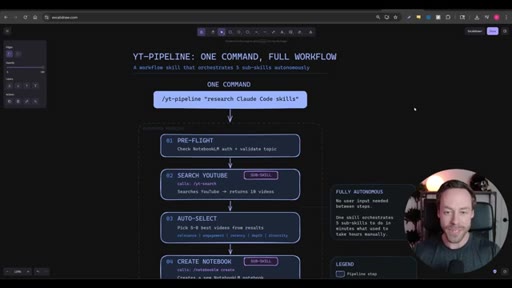
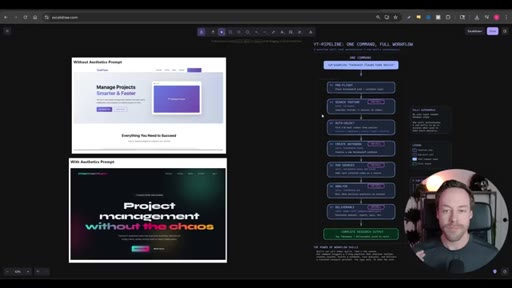
Before/after UI demo with the front-end aesthetics skill; workflow skill chaining with the YT-Pipeline example.
02:02 – 04:39

03 · How skills work

Lazy-load architecture: Claude holds a name plus 100-word description list and fetches full skill text on match. Why having 50 skills is a problem.
04:39 – 06:44

04 · Using skills — three trigger modes

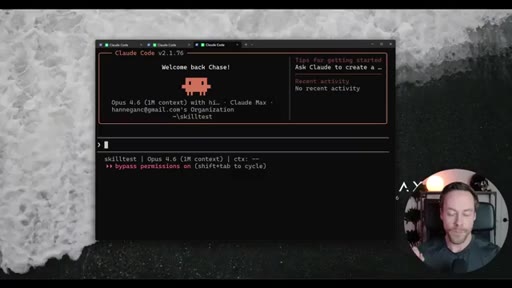
Natural language (unreliable), explicit mention (usually works), /slash-command (guaranteed). How to add skills via /plugin marketplace.
06:44 – 09:31

05 · Custom skills with skill-creator

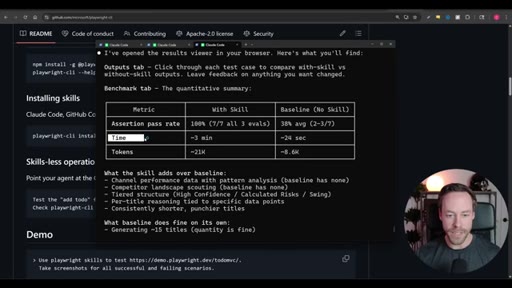
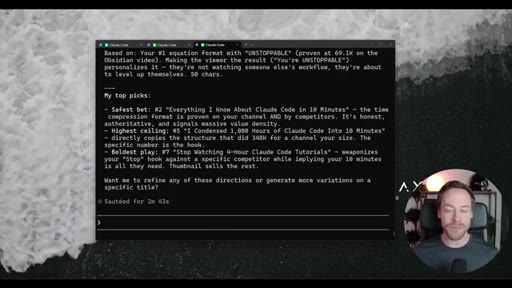
Demo: build a YouTube title generator skill. skill-creator spins 3 sub-agents, asks clarifying questions, runs 6 benchmark cases (3 with skill, 3 without), outputs pass rates and token costs.
09:31 – 09:38

06 · Resources

Chase AI Skool community (free) and paid Claude Code masterclass links.

§ · Storyboard

Visual structure at a glance.

open
UI before/after
YT-Pipeline workflow
skills = text prompts
lazy-load diagram
trigger modes demo
plugin marketplace
skill-creator invoked
benchmark results
resources CTA
§ · Frameworks

Named ideas worth stealing.

04:39 list

Three Trigger Modes

  1. Vague natural language (probabilistic)
  2. Explicit skill mention (usually works)
  3. /slash-command (guaranteed)

The three ways to invoke a Claude Code skill, ordered by reliability.

Steal for any Claude Code workflow guide or onboarding doc
05:34 model

Skill Scope Decision

  1. User scope — need this everywhere, always
  2. Project scope — specific to this repo

The two-question mental model for deciding where to install a skill.

Steal for team onboarding or Claude Code settings guides
§ · Quotables

Lines you could clip.

00:00
"Claude code without skills is like a smartphone without apps."
Tight analogy, instantly shareable, no context needed → TikTok hook
01:08
"We can use skills to build out entire workflows and have skills that call other subskills and boost our productivity tenfold."
Concrete productivity claim with subskill chaining concept → IG reel cold open
01:23
"Skills are just text prompts. That is it."
Demystifies the concept in four words — high shareability → newsletter pull-quote
§ · Resources Mentioned

Things they pointed at.

§ · CTA Breakdown

How they asked for the click.

09:16 product
"Make sure to check out Chase AI plus if you are ready for the Claude code master class."

Soft sell at the very end after full value delivery. No mid-roll pitch. Clean.

§ 04 · The Script

Word for word.

HOOK opening / re-engagementCTA the pitch metaphor analogy
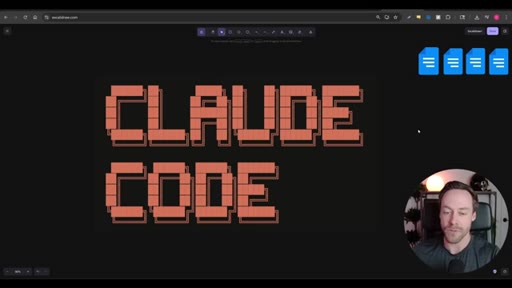
00:00HOOKClaude code without skills is like a smartphone without apps. But if you wanna master skills inside of Claude code, we have to do better than just downloading a bunch of random ones from some repo we found on GitHub somewhere. You need to understand how they work, why they work, and how to create, test, and optimize your own skills.
00:20HOOKAnd in this ten minute master class, I'm gonna show you all of that and get you from zero to dangerous as quickly as possible. At the end of the day, the primary reason we wanna master skills is because they make Cloud Code better.
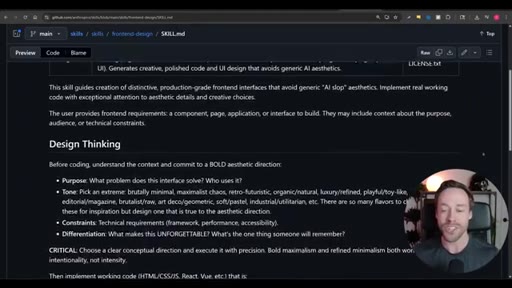
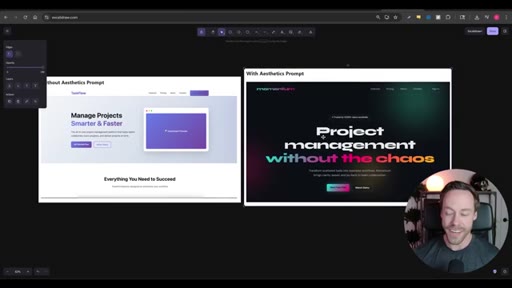
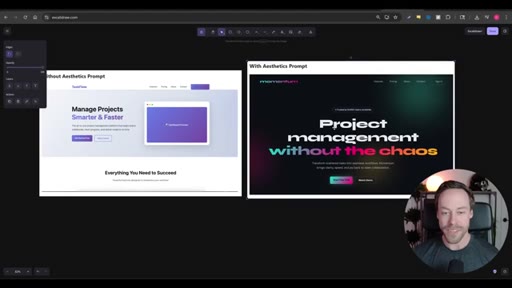
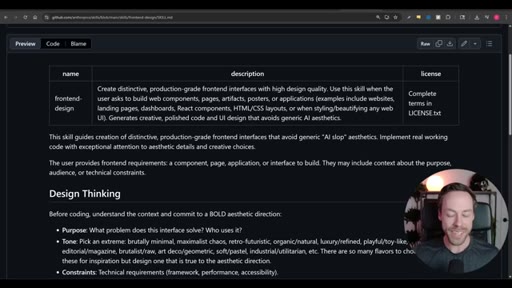
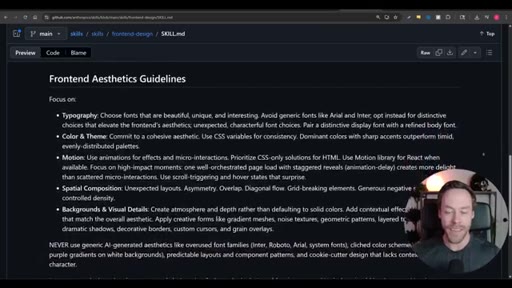
00:33A simple example is their front end design skill. It's a skill that allows Cloud Code to create better front ends for your website. Here's the AI slot front end on the left with no prompt, and here's the design on the right.
00:46Hey. You might not love the design on the right either way, but we can all agree. This thing on the left compared to this thing on the right, there's really no contest as for what's more visually appealing.
00:56But skills can do more than just enhance one particular feature of Claude code. We can use skills to build out entire workflows and have skills that call other subskills and boost our productivity tenfold.
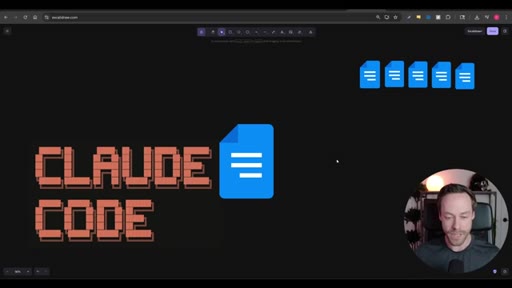
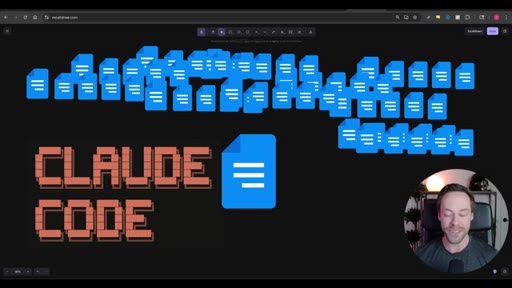
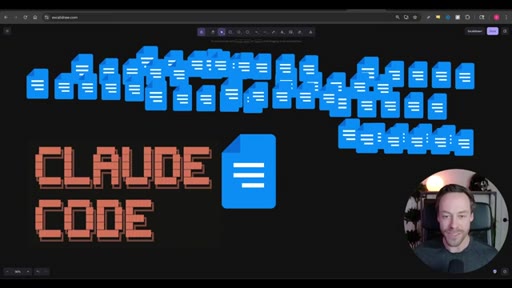
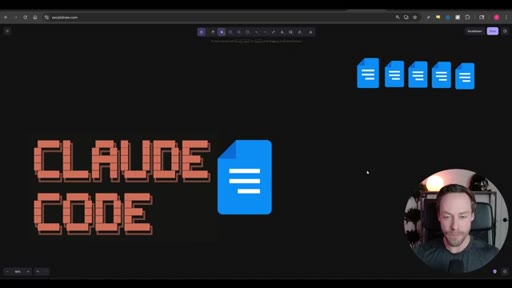
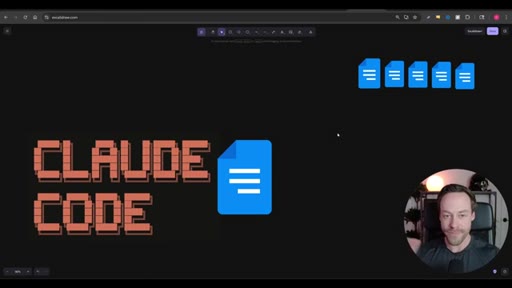
01:08But before we learn how to unlock the vast power of custom workflow skills, first need to understand what skills even are. And luckily for us, there's nothing too crazy going on underneath the hood. Skills are exactly what you see right here.
01:21They're just text prompts. Skills are just a way to tell Cloud Code how to do a specific thing in a specific way. That's it.
01:29So if you can prompt it inside of Claude Code, you can turn it into a skill. It is extremely flexible, and we can apply skills to essentially any use case. So speaking of Claude Code, a quick word from today's sponsor.
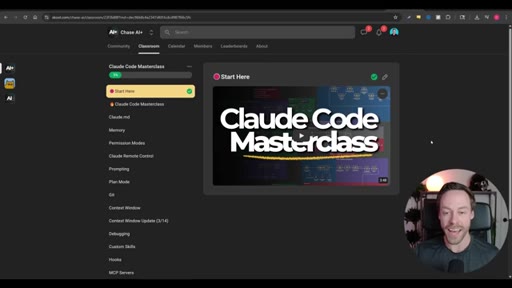
01:41Me. Just this last week, I released the Claude code masterclass where I take you from zero to AI dev no matter your technical background or lack thereof. Also, I have the Chase AI community, which is free.
01:52So if you're just getting started in this AI space, have no idea where to turn, definitely check that out. There's a link to that in the description. So we understand what skills are.
02:02They're just text prompts. They allow us to tell Cloud Code to do a specific thing in a specific way. So how does it actually work in the context of Claude code itself?
02:11How are these things loaded? How many can I have at any one time? Well, way it works is Claude code has access to all your skills, but they are not loaded into the context window per se.
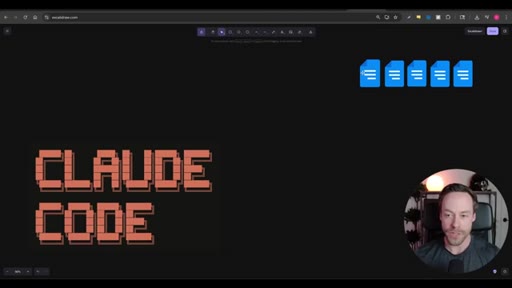
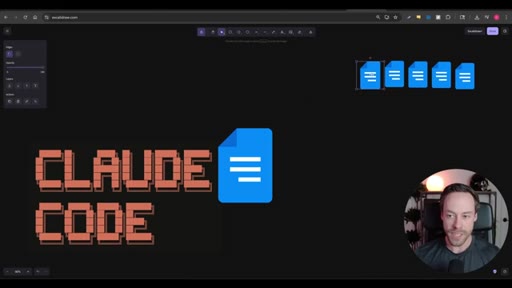
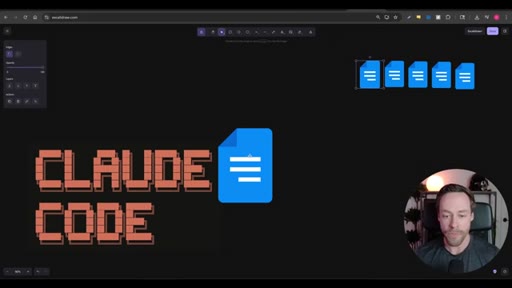
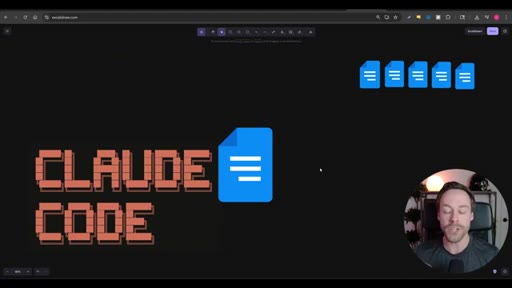
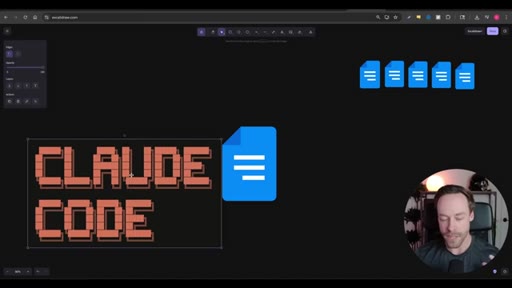
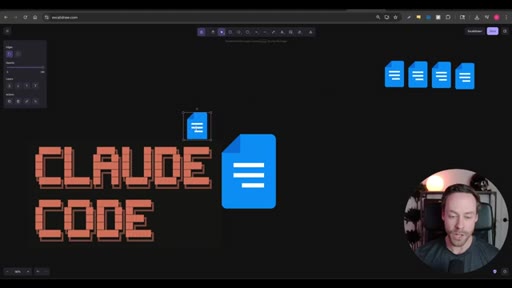
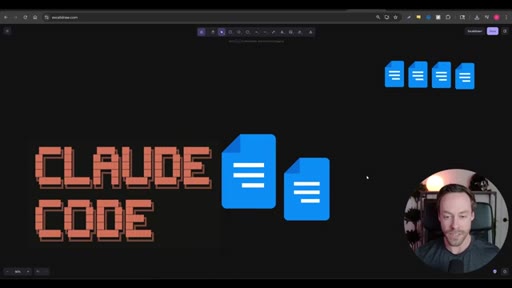
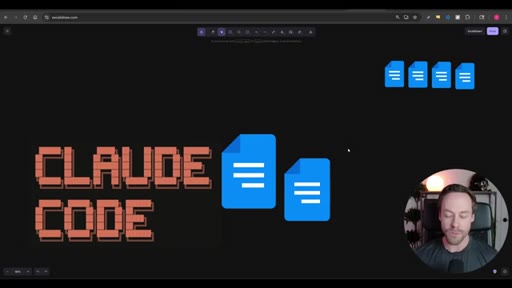
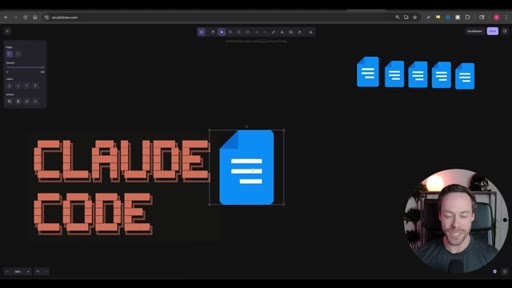
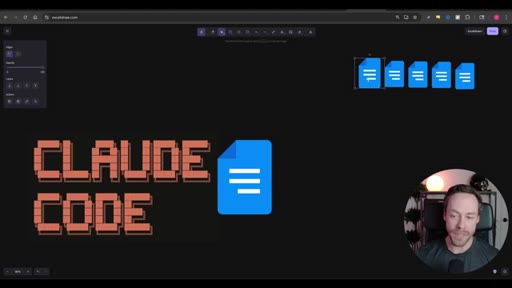
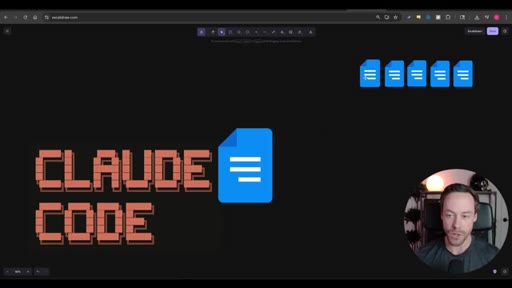
02:21Instead, what Claude code does have is it has a list of all the skills available to it as well as a brief description. So you have these five skills loaded in your project.
02:30Let's say one is front end design, one is workflows, and these three are just random custom skills. So each of these skills could be fairly long. Right?
02:37We could be dealing with a skill that's thousands of tokens in length. Perhaps it's a very complicated workflow.
02:43This sheet of paper that Claude Code always has access to lists the skills names, so front end design, custom workflow one, custom workflow two, in a short description, about a 100 words. So in the event that you are talking to Claude Code and you say, hey. I wanna design a front end for my website,
02:59it's gonna go ahead and take a look at a sheet of music here, sheet of paper, and say, hey. Do I have any appropriate skills that would be useful here? Oh, they mentioned front end design.
03:08Well, I know I have the front end design tool, so it's gonna go ahead and grab it and load it in. And now it has full context of that skill. Alright.
03:18Now that skill is fully loaded into the context window. Make sense? Now in that example, we made two assumptions that we need to kinda talk about.
03:26The first one is we assumed that we're actually gonna pick the correct skill each time. We talked about the fact that each skill has a particular description that helps with Claude code choosing the right one.
03:36Well, what if I have instead of five, I had, you know, thirty, forty, 50 skills? That can become a problem.
03:44Also, what if that front end design skill is not the only skill in my arsenal that has something to do with design or UI or UX. Right?
03:53You can see the issues there. We also assume that Claude code was going to trigger this whole skill thing at all in the first place. You know, if we have a vague prompt like, wanna build a website.
04:02Let's design it. Will it always know that, hey, website, therefore front end, therefore call the skill?
04:09Not always. But there are things we can do to alleviate both of these issues and kind of handle both these assumptions. First of all, in terms of choosing the correct skill, obviously, keep your skill
04:20arsenal as limited as possible. Right? We wanna scalpel.
04:23We don't wanna show up with 50 skills when we only need a couple of them. On top of that, we wanna optimize the description which we can do with things like the skill creator skill, I'll show you how to do that later. And in terms of actually triggering the skills in the first place, well, that has to do with prompting, and we'll jump into that now.
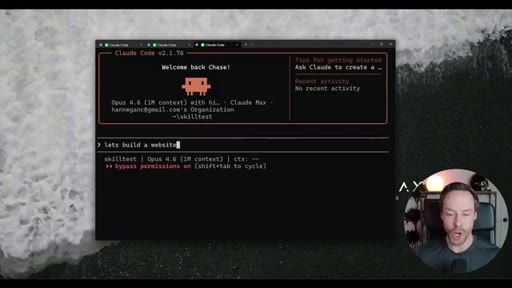
04:38To have Claude code use a skill, have three options. Option number one is to kinda just give it a vague natural language prompt and pray for the best. So if I say something like, let's build a website, I'm kinda just hoping it's gonna use the skill.
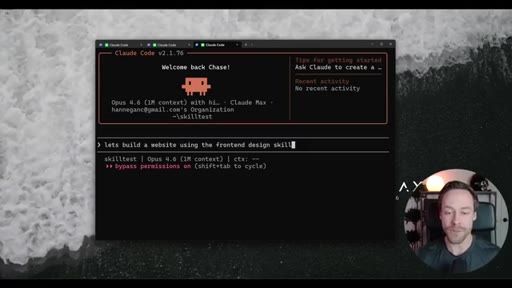
04:51The second way to use skills is to actually tell it explicitly to use the skill. So if I just say, let's use the front end design skill, it's gonna take the hint.
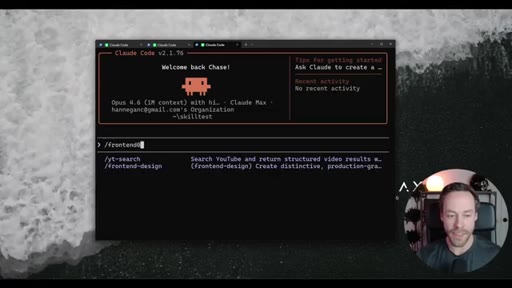
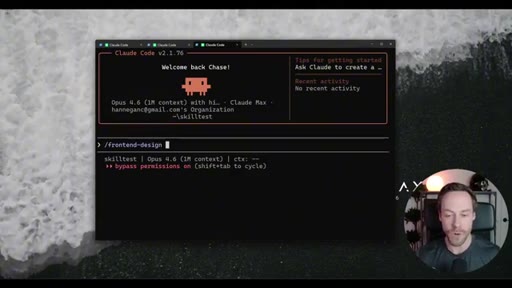
04:59Lastly, we can force Cloud Code to use skills by just doing forward slash and then typing in the name of the skill.
05:07So I did forward slash front end design. Now it will 100% invoke that skill for whatever prompt I give it.
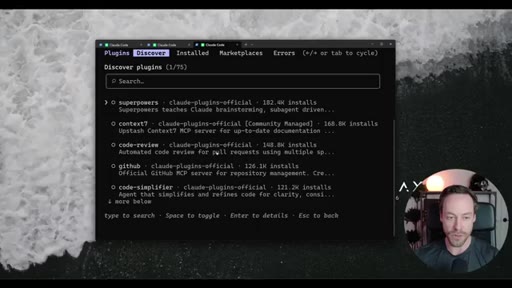
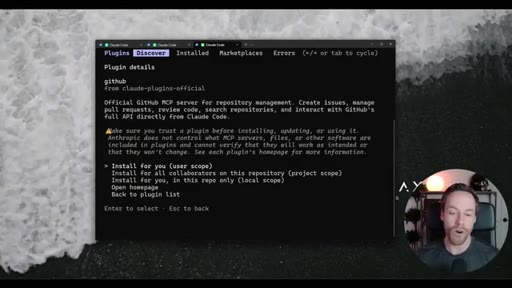
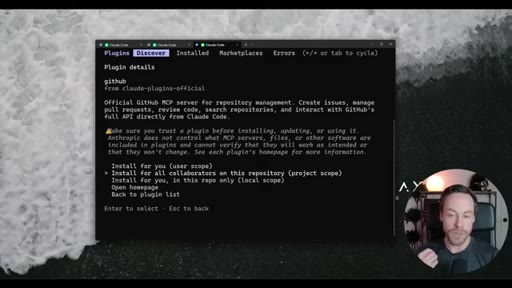
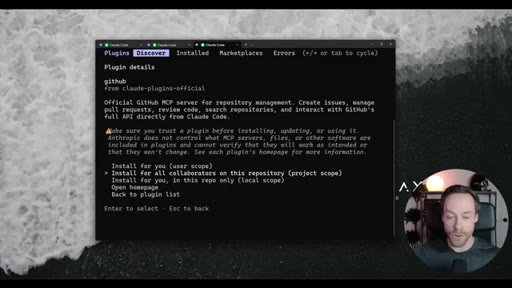
05:13Now how do we actually add new skills? Well, one option is to do forward slash plugin, and this will bring you to the plugin slash skill marketplace. So I can either search for them or I can just continue to scroll down.
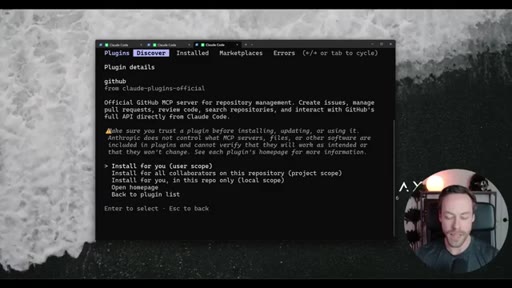
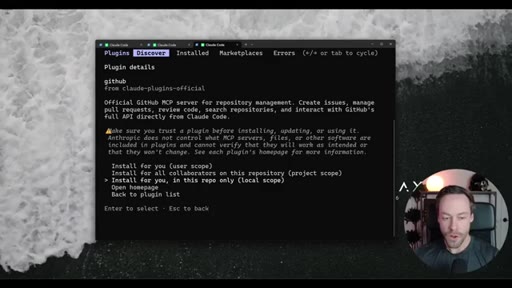
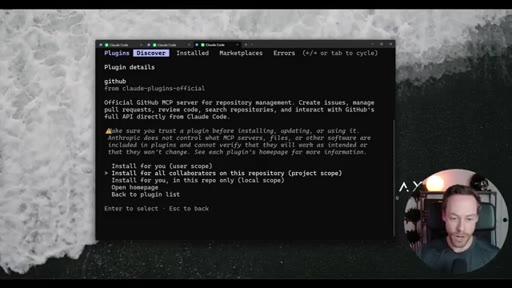
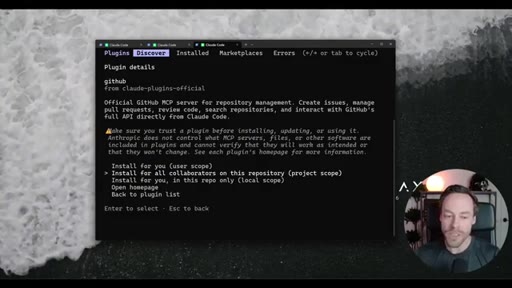
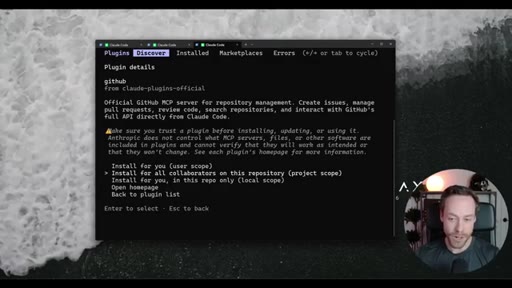
05:23Like, let's say I wanted to do the GitHub skill, I would just hit that. And then you have the option to install for you, install for all collaborators, or install for you in this repo only. So
05:34big thing, if we do install for you user scope, that means this skill is gonna be on Claude Code's list that we talked about all the time. Right? If it's just in this repo, that means this is gonna be a skill for a specific project.
05:49Right? Anyone else who goes in this repository will also have access to that skill. These are the two you really wanna think about the most.
05:55Right? We talked about skill bloat a little bit earlier, having 50 skills. Well, again, you might actually have over and across all of your Cloud Code projects, 50 skills you wanna use.
06:05But chances are most of those are project specific. So when you're adding skills, really think about it. Like, do I need this for every single project forever?
06:14User scope scope? Or do I just need it for this specific project? And proceed accordingly.
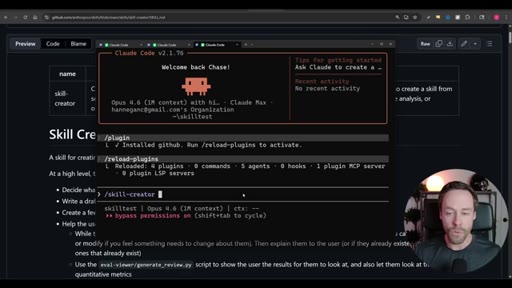
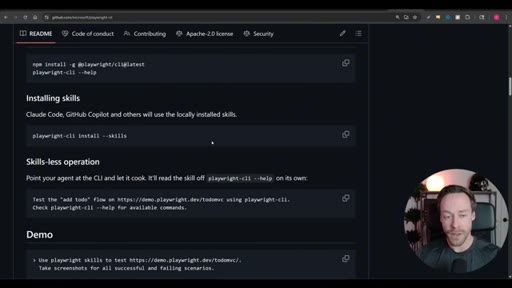
06:20Once you install the skill, just do forward slash reload plugins and it will now be active. Oftentimes, you will wanna add skills that are specific to some sort of application or CLI tool. For example, like the Playwright CLI.
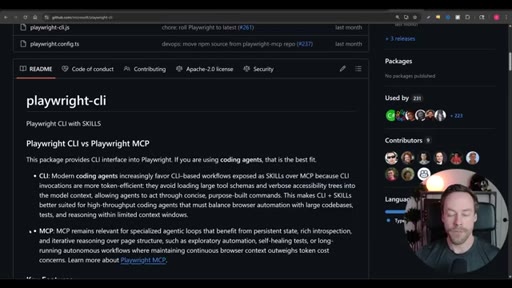
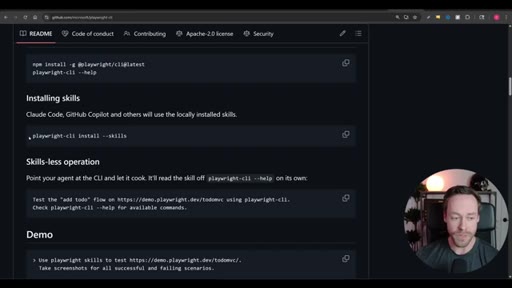
06:30If you go on the git GitHub, oftentimes you will see commands like this, Playwright CLI install skills. You can just copy this and run it in your terminal, or if that's too confusing, paste that whole page, give it the Cloud Code, and it will do it for you. Now let's talk about the most powerful skill of all and creating our custom skills.
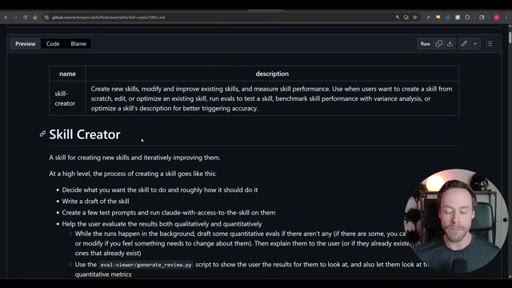
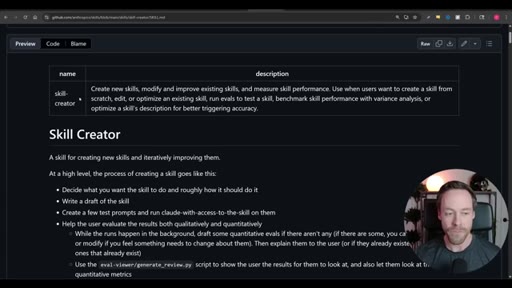
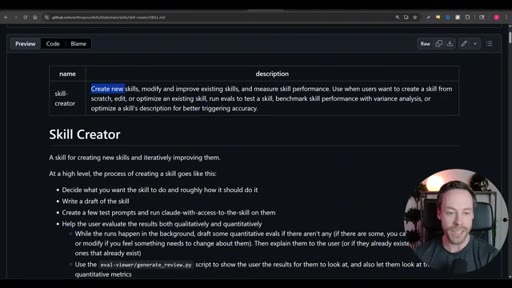
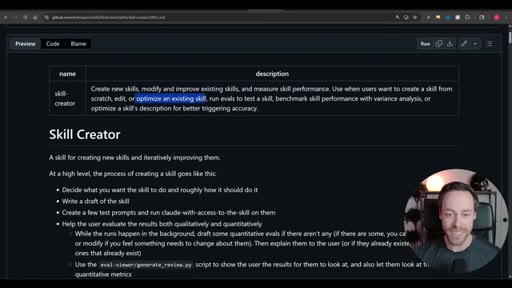
06:47So the skill creator skill is an official anthropic skill that you can find in the plug in marketplace, and it's what we are gonna use to create new skills. But it can do more than that. It can modify and improve existing skills.
07:00It can measure skill performance. It can optimize existing skills. We can run emails.
07:04We can do benchmarks. We can do a ton with this thing. This is how you really supercharge your skills, and this is rather new.
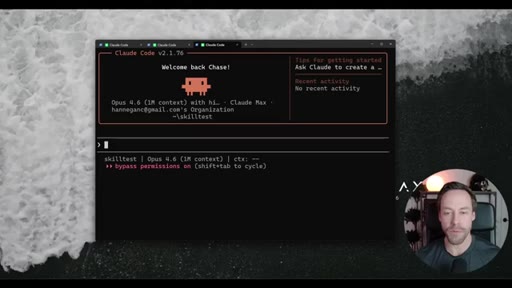
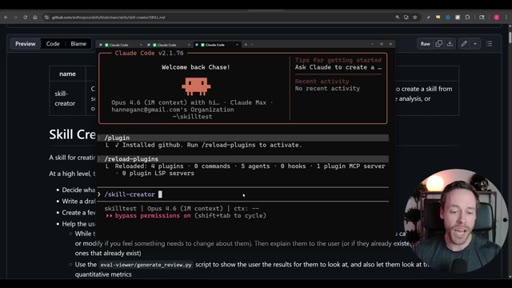
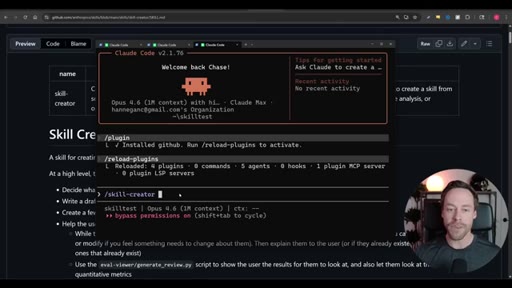
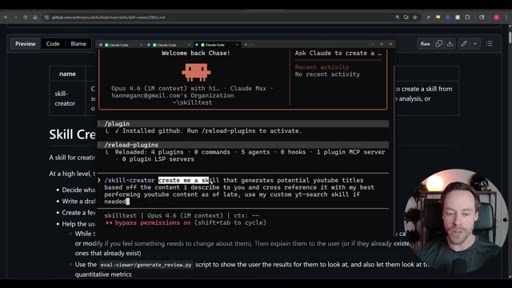
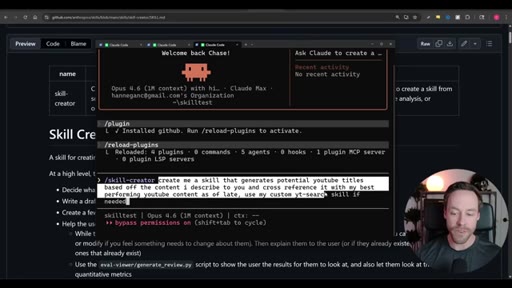
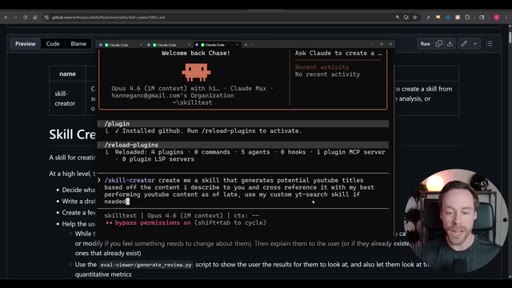
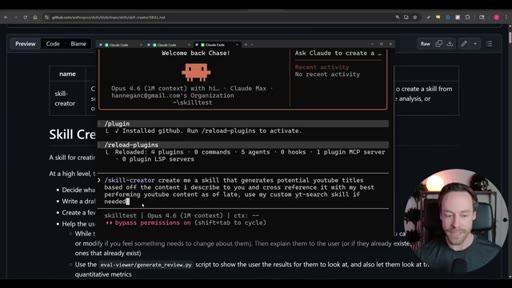
07:10The update to this only came out about a week ago. Now to use skill creator, it's very simple. You just can do forward slash skill dash creator, and you're just gonna explain
07:18what type of skill you wanna create. You could even offload some of this to Claude Code. You could say, hey.
07:23Look at how we've been creating stuff in my current repo. Look how we've been interacting as of late. Do you have any ideas for skills?
07:29If so, use the skill creator to create it. Right? So you can have Cloud Code help you create skills with the skill creator.
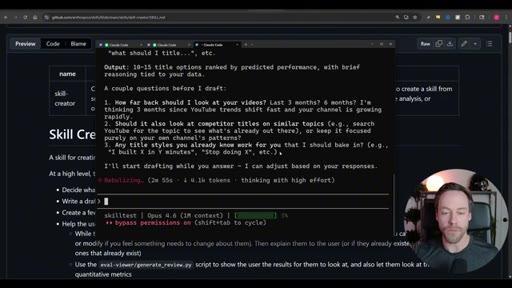
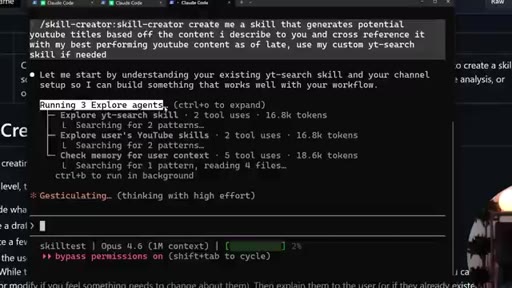
07:36So we're gonna have it create a custom workflow skill for us right now. I said I wanted to create me a skill that generates potential YouTube titles based off the content I describe, and then I want it to cross reference those with my best performing YouTube content as of late and use the custom YT search skill if needed.
07:54So I'm gonna explain what content I'm creating. I'm gonna have it come up with titles and cross reference those with actual data and have it use a custom skill beneath it as needed.
08:03So let's see what happens. So it spins up three sub agents to explore the problem. Similar to plan mode, it actually asks me questions to answer before it drafts up the new skill.
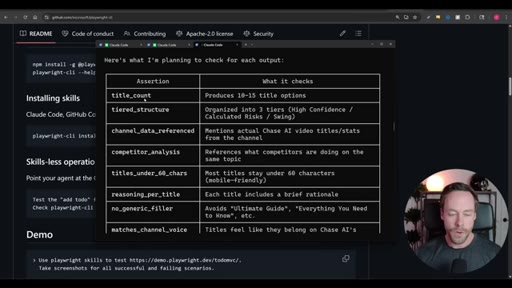
08:12And then it started running its own test cases. It did six at once three with the skill and three without the skill to see if the skill is even worth it. We can see what it's actually checking for in its evaluations.
08:22And then it gave me the benchmark tab. Right?
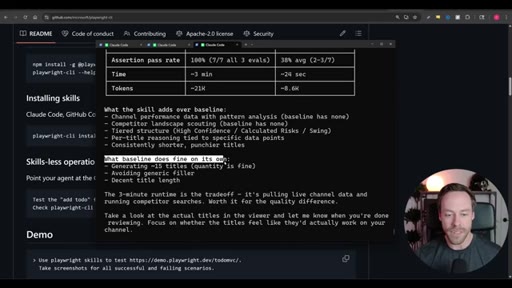
08:24So I can see the assertion pass rate, the time, and the tokens both with the skill and without. And I also get a nice little summary about what the skill is actually adding over the baseline and also what the baseline does fine on its own in case I ever needed to pair down the skill. So now let's test it out.
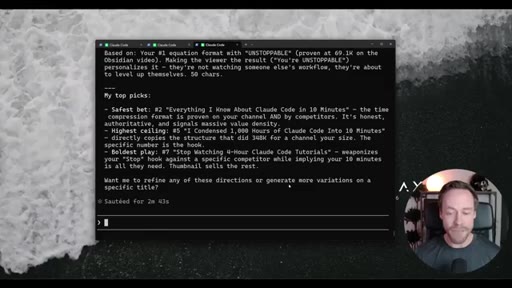
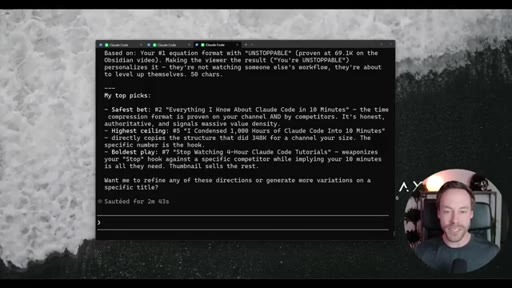
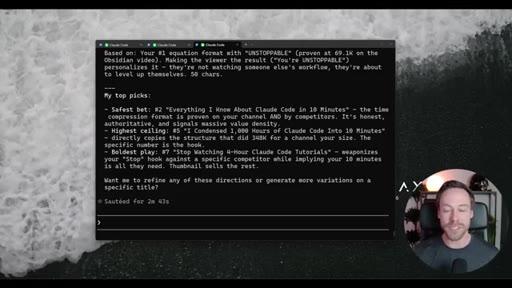
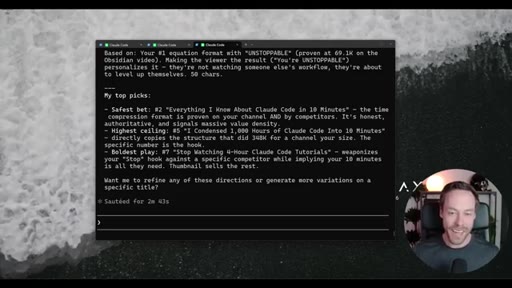
08:38I'm saying I'm doing a ten minute master class on Claude code. Use this new skill we just created. And it came back with quite a bit.
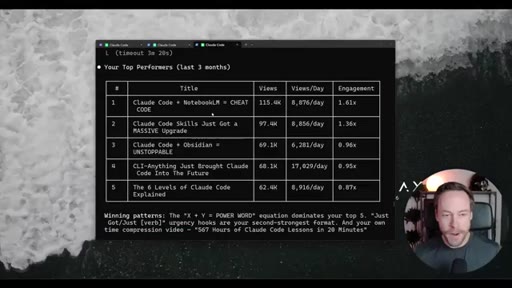
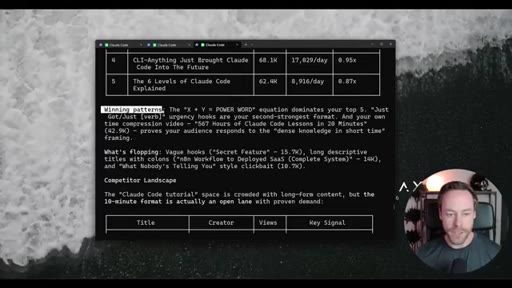
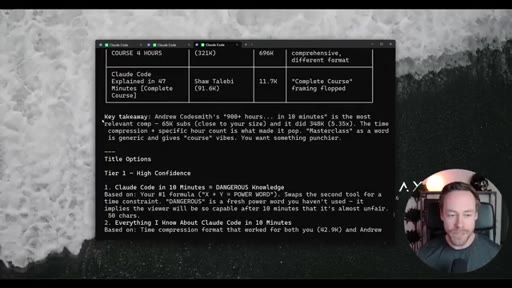
08:44So it analyzed my top performers over the last three months. It's taking a look at the winning patterns versus what's flopping. Also takes a look at the competitive landscape when it comes to sort of like Claude code type titles.
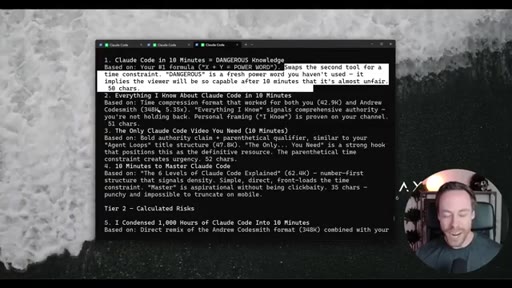
08:57Got the full takeaway. And then it gives me a bunch of title options. It has a tier one, including in the description for every sort of title and its reasoning behind it.
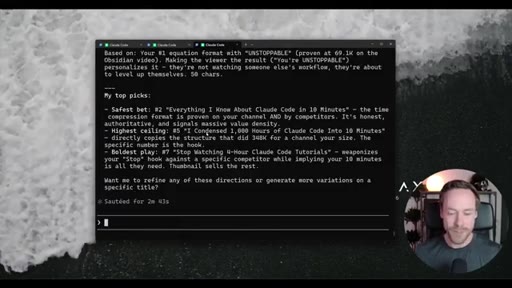
09:06CTATier two, calculated risks. And then tier three, we're just swinging for the fences. So you saw how simple it was to create that skill, did all the benchmarking on its own.
09:16CTAFinal result, I think it's pretty solid, this is something I can now use whenever I want by simply invoking that skill. So in this ten minute masterclass, you've learned what skills are, how they work, and how to create your own custom skills that you can tailor to any one of your projects. So let me know in the comments what you thought.
09:32CTAMake sure to check out Chase AI plus if you're ready for the Claude code master class. And as always, I'll see you around.
— full transcript
§ 05 · For Joe

Skills load on demand — and that changes everything.

WHAT TO LEARN

Claude Code does not pre-load your full skill library into every session; it holds a name list and fetches the full text only when a prompt matches, which means the quality of a skill description is more important than the skill length.

  • Skills are plain markdown text prompts — anything you can describe in words, you can encode as a reusable skill, no code required.
  • Claude Code skill selection is probabilistic when triggered by natural language; use the /slash-command syntax any time you need a guaranteed invocation.
  • Skill description quality — the 100-word summary Claude sees at all times — determines auto-selection accuracy more than the skill internal instructions do.
  • User scope and project scope are the two levers against skill bloat: install globally only what you need in every session, and keep everything else repo-local.
  • The skill-creator benchmarks new skills against a no-skill baseline by running parallel test cases, giving you an assertion pass rate before you deploy — a concrete signal that the skill earns its token overhead.
  • Skills can call other skills as subskills, enabling single-command workflows that would otherwise require a series of manual prompts.
  • Third-party CLI tools now ship self-installing Claude Code skills, so checking a tool GitHub README for a skills install command is worth doing before building a custom integration from scratch.
§ 06 · Frame Gallery

Visual moments.