The bait, then the rug-pull.
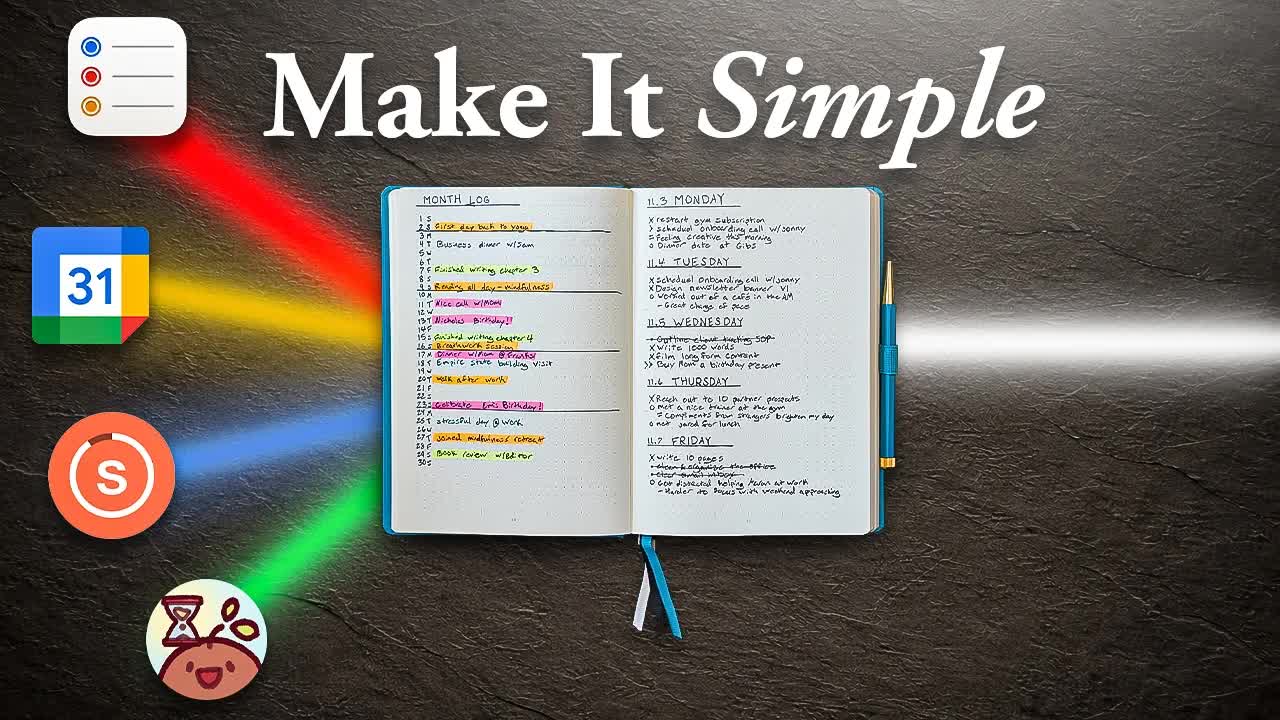
Ryder Carroll opens with ADHD and a 30-second confession: every new app made things worse, not better. The thesis arrives before a single system concept is named -- replace the stack with one notebook.
Where the time goes.

01 · Cold open -- ADHD and app graveyard
Personal history of ADHD overwhelm, app-chasing, and the realization that more tools created more scatter.

02 · Credentials and promise
Ryder Carroll introduces himself as inventor of the method and outlines what the video will cover.

03 · Tool 1 -- Task Management
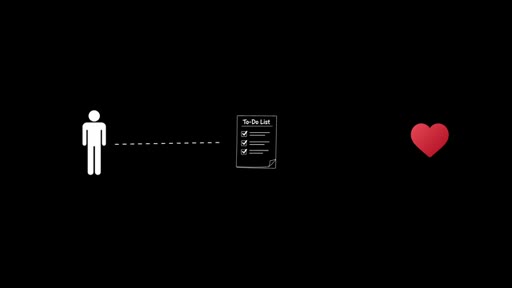
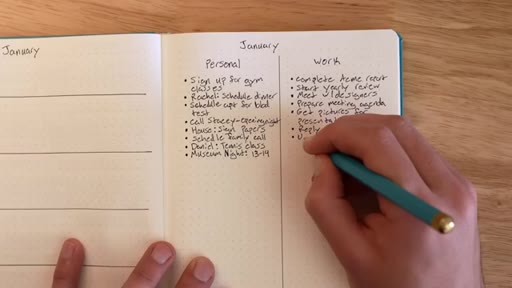
Argues that frictionless task capture causes list bloat. Introduces three friction levers: naming (actions not tasks), handwriting, and the daily fresh list with a numbered top 3.
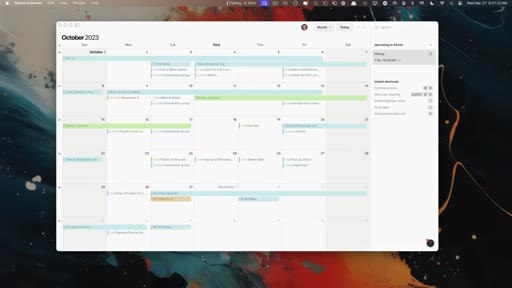
04 · Tool 2 -- Calendar and Monthly Timeline
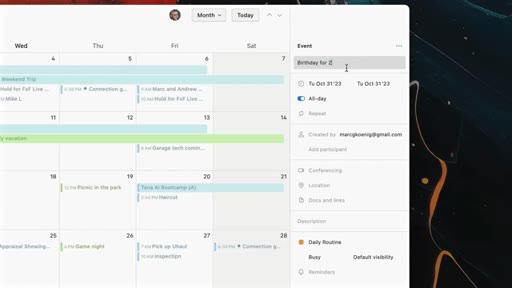
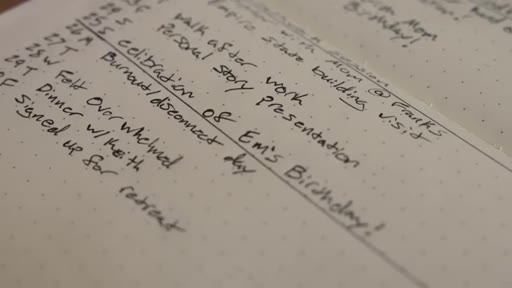
Digital calendars record plans but not reality. The monthly log adds a left-side timeline logging the most noteworthy actual event each day, producing an honest life record.

05 · Tool 3 -- Habit Tracker
App-based trackers encourage tracking too many habits at once. The BuJo rule: max 3 habits, 30 days, first week is a test run. Piggybacked onto the monthly log layout.

06 · Product placement -- official BuJo notebook
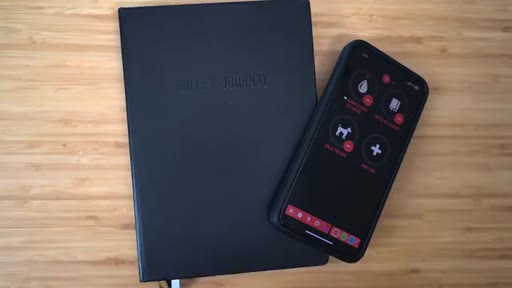
Ryder pitches the official Bullet Journal notebook: pre-built index, numbered dot grids, three bookmarks.

07 · Tool 4 -- Mood Tracker
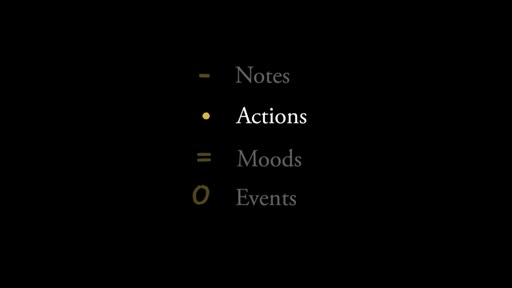
Standalone mood apps lack context. BuJo captures mood as a note in the daily log alongside actions and events, so context is built in organically.

08 · Wrap and second CTA
Summary of the unified system, screen-time reduction argument, second product pitch with QR code, and link to next video.
Visual structure at a glance.
Named ideas worth stealing.
Three friction levers
- Naming (actions not tasks)
- Writing by hand
- Daily fresh list
Three mechanisms BuJo uses intentionally to slow down task capture and filter out low-value items before they consume attention.
Monthly log dual layout
- Left: date timeline (what happened)
- Right: action plan (what to do)
A single two-page spread that pairs forward planning with honest retrospective logging.
Habit cap rule
- Max 3 habits
- Min 30-day commitment
- Week 1 is test run only
Limits simultaneous habit tracking to three behaviors for one month, with week 1 framed as exploratory rather than a commitment.
Lines you could clip.
"The less friction there is to capturing your to-dos, the more likely you are to add. The more you add, the less you do."
"If something isn't worth the moment of effort it takes to rewrite it, it's probably not worth your time in general."
"Rather than finding a way to hack our time to get more done, we want to focus on hacking down what we're doing."
How they asked for the click.
"I designed the official bullet journal notebook. It comes with everything we have been talking about already built in."
Two CTA moments: first at ~7:00 woven into the tutorial flow, second at ~9:46 as a closing pitch with QR code and split-screen card. Both are soft and tied to demonstrating the product in context.
Word for word.
Friction is the productivity feature apps deleted.
The reason most productivity systems collapse is not lack of discipline -- it is that frictionless capture makes it effortless to accumulate tasks you will never do.
- Every tool that makes capturing easier also makes it easier to defer. The capture cost is the filter.
- Renaming tasks as actions is a small semantic shift that prompts you to ask whether something is worth doing before it enters your list.
- A daily list that resets each morning forces prioritization. Items that are not rewritten are dropped -- which is often the right outcome.
- Most people track their future plans but not their actual life. A timeline that logs what really happened each day reveals patterns that forward-only planning hides.
- Tracking more than three behaviors simultaneously statistically prevents you from changing any of them. Narrowing is not a limitation -- it is the mechanism.
- The first week of any new habit is a calibration period, not a commitment. Framing it that way lowers the psychological cost of starting.
- Mood data without surrounding context is nearly uninterpretable. When mood is logged alongside the day's actual events and actions, the context is built in at no extra cost.
- Offline tools eliminate the distraction tax. Every minute in a notebook is a minute outside the notification system that competes for the same attention you are trying to direct.