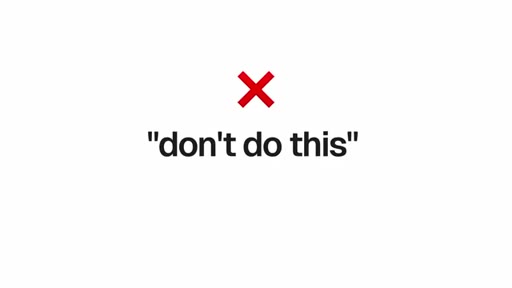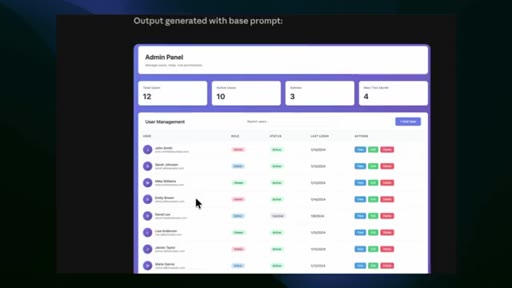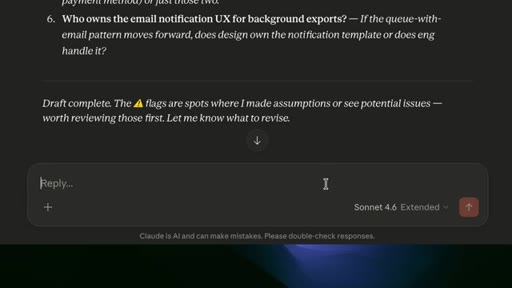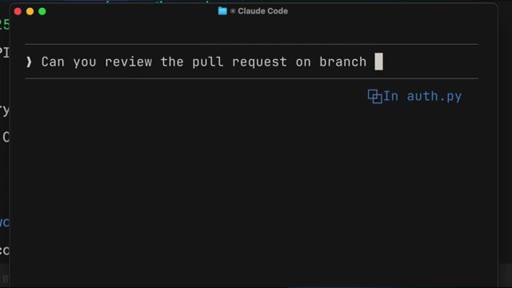
The bait, then the rug-pull.
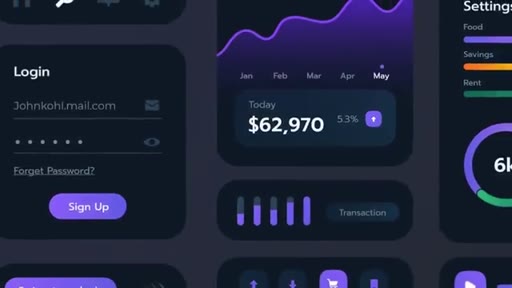
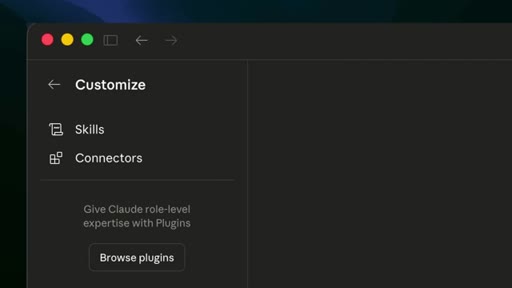
Most designers who use Claude for UI work have accepted the same disappointing output: purple gradients, Inter font, rounded cards on a white background. What they have not discovered is that Claude ships with a hidden plugin system, and the right skill installed turns a generic code dump into something that actually looks designed.
Where the time goes.

01 · What is a skill
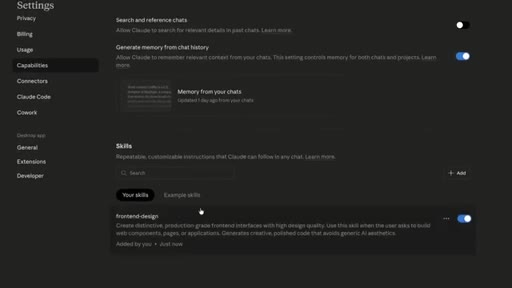
Pattern interrupt and promise: there is a built-in feature most designers do not know about, called skills.
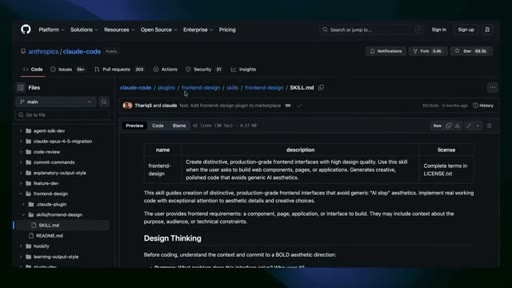
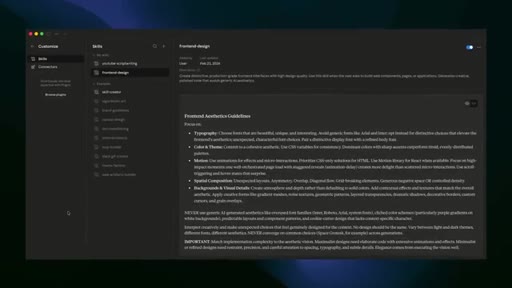
02 · Frontend Design skill
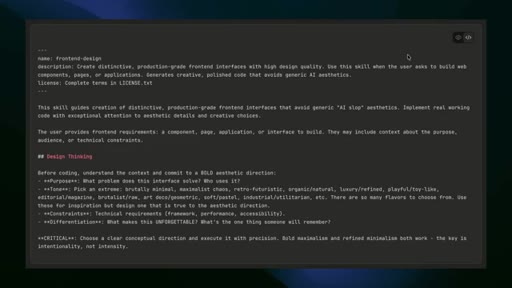
The headline skill. Forces a 4-step design thinking process and applies aesthetics guidelines before writing code. Explicitly bans AI slop.
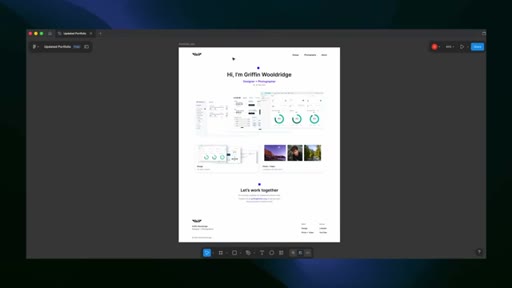
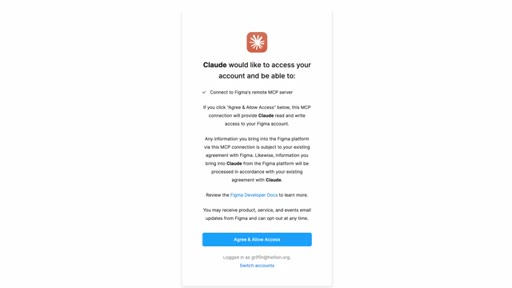
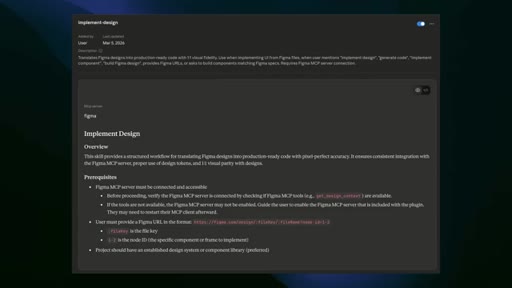
03 · Implement Design (Figma MCP)
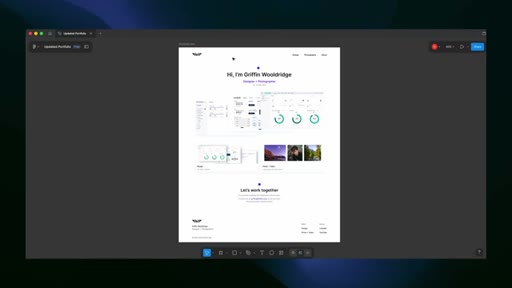
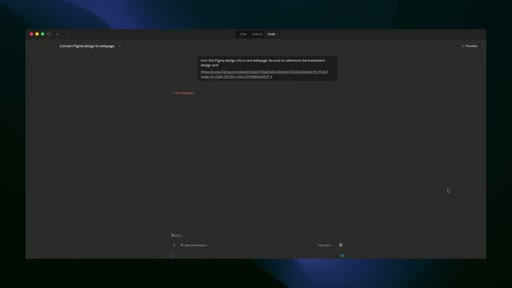
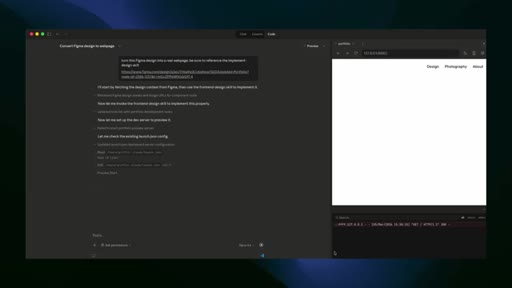
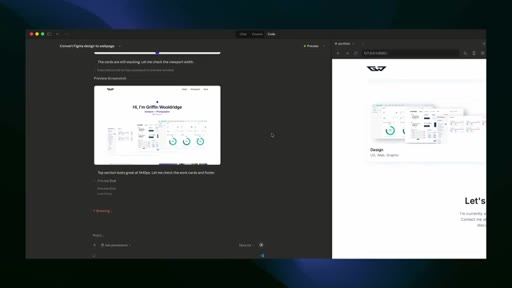
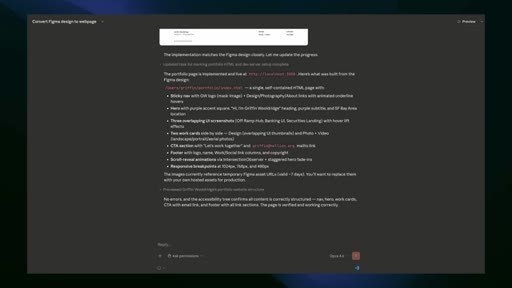
Official Figma skill that reads actual layout properties and spacing tokens via MCP, then generates code mapped to your existing component library.

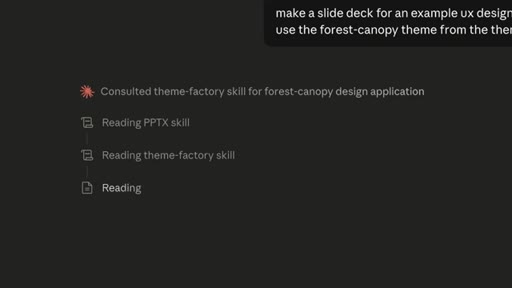
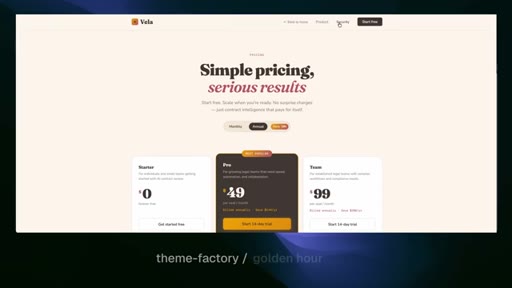
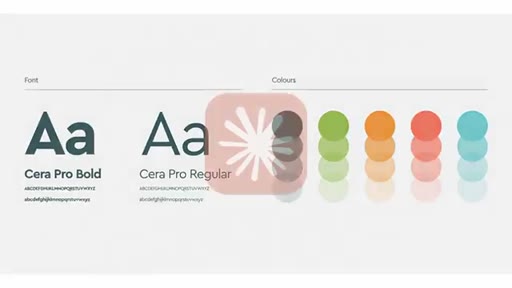
04 · Theme Factory
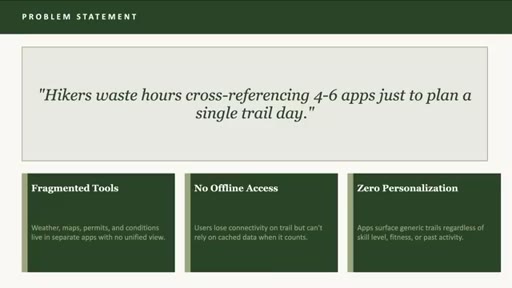
10 pre-built professional themes, each a complete color palette and font pairing system, applicable to any Claude artifact.

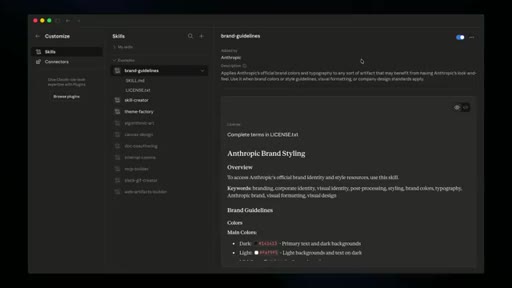
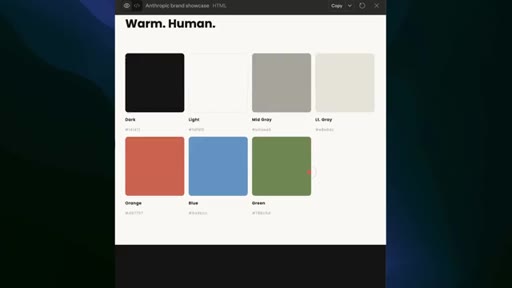
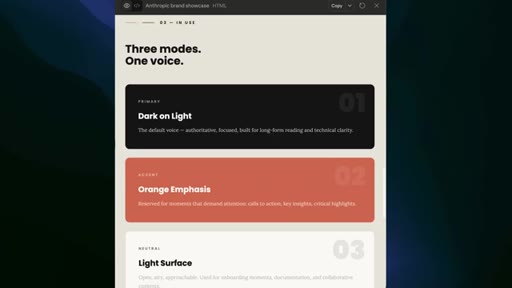
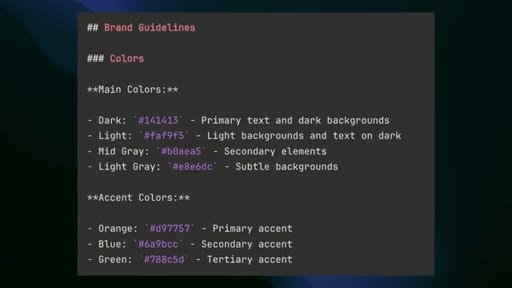
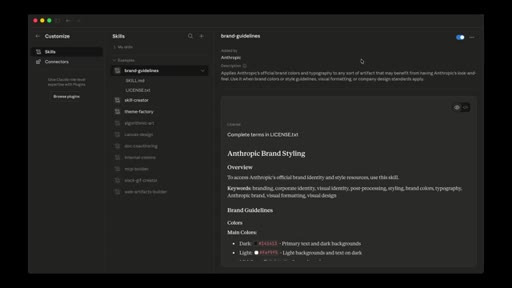
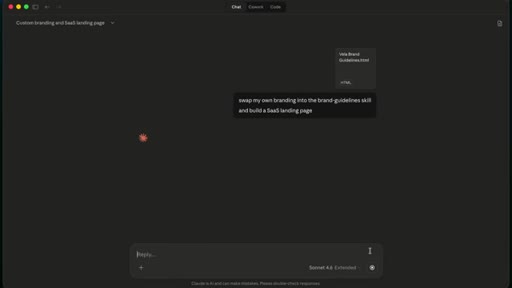
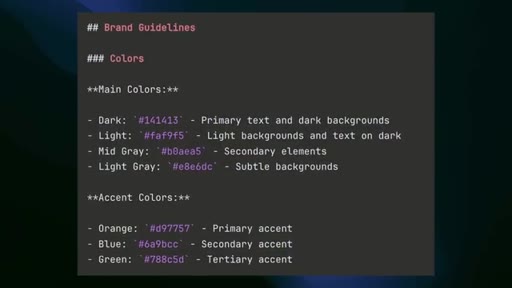
05 · Brand Guidelines
A template to encode any company's brand tokens so everything Claude generates is automatically on-brand.
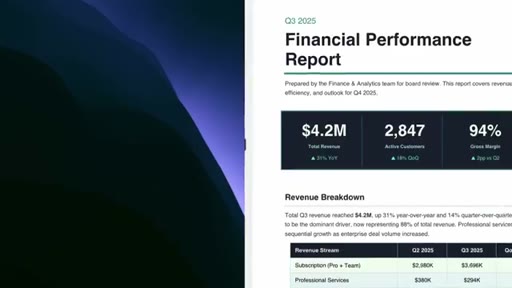
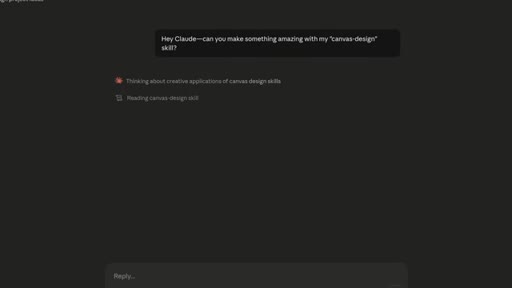
06 · Canvas Design
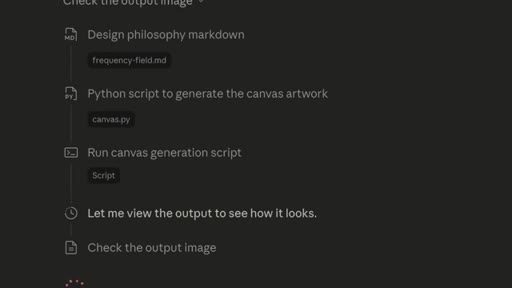
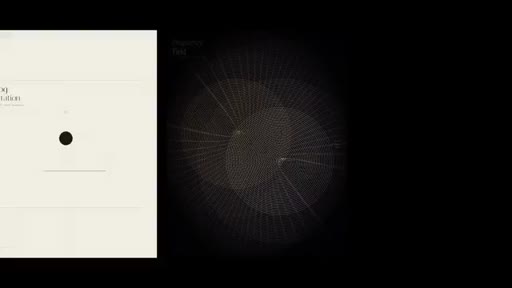
Two-step generative art skill: Claude writes a design philosophy manifesto, then executes it as a real PNG or PDF.

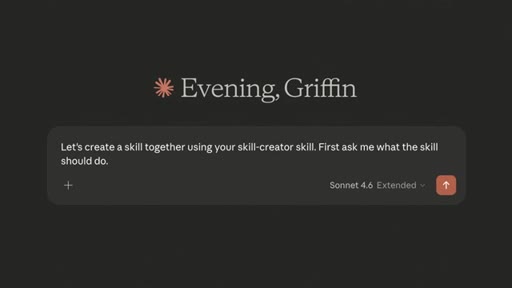
07 · Build your own (Skill Creator)
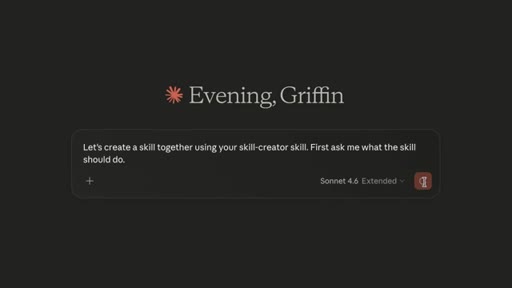
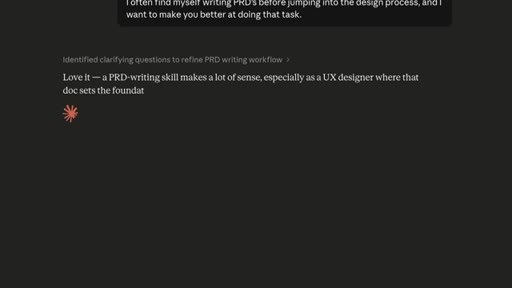
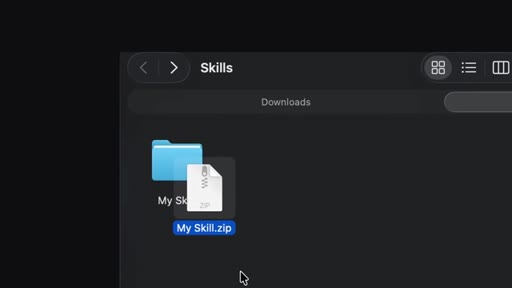
The Skill Creator interviews you, drafts a SKILL.md, runs test prompts, and iterates. Skills package as .skill files for sharing.

08 · Live demo
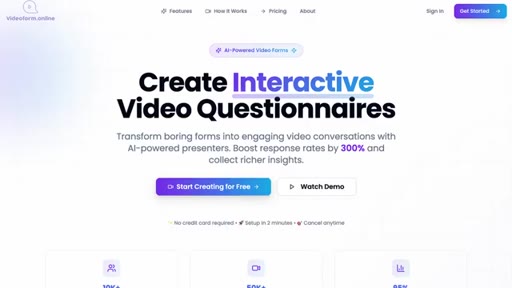
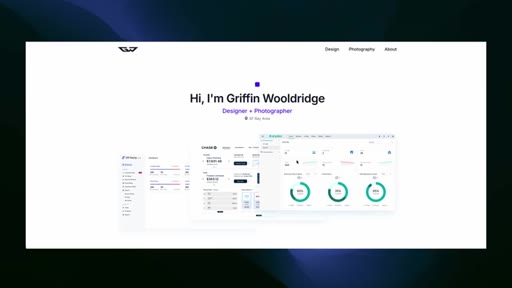
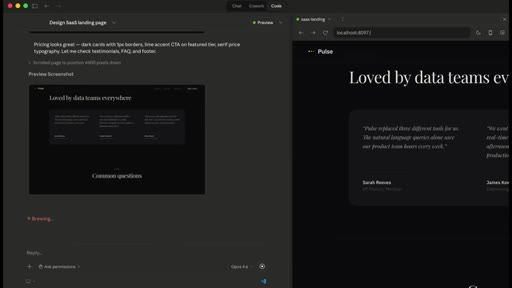
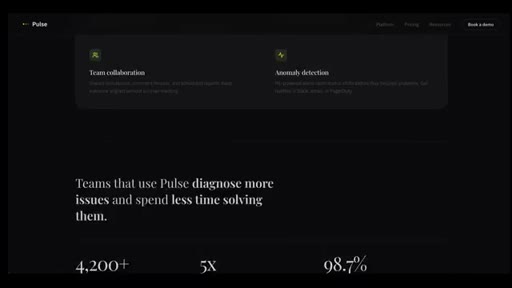
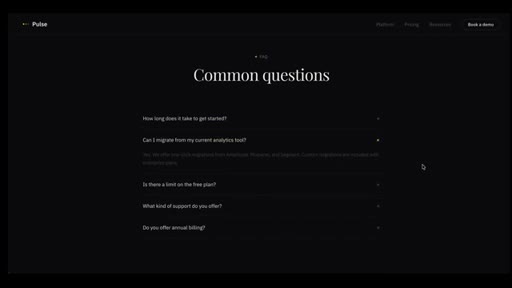
Single-prompt generation of a full SaaS landing page using the frontend-design skill. Output: dark theme, serif headline, stats strip, FAQ.
09 · Outro
Recap of skills covered, plug for the full Claude design workflow video, subscribe CTA.
Visual structure at a glance.
Named ideas worth stealing.
Four-part design thinking pre-flight
- Purpose
- Tone
- Constraints
- Differentiation
Before writing any code the frontend-design skill forces Claude to evaluate these four dimensions and commit to a bold aesthetic direction.
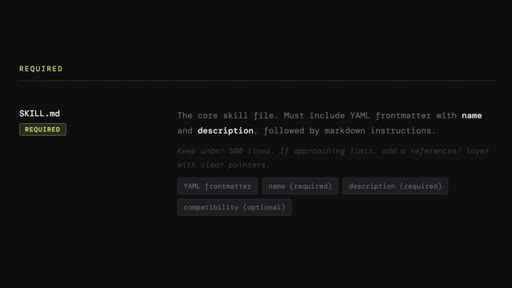
Skill anatomy
- SKILL.md (required)
- scripts/ (optional)
- reference docs (optional)
- assets (optional)
The minimum viable structure for any Claude skill. The SKILL.md description field controls when the skill auto-triggers.
Lines you could clip.
"The skill explicitly tells Claude what not to do. It literally bans what it calls AI slop."
"So now you're not just a user of these skills, you're also a creator. You can build exactly the skill you need."
"Claude isn't just guessing. It has a design playbook preloaded and it executes with intention."
Things they pointed at.
How they asked for the click.
"I have a full video guide on my design workflow using Claude Code, so make sure you go check out that video too."
Soft next-video push with no subscribe pressure until the final sentence. Non-aggressive.
Word for word.
Skills give Claude a design playbook it actually follows.
Prompting Claude for UI without a skill installed is asking a generalist to make aesthetic decisions — skills encode the specific standards that prevent generic output.
- Claude's default UI output follows statistical patterns, not design principles — a skill intercepts that and forces purpose, tone, constraints, and differentiation to be resolved before any code runs.
- The instruction to avoid AI slop is explicit and enumerated inside the frontend-design skill, not implicit — this is the model of how to write negative constraints into any AI system prompt.
- The Figma MCP connection is what makes Implement Design actually accurate: without it, Claude is reading a screenshot; with it, Claude is reading the actual spacing tokens and component references.
- Brand consistency through a skill means the enforcement is automatic and upstream — it does not require a designer to review every artifact a marketing or sales person generates.
- Canvas Design separates philosophy from execution: writing a design manifesto first and then generating from it produces more coherent visual output than describing an image directly.
- The Skill Creator's interview loop mirrors the design process itself — requirements gathering, prototyping, testing, and revision cycles — which means designers already know how to use it.
- A finished skill is a portable artifact: one folder, one SKILL.md, shareable as a .skill file — the distribution model is closer to a plugin than a SaaS tool.