Enrique Marq · Youtube · 21:31

I Built a Short-Form Clip Machine Inside Claude Code

How one developer collapsed a five-stage video repurposing workflow into a two-prompt Claude Code session — from long-form video to 28 scheduled posts across five platforms.

Posted
March 8th 2026
2 months ago
Duration
21:31
Format
Tutorial
educational
Channel
EM
Enrique Marq
§ 01 · The Hook

The bait, then the rug-pull.

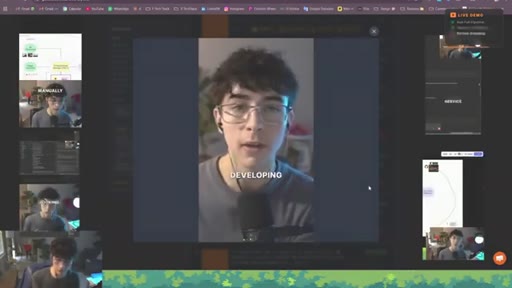
In the first nine seconds, the promise is already on the table: long-form in, a full week of short-form out, no editing software touched. What follows is not a concept pitch but a working system — five stages, one repo, two prompts, twenty-eight scheduled posts.

§ · Chapters

Where the time goes.

00:00 – 01:08

01 · Hook

Cold open showing live clips on YouTube and TikTok. Full pipeline promise stated in 9 seconds.
01:08 – 01:42

02 · Who I Am + What We're Building

Presenter intro. Agentic systems builder for 1.5 years. Three-part structure outlined.
01:42 – 06:09

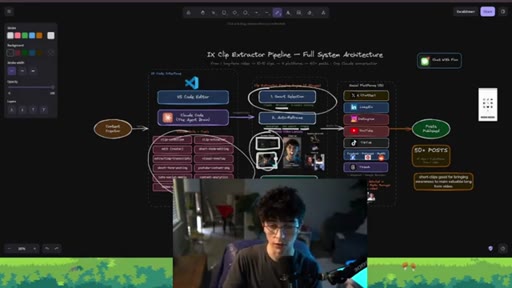
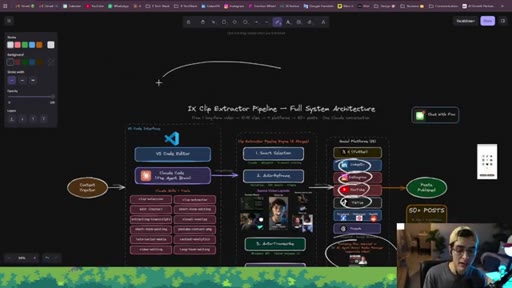
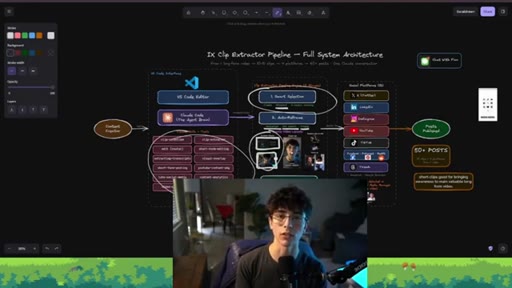
03 · The 5 Pipeline Stages Explained

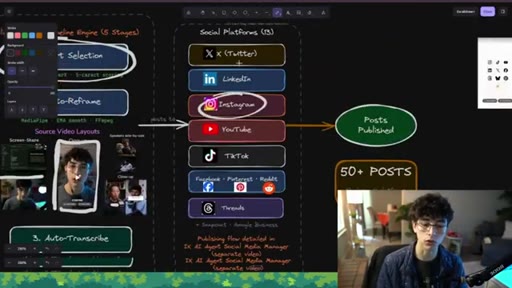
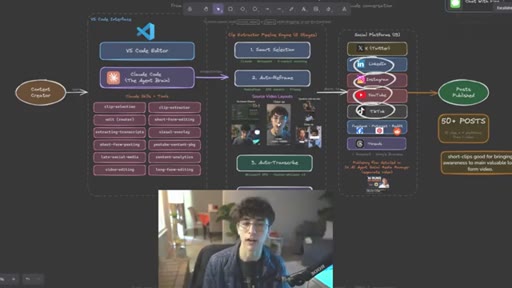
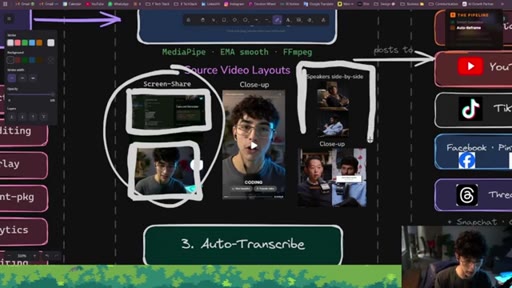
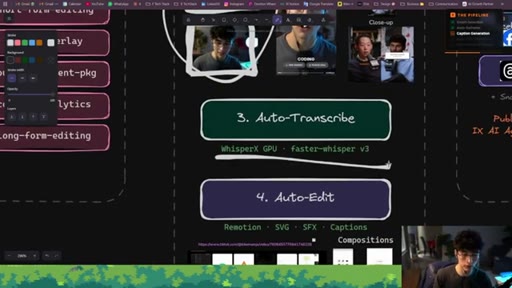
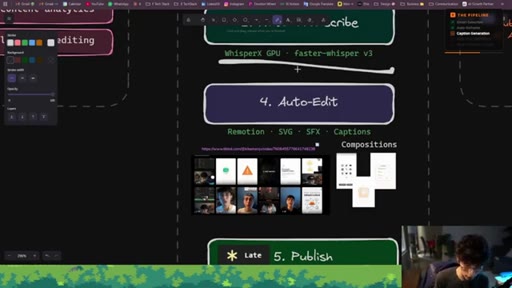
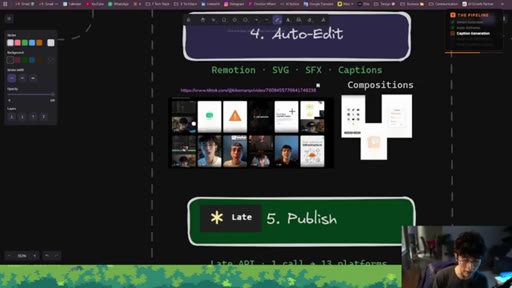
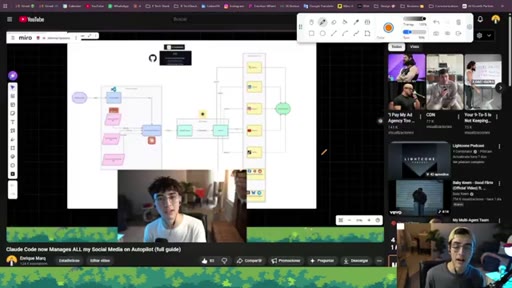
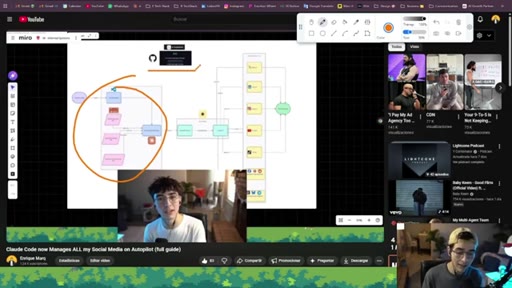
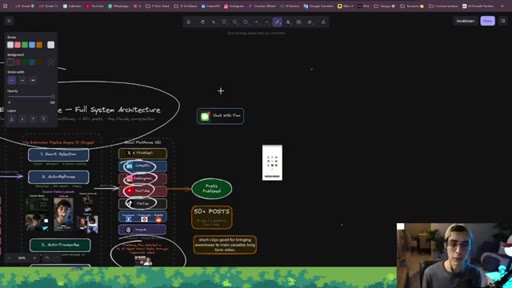
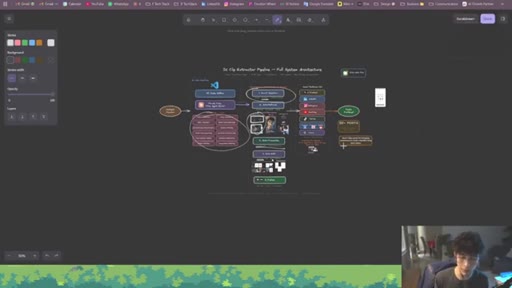
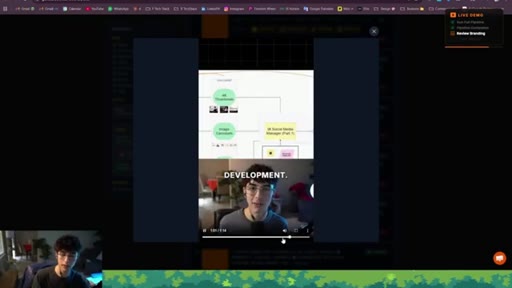
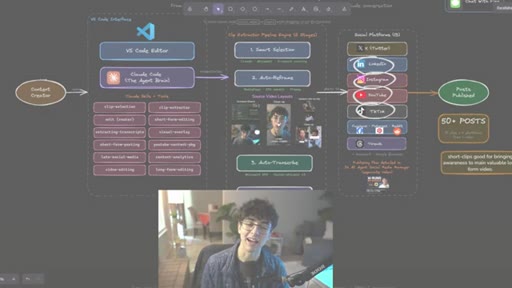
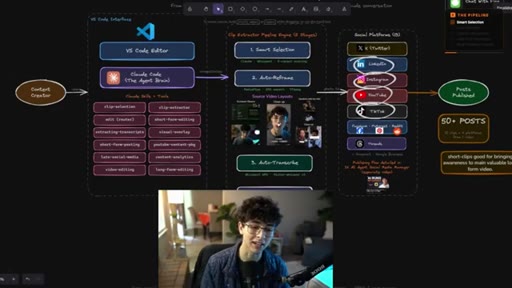
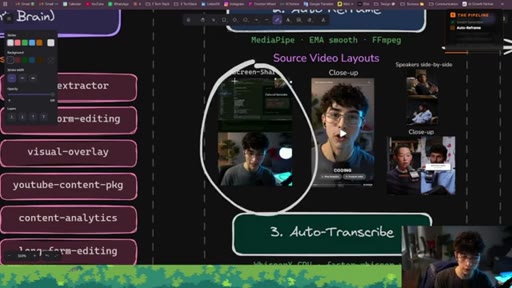
Miro board architecture walkthrough: Smart Selection, Auto-Reframe (MediaPipe, three source layouts), Auto-Transcribe, Auto-Edit (Remotion/SVG/SFX), Publish (Late API, 50+ posts from one video).
06:09 – 07:16

04 · Get the Free System

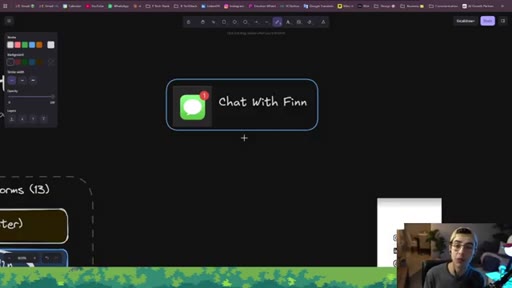
Repo access via texting AI agent Finn on WhatsApp or SMS. References separate social media manager video.
07:16 – 08:24

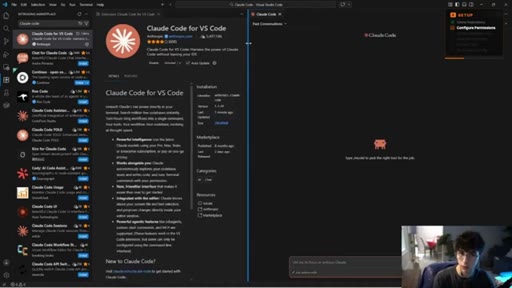
05 · Setting Up Claude Code in VS Code

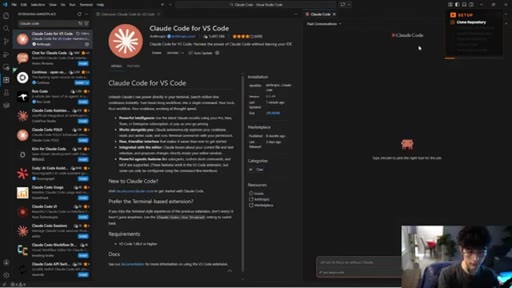
Install Claude Code extension, enable bypass-permissions mode, connect Anthropic account.
08:24 – 10:13

06 · Cloning the Repo + Guided Setup

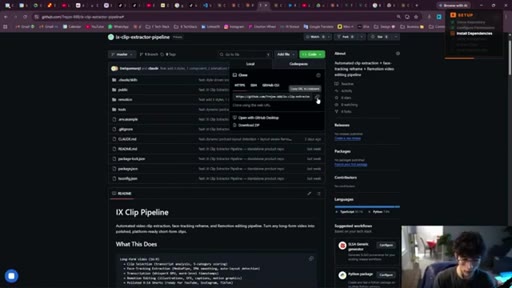
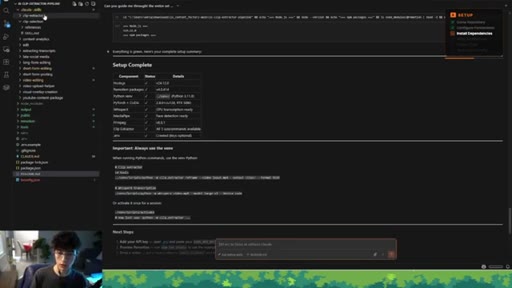
Clone repo, paste URL into Claude chat, ask Claude to run full setup. Claude reads README and installs all dependencies autonomously.
10:13 – 13:40

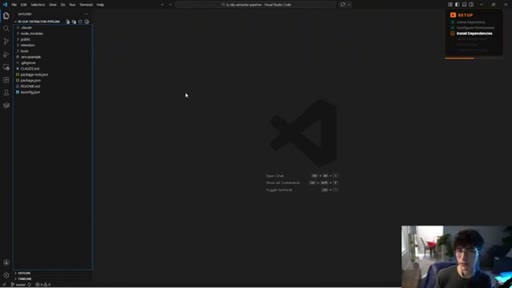
07 · Project Structure Walkthrough

Folder tour: .claude/ (clip skills), output/, public/ (logos/SFX/source videos), remotion/ (compositions), tools/ (MediaPipe, EMA smooth, FFmpeg), CLAUDE.md, .env.
13:40 – 19:05

08 · Live Demo: Full Pipeline in Action

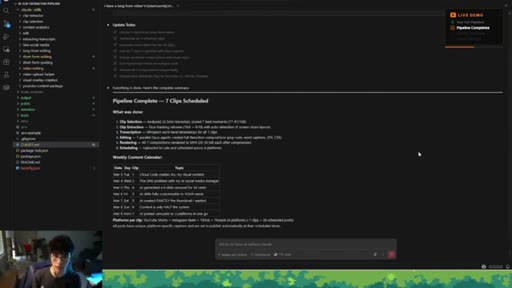
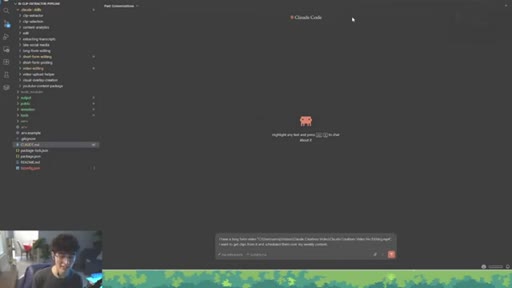
Two prompts submitted. First: local video file. Pipeline runs ~30-35 min. Seven clips produced, edited with captions and compositions, scheduled to 4 platforms = 28 posts. Late dashboard confirms scheduling.
19:05 – 20:37

09 · Demo 2: Podcast Clip Extraction

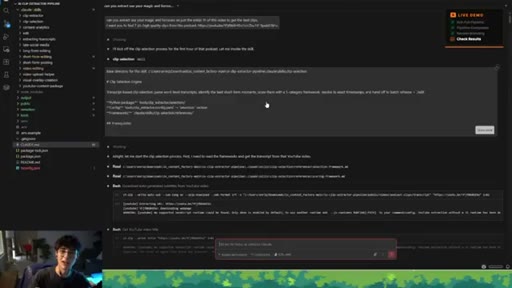
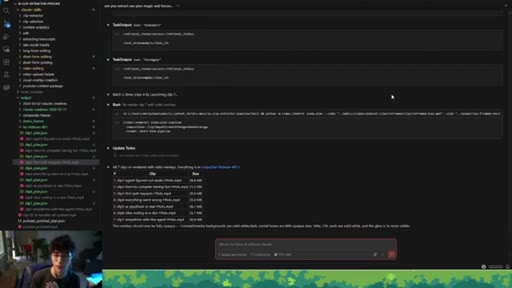
Lex Fridman YouTube URL submitted. Claude downloads first hour, runs batch face-tracking, produces 7 podcast clips in output subfolder.
20:37 – 21:31

10 · Final Thoughts + Next Steps

LinkedIn plug for behind-the-scenes content. Subscribe + Finn CTA repeated. Teases next system video.

§ · Storyboard

Visual structure at a glance.

hook
intro
architecture
cta-1
setup
structure
demo-1
demo-2
outro
§ · Frameworks

Named ideas worth stealing.

01:42 model

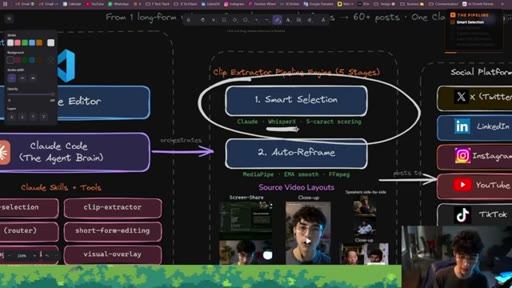
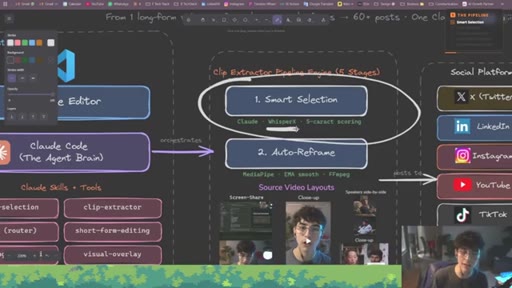
IX Clip Extractor Pipeline

  1. 1. Smart Selection
  2. 2. Auto-Reframe
  3. 3. Auto-Transcribe
  4. 4. Auto-Edit
  5. 5. Publish

Five-stage agentic workflow that converts any long-form video into edited short-form clips scheduled across multiple platforms.

Steal for Any video repurposing workflow or content calendar automation
02:11 list

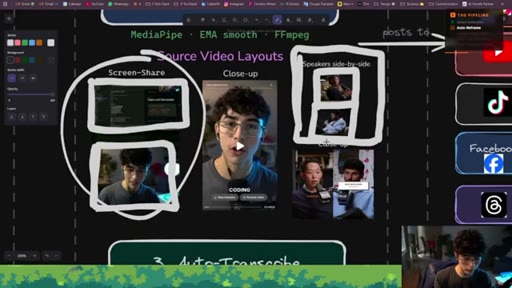
Source Video Layouts

  1. Screen-share (top: screen, bottom: face)
  2. Speaker side-by-side (two-host podcast split)
  3. Close-up (single speaker)

Three reframing templates that handle the most common long-form video formats for vertical output.

Steal for Any face-tracked vertical reframing system
§ · Quotables

Lines you could clip.

00:09
"It picks the best moments, reframes everything vertically, and it edits all of it. Plus, it schedules it across every single platform."
Complete pipeline promise, no setup needed → TikTok hook
13:07
"This is like a five-month work that I am giving away for free in this video."
Strong stakes-setter, creates immediate curiosity → IG reel cold open
20:22
"This now replaces the total need of external tools out there because you can host them on your own project."
Anti-SaaS ownership argument, highly shareable among builders → newsletter pull-quote
§ · CTA Breakdown

How they asked for the click.

06:09 link
"Just have a conversation with Finn. I am gonna leave her WhatsApp and her number if you wanna use SMS."

Unusual CTA — repo access is gated behind texting an AI agent named Finn. No direct GitHub link shown on screen, which adds friction but filters for serious viewers.

§ 04 · The Script

Word for word.

HOOK opening / re-engagementCTA the pitch
00:00HOOKThis ClotCode pipeline takes any YouTube video, any podcast, and any call and turns them into a full week of short form content.
00:09HOOKIt picks the best moments, reframes everything vertically, and it edits all of it. Plus, it schedules it across every single platform.
00:18HOOKIt doesn't require any expensive subscription. It is fully customizable and no editing software,
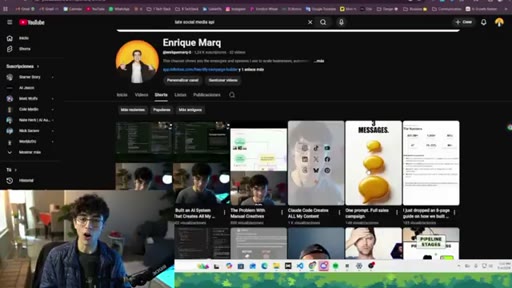
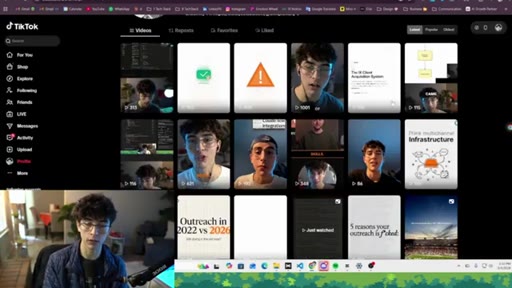
00:25HOOKjust Claude code doing all the work for you. All the clips that you see right here have come from my long form YouTube videos. This clip's inside
00:34HOOKYouTube. This clip's inside TikTok. The whole pipeline analyzes
00:39HOOKthe full transcript of those videos, picks the strongest moments, reframes everything vertically with my face tracking. It adds the captions with my branding color, the overlays, the whole editing process,
00:51HOOKand it basically schedules all of those posts across all my five social platforms, Instagram, TikTok, Threads, YouTube, and, uh, LinkedIn.
01:02HOOKI didn't have to open any other app or editors once. Just a conversation with Claude. If you guys don't know me yet, I'm Enrique.
01:09For the last year and a half, I have been spending all my time building agentic systems, specifically for sales and marketing. In this video, I'm gonna show you exactly how this clip extractor pipeline works.
01:22I'm going over three things. First, setting up clot code, your agent brain inside BS code. Second, I will be walking you through the five stages of the pipeline.
01:33And third, I'm gonna show you in real time how the entire system goes from start to end with real examples. So this is where everything starts. You give it a long form video,
01:44and Claude starts to read the entire transcript generated by WhisperX. It goes through every single moment and picks the clips that would actually perform very well. It is not random.
01:57It actually has a framework that is following that basically allows Claude to pull out what's worth posting. Once it has all the clips
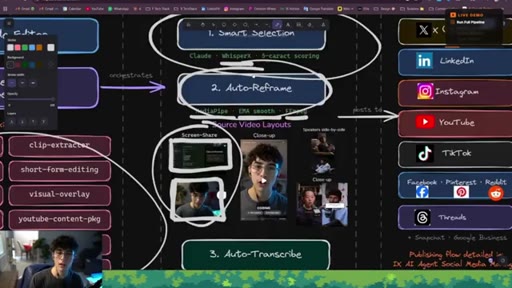
02:07picked, it reframes everything vertically. So it finds your face like this layout here,
02:15and it locks the crop so you stay center the whole time. These are some examples of the source video layouts that are available inside the system, like screen share.
02:25As you can see, upper half is me sharing the screen. Bottom half is me centered in the center in the bottom half.
02:34And here we have speaker side by side. This is in the case if you upload a video from a podcast,
02:41uh, where you can see two speakers, one of the on the upper half and one in the bottom half. And they work also if there's just a a close-up layout. The close-up layout is just one single speaker on the screen.
02:57And then after that, it generates the entire captions worth level accurate straight from the audio,
03:04um, transcription process, leveraging the open source models that we do have in the system.
03:11And we get all the time stamps properly from that video. So then we can from those clips that we pick that Claude picks, and then it moves on into the auto editing process. This is where it all comes together.
03:24So the overlays, the illustrations, uh, the transitions, the sound effects, everything gets composed automatically here.
03:32You're not dragging things down or putting things on the timeline, doing it manually yourself.
03:38You're not opening any, uh, editor platform. You're just letting Cloud Code handle the full composition
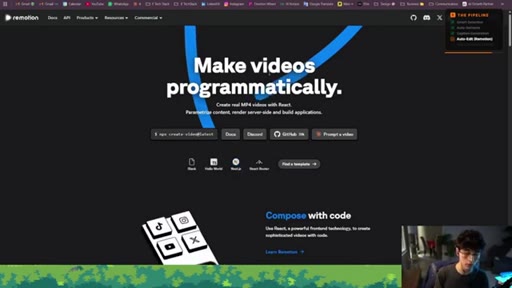
03:46using Remotion and all the trained skills that you can see here. Remotion is a tool that allows to edit and create videos
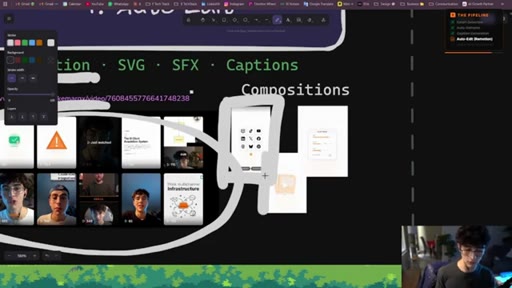
03:55with just code. And this is the same exact approach that I have used for all the short form clips that I have posted on my social medias. And the way I approach this are is creating all the compositions that you can see here.
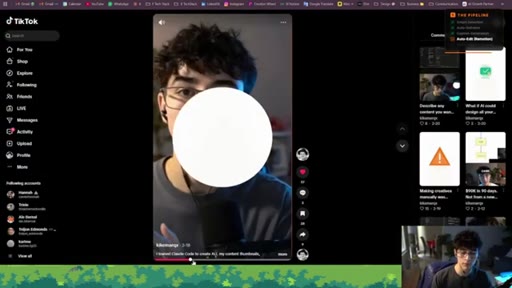
04:09Uh, Claude has created all these compositions when editing my short form videos. And this is the same approach that you're gonna see when we go into the process of sharing an example. This is one of the examples that I wanted to share with that you also saw at the beginning of the video.
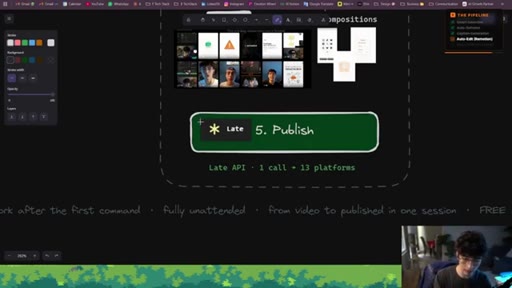
04:26And then finally, it publishes everything across all the social platforms that you want to connect with the AI agent social media manager. Alright.
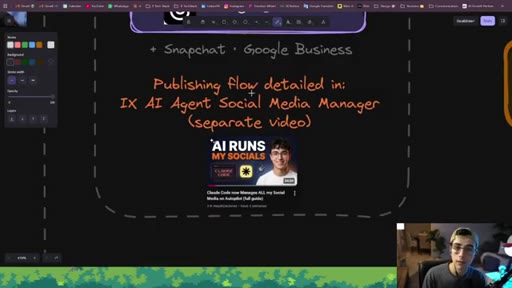
04:36So it is worth mentioning at this point that I already dedicated a specific video for the AI agent social media manager, where I go over a very similar process like the one in this video, setting up Cloud Code inside the developer platform that we're using, and then inserting the AI agent social media manager system that I'm giving you away for free.
04:56It's on GitHub. And then configuring, uh, my favorite social media API,
05:02late. Uh, this API allows you to post through 13 different social platforms, get analytics,
05:09social media DMs, and everything from a very affordable price. You can even start for free.
05:15That video is already uploaded on my YouTube, so go check that out. So at this tab here, Claude is gonna take all those finished clips and is gonna schedule them across your platforms
05:26on your content calendar. You don't have to copy and paste and upload them one by one. It is already done for you and managed by your content social media agent.
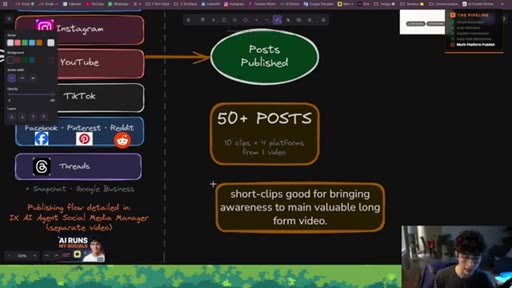
05:37And the outcome that you can see here are 50 posts, 10 clips times four platforms from one video. And short form clips work very well for me to bring awareness
05:49to my main valuable long form video that I post on YouTube. And this is just one pipeline. I'm building the entire system on my channel,
05:58giving it to you guys. So the next video, I'm gonna probably walk you through something better. So stay up to date, follow,
06:06CTAsubscribe, and turn the bell. Alright. So if you wanna get all the sauce from this video, the AI agent social media manager system that I just referenced to you, the IX clip extractor system,
06:18CTAjust have a conversation with Vin. I'm gonna leave her WhatsApp and her number if you wanna use SMS. Just text her saying, hey.
06:26CTAI came from Enrique's video. I wanna get the system, and she will bring you up the link access to the specific repos that I'm giving you away, uh, for free.
06:37CTARemember, I did mention to you that we have the AI agent social media manager system, so go check that out if you don't have that system set up yet. But now we're gonna go over setting up the IX clip extractor pipeline. And if you have used Claude code before, you can have this running in less than five minutes.
06:53CTAJust clone the repo and follow my instructions that I'm gonna give now. Alright, people. So the developer platform that we're using is Versus Code.
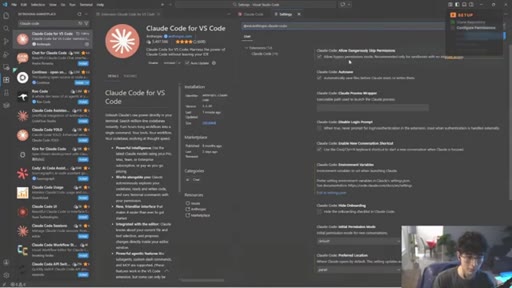
07:01CTASo if you don't have Versus Code yet on your computer, please download Versus Code. Once you have Versus Code, the first thing that we're gonna do is we're gonna head into the sidebar on the left. We're gonna click on extensions, and we're gonna type Claude Code.
07:16We're gonna click on it. We're gonna install Claude Code, and you will be able to see this, uh, little icon on the top right where this is basically allowing you to open a regular chat conversation with Claude. Uh, this is in the case if you prefer
07:33regular chat interface than using the terminal. K? Okay.
07:36So another thing that I really recommend people to do is turn on allow by pass permissions mode. This is basically the mode that the mode that allows Claude to, um, do things without asking you for any permissions. Uh, so Claude does all of this stuff autonomously.
07:56It can be a little bit dangerous, but, uh, it's worth it. Alright. Once you have that in place, we're gonna make sure we connect your well, you connect your Anthropic account.
08:04So you're gonna click Cloud dot AI subscription. This is gonna allow you to open a tab on your window
08:13to allow the connection of your Anthropic account. Make sure the Anthropic account that you're authorizing is correct. Alright.
08:19So once you have that done, you're gonna head into the GitHub repo that we're giving away, and you're gonna click on code, and you're gonna clone either of these three options here. You're gonna copy the URL. You're gonna go back into your chat interface with Claude, and you're gonna take Claude.
08:36Hey, Claude. Can you help me set up the system on another project inside BS code? And then he's gonna go over checking the entire repo
08:45for you, uh, understanding all the requirements, and he's gonna do the whole setup. And he's gonna open that system on another window.
08:53Easy, quick. That's how you get your entire clip extractor pipeline, uh, system implemented into your own project.
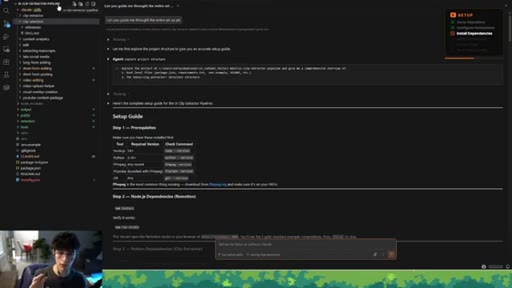
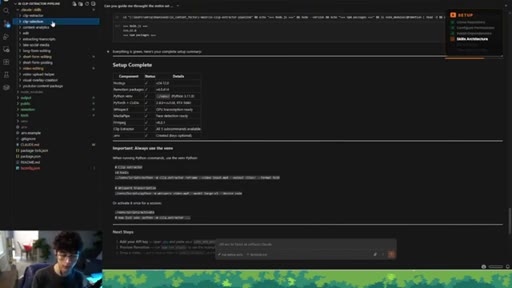
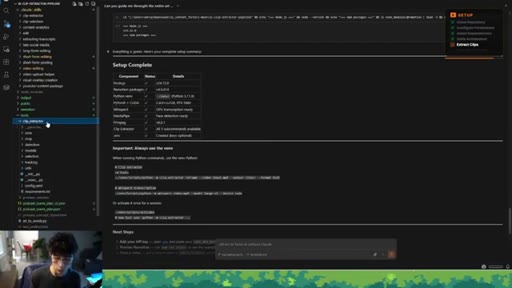
09:02Now let's finish the setup. Alright. So here we are on another conversation with Claude to finish the entire setup.
09:08So what I just did, I just told Claude, hey. Can you guide me through the entire setup for me, please? And this is on the new project.
09:16Right? On the new project with our own ClipExtractor pipeline system in place with the, uh, Anthropic account connected already to my Claude,
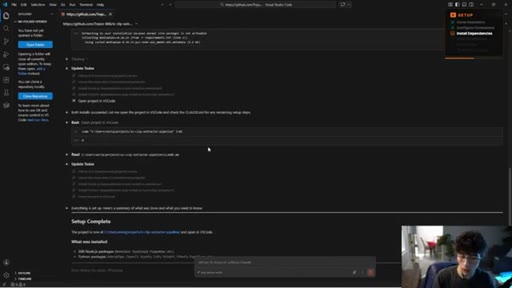
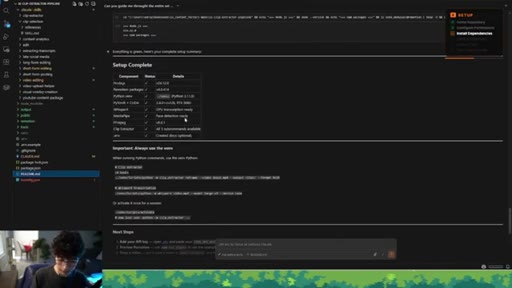
09:26um, code instance here. And he basically guides me through the entire process reading the readme file that we do have here set up for you to get your entire system ready and start rolling. And he basically goes,
09:42uh, into checking all the requirements, all the dependencies, and he gets the entire system
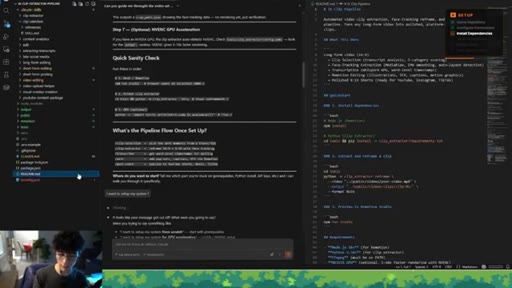
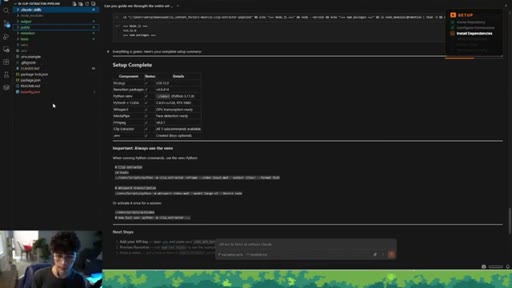
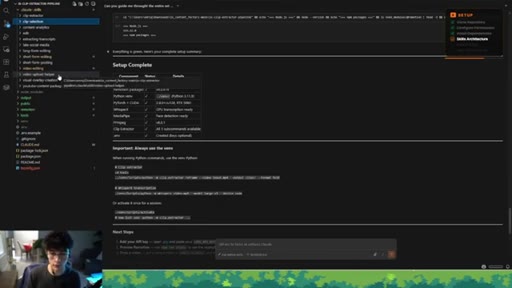
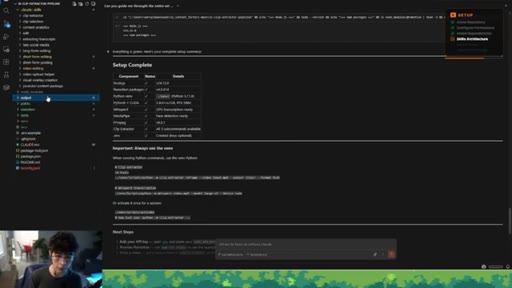
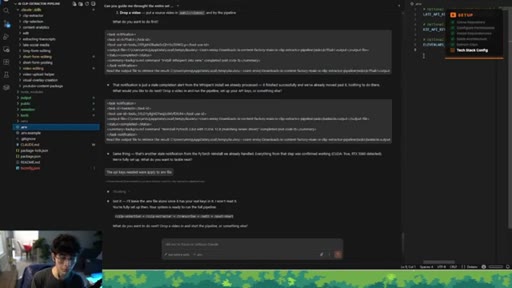
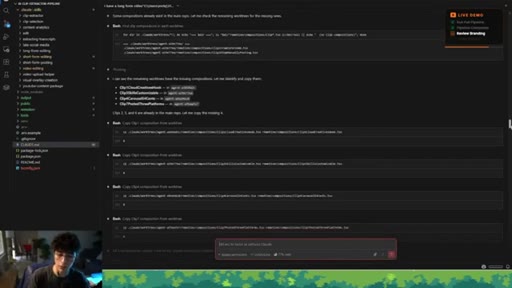
09:49completed for me, installing all of these components, all of these tools that we're using, and he also is bringing me up a a couple of important pieces for me to under Okay? You can also, in this same conversation, ask Claude about the structure of the entire system. As you can see here, we have multiple folders.
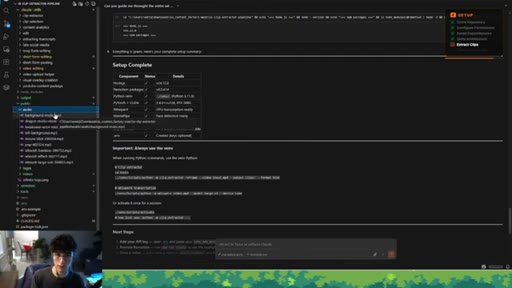
10:09We do we do have the Claude folder. We do have the output folder, the public folder, remoteion folder, and the tools folder.
10:17Okay? And also the Cloud. M d and the environment,
10:20uh, files. So starting with the Cloud folder, inside this folder, we do have the click skills folder, and this is where we are storing all of the skills skills that I'm giving you away in the system. There are basically the skills necessary to get all of the outputs,
10:37uh, from all of the things that I have mentioned already. Uh, everything from, um, doing the clip selection,
10:45doing the clip extraction, doing the, uh, editing process, uploading, uh, those videos so we can post them,
10:53and all of that is optimized. All of the skills are here, and you can customize them to your needs because they're made with that intention for you to use.
11:02Alright. With that being said, we do have this folder. Right?
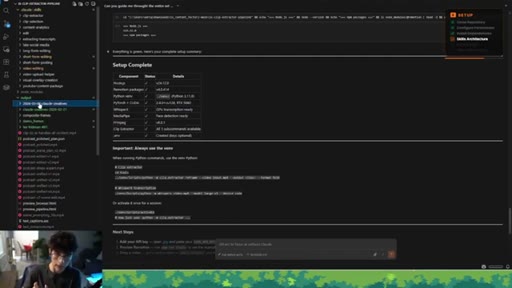
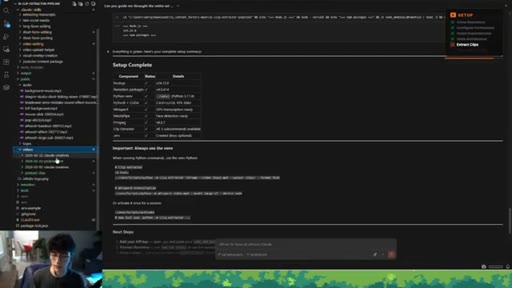
11:07This folder is basically the output folder. This is where we are gonna get all the all the clips from the specific videos that we are going to push through the, uh, pipeline. Okay?
11:18And you are gonna get them with their respected subfolder with their date and the idea
11:26or the concept of the video itself. In this case, here are all the seven clips from this video that I just extracted.
11:33Now inside the public folder, as you can see here, here's where we are storing all of the audios, right, all of the sound effects that we are using for the editing process. The logos, as you can see here, these are visuals that we are adding on the videos to give them more, uh, sauce.
11:53And here are the videos, the long form videos that we are importing for the extraction of the clips. Uh, we store them also here.
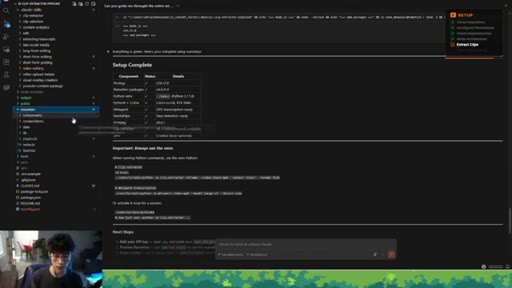
12:03Okay? So the other folder that we have here is the promotion folder. This is the folder that is already trained with all of the compositions,
12:12all of the components, and all of the playbooks that I have used for the editing process, uh, on my clips. And this is the folder that I'm giving you to do to you, uh, to use,
12:24um, and start making your own compositions, your own components, and we're gonna dive deep into that in a bit. Okay?
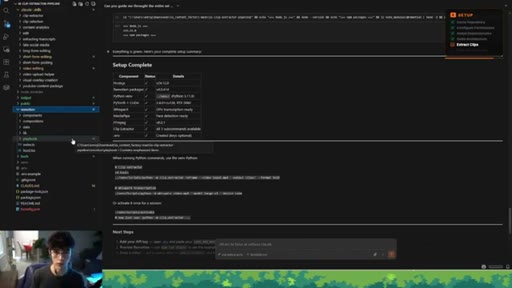
12:31And then we have the tools, the tools folder. This is super important. This is where we have all of the sauce for the whole, uh, clip extractor
12:40tool specifically. This is where we store all the specific tools that make all of this whole process work together alongside Claude.
12:49This is where we are placing tools like MediaPipe, EMA Smooth, and FFmpeg together
12:55to make all of this auto reframing process work. I'll be honest with you. This is like a five month work that I'm giving away for free in this video.
13:04So please leave a like, subscribe, or comment anything that actually brings a lot of value to me.
13:10And here we have the environment file. This is where we are storing all the API keys from the platforms that we're using. And finally, we do have the claud dot m d file.
13:20This is basically the root file that, uh, has all the context of the entire pipeline system here.
13:27So if you wanna get more context of all the pieces of this exact system, please install the system, clone it yourself, and ask questions to Claude. Alright.
13:38So we're gonna navigate into the third step of the video that is basically showing you the examples in action of how this entire, uh, clip extractor pipeline works.
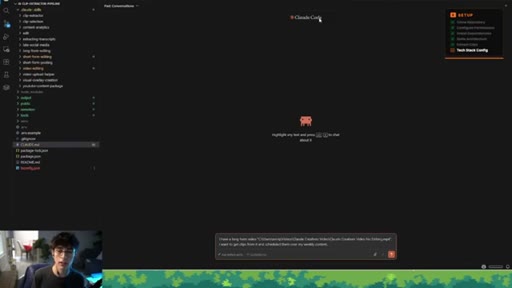
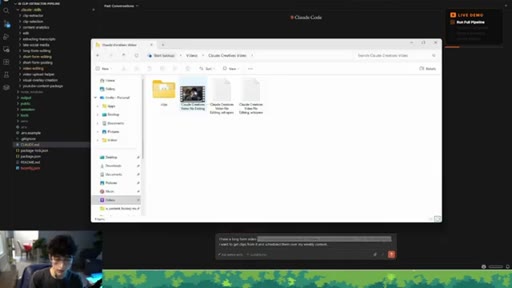
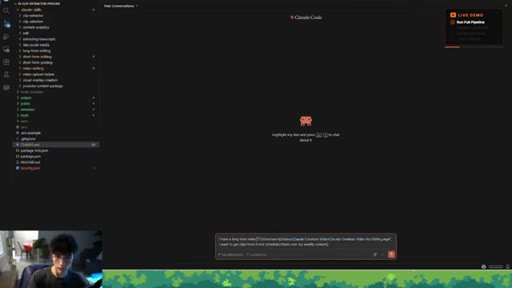
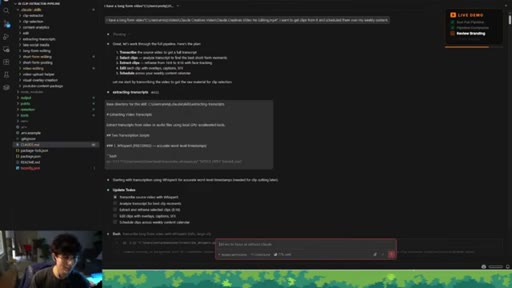
13:49So I'm gonna start with having two prompts, and this is gonna be all that I'm gonna do. The two prompts are well, I'm gonna start with the first one. It says, I have a long form video,
13:59and then I'm basically referencing a file on my, uh, comp this one here is the Cloud Creatives video with no editing. I recommend this video. I'll leave it down on the description.
14:11It's basically supporting it's basically an extension of the AI agent social media manager, but this is more focused on how you can create content creatives with Cloud Code alongside you.
14:22So what I just did, I just copied the path, and I just referenced the path in the chat. And I said, I want to get clips from it and schedule them over my weekly content.
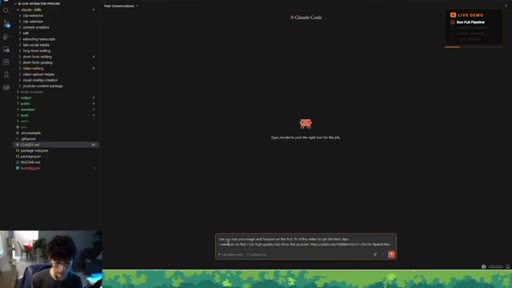
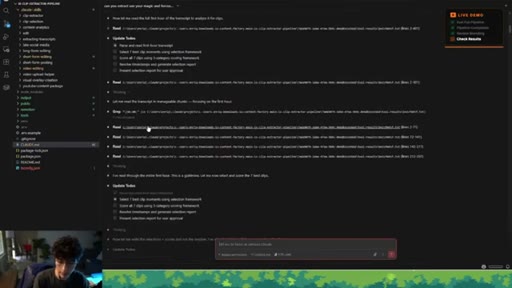
14:32So I'm gonna push this for the other prompt I have. Can you use your magic and focus on the first one hour, uh, the first hour of this video to get the best clips? I want you to find six well, seven high quality clips from this podcast.
14:48And then I'm basically referencing this podcast, uh, from Lex Fridman, uh, with the creator of Open Claw.
14:56And we're gonna see how everything develops. Cool. So this is what I got here.
15:00Alright. Let's go, baby. Alright.
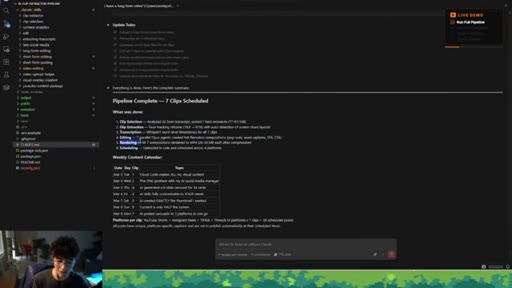
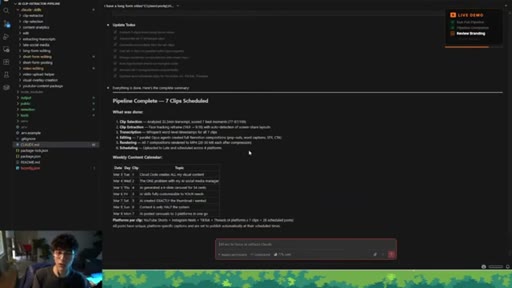
15:03First prompt completed. Pipeline completed. Seven clips schedule.
15:08What was done? The clip selection, clip extraction, transcription,
15:13editing, rendering, and schedule. All for me.
15:16Literally, it took, like, thirty minutes, thirty five minutes. I'm gonna explain more of the process that happened as you as you could saw on the actual timeline itself.
15:28Claude asked me for three questions mainly. How many clips do I want? Uh, the actual process of, uh, do you want me to schedule this for the content the weekly,
15:38uh, content calendar? Yes, I said. And he basically managed all of that.
15:43It was actually two questions if I remember well. So this was the first prompt. This is what I got.
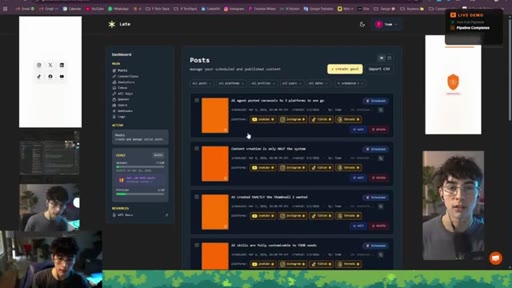
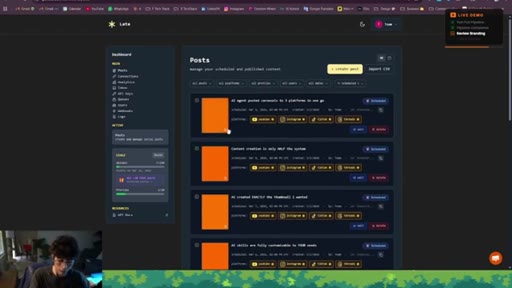
15:50We got all the weekly content calendar coming from just one video, and everything got posted on YouTube shorts, Instagram reels, TikTok, threads. And, yeah, let me take a look at my late, uh, dashboard. And, yeah, as you can see here, here's the late dashboard.
16:10You will be able to see that first video. You will be able to see that all the videos got distribute by one day. This was posted on well, schedule on March 3 up to March 9.
16:24And here we have the video with the proper cloud code, the proper title,
16:31and the video itself getting loaded and posted. And here's the video, the clip itself. You will be able to see that we are adding the captions in the right place.
16:41It is basically highlighting with my branding color the most impactful, um, words on the video.
16:49You just saw one composition getting created supporting what I was saying, and another composition here.
16:56That's the pattern process for all of these clips. And at the end, we do have the call to action. Uh, watch the full video, Claude Creatives.
17:04It doesn't have my thumbnail specifically, but that's one thing that I can just go back with Claude and tell Claude, hey. At the end of each of the clips, you didn't add the thumbnail on the call to action.
17:17I will recommend you train Claude better on that process. That's my fault, um, because this is just a template that I just installed on the computer recently.
17:28But, yeah, I'm just giving you the quick idea of if you are the owner of this system, you can do whatever you want, and that requires training. That requires iteration of you using the system and tailoring it to your needs and to your likings.
17:43Okay? So I'm just gonna give a quick overview from start to end. As you can see, Claude went through all this process here.
17:51Um, I'm not gonna go into everything, but as you can see here, he was triggering the proper skills. He was basically going through the phases of the pipeline.
18:01And some of the times, he asked me questions to continue the next step, like the question of how many clips you want out of this video?
18:11Do you want me to post this now on and schedule it through your content, uh, weekly calendar? Yes. Uh, no.
18:19You can be like, yes. No. Let me review the videos and and stuff like that.
18:23Um, but, yeah, that was the first prompt. Really well outputs. Let me take a look at all of them again.
18:29One thing, just the title on the first one. The second one, we got the one problem with my AI social media manager. I mean, sick.
18:38You just saw high quality videos. The editing was really well done. And
18:44it's just crazy to see that seven videos got posted to four platforms.
18:50I mean, let me count. One two three four five six seven times four. Seven times four is 28.
18:58So 28 posts. Alright. So let's move on into the second prompt, and this prompt was basically referencing an actual
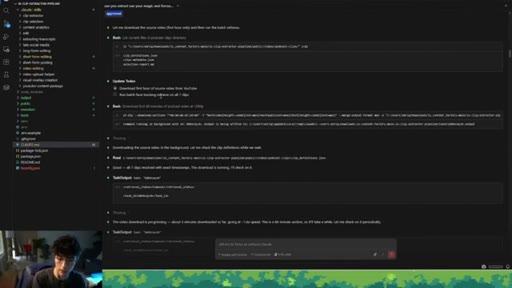
19:08YouTube video itself. We just left the YouTube video. And Claude just went through all of this process
19:16triggering first the clip selection out of that video. Uh, it used some of the tools that it already has, uh, in the system, like
19:25YouTube DLP. And it basically broke down the clips for me
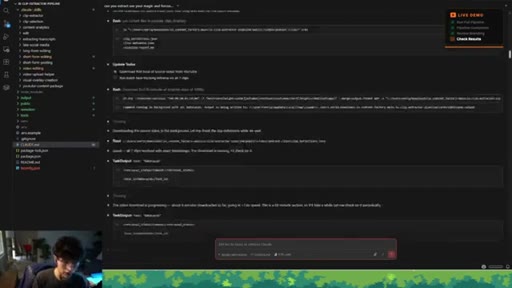
19:31and score them and give them back to me so I could approve, uh, if I really like them.
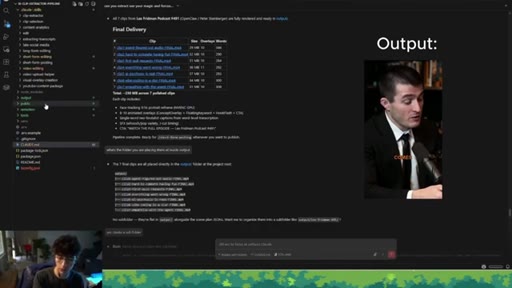
19:39It downloaded the first hour of the video. It run the batch face tracking to reframe on all of the seven clips, and it ended up with the final delivery
19:49of all these clips here as you can see. Basically, store all of them inside the output folder, but he missed placing them inside a sub full sub folder.
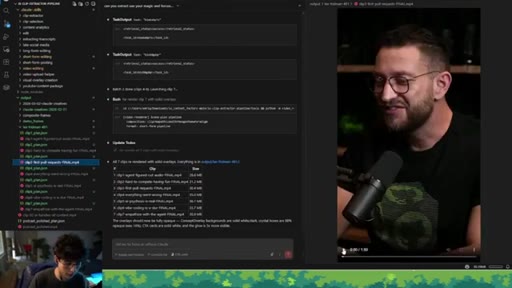
20:00So what I just told him was, yes, create a sub folder and place them there. And here we have the subfolder containing the seven clips from the podcast,
20:11uh, from Lex, uh, Lex Fridman, uh, talking with the creator of OpenClaw. Isn't this so cool? Like, this now replaces the total need of external
20:22tools out there that are not even necessary anymore because you can host them on your own project, your own system, leveraging this this one agent tool. Crazy.
20:35CTASo this video was just meant for you to get clear on how you can implement this system, understand how I've been using it, and get you started with actually putting it into action for yourself. So we just got into the end of the video.
20:50CTASo if you want to talk more about this, can't find me on LinkedIn. Connect with me. I'm posting all the behind the scenes of everything that I do.
20:58CTASo, yeah, drop a comment below if you have any questions. I try to read all of them. And if you want to have access to the pipeline, all the free resources,
21:08CTAor you just want to chat about what's possible with this stuff, please talk with Finn. I left her number down below, so
21:17CTAshe will get you set up with all of the requirements that you need. Subscribe if you still want to see the rest of the sales and marketing systems that I'm sharing through these videos.
21:29CTAI will see you in the next one.
— full transcript
§ 05 · For Joe

Five stages, one repo, zero editors — the ownership math.

WHAT TO LEARN

The clip extractor is not a shortcut — it is a skills-based architecture where Claude Code holds the pipeline logic and you hold the creative decisions.

  • Claude Code bypass-permissions mode is what makes autonomous multi-step pipelines practical — without it, every file operation pauses for manual approval.
  • The clip selection skill file is the most valuable piece of the system — the framework that defines what makes a moment worth posting determines output quality more than any downstream tool.
  • Remotion lets you define video compositions in code rather than timelines, which means Claude can write and execute edits programmatically without an editor open.
  • A two-prompt session producing 28 scheduled posts is only possible because clip selection is human-approved while editing and publishing are fully autonomous.
  • MediaPipe plus EMA smooth plus FFmpeg is a self-hosted face-tracking stack that reframes talking-head video vertically at no subscription cost.
  • The Late API abstracts multi-platform posting to a single integration — switching platforms means changing a config value, not rebuilding the pipeline.
  • Iteration on the system happens in conversation with Claude: fixing a missing thumbnail CTA or adding a new visual composition is a follow-up prompt, not a code refactor.
§ 06 · Frame Gallery

Visual moments.