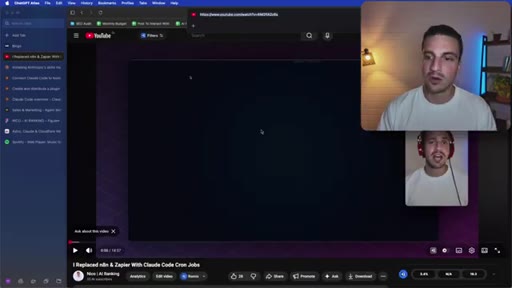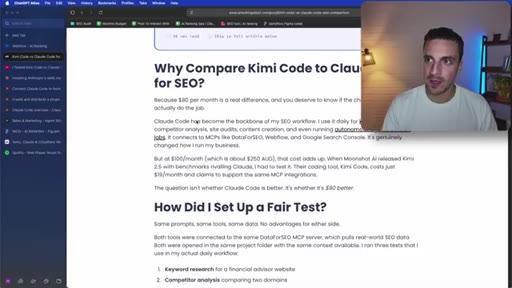
The bait, then the rug-pull.
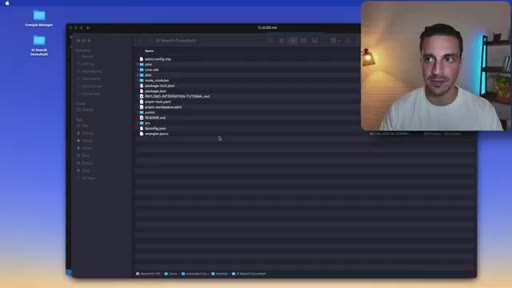
Most people install Claude Code, run a few prompts, and conclude they have seen what it can do. Nico has spent years building AI automation systems for thousands of business owners, and his argument is blunt: treating Claude Code like a chat interface is using a fraction of what it can actually do.
Where the time goes.

01 · Intro -- the five-level map
Host introduces the five-level framework and his background building AI automations for businesses. Sets up the diagnostic promise: where are you, and what is next?
02 · Level 1 -- Manual usage and basic prompting
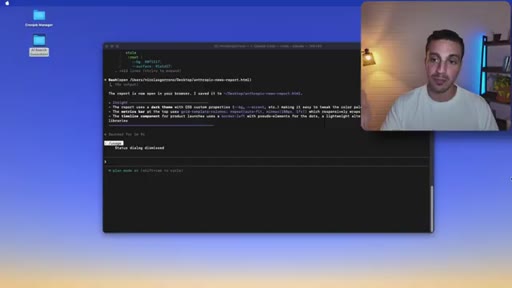
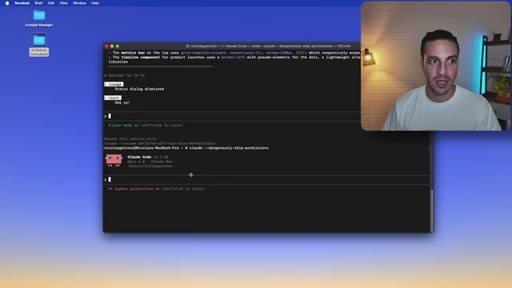
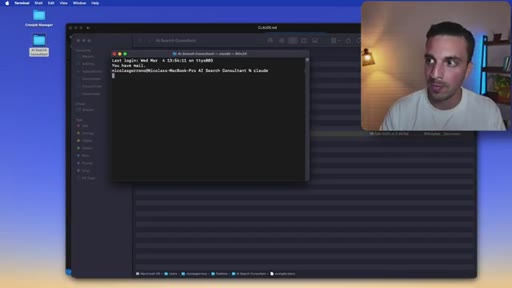
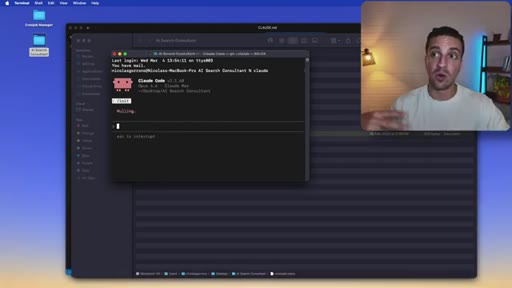
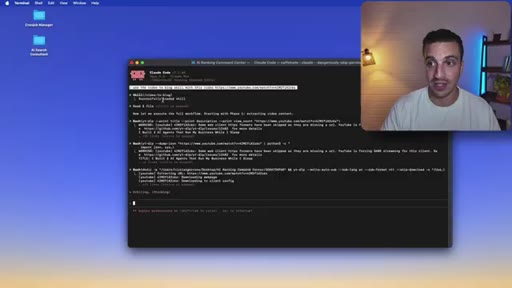
Installing Claude Code, basic terminal usage, /usage and /plan-mode commands, and the dangerously-skip-permissions flag demonstrated with a live Anthropic news report task.
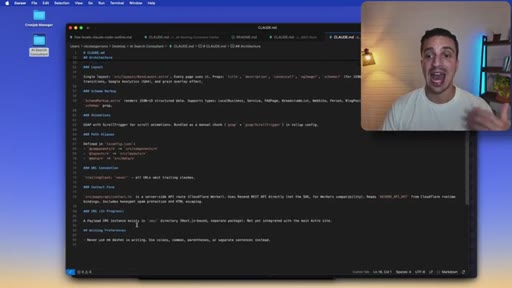
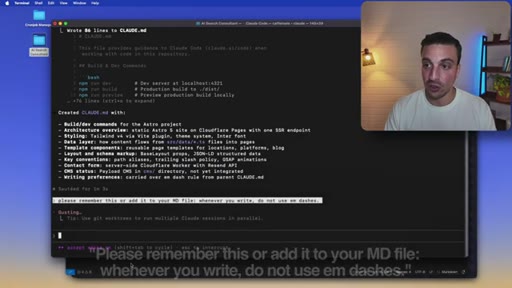
03 · Level 2 -- Persistent memory (CLAUDE.md)
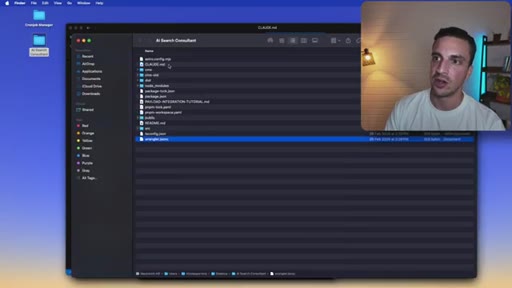
/init command generates a CLAUDE.md from existing project files. Shows how to update it conversationally mid-session. Session amnesia is the ceiling of Level 1 and the entry point for Level 2.

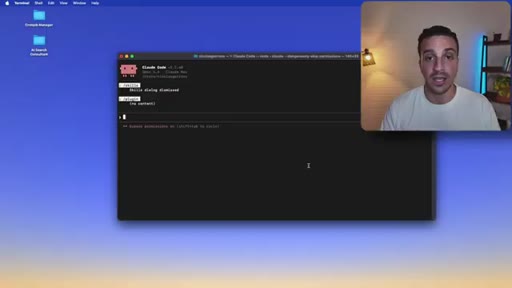
04 · Level 3 -- Skills, agents and plugins
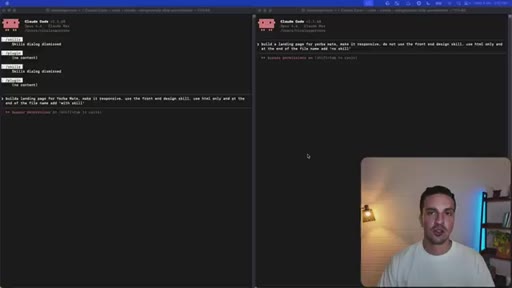
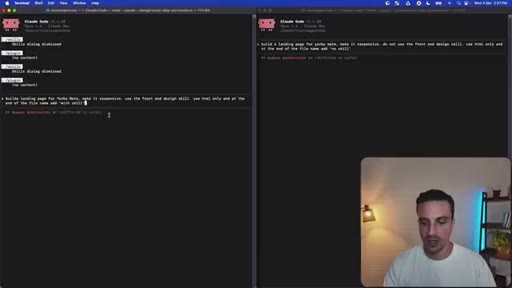
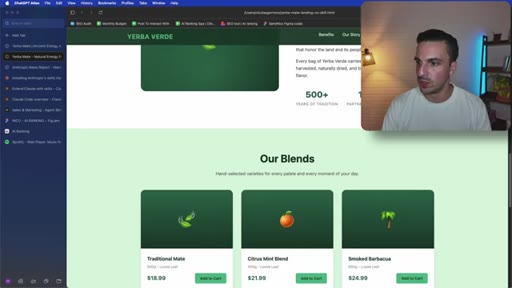
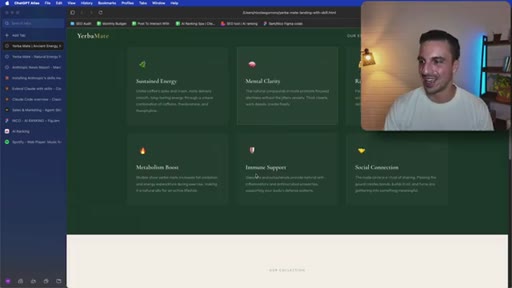
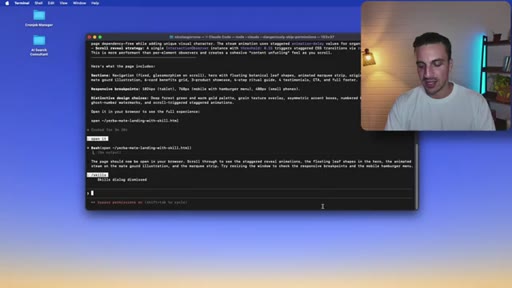
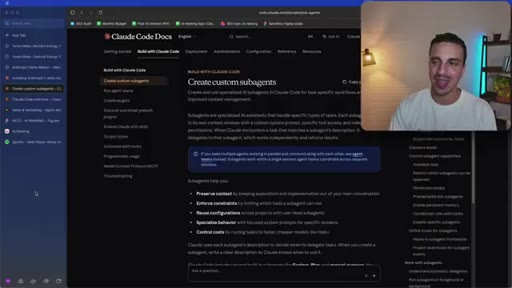
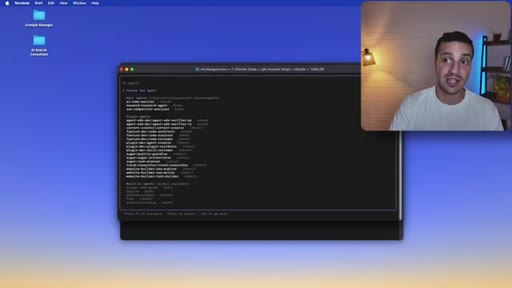
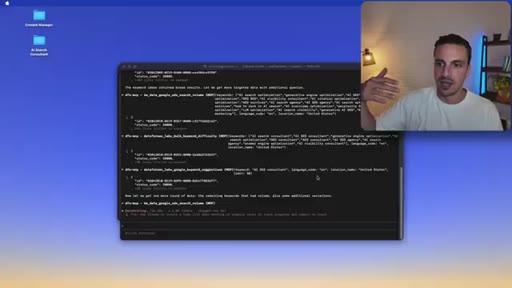
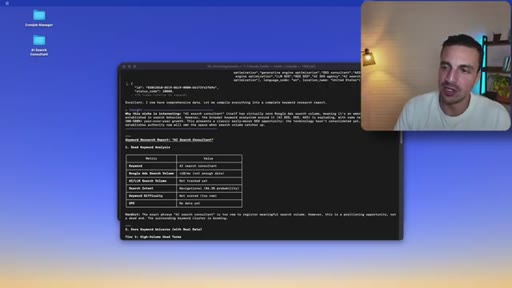
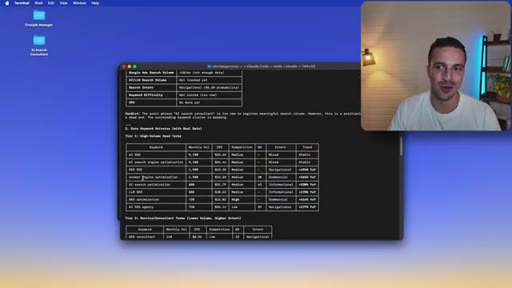
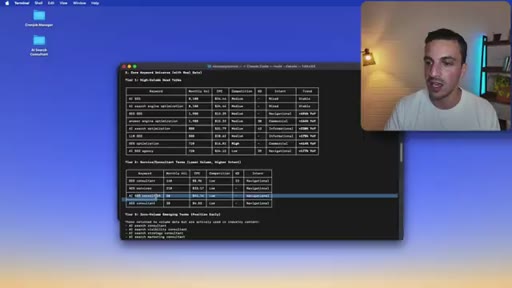
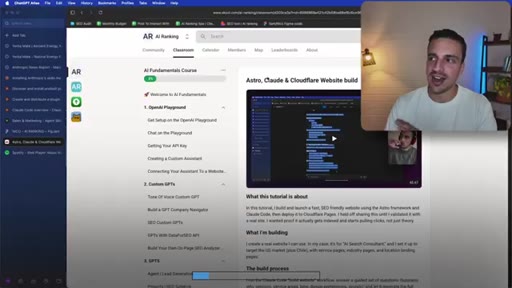
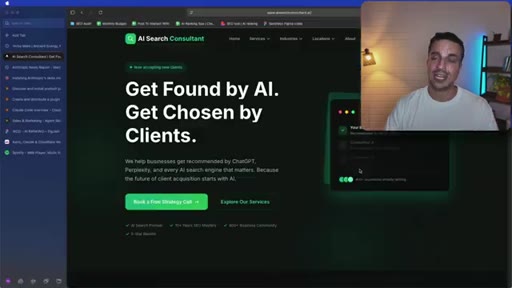
Skills as reusable SOPs invoked by name. Live split-screen: front-end design skill vs. plain prompt. Agent demo: keyword research agent with DataForSEO MCP expands its own search scope independently. Plugin demo: /build-website creates and deploys a full site to Cloudflare.
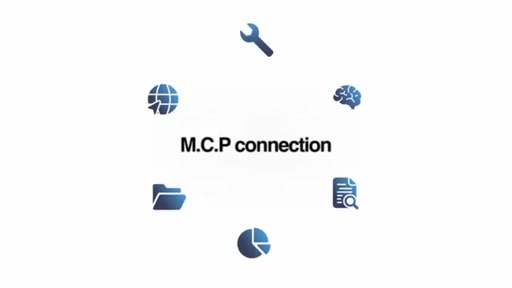
05 · Level 4 -- System integration (MCPs)
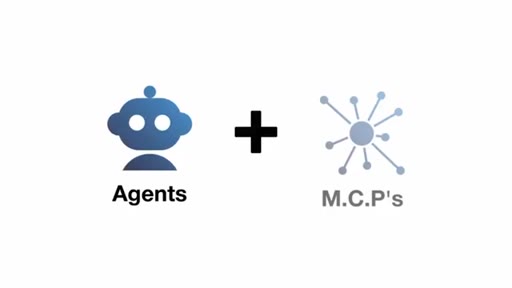
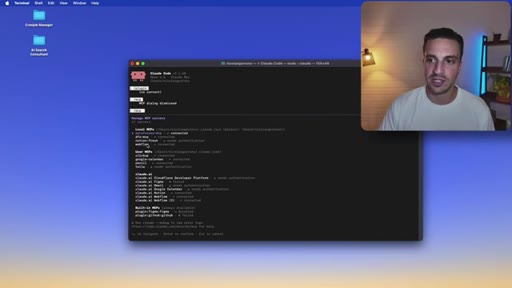
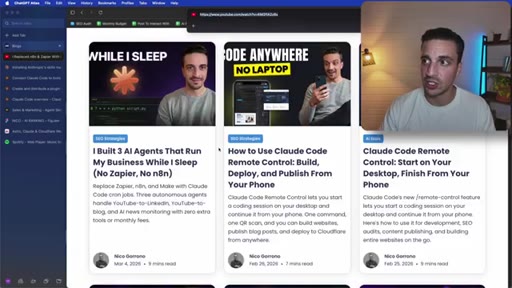
MCP stands for Model Context Protocol. Claude Code connects to Webflow, Notion, Canva, Figma. Live demo: video-to-blog skill with Webflow MCP scrapes YouTube, rewrites in author's voice, interlinks site sections, and publishes in one call.
06 · Level 5 -- Autonomous workflows (cron jobs)
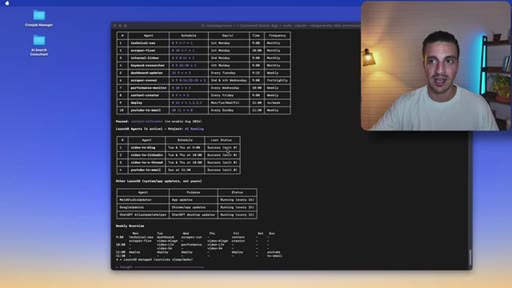
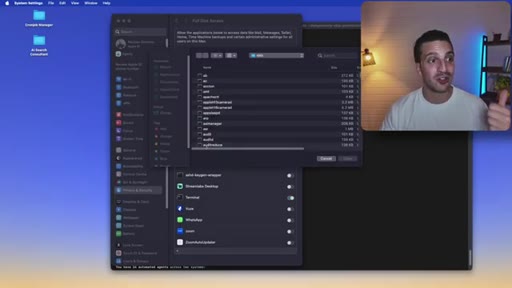
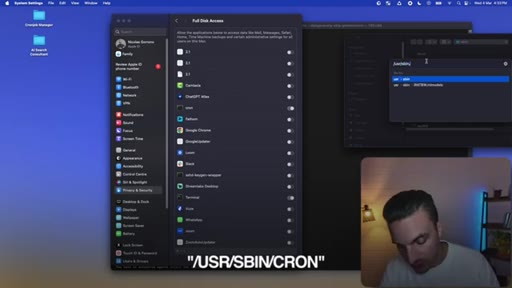
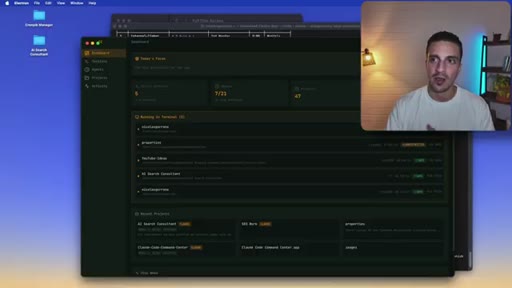
Headless mode plus cron jobs let agents run on a schedule. macOS requires granting /usr/sbin/cron full disk access. Recommends building a custom command-center dashboard to track headless runs.
Visual structure at a glance.



Named ideas worth stealing.
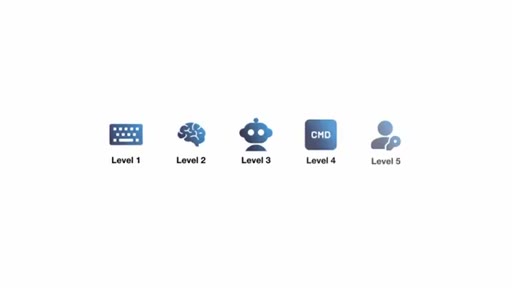
The Five Levels of Claude Code
- Level 1: Manual prompting
- Level 2: Persistent memory (CLAUDE.md)
- Level 3: Skills, agents, plugins
- Level 4: MCP system integration
- Level 5: Autonomous cron workflows
A progression model for Claude Code capability -- each level unlocks qualitatively different behavior, from one-shot text to unattended business automation.
Lines you could clip.
"Most people install Claude Code, try a couple of prompts, and that's it. A glorified chatbot almost."
"When I exit this session, Claude forgets everything. What we did, all my businesses, anything I might have discussed. That's where you hit the ceiling of level one."
"Claude just went from a tool that lives in your terminal to a tool that interacts with the real world with any system that you use."
"If you learn how to master it as an autonomous system, you'll be ahead of 99% of people out there."
Things they pointed at.
How they asked for the click.
"If you wanna see how these five levels can completely automate your marketing, getting you more leads and sales, I recommend you check out our community."
Soft community pitch at the end after substantive tutorial content is complete. Not intrusive -- the video stands alone without the upsell.
Word for word.
Five steps from chatbot to autonomous business system.
Claude Code is not one tool -- it is five progressively more powerful configurations, and most users stop at the first one.
- A CLAUDE.md file eliminates session amnesia: create one with /init and Claude will understand your project architecture, preferences, and available tools every time it opens.
- Skills are reusable instruction sets you invoke by name -- the same task with the right skill produces measurably better output than a raw prompt, as the side-by-side landing page demo shows.
- Agents differ from skills because they can reason between steps and change course: when a keyword has zero search volume, an agent looks for related keywords rather than stopping.
- MCPs turn Claude from a text generator into an actor -- connecting it to Webflow, Notion, or Canva means it can publish, update, and manage content in external systems without you touching a browser.
- Headless mode plus cron jobs means a workflow you tested manually can be scheduled to run at 9AM every Tuesday without any terminal window open or human present.
- macOS blocks cron jobs from file system access by default -- granting /usr/sbin/cron full disk access in System Settings is a required one-time fix that most tutorials omit.
- Once you run headless agents on a schedule, a monitoring dashboard is not optional -- you need somewhere to see what ran, what succeeded, and what failed.
- The dangerously-skip-permissions flag is what makes long autonomous runs practical: without it, every file write stops and waits for manual approval.