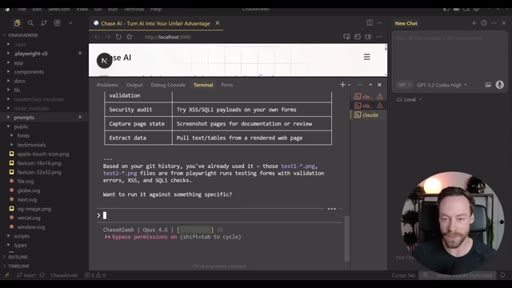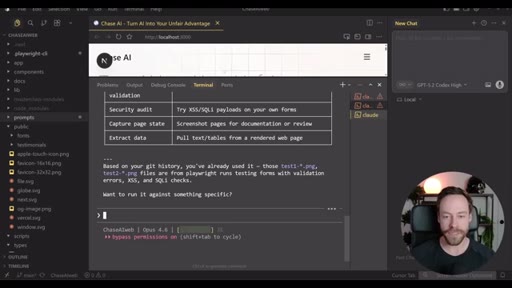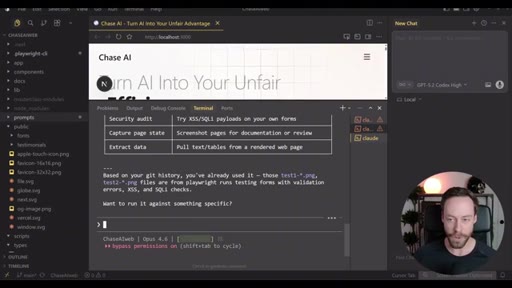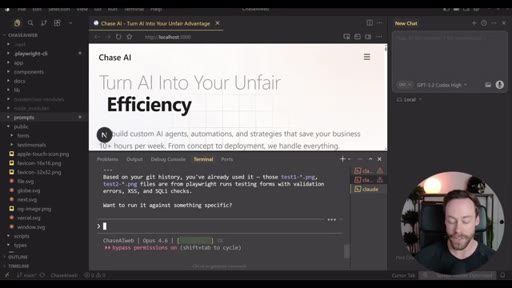
The bait, then the rug-pull.
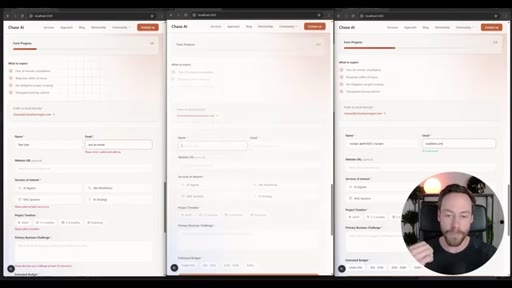
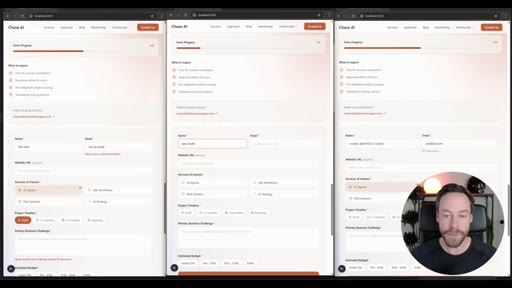
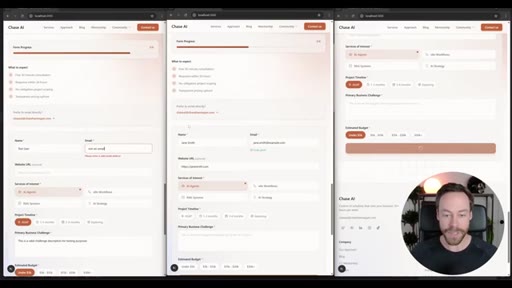
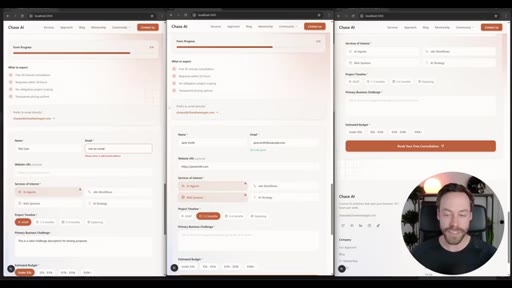
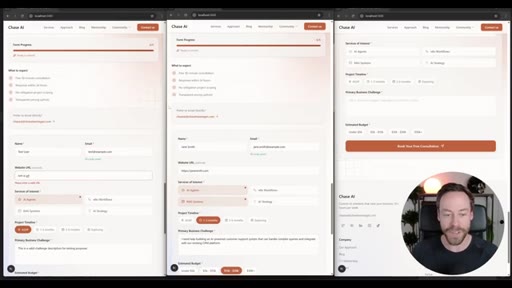
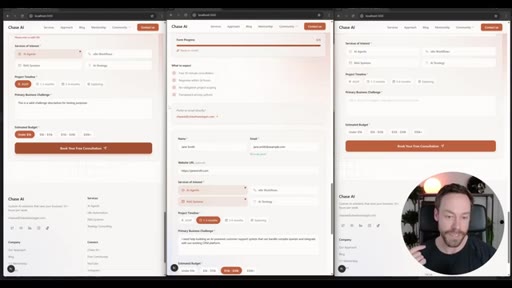
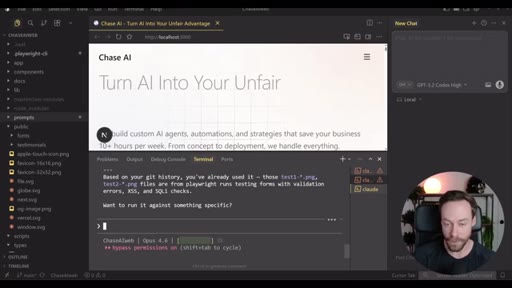
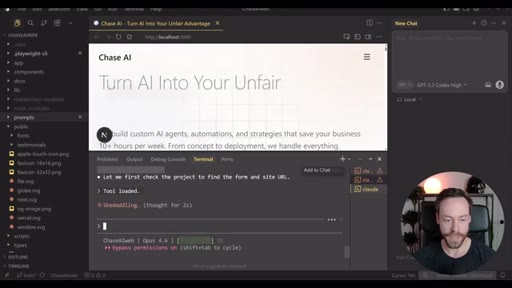
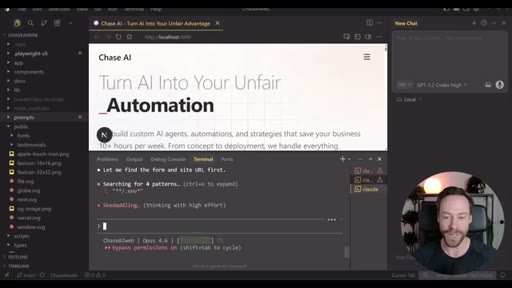
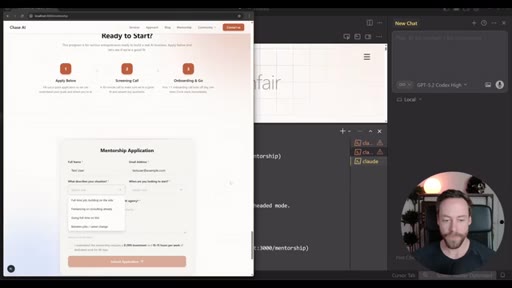
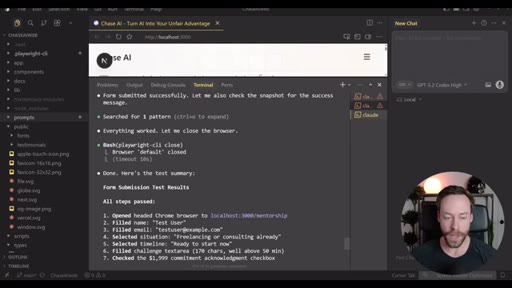
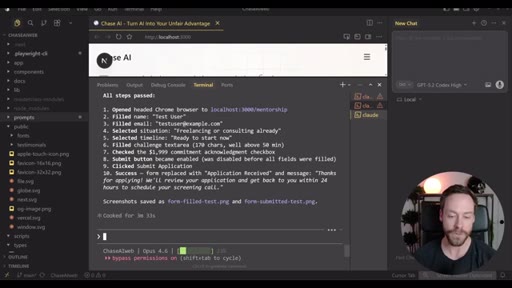
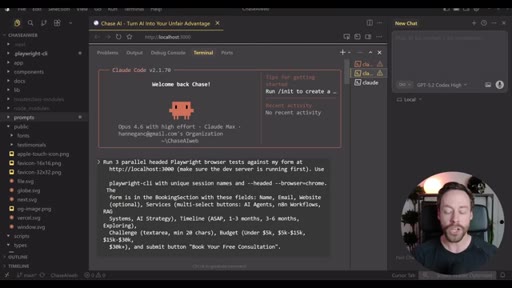
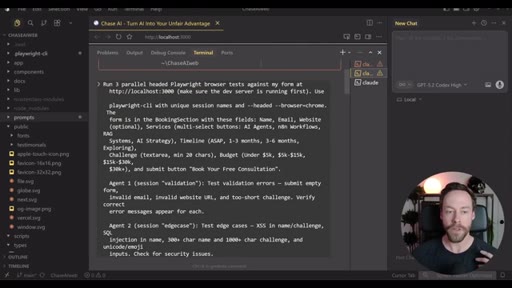
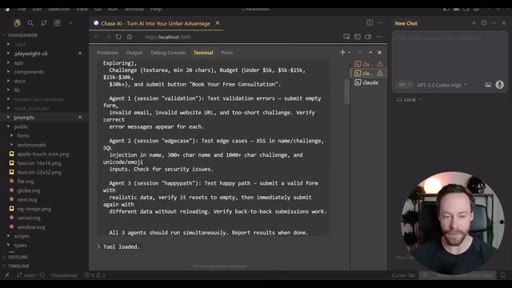
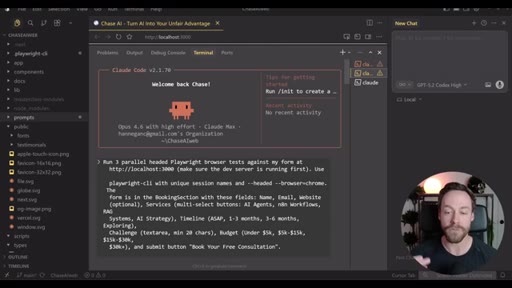
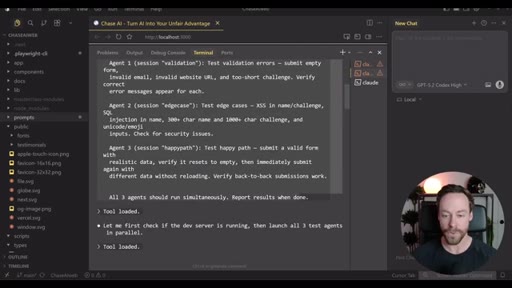
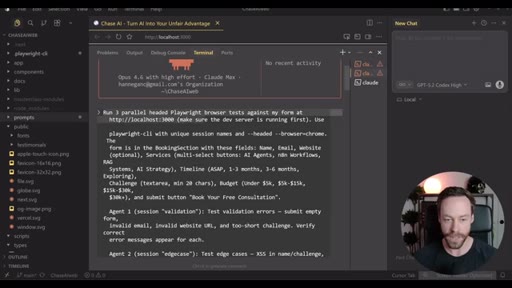
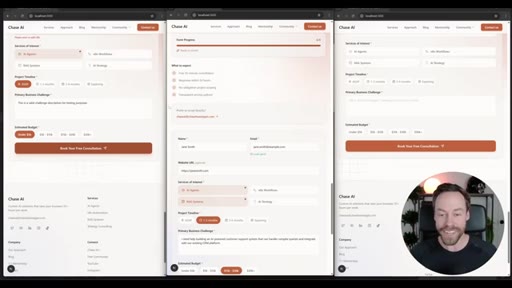
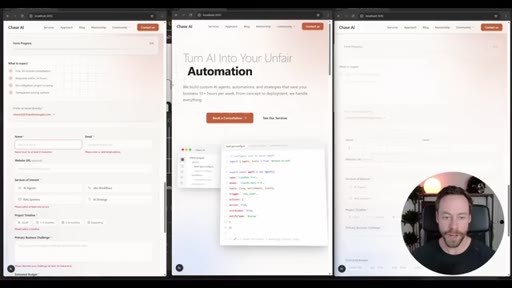
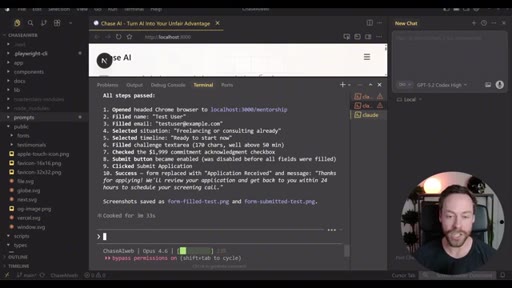
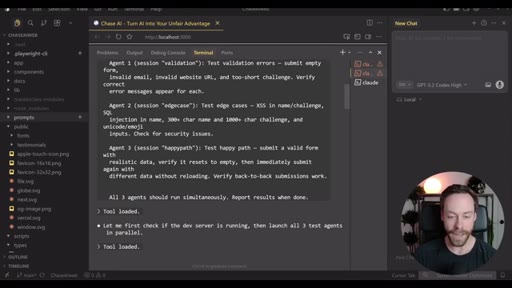
Three browser windows open at once. Three agents filling out the same web form simultaneously: edge cases, validation errors, the happy path. That is the opening move of this tutorial, and it is not a trick. It is the Playwright CLI running inside Claude Code, doing in twelve seconds what would take a developer twenty minutes of manual testing.
Where the time goes.
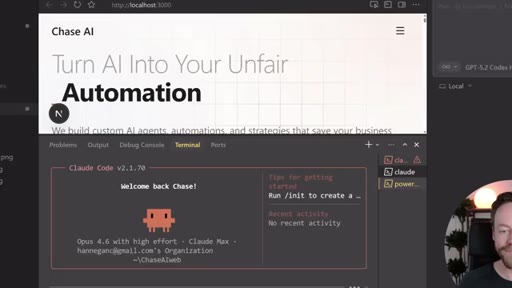
01 · Demo: Three Parallel Agents
Three Claude Code sub-agents simultaneously test a web form from different angles with no manual steps from the host.
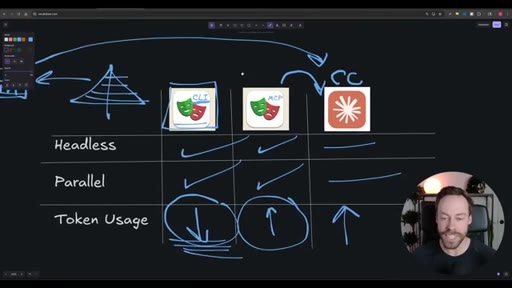
02 · Why Playwright CLI Wins
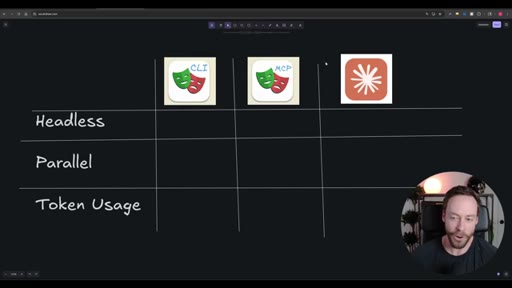
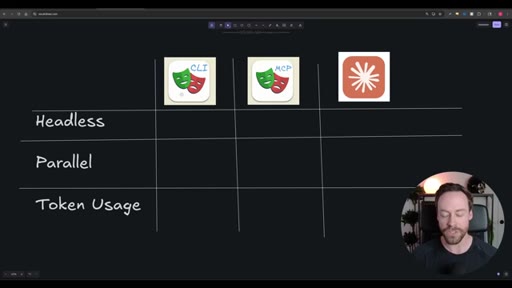
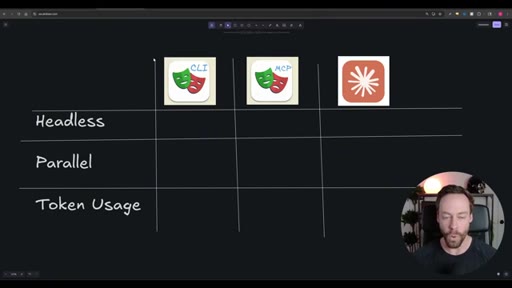
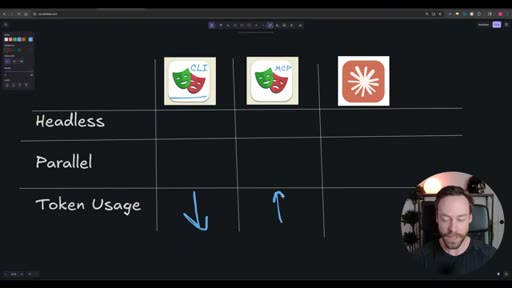
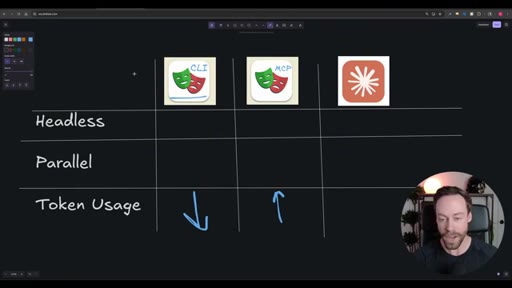
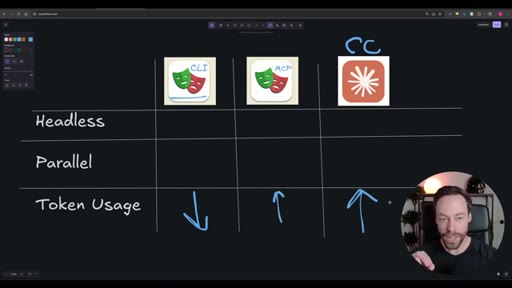
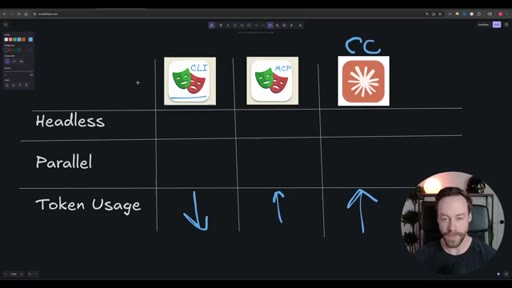
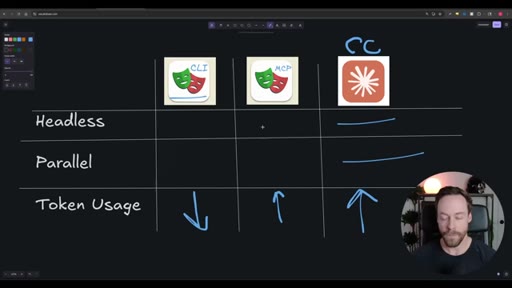
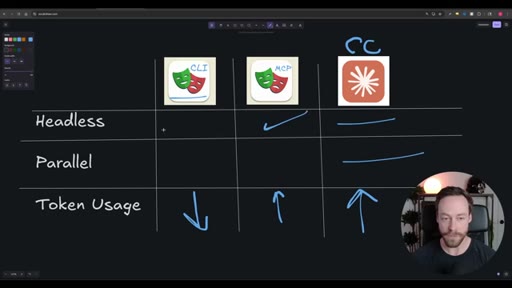
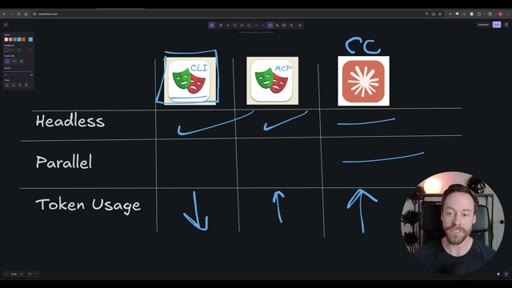
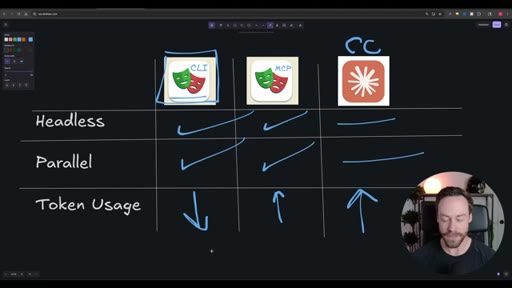
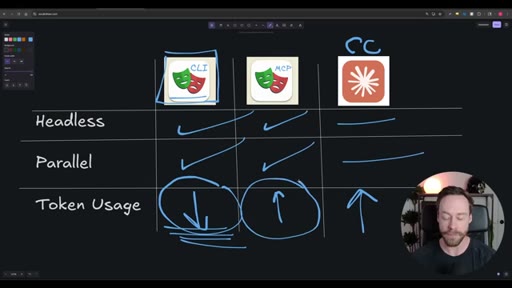
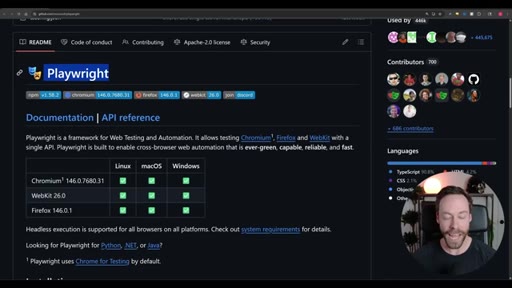
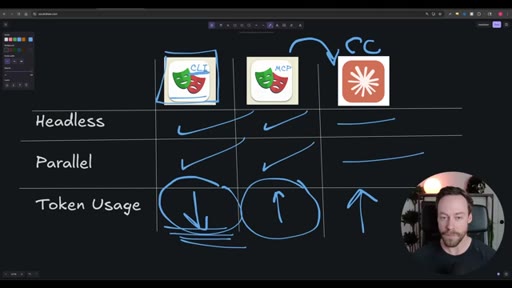
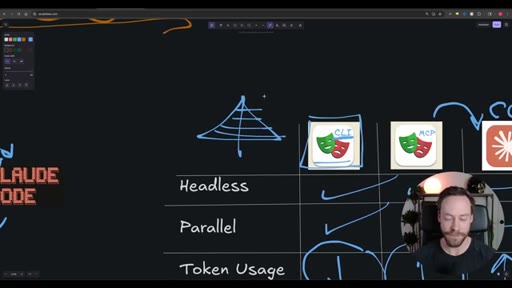
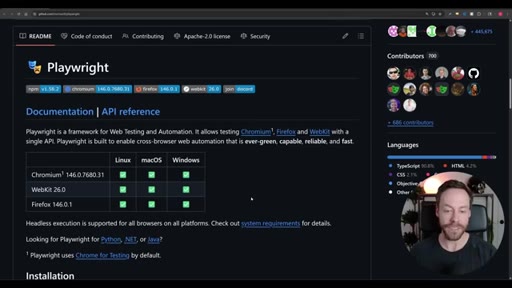
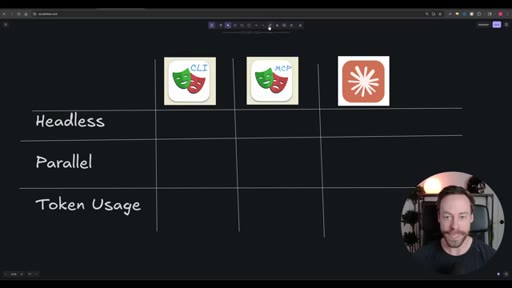
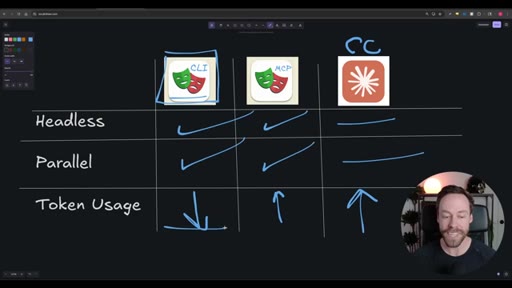
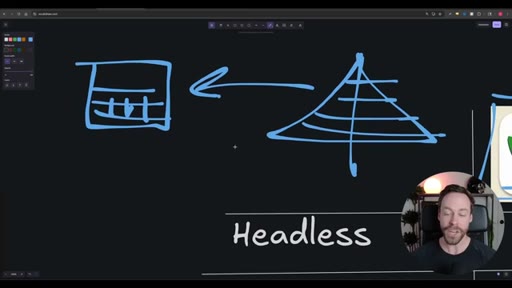
Comparison of CLI vs. Playwright MCP vs. Claude-in-Chrome on headless support, parallelism, and token usage. The accessibility tree and disk-save architecture are explained.
03 · Setup
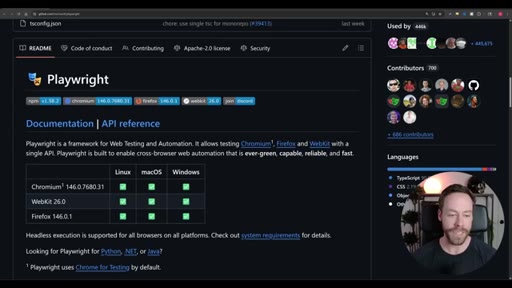
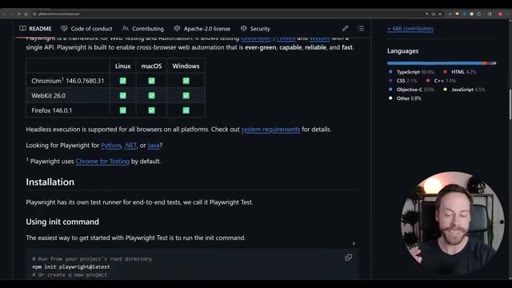
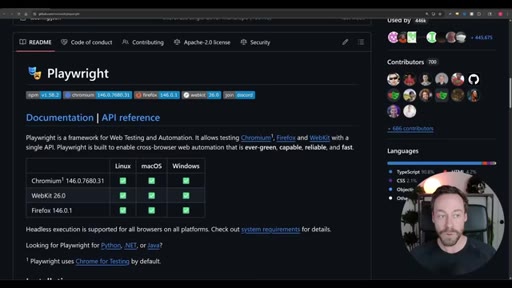
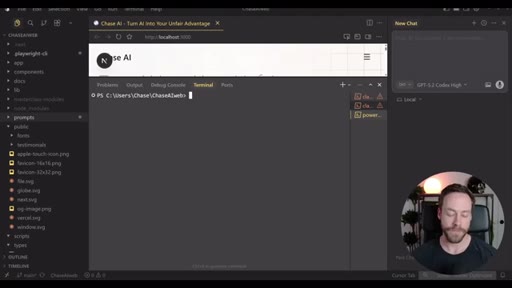
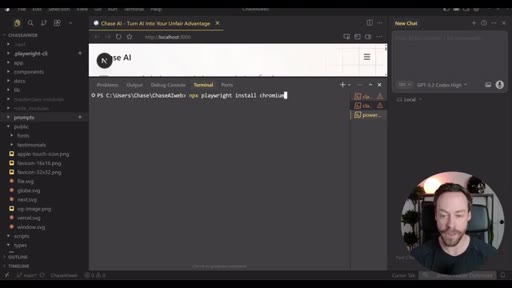
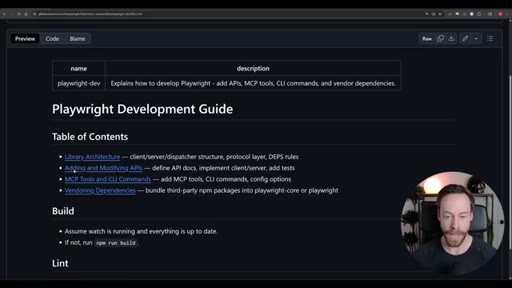
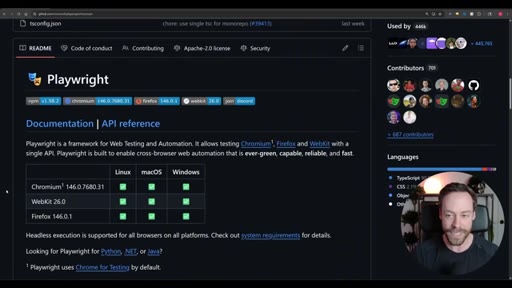
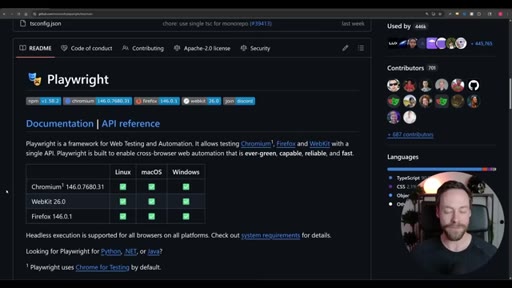
Three commands: npm install -g @playwright/cli, npx playwright install chromium, playwright-cli install --skills.
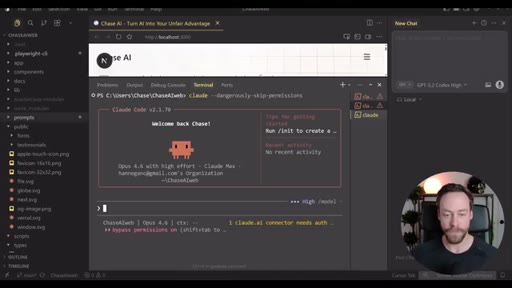
04 · Using Playwright with Claude Code
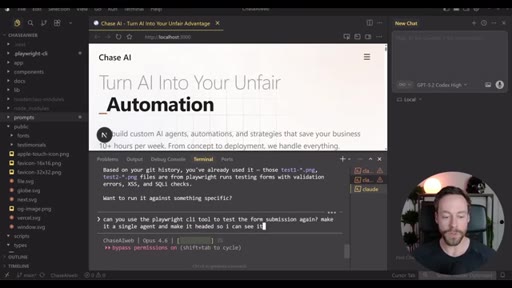
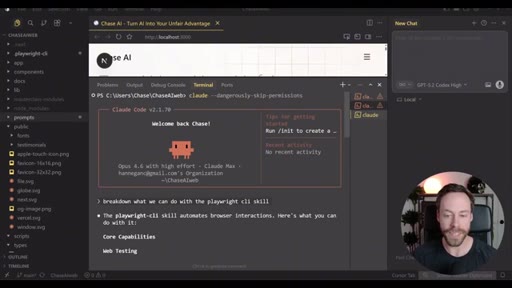
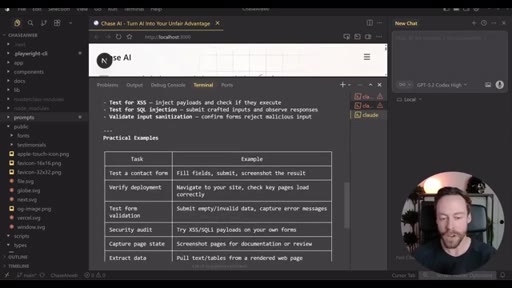
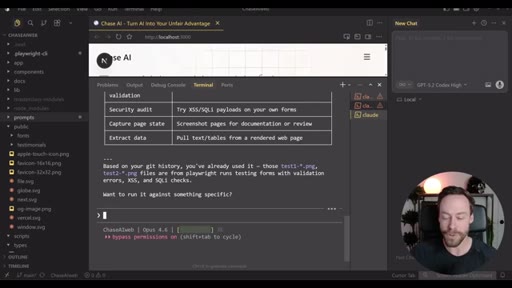
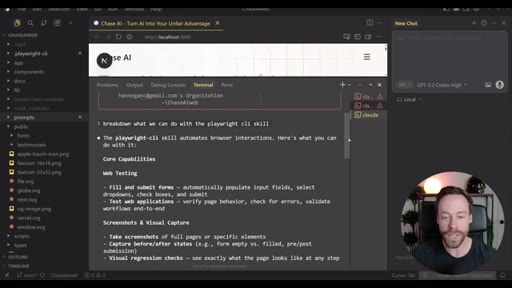
Plain-language prompting, headed vs. headless flag, single vs. multi-agent runs. Project-context advantage reduces accessibility-tree errors.
05 · Packaging Workflows as Skills
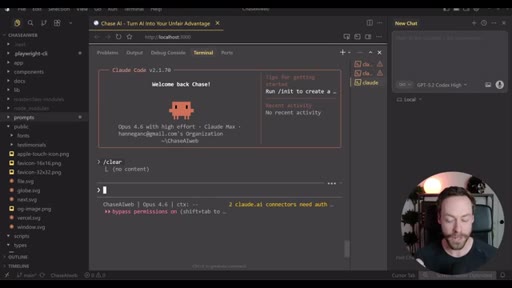
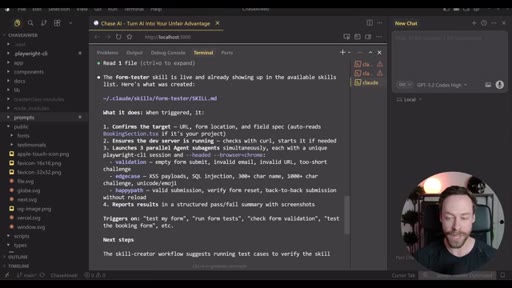
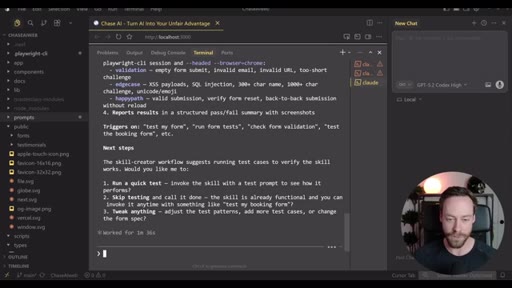
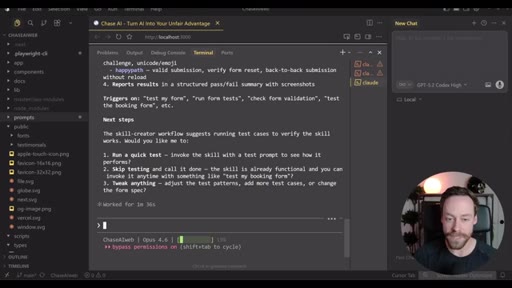
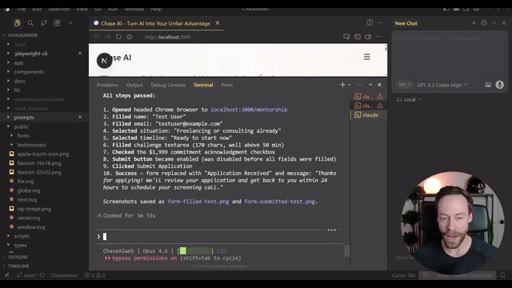
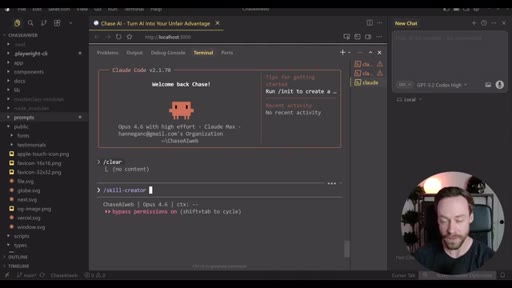
Articulate the workflow, hand it to the Skill Creator tool, invoke it by name forever after. The form-tester skill: three parallel headed agents with one command.
06 · Resources and CTA
Chase AI+ masterclass plug, free community link, outro.
Visual structure at a glance.
Lines you could clip.
"Anything that requires you to interact with a browser is a place where we can use this."
"MCP is a token hog."
"The CLI gets the same tree, saves it to the disk, and all it does is give a summary of the tree to Claude Code."
"Do I want to say this each and every time? Of course not. Yet am I going to run this test over and over? I might need to run this test over and over and over."
How they spent the runtime.
- 01:51 – 02:48 · Chase AI+ self-sponsor
Things they pointed at.
Word for word.
Three tools, one clear winner, and one habit.
Choosing the right browser-automation tool for Claude Code is a token-cost decision, and the accessibility-tree architecture is what makes the CLI the obvious answer.
- The Playwright CLI saves the accessibility tree to disk and sends only a summary to the model; that single architectural choice is why it uses 26K tokens where the MCP uses 114K on the same task.
- The Claude-in-Chrome extension costs the most per action because it works from screenshots, not structured data, and cannot run multiple sessions at once.
- Headless mode is the default and the right default: it runs faster, uses less CPU, and enables parallelism; switch to headed only when you need to watch what the agent is doing.
- Parallel sub-agents are not a power-user trick; a plain-language prompt is all it takes once the CLI skill is installed.
- Any workflow you run more than twice should become a Skill: write it out once, hand it to the Skill Creator, and trigger it with a single command from that point forward.
- Claude Code project context is a Playwright advantage; it already knows your page structure, so accessibility-tree errors are less likely than when running Playwright against an unfamiliar codebase.