The bait, then the rug-pull.
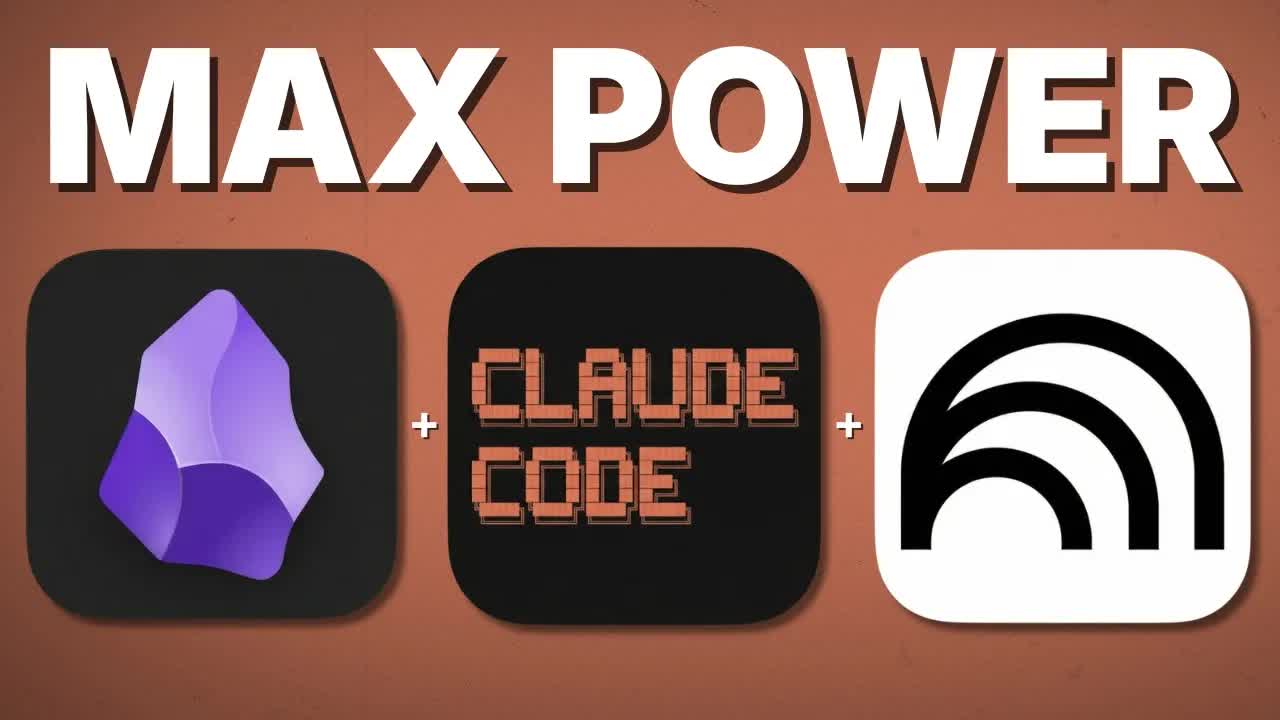
Three tools that each earned a standalone video are here combined into one. The pitch is a research pipeline that costs nothing to run, writes its own memory, and gets better the more you use it.
Where the time goes.

01 · The Power of Three
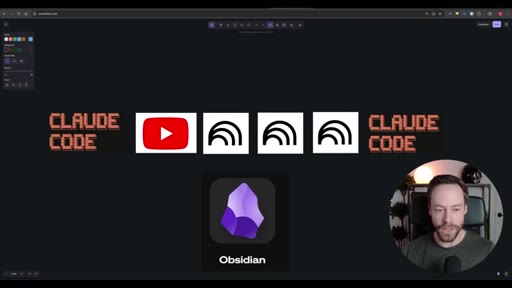
Hook establishing the capstone premise — Skill Creator, NotebookLM, and Obsidian topics from prior videos are being synthesized into one workflow.
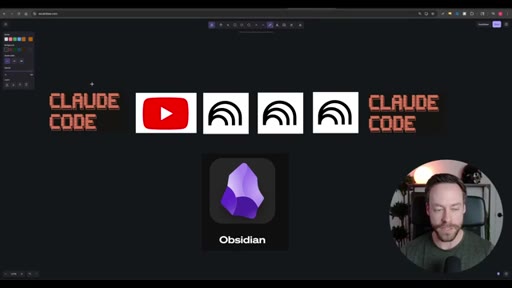
02 · The Workflow
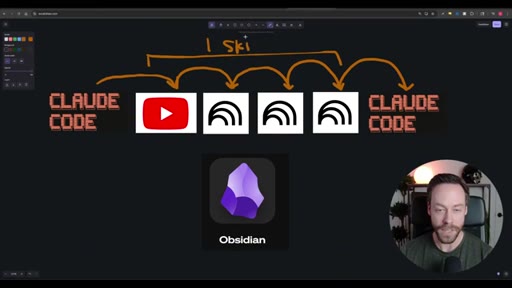
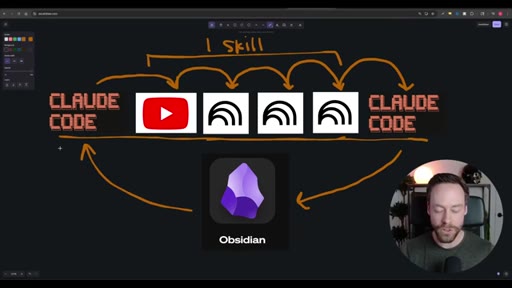
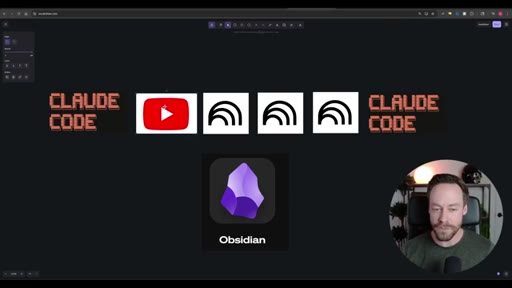
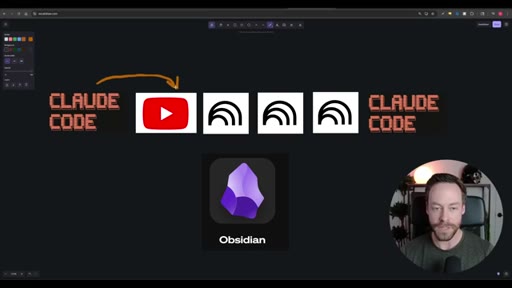
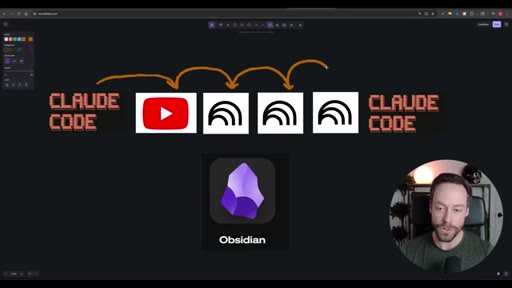
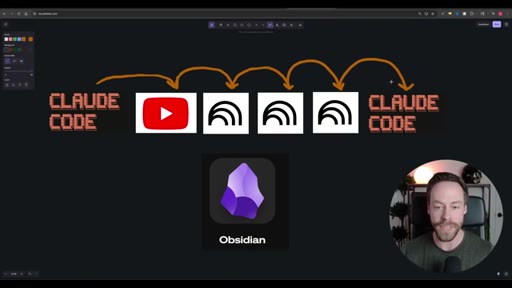
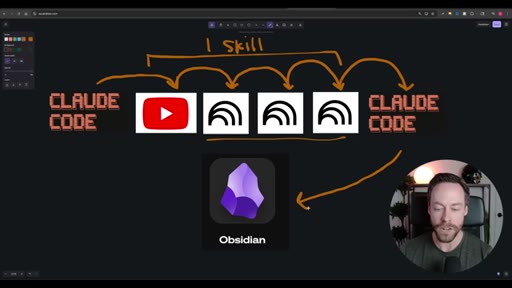
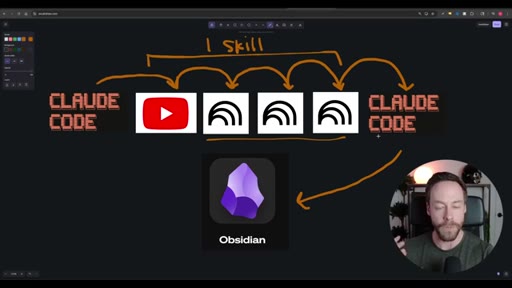
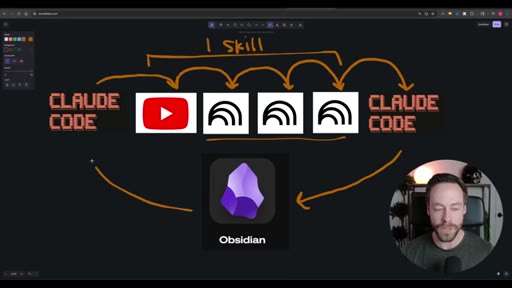
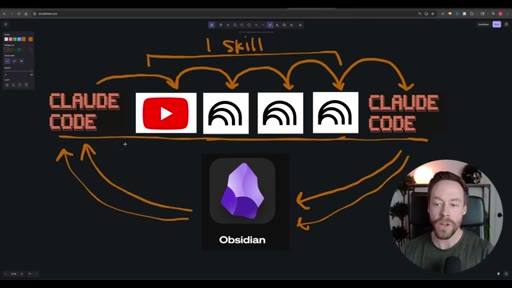
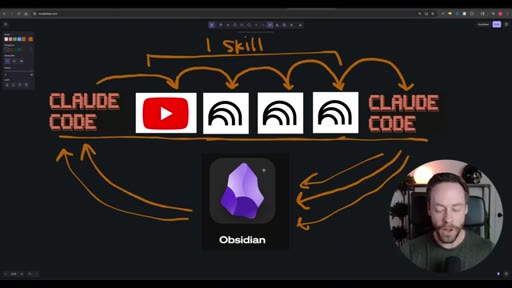
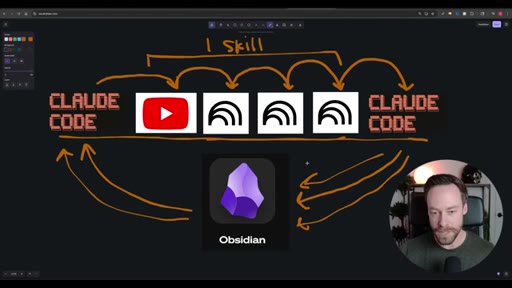
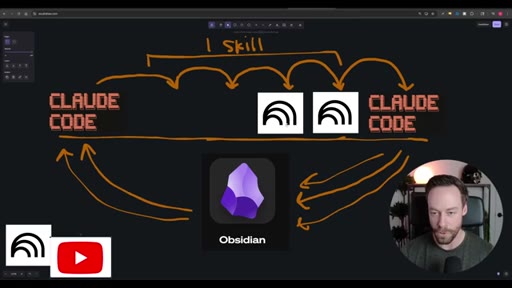
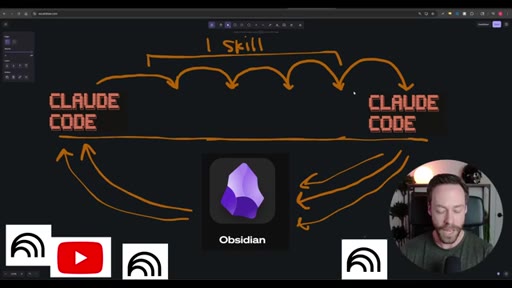
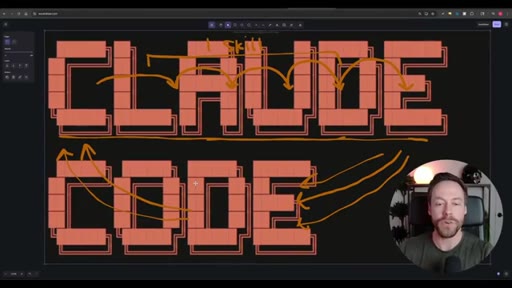
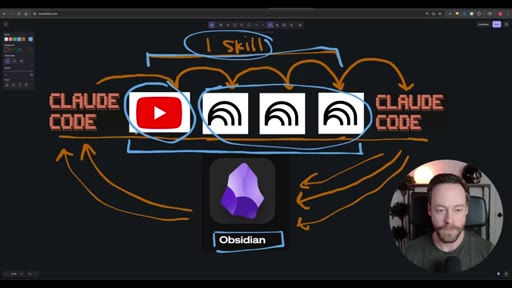
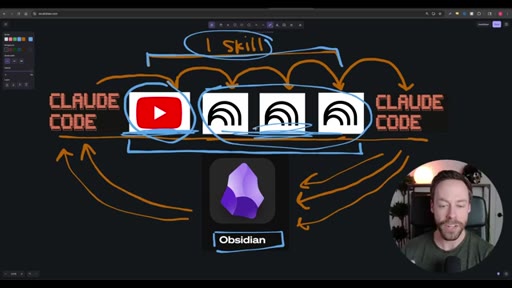
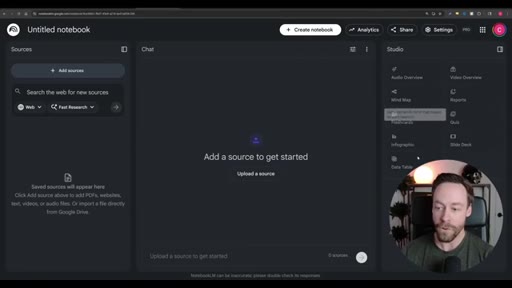
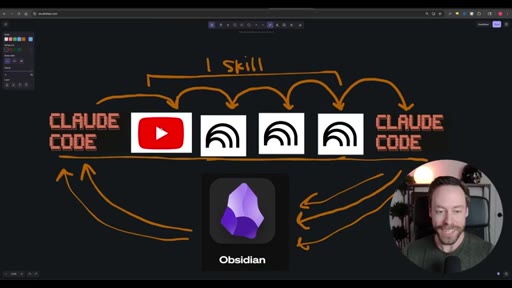
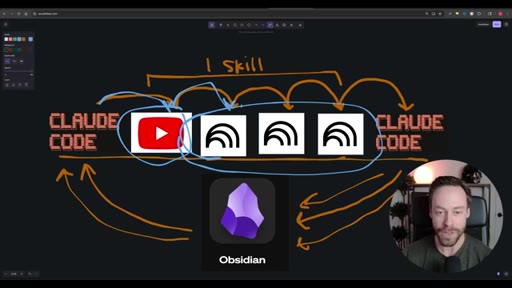
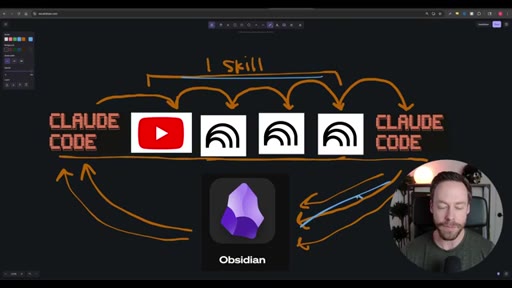
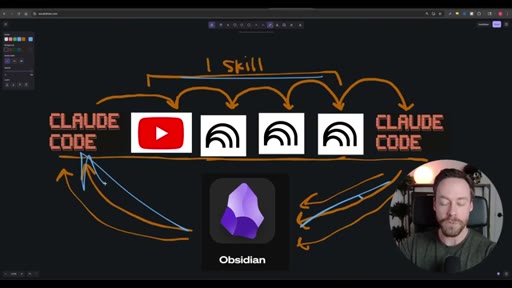
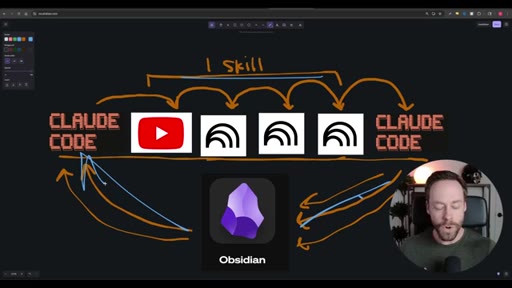
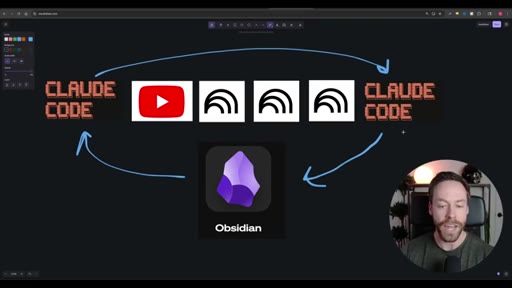
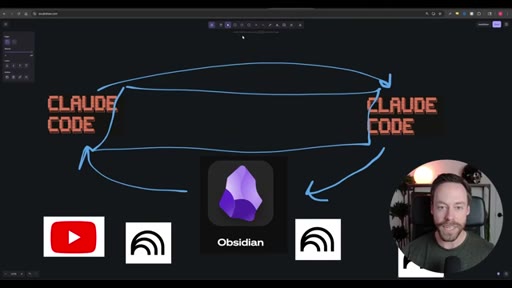
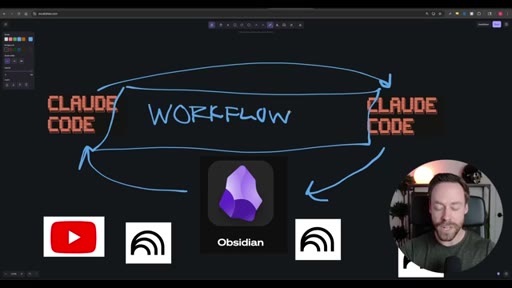
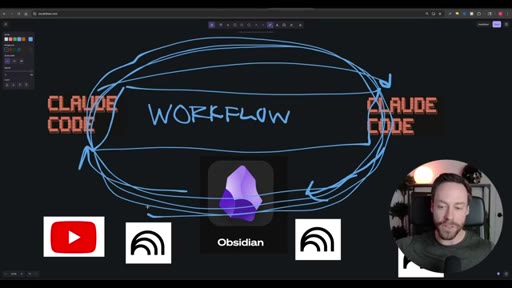
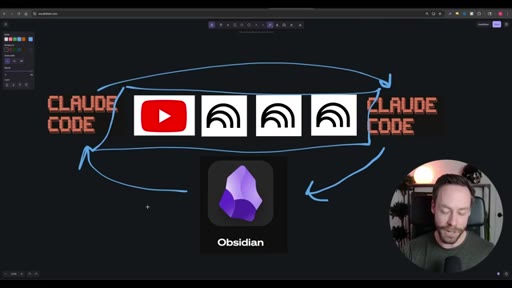
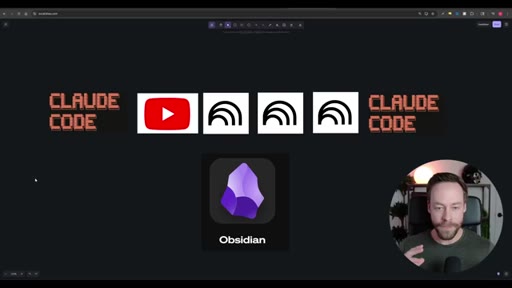
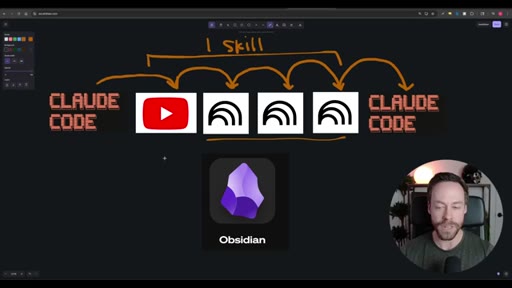
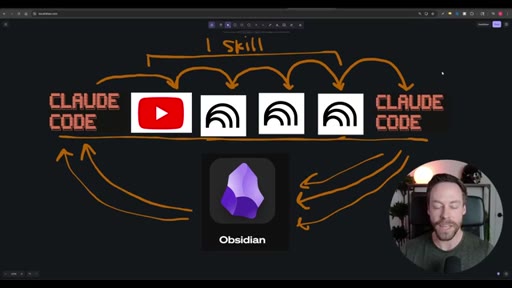
Whiteboard diagram walkthrough: Claude Code drives a YouTube search skill into NotebookLM for analysis and deliverable generation, results land in Obsidian, and CLAUDE.md drives ongoing self-improvement.
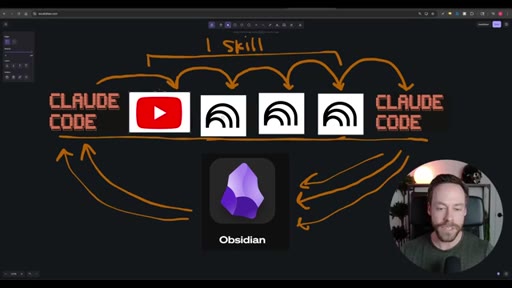
03 · The Setup
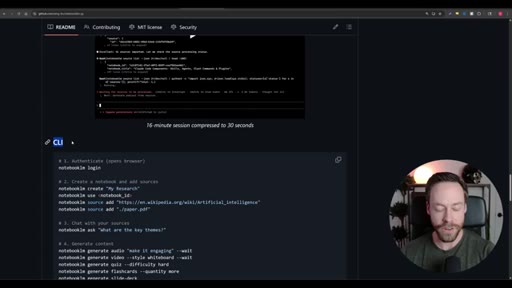
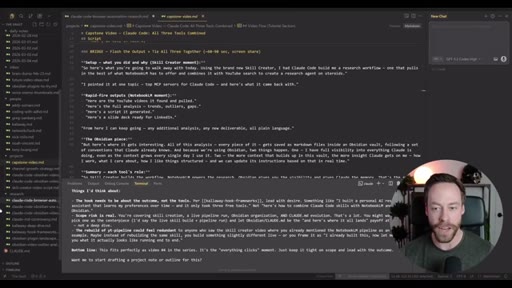
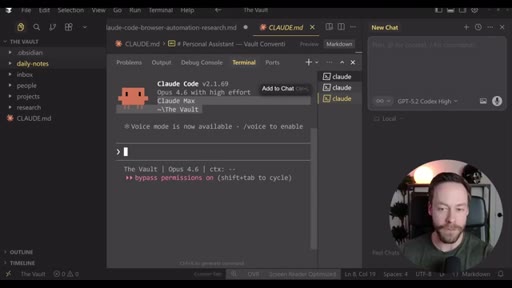
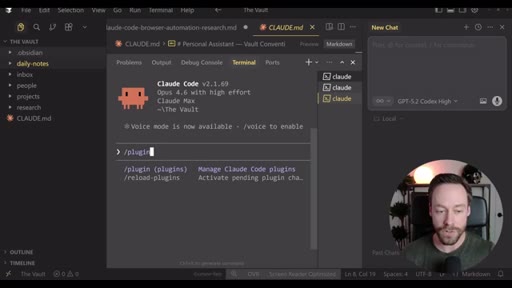
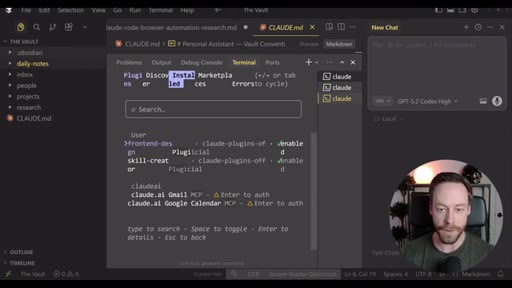
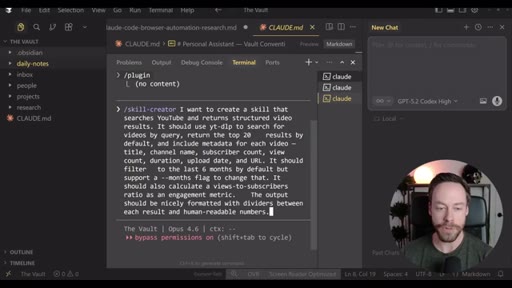
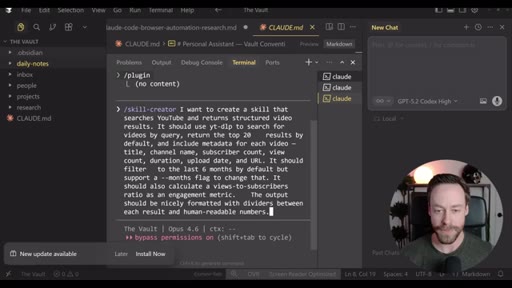
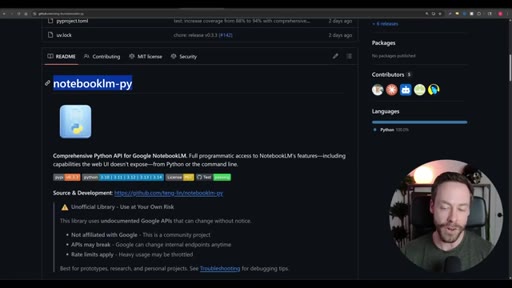
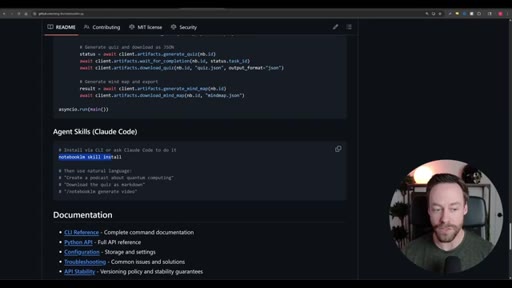
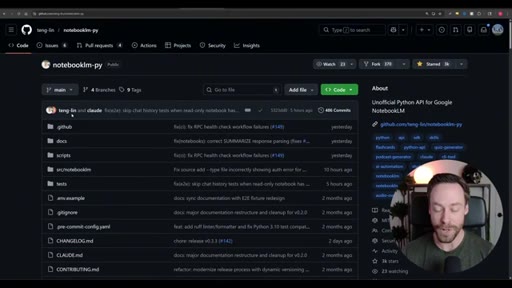
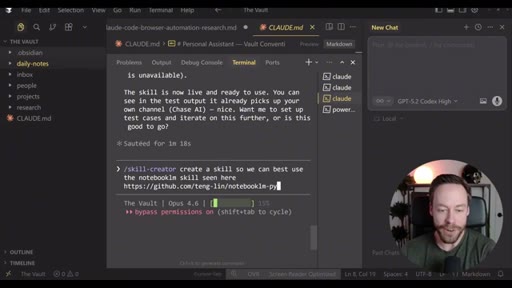
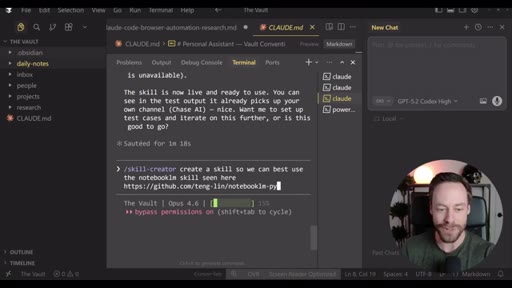
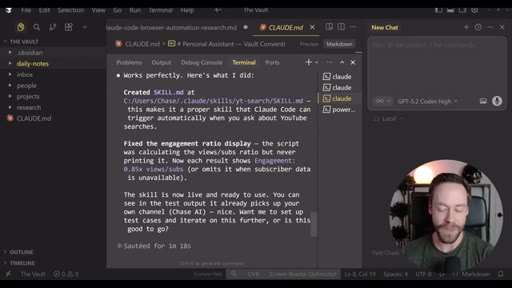
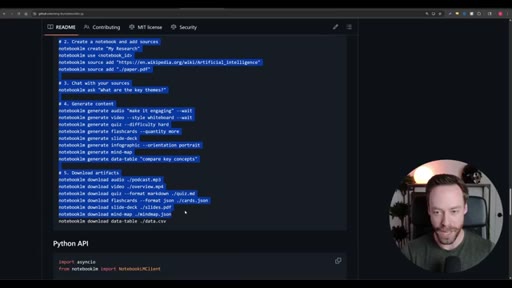
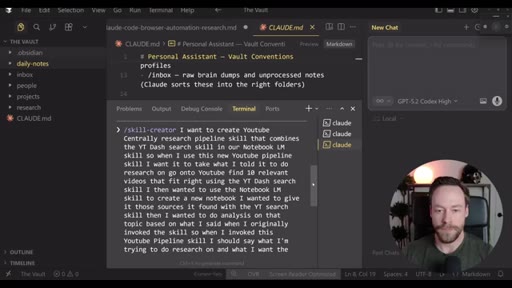
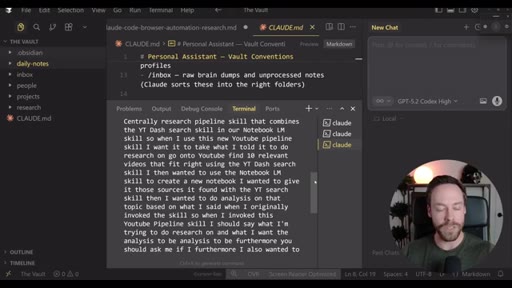
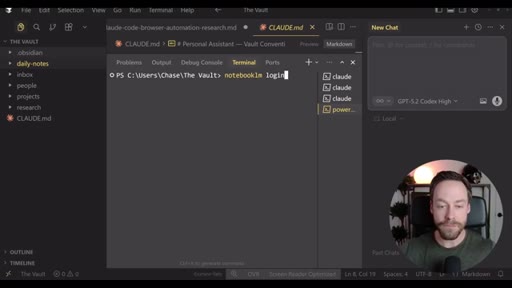
Step-by-step install: Skill Creator plugin via /plugin, build YouTube search skill, install notebooklm-py via terminal, authenticate via CLI, use Skill Creator to generate the NotebookLM skill from the GitHub repo, combine both into one super-skill.
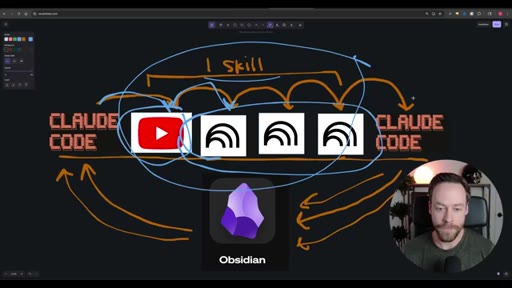
04 · Executing the Workflow
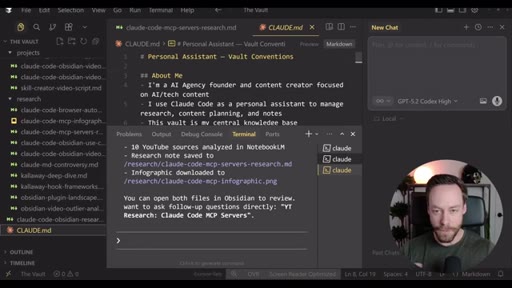
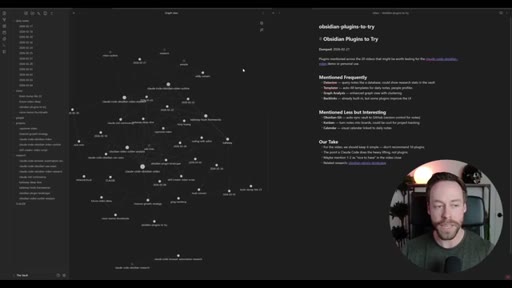
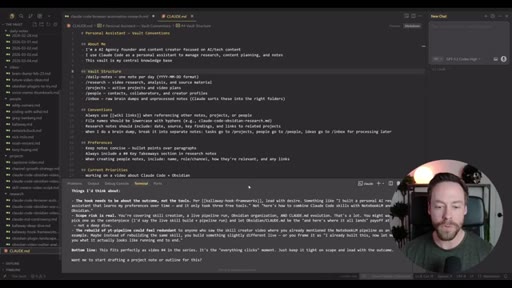
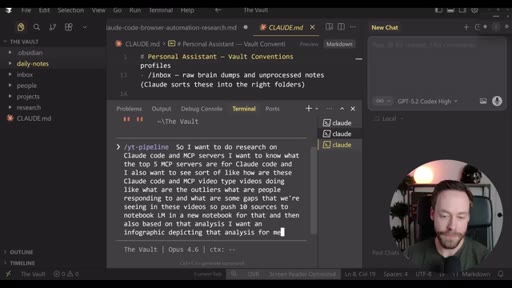
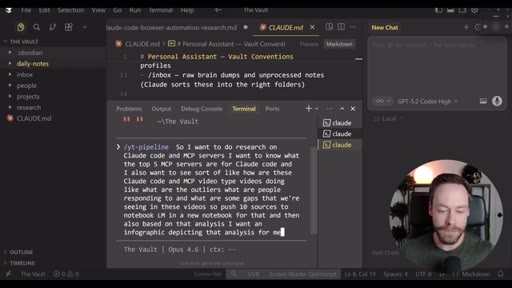
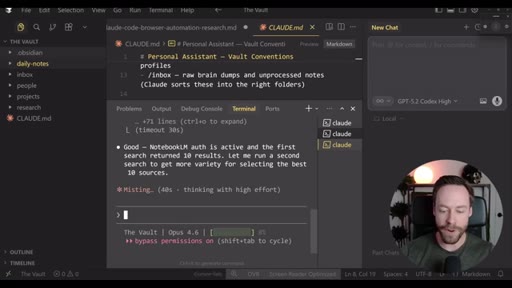
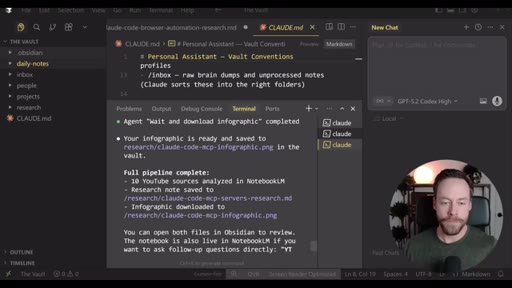
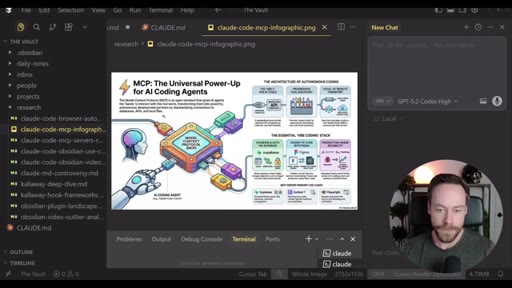
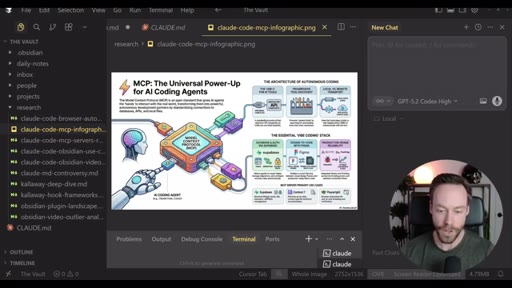
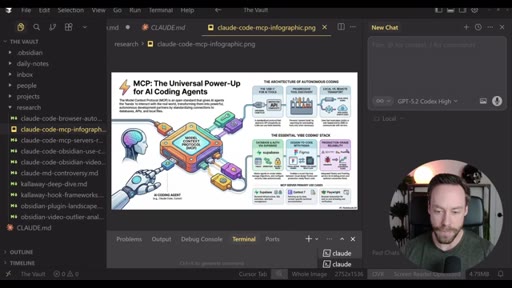
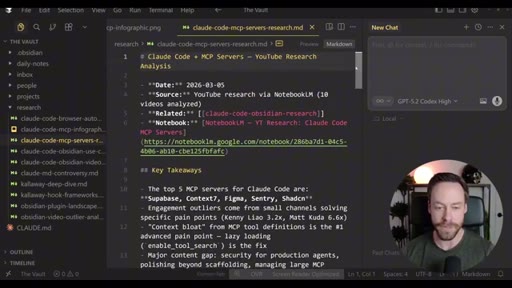
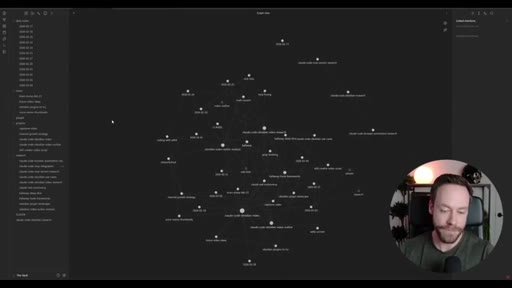
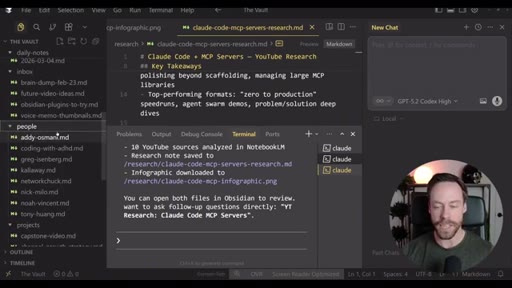
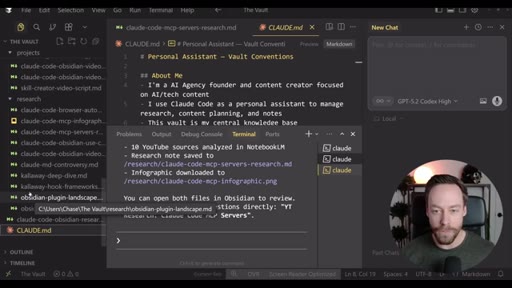
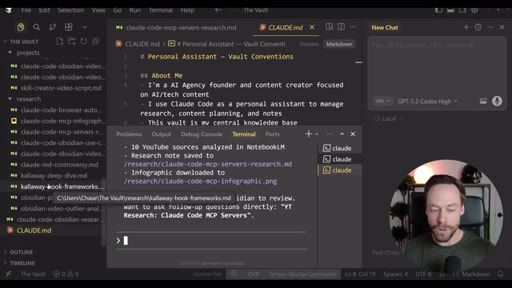
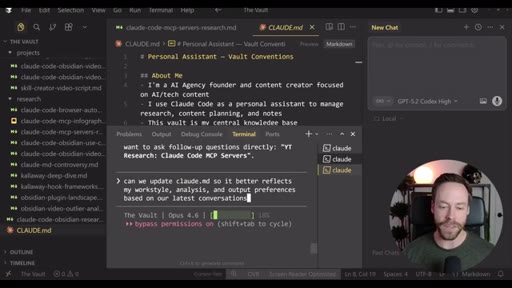
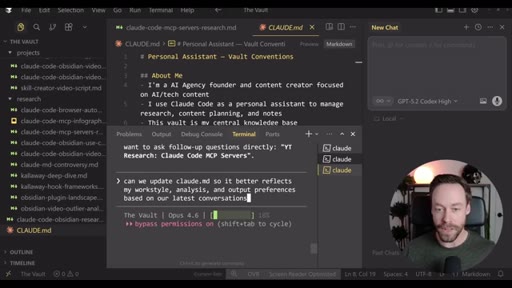
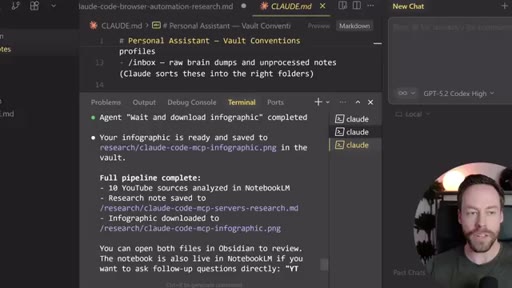
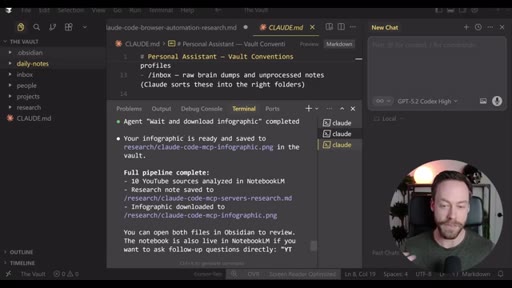
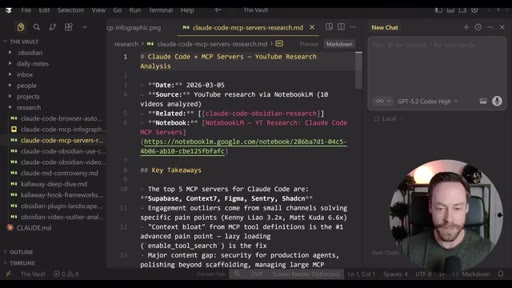
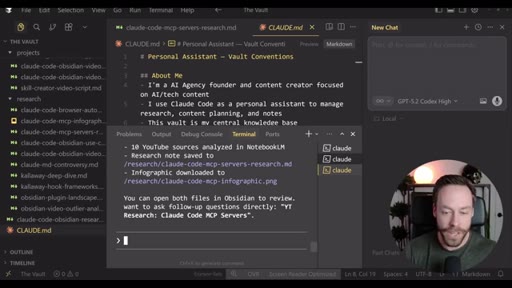
Live demo using /yt-pipeline to research Claude Code MCP servers, pipeline runs 6 minutes, returns a research markdown note and MCP infographic, both visible in Obsidian graph view with backlinks; CLAUDE.md updated to capture preferences.
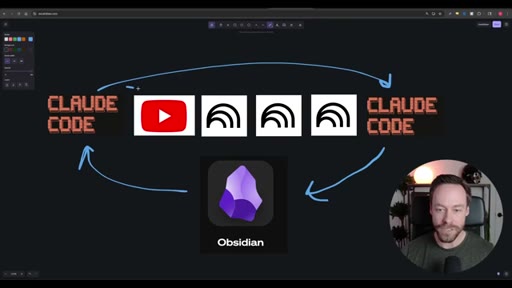
05 · More Resources
Recap of the flexible template concept and CTA to Chase AI+ masterclass and free community.
Visual structure at a glance.
Named ideas worth stealing.
Sub-skill to Super-skill Pattern
- Build individual skills
- Test each sub-skill independently
- Combine into one super-skill via Skill Creator
- Invoke with single slash command
A pattern for composing complex Claude Code workflows from atomic reusable skills.
Vault as Memory Architecture
- Run workflow, output lands in Obsidian vault as markdown
- CLAUDE.md captures preferences after each session
- Graph view surfaces connections across sessions
- Memory compounds without manual curation
Using an Obsidian vault as Claude Code persistent memory layer, with CLAUDE.md as the preference file that self-updates.
Lines you could clip.
"This almost becomes like a self-improving loop. The more I run the workflow, the more it gets its analysis in the way I like it."
"These are tokens you are not paying for and Claude Code does not have to use. This is all offloaded to Google."
"The CLAUDE.md file is the brain within the brain."
How they spent the runtime.
- 04:52 – 05:23 · Chase AI+ (self-promo)
Things they pointed at.
How they asked for the click.
"If you wanna learn more about Claude Code, I just released a Claude Code masterclass inside of Chase AI plus."
Soft mid-video self-promo at ~5min plus closing CTA. Direct, not pushy.
Word for word.
One command, three tools, compounding memory.
Wrapping sub-skills into a super-skill lets you add complexity without adding friction, and Obsidian as the output layer turns each run into training data for the next.
- Chaining Claude Code skills into a super-skill means one slash command can do the work of three, and any individual layer can be swapped without rebuilding the whole pipeline.
- NotebookLM handles compute-heavy analysis and deliverable generation at no Claude token cost; Claude Code only spends tokens on orchestration.
- The CLAUDE.md file in an Obsidian vault acts as a persistent preference layer that Claude reads at session start, so output style improves without re-prompting.
- Storing research outputs as linked markdown in Obsidian lets Claude Code reference prior sessions automatically, removing the need to re-inject context each run.
- The Skill Creator can generate a working skill from a GitHub repo URL or a natural-language description, which means adding new tools to the pipeline requires no manual code.
- Running the Skill Creator eval step before combining into a super-skill isolates bugs to the sub-skill level where they are easier to fix.
- The workflow is intentionally source-agnostic: the YouTube search layer is interchangeable with any data source that can be wrapped in a skill.