Chase AI · Youtube · 11:08

Claude Code + NotebookLM = CHEAT CODE

How to wire Claude Code to Google's free research engine so one terminal prompt scrapes YouTube, grounds a knowledge base, and ships deliverables at near-zero token cost.

Posted
March 2nd 2026
2 months ago
Duration
11:08
Format
Tutorial
educational
Channel
CA
Chase AI
§ 01 · The Hook

The bait, then the rug-pull.

The promise sounds absurd: one terminal prompt that searches YouTube, indexes results into a grounded knowledge base, runs cross-source analysis, and ships a blueprint-style infographic -- all while Claude Code spends almost no tokens doing it. That is the actual demo in this video, and it holds up.

§ · Chapters

Where the time goes.

00:00 – 01:15

01 · Intro

Hook: Claude Code as the most powerful research agent but needing one added tool; promise of a zero-cost research stack; NotebookLM introduced as the missing piece.
01:15 – 04:32

02 · Demo

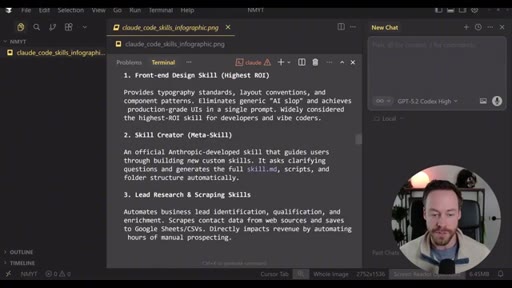
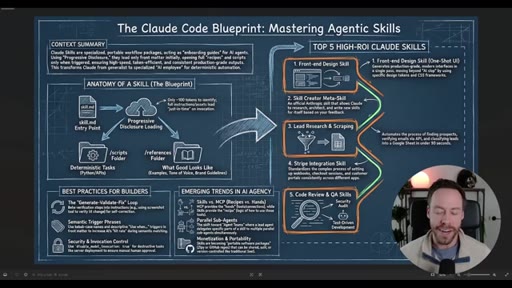
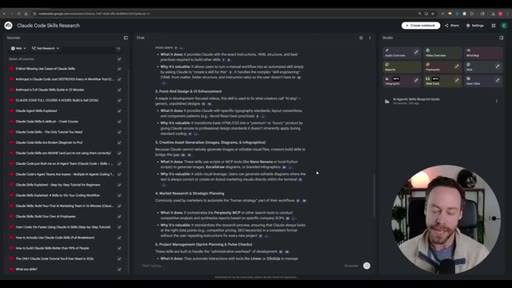
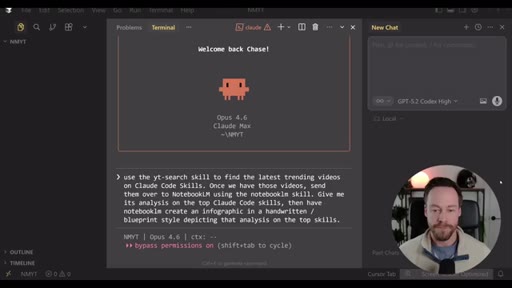
End-to-end live run: YouTube search skill finds 20 trending Claude Code videos; uploaded to a new NotebookLM notebook; NotebookLM returns top 5 skills and emerging trends; blueprint-style infographic is generated and lands in the project folder.
04:32 – 08:22

03 · Setup

Installing notebooklm-py; running notebooklm login to authenticate via Chrome (one-time); installing the NotebookLM skill; building or downloading the YouTube search skill.
08:22 – 10:08

04 · Walkthrough

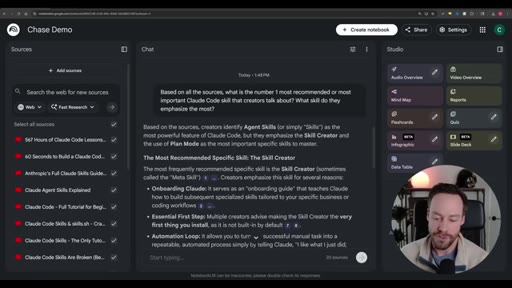
Step-by-step replay: /yt-search, reviewing sources, creating a notebook, querying for the number one skill, watching NotebookLM answer, and triggering deliverable generation.
10:08 – 11:08

05 · More Resources

CTA for free School community (YouTube search skill MD file) and Chase AI+ paid Claude Code masterclass.

§ · Storyboard

Visual structure at a glance.

host open
NotebookLM logo
demo prompt in terminal
NLM analysis results
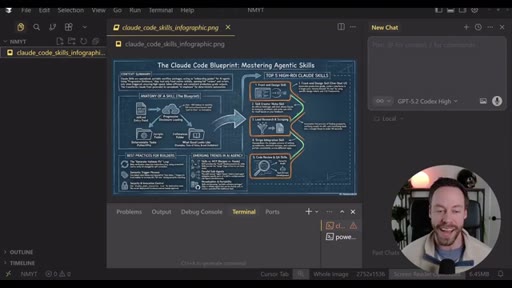
blueprint infographic
Teng Lin GitHub profile
notebooklm-py repo
walkthrough start
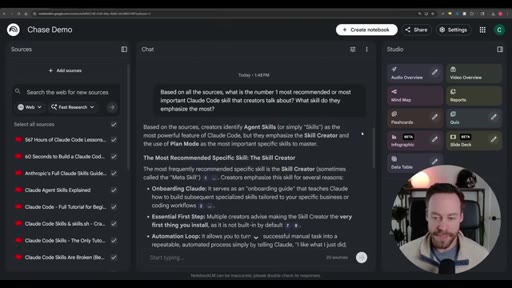
NLM notebook with 20 sources
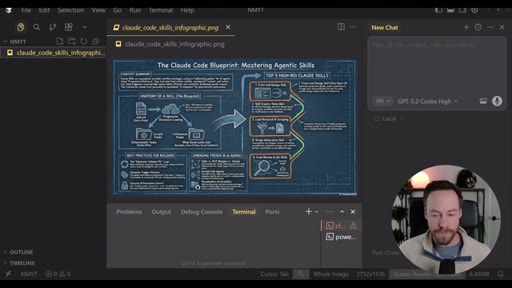
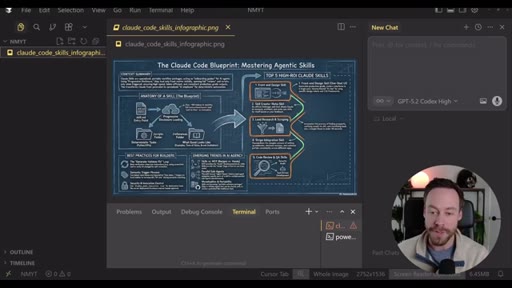
final infographic displayed
§ · Frameworks

Named ideas worth stealing.

00:12 model

The Token-Offload Pipeline

  1. Search (yt-dlp skill)
  2. Source (notebooklm-py upload)
  3. Ground (NotebookLM indexes)
  4. Analyze (NotebookLM query)
  5. Deliver (notebooklm-py generate)

A five-stage orchestration pattern where Claude Code handles coordination and a free external tool handles the expensive synthesis.

Steal for any research or content-production workflow where analysis is the expensive part
03:40 model

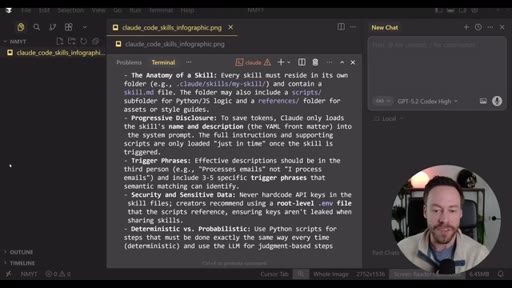
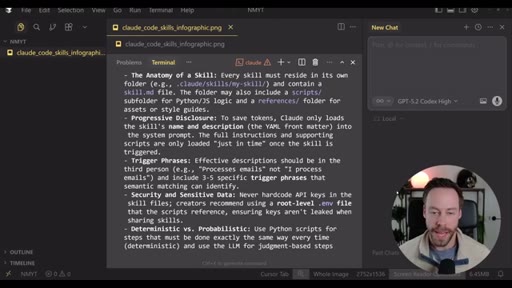
Claude Code Skill Anatomy

  1. skill.md entry point with trigger phrases
  2. Progressive disclosure loading
  3. scripts/ subfolder (Python/JS)
  4. /references/ folder for assets
  5. Deterministic steps in scripts; probabilistic steps in LLM

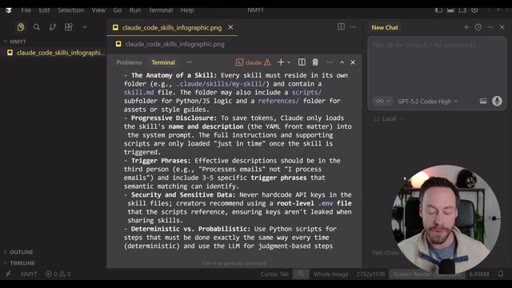
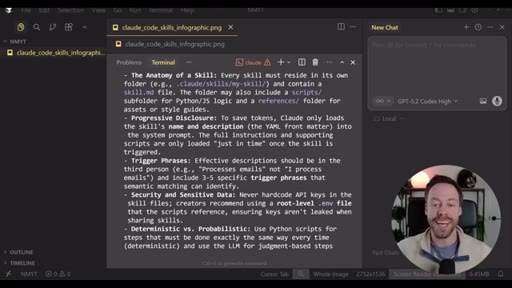
The structural blueprint for a Claude Code skill, synthesized by NotebookLM across 20 YouTube tutorials in the live demo.

Steal for building any reusable Claude Code skill
§ · Quotables

Lines you could clip.

08:32
"Claude Code isn't doing this analysis. Claude Code isn't spending tokens. It's only spending a small amount of tokens to send that request to NotebookLM and bring it back. But all the thinking is done by Google, and they're paying for it."
Complete standalone insight, no setup needed, punchy contrast structure → TikTok hook
03:20
"If you try to recreate what Notebook LM does... it would be a gigantic pain in the butt to do. As someone who has tried it... it's not a simple process. Furthermore, it costs money, and this whole thing is free."
Builds credibility via personal failure, lands on the free alternative → IG reel cold open
§ · Pacing

How they spent the runtime.

Hook length75s
Info densityhigh
Filler5%
§ · Resources Mentioned

Things they pointed at.

§ · CTA Breakdown

How they asked for the click.

10:08 link
"All the resources can be found in my school communities. If you need the MD file for the YouTube search skill, make sure you see that in the free one."

Soft double CTA: free community for the skill file, paid masterclass for deeper training. No hard sell.

§ 04 · The Script

Word for word.

HOOK opening / re-engagementCTA the pitch
00:00HOOKClaude code might be the most powerful research agent on the planet, but you need to add this one tool to unlock it.
00:08HOOKNow most people's version of Claude code research is just telling it to use the web search tool and praying that whatever it comes back with is good enough. But we can do better. Because what if I told you with just five minutes of setup, we could create workflows inside of Cloud Code that are able to scrape any section of YouTube,
00:26pull their captions, push that information to a free robust prebuilt rag system that is able to do all the heavy lifting and analysis for us, and then take that analysis and give us deliverables like slide decks, infographics,
00:41podcasts, you name it, all while costing us virtually 0 tokens. Now if that sounds way too good to be true, you would normally be right, but not in this case.
00:51So let me introduce you to the most underrated AI tool in the game today, NotebookLM. So in today's video, I'm gonna show you how to combine the powers of ClaudeCode and NotebookLM
01:03HOOKto replace a research stack for free that would otherwise cost you hundreds of dollars a month to build and maintain. I'm really excited to show you guys this one, so let's hop into it.
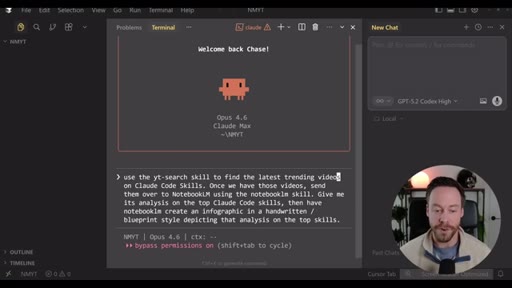
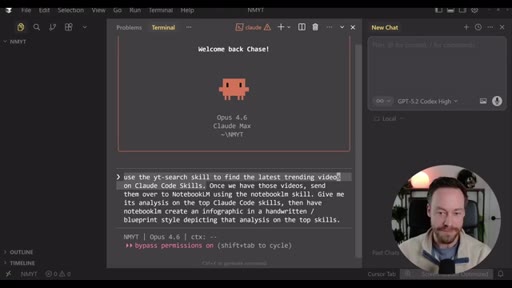
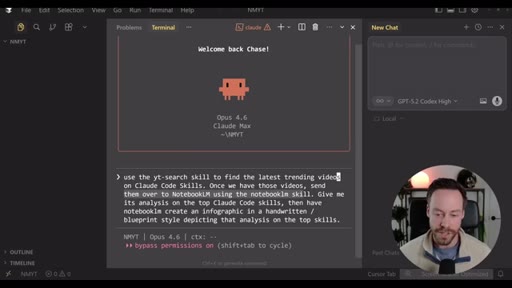
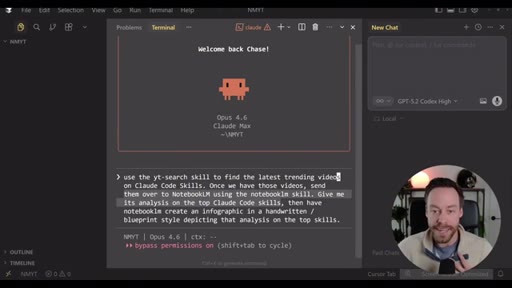
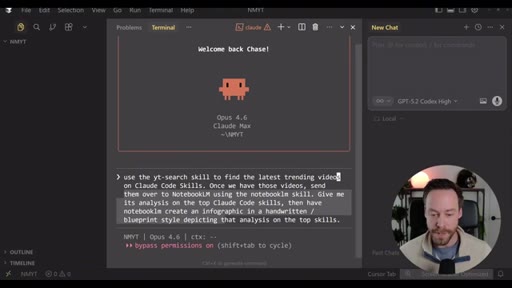
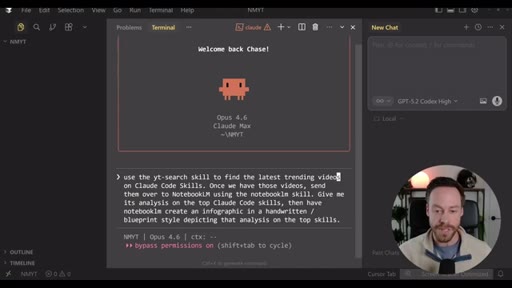
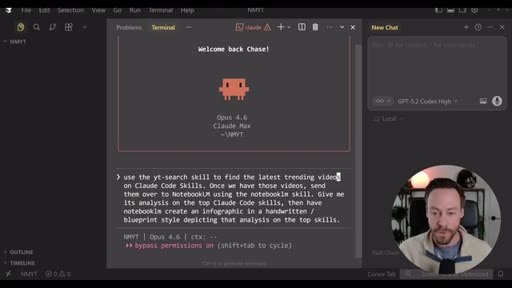
01:15HOOKSo let's kick this video off with a demo so you can see how we can use Claude code to harness all the features of Notebook LM without us ever leaving the terminal. Now this prompt's gonna have ClaudeCode do a number of things.
01:27HOOKFirst, we are gonna use our custom YouTube search skill to find the latest trending videos on ClaudeCode skills. And don't worry, I will show you all these skills and how to get them in a second. After we find the video URLs,
01:39HOOKI want Cloud Code to send those URLs over to NotebookLM using the NotebookLM skill. I then want NotebookLM to do analysis
01:48HOOKon those videos to figure out what are the top load skills, and I wanna get that analysis sent to us. Furthermore, I want a deliverable. I don't just want the text analysis.
01:56HOOKI want an infographic in a handwritten blueprint style depicting that analysis on the top skills.
02:03So with one prompt, we are going to scrape YouTube. We're going to source all of our data. We're going to essentially put it into a rag system because that's what Notebook LM is.
02:13We're gonna have Notebook LM do all the analysis and the deliverables for us off-site, which means we don't pay for that in tokens, we and get all that for free. So let's see how it works.
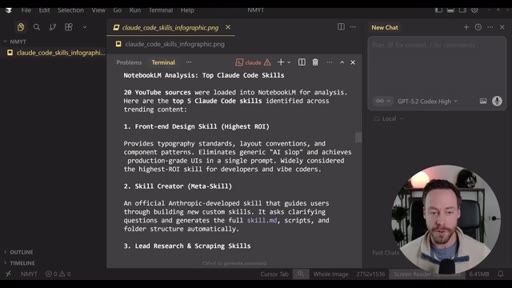
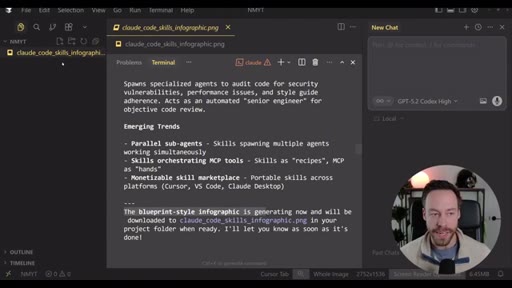
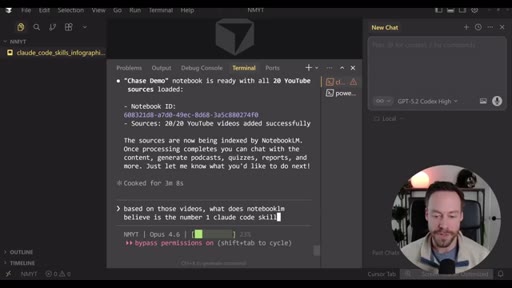
02:23So here's what we got. Claude code uploaded 20 YouTube sources into notebook l m for analysis. Notebook l m then came back with the top five Claude code skills that you see here
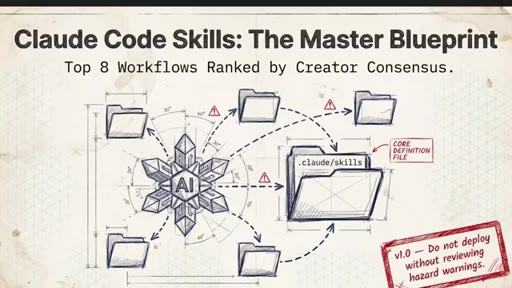
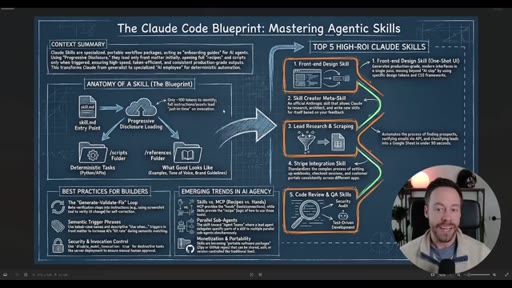
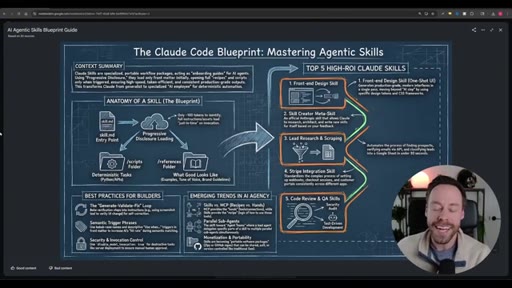
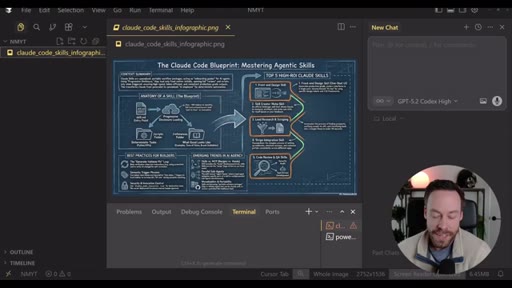
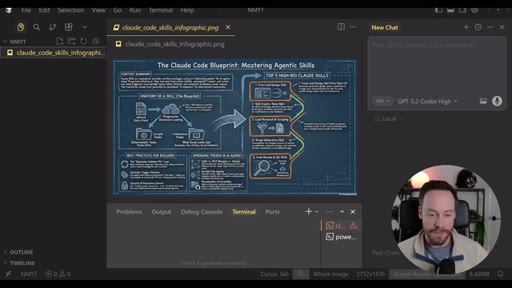
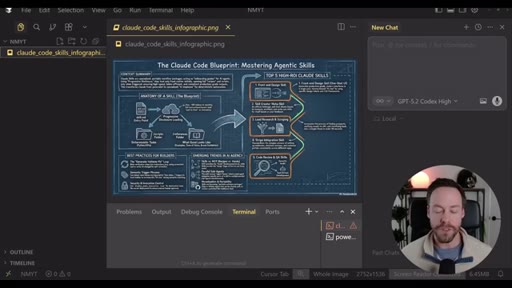
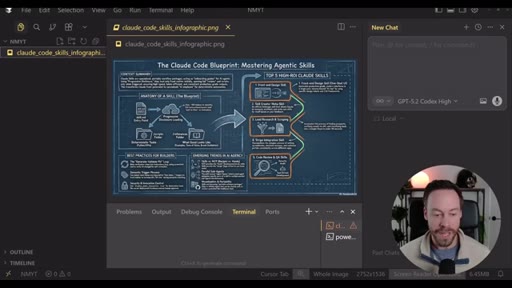
02:34as well as emerging trends for how they're used. It then created that infographic deliverable for us which automatically populated inside of our project folder. So here's a look at that infographic.
02:44Again, this is Nano Banana Pro under the hood. It's actually being called. And the text here and all the visuals, a, fit the style that we called for, which was like a handwritten blueprint type style.
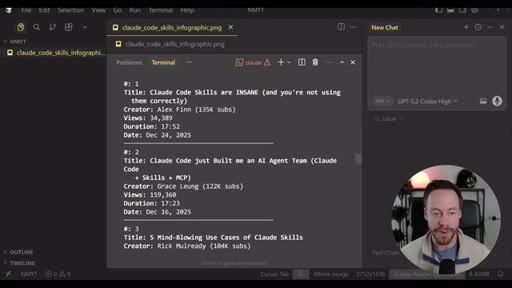
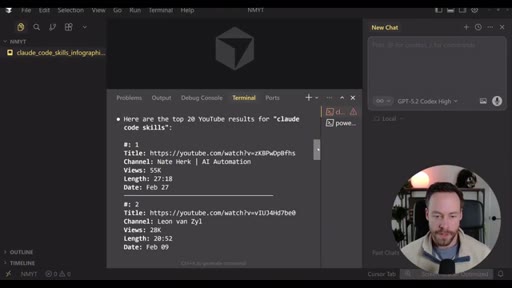
02:55And secondly, and more importantly, all this content is based on the videos and the analysis of those videos. This is it isn't just making stuff up. And we can also see here inside of Cloud Code the videos it grabbed, the title, the creator, the views, the duration, and the date.
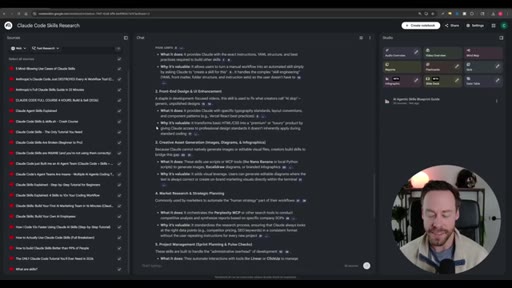
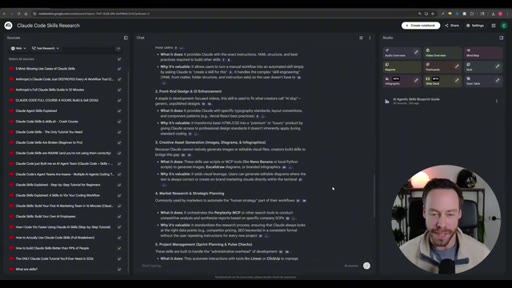
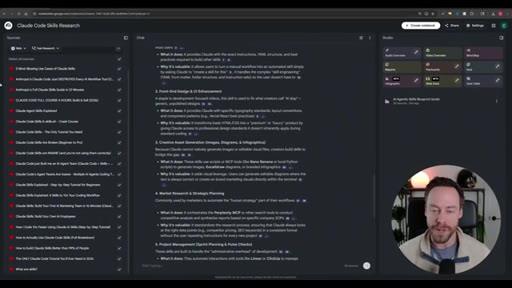
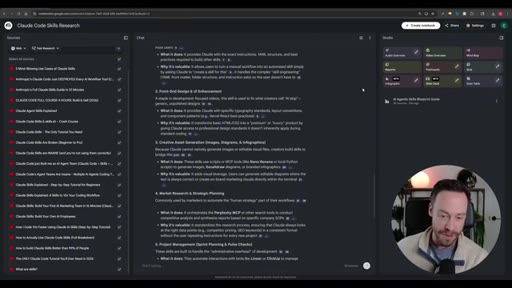
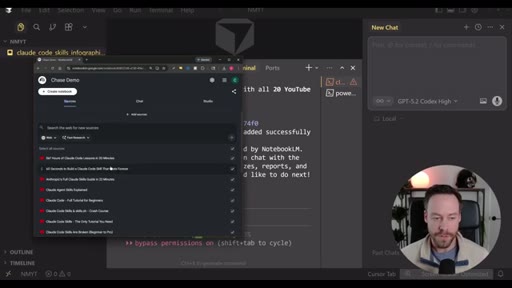
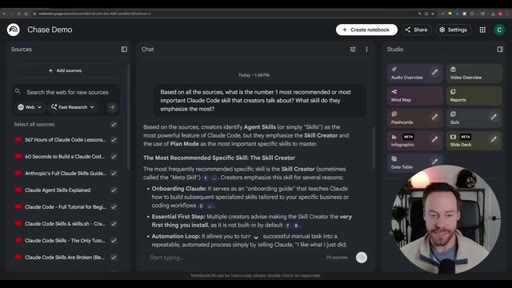
03:08And all this is reflected inside of Notebook LM itself. I can see all the sources it upload. I can see all the analysis.
03:14I can see the blueprint guide that we asked for. And while this demo might seem like a rather simplistic application of this, I cannot stress enough the value add of combining these two tools because this goes way beyond just automating the source process for Notebook LM. Everything we did here, could have done manually inside of NotebookLM.
03:33Right? I could have gone through YouTube manually. I could have found all the videos I want.
03:37I could have copy pasted them in. I could have gotten the analysis and I could have gotten the deliverable. The fact that we can automate that is nice, but it's more than that.
03:44It's the fact that I can bring all that analysis into my Cloud Code ecosystem effortlessly,
03:50and the use cases of that workflow are pretty much infinite. And the second reason why this combination of tools is so powerful has everything to do with the straight up power of Notebook LM.
04:01If you try to recreate what Notebook LM does, which is like a scraping system into a rag system, into an analysis system, into a deliverable system, right, with the infographics, the slide deck, all of that, it would be a gigantic pain in the butt to do. As someone who has tried it, at least on the research side with things like NADN, it's not a simple process.
04:20Furthermore, it costs money, and this whole thing is free, which is in large part why I'm so excited to share it with And another reason you should be pumped is because how simple it is to set this whole thing up, which is what we're going to cover now. So when it comes to setting this up, you're probably thinking, hey, Chase, how do we actually connect NotebookLM to Cloud Code?
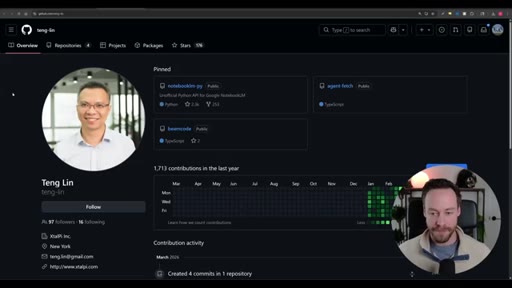
04:38Considering the fact that NotebookLM does not have a public API. But luckily for us, there's people much smarter than you or I who have already solved this problem.
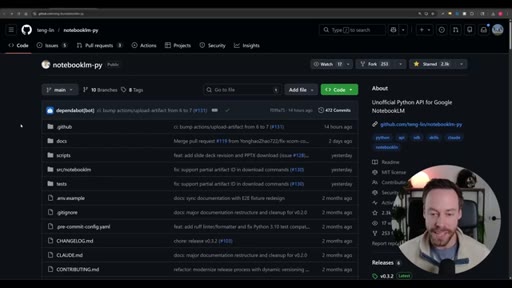
04:46In this case, it is Tang Ling, and we will be standing on his shoulders today as we use the NotebookLM dash py GitHub repo to essentially act as an unofficial Python API for NotebookLM. But before we set up NotebookLM,
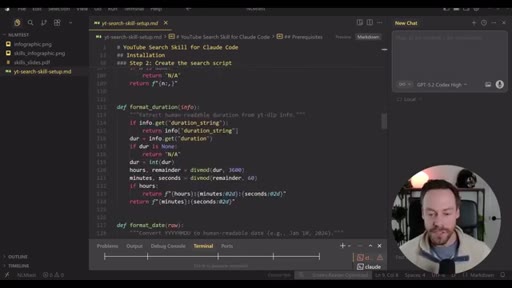
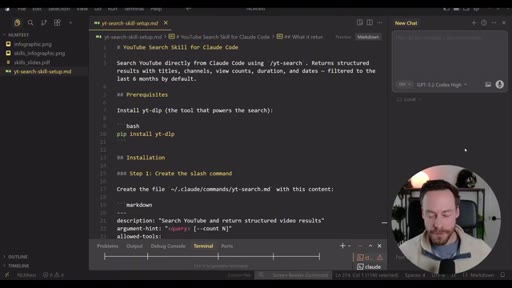
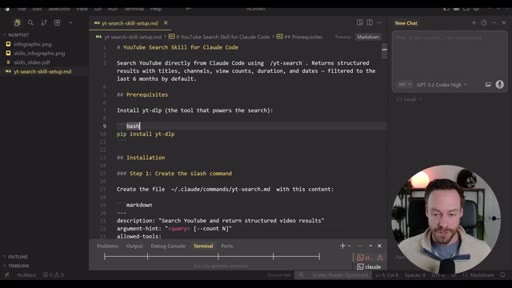
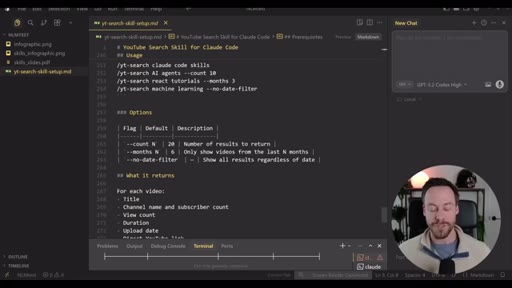
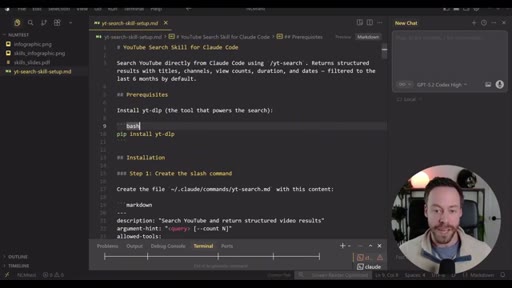
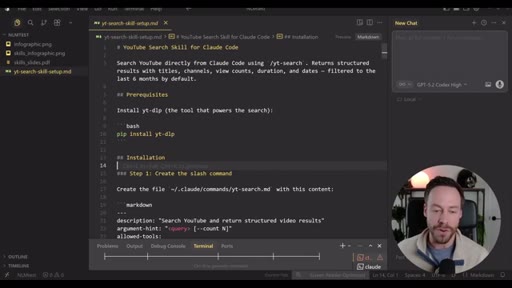
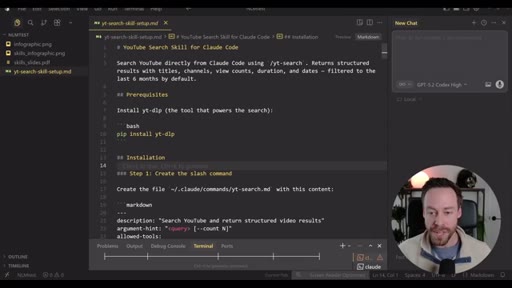
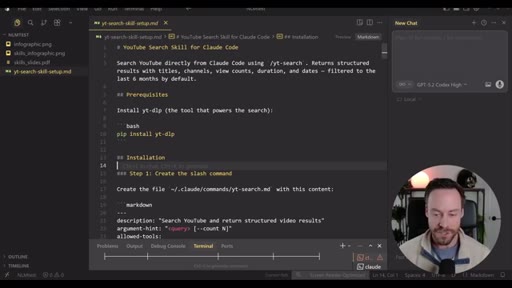
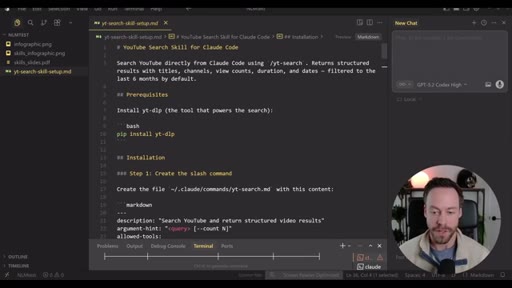
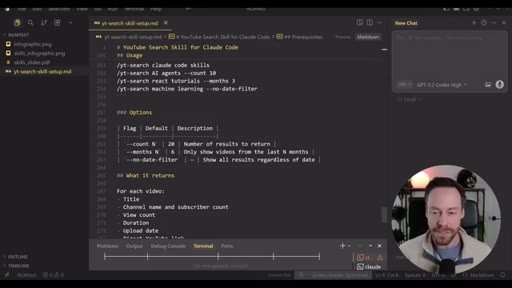
05:00we need to solve the first part of our pipeline, which is actually the YouTube search and the sourcing of the data we want NotebookLM to do analysis on. And for that, I have a custom YouTube search skill for ClaudeCode that does all of this for you.
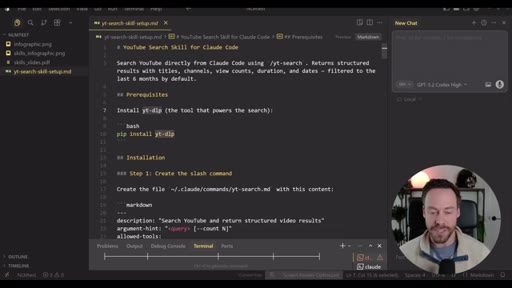
05:15It uses a Python script that relies on the y t dash d o p dependency to scrape YouTube's metadata for us. So when I ask it for, hey, Claude code skills, it's just like us going on YouTube and searching in Claude code skills. It grabs title, views, author, all that important stuff.
05:32And this skill you see right here inside of Claude code teaches Claude code how to best use this script. Now there's two ways to get this skill and this script up and running. The first is rather simple.
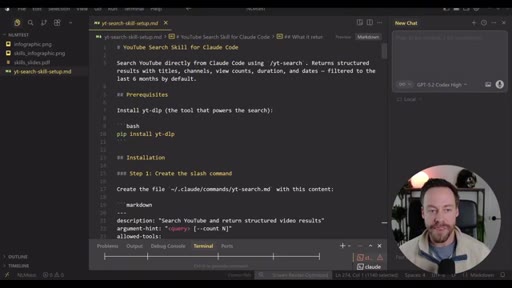
05:44You just go inside a Claude code and explain that you wanted to build this custom skill for you, that you wanna use the y t d l p dependency to create a custom YouTube scraper. Or if you want this entire YouTube search skill setup m d file, and you can just download it and hand it to ClotCode, you can do that too. And you can get it by heading to my free school community, which you can find a description for.
06:04Now speaking of my school communities inside of Chase AI plus, you can also find my Claude code master class, which I just released a few days ago. So if you're someone who is kind of in the beginning of their AI journey and is trying to figure out how can I best leverage Claude code even if I'm not technical, I really wanna master what is definitely the most powerful AI tool in the game, well, that's the place for you?
06:25And if you're interested in that, just check the link in the pinned comment. So once you download the YouTube search skill setup file, just give it the Claude code and tell it to go to work or you can just manually prompt Claude code to build it for you. Now let's head back here and set up the notebook l m connection.
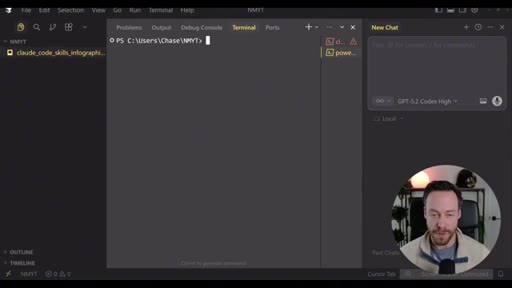
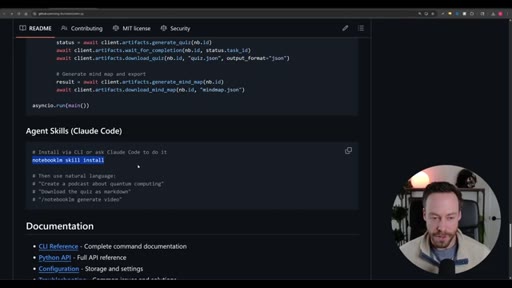
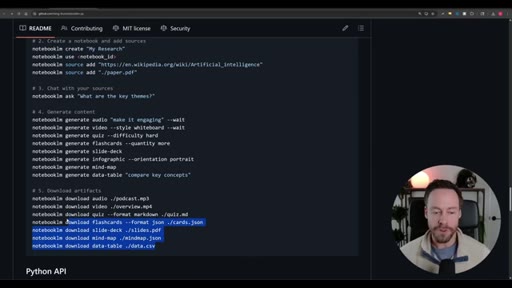
06:39So I'll put a link to this down in the description as well, and the install is pretty simple. So to install this, we are just going to copy these commands, paste it inside of our terminal, which means, hey, if you're looking at Claude code, you're wrong. You need to open a second terminal that looks like this and paste in those commands.
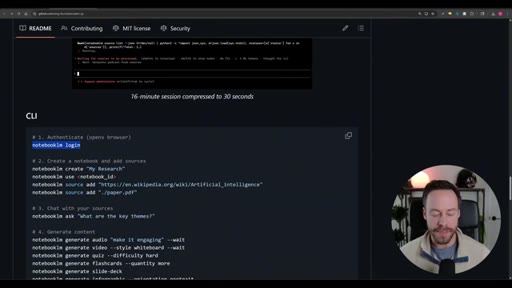
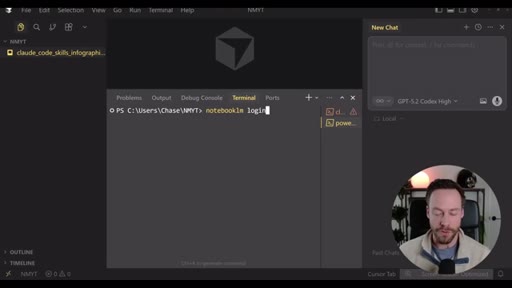
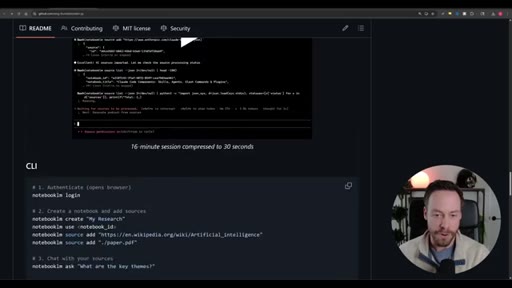
06:55After you run these initial installation commands, what you wanna do is scroll down here, and we're gonna have to run one more command in the CLI, that's the notebook lm login command. Same thing as before, head into another terminal, paste this in there. That's going to open a new window in Chrome.
07:09All you have to do is log in. You just have to do it once and you're all set. Now after you authenticate with the Notebook LM login, there's one more thing you have to do and we need to do the skill.
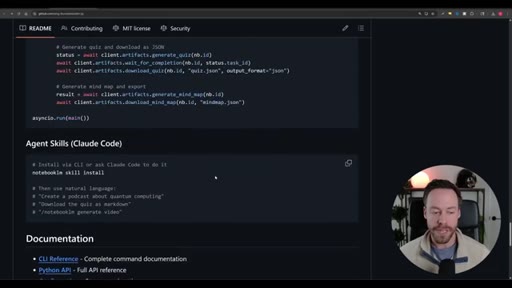
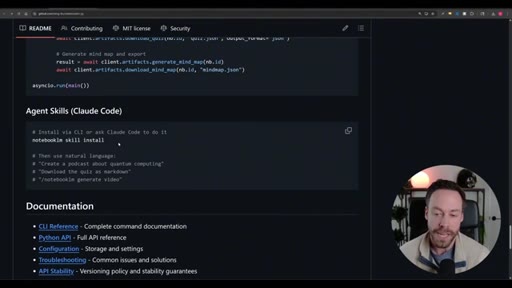
07:20So to do the skill inside of Claude code, right, you can either run this command in the terminal or just tell Claude code to do it. So understand also what we've done. We've done two things on the Notebook LM side.
07:31You have the skill, and then you have, like, the actual API of the program. Remember, skills are just prompts.
07:37It's just text telling Claude code how to do something in a specific manner. So all this information you see here about, hey.
07:44Here's how we generate content. Here's how we create the notebook. This skill is teaching Cloud Code how to do that.
07:50So once it's installed, you just need to tell Cloud Code, hey. I want you to use NotebookLM to create
07:55flashcards or an infographic or slide deck. It's that easy. Everything's just in plain language.
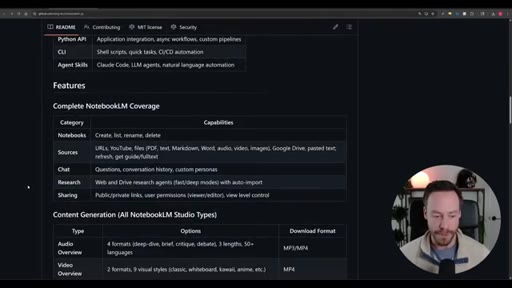
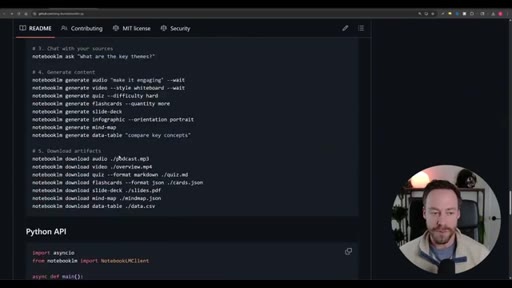
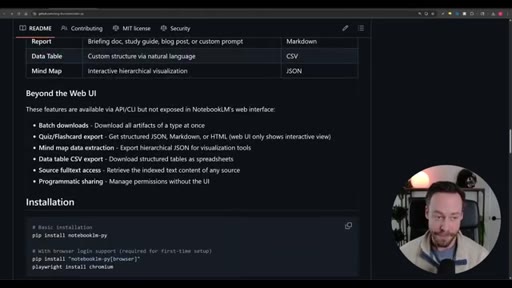
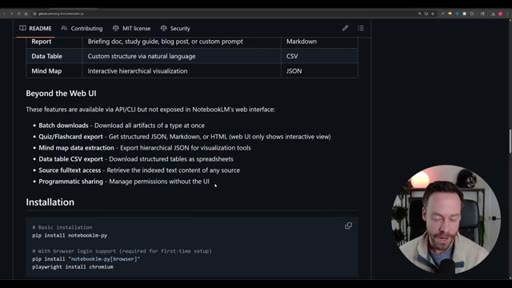
08:00And if you're wondering what exactly you can do with this program, well, it's all here inside of the GitHub. Anything you can do in Notebook LM manually, you can do with the API and some.
08:09As you can see here beyond the web UI, we can also do batch downloads, export the quiz and flashcards, etcetera etcetera. So we actually get more functionality
08:18using this program than you would do just loading up NotebookLM yourself. Let's So actually go through it one step at a time so you understand how it's working. So the first thing is that YouTube search skill.
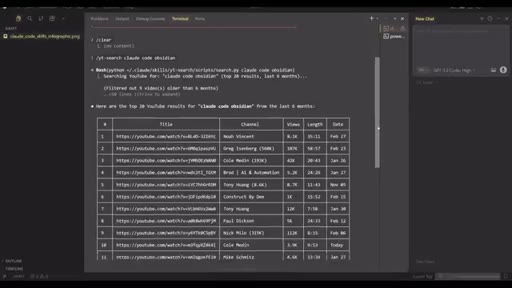
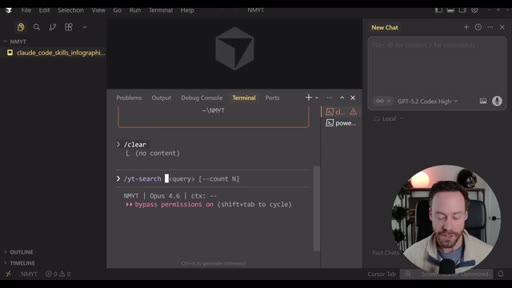
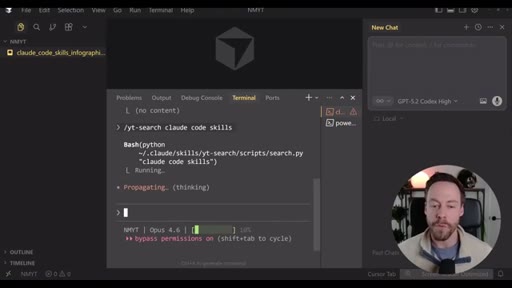
08:28So like any skill, we can either use it as a slash command or you can just use plain language. But if I do y t dash search, you see we have query and then the count. So what are we looking for?
08:37Hey. We're looking for Claude code skills. And so while in the demo, we did everything at once.
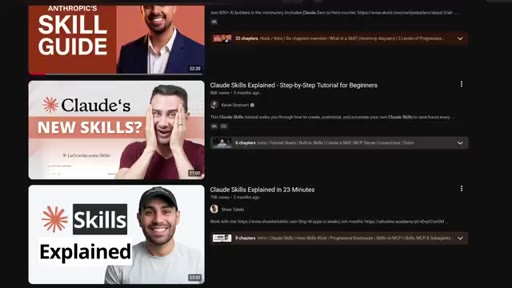
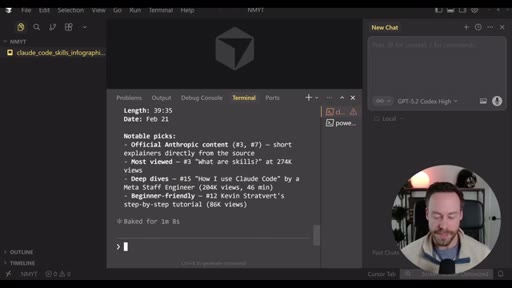
08:43I think it's useful to break it up sometimes so you can first get eyes on what your sources are actually going to be. So here's the results it comes back with right at any time. We can also check the YouTube links ourselves.
08:55And what's nice with this skill is it will also give you some insight about what's actually going on with what it brought back. So if you're happy with the sources, now we can push it into NotebookLM. So again, you can just use plain language.
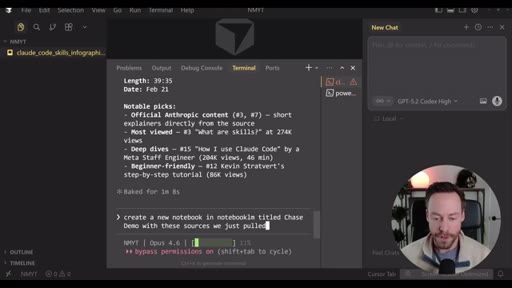
09:05Create a new notebook in Notebook LM titled chase demo with these sources we just pulled. And we can see it created the notebook, now it's gonna be populating it with its sources. So after a couple minutes, all 20 sources are loaded, and you're limited to 50 sources with Notebook LM.
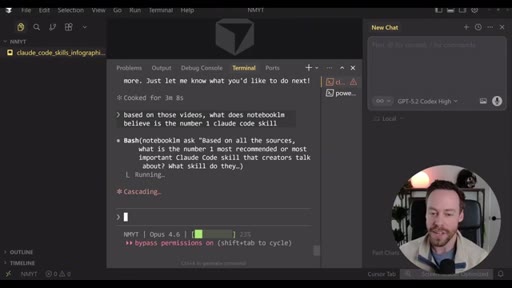
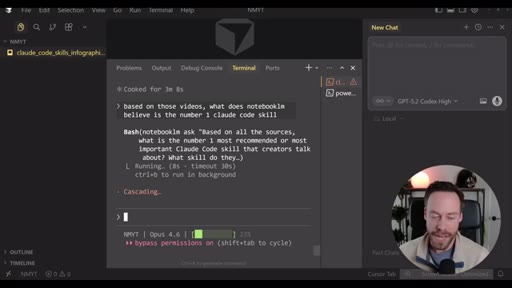
09:19At this point, you can have Notebook do whatever you want. So we can say based on those videos, what does Notebook LM believe is the number one Cloud Code skill? Now, again, the cool thing with this is all this analysis
09:30is offloaded. Cloud Code isn't doing this analysis. Cloud Code isn't spending tokens.
09:35It's only spending a small amount of tokens to send that request to NotebookLM and bring it back. But all the thinking is done by Google, and they're paying for it. So Cloud Code grabbed NotebookLM's
09:45analysis, and we can see that reflected here inside of notebook l m itself. So you can always double check and click inside of notebook l m if you want to see like what captions it's referencing to.
09:55And this cadence also applies for all the deliverables. So right, if you want the audio overview, the mind map, flashcards, the infographics, anything you see over here on the right, just prompt Claude code and it will do it for you.
10:06CTAIt's that easy. So how you end up leveraging this research workflow is ultimately up to you, but I really can't stress enough how wild this thing is. It seems pretty simple on the surface, but I'm telling you, if you've tried to deal with anything like this, especially with the YouTube video stuff and actually trying to create some, like, corpus of knowledge from these videos in a way that Claude code or some other agentic coder can interact with it, it's pretty difficult.
10:31CTARight? And it's very time consuming, and it can be rather brittle. Yet all of this is abstracted away for free
10:38CTAwith Notebook LM. So I think this is an awesome tool. I hope you can get some use out of it.
10:44CTAAs always, like I said before, all the resources can be found in my school communities. If you need the MD file for the, uh, skill, for the YouTube search skill, make sure you see that in the free one. And, if you're a little more serious about this stuff and you're like, I really just wanna have, like, a Cloud Code master class that gets me from, like, zero to AI dev, make sure to check out Chase AI plus.
11:03CTASo let me know what you thought of this in the comments. And as always, I'll see you around.
— full transcript
§ 05 · For Joe

Claude Code is most powerful as an orchestrator, not a monolith.

WHAT TO LEARN

Routing expensive synthesis work to a free external tool while using Claude Code only for coordination is a structural decision that cuts costs and removes rate limits simultaneously.

  • When a task involves reading many sources and producing structured outputs, the model doing that work sets the cost ceiling -- outsourcing it to a free grounded system changes the economics entirely.
  • Unofficial APIs built on browser automation are fast paths to integration validation, not production dependencies; they require maintenance on the other party's release schedule.
  • A grounded knowledge base (sources you chose, indexed and queryable) produces more reliable synthesis than asking a model to web-search and summarize, because the source set is known, bounded, and citable.
  • The yt-dlp metadata-only pattern -- pulling titles, views, duration, and captions without downloading video -- is reusable for any pipeline that needs YouTube data cheaply and quickly.
  • Skills that separate deterministic steps (Python scripts) from probabilistic steps (LLM calls) are more debuggable and more reusable than monolithic prompt chains.
§ 06 · Frame Gallery

Visual moments.