Alex Finn · Youtube · 08:42

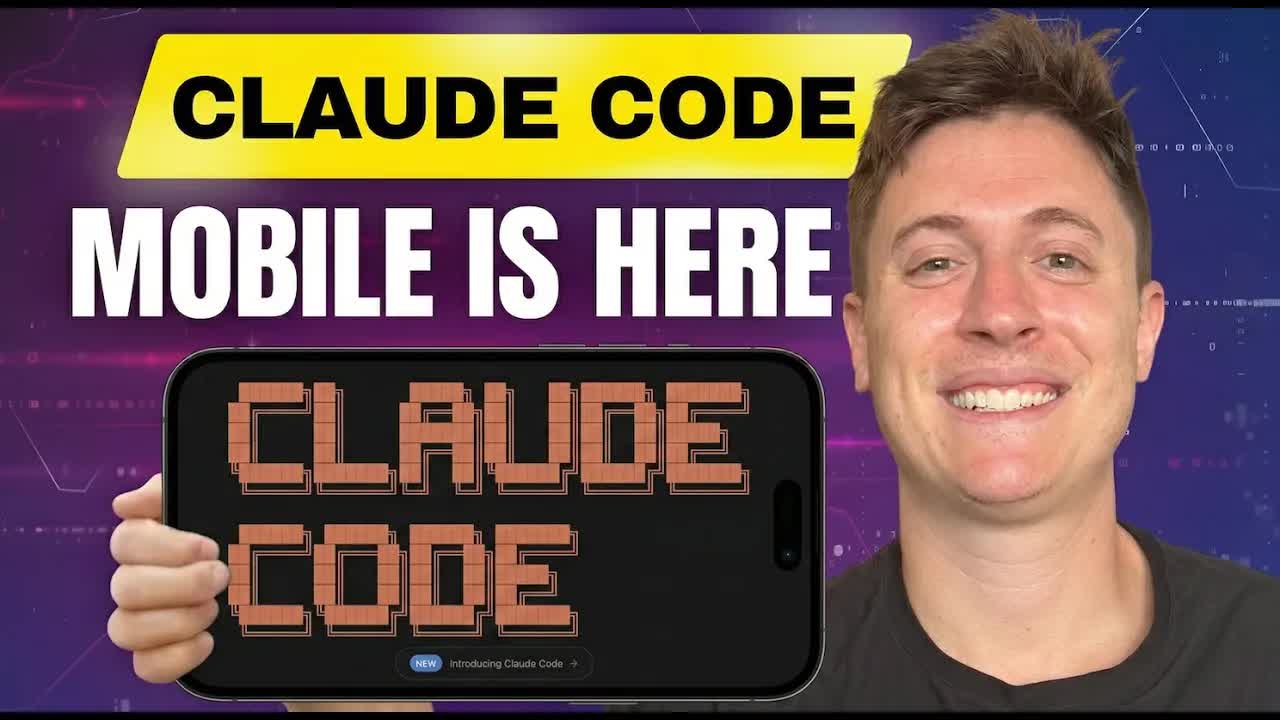
Claude Code Mobile just changed AI coding forever (Remote Control)

An 8-minute live demo of Remote Control — the new feature that lets Claude Code sessions continue natively on your phone while code keeps running on your desktop.

Posted
February 27th 2026
2 months ago
Duration
08:42
Format
Tutorial
hype
Channel
AF
Alex Finn
§ 01 · The Hook

The bait, then the rug-pull.

Five times more productive — that is the opening bid. Alex Finn is not here to read blog posts; he is here to build a working app, hand it off to his phone mid-session, and prove that Claude Code Remote Control is not cloud magic but genuine local execution you can control from the gym.

§ · Stated Promise

What the video promised.

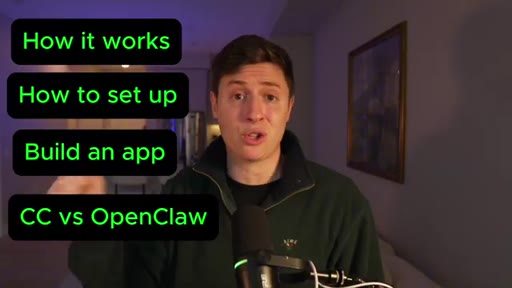
stated at 00:12 "I'll cover how it works, how to get it set up, how to build your first app, best practices, and when to use Claude Code vs OpenClaw." delivered at 06:42
§ · Chapters

Where the time goes.

00:00 – 00:57

01 · Hook and feature intro

Productivity claim, feature announcement, agenda callout boxes.

00:57 – 03:08

02 · Setup walkthrough

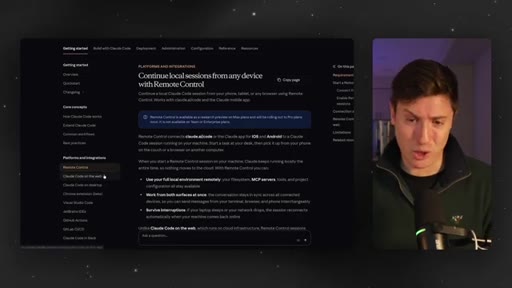
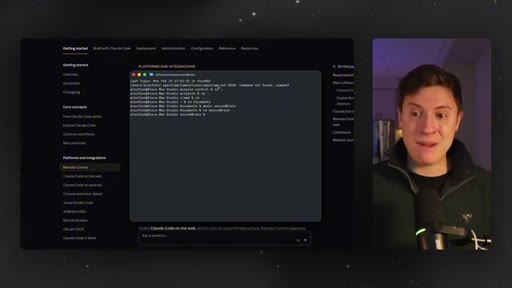
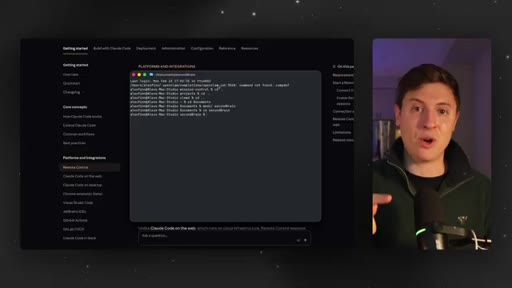
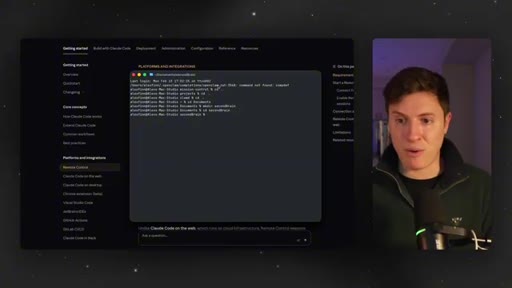
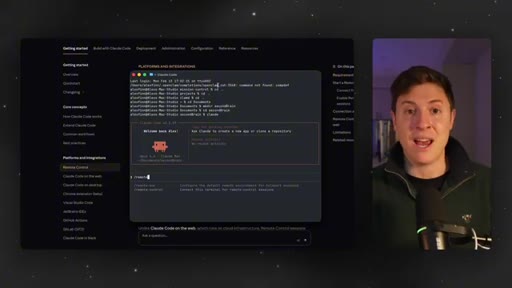
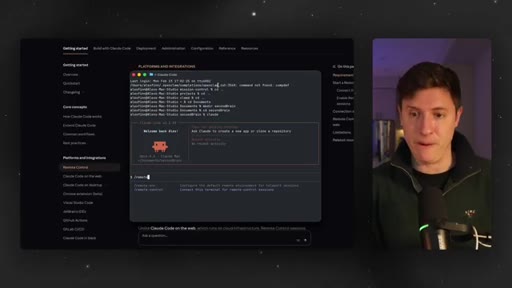
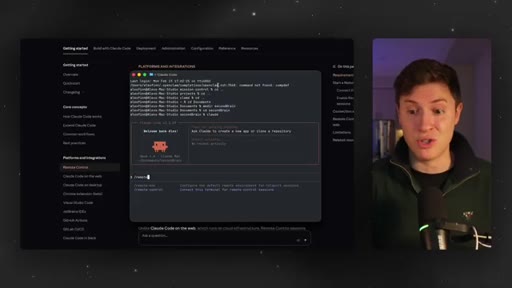
Opens Claude Code in terminal, shows Remote Control docs page, types /remote control for the first time.
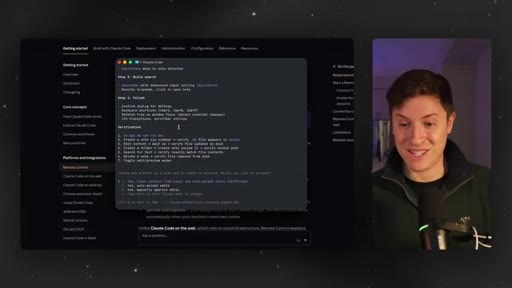
03:08 – 03:45

03 · V1 Second Brain app

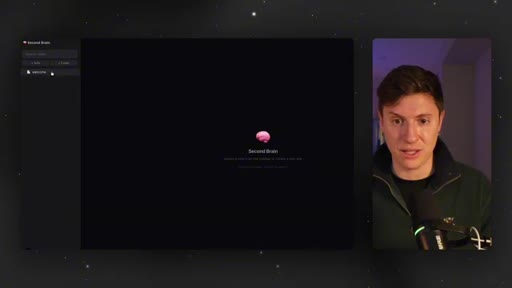
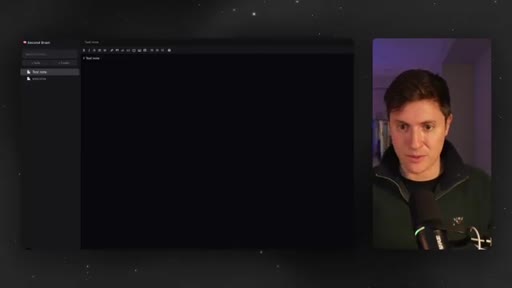
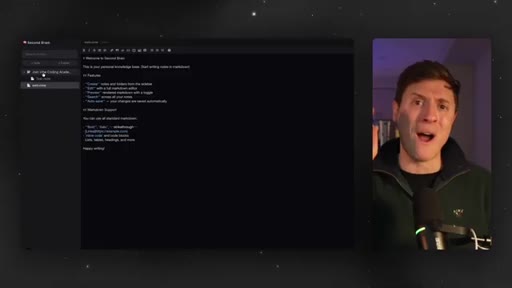
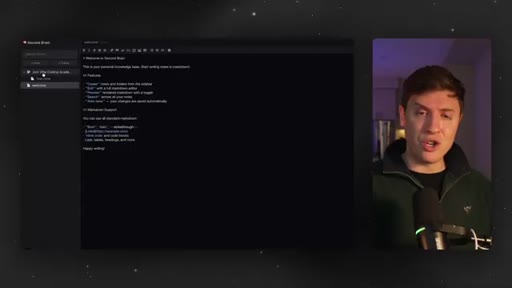
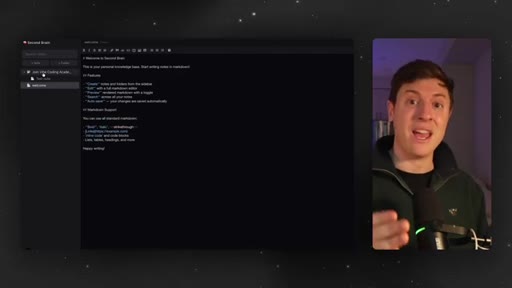
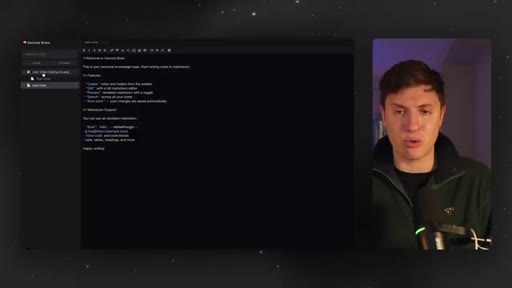
Demo of the built markdown editor at localhost:3000 — creates note, adds folder, discovers drag-and-drop is missing.
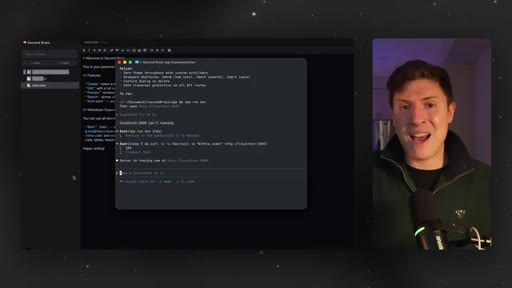
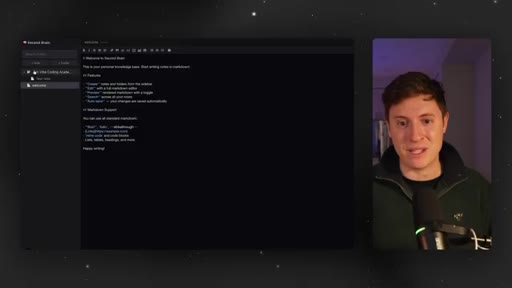
03:45 – 06:06

04 · Mobile session live

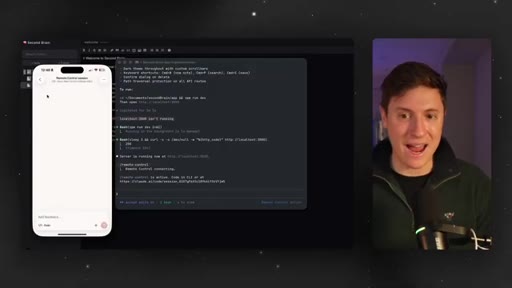
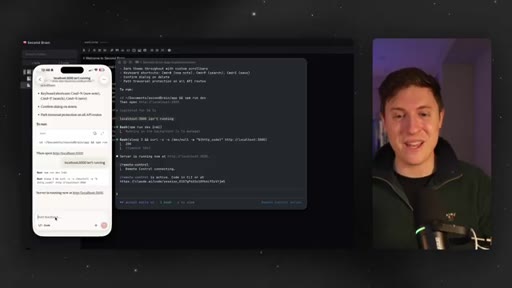
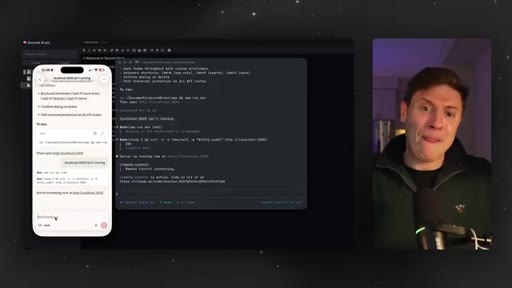
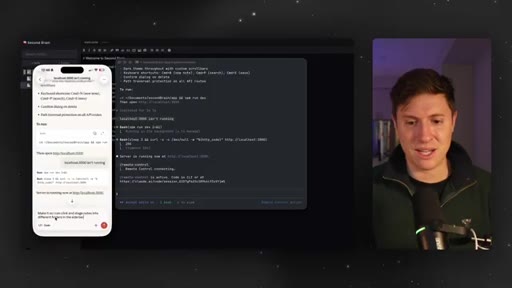
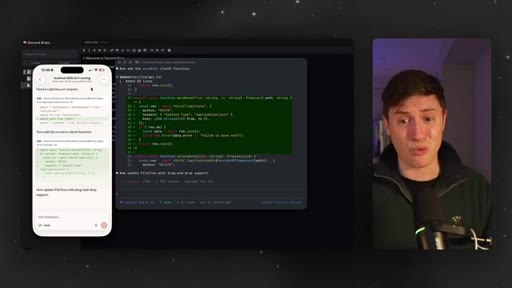
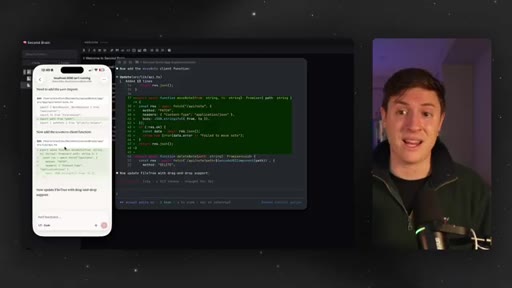
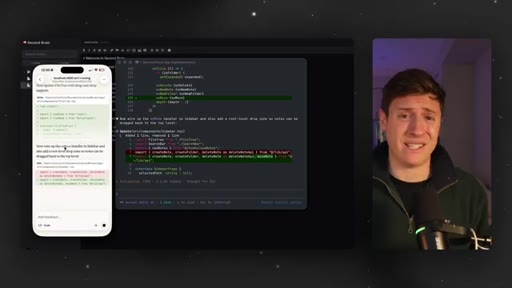
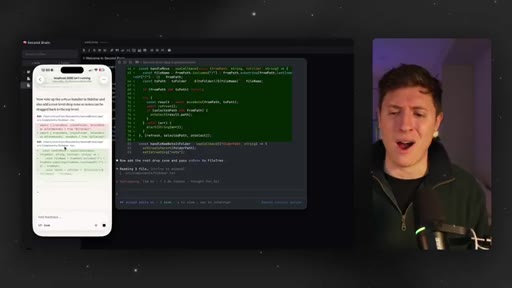
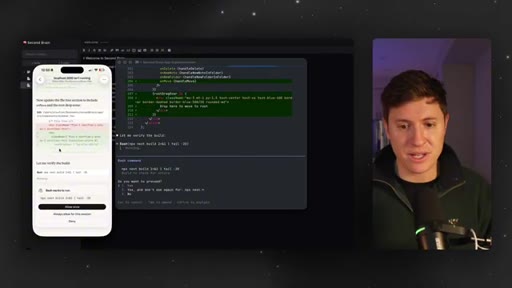
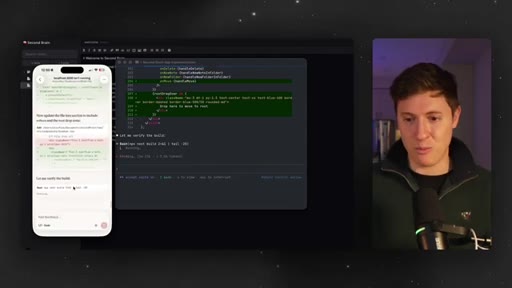
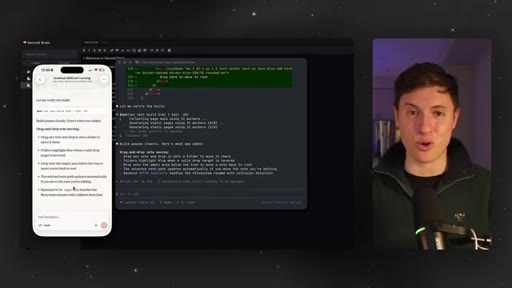
Types /remote control, opens Claude app on phone, prompts drag-and-drop feature from mobile, code executes locally in real time.
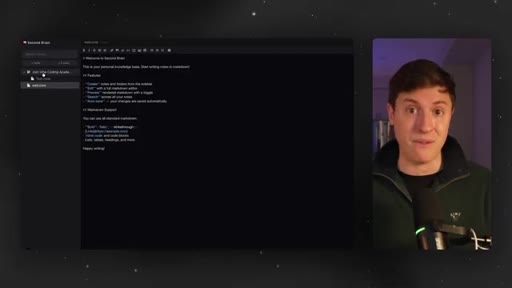
06:06 – 06:42

05 · Final working app

Back to desktop, drag-and-drop into folders works. Zero-merge return from mobile.
06:42 – 08:42

06 · OpenClaw vs Claude Code framework

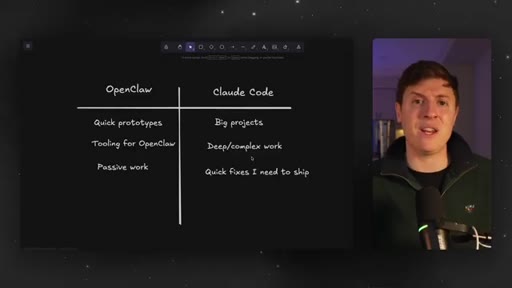
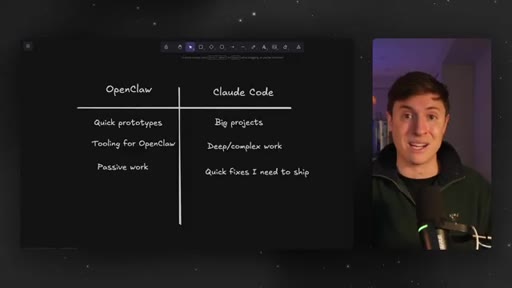
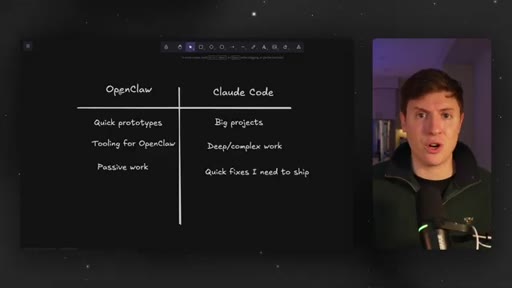
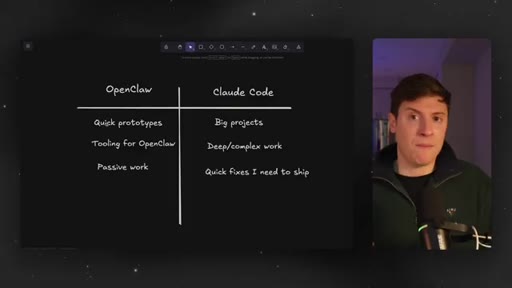
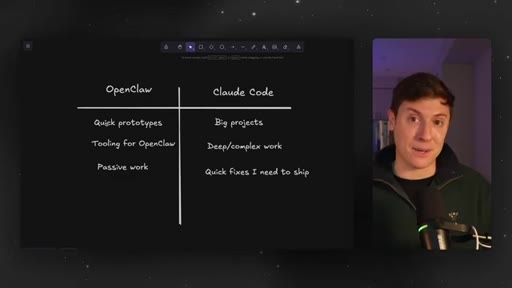
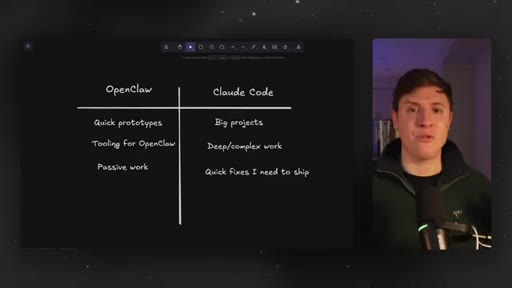
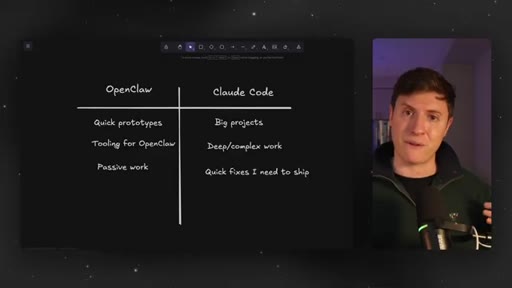
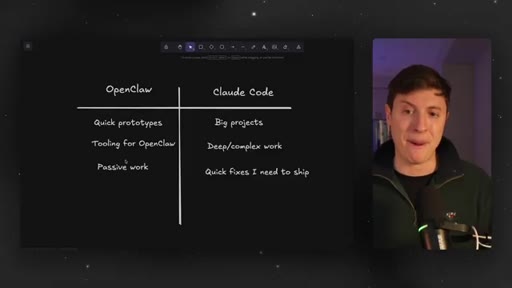
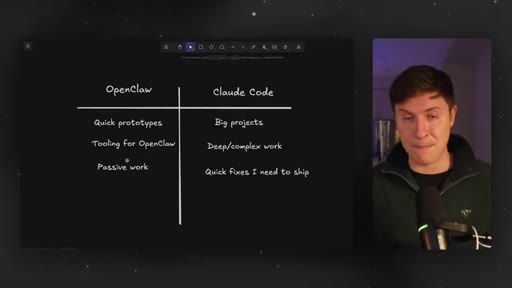
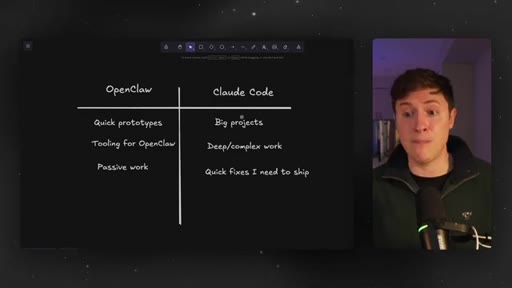
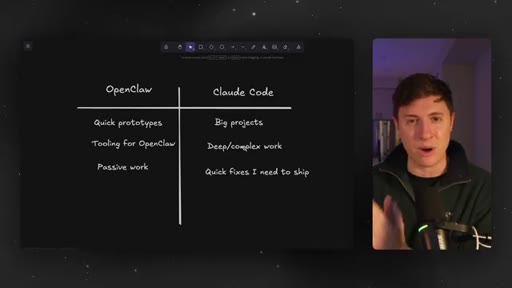
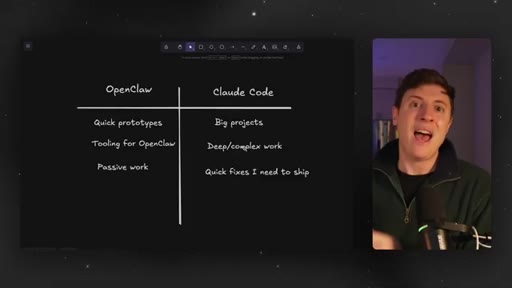
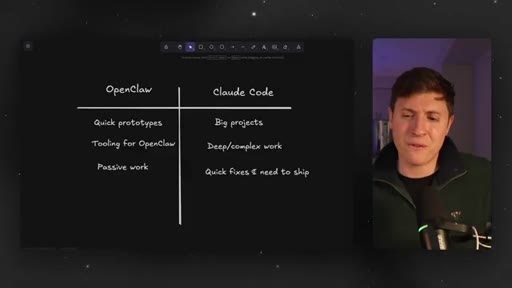
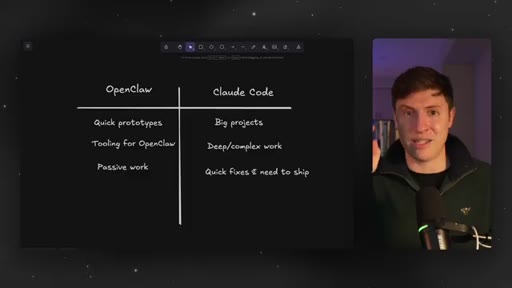
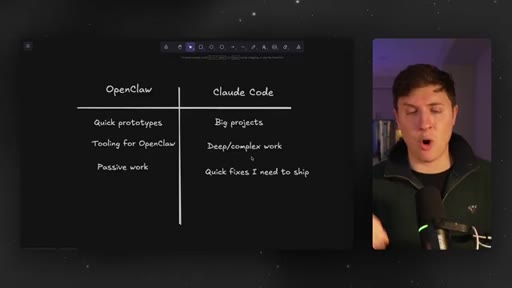
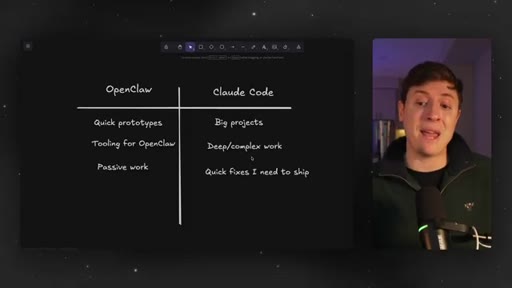
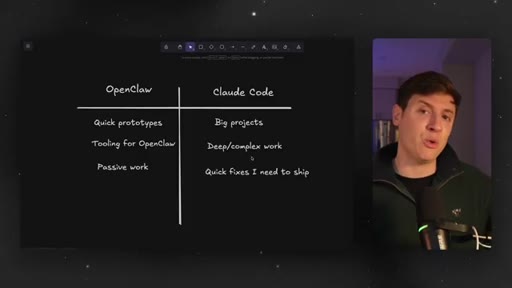
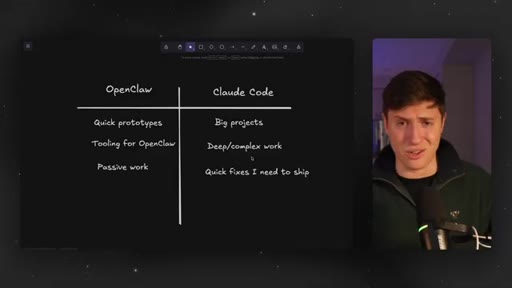
Chalkboard comparison slide. OpenClaw: quick prototypes, tooling, passive work. Claude Code: big projects, deep work, quick fixes.

§ · Storyboard

Visual structure at a glance.

open
agenda callout
docs page
v1 app
mobile session
comparison slide
CTA
§ · Frameworks

Named ideas worth stealing.

06:42 model

OpenClaw vs Claude Code Decision Matrix

  1. OpenClaw: quick prototypes, tooling for OpenClaw, passive work (while sleeping)
  2. Claude Code: big projects, deep/complex work, quick fixes I need to ship

Clean two-column mental model for choosing between the two tools based on task type and attention level required.

Steal for Any content about choosing between AI coding tools — drop this as a callout or slide in a video, newsletter, or course module.
01:44 list

Remote Control Workflow

  1. 1. Start Claude Code session on desktop
  2. 2. Type /remote control
  3. 3. Open Claude app on phone or follow the link in browser
  4. 4. Prompt from phone — execution stays on your local machine
  5. 5. Return to desktop — code is already there, no merge needed

Five-step workflow for setting up and using Claude Code Remote Control.

Steal for Swipe file for any tutorial about the feature. Also a natural checklist for a newsletter or course.
§ · Quotables

Lines you could clip.

00:00
"You're about to become five times more productive."
Pure hook — bold claim, short, no setup needed → TikTok hook
04:50
"This isn't happening in the cloud. This isn't happening in GitHub. This isn't gonna force me to have to pull down code when I get back to my computer and merge."
Crisp three-part negation that lands the local-execution differentiator → IG reel cold open
07:14
"I'll give it a list of 20 different tasks to do. I'll go to sleep, and it will go down that list while I'm sleeping. Claude code still can't do that."
Concrete use-case comparison that makes OpenClaw sound like a night-shift employee → newsletter pull-quote
07:33
"Big, complex, hairy projects that I wanna be hands on with that I wanna guide step by step."
Memorable adjective stack that lands the Claude Code use case → TikTok hook
§ · Pacing

How they spent the runtime.

Hook length57s
Info densityhigh
Filler5%
§ · Resources Mentioned

Things they pointed at.

§ · CTA Breakdown

How they asked for the click.

08:22 product
"I will also be adding a full deep dive guide on this ClaudeCode mobile experience to the VibeCode Academy and do a live boot camp on it as well. So make sure to click the link down below to join."

Soft sell — positions the CTA as added value (bootcamp recording) rather than a hard ask. Delivered while still talking through the outro, no pause or tone shift.

§ 04 · The Script

Word for word.

HOOK opening / re-engagementCTA the pitch
00:00HOOKYou're about to become five times more productive. Anthropic just released a new feature for Claude code that I've been waiting for forever, and I'm sure you have too. You can now Claude code natively
00:12HOOKon your phone, on the go, wherever you are, and have the projects built out on your computer. No need to do any sort of crazy SSH or terminal emulation to get this going on your phone. You can now run projects from your phone that build on your computer without having to do any sort of technical work.
00:29HOOKIt's official. You can Claude code anywhere. If you're a nerd like me, you can officially touch grasp while also still Claude coding.
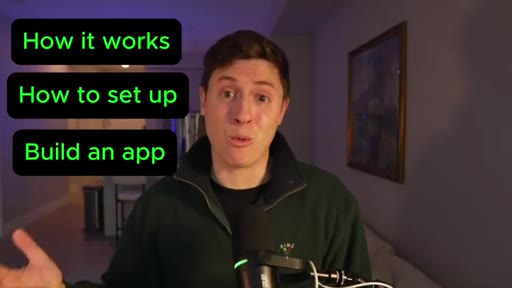
00:37HOOKIn this video, I'll cover how it works, how to get it set up, how to build your first app with it where we'll start building on the computer, then take it on the go. I'll cover some best practices, and I'll show you when you wanna be using Claude code and when you wanna be using OpenClaw, because this is clearly indirect
00:53HOOKresponse to Open Claw. Now let's lock in and get into it. So this is not a channel where we just sit here and read blog posts for fifteen minutes.
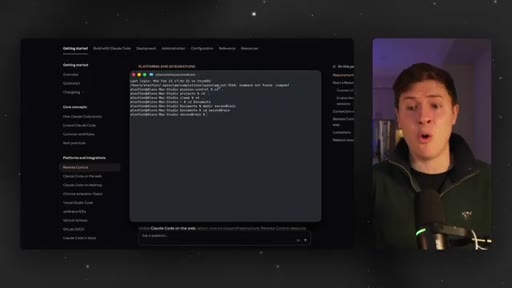
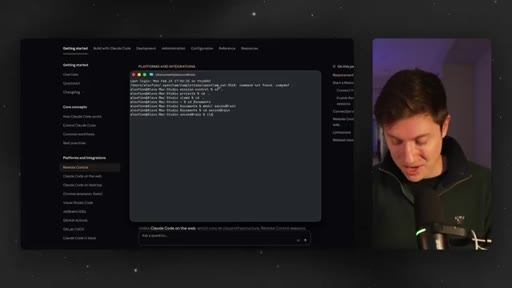
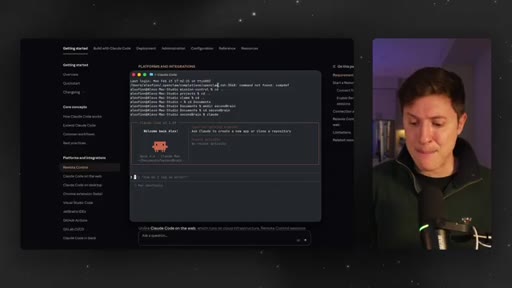
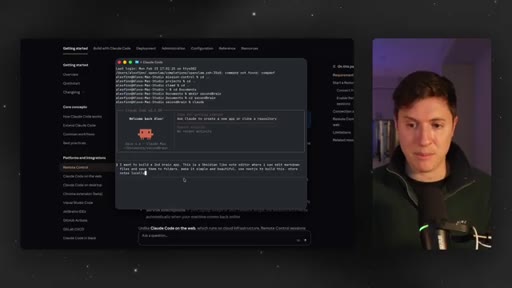
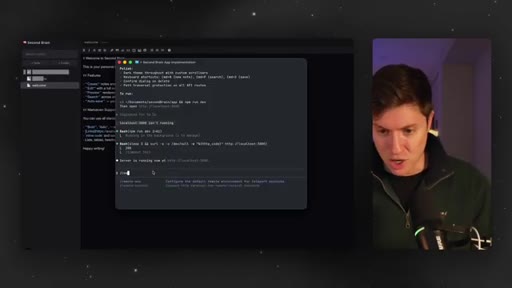
01:00Let's just go straight into building a project with ClaudeCode Mobile. If you follow along with me here, you'll not only build a really cool app, but you also see how Claude Mobile works. I am in my terminal.
01:09What we are going to do is start a brand new project. So I'm gonna start building this on our computer, then we are going to move it to mobile. That's the key workflow here.
01:19That's what they're going for is you start your deep dive projects on your computer. And then when you're ready to go, maybe you gotta go to the gym. Maybe you gotta grow maybe you gotta grab a SOTY pop.
01:27I don't know. You can hit a button, and all of a sudden, it will be on your device, and you can continue your Claude code sessions on the go. So let's do this.
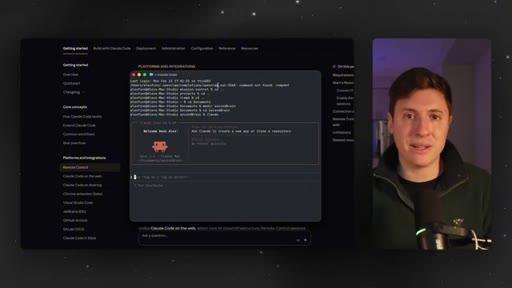
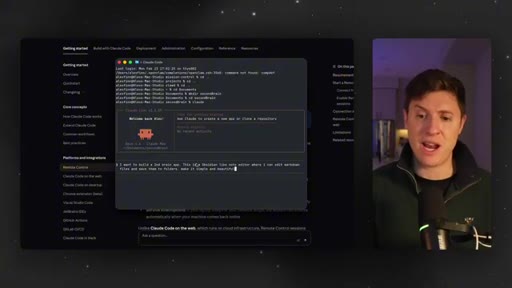
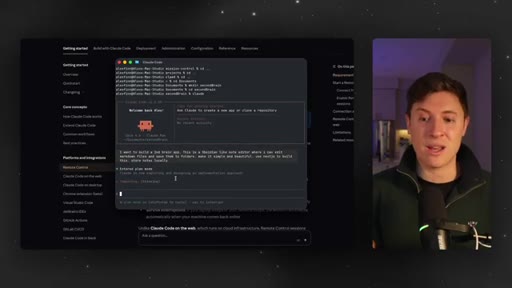
01:34I'm in a brand new project folder. I'm gonna do Claude. I'm gonna say, yes.
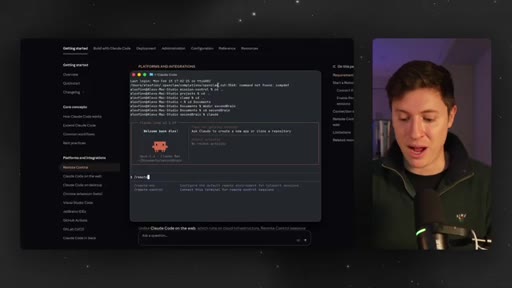
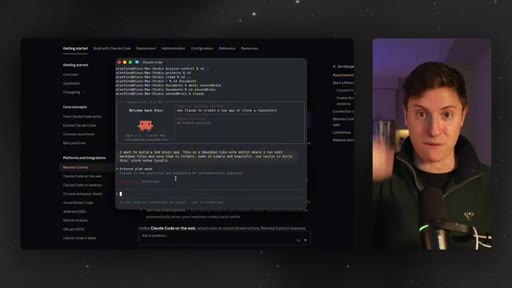
01:38I trust this folder. And at any time during this session that we want, I can do slash remote control,
01:46and that will send this project to my Claude app on my phone so I can keep going on the go. And what's so powerful about this is this isn't running on the cloud like Claude code was before on mobile, where you give it prompts and it does stuff on the cloud.
02:00That adds a lot of friction to your process where you need to pull down code, merge it, and a whole bunch of other things which can get complex. This is different. When you send it to your phone, it actually keeps running on your computer.
02:11So when you get back to your computer, you can just test it right away. You don't need to merge code or do anything complex that's tougher for newer people. So let's kick this off.
02:19Let's build v one in the app, then I'll send it to my mobile, and I'll show you how this works. So I'll put this prompt down below. Feel free to take it.
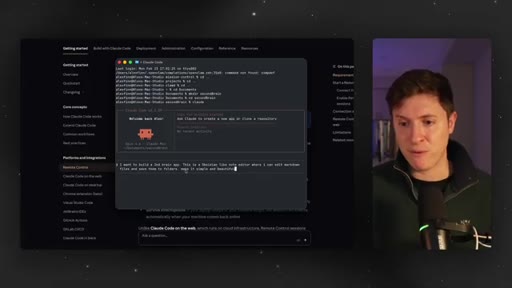
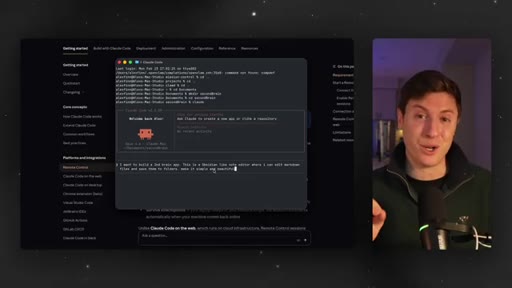
02:25Build this along with me, and I'll show you how to bring it on mobile. I wanna build a second brain app. This is an Obsidian like note editor where I can edit markdown files and save them to folders.
02:34Make it simple and beautiful. The bonus part about this, if you build this out, this could be a great plugin for your OpenClaw that you can use to store all your memory. So let's do this.
02:43I'm gonna hit enter. One last thing I'll add on, use Next. J s to build this store notes locally.
02:48I'm gonna hit enter on that, and Claude code is gonna get to building. I'm going to show you v one of this on my desktop in a second, and then I will show you how to move this to mobile and show you what the mobile building workflow is like. Alright.
03:00Looks like the v one's gonna have a lot of really cool stuff in it, man. Claude code with hope is 46 is so good. So let's get it built out here.
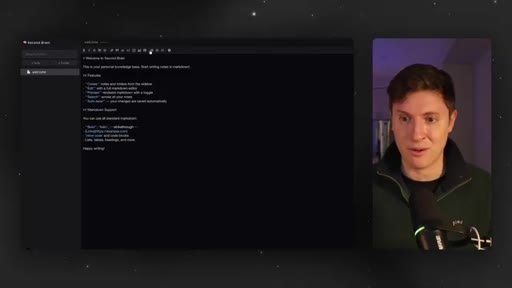
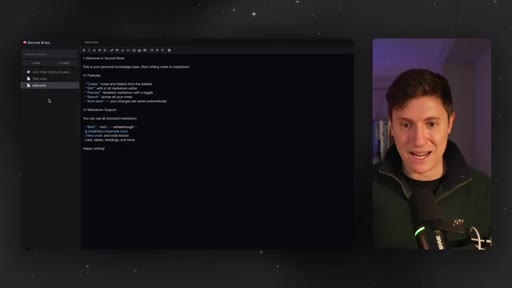
03:08So I went to local host 3,000. Wow. This is what we got.
03:11This is pretty nice looking. Let's see. They even wrote us a welcome note.
03:14Total markdown editor right there. Amazing. We got all the different markdown
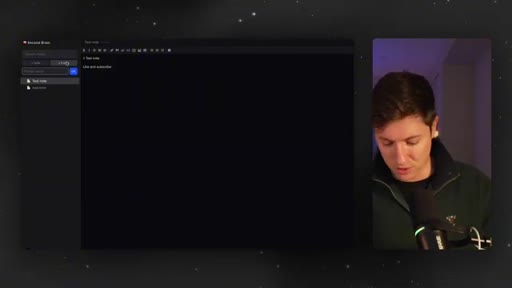
03:19options at the top. We can bold it, put it in different formats. Let's create a new note.
03:24Test note. Do this. Like and subscribe.
03:28Looks like that works. Okay. Can we put that in a folder?
03:31We'll call this join Vibe Coding Academy. Boom. We got the folder.
03:36I cannot click and drag notes. I cannot click and drag notes. Let's do this.
03:41Let's send this to mobile and finish our work on the go. So maybe I gotta go to the gym. I gotta get a pump on to keep my biceps and triceps massive.
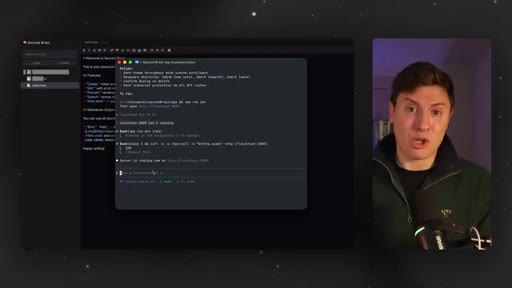
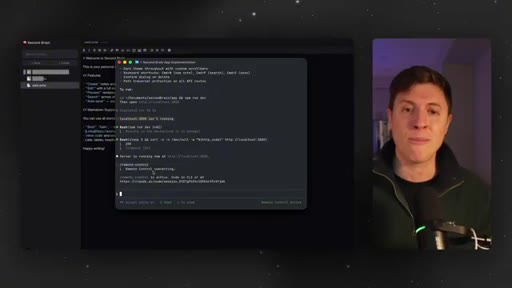
03:50Let's send this to mobile so I can keep working on this app in between bench press sets here. So we'll do this. I'm gonna do slash
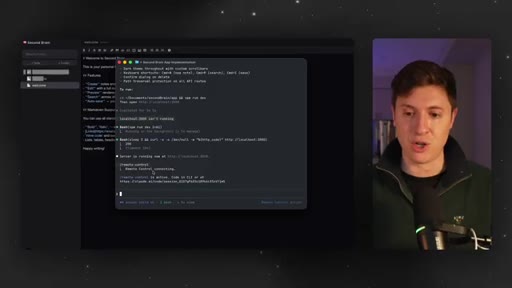
03:58remote control. So slash remote control sends this session to your mobile device.
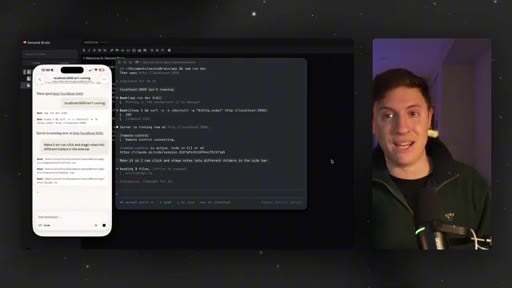
04:05Boom. There it's going. So it has a link.
04:08So you have two options now with this new mobile feature. You can either copy this link and put it in your browser on your phone and keep it going from the browser. The other option you have for running this is on your Claude app.
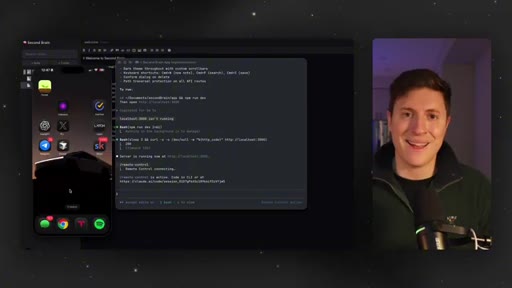
04:22So if we come in here and I actually open up the Claude app, you can see it automatically takes me to the session we're just in. So let's do this.
04:31Let's start building on the go. So I'm on the bench press. I hit a personal record of two hundred fifty pounds.
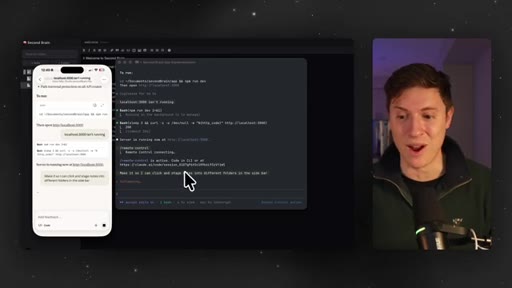
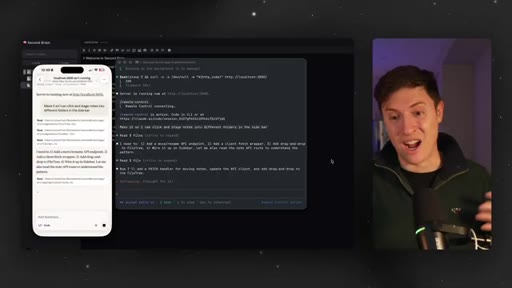
04:36I just come up with an idea. I wanna make it so I can click and drag notes into different folders. So I go in here and I say, make it so I can click and drag notes into different folders in the sidebar, and I hit enter.
04:47And it gets to work. And what's happening is, you can see it over here on the right, it's actually doing the work on my local computer.
04:54This isn't happening in the cloud. This isn't happening in GitHub. This isn't gonna force me to have to pull down code when I get back to my computer and merge and figure out where conflicts are and put in another hour of work.
05:06It's just doing it locally on my computer. This is going to save me so much time of having to figure out different merges and things like that. It all just happens locally in one single place.
05:17And it's quick too. You can see the moment something happens on my phone, it's happening on my computer. And this is a really nice UI too.
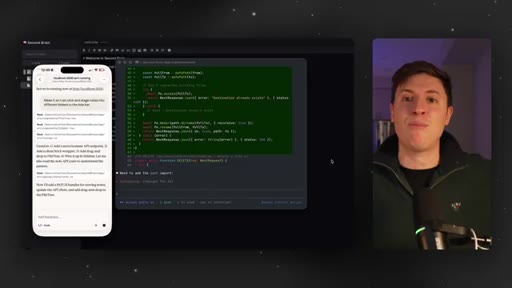
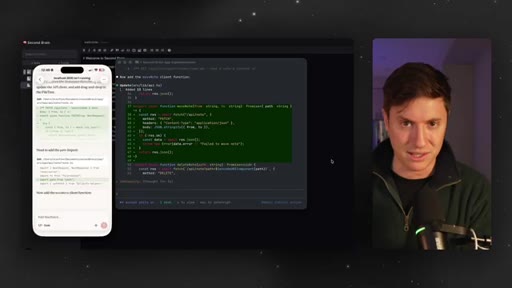
05:24You can see all the code changes. You can see every little thing it's doing in here. This is a really nice user interface for using Claude code.
05:32Before this, so many people were coming up with hacks and workarounds. They were emulating their terminal on their device. They were SSH ing from their phone to their computer.
05:41Whole bunch of things that required extra complex work that is no longer needed. It is just built in natively, and this is really, really cool. And you can see even when it gives you options, you can choose the options in here.
05:52So let's do allow for this session, and it goes, and it will build it out for us. All we had to do is in Claude code when we start working slash remote control, and boom, we're on mobile doing work on the go. So there it goes.
06:05It says it's all done. Let's give it a test. I click.
06:07I drag. Boom. It's in the folder now, and it works Just like that on the go.
06:11I come back to my computer, and I have fully working code. But the question becomes this. If you've been watching this channel last month, you know I've become obsessed with OpenClaw.
06:21When should you be using ClawedCode? When should you be using Open Claw? Because this is clearly a shot at Open Claw.
06:27This is clearly Anthropic trying to make ClawedCode closer to the functionality of Open Claw. One of the things that makes Open Claw so great is you can do work on the go.
06:36HOOKYou can be on your computer, then you go on the go, and it's still doing work on your computer even when you're on mobile. Well, let me break it down for you. I got answers for you right here.
06:45HOOKThere are times when you wanna use OpenClaw to do your vibe coding work. There's times when you wanna use Claude code. I use OpenClaw if I'm just trying to do quick prototypes.
06:54HOOKMaybe I'm on the go. I think of an idea for an incredible app. I go to my telegram.
06:58HOOKI message my OpenClaw. It builds out the prototype real quick for me. It is fantastic at that.
07:04HOOKIf I'm building out tooling for Open Claw so I'm always adding new tooling for my Open Claw, ways to manage my agents, see different information about work they're doing. I like to use Open Claw for that because it has all the context and memories about your setup, And I also like it for passive work. What do I mean by passive work?
07:21HOOKThis could be work I wanted to do while I'm sleeping. So I'll give it a list of 20 different tasks to do. I'll go to sleep, and it will go down that list while I'm sleeping.
07:29HOOKClaude code still can't do that. But for Claude code in this mobile functionality, I'm doing it for big projects.
07:35HOOKRight? So big, complex,
07:37HOOKhairy projects that I wanna be hands on with that I wanna guide step by step. I'm using ClaudeCode for it. If I'm in deep work and I'm focused, I'm not multitasking, I just wanna focus on doing one thing really well, I'll still use Claude Code for this because Claude Code is so good at giving you the nuance and asking you tons of questions.
07:56HOOKOpen Claw doesn't really ask you questions as you go. And then just quick fixes I need to ship. If there's a bug in my app Creator Buddy or something like that, I'll just go to Claude Code, say, hey.
08:05HOOKFix it, and then I'll say ship it, and it's good to go. Claude Code, for those really quick fixes I just need to ship out. But that is the new Claude Code mobile experience.
08:13HOOKIt's incredible. I'll be using it all the time to continue my deep work on the go. If you learned anything in this video, leave a like down below.
08:21HOOKCTAMake sure to subscribe and turn on notifications. All I do is make amazing videos about AI. I will also be adding a full deep dive guide on this ClaudeCode mobile experience to the VibeCode Academy and do a live boot camp on it as well.
08:34CTASo make sure to click the link down below to join that. I do live boot camps every single week, and you get access to all the past recordings. Hope this was helpful.
08:40CTAI'll see you in the next video.
— full transcript
§ 05 · For Joe

The /remote control pattern is a new content format.

Format steal

Start a build on desktop, hand it to your phone mid-video, finish it from mobile — the workflow IS the content.

  • The start-on-computer continue-on-phone arc is a repeatable video structure — not just a feature demo.
  • The comparison slide (OpenClaw vs Claude Code) is a standalone shareable asset — screenshot it, post it, drive traffic back to the full video.
  • The three-part negation pattern (This isn't X, this isn't Y, this isn't Z) is a clean way to differentiate any tool from its predecessors — steal it for JoeFlow vs transcription SaaS.
  • Alex does not do a setup screen or prerequisites section — he goes straight into building. That pacing choice signals trust in the audience and keeps drop-off low.
  • The agenda callout (green boxes at 0:42) is a low-cost visual that signals structure without slides. Worth adding to JoeFlow demos.
§ 05 · For You

What this means if you use Claude Code.

For Claude Code users

You can now pick up any Claude Code session from your phone without losing your local state — no SSH, no cloud sync, no merge conflicts.

  • Type /remote control in any Claude Code session to generate a shareable link that opens in the Claude mobile app.
  • Everything still runs on your computer — your phone is just the input device. Come back to your desk and the code is already there.
  • Best for: continuing deep-work sessions when you have to step away but still have ideas coming.
  • Not a replacement for OpenClaw if you want truly async/unattended work — Claude Code Remote Control still requires you to be in the loop.
§ 06 · Frame Gallery

Visual moments.