The bait, then the rug-pull.
Most people discover Claude skills and immediately misfile them as a fancier prompt. They are not. A skill is persistent infrastructure: a workflow written once that executes consistently forever, without spending tokens on re-explanation. This breakdown starts where most tutorials skip: the architecture that makes skills efficient, not just possible.
Where the time goes.
01 · What Are Skills?
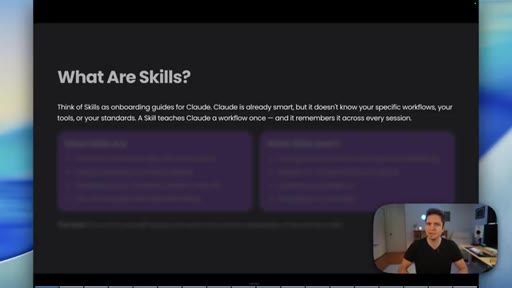
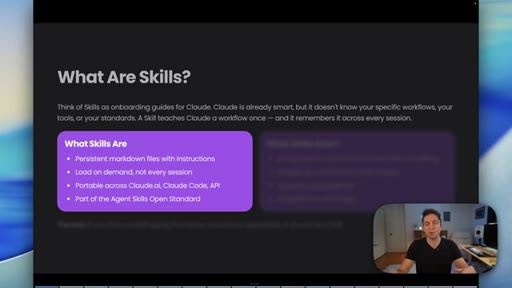
Skills as onboarding guides for Claude; persistent markdown files that load on demand; if you repeat a process, make it a skill.
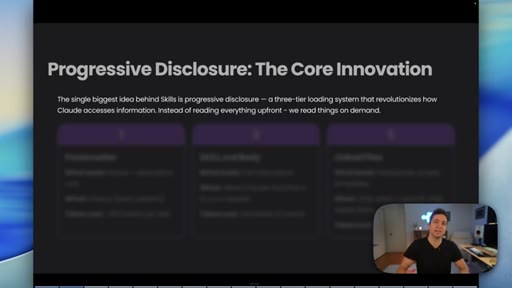
02 · Progressive Disclosure
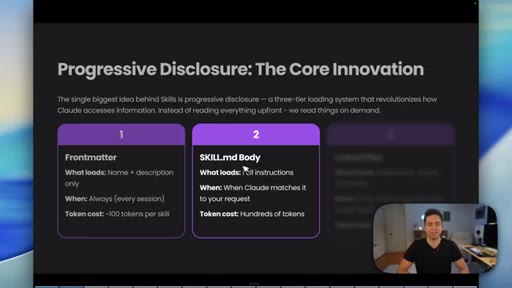
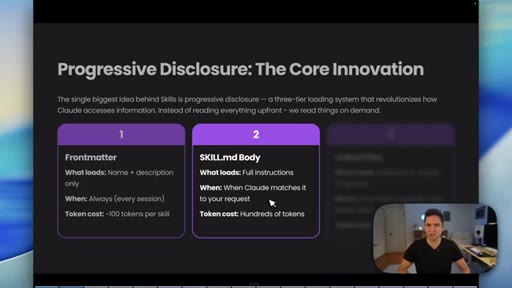
Three-tier loading: frontmatter triggers SKILL.md body on match which triggers linked files on demand.
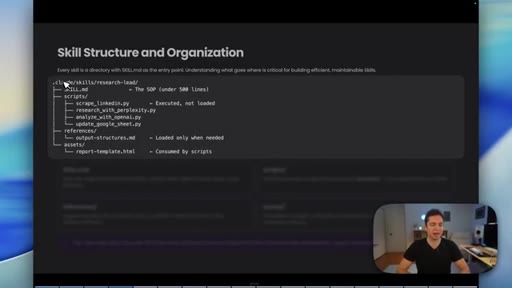
03 · Skill Structure and Organization
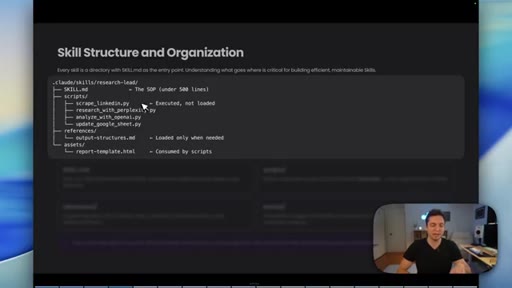
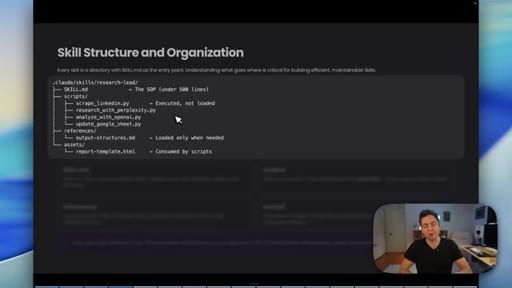
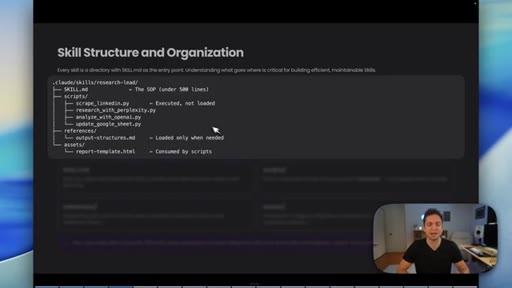
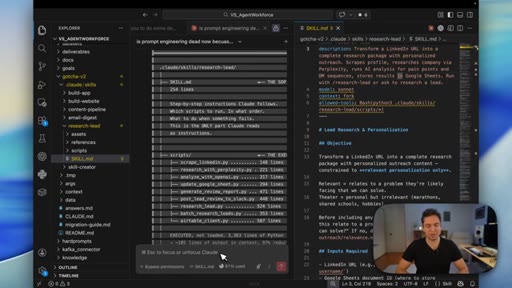
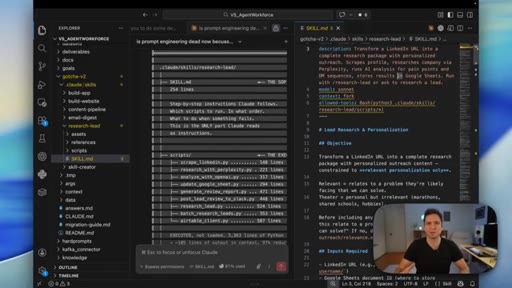
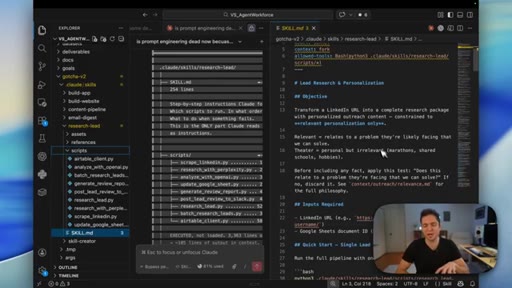
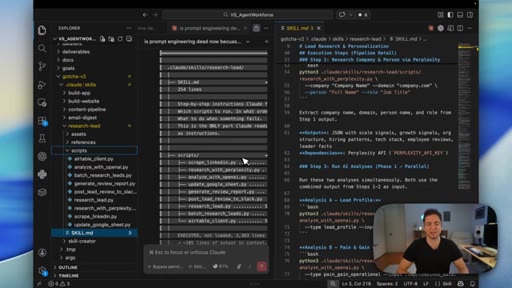
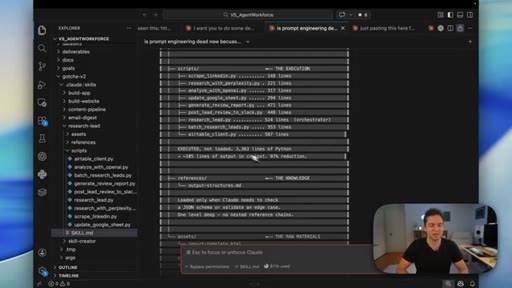
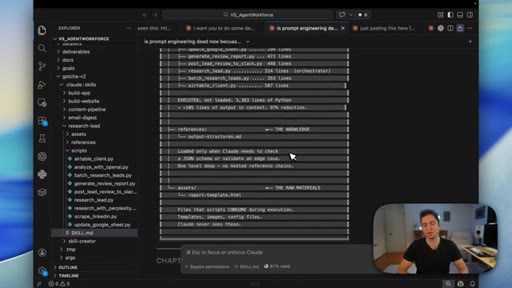
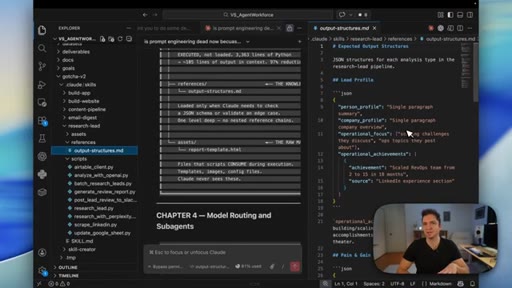
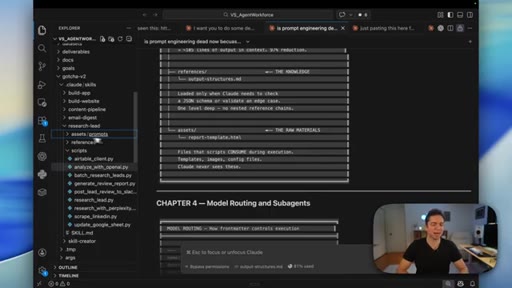
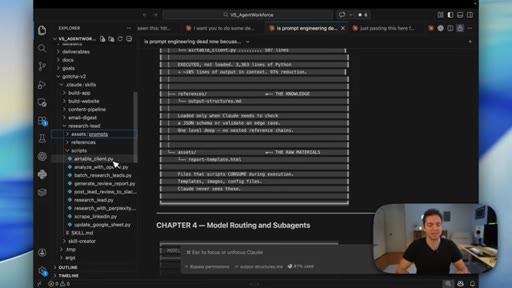
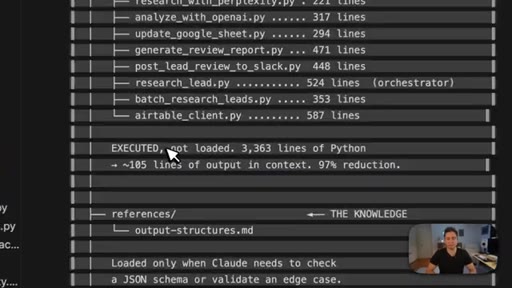
Directory layout: SKILL.md SOP, scripts executed not loaded, references with examples and schemas, assets. The 97% context reduction example.
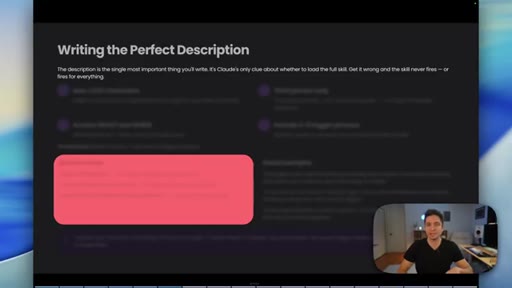
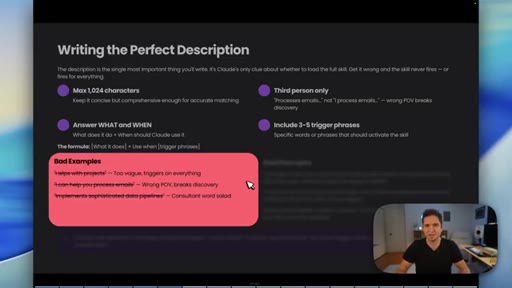
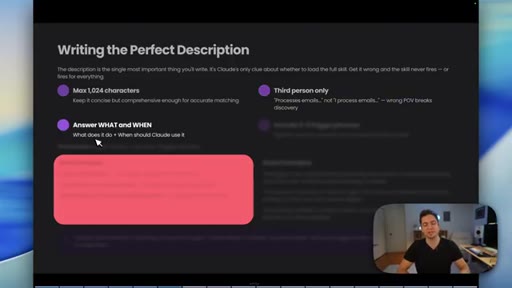
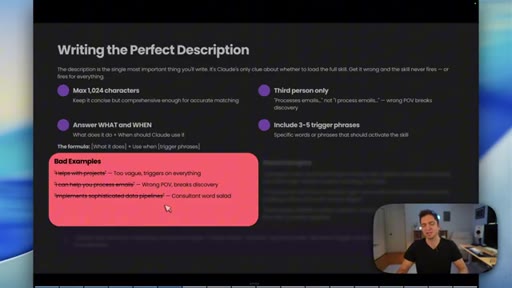
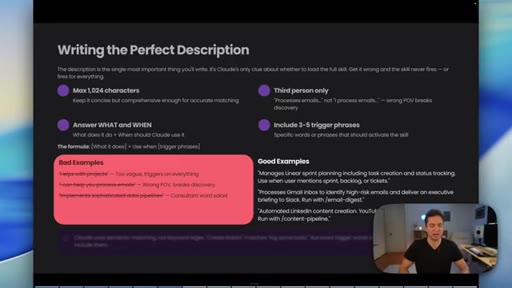
04 · Writing the Perfect Description
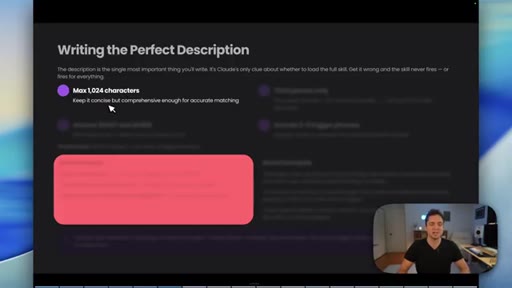
Max 1024 chars; third person only; answer WHAT and WHEN; include 3-5 trigger phrases. Bad vs good examples contrasted.
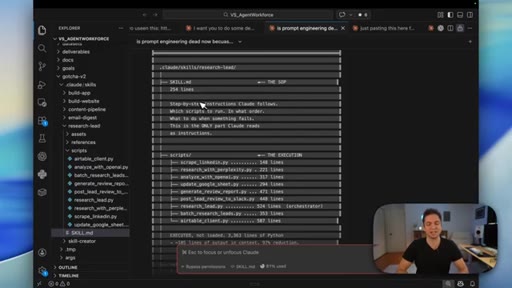
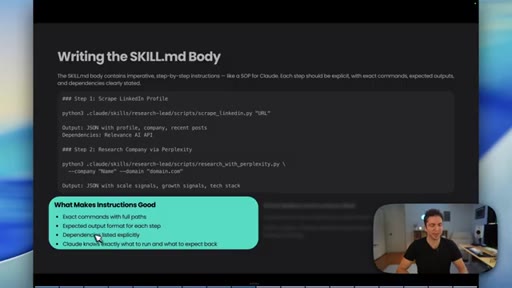
05 · The SKILL.md Body
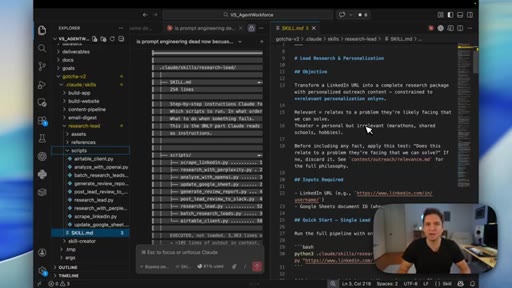
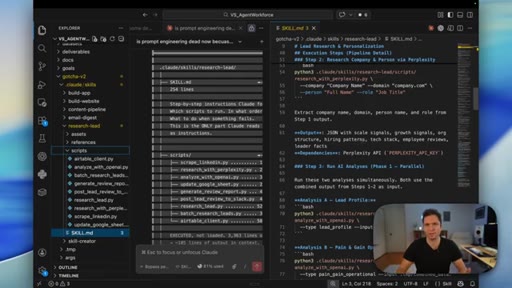
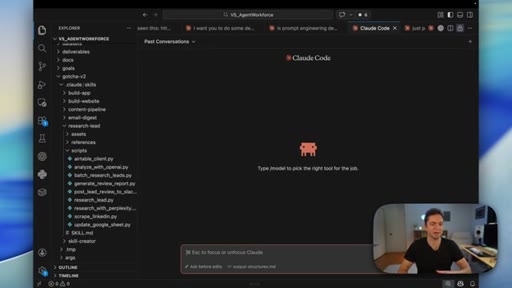
Real-world research-lead skill walkthrough in VS Code; imperative writing style; frontmatter, model spec, allowed tools.
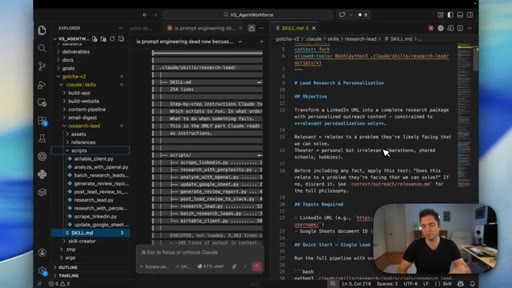
06 · Goal Format
Objective, inputs required, execution steps as numbered pipeline nodes. Specific tool calls with expected output per step.
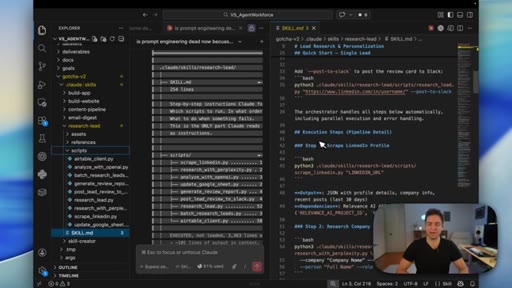
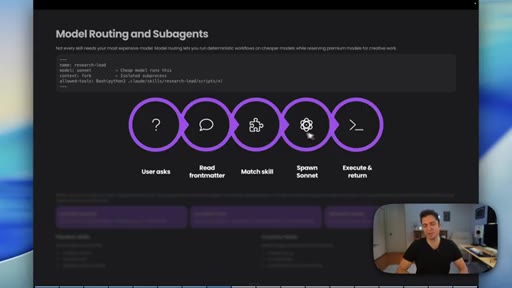
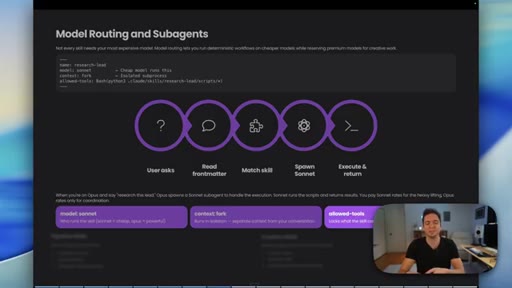
07 · Model Routing and Subagents
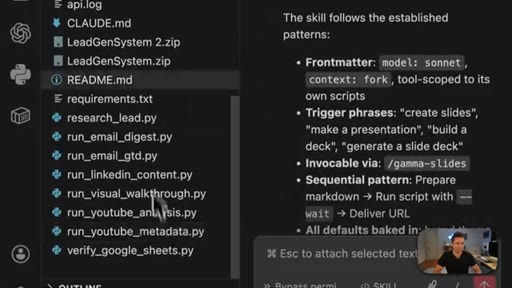
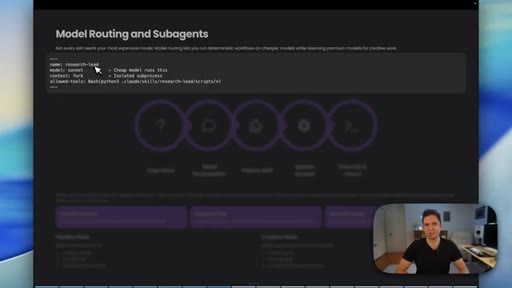
model: sonnet, context: fork; Opus orchestrates, Sonnet executes; cost implications; allowed-tools scoping per skill.
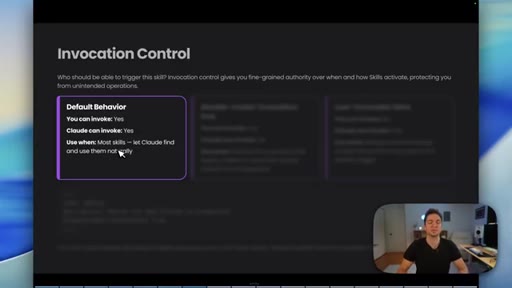
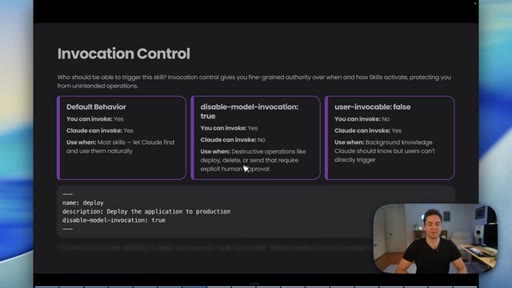
08 · Invocation Control
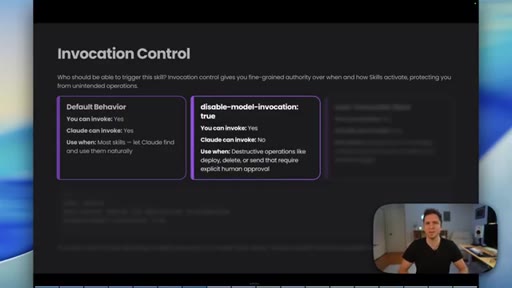
Default both can invoke, disable-model-invocation:true for human-in-loop on destructive ops, user-invocable:false for background knowledge.
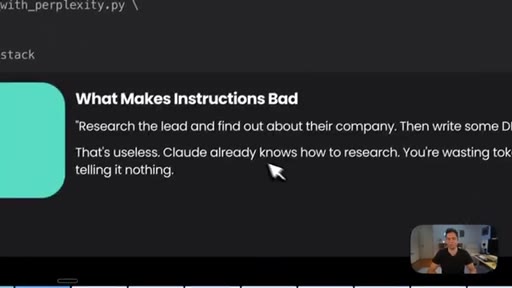
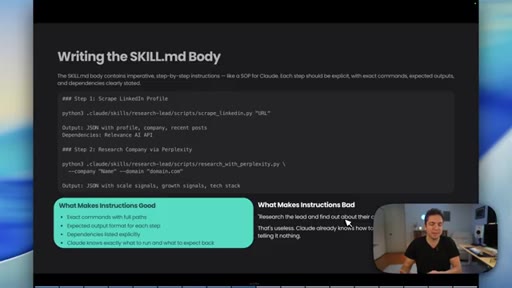
09 · Writing the SKILL.md Body - Instructions
Exact commands with full paths; expected output format per step; dependencies explicit. Vague vs specific imperative steps.
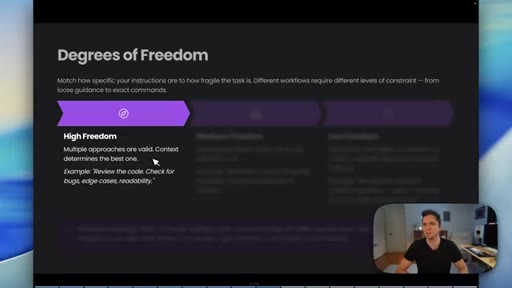
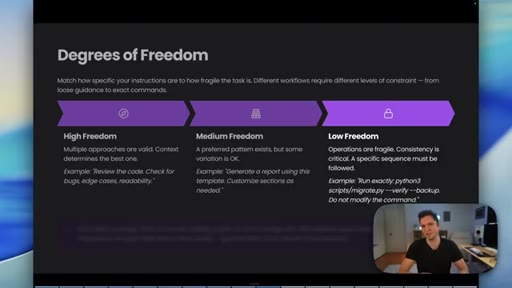
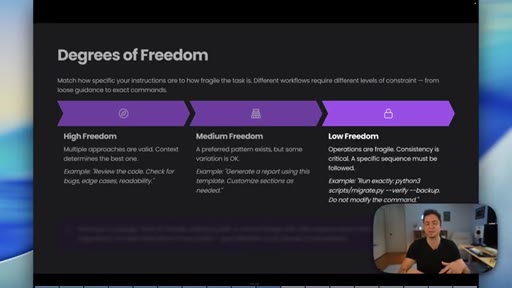
10 · Degrees of Freedom
High freedom for multiple valid approaches, medium for preferred pattern with variation OK, low freedom for exact commands do not modify.
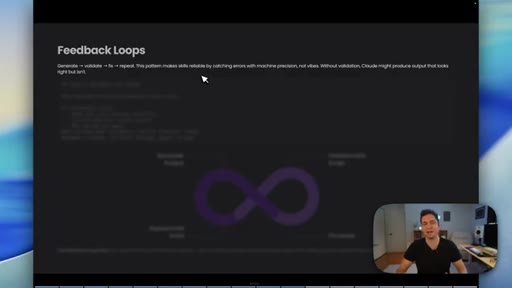
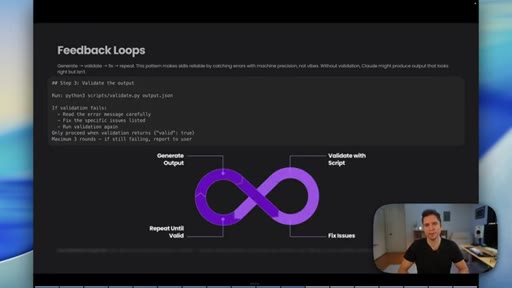
11 · Feedback Loops
Bake validate-fix-repeat into the skill; max 3 rounds; report to user on persistent failure; skills evolve through iteration.
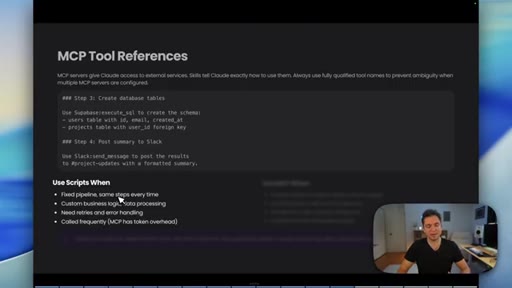
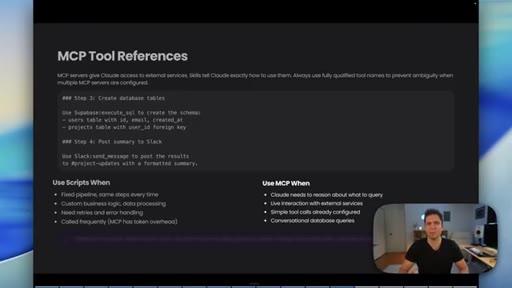
12 · MCP Tool References
Scripts for fixed deterministic pipelines with zero token overhead; MCP for judgment and external service interaction.
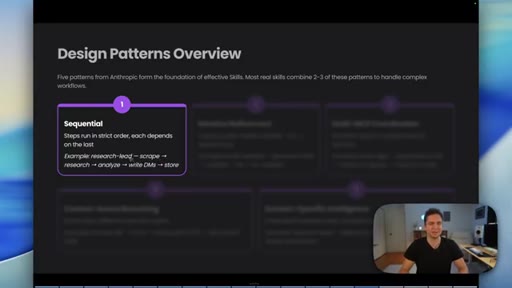
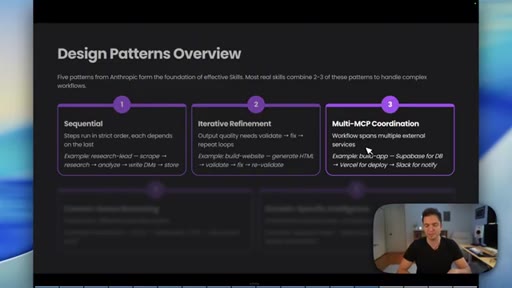
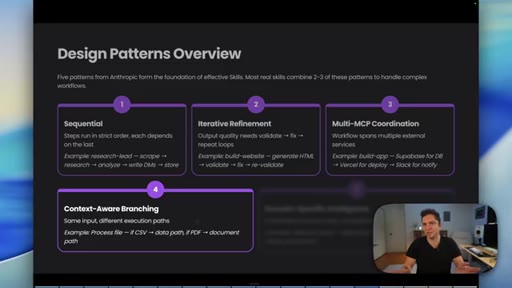
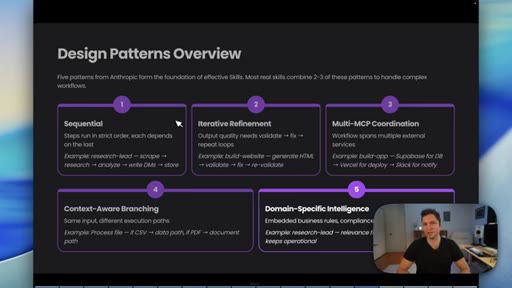
13 · Design Patterns Overview
Five patterns from Anthropic: Sequential, Iterative Refinement, Multi-MCP Coordination, Context-Aware Branching, Domain-Specific Intelligence.
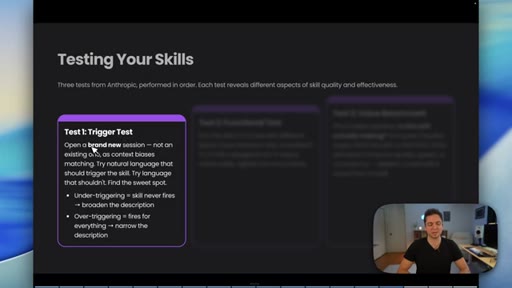
14 · Testing Your Skills
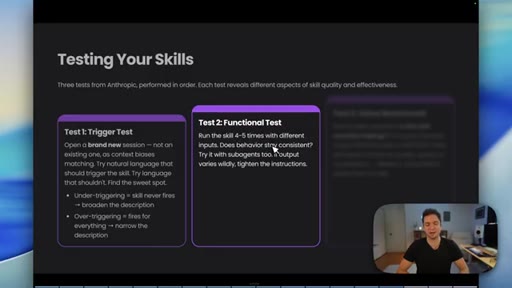
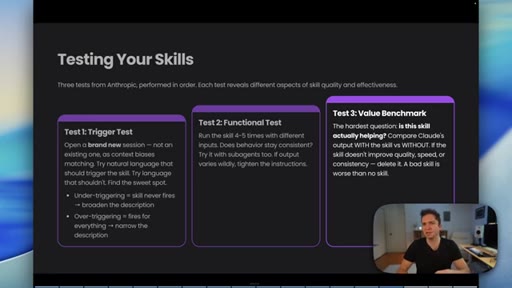
Three tests in order: Trigger Test fresh session, Functional Test 4-5 runs subagent variants, Value Benchmark with vs without skill.
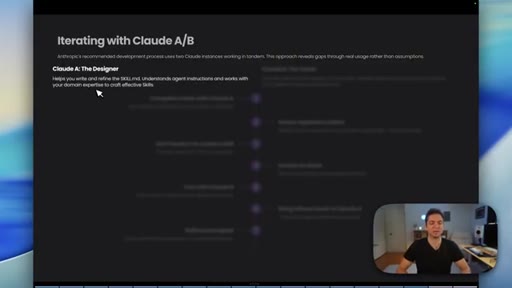
15 · Iterating with Claude A/B
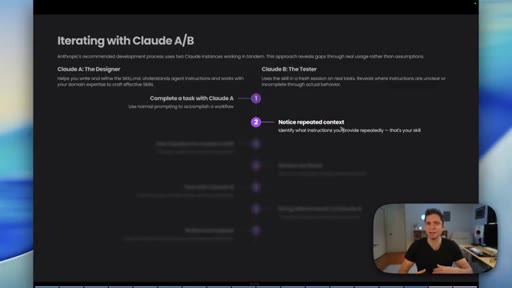
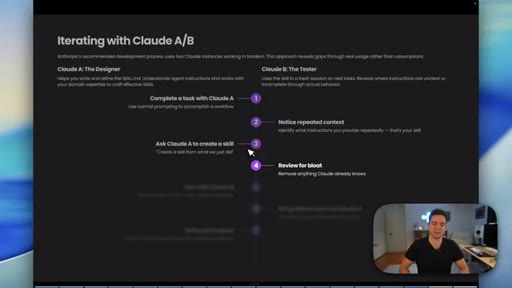
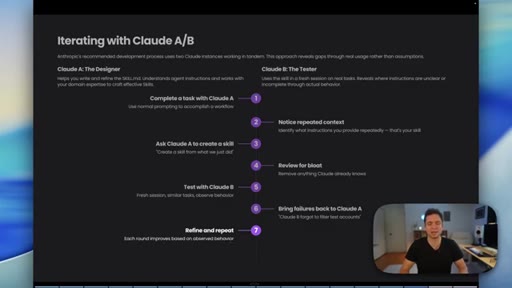
Claude A designs, Claude B tests in fresh session. 7-step loop: complete, notice repeated context, create skill, review, test, bring failures back, refine.
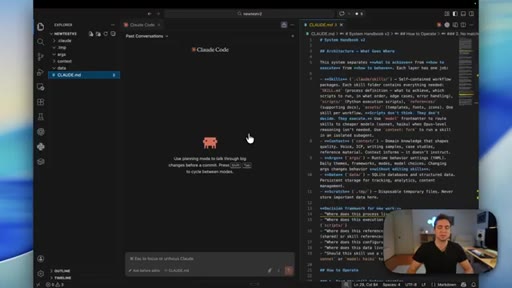
16 · Practical Setup and Marketplace
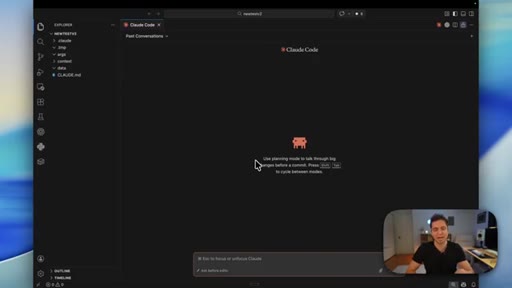
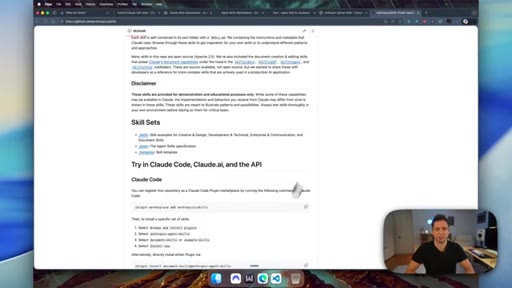
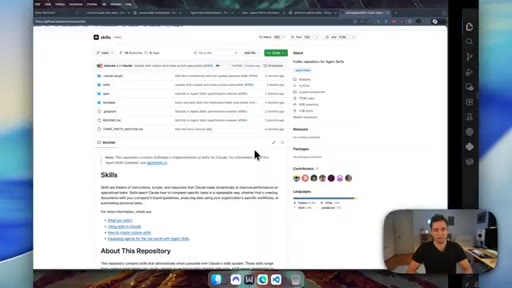
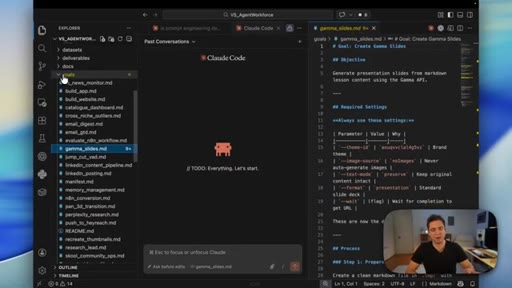
VS Code plus Claude Code environment; dot-claude folder; Anthropic GitHub repo for skill creator; skillsmp.com marketplace.
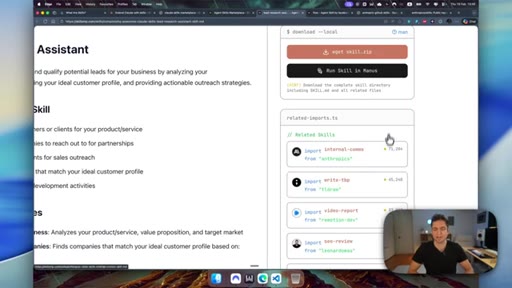
17 · Live Demo: Converting a Goal to a Skill
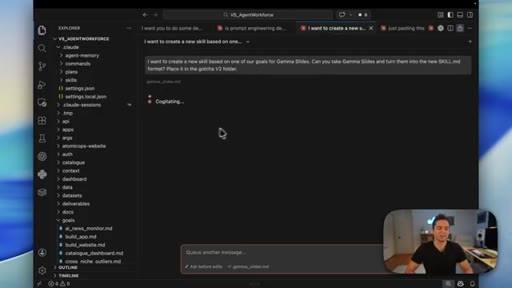
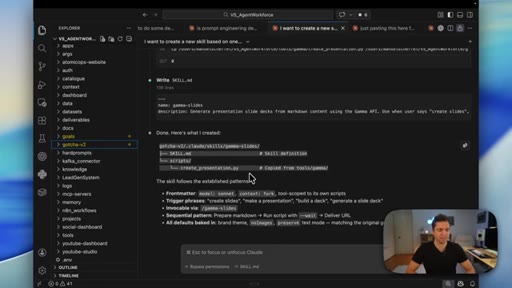
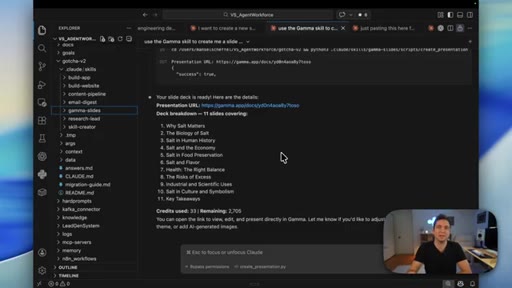
Live conversion of Gamma slides goal file into SKILL.md using the skill creator; correct frontmatter, model routing, scripts output.
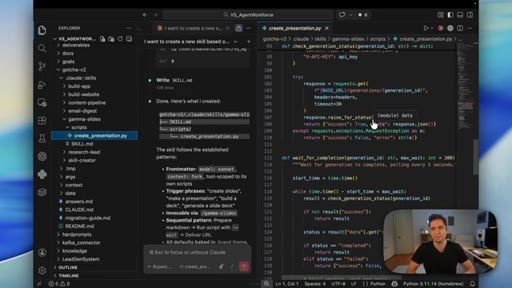
18 · Testing the Gamma Skill
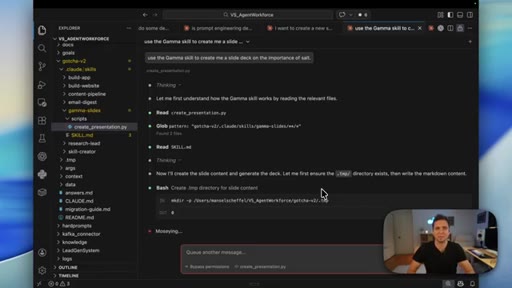
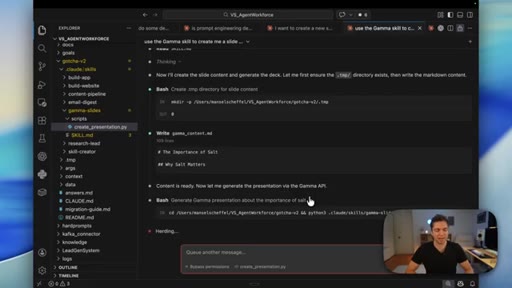
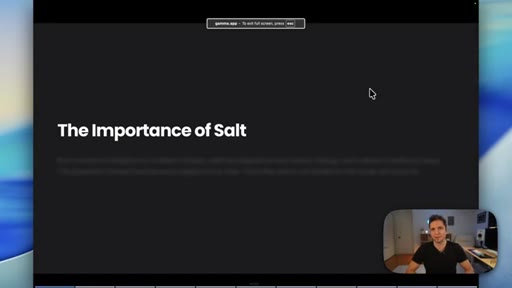
Fresh session test; skill triggers correctly on natural language prompt; live generation of The Importance of Salt 11 slides via Gamma API.
Visual structure at a glance.
Named ideas worth stealing.
Progressive Disclosure 3-tier loading
- Frontmatter 100 tokens every session
- SKILL.md body loaded on match
- Linked files loaded on demand per step
Each tier loads only when needed. The frontmatter is the catalog; the body is the SOP; the linked files are the execution layer.
Degrees of Freedom Spectrum
- High freedom: multiple valid approaches, context determines best
- Medium freedom: preferred pattern, variation OK
- Low freedom: exact commands, do not modify
Match the constraint level to the fragility of the task.
Feedback Loop Pattern
- Generate output
- Validate with script
- Fix issues
- Repeat until valid max 3 rounds
- Report to user on persistent failure
Baking validation into the skill itself turns probabilistic AI output into deterministic quality gates.
Claude A/B Iteration Method
- Complete a task with Claude A
- Notice repeated context patterns
- Ask Claude A to create a skill
- Review for bloat
- Test with Claude B fresh session
- Bring failures back to Claude A
- Refine and repeat
Two-instance development loop that surfaces description and instruction gaps invisible when building and testing in the same session.
Invocation Control Triad
- Default: both user and model can invoke
- disable-model-invocation: true: user only for destructive ops
- user-invocable: false: model only for background knowledge
Fine-grained control over who can trigger a skill. Destructive operations always require human approval.
Lines you could clip.
"3,363 lines of Python just returns us 105 lines of output. There is no bloat, just answers to each of the steps in this process."
"If I handed this to someone, would they know what to do with this?"
"A bad skill is worse than no skill."
"You can get it to rewrite its own skill while it is learning. Your skills are evolving."
Things they pointed at.
How they asked for the click.
"Check out the videos on the screen. I do have a community that just launched if you wanna check that out."
Soft, no hard sell. Community mention plus suggested videos. Minimal friction.
Word for word.
The system behind repeatable Claude workflows.
A skill is not a better prompt. It is a workflow contract that executes consistently by keeping execution outside the context window.
- Progressive disclosure means the model loads only what it needs at each step: the frontmatter every session, the full SOP on match, and scripts only during execution, so context stays lean by design.
- The frontmatter description is the single most important thing to write: it must answer what the skill does and when to use it, in third person, in under 1024 characters, with three to five trigger phrases.
- Scripts and external tools should be executed, not loaded into context. A 3363-line Python execution layer can return 105 lines of useful output, a 97% reduction in what the model actually has to process.
- Match the degree of freedom to the fragility of the task: judgment work gets high freedom with multiple valid approaches; business logic that must run identically every time gets exact commands with no variation allowed.
- Baking a validate-fix-repeat loop directly into the skill body turns probabilistic output into a quality gate. The skill catches its own errors before surfacing results, with a maximum of three rounds before escalating to the user.
- The trigger test must always use a brand-new session: testing in the same window where you built the skill produces false positives because the context already contains everything the frontmatter was supposed to surface on its own.
- A skill that does not demonstrably improve consistency, quality, or speed over raw model output should not ship. Comparing with-skill and without-skill output is a required step before treating any skill as production-ready.
- The A/B iteration method where one instance designs and a separate fresh instance tests is the only reliable way to find gaps in skill instructions that are invisible from inside the build context.