Better Stack · Youtube · 04:14

Give Claude Persistent Memory in 5 Minutes

A 4-minute proof that two commands can make Claude Code stop forgetting everything you built yesterday.

Posted
February 6th 2026
3 months ago
Duration
04:14
Format
Tutorial
educational
Channel
BS
Better Stack
§ 01 · The Hook

The bait, then the rug-pull.

Six seconds in, Better Stack names the pain every Claude Code user carries: the session ends, the context dies. What follows is one of the tightest dev-tool demos on YouTube — two commands to install, one intentional bug to prove the logging works, and a clean session restart that makes Claude remember everything without being asked.

§ · Stated Promise

What the video promised.

stated at 00:09 "It gives Claude code persistent and compressed memory across sessions while auto capturing stuff like bug fixes and decisions, then brings that context back right when we need it." delivered at 02:45
§ · Chapters

Where the time goes.

00:00 – 00:30

01 · The problem: sessions forget everything

Host states the core pain point and names Claude-Mem immediately. Subscribe CTA appears before the demo.
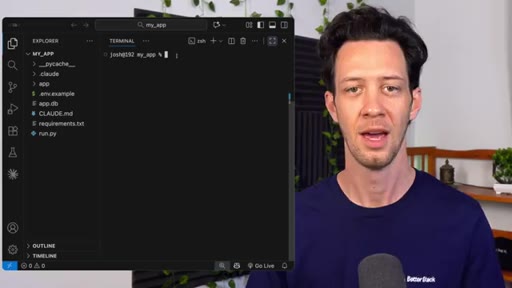
00:30 – 01:29

02 · Two-command install

Plugin marketplace add + plugin install. No config files, no API keys. Runs locally on localhost.
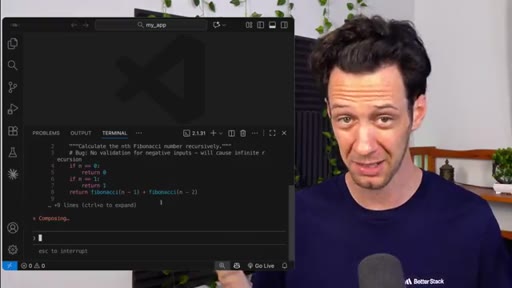
01:29 – 01:44

03 · Intentional bug creation

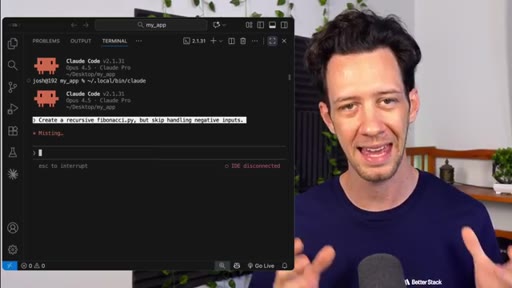
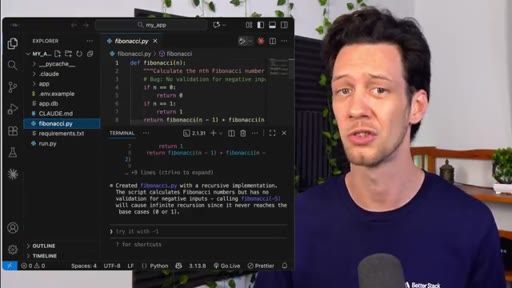
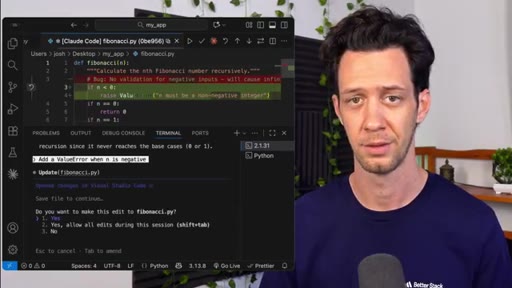
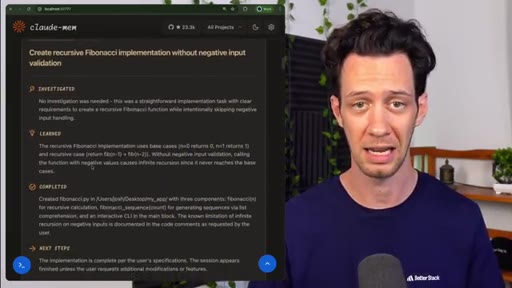
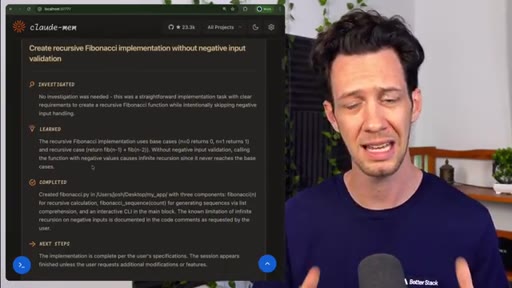
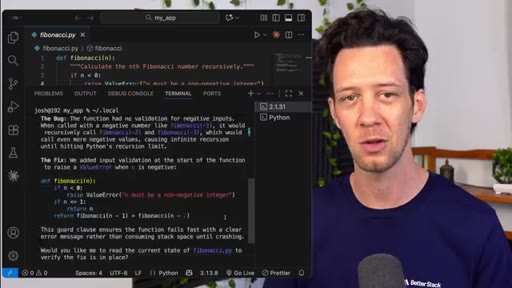
Creates a recursive Fibonacci script with intentionally missing negative-input validation to set up the demo.
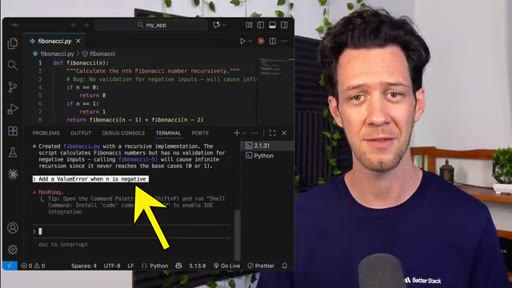
01:44 – 02:05

04 · Bug fix via Claude

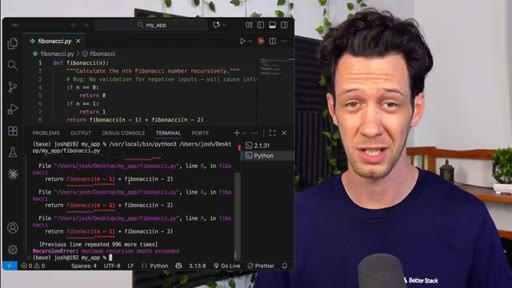
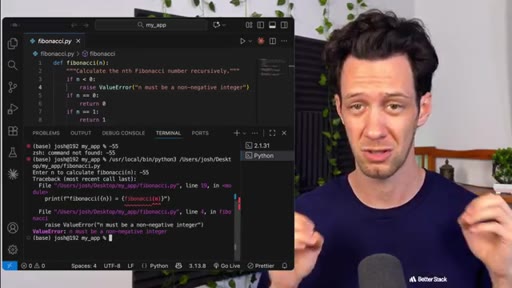
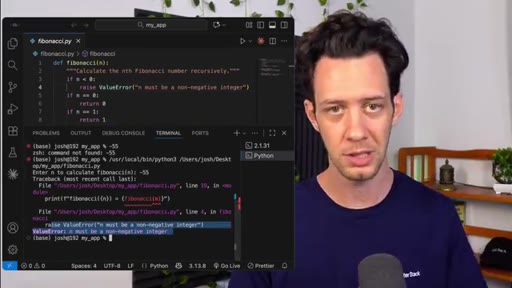
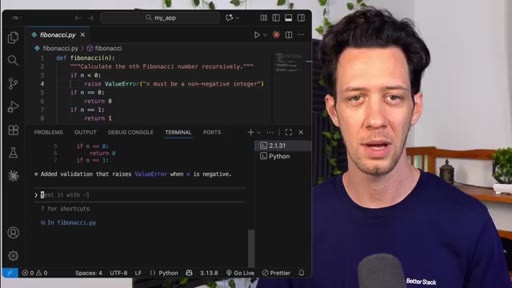
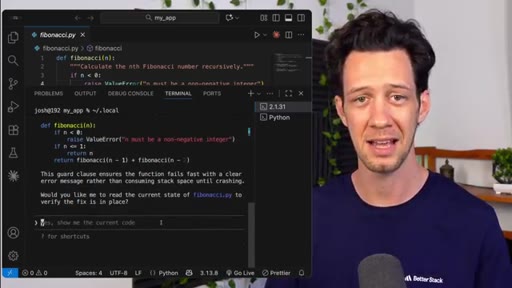
Runs script with negative number, gets error, asks Claude to fix it. Clean error message after fix.
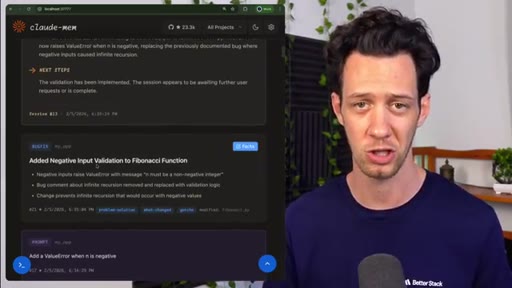
02:05 – 02:45

05 · Claude-Mem web UI reveal

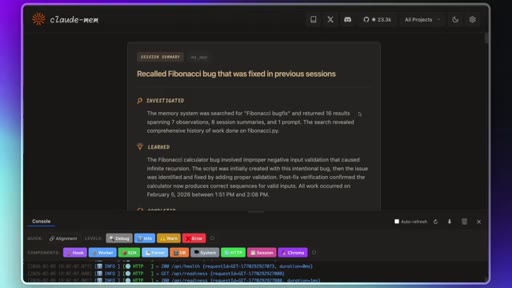
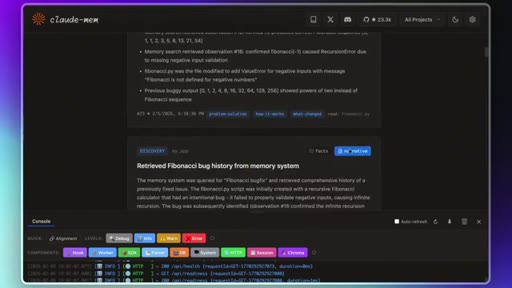
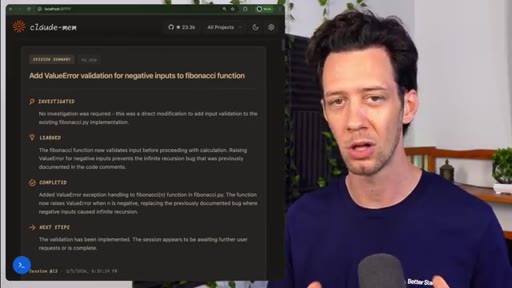
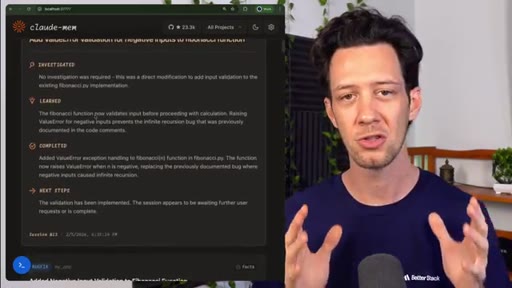
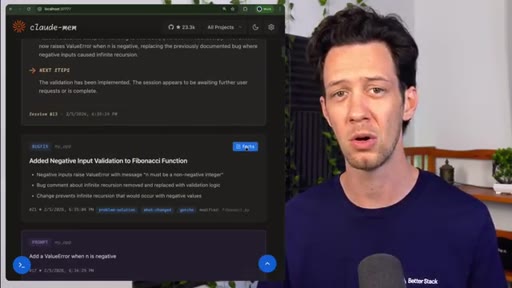
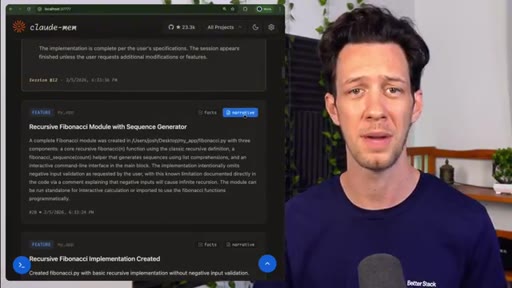
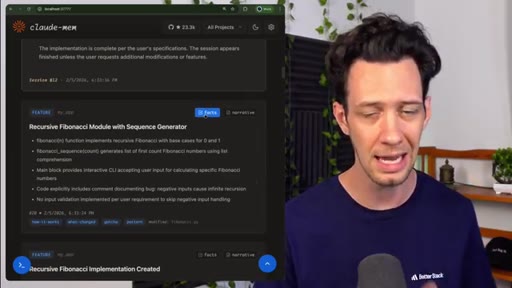
Shows the localhost web UI with real-time categorized entries, bug record, fix, reasoning, and code diff.
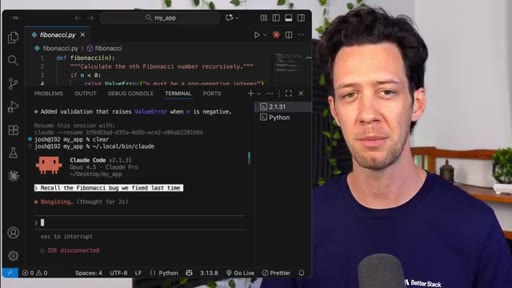
02:45 – 03:06

06 · The real test: new session recall

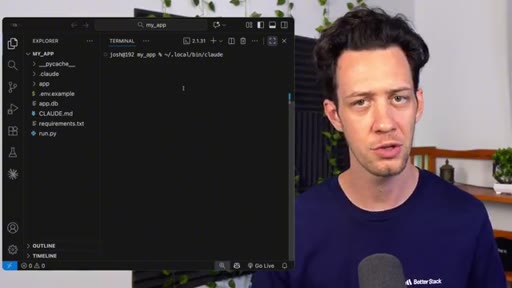
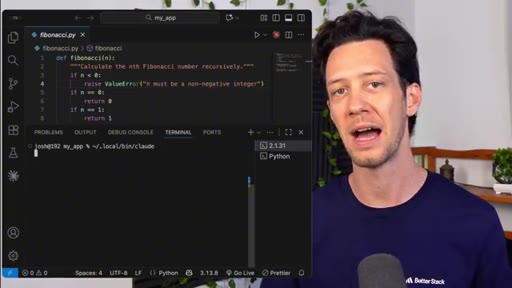
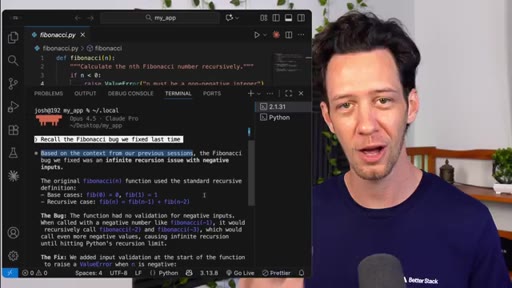
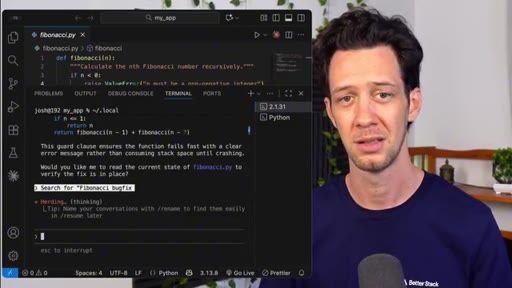
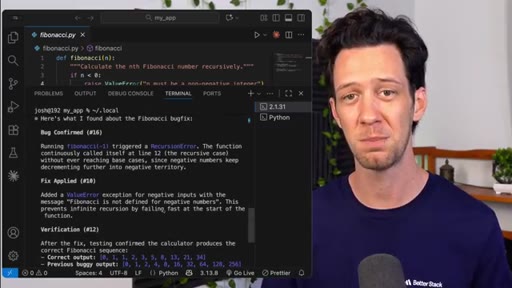
Ends session, clears terminal, fires up Claude fresh. Asks it to recall the Fibonacci bug — it pulls exact fix without re-explanation.

03:06 – 03:42

07 · Why persistent memory matters

Enumerates three benefits: time savings, token efficiency (10x compression), searchability (tag-based).

03:42 – 04:14

08 · When Claude-Mem is worth using

Differentiates from CLAUDE.md (automatic vs manual), emphasizes open-source tweakability, closes with workflow pitch.

§ · Storyboard

Visual structure at a glance.

pain statement
install
bug setup
web UI reveal
session restart proof
benefits
CTA
§ · Frameworks

Named ideas worth stealing.

03:12 list

Claude-Mem Three Benefits

  1. Time savings — stop reloading context every session
  2. Token efficiency — 10x compression
  3. Searchability — tag-based search by bug fix, decision, file path

The host's own enumeration of the tool's value props, stated plainly after the proof is complete.

Steal for Product positioning slide, landing page benefit bullets, any tool-demo video pitch
§ · Quotables

Lines you could clip.

03:05
"I don't have to waste time here copying and pasting or trying to re explain what we were doing before, it just remembers."
Zero setup needed — one sentence that lands the entire value prop → TikTok hook
03:12
"First, it saves a huge amount of time, so you can stop reloading context every session."
Clean opener for a listicle short → IG reel cold open
03:48
"Unlike Claude's basic memory file, this is automatic."
Direct competitive positioning against native CLAUDE.md → newsletter pull-quote
§ · Pacing

How they spent the runtime.

Hook length30s
Info densityhigh
Filler5%
§ · Resources Mentioned

Things they pointed at.

§ · CTA Breakdown

How they asked for the click.

03:55 subscribe
"If this helped, be sure to hit that subscribe button and we'll see you in another video."

Soft and earned — placed after the full proof has landed, not front-loaded. A quick subscribe aside also appears at 0:24.

§ 04 · The Script

Word for word.

HOOK opening / re-engagementCTA the pitch metaphor analogy
00:00HOOKClaude code is great, but we also know it's only great in the session. Anytime we pick back up, we've lost everything out of the last session. This is ClaudeMem.
00:09HOOKIt gives Claude code persistent and compressed memory across sessions while auto capturing stuff like bug fixes and decisions, then brings that context back right when we need it. All open source, no API keys.
00:21HOOKWe have videos coming out all the time. Be sure to subscribe.
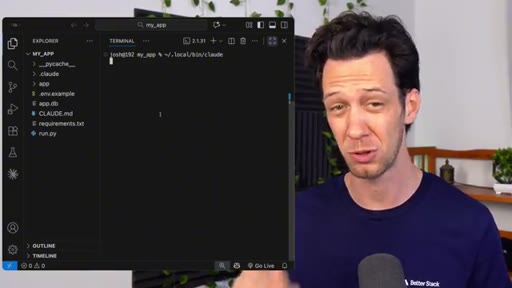
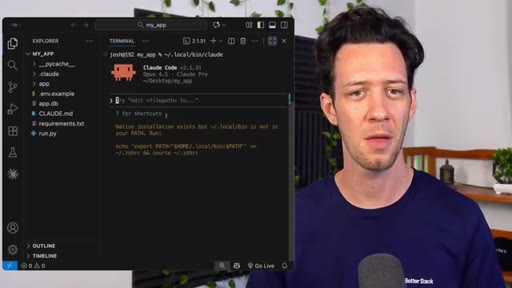
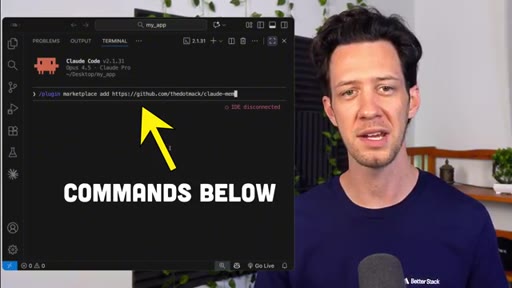
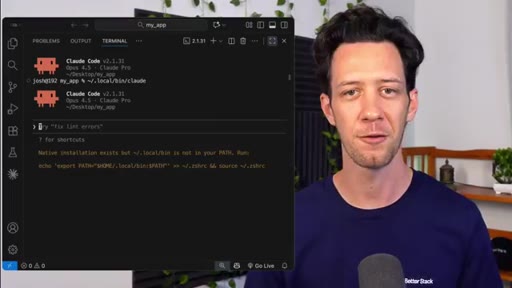
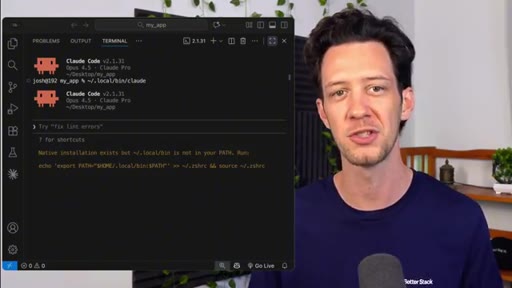
00:30The setup here is really quick, and you can get all this from the Claude MEM repo. I'll assume you already have Claude code installed as I do, so adding Claude MEM is basically two commands inside Claude. First, fire up Claude, then just run this command right here.
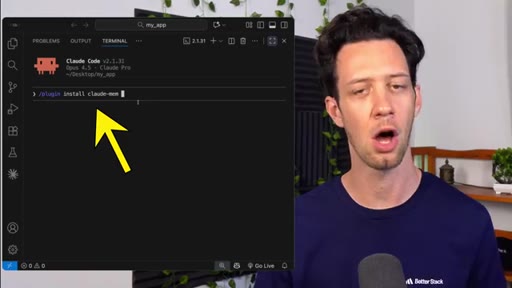
00:45After that, we can install it with the command right here. Both of these I got off the repo. I'm gonna restart Claude and you're done.
00:52That is Claude mem right on your system. I didn't have to play around with any config files or API keys, which is a huge bonus. And here's the part I really like.
01:01It runs locally, so all this data it's capturing is staying on your machine. Alright. Let me actually show you all the good stuff here.
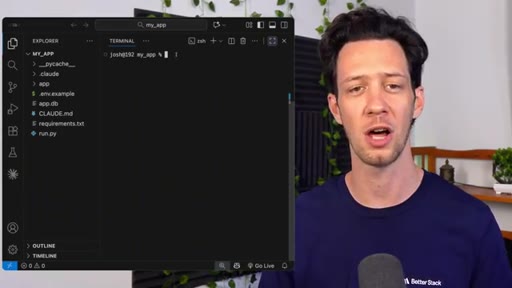
01:09It'll be quick so you can get the gist of it because that's what matters. We're inside a fresh project folder, just some fast API I was messing around with, but for this, we're gonna make a super basic Python script just to cover the point. In the first session, I'm gonna ask Claude to create a recursive fibonacci py file, but skip handling negative inputs.
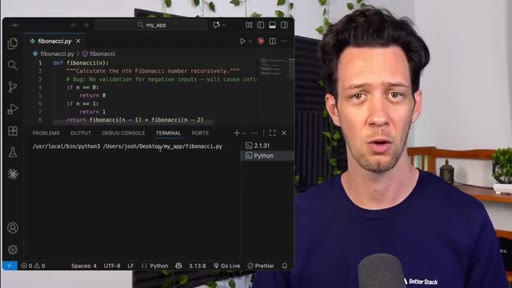
01:29As expected, Claude generates the file and opening it, it all looks good. So now I'm gonna run with this and I'm gonna say I'll run it with a negative number. For obvious reasons, we get an error.
01:41So I'll just tell Claude add a value error when n is negative. Claude updates the code, I rerun it, clean error message, the bug's fixed. Okay.
01:51Now here's the thing, Claude can do that, that was super easy. While we're doing that though, Claude mem is quietly watching in the background. It's logging what just happened.
02:01This runs completely locally on your local host so it's always refreshing. We can do things here like the bug, right, I can view this, I can view the fix, the reasoning, and the code diff. This is really the whole ClaudeMem web UI and you can see real time entries that are categorized and there's our bug fixed.
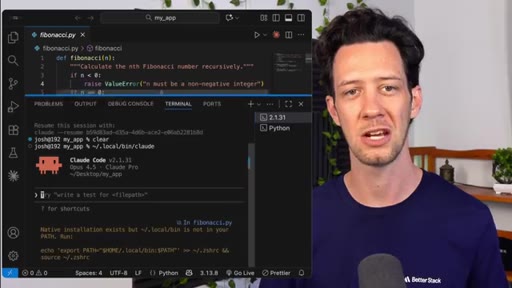
02:21So now comes the real test because the first part is already nice. It was cool, right, to see this, but basically it's just nice looking logs. I'm gonna go in here and I'm gonna end the current session, I'm gonna clear out my terminal, and I'm gonna fire back up Claude.
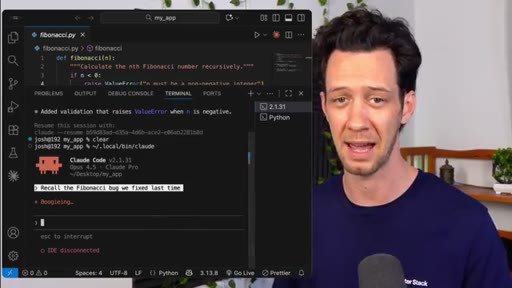
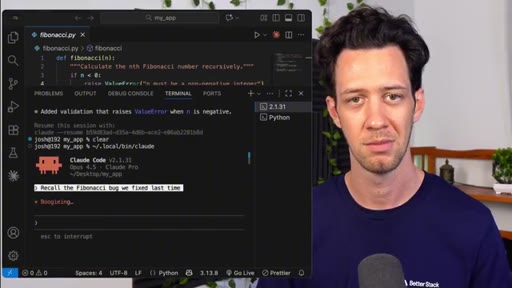
02:36Now that I'm in a new session, so I'm gonna ask Claude to pick back up where we left off. Let me just ask it to recall the Fibonacci bug we fixed last time. And there it is.
02:48It's pulling in that context. Claude pulls the exact fix back without me explaining the whole story again. And I can go one step further, I can ask it to search for Fibonacci bug fix.
03:00HOOKNow I get the compressed summary and if I expand it, I get the full context. I don't have to waste time here copying and pasting or trying to re explain what we were doing before, it just remembers. This is huge because now we can enter new sessions, leave these sessions, and Claude Memm is running in the background to help us out.
03:18HOOKThere are a lot of things here that I love that are gonna help you out. First, it saves a huge amount of time, so you can stop reloading context every session. Then it's actually pretty token efficient.
03:29HOOKCloudMem compresses memories by up to 10 x so we aren't hitting our limits as fast as we once were. Finally, you can actually find stuff. You can search memories by integrated tags that we have in ClaudeMemp.
03:42HOOKCTAType things like bug fix or decision, file path or keywords, that pops up in our UI. That's what makes this really useful to us in these larger projects and unlike Clog's basic memory file, this is automatic.
03:55CTAPlus it's open source, so if you wanna tweak it, you can. Long story short, that's Clog MEM. Right?
04:00CTAClog memory, Clog MEM saves us time. This is ideally a tool to speed up your workflow and save you a bunch of tokens. Try it out on your project, I think you'll immediately feel the difference.
04:09CTAIf this helped, be sure to hit that subscribe button and we'll see you in another video.
— full transcript
§ 05 · For Joe

The before/after demo arc.

Better Stack format breakdown

State the pain in six seconds, name the fix in seven, prove it on camera, then restart and prove it again.

  • Open on the failure state — not a product name, not a greeting. The pain first.
  • Install live, on camera. Two commands. No config files. Speed signals trust.
  • Create the bug intentionally so the fix is controlled and clean. Never wing the demo.
  • Let the tool do something in the background (silent logging) — then reveal what it captured. The UI reveal is the conversion moment.
  • The 'real test' beat is the climax: end the session, restart clean, ask Claude to remember. Do this on camera, uncut.
  • Enumerate the benefits AFTER the proof, not before. Proof earns the pitch.
  • Close with the open-source angle last — it converts the skeptic who was almost sold but needed permission.
§ 05 · For You

What this means if you use Claude Code.

For Claude Code users

Two commands and Claude Code will remember your bug fixes, decisions, and context — even after you close and reopen it.

  • Install: /plugin marketplace add thedotmack/claude-mem, then /plugin install claude-mem. That is it.
  • Every session is logged silently on your local machine. Nothing goes to a cloud.
  • When you start a fresh session, ask Claude to recall the last thing you worked on — it will pull it back without re-explaining.
  • Search by keyword (bug fix, decision, file path) inside the Claude-Mem web UI at localhost.
  • Memory is compressed up to 10x, so you hit token limits slower on long projects.
  • Free, open source, and requires no API key beyond the Claude Code you already have.
§ 06 · Frame Gallery

Visual moments.