Trevorpreneur · Youtube · 20:52

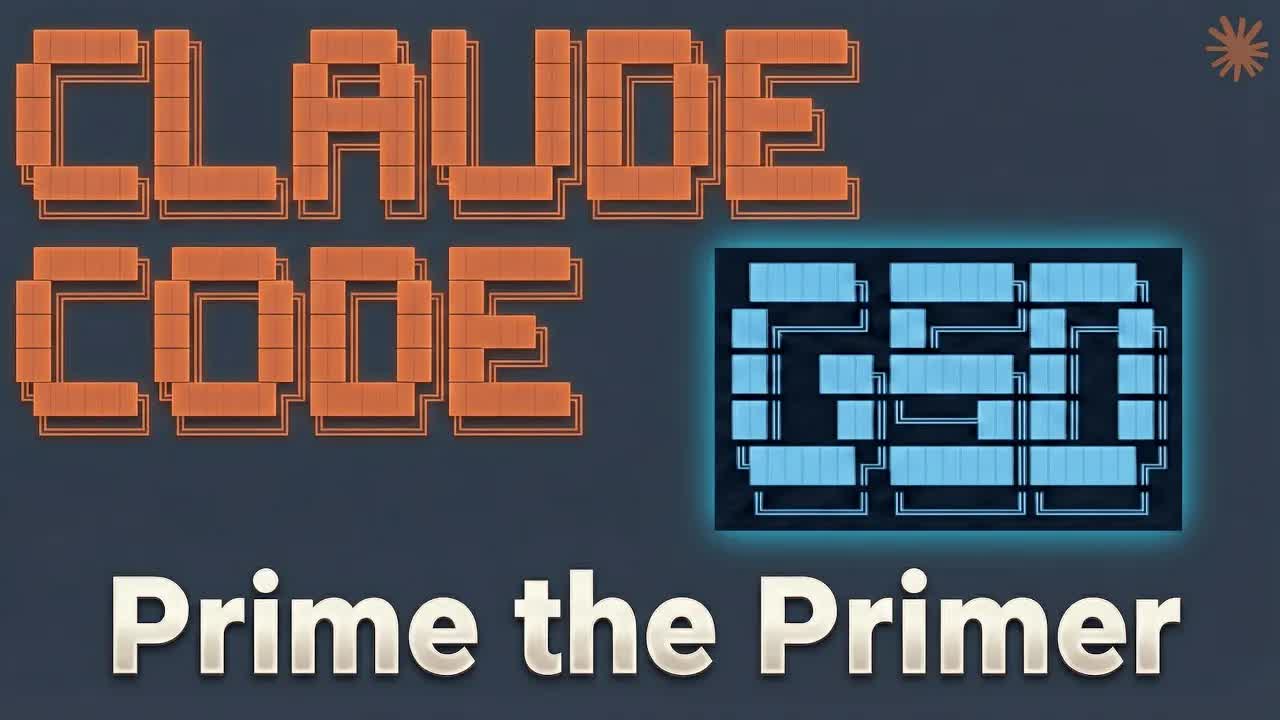
Prime the Primer: A Guide to Claude Code & GSD

A 20-minute walkthrough on building a structured pre-context file before engaging the GSD framework so Claude ships faster because it already knows the project.

Posted
January 28th 2026
3 months ago
Duration
20:52
Format
Tutorial
educational
Channel
TR
Trevorpreneur
§ 01 · The Hook

The bait, then the rug-pull.

Trevor opens mid-proof, not mid-pitch. Two projects shipped at half speed with GSD — now he wants to 2x the 2x. The insight: going into GSD cold is leaving efficiency on the table, and the fix is one folder and three data sources.

§ · Stated Promise

What the video promised.

stated at 01:02 "Today I'm gonna show you how to prep a pre context file that turns your workspace into an execution machine." delivered at 17:29
§ · Chapters

Where the time goes.

00:00 – 01:16

01 · Cold open — social proof + problem statement

GSD results are real but he went in cold; priming with research made projects go faster. Promise: build a pre-context file that turns your workspace into an execution machine.
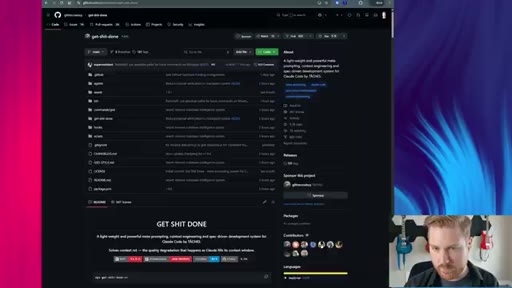
01:17 – 04:51

02 · GSD overview — what it does and why cold-start is the gap

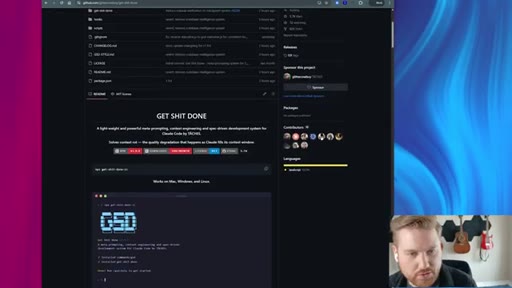
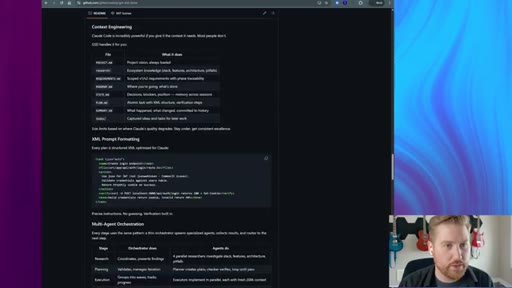
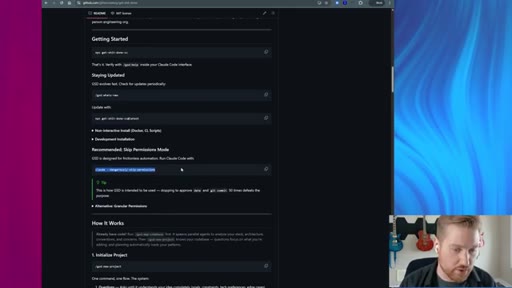
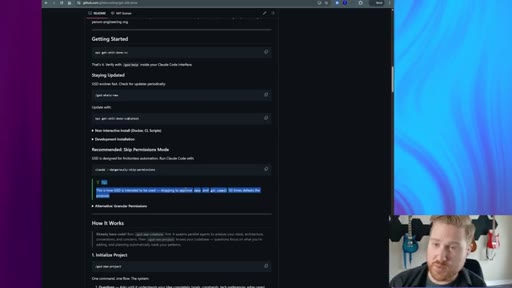
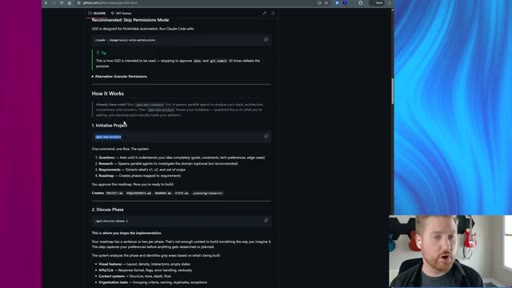
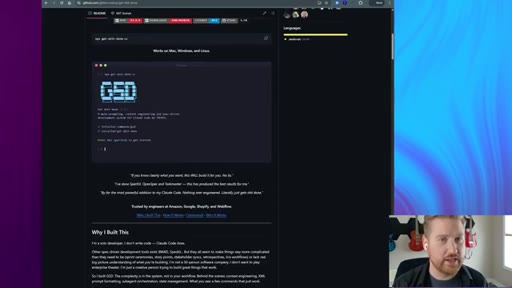
Shows the GSD GitHub repo, explains --dangerously-skip-permissions, walks through PRD + Technical State -> phases -> execute phase flow.
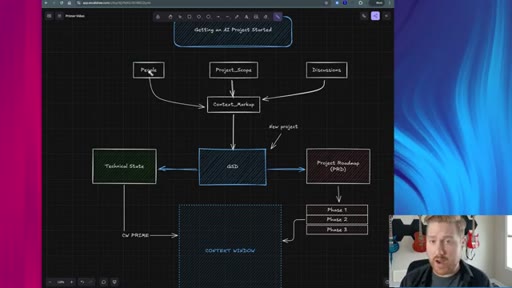
04:52 – 06:33

03 · The pre-context framework — three inputs, one primer

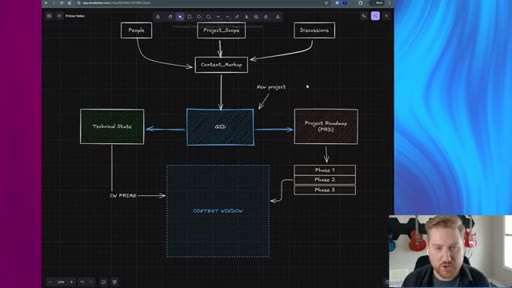
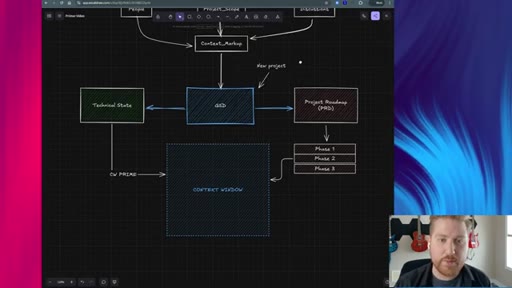
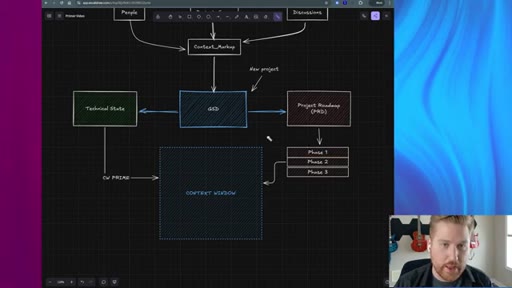
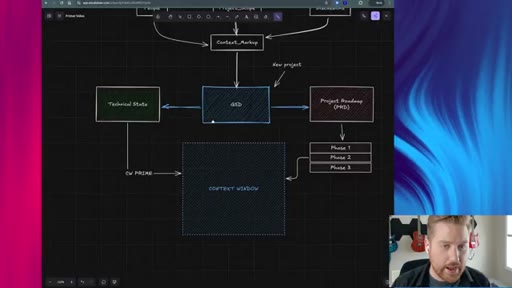
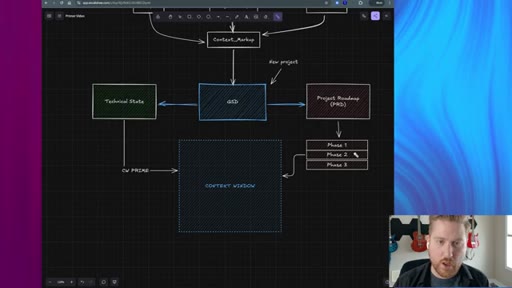
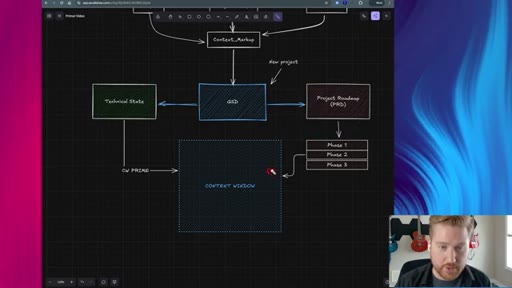
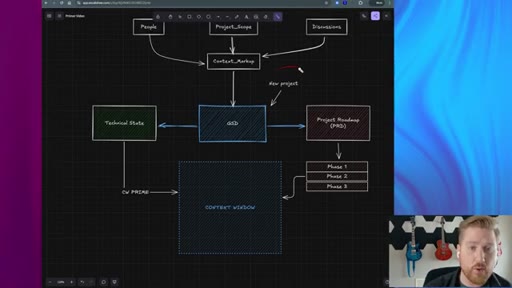
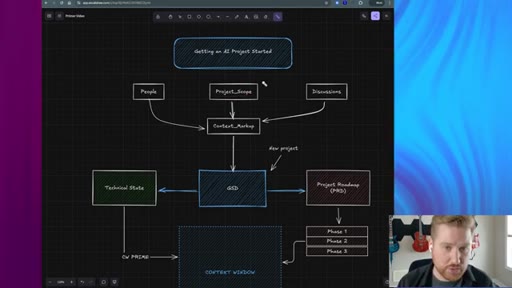
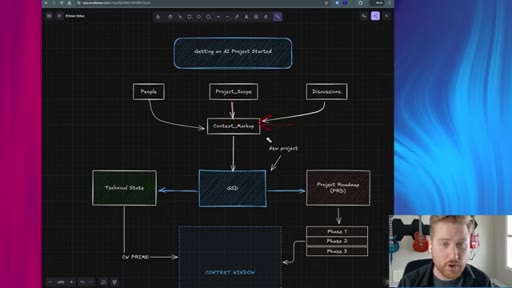
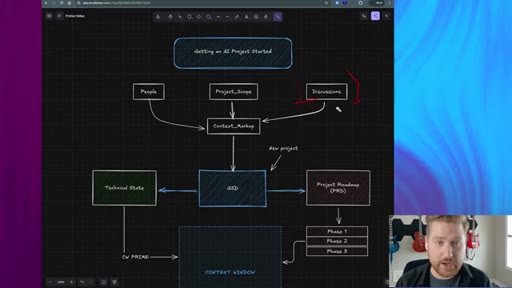
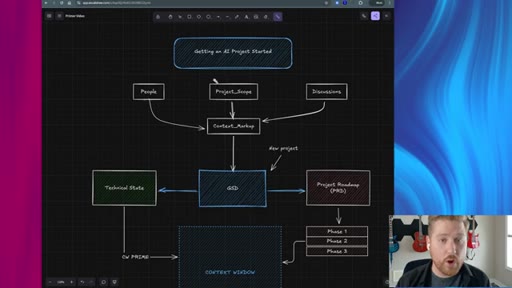
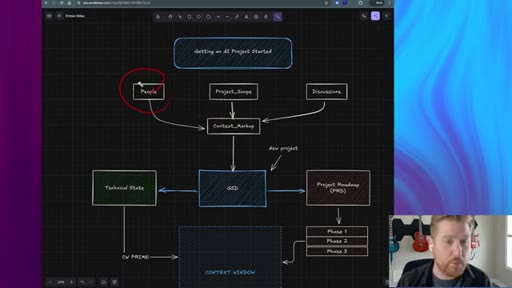
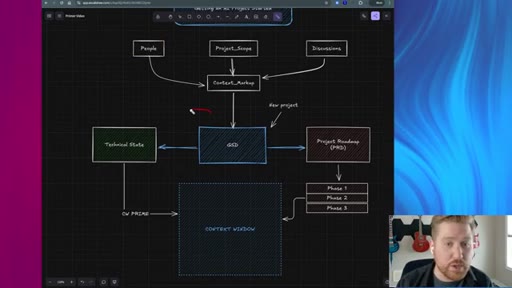
Whiteboard diagram: People, Project_Scope, and Discussions feed Context_Markup -> GSD. Visual proof the three folders directly prime the context window.
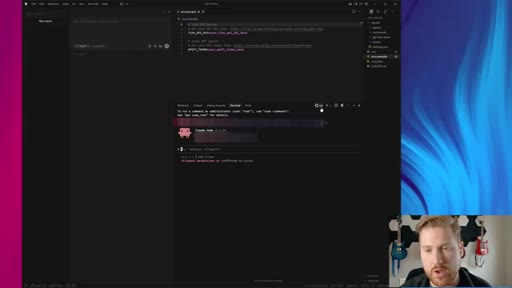
06:34 – 07:51

04 · Project folder setup — Claude Code + MCPs installed

Inside Cursor on WSL, /init generates CLAUDE.md, TLDV and Apify MCPs installed. Creates project_research/ with discussions/, project_scope/, stakeholders/ subfolders.
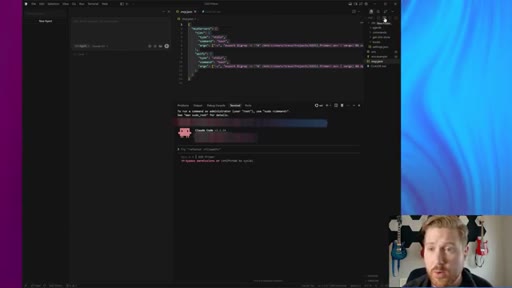
07:52 – 13:11

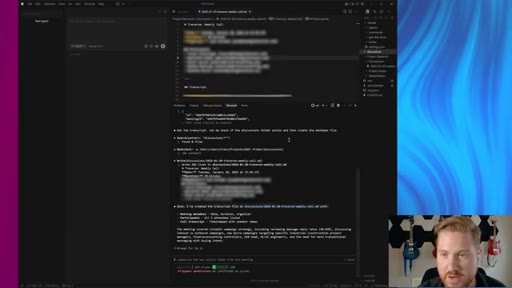
05 · Discussions — TLDV MCP live demo

Live: Claude uses TLDV MCP to pull a weekly call transcript and write it as a markdown file into discussions/. Manual fallback shown.
13:12 – 16:11

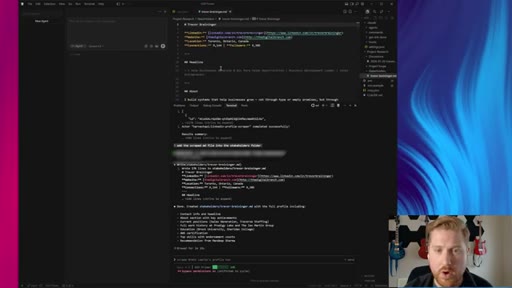
06 · Stakeholders — Apify LinkedIn scraper live demo

Apify MCP scrapes a LinkedIn public profile and saves it as a stakeholder markdown. Competitor research via Apify also shown.
16:12 – 17:28

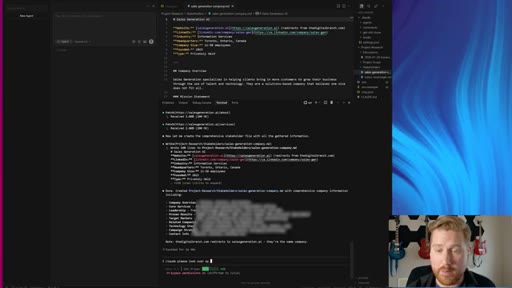
07 · Project scope — website scraping + manual docs

Scrape client website via Apify, add to project folder. Move proposals, pitch decks, scope docs into project_scope/ regardless of format.
17:29 – 19:19

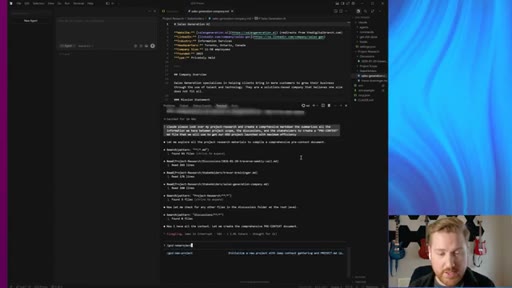
08 · Synthesis — Claude builds the pre-context markdown

Final prompt: summarize project_research/ into a comprehensive pre-context file. Claude assembles everything. Trevor recommends manually dialing it in after.
19:20 – 20:52

09 · Engage GSD + wrap

/gsd new project — use pre-context to answer GSD questions. Result: set up like a professional AI consultant. Recap + CTA.

§ · Storyboard

Visual structure at a glance.

face cam open
GSD GitHub repo
whiteboard diagram
TLDV MCP live
Apify LinkedIn
synthesis prompt
wrap + CTA
§ · Frameworks

Named ideas worth stealing.

01:17 model

GSD (Get Shit Done)

Claude Code framework: /gsd new project generates a PRD + Technical State doc, breaks work into phases, injects each phase into context window on execute.

Steal for Any multi-session Claude Code project — especially MCN feature builds and LFB Line client onboarding
04:52 model

Pre-Context Assembly

  1. Discussions (meeting transcripts via TLDV MCP)
  2. Project Scope (proposals, pitch decks, scope docs)
  3. Stakeholders (LinkedIn scrapes via Apify MCP)

Build three data folders before touching GSD. Synthesize into a single pre-context.md. Feed that to /gsd new project. This is the prime the primer step.

Steal for LFB Line onboarding, any AI consulting client project setup, CLAUDE.md generation for new projects
§ · Quotables

Lines you could clip.

00:28
"I was going in cold, and I was letting GSD essentially just guide me through the project. But I discovered if I prime GSD with really good research information, my projects were going a lot faster."
Clean pivot from setup to insight — no filler, no jargon → TikTok hook
00:55
"I think it's really, really important to shift our mindset from completely relying on AI tools and making ourselves more the architects."
Quotable positioning line — stands alone → Newsletter pull-quote
02:00
"How can we 2x the 2x."
Punchy, memeable, context-free → IG reel cold open
§ · Pacing

How they spent the runtime.

Hook length76s
Info densitymedium
Filler18%
§ · Resources Mentioned

Things they pointed at.

§ · CTA Breakdown

How they asked for the click.

20:41 subscribe
"If you have any questions, leave a comment below. Please like and subscribe if you would like to see more of this content."

Standard verbal CTA at end, no overlay, no card. Low friction but also low visibility.

§ 04 · The Script

Word for word.

HOOK opening / re-engagementCTA the pitch metaphor
00:00HOOKI've been running the GSD, get shit done framework on my last two projects. And honestly,
00:07HOOKthe results have been unreal. I'm shipping in about half the time it usually takes me instead of just messing around with Claude or ChatGPT in a endless vacuum.
00:18HOOKOne of the things I really want to start exploring is how can we two x the two x. GSD really enables us to work faster.
00:28HOOKBut I noticed when I first started going on with GSD, I was going in cold, and I was letting GSD essentially just guide me through the project.
00:38HOOKBut I discovered if I prime GSD with really good research information, my projects were going a lot faster in the long run.
00:48HOOKSo I think it's really, really important to shift our mindset from completely relying on AI tools and making ourselves more the architects and really thinking about how our project structure should be going forward. So today, I'm gonna show you how to prep a pre context file
01:06HOOKthat turns your workspace into an execution machine and that really primes the get shit done methodology to enable you to just work even faster. So this is the
01:19get shit done GSD git repository. And I would highly recommend,
01:24if you don't know about this repository, you go in and you just take a look at and understand everything
01:32that's going on in this repository because it's really interesting how it's all put together. But in order to get started, there's there's a few really high level things that you need to know.
01:44Um, the first of all is, uh, part of the GSD framework is you need to run claw dangerously and skip permissions. This seems really, really scary at first, but I promise you it's not once you get in and you start using it.
01:58If you've done AI projects before, you know how much Claude code needs to get permissions. And for a lot of those permissions, if Claude code crashes for any reason, then what happens is when you reload into Claude code, you have to give it that the all those permissions again.
02:13So it can it can be really annoying. So just starting Claude code by skipping these permissions is totally part of this. There are alternative if you do want to monitor that a little bit more effectively, but I would recommend that's the big thing.
02:27And then always, whenever you're starting GSD and the for the purposes of this video, uh, GSD new project is how you just get started, and it does a really good job of guiding you through how to
02:39execute on that project. So let's go into what actually GSD is doing on a high level.
02:46So this is what your typical a new project looks like. Right?
02:50So you're you're like, okay. I have a client requirement, and you know what?
02:54I gotta start my new project. So first thing I'm gonna do is I'm gonna dive right into GSD. I'm gonna do slash GSD new project.
03:02And what I'm saying is you actually don't wanna do this. And then for those who don't know, essentially what GSD is when you start a new project, it'll ask you a bunch of questions and it's gonna create two main documents at least.
03:14The first the first big document it's going to create is the project road map or like a a PRD. And essentially in this project road map, what it does is it lists out all the phases,
03:28just very high level of what needs to be accomplished. And then the other thing it's going to do is get a technical state of the types of tech you want to do. So when you start a new project to ask you, okay, what do you wanna accomplish?
03:40What do you want your back end to be? Um, how do you wanna develop your front end? Like, it's going to ask you a bunch of those questions.
03:46And essentially what it's starting to prep is your context window primer so when you start to execute in these phases okay I need to set up the front end for my client like I need to get a new website set up and maybe I want like an AI chat bot or something. It's going to break that up into phases or it's gonna break that up to milestones and then inside those milestones it's gonna break it up into phases.
04:10And then what you do is you say execute phase one and what it will do is it'll shoot all of this information into the context window, and it'll shoot the technical state into the context window, and then the instructions on how to execute phase one.
04:25Like, really, really high level. That's essentially what GSD does in a nutshell. But the problem that
04:33not really a problem, but where I've really noticed we can get a lot more efficient is starting to prep GSD
04:42before we actually engage into project. So what does that look like?
04:47So if you look at any AI project or any project you wanna complete in general, there's a few high level things that we need to dig into. First of all, who are the stakeholders in the project?
04:58What are we trying to accomplish? What are our timelines? Like, project scope is is a really big
05:04is a really big topic. And then secondly, what are the discussions that we've had around this project? And so what I found is if we can essentially
05:16mark up and summarize all of this information into a single document and then use this document to feed GSD
05:25when we initially create our project, it's two x ing your two x. So what does that look like when we actually create a new project? Well, firstly,
05:35all of us are using notetakers nowadays. So having access to an API or having access to webhooks on our notetakers where we can download the transcripts and add them into our project folders is a hidden superpower.
05:49Secondly, we've if we're doing client work, we've created a lot of documents explaining what we're doing. We've created a project scope document
05:58that should be getting fed into your context, your pre context window. So this should actually be like a pre context window. And then secondly, the stakeholders,
06:07like, that's really important. Like, are we working with a project manager? Are we working with the CEO?
06:11Are we working with a VP? What do they have the power to do in this project? Are they like a decision maker or are they like an operator of it?
06:20We need to know that information because as we pushed our project forward, we wanna achieve success. So let's dig in now to how we can actually get these three things and create this pre context file.
06:34Okay. So this is Claude code, and I have it installed on WSL,
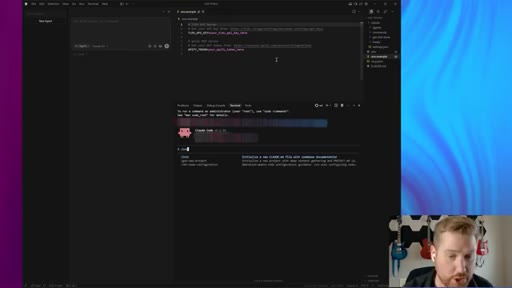
06:40which is a Linux image on my Windows machine, and I'm inside a cursor right now. I've done a little bit of prep to expedite this process. And, essentially, I've come in and I've run a slash init since I'm starting a new Claude project in Claude code.
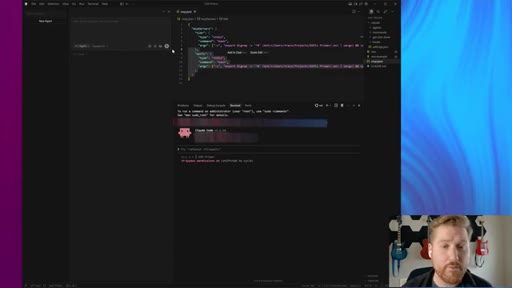
06:56I've also logged in to Claude. Additionally, there's two more things that we need to focus on here, which is I have installed two MCP servers, which MCP
07:07essentially just allows us to have our Claude code agent communicate with their technology or we can communicate with their services.
07:17So my notetaker is TLDV. And then what's also going to be very important is API phi or Apify.
07:25There's so many different things you can call this. But essentially, this is just like a scraper. It's a scraper mechanism for us that we can essentially use to get this information.
07:37So now that I have my project initially set up, the slash in it creates the Claude MD file for me. And then from there, we installed the MCPs and away we go.
07:48So in order to prep this on the original document that we had, there's three main folders. So I'm going to add these folders into my into my project.
07:59We can call it like client research or project research. Project research.
08:07And then we have three subfolders in here that we want to add which is going to be project scope. There's going to be
08:17discussions. So first things first is like
08:22for discussions, there's a couple of ways to do this. You can just go in and create markdown files yourself and paste the transcriptions in there depending on if you just have a few meetings or if you wanna be really if you wanna do it the cool way, which I'm doing it, you can do it through API or MCP servers. So if you wanna do that, you can just copy the transcript and you can just say, like, hey Claude create a md file of this discussion
08:51and then you can paste the transcript in there. The other thing you can do is if you're used to using MCP servers is you can essentially if you're used to using APIs or MCP servers, you can essentially just grab
09:05like a you can give the agent context on the meetings. Like, you can say, I want you to grab all the transcripts with client x y z and move them into the discussions folder.
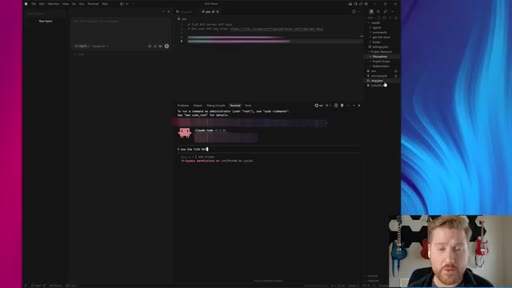
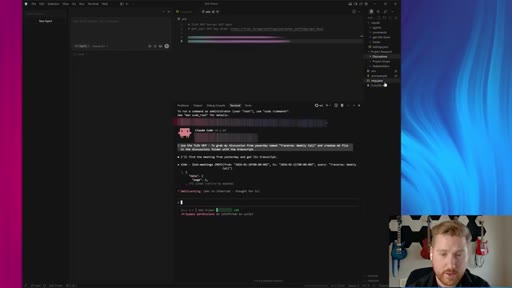
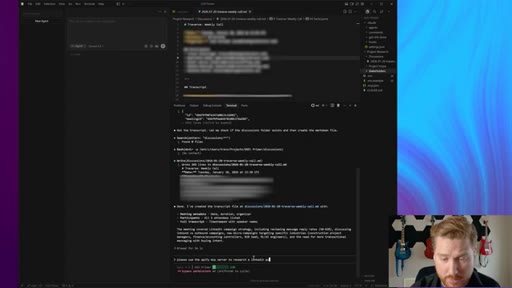
09:17Um, and I can show you exactly how this works after I've installed the TLDV MCP. I can say use the TLDV MCP
09:26and then I just use TLDV as my notetaker. There's so many other notetakers that have API access and MCP access. So, um, you can install those.
09:37And if you're interested in learning more about installing MCP servers, I can show more on this. But use that TLDV MCP to grab
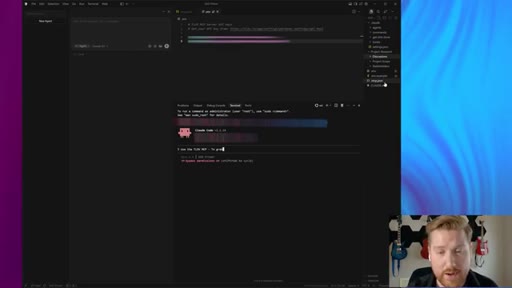
09:46to grab my discussion from yesterday
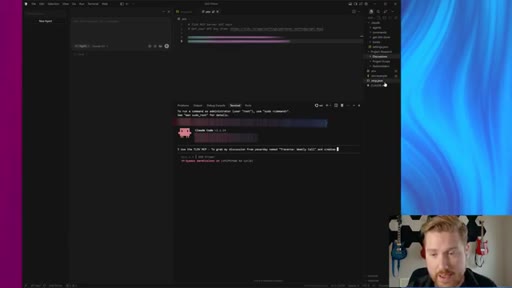
09:54from yesterday named Traverse Weekly Call which is one of my one of my businesses and create a MD file
10:04in the discussions folder with the transcript.
10:11And since I have the TLDV MCP installed
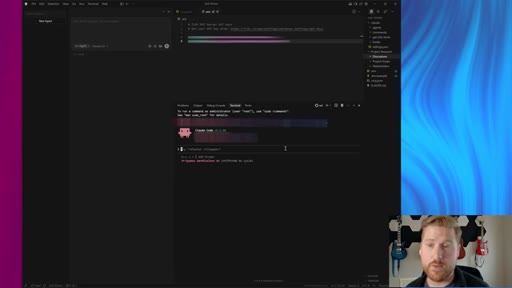
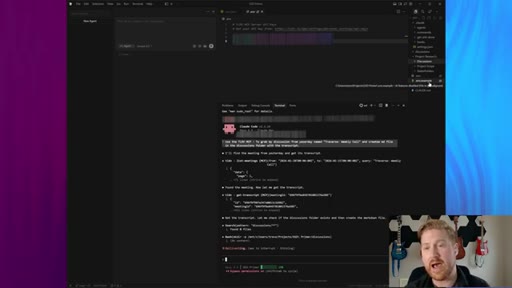
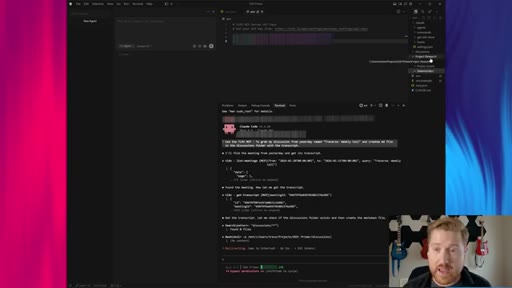
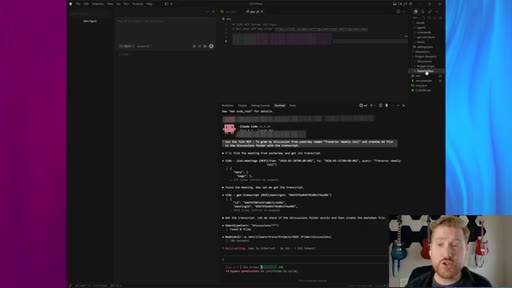
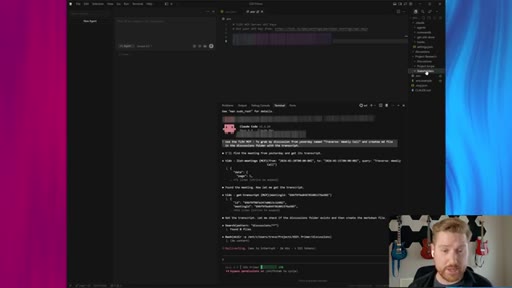
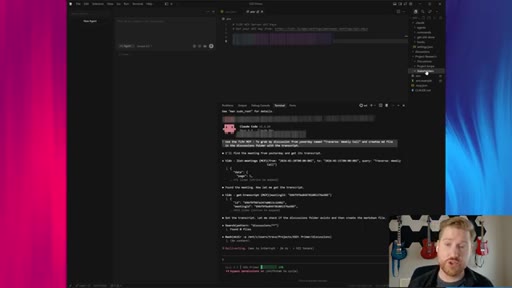
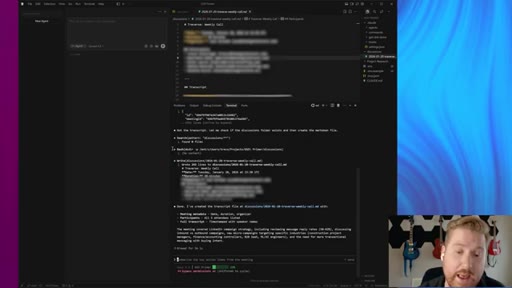
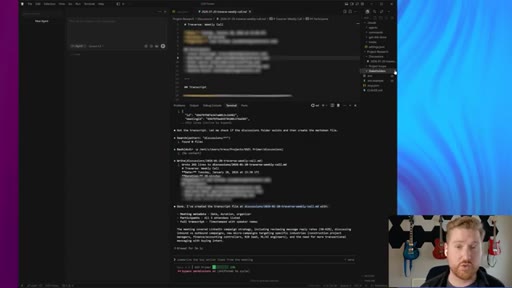
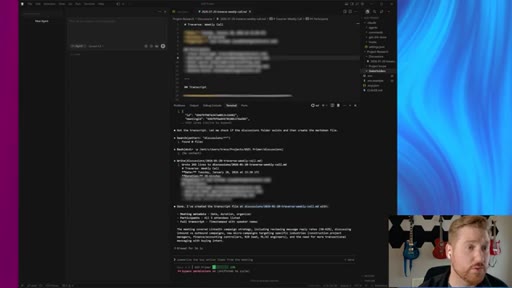
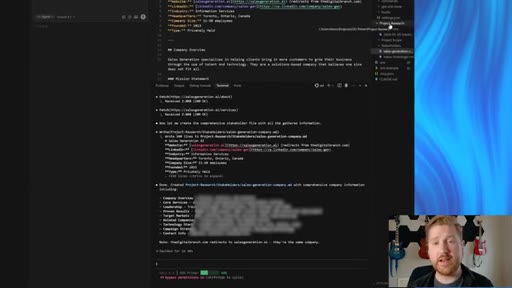
10:18since I have the TLDV MCP installed and the skills installed and clogged code, you can see right here, it's essentially just connecting directly to TLDV, and it's going to create that transcript for me.
10:32So you can start to see the power of context at work here. And this is the coolest thing ever because now if we go into my discussions tab, obviously, Claude is still doing its thing.
10:44Once this is finished, I'm going to have my transcript in the discussions tab. While that's going now, let's talk about stakeholders and project scope. So project scope
10:55is good to move all of your project details into this folder. So if you've created any sort of documents when you've done your sale for AI consulting or your AI agency,
11:07move those into the project scope folder. If you've done any sort of proposal for the client, move that into the project scope folder.
11:16And then lastly here, we have the stakeholders folder. The stakeholders folder is essentially what I would really recommend you do is you essentially
11:27scrape your clients' LinkedIn profiles
11:32and do a little bit of a write up on each stakeholder. Additionally, another really good thing I do with the a the API fi MCP
11:42is I love to do competitor research. Um, I do a lot of high level AI consulting projects, and competitor research is really necessary.
11:52So we can use the APIify MCP to scrape LinkedIn profiles,
11:58and then we can also use it to scrape the websites and scrape the profiles of our of their competitors and add it into this project research folder. It's super powerful.
12:10So we'll do a little bit of that once this finishes. So I'm gonna let this finish now. Okay.
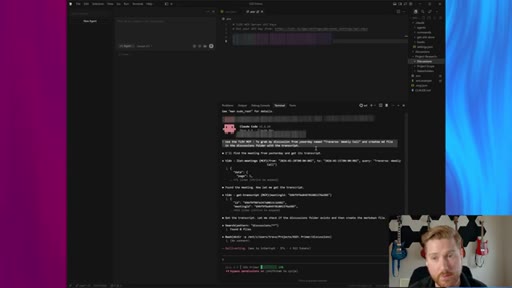
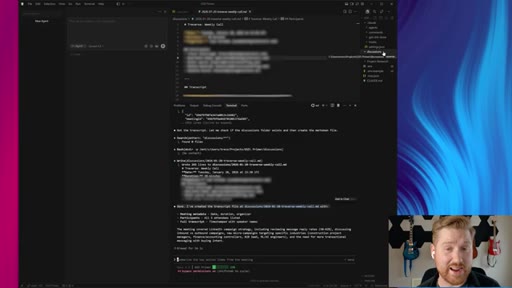
12:16So now we can see the TLDV MCP did its it connected to my TLDV account, grabbed that transcript,
12:25and it created a discussion markdown file that you can see right here, um, above that, um, is in our discussion.
12:32So you can obviously take this now and you can apply this to multiple discussions. Um, you can even search by email or name inside of the TLDV MCP or if your notetaker has a particular MCP or API, you can do that as well. All these notetakers are the same nowadays anyways and they all have the same kind of accessibility
12:52into them. Or again, you can just move the transcripts in. So next we wanna move on to project.
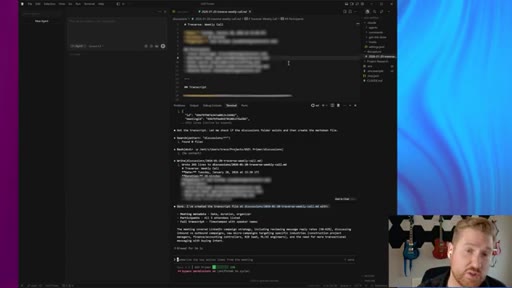
12:57We wanna move particularly into the, um, discussions tab and you can see here Claude just made another discussions folder.
13:05So I'll just move that in there and then I'll I will just, uh, delete that because I don't need that anymore. Um, you can see we have project scope and we have stakeholders right now.
13:16And really what I just wanna show off very quickly is how can we use the MCP servers to build this context. So first of all, I've connected APIify
13:28into I've connected into the APIify MCP server. And so I have all of the if if we if you don't know what APIify is, it's essentially a
13:38scraping service that has a variety of different scrapers where you can scrape LinkedIn, you can scrape websites, you name it. And it's MCP is extremely powerful.
13:47As an example, what I will do now is I will run I will grab my own LinkedIn profile and I will say let's say I'm one of the stakeholders for this project.
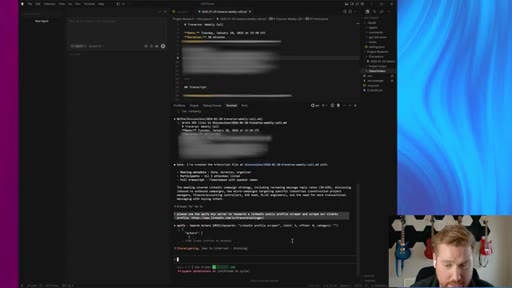
13:58I can say, please use the a API five MCP server to
14:05research a research a LinkedIn
14:10profile public profile scraper
14:15and scrape our client's profile
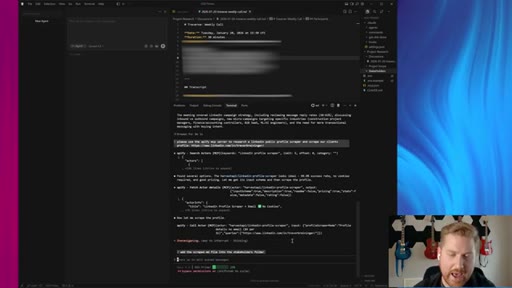
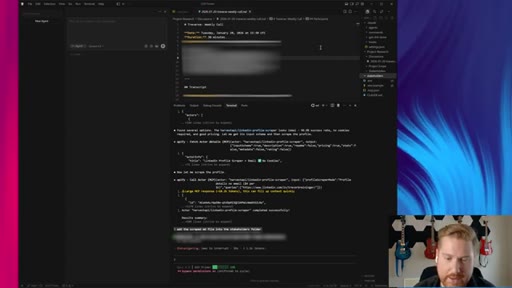
14:21which is my LinkedIn profile. So API Fi is going to now provide is going to do its thing and it's going to scrape that profile and I'm just gonna say add the
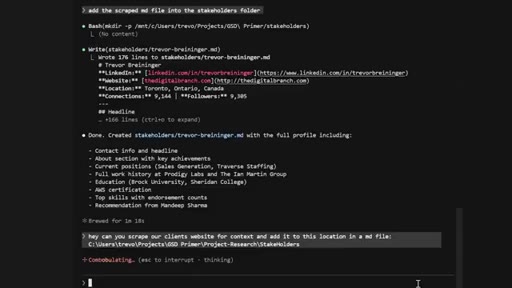
14:33scraped MD file into the stakeholders
14:39folder. K. And it's a you can always you can always just add a command into Cloud Code as you go on, um, and it'll take that additional context and it'll go.
14:49So you can see it's found an API scraper and now it's added it into the stakeholders. It looks like it's created another folder. That's okay.
14:58And it it'll add that at in a markdown into that folder. Additionally, what we can do with APIify is we can also scrape websites.
15:08We can scrape our client's website, and we can also scrape competitors' website. If you're a AI consultant or an AI agency, you should be doing this as part of setting up all your project.
15:18You know? And then we can say, like, we'll wait for this to finish, but we'll run a scrape of our website and we'll add that into the markup
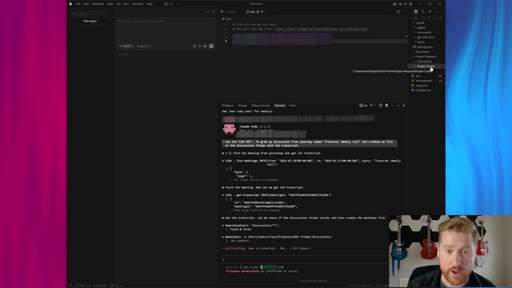
15:27folder. And while this is running, we also have the project scope tab on the right here.
15:33And essentially what the project scope tab on the right is is what we should add in is any project folders that we've come up with up until this point. So I'm talking about if you've created any proposal documents for your clients, if you've done any pitch decks as part of signing the business, or if you have a project scope document.
15:53All of that should be added into the project scope regardless of what format they're in PDF or anything like that because what we're going to do is when we collect all of this information, you'll see that we now have we now have enough information to make that pre context.
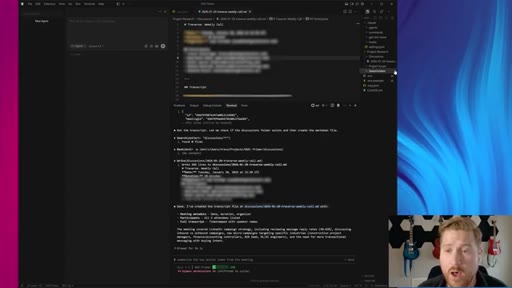
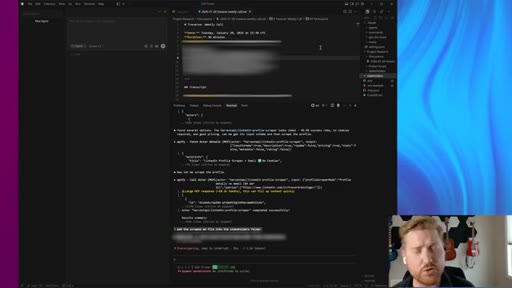
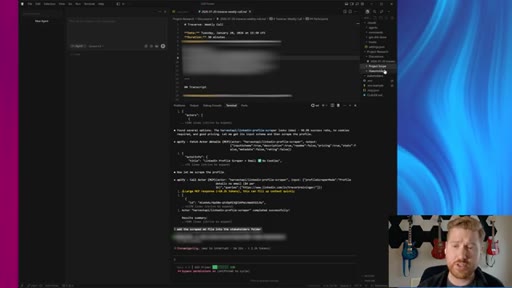
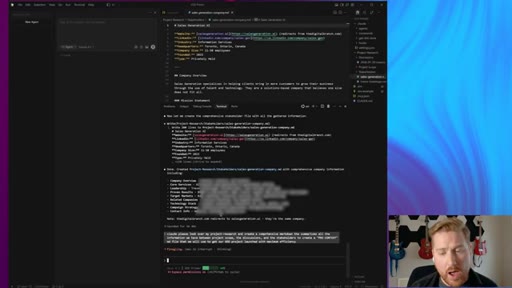
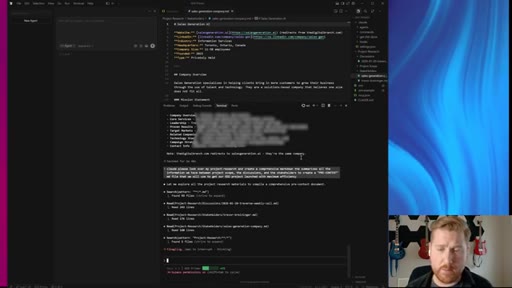
16:12We're able to prime the primer essentially. So here you can see Claude code made a little bit of a mistake, not a big deal though. But you can see my LinkedIn profile here.
16:21Um, it's completely scraped and it's it's in the context of our project folder now. And then lastly, what we'll do is we will create a in the stakeholders tab, um, we will copy
16:33the path and then we can ask Claude code,
16:37hey, can you scrape our client's website for context and add it to this
16:46location in a md file.
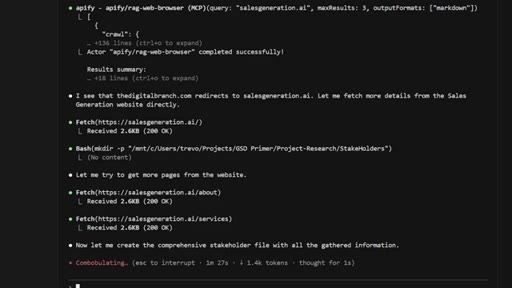
17:07Okay. And now you can see that our our website scrape has been added into
17:15our project folder, our project research folder. So once we've identified
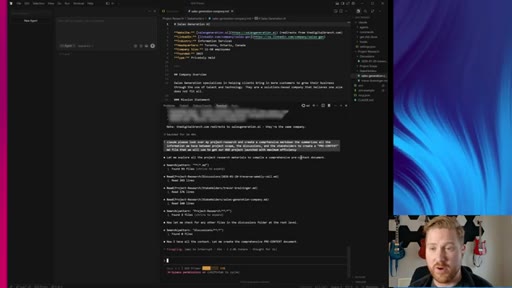
17:21and we've added in all our project research into the scope, we want to now prime our GSD. So very easily we can say
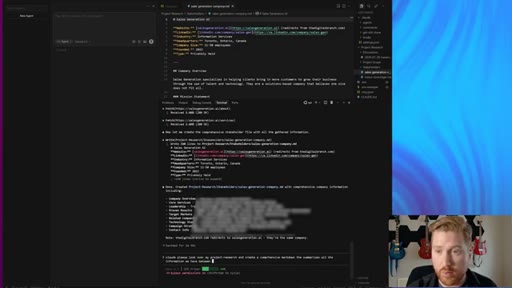
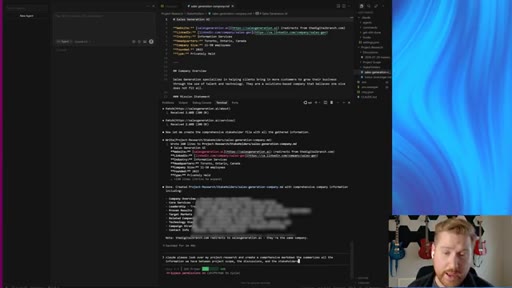
17:32we can say, Claude, please look over my project research folder and create
17:40a comprehensive markdown folder that summarizes
17:47all the information we have between project scope,
17:54oops, project scope, the discussions,
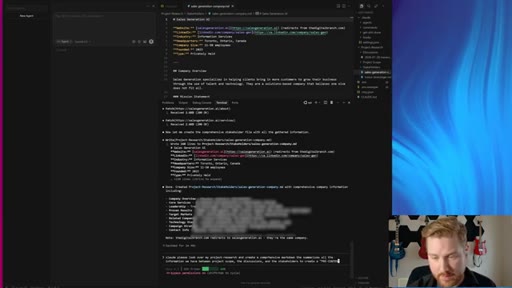
18:00and the stakeholders. Um, Additionally, if you've done another great thing you can do with the API Fi MCP is you can
18:11you can do competitor research in there and create a and stakeholders
18:19to create a pre context pre context
18:25MD file that we will use to get our GSD project
18:31launched with maximum efficiency.
18:36Then what I would just recommend you do is, like, I'm just trying to do this very quickly right now. But once we create that initial folder, you do wanna go in into this markdown
18:47file and you want to really, really dial in on it. That's the best way to really, really get the most out of this.
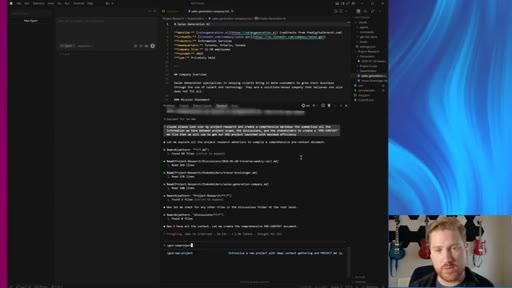
18:56Um, and then what's gonna happen after all of this takes place is we're then going to finally initiate GSD.
19:04So really exciting. Claude has collected all the context for a pre context folder. It's gonna be spitting that out any second now.
19:13CTAAnd then from there, we're going to be able to engage GSD and get our project started. At which point, we would go slash GSD
19:24CTAnew project. And then once it starts
19:28CTAinquiring about us or once it starts inquiring about the project, what we wanna do is we wanna reference this pre context folder
19:37CTAand answer its questions so you'll just have a solid context for your for your new project and you have been set up in the best way possible like a professional AI consultant. So what we explored today
19:52CTAwas we got an understanding for how we wanna start setting up our AI projects. We wanna use frameworks like GSD, but what's really important is how we set those frameworks up.
20:04CTAWe utilized MCP servers to make the process of gathering all of our project context in the most efficient way, but we also understand there's manual backups if we're not that advanced yet or
20:17CTAwe don't have MCP or API access into the project context that we need.
20:24CTAAnd we understand now how to make a pre project context file
20:30CTAso when we start engaging our project frameworks like GSD, we can do so in the most efficient way possible, which in the long run will end up saving us a lot of time.
20:41CTASo if you have any questions, leave a comment below. I'd be more than happy to answer. Please like and subscribe if you'd like to see more of this content.
20:49CTAI'll catch you guys around.
— full transcript
§ 05 · For Joe

Build the primer before you run the framework.

context-first workflow

Structured context in equals structured output out — the pre-context assembly step is the unlock GSD users are missing.

  • Create project_research/ with three subfolders before touching /gsd: discussions/, project_scope/, stakeholders/.
  • Use TLDV MCP (or any notetaker with API access) to pull meeting transcripts directly into discussions/ as markdown.
  • Use Apify MCP to scrape LinkedIn profiles for stakeholders/ and client/competitor sites for project_scope/.
  • Run one synthesis prompt: Summarize everything in project_research/ into a comprehensive pre-context MD file.
  • Then go in and manually dial it in — the AI-generated synthesis is the draft, not the final.
  • Apply this pattern to LFB Line: make pre-context assembly the first deliverable in every client engagement.
  • The TLDV + Apify MCP combo is worth testing as a productizable onboarding workflow inside MCN+.
§ 05 · For You

How to stop starting over with every AI project.

if you use Claude Code

The reason your AI agent keeps losing the plot is not the model — it is that you never told it the full story before asking it to act.

  • Before starting any Claude Code project, make one folder with three things: your meeting notes, your project brief, and info on the people involved.
  • Use a meeting notetaker (Otter, TLDV, Fireflies) to capture client calls, then drop the transcript into a markdown file in that folder.
  • If there is a proposal or scope doc, copy it in. If not, write two paragraphs of what you are building and why.
  • Ask Claude to summarize the folder into a single context file. Skim it. Fix anything wrong. That is your project primer.
  • Now start your build session with that primer loaded. Claude will make far fewer wrong turns.
§ 06 · Frame Gallery

Visual moments.