The bait, then the rug-pull.
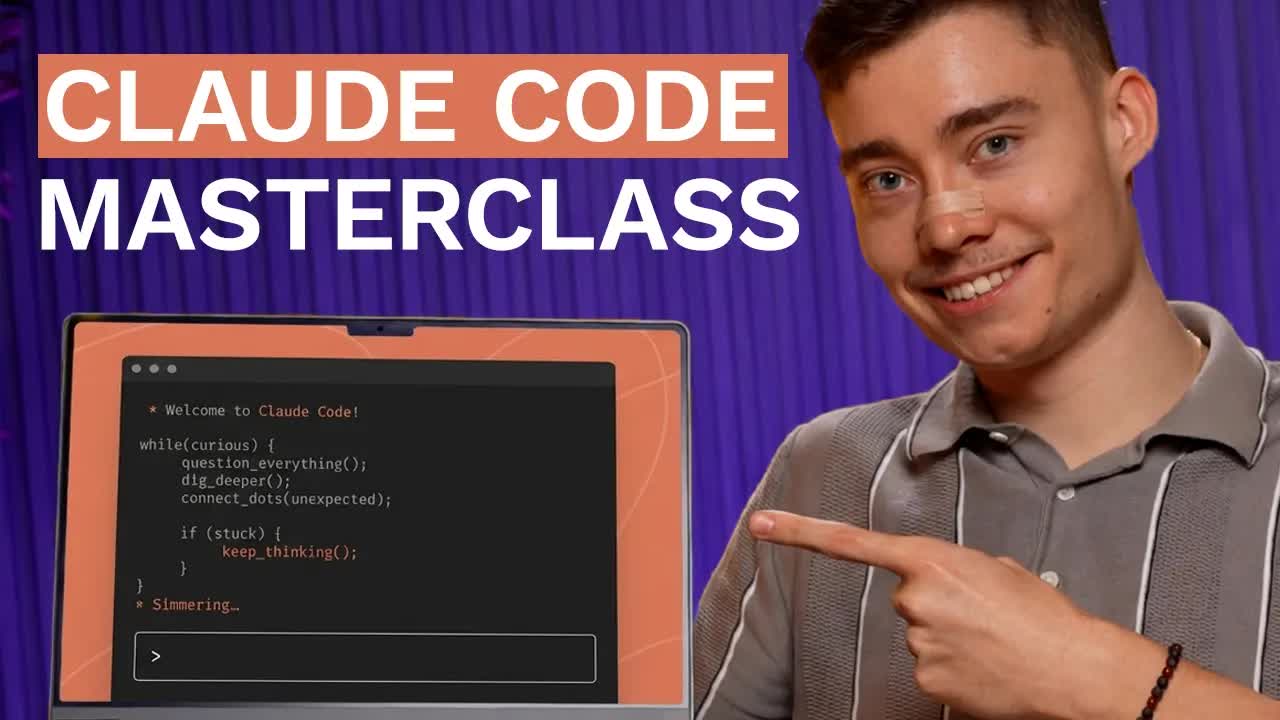
David Ondrej did the homework so you don't have to: seven hours of Anthropic's official Claude Code masterclass, plus 500 of his own hours inside the tool, condensed to 27 minutes. The pitch — 'you'll be ahead of 99% of people' — is end-of-video bait dressed as a promise. The actual value is two corrections the official course doesn't know it needs yet.
What the video promised.
stated at 00:22 "If you really watch this video until the end, you will be ahead of 99% of people." delivered at 27:00
Where the time goes.
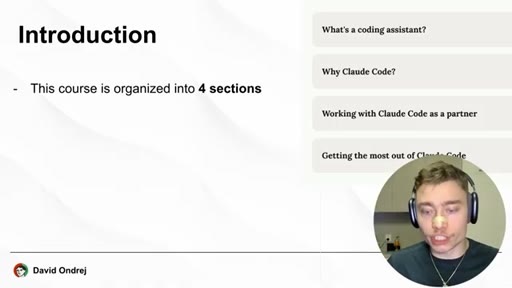
01 · Hook + four-section roadmap
Authority transfer (Anthropic + 500 hours), end-of-video promise, course structure preview.
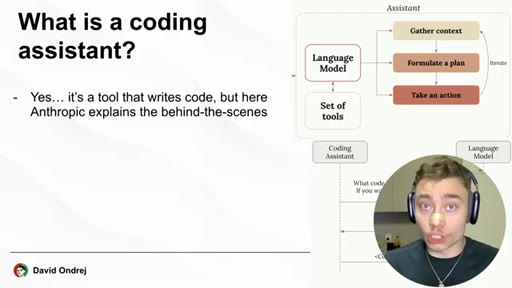
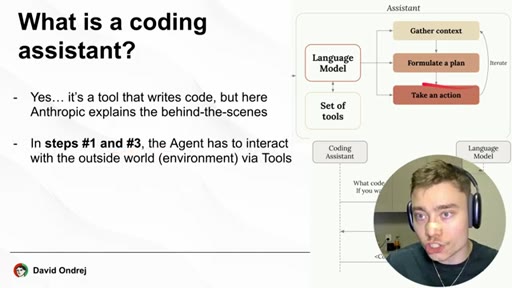
02 · What is a coding assistant?
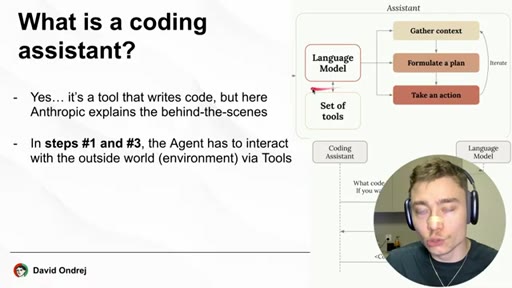
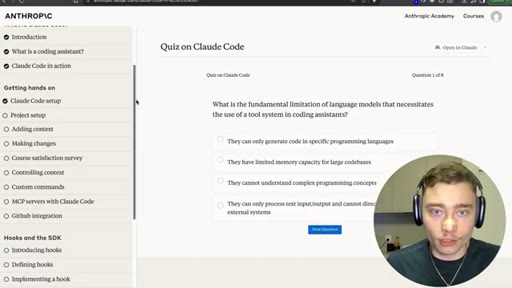
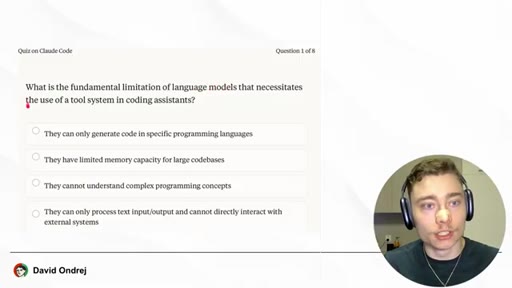
Three-step loop: gather context -> formulate plan -> take action -> repeat. LLM alone can't do steps 1 and 3 — it needs tools.
03 · Why Claude Code (3 demos)
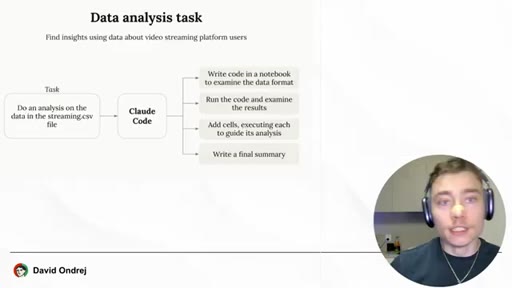
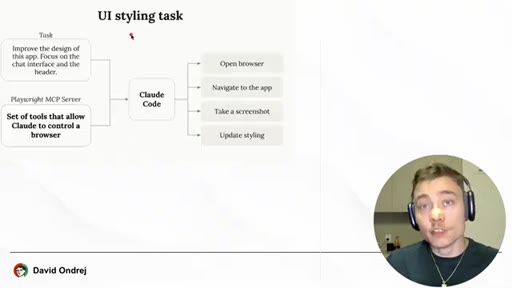
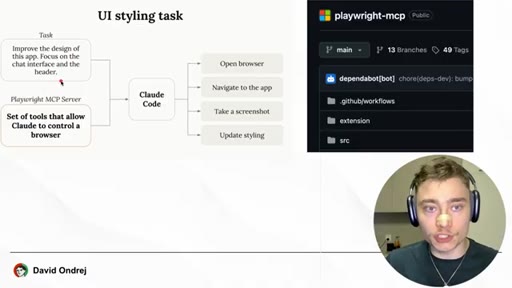
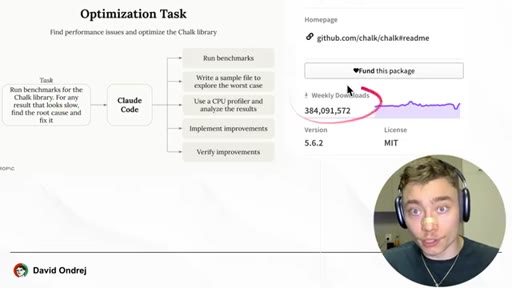
Chalk library 3.9x speedup, CSV data analysis with Jupyter charts, UI styling driven by Playwright MCP.
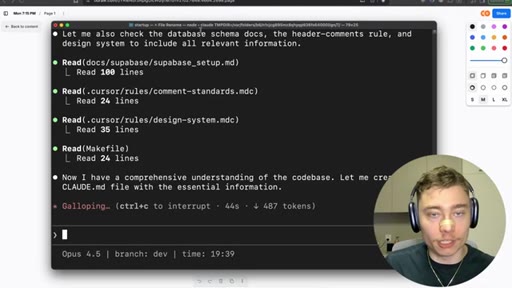
04 · Setup
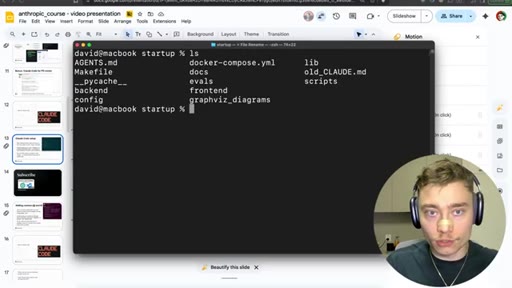
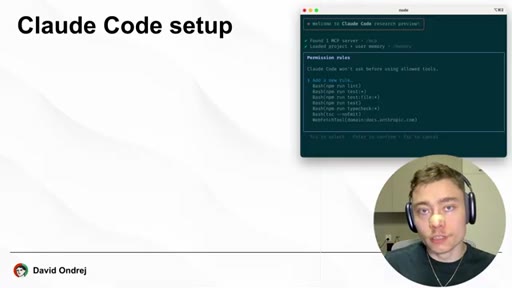
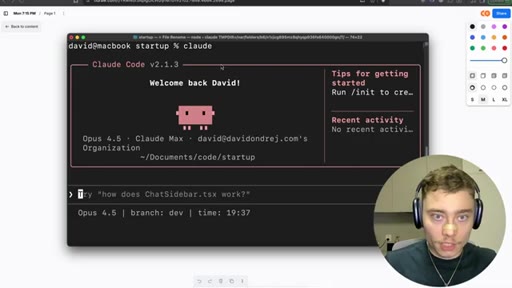
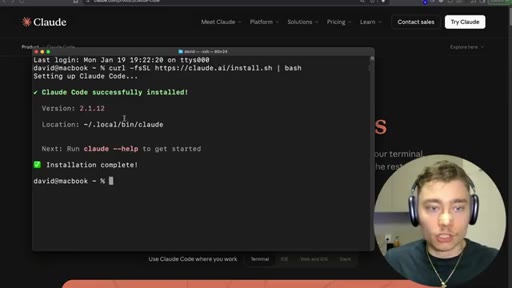
curl one-liner from claude.ai/install.sh; type 'claude' to launch; always run inside a specific project folder.
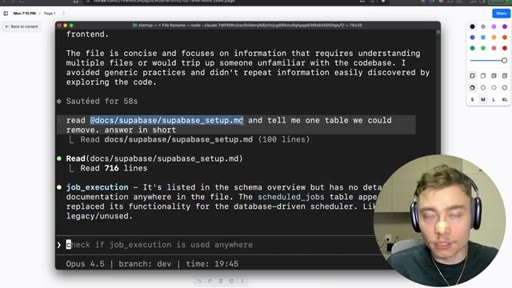
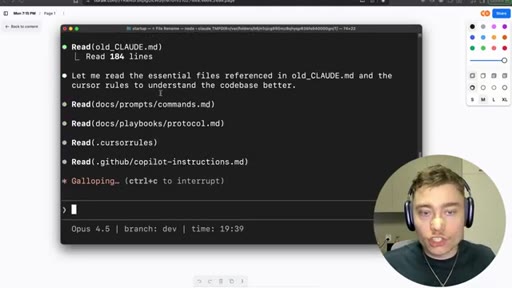
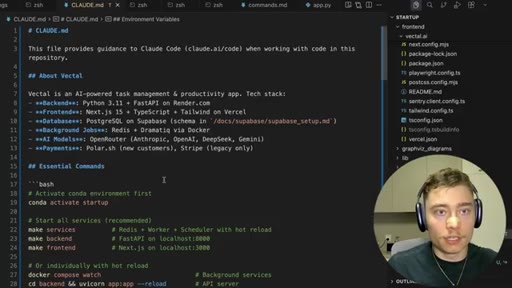
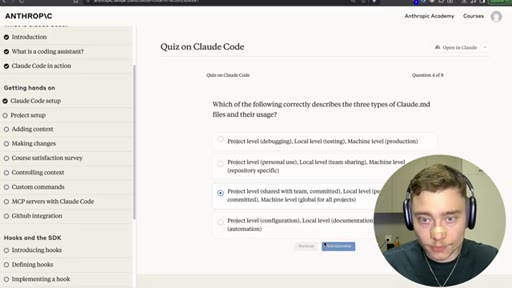
05 · /init and CLAUDE.md
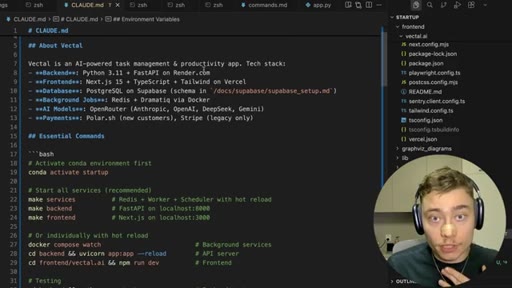
Auto-generates a 100+ line system prompt about your codebase. Included in every request. Reference critical files inside it.
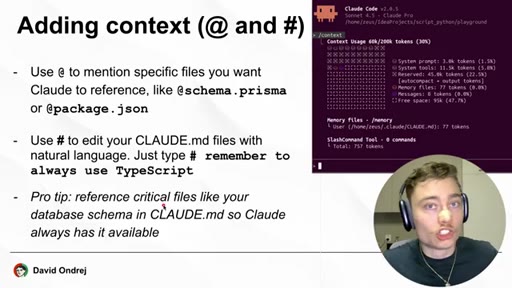
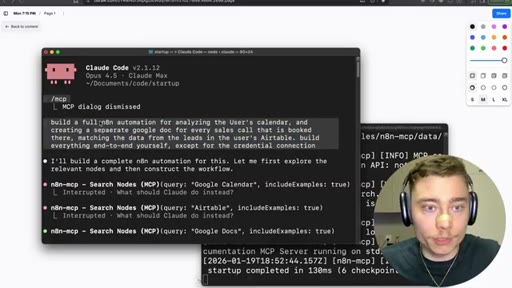
06 · @ and # context + n8n MCP demo
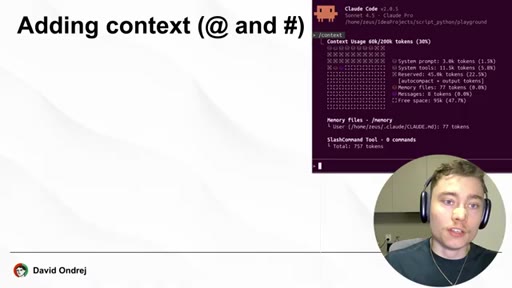
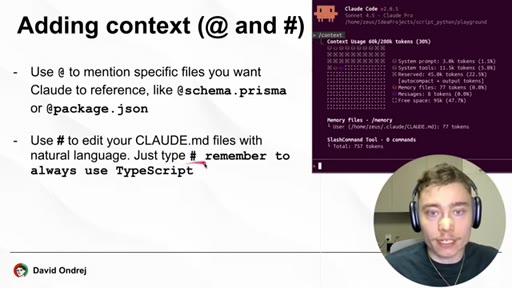
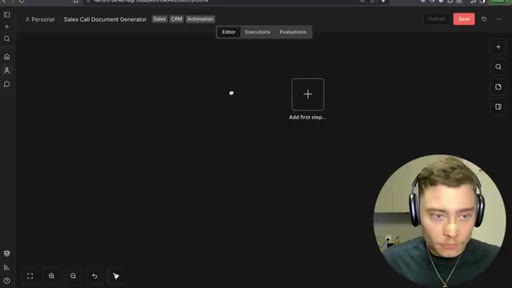
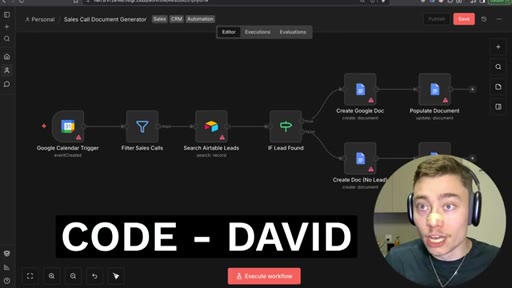
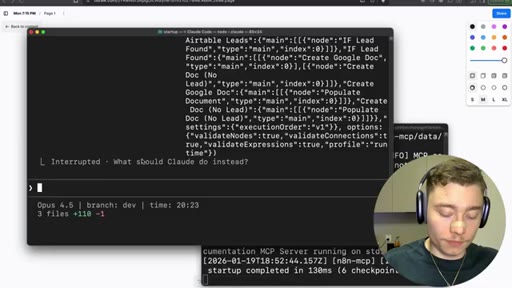
@filename injects a file. # was for memory but no longer works — use /memory. Demo: Claude built a 329-line n8n workflow JSON from plain English.
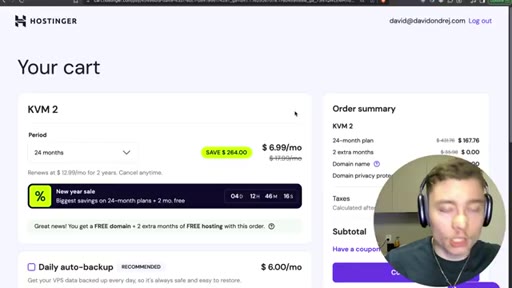
07 · Hostinger ad break
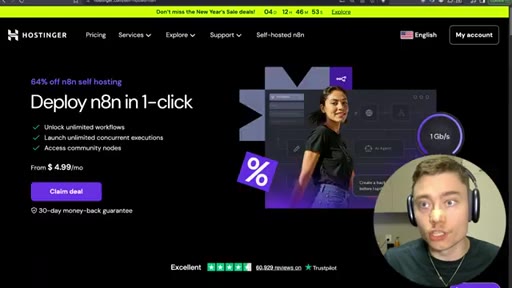
n8n VPS hosting, KVM 2 plan, $6.29/mo with code 'david'.
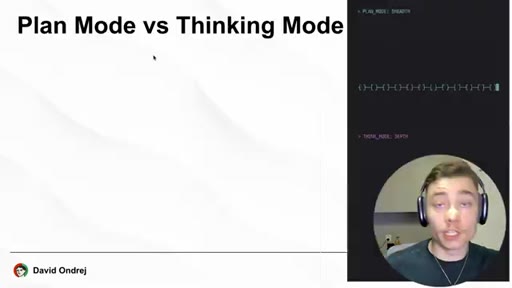
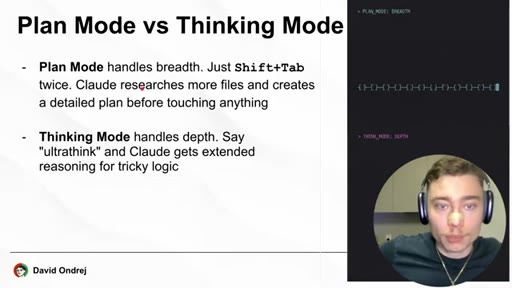
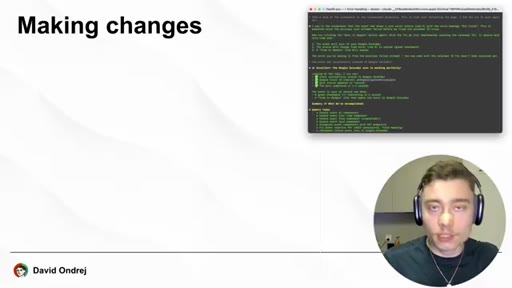
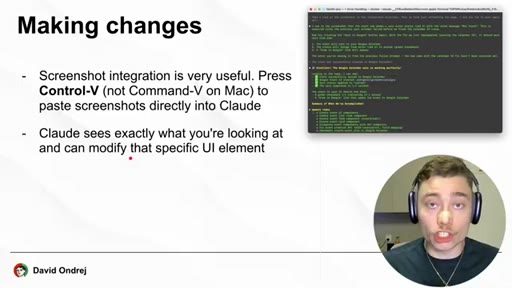
08 · Making changes + Plan vs Thinking mode
Paste screenshots with Ctrl+V (not Cmd+V on Mac). Shift+Tab cycles modes. 'ultrathink' keyword now deprecated.
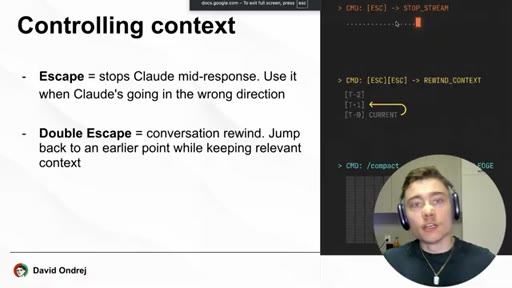
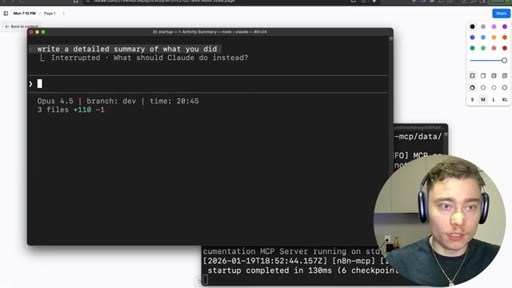
09 · Controlling context
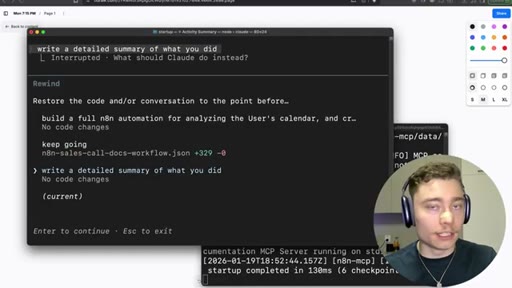
Single Esc interrupts. Double Esc opens conversation rewind. /compact summarizes the session to free up the context window.
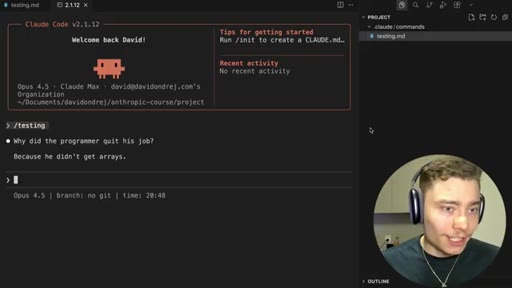
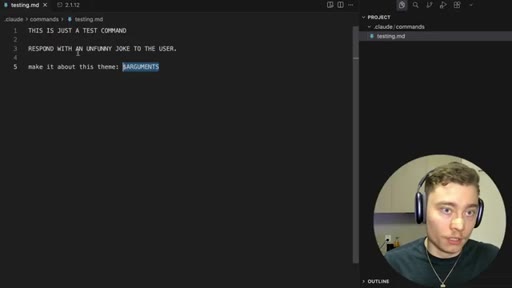
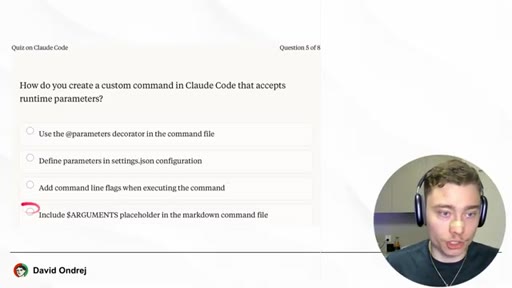
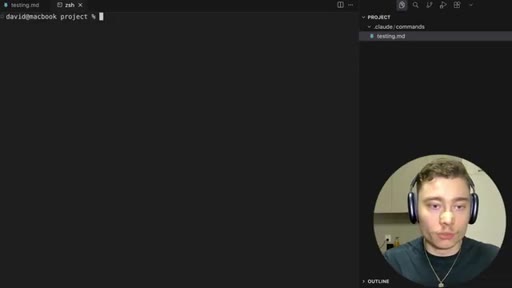
10 · Custom slash commands
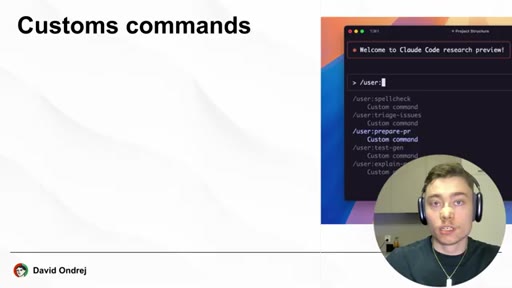
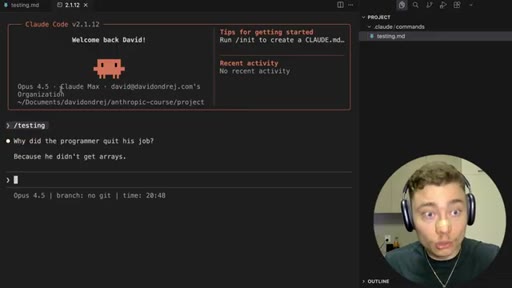
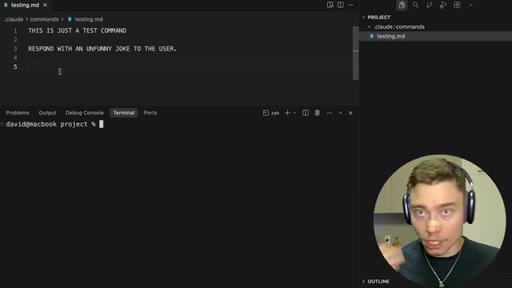
Drop a markdown file in .claude/commands/. Use $ARGUMENTS for runtime parameters.
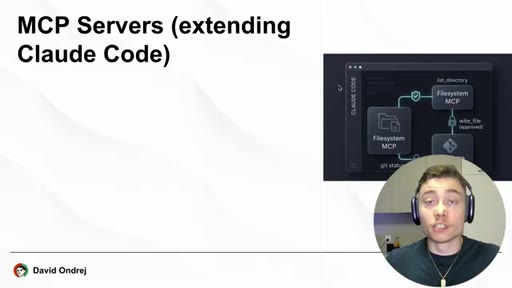
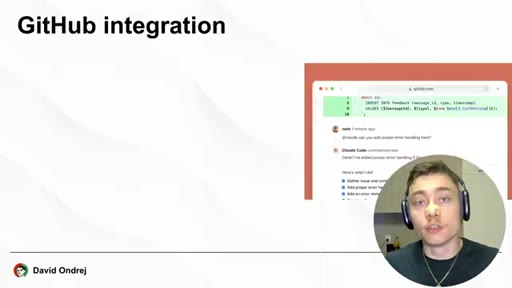
11 · MCP servers + GitHub integration
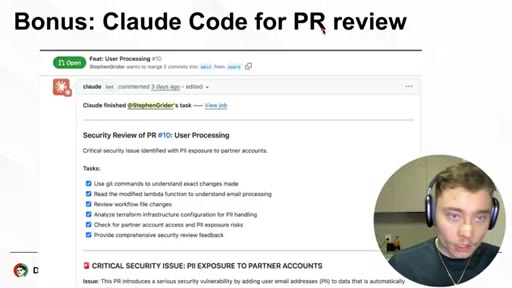
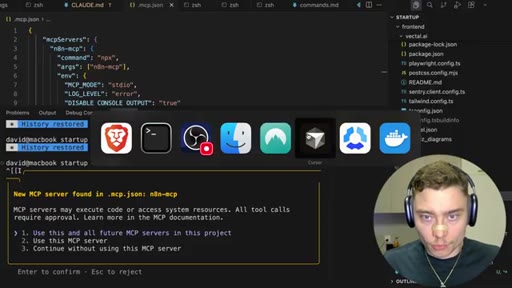
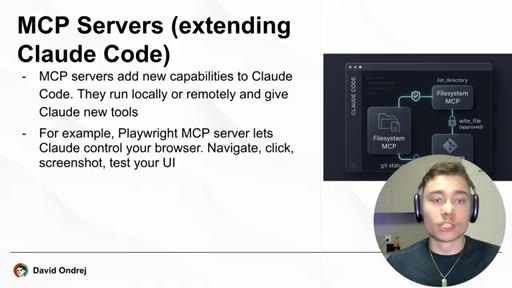
MCP = new tools for Claude. Playwright (browser), n8n (workflow docs). /install github app gives Claude PR powers from the CLI.
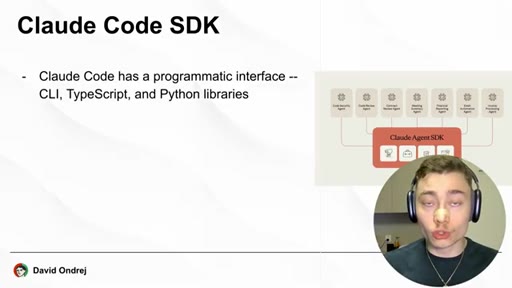
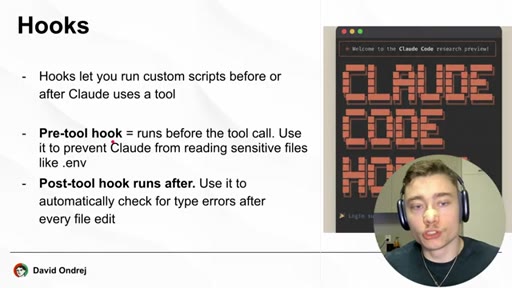
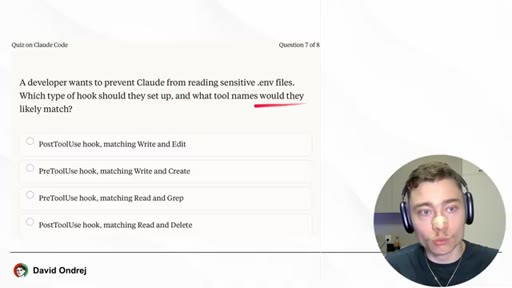
12 · Hooks (PreToolUse / PostToolUse)
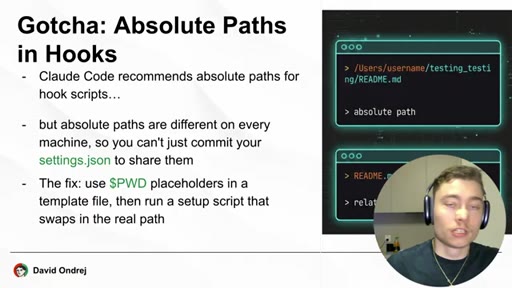
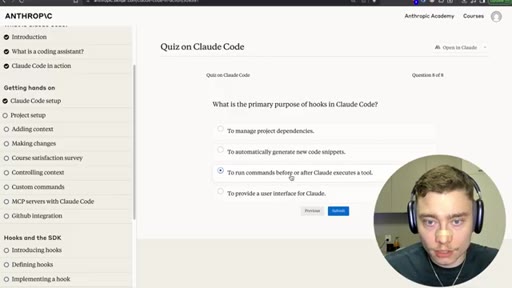
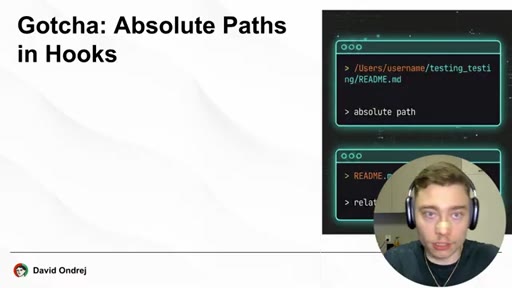
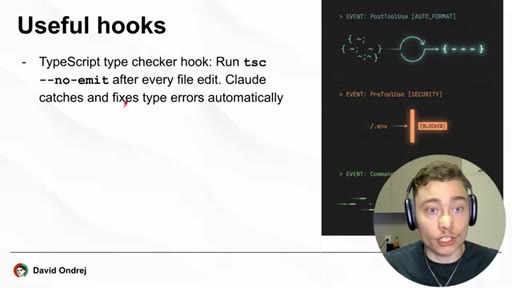
Run scripts before/after tool calls. PreToolUse blocks reads of .env. PostToolUse can run tsc --noemit. Gotcha: use $PWD placeholders.
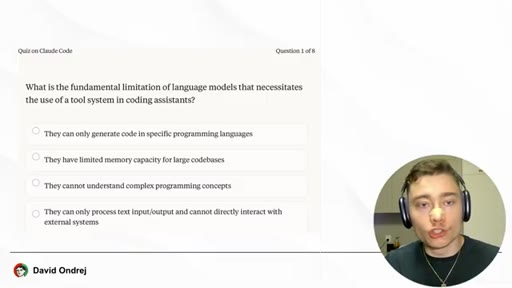
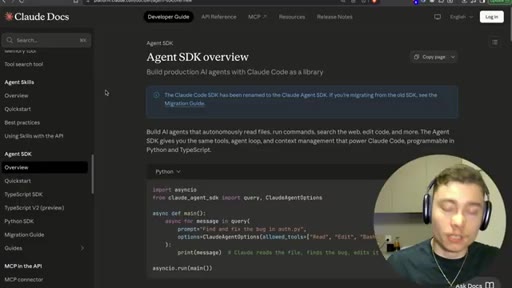
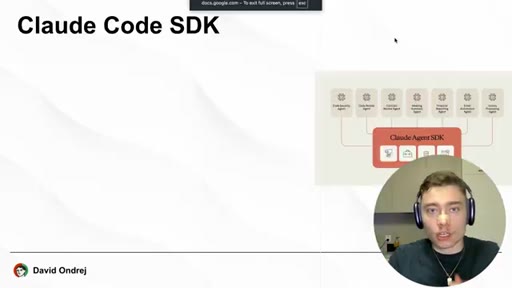
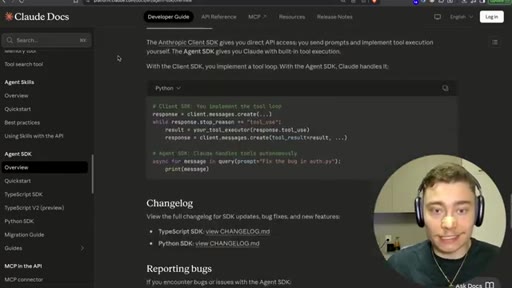
13 · Claude Code SDK (now Agent SDK)
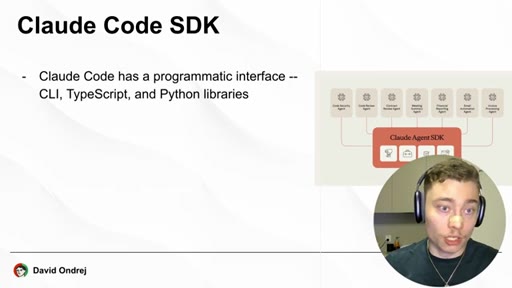
Programmatic interface — CLI + TypeScript + Python. Not open source. Pitches AgentZero as open-source alternative.
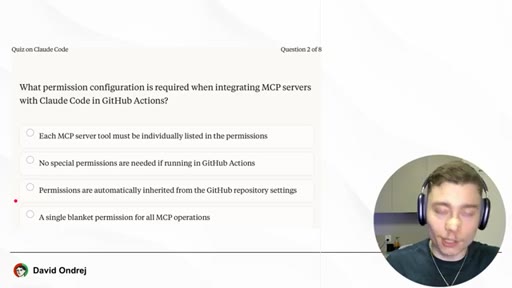
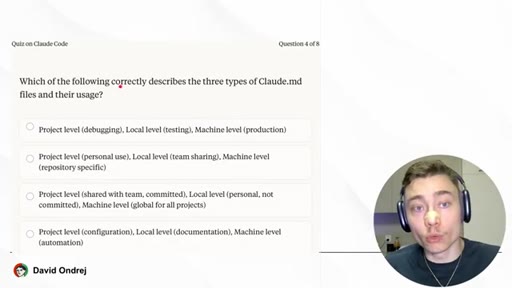
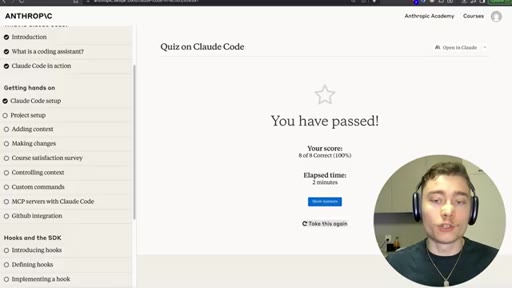
14 · Anthropic's 8-question quiz, retaken live
Ondrej walks through each question, then re-takes the quiz on camera and scores 8/8.
Visual structure at a glance.
Named ideas worth stealing.
Three-step coding-assistant loop
- Gather context
- Formulate a plan
- Take action
The agent loop. Steps 1 and 3 require tools — the LLM cannot do them by reasoning alone.
CLAUDE.md as system prompt
/init analyzes the codebase and writes a ~100-line markdown file that gets prepended to every request. Reference critical files inside it so Claude always knows they exist.
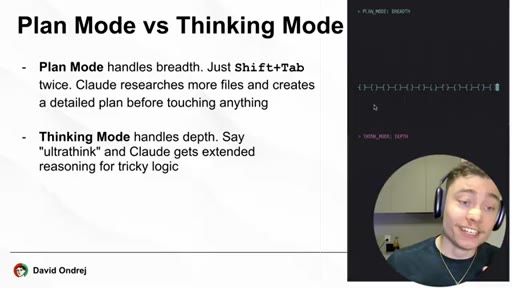
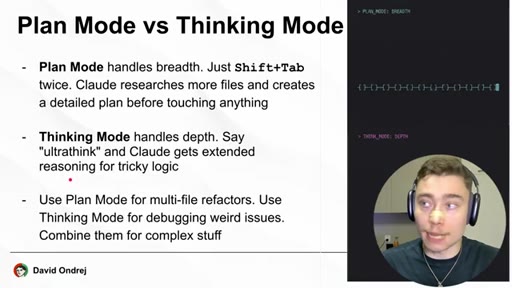
Plan Mode vs Thinking Mode (breadth vs depth)
- Plan Mode = breadth, researches more files, no edits
- Thinking Mode = depth, more reasoning per step
Shift+Tab cycles. Use Plan Mode for multi-file refactors, Thinking Mode for tricky logic.
PreToolUse / PostToolUse hooks
- PreToolUse — runs before tool call, can block (e.g. reading .env)
- PostToolUse — runs after, can verify (e.g. tsc --noemit)
Hooks are short scripts triggered around tool calls. Two real use cases: security (block) and verification (auto-check).
Lines you could clip.
"If you really watch this video until the end, you will be ahead of 99% of people."
"This isn't some random vibe code from Twitter. This is the advice from the experts who actually created Claude Code."
"To have a strong coding assistant, you need both a powerful LLM and lots of powerful tools that the AI model can use."
"Slight correction. The hashtag convention doesn't seem to work anymore."
"AI is moving so fast that as I updated the Claude Code version, at the start of this video, the thinking mode no longer works and it's always set to ultrathink."
"Hooks let you run custom scripts before or after Claude uses a tool."
How they spent the runtime.
- 17:17 – 20:28 · Hostinger (n8n VPS, code 'david')
Things they pointed at.
How they asked for the click.
"Click the link below the video, use the code david, and get started with Hostinger today."
Mid-video Hostinger sponsor read with on-screen pricing math ($7 -> $6.29 with code). Cleanly bracketed by 'Thank you, Hostinger, for sponsoring this video' before returning to the Anthropic course.
Word for word.
Steal the format.
Pick someone else's authoritative course. Compress it 15x. Add corrections only you have because you actually used the tool.
- Open with authority transfer to the original source ('Anthropic's official course') — you don't have to be the expert if you're the messenger.
- Mirror the source's section structure as your chapter map; viewers who want the official thing can map back, viewers who want the shortcut stay with you.
- Demo every concept in your own real codebase, not a toy repo — the hidden product placement (Vectal) becomes a feature, not a bug.
- The hidden gold: flag what's already deprecated in the source. That's the single thing the original 7-hour course CAN'T do — be current. Make it your value-add.
- Bracket the sponsor read inside the educational arc, not at the start or end. Mid-video sponsors land better when the viewer is already invested.
- End with the source's own quiz, retaken live. It's a free retention loop ('did I get the same answer as Joe?') and a flex on your own credibility.
- Title-as-hook math: '7 hours in 27 minutes' is a 15x time-compression claim. That ratio is the entire pitch.
If you're going to use Claude Code, do these five things first.
Most of the value of Claude Code is in five small habits — none of them obvious from the install instructions.
- Always run /init in a new project. It writes a CLAUDE.md file that Claude reads automatically every request — you stop re-explaining your codebase forever.
- Use @filename to drop a specific file into context instead of pasting it. # used to write to CLAUDE.md but is deprecated — use /memory now.
- Double-tap Esc to rewind the conversation to any earlier prompt. This is the single most under-used feature in the tool.
- /compact when you feel sluggishness — it summarizes the session and frees up context without losing what's been learned.
- Stop typing 'ultrathink' in your prompts — it doesn't do anything anymore. Claude already maxes its reasoning budget by default.