The bait, then the rug-pull.
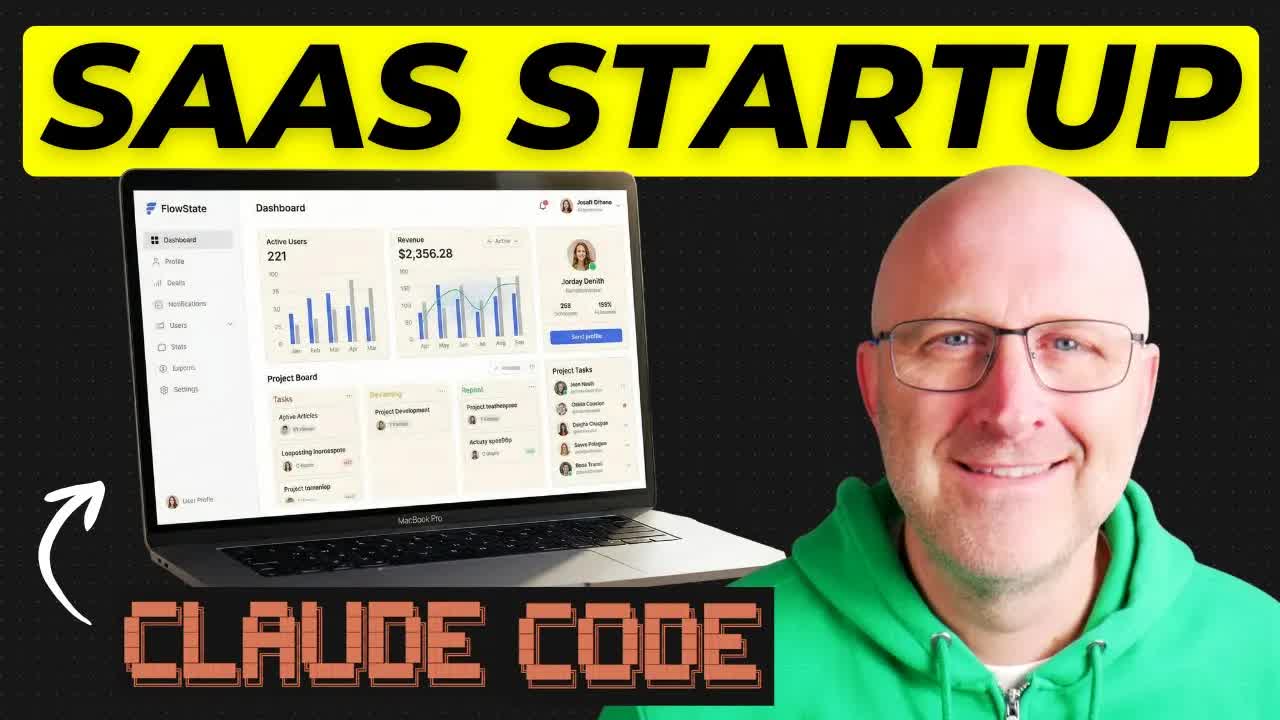
Thirty years of software development and over a million dollars earned with AI -- and Stephen G. Pope opens by aiming all of it at the person who has never written a single line of code. The promise is blunt: a full-stack app, live on the internet, before this video ends.
What the video promised.
stated at 00:08 "In the next 25 minutes I am going to show you how to set up a full stack app from scratch using AI complete with a marketing landing page, authentication, and live deployment to the internet." delivered at 20:32
Where the time goes.
01 · Intro + promise
Credentials hook (30yr dev, $1M+ with AI). Promise: landing page + auth + live deploy in this video.
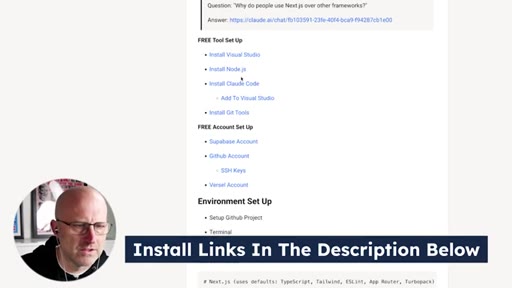
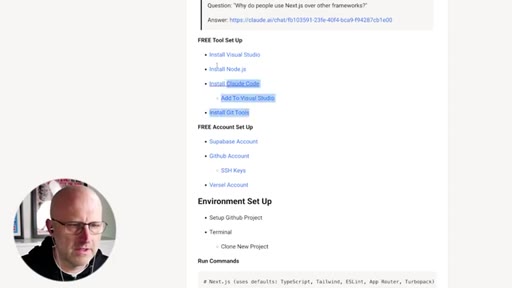
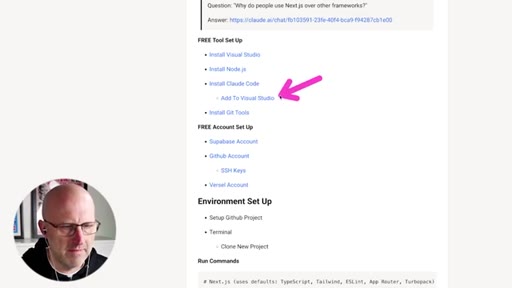
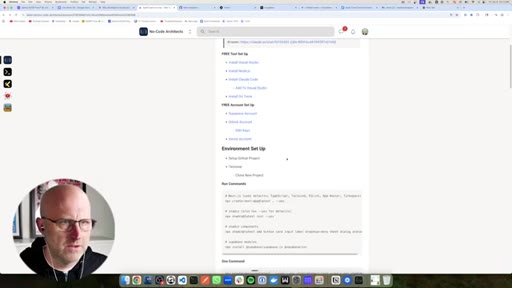
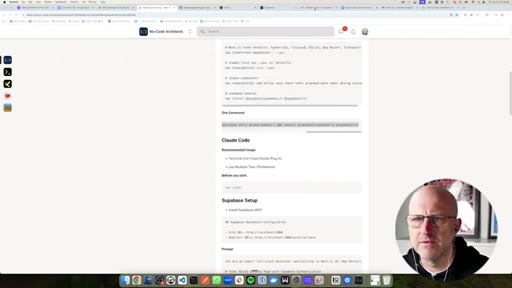
02 · Required tools + accounts
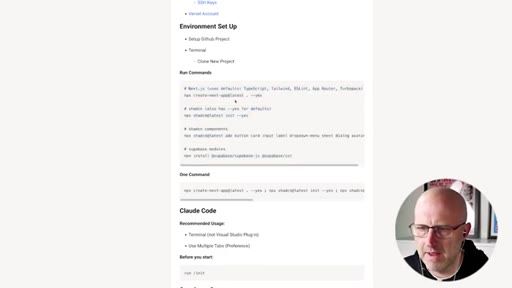
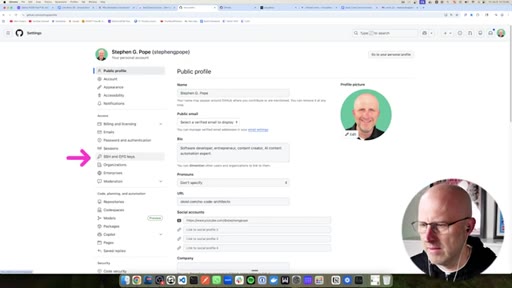
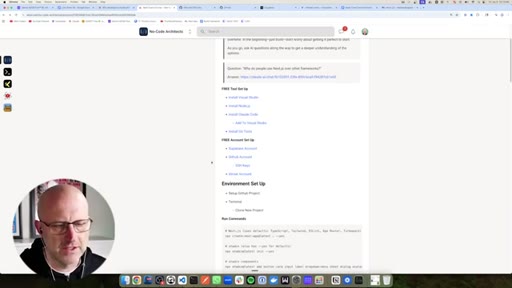
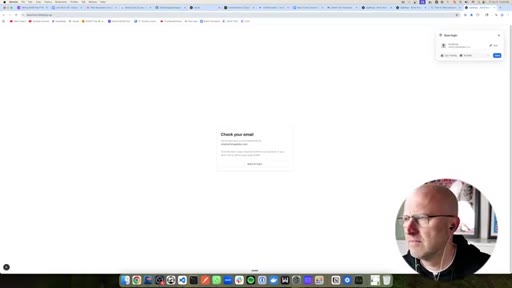
VS Code, Node.js, Claude Code, Git installs; Supabase, GitHub (SSH keys), Vercel accounts.
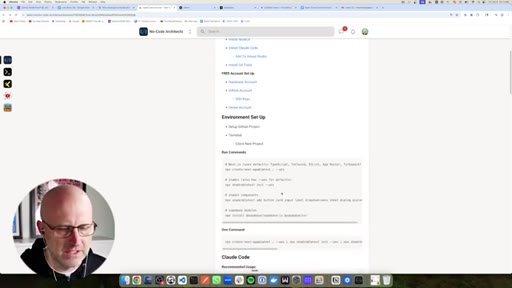
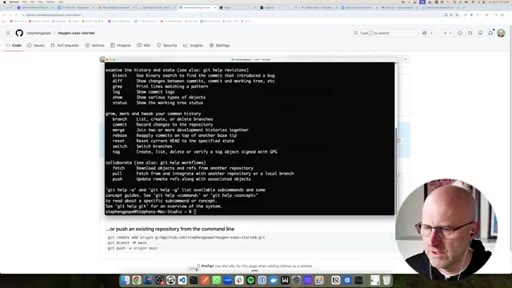
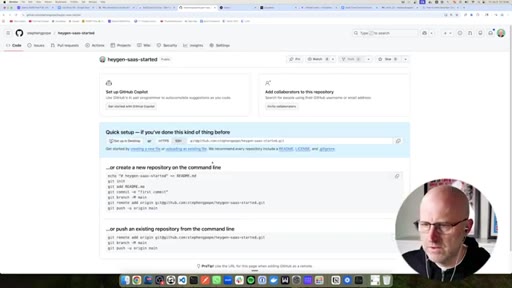
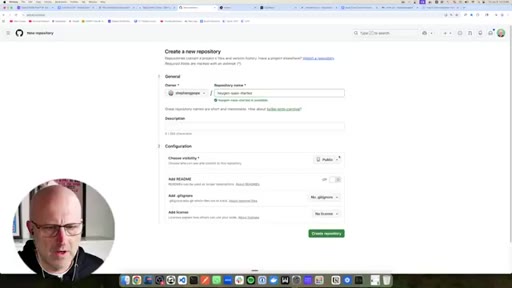
03 · GitHub repo creation
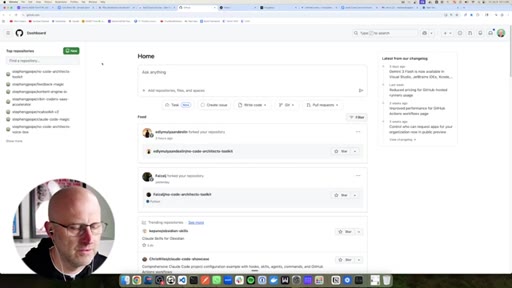
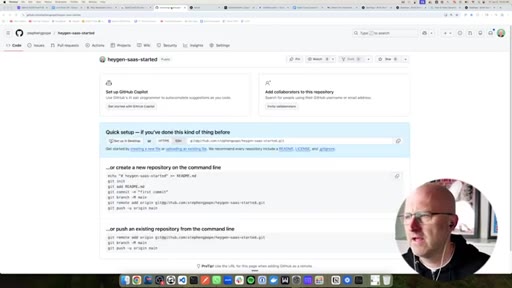
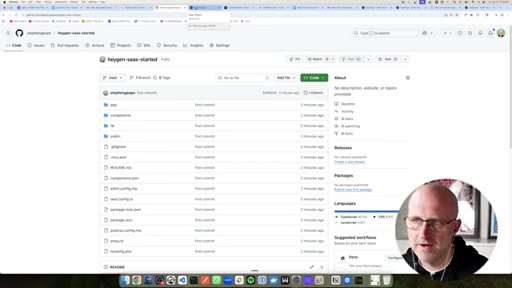
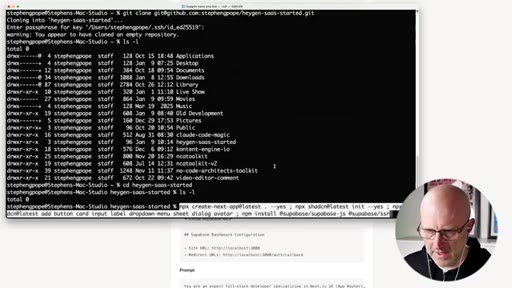
Creates heygen-saas-startup repo, explains Git/GitHub for total beginners, clones via SSH.
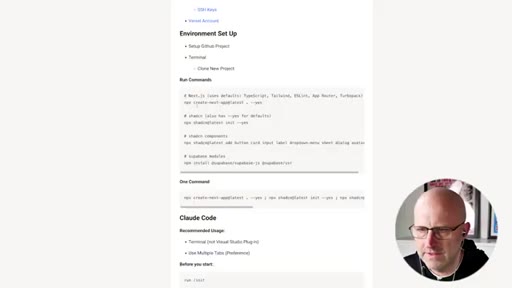
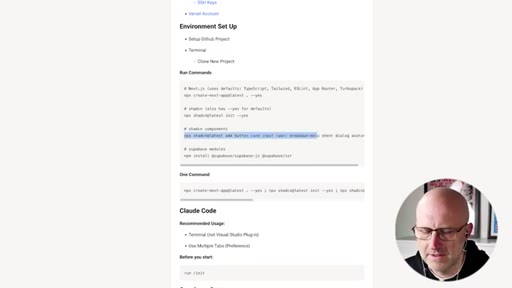
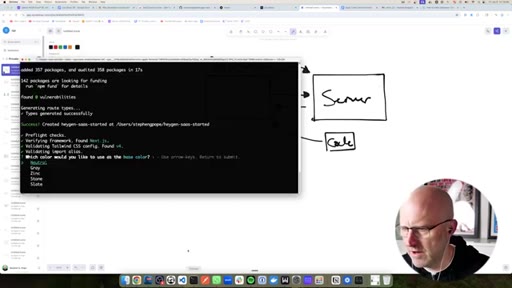
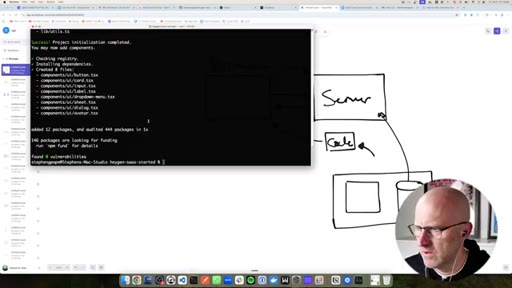
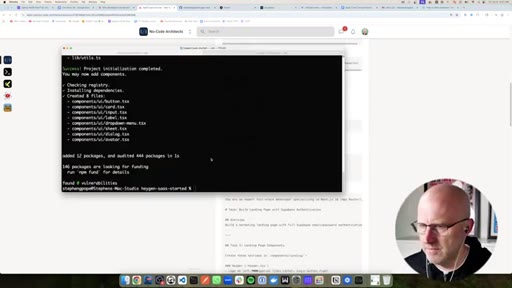
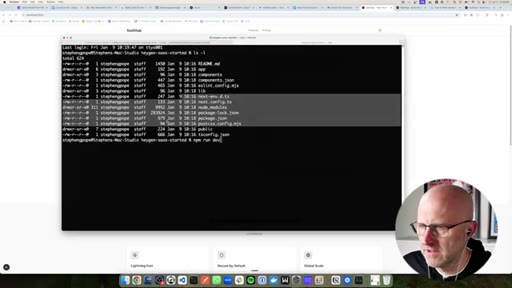
04 · Next.js + dependency install
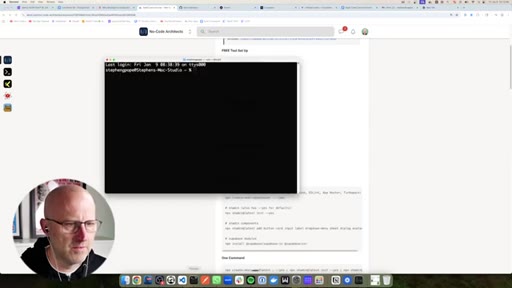
Runs 4 chained commands in one paste. AI not needed for known installs.
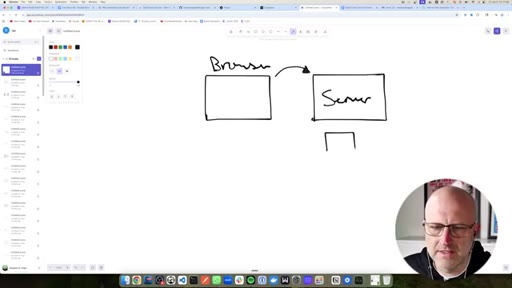
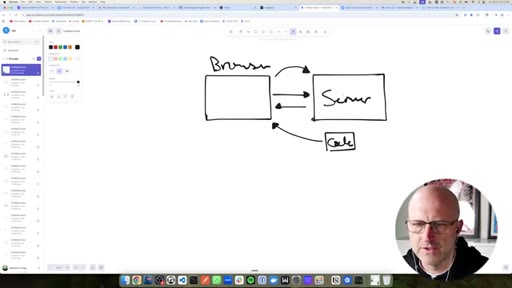
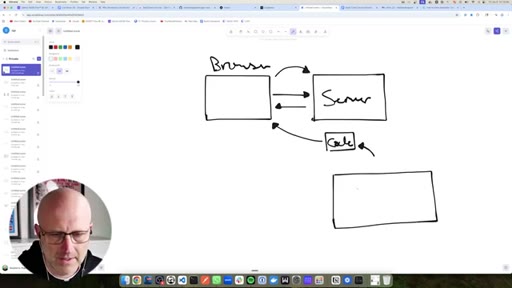
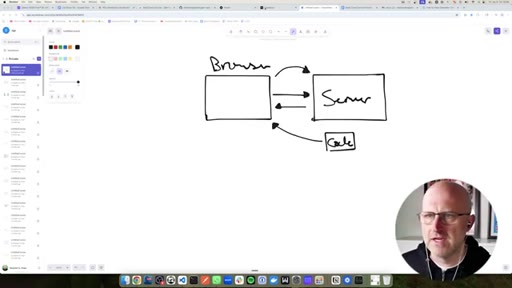
05 · Architecture explained
Client/server diagram drawn on screen. Next.js handles both sides plus the communication layer.
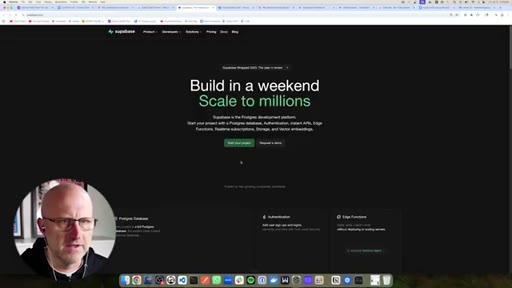
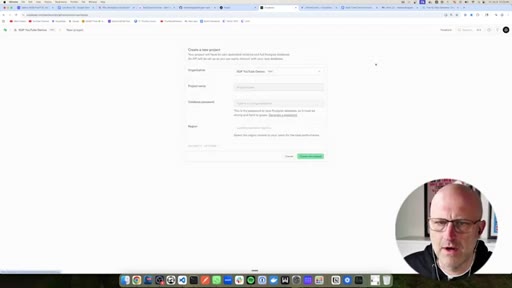
06 · Supabase explained
DB + auth + email + utilities as a bundle. Every SaaS needs all of these.
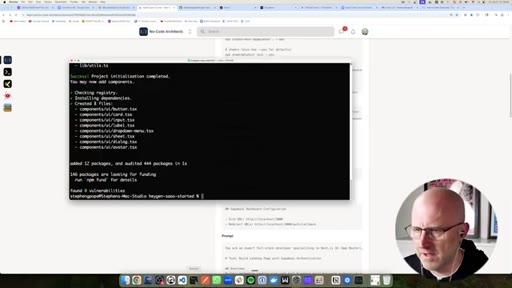
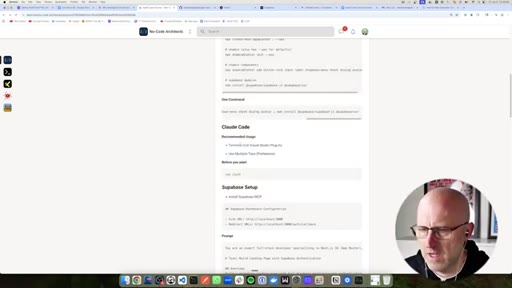
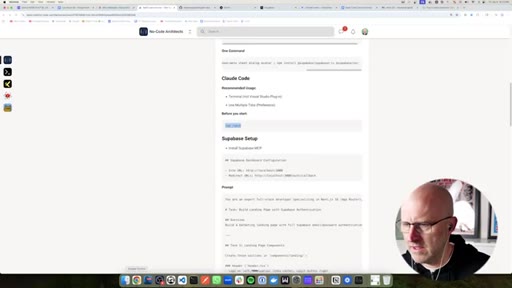
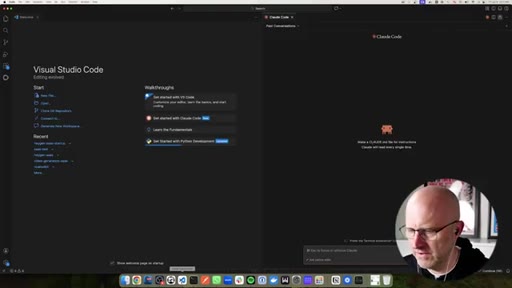
07 · Claude Code setup
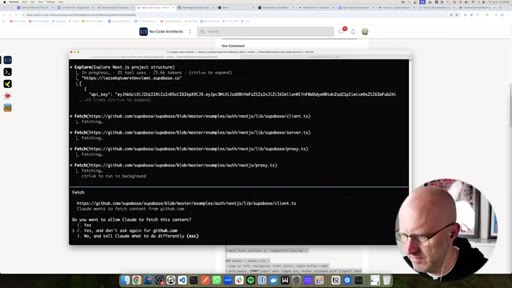
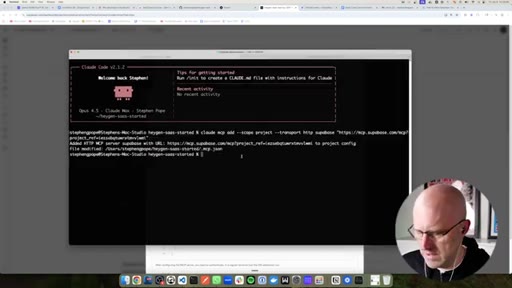
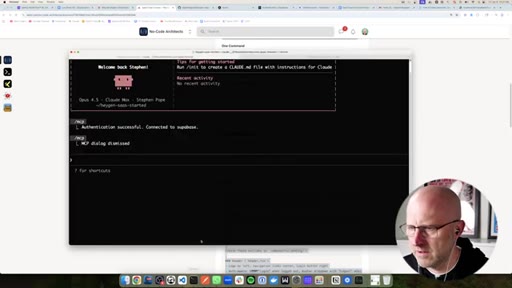
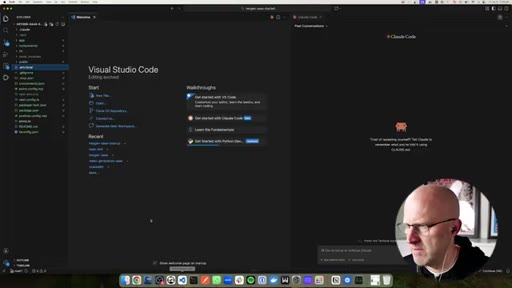
Runs Claude in terminal. CLI beats VS Code plugin. Shows /init command concept.
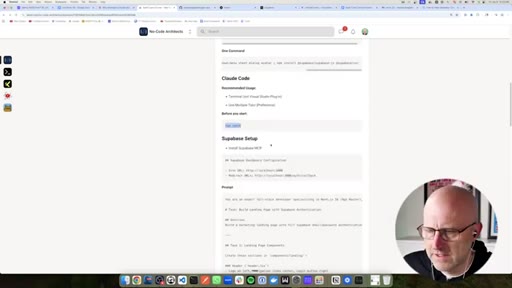
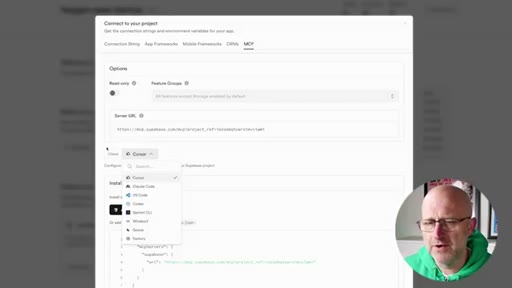
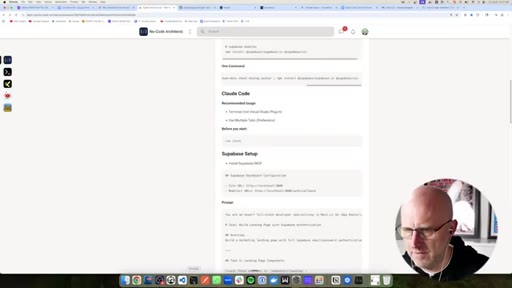
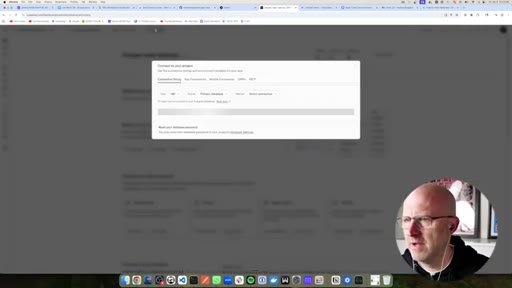
08 · Supabase MCP install
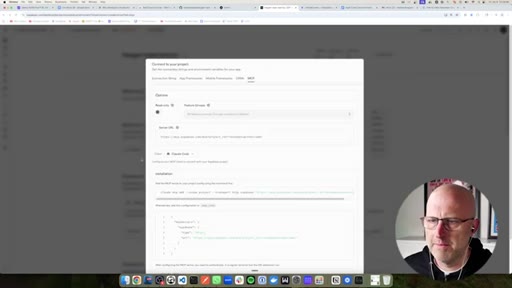
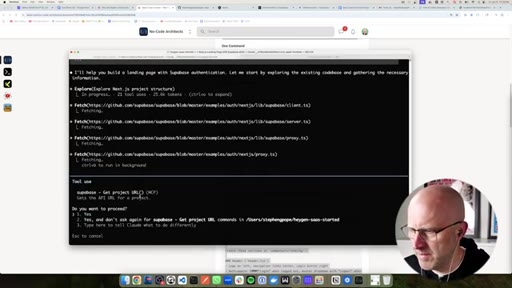
Installs MCP from Supabase connect button. Frames MCPs as tools: hammer and screwdriver.
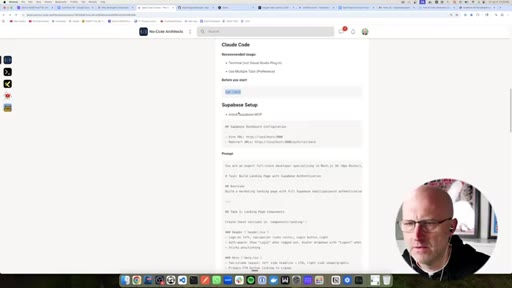
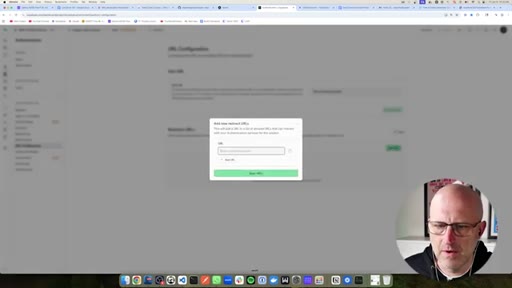
09 · Auth URL config
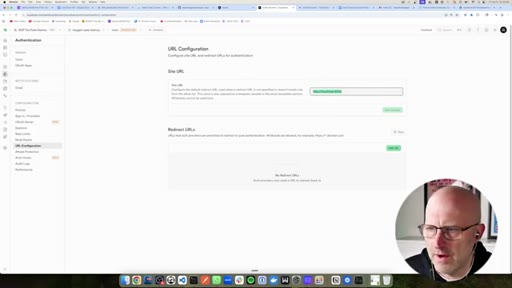
Adds /auth/callback to Supabase URL config. Explains localhost as your own computer.
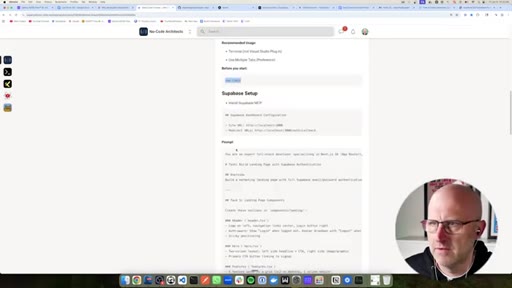
10 · AI prompt run
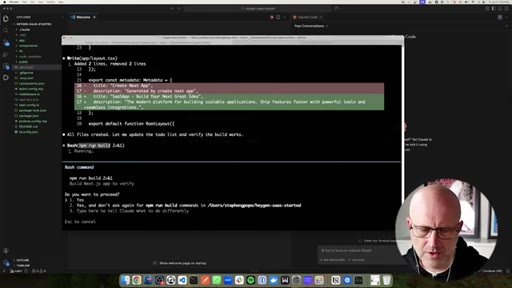
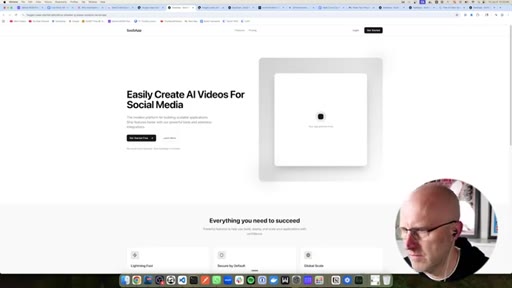
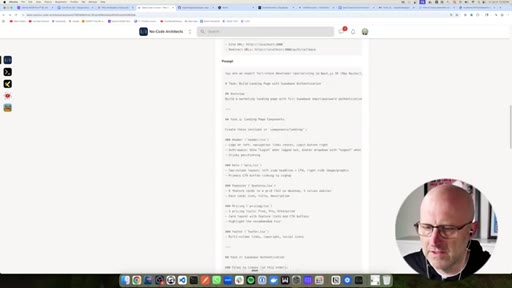
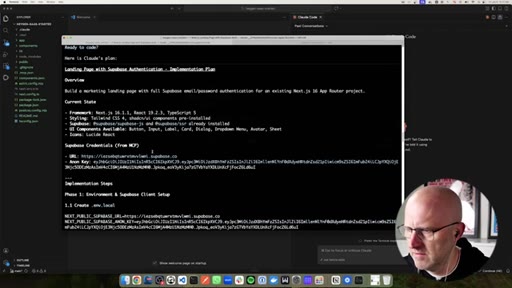
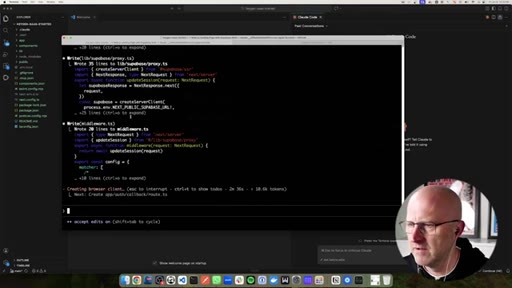
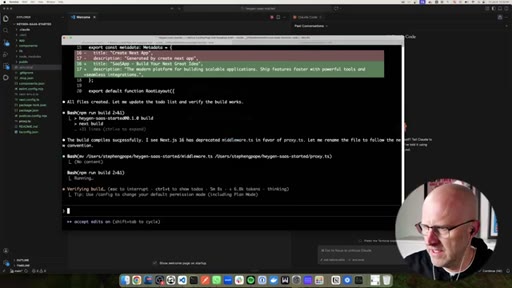
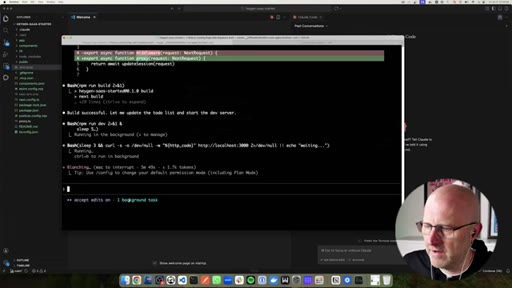
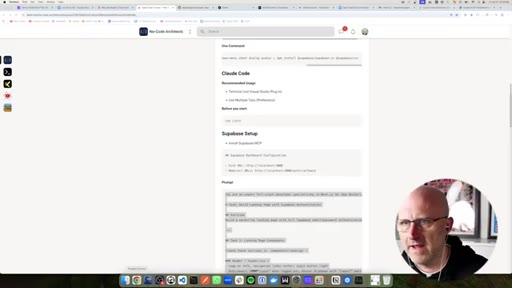
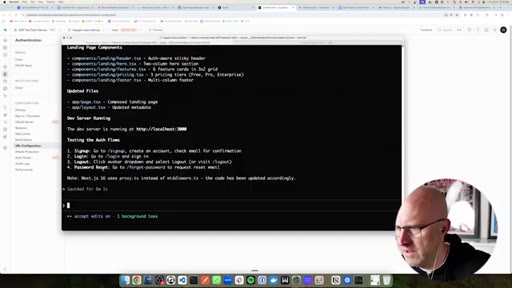
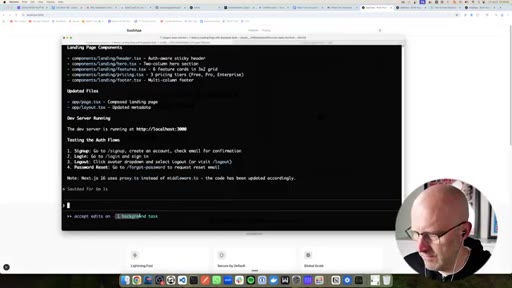
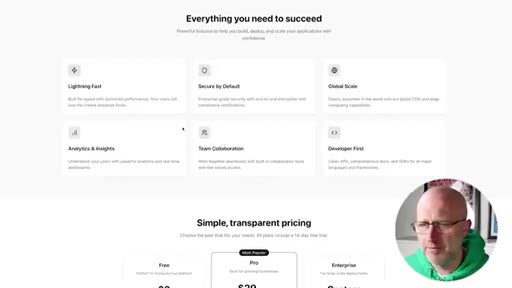
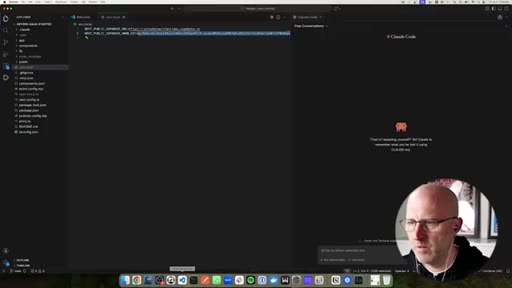
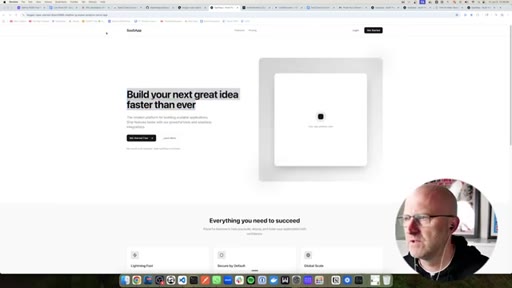
Pastes pre-refined full-stack prompt in plan mode. Claude builds landing page, auth, env file, runs build.
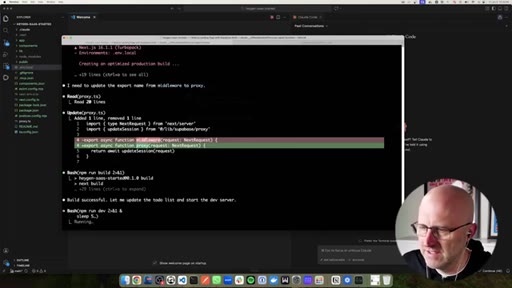
11 · Testing the app
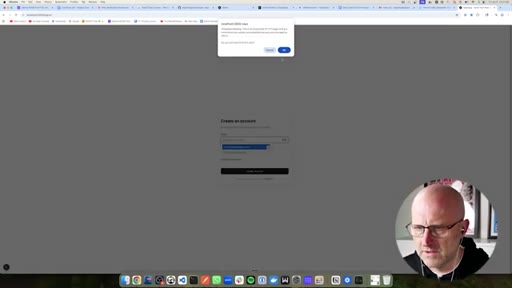
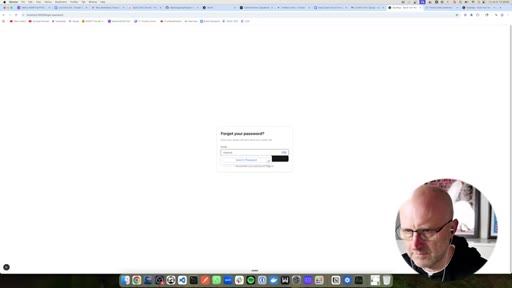
Sign up, email confirm, login, Supabase users table, password reset -- all working first run.
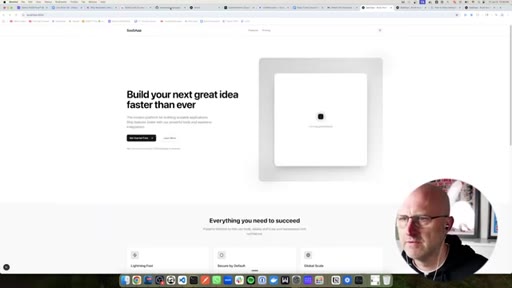
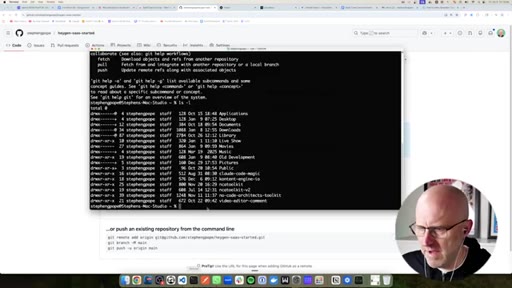
12 · Push to GitHub
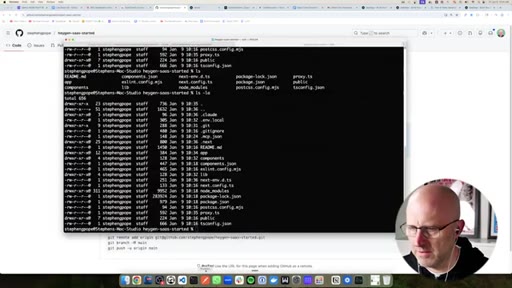
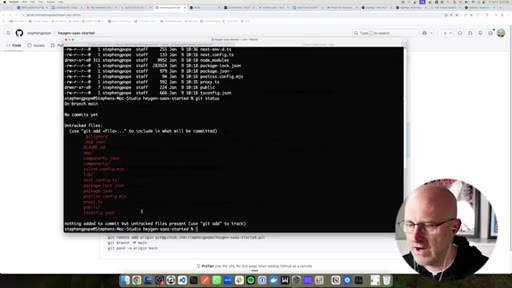
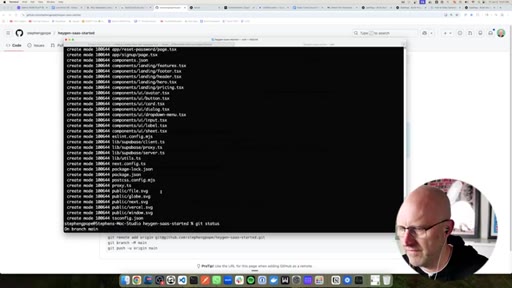
git status -> git add . -> git commit -> git push origin. ls -la shows hidden files.
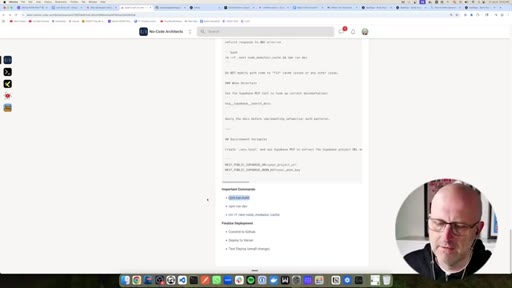
13 · Vercel deploy
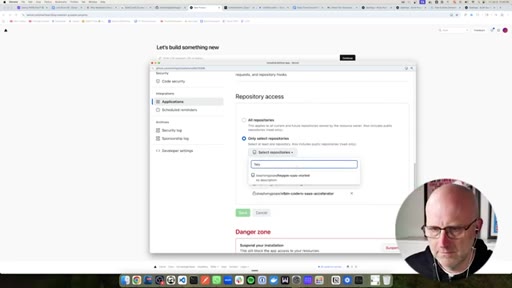
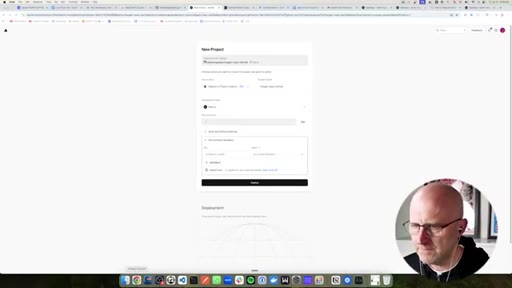
Import GitHub repo, set env vars, auto-deploy on push. Live URL appears.
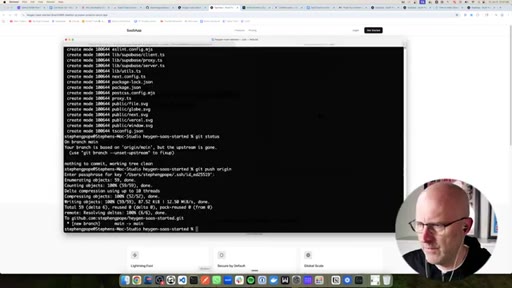
14 · Making changes + redeploy
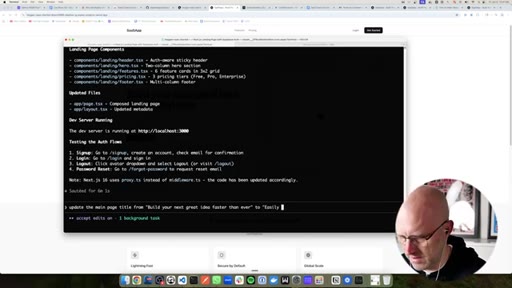
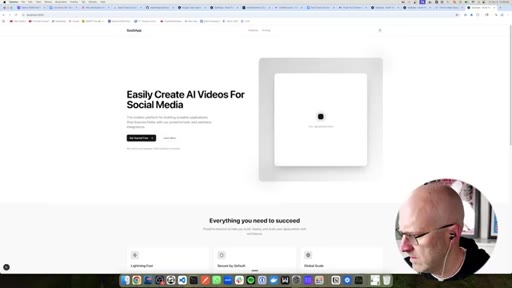
Updates homepage title via Claude Code prompt -> git commit -> Vercel auto-rebuilds. Full loop demonstrated.
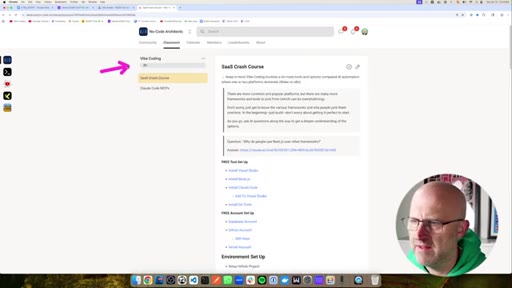
15 · Wrap + CTA
No-Code Architects Skool community pitch -- free community, classroom, vibe coding course, daily calls.
Visual structure at a glance.
Named ideas worth stealing.
Next.js as full-stack glue
Next.js gives client code, server code, and the communication layer in one framework.
Supabase as SaaS utility bundle
Supabase is DB + auth + email + utilities bundled. Every SaaS needs all of these.
MCP as hammer and screwdriver
MCPs give the agent tools to pick up as needed. The agent is the worker; MCPs are its toolbox.
Plan mode before big prompts
shift+tab x2 in Claude Code activates plan mode -- Claude thinks through approach before writing code.
Refined mega-prompt as core IP
- Full-stack developer persona
- Landing page sections (hero, pricing, footer)
- Supabase auth flow
- Error troubleshooting tips
- What not to do
The real product is the pre-refined prompt. Stephen iterated on it across multiple runs.
Lines you could clip.
"If you have never built software but wanna start building your own tech startup fast, this video is for you."
"I found that actually running it in the terminal has better performance and the plugin just does not perform as well."
"MCP servers give your agent tools to use -- like giving it a hammer and a screwdriver so that as it comes across problems it can pick up the right tool for the job."
"When it is asking for permission, it is a good chance to learn."
"I have gone through this process a couple times and I have just refined this prompt."
How they spent the runtime.
Things they pointed at.
How they asked for the click.
"Jump into the No-Code Architects community. Full classroom including how to make money with AI, course on n8n, and the vibe coding course I am building out."
Soft community pitch at the very end. No mid-roll sponsor. Clean and trust-building.
Word for word.
The prompt is the product.
Stephen does not sell a tutorial -- he sells a pre-refined prompt. The 22-minute video is a live demo of that prompt working.
- Build and publish your own SaaS scaffolding prompt, then use it as the anchor for a tutorial just like this.
- The MCP hammer/screwdriver framing is the clearest beginner explanation in the wild -- steal it verbatim.
- Lead with credentials fast then aim them at the total beginner. Broad promise plus specific outcome equals subscriber magnet.
- Plan mode (shift+tab x2) is a high-trust signal for semi-technical audiences. Drop it in JoeFlow or MCN+ onboarding copy.
- The cache nuke command makes beginners feel safe. Include a recovery command in every tutorial.
- Terminal > plugin is a contrarian take worth turning into a short -- high shareability in Claude Code communities.
You can build and ship a real app this weekend.
The hardest part of starting a SaaS is not the code -- it is knowing which tools to pick and in what order. This video gives you that order.
- The stack is free to start: Supabase free tier + Vercel free tier + GitHub free tier. You need Claude Code and that is it.
- You do not need to understand every line of code Claude writes. Read the permissions it asks for -- each one is a lesson.
- Your first job is setting up the environment correctly (VS Code, Node.js, SSH keys). Claude handles everything after.
- When something breaks, run: rm -rf .next node_modules/.cache, then rebuild. Fixes most Next.js weirdness.
- Committing to GitHub is the deploy trigger. Once Vercel is connected, every git push ships your changes automatically.