The bait, then the rug-pull.
Anthropic quietly shipped the bridge between the chat window and the terminal. Alex McFarland found it first, ran it through three real workflows, and filmed every step — landing page to analytics scraper, no code required.
What the video promised.
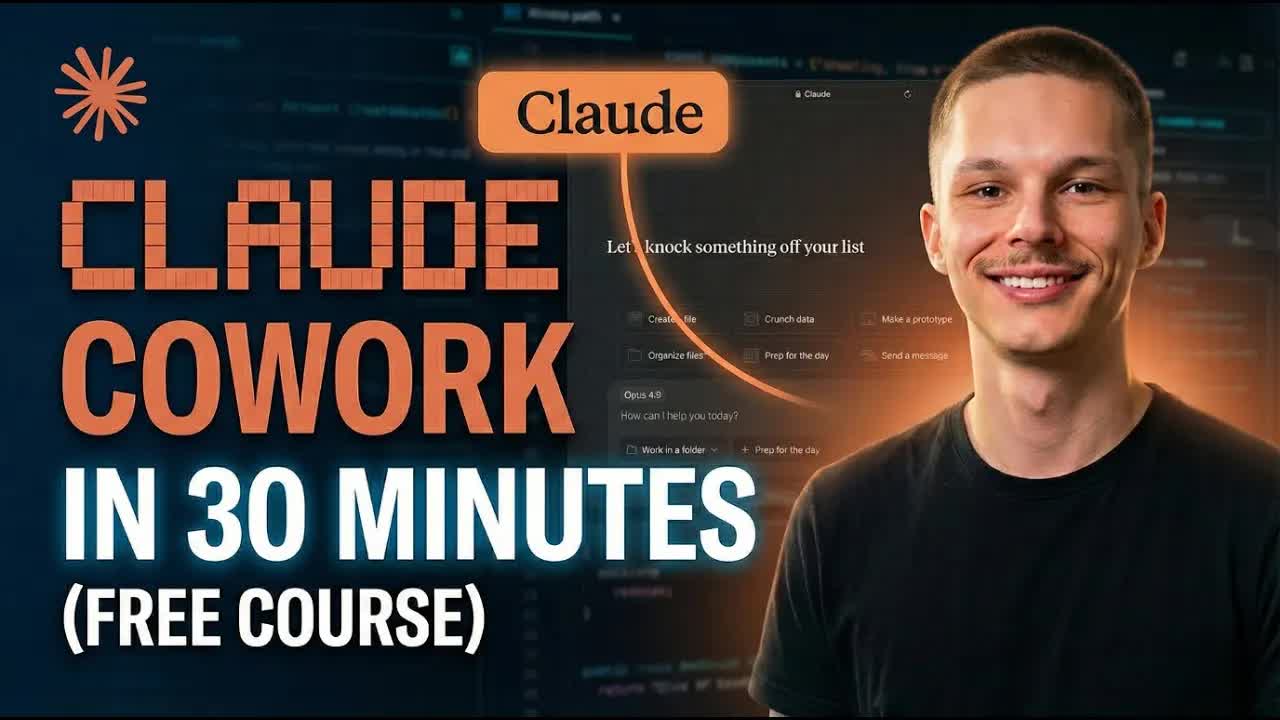
stated at 01:08 "If you have ever been too scared to jump in the cloud code, this might be a good middle ground for you to start working in." delivered at 26:42
Where the time goes.
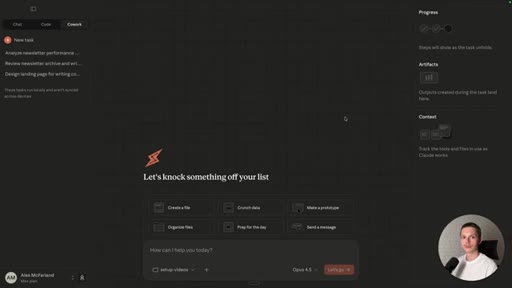
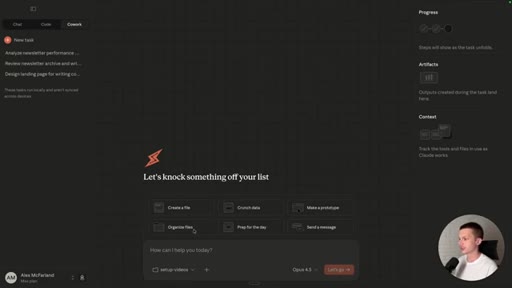
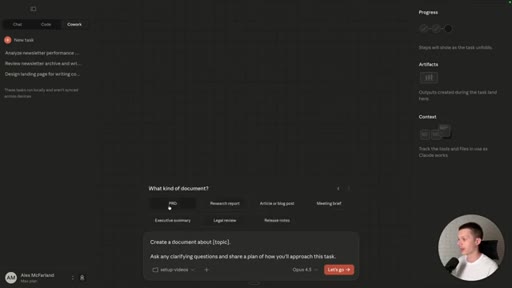
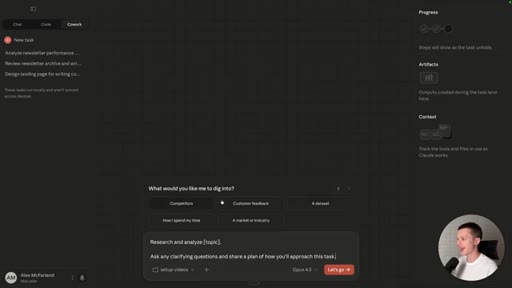
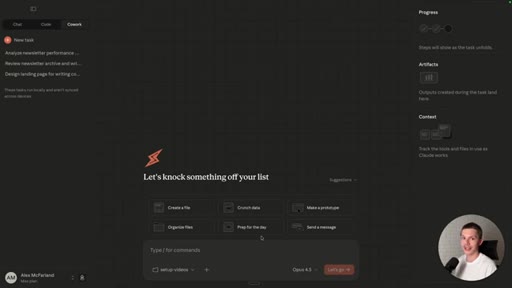
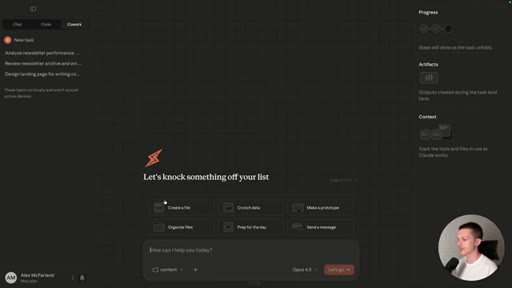
01 · Cold Open + Interface Tour
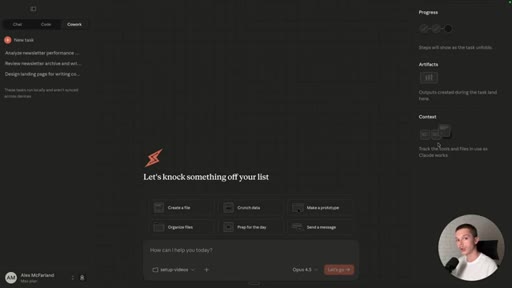
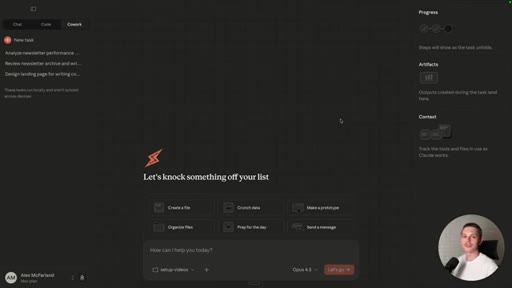
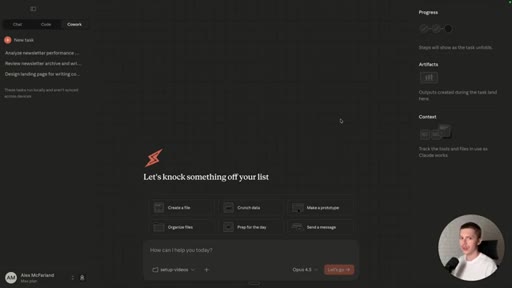
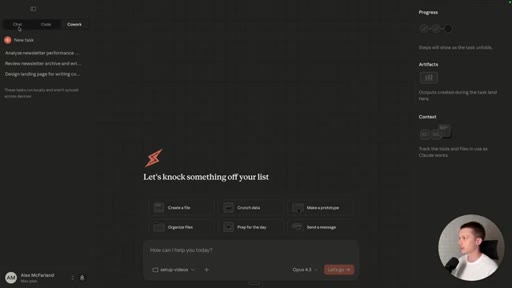
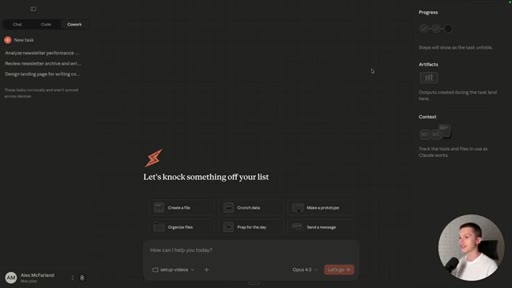
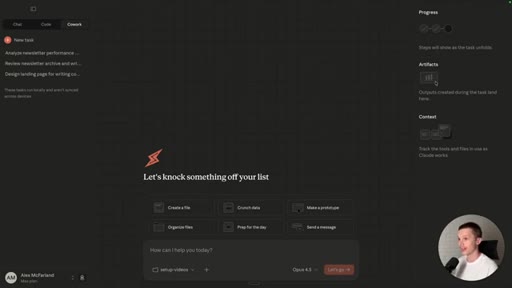
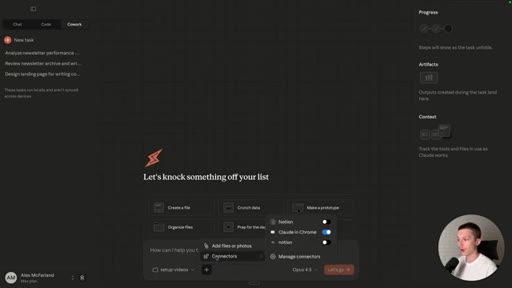
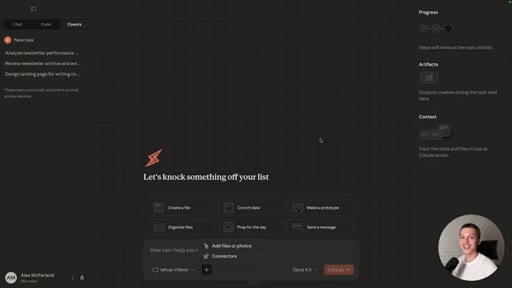
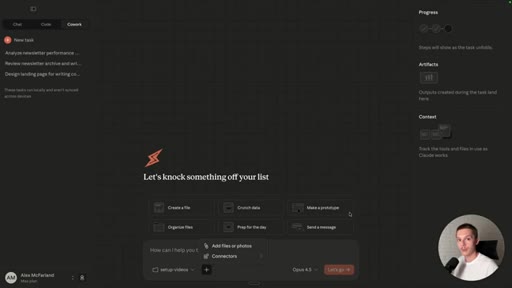
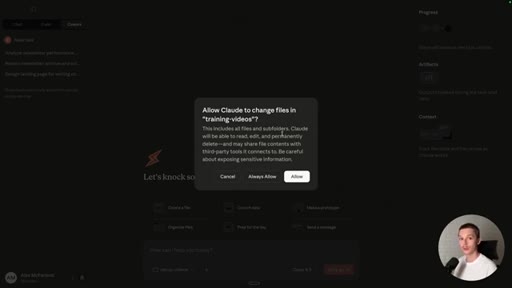
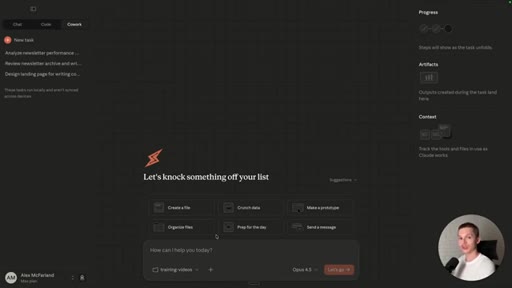
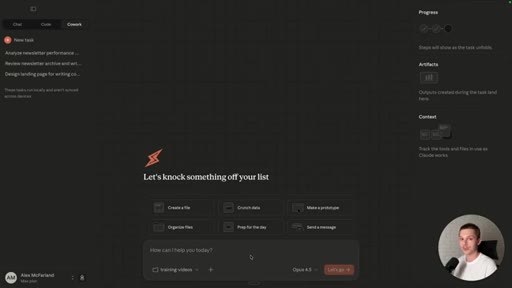
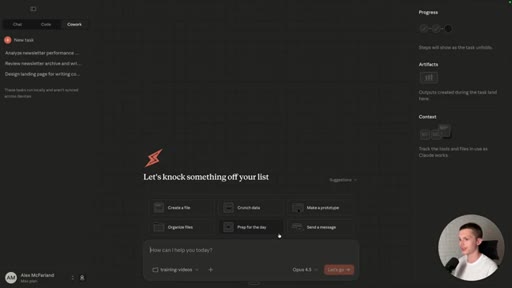
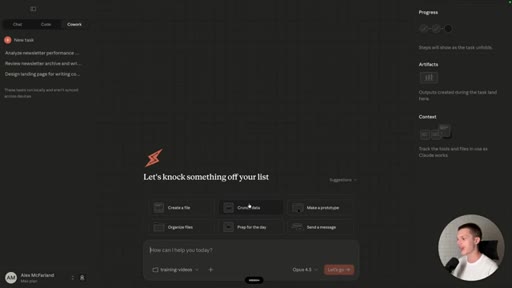
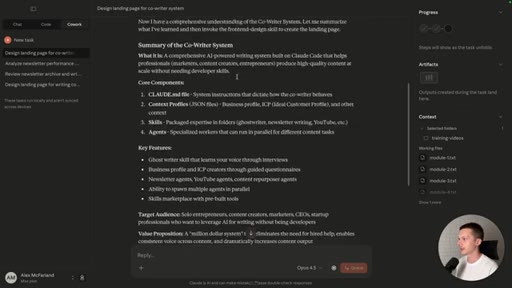
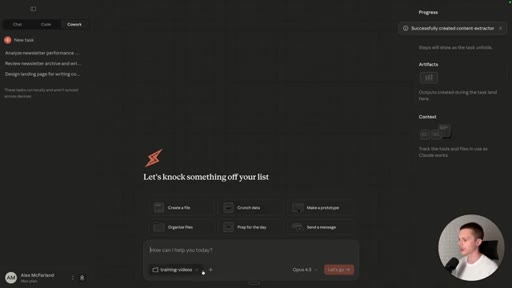
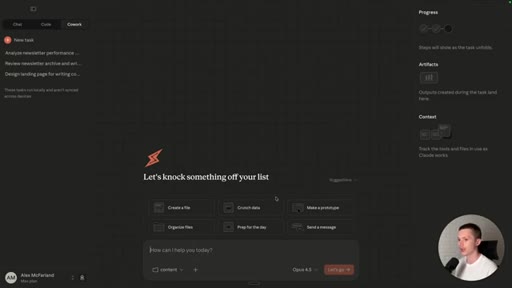
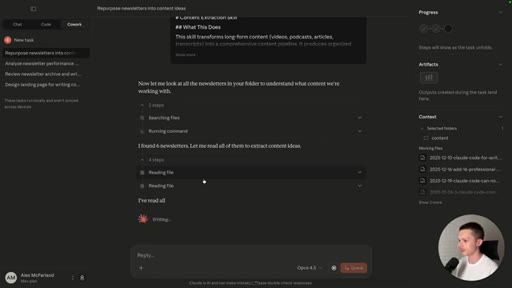
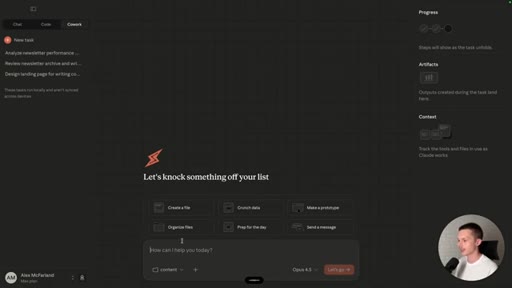
Introduces the Cowork tab (Claude Max only), the three-panel layout (chat / progress / artifacts), folder attachment, and connectors (MCPs). Frames the target audience: writers, marketers, non-developers.
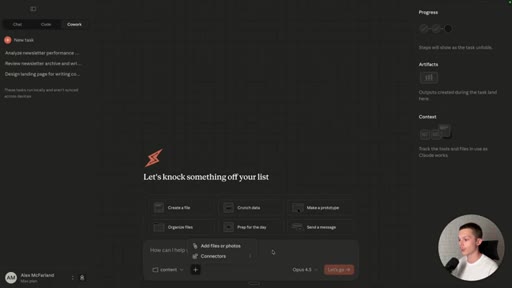
02 · Use Case 1 — Landing Page from Transcripts
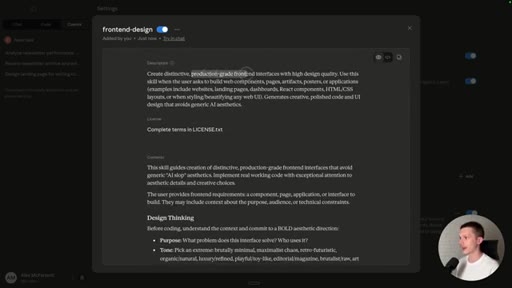
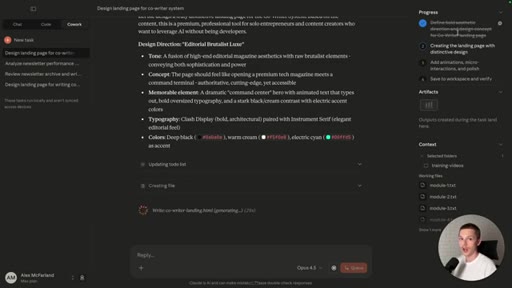
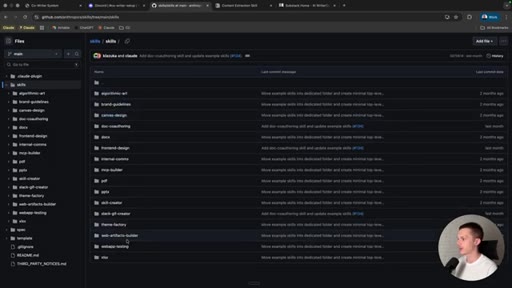
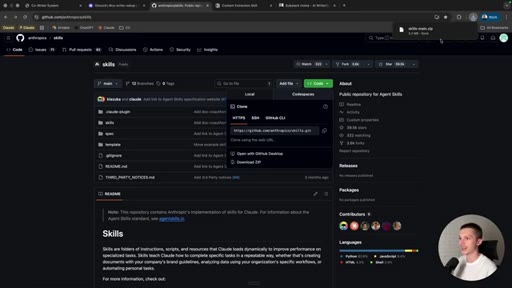
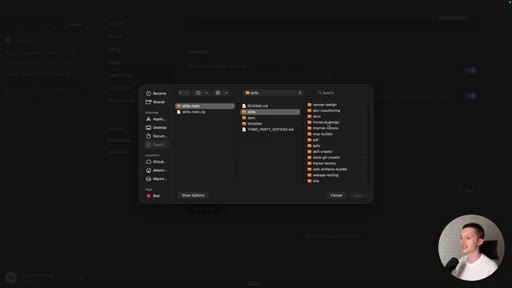
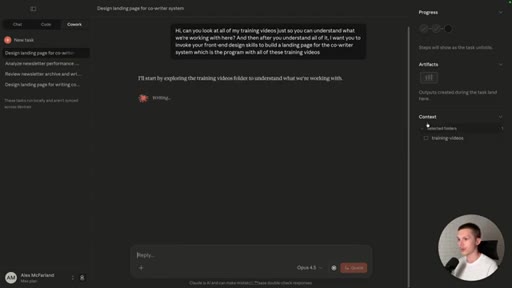
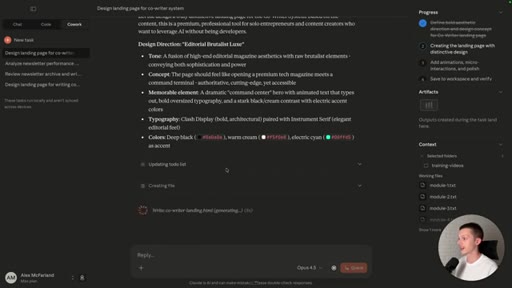
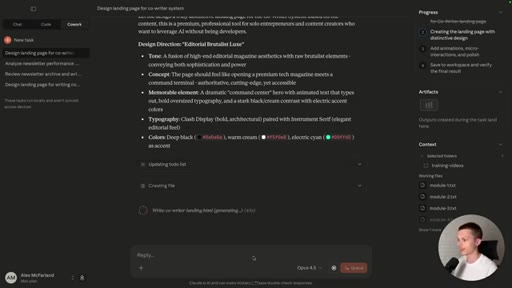
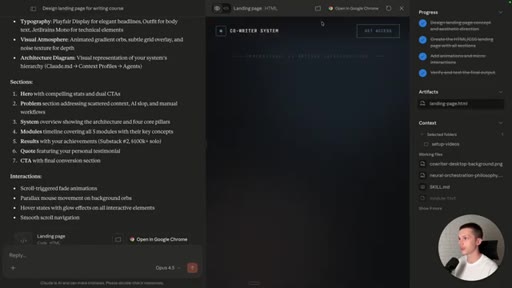
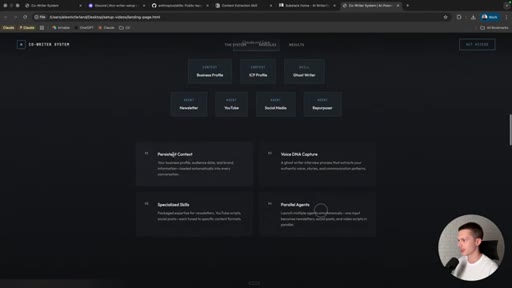
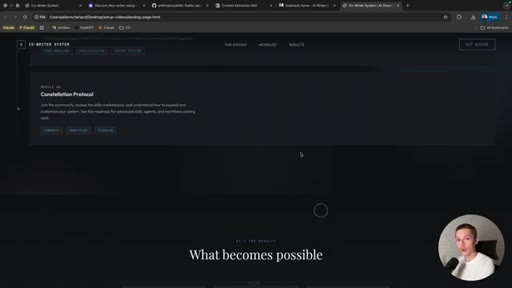
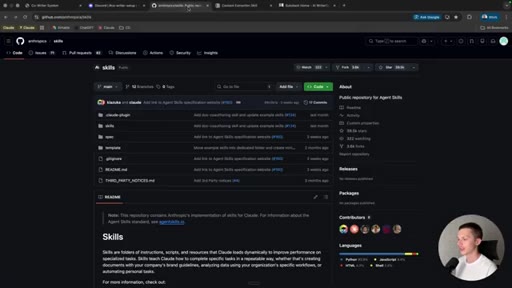
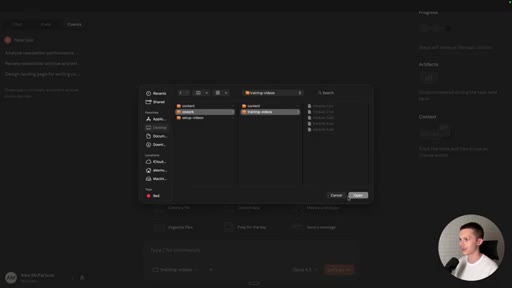
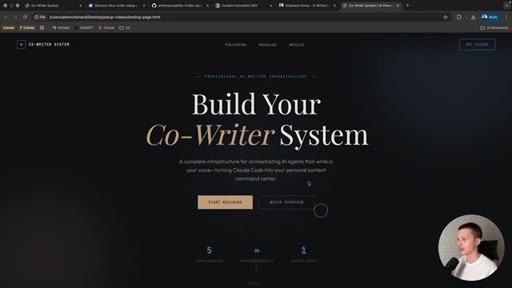
Opens a folder of 5 course transcripts. Installs the Anthropic front-end design skill from github.com/anthropics/skills. Single prompt builds a production-quality branded landing page rendered live in the artifacts panel.
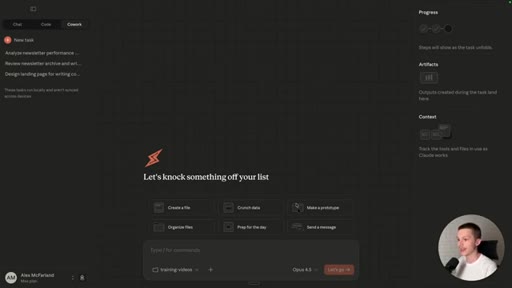
03 · Use Case 2 — Content Extraction and Repurposing
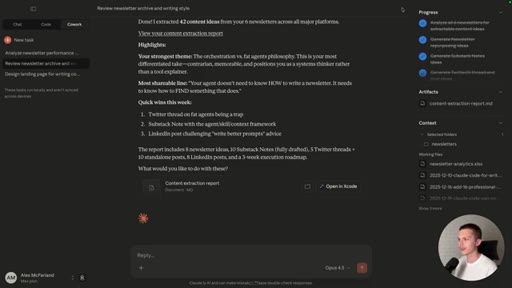
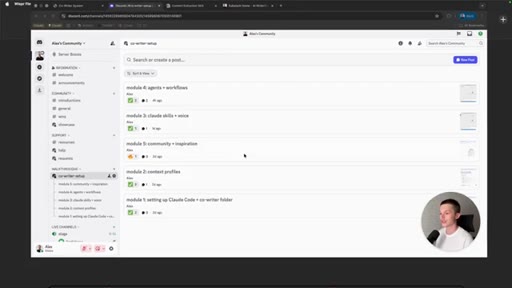
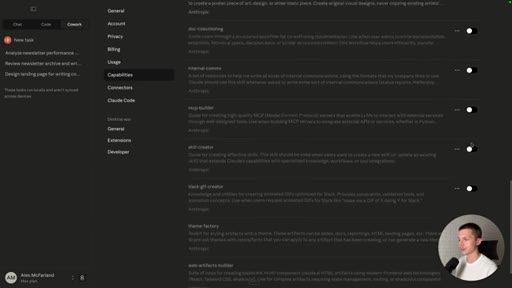
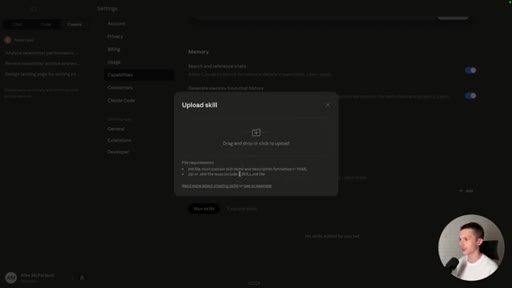
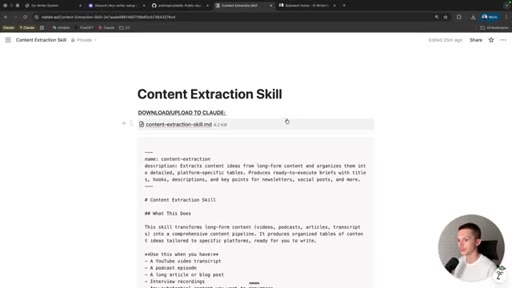
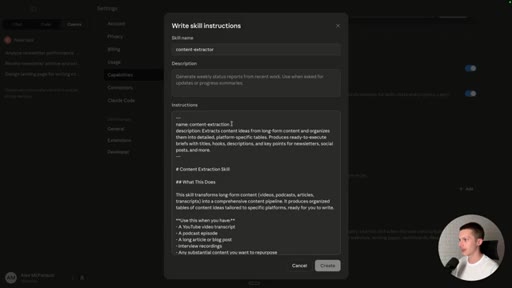
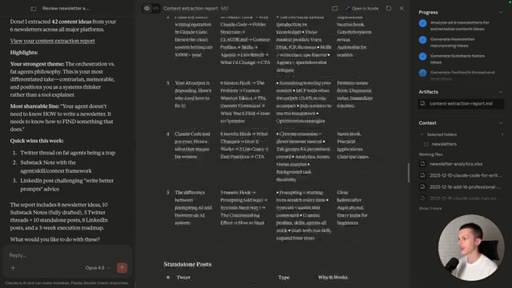
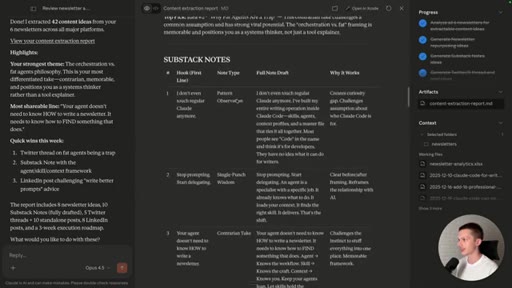
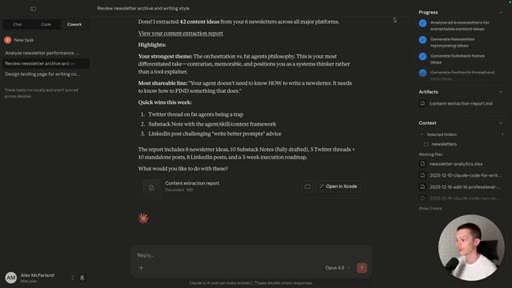
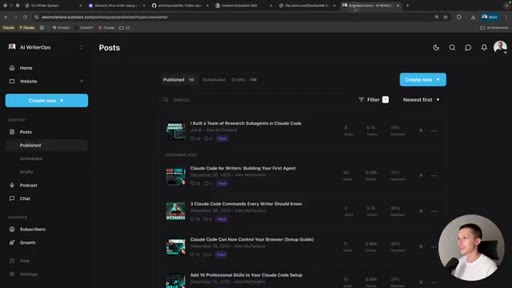
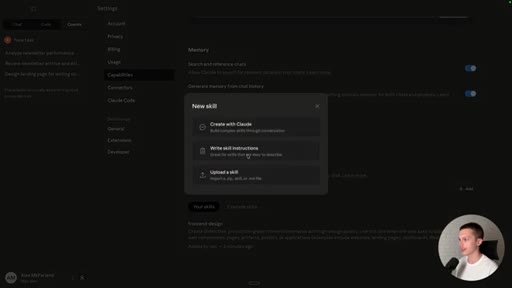
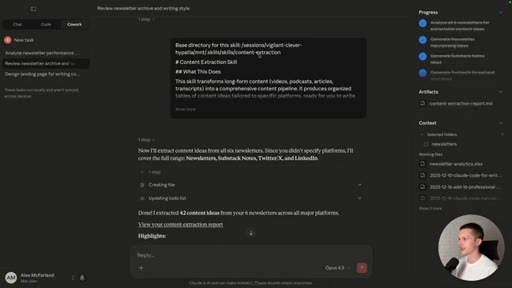
Installs a custom content-extraction skill via the Write skill instructions dialog. Points Claude at 6 Substack newsletters. Extracts 42 content ideas across newsletter, Twitter/X, LinkedIn, and Substack Notes formats into a markdown report.
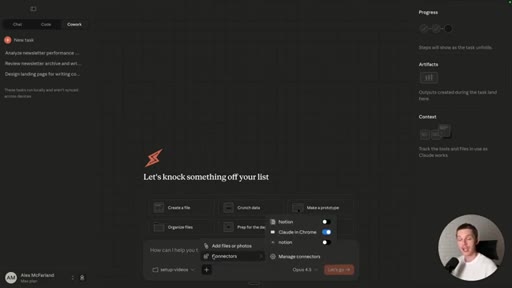
04 · Use Case 3 — Chrome Connector and Autonomous Scraping
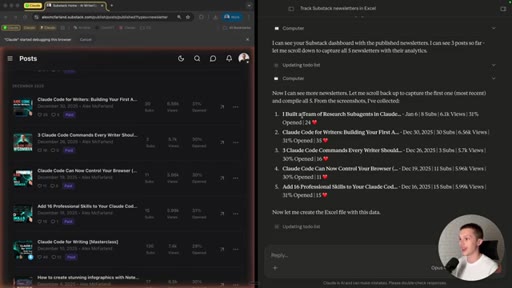
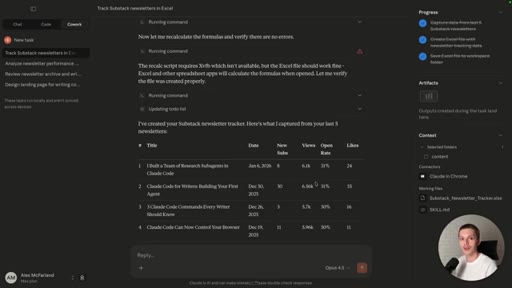
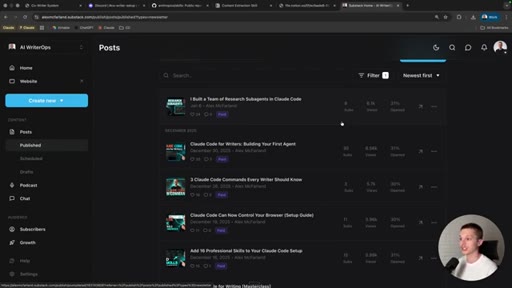
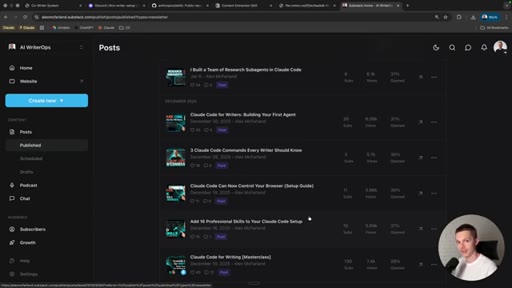
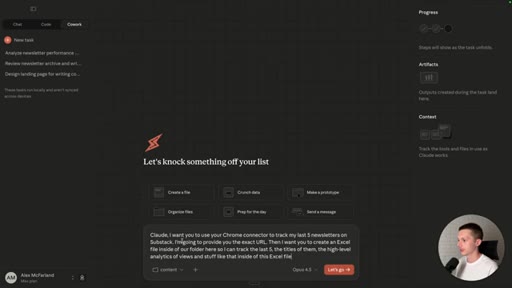
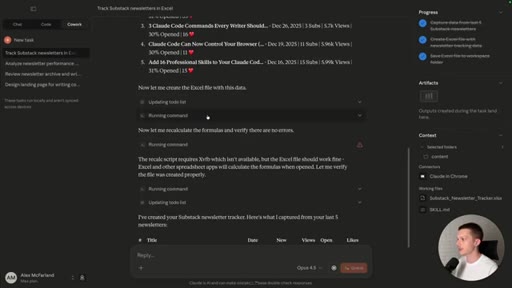
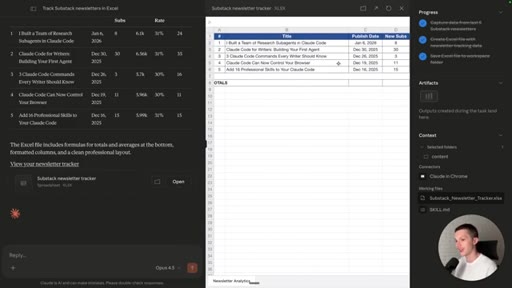
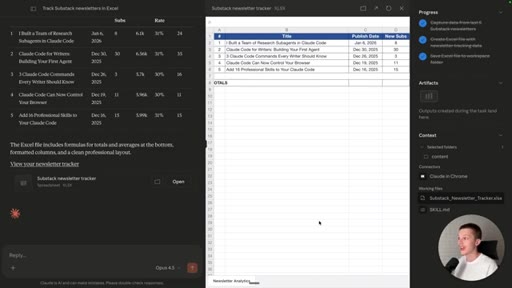
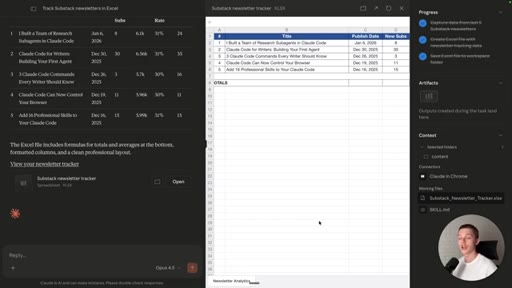
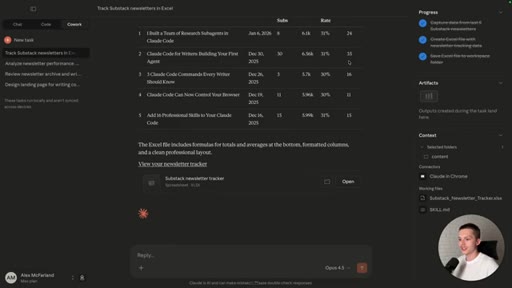
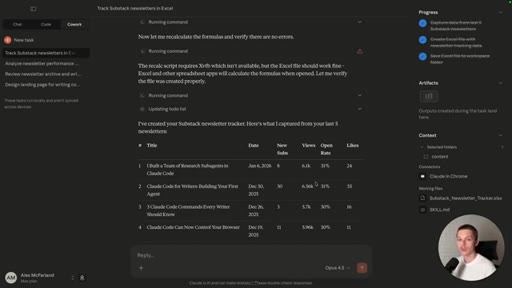
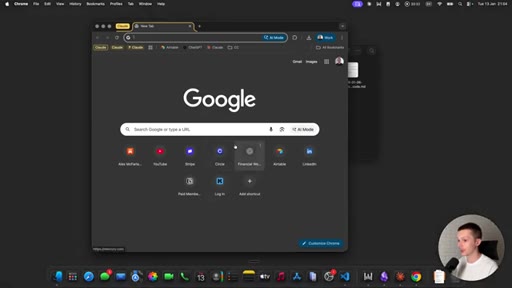
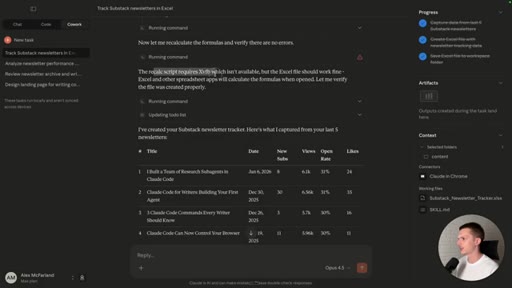
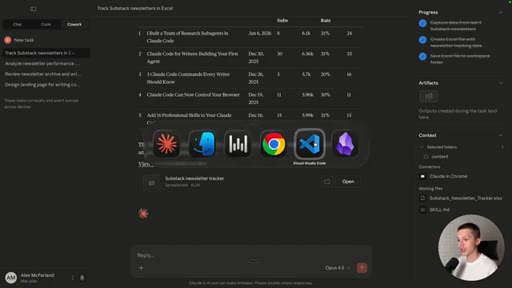
Enables the Claude in Chrome connector. Claude autonomously opens a new Chrome tab, navigates to Substack analytics (orange glow = browser control), reads the dashboard visually, and saves an Excel tracker to the working folder.
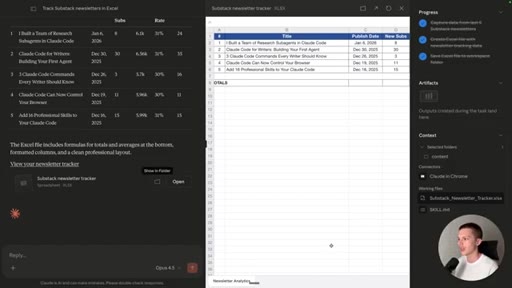
05 · Cowork vs Claude Code — Two Key Gaps
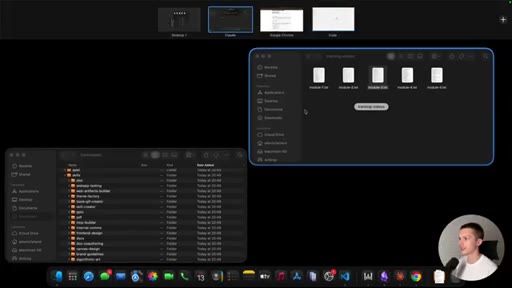
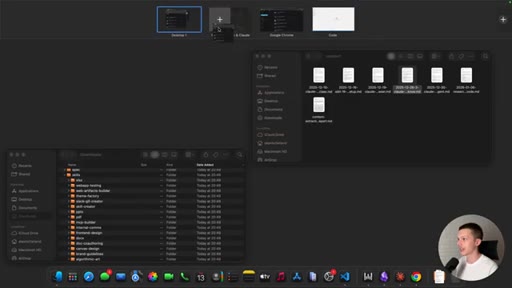
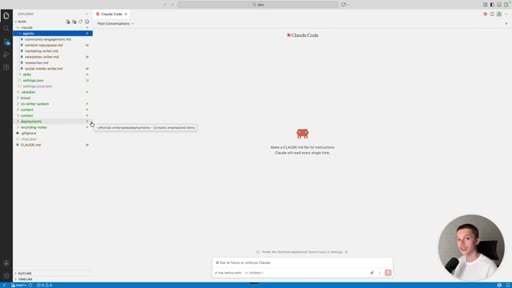
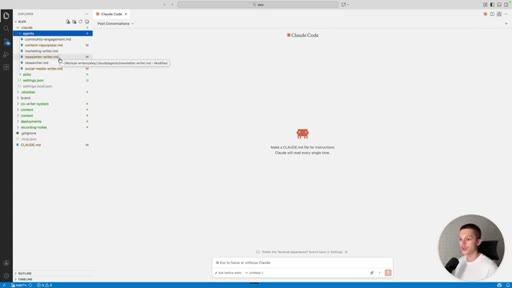
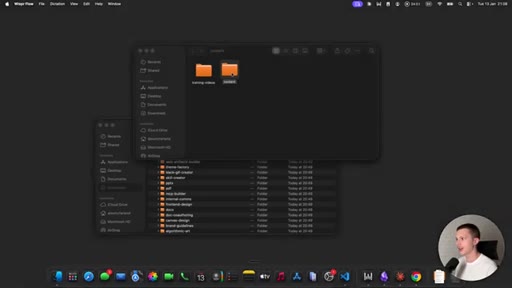
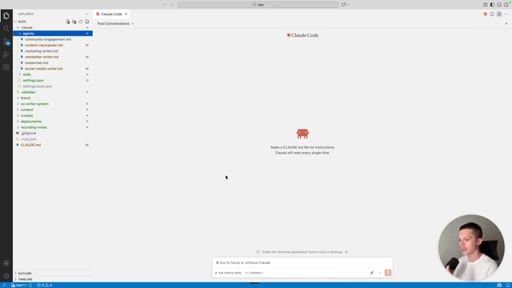
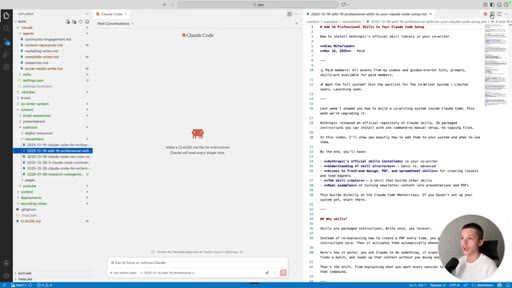
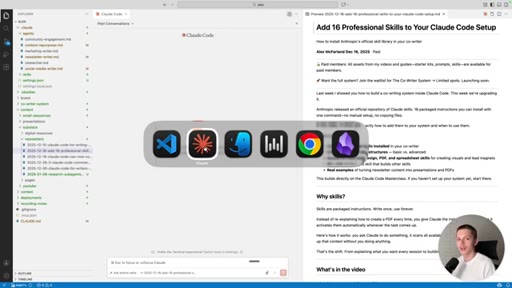
Honest comparison: Cowork cannot spin up custom parallel agents, and has no in-app file browser. Both gaps shown live in VS Code. Closes with a positioning ladder: web chat < desktop < Cowork < Claude Code.
Visual structure at a glance.
Named ideas worth stealing.
The Positioning Ladder
- Claude web chat
- Claude desktop
- Claude Cowork
- Claude Code
Explicit upgrade path Alex walks through at the end — each tier unlocks more power, Cowork is the recommended on-ramp before Code.
Folder-First Workflow
Organize all relevant content (transcripts, newsletters, etc.) into a clean local folder, then point Claude at the folder. The folder is the context, not the prompt. Skills handle quality. Output lands back in the folder.
Skills as Power-Ups
The Anthropic skills repo (github.com/anthropics/skills) is a free catalog of quality upgrades — especially the front-end design skill to avoid generic AI-default output.
Lines you could clip.
"Anthropic has taken its first real big step towards making Claude Code more accessible for non-developers."
"If you have ever been too scared to jump in the cloud code, this might be a good middle ground for you to start working in."
"We can now just ask it to create a landing page, but that landing page could very well just look like one of those AI vibe coded landing pages. But to fix that, we can use Claude skills."
"This is a perfect example of how things do not work perfectly inside of Cowork. I still recommend using Claude Code if you are a power user."
"If you master this, you really should then move on to Claude Code — because that is where you really start to unlock crazy potential with parallel agents."
How they spent the runtime.
Things they pointed at.
How they asked for the click.
"If you master this, you really should then move on to Claude Code."
Implicit upgrade ladder — no explicit subscribe ask, but the whole video is structured as a gateway into his CoWriter System course.
Word for word.
The folder is the context. The skill is the quality filter.
Every demo in this video follows the same three-step pattern: dump content into a folder, point Claude at it, install a skill to avoid generic output.
- The skills-as-power-ups angle is an underused content hook — do a dedicated short on the Anthropic skills repo.
- The positioning ladder (chat > desktop > Cowork > Code) is a ready-made content series: one video per rung.
- The honesty moment (things do not work perfectly) builds more credibility than any polished demo — include a failure beat in your tutorials.
- The Chrome connector + Substack scraping use case maps directly to any platform-without-an-API problem your audience has.
- Cowork skills are identical to Claude Code CLAUDE.md skills — that is a bridge video waiting to happen for your audience.
You do not need to touch a terminal to get Claude working on your files.
If you have content in a folder, Claude Cowork can read it, remix it, and save the output back — no code, no setup beyond a Claude Max subscription.
- Download the Claude desktop app and look for the Cowork tab (Claude Max required for now).
- Create a folder with your transcripts, newsletters, or notes — that folder becomes Claude working context.
- Install the free front-end design skill from github.com/anthropics/skills before asking Claude to build anything visual.
- For content repurposing, write a simple extract-and-repurpose prompt — Claude will organize ideas by platform automatically.
- If you hit a wall in Cowork, that is the sign to try Claude Code — the gap is real, but Cowork is a solid first step.