The bait, then the rug-pull.
Fifty meeting transcripts. Thirty minutes. Zero code. That is the opener Dylan Davis drops before you have had a chance to second-guess clicking. What follows is a clean, repeatable system for turning Claude Code file access into a persistent memory layer that keeps quality high across arbitrarily long batch jobs.
What the video promised.
stated at 00:23 "I will show you exactly my setup and how to do this yourself." delivered at 05:08
Where the time goes.
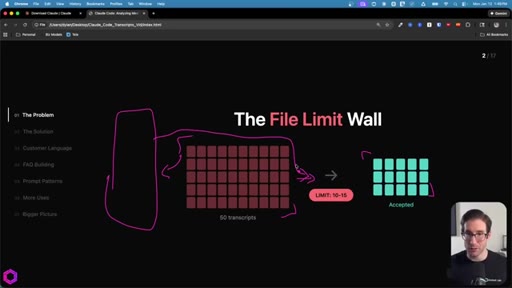
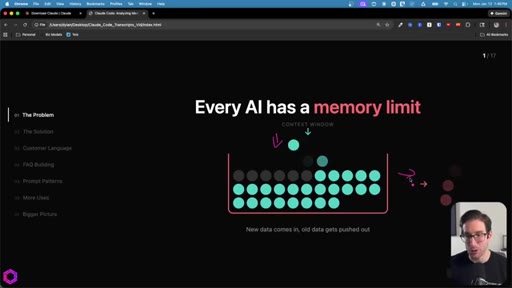
01 · The Problem
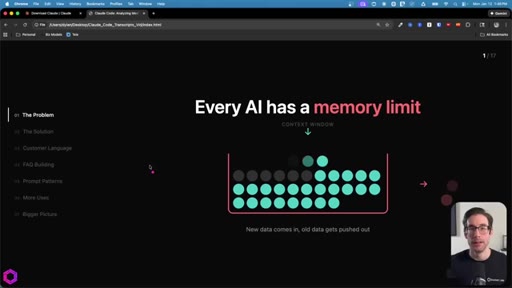
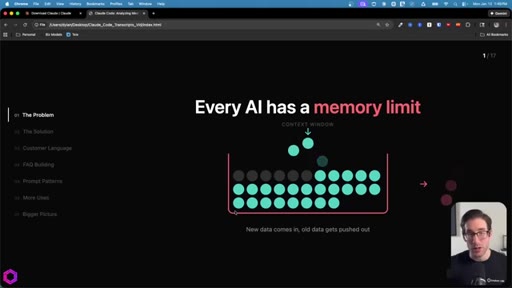
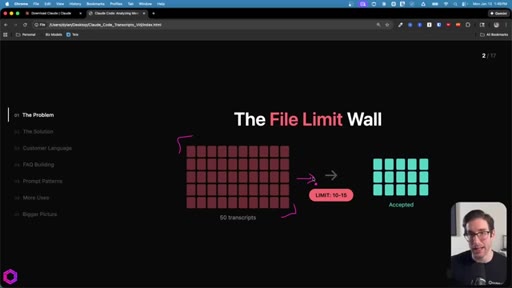
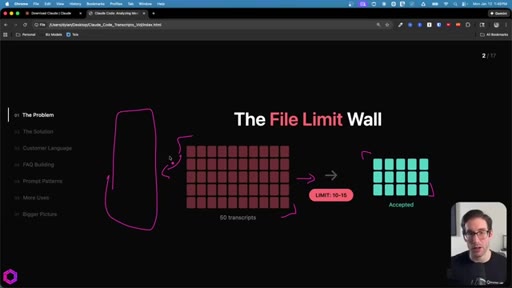
Context window as a leaky bucket: new data pushes old data out. File-drop caps at 10-15 per chat. Concatenating into one big file still fails -- ChatGPT accepts it but only processes ~25%.
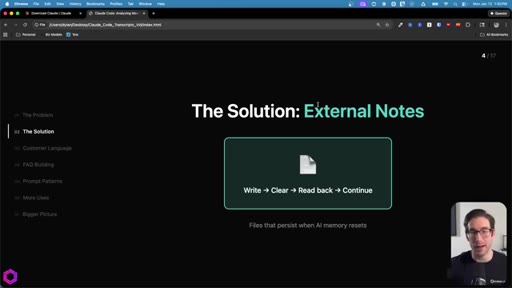
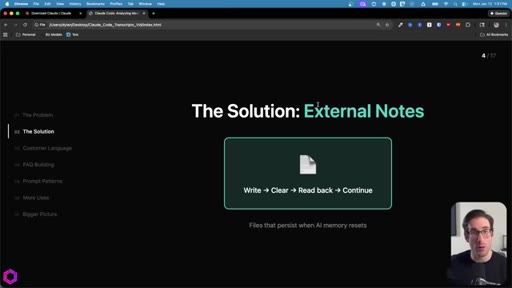
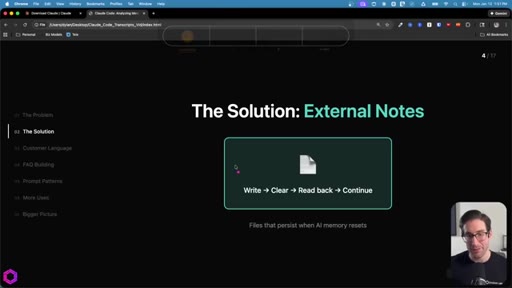
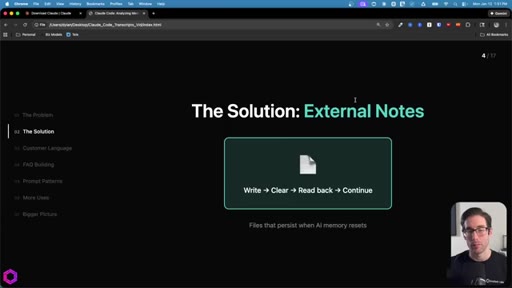
02 · The Solution: External Notes
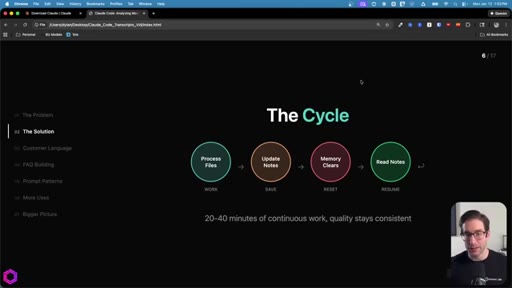
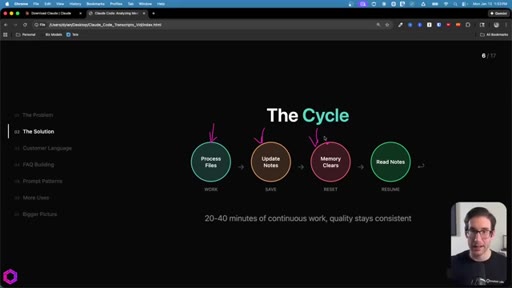
Three persistent files act as memory. Write then Clear then Read back then Continue. Works with any file-capable tool: Claude Code, Codex, Gemini CLI.
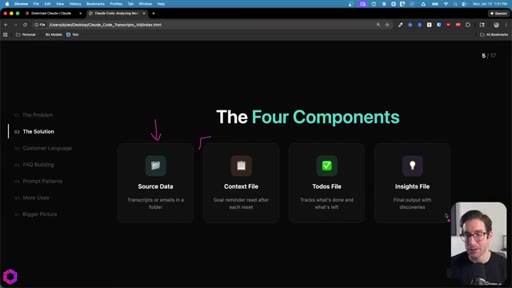
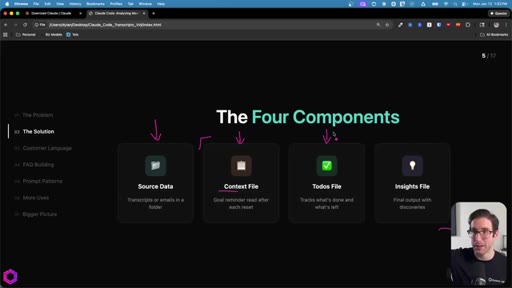
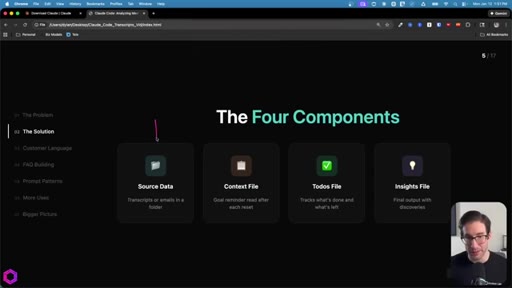
03 · Four Components + The Cycle
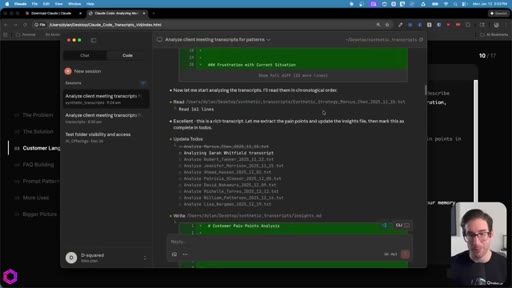
Source data + Context file + Todos file + Insights file. The loop: Process -> Update Notes -> Memory Clears -> Read Notes -> Resume. 20-40 min of continuous work, quality stays consistent.
04 · Setting Up Claude Code
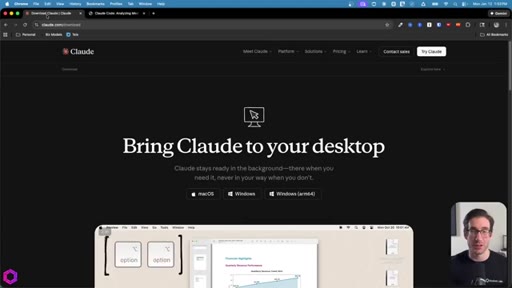
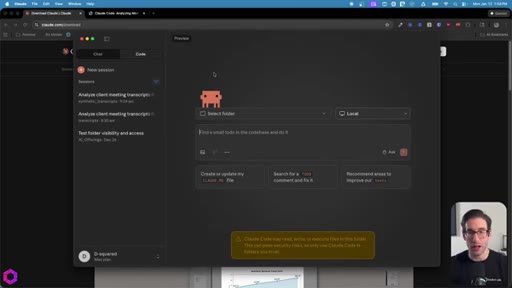
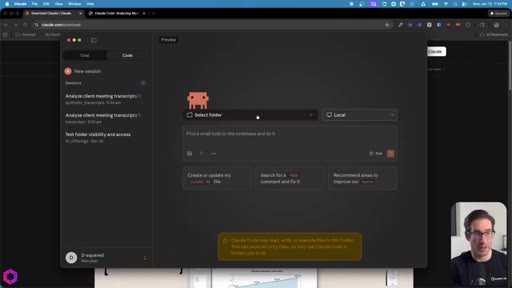
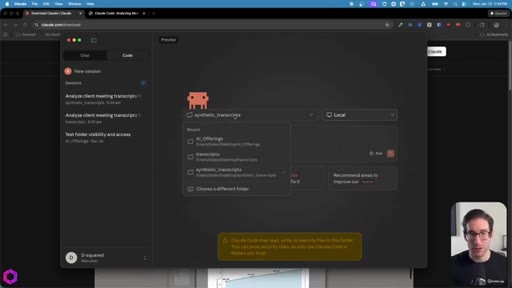
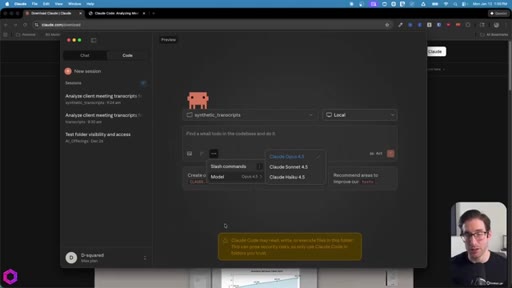
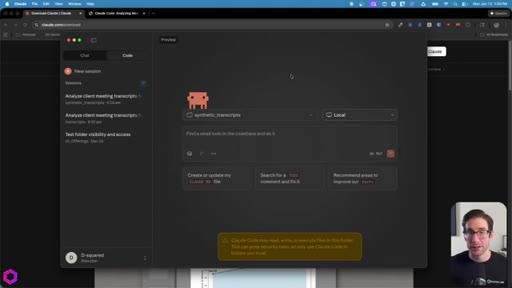
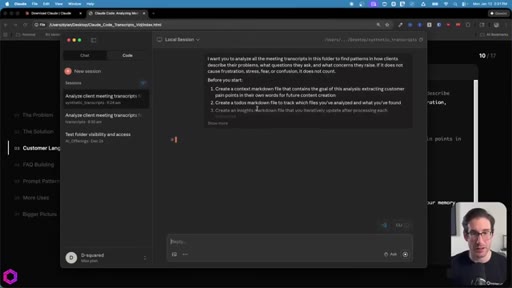
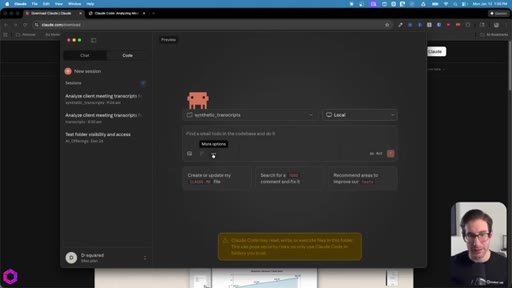
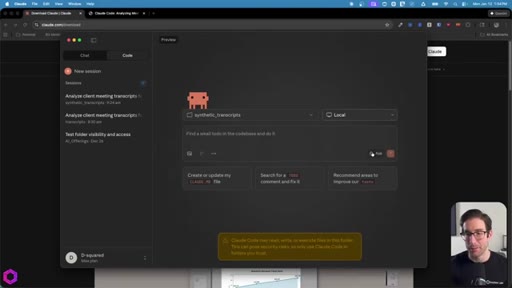
Download Claude desktop, switch to Code tab, select project folder, change Ask to Act mode, choose Opus 4.5.
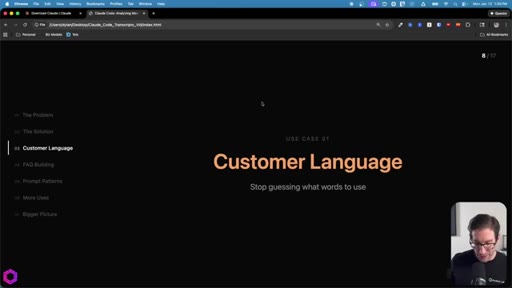
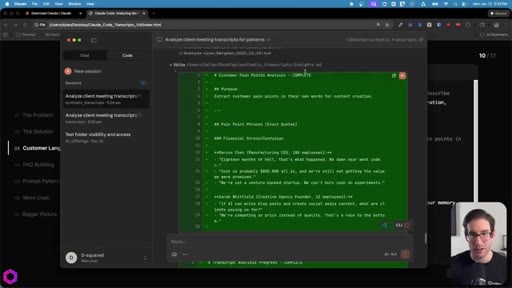
05 · Use Case 01 -- Customer Language
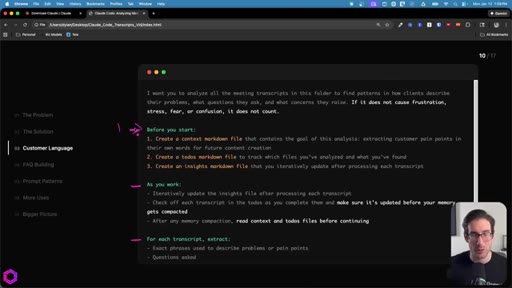
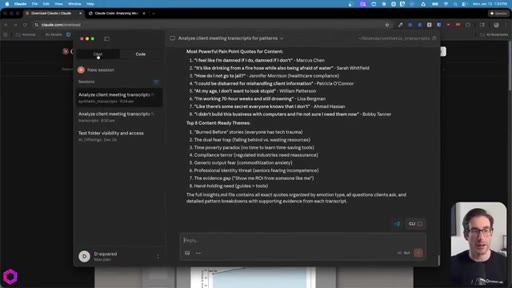
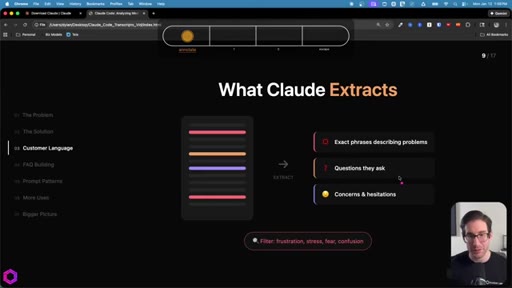
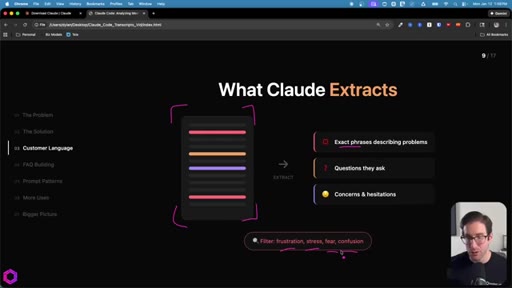
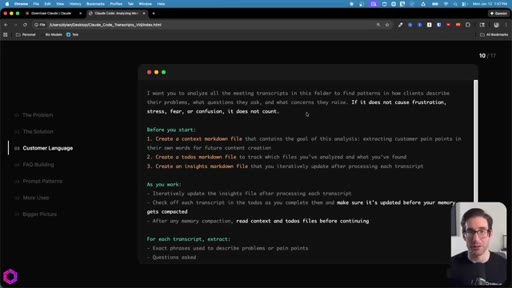
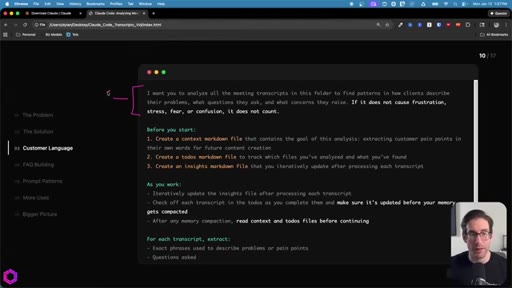
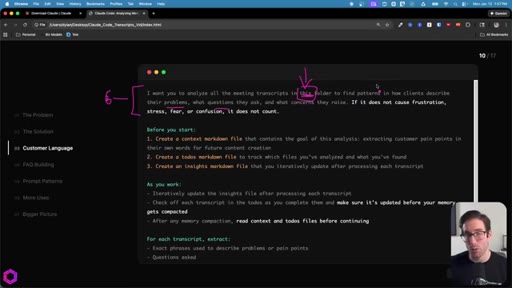
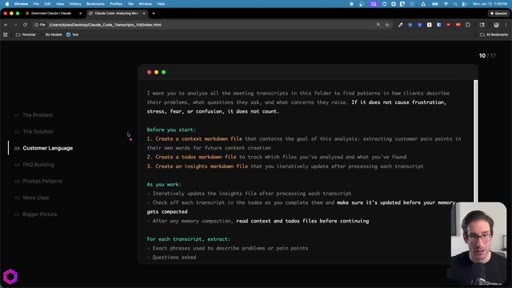
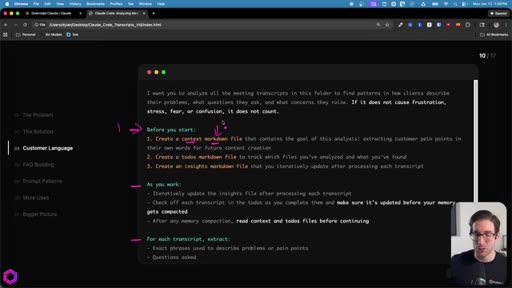
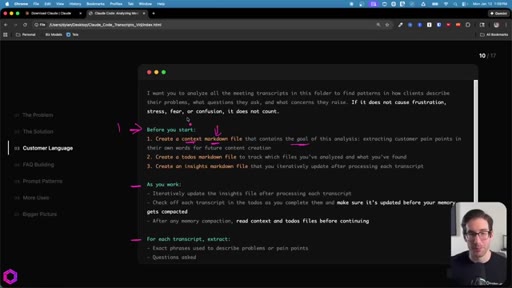
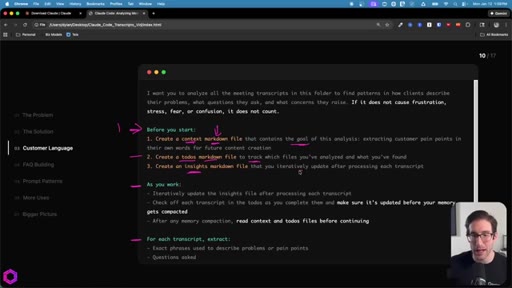
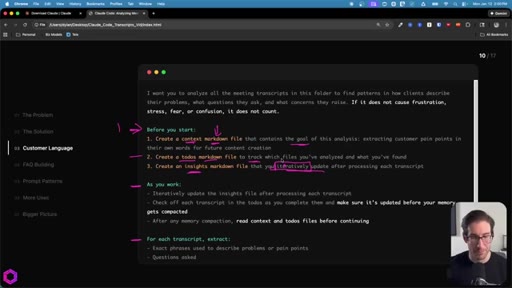
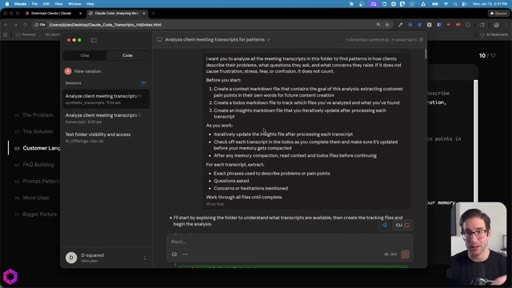
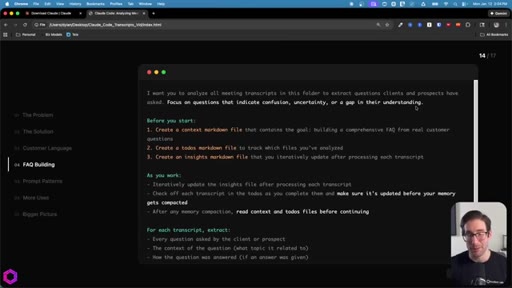
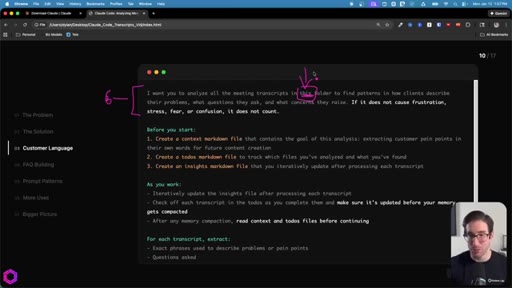
Drop 50 client/prospect transcripts. Extract phrases tied to frustration, stress, fear, confusion. Full prompt shown on screen with 5-part anatomy.
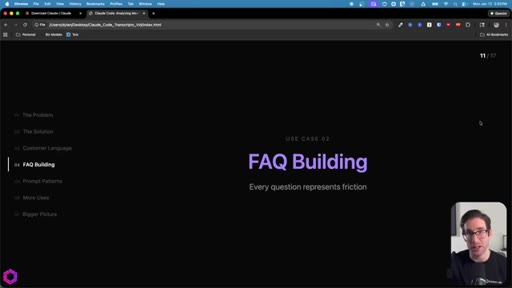
06 · Use Case 02 -- FAQ Building
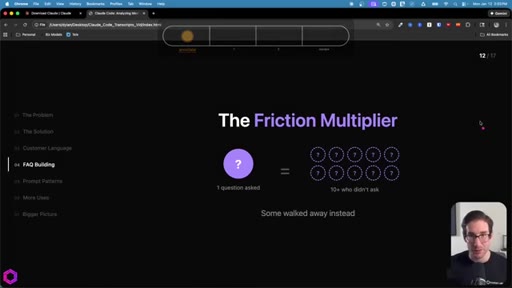
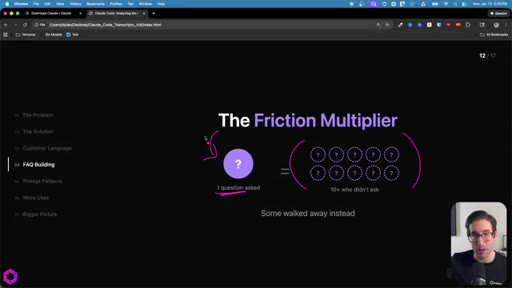
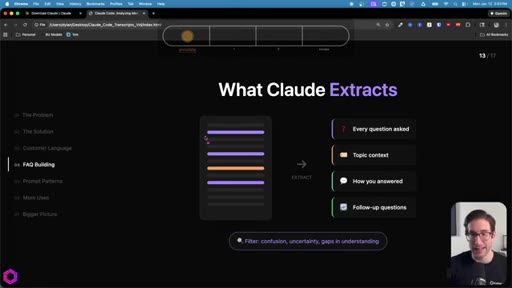
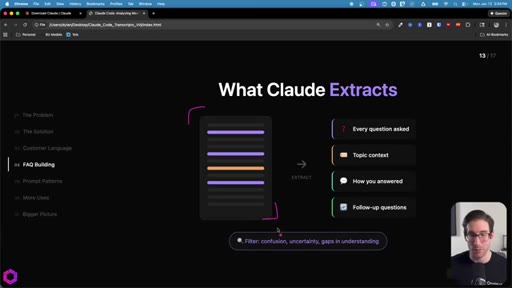
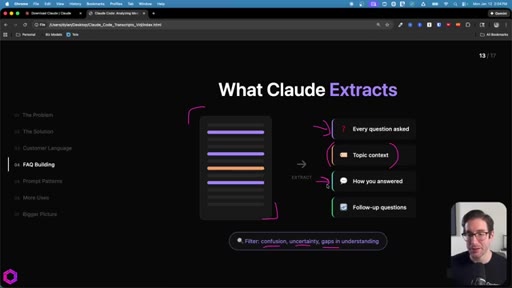
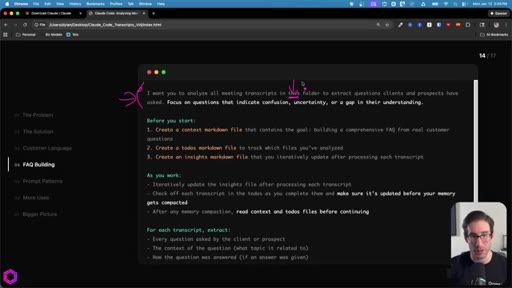
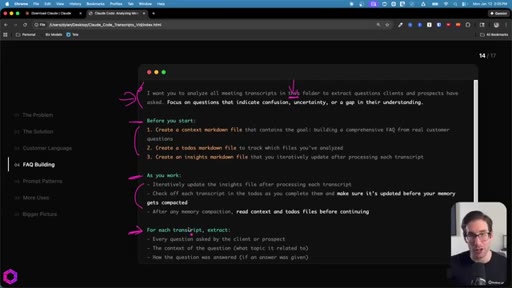
Same skeleton, different extraction. Confusion points, uncertainty gaps, how team answered, likely follow-ups. Every question represents friction that can be pre-answered.
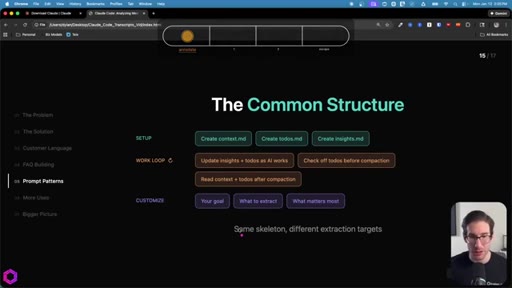
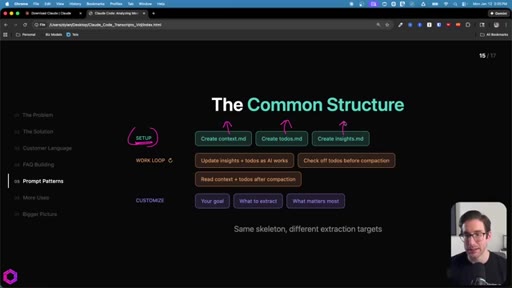
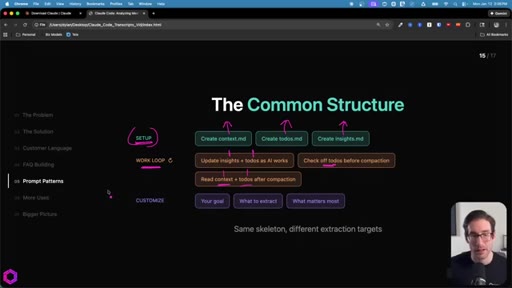
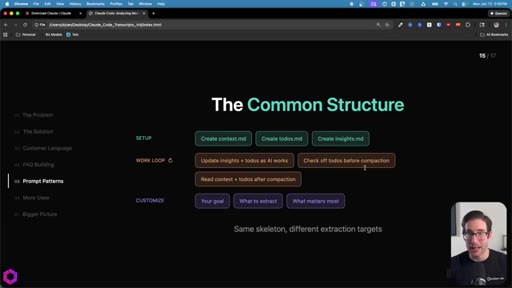
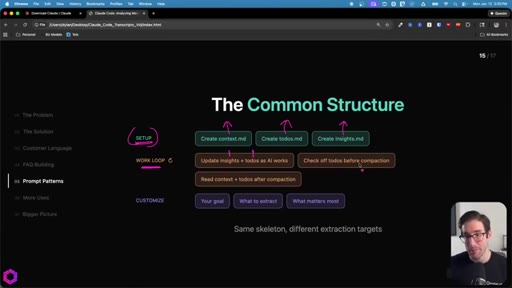
07 · The Common Structure
SETUP (create 3 files) -> WORK LOOP (update iteratively, check todos before compact, re-read after wipe) -> CUSTOMIZE (goal, what to extract, what matters most).
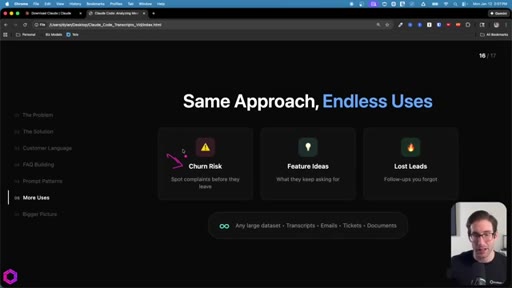
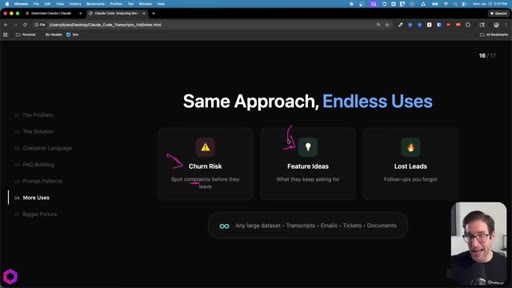
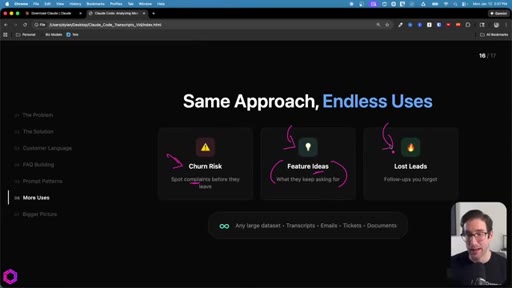
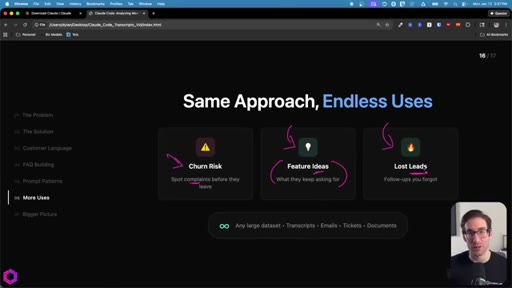
08 · Same Approach, Endless Uses
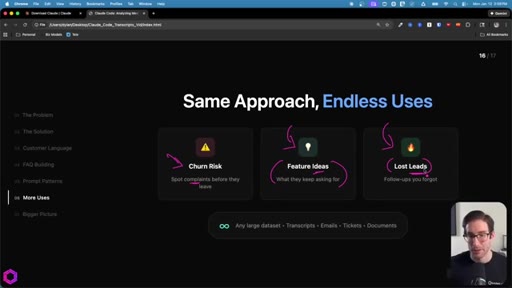
Churn risk: mine client calls for complaints. Feature ideas: aggregate requests. Inbox triage: rank leads by conversion likelihood. Works on transcripts, emails, Jira tickets, documents.
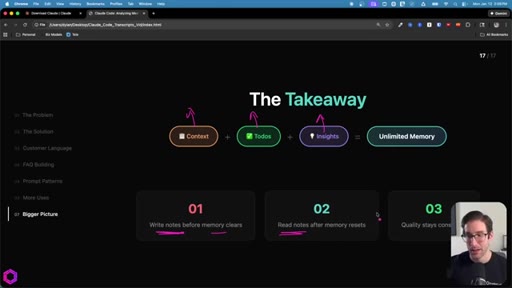
09 · Recap + CTA
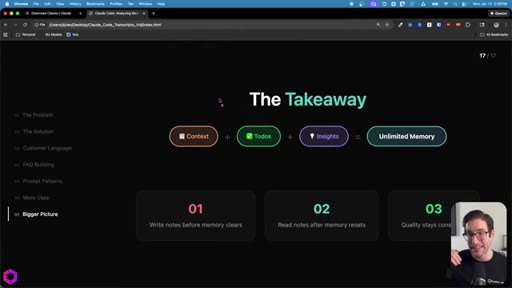
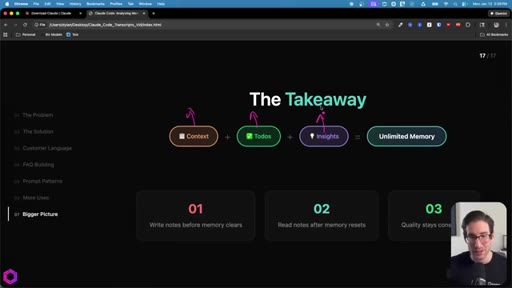
Context = goal. Todos = checklist. Insights = accumulator. Write before wipe, read after reset. CTA to next video on building apps with AI.
Visual structure at a glance.
Named ideas worth stealing.
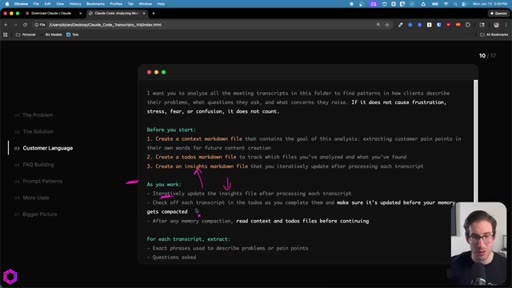
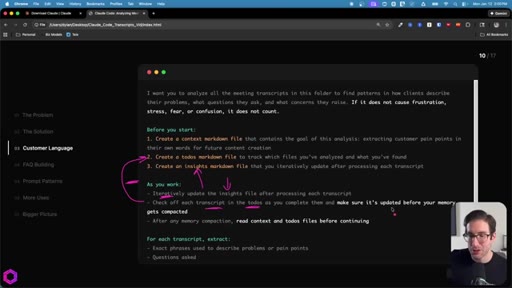
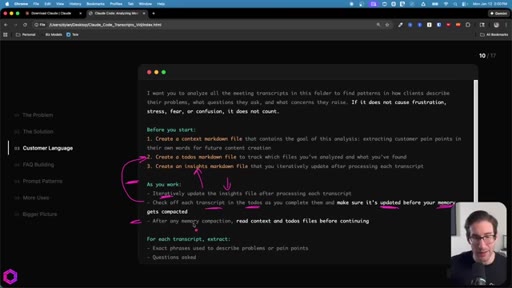
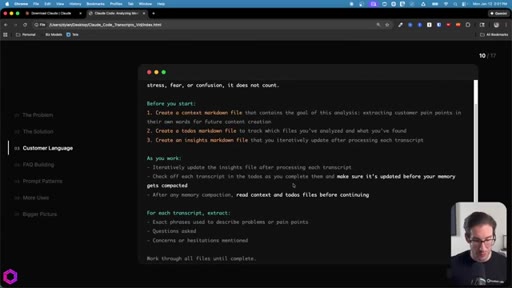
The 5-Part Memory Prompt
- Set the goal (name the folder explicitly)
- Before you start: create context.md, todos.md, insights.md
- As you work: update insights iteratively, check off todos before memory compacts
- After memory wipes: read context + todos before doing anything else
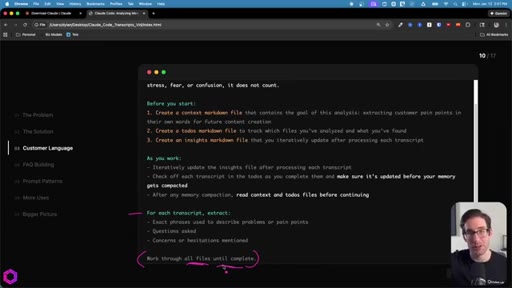
- Run indefinitely until complete
Reusable prompt skeleton that turns any Claude Code session into an autonomous batch processor.
The Three Memory Files
- context.md (goal + scope)
- todos.md (checklist of items to process)
- insights.md (accumulating output)
Persistent external state that survives context-window resets. AI writes before compaction, reads after.
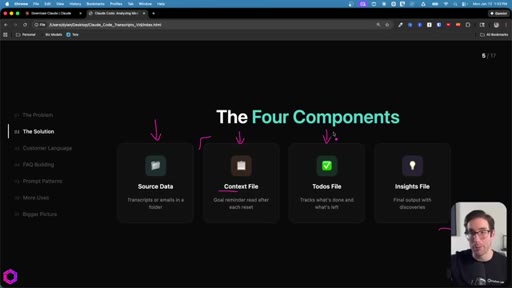
The Four Components
- Source Data
- Context File
- Todos File
- Insights File
Minimum setup for an externalized-memory batch job.
Lines you could clip.
"I just analyzed 50 meeting transcripts in thirty minutes using Claude Code. And despite the name, you don't need to write any code."
"The fix here is surprisingly simple. All we have to do is externalize the AI memory through a series of files that act like notes."
"This AI can run for thirty minutes, forty minutes. I have seen them run up to an hour and a half to two hours for myself."
"Every question represents friction."
How they spent the runtime.
- 02:16 – 02:37 · Own newsletter / 30-day AI insight series (self-promo)
Things they pointed at.
How they asked for the click.
"I made a video that shows you the exact system I use to build apps and automations with AI. No code needed. Just three documents that tell AI exactly what to build and how to build it."
Clean bridge CTA that mirrors the format of this video (three documents), making the next video feel like a natural continuation rather than a pitch.
Word for word.
Steal the prompt skeleton.
Any Claude Code batch job longer than 5 minutes should use the three-file memory pattern.
- Create context.md (goal + scope), todos.md (numbered checklist), insights.md (accumulating output) before starting any large batch.
- Instruct Claude to check off todos iteratively and update insights after every file processed.
- Tell it explicitly: read context + todos after every memory compaction before doing anything else.
- End every prompt with 'work through all files until complete' -- this enables 30-90 min autonomous runs.
- Apply directly to JoeFlow: session transcript mining, client call analysis, inbox lead triage, feature-request aggregation.
- The folder-selection step in Claude Code is the whole unlock -- teach this to any client who asks how to process more than a handful of files.
How to make AI work through a huge pile of files without losing the thread.
You can make Claude Code read through 50 files without it forgetting what it is doing by making it write its own notes along the way.
- Create a folder on your desktop and drop your files (transcripts, emails, documents) into it.
- Open Claude desktop, click the Code tab, select that folder.
- Switch from Ask to Act mode so it works continuously without pausing.
- Write a prompt telling it to create three files: a goal reminder, a checklist, and an output file.
- Tell it to update those files as it works and re-read them after any memory reset.
- End with: 'Work through everything until you are done.' Then walk away.