The bait, then the rug-pull.
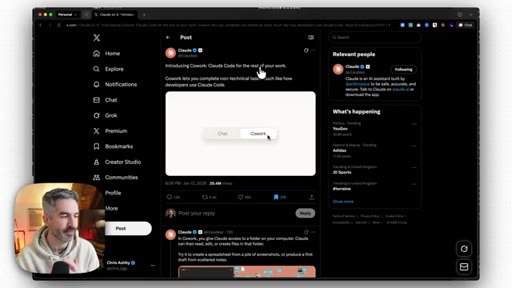
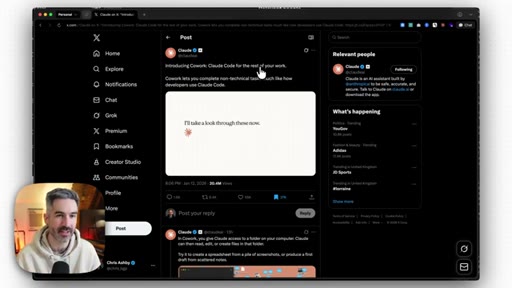
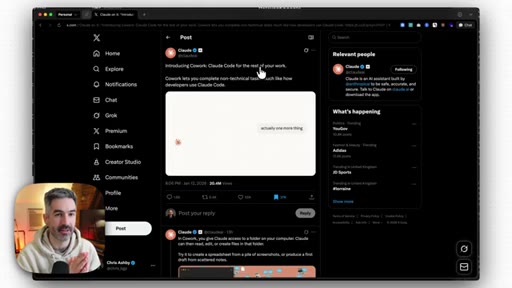
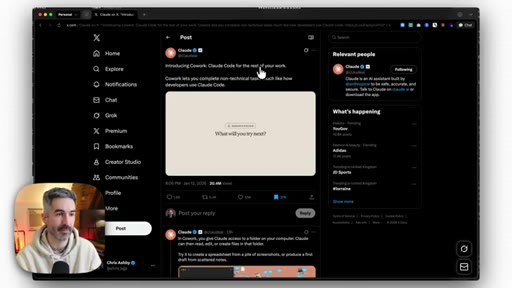
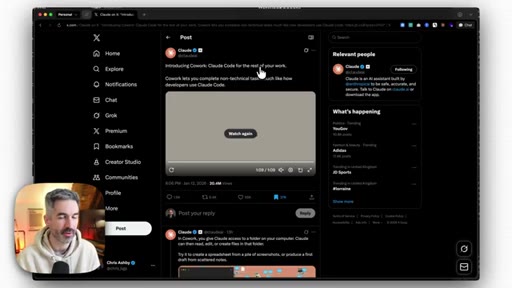
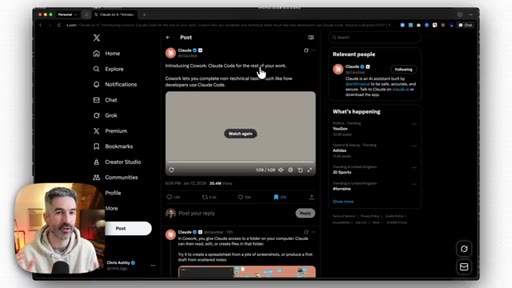
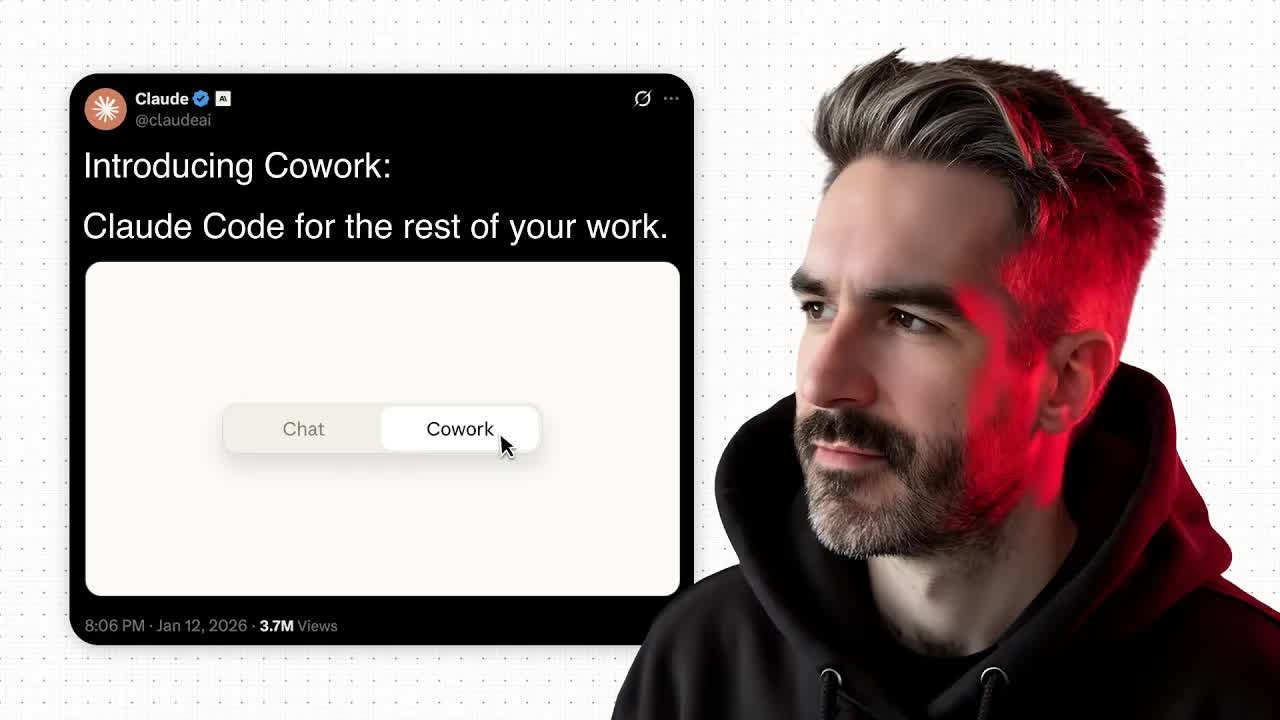
Less than 24 hours after the Anthropic announcement hit 20 million views on X, Chris Ashby sat down in his brick-walled studio to explain why Claude Cowork is not just another AI product launch, but a brand correction that finally makes Claude Code legible to every knowledge worker who was told it was only for developers.
What the video promised.
stated at 00:10 "I wanna break down the top five things that you need to know before you start using Claude Cowork, and also how to use it to get the best possible results." delivered at 21:02
Where the time goes.

01 · Cold open + intro
Hook + credibility (15 yrs apps/startups) + subscribe CTA.
02 · What is Claude Cowork?
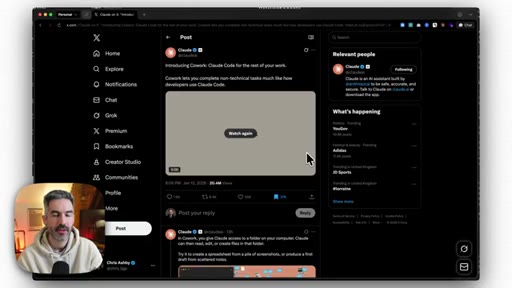
Cowork = Claude Code + GUI. Anthropic recognized the non-coding use trend and built a product around it.
03 · Why it matters for knowledge workers
Moves beyond chatbot Q&A to autonomous multi-step execution: thinks, reflects, creates files, builds context.
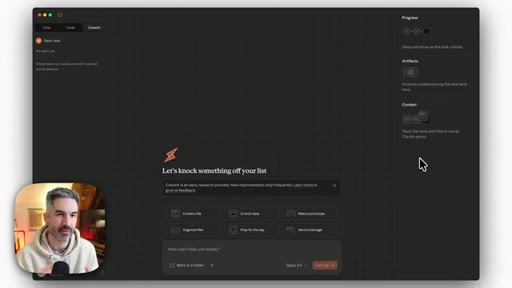
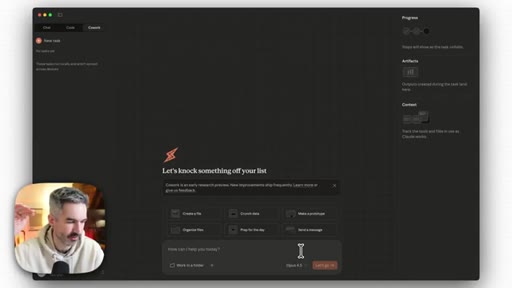
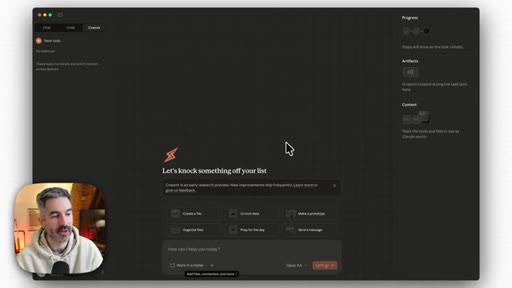
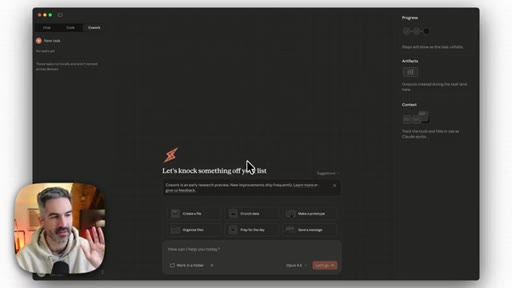
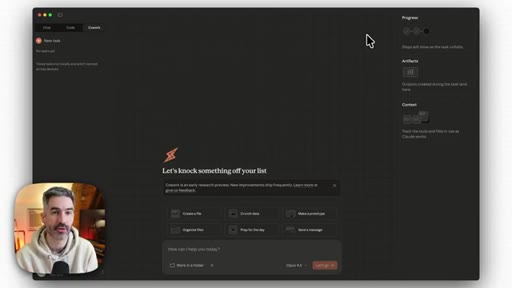
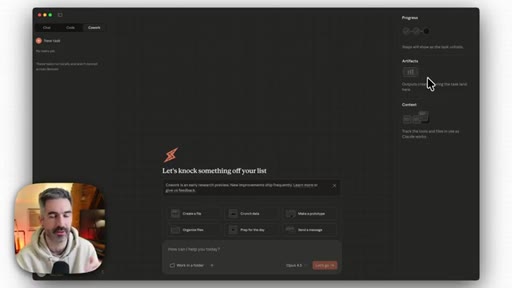
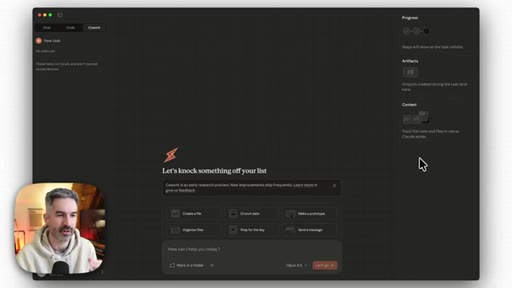
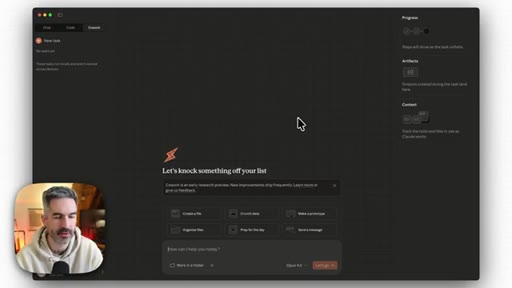
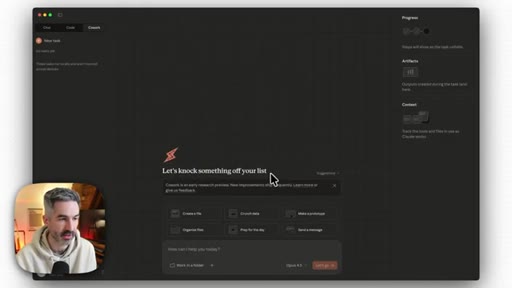
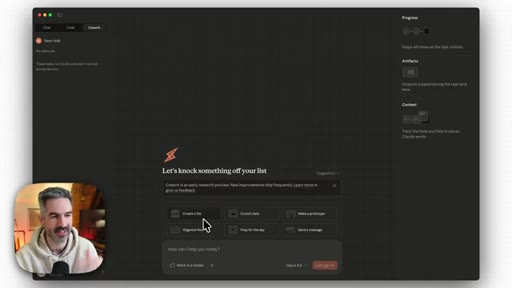
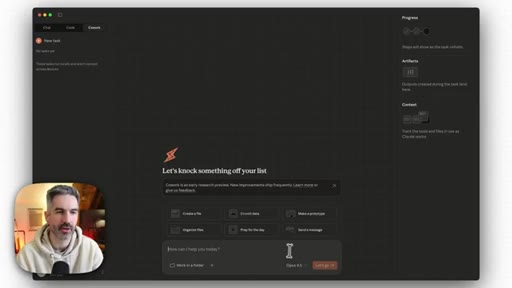
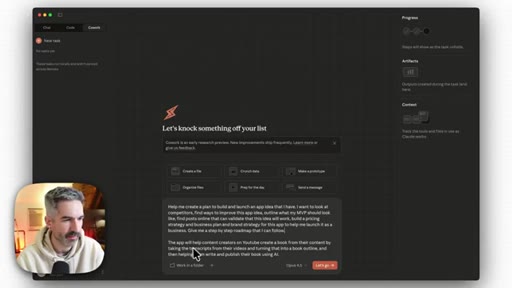
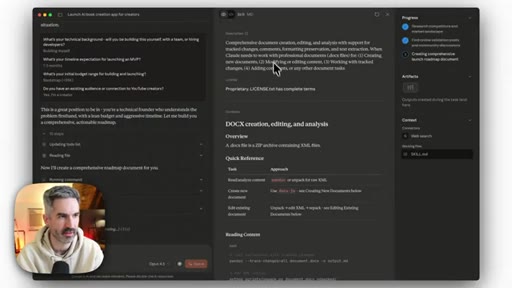
04 · First look at the Cowork UI
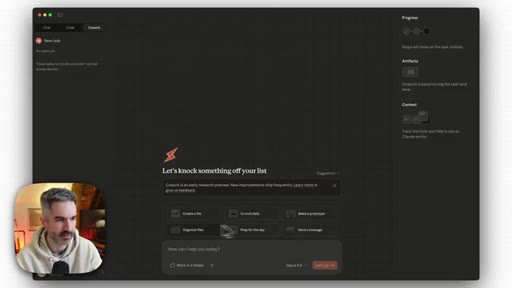
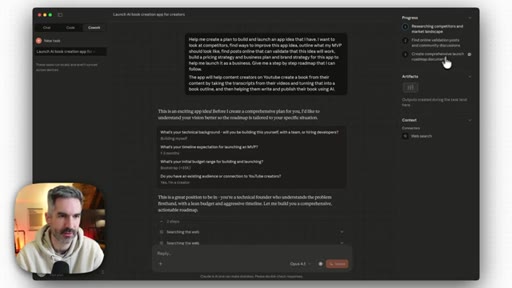
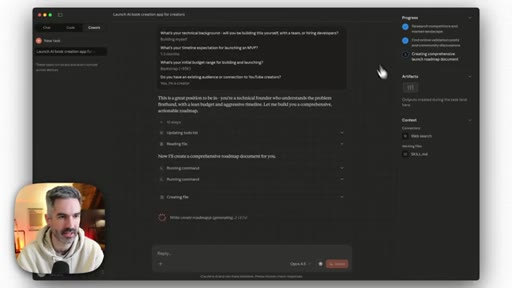
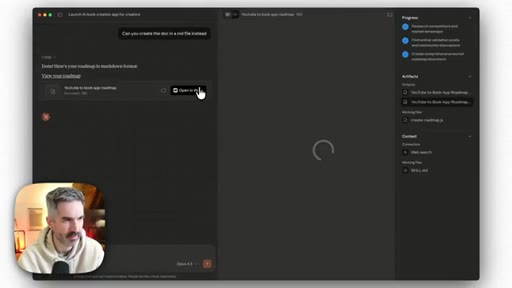
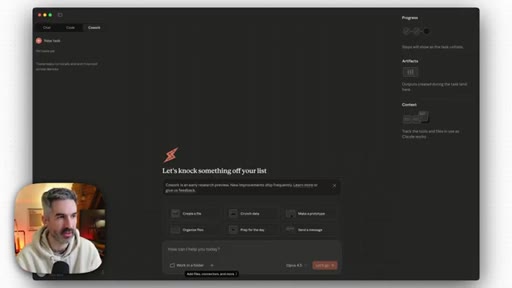
Claude Max only. Chat/Code/Cowork tabs. Progress, Artifacts, Context panels. Starter templates. Folder connector.
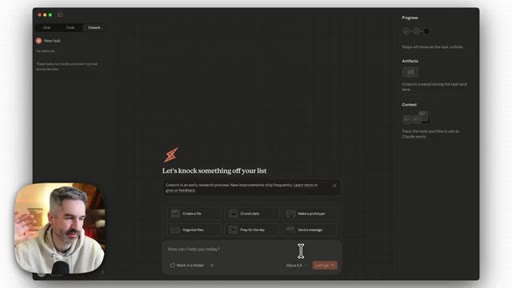
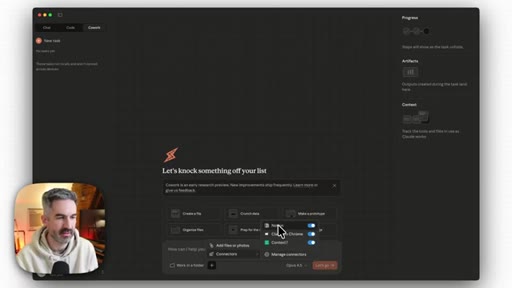
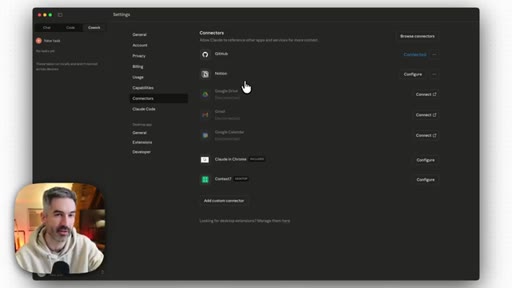
05 · Tip 1: Set up connectors first
Notion (connected), Google Drive, Gmail, Google Calendar, Claude in Chrome. Pre-connecting gives Cowork full context.
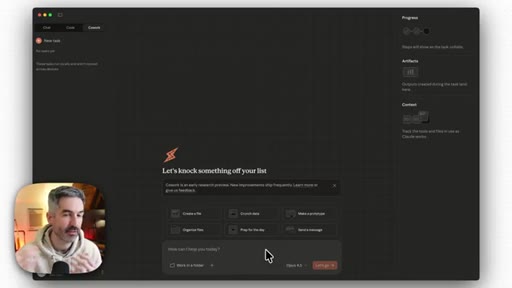
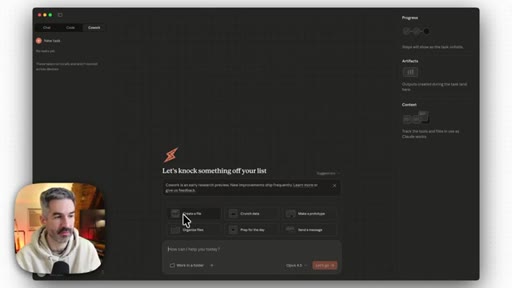
06 · Tip 2: Start with starter templates
Make a prototype, organize files, send a message. Build familiarity before complex tasks.
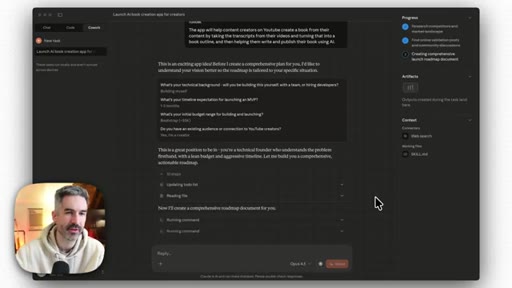
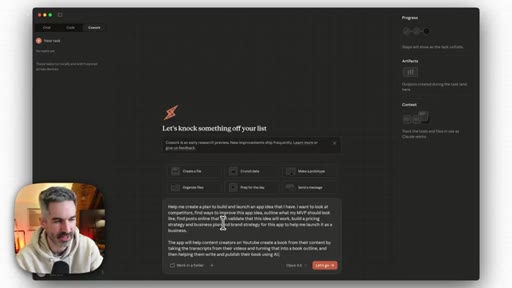
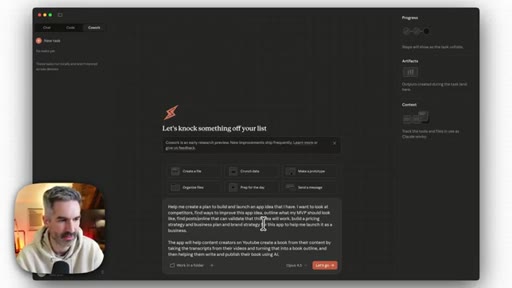
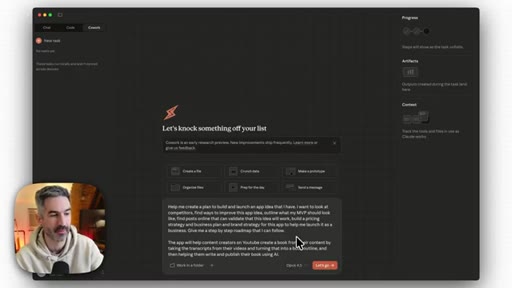
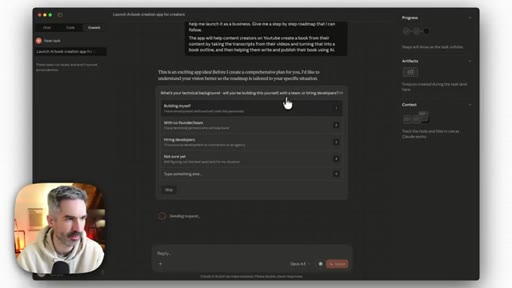
07 · Live demo setup
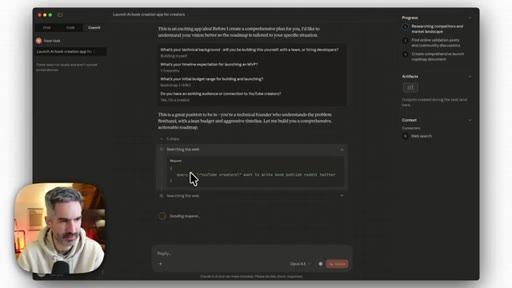
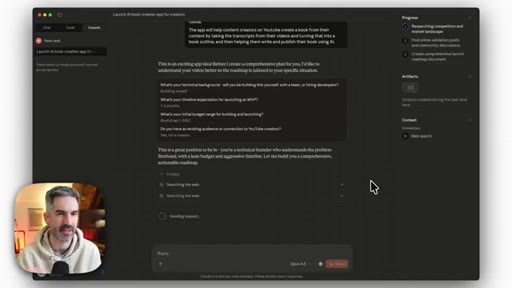
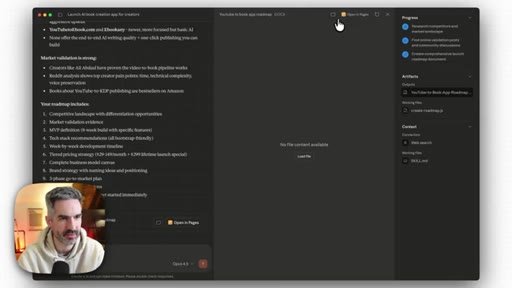
Submits large compound prompt for a YouTube-to-Book app business plan. Selects Opus 4.5.
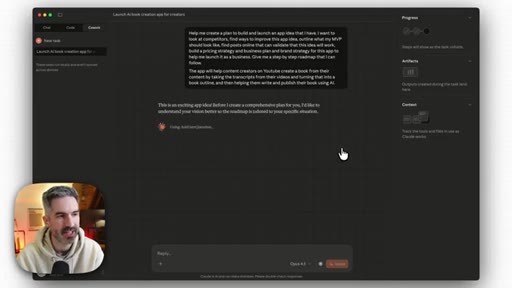
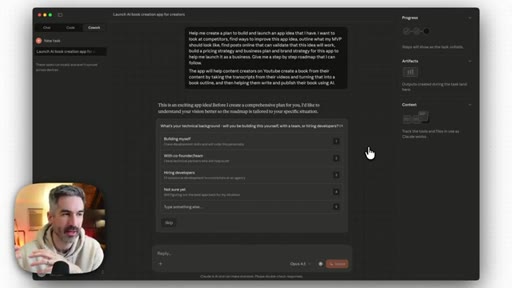
08 · Tip 3: Use Cowork for documentation
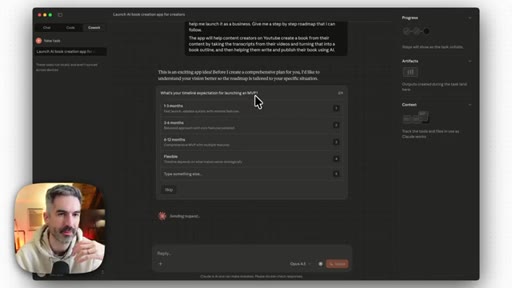
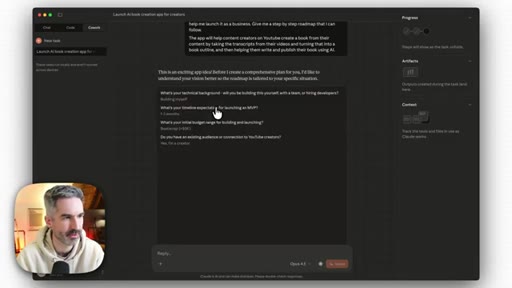
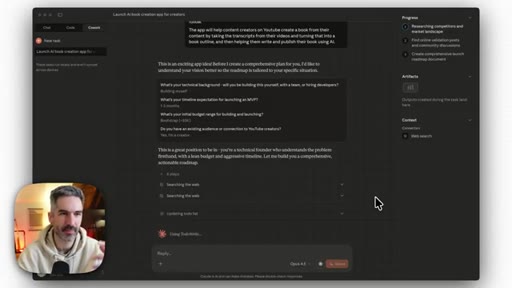
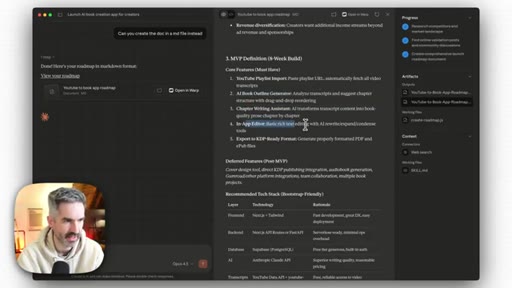
Cowork shines at building context docs. Cowork asks 4 clarifying questions before starting.
09 · Tip 4: Multi-step tasks
Use Claude chat for simple Q&A. Cowork for projects where the agent should reason the steps.
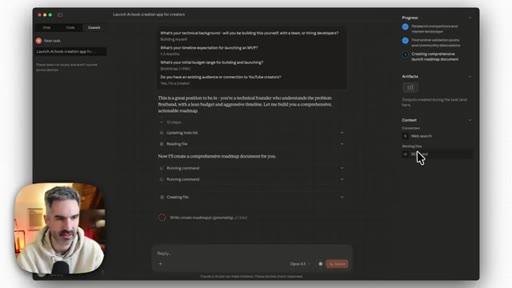
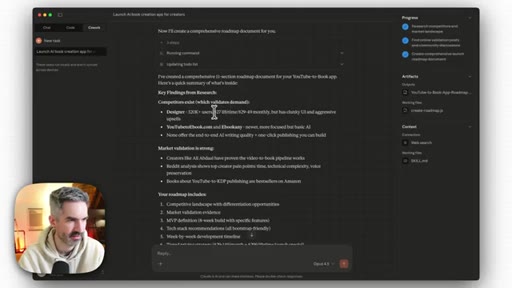
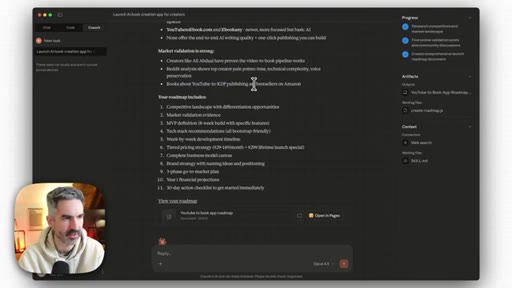
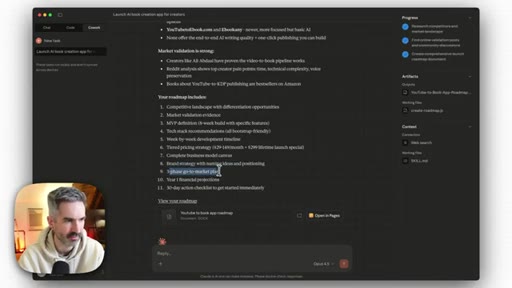
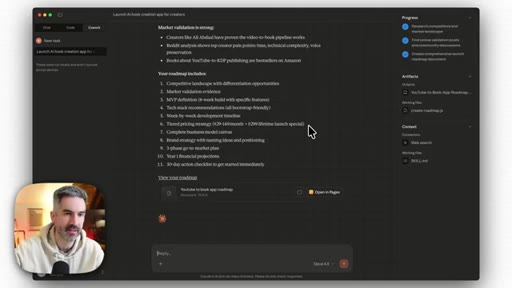
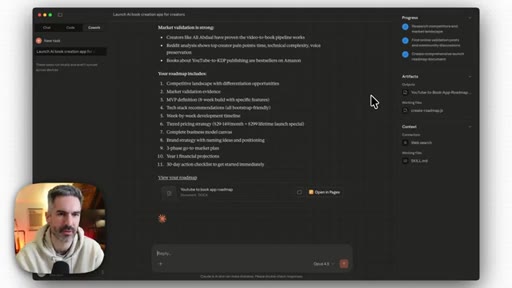
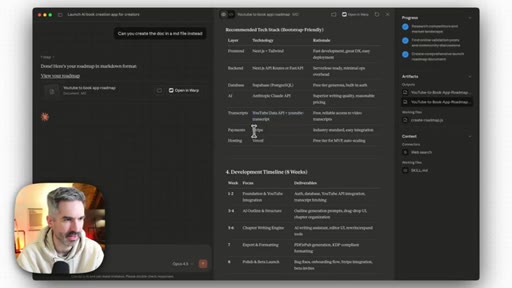
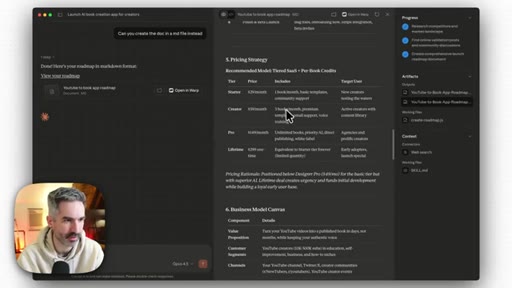
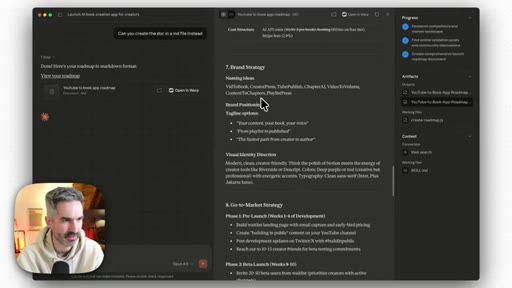
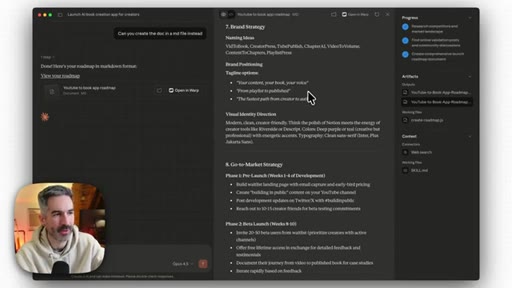
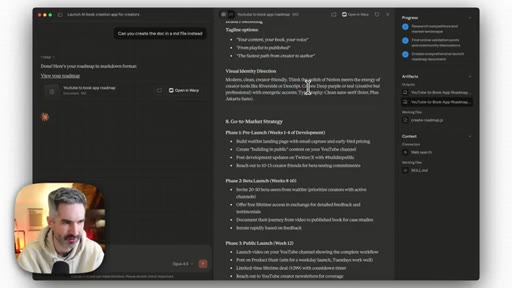
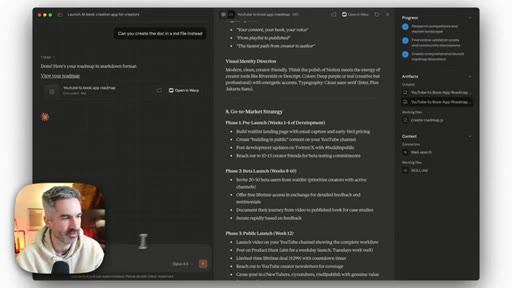
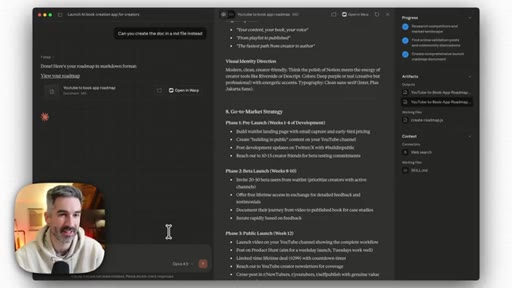
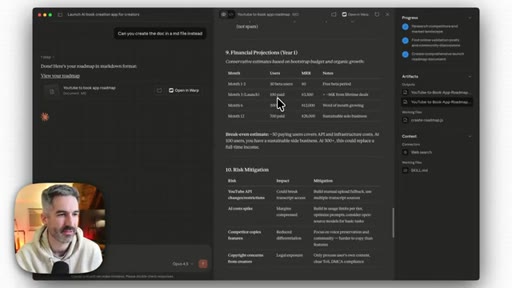
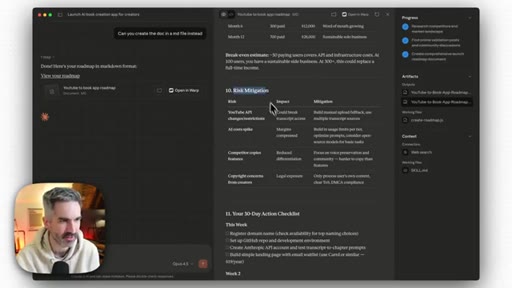
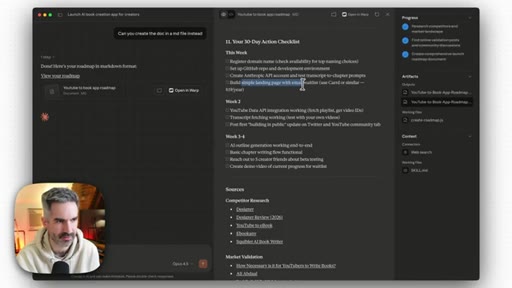
10 · Demo output: 11-section roadmap
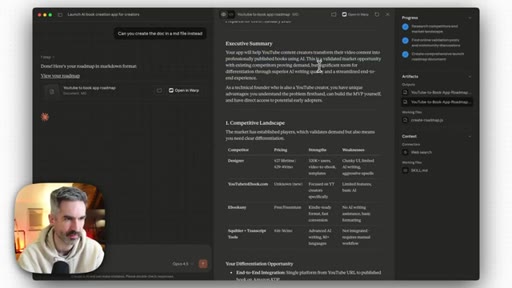
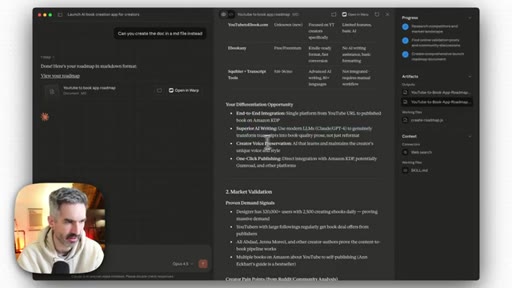
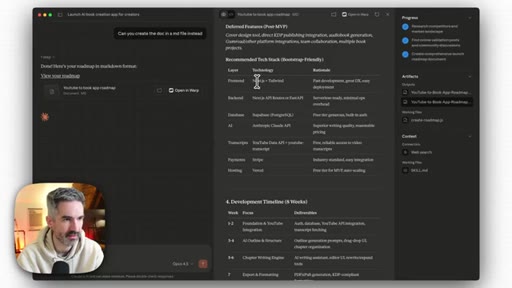
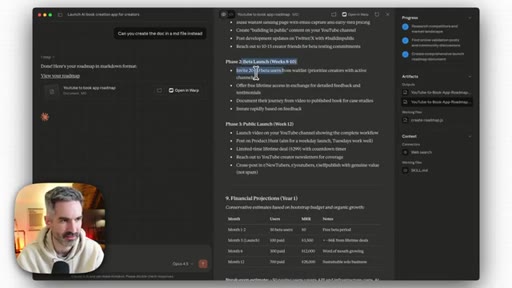
Competitive analysis, MVP, tech stack, pricing, brand names, GTM, financial projections, 30-day checklist.
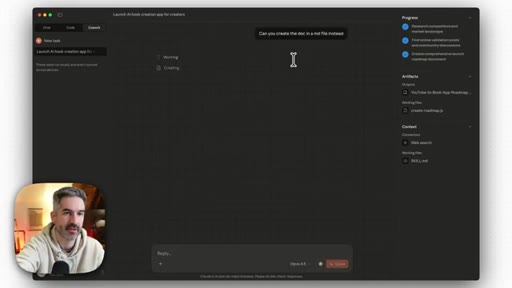
11 · Tip 5: Export as markdown
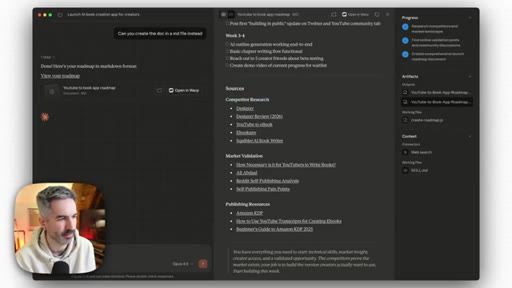
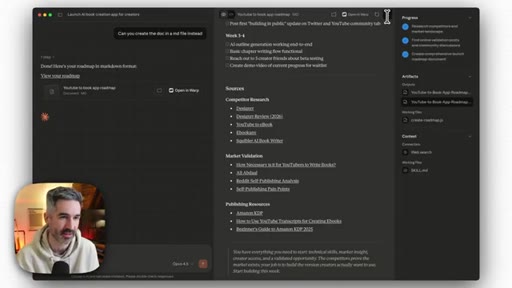
Re-export as markdown so AI coding agents can consume it as context. Walks through the full rendered document.

12 · Outro + CTA
Cowork will change the game for knowledge workers. Skool community CTA.
Visual structure at a glance.
Named ideas worth stealing.
5 Tips for Claude Cowork
- Set up connectors before first use
- Start with built-in starter templates
- Use it to build documentation and context
- Reserve it for multi-step agent tasks
- Export outputs as markdown for AI coding agents
Practical onboarding checklist for getting the most out of Cowork from day one.
Context-First AI Workflow
Build rich context documents (roadmap, brand strategy, specs) first, then feed those markdown files to a coding agent. Context is the key differentiator in AI output quality.
Cowork to Claude Code handoff
Two phases: think with Cowork (research, planning, context docs), build with Code (execution). Take the markdown output and inject it into the coding agent context window.
Lines you could clip.
"For the longest time, people have been saying that Claude Code is the worst branded AI product because it's not just for code, it's for a bunch of other knowledge work."
"Give it the right context and it can do incredible things."
"I am so happy that they've released this product as Claude Cowork, and they've repositioned what is essentially the best general purpose agent in the world."
"For more simple kind of things that you want to query, you might still wanna use Claude rather than using Claude Cowork."
How they spent the runtime.
Things they pointed at.
How they asked for the click.
"I have a community over at skool.com/aiapps helping people build and launch app ideas with AI."
Clean single CTA at the end. No mid-roll pitches. Community offer matches the audience perfectly.
Word for word.
The markdown handoff is the product.
Cowork real value is not the GUI — it is generating rich markdown context docs that make your coding agent dramatically smarter.
- Run a context-doc sprint before every build: brand.md, roadmap.md, spec.md. Feed them to Claude Code before the first line.
- That is what CLAUDE.md already is — this video validates Joe existing workflow as a teachable product, not just a power-user habit.
- The 5-tips format with a live end-to-end demo is the exact structure to steal for a JoeFlow tutorial video.
- Tip 4 (multi-step tasks) maps directly to the JoeFlow Sessions panel — batch-launch parallel agent tasks instead of one-at-a-time chat.
- Chris left money on the table: he built the plan but never mentioned the fastest execution path is JoeFlow + Claude Code + a morning batch session.
- Counter-program this video: I watched the Cowork hype video — here is how I do it faster with tools I own.