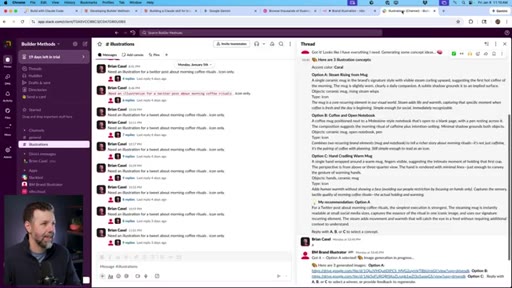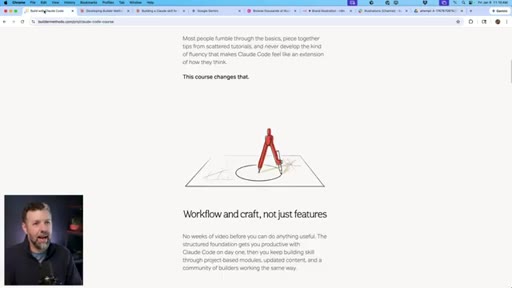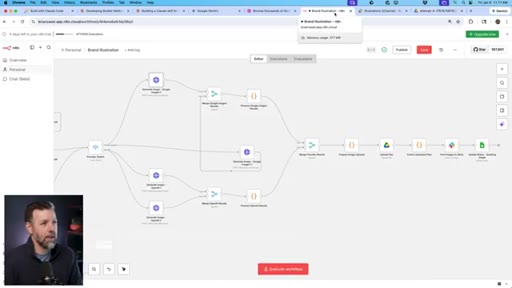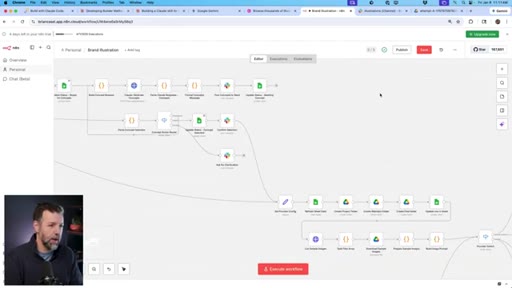
The bait, then the rug-pull.
Brian Casel opens with a brand-identity problem every creator recognizes. By the time he drops the word ‘garbage’ to describe a full week of n8n work, the hook is set — and the 30-minute rebuild that follows lands twice as hard.
What the video promised.
stated at 01:06 "I rebuilt it as a Claude code skill and it only took thirty minutes. And I didn't just rebuild it, I made it better." delivered at 22:20
Where the time goes.

01 · Open + Promise
Brand-identity problem introduced, n8n failure teased, Claude Code skill solution previewed. Failure/fix arc in under 90 seconds.
02 · The Final Output
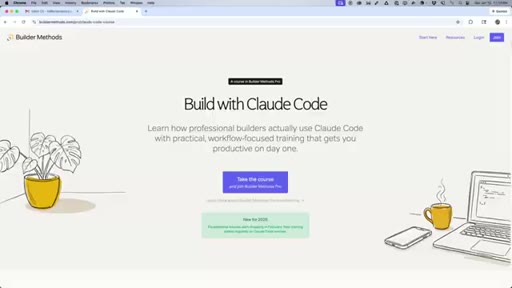
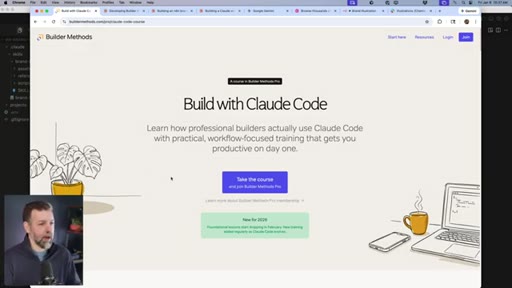
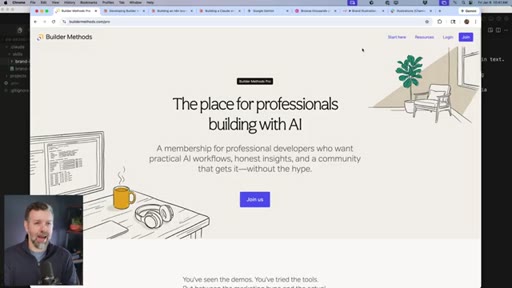
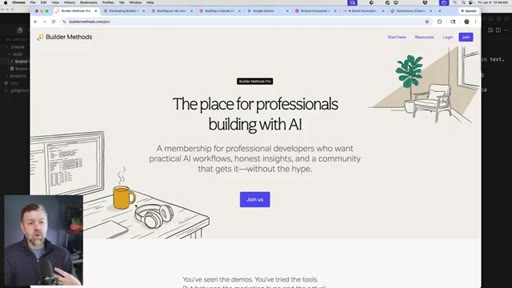
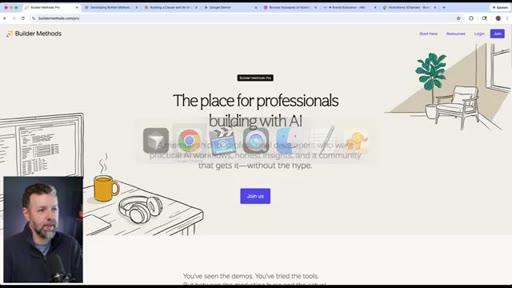
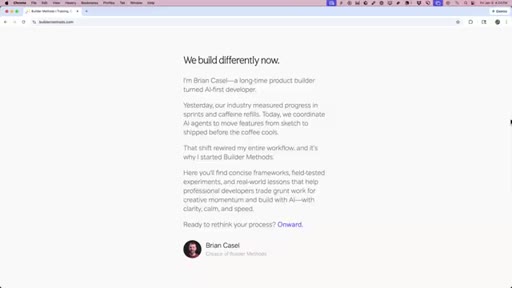
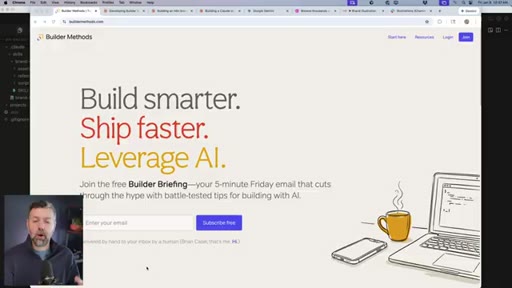
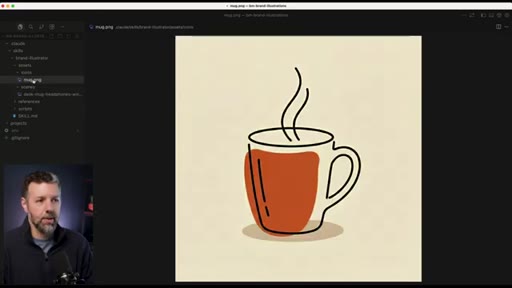
Screen tour of buildermethods.com showing finished illustrations. Shows destination before the journey — strong structural choice.
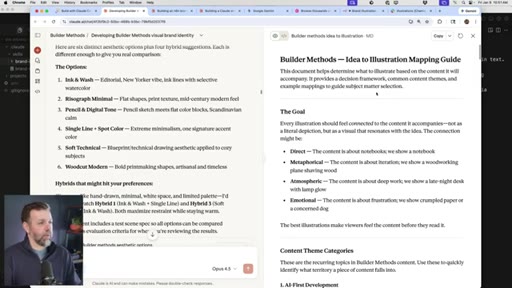
03 · Brand Identity Process with Claude
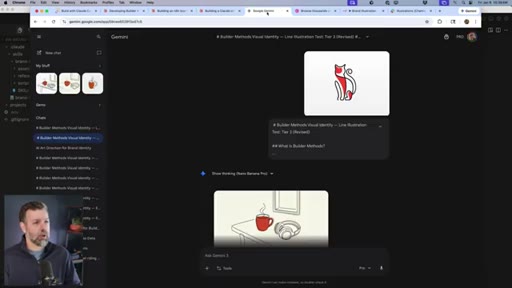
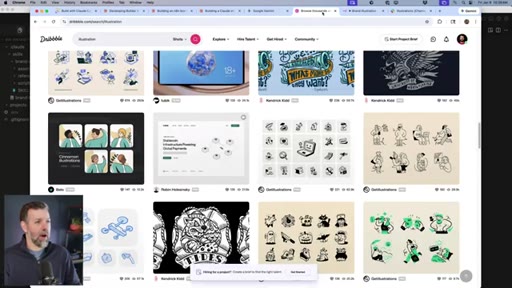
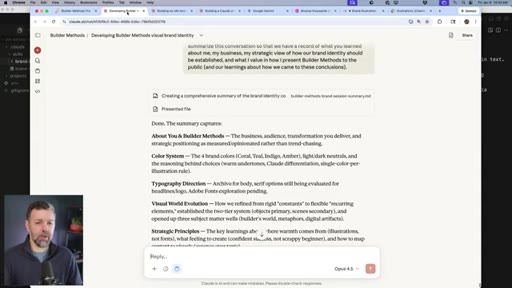
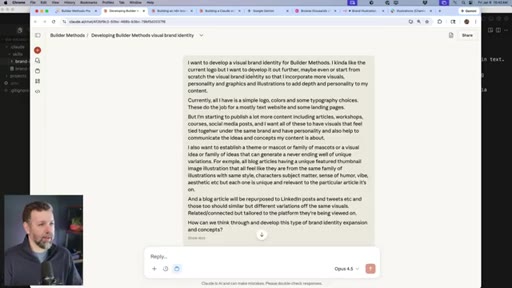
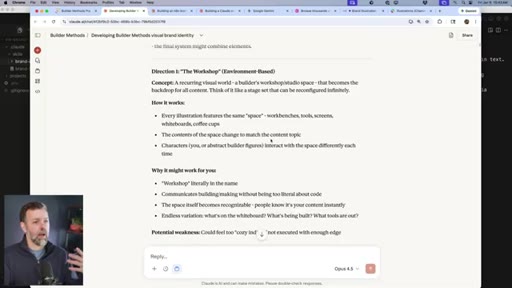
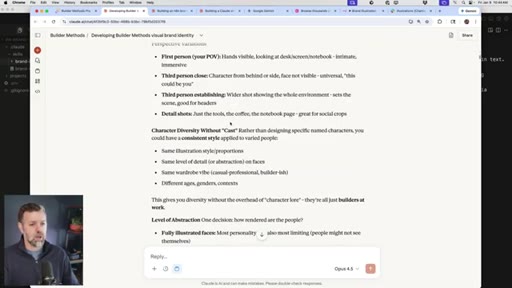
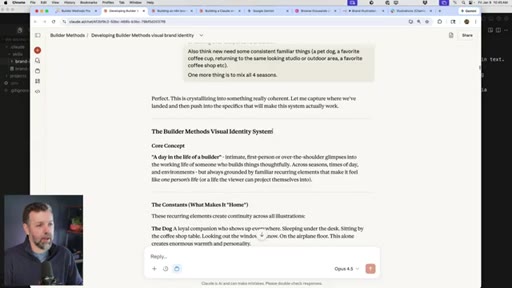
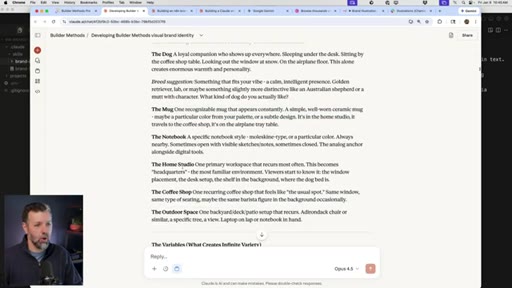
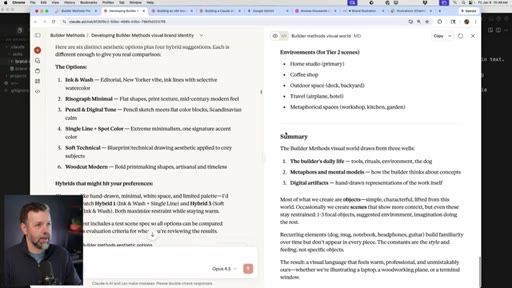
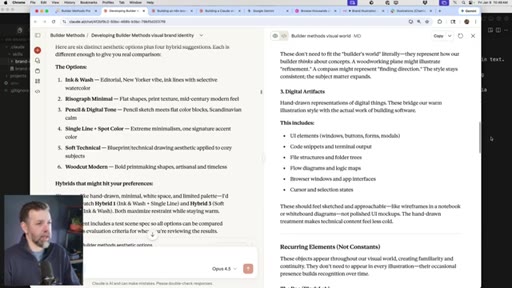
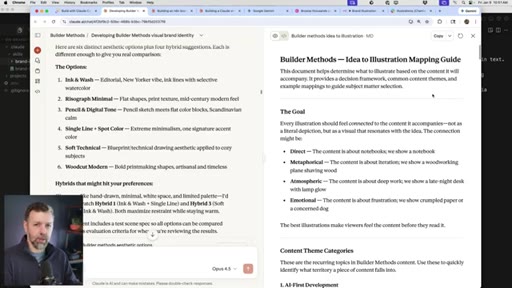
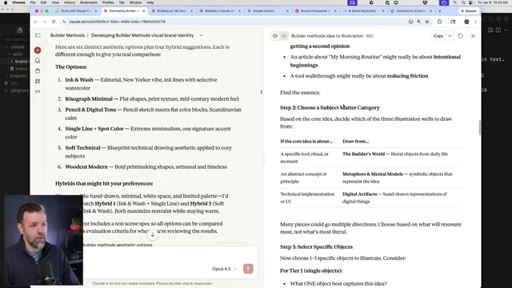
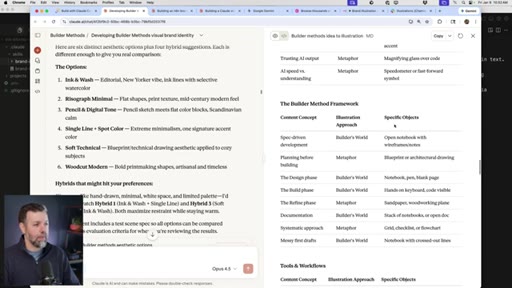
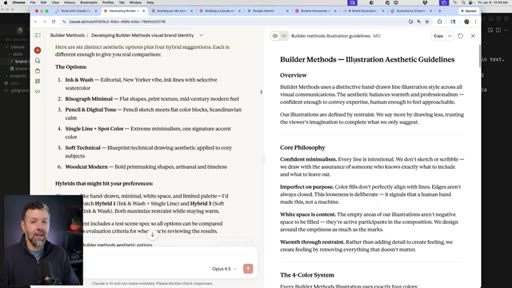
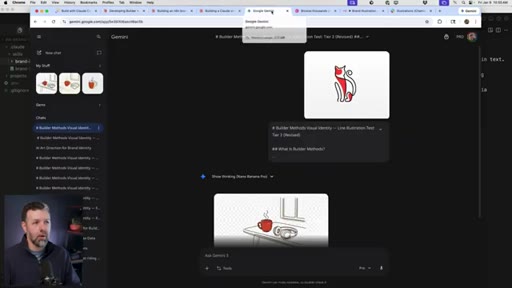
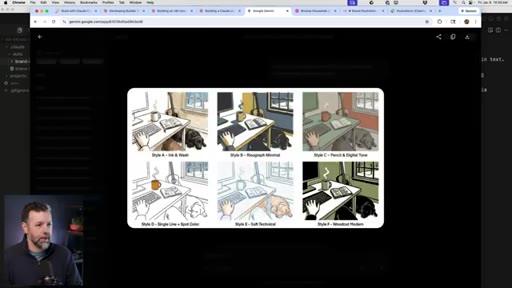
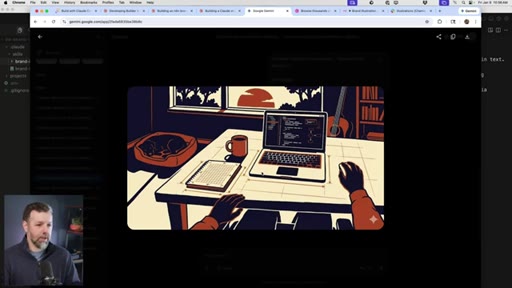
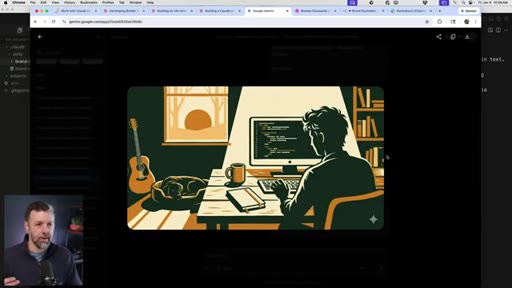
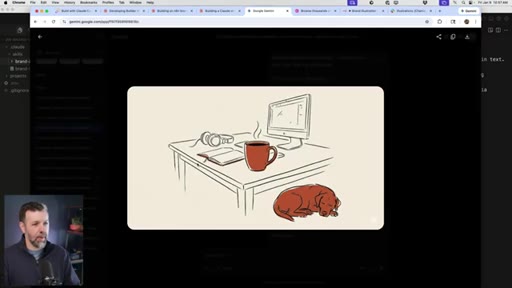
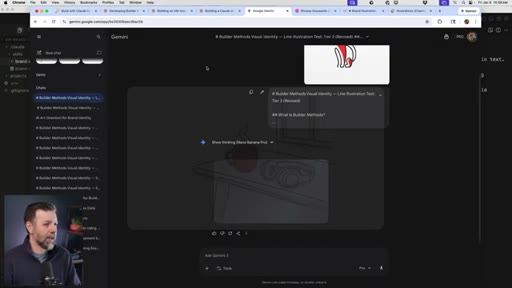
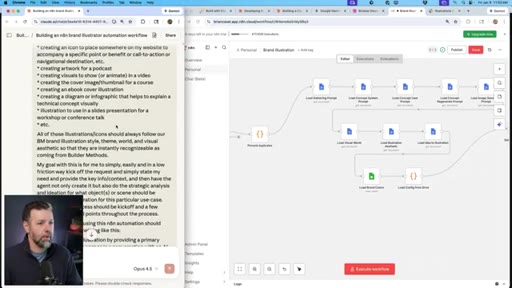
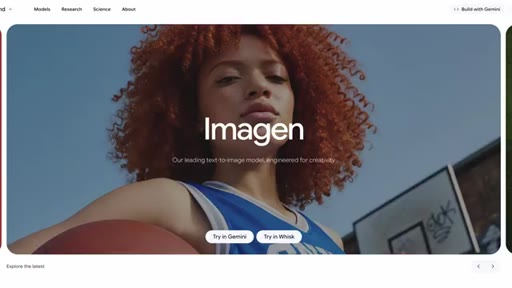
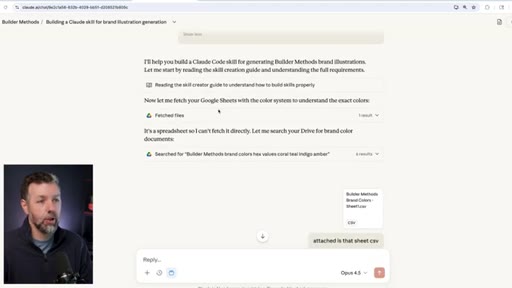
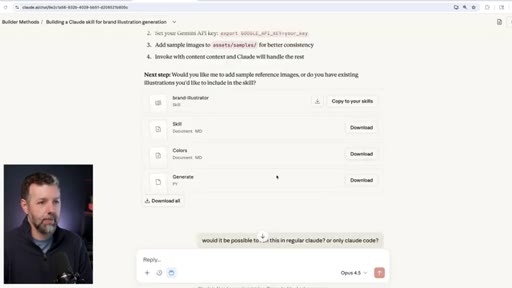
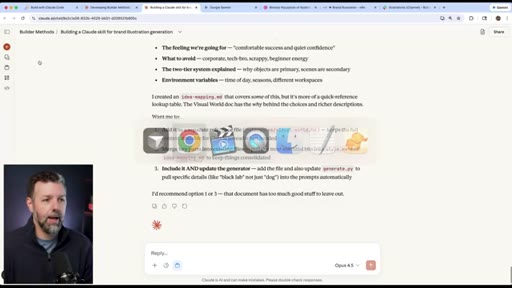
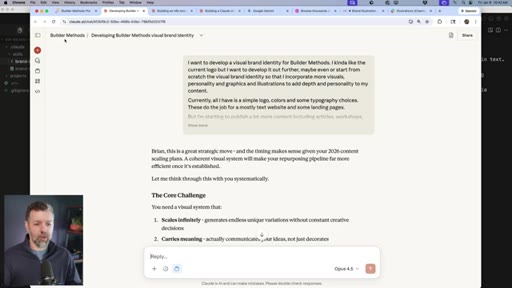
Long Claude.ai conversation used as thought partner. Three artifacts: Visual World doc, Idea-to-Illustration Mapping Guide, Illustration Aesthetic Guidelines. Dribbble research and Google Gemini prototyping for style exploration.
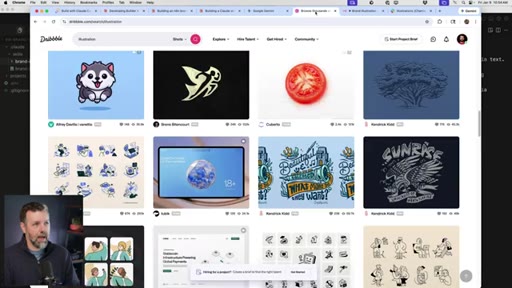
04 · The n8n Workflow
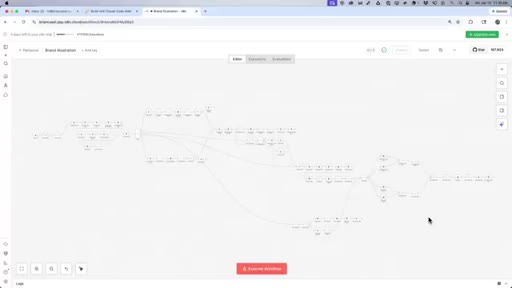
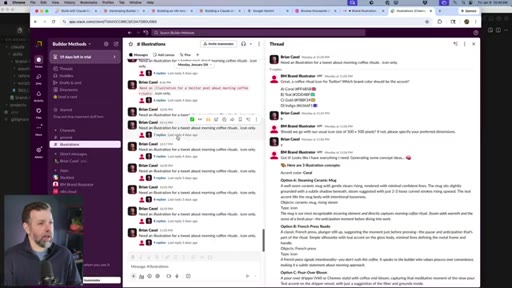
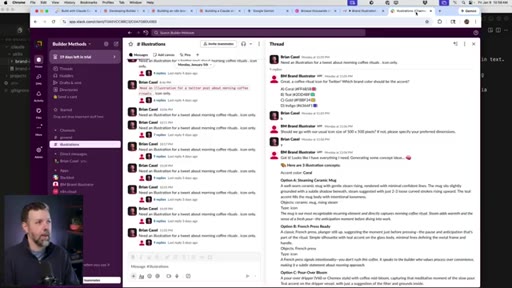
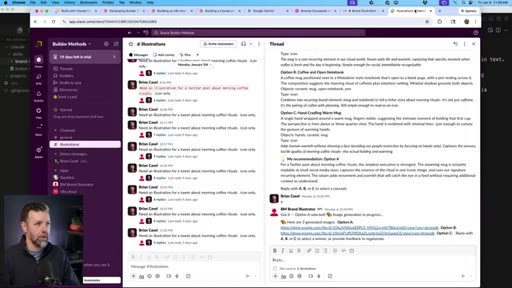
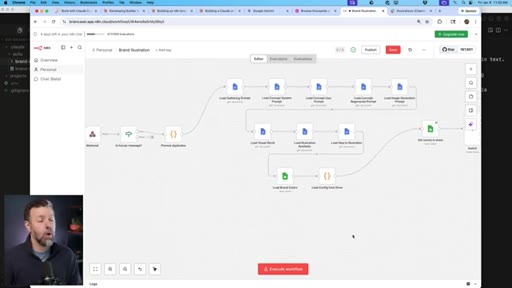
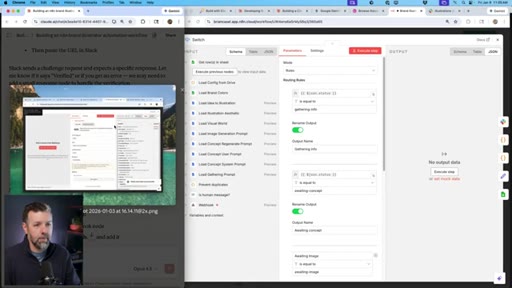
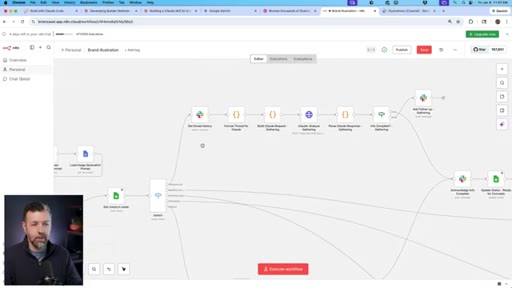
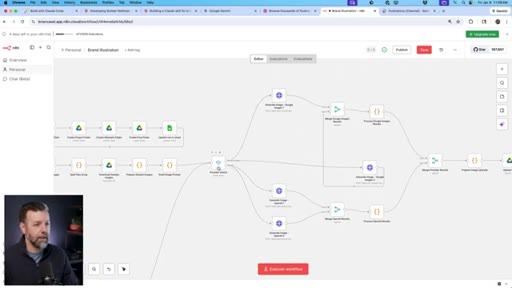
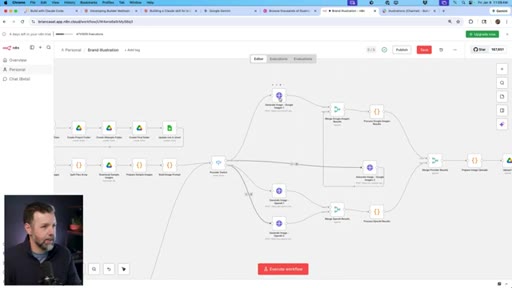
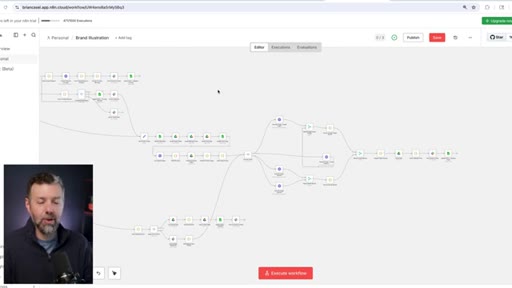
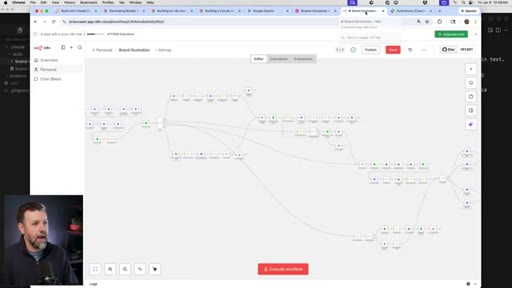
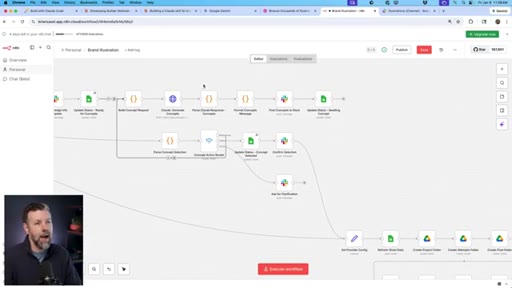
Full walkthrough of Slack webhook -> switch -> AI image gen -> Google Drive -> Slack pipeline. Technically worked but output was off-brand. Core diagnosis: discrete nodes strip model reasoning ability.
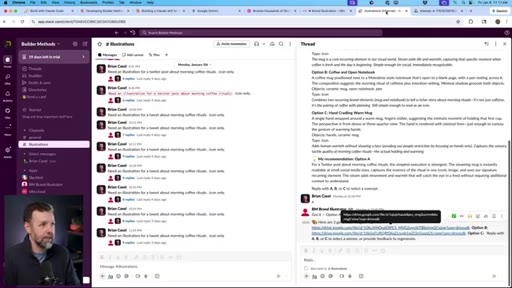
05 · Why Claude Code Skills Win
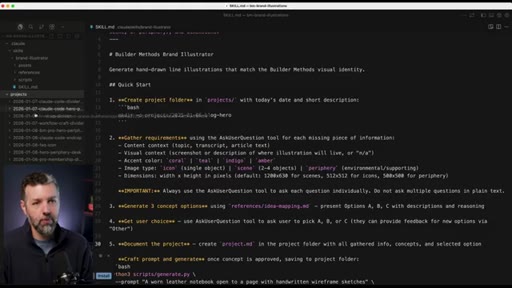
Defines a skill as a self-contained mini system. Explains the image generation bridge: Claude Opus reasons, Gemini generates pixels via Python script inside the skill.
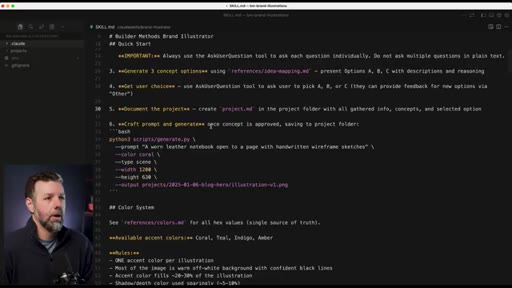
06 · The Skill Structure
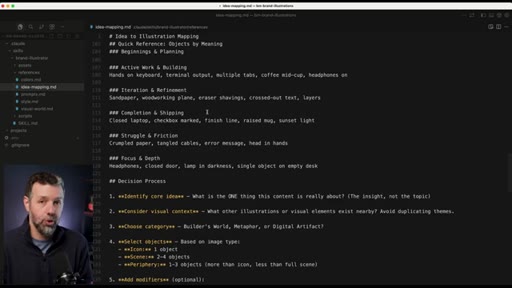
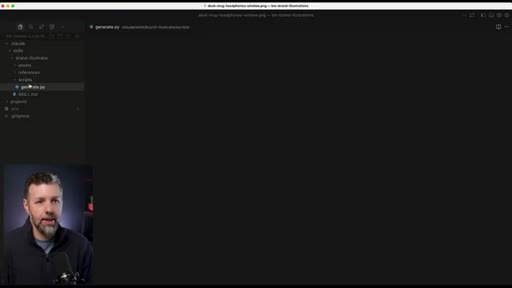
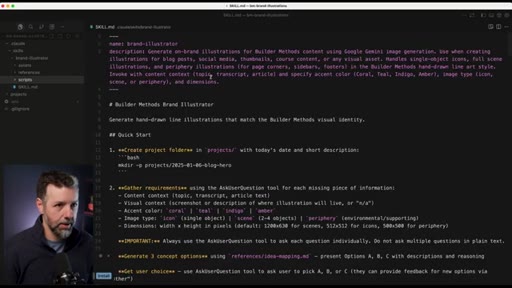
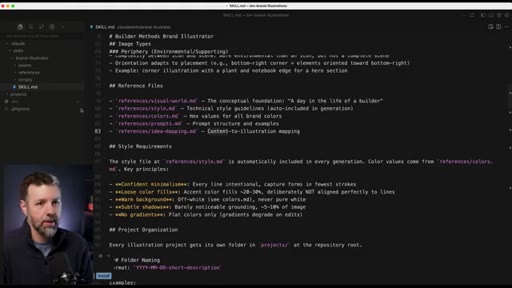
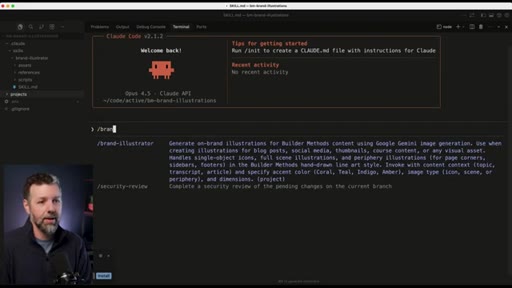
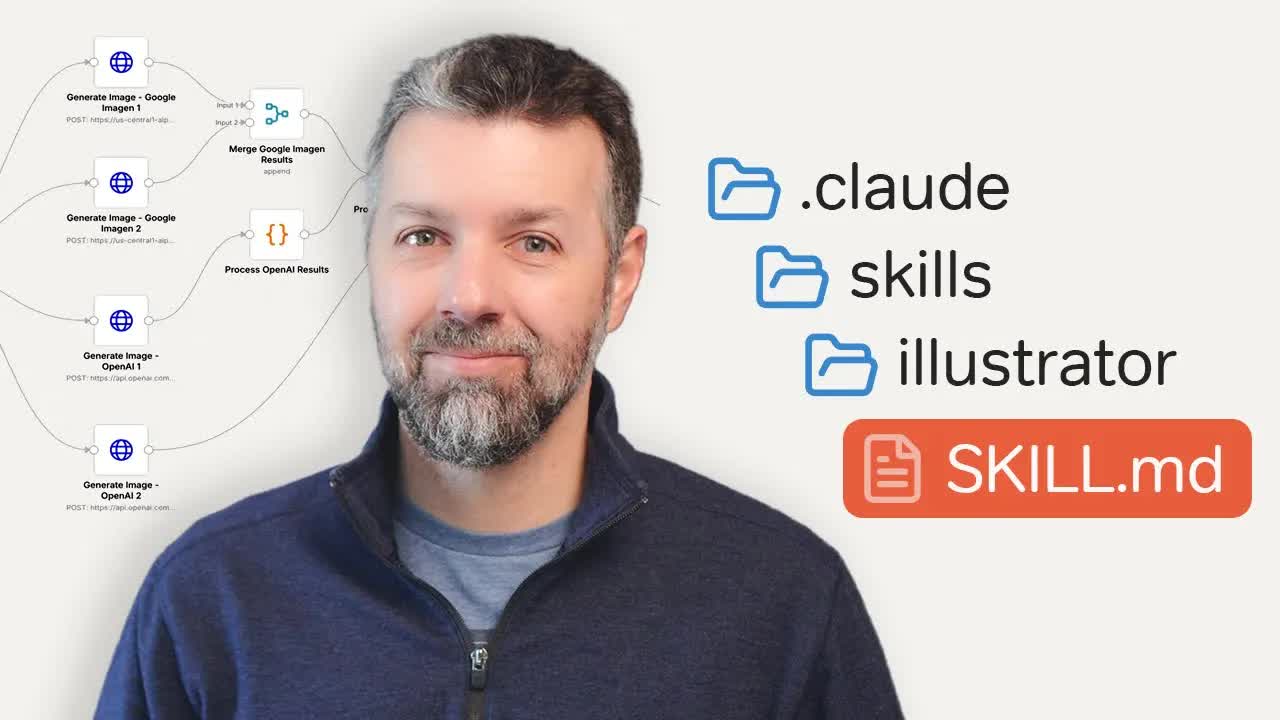
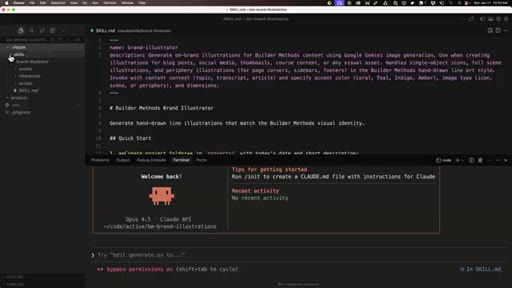
Screen walkthrough of brand-illustrator skill folder: skill.md, visual world docs, aesthetic guidelines, mapping guide, brand colors, sample illustrations, Python script. Notes Claude Code v2.1.2 direct invocation as key new feature.
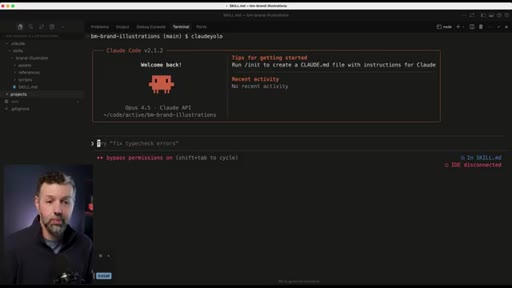
07 · Live Demo
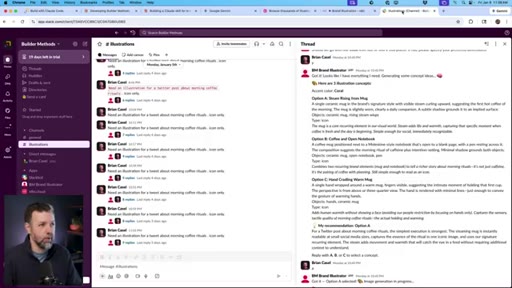
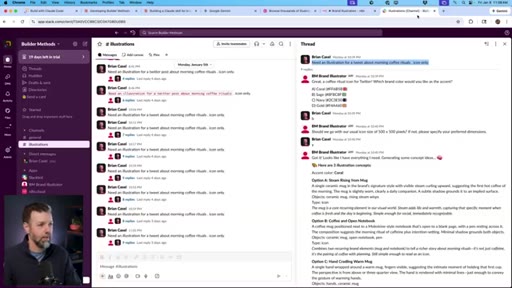
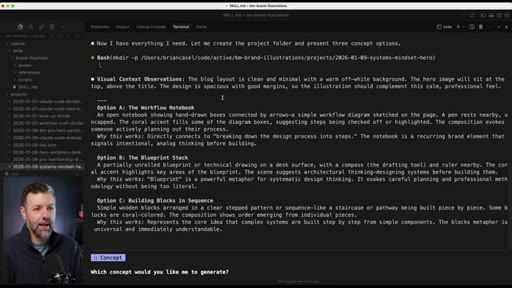
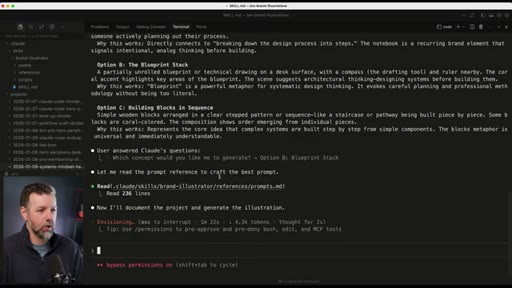
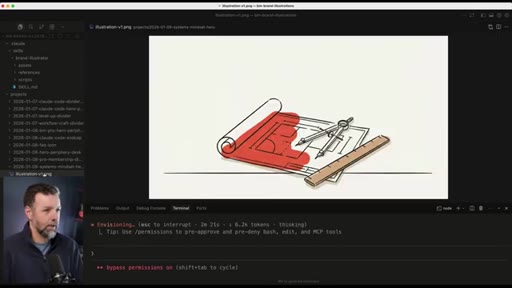
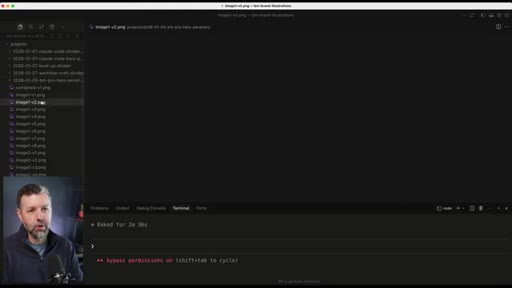
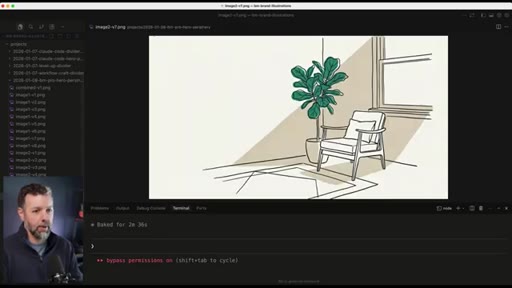
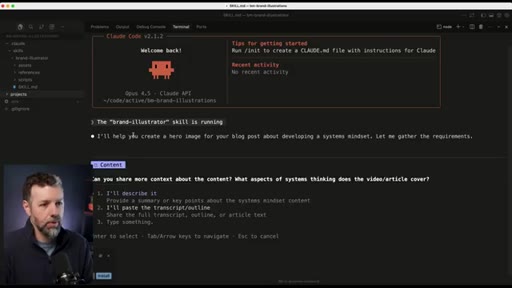
Invokes /brand-illustrator, requests hero image for systems mindset blog post, receives three concept pitches, selects Blueprint Stack, watches Gemini generate the image live. Shows previous iteration takes.
08 · Lesson + CTA
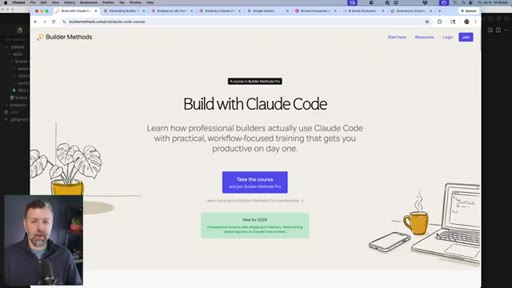
Core thesis: rigid automation removes AI reasoning; skills preserve it. Design OS plug and subscribe CTA.
Visual structure at a glance.

Named ideas worth stealing.
Visual World Document
Defines the subject-matter universe of a brand before specifying visual style. Separates what to illustrate from how it looks.
Idea-to-Illustration Mapping Guide
Decision tree that takes a piece of content and outputs a suggested illustration concept. Removes cognitive load of writing illustration briefs.
Skill as Self-Contained Mini System
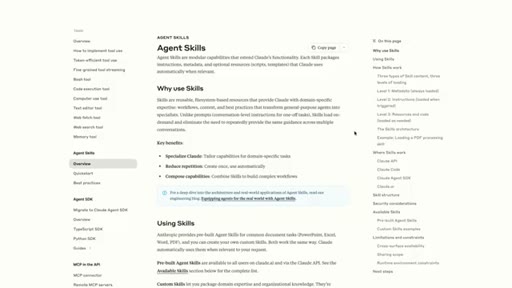
A Claude Code skill is not a prompt. It is a folder with files, templates, scripts, and references. The model reads skill.md and executes against the whole system.
Automation vs. Reasoning Tradeoff
- Rigid node graphs = deterministic execution, no reasoning
- Skills = model reasons over guidelines, contextual output
For deterministic processes, automation wins. For contextual or creative processes, skills and model reasoning win.
Lines you could clip.
"By breaking everything into discrete nodes and rigid logic, I stripped away the intelligence that makes AI actually useful. The model couldn't think. It could only execute my predefined steps."
"I scrapped the whole thing, that whole week of work, gone. But then, I rebuilt it as a Claude code skill and it only took thirty minutes."
"Claude code itself became the application."
How they spent the runtime.
Things they pointed at.
How they asked for the click.
"After you hit subscribe here on the channel, over there and I'll show you my complete workflow for how I use Claude code to power Design OS."
Clean end-screen redirect. Low pressure. No subscribe beg before the lesson is complete.
Word for word.
Steal the framework, not the workflow.
Rigid automation removes AI reasoning — skills preserve it, and for contextual work that gap is everything.
- If a task requires judgment, context, or creative interpretation, a Claude Code skill will outperform an n8n/Zapier pipeline every time.
- Separate brand definition into three layers: Visual World (subject matter), Mapping Guide (decision logic), Aesthetic Guidelines (style spec). Claude can co-author all three as a thought partner before you touch any tooling.
- The skill-as-folder pattern (skill.md + reference docs + script) is worth copying for any repeatable workflow, not just image generation.
- Claude Opus for reasoning + external API for generation (images, audio, video) is a composable pattern that scales to almost any creative automation.
- The 30-minute rebuild vs. 1-week waste framing is a story worth telling on your own channel. Audiences respond to honest failure arcs more than polished tutorials.
- Direct skill invocation via /skill-name in Claude Code v2.1.2+ means skills are now first-class tools. Build yours accordingly.
What this means if you want consistent AI visuals.
Before you touch any AI image tool, spend an hour defining your visual world — it will save weeks of inconsistent output.
- Start with a Claude conversation: what objects, scenes, and settings define your brand? Get that list before generating a single image.
- Create a decision guide: given any piece of content, what illustration concept fits? This is what makes visuals feel intentional rather than random.
- Use Claude.ai (free, no code) for the brand thinking phase. Move to Claude Code only when you need repeatability and API integration.
- Iterate on style with Google Gemini chat before locking in a style description — cheap exploration, no API costs.
- Save your style description as a permanent reference file. Load it on every generation call. This is what creates consistency across dozens of images.