The bait, then the rug-pull.
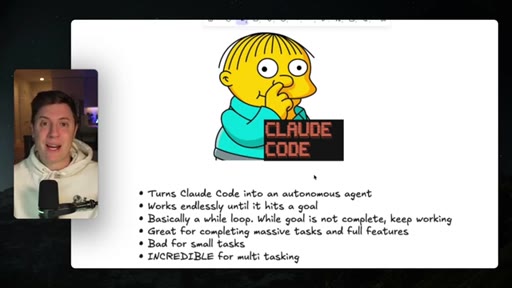
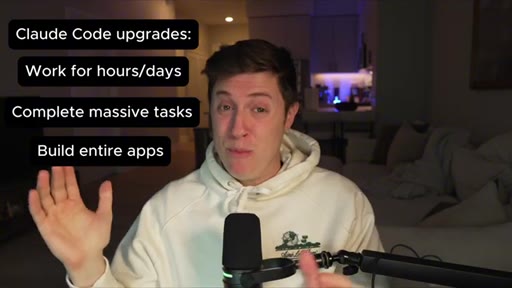
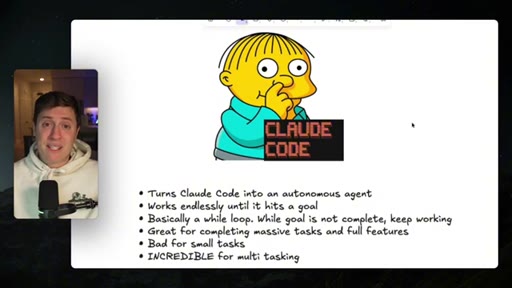
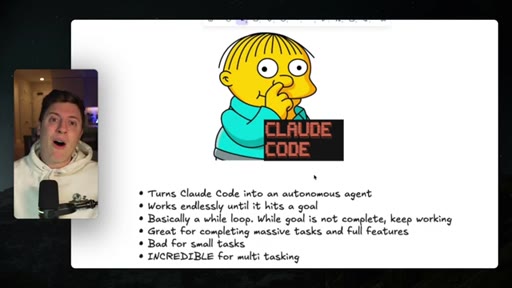
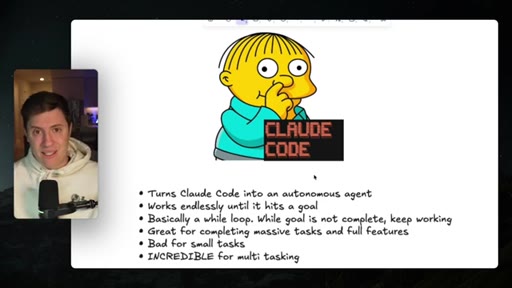
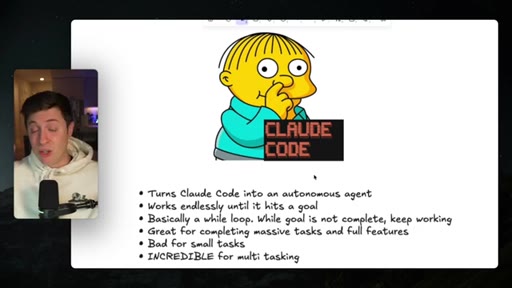
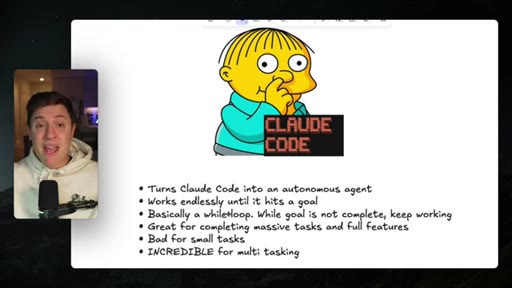
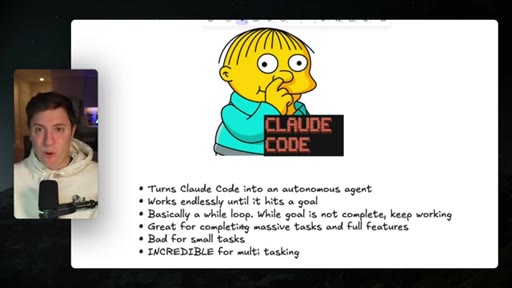
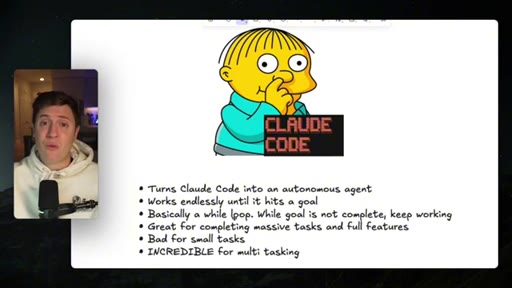
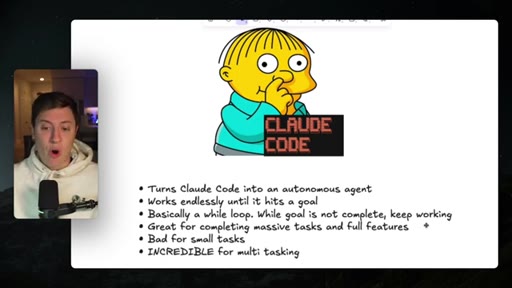
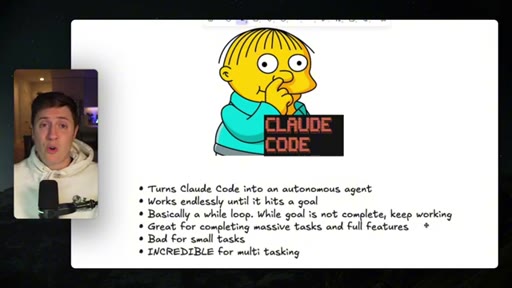
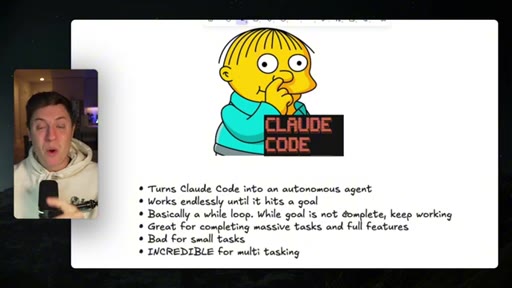
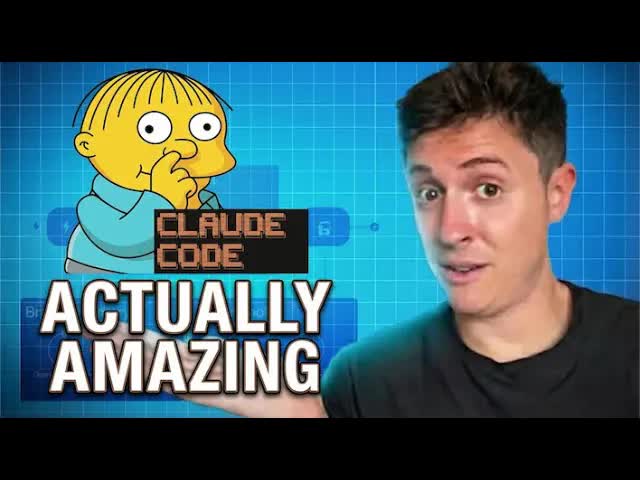
Alex Finn opens cold with a superlative: the Ralph Wiggum plugin might be the most powerful Claude Code plugin ever made. No intro screen, no music — just the claim and the Ralph Wiggum cartoon. The title's '100x more powerful (WOW!)' is the bait; the while-loop explanation is the payoff.
What the video promised.
stated at 00:14 "In this video I'll go over how the Ralph Wiggum plugin works, how to get it installed, and how to use it so you can start building amazing applications immediately." delivered at 08:55
Where the time goes.

01 · Hook + Promise
Cold open with superlative claim. Promises to cover how it works, installation, and how to use it.

02 · How Ralph Wiggum Works
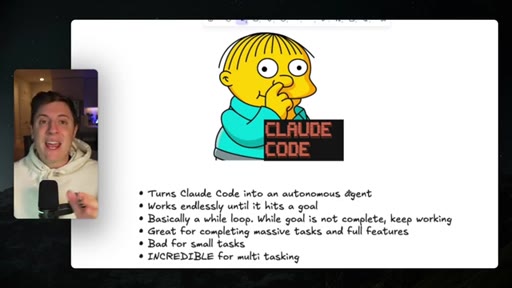
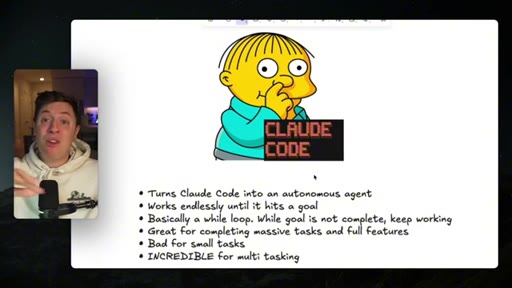
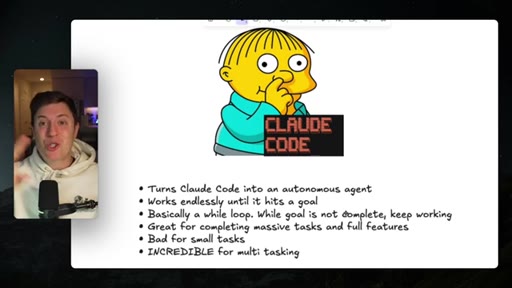
Talking head + graphic slide. Core concept: while loop, goal-checking after every step. Good for massive tasks, bad for small tweaks, incredible for multitasking.
03 · Installing in Ghosty
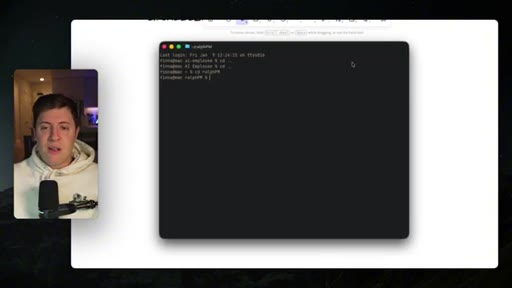
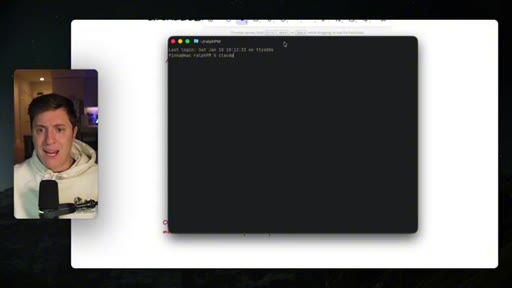
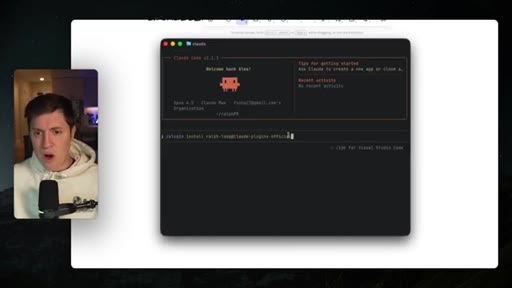
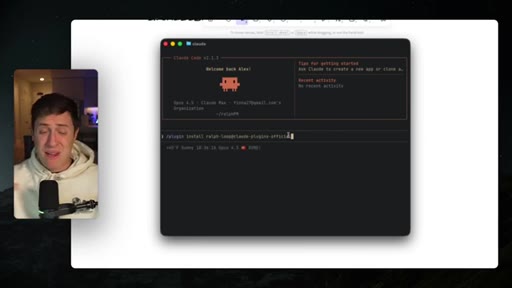
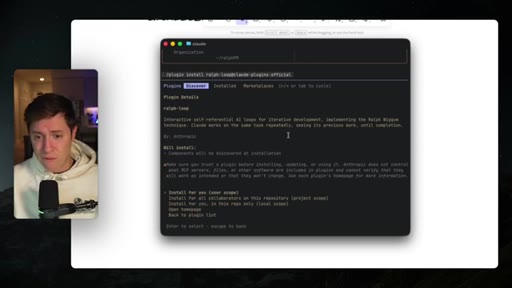
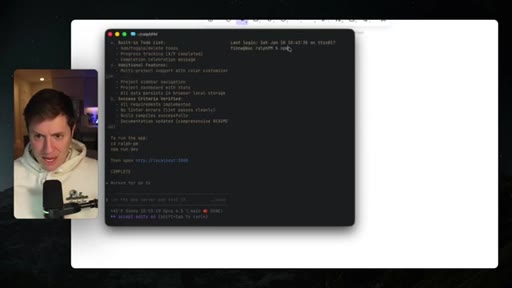
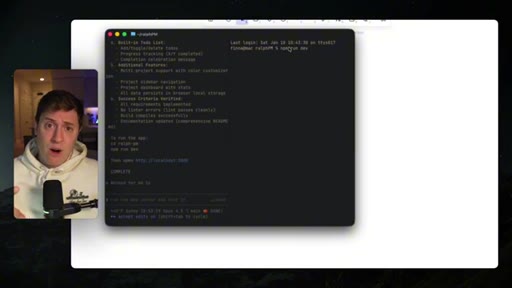
Terminal demo in Ghosty. Opens Claude Code, runs install command for ralph-loop plugin.
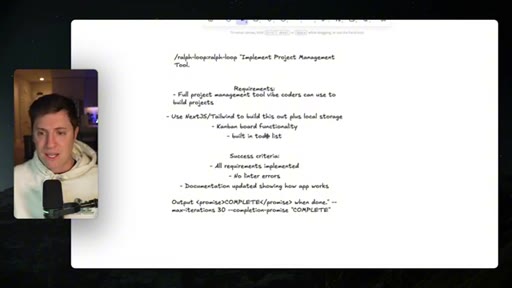
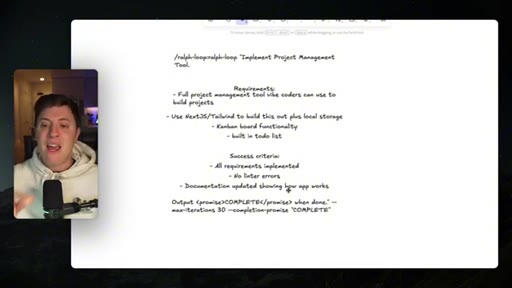
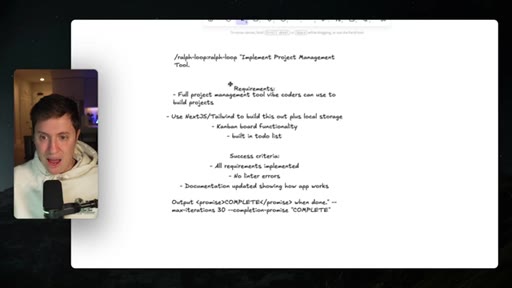
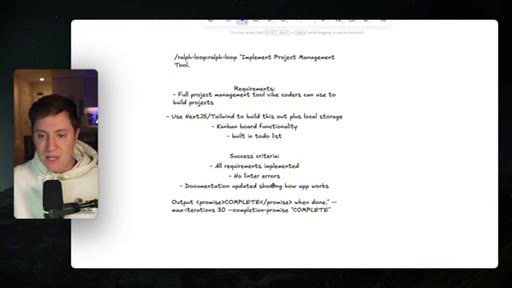
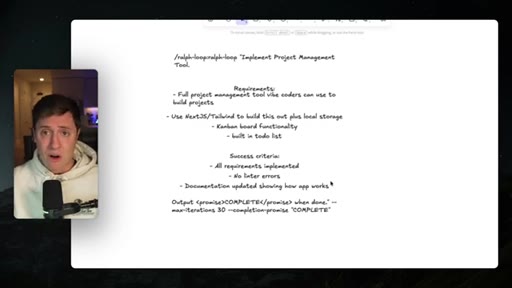
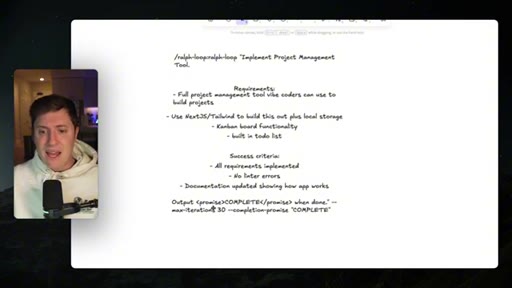
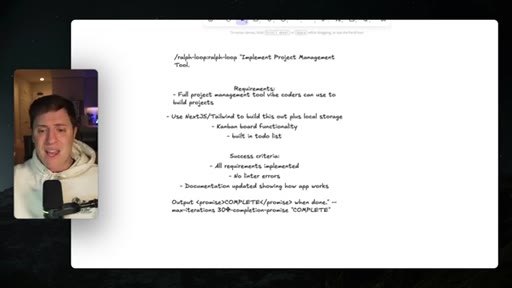
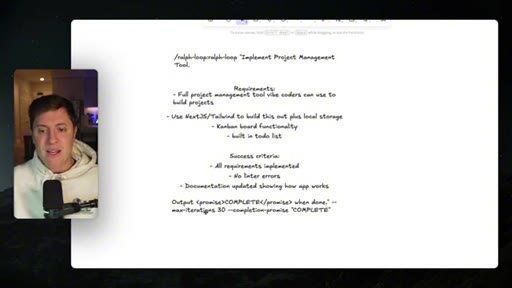
04 · Prompt Anatomy
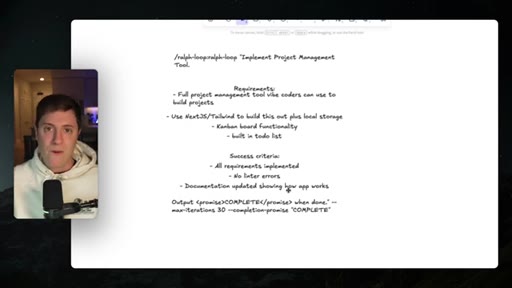
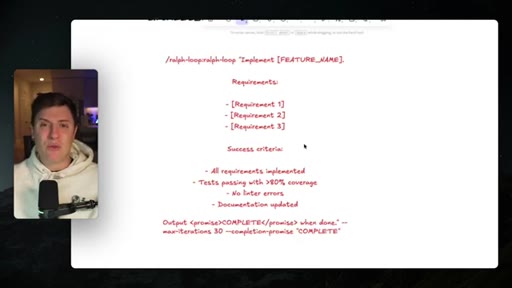
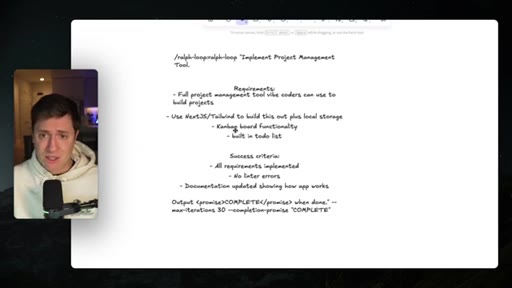
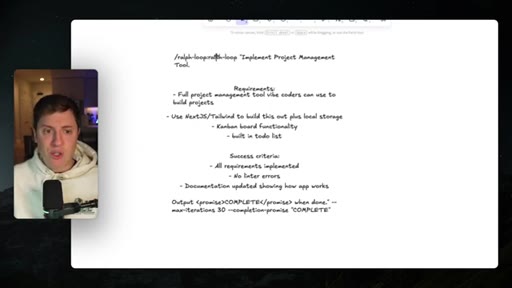
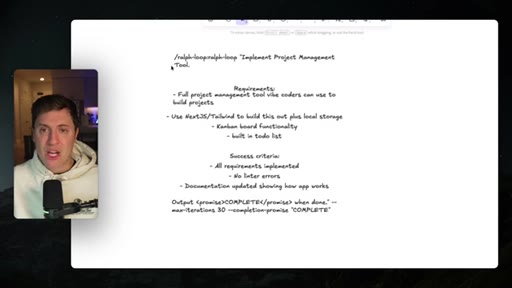
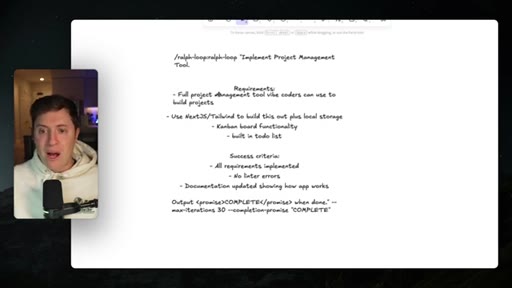
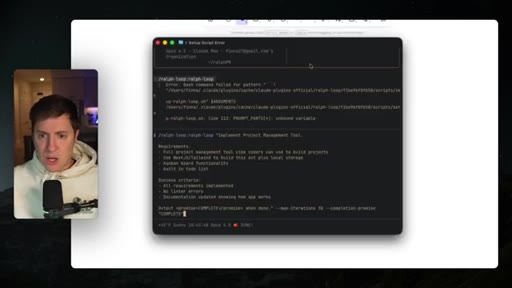
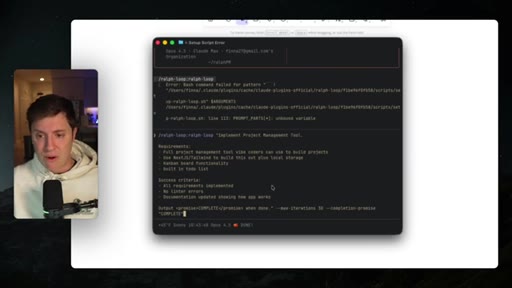
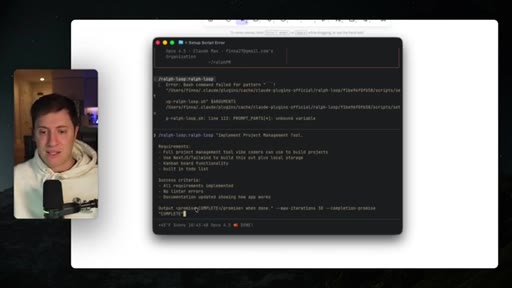
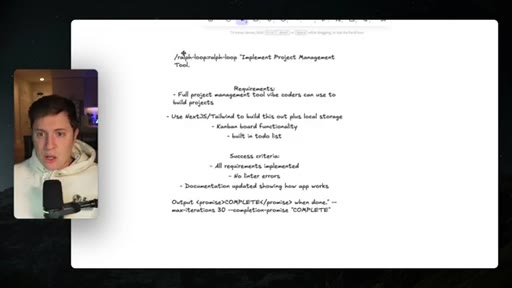
Screen share of the full prompt structure: /ralph-loop invocation, title, requirements, success criteria, completion-promise token, max-iterations flag.
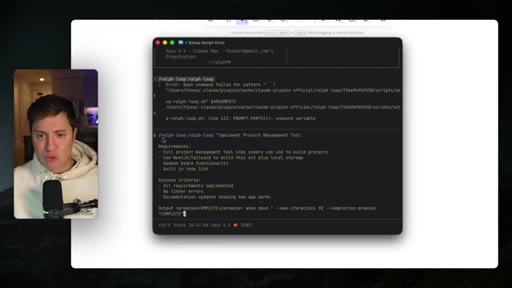
05 · Ralph Working
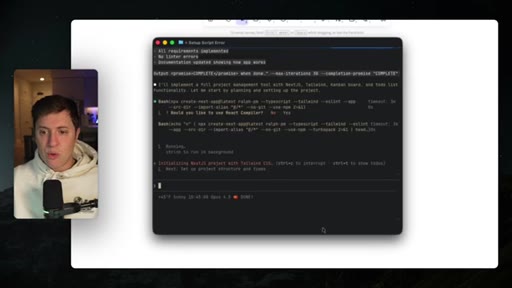
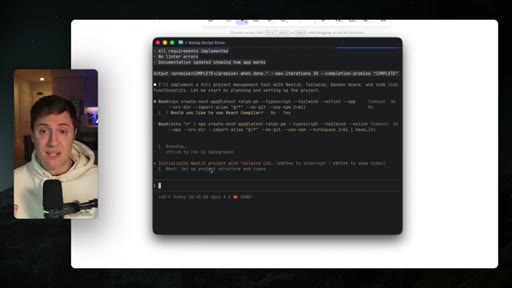
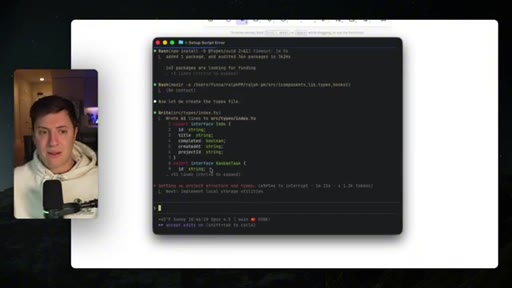
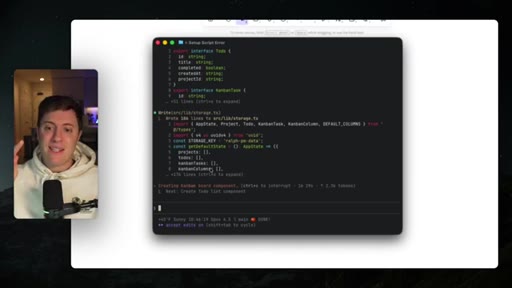
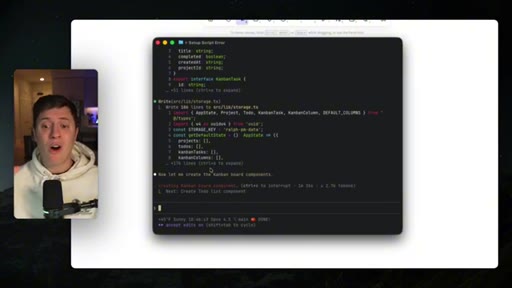
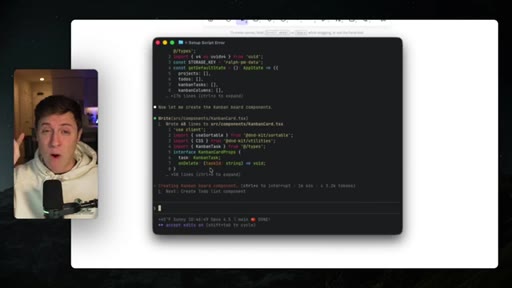
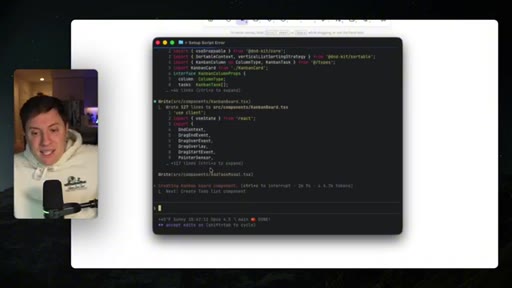
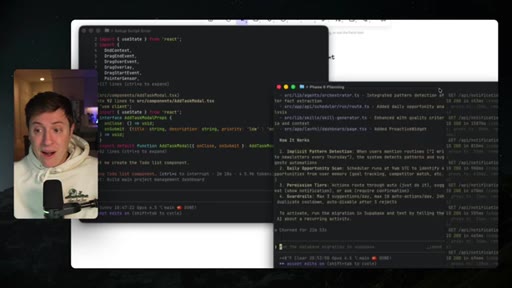
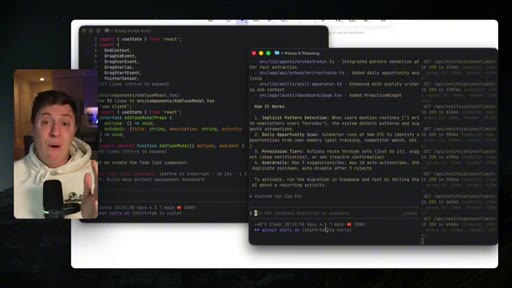
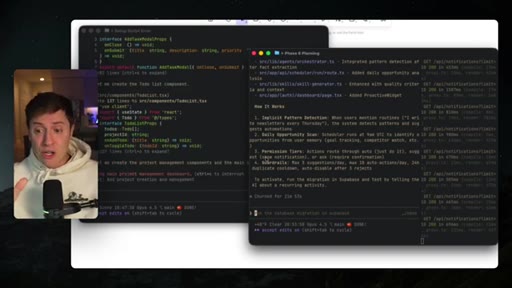
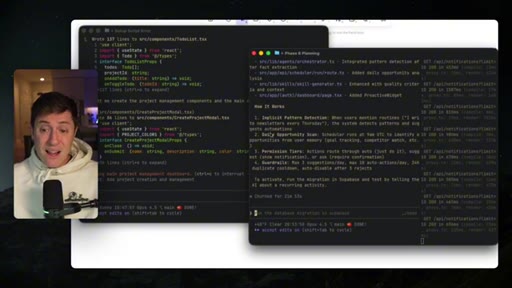
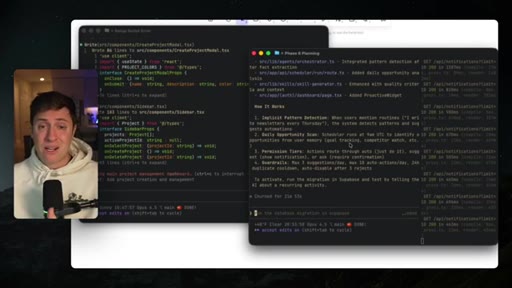
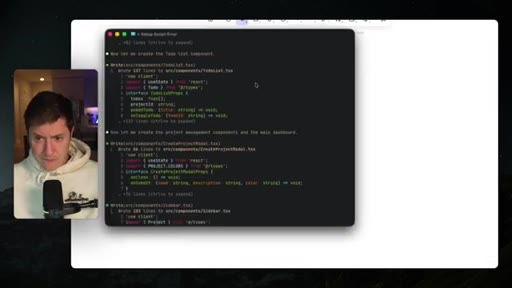
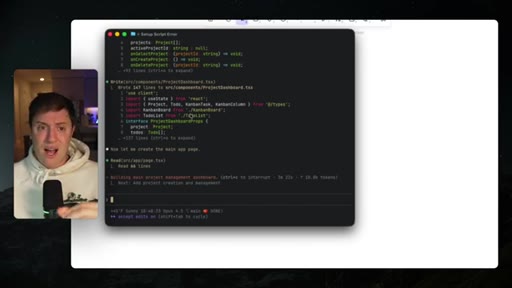
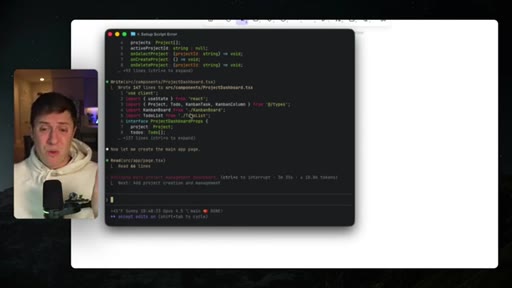
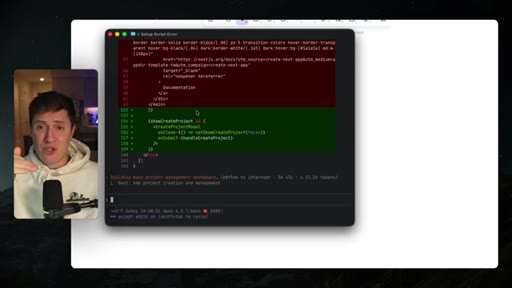
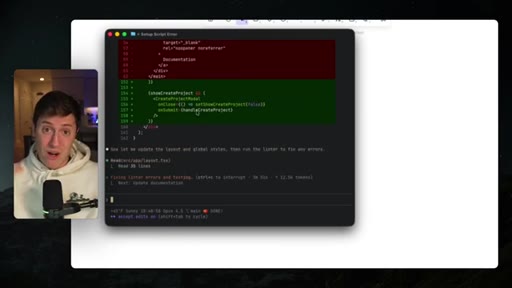
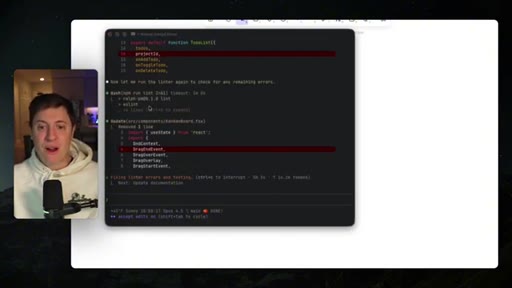
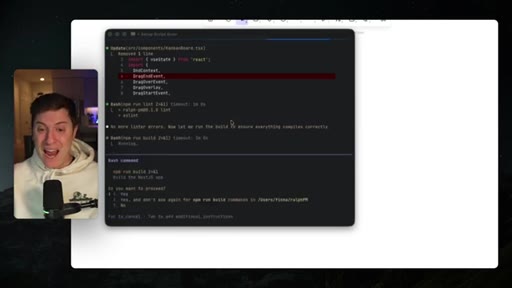
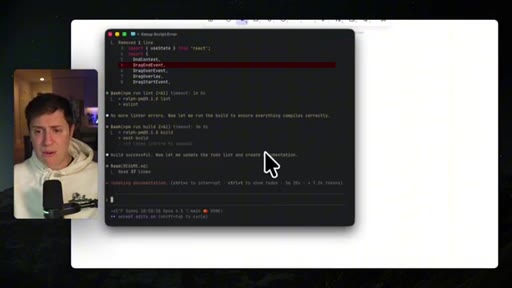
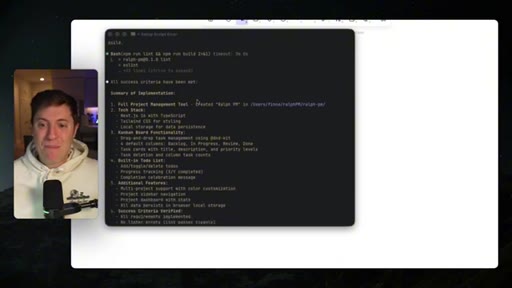
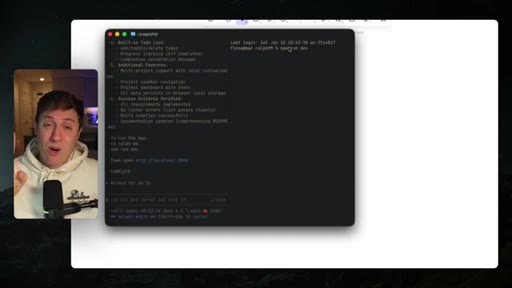
Live terminal: Claude Code autonomously writing components, running linter, looping. Commentary on usage cost warnings and multitasking via split terminals.
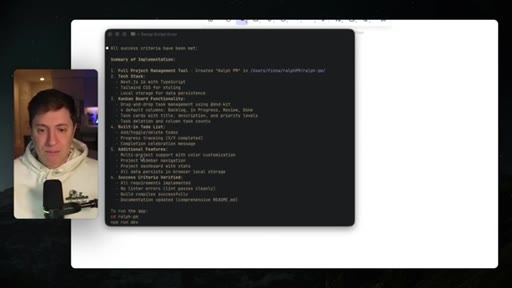
06 · Results + CTA
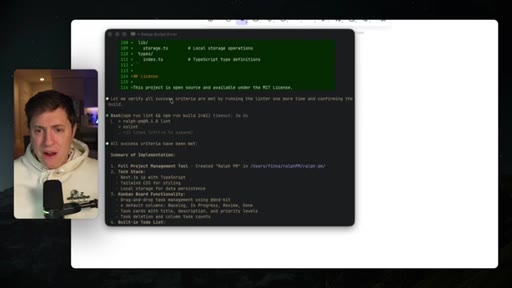
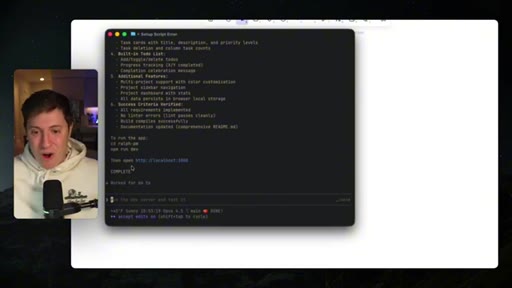
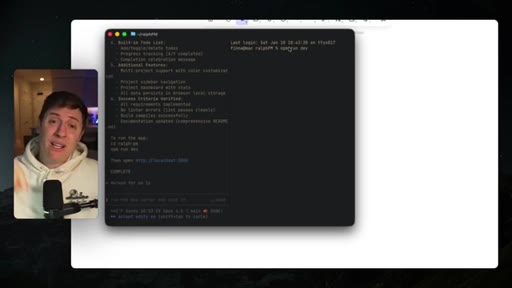
Success criteria all met. Completion summary screen. Subscribe push and Vibe Coding Academy pitch.
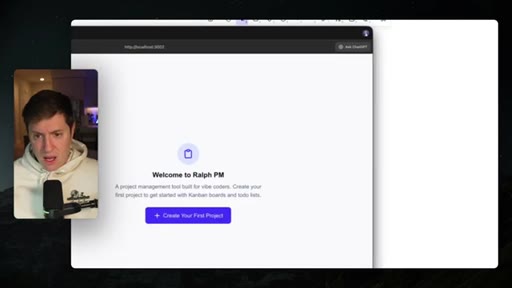
07 · Live App Demo
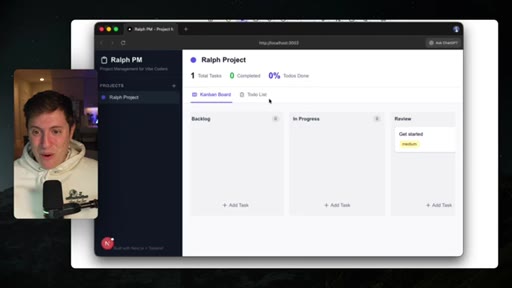
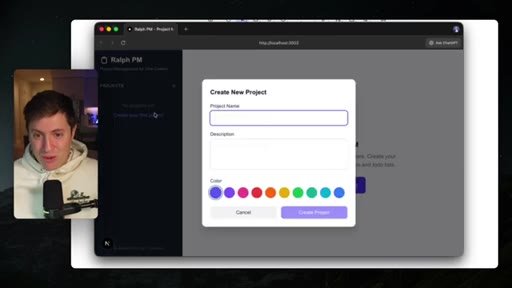
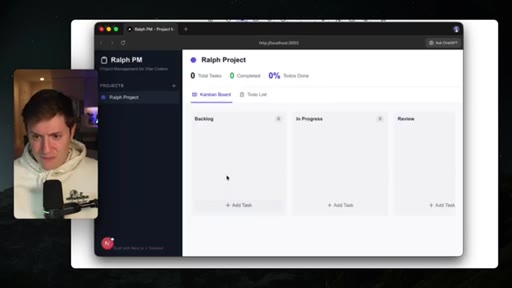
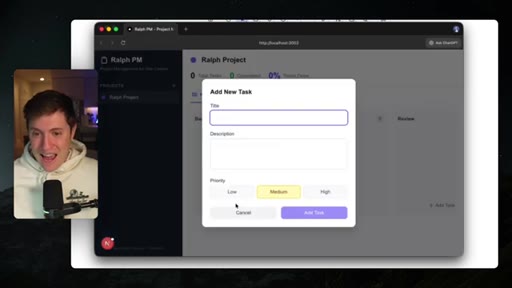
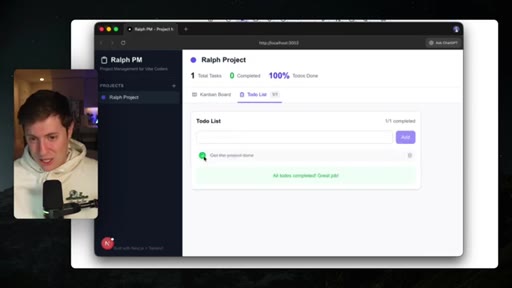
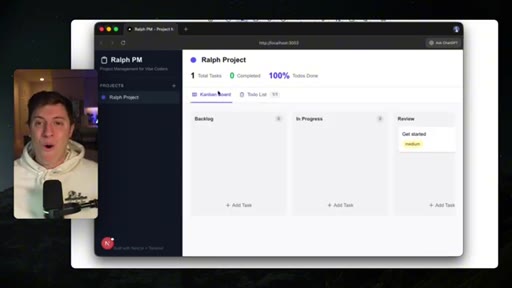
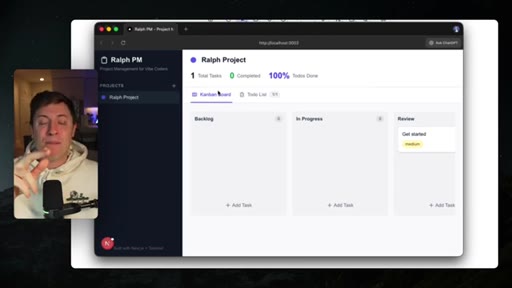
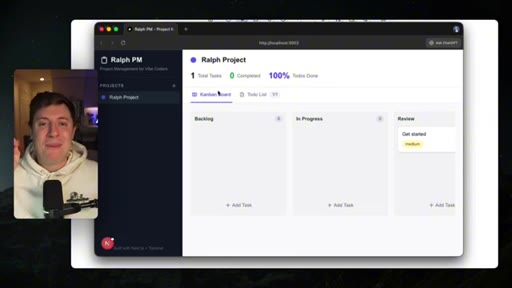
Browser demo of the built Ralph PM app: Kanban board with drag-and-drop, todo list with checkbox, 100% tasks done display.
Visual structure at a glance.
Named ideas worth stealing.
Ralph Wiggum Prompt Structure
- Invocation (/ralph-loop:ralph-loop)
- Title/Task
- Requirements
- Success Criteria
- Completion Promise Token
- --max-iterations N
Structured prompt template that gives Claude Code a goal-checking loop with a clear exit condition. The completion-promise token is what the plugin parses to exit the loop.
The While Loop Mental Model
Frame Claude Code's default behavior as 'guessing when done' vs Ralph's behavior as 'a while loop that won't exit until goals are met.' Accessible to non-developers, technically accurate.
Lines you could clip.
"It's basically a while loop. Until a goal is complete, it does not stop working."
"All this plugin is is really just giving guardrails and structure to Claude Code that says, hey — you can't stop working until the structure and guardrails are complete."
"This truly makes it feel like you have an employee working for you."
"This is a full project management tool that was one shot by Ralph Wiggum, our own new personal development employee."
How they spent the runtime.
Things they pointed at.
How they asked for the click.
"If you learned anything at all, subscribe, turn on notifications. That is critical. There's a reason why we're the number one vibe coding channel on YouTube now."
Mid-outro before the live demo payoff — smart placement, demo acts as the proof that justifies the subscribe ask
Word for word.
Bake this prompt template into JoeFlow Batch.
The Requirements + Success Criteria + max-iterations structure is the proven pattern for autonomous Claude Code tasks — it belongs in JoeFlow's Batch templates out of the box.
- The while-loop mental model is how to explain the Chef orchestrator to non-technical users — steal the framing verbatim.
- Add a Batch template pre-filled with Requirements / Success Criteria / max-iterations fields so users don't have to think about prompt structure.
- The completion-promise token pattern (<promise>COMPLETE</promise>) is worth supporting as a first-class exit signal in JoeFlow's job runner.
- Ghosty multitasking pitch (multiple terminals, no slowdown) is the same argument for JoeFlow's parallel Sessions — use it in marketing copy.
- Cap warnings ($20 tier burns out on one run) map directly to JoeFlow's usage display — make the token cost visible at Batch launch time.
What Ralph Wiggum actually gives you.
Stop babysitting Claude Code on long tasks — define your success criteria up front and let the plugin loop until they're met.
- Install with: /plugin install ralph-loop@claude-plugins-official inside Claude Code.
- Always write a 'Success criteria' section in your prompt — this is what the loop checks against after every step.
- Set --max-iterations 30 to prevent infinite loops, especially on paid tiers.
- Only use this for complex, multi-step tasks. For a small tweak, it's overkill.
- Run it in a terminal (Ghosty or any terminal) and open a second terminal to keep working while it runs.