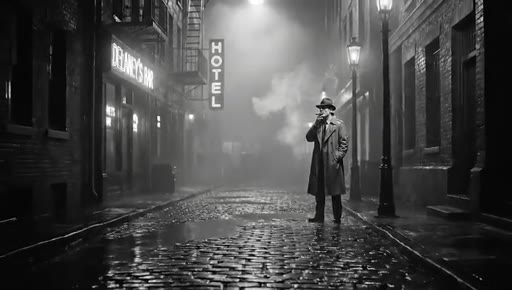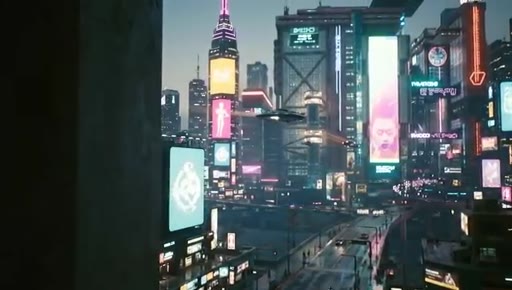
The bait, then the rug-pull.
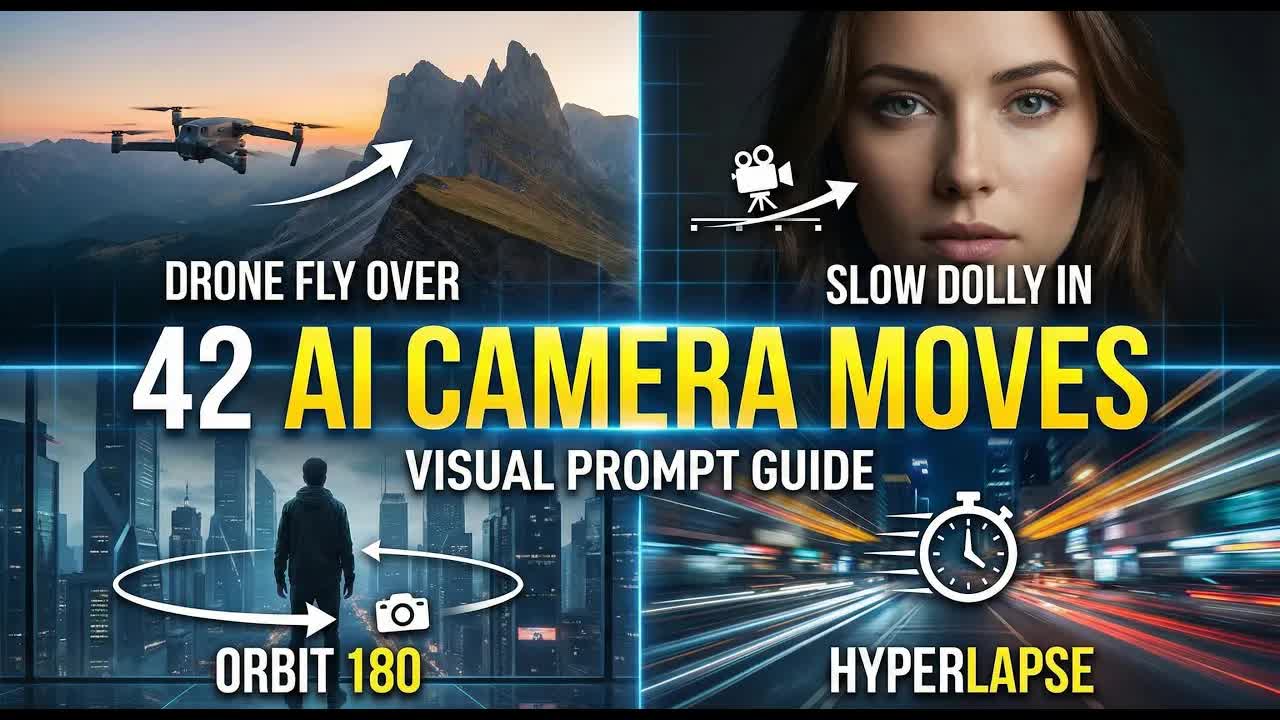
Every AI video prompt hides a vocabulary trap: type the wrong word for the camera move you want and the model gives you something technically plausible but visually wrong. This video solves that problem by testing 42 distinct camera movement terms against live AI generations so you can see, precisely, what each command produces.
Where the time goes.

01 · Intro and Promise
Hook on the vocabulary problem; promise of 42 categorized movements with live AI clips

02 · Dolly Moves
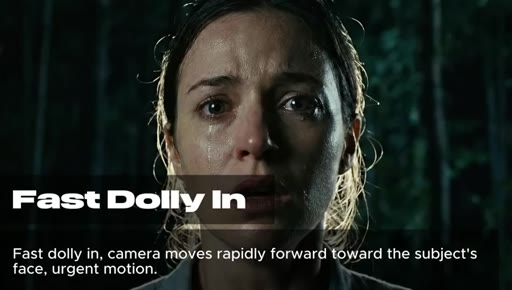
Slow dolly in, slow dolly out, fast dolly in, vertigo effect — four foundational push/pull variations
03 · Zoom Effects
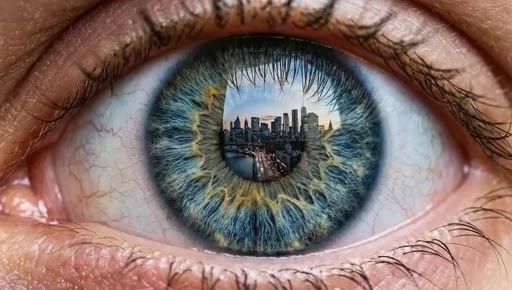
Infinite scale continuity, extreme macro zoom, cosmic hyperzoom — scale-compression moves
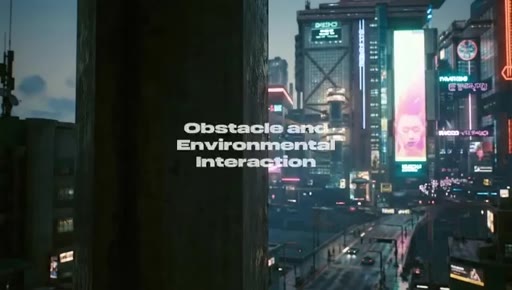
04 · Character-Mounted and Environmental Framing
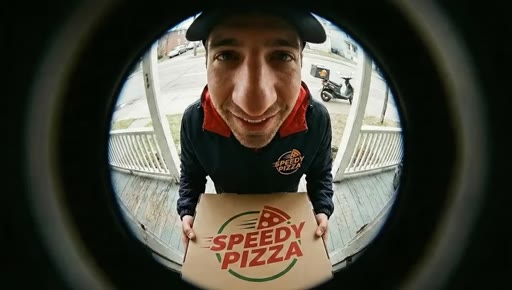
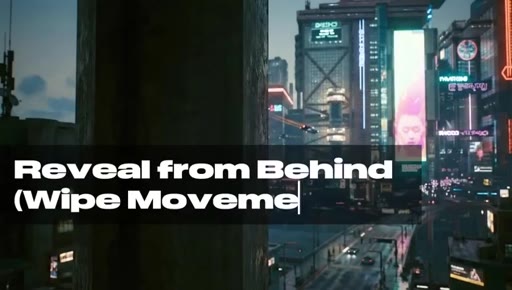
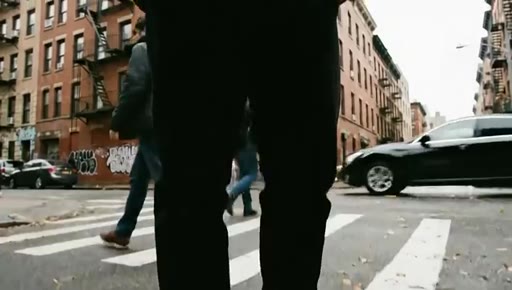
Over the shoulder, fisheye/peephole lens, reveal from behind, wipe movement, fly-through aperture
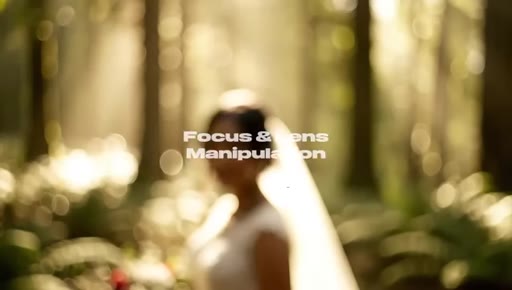
05 · Focus and Lens Manipulation
Reveal from blur/fade in, rack focus foreground to background

06 · Tripod Moves
Tilt up, tilt down — the two fundamental rotational tripod axes

07 · Slider Moves
Camera truck left, lateral truck right — lateral translation on a track

08 · Orbital Movements
Orbit 180, fast 360 orbit, slow cinematic arc — circular camera paths around a subject

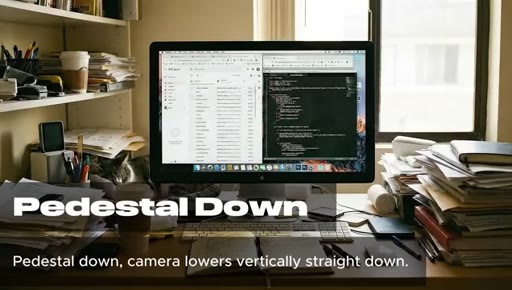
09 · Vertical Movements: Crane and Pedestal
Pedestal down, pedestal up, crane up high angle reveal, crane down landing

10 · Optical Lens Effects
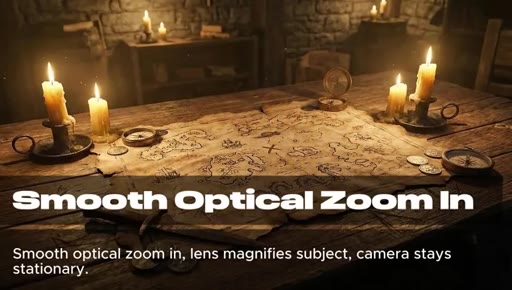
Smooth optical zoom in, smooth optical zoom out, snap zoom

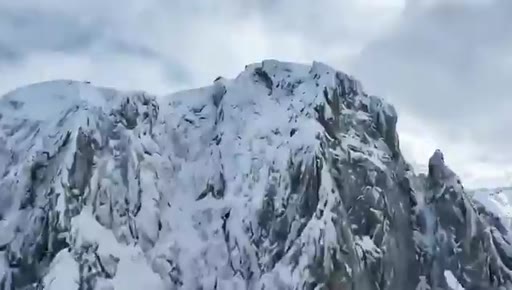
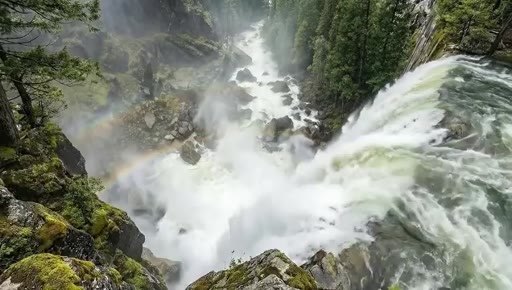
11 · Drone Aerial Views
Drone flyover, epic drone reveal, large scale drone orbit, top down god's eye view, FPV drone aggressive dive
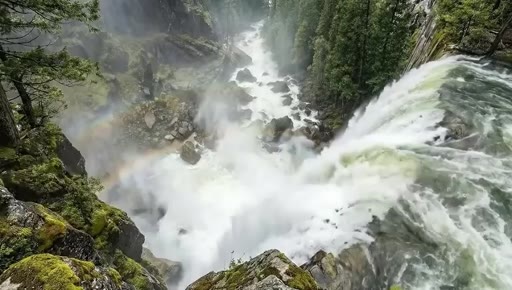
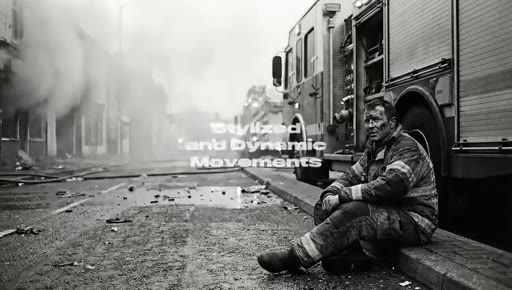
12 · Stylized and Dynamic Movements
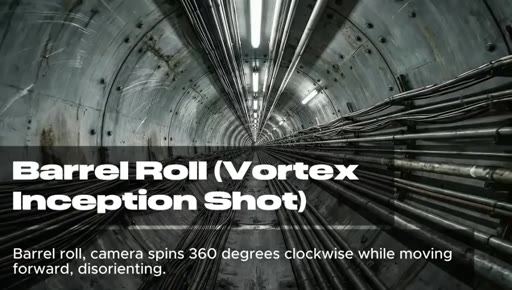
Handheld documentary, whip pan, Dutch angle, leading/following/side tracking, POV walk, hyperlapse, bullet time, barrel roll, worm's eye tracking

13 · Outro
Save the reference; comment which movement you use most
Visual structure at a glance.



Named ideas worth stealing.
9-Category Camera Movement System
- Dolly Moves
- Zoom Effects
- Character-Mounted and Environmental Framing
- Focus and Lens Manipulation
- Tripod Moves
- Slider Moves
- Orbital Movements
- Vertical Movements (Crane/Pedestal)
- Optical Lens Effects
- Drone Aerial Views
- Stylized and Dynamic Movements
A 9-category taxonomy organizing 42 named camera movements from filmmaking vocabulary into a prompt-ready reference for AI video generation.
Lines you could clip.
"To get control over your generations, you need the right vocabulary."
"You type camera moves forward, but do you get a dolly, a zoom, or a hyperlapse?"
How they asked for the click.
"If you found this list useful, save it for reference and let me know in the comments which movement you use the most."
Clean low-pressure ask — save and comment. No subscribe push, no product pitch.
Word for word.
The vocabulary that makes AI video prompts actually work.
Named cinematography terms are the exact instructions AI video models were trained on — using them instead of plain descriptions is the single biggest unlock for consistent output.
- Vague descriptions like camera moves forward give AI video generators three equally valid interpretations — dolly, zoom, or hyperlapse — and the model picks arbitrarily unless you name the move.
- The 9 movement categories in this video are mutually exclusive in how AI models interpret them; knowing which category you need narrows your prompt before you write a single word.
- Speed adjectives are load-bearing for orbital and dolly moves — slow cinematic arc and fast 360 orbit trigger completely different emotional registers even though the move type is identical.
- Drone vocabulary has the widest spread of any single category: flyover, epic reveal, god's eye view, and FPV dive each produce visually distinct outputs despite all being aerial shots.
- Combining two synonymous terms in a single prompt — barrel roll, vortex inception shot — reinforces intent for moves that AI models interpret inconsistently across generations.
- The vertigo effect (dolly zoom) is one of the most commonly mis-prompted moves; its proper name resolves the ambiguity that causes most failed attempts.
- Time and speed manipulation terms are not interchangeable: hyperlapse, bullet time, and hyperzoom each trigger a specific motion algorithm and confusing them produces unrecognizable results.