The bait, then the rug-pull.
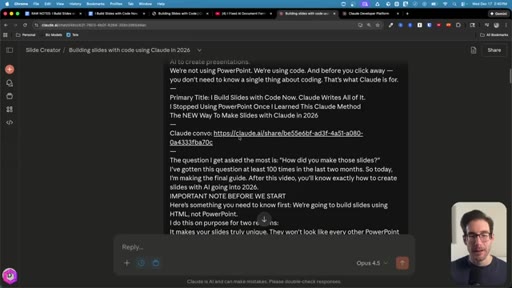
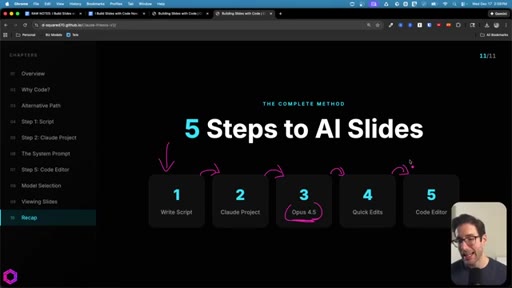
Dylan Davis opens with social proof disguised as a question — 100 people asked, so here's the answer. By framing the entire video as a reply to audience demand rather than a self-initiated tutorial, he establishes credibility before a single tool is named. The title does the rest: it's an abandonment story, and abandonment stories convert.
What the video promised.
stated at 00:07 "Here's my complete breakdown going into 2026. This is exactly how I'd use AI to create presentations." delivered at 19:47
Where the time goes.
01 · Cold open
Social-proof hook: 100 people asked about the slides. Promises complete breakdown going into 2026.
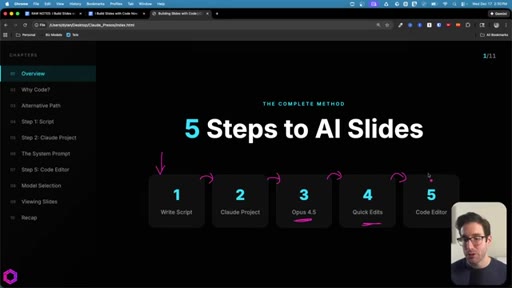
02 · The 5-step process overview
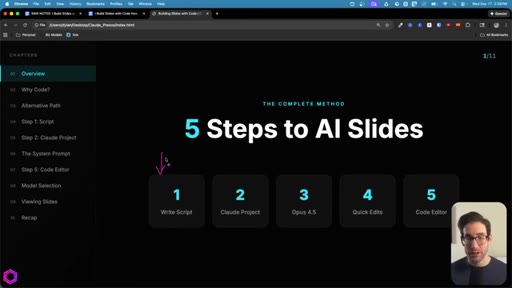
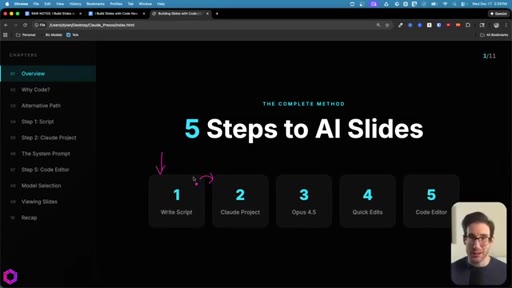
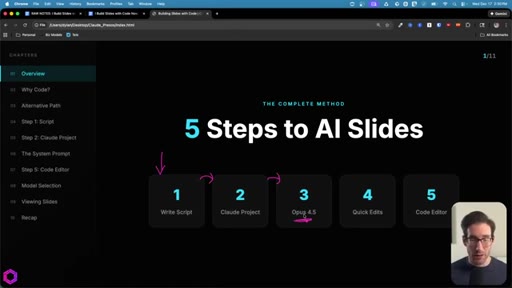
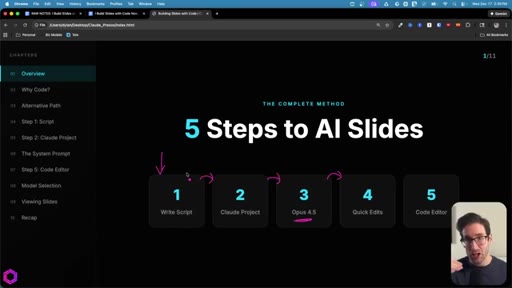
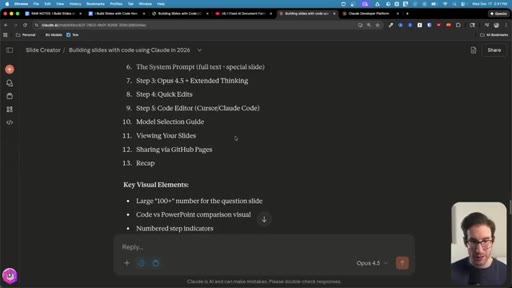
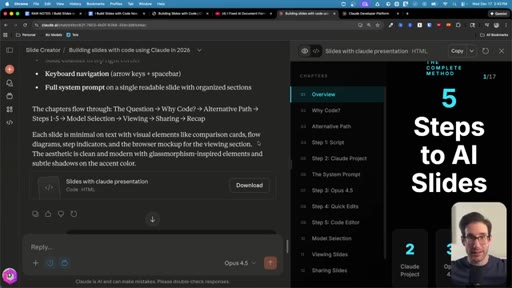
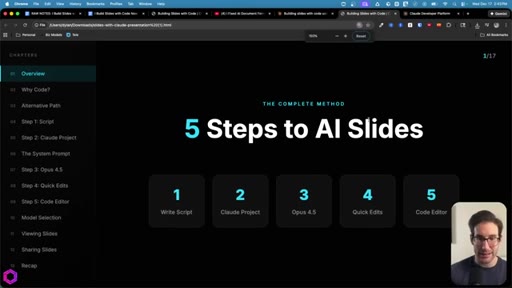
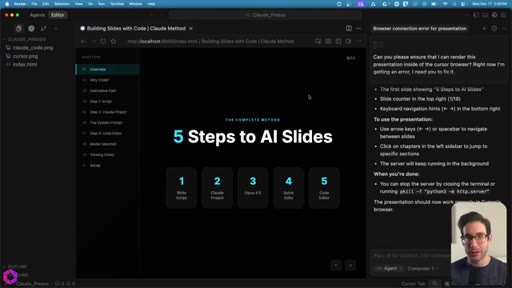
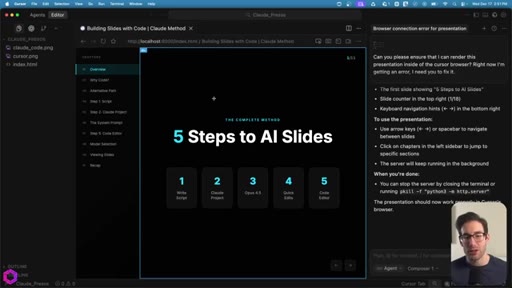
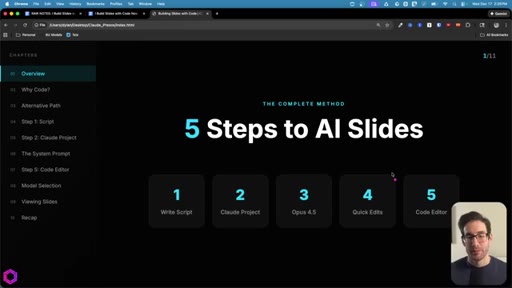
Lays out the full system: script → Claude project → Opus 4.5 → 1-2 chat edits → download HTML → local editor. Shows the numbered slide deck he built using the method.
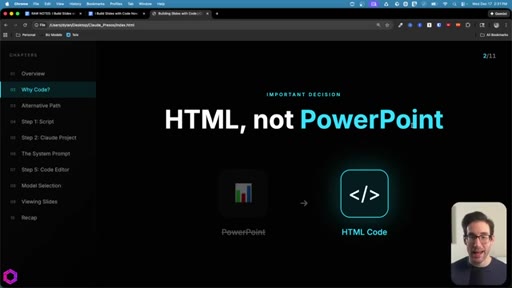
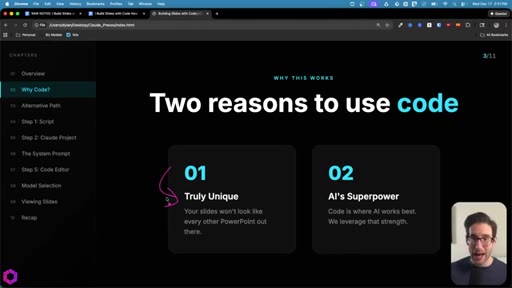
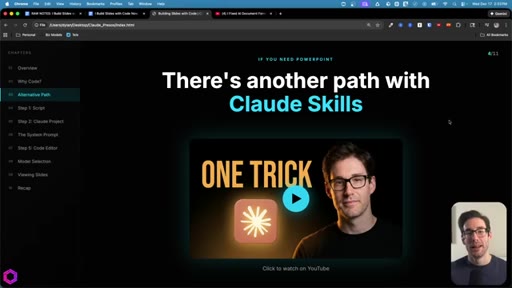
03 · Why code instead of PowerPoint
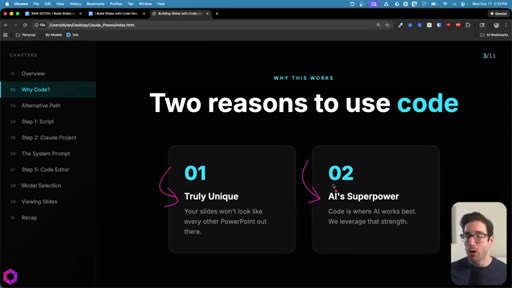
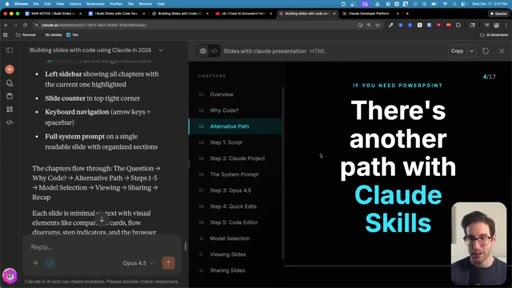
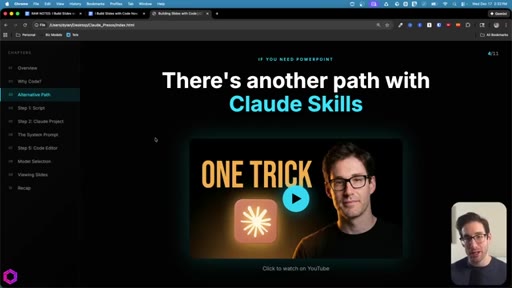
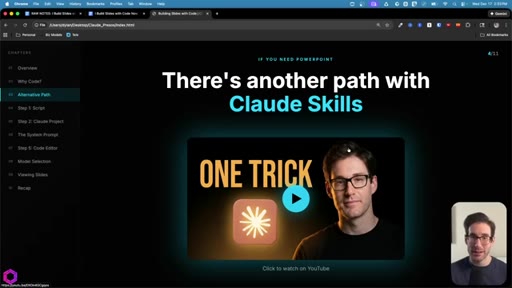
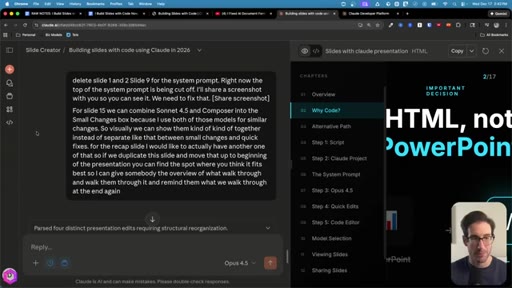
Two arguments: (1) truly unique — animated diagrams, things PPT can't do; (2) code is AI's superpower right now. Acknowledges PPT loyalists, redirects them to a different video on Claude Skills.
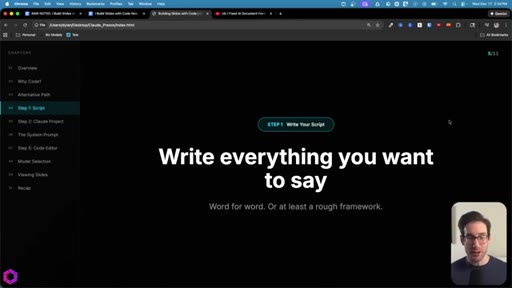
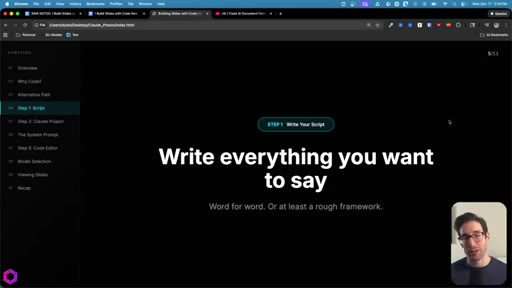
04 · Step 1 — Write your script
Word-for-word or structured outline. Acts as the foundation for the AI to generate visuals from.
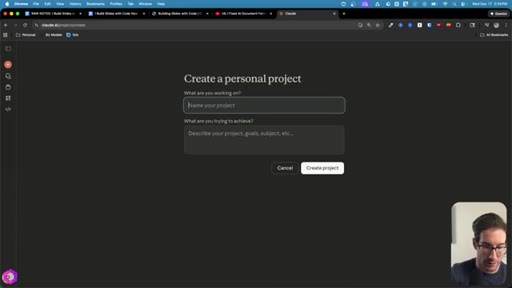
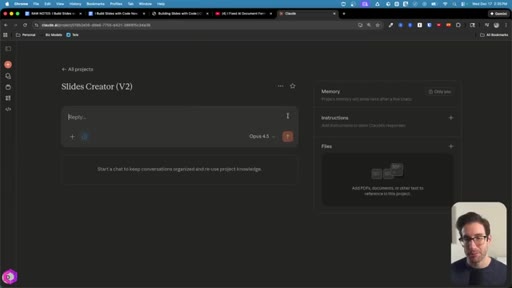
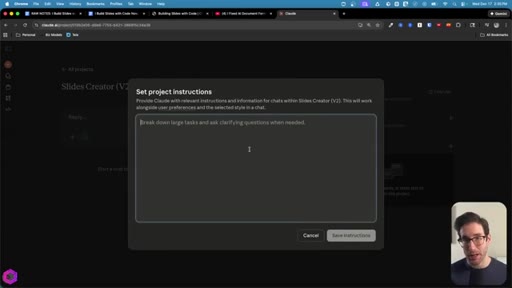
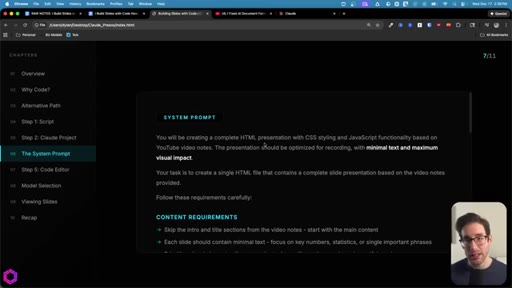
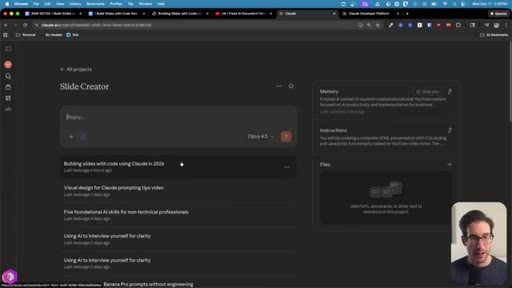
05 · Step 2 — Claude Project + system prompt
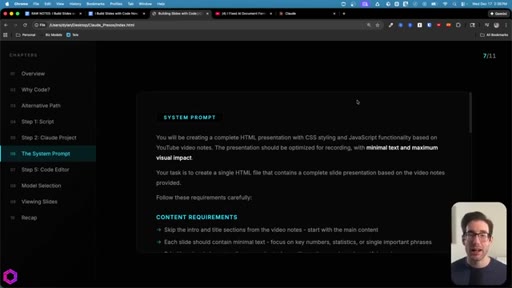
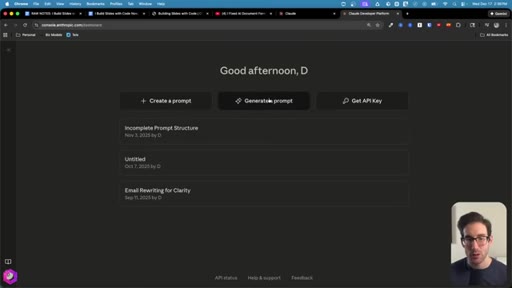
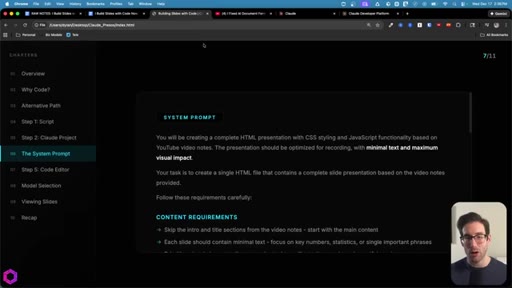
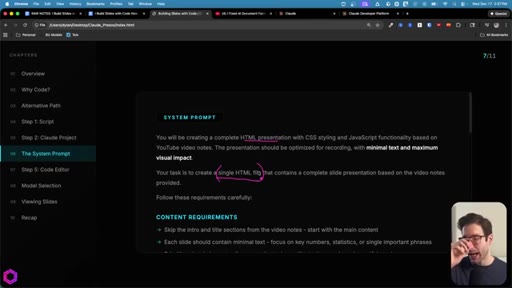
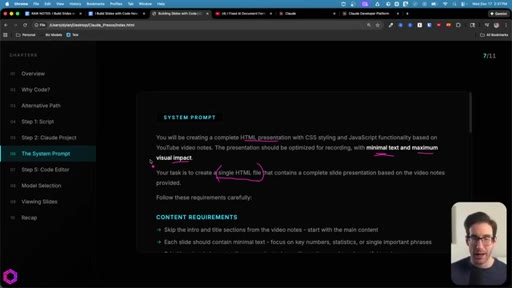
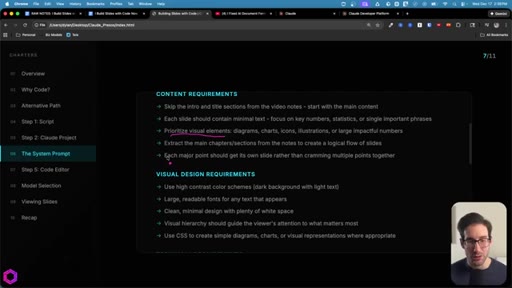
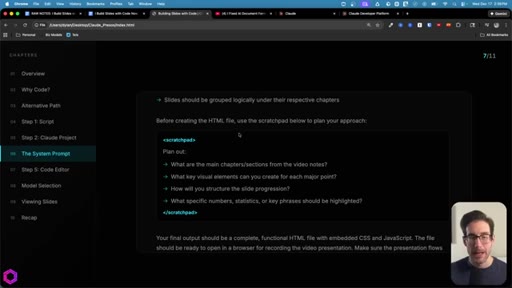
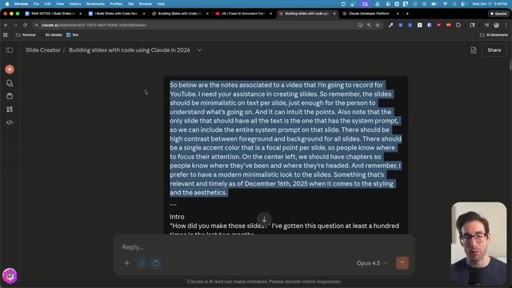
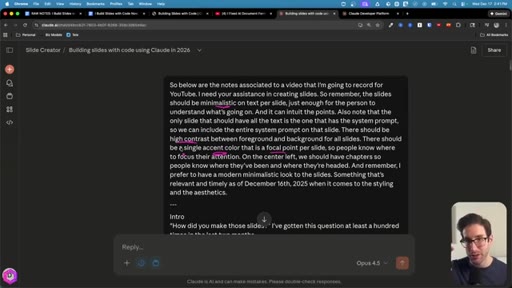
Creates a Claude Project live. Shows the system prompt — written using console.anthropic.com's prompt improver with thinking-model checkbox. Key rules: single HTML file, minimal text per slide, high-contrast dark/light, animated charts over text.
06 · Step 3 — Generate + iterate in chat
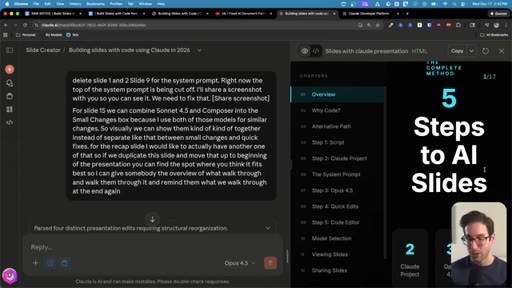
Pastes structured notes above a line break; dictation above it. AI thinks 2-5 min, returns complete HTML. Demonstrates one iteration using Apple Notes dictation for a batched edit list (5-6 changes at once). Cap: 1-2 turns before model degrades.
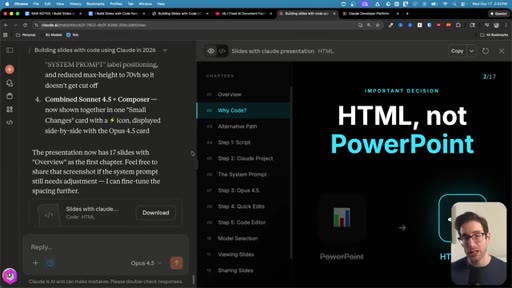
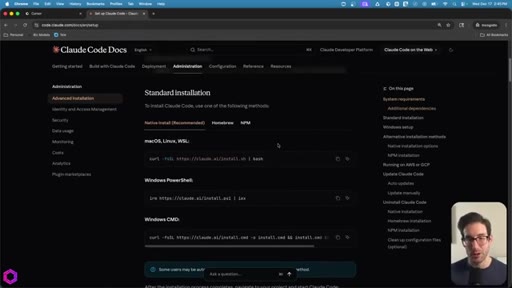
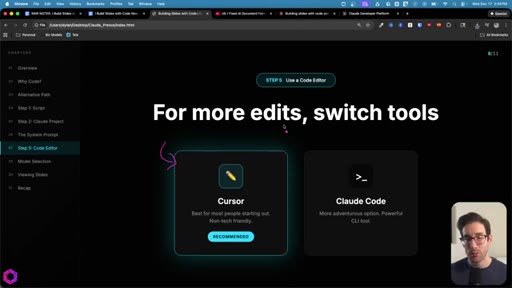
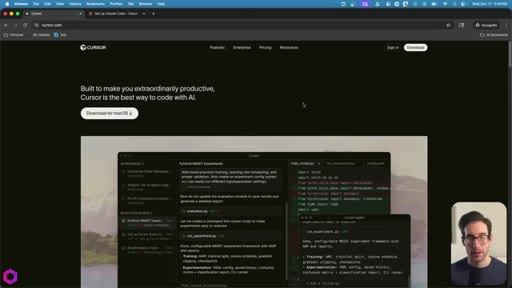
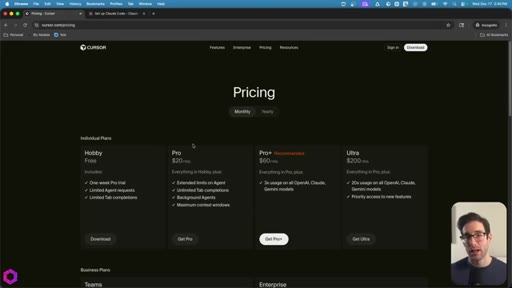
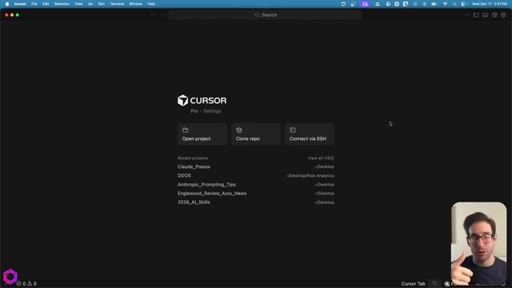
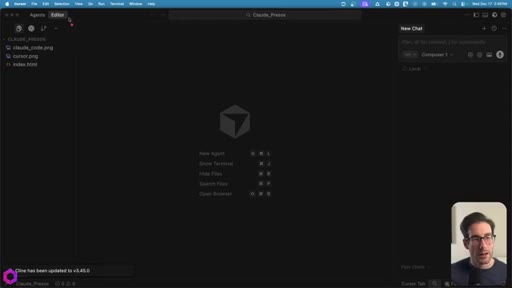
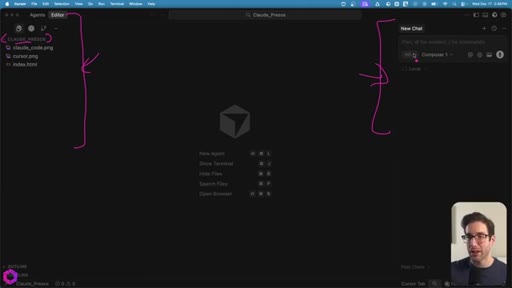
07 · Step 4 — Local editing in Cursor or Claude Code
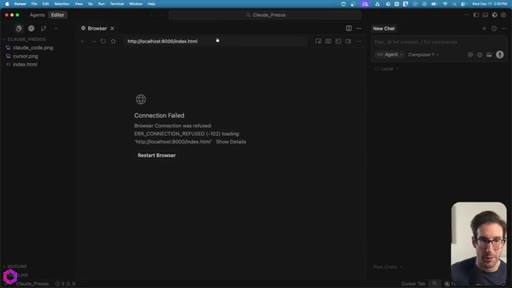
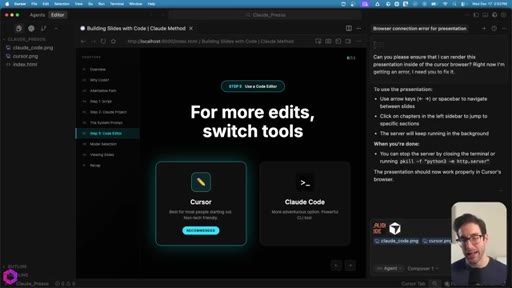
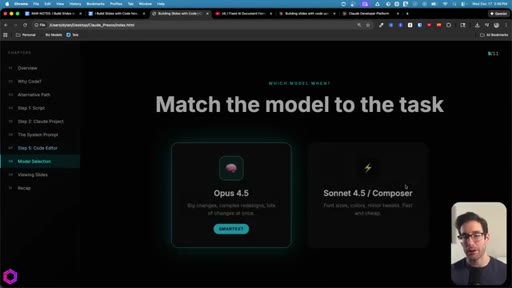
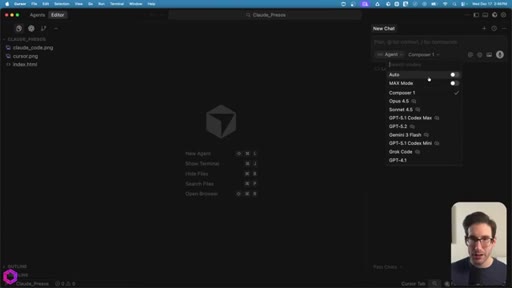
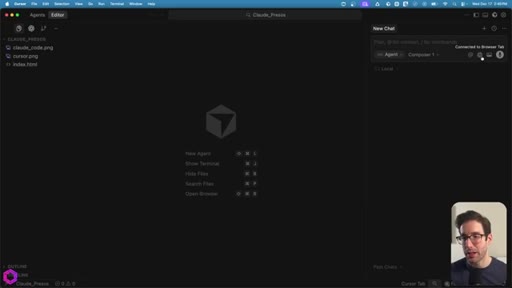
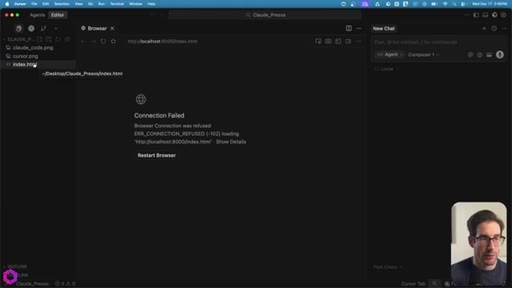
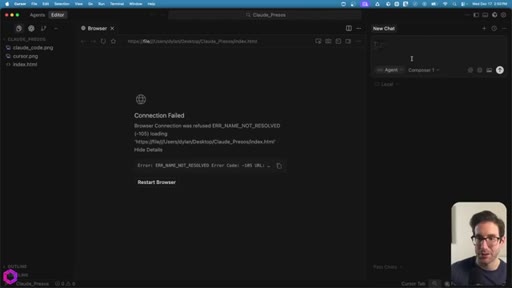
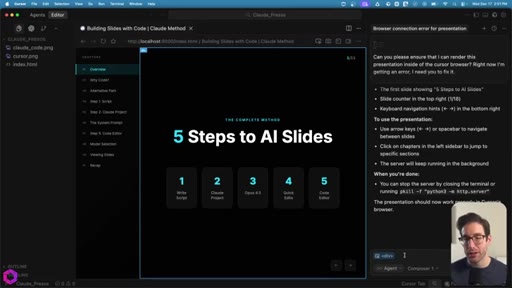
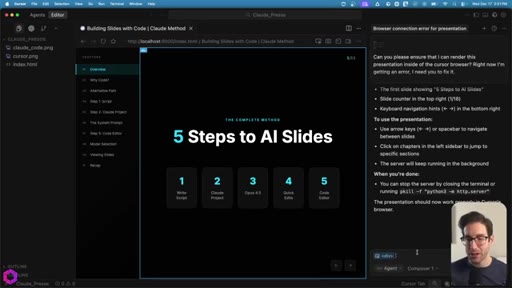
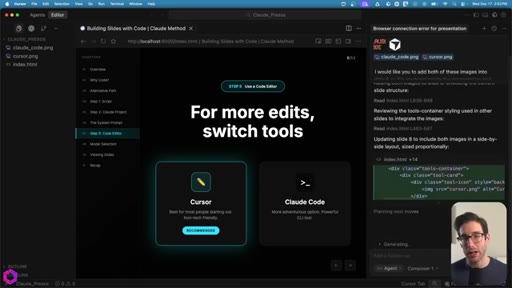
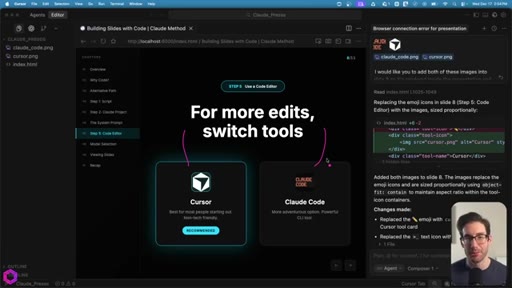
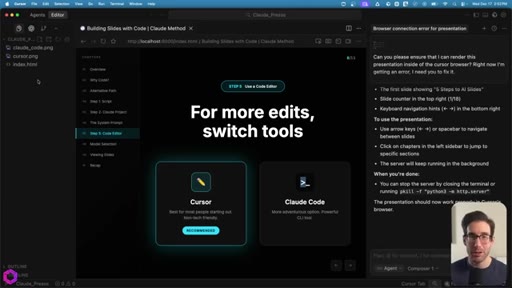
Downloads HTML file. Opens in Cursor. Shows 'Select Element' feature for targeted AI context injection. Demonstrates adding Cursor + Claude Code logos to a slide via @-file references and dictation. Covers model matching: Sonnet/Composer for minor tweaks, Opus 4.5 for big restructures.
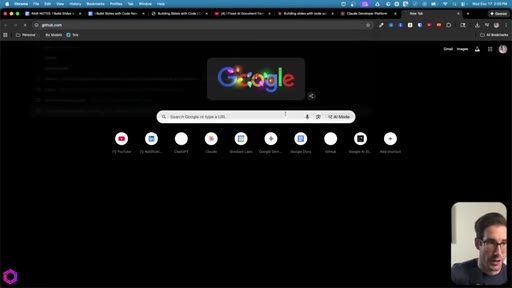
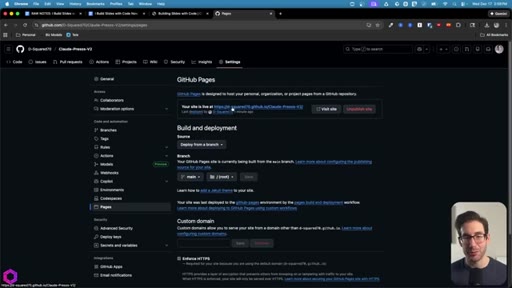
08 · Step 5 — Deploy via GitHub Pages
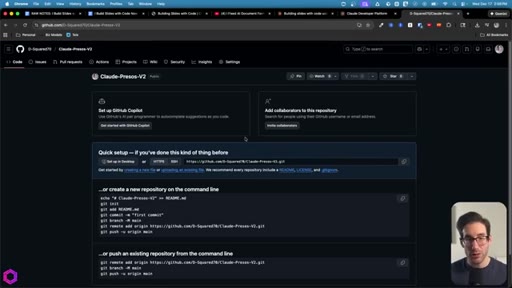
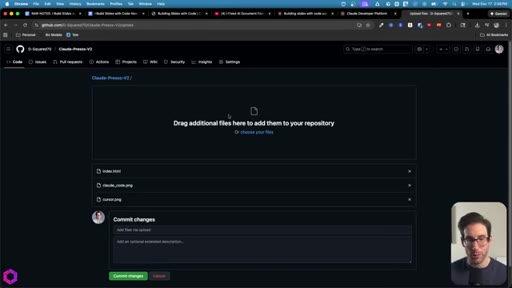
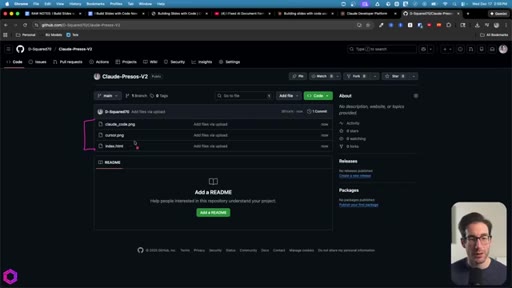
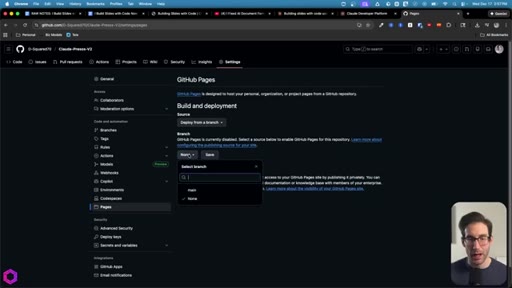
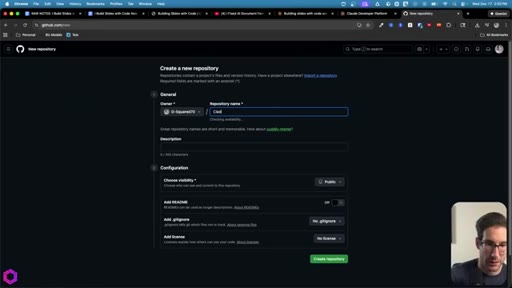
Create a public repo, upload the index.html + assets at root level, enable Pages under Settings → Pages → main branch. Live shareable URL in 2-5 minutes. Free.
09 · Recap
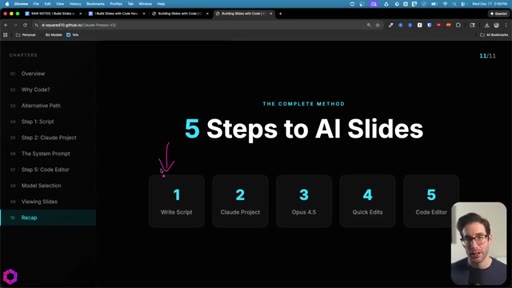
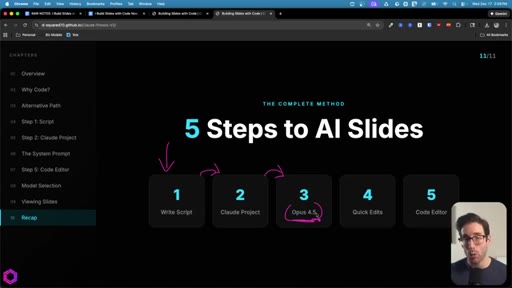
Fast recap of all 5 steps. Reiterates Opus 4.5 extended thinking as the key model. Plugs 30-day email series and coaching.
10 · Outro + next video CTA
Teases follow-up video on Claude Skills for pixel-perfect PowerPoint/Google Slides formatting. Direct next-video CTA.
Visual structure at a glance.
Named ideas worth stealing.
5 Steps to AI Slides
- Write Script
- Claude Project
- Opus 4.5 (extended thinking)
- Quick Edits in Chat (1-2 max)
- Code Editor (Cursor / Claude Code)
End-to-end repeatable pipeline for generating HTML presentations with Claude on a recurring basis.
Context Window Degradation Rule
The fuller the AI's context window, the dumber it gets. Cap chat iterations at 1-2, then export and work locally.
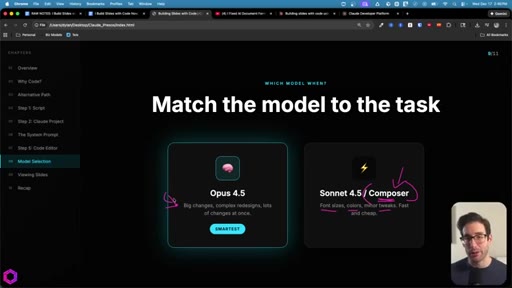
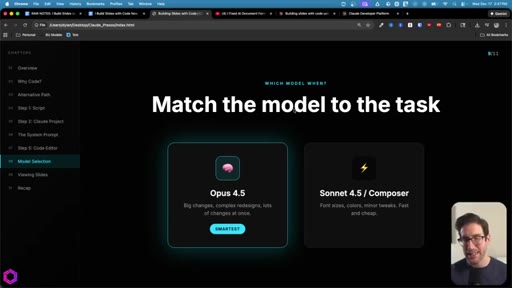
Match the Model to the Task
- Sonnet 4.5 / Composer — minor tweaks (font, colors, rounding) — fast and cheap
- Opus 4.5 — big restructures, diagram overhauls, 5+ simultaneous changes
Two-tier model selection: cheap/fast for polish, premium for heavy lifting.
Batch Edit via Dictation
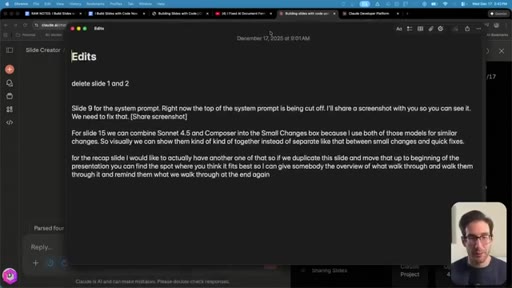
Open Apple Notes, dictate 5-6 changes while reviewing the presentation slide by slide, then paste the full list as one message. Avoids multiple round-trips.
Lines you could clip.
"Of all the things that AI can do, code is by far its superpower. I wanna lean into that superpower as much as possible for any use case that I have."
"The more information you put into this conversation, the fuller the AI's head gets, and the fuller it gets, the dumber it gets."
"You don't need to know a single thing about coding. That's what Claude's for."
"How did you make those slides? I've gotten this question at least 100 times in the last two months."
How they spent the runtime.
- 02:46 – 03:58 · Self (30-day email series + coaching)
Things they pointed at.
How they asked for the click.
"Below is a thirty day AI insight series completely free. You'll get 30 insights in your inbox so you can apply AI to your business and your work."
Double CTA: free email series + paid coaching/community. Delivered twice — once mid-video, once in recap. Low pressure, clearly free first.
Word for word.
Steal the proof-of-demand hook.
Dylan never says 'I'm going to teach you' — he says '100 people asked, so here's my answer.' That single reframe turns a tutorial into social proof.
- Open any tutorial with a real question you've been asked repeatedly — even 5 times is enough to say 'I keep getting asked this.'
- The 'context window degradation = dumber model' framing is sticky and technically accurate — use it in JoeFlow onboarding to explain why dictation sessions should stay focused.
- The Batch Edit via Dictation pattern (Apple Notes → paste once) is a literal JoeFlow demo moment. That's the product.
- Dylan's 'Match the model to the task' two-tier framing maps directly to JoeFlow's engine selection — steal the visual (two cards, fast/cheap vs smart/expensive).
- The single HTML file rule + GitHub Pages deploy is a repeatable formula for any tutorial format Joe makes — ship it as a template.
- The prompt improver at console.anthropic.com is a specific actionable recommendation most creators haven't touched — worth a standalone short.
How to actually make AI slides that don't look like AI slides.
You don't need to know how to code — you need to know how to describe what you want, and Claude handles the rest.
- Write your talking points first (doesn't have to be polished — bullets work). The AI builds from your structure, not from scratch.
- Use Claude's free prompt improver at console.anthropic.com to turn your rough system prompt into something properly engineered.
- Do your first 1-2 edits inside Claude chat, then download the HTML file and switch to Cursor for anything beyond that — this keeps the AI sharp.
- Cursor's 'Select Element' feature lets you click on the exact part of the slide you want changed without having to describe it in words.
- GitHub Pages is free, takes 5 minutes, and gives you a shareable URL anyone can open — no hosting costs, no setup.