The bait, then the rug-pull.
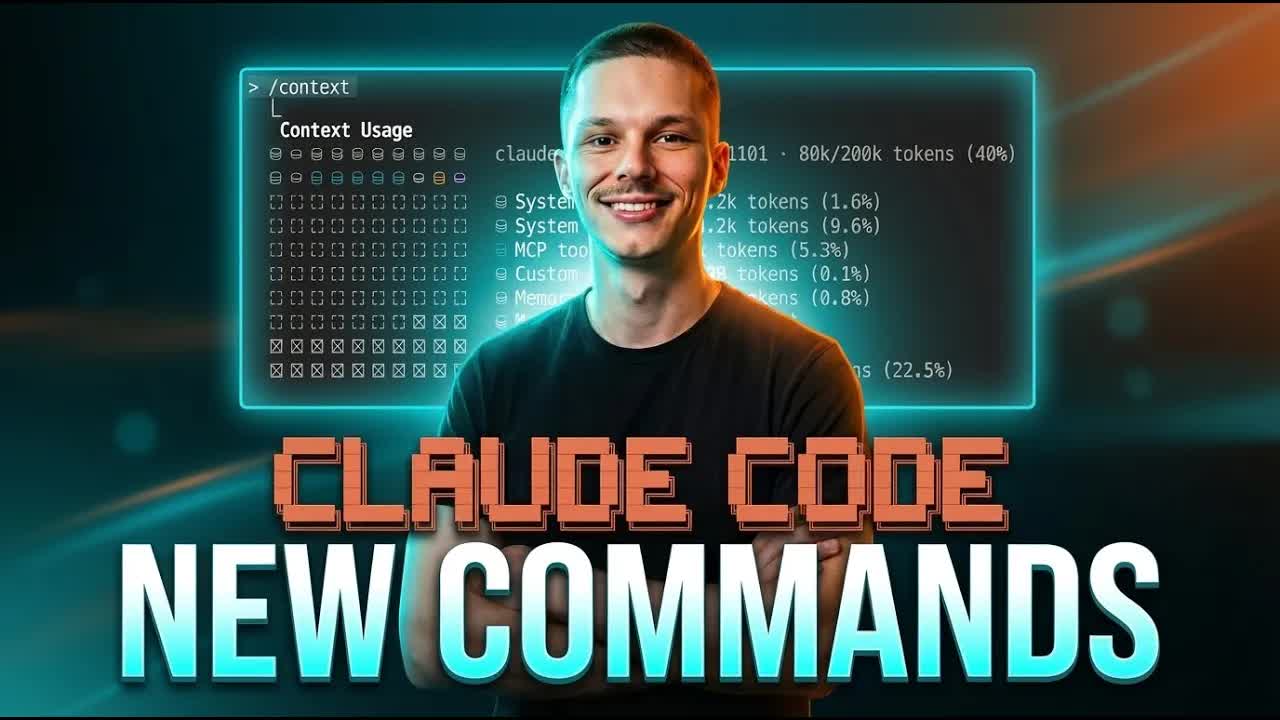
Anthropic dropped ten-plus updates in one cycle. Alex McFarland ignored nine of them. What he kept -- /context, /stats, /plugins -- is a three-command toolkit for writers who use Claude Code as a writing system, not a compiler. This is the non-developer briefing the rest of YouTube skipped.
What the video promised.
stated at 00:07 "I really wanna focus on three that I think make the biggest impact on writers and content creators." delivered at 09:10
Where the time goes.
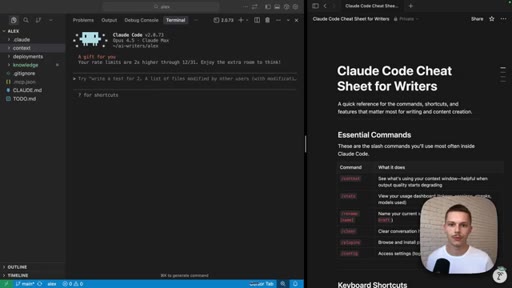
01 · Intro -- writer-first framing
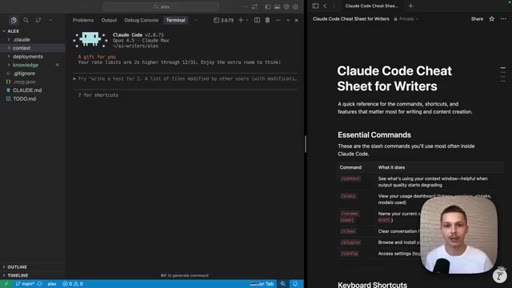
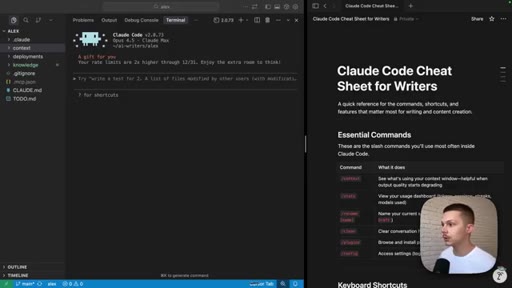
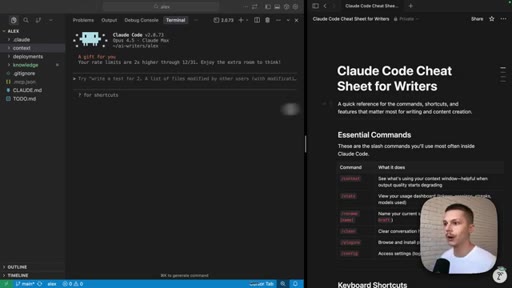
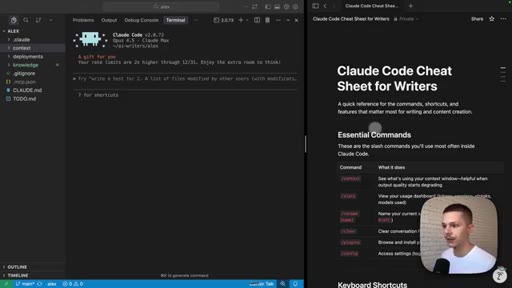
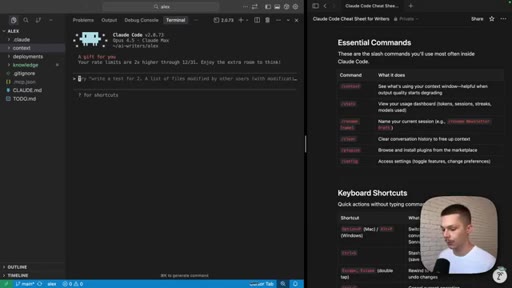
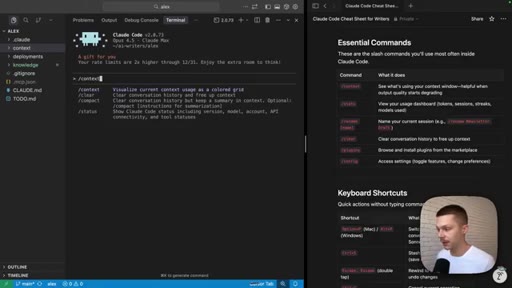
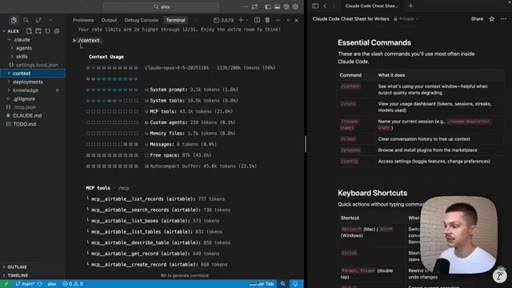
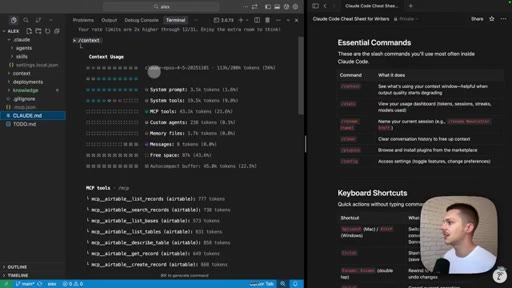
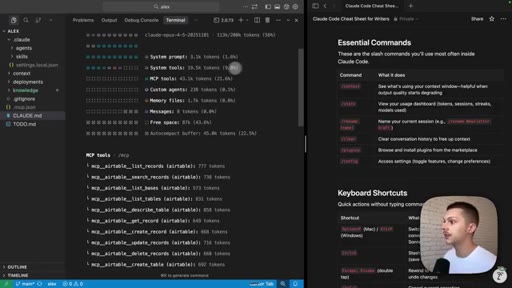
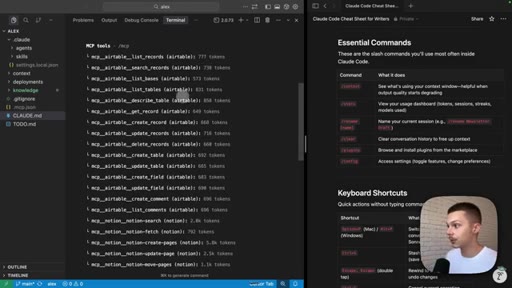
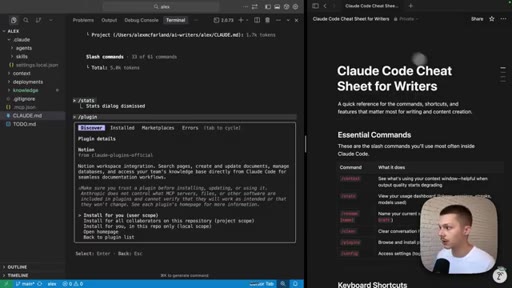
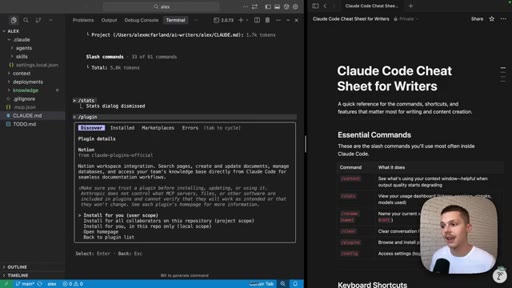
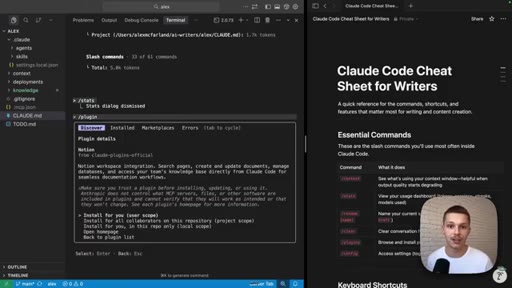
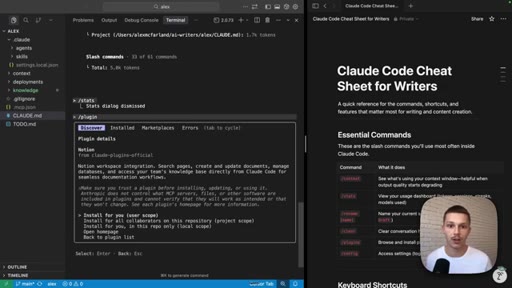
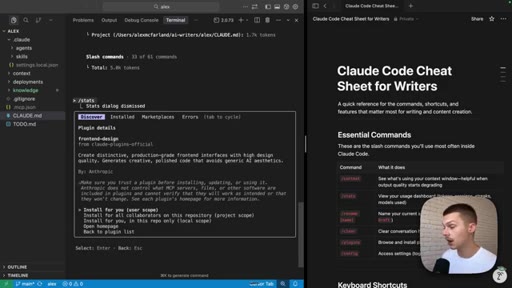
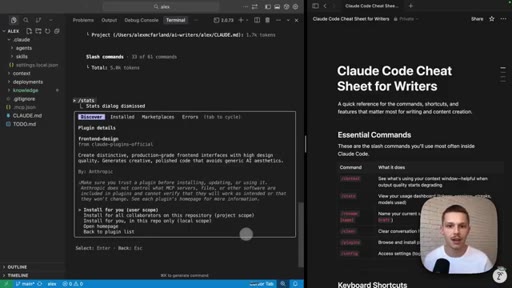
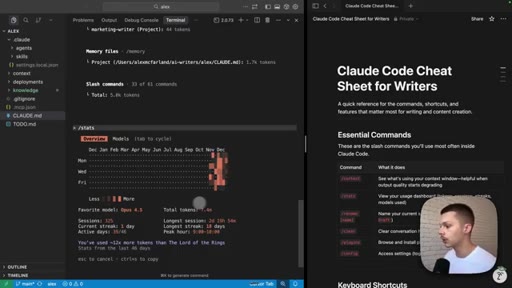
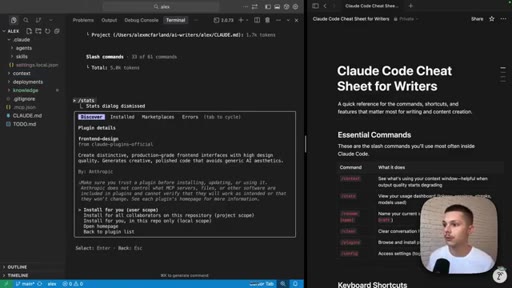
Alex positions against developer-focused Claude Code content. States the three commands up front. Shows Cursor setup with Claude Code Cheat Sheet visible on the right.
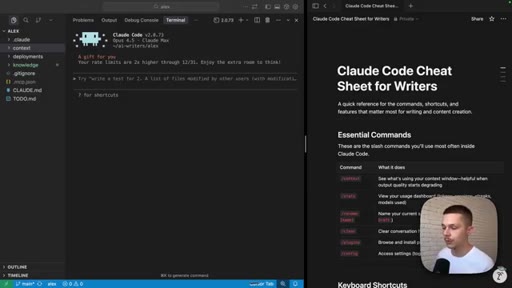
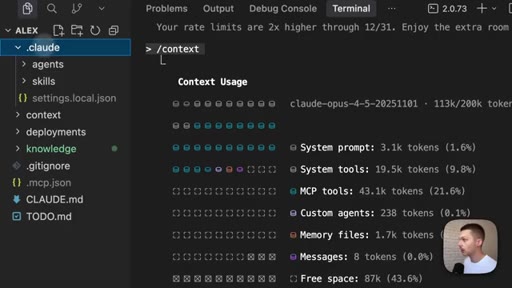
02 · /context -- what is eating your window
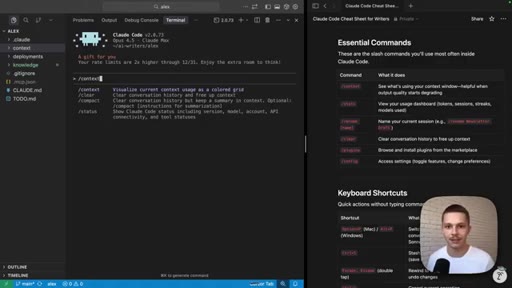
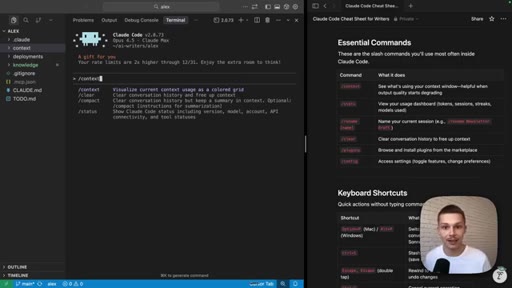
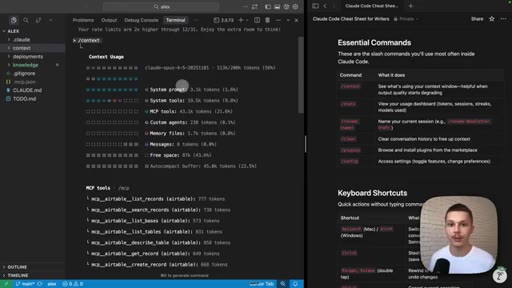
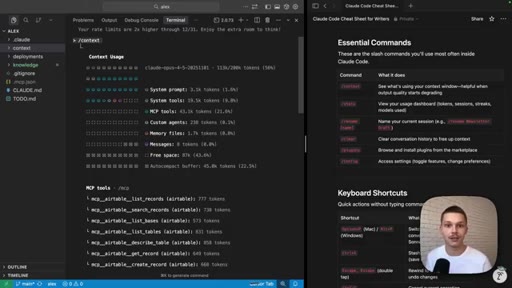
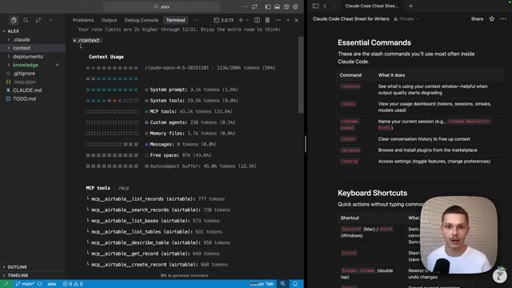
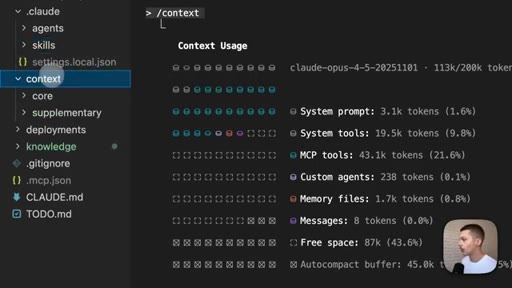
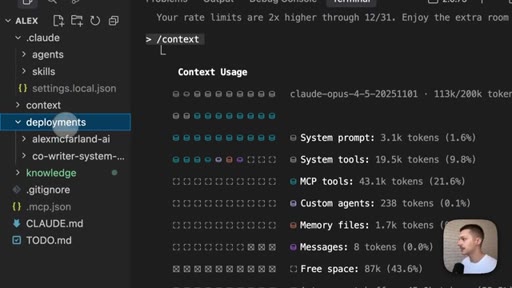
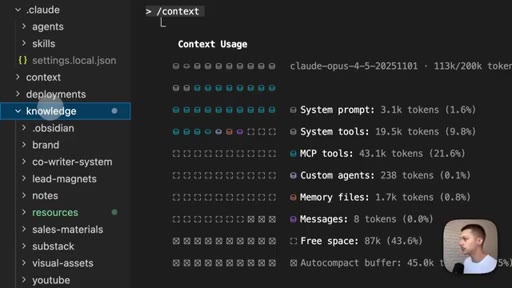
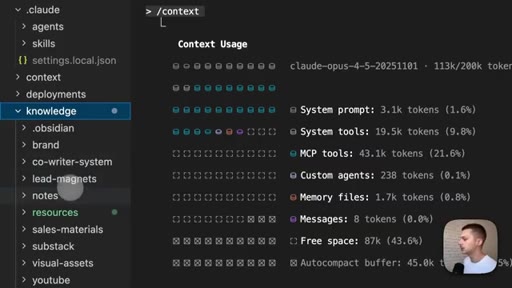
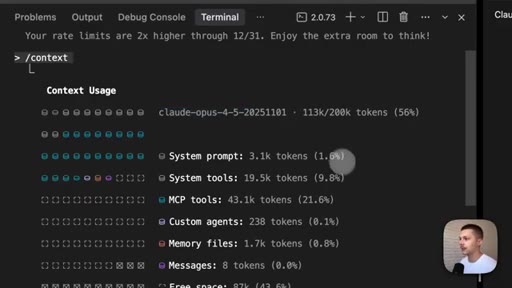
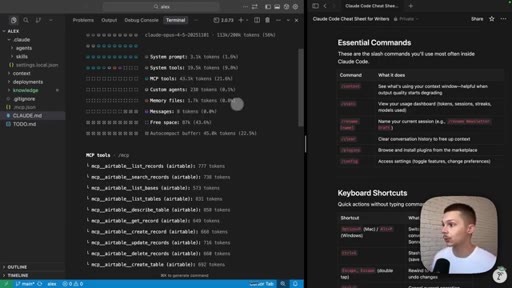
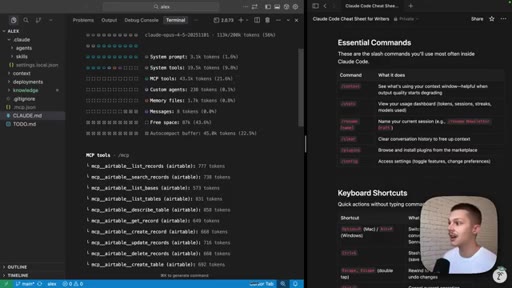
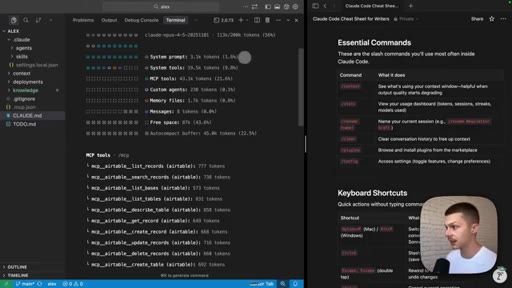
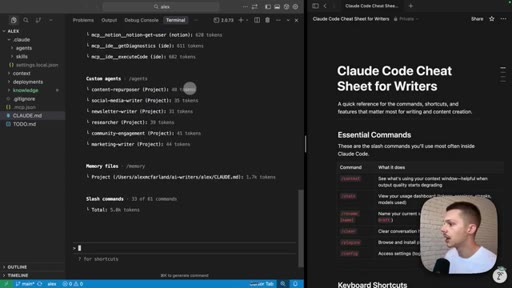
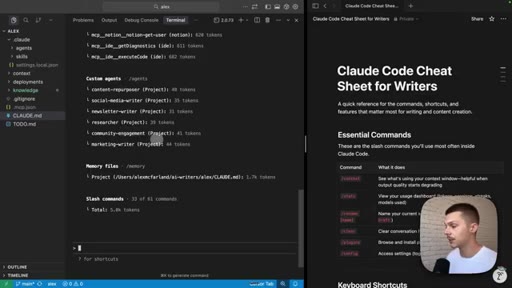
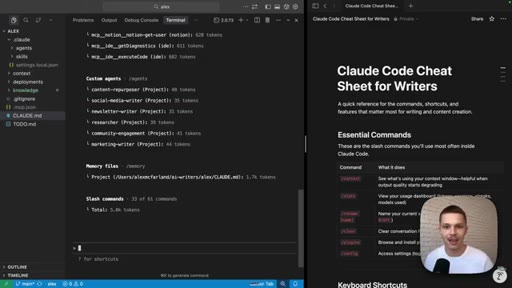
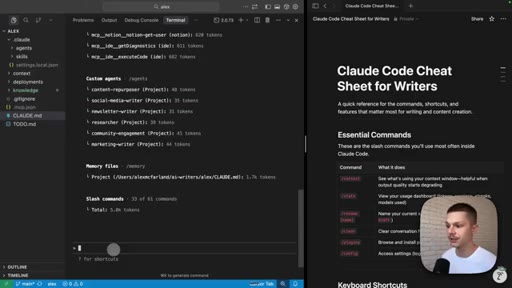
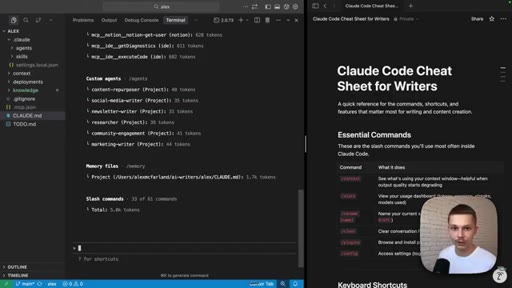
Live demo of /context token-level breakdown. Key surprise: two MCPs (Airtable + Notion) consume 21.6% of context. Custom agents take only 0.1%. Full file tree of writing system revealed.
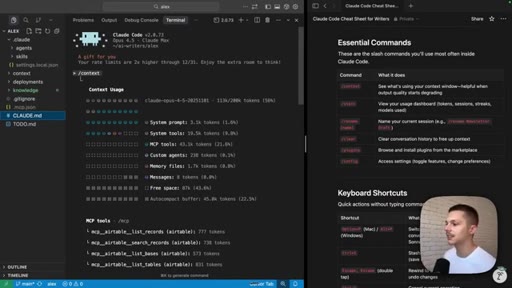
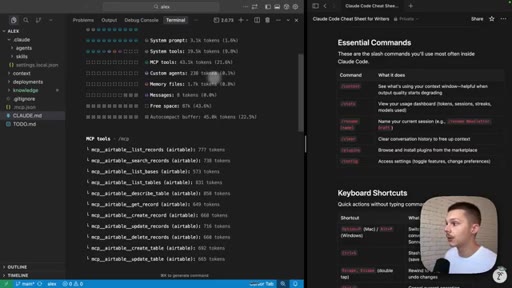
03 · /context -- MCP deep-dive and agent roster
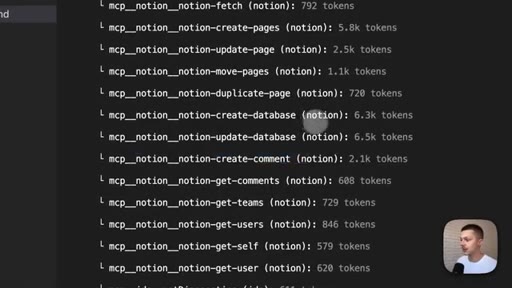
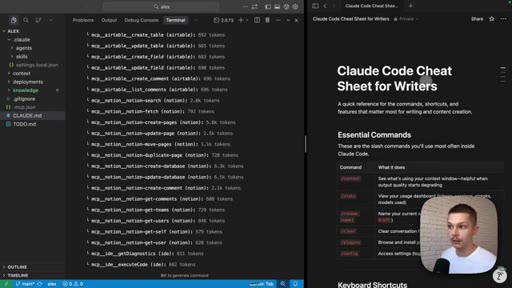
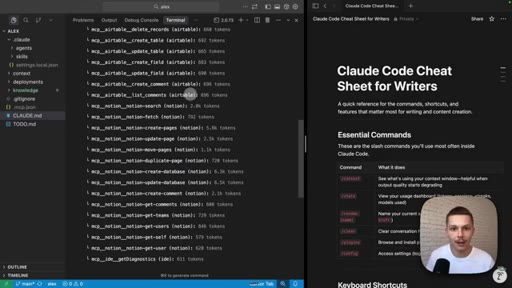
Actual MCP token costs shown (Notion tool-by-tool on screen). Six agents: content repurposing, social media writer, newsletter writer, researcher, community engagement, marketing writer. Plans to scale to 15-20 agents.
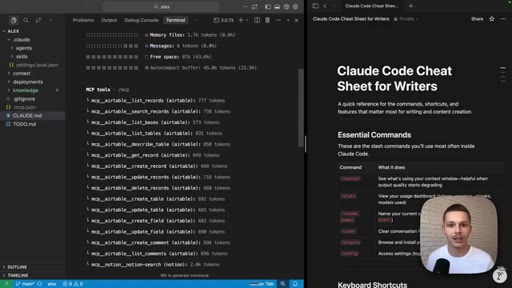
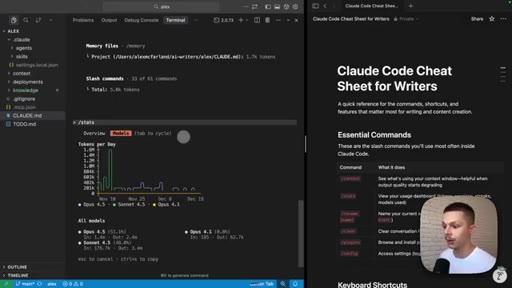
04 · /stats -- usage dashboard
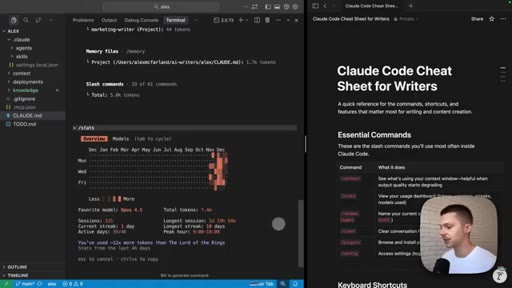
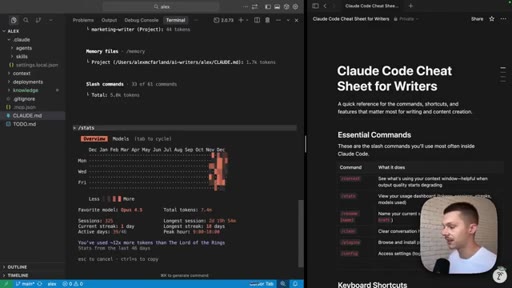
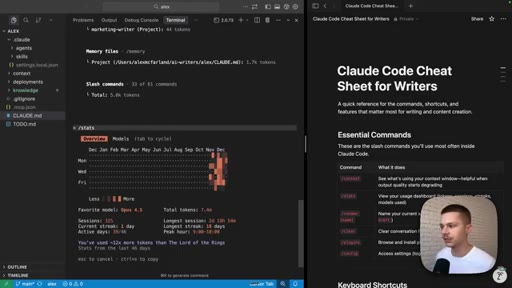
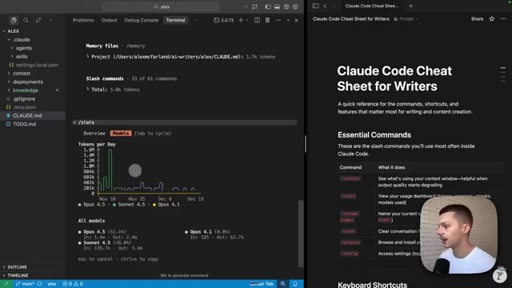
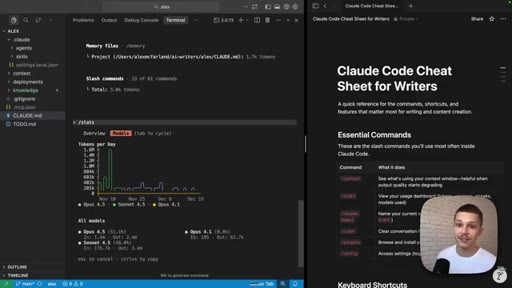
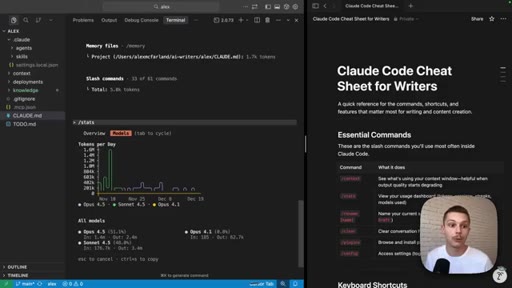
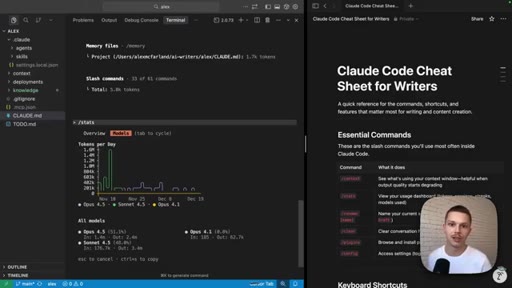
325 sessions, Opus 4.5 dominant, current streak, active days, peak hours. Validates $200/month Max plan for all-day use without rate limits.
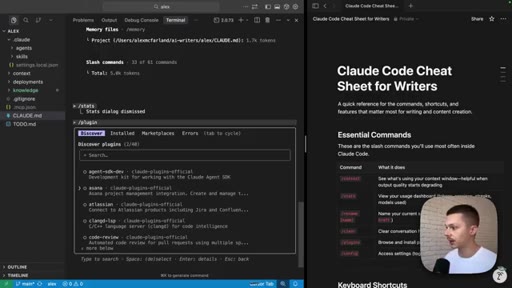
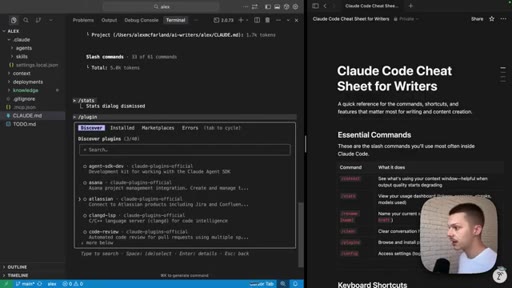
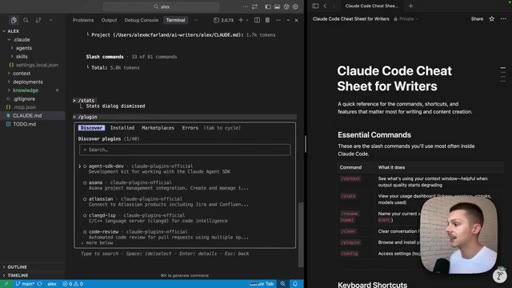
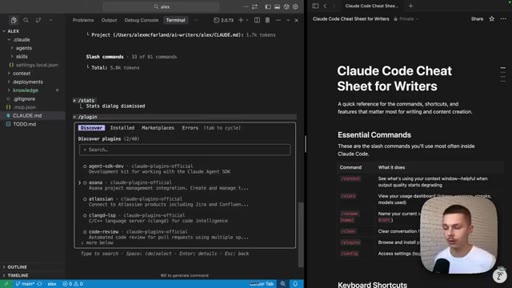
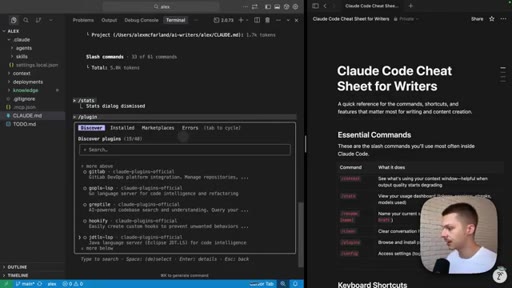
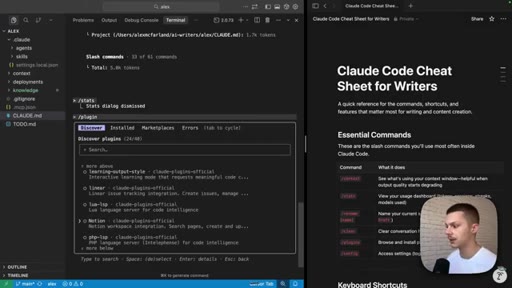
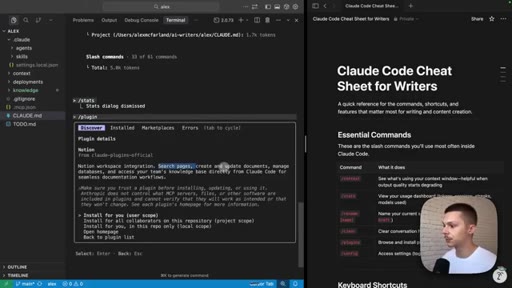
05 · /plugins -- Discover page and Notion integration
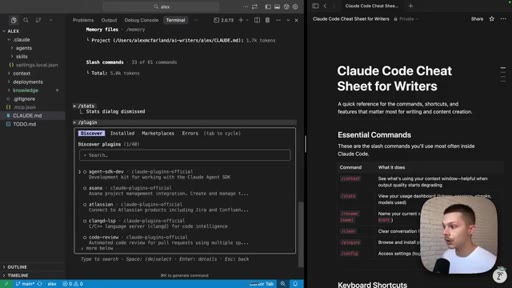
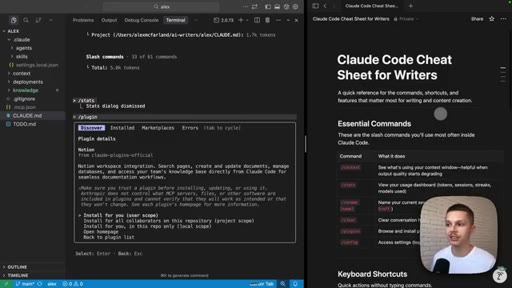
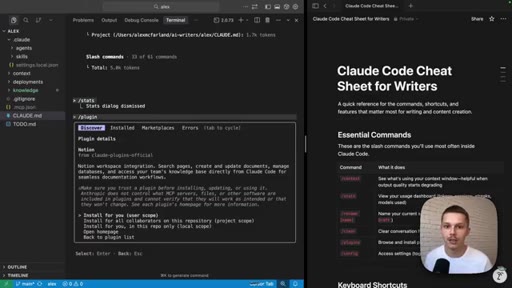
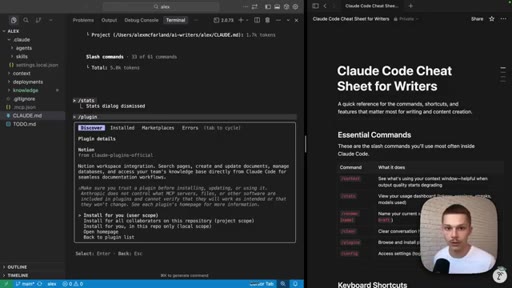
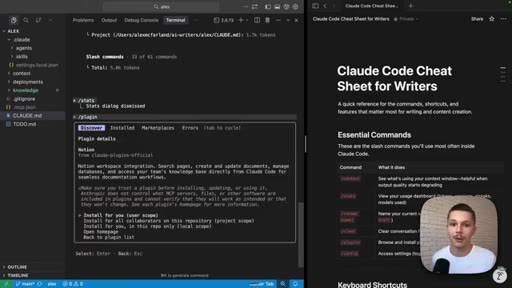
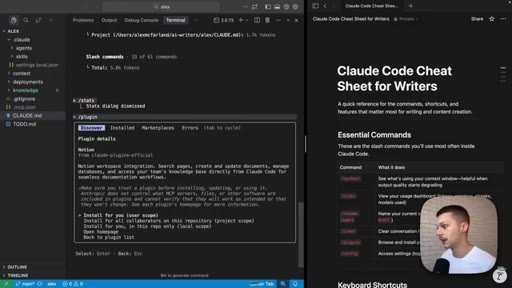
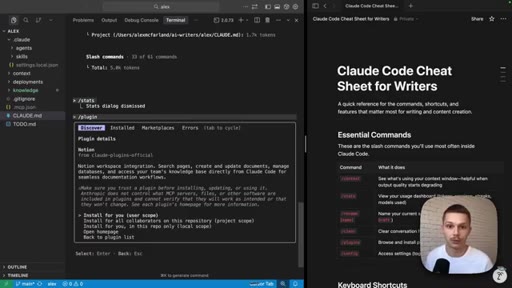
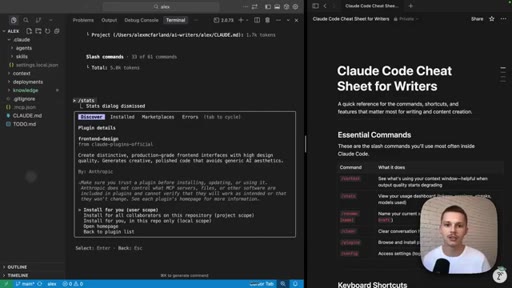
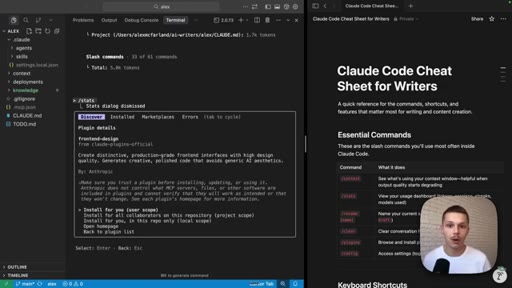
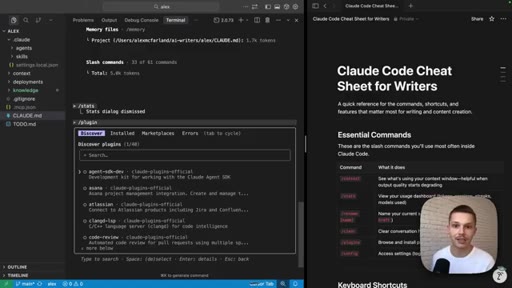
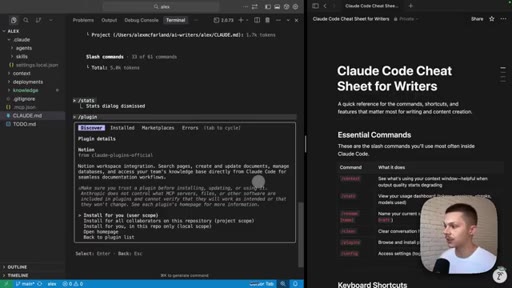
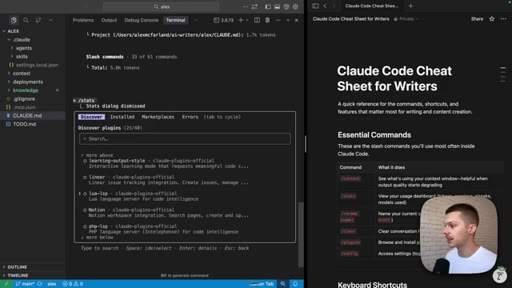
Official Anthropic plugins gallery (40 plugins). Highlights Notion workspace integration. The on-screen cheat sheet was built live using the Notion MCP. Project-level install scoping recommended.
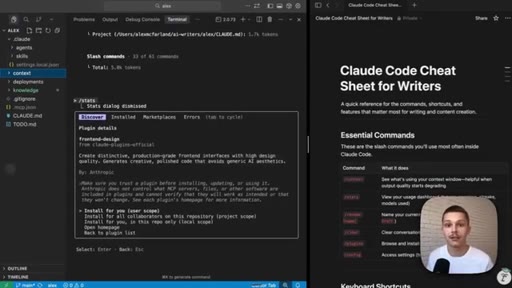
06 · frontend-design plugin and CTA
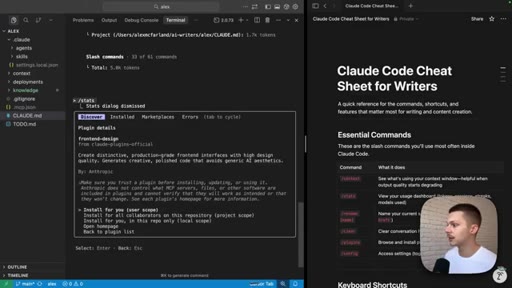
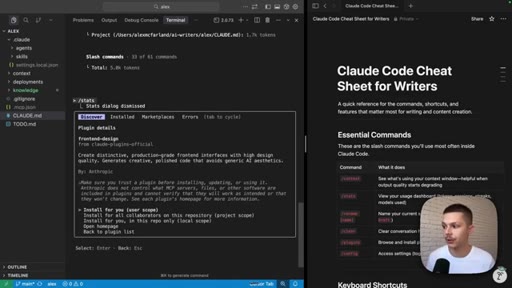
Brief demo of frontend-design plugin for production-grade HTML. Dual CTA: Substack paid tier for cheat sheet and starting folder, plus master classes.
Visual structure at a glance.
Named ideas worth stealing.
Context Window Audit
- System prompt
- System tools
- MCP tools
- Custom agents
- Memory files
- Messages
- Free space
Run /context to see token consumption by category. MCPs often surprise -- each installed server loads ALL its tool definitions into context even if unused in-session.
Project-scope vs Global plugin install
Install plugins at project scope to keep different client projects clean. Global installs bleed context into every future session.
Lines you could clip.
"Unlike all of the other creators out there, I really wanna focus on three that I think make the biggest impact on writers and content creators."
"The MCP tools take up so much. They take up 21.6%. I was also pretty surprised to see that the agents only take up 0.1%."
"I really have the $200 a month max plan, and I never even get close to running into limits, and I work all day long inside of Claude code."
"Non generic AI aesthetics, which everybody is getting tired of and which is pretty pretty terrible at this point."
How they spent the runtime.
Things they pointed at.
How they asked for the click.
"If you are not subscribed to my Substack or YouTube, make sure to do that. Paid subscribers get access to this Claude Code cheat sheet."
Soft and earned. The cheat sheet has been on screen for 10 minutes. By the time the CTA hits the viewer already knows what they want.
Word for word.
Build the lead magnet live on screen.
The most powerful thing in this video is not a slash command -- it is the Notion cheat sheet sitting on screen for ten straight minutes while Alex demoed other things.
- Open with this is not for devs, it is for your audience -- one sentence that makes the right people lean in and everyone else self-filter.
- Use your real system as the demo. Show your actual file tree, your actual agents, your actual token counts. No mock-ups.
- Build your lead magnet inside the session you are recording. The audience watches it get made, which is more persuasive than any sales copy.
- Keep a sticky prop pinned in the corner for the entire runtime. Silent CTA for every minute of watch time.
- The /context MCP-cost reveal is a repeatable format: run a diagnostic, surface the surprising number, explain why it matters. Works for any tool with hidden overhead.
What to actually do with these three commands.
Most Claude Code tutorials assume you are building software. These three commands tell you what is happening inside your writing system and let you fix it.
- Run /context when your Claude responses start feeling less sharp -- it shows which files or MCPs are eating the most tokens so you can trim.
- Run /stats to understand your actual usage: which model you are really on, how long sessions run, and whether the $200 Max plan makes sense.
- Use /plugins to browse and install official integrations -- especially Notion if your writing lives there -- without touching any config files or code.