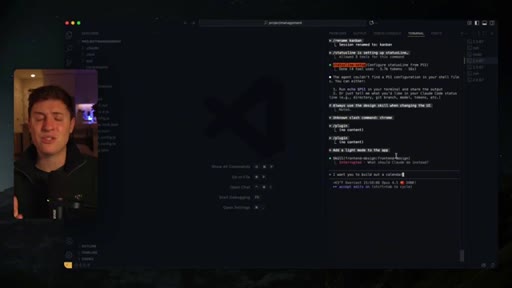
The bait, then the rug-pull.
Snowflakes fall across the presenter via AR overlay before the camera cuts clean to a warm studio Christmas scene and a claim that lands like a whisper from a private Slack: Anthropic has been shipping Claude Code features quietly, and if you were not on the right Twitter accounts, you missed all of them.
What the video promised.
stated at 00:22 "Whether you are a beginner or a pro, you will be using Claude Code completely differently after these 10 updates." delivered at 13:40
Where the time goes.

01 · Hook + Promise
FOMO open: 10 secret updates, explicit beginner-to-pro promise, description CTA established
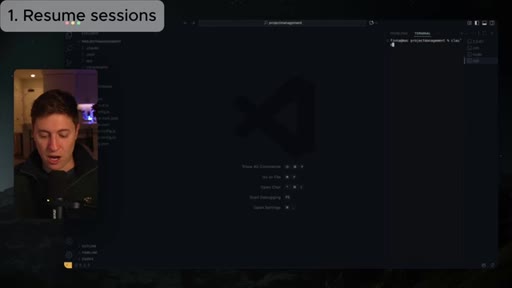
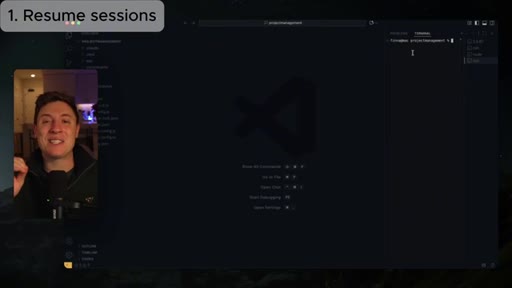
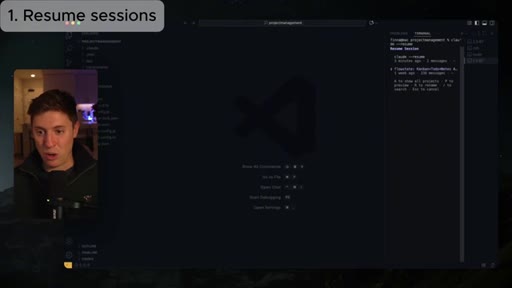
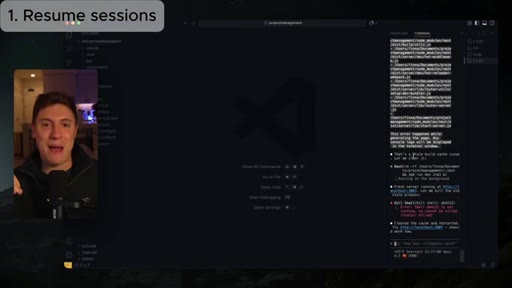
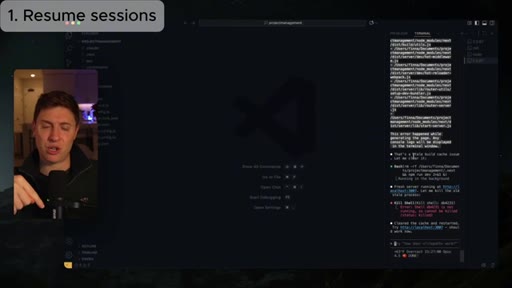
02 · 1. Resume Sessions
claude --resume opens a picker of all past sessions for the project; demo on a Kanban project management app
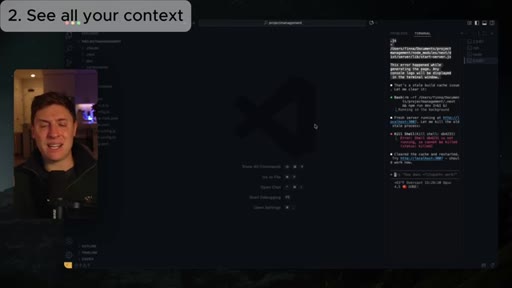
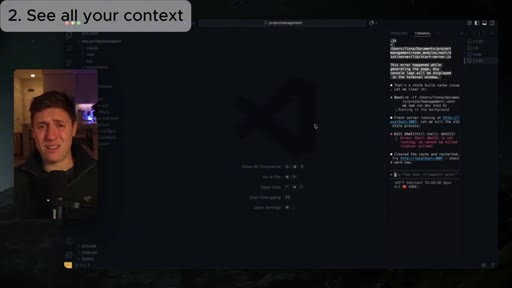
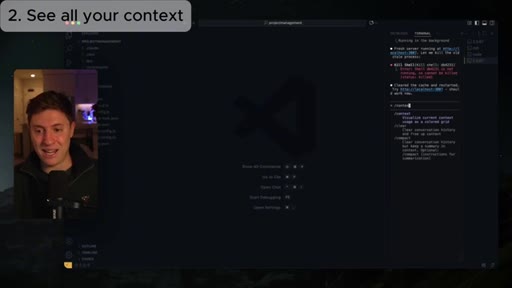
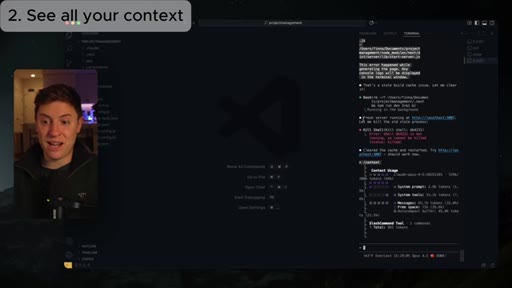
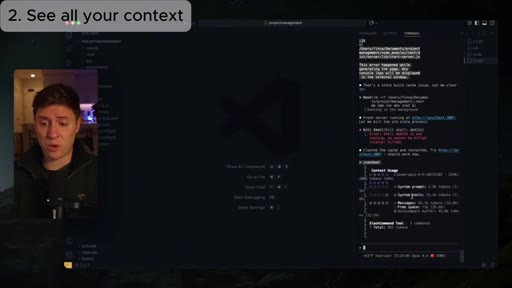
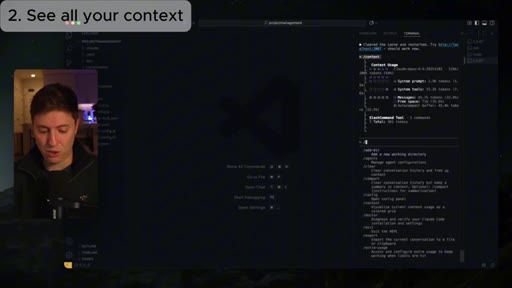
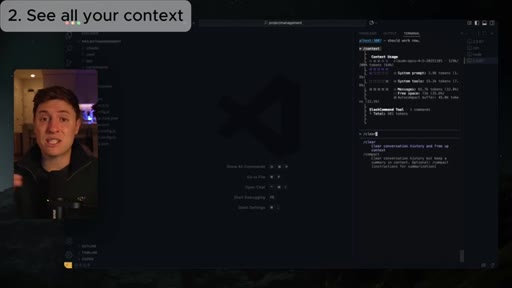
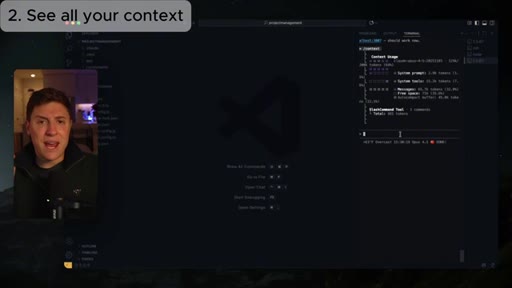
03 · 2. Visualize Context (/context)
/context shows a breakdown of what is filling the context window (system prompt, tools, messages); /clear to free up the messages portion
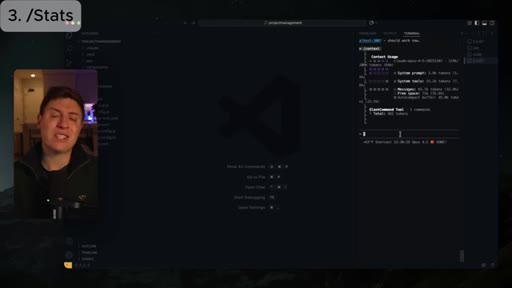
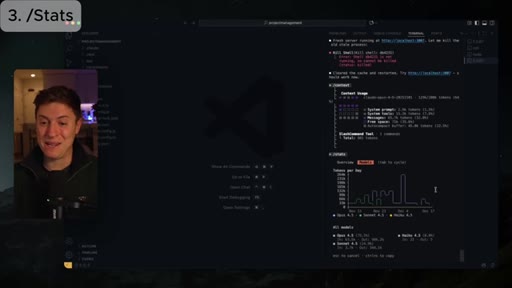
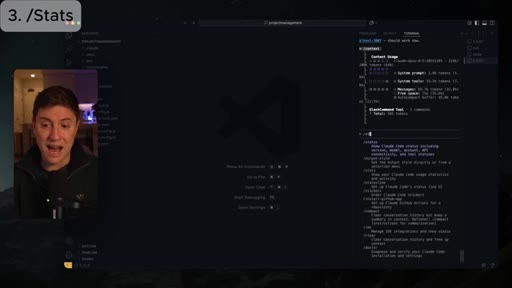
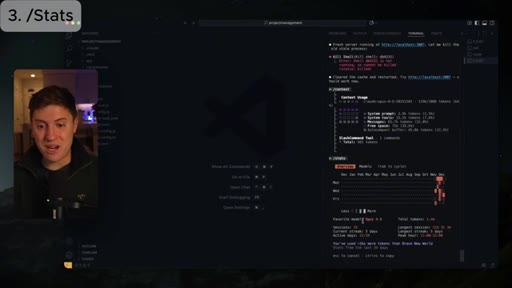
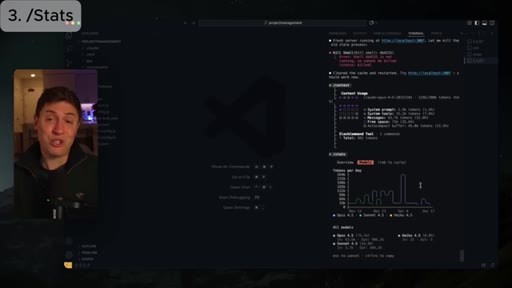
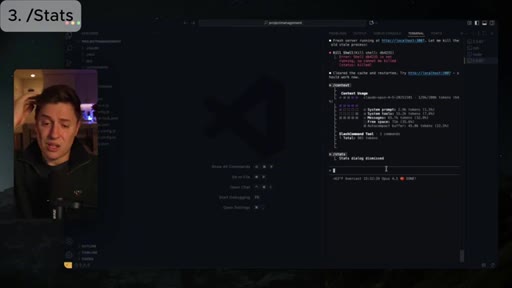
04 · 3. Usage Stats (/stats)
/stats shows token usage, streaks, active days, peak hours, and model breakdown; community engagement hook: share your streak in comments
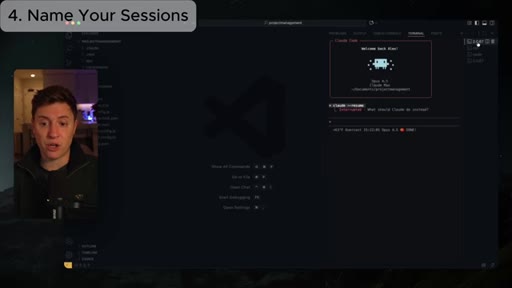
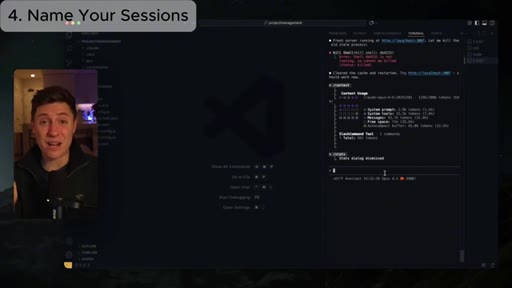
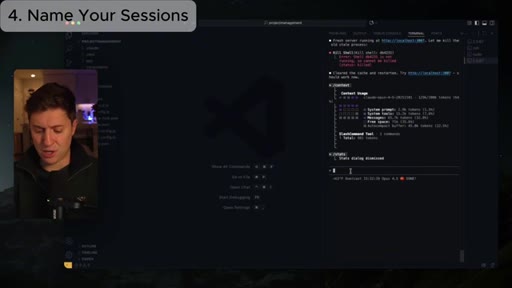
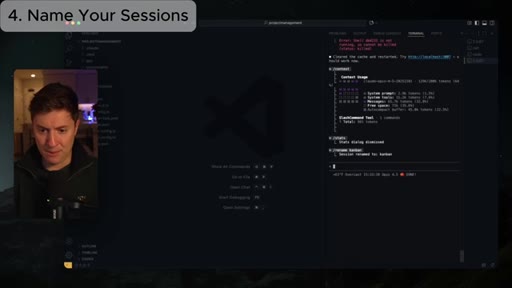
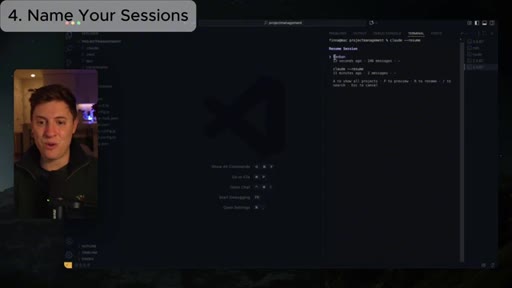
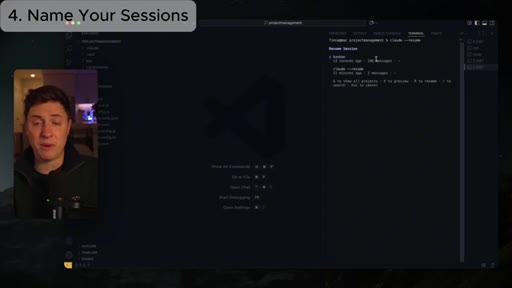
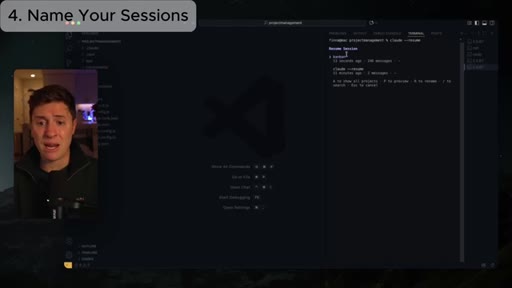
05 · 4. Name Sessions (/rename)
/rename <name> tags the session so --resume picker shows meaningful names; demo: calling a session Kanban
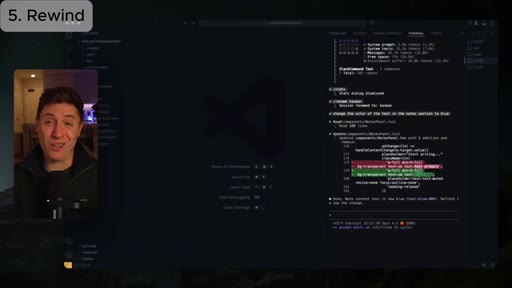
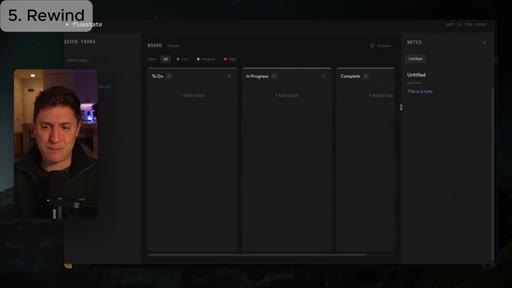
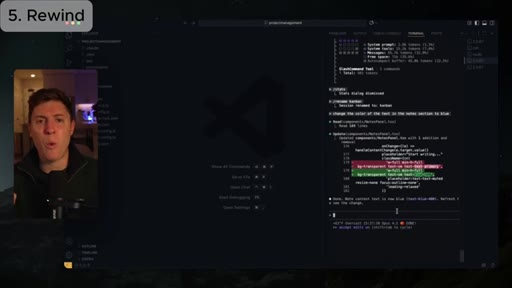
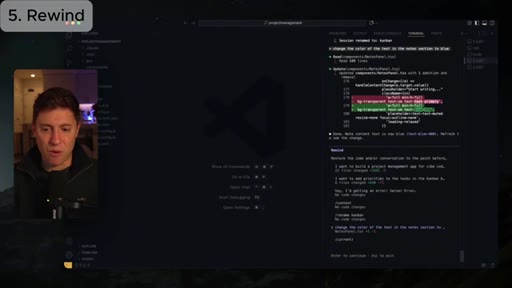
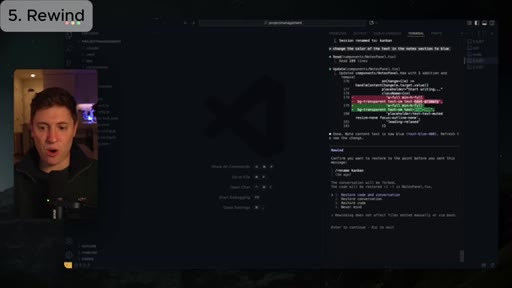
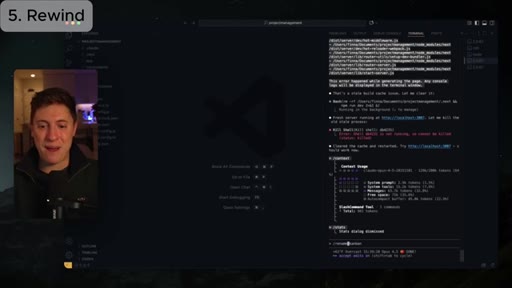
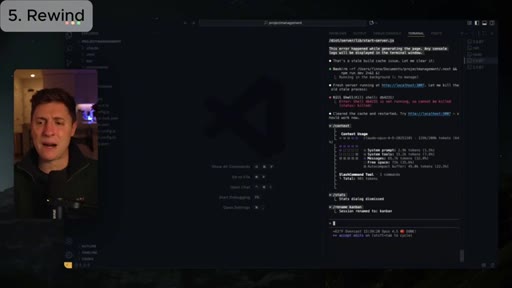
06 · 5. Rewind (Double Escape)
Double-press Escape triggers a rewind picker showing all recent checkpoints; select one to restore code and conversation state
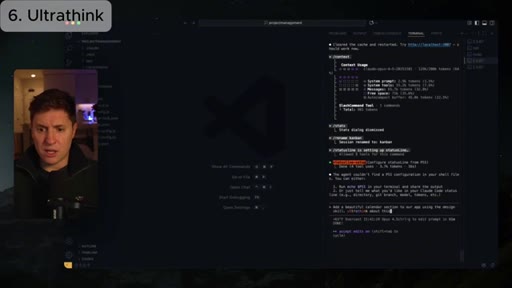
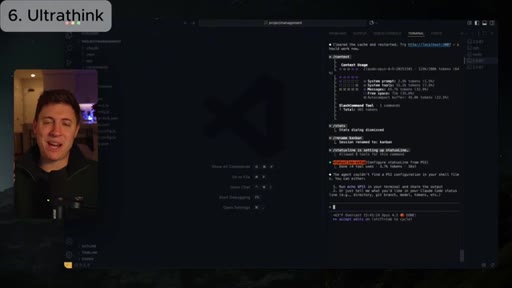
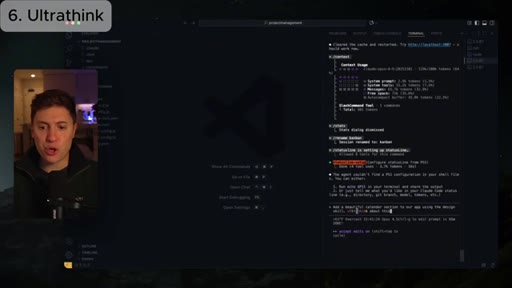
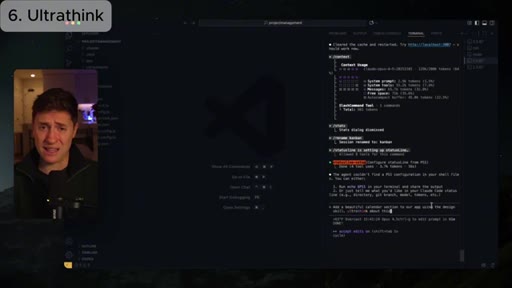
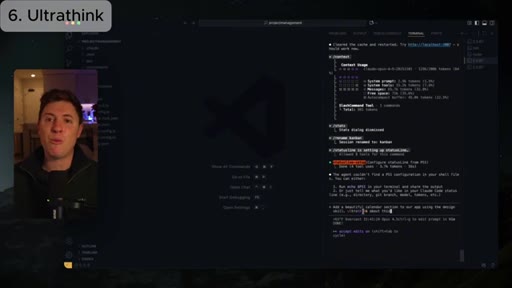
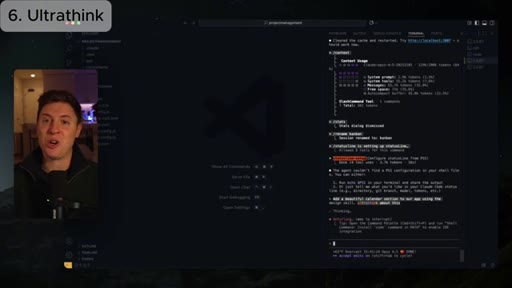
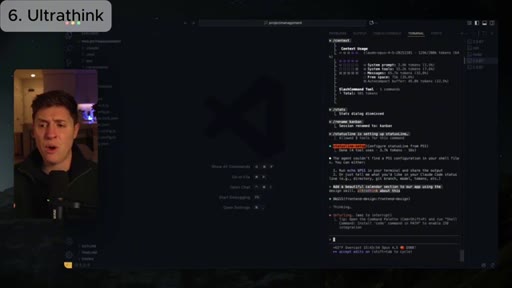
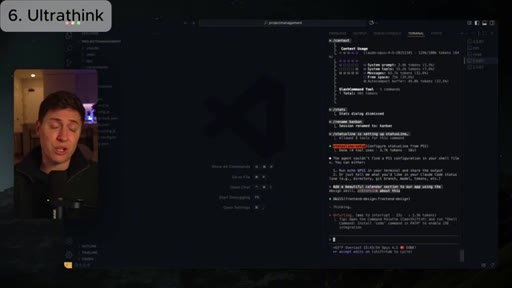
07 · 6. UltraThink
Add the word Ultrathink to any prompt to trigger extended thinking; renders in rainbow colors in the terminal; recommended for complex tasks and initial build phases
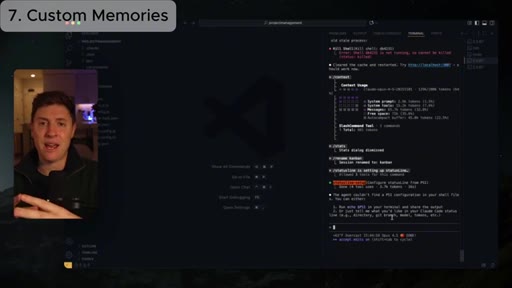
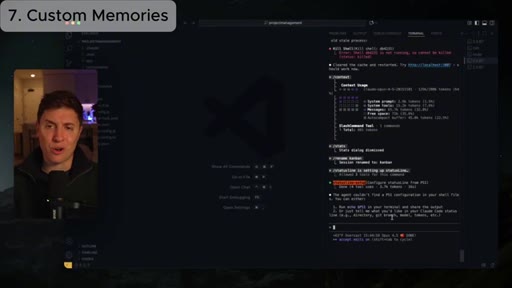
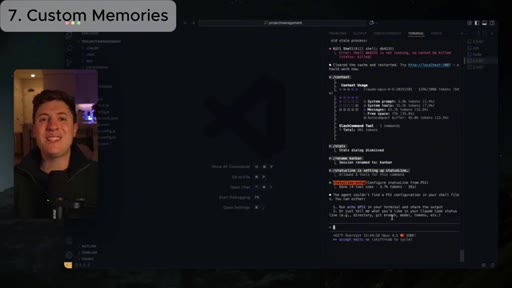
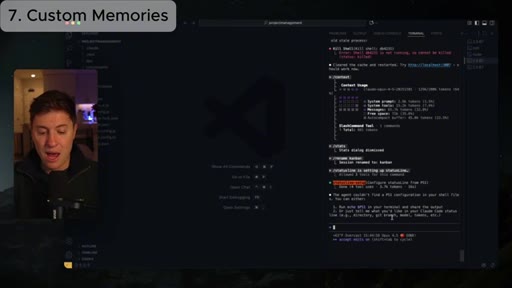
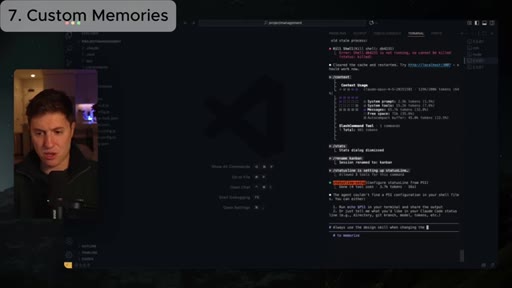
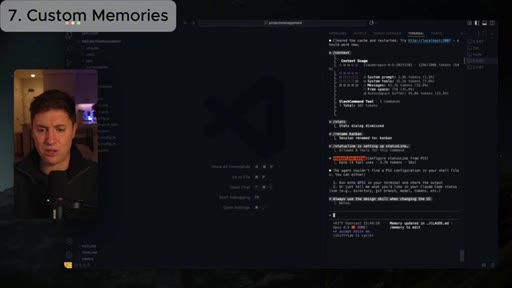
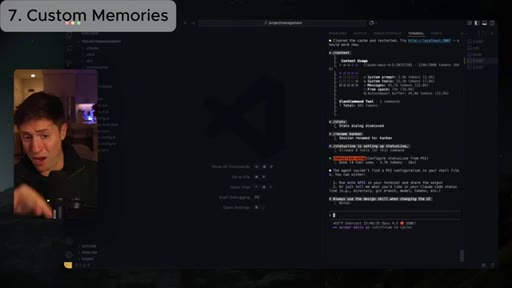
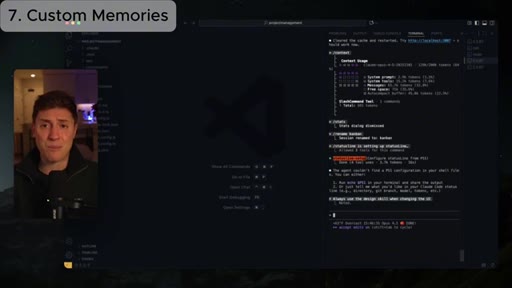
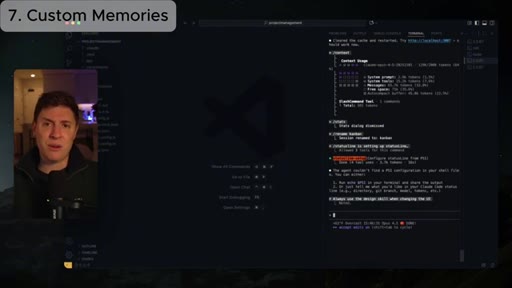
08 · 7. Custom Memories (#)
Type # to enter memory mode; specify user memory or project memory; recommended homework: always use the design skill when changing the UI
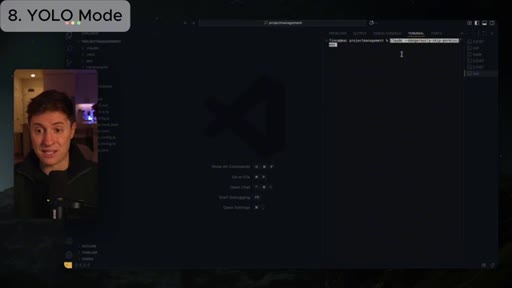
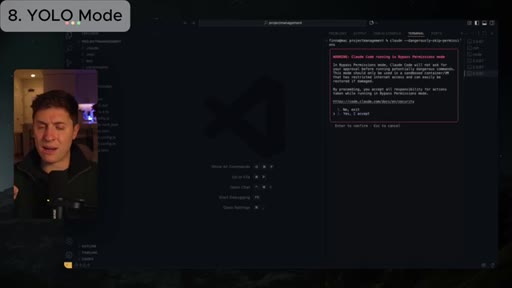
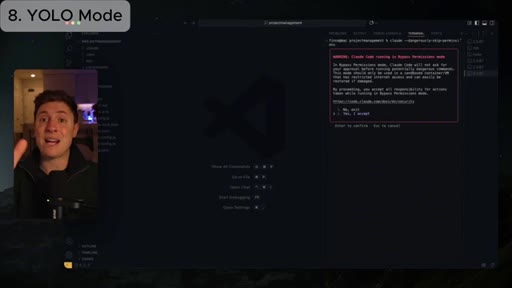
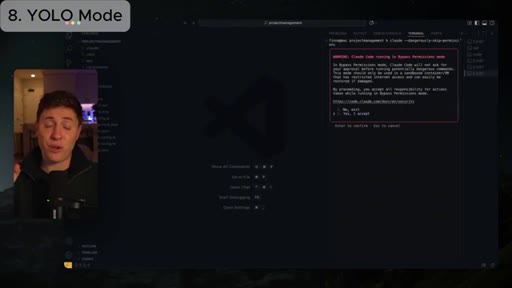
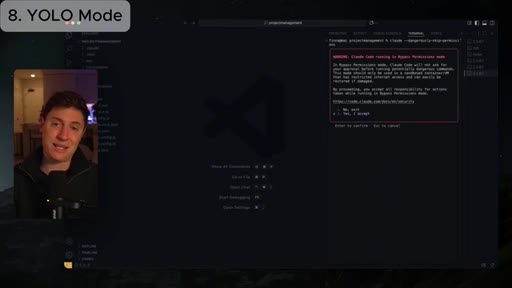
09 · 8. YOLO Mode (--dangerously-skip-permissions)
claude --dangerously-skip-permissions disables permission prompts; recommended only for experienced users; enables long-running autonomous tasks
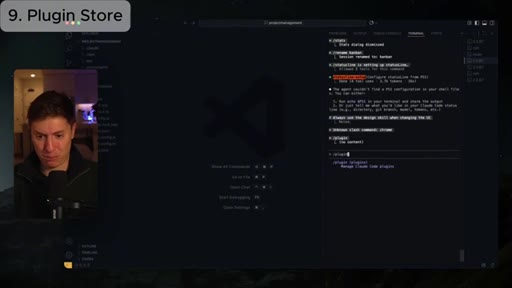
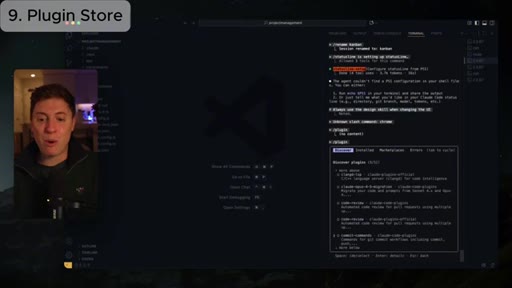
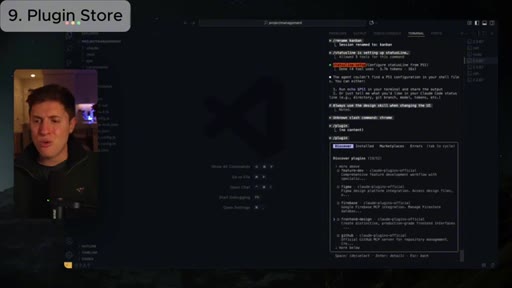
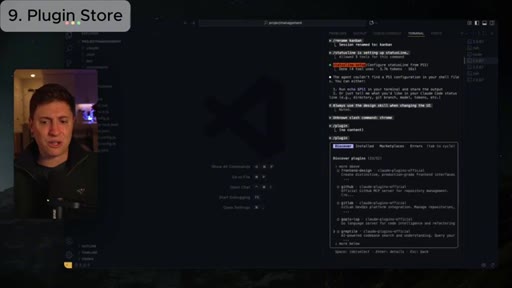
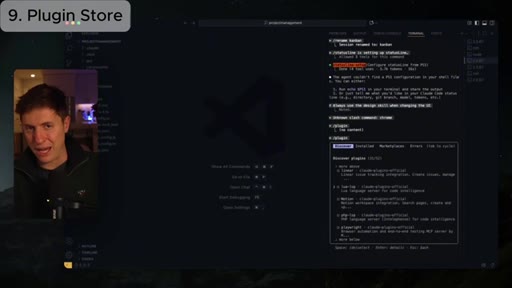
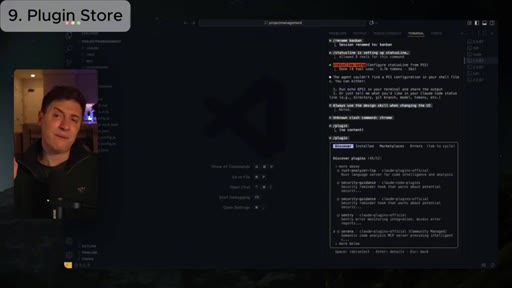
10 · 9. Plugin Store (/plugins)
/plugins opens a discoverable store of skills, plugins, and MCPs; top pick: frontend design skill
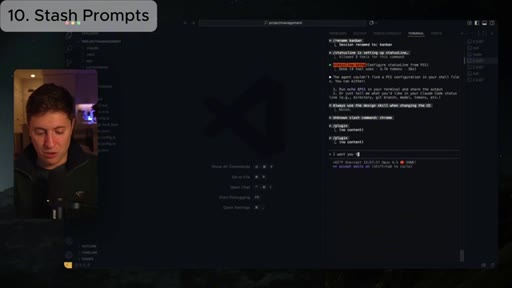
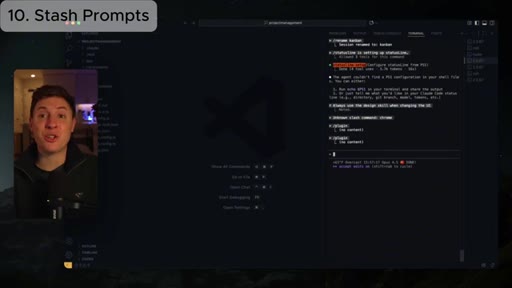
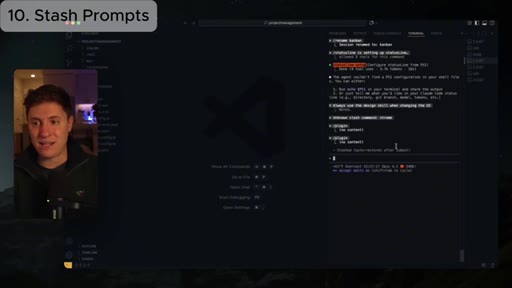
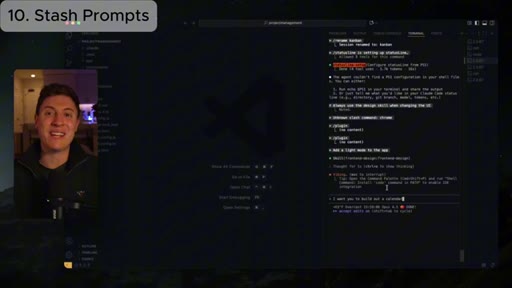
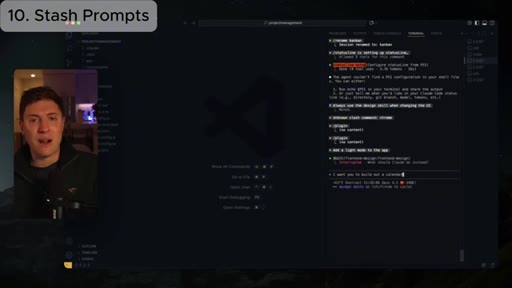
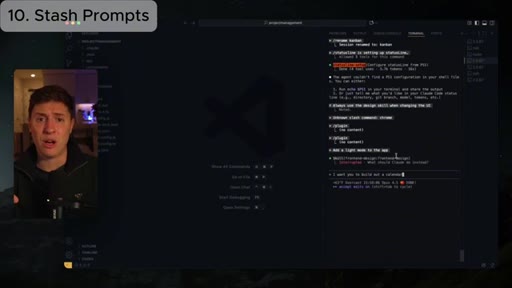
11 · 10. Stash Prompts (Ctrl+S)
Ctrl+S stashes the current prompt draft; after a quick command the stash auto-restores to the input line
12 · Outro + CTA
Subscribe, notifications, like; livestreams Mon/Wed/Fri 11AM PST; engagement question: which update will you use?
Visual structure at a glance.
Named ideas worth stealing.
Context Management Loop
- Run /context to see what is filling the window
- Identify the biggest culprit (usually messages at 32%)
- Run /clear to reset messages, or trim CLAUDE.md if system prompt is the issue
Three-step mental model for diagnosing and fixing Claude hallucination caused by context overflow
UltraThink Trigger Word
Adding the literal word Ultrathink to a prompt activates extended reasoning mode; renders in rainbow in the terminal; best for complex tasks and initial app scaffolding
Design Skill Memory Shortcut
- Type # to enter memory mode
- Say: always use the design skill when changing the UI
- Choose project memory
One-time memory instruction that permanently gates all UI changes through the frontend design skill for the project
Lines you could clip.
"I hear a lot of people on X complaining right now, oh, Claude's getting worse. No. That's a skill issue. They're just not managing their context well."
"Claude for me hasn't made mistakes in months. And I know that might sound crazy..."
"UltraThink is totally back into Claude code, and you need to be using it."
How they spent the runtime.
How they asked for the click.
"Make sure to stay on top by subscribing, turning on notifications, and leaving a like down below."
Clean outro with livestream schedule (Mon/Wed/Fri 11AM PST). Engagement question asked before the CTA keeps retention high through the pitch.
Word for word.
Ten commands. One demo project. One format you can steal today.
The numbered-overlay listicle with a single live demo project running the whole video is the most efficient format for developer tutorial content — low production cost, high completion rate, every tip in real context.
- Use the # memory trick right now: add 'always use the design skill when changing the UI' to any Claude Code project you are actively building.
- Build your next tutorial around one project you are already working on — every tip demonstrates on real code, not contrived examples.
- Put chapter numbers as text overlays in the top-left corner — it functions as a visible table of contents and keeps viewers oriented without YouTube chapters.
- Drop every command in the description and say 'all down below' repeatedly — it trains viewers to keep the description open and drives the engagement signal YouTube rewards.
- The YOLO mode segment is the one to clip for shorts — confident, polarizing, repeatable format: 'I know this sounds crazy, but [strong claim].'
- UltraThink is worth a standalone JoeFlow demo: trigger extended thinking, show the rainbow rendering, compare output quality on a real build task.