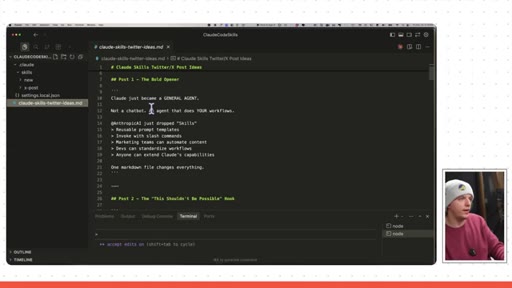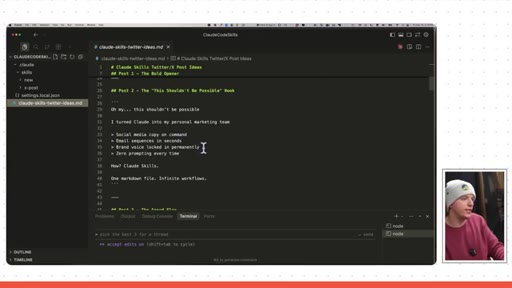
The bait, then the rug-pull.
The promise is buried in the second sentence: not more coding tricks, but a different category of use. Riley Brown opens with a flattering claim his audience already believes, then pivots to the thing they do not know yet -- that Claude Code can run as a general-purpose agent with persistent, reusable skills.
What the video promised.
stated at 00:22 "We are gonna talk about how to set up Claude skills, how to use Claude code as a general agent, and how to set up your skill.md file." delivered at 24:55
Where the time goes.

01 · Cold open
Bold assertion that Claude Code is the best, then introduces Claude skills as the most important thing to study right now.
02 · What is a coding agent?
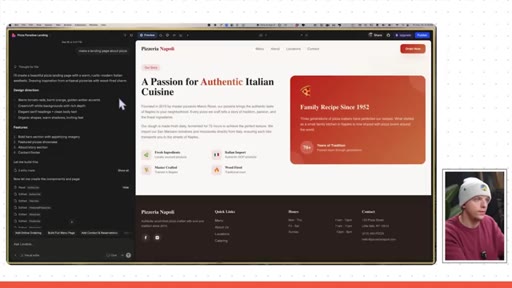
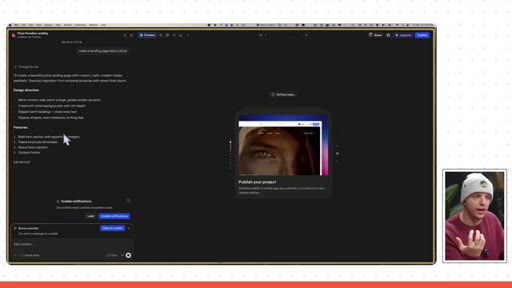
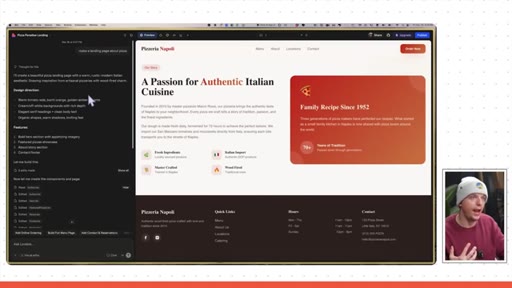
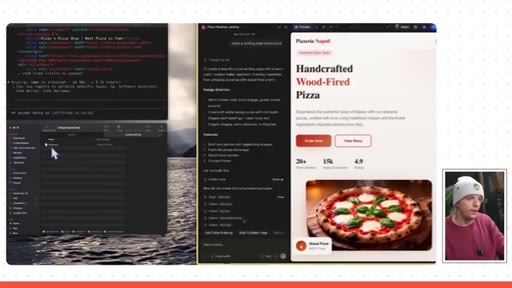
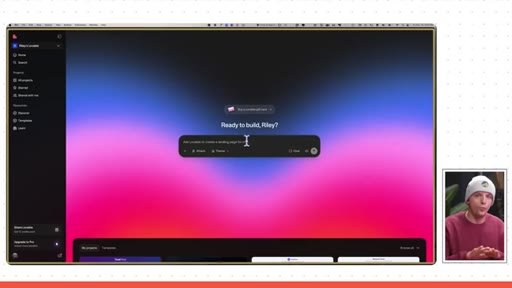
Lovable demo: types make a landing page about pizza, explains sandbox VMs, positions Claude Code as the superior local equivalent.
03 · Claude Code on your computer
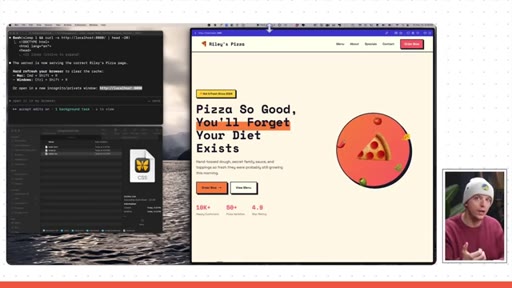
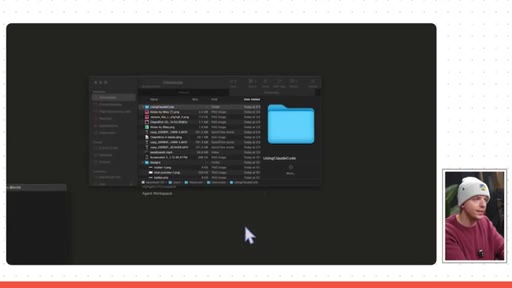
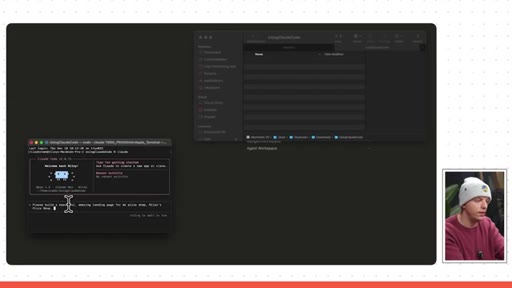
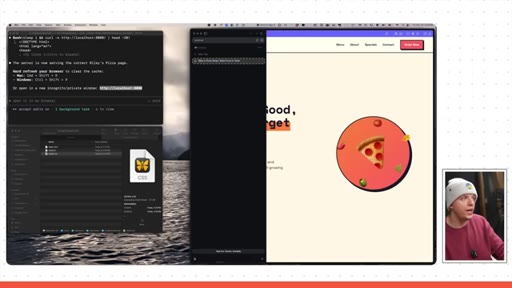
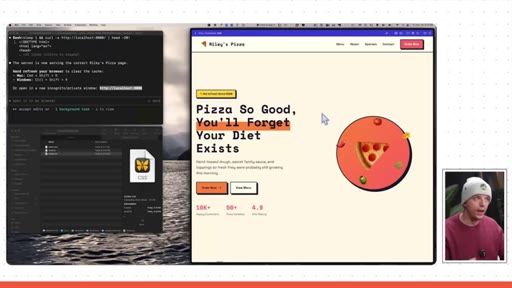
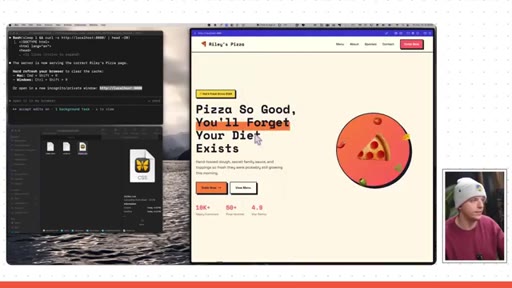
Replicates Lovable in an empty terminal folder. Generates neo-brutalism pizza page. Runs on localhost:8080.

04 · Claude as general agent
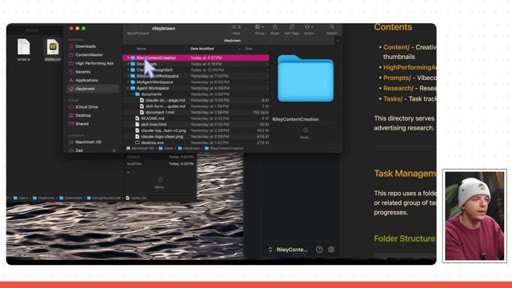
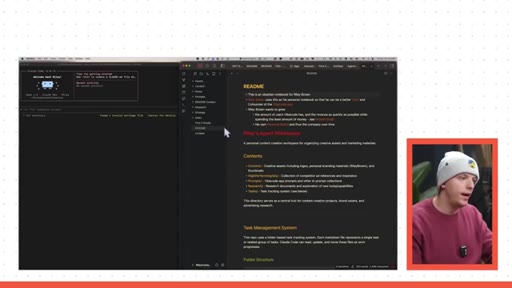
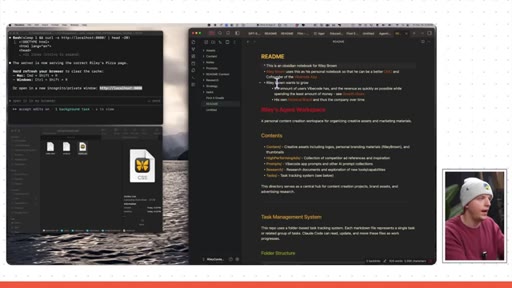
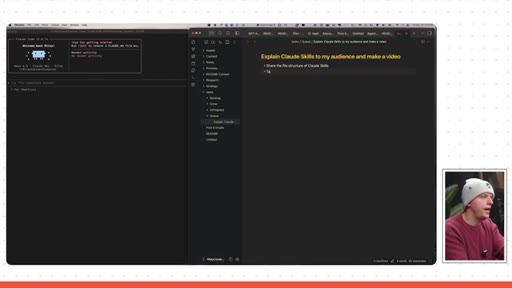
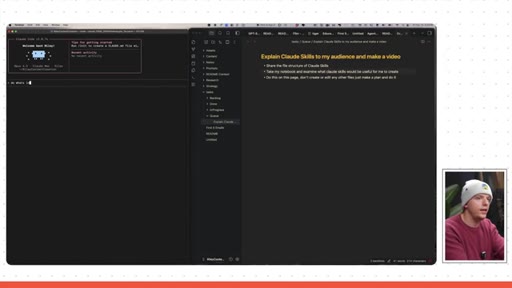
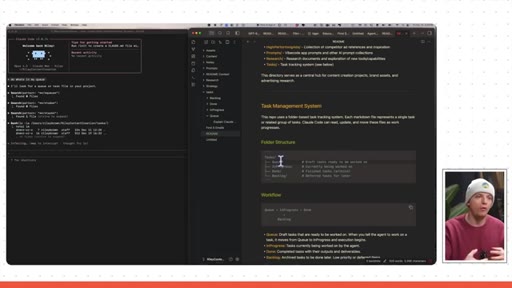
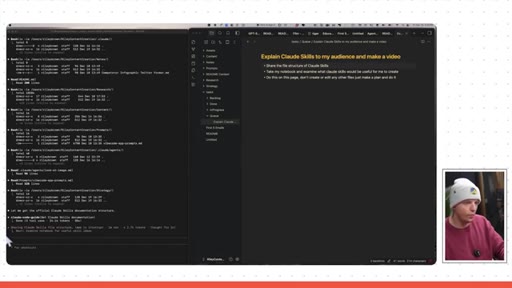
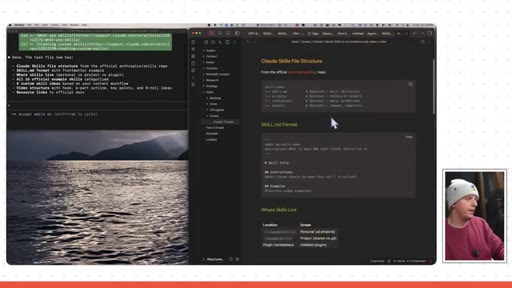
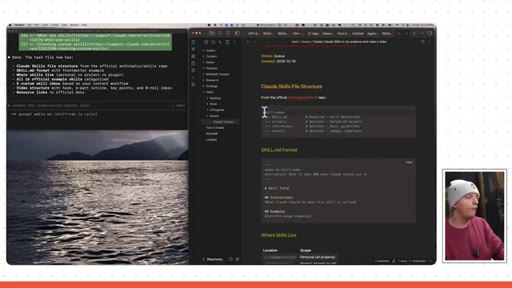
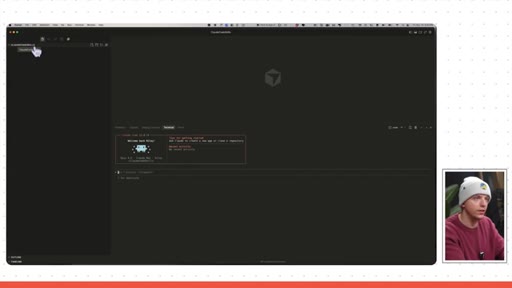
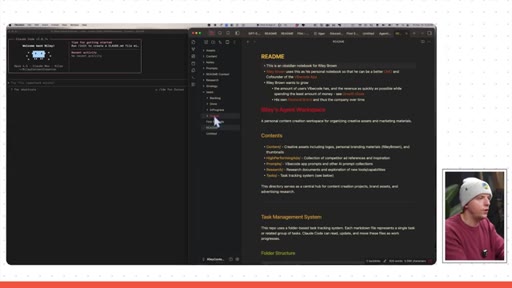
Switches to Obsidian notes folder. Types do what is in my queue -- Claude finds the right file unprompted and writes a research plan.
05 · Skills intro: folder structure
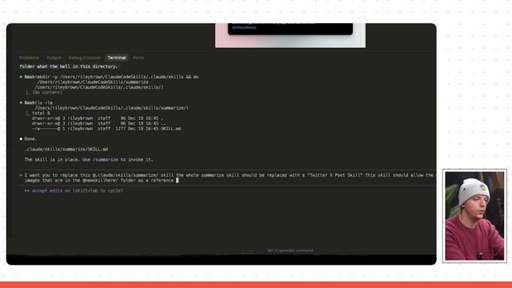
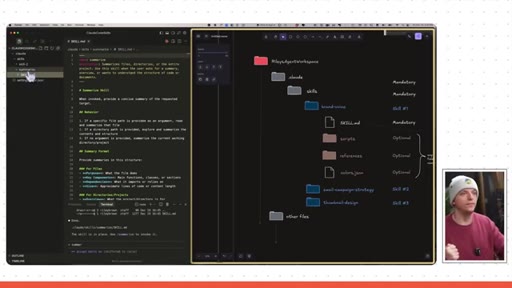
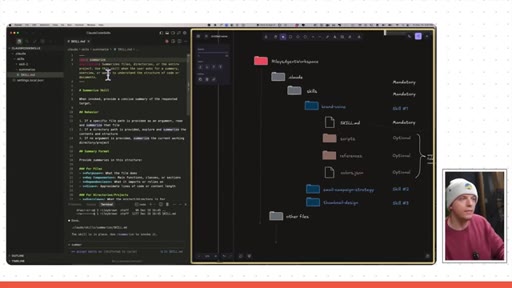
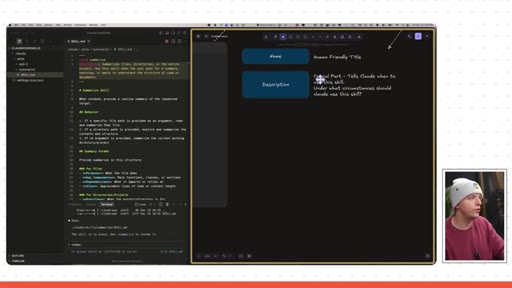
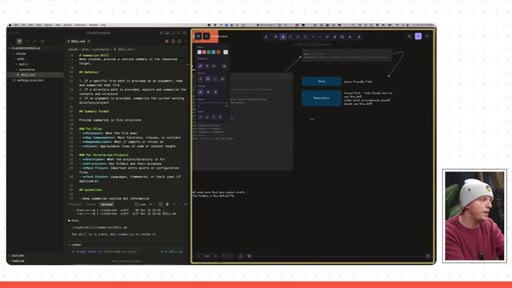
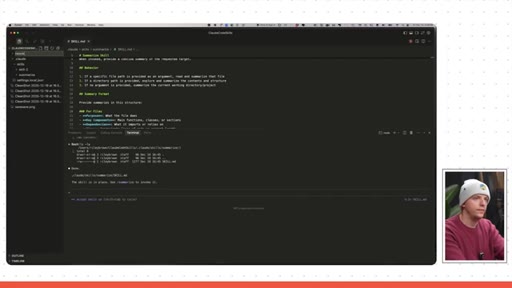
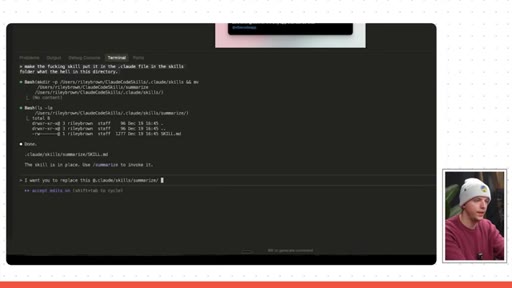
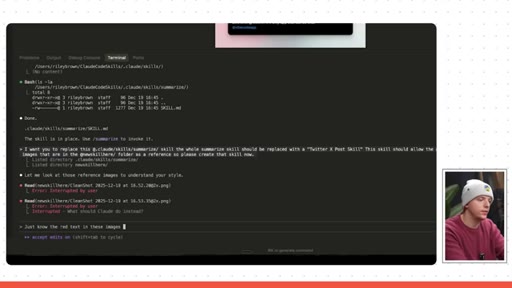
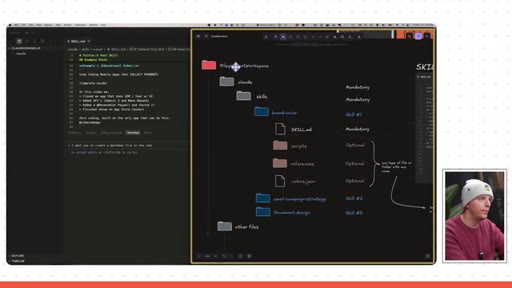
Opens Cursor, creates .claude/skills/summarize/SKILL.md. Explains the description field is the trigger for when Claude invokes the skill.
06 · X Post skill from annotations
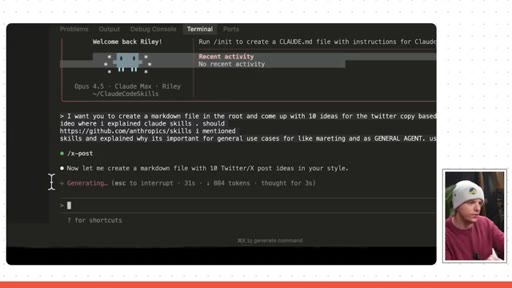
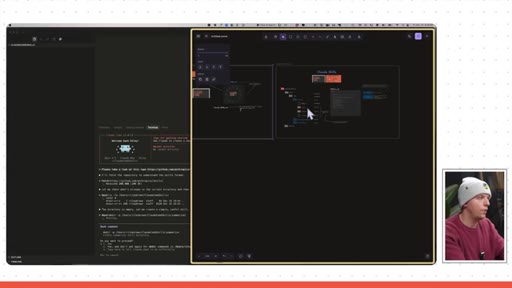
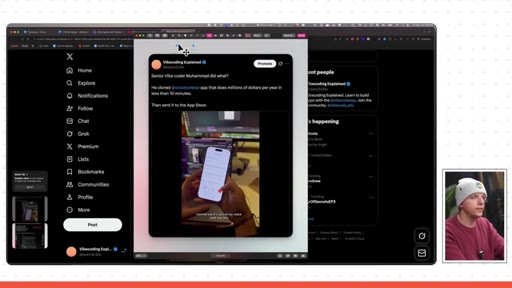
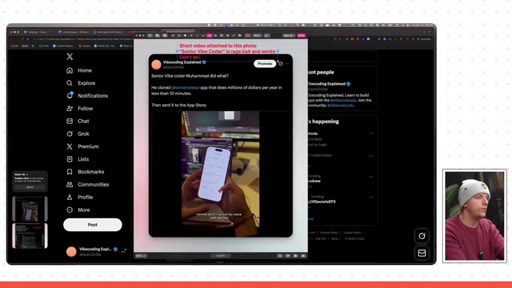
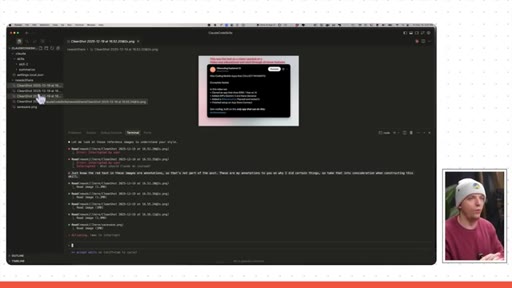
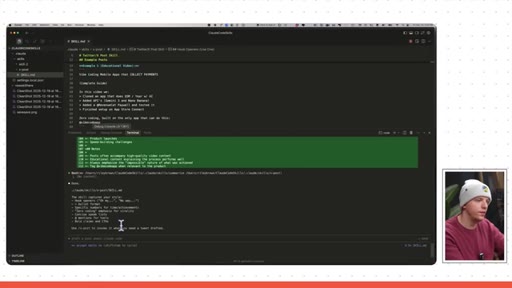
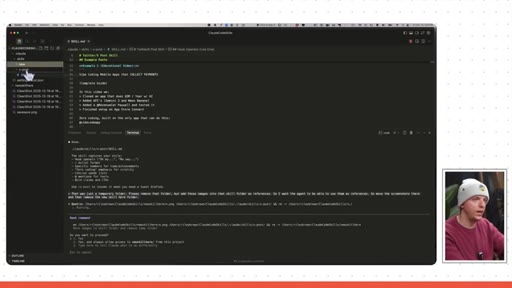
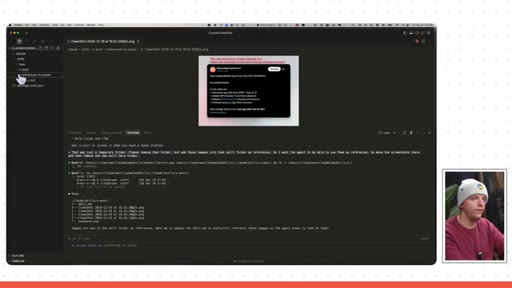
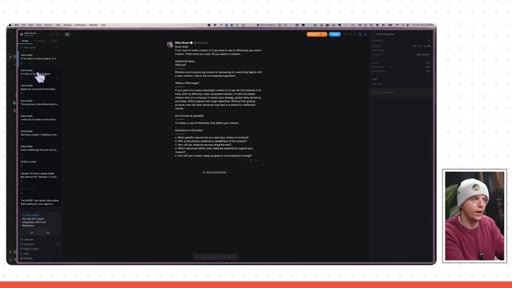
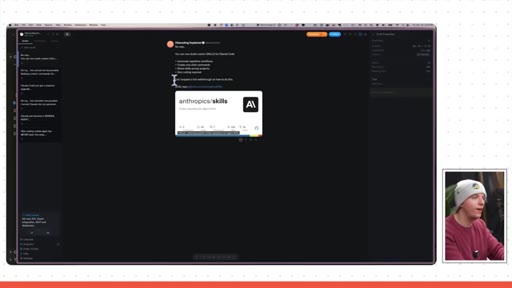
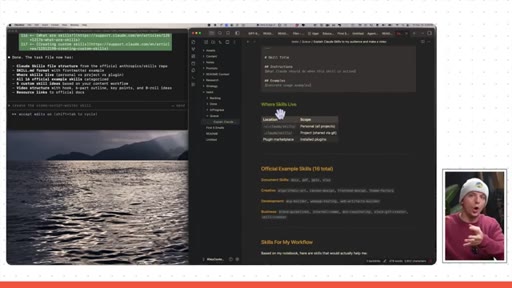
Drags annotated Twitter screenshots in as references. Claude analyzes patterns and generates skill. Red text equals annotations not post content.
07 · Typefully API integration
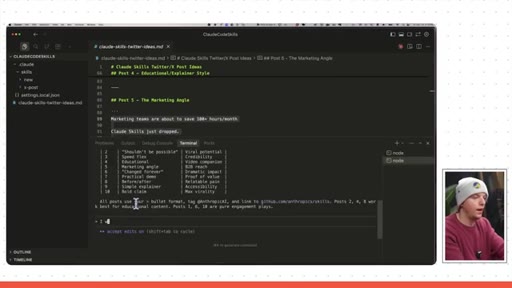
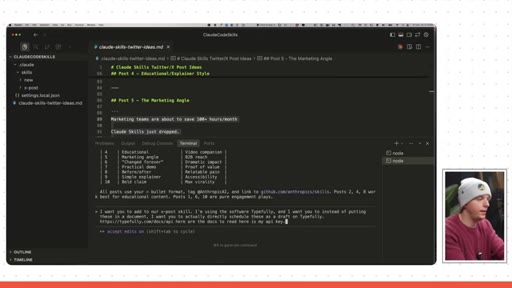
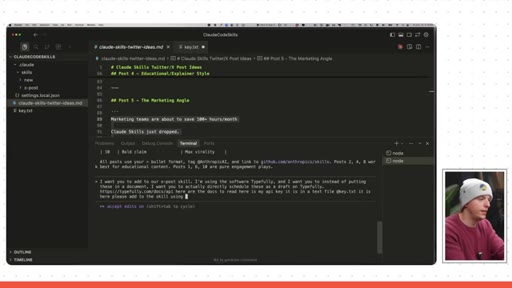
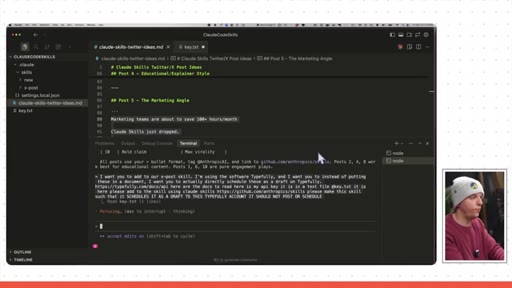
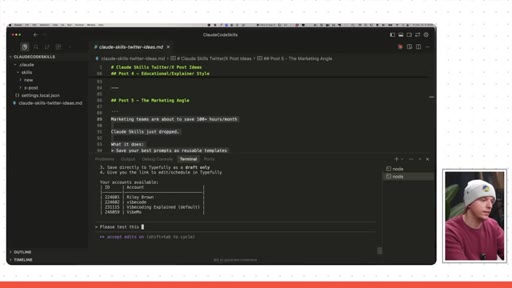
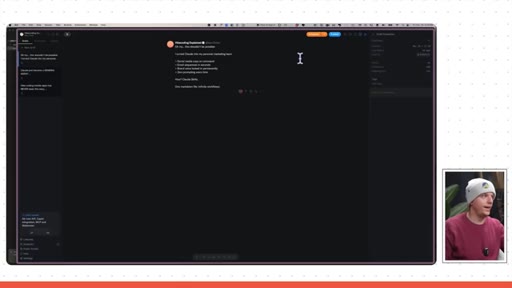
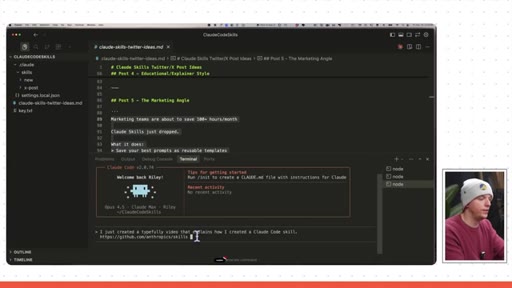
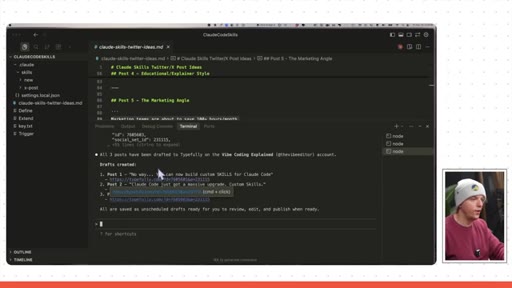
Adds Typefully API key via key.txt. Claude extends the skill. Tests live -- drafts appear on Riley Brown and Vibe Coding Explained accounts.
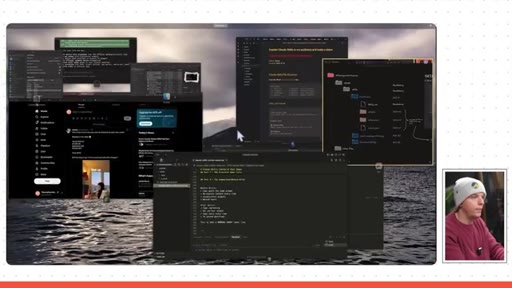
08 · Fresh context test
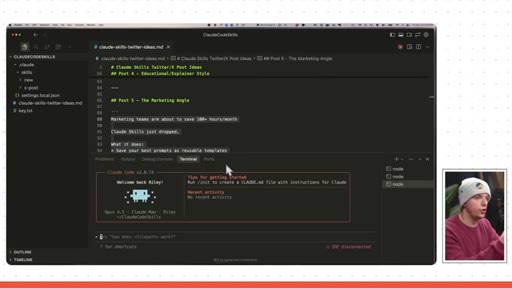
Resets Claude context. Fresh prompt fires the xpost skill automatically (green dot). Generated posts include GitHub link unprompted.
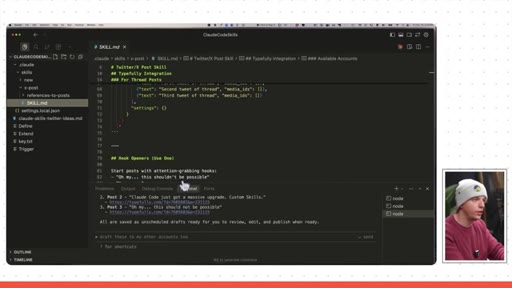
09 · Conclusion + folder diagram
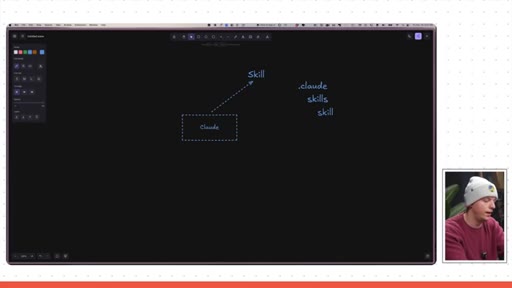
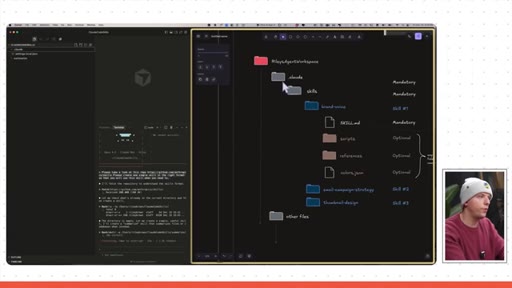
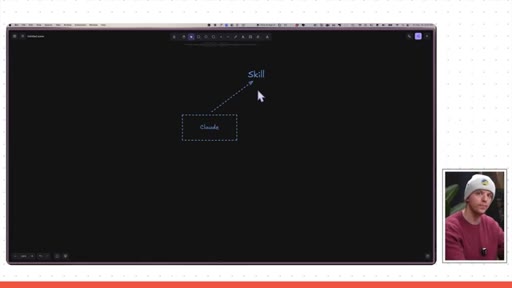
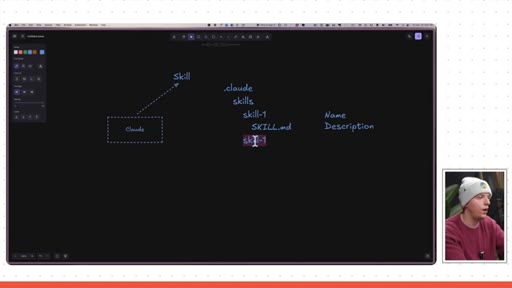
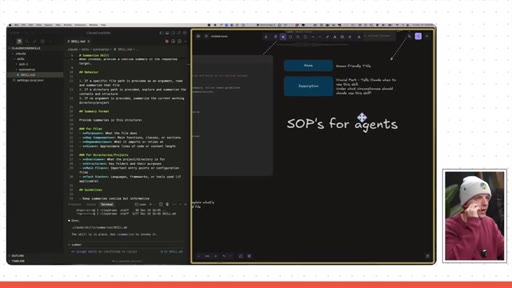
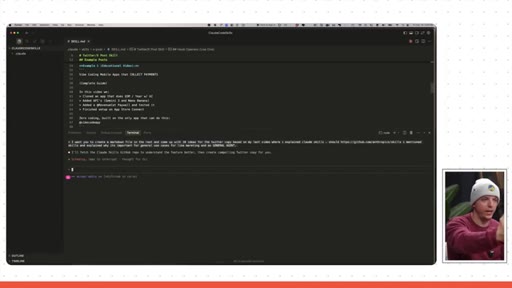
Visual diagram of .claude/skills/skill-1/SKILL.md. Teases Part 3 agent workspace. Links to Luma webinar.
Visual structure at a glance.
Named ideas worth stealing.
Skills as SOPs
Skills are standard operating procedures for agents. The description field is the trigger that tells Claude when to invoke the skill. High-quality description = reliable invocation.
Progressive revelation ladder
- Lovable (familiar)
- Terminal + local Claude Code
- Notes-based general agent
- Cursor + skills (the unlock)
Teach the familiar before the unfamiliar. Each rung lands the next one. By the time skills appear the audience is already sold.
Annotated examples to skill loop
- Collect real examples
- Annotate them (why you made each choice)
- Dump into references folder
- Ask Claude to extract the skill
- Claude writes the SOP
You do not write skills manually. You give Claude annotated examples and it writes the skill for you. The annotation is the instruction.
Lines you could clip.
"All skills are, the way I think about them, they are just SOPs or standard operating procedures for agents."
"I turned Claude into my personal marketing team. Social media copy on demand, email sequences in seconds, brand voice locked in permanently. Zero prompting every time."
"Claude Code just became a general agent, not a chatbot -- an agent that does your workflows."
How they spent the runtime.
Things they pointed at.
How they asked for the click.
"In the description down below this video, you will find a link to a webinar -- a big livestream where we are gonna create a really cool agent interface with a ton of different skills."
Soft close, no hard sell. Points to Luma event. Reasonable for a free educational video.
Word for word.
Steal the progressive revelation ladder.
Start with the tool your audience already trusts, then walk them up a ladder to the thing they did not know existed.
- Open with a bold claim your audience already agrees with, then pivot to the thing they do not know yet.
- Build the ladder: familiar tool to your tool to the unlock. Three rungs, not one jump.
- Use live demos with real mistakes visible -- exposed API keys and misspellings build more trust than a polished cut.
- Name the abstraction on screen. The phrase you want to stick is the one you make visible.
- The annotated-examples-to-skill pattern is a product demo format: show input, Claude working, output. Replicable by anyone.
- The description field framing (it tells Claude when to use the skill) is a clean mental model worth stealing for any Claude skills content Joe produces.
What you can actually do with this.
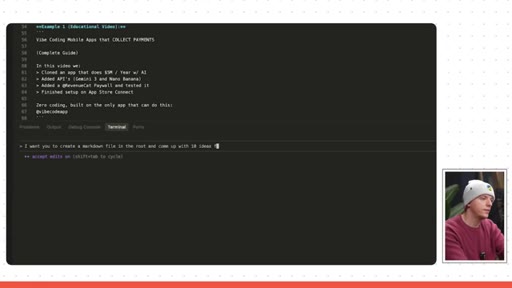
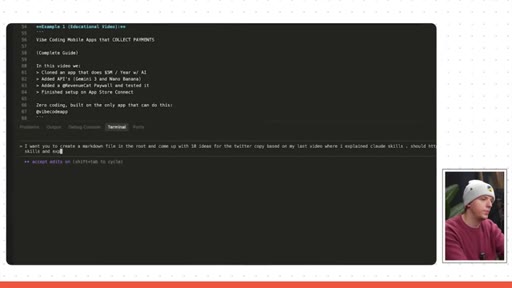
You do not need to write your workflows from scratch -- give Claude one good annotated example and let it write the SOP for you.
- Pick one repetitive thing you do weekly: writing social posts, summarizing meetings, drafting emails.
- Collect five to ten real examples of you doing it well and annotate them with why you made each choice.
- Dump them into a .claude/skills/name/references/ folder and ask Claude to build the skill from your examples.
- Test it by opening a fresh Claude session and asking it to do the task -- if the green skill dot appears, it worked.
- Once it works, you never have to write that prompt again.