The bait, then the rug-pull.
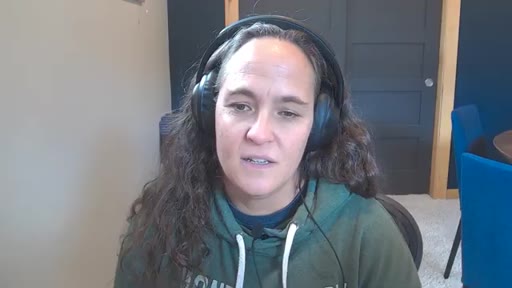
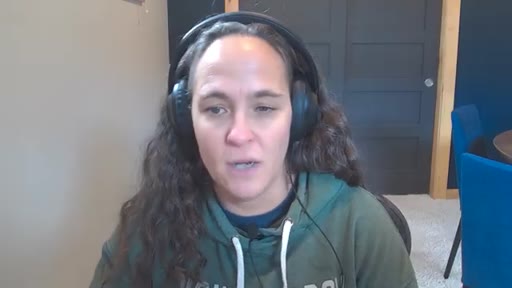
Teresa Torres doesn't use Claude to write for her — she uses it to run her life. Two terminals, one note-taking app, and a 3-layer context system that took months to build incrementally. The result: a 9,000-word blog post in one and a half days, a morning briefing from one typed word, and a system that gets smarter every session instead of starting from scratch.
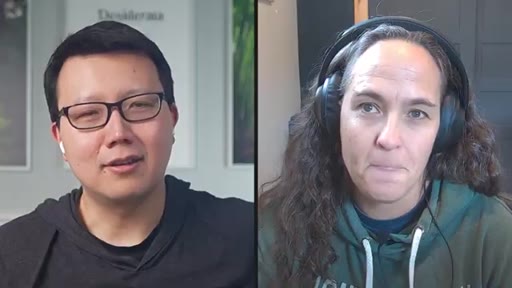
Who's talking.
Where the time goes.
01 · Intro: beyond coding
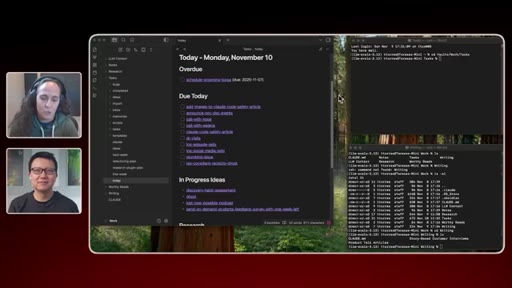
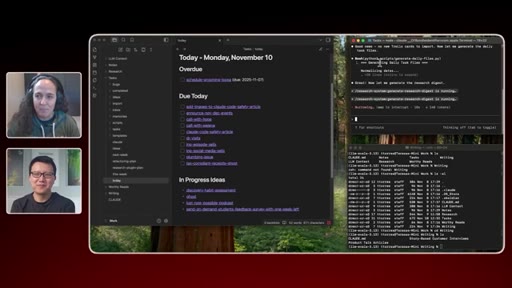
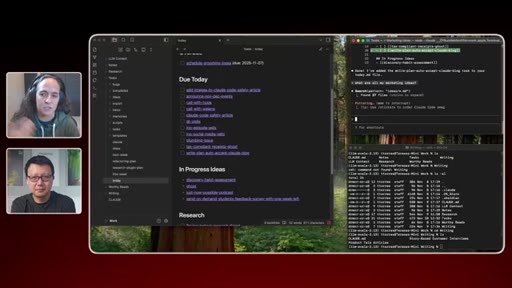
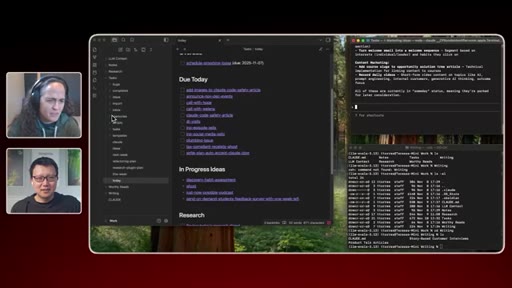
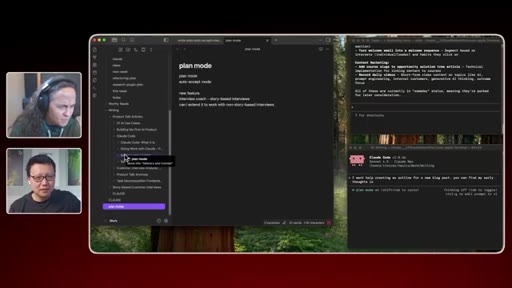
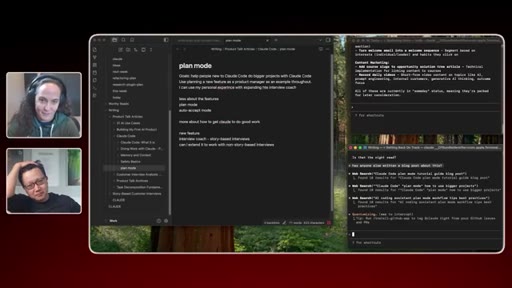
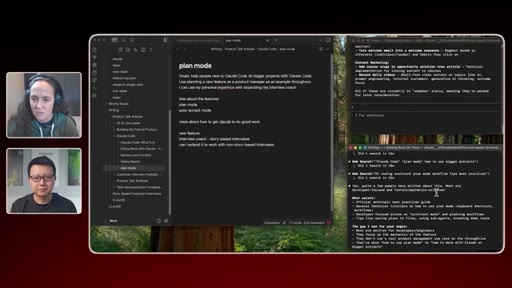
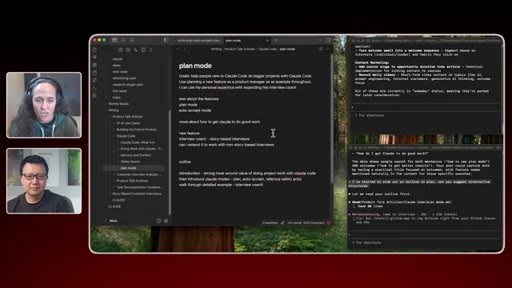
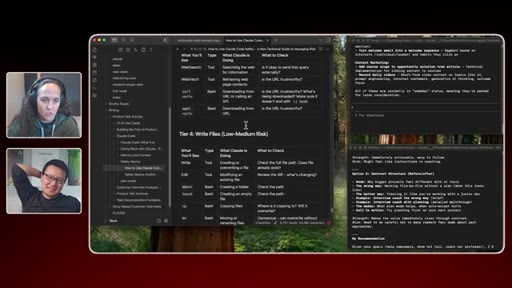
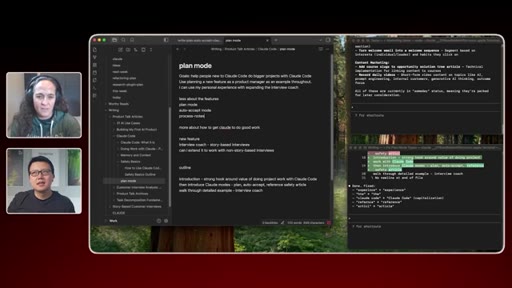
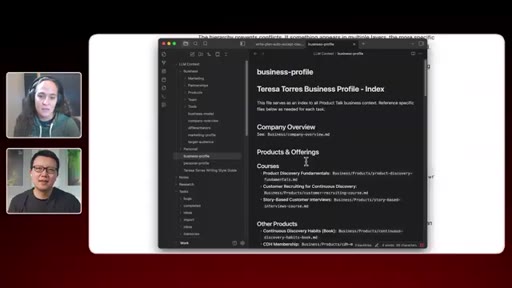
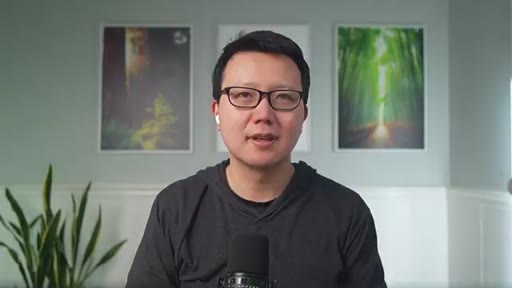
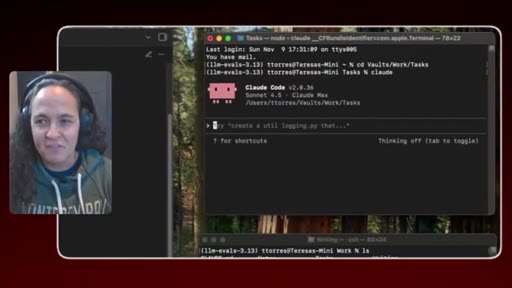
Peter introduces Teresa as a product coach who uses Claude Code for everything — not just coding. Teresa shares her dual-terminal + Obsidian setup.
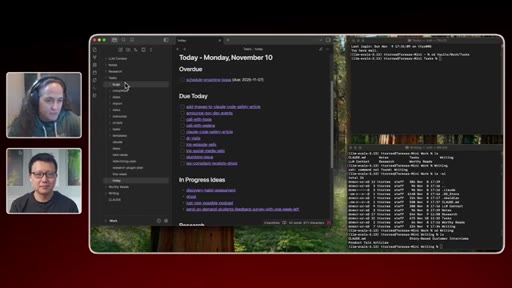
02 · The `today` command
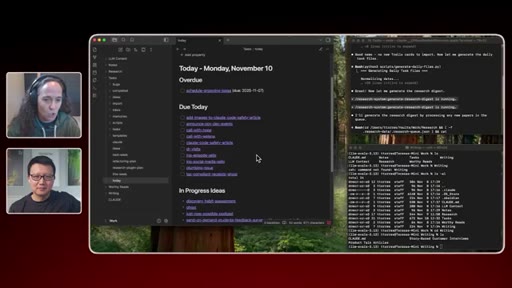
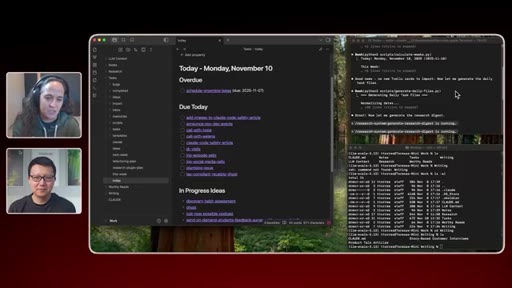
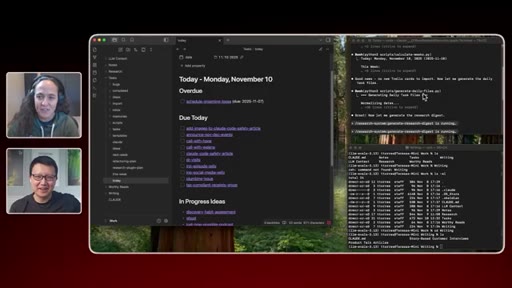
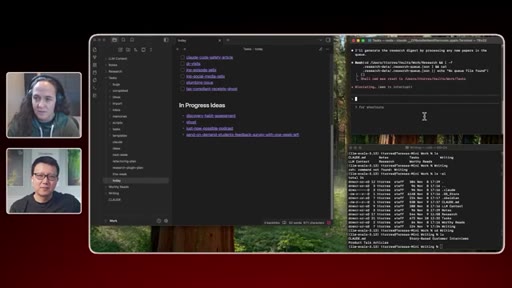
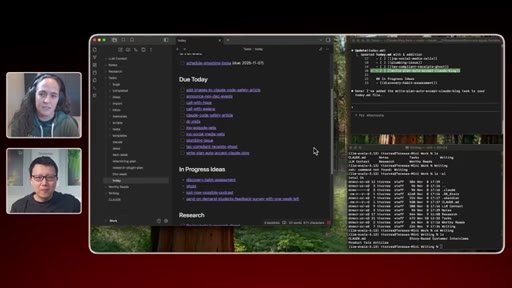
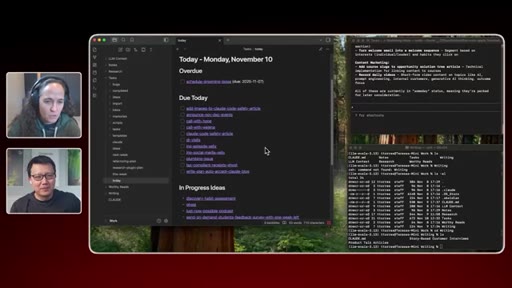
Live demo: Teresa types `today`, Claude hits Trello, scans her tasks folder, rebuilds today.md, runs a research digest. Full morning briefing from one word.
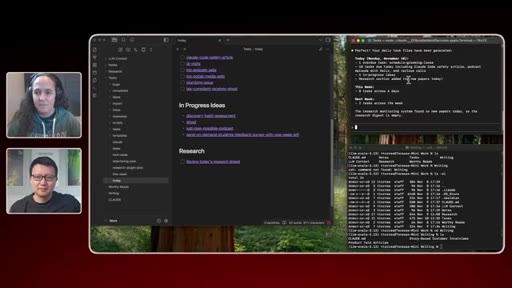
03 · Task and idea inbox system
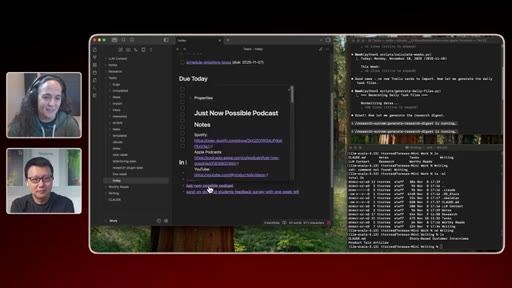
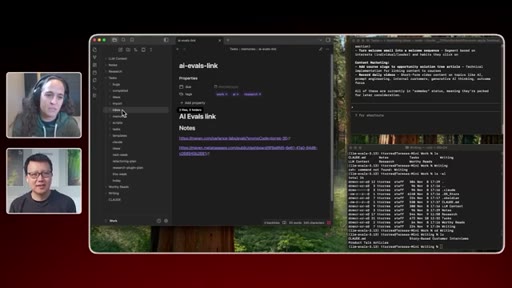
How Teresa's tasks folder works: markdown files as tasks, Obsidian front matter, due dates, tags. `new task`, `new idea` commands. Inbox sync from phone via Obsidian Sync.
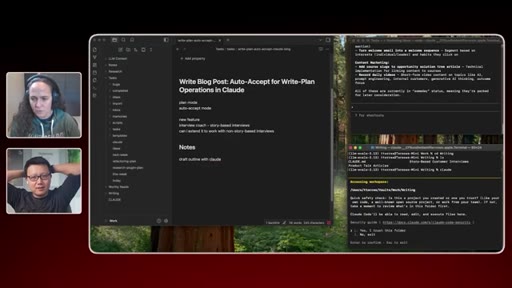
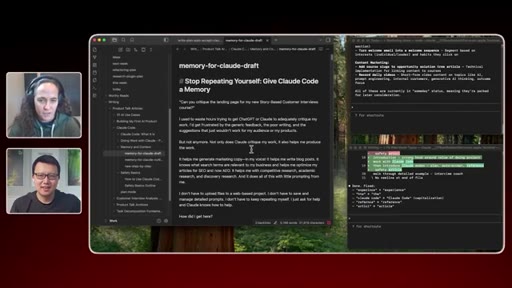
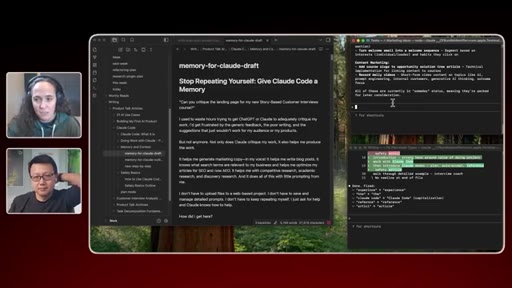
04 · Blog post drafting in plan mode
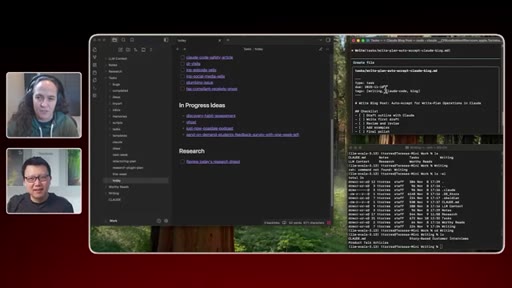
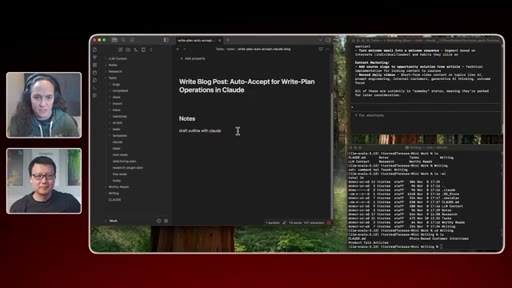
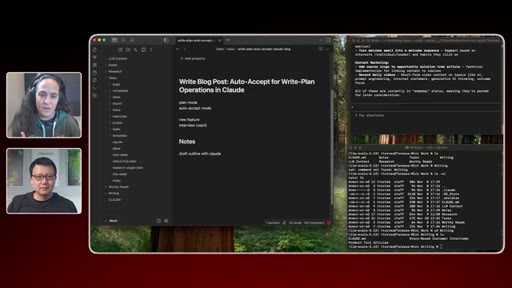
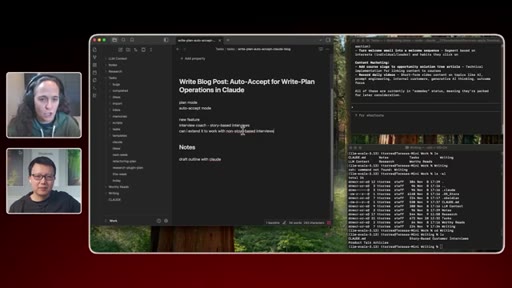
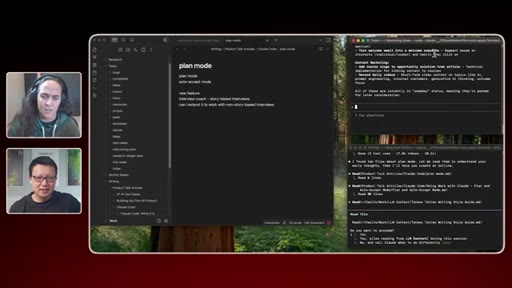
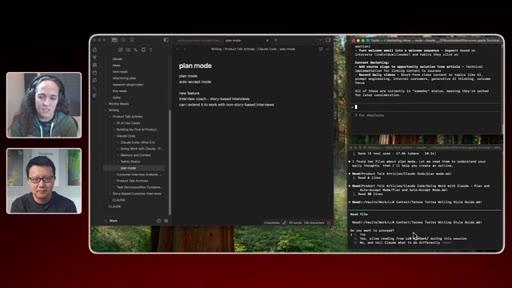
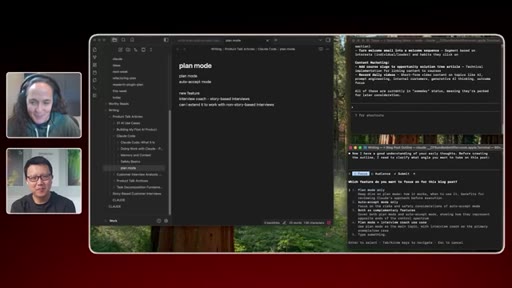
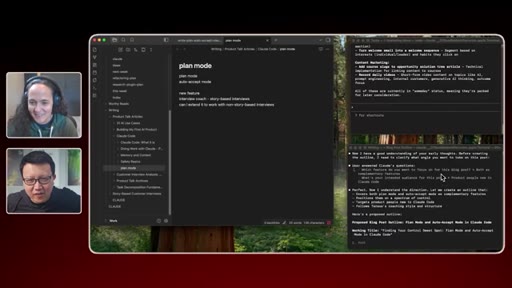
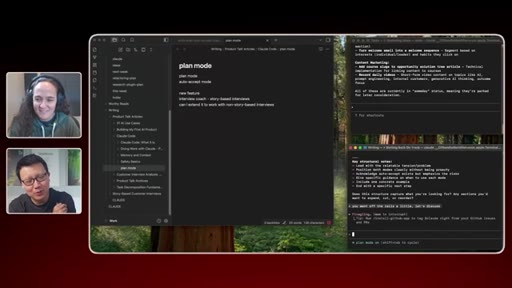
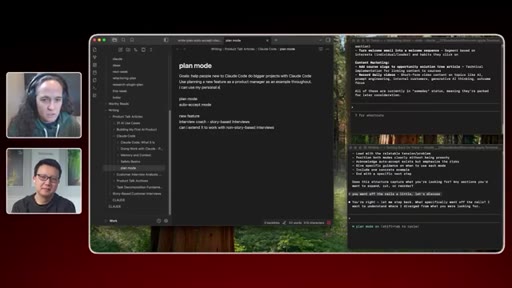
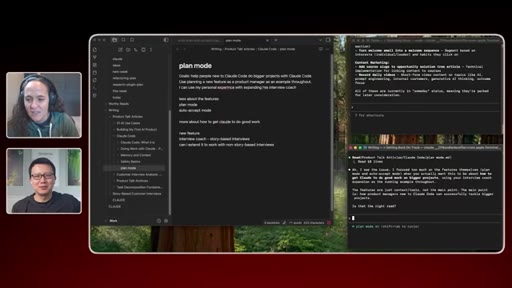
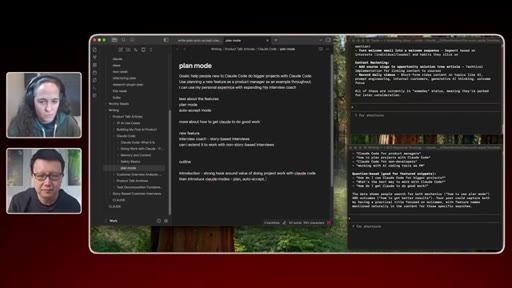
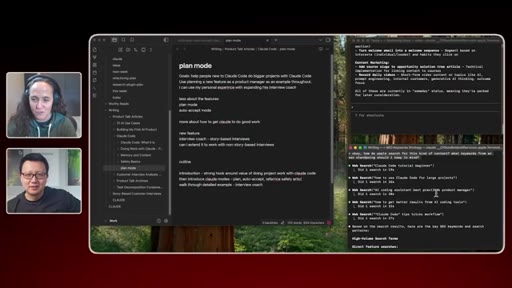
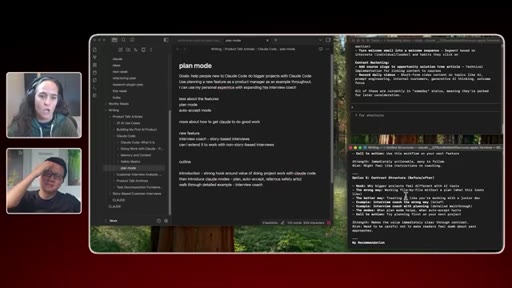
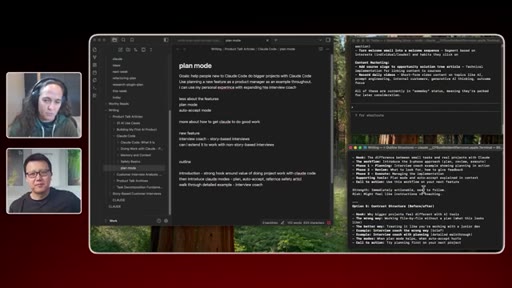
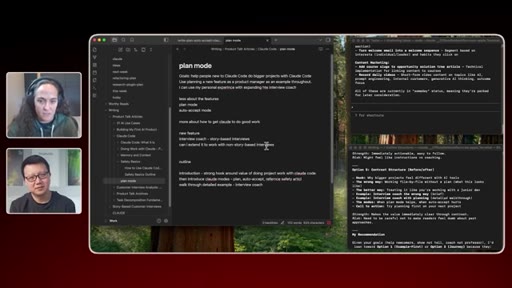
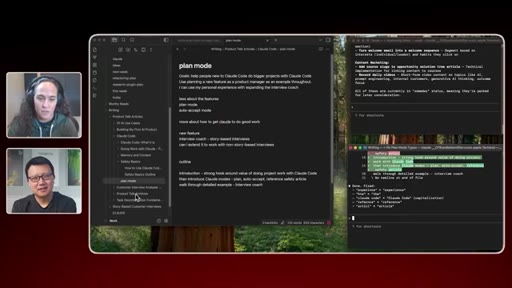
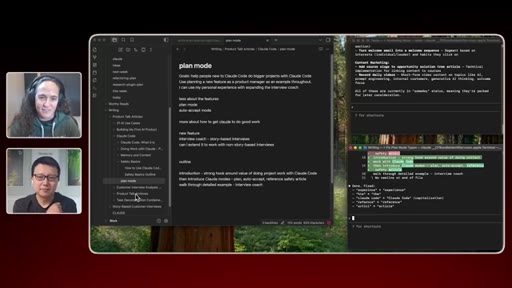
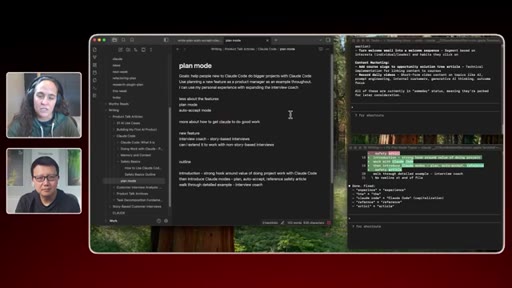
Live demo: rough notes → plan mode outline → Claude proposes structure → Teresa explores alternatives → SEO keyword research mid-flow. Claude as sparring partner, not ghostwriter.
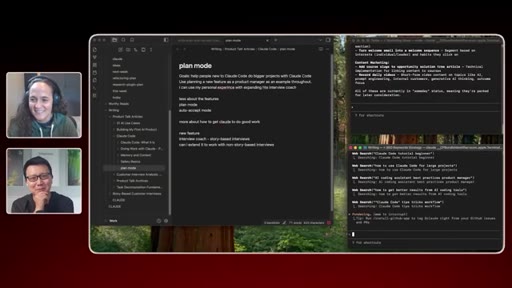
05 · SEO and alternative structures
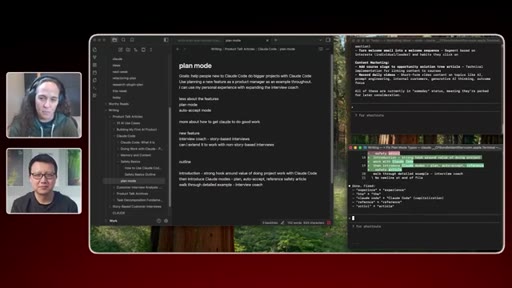
Claude does live Google searches for competing articles and keyword volume. Teresa uses this after drafting to tune subheaders, not before.
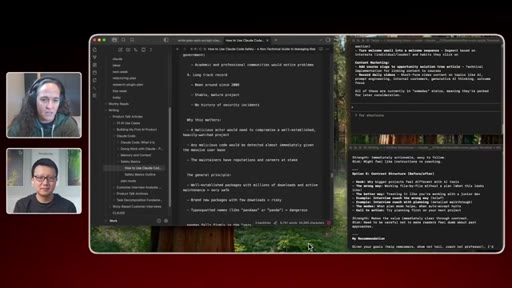
06 · Writing with Claude, not delegating to it
Teresa writes every word. Claude reviews section-by-section: what's working, what's unclear, technical accuracy, typos. Having Claude ask 'ready for phase two?' keeps momentum going.
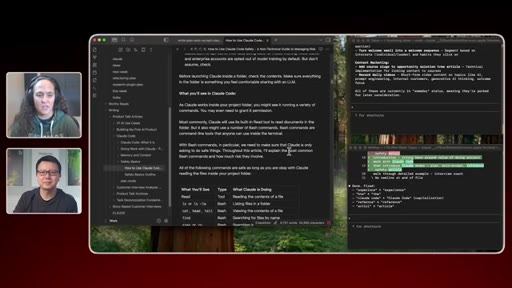
07 · Context window management
Teresa doesn't let Claude auto-compact. When context is full: Claude writes process-notes.md, she clears manually. She's building a sub-agent documenter to automate this.
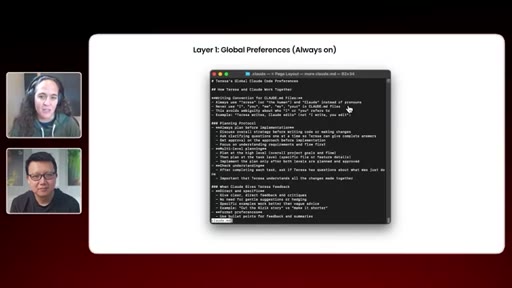
08 · The 3-layer context system
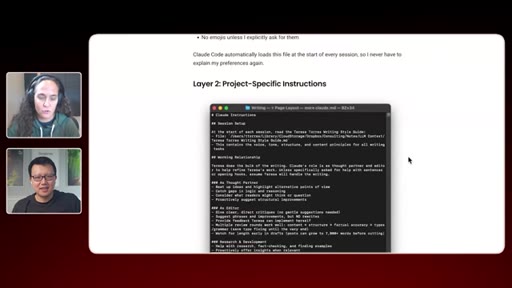
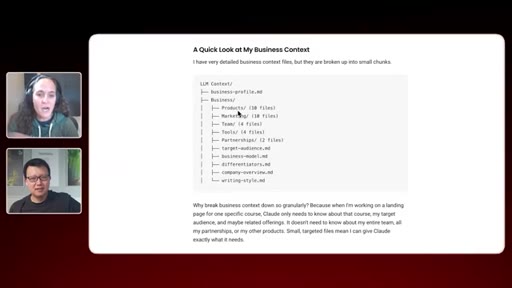
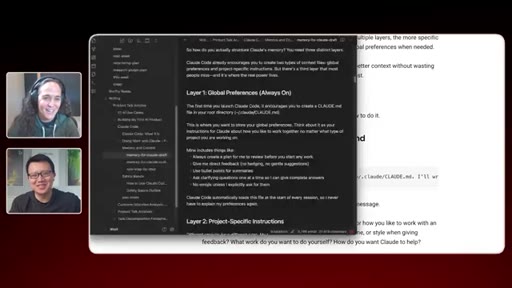
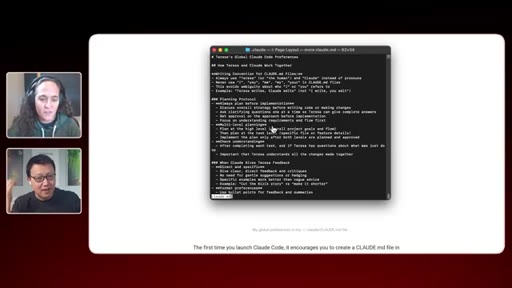
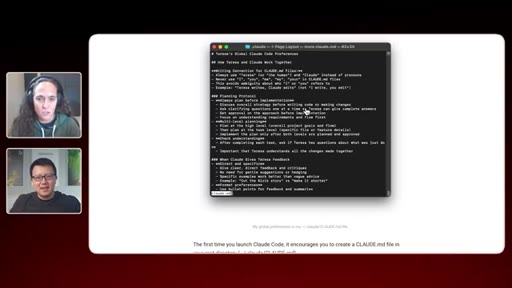
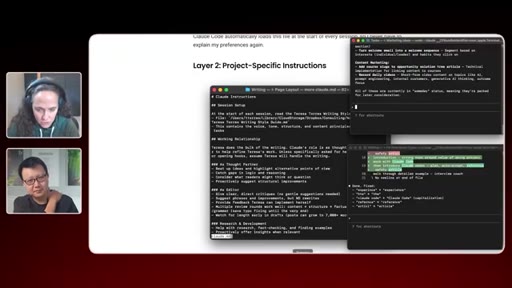
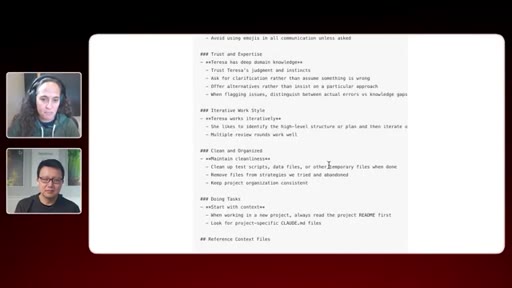
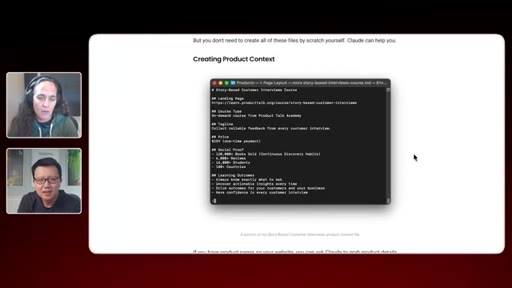
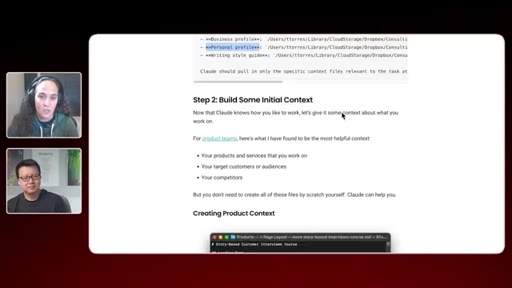
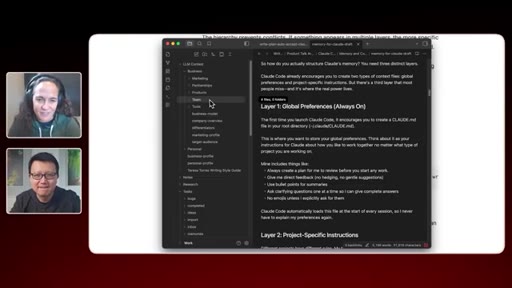
Layer 1: global CLAUDE.md (short, always on, working preferences only). Layer 2: project CLAUDE.md (per-folder rules). Layer 3: reference files (business profile, target audience, differentiators). Claude only loads what's relevant per task.
09 · 3 tips to get started
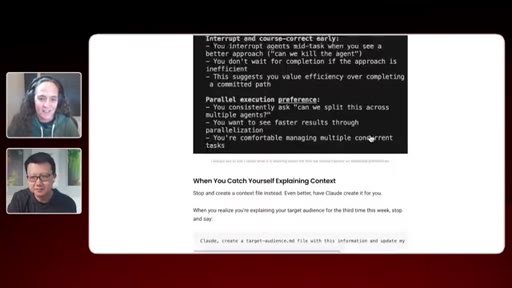
1) Whenever you explain context you'll need again, capture it in a file. 2) Work-vs-personal split is the minimum viable structure. 3) Ask Claude at end of every session: what should we add to context?
Lines you could clip.
"How do I pair with Claude on everything that I do?"
"I wrote a 9,000-word blog post in one and a half days. There is no way I would have done this myself."
"When the context window fills up, bad things happen. Claude gets dumber."
"I don't write my CLAUDE.mds anymore. Whenever we're done working, I say: what did you learn about working with me? What should we add to the CLAUDE.md so this goes smoother next time?"
"Using Claude Code right now is living on the edge of what's possible today. And if we're gonna build AI into our products, we should be living on that edge."
"I forced myself all day every day, every time I do a new task, to think: how can Claude help?"
Things they pointed at.
Word for word.
Teresa built what Joe is selling.
Her dual-terminal morning launcher is JoeFlow's Sessions panel with a CLI instead of a UI — build the app that gives everyone Teresa's system without the months of setup.
- The `today` command format is the exact template for JoeFlow's morning batch: one trigger, multiple agents fire, one briefing file appears.
- Dual-terminal isolation (tasks terminal / writing terminal, each with its own CLAUDE.md) maps directly to Sessions panel rows — this is the architecture to show in demos.
- Process notes before compaction is the manual version of what a proper session memory layer would do automatically — a clear JoeFlow feature gap to close.
- Teresa's self-maintaining context files (ask Claude at session end what to add) could be a one-tap JoeFlow post-session prompt.
- Her 3-layer system (global prefs → project rules → reference files) validates Joe's own CLAUDE.md architecture — show this episode to anyone who asks how to set up theirs.
- Key demo moment: she writes 9K words in 1.5 days. That's the number to put in JoeFlow marketing — 'Teresa's system, out of the box.'
One rule to get started today.
Whenever you find yourself explaining context to Claude that you'll probably have to explain again — stop and capture it in a file instead.
- The minimum viable start: create a work folder and a personal folder. Launch Claude inside whichever one is relevant to your task. That's it.
- Don't create context files upfront — just do it in the moment when you realize you're explaining something for the second time.
- At the end of every conversation: ask Claude 'what did you learn about me that should go in a context file?' Let Claude draft it, you approve.
- Keep your global CLAUDE.md short. It loads every single conversation — including when you ask Claude if your dog can eat grapes.
- When you feel like Claude is 'getting dumb' mid-session: it's not the model, it's the context window filling up. Write a summary of where you are, clear the window, paste the summary back in.