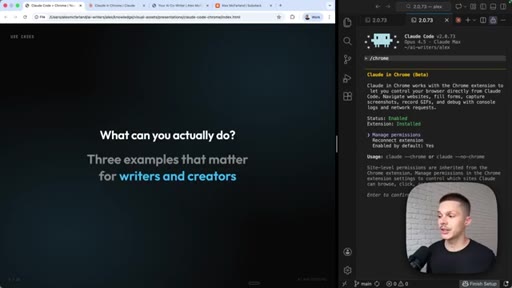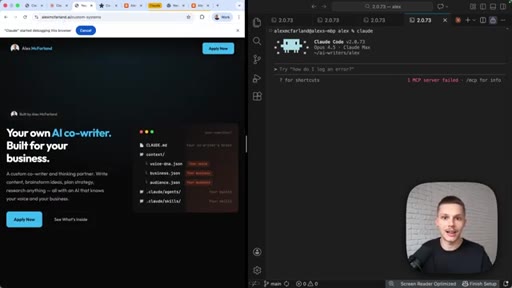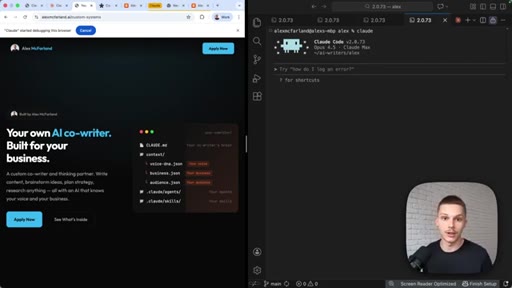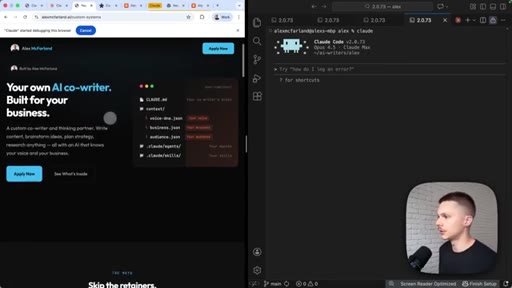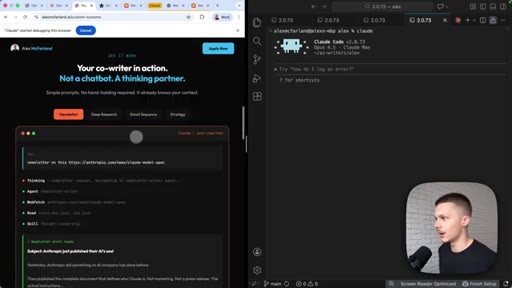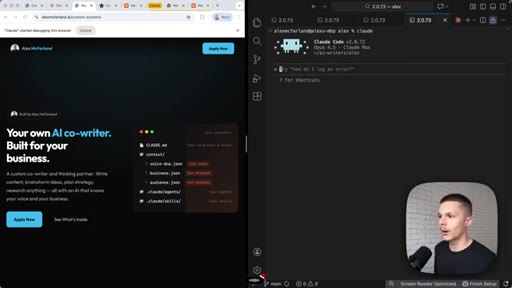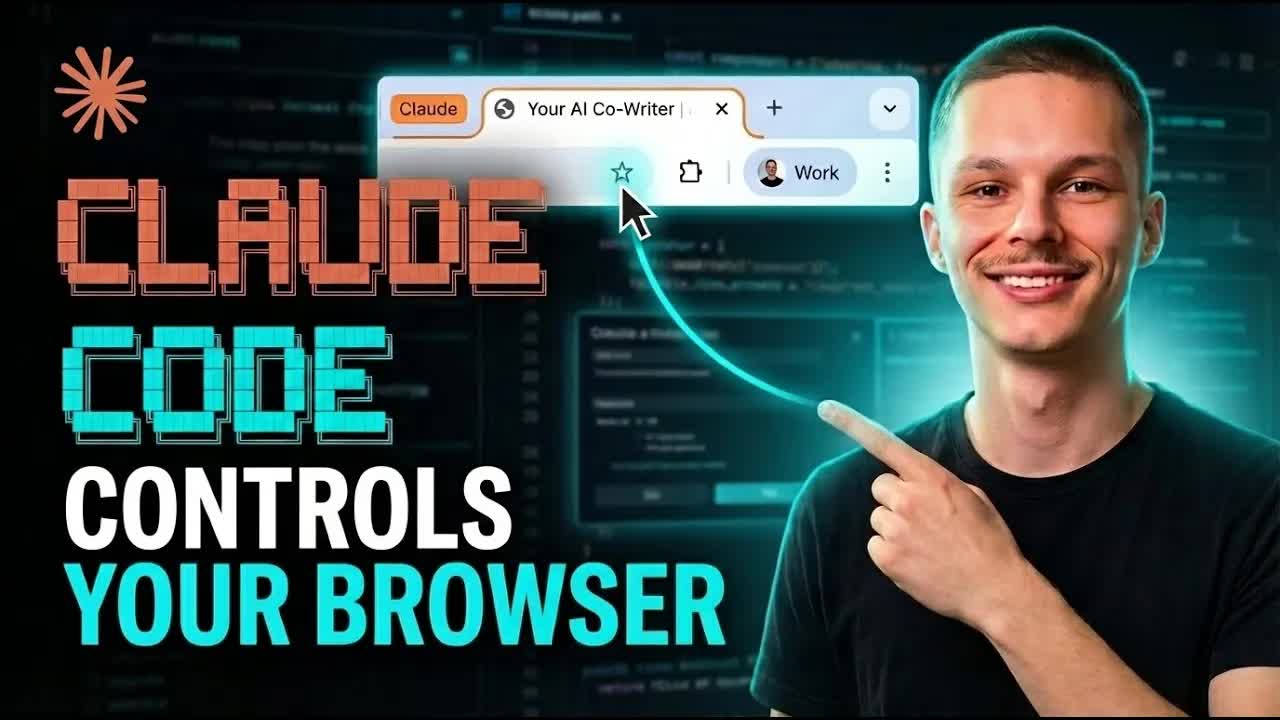
The bait, then the rug-pull.
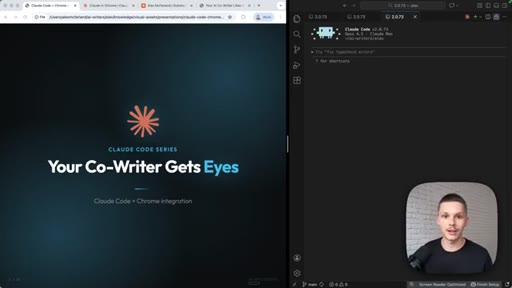
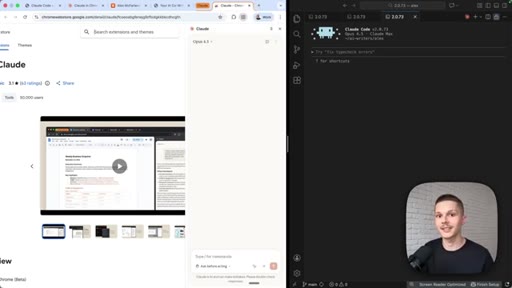
Three words on a dark slide — Your Co-Writer Gets Eyes — and the entire value prop is delivered before Alex says a word. The spoken hook lands the payload: Claude Code now has direct browser access, no MCP workarounds, no manual screenshotting. A capability unlock framed as a persona upgrade.
What the video promised.
stated at 00:05 "I am gonna show you how to quickly set that up inside of Claude Code and why that is so important for any of us who use Claude Code as our co writer." delivered at 04:29
Where the time goes.
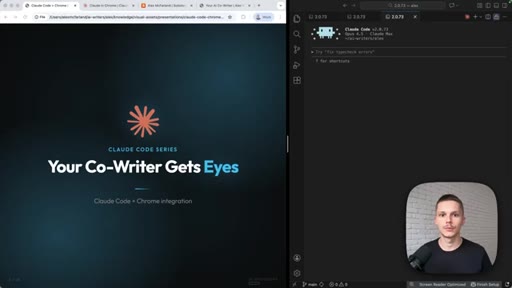
01 · Intro — Your Co-Writer Gets Eyes
Title card reveal, Claude Code series branding, promise stated.
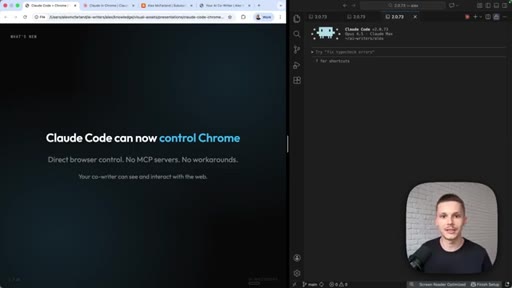
02 · What it does
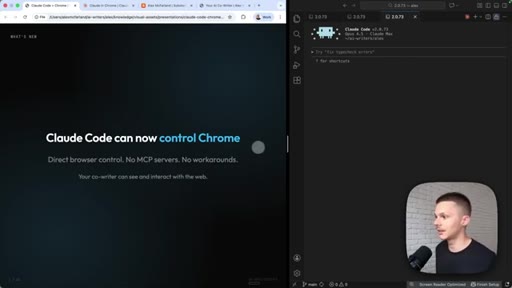
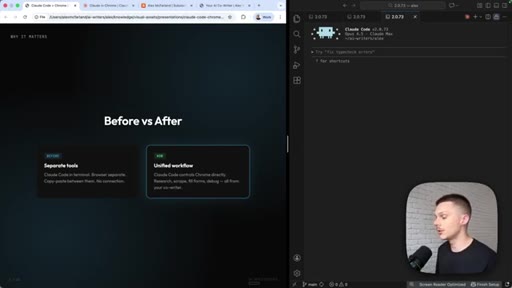
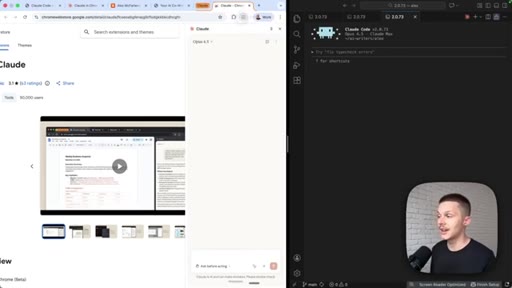
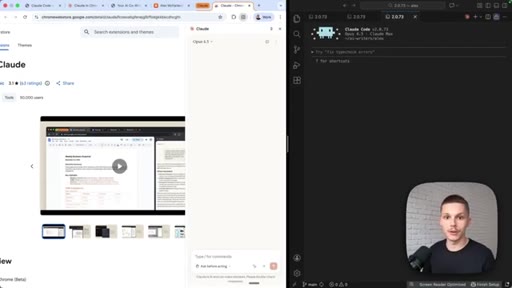
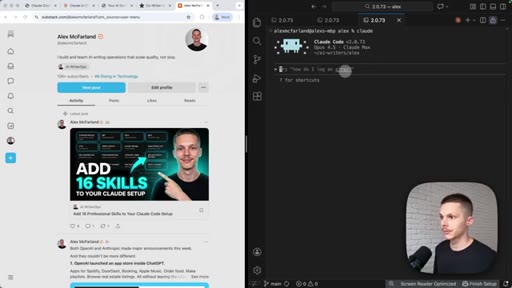
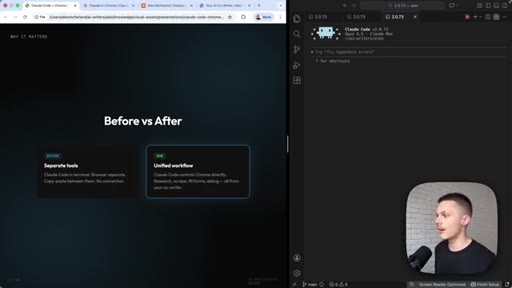
Direct browser control, no extra MCPs. Before = manual screenshots; After = side-by-side live access.
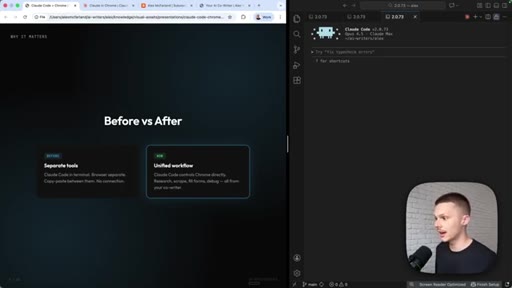
03 · Install the extension
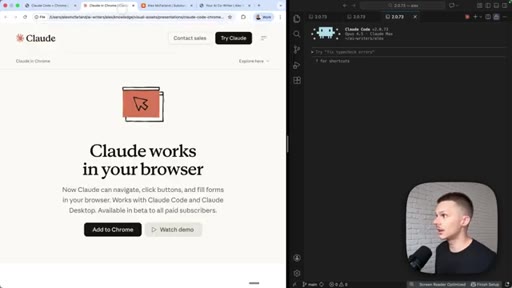
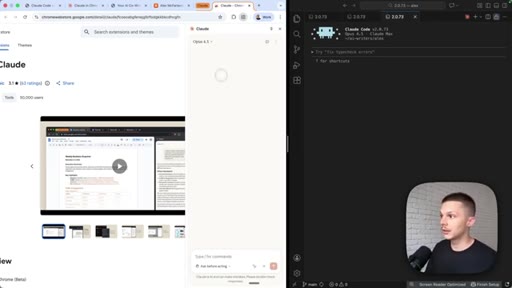
claude.com/chrome, Add to Chrome, extension in toolbar, Claude panel opens.
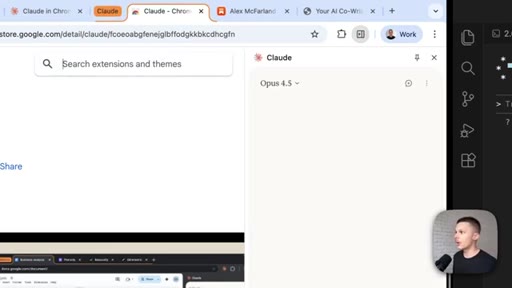
04 · Tab groups explained
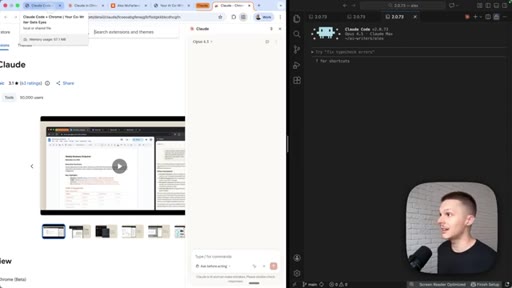
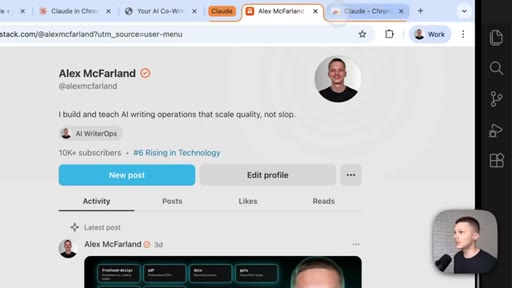
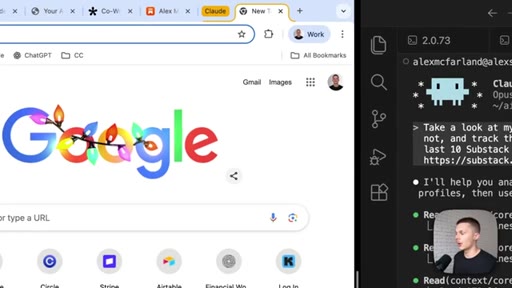
Orange highlight = Claude-accessible. Drag tabs in/out. Claude is sandboxed to the group.
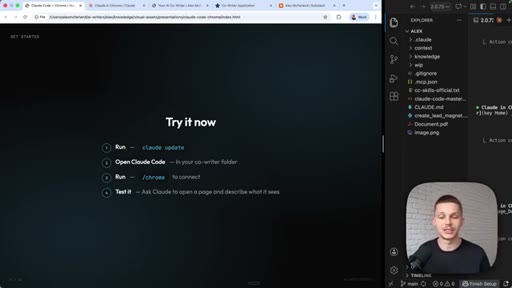
05 · Connect to Claude Code
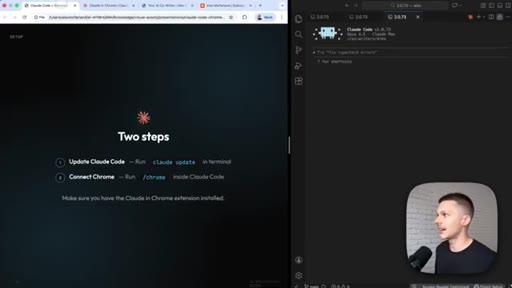
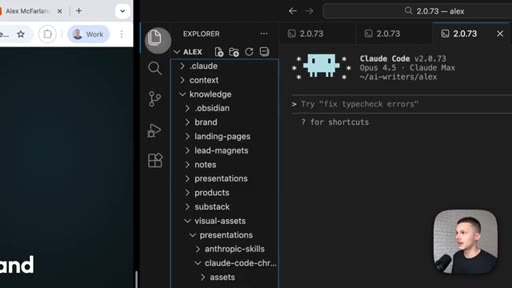
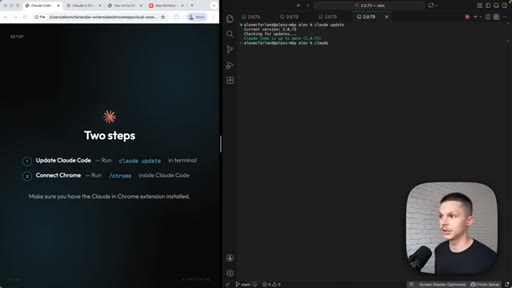
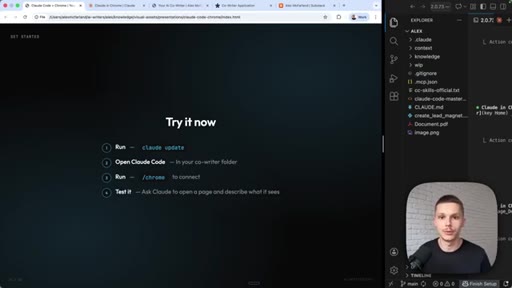
VS Code setup, run claude update, launch claude in fresh terminal.
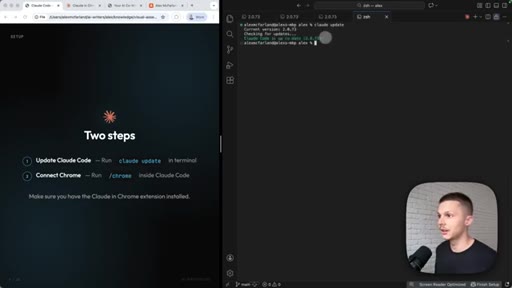
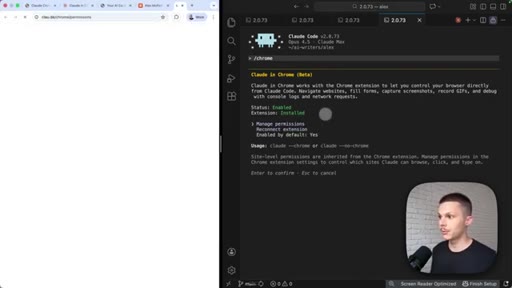
06 · /chrome command
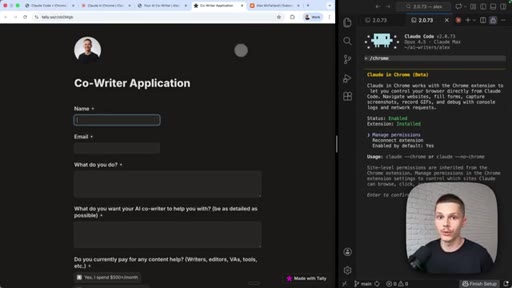
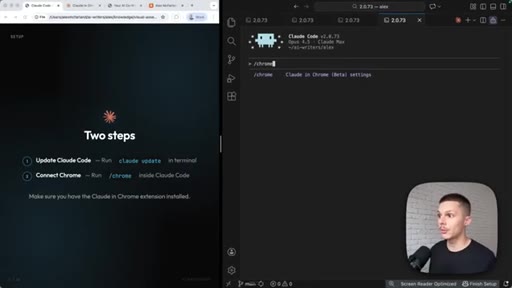
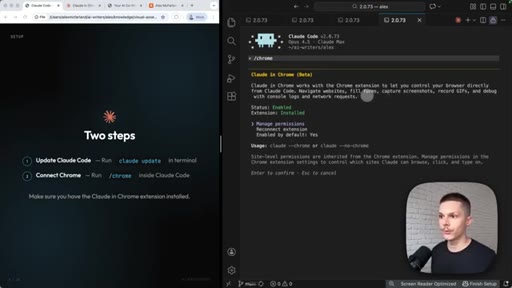
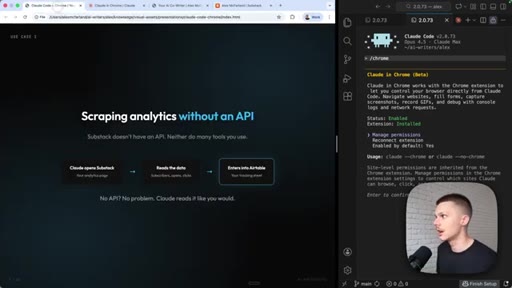
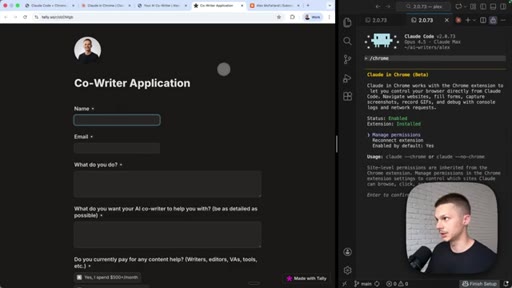
Run /chrome inside Claude Code — Status: Enabled, Extension: Installed, reconnect if needed.
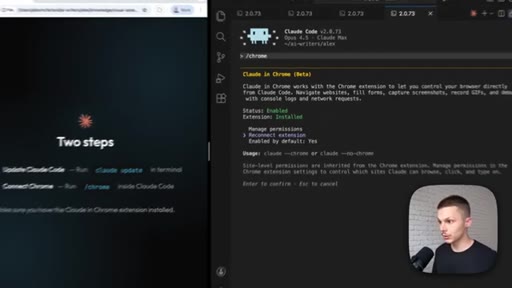
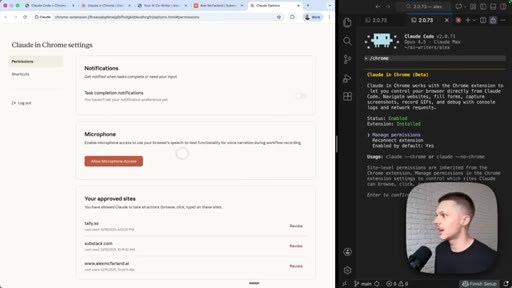
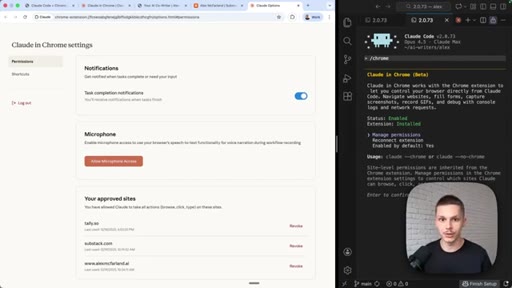
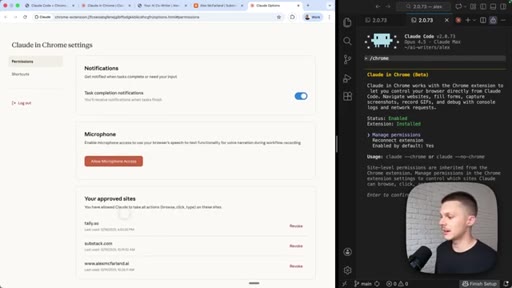
07 · Permissions panel
Notifications, microphone (workflow recording dictation), approved sites list with per-site revoke.
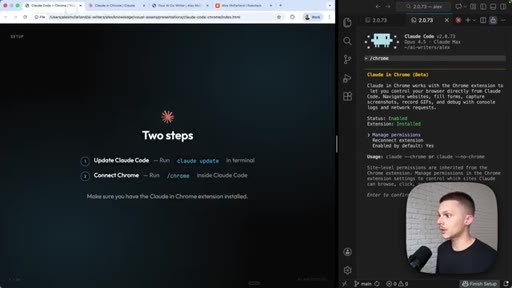
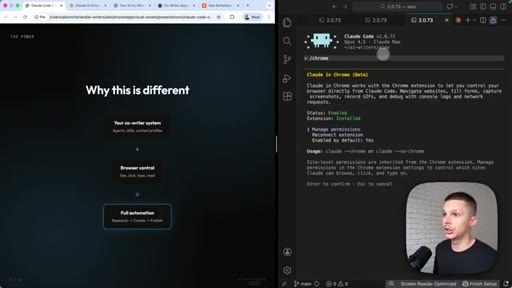
08 · 3 use cases overview
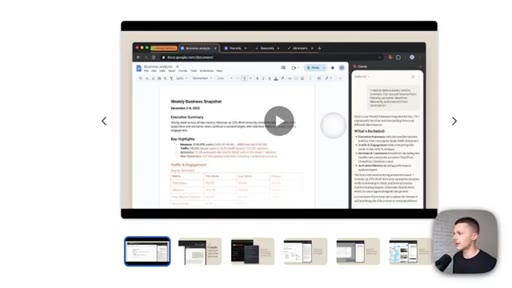
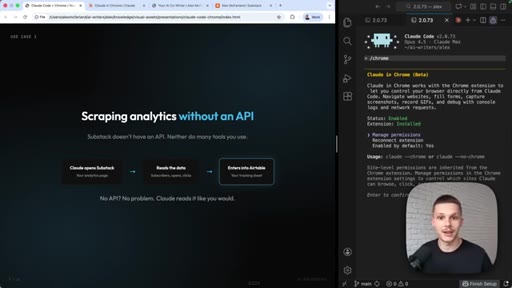
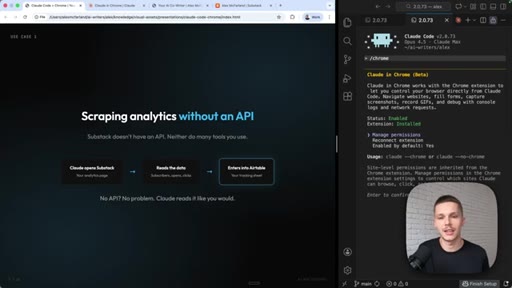
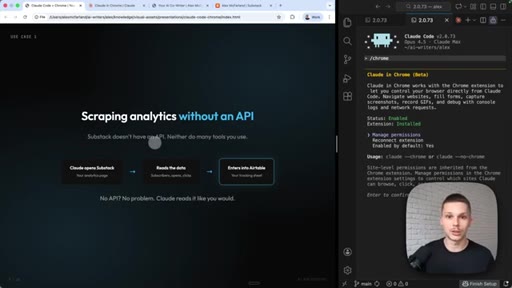
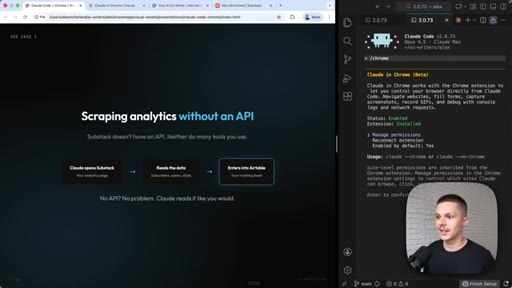
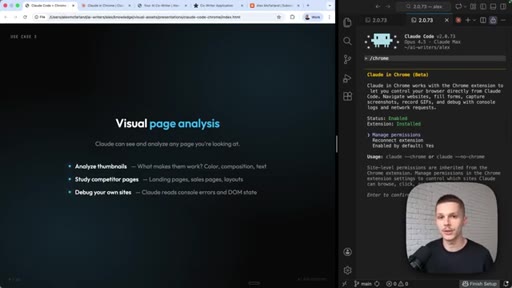
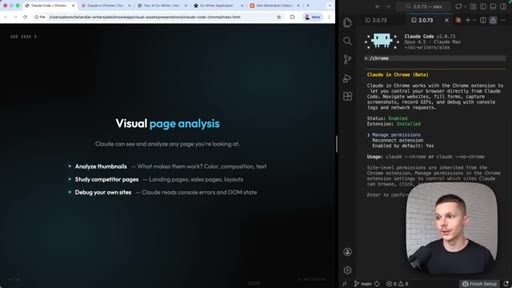
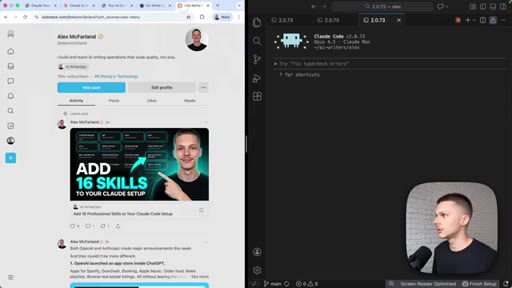
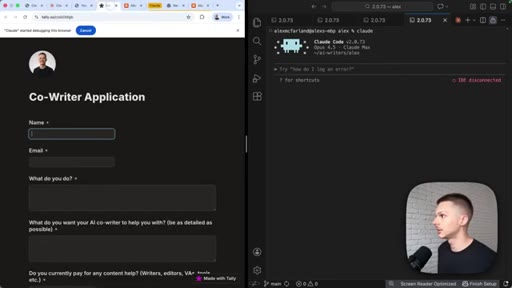
Substack analytics (no API), form-filling on Tally, visual page analysis. Limitations: slow, background only.
09 · Live demo 1 — Substack notes analytics
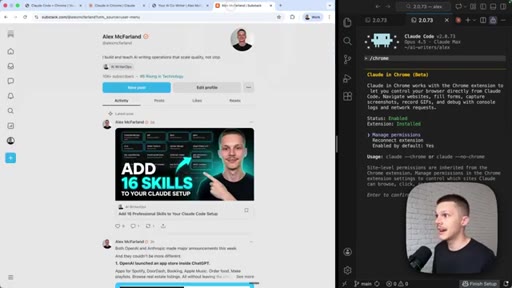
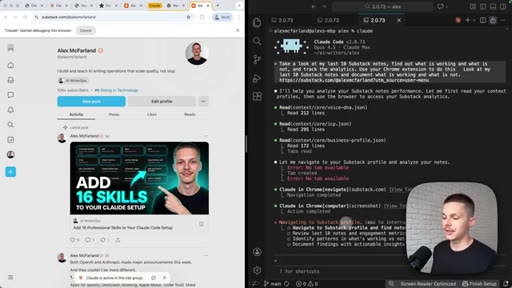
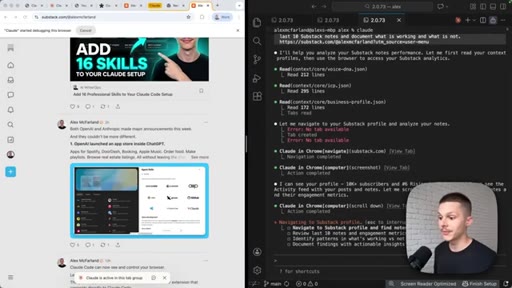
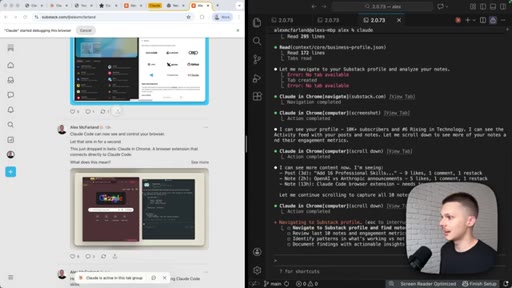
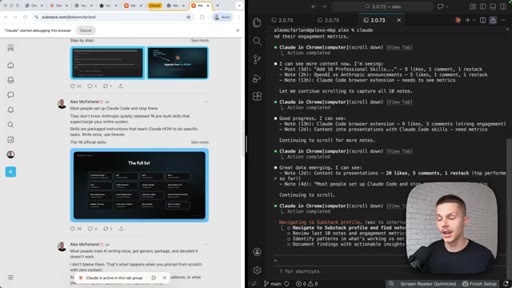
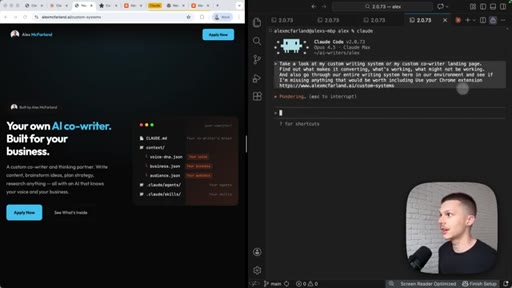
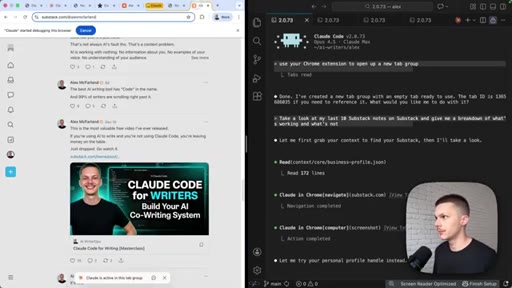
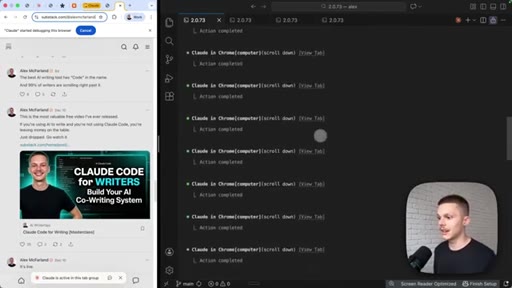
Prompt structure: tell it to use Chrome extension + drop the link. Claude navigates autonomously. Do not touch the screen.
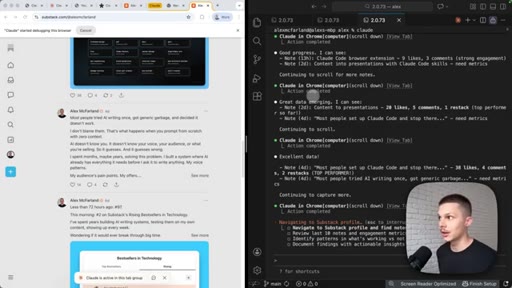
10 · Parallel session demo
Opens second terminal, launches second Claude while first runs in background. Parallel multi-agent workflow.
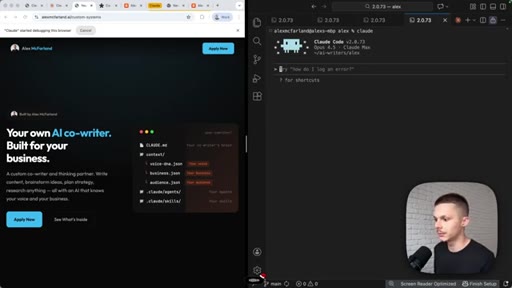
11 · Live demo 2 — Landing page analysis
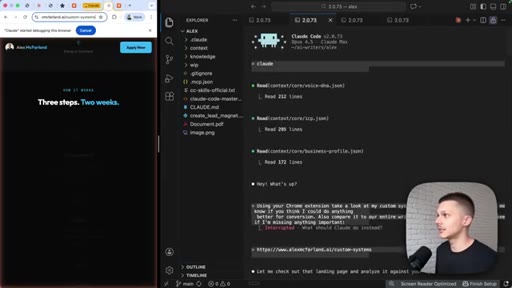
Voice dictation prompt for second session. Analyze landing page, cross-reference writing system context.
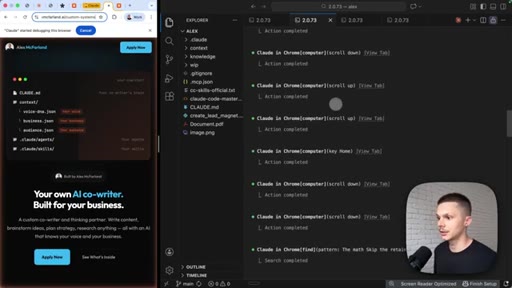
12 · Results breakdown
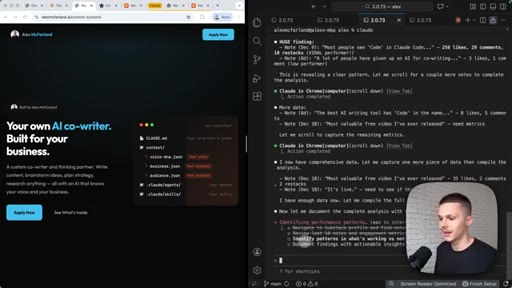
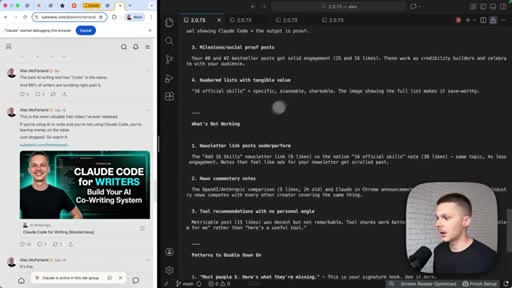
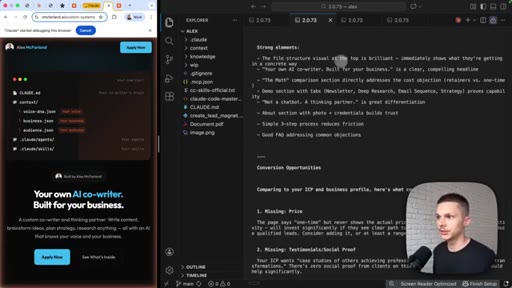
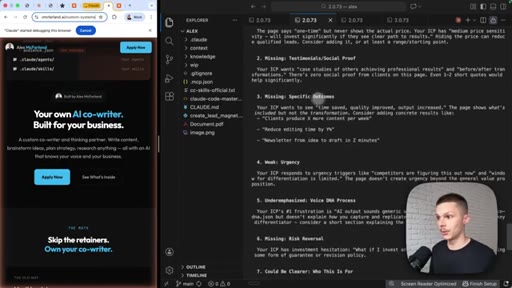
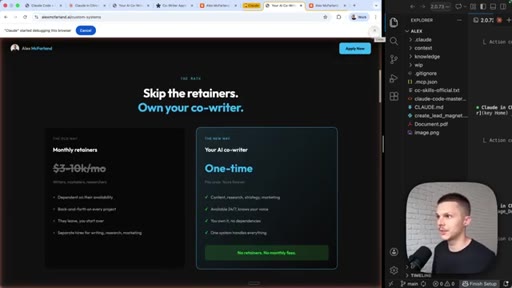
Substack notes: what works (numbered lists, social proof) vs what does not. Landing page: missing testimonials, price, urgency.
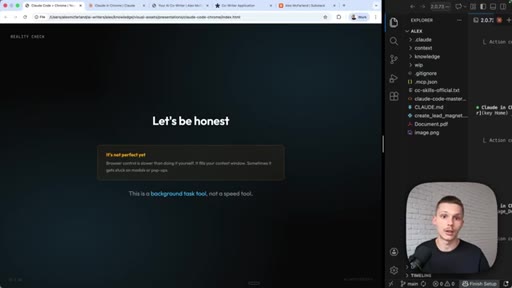
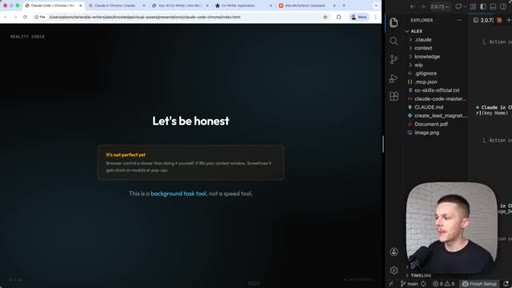
13 · Honest limitations + CTA
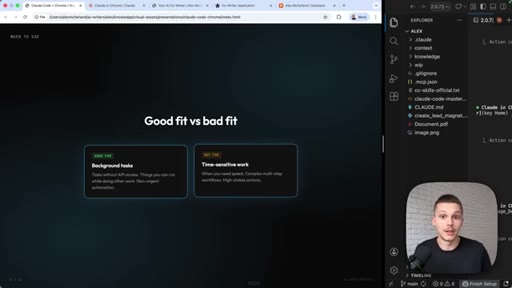
Background task tool not a speed tool. Good fit: no-API scraping, visual analysis. Plug for Co-Writer Masterclass.
Visual structure at a glance.
Named ideas worth stealing.
Tab Group Sandboxing
Claude Chrome only accesses tabs in the orange-highlighted group. Drag in to grant, drag out to revoke. Sandboxed per session.
Background Task vs Speed Tool
Browser automation is a background delegation tool for no-API tasks. Not suited for real-time or complex multi-step flows.
Prompt Formula for Chrome Tasks
- Tell it to use the Chrome extension explicitly
- Drop the direct URL
- State the exact output you want
- Do not touch the browser while it works
Four-part prompt pattern that makes Chrome-based Claude tasks reliable.
No-API Automation Use Cases
- Scraping analytics from walled-garden platforms (Substack)
- Filling out forms (Tally, Typeform)
- Visual analysis of pages without needing HTML access
Three categories where browser-based Claude automation wins because the APIs do not exist.
Lines you could clip.
"Your co-writer now gets eyes and now has direct access to your browser with this Chrome integration."
"Substack does not have an API. So it is very difficult to track all of your stats. You kinda have to do it manually."
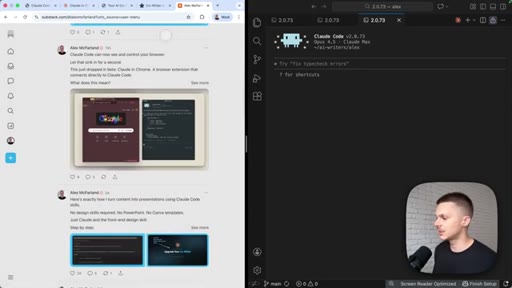
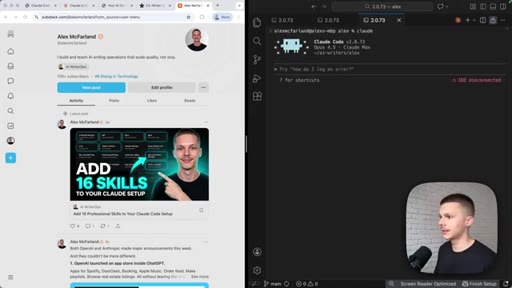
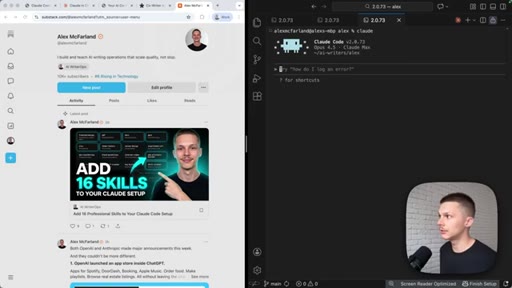
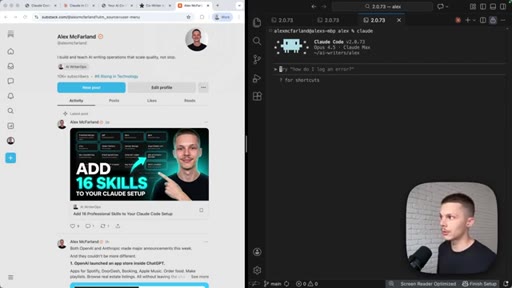
"Do not touch the screen that it is working on. Claude is basically taking screenshots and navigating that way. So if you move the page, it is gonna get lost."
"It is a background task tool, not a speed tool."
How they spent the runtime.
Things they pointed at.
How they asked for the click.
"If you have not checked out my Claude Code masterclass for building your AI co writer, check that out as well because every new thing that comes out just builds on top of your co writing system and supercharges it."
Soft, organic — positioned as additive context not a hard sell. Framed as the system this feature plugs into.
Word for word.
Steal the framing, steal the limitation.
Alex McFarland is building the same audience Joe is — calling it a co-writer system instead of a dictation app — and this video shows exactly how he packages new capability drops into his product narrative.
- Title as persona upgrade: Gets Eyes beats Chrome Extension Setup. For JoeFlow: next capability drop should be Gets Context or Gets Memory, not v1.8 release notes.
- The honest limitations slide builds more trust than the demo does. Saying the limit before the viewer discovers it is a pattern worth copying in JoeFlow onboarding and product pages.
- His slide deck format (dark bg, large single-concept text, branded series label) is a repeatable content format. One card = one concept. Start building a JoeFlow card library.
- Prompt formula for browser tasks (explicit tool + URL + desired output + hands-off) is a teachable pattern. JoeFlow voice-command prompts could use the same recipe structure.
- Running two Claude sessions in parallel is the same concept as JoeFlow Sessions cockpit. The visual of two terminals running simultaneously is the product demo, not the explanation.
- No-API angle applies directly to MCN: Substack analytics, Airtable views, any SaaS dashboard without an API. Claude Chrome equals free ETL for walled gardens.
What you can actually do with this today.
If you use Claude Code and spend time manually copying data from sites that do not have APIs, this extension turns that into a background task you can hand off.
- Install from claude.com/chrome, then run /chrome inside Claude Code — two steps, five minutes.
- Orange tab groups are the permission model: Claude only touches what is highlighted. Drag tabs in to grant access, drag out to revoke.
- Best first use: ask it to pull stats from a page you check manually every week — newsletter analytics, form responses, competitor pricing pages.
- Always tell it to use the Chrome extension explicitly in your prompt and paste the direct URL. It does not use it autonomously yet.
- Once you kick off a task, leave the tab alone. If you scroll or click, it loses its place. Open a second terminal for anything else you want to run in parallel.