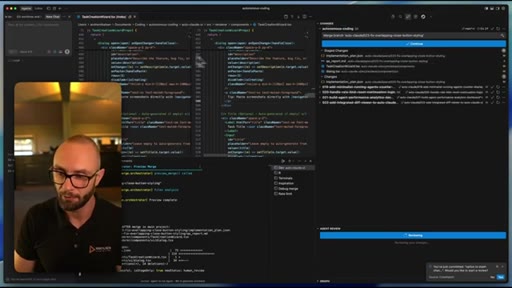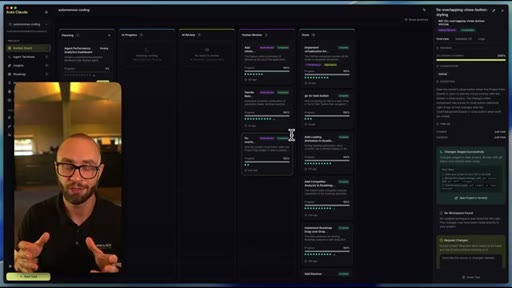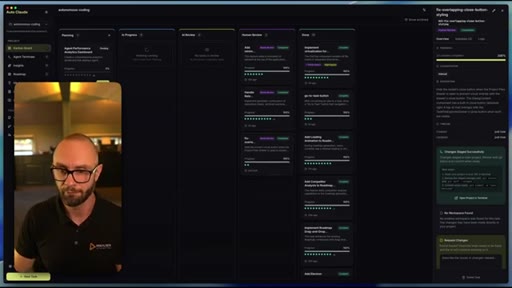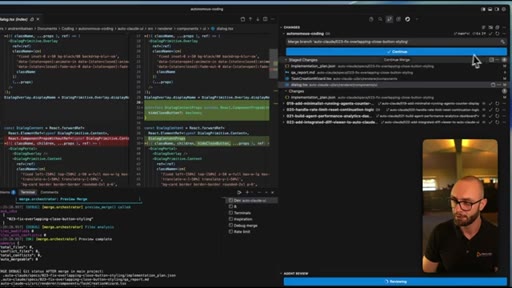
The bait, then the rug-pull.
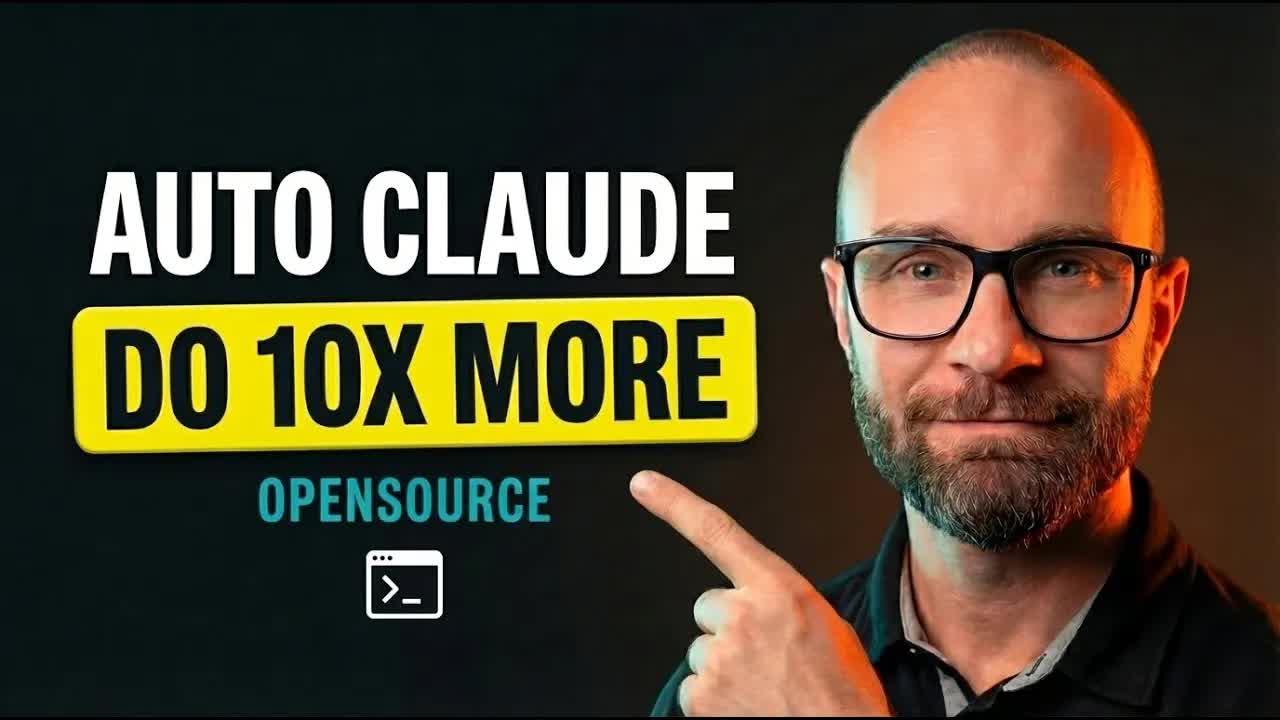
The title and the first spoken line are the same sentence — a clean pattern-interrupt that wastes zero frames before stating the promise. André Mikalsen opens with a question, answers it with a product name, and is inside the demo by the 40-second mark.
What the video promised.
stated at 00:04 "Get 10 times the work done on your projects with the planning and the quality coding and testing that you should demand from your AI coding system." delivered at 01:04
Where the time goes.

01 · Cold Open + Introduction
10x the work done — promise stated, creator introduced, product named. No warm-up.

02 · Project Setup
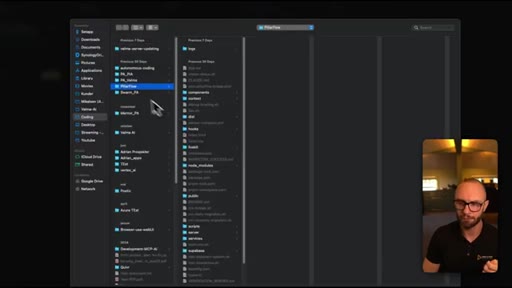
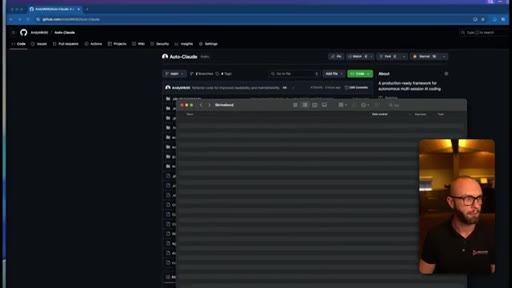
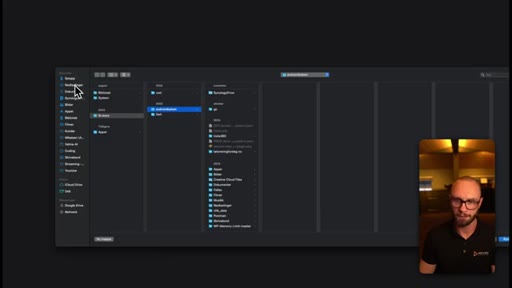
File picker -> .autocloud folder initialized. One-click onboarding.

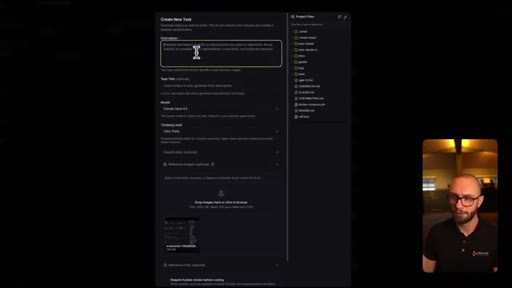
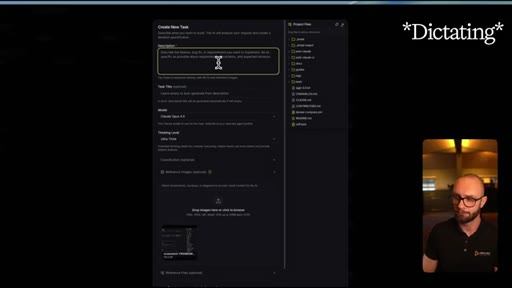
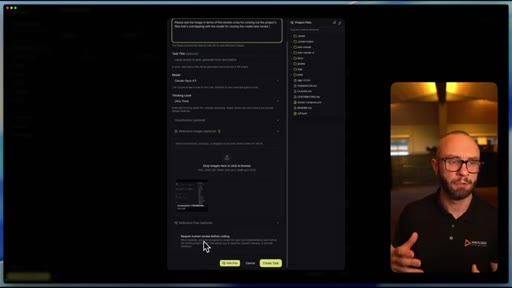
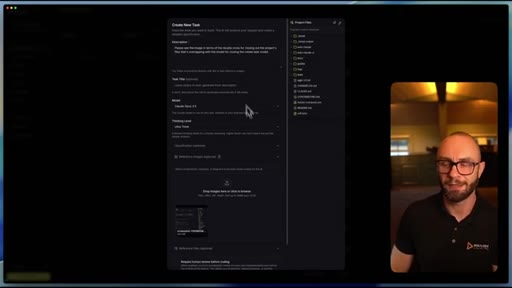
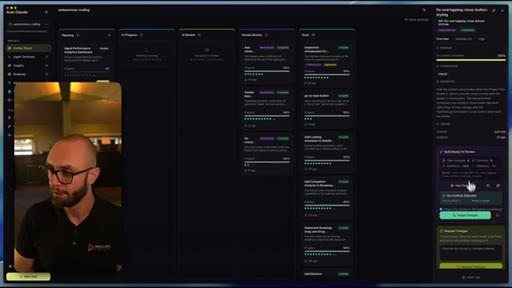
03 · Kanban Board - Creating Tasks
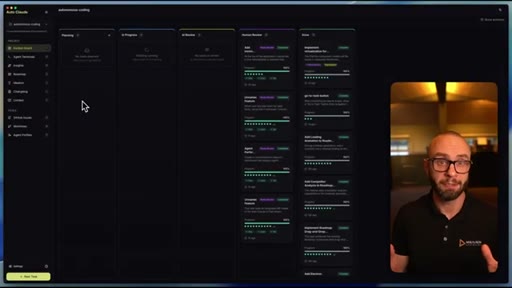
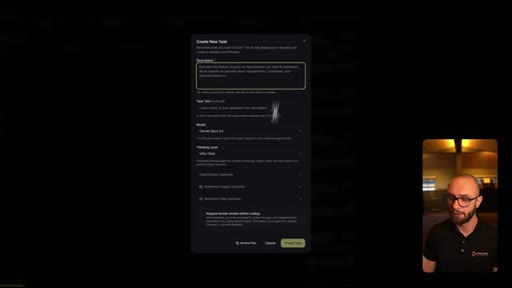
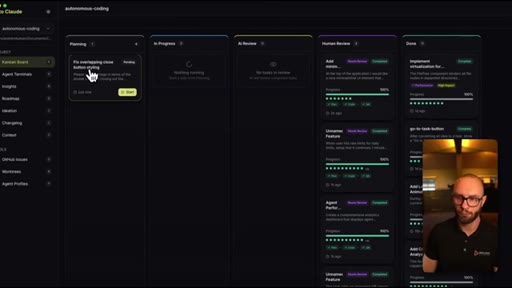
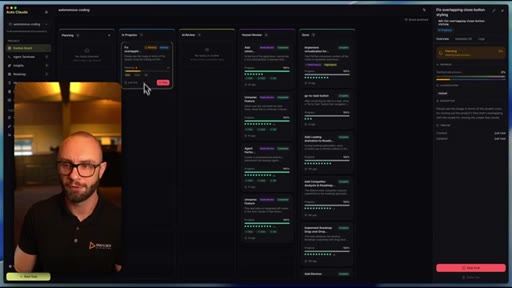
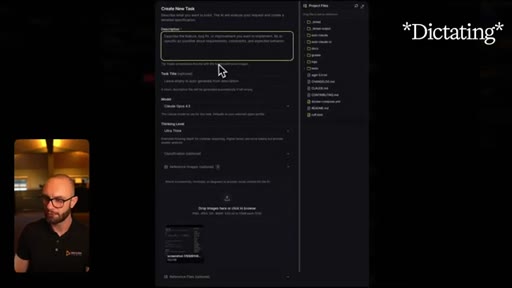
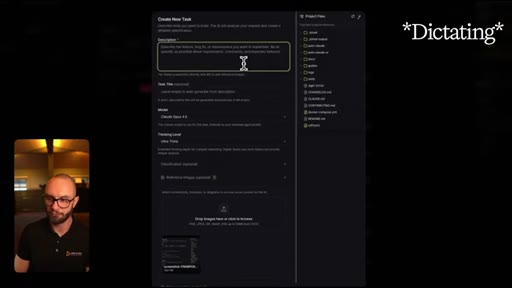
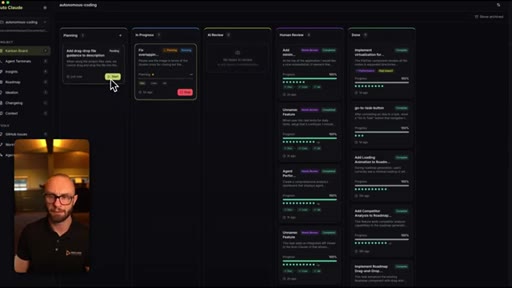
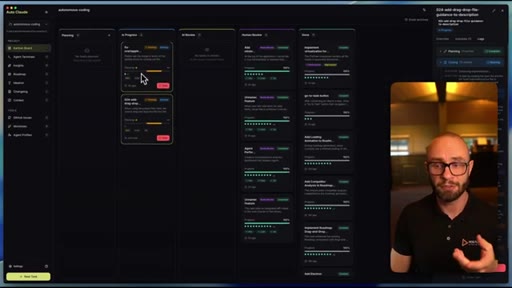
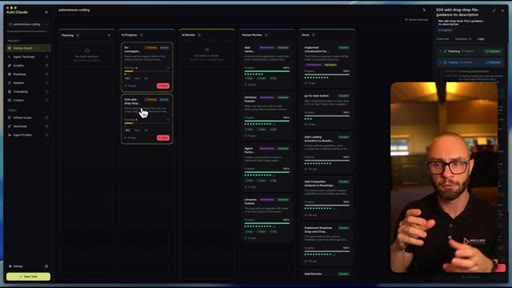
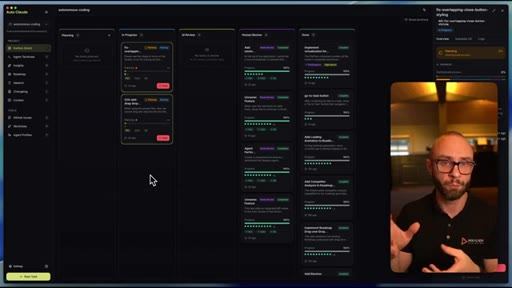
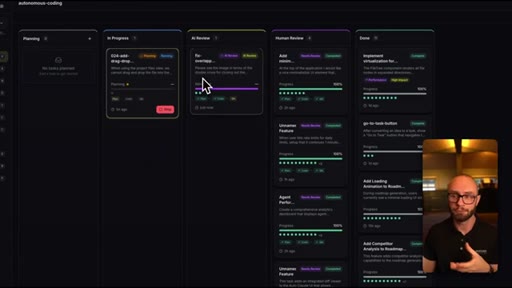
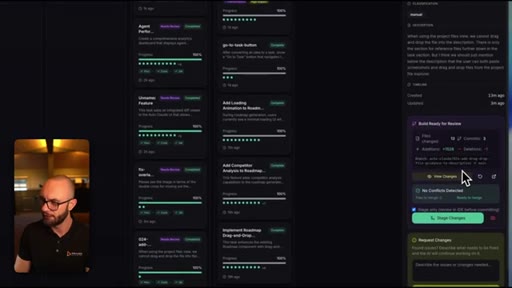
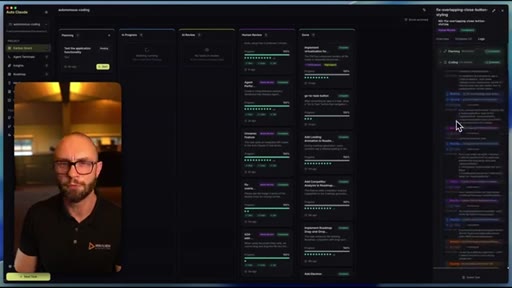
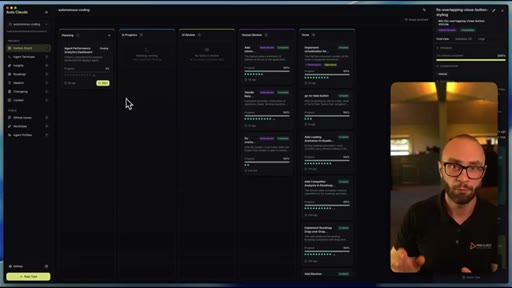
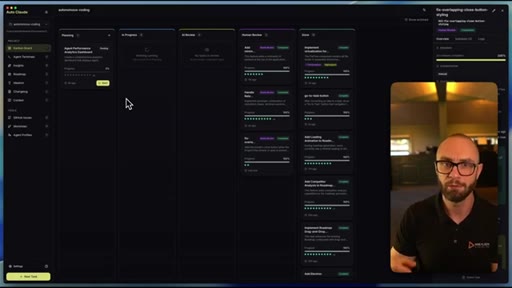
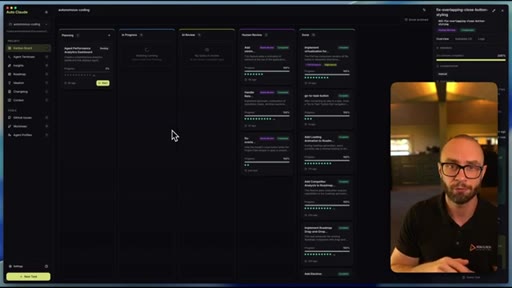
Planning -> In Progress -> AI Review -> Human Review -> Done. Creates bug-fix task by pasting a screenshot. Shows model, thinking level, and human review gate controls.

04 · Task Complexity Classification & AI Review
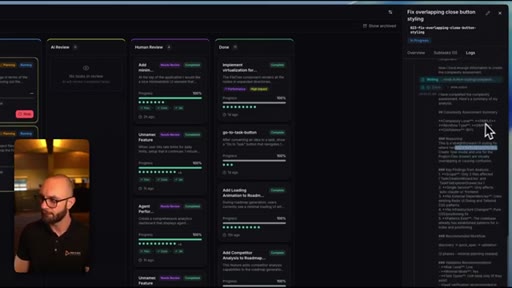
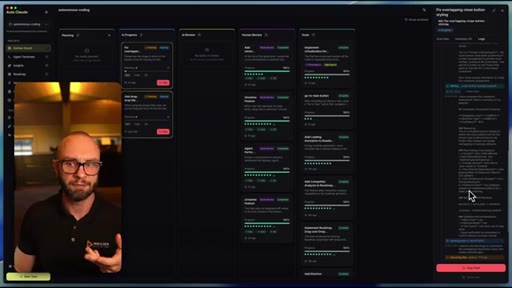
System auto-classifies task as simple (90% confidence). Introduces worktrees (git sandboxes per task) and the merge conflict AI layer. Live log panel shows tool calls.

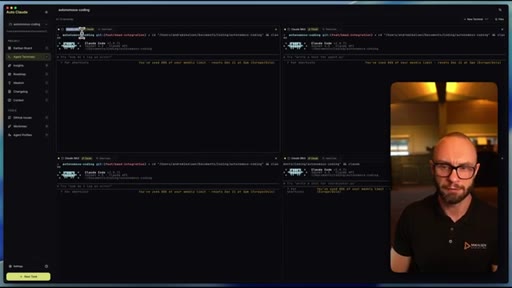
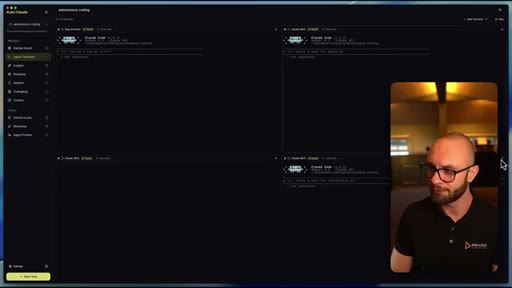
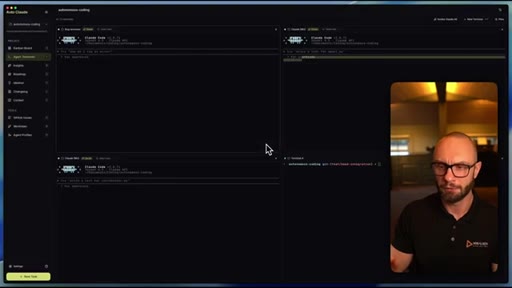
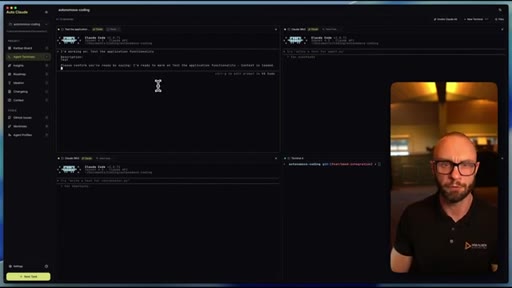
05 · Agent Terminals
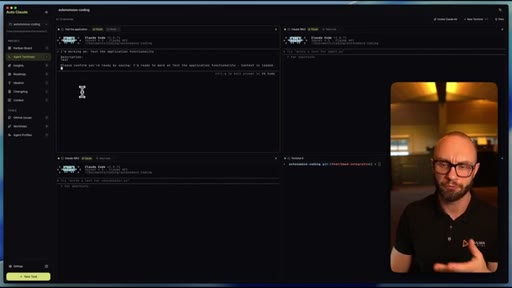
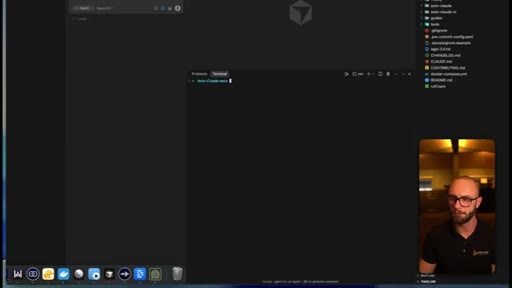
Up to 12 simultaneous Claude Code terminals, renameable. Tasks can be created from terminal view. Session restore.

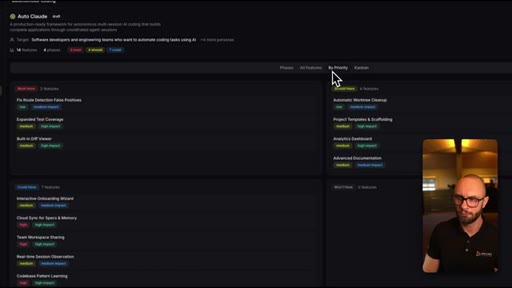
06 · Insights & Roadmap
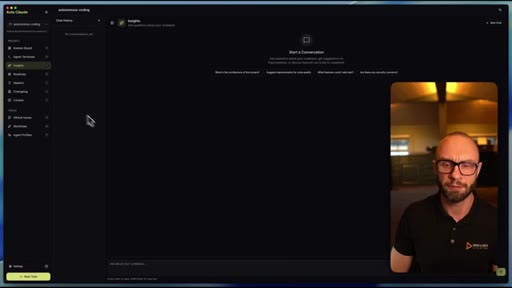
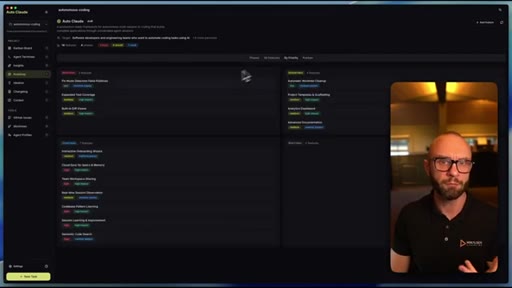
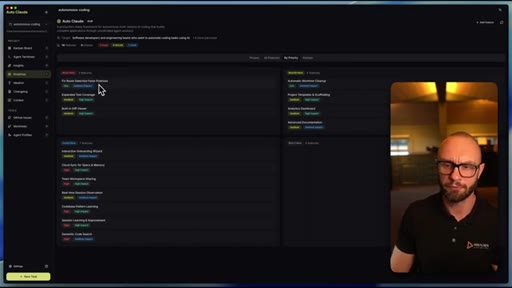
Insights = persistent project-aware chat. Roadmap = AI-generated feature priority breakdown. Planned Canny integration.

07 · Context & Memory System
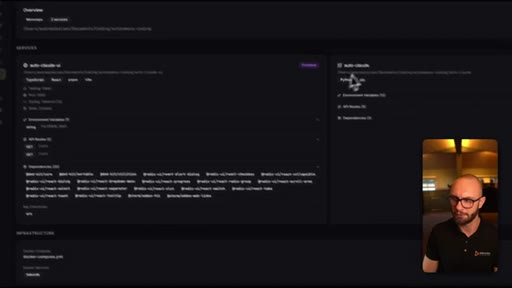
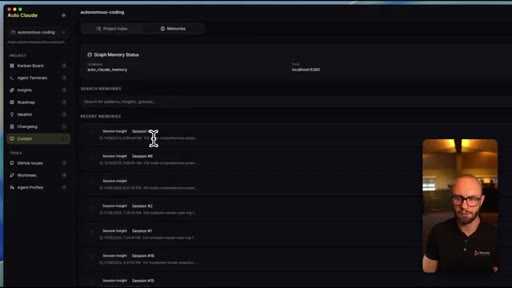
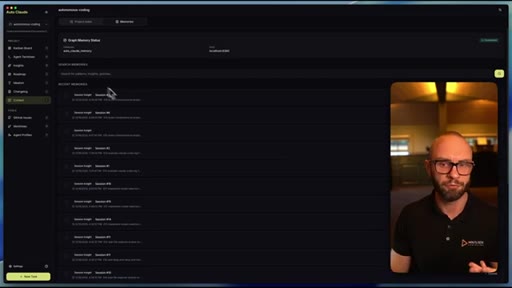
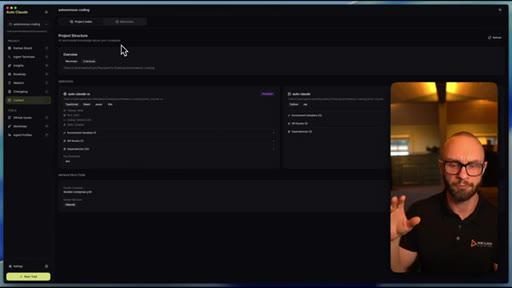
Project Index auto-parses codebase (Electron + Python detected). Graph memory + semantic RAG accumulates session insights — claims to become cheaper than raw Claude Code over time.

08 · Changelog & GitHub Integration
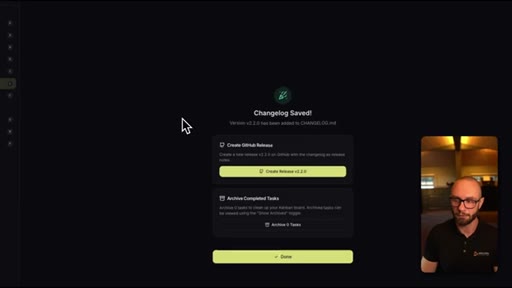
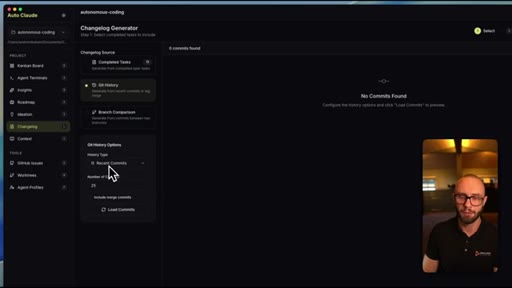
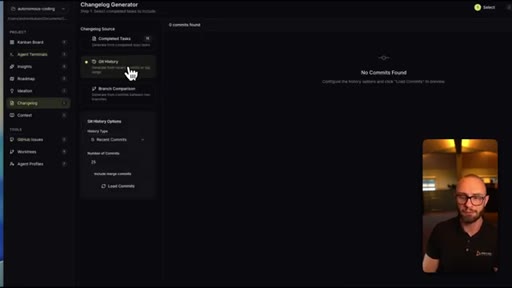
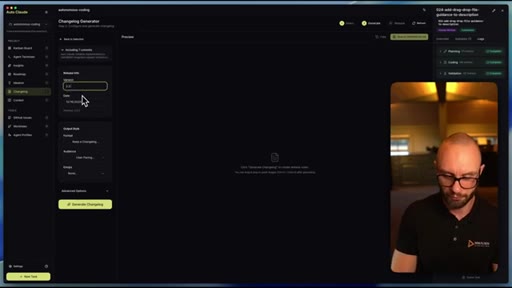
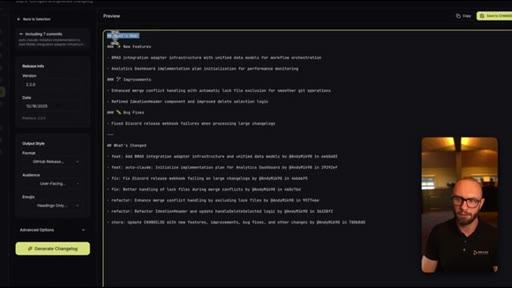
Changelog Generator pulls from completed tasks or Git history since a tag. One-click GitHub Release creation with emoji support. v2.2.0 generated in ~30s.

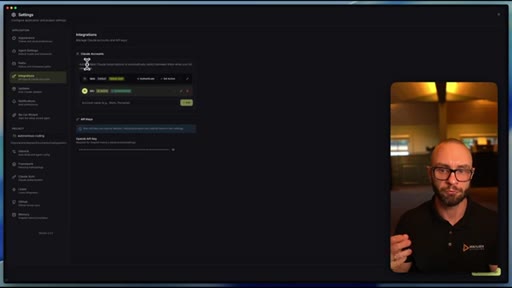
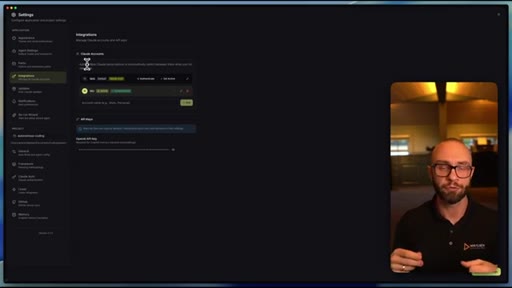
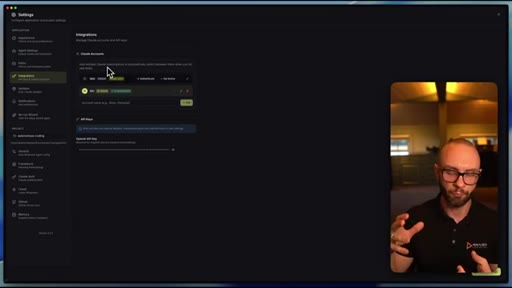
09 · Advanced Settings & Multiple Claude Accounts
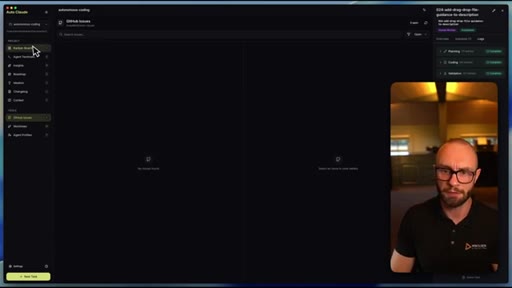
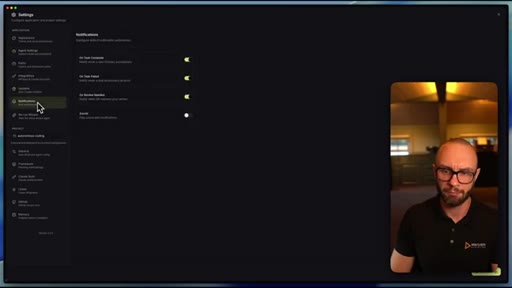
Supports multiple Claude Max accounts with auto-switching on rate limits. GitHub Issues integration incoming.

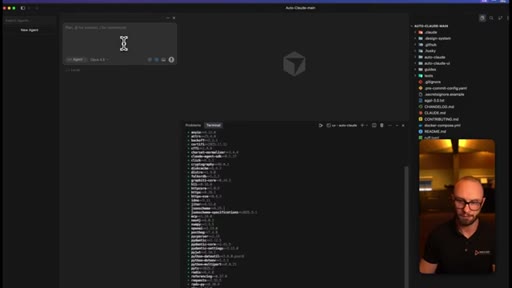
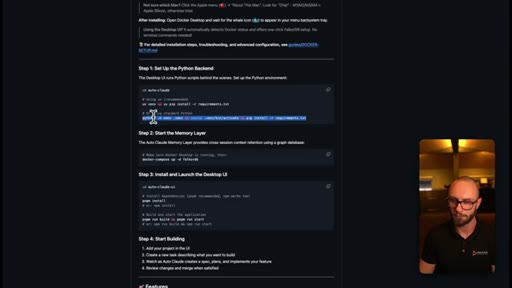
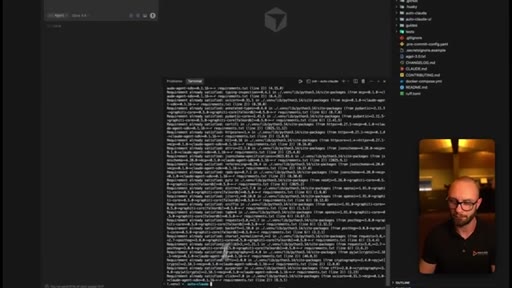
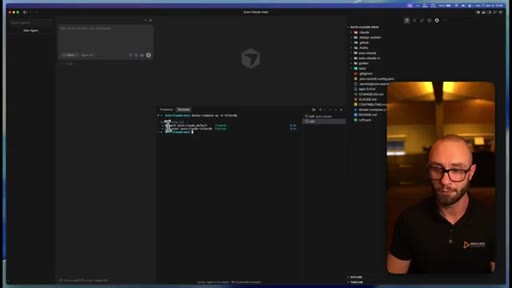
10 · Install Walkthrough
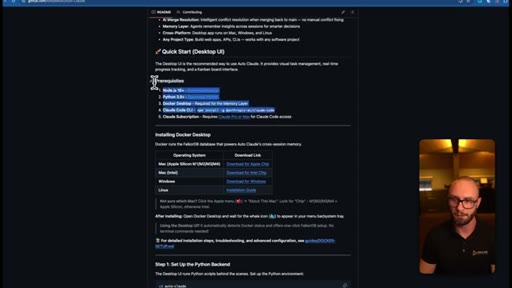
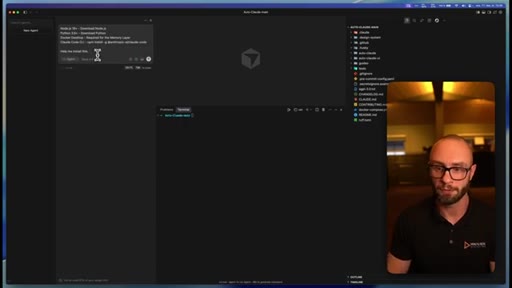
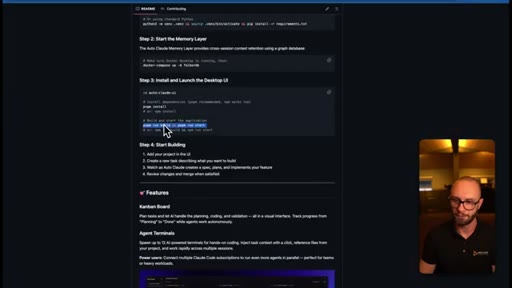
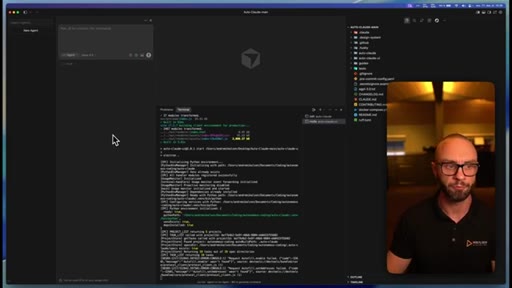
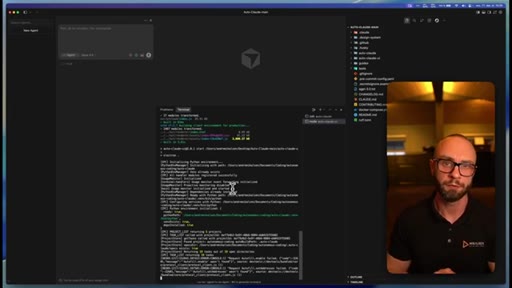
Download zip -> open in Cursor -> install Node.js + Python + Docker Desktop -> pnpm install + pnpm run start. Live macOS install demo.

11 · Conclusion & CTA
Discord community plug, subscribe ask. Clean end.
Visual structure at a glance.


Named ideas worth stealing.
Worktree-per-task sandboxing
Each task runs in its own git worktree (isolated branch). Parallel tasks cannot clobber each other. Merge conflict AI layer resolves diffs when tasks complete.
Task complexity classifier
- Simple
- Medium
- Complex
Auto Claude classifies each task before coding begins. Simple tasks get a quick spec + one test. Complex tasks get full spec + multiple subtasks + deeper review. Controls token spend automatically.
Planning to Done pipeline
- Planning
- In Progress
- AI Review
- Human Review
- Done
The Kanban columns represent real agent states. Tasks only surface for human review after the AI has reviewed its own work. Human time is reserved for final acceptance, not QA.
Graph memory + semantic RAG cost curve
As Auto Claude accumulates session memory, it retrieves relevant context with fewer tokens, making it cheaper per task than raw Claude Code over time. Compounding efficiency.
Lines you could clip.
"10 times the work done on your projects with the planning and the quality coding and testing that you should demand from your AI coding system."
"A work tree is basically a sandbox or environment where the coding is happening in one place and it won't touch any of the other files."
"The more you use Autocloud, the smarter it becomes at actually retrieving context at a smaller token usage. So it will become cheaper to actually use Autocloud over cloud code when you use it over time."
"I get a lot of tasks done while I sleep."
How they spent the runtime.
Things they pointed at.
How they asked for the click.
"Join our Discord community. If you have liked the video, be sure to subscribe and like it."
Soft and brief — Discord first, then subscribe. No product pitch, no upsell. Matches the free/open-source positioning.
Word for word.
Steal the architecture, not the app.
The worktree-per-task pattern is the unlock — it is what makes running 12 parallel agents safe rather than chaotic.
- Worktree = sandbox per task. Each agent branch is isolated — parallel tasks cannot step on each other. Consider wiring JoeFlow Sessions rows to git worktrees.
- Pre-classify before burning context. Auto Claude's complexity classifier (simple/medium/complex) gates how much token spend each task gets. Build this into JoeFlow batch dispatch.
- The human review gate is the product. Users don't want to babysit agents — they want to approve finished work.
- Auto Claude is free + open source. Win on Windows-first polish, JoeFlow-native integration, and long-term stability.
- "I get a lot of tasks done while I sleep" — this is the positioning sentence. If Joe ships a Sessions-powered batch mode, that line belongs on the landing page.
What Auto Claude means if you use Claude Code.
You're probably using one Claude session at a time — Auto Claude lets you run many in parallel without manually managing any of them.
- Download it free from GitHub. Requires Node.js, Python, and Docker Desktop.
- Start with one task on an existing project. Watch how it plans, codes, and self-reviews before asking for your input.
- The worktree system means you can safely queue multiple tasks on the same codebase — no risk of one agent overwriting another's work.
- If you hit Claude rate limits often, the multi-account integration lets you connect two Claude Max subscriptions and auto-switch between them.
- The memory system compounds — the more you use it on a project, the cheaper and smarter it gets at understanding that codebase.