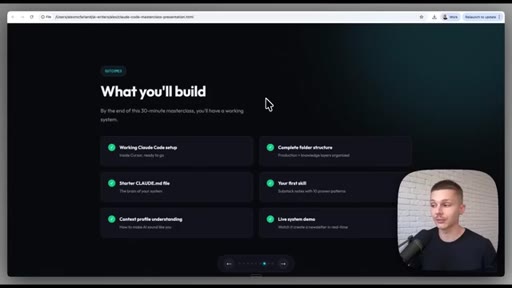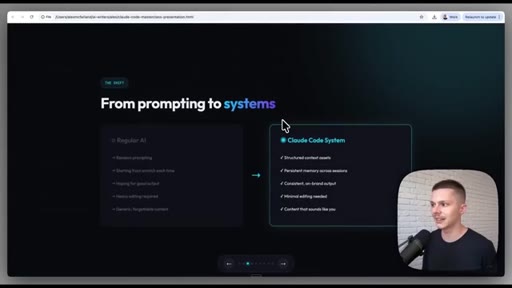
The bait, then the rug-pull.
Most people using Claude Code are leaving half the toolkit on the table. Alex McFarland opens with the kind of claim that stops the scroll — ninety-nine percent don't know this exists — then spends twenty minutes proving it by installing Anthropic's official skills repository live and watching it generate a branded nine-slide presentation in under five minutes.
What the video promised.
stated at 00:04 "I'm gonna show you how to upgrade your co writer inside of Claude by using Anthropics official repository of Claude's skills." delivered at 08:00
Where the time goes.
01 · Intro & pre-sell
States the promise ('upgrade your co-writer'), acknowledges the Claude Code Masterclass as prerequisite, sets up the skills concept.
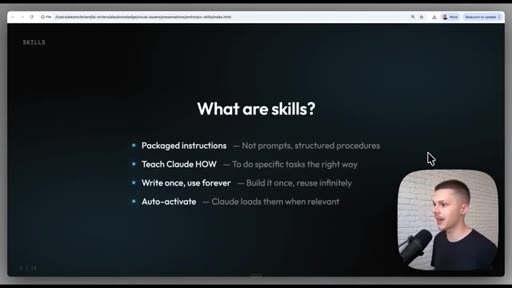
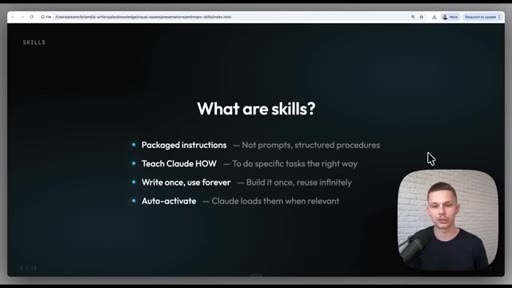
02 · What are skills?
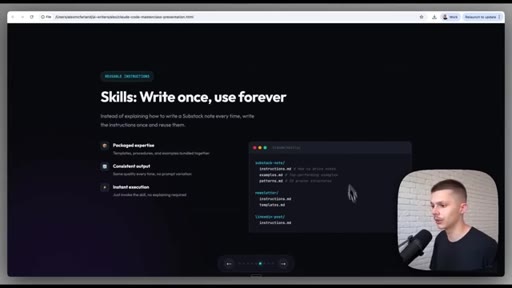
Four-property definition: packaged instructions, teach Claude HOW, write once/use forever, auto-activate. Not traditional prompts.
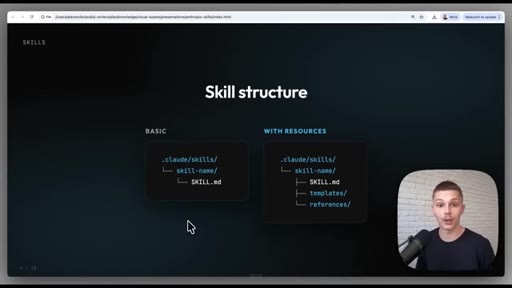
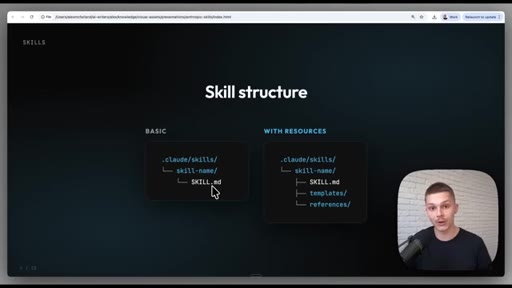
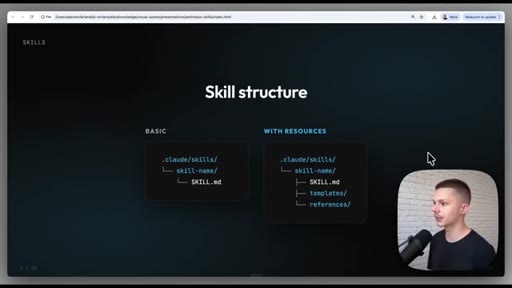
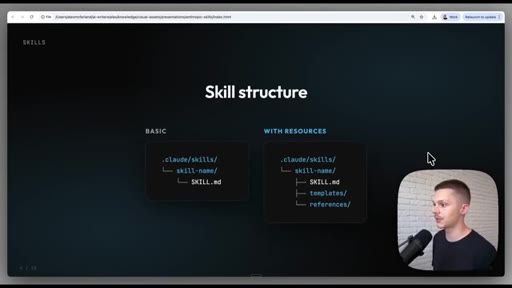
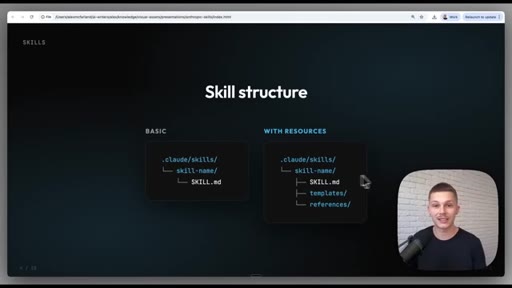
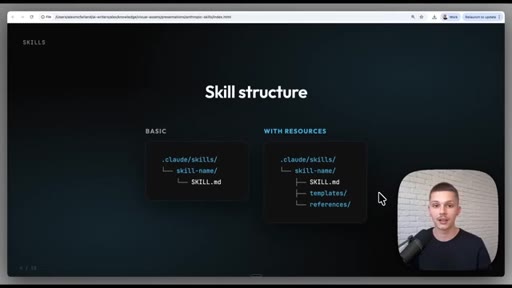
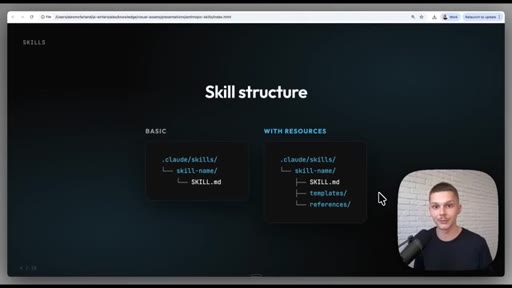
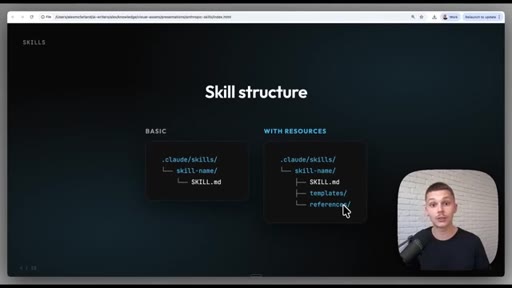
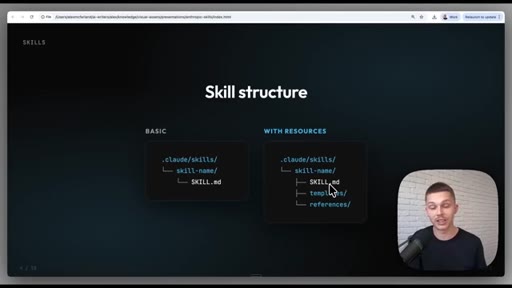
03 · Skill structure
Two-column diagram — Basic (.claude/skills/name/SKILL.md) vs With Resources (adds templates/ and references/). ICP context profile as the worked example.
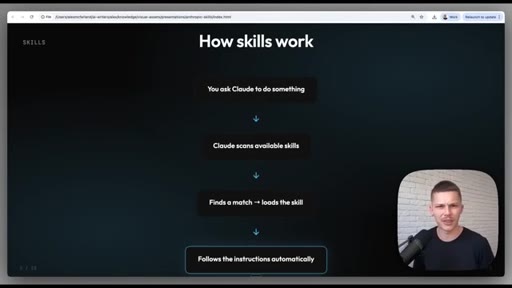
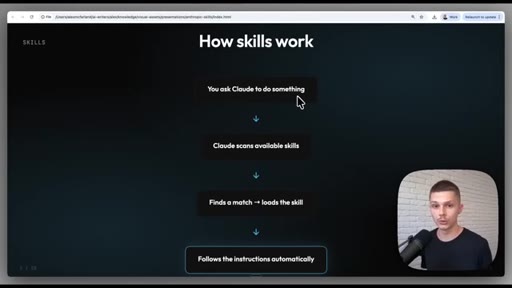
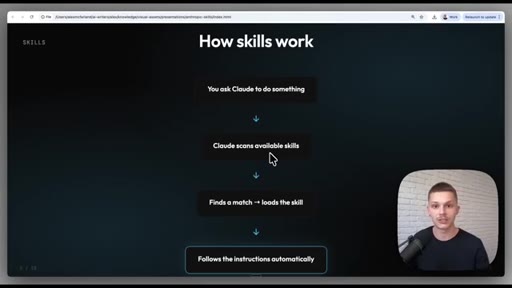
04 · How skills auto-activate
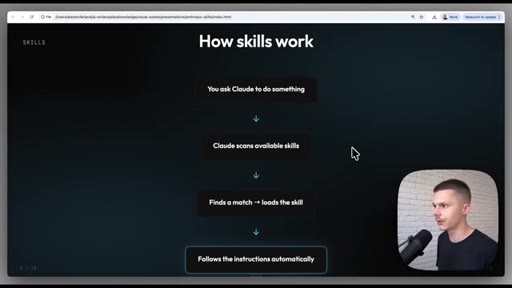
Flow diagram: ask → scan available skills → find match → load skill → execute automatically. Notes near-100% hit rate in practice.
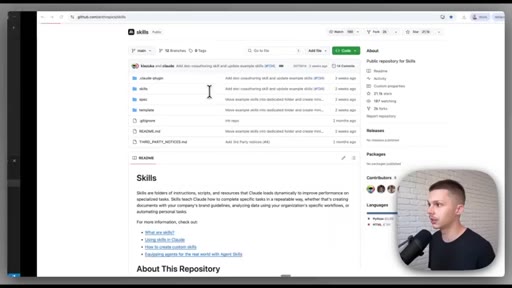
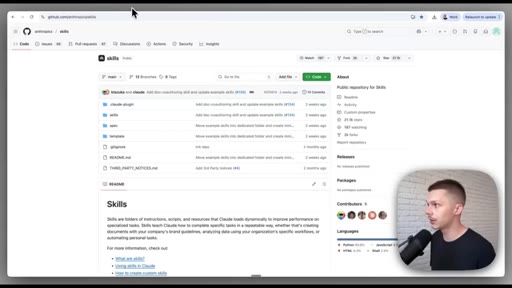
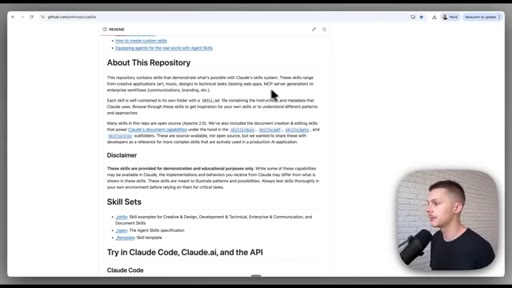
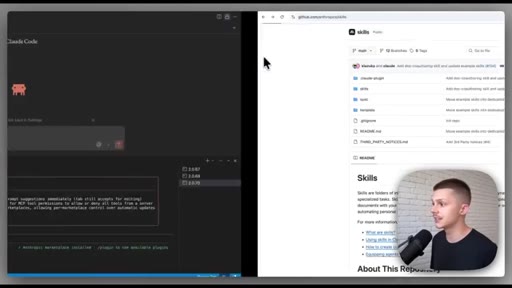
05 · Installing Anthropic's official skills
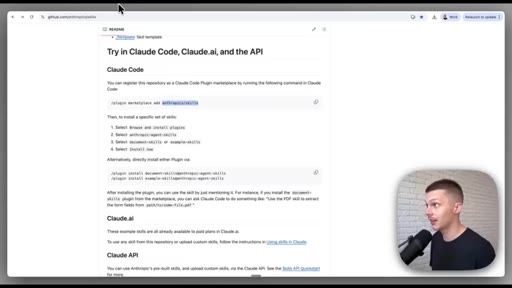
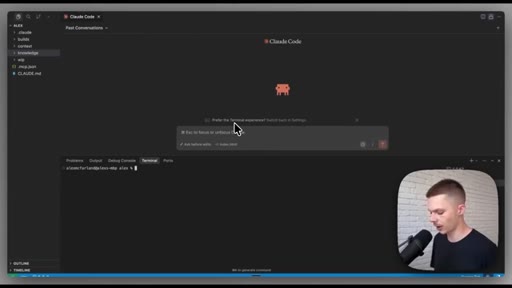
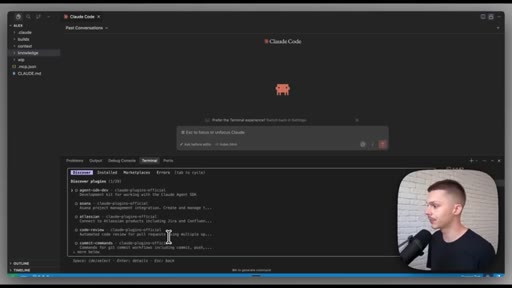
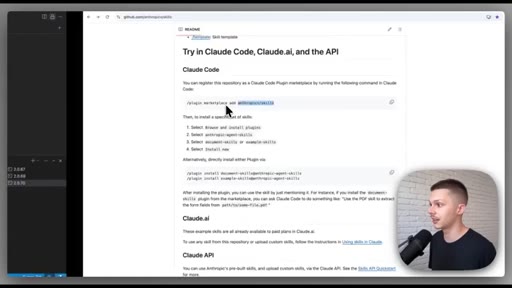
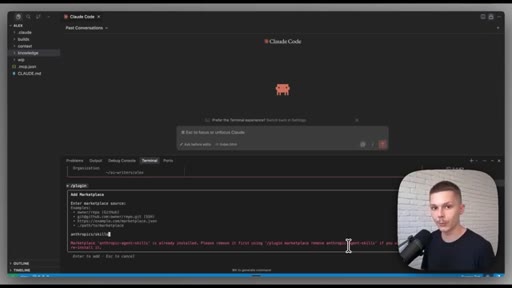
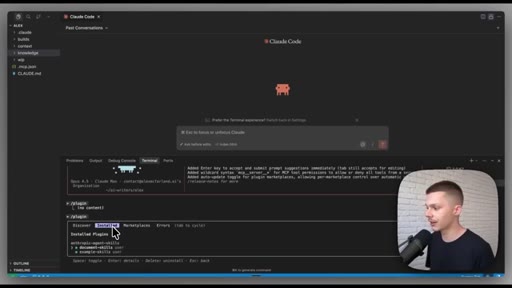
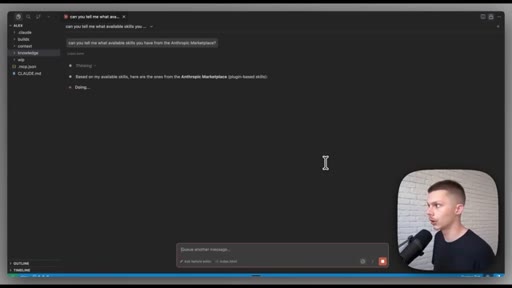
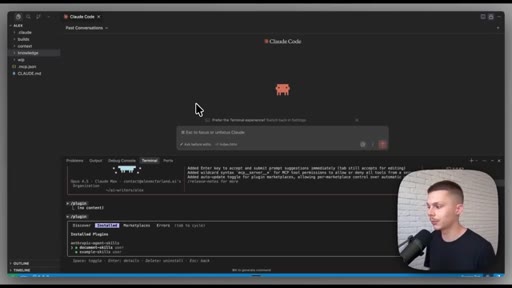
Live terminal demo: type `claude` → /plugin → Marketplaces tab → Add Marketplace → paste anthropics/skills → enter. Error shown confirms it was already installed. Two categories: document skills and example skills.
06 · The full list + picks for writers
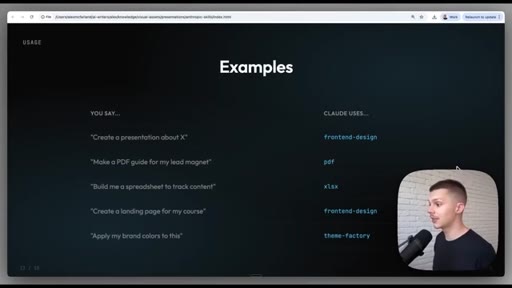
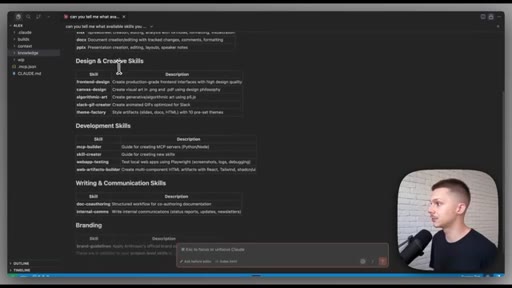
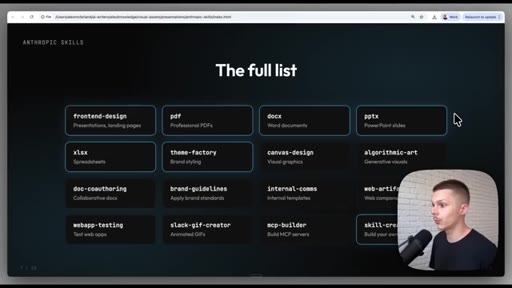
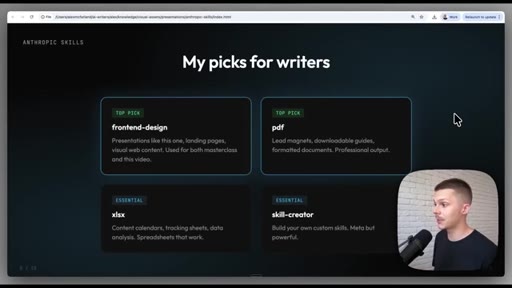
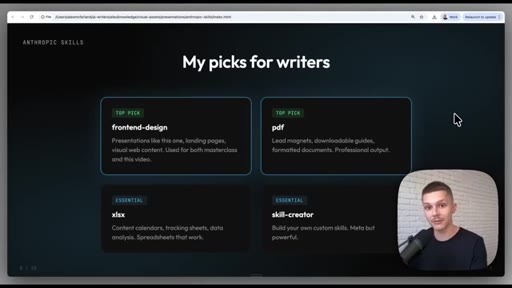
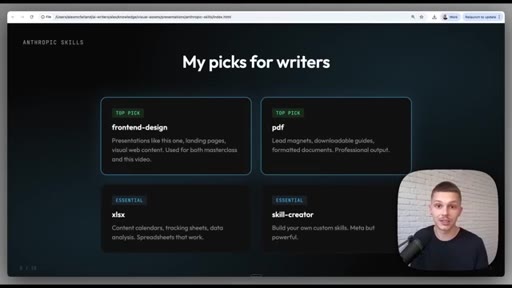
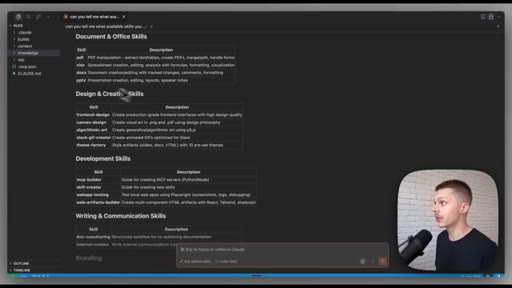
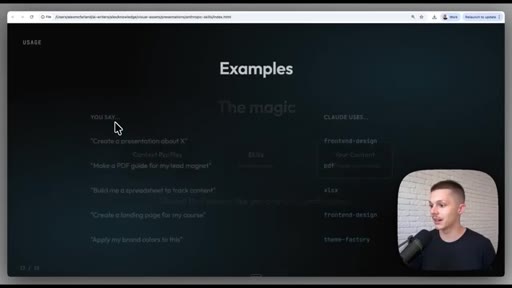
Queries Claude for available skills. Full list: PDF, spreadsheet, document, presentations, frontend-design, canvas-design, algorithmic-arts, Theme Factory, MCP Builder, Skill Creator, web app testing. Then 2x2 grid: frontend-design (TOP PICK), pdf (TOP PICK), xlsx (ESSENTIAL), skill-creator (ESSENTIAL).
07 · Auto-invocation mechanics
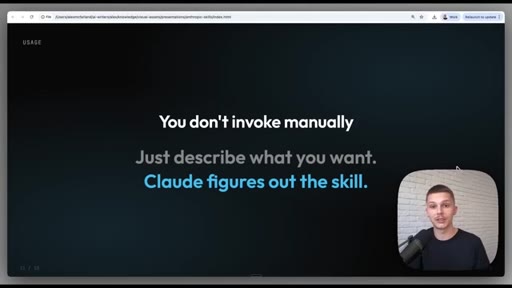
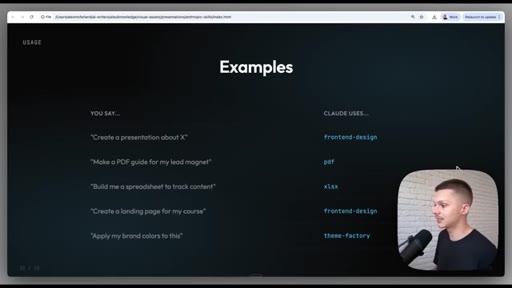
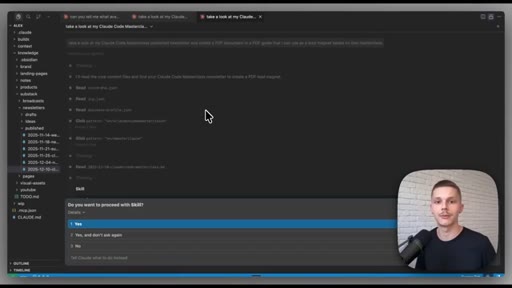
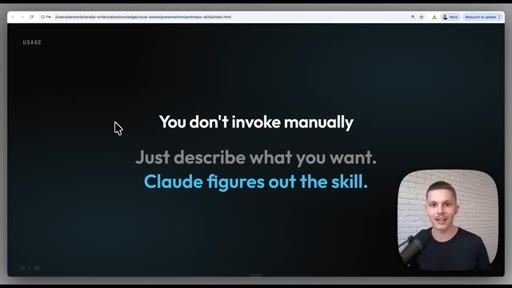
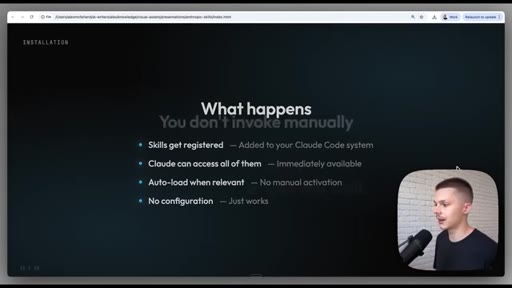
Core message: you don't invoke manually. Describe what you want, Claude scans skills and picks. Caveat: watch the thinking stream to confirm activation; cancel + restart if it skips.
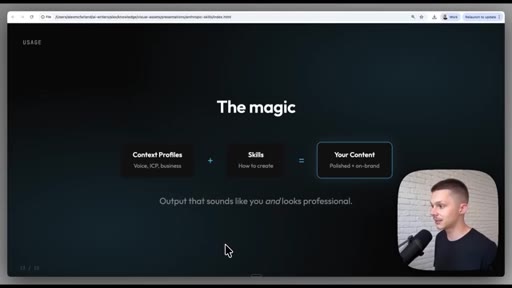
08 · The magic — skills + context profiles
Standalone skills are good. Combined with voice DNA, ICP JSON, business profile, brand colors folder — that's supercharging. The co-writer becomes context-aware.
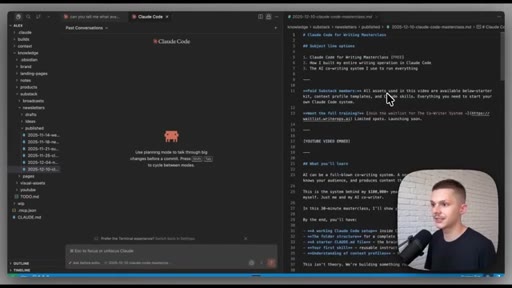
09 · Live demo: presentation
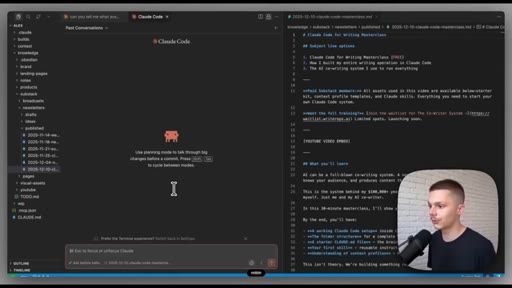
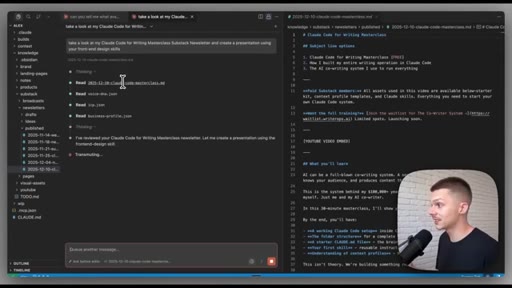
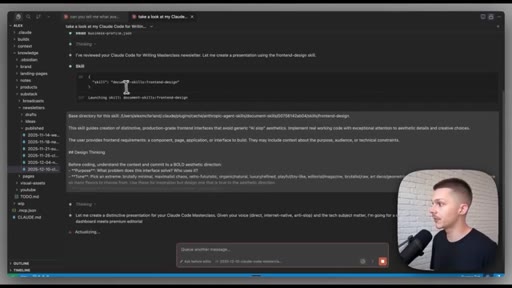
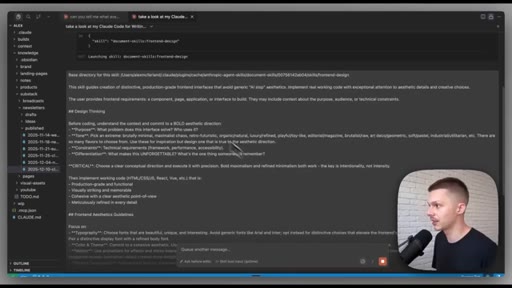
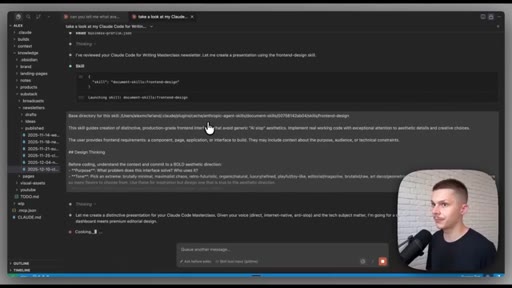
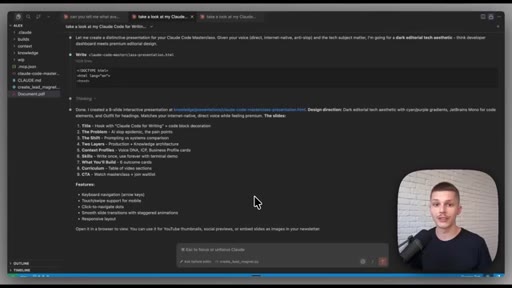
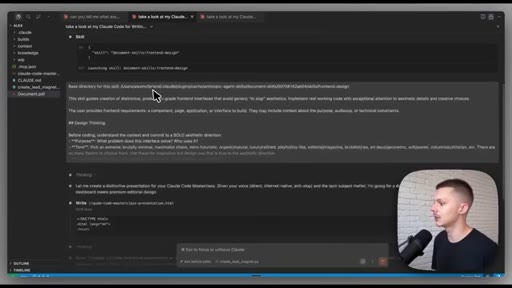
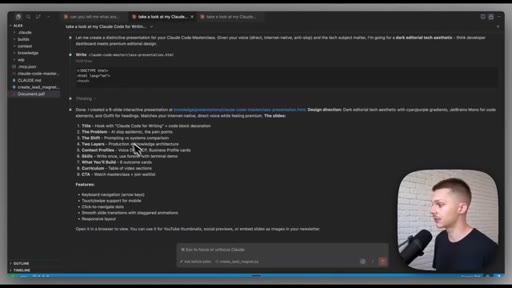
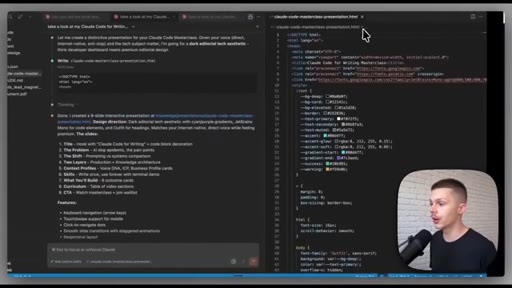
Opens Claude Code, references Substack newsletter, sends 'create a presentation using your front end design skill.' Watches skill activate in thinking stream. Output: 9-slide HTML presentation with dark editorial aesthetic, glowing effects, code callouts.
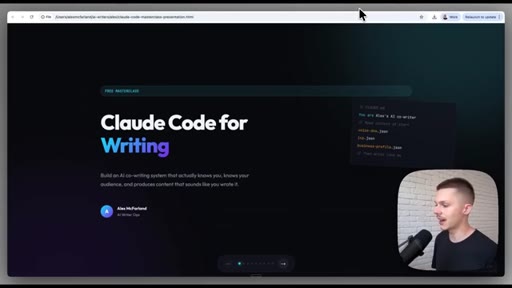
10 · Iterating with brand guidelines
Shows raw output, admits it doesn't look perfect yet. Explains the iteration loop: point Claude to brand folder, images, guidelines — keep rebuilding. His own polished presentations came from this loop.
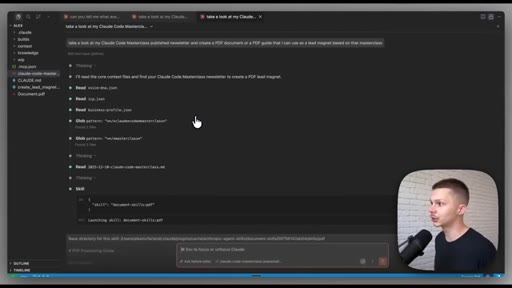
11 · Live demo: PDF lead magnet
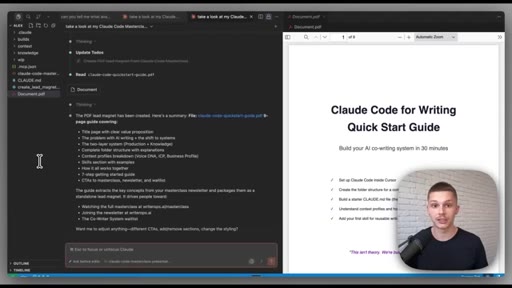
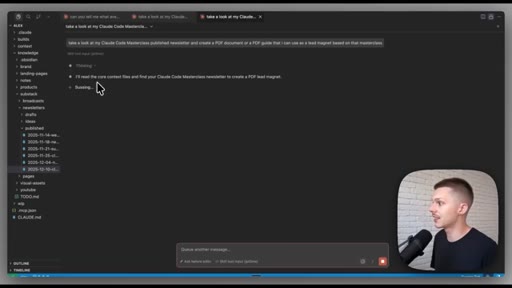
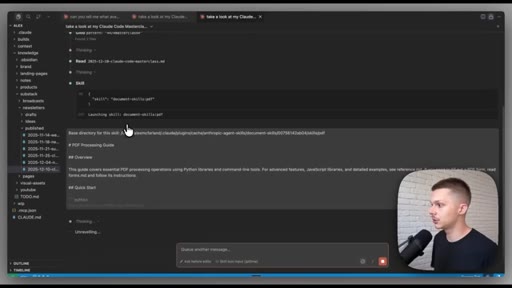
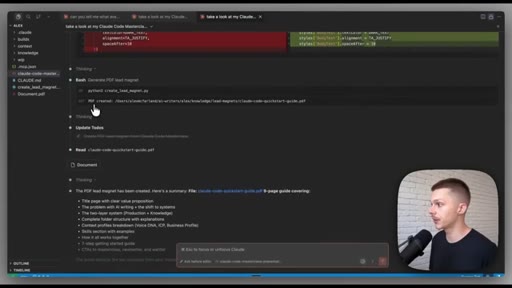
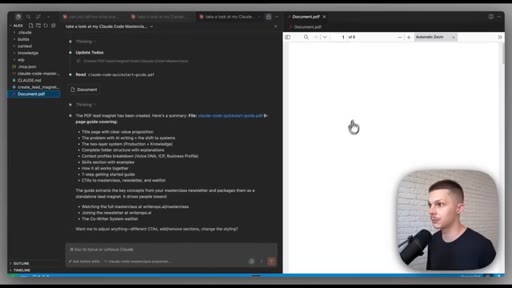
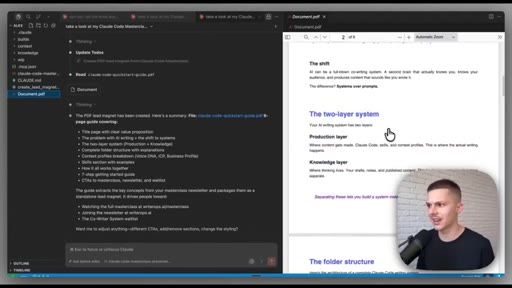
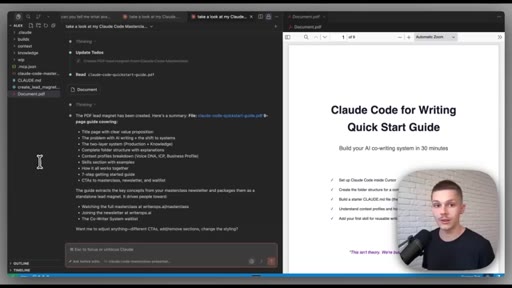
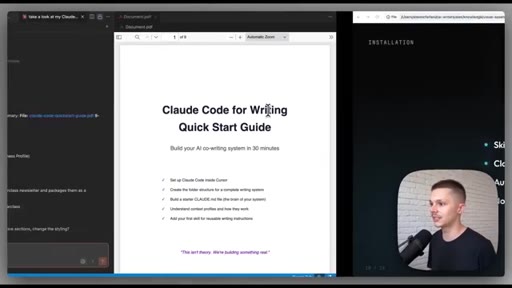
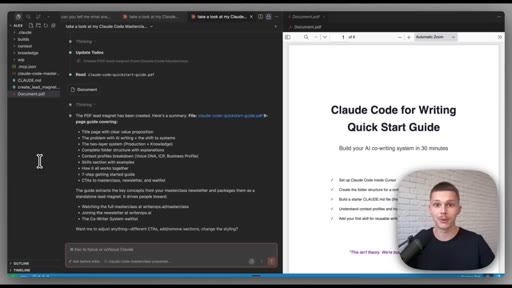
Same newsletter, 'create a PDF I can use as a lead magnet.' PDF skill writes a Python script internally, generates PDF, saves to project root. Same brand iteration caveat applies.
12 · Wrap + coming up
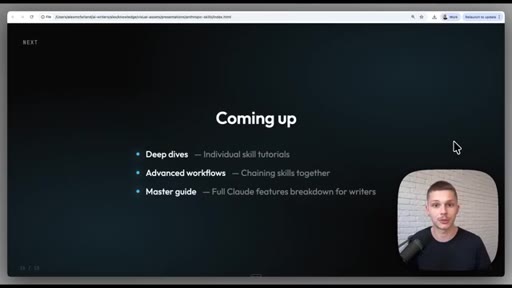
CTA: Substack, waitlist for co-writer system, comment what you built. Teases next: deep dives, chaining skills together, full Claude features breakdown for writers.
Visual structure at a glance.
Named ideas worth stealing.
Skills = Packaged Instructions
- Packaged instructions — not prompts
- Teach Claude HOW to do specific tasks
- Write once, use forever
- Auto-activate when relevant
Four-property definition that positions skills as a different category from prompts or procedures.
Basic vs With Resources skill structure
- Basic: .claude/skills/name/SKILL.md
- With Resources: adds templates/ and references/ subfolders
Two-tier architecture for skills — markdown-only vs markdown + supporting files. The ICP questionnaire is the worked example of the With Resources tier.
Co-Writer Context Stack
- Voice DNA — writes in your voice
- ICP JSON — who your audience is
- Business profile — goals/offers/positioning
- Brand folder — colors, fonts, images
The layering of context profiles that makes skills output match your brand instead of generic AI output.
Lines you could clip.
"99% of people don't even realize that they can be doing this."
"You don't invoke them manually. Just describe what you want, and Claude figures out the skill."
"If you have standalone skills, that's great. They work incredible. But when you combine these with our cowriting system, with our context profiles — that's when you're really supercharging your cowriter."
"Write once and use forever and then auto activate."
How they spent the runtime.
Things they pointed at.
How they asked for the click.
"Make sure to check out my Substack. Subscribe if you want any of the assets I use in my videos. Sign up for a wait list if you're interested in getting my entire collection of skills and system prompts."
Soft close, no hard sell. Three parallel CTAs: subscribe, waitlist, comment. Waitlist is the money ask buried in the middle.
Word for word.
Teach the tool by using the tool as the demo.
McFarland built his presentation with the exact frontend-design skill he's demonstrating — the deck IS the proof of concept, and that closed loop is what makes the tutorial land.
- Install Anthropic's official skills repo right now: /plugin → Marketplaces → add anthropics/skills. Two minutes.
- The skill-creator skill builds other skills — use it to package your own JoeFlow or MCN workflows.
- Standalone skills are good. Skills + context profiles (voice DNA, ICP, brand folder) is the unlock — that's the system Joe already has, he just needs to formalize the folder structure.
- The 2x2 'TOP PICK / ESSENTIAL' grid format is clean for any 'here's the library, here's what matters' video — steal it for a JoeFlow features breakdown.
- McFarland is monetizing this co-writer system as a Substack waitlist product. Joe could out-execute this with JoeFlow as the delivery mechanism — own your tools, don't rent a Substack.