The bait, then the rug-pull.
Every dev knows the cliché — don't judge a book by its cover. Ras Mic opens by killing it dead: your users will absolutely judge your app on sight, so the cover had better be beautiful. What follows is a fast, live-demo tour of four component libraries that make 'no excuse for ugly' the only reasonable position.
What the video promised.
stated at 00:10 "I'm gonna be showing you four component libraries that you can use to build sleek, beautiful applications that your users will love and will return and will want to use continuously." delivered at 08:22
Where the time goes.

01 · Hook — the cover lie
Inverts 'don't judge a book by its cover' to argue users always judge apps visually. Sets up the 4-library premise.
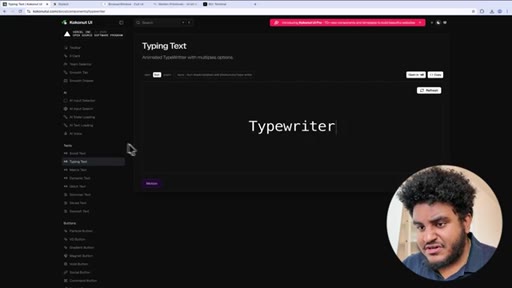
02 · Library 1 — Kokonut UI
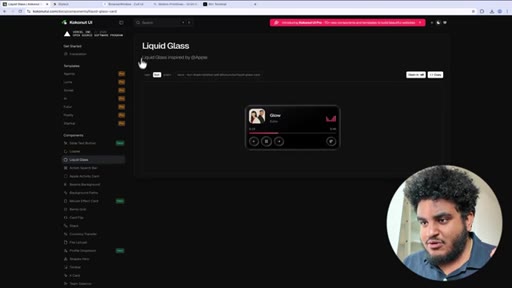
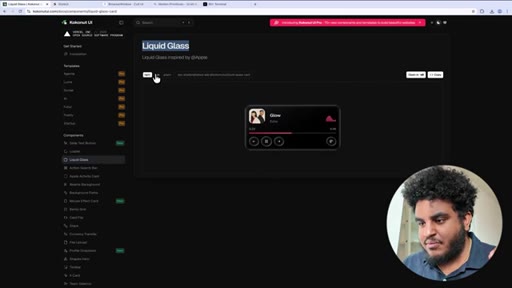
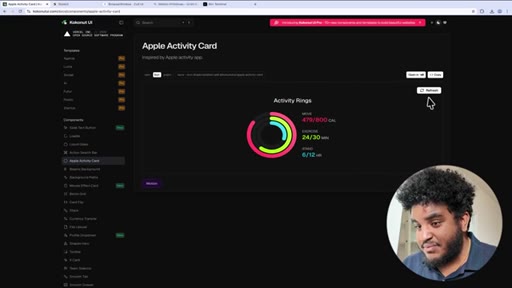
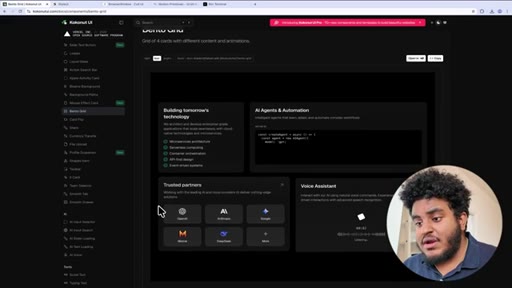
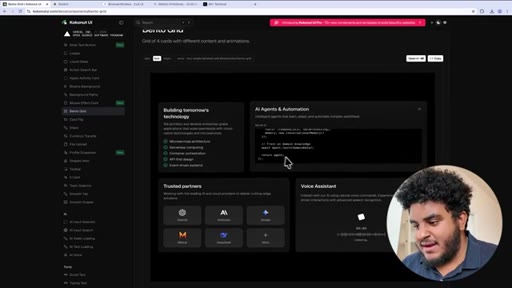
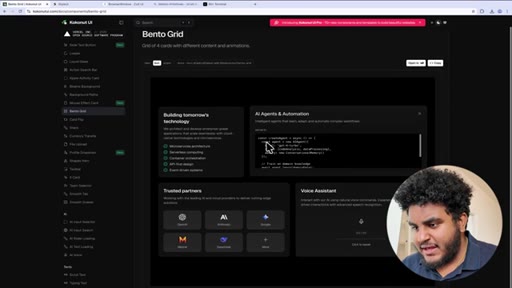
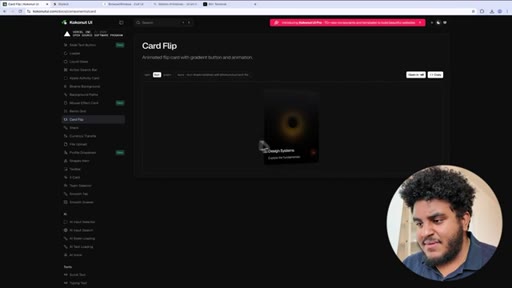
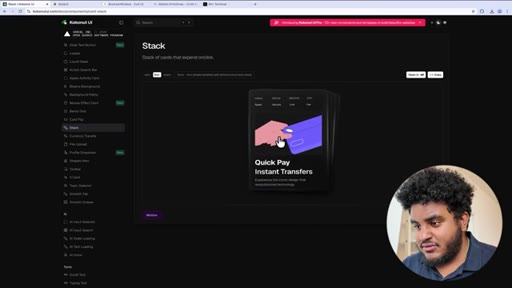
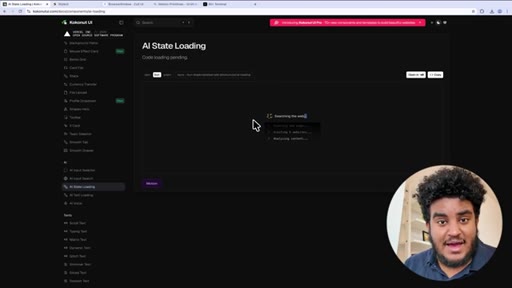
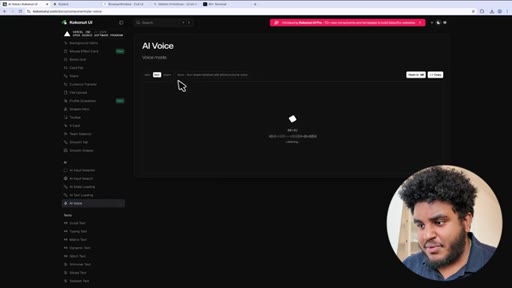
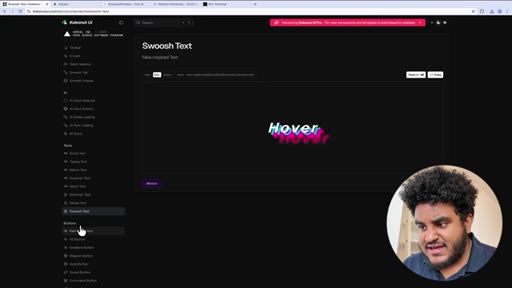
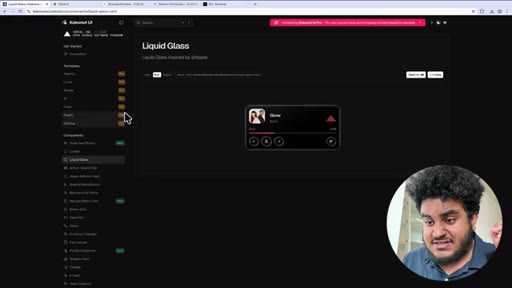
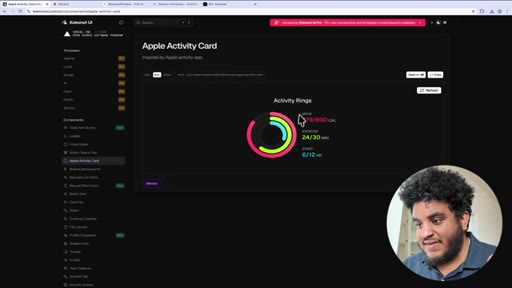
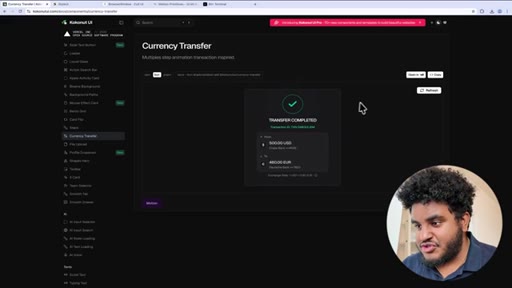
Niche/distinctive component library. Demos: Liquid Glass music player, Apple Activity Card, Bento Grid, Card Flip, Stack of Cards, Currency Transfer, AI State Loading, AI Voice, text animations (typing, matrix, shimmer, swoosh, glitch).
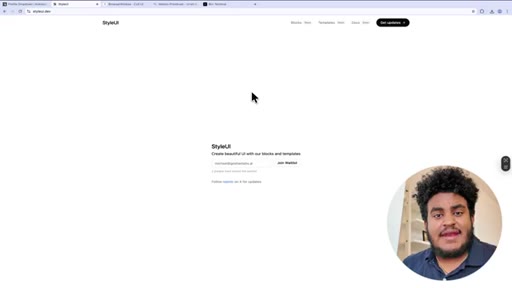
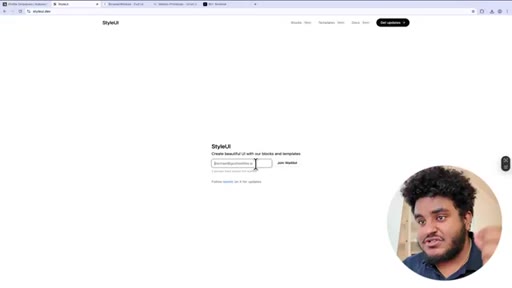
03 · Library 2 — Style UI (coming soon)
Ras Mic's own blocks-and-templates library. Waitlist at styleui.dev. Self-promotional but low-pressure — just a waitlist mention.
04 · Library 3 — Cult UI
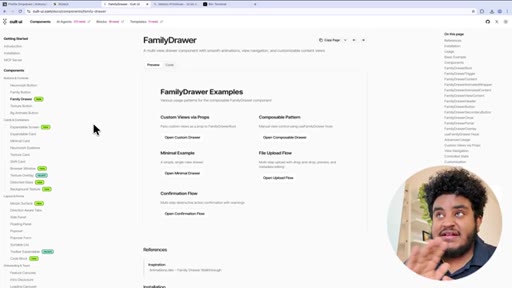
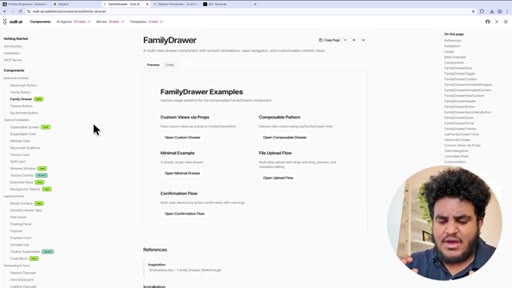
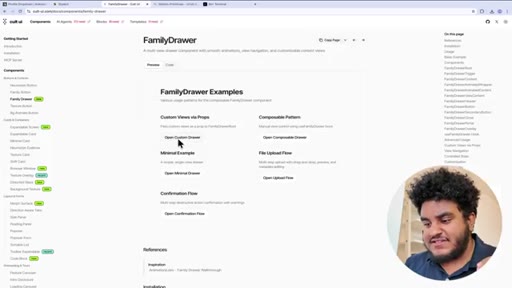
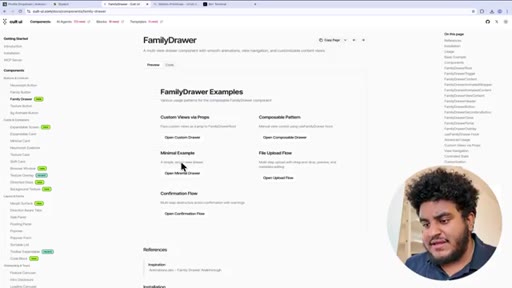
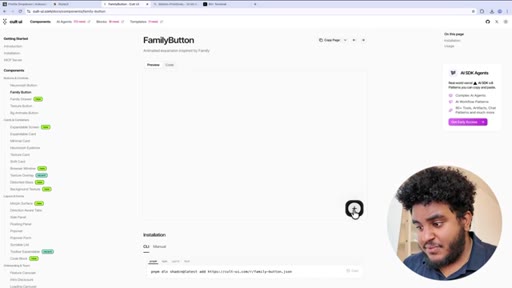
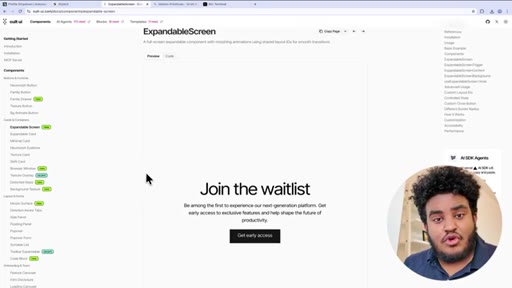
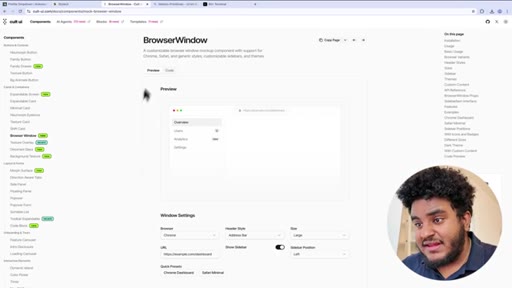
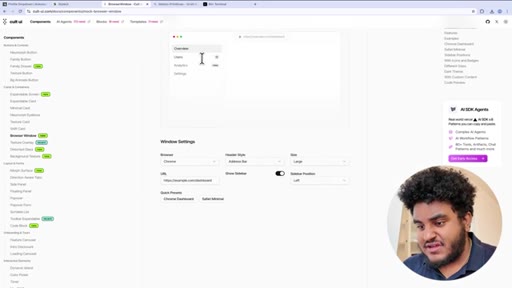
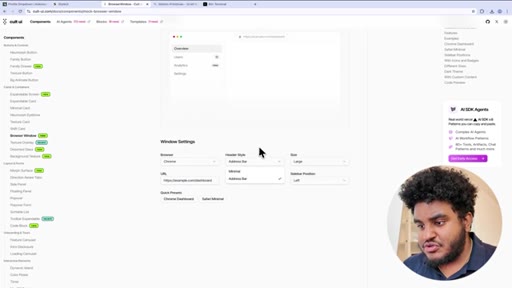
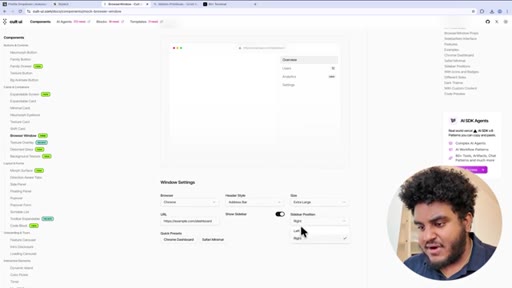
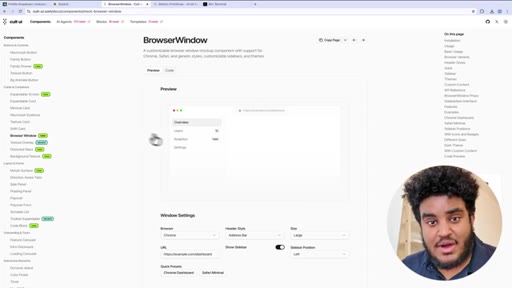
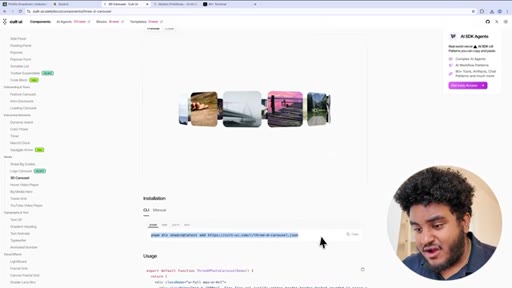
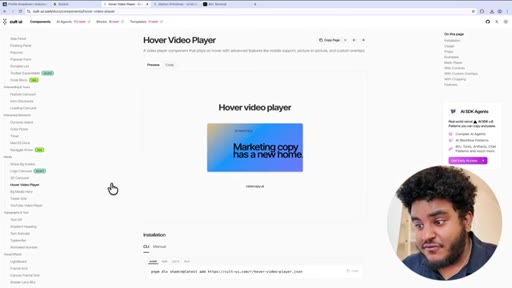
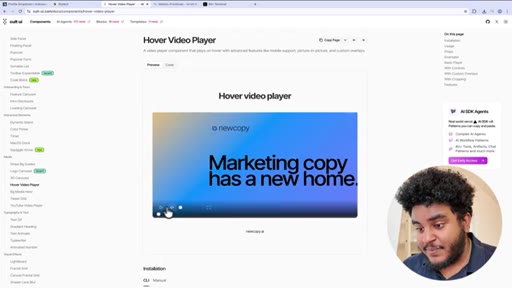
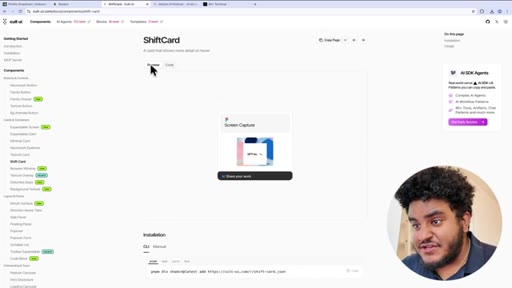
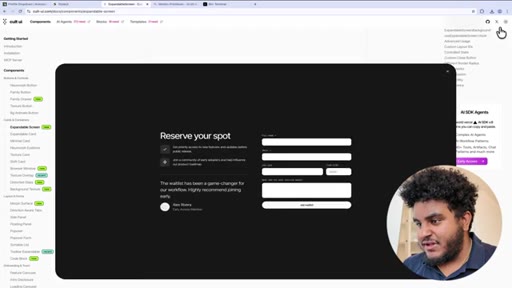
Inspired by the Family crypto wallet app. Demos: FamilyDrawer (smooth animated sheet drawers), FamilyButton, ExpandableScreen (fullscreen waitlist modal), BrowserWindow (Chrome/Safari mockup with controls), 3D Image Carousel, Hover Video Player, ShiftCard.

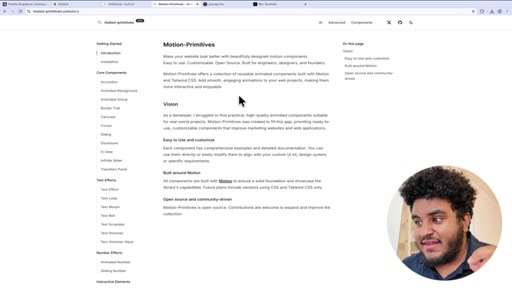
05 · Library 4 — Motion Primitives
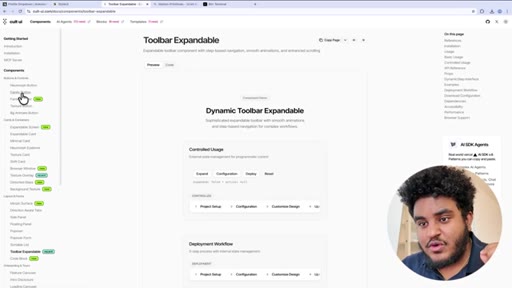
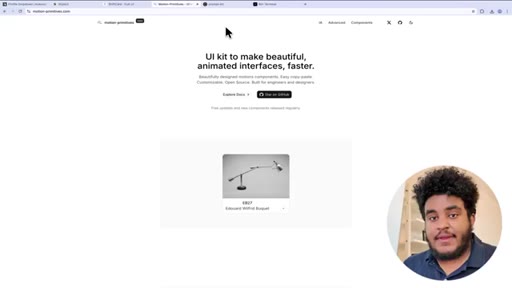
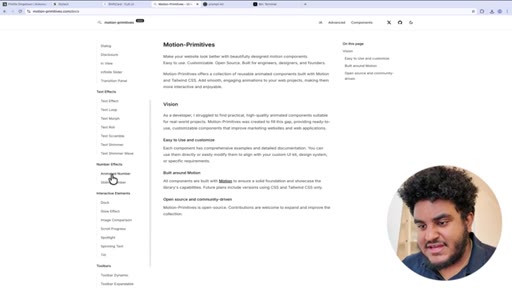
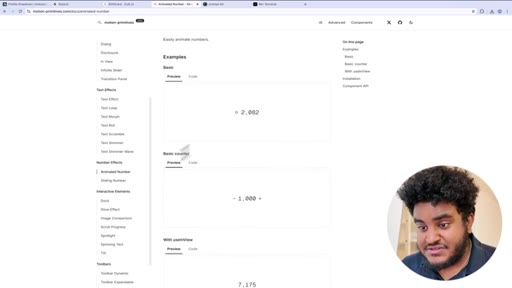
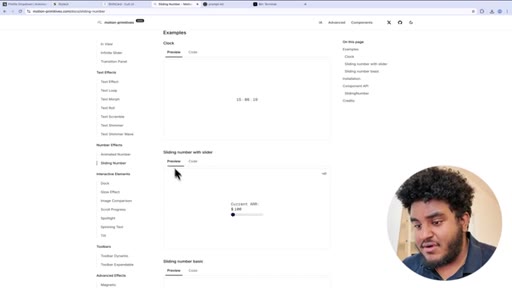
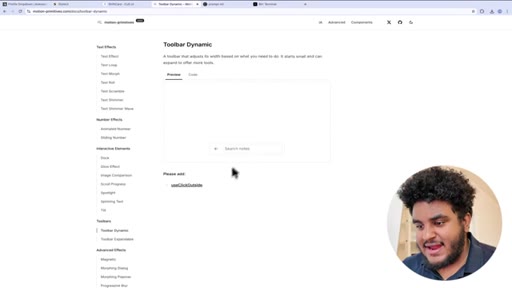
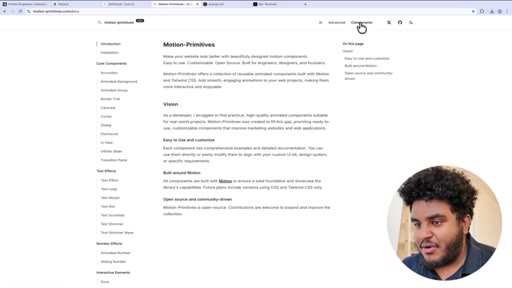
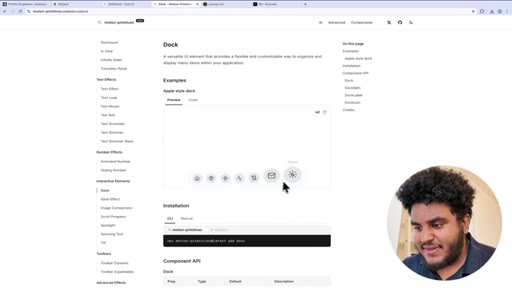
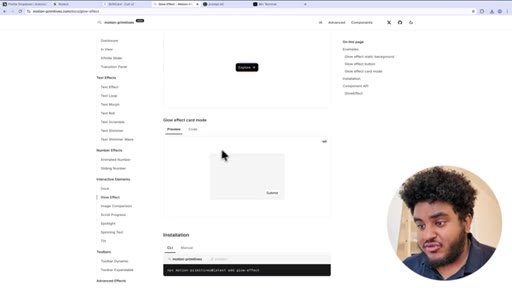
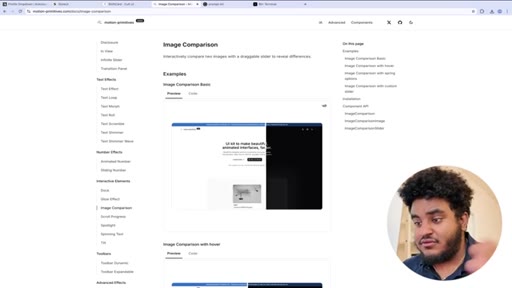
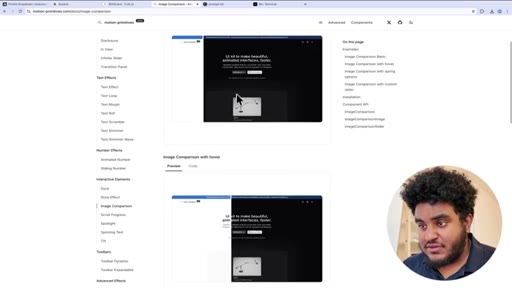
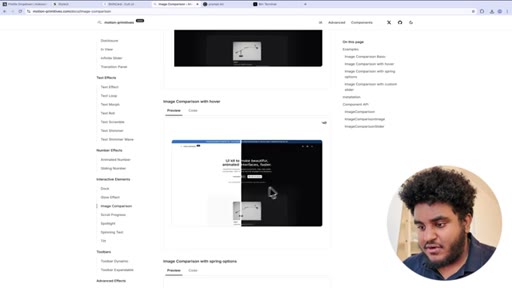
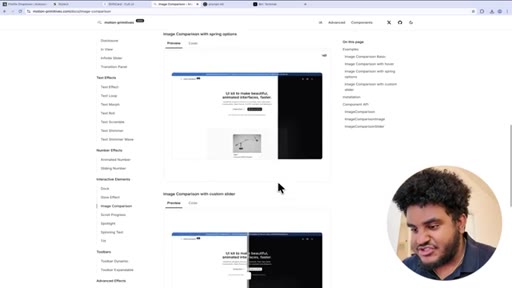
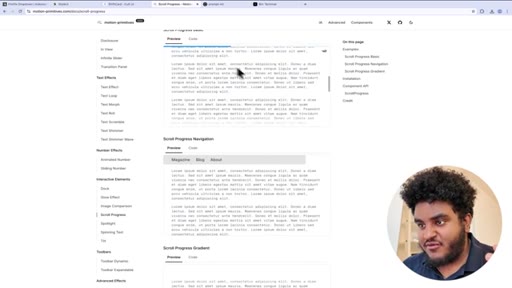
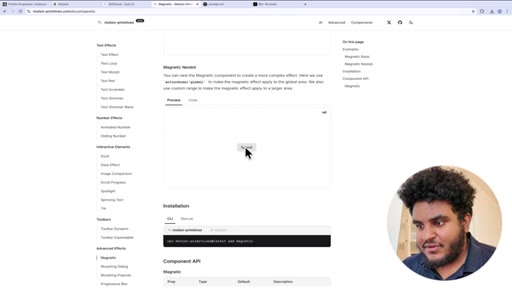
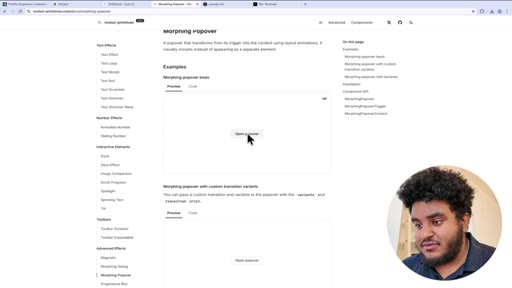
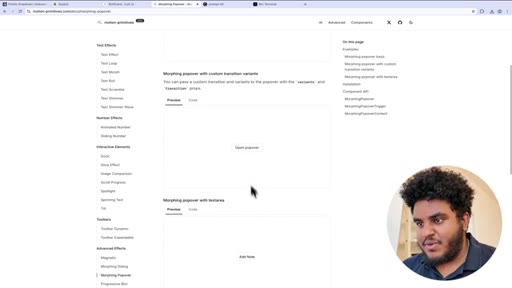
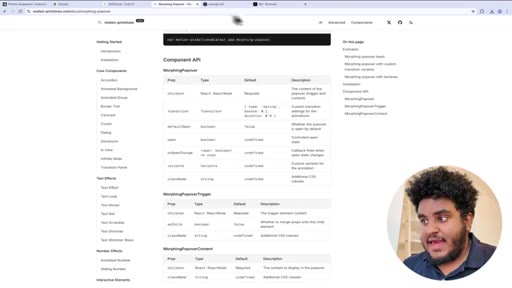
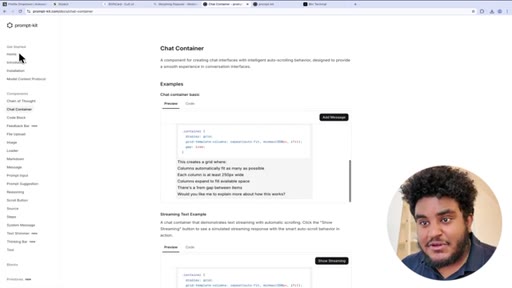
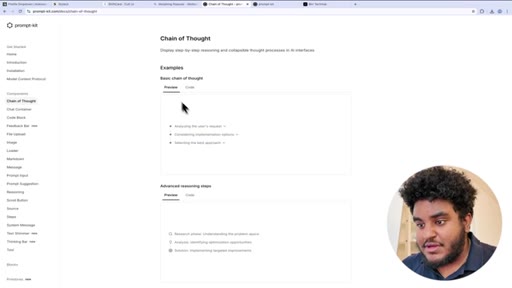
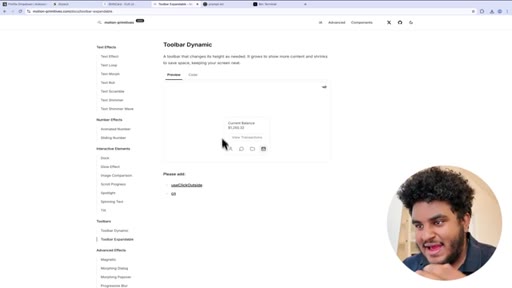
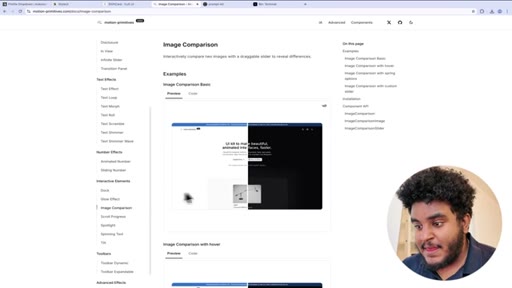
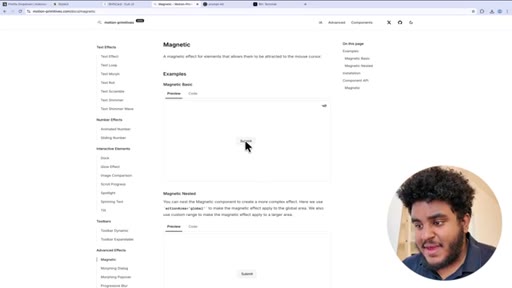
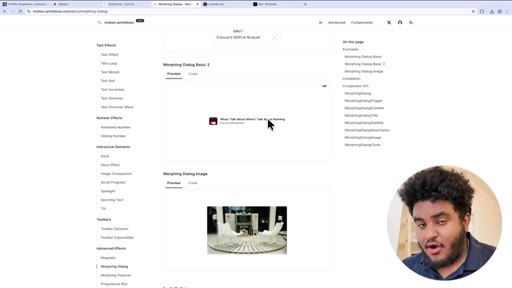
Animation-first UI kit (Framer Motion + Tailwind CSS). Demos: Animated Number, Sliding Number, Toolbar Dynamic/Expandable, Dock (macOS-style magnification), Glow Effect, Image Comparison (drag/hover/spring variants), Scroll Progress bar, Magnetic Button, Morphing Dialog, Morphing Popover. Bonus: promptkit.com for AI building blocks.
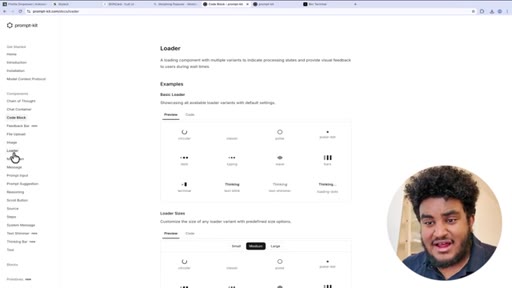
06 · CTA + outro
Subscribe push, Style UI waitlist reminder, sign-off.
Visual structure at a glance.
Named ideas worth stealing.
Kokonut UI
- Liquid Glass music player
- Apple Activity Card
- Bento Grid
- Card Flip
- Stack of Cards
- Currency Transfer
- AI State Loading
- AI Voice
- Text animations (typing/matrix/shimmer/swoosh/glitch/slice/scroll)
Niche component library focusing on distinctive, hard-to-build-from-scratch components rather than generic form/layout kits.
Cult UI
- FamilyDrawer
- FamilyButton
- ExpandableScreen
- BrowserWindow
- 3D Carousel
- Hover Video Player
- ShiftCard
Web port of UI patterns from the Family crypto wallet app — the gold standard of mobile app design aesthetics brought to web.
Motion Primitives
- Animated Number
- Sliding Number
- Toolbar Dynamic/Expandable
- Dock
- Glow Effect
- Image Comparison
- Scroll Progress
- Magnetic Button
- Morphing Dialog
- Morphing Popover
Animation-first kit built on Framer Motion + Tailwind. Every component prioritises motion quality — bouncy spring physics, morphing transitions, cursor magnetism.
promptkit.com
- Chain of Thought
- Chat Container
- Code Block
- Loader variants
AI-specific building blocks discovered inside Motion Primitives nav. Fills the gap for AI app UI patterns that generic component kits don't address.
Lines you could clip.
"When it comes to web and mobile apps, we are 100% judging the book by its cover."
"You have no excuse on having ugly looking web applications. You literally have all these component libraries linked in the description down below."
"There are the general component libraries that have all the components. There are the blocks templates component libraries, and then there's the unique component libraries. And this is one of those."
How they spent the runtime.
Things they pointed at.
How they asked for the click.
"Make sure to like, comment, subscribe, hit that notification bell, and I'll see you in the next one. Peace."
Standard YouTube outro. Also includes a soft Style UI waitlist push at t=163 mid-video and a repeat at t=520.
Word for word.
Four libraries. Zero excuses.
The best UI trick isn't building better components — it's knowing which copy-paste library already built them for you.
- Kokonut UI for distinctive wow-factor components you'd never build from scratch (activity rings, liquid glass, currency transfer flows).
- Cult UI when you want your web app to feel like a premium mobile app — FamilyDrawer and ExpandableScreen alone are worth the install.
- Motion Primitives for landing pages that need to feel alive — image comparison sliders, magnetic buttons, morphing modals.
- promptkit.com is the hidden gem: AI-specific components (chain-of-thought, chat container, loaders) that generic kits completely ignore.
- All four are copy-paste or NPX — the barrier to polished UI is now zero. Use this as a checklist before shipping any public-facing page.
- The 'unique component library' category (Kokonut's lane) is underserved content — a video tourting only unusual/hard-to-build components would crush.
What a polished app actually costs you.
Beautiful apps aren't built from scratch anymore — they're assembled from free, open-source component libraries that any developer can drop in.
- If your developer says 'that animation would take weeks' — show them this video. These components are copy-paste.
- When evaluating SaaS tools, a polished UI is no longer a signal of quality engineering — it might just mean they used Motion Primitives.
- The 'wow' components you see on trendy apps (morphing dialogs, spring-physics sliders, magnetic buttons) are publicly available for free.
- Next time you see an Apple Watch-style activity ring on a web app, now you know: that's probably Kokonut UI, not custom engineering.