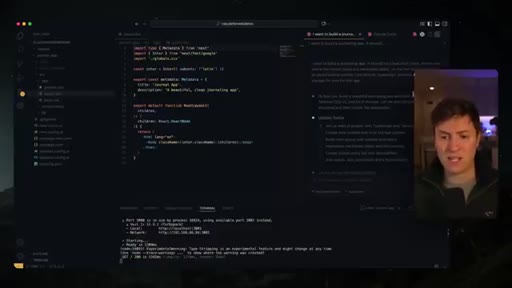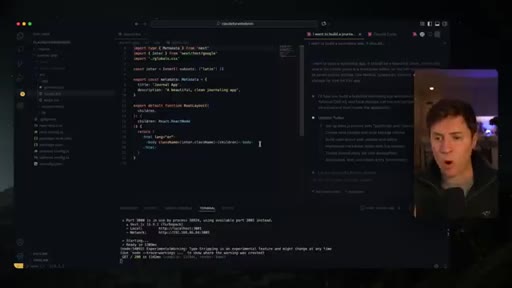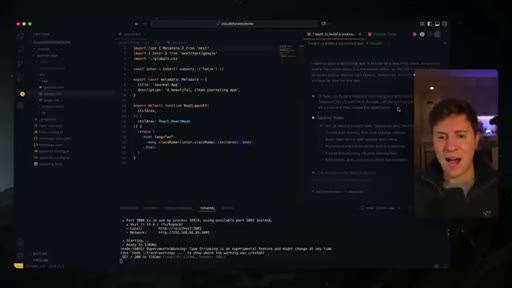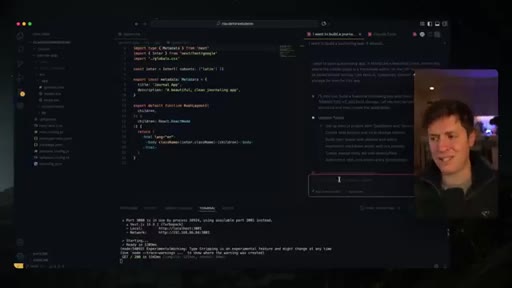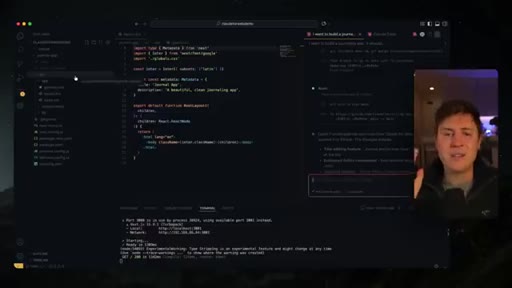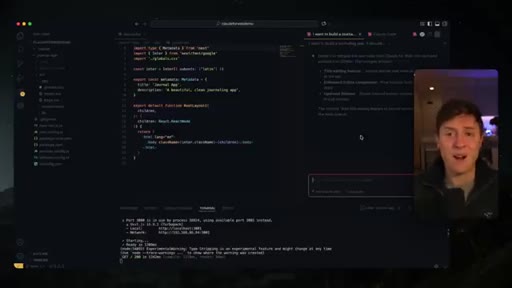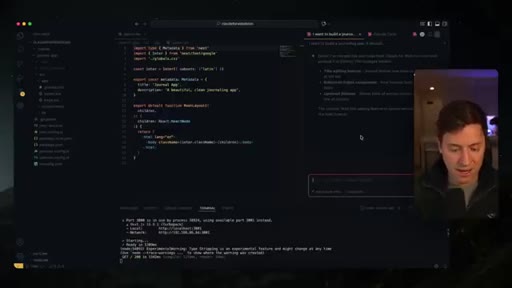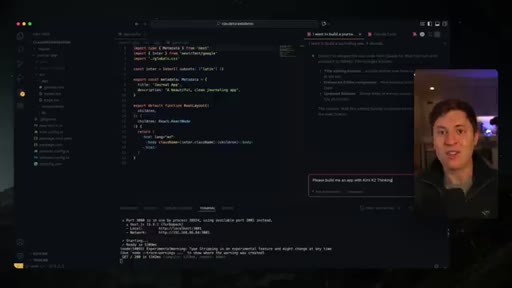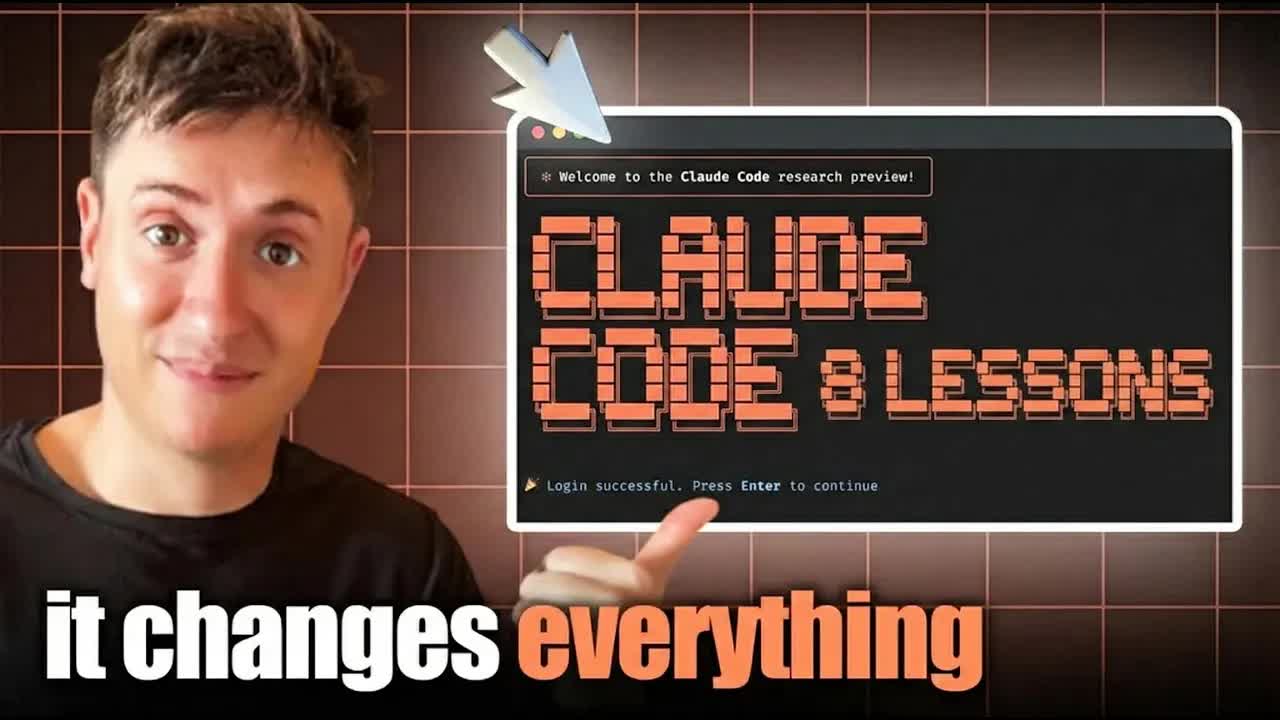
The bait, then the rug-pull.
Nine months. Twelve hours a day. A $300K/year app and fifty thousand subscribers built almost entirely inside one tool. Alex Finn has probably logged more hours in Claude Code than anyone outside Anthropic — and the lesson he keeps hammering is the one nobody wants to hear: stop adding complexity.
What the video promised.
stated at 00:32 "Whether you're a day one beginner or you're an absolute Claude code professional, I promise you, you're going to learn a ton in this video and be a master by the end of it." delivered at 19:00
Where the time goes.

01 · Intro & credibility setup
Alex establishes authority: 9 months daily use, $300K/year app, 50K subscribers, 8 lessons nobody else talks about.
02 · Lesson 1: Use the VS Code extension
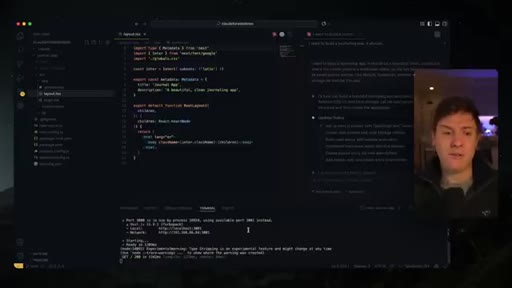
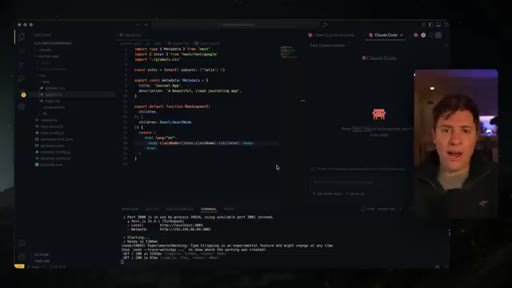
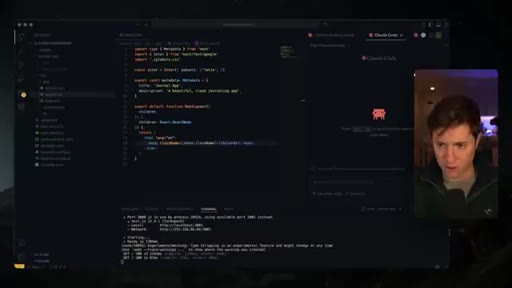
VS Code extension beats CLI-in-Cursor for stability and UX. Cursor is a fork; VS Code gets upstream updates first and has zero layout bugs. Free, no subscription.
03 · Lesson 2: Ignore the gurus — keep it simple
Sub-agents, MCPs, 40 slash commands = content-farming noise. Sonnet 4.5 is smart enough to find docs on its own. 99.9% of users need nothing beyond a clear prompt.
04 · Lesson 3: Select Haiku for 10x credit efficiency
With /model Haiku selected, Claude still uses Sonnet for plan-mode planning but drops to Haiku for implementation. Thorough Sonnet plan + Haiku execution = same quality, fraction of the cost.

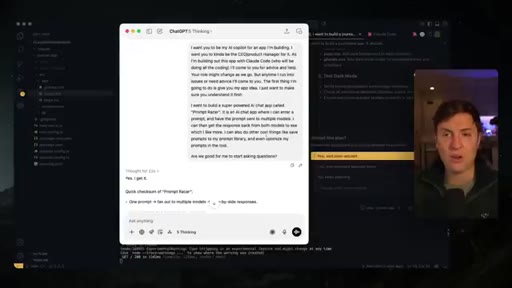
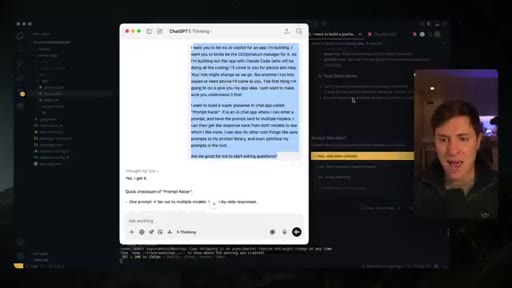
05 · Lesson 4: Don't waste downtime — Copilot CEO
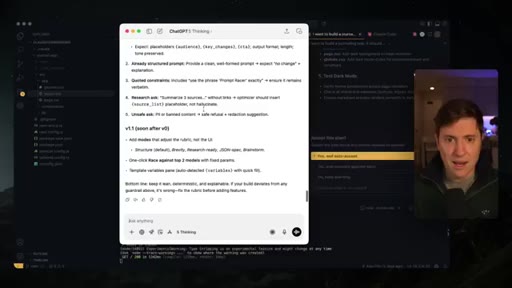
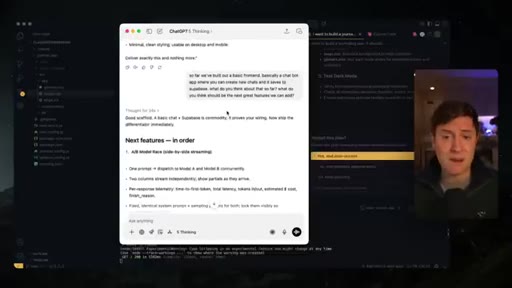
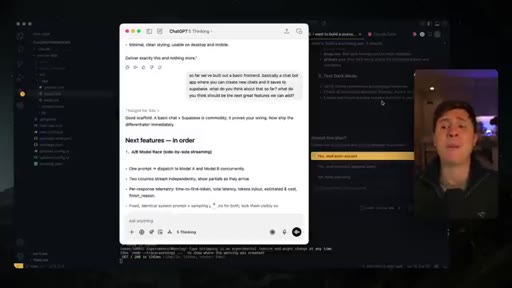
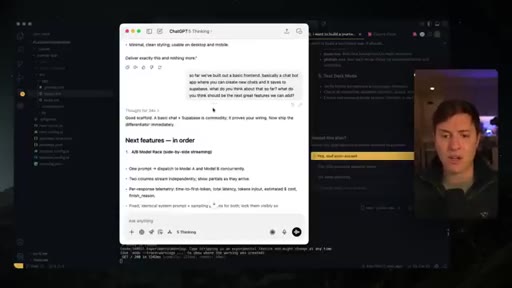
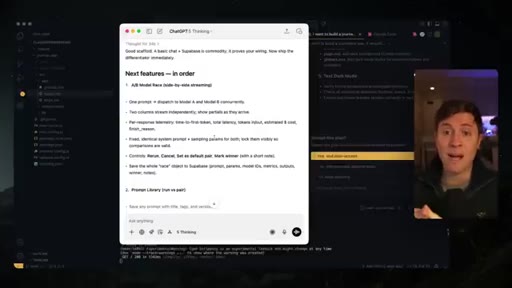
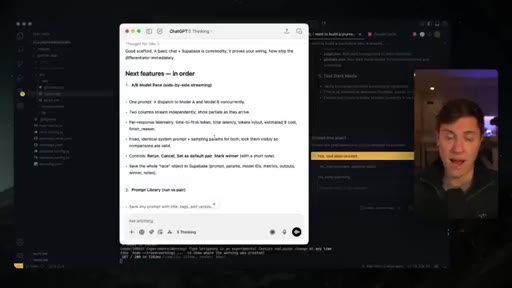
80% of vibe-coding time is idle wait. YC's Plinko IDE = worst product ever made. Use idle time with a desktop AI chat as co-pilot CEO: feature roadmap, marketing, life decisions. Doom-scrolling is the alternative.
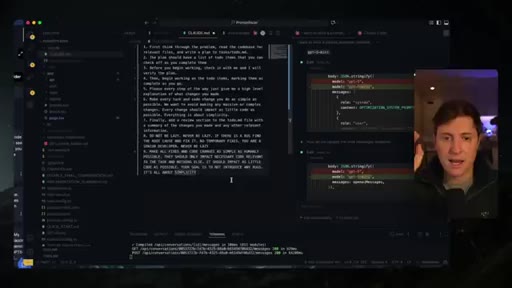
06 · Lesson 5: Nine-rule CLAUDE.md
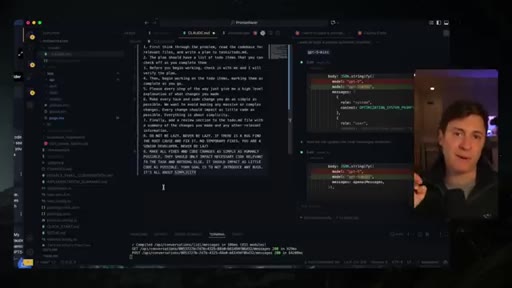
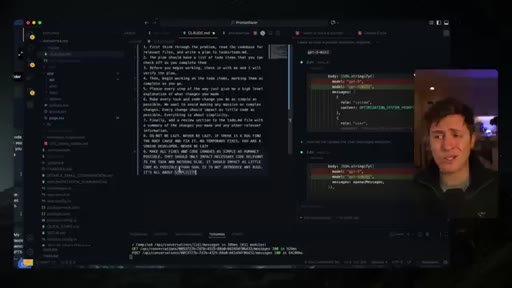
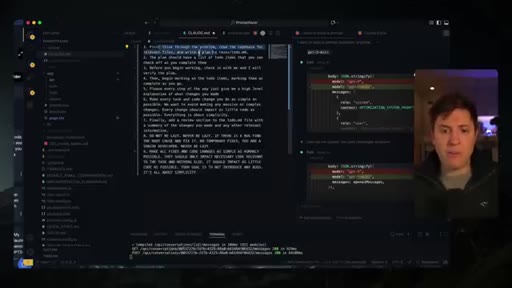
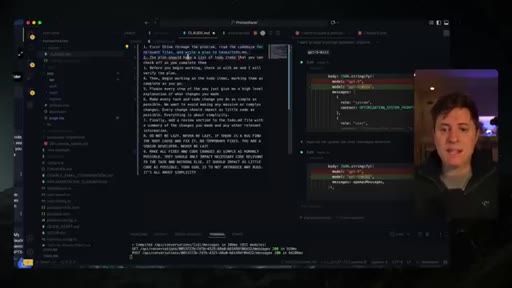
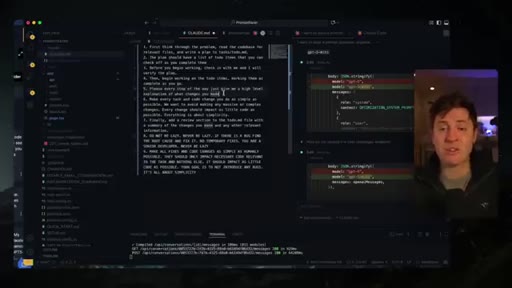
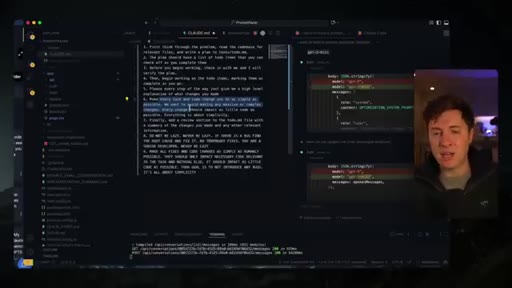
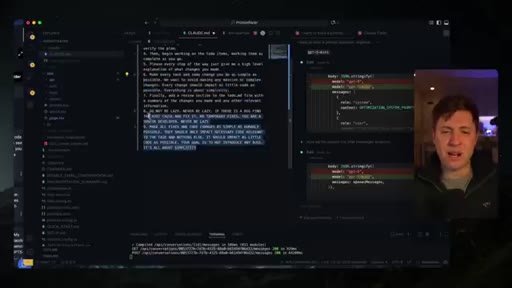
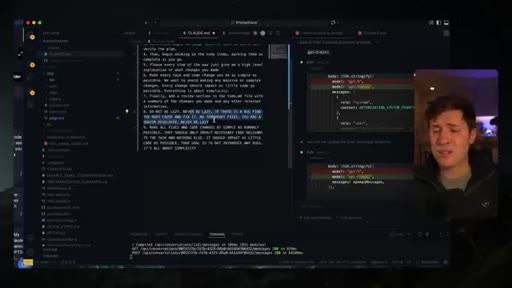
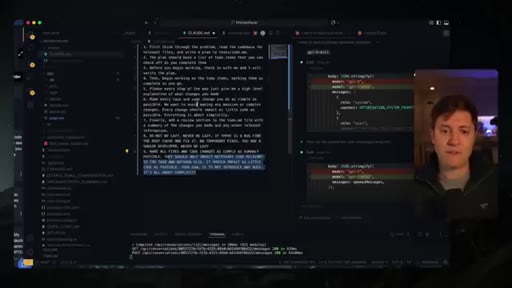
Nine rules that eliminate lazy loops and whack-a-mole bugs: structured todo plan, check-in before execution, step-by-step explanations, simplicity above all, DO NOT BE LAZY x2, no temporary fixes.
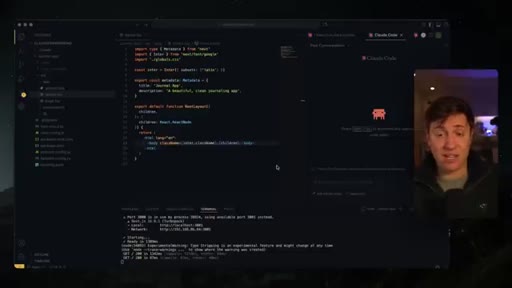
07 · Lesson 6: Prompt engineering is dead
Complex context/UI/database/schema prompt templates are useless. Plan mode handles context discovery. Just tell it what you want. Simple natural language beats structured prompting every time.
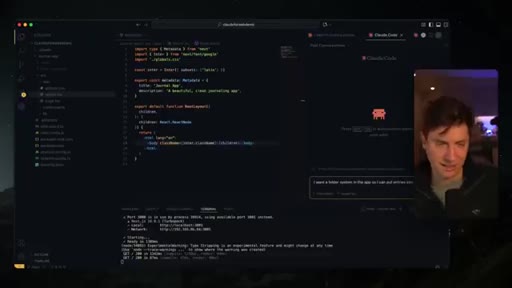
08 · Lesson 7: Always include screenshots for UI
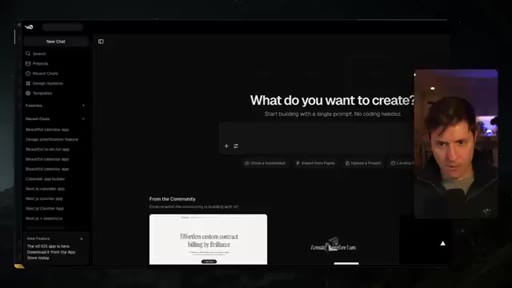
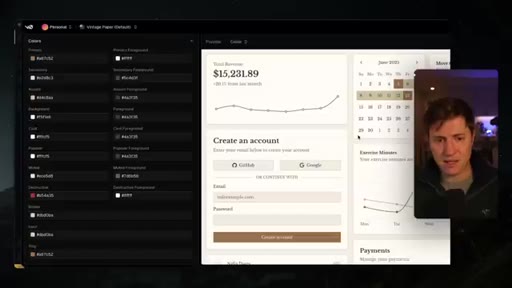
Default Claude UI = blue and purple gradients, always. Fix: drag in a v0 design system screenshot or Pinterest app-design board image alongside any UI prompt. Screenshot = art direction Claude can actually follow.
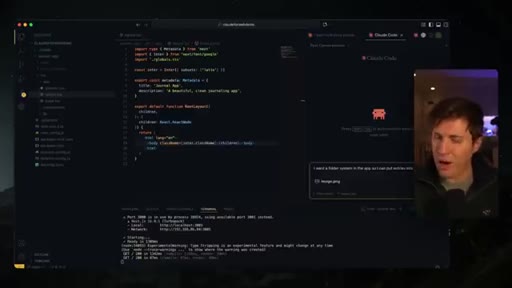
09 · Lesson 8: Treat Claude as a creative partner
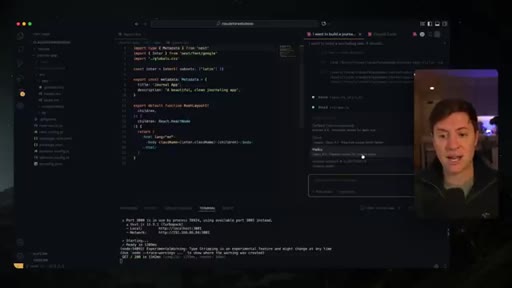
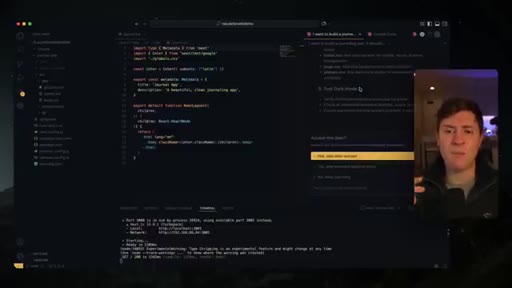
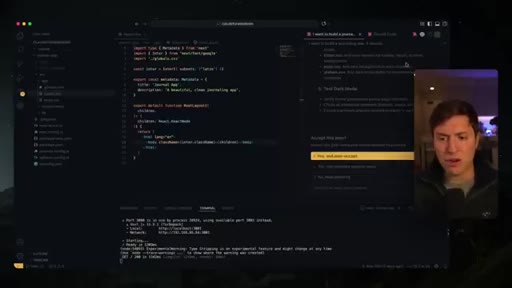
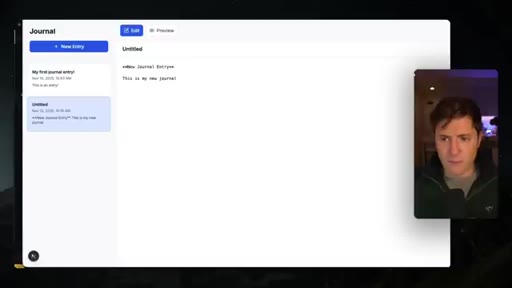
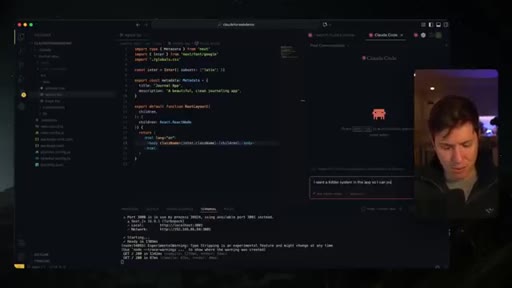
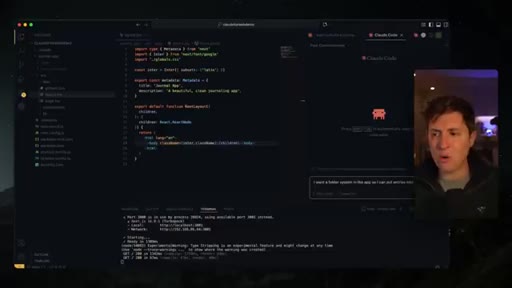
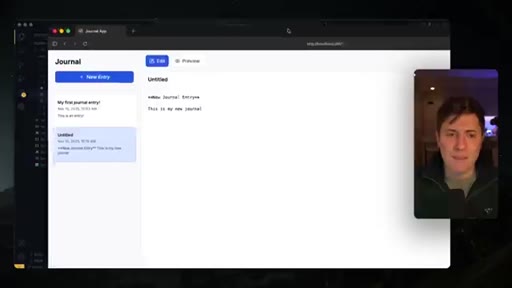
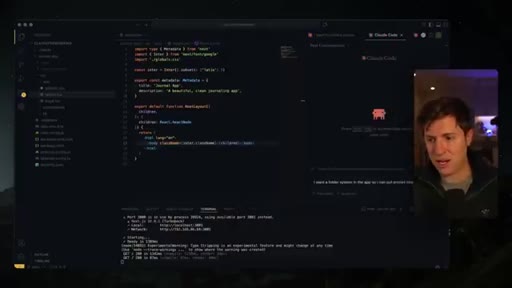
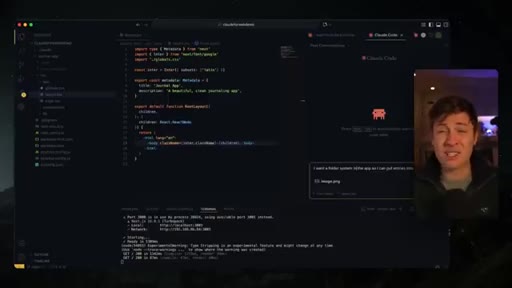
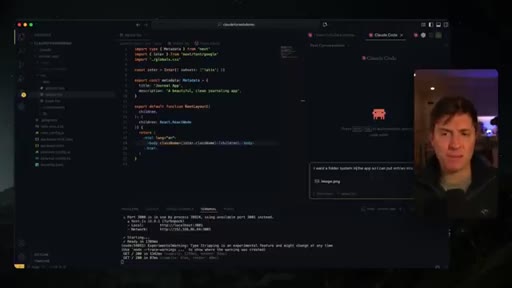
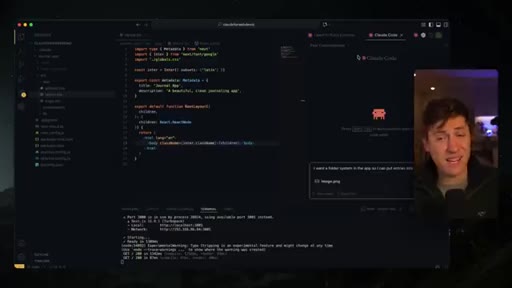
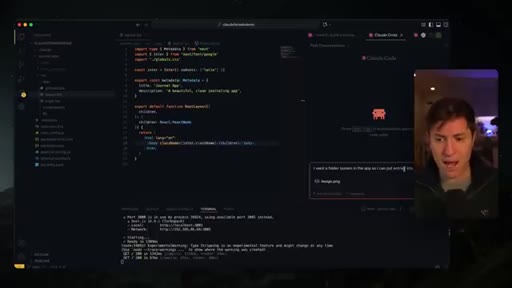
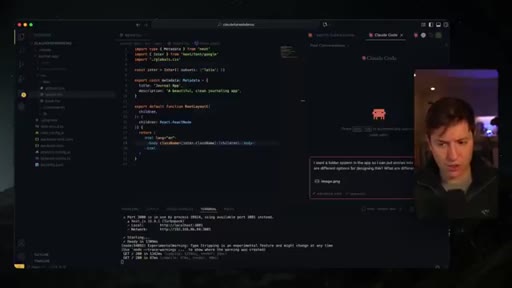
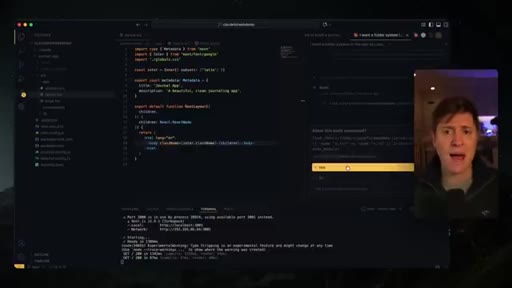
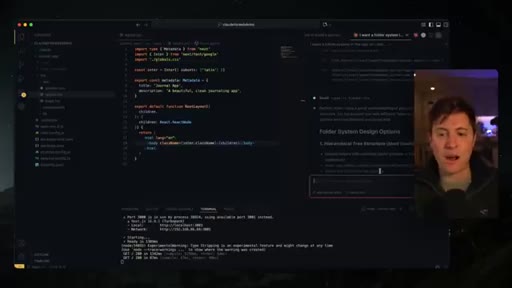
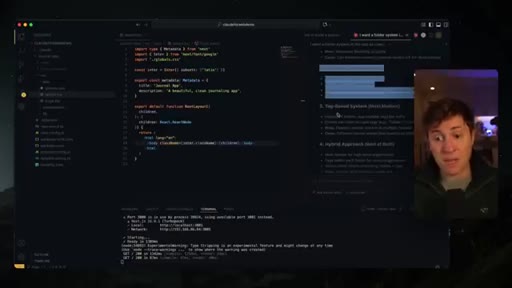
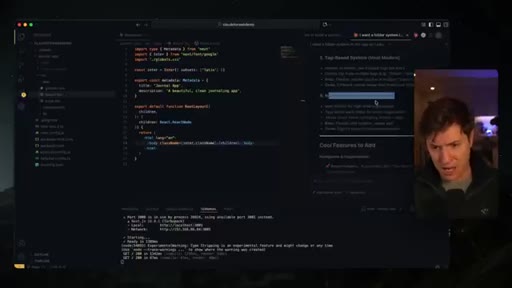
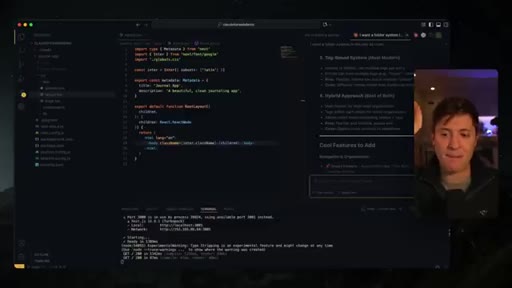
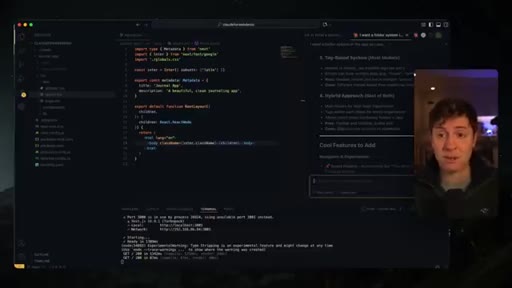
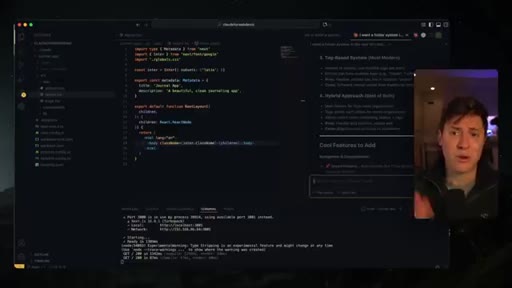
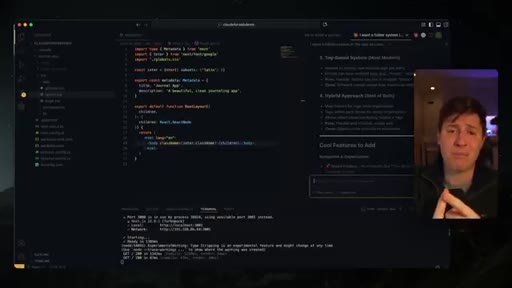
Before plan mode, run brainstorm mode: ask Claude for options, what to add, what to change. Demo: asks about folder system, Claude suggests hashtag tagging — that idea wasn't Alex's, it came from Claude and made it into the app.
10 · Recap & CTA
Three-point recap: keep it simple, don't waste downtime, the AI is smarter than you think. Subscribe, newsletter CTA, alexfinn.ai/subscribe.
Visual structure at a glance.
Named ideas worth stealing.
Alex Finn's 9-Rule CLAUDE.md
- Think through the problem, read codebase, write plan to tasks/todo.md
- Plan = checkable todo list
- Check in before executing
- Work through todos, mark complete as you go
- Give high-level explanation of each change
- Make every change as simple as possible — minimal code impact
- Add review section to todo.md
- DO NOT BE LAZY. NEVER BE LAZY. FIND ROOT CAUSE. NO TEMPORARY FIXES.
- SIMPLICITY ABOVE ALL. MINIMUM CODE IMPACT. ZERO NEW BUGS.
Nine rules delivered as prompts in CLAUDE.md that prevent lazy loops, whack-a-mole bugs, and over-engineered solutions. Rules 8 and 9 are all-caps by design — it changes the model's behavior.
Brainstorm Mode → Plan Mode
Before entering plan mode (shift-tab x2), first run a free-form brainstorm: ask Claude for options, what features to add, what it would change. Only then switch to plan mode with your chosen direction. Separates idea generation from execution planning.
Sonnet Plan + Haiku Execute
Use /model to select Haiku. Claude Code still uses Sonnet for plan-mode planning (shift-tab x2), then drops to Haiku for the implementation pass. A thorough Sonnet plan is detailed enough for Haiku to execute without quality loss.
Lines you could clip.
"Stop listening to all the gurus. You don't need to use every single feature inside Claude code."
"I saw this tweet from Y Combinator yesterday, and it literally made me sick to my stomach."
"If you spend 80% of your day scrolling TikTok, your brain's melting out of your ears."
"Prompt engineering is the most overrated concept in history."
"It's not just some junior dev going out writing code for you. It's your partner."
How they spent the runtime.
Things they pointed at.
How they asked for the click.
"Sign up for the number one AI newsletter on planet Earth. It's completely free. Link down below. Alexfinn.ai/subscribe."
Soft — recap comes first, then subscribe ask, then newsletter. No hard sell. Mirrors the video's 'keep it simple' ethos.
Word for word.
The nine rules that end lazy loops.
Alex's CLAUDE.md is the most copy-paste-ready artifact in the video — and the Brainstorm Mode → Plan Mode sequence is the single most underused pattern in Claude Code.
- Drop Alex's nine rules into your project CLAUDE.md verbatim. Rules 8-9 in ALL CAPS — that's not style, it's a behavior change.
- Before entering plan mode on any JoeFlow Sessions run, spend 2 minutes in brainstorm mode. Ask Claude what it would change. The hashtag idea came from Claude, not Alex.
- Switch to /model Haiku for any session burning credits fast. Sonnet plans + Haiku executes = same output at a fraction of the cost.
- The 'copilot CEO during idle time' framing maps directly to the JoeFlow Sessions cockpit — the gap between agent runs is exactly where this applies.
- Drag a v0 design-system screenshot into any UI prompt. Stop accepting blue-purple gradient defaults.
- The meta-lesson: Alex's channel wins by talking back to over-complication. Every new wave of tooling (MCPs, sub-agents, slash commands) creates a new cohort of beginners to address. That's a repeatable content formula worth stealing.
How to actually get more done with AI tools.
The single biggest productivity unlock isn't a new feature — it's changing how you use the 80% of time you spend waiting for the AI to finish.
- While your AI codes, open a separate chat (ChatGPT, Claude, Gemini — your pick) and treat it as a thinking partner: what should you build next, what's the marketing angle, what life decision are you circling.
- Don't start with a prompt — start with a brainstorm. Ask the AI what options exist before telling it what to build. You'll get ideas you wouldn't have had.
- A tight rules file (CLAUDE.md) isn't bureaucracy — it's the difference between an AI that loops forever and one that delivers clean, minimal changes.
- Screenshots are the fastest way to get good UI. Grab a screenshot from any app you like the look of and include it alongside your prompt.