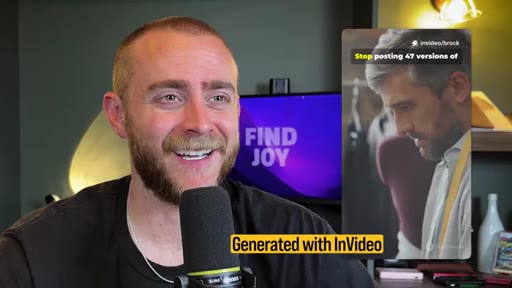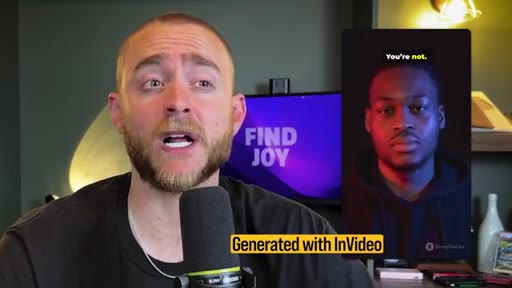
The bait, then the rug-pull.
The promise is sweeping and deliberate: niche does not matter, platform does not matter. What matters is a five-step pipeline most creators have never assembled, one that converts a competitor's best-performing video into a finished short-form production without a camera, an editor, or a script written from scratch.
Where the time goes.
01 · Hook & Premise
Universal positioning claim, algorithm truth, five-step teaser for solo entrepreneurs and busy business owners.

02 · Step 1 - Build Your Creator List
Find 5-10 creators whose audience overlaps yours. Audience overlap beats niche overlap. Use ChatGPT for audience analysis if stuck.
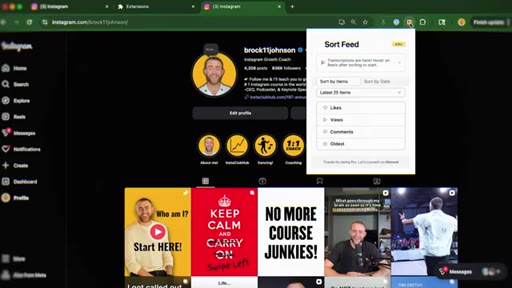
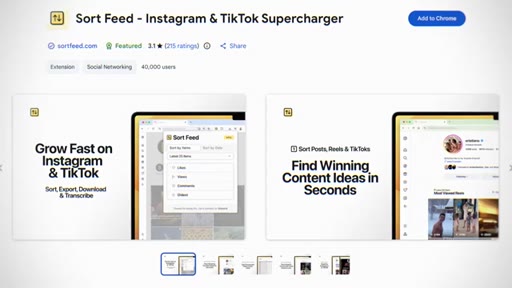
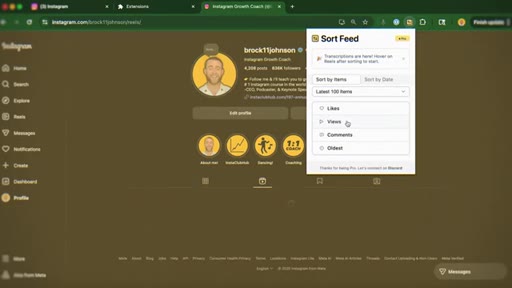
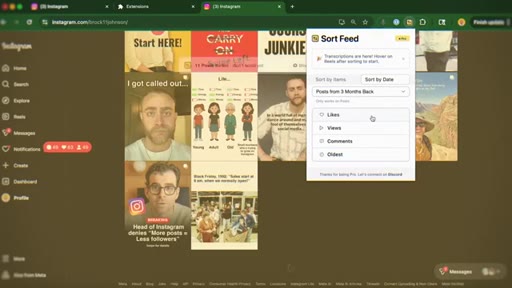
03 · Step 2 - SortFeed Chrome Plugin
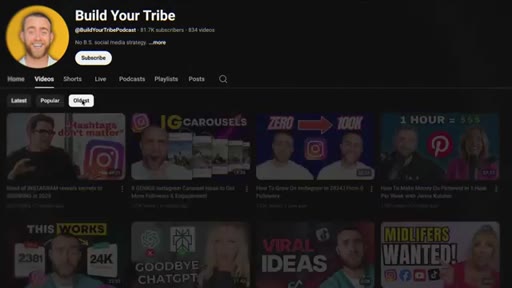
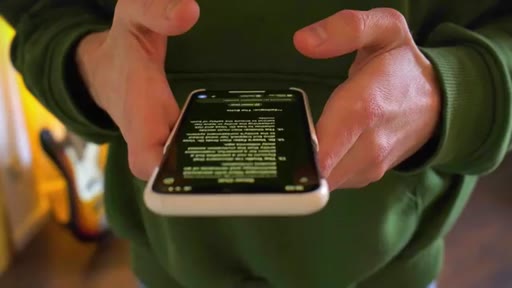
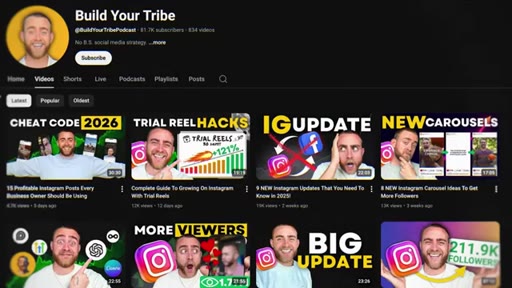
Install SortFeed to sort Instagram reels by views. TikTok and YouTube have native sort-by-popular.
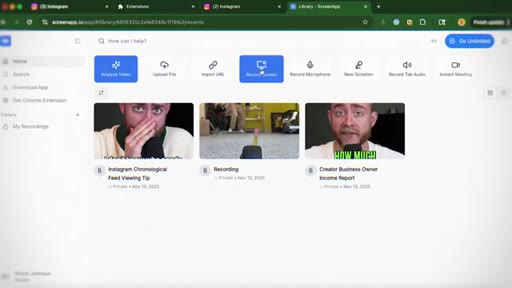
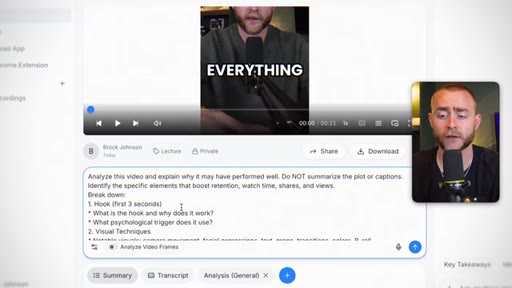
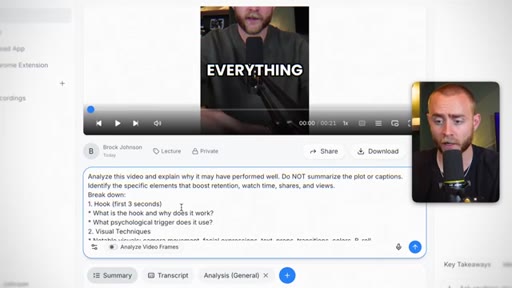
04 · Step 3 - ScreenApp.io Analysis
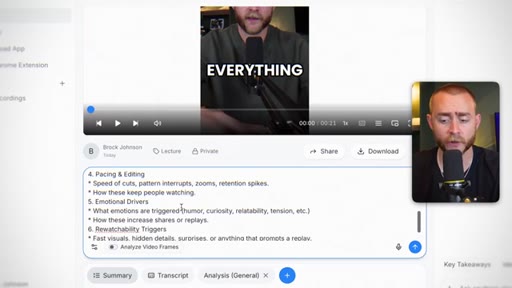
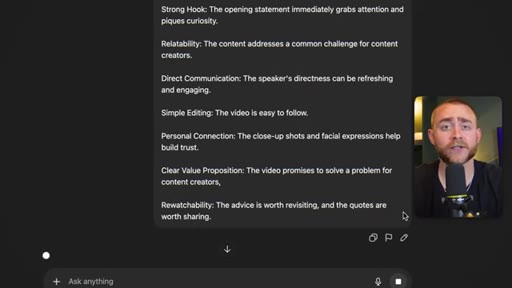
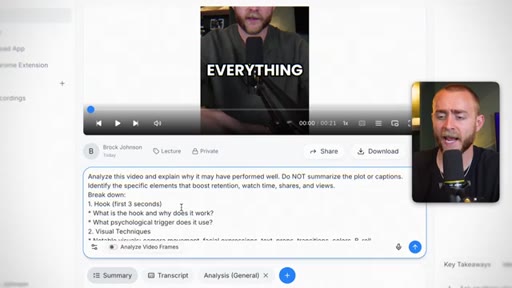
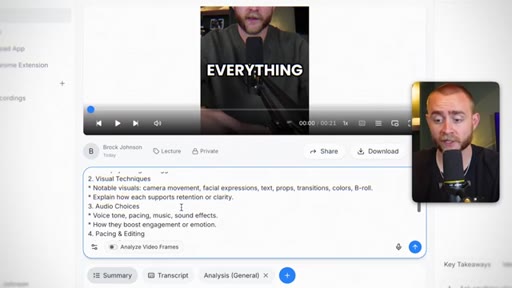
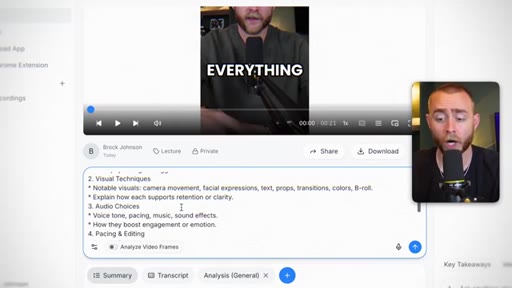
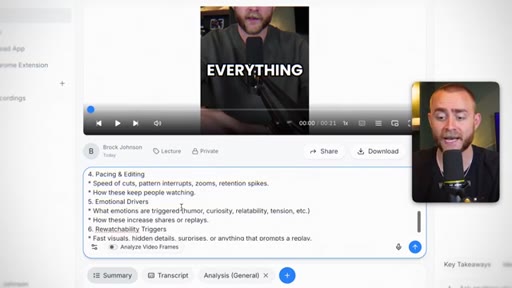
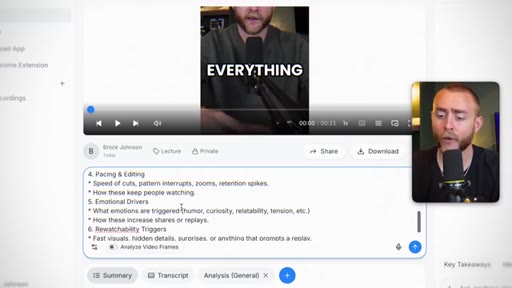
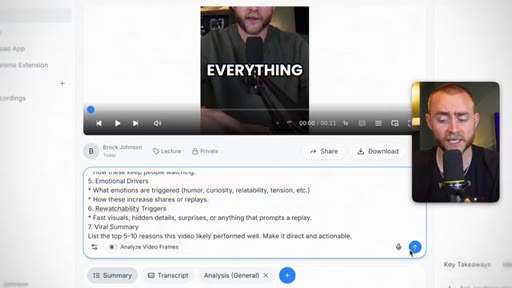
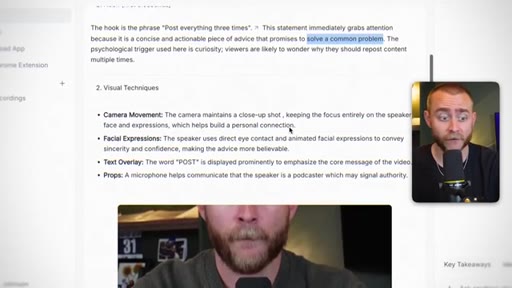
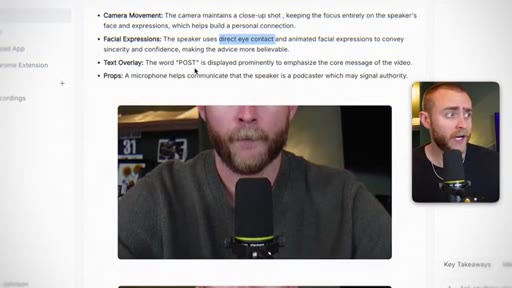
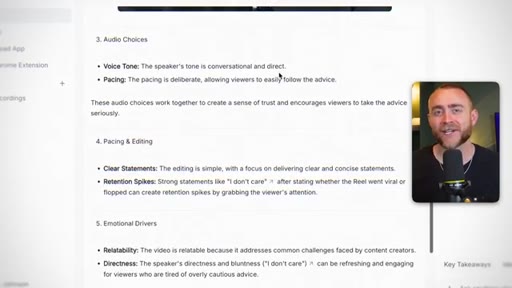
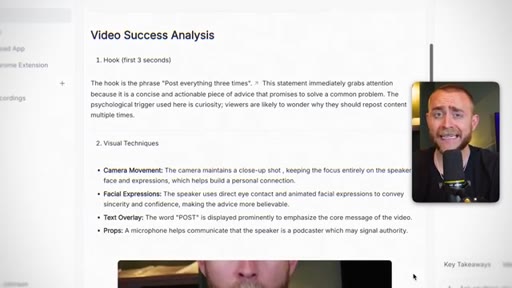
Paste a viral video link into ScreenApp.io with a 7-part prompt covering hook, visuals, audio, pacing, emotion, rewatchability, and viral summary.
05 · Optional Exit Point
You can stop at the analysis and use it as a springboard to write your own script. AI generation is optional.
06 · Sponsor - HighLevel
30-day free trial pitch for HighLevel, an all-in-one business backend.
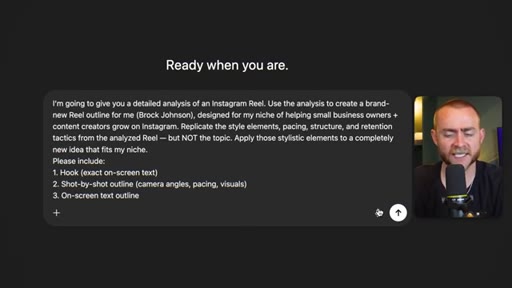
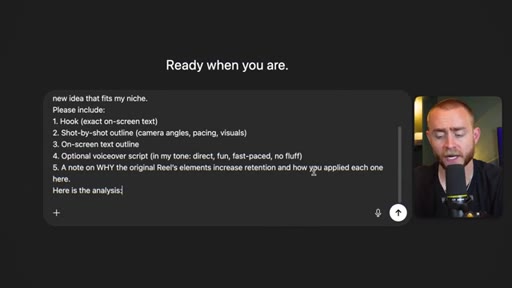
07 · Step 4 - ChatGPT Script Generation
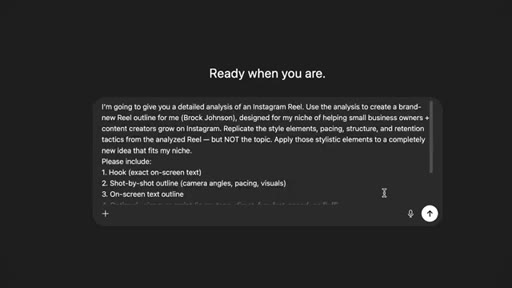
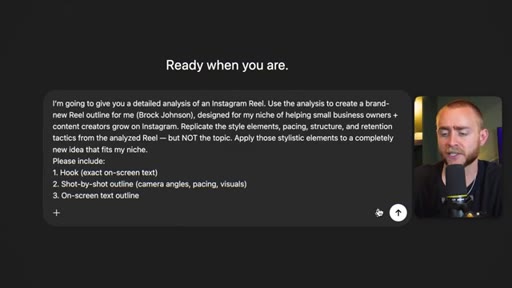
Paste ScreenApp analysis into ChatGPT with a specific outline prompt: hook text, shot-by-shot breakdown, on-screen text, voiceover script, retention notes.
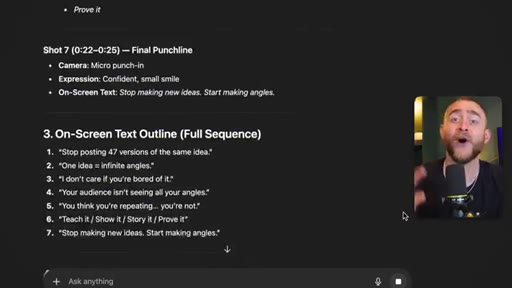
08 · Step 5 - InVideo + ElevenLabs
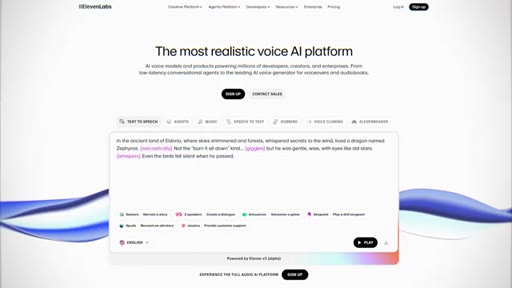
Drop ChatGPT output into InVideo for text-to-video generation. Use ElevenLabs for better TTS/voice cloning quality.

09 · Speed & Reuse
First run takes time; after that, skip to step 4 and generate unlimited variations.
10 · CTA
80% of weekly viewers stat, subscribe and thumbs-up ask.
Visual structure at a glance.
Named ideas worth stealing.
The 5-Step Viral AI Pipeline
- Build a list of 5-10 reference creators with audience overlap
- Use SortFeed or native sort to find their most-viewed content
- Run ScreenApp.io multimodal analysis with the 7-part prompt
- Feed analysis into ChatGPT with the outline prompt to generate a niche-specific script
- Drop ChatGPT output into InVideo plus ElevenLabs to produce the finished video
A repeatable pipeline for converting a competitor's top-performing video into publishable AI-generated short-form content for any niche.
The 7-Part ScreenApp.io Prompt
- Hook (first 3 seconds)
- Visual techniques
- Audio choices
- Pacing & editing
- Emotional drivers
- Rewatchability triggers
- Viral summary - top 5 reasons
A structured multimodal analysis prompt that extracts the underlying recipe of a viral video without summarizing its plot.
Lines you could clip.
"This analysis that ScreenApp IO created is basically instructions. It's the recipe for a viral video."
"I do not care what niche you're in or what platform you are on."
"You don't need to do steps one through five every single time."
Things they pointed at.
How they asked for the click.
"over 80% of our weekly viewers are not subscribed to the channel"
Effective - the 80% stat reframes the ask as a factual correction rather than a generic plea.
Word for word.
One analysis powers infinite short-form variations.
The heaviest part of the AI content pipeline, finding a winning reference video and extracting its structure, only needs to happen once.
- Reverse-engineering a high-performing video means analyzing cuts, pacing, and visual rhythm not just the script; tools that read only words miss most of what made the video work.
- Audience overlap not niche overlap is the right filter when choosing reference creators: a creator your audience already watches is more useful than one in your category.
- The ScreenApp analysis becomes a reusable prompt asset; feed it to ChatGPT with different niches or topics to generate many outlines from a single research pass.
- AI-generated video through InVideo should be treated as a rough cut that needs prompting and refinement, not a finished product on first generation.
- The fastest path after the first full setup is jumping directly to step four and generating new script variations without repeating the research phase.